Encryption: your environment's key and renewing it
Passwords, tokens and keys you store in Flow — of connections, API policies, signing and dashboards — are kept encrypted in the database. For that every environment has a key of its own, made and kept by the portal and never shown to anyone. In this guide you see where that key is, renew it, and see how the environment re-encrypts everything without anyone having to set anything again.
Open the secrets of Development
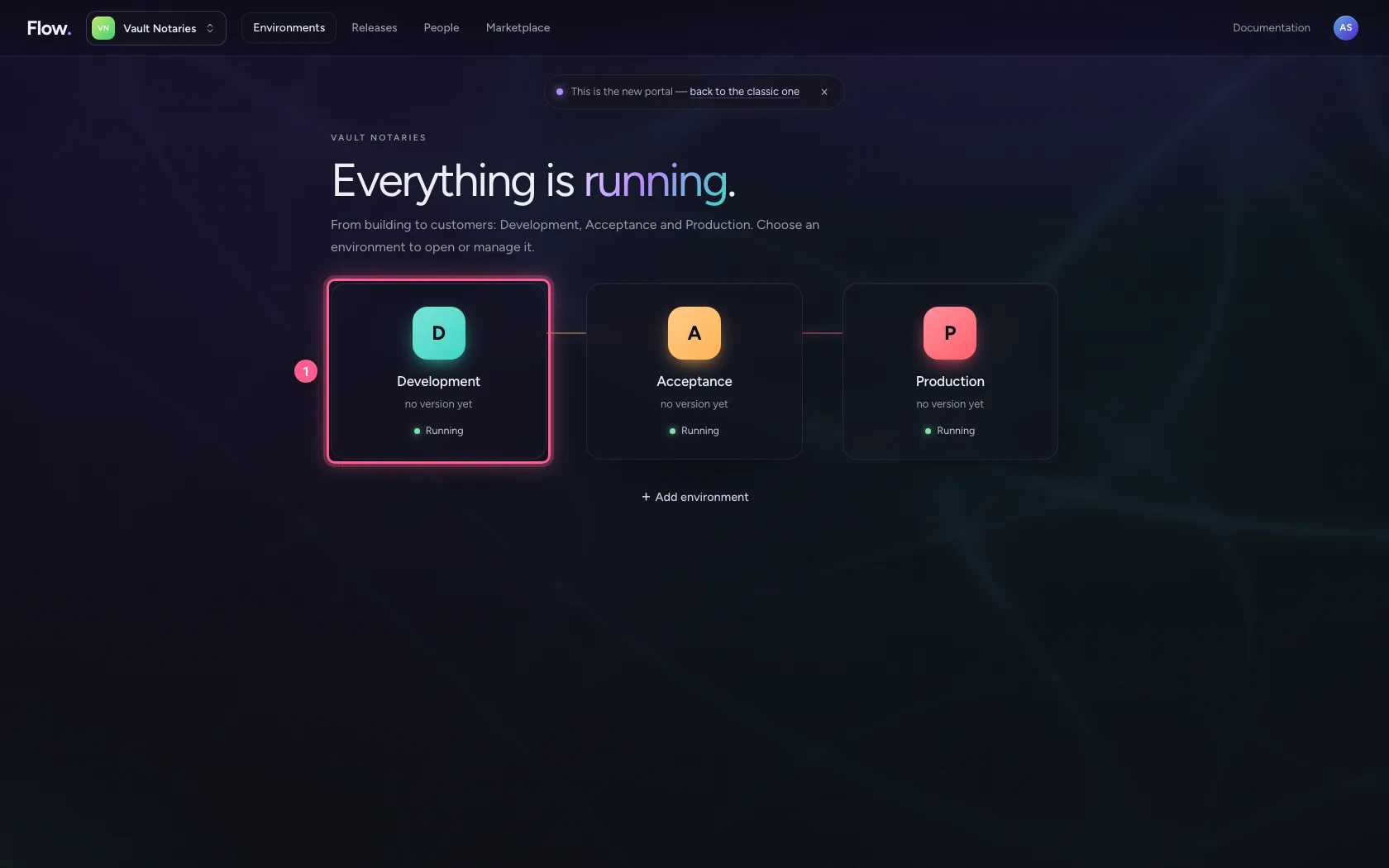
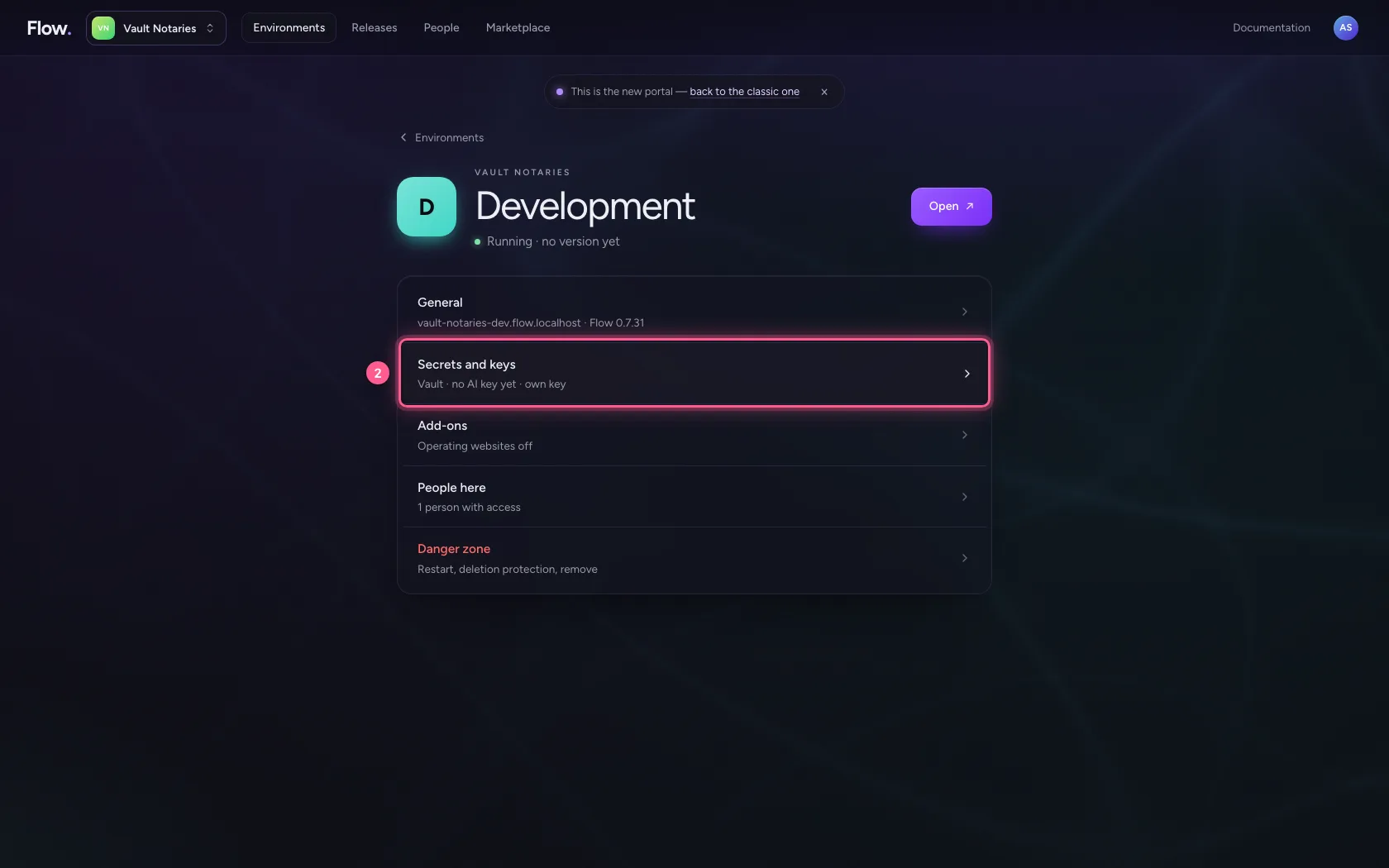
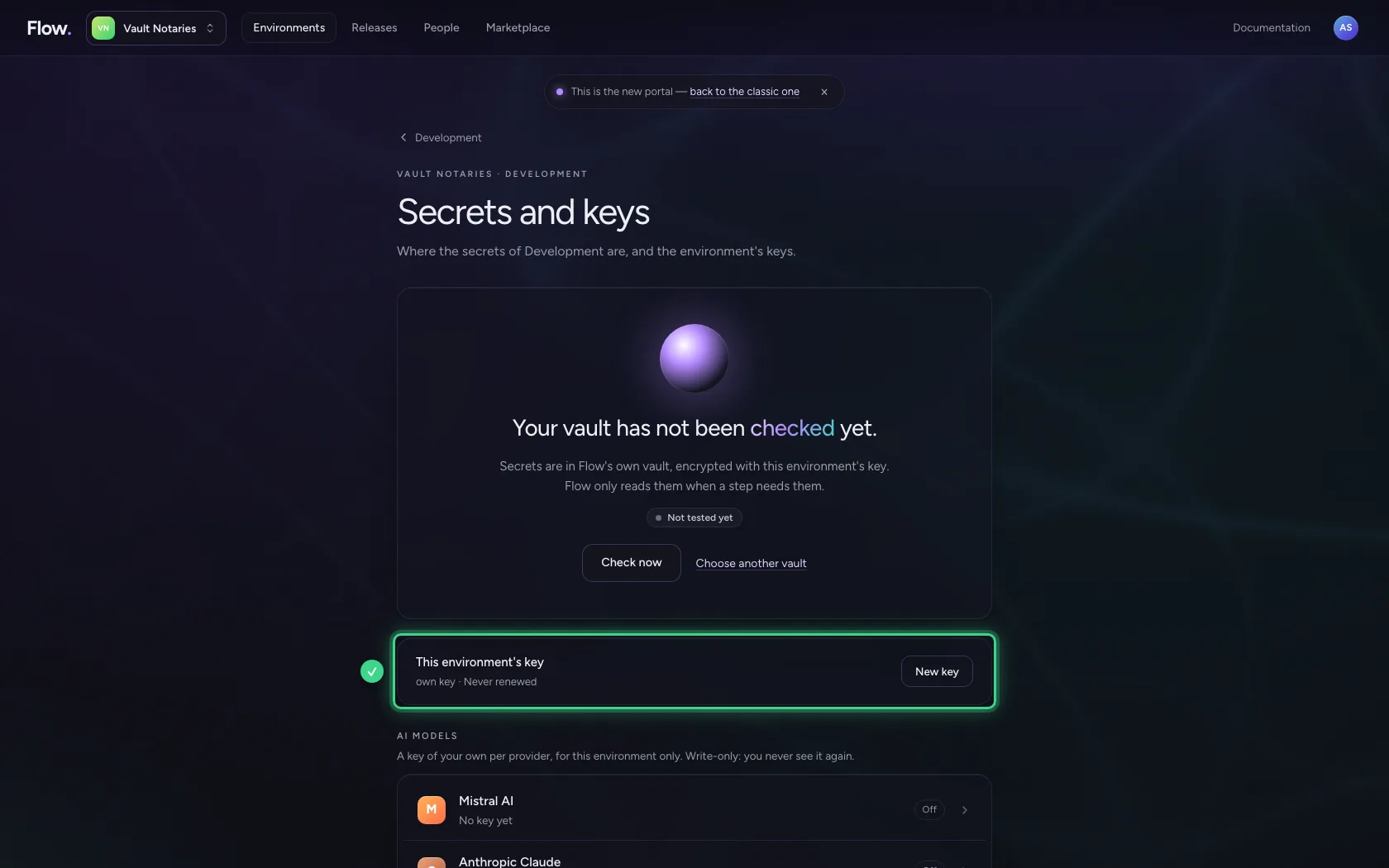
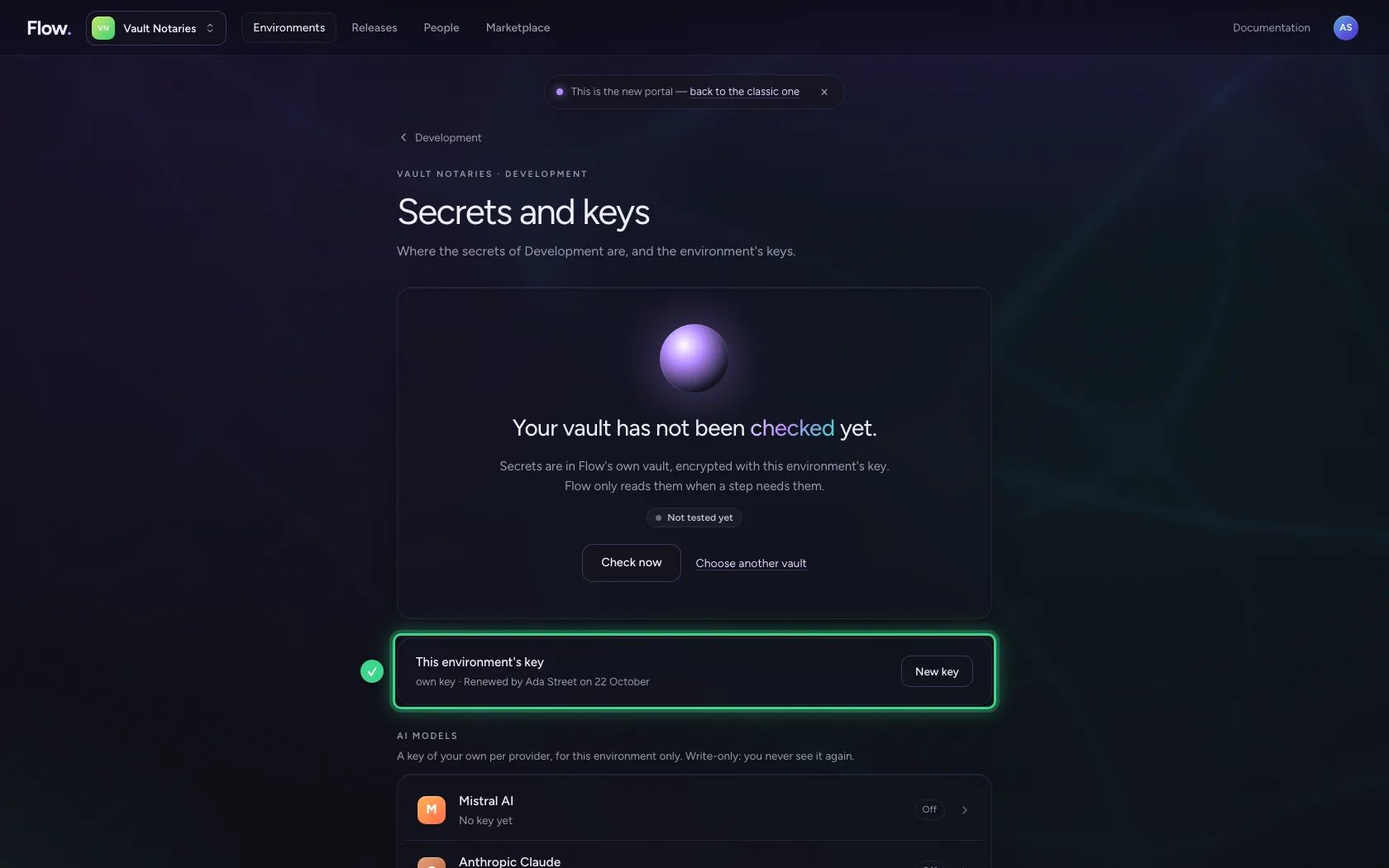
Under Environments, click Development and choose Secrets and keys. There you find the environment's vault and this environment's key: the key it encrypts stored secrets with.
- Click Development
- Click Secrets and keys Vault · no AI key yet · own key
Renew the key
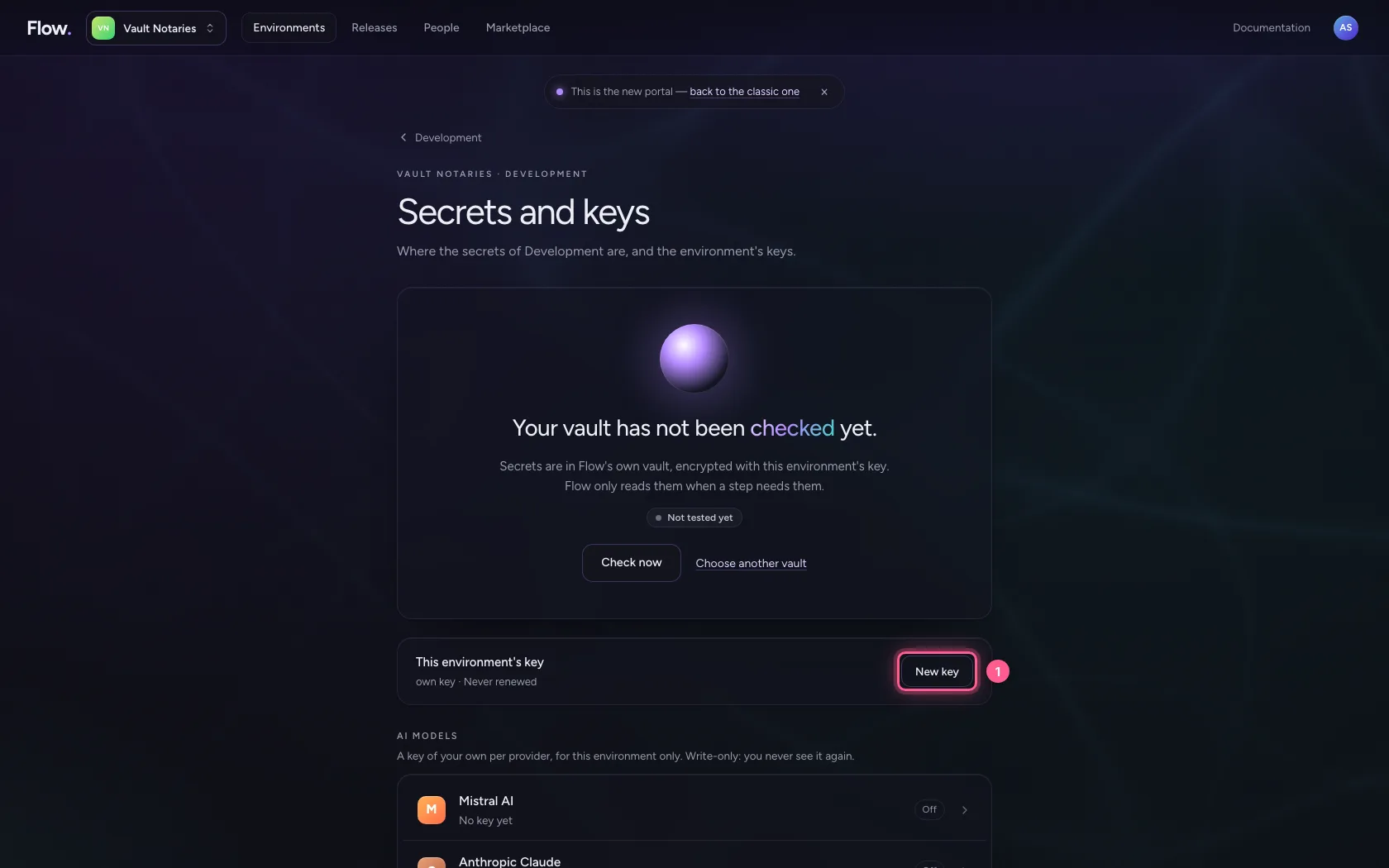
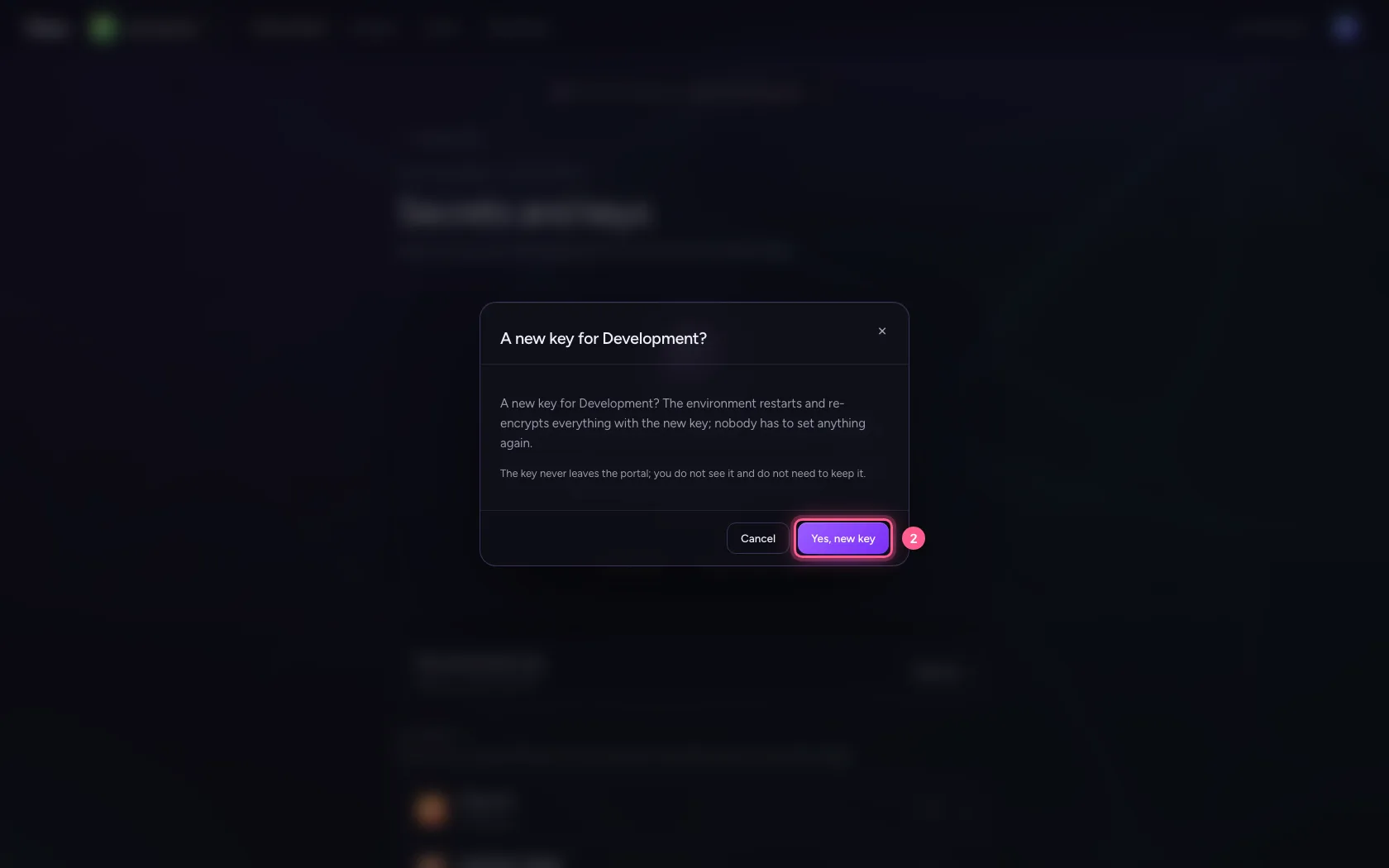
Renew the key when you suspect it has leaked, or simply at a fixed moment, as you renew passwords. The environment restarts; you do not have to set up a single connection or key again.
- Click New key
- Click Yes, new key
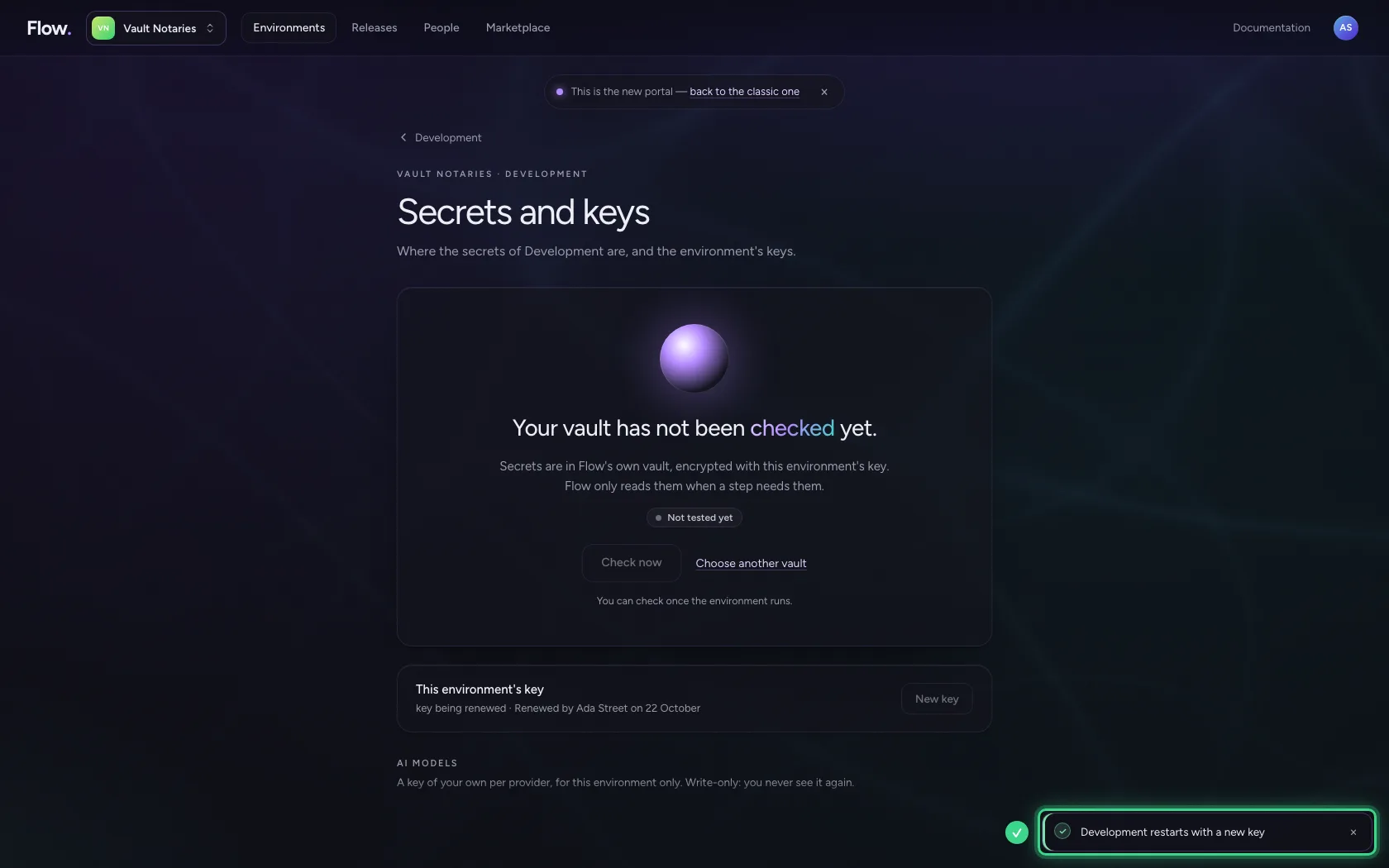
The environment re-encrypts everything
On start-up the environment re-encrypts every stored secret with the new key, one by one: if it stops halfway, the next start finishes the job and nothing is lost. Until that is confirmed it still reads the previous key; it then says key being renewed here.
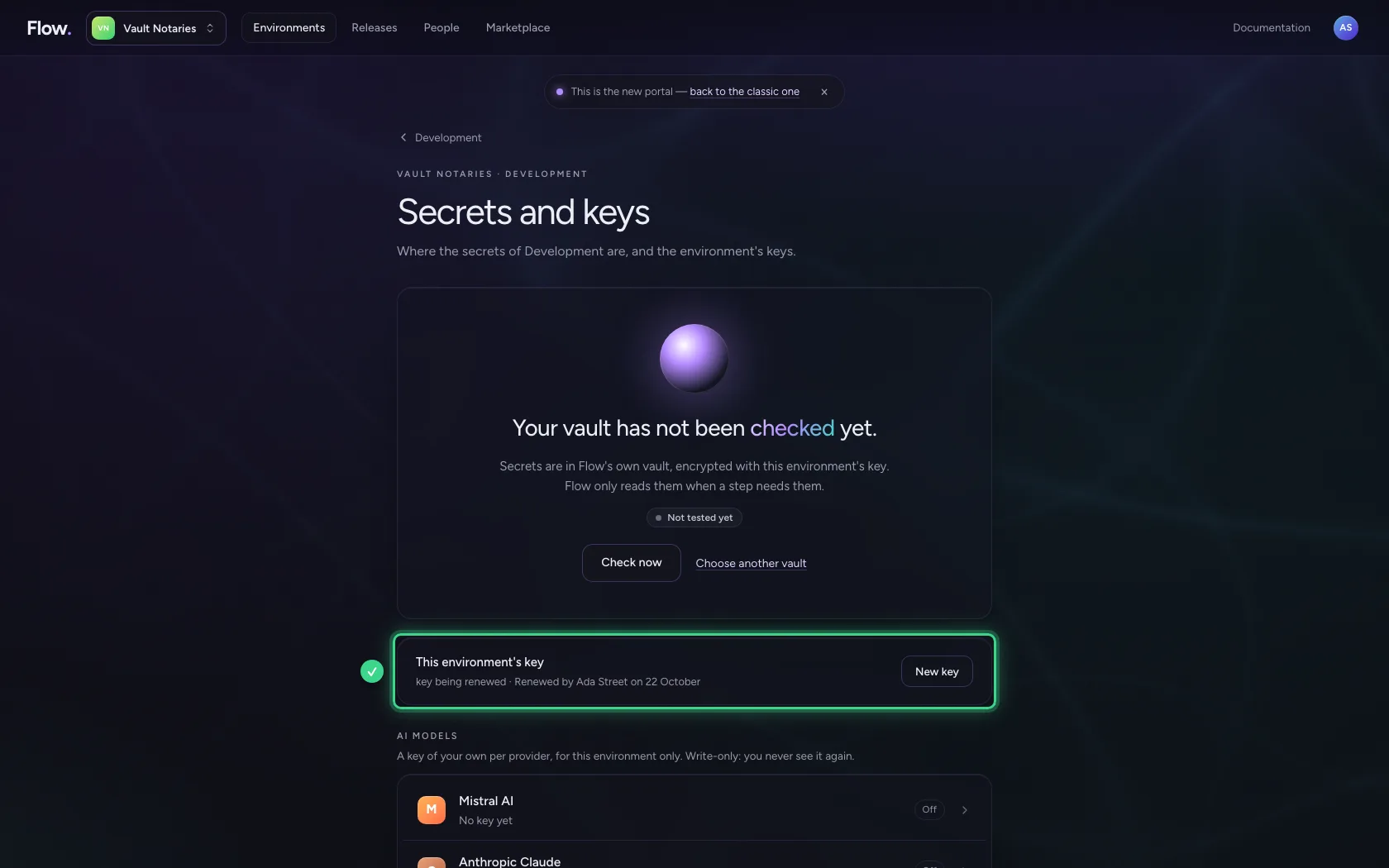
After the next start the previous key is gone
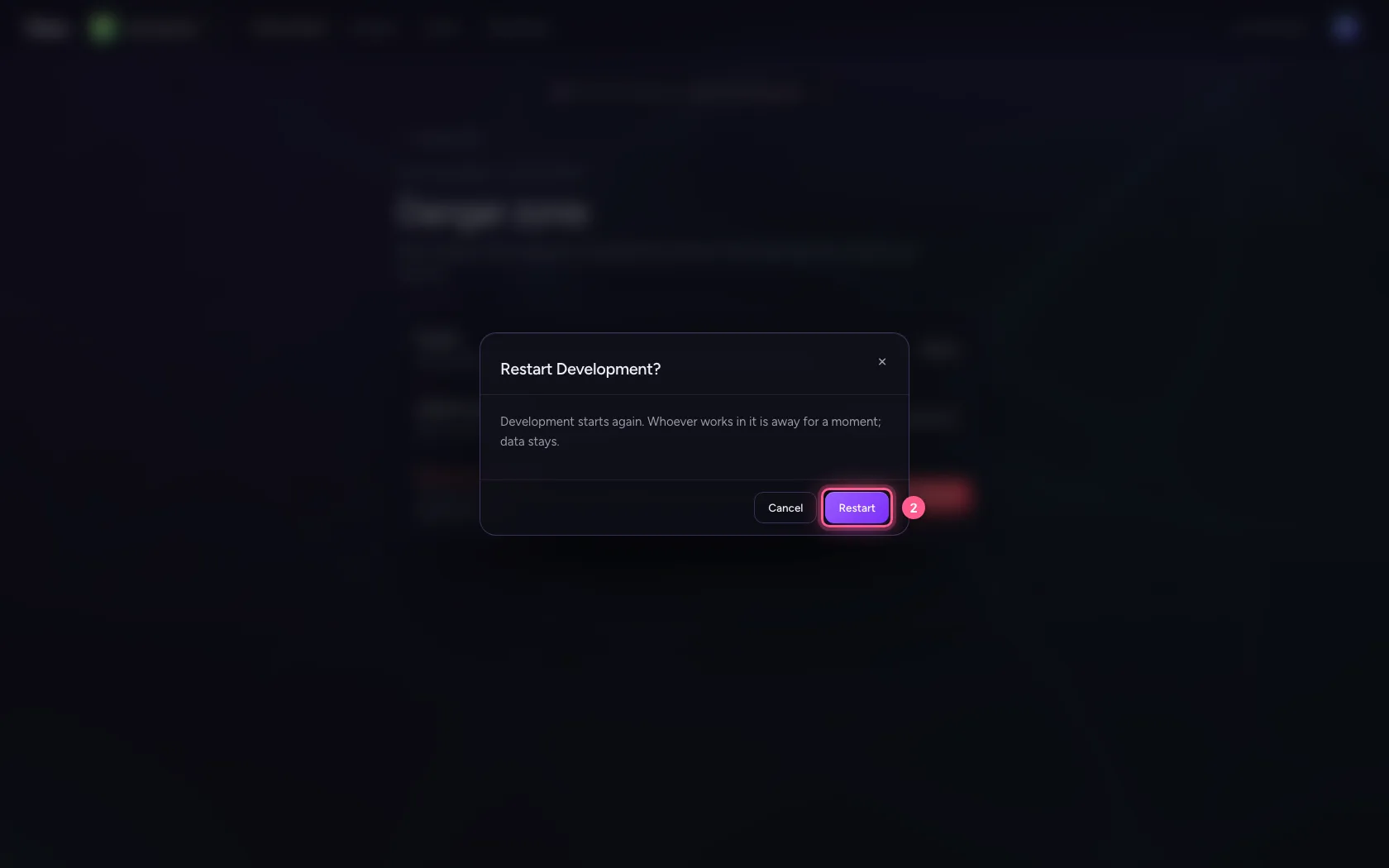
The portal lets go of the previous key only once the environment has reported twice that everything is under the new key — twice, because during a restart the previous version runs next to the new one for a moment. Restart the environment in the Danger zone and look again.
- Click Restart
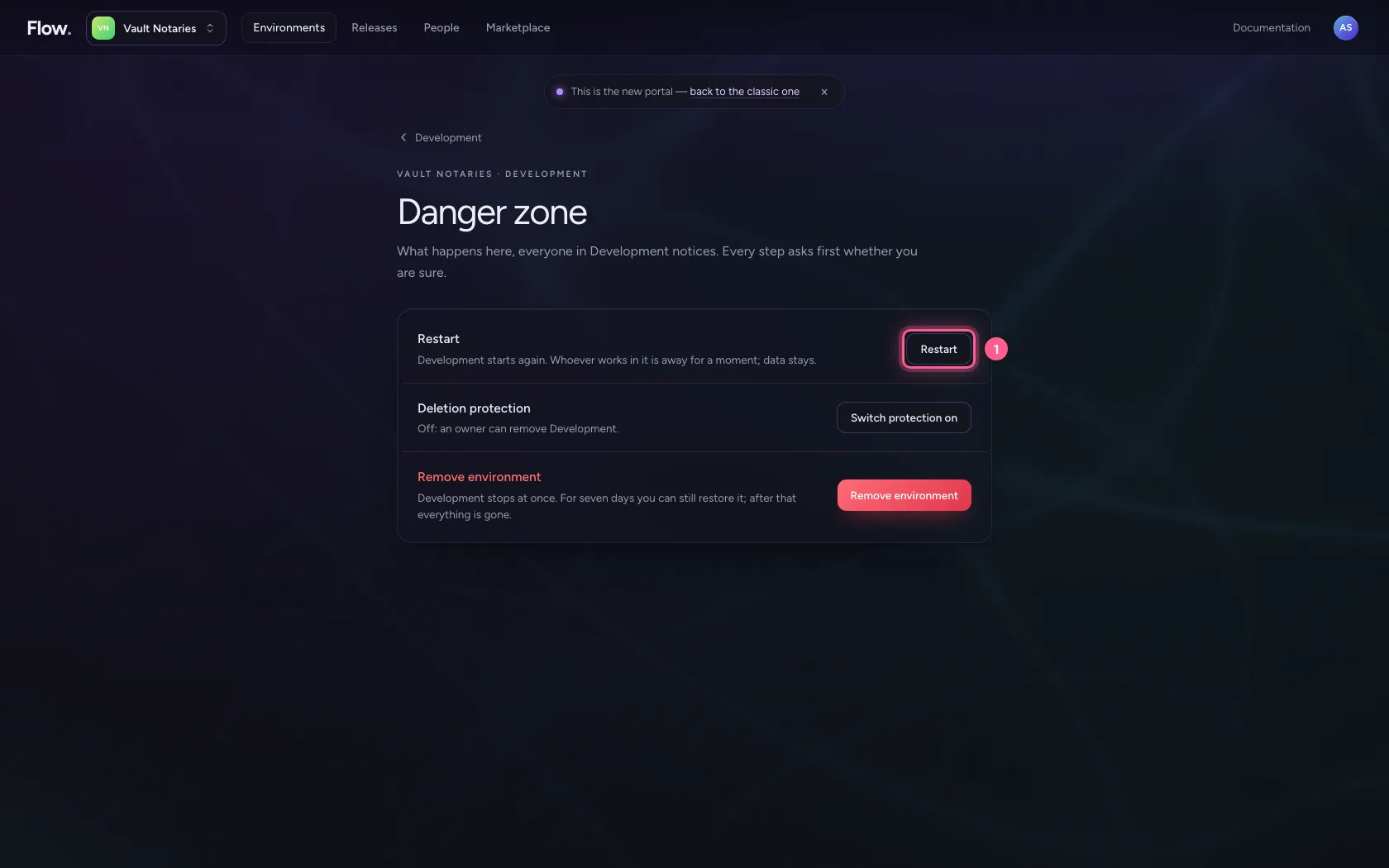
- Click Restart
This guide was carried out step by step on 22 Oct 2026 by an automated test on Flow (version 3e563176).