A workflow that decides
A lot of work is a simple rule: below a certain amount you approve a quote yourself, above it someone has to look along. You build such a rule with an If / Else step. Each outcome finishes in an End step: successful with a result, or failed with a clear reason. You try the workflow with two examples and read what it returns.
Open your development environment
In the portal, under Environments, click Development, and there Open. Flow opens in a new tab.
- Click Development

- Click Open ↗

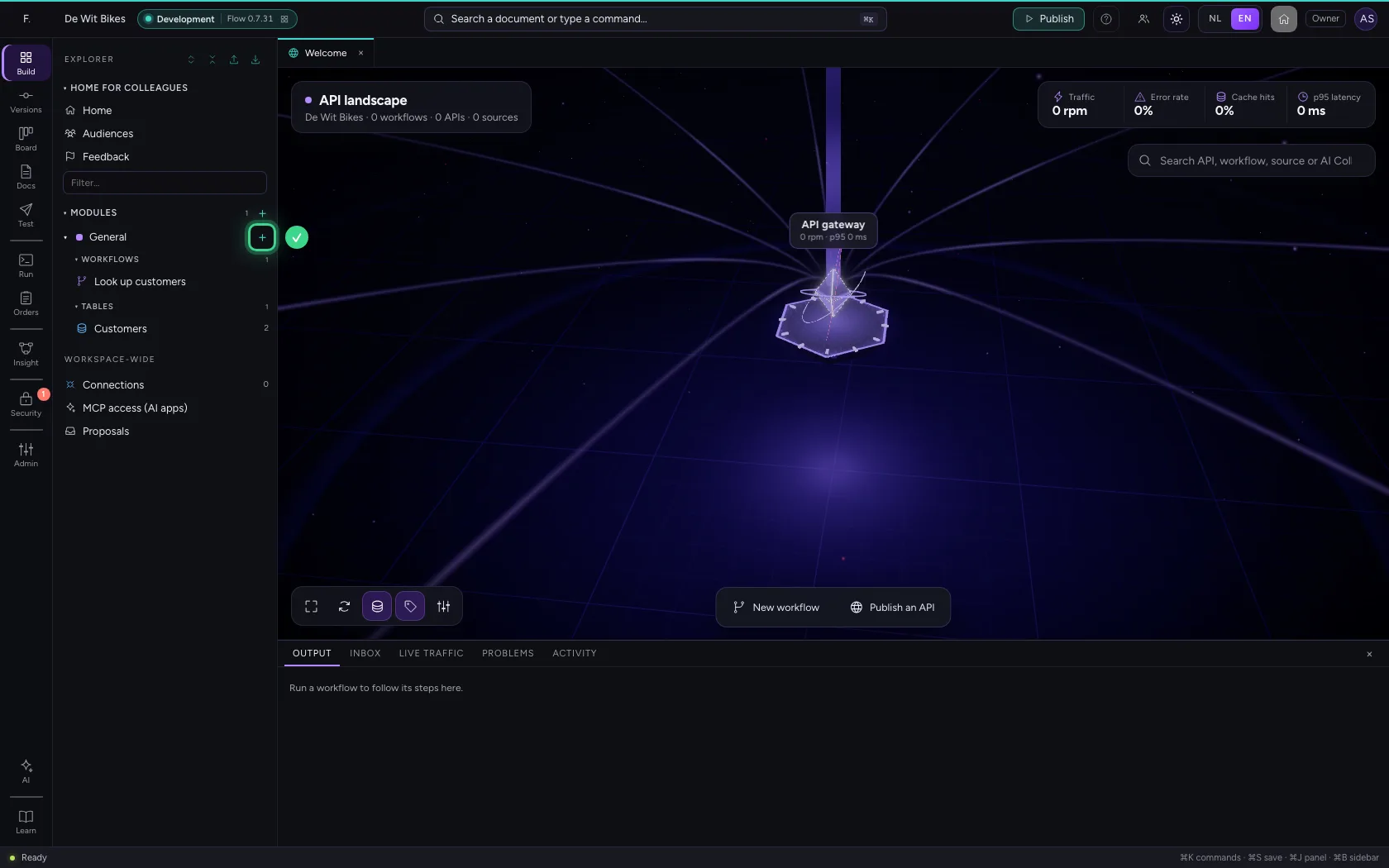
Create a workflow
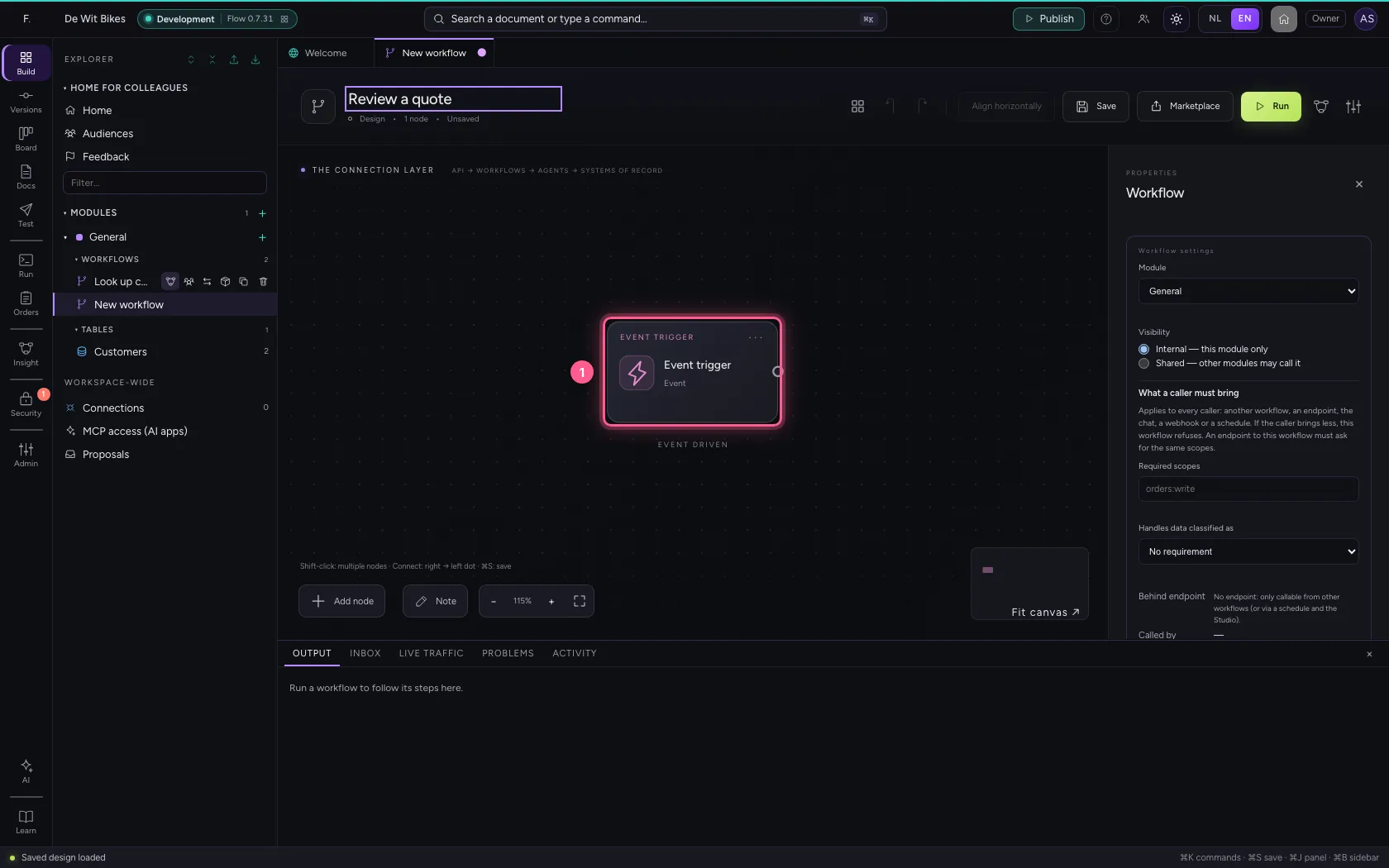
Click + next to General, choose New workflow and give it a name. It starts with a trigger: the moment it begins.
- Click Add to General
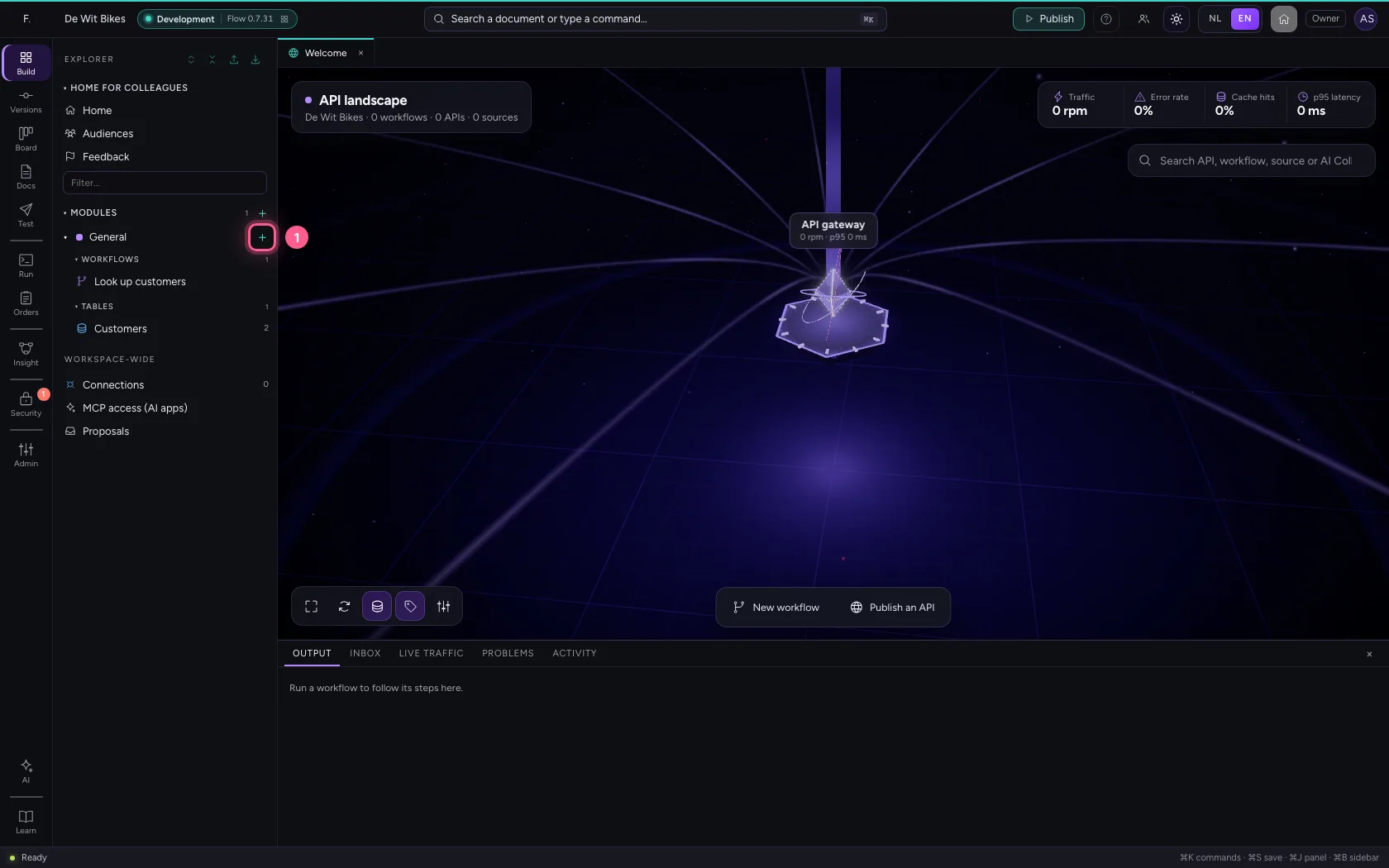
- Click New workflow
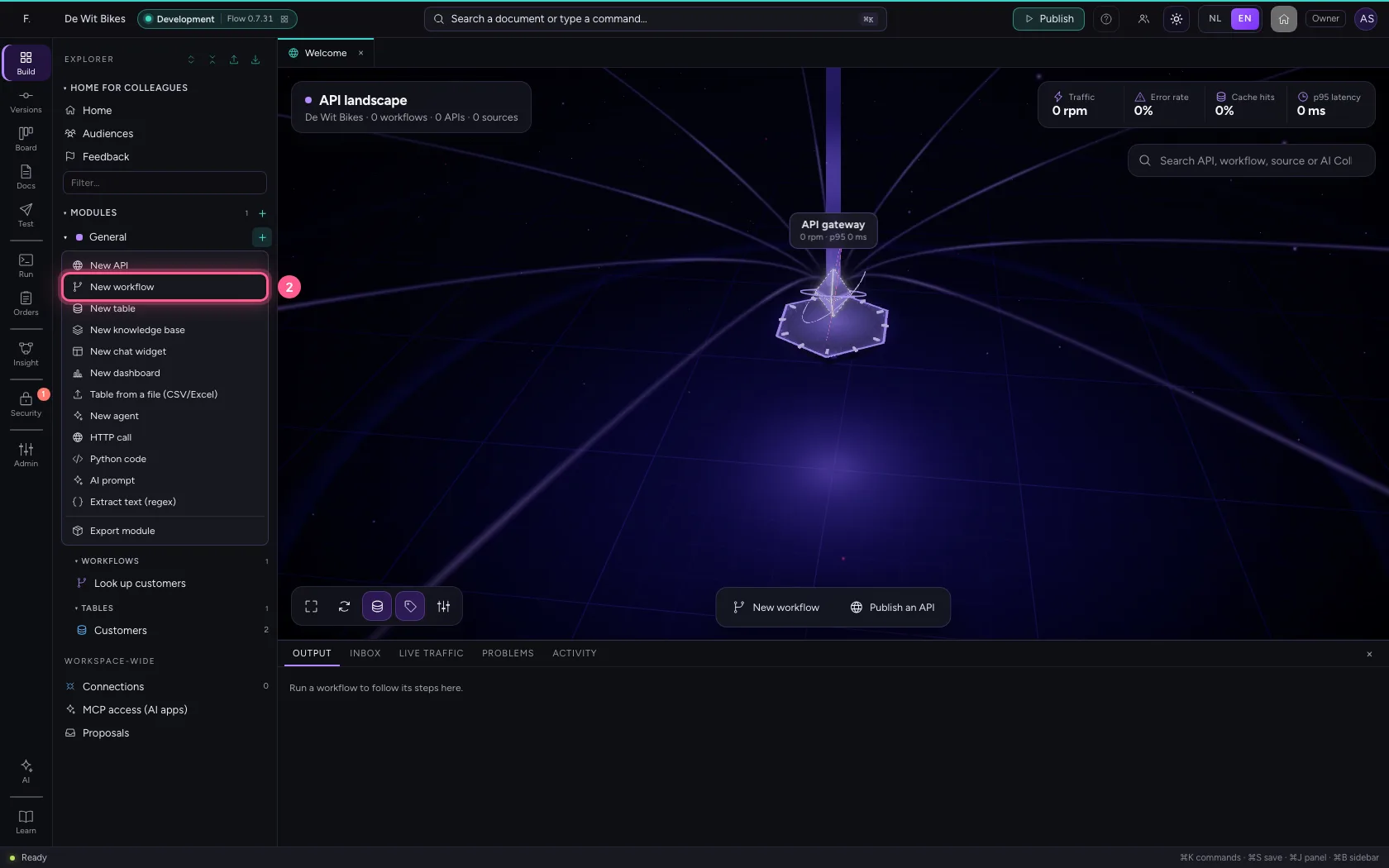
- In Workflow name, type
Review a quote
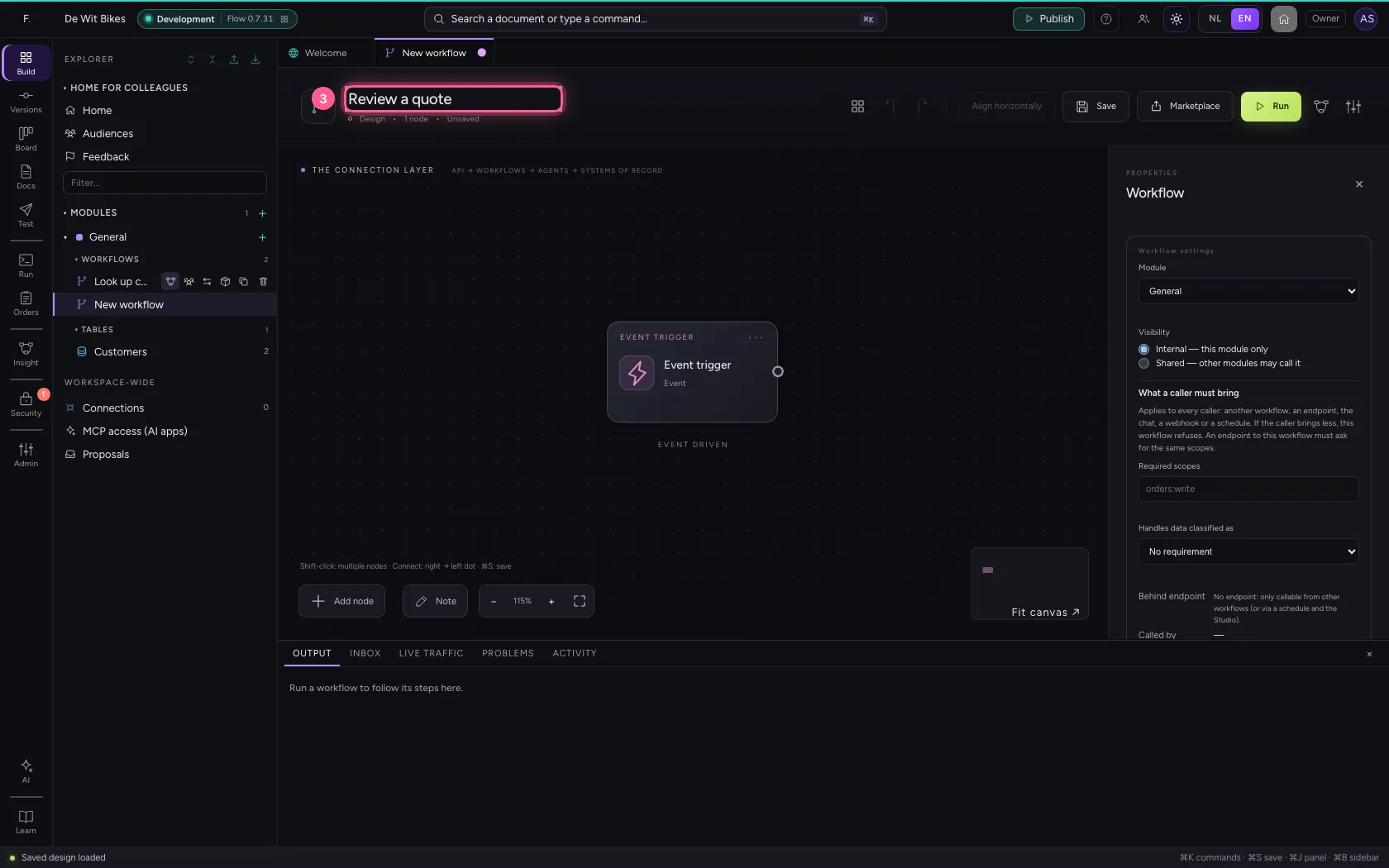
Give the trigger sample data
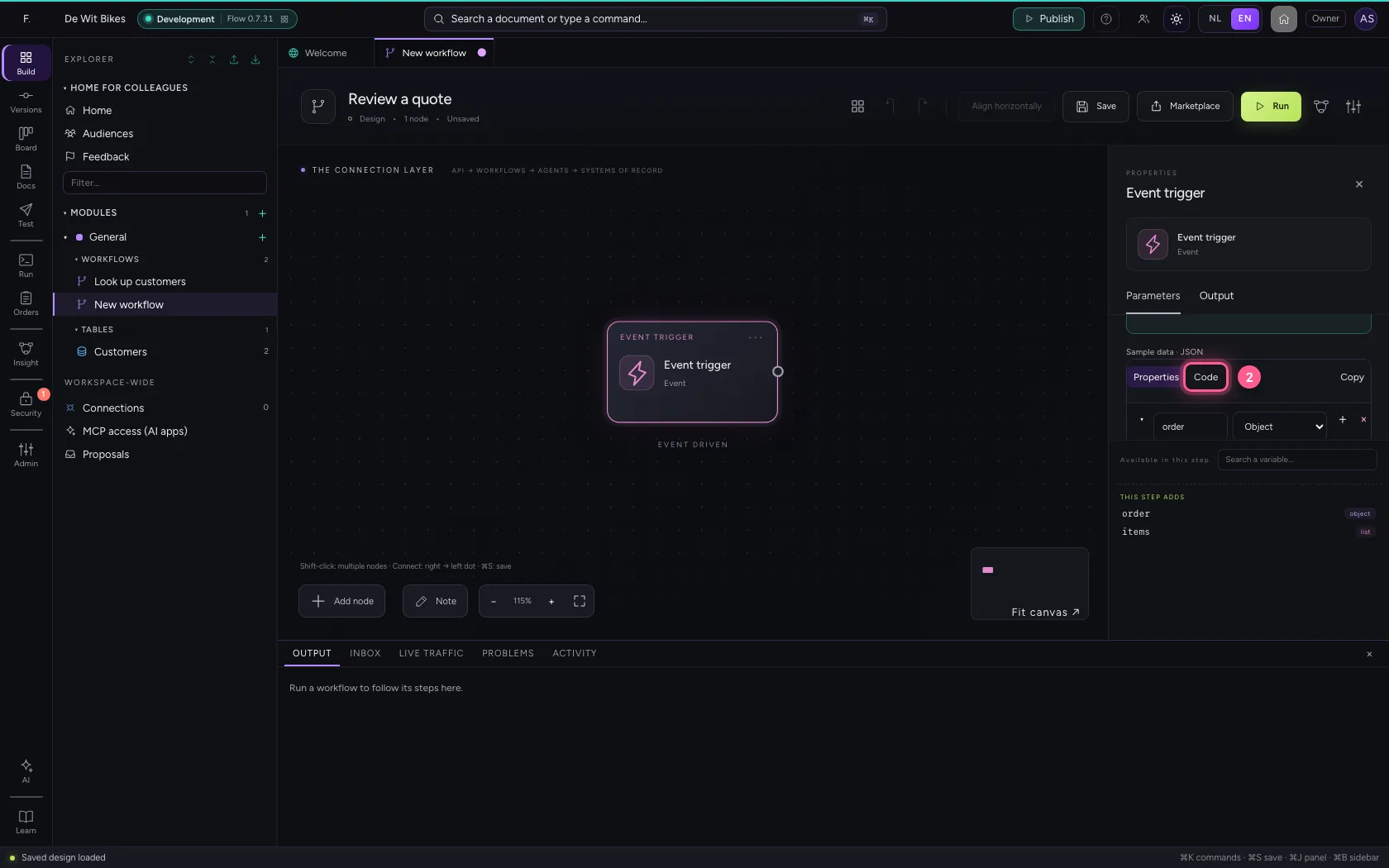
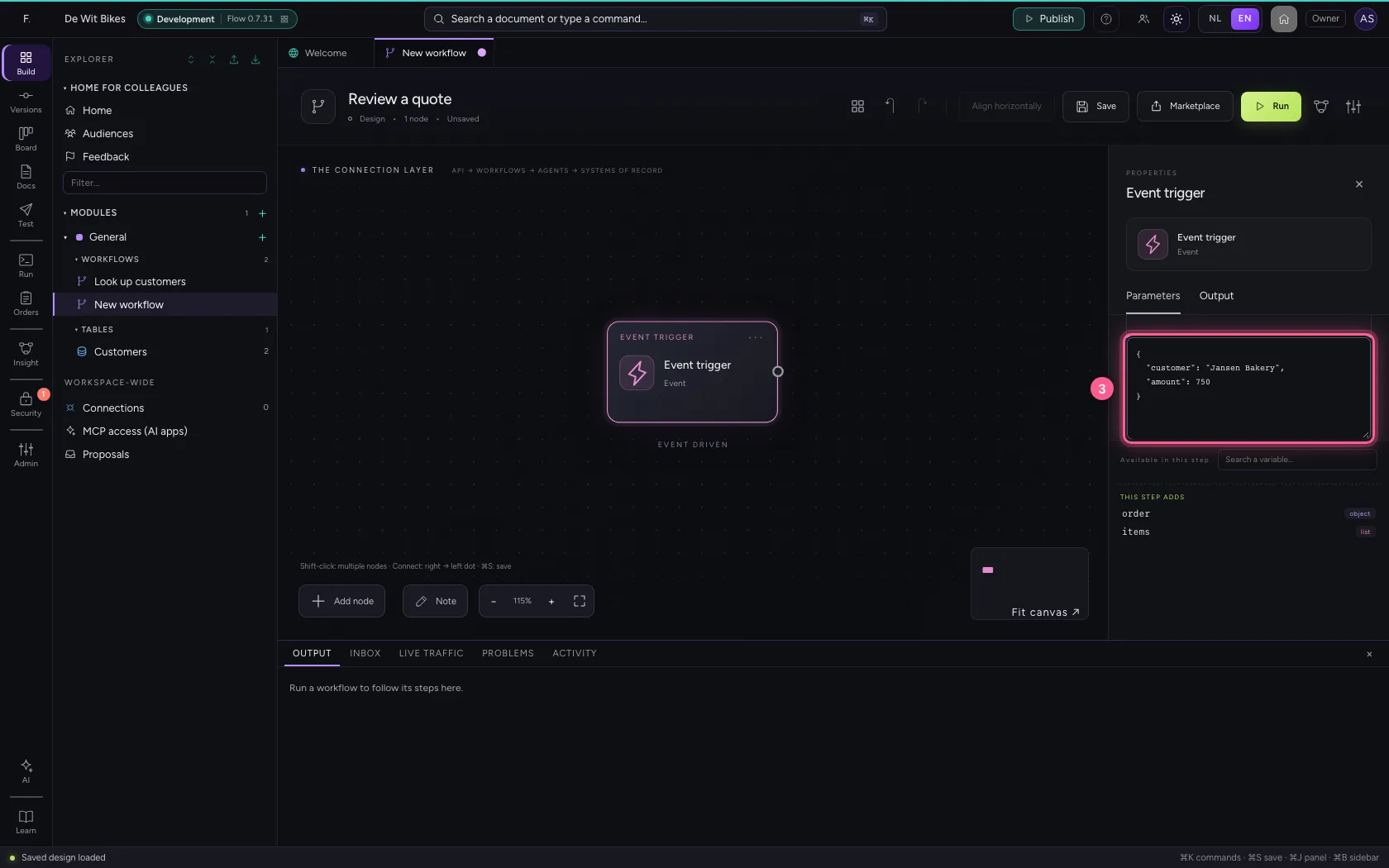
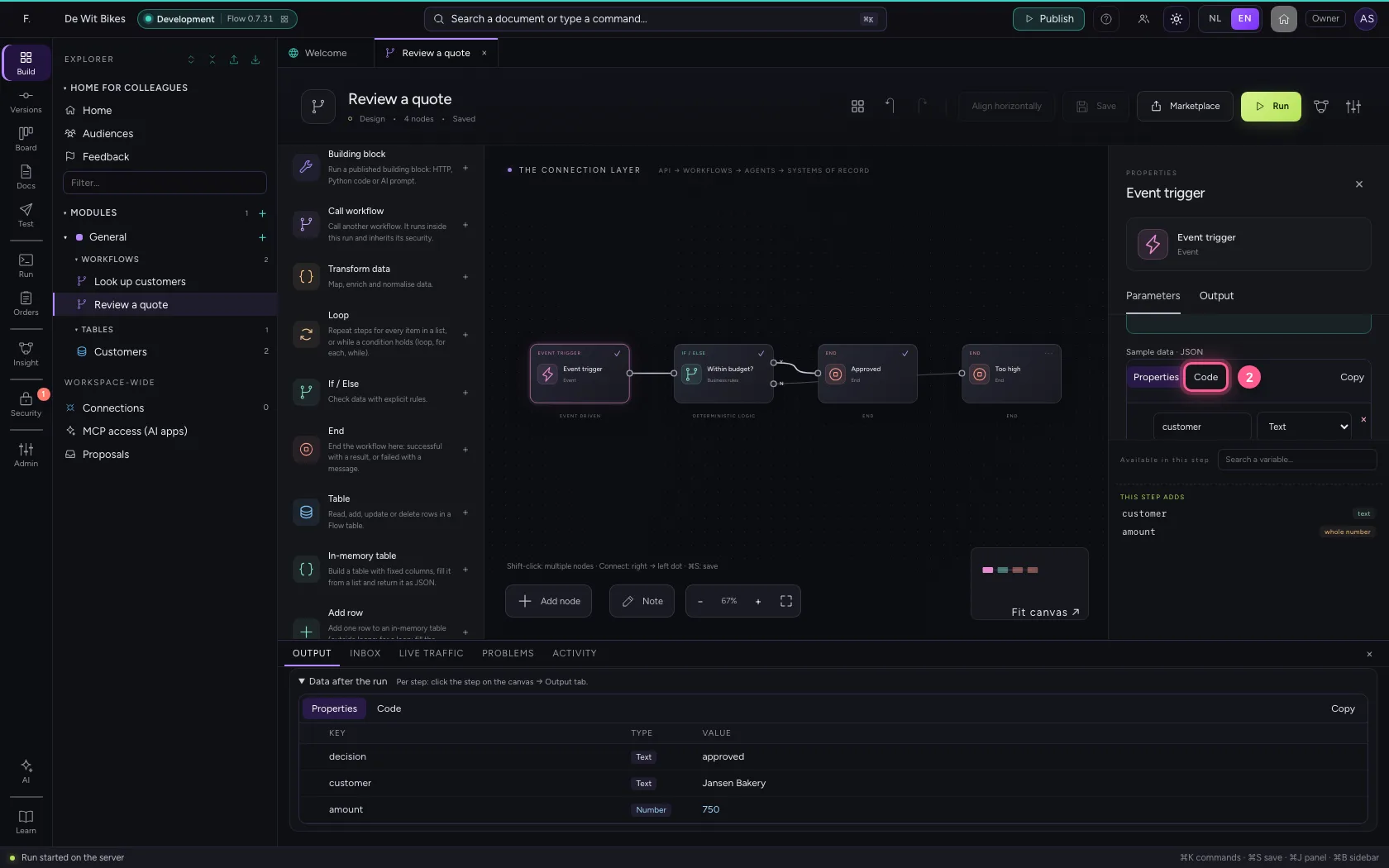
Click the trigger. Under Sample data is what the workflow starts with when you try it here; later the real request arrives there. Choose Code and put in a customer and an amount.
- Click the trigger
- Click Code
- In the sample data, type
{"customer": "Jansen Bakery", "amount": 750}
Add an If / Else
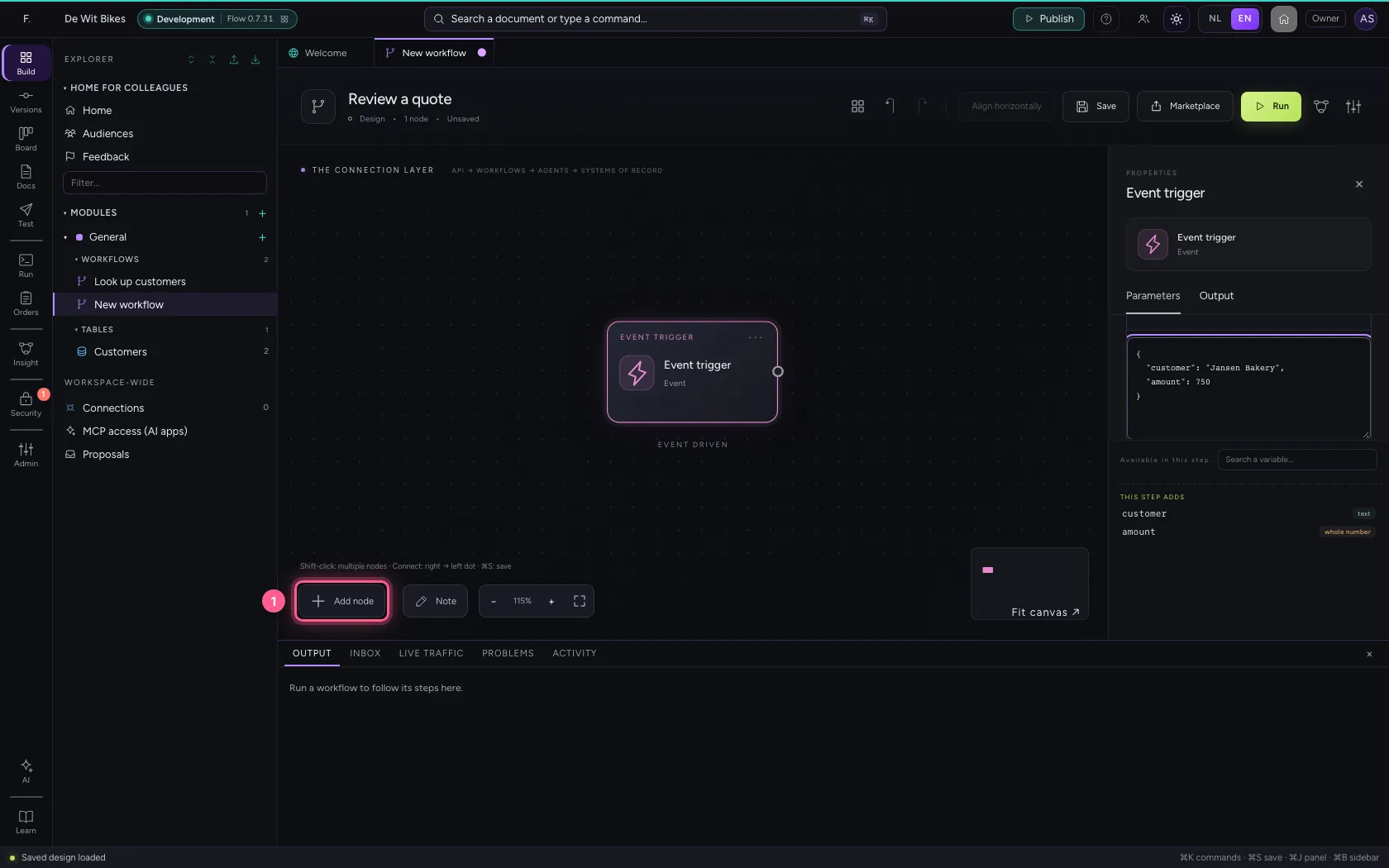
Add node opens the library. Choose If / Else and write down the rule: which field, which comparison, which value. Here: is the amount less than or equal to 1000?
- Click Add node
- Click If / Else
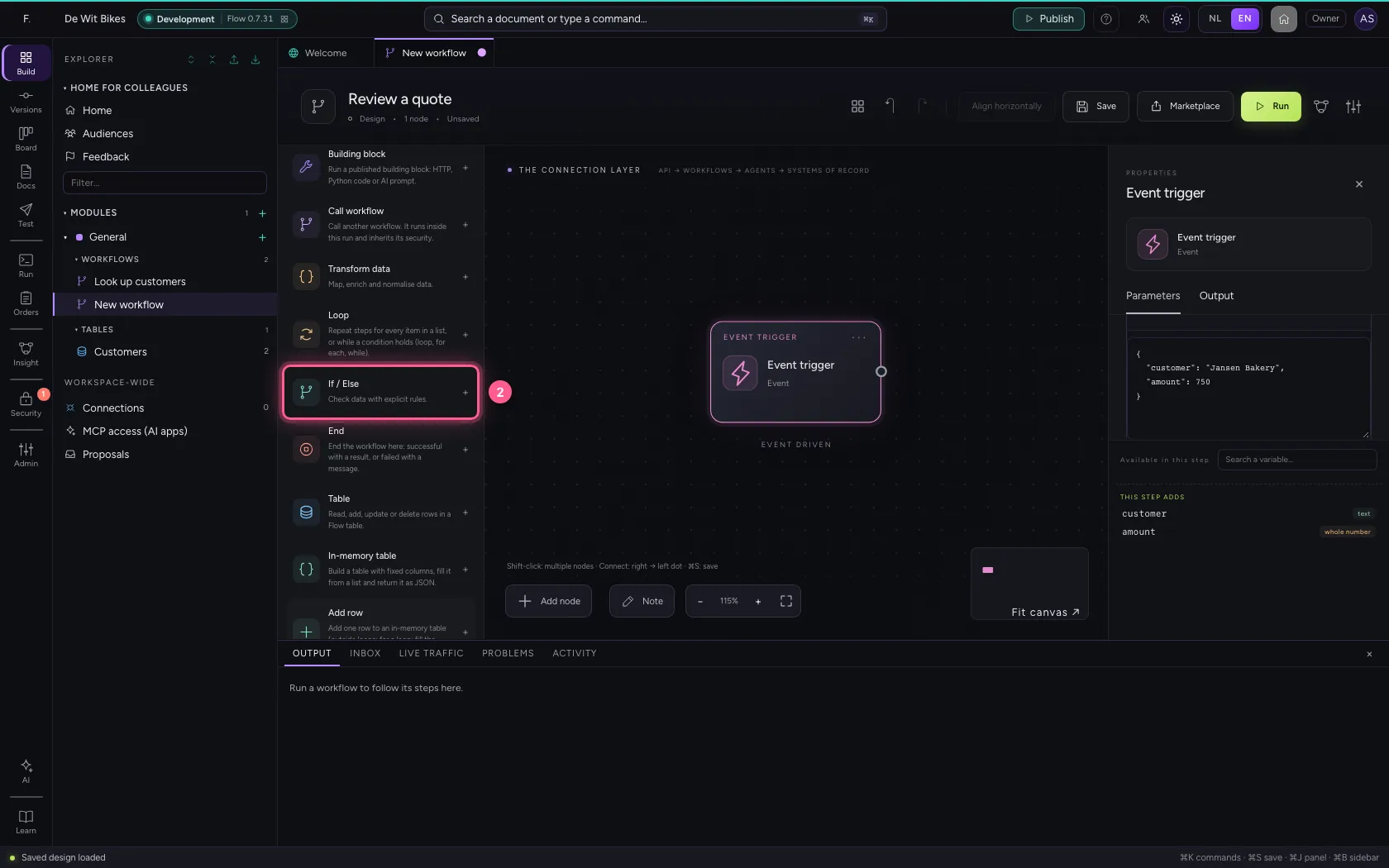
- In Name, type
Within budget? - In Which field to check?, type
amount - In **Comparison Equals Does not equal Is greater than Is greater than or equal to Is **, choose Is less than or equal to
- In Value, type
1000
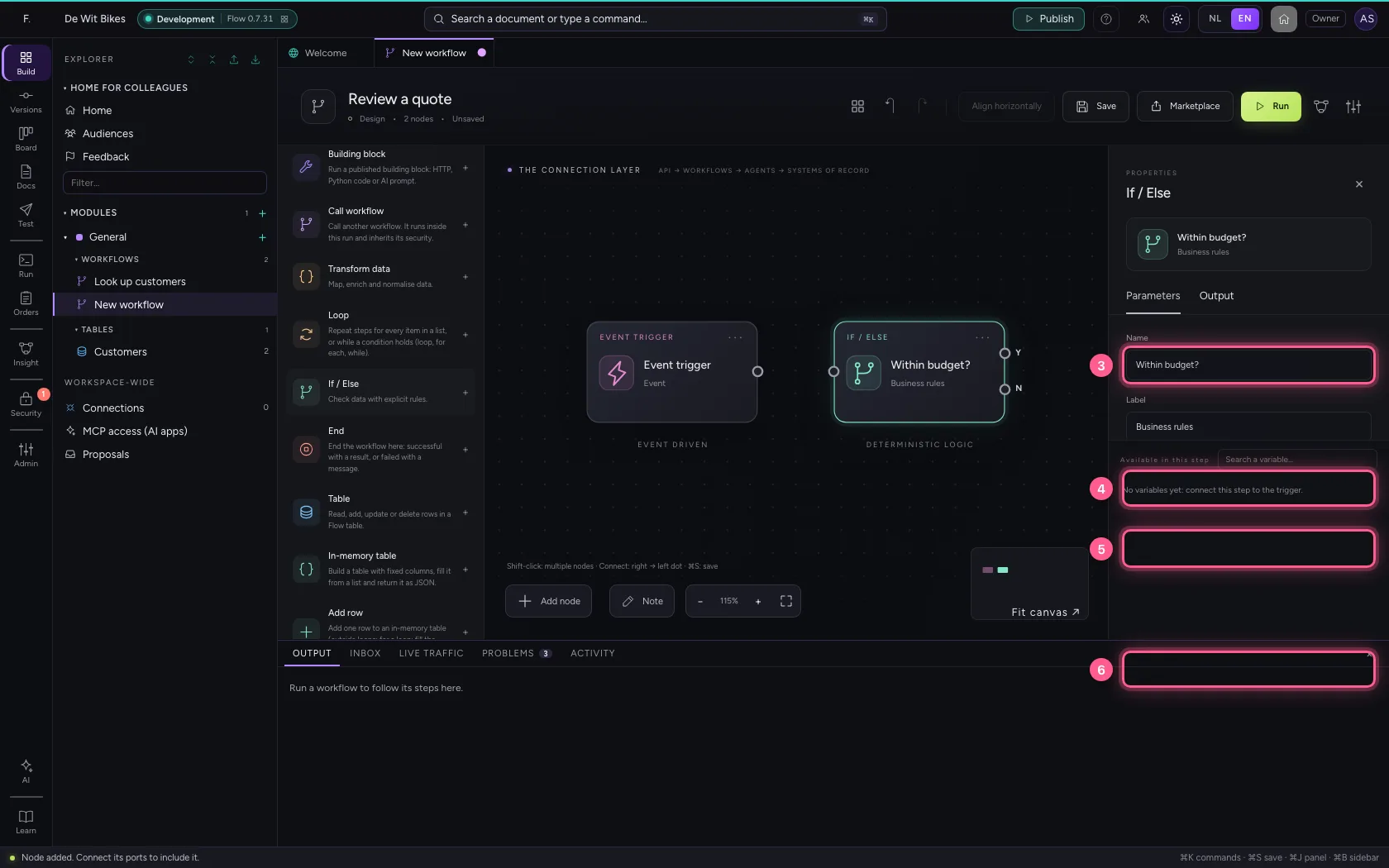
An end for approved
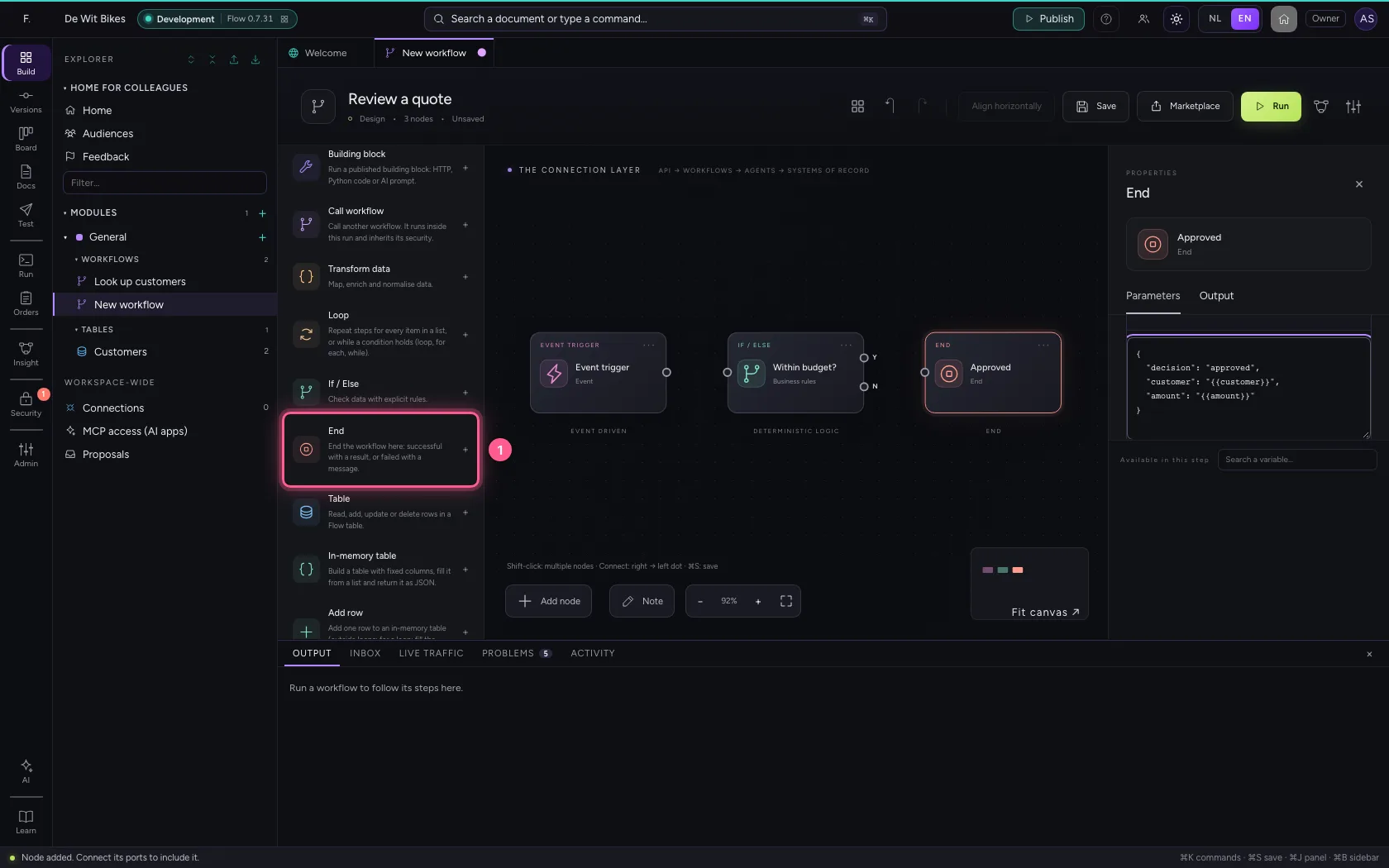
Choose End in the library. This one ends successfully; under What does the workflow return you set the result. With {{field}} you take a value from the data.
- Click End
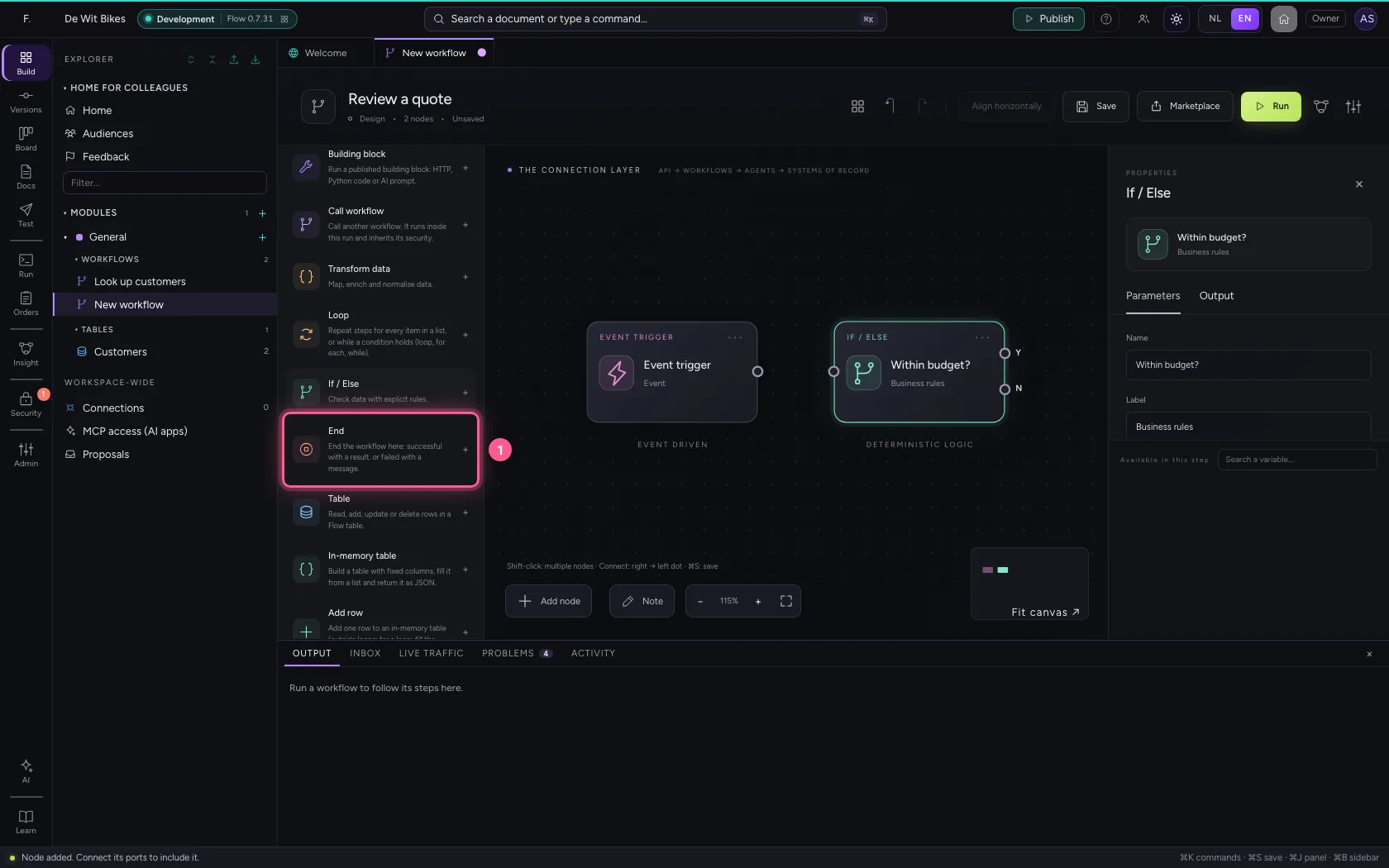
- In Name, type
Approved
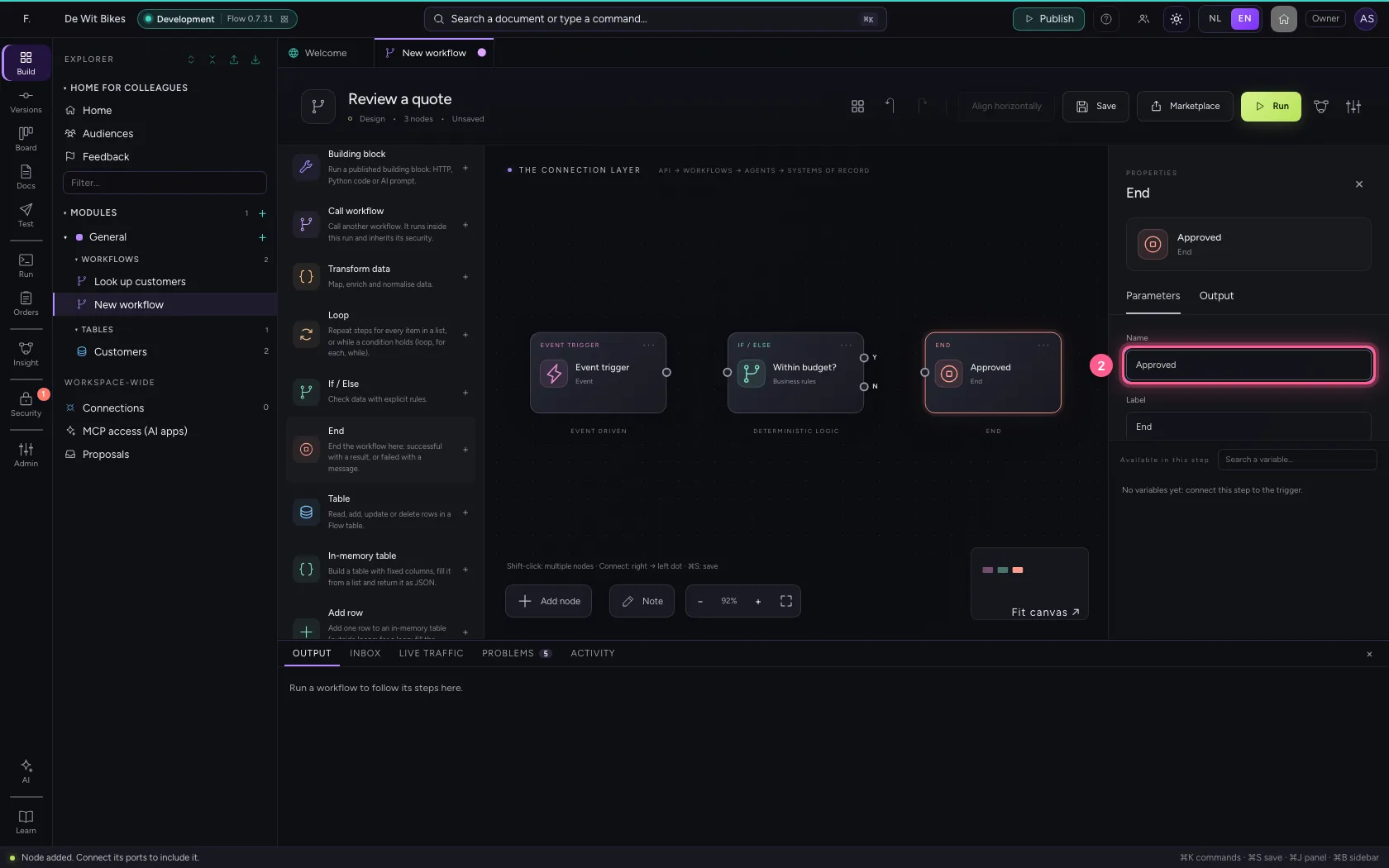
- Click Code
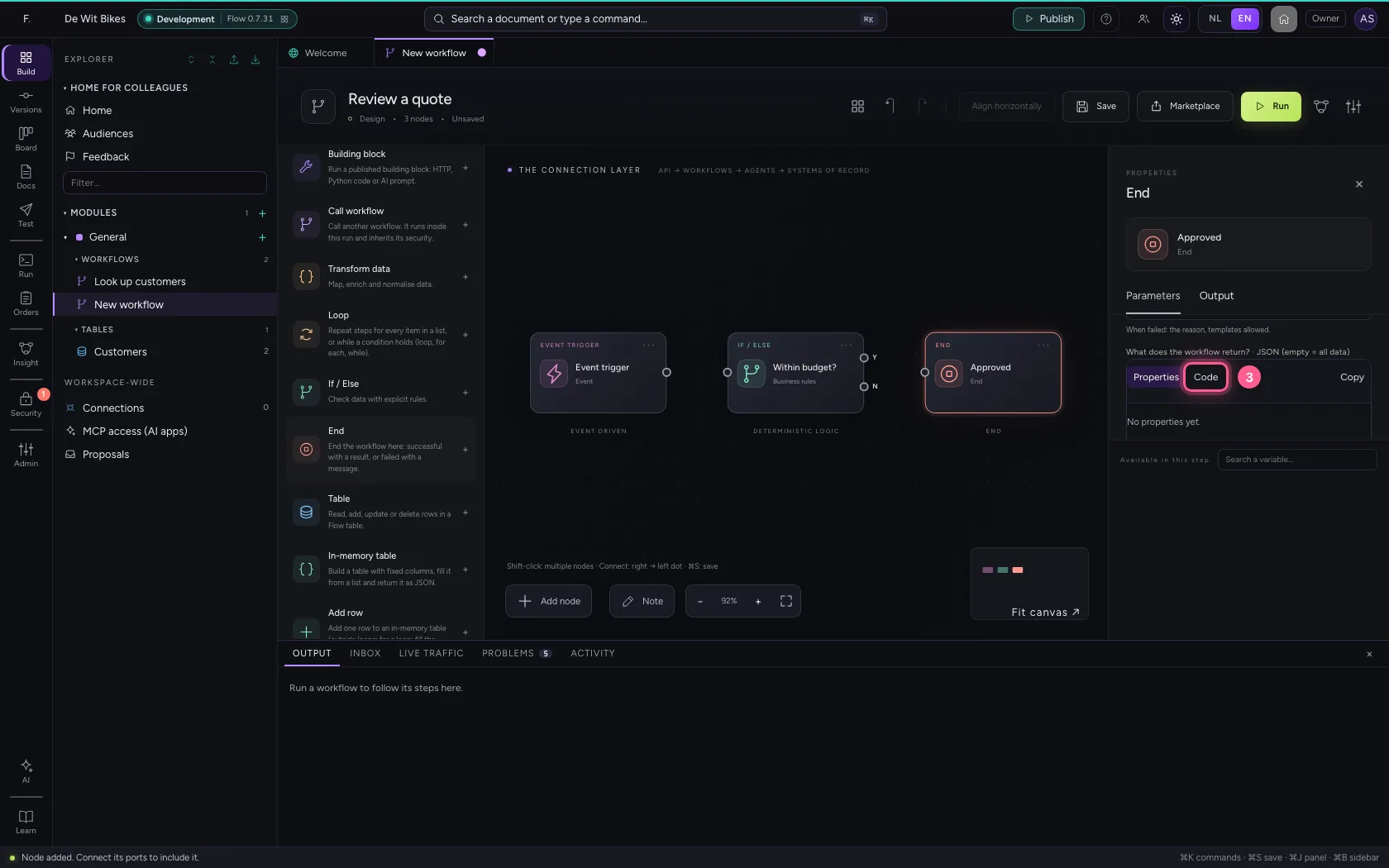
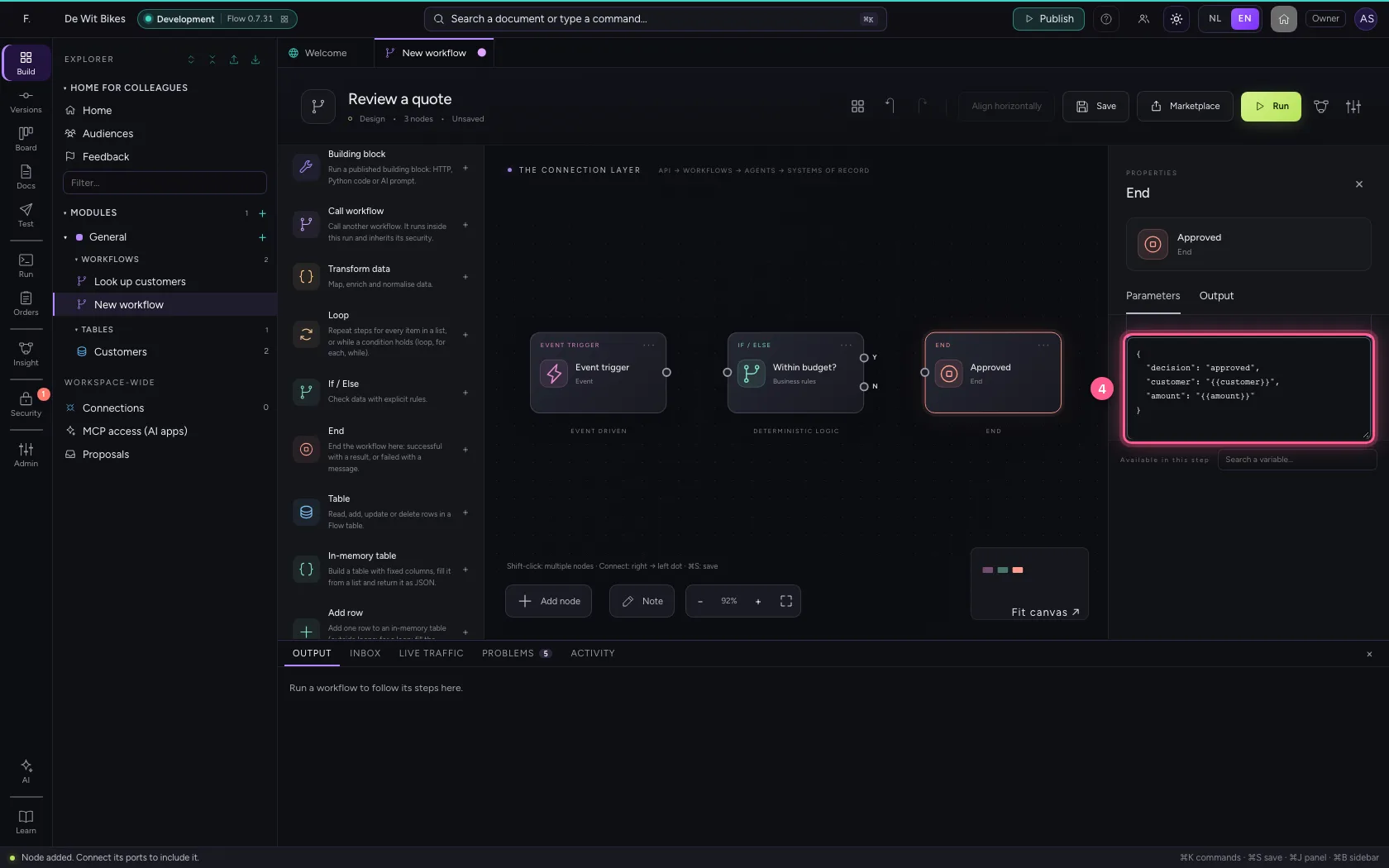
- In the result, type
{"decision": "approved", "customer": "{{customer}}", "amount": "{{amount}}"}
An end for too high
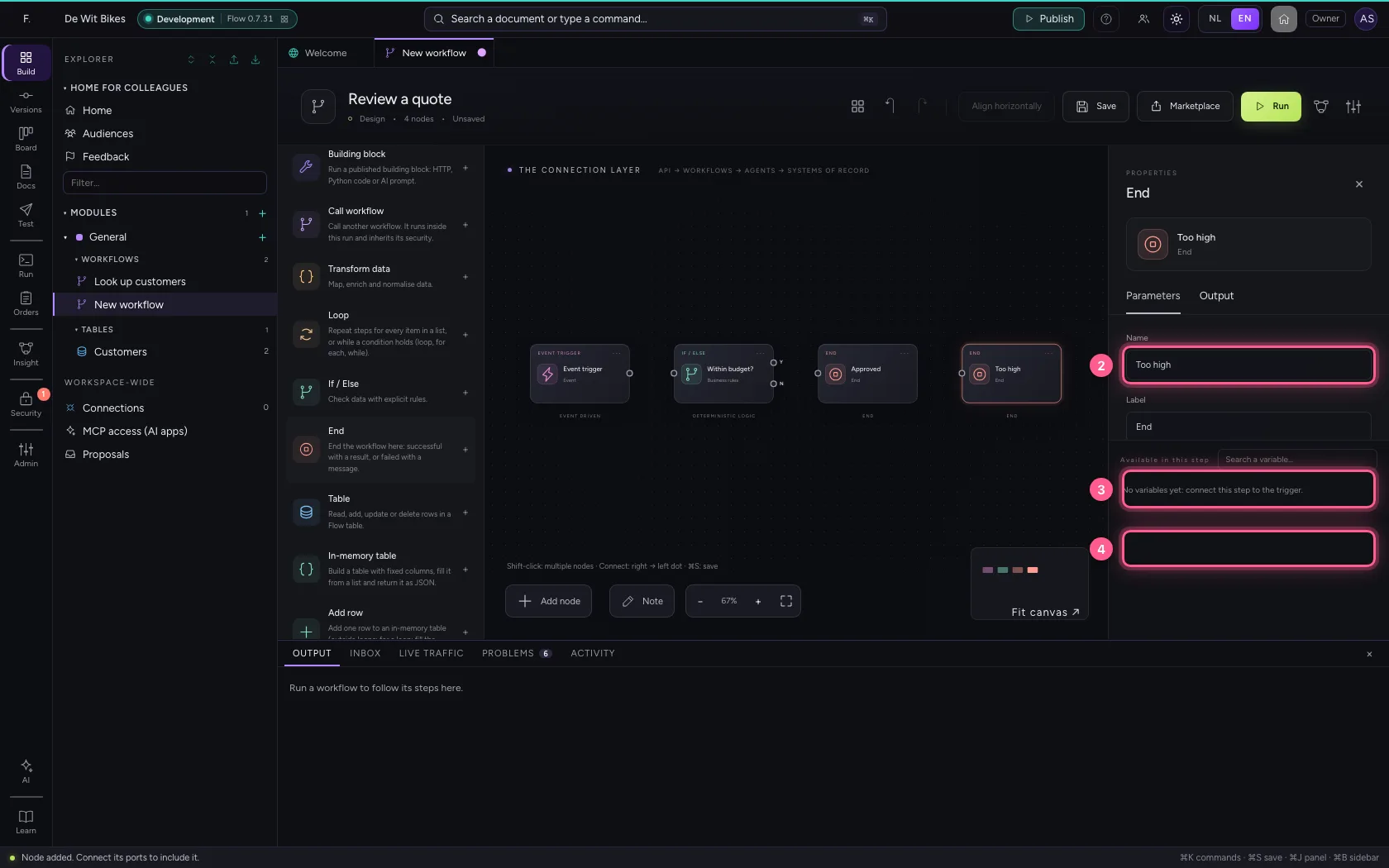
Add another End and choose Failed, with a message. The message is the reason everyone reads back on the run later; {{field}} works here too.
- Click End
- In Name, type
Too high - In How does the workflow end?, choose Failed, with a message
- In Message, type
Quote of {{amount}} euros is too high to approve yourself
Connect the steps
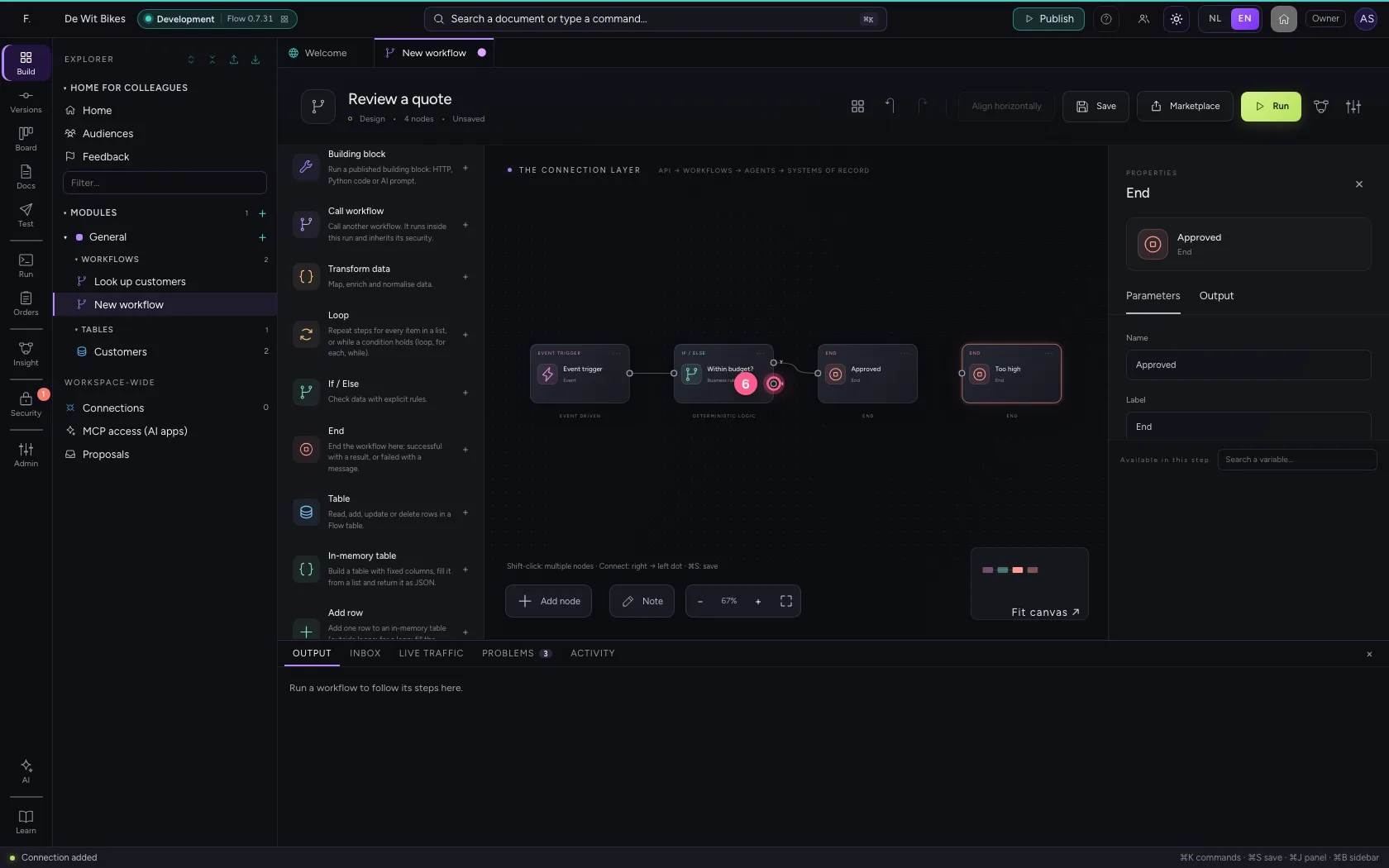
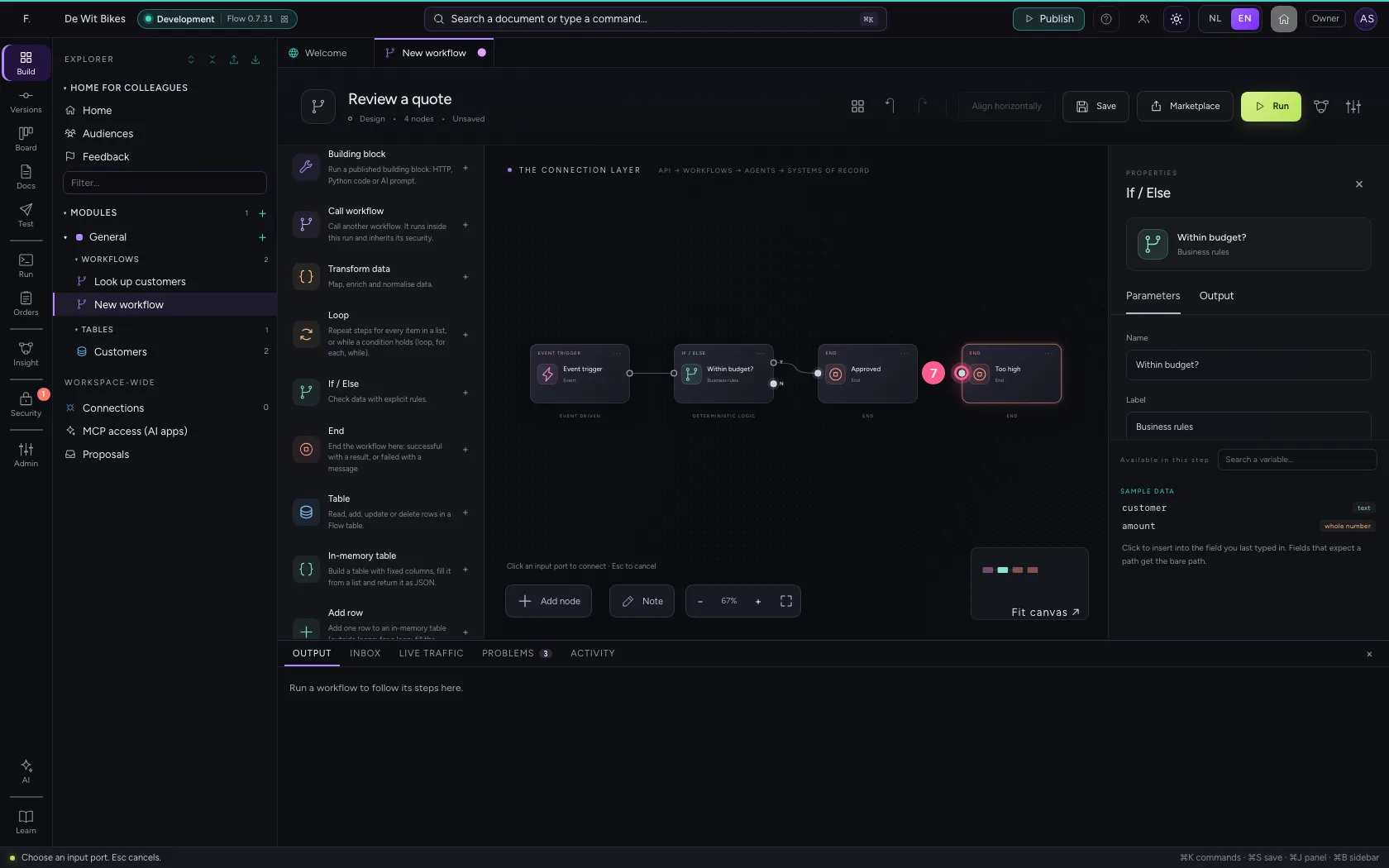
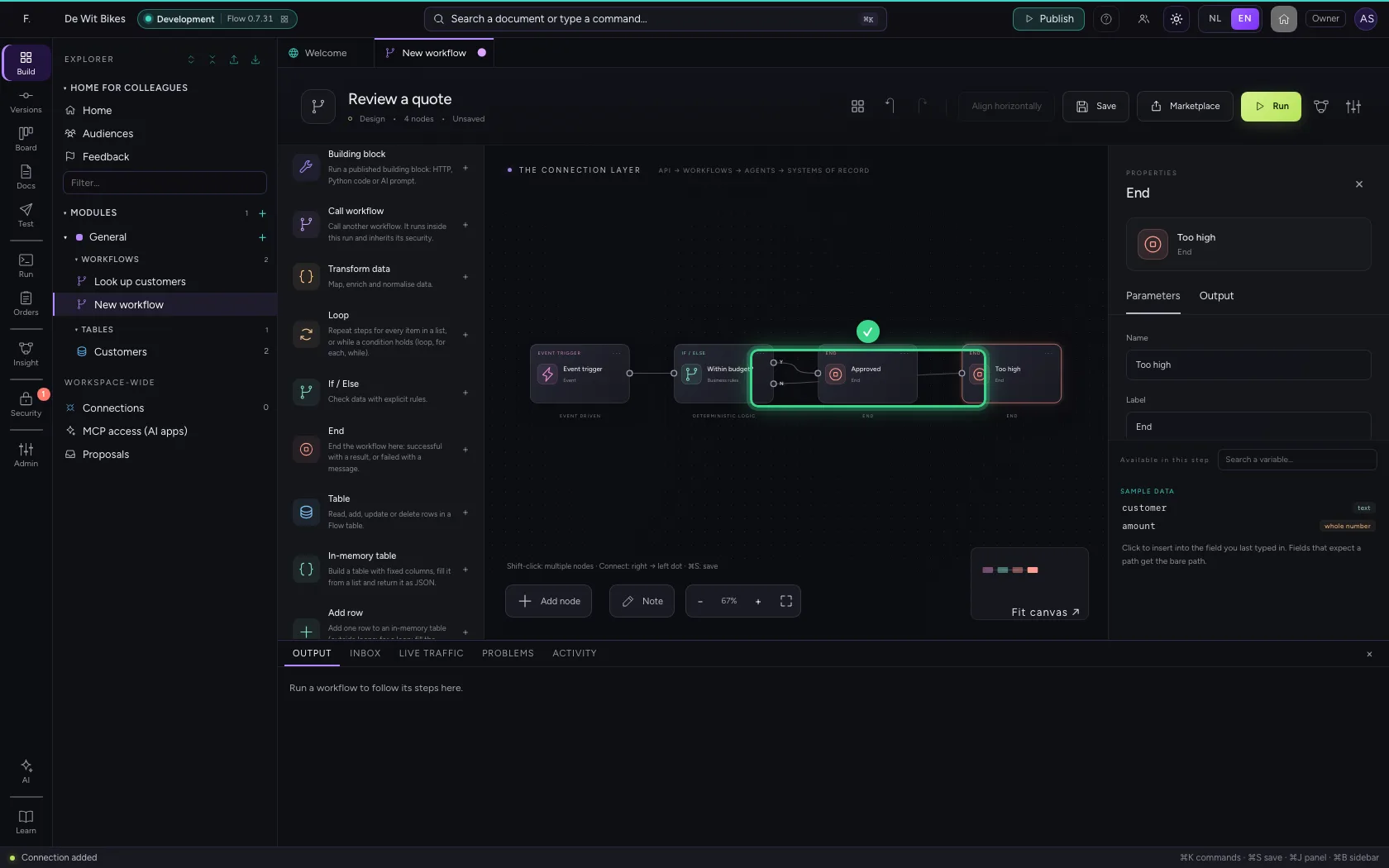
An If / Else has two exits: Yes (top) and No (bottom). Click an exit, then the dot on the left of the step it should lead to. Fit to view first puts everything in sight.
- Click Fit to view
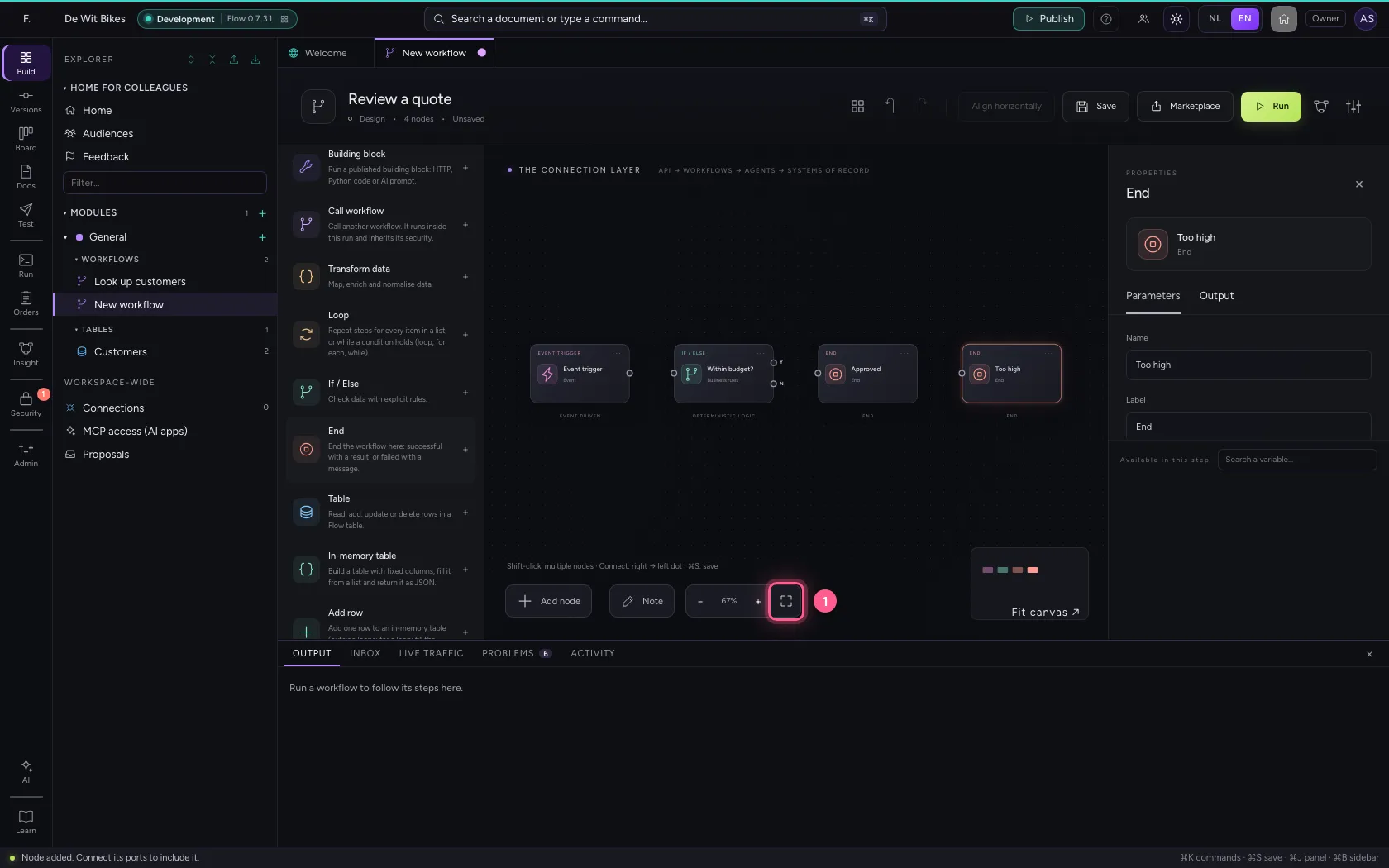
- Click the trigger's exit
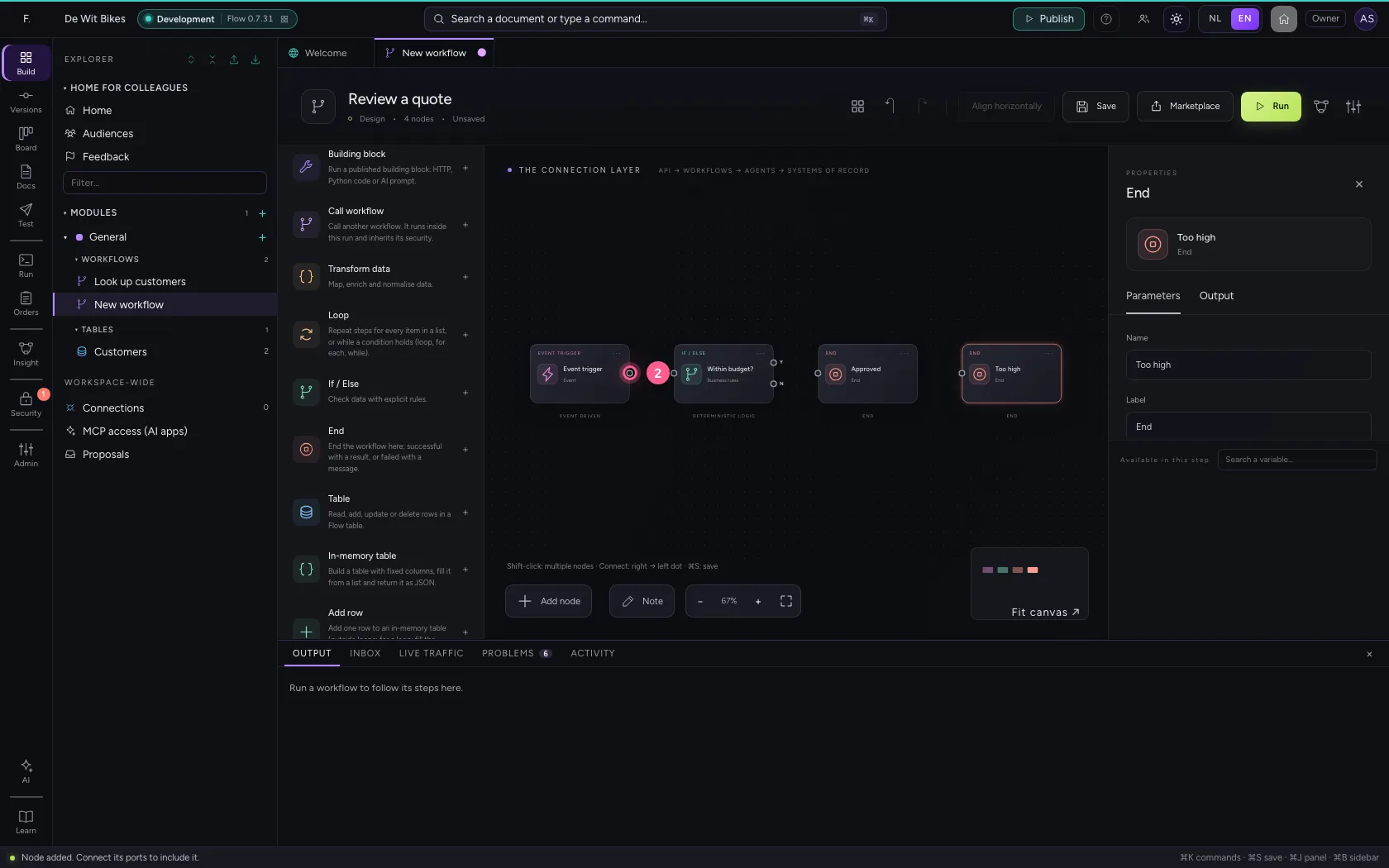
- Click the rule's entry
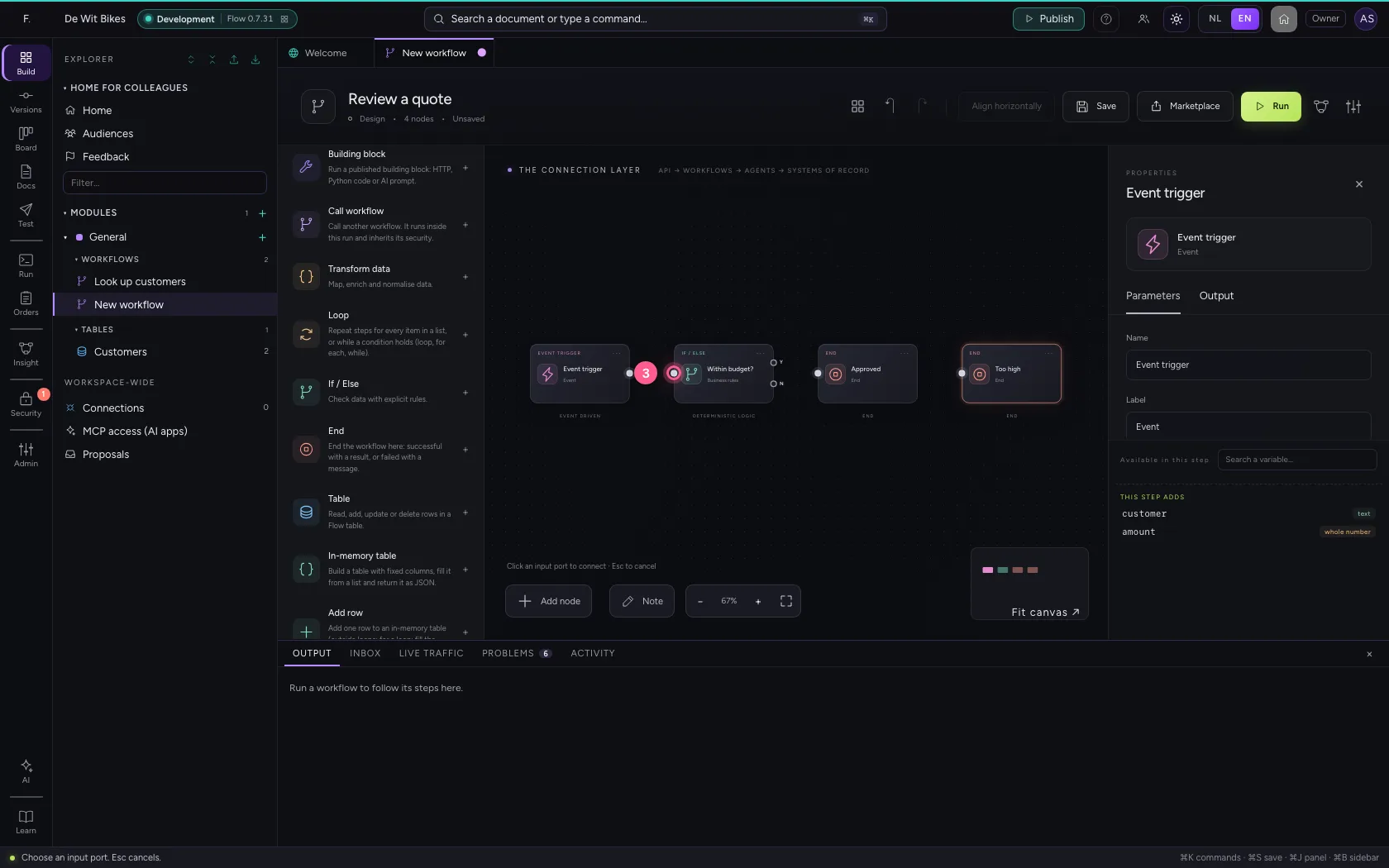
- Click exit Yes
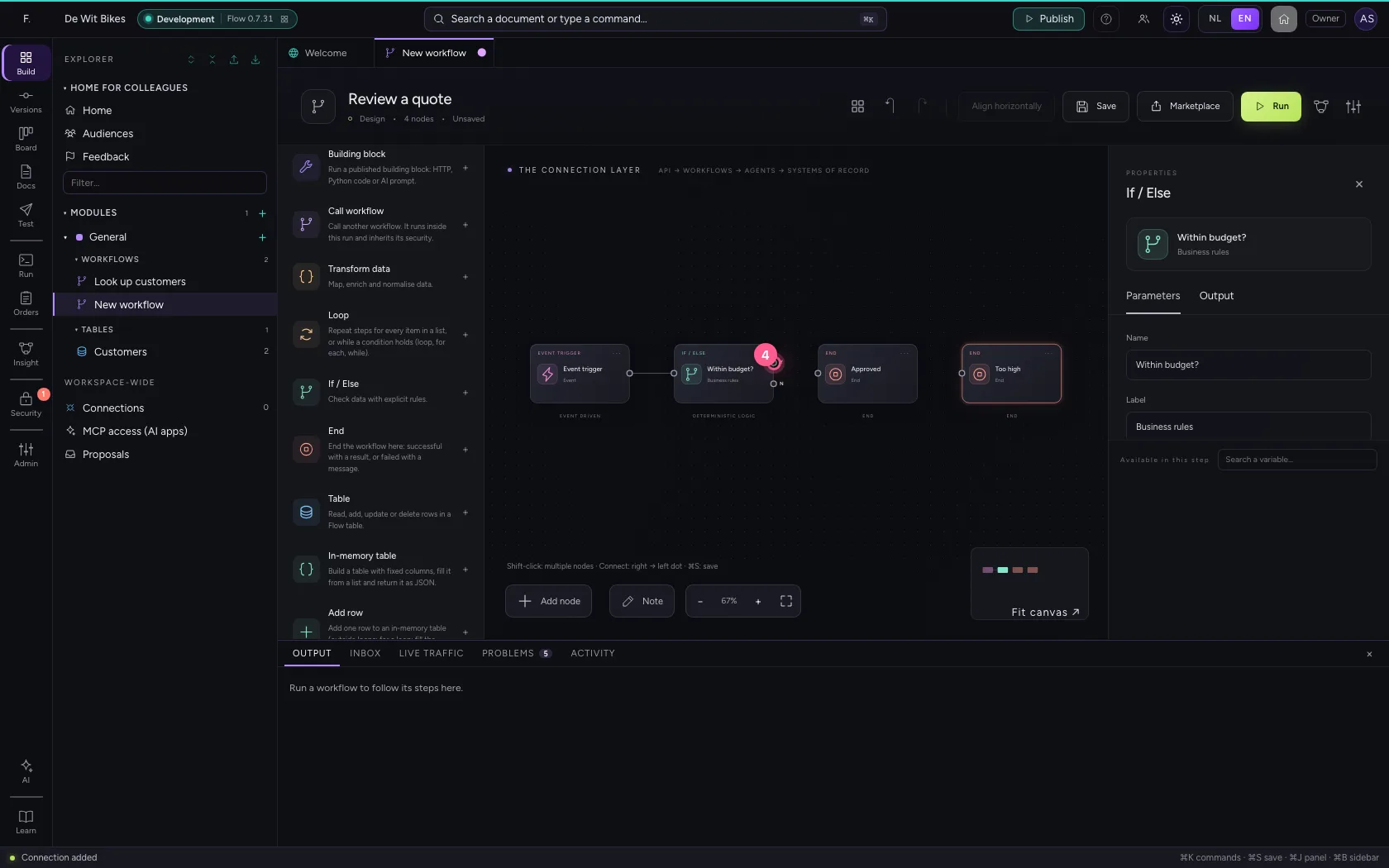
- Click entry Approved
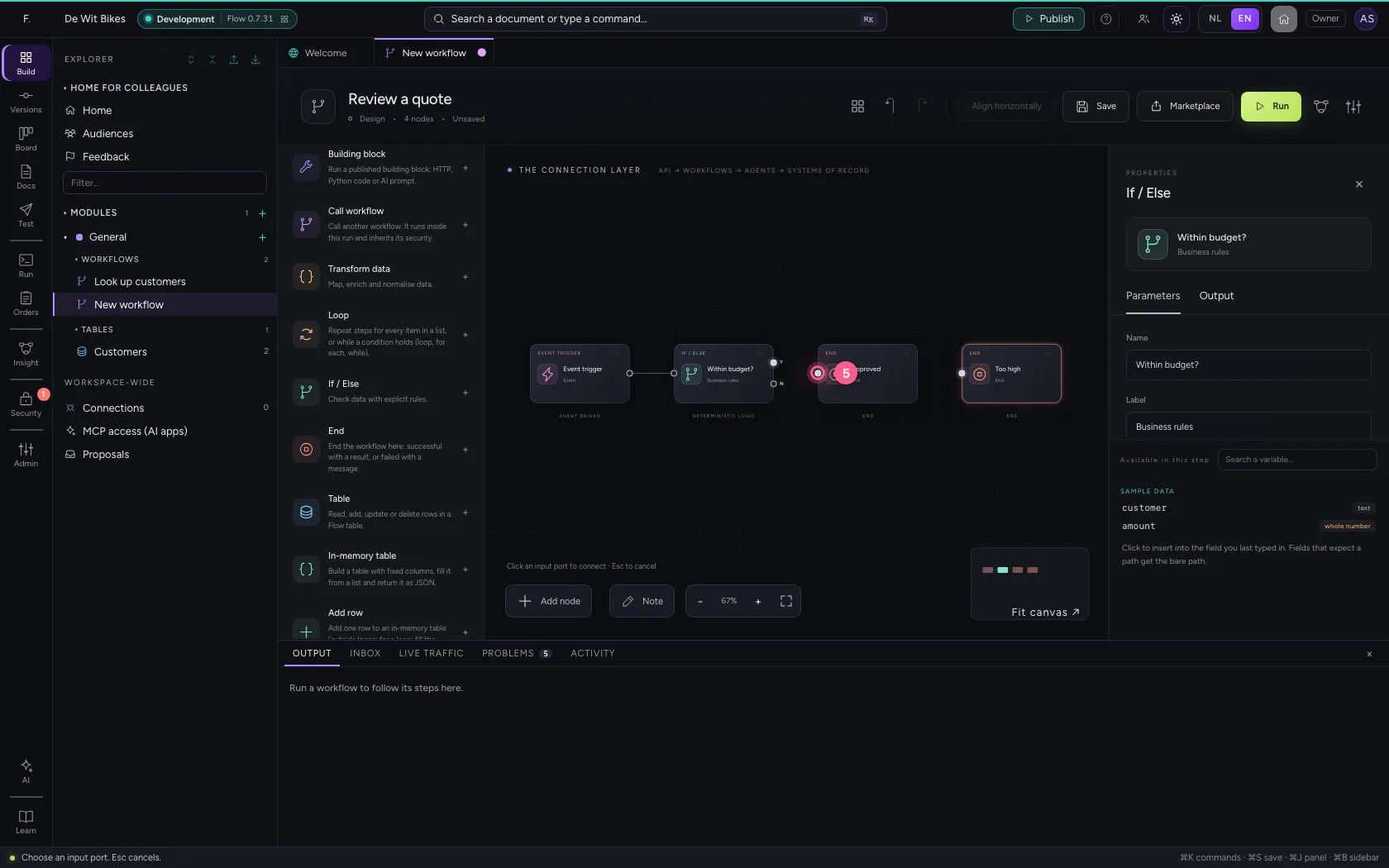
- Click exit No
- Click entry Too high
Try it with 750 euros
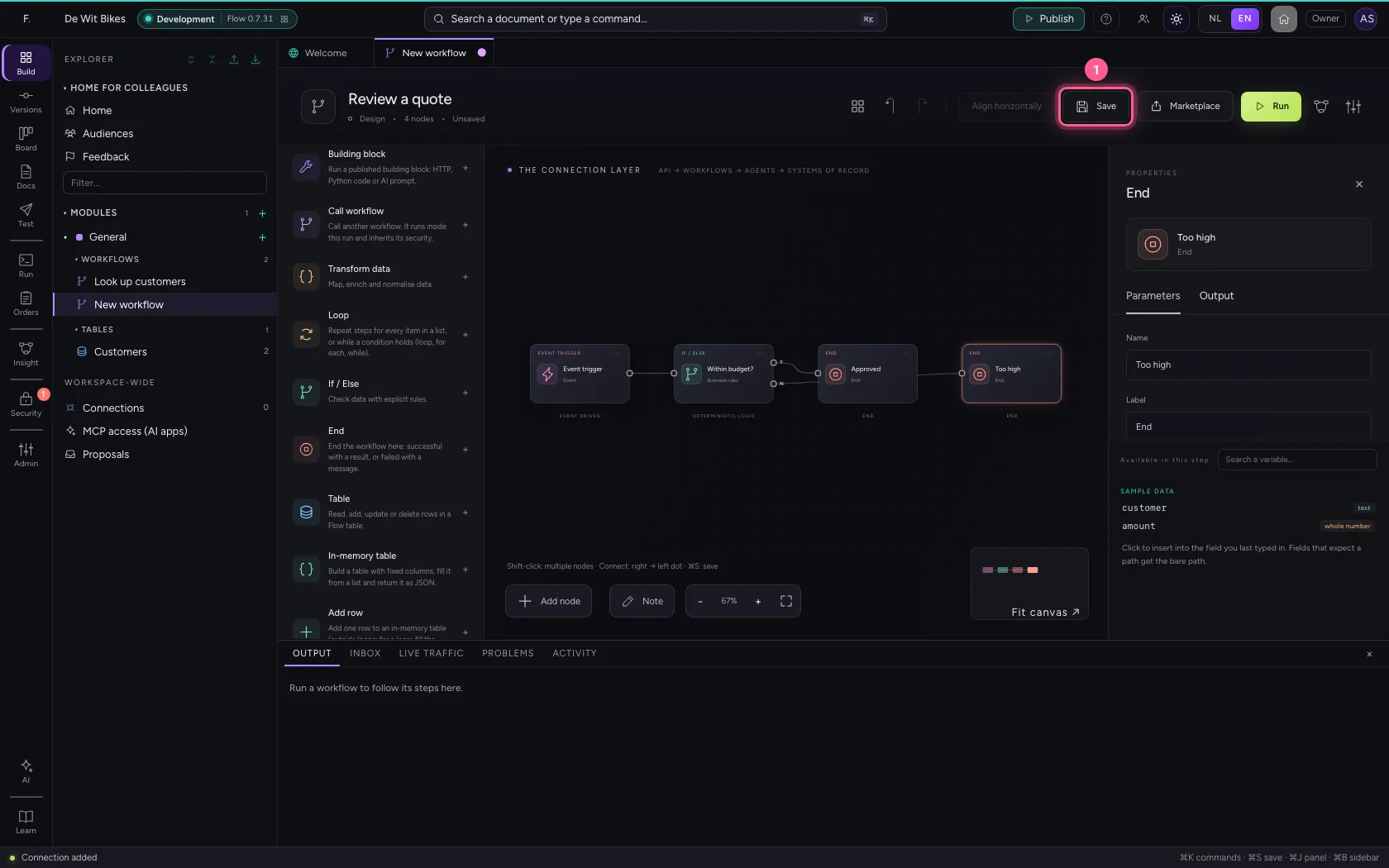
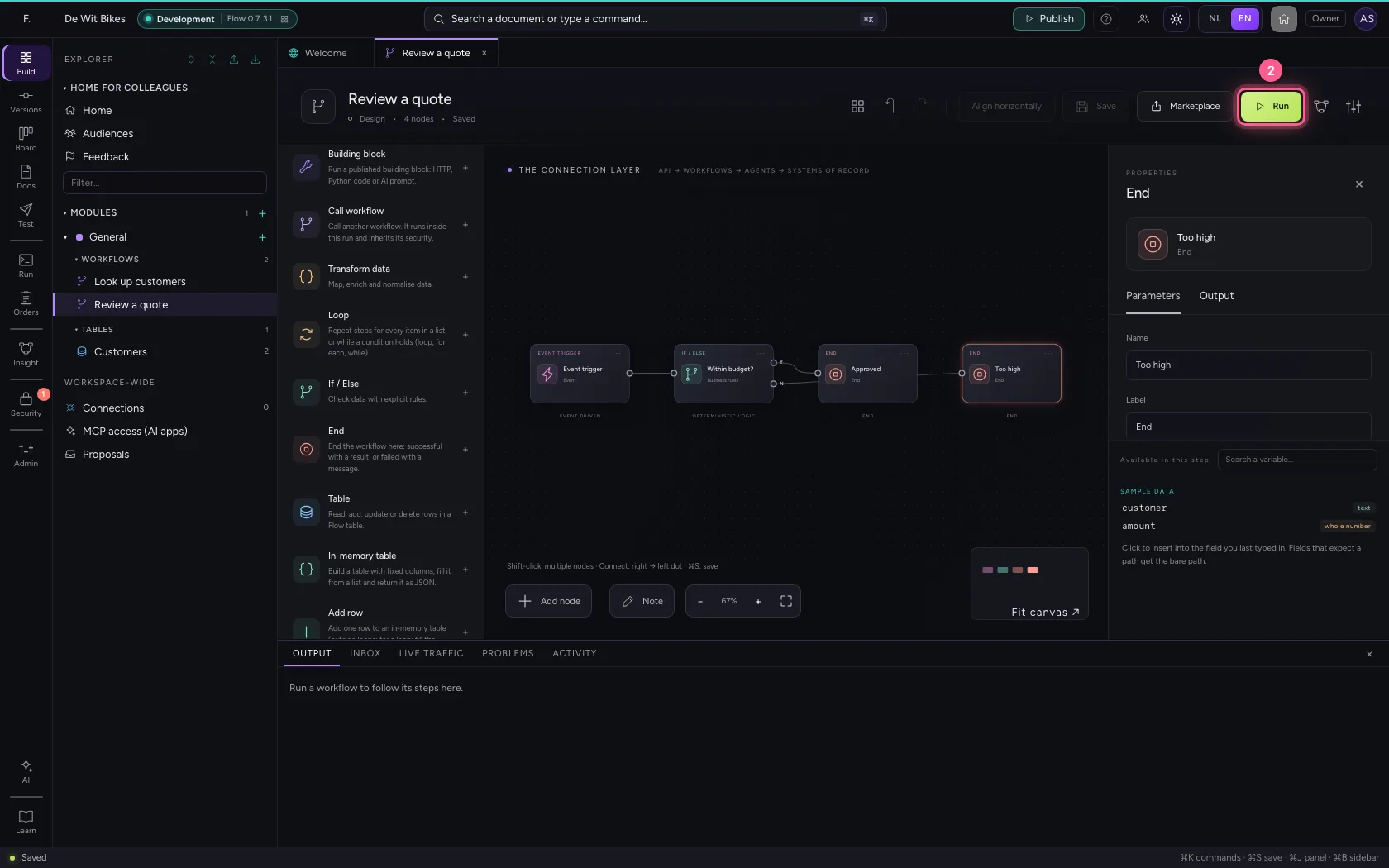
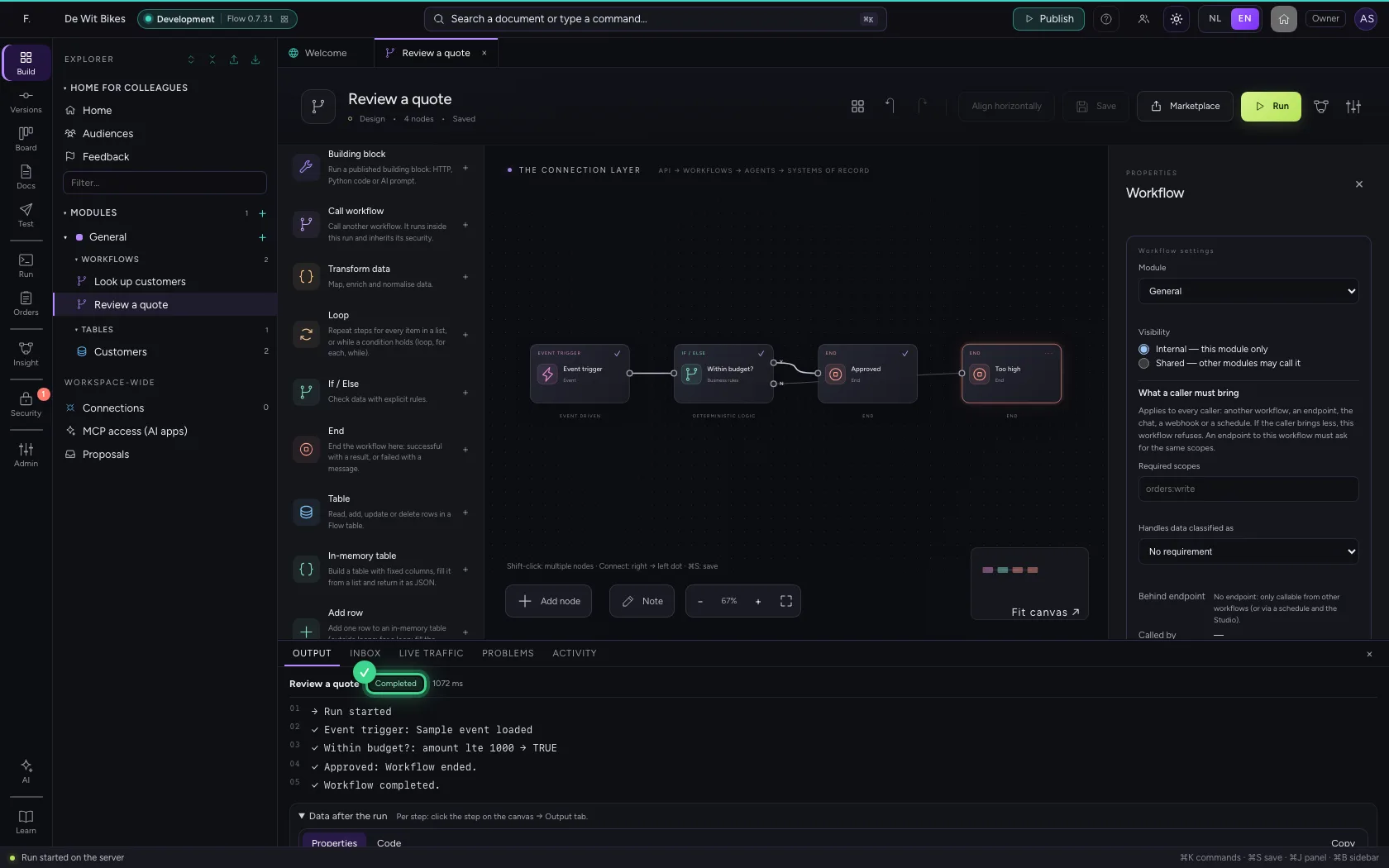
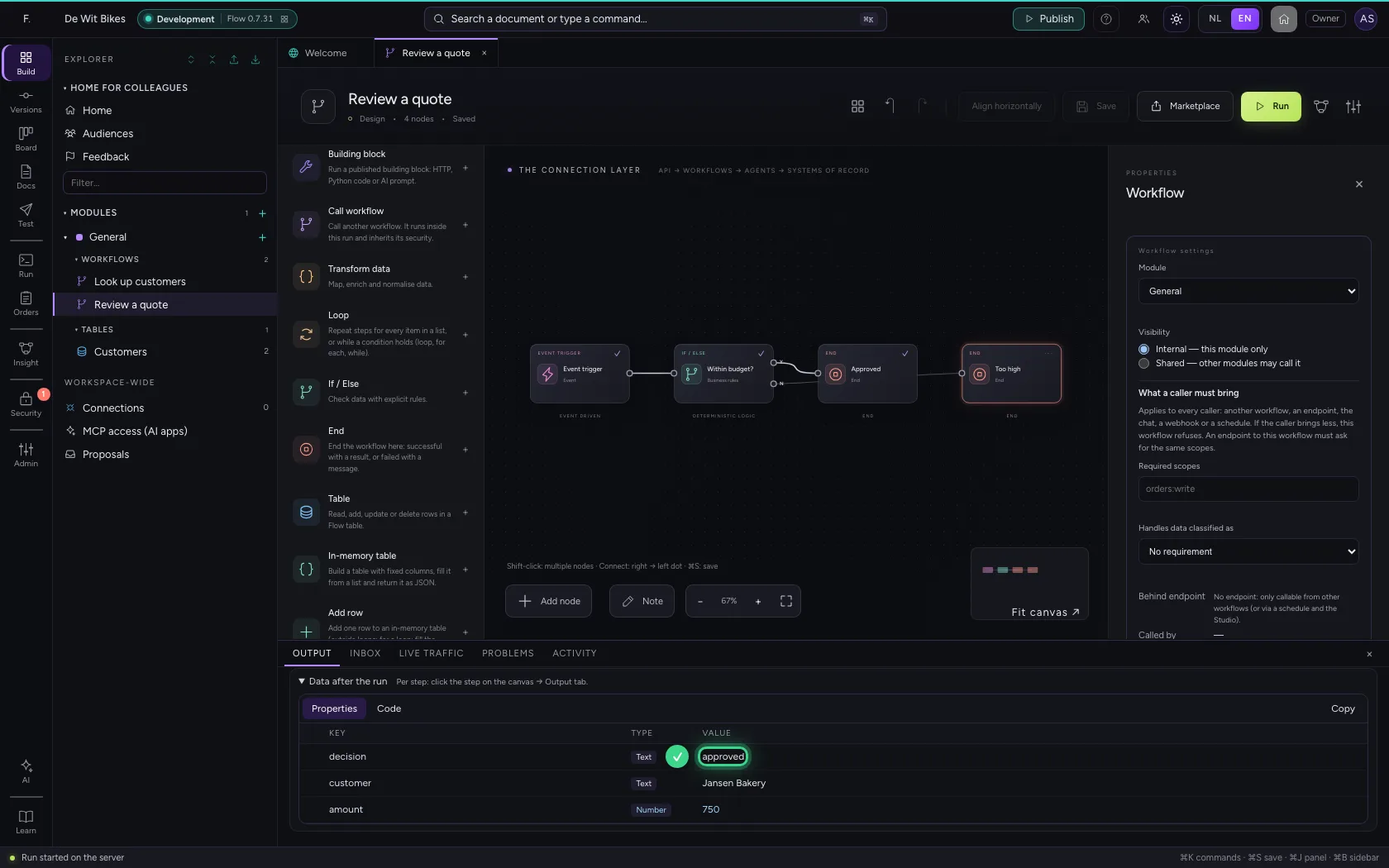
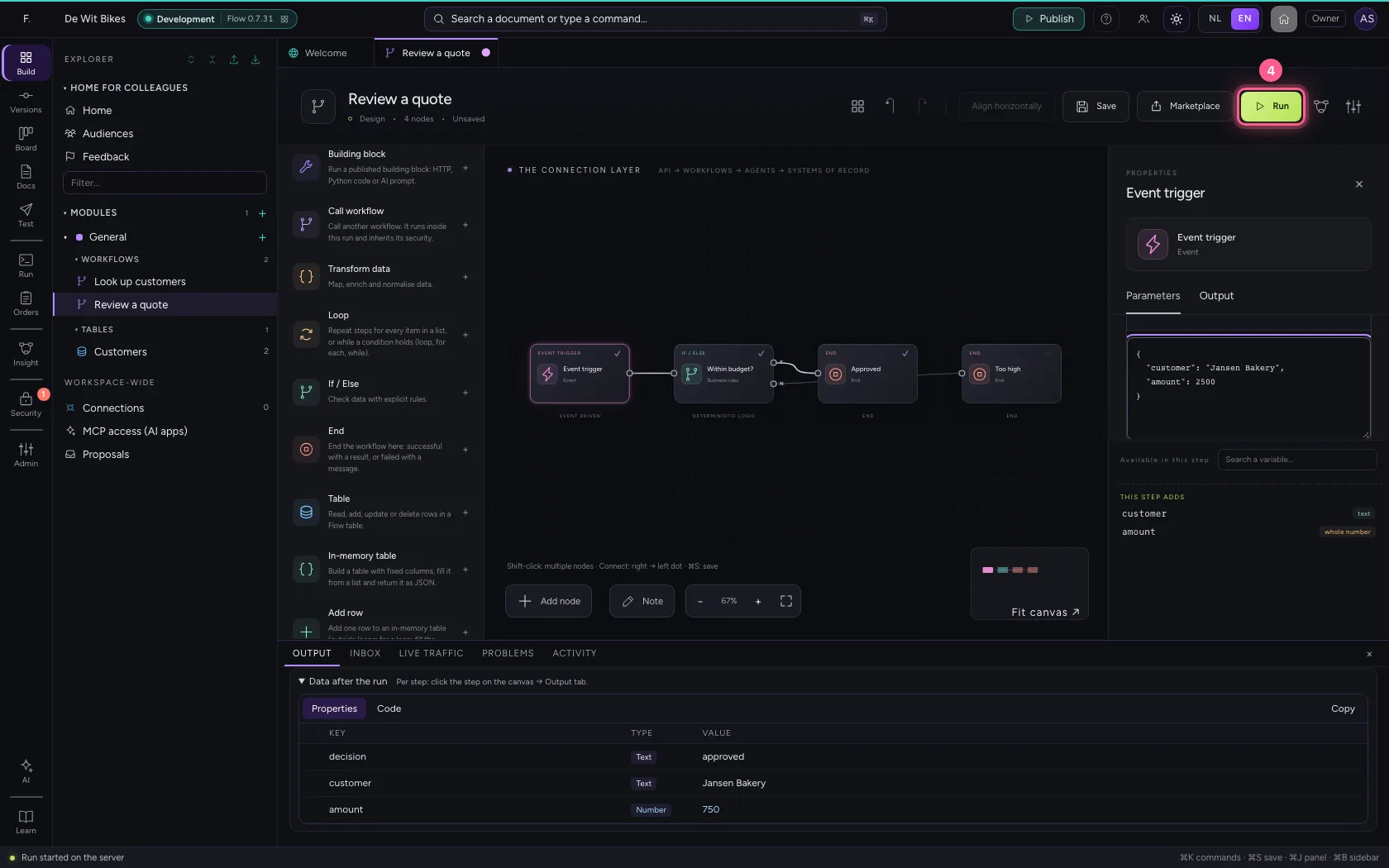
Save and click Run. At the bottom, under Output, you see every step: the rule came out TRUE, so the workflow ended at Approved, with the result you set.
- Click Save
- Click Run
And now with 2500 euros
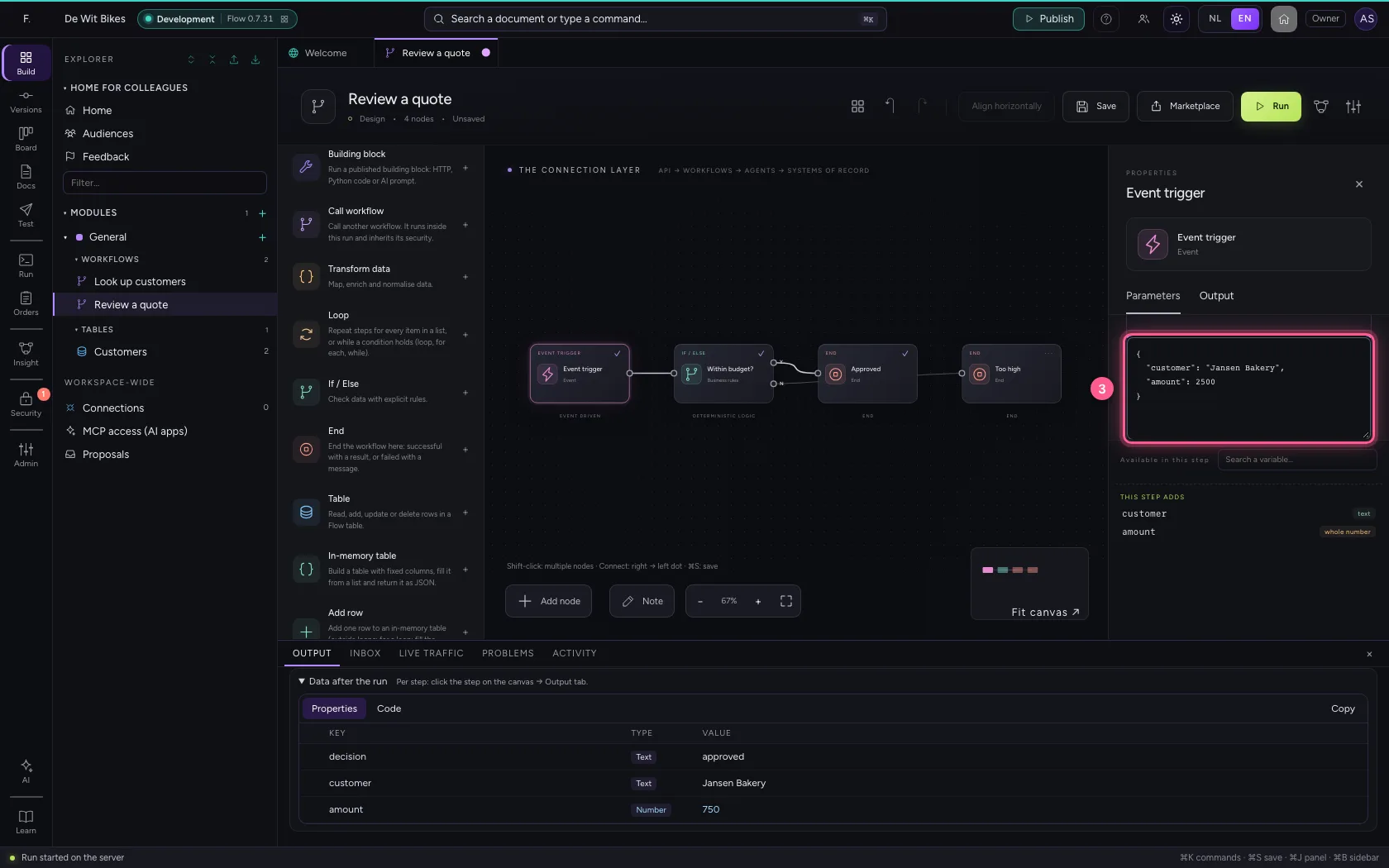
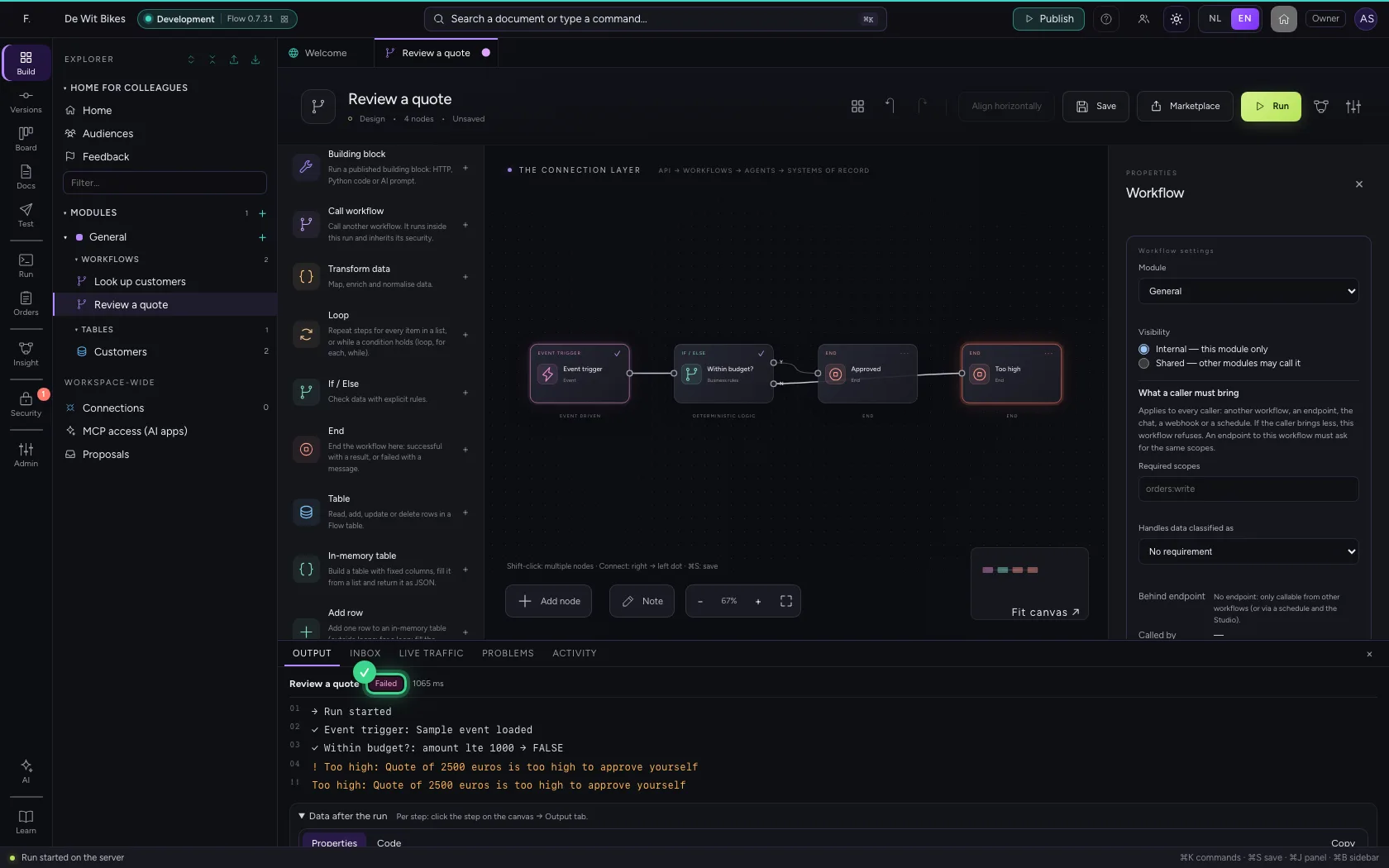
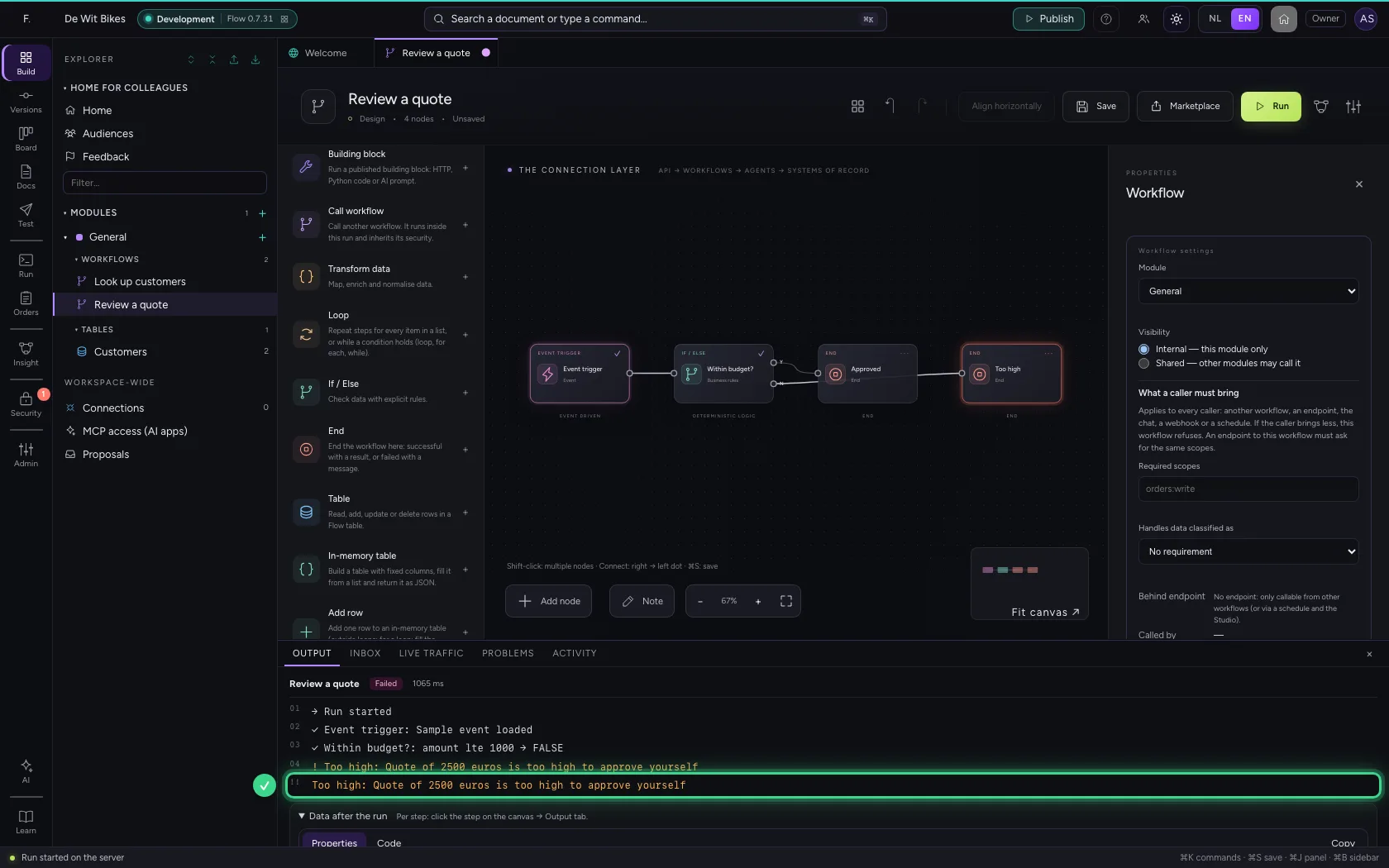
Put a higher amount in the trigger and run again. Now the rule goes to No, and the workflow ends as failed — with your message as the reason. A caller sees straight away why.
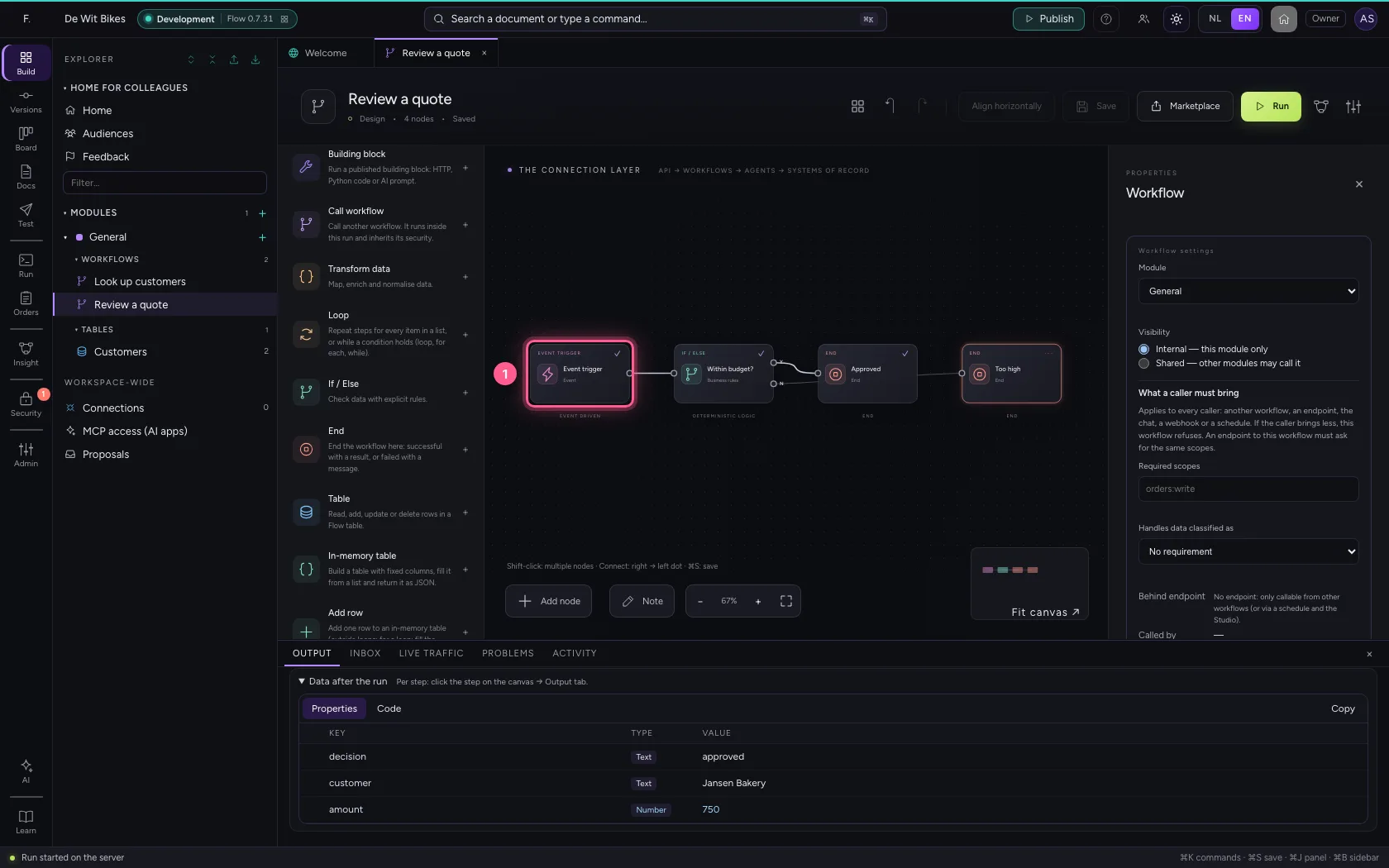
- Click the trigger
- Click Code
- In the sample data, type
{"customer": "Jansen Bakery", "amount": 2500}
- Click Run
This guide was carried out step by step on 22 Oct 2026 by an automated test on Flow (version 3e563176).