Marketplace
The Marketplace answers the question: what would you rather not build yourself? You find modules from your own organisation and packages InnTelligence has approved. You install them in a few steps, into Development first.
Open the Marketplace
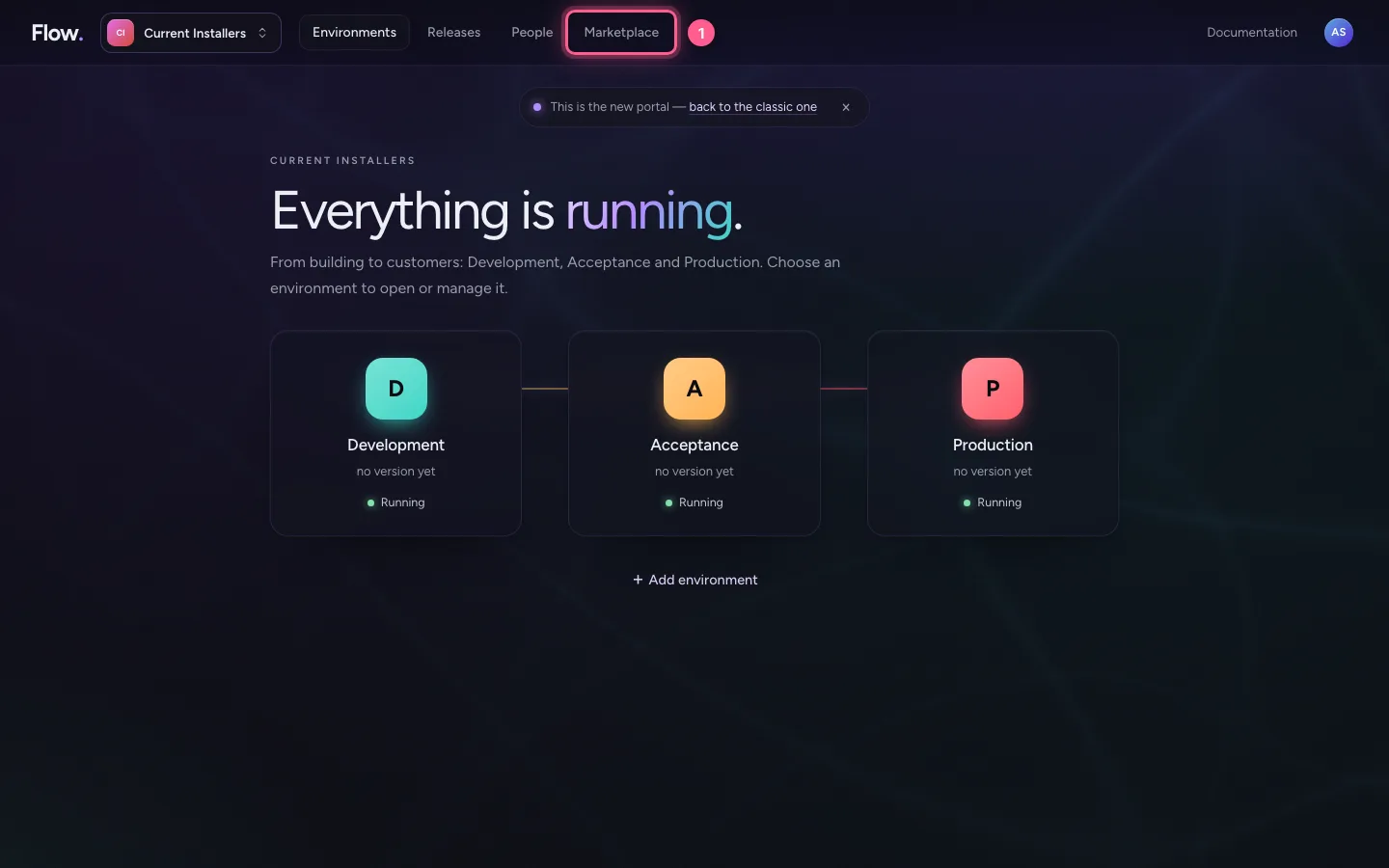
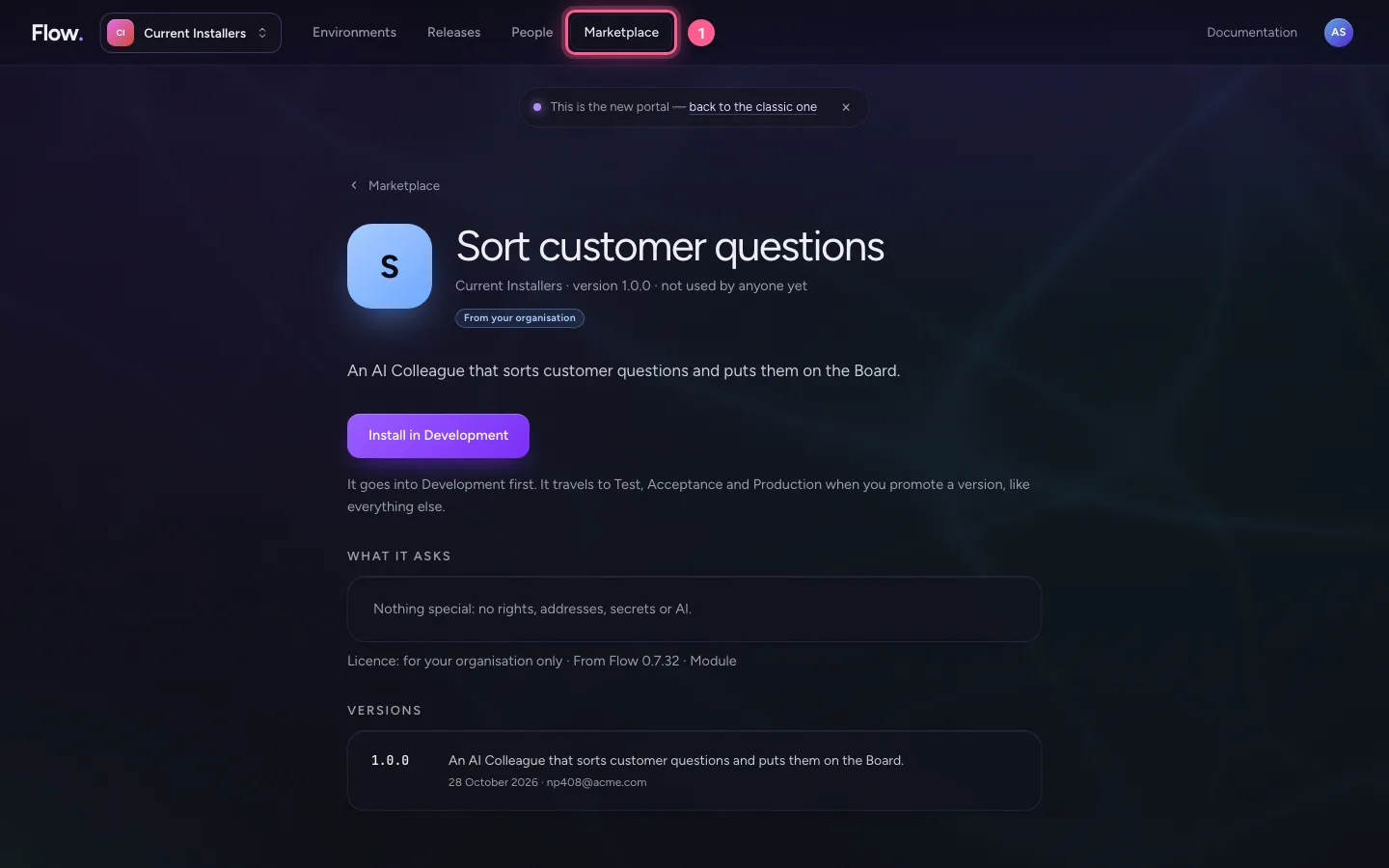
Click Marketplace at the top. This screen's question: what would you rather not build yourself? Below are a search field, the kinds, and the packages we recommend.
- Click Marketplace
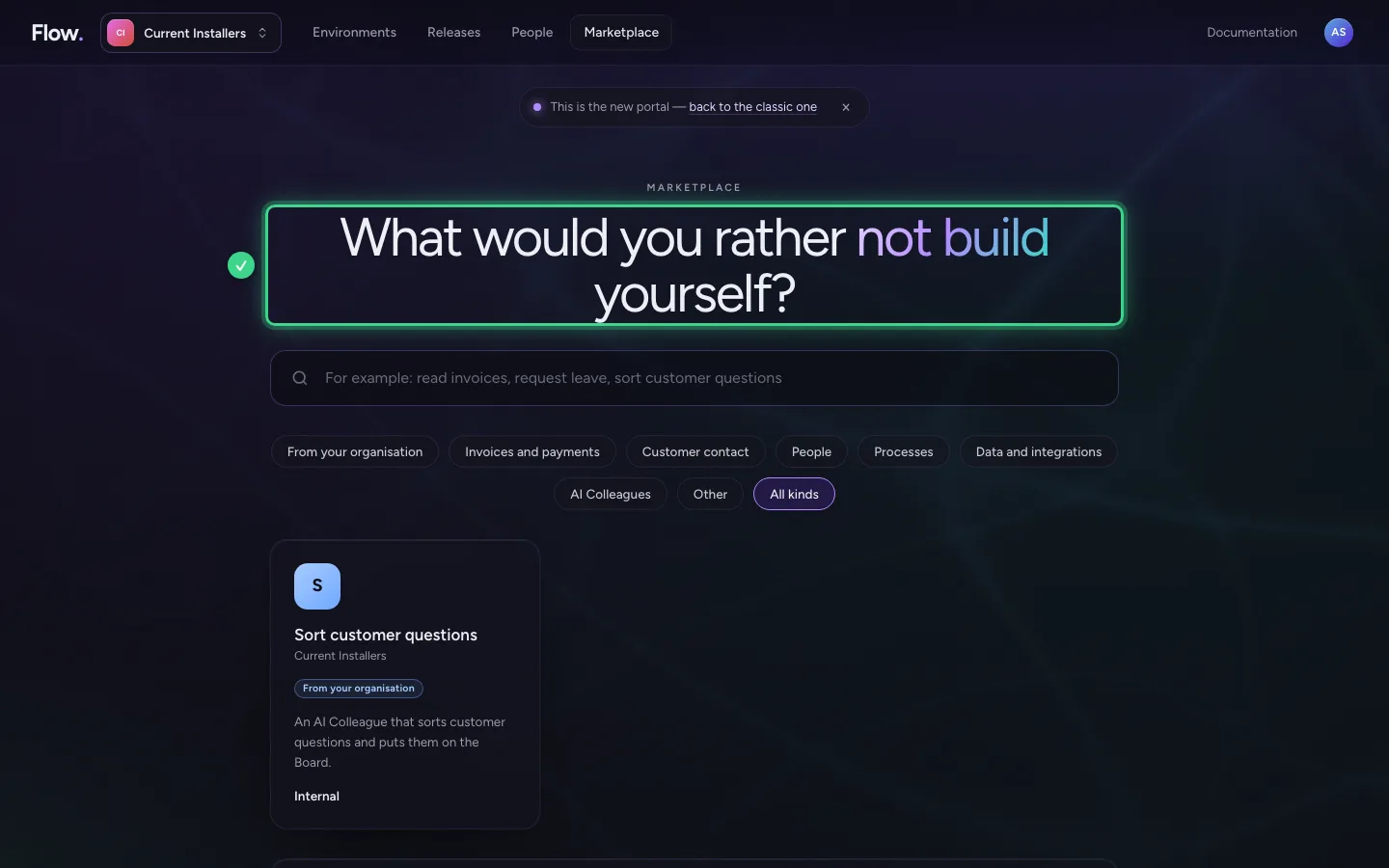
Search for what you need
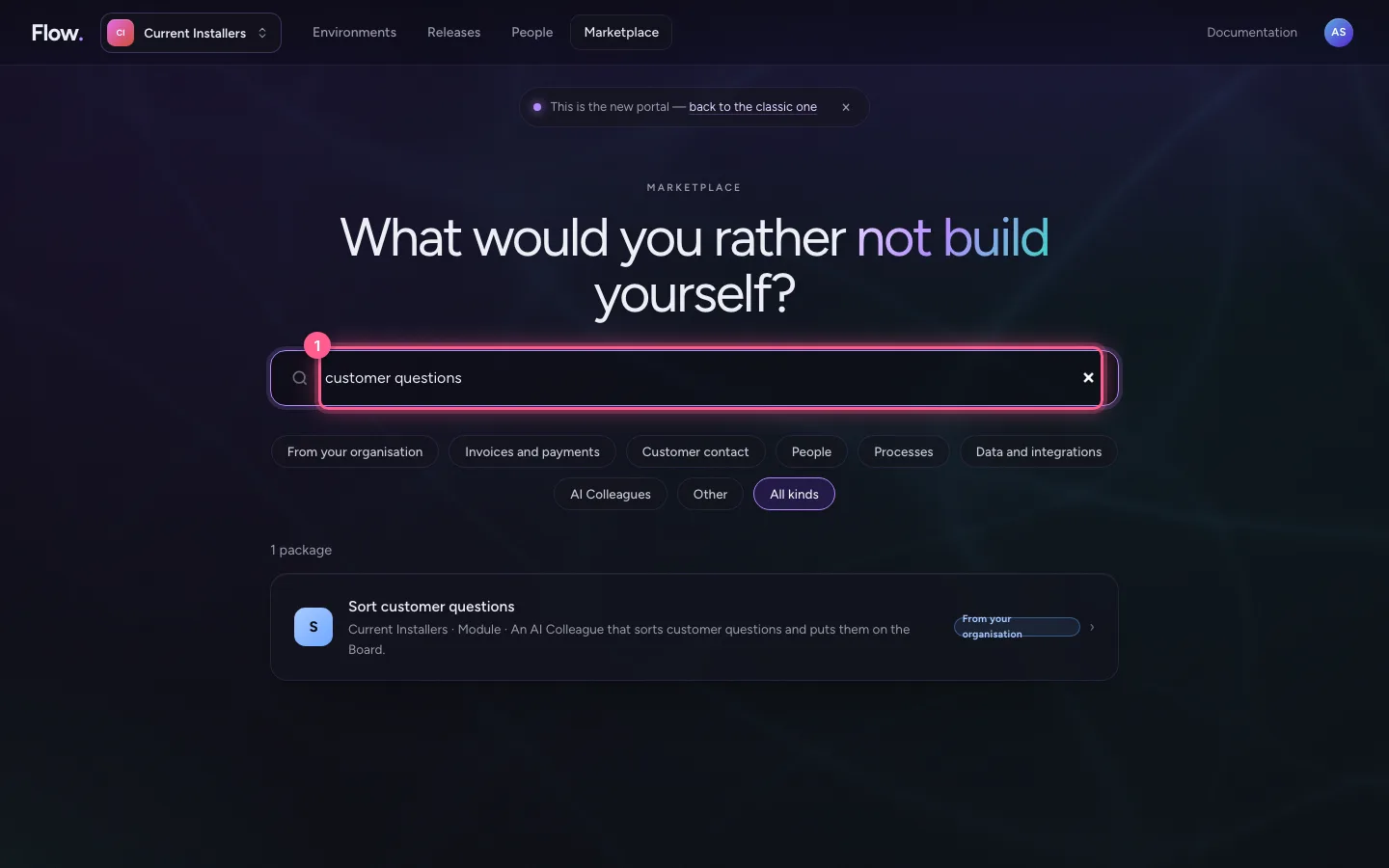
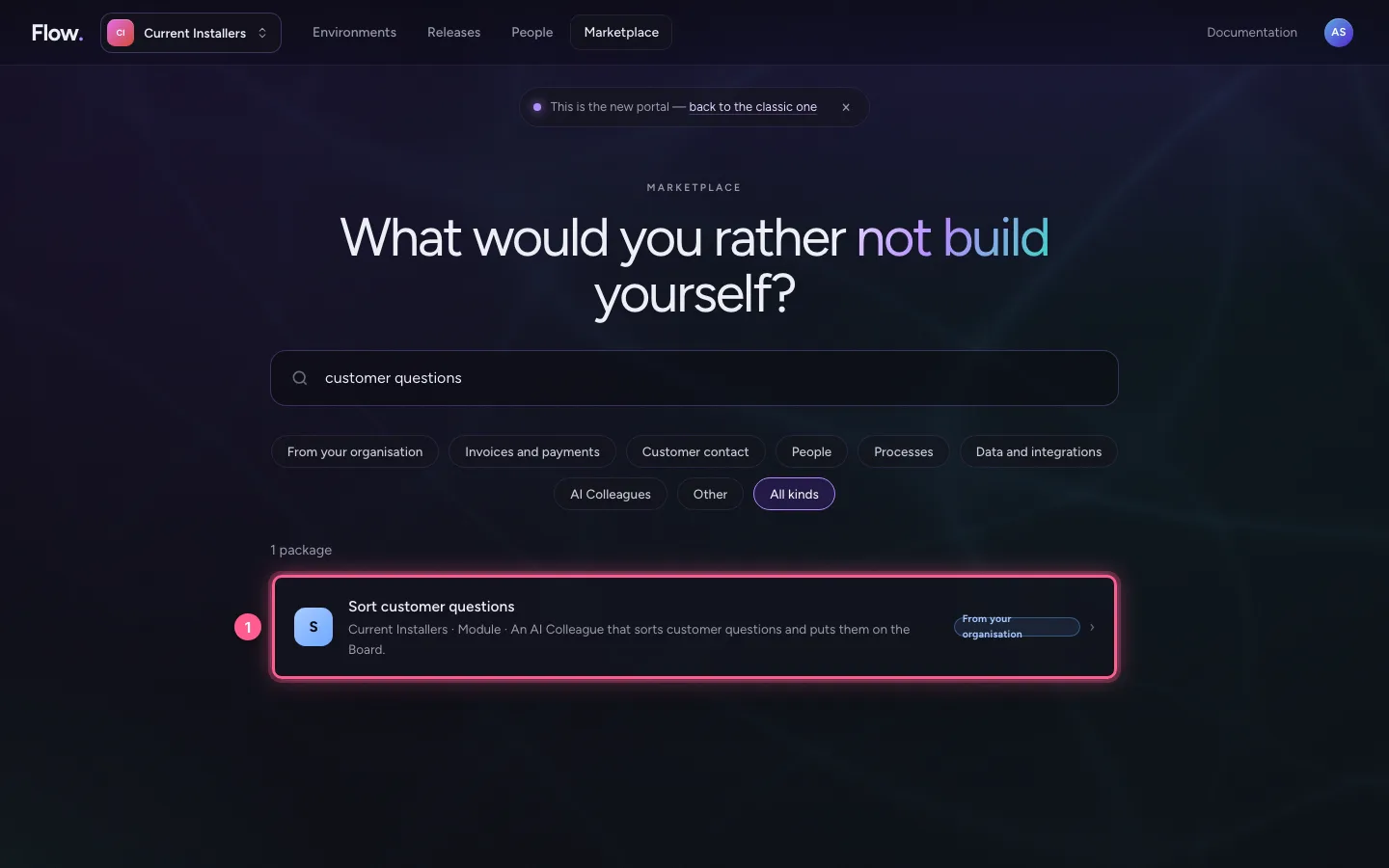
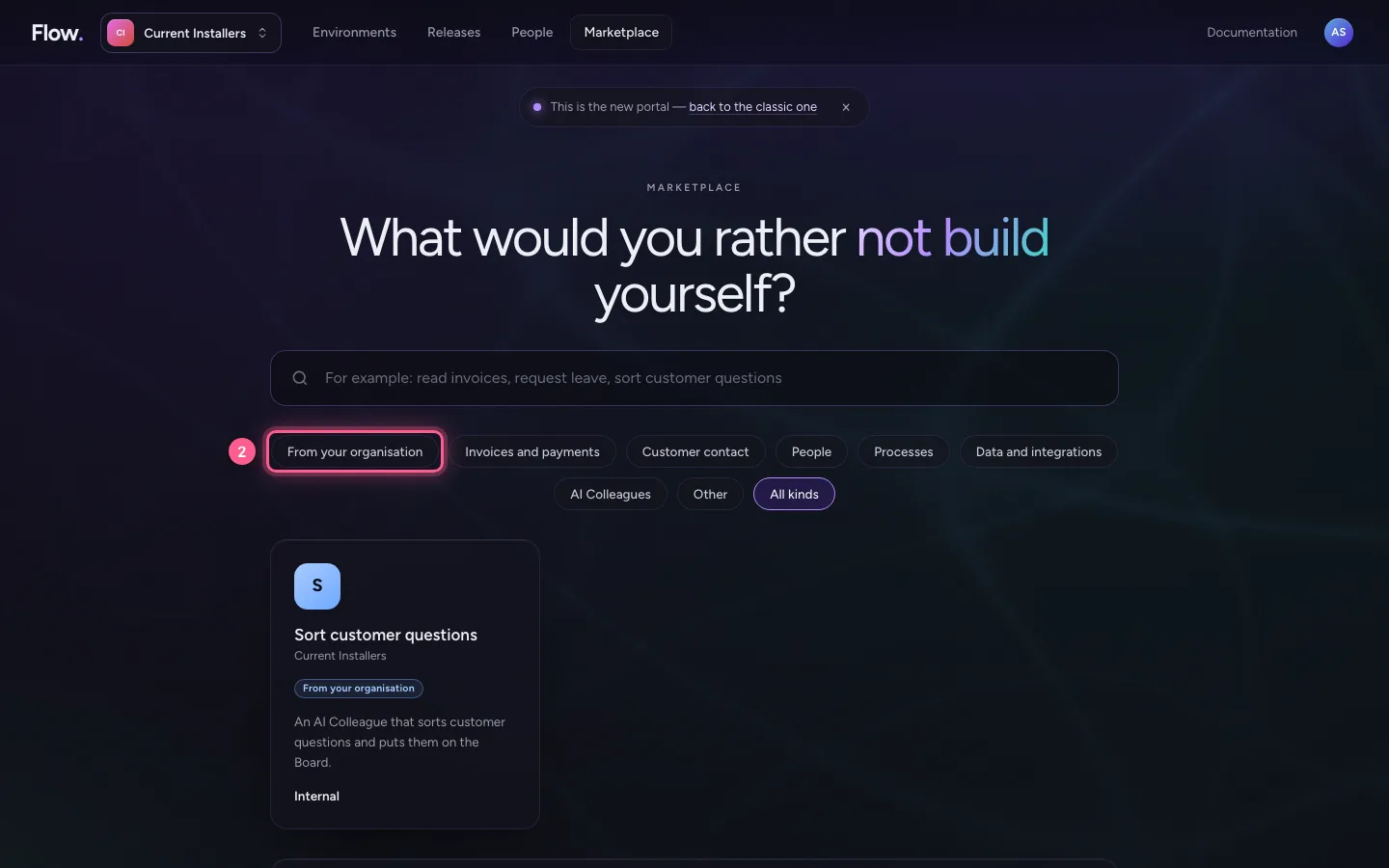
Type a few words, for example customer questions. Below the search field you can also choose a kind, such as Customer contact, or From your organisation: what your own colleagues have shared.
- In Search the marketplace, type
customer questions
Look at a package
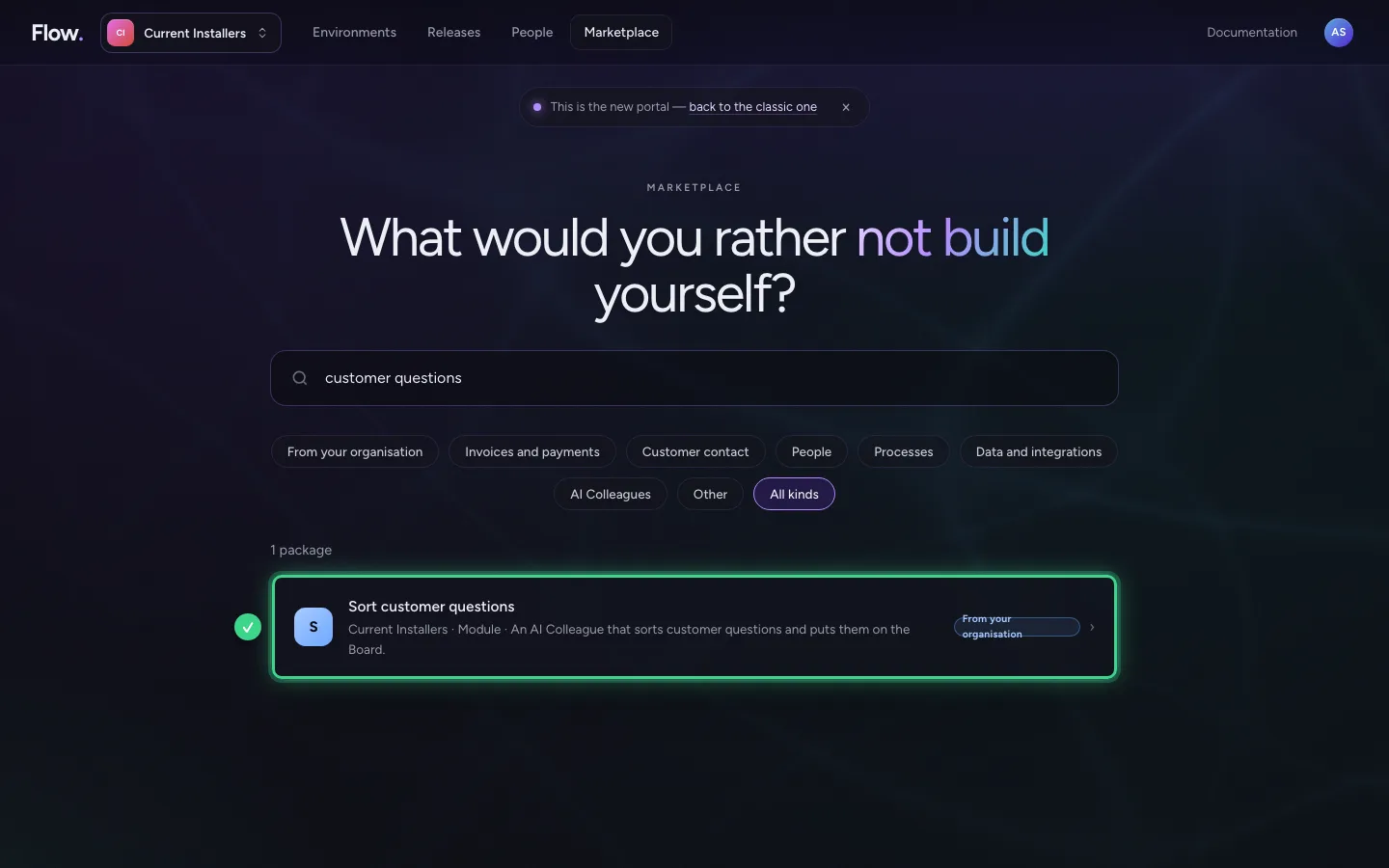
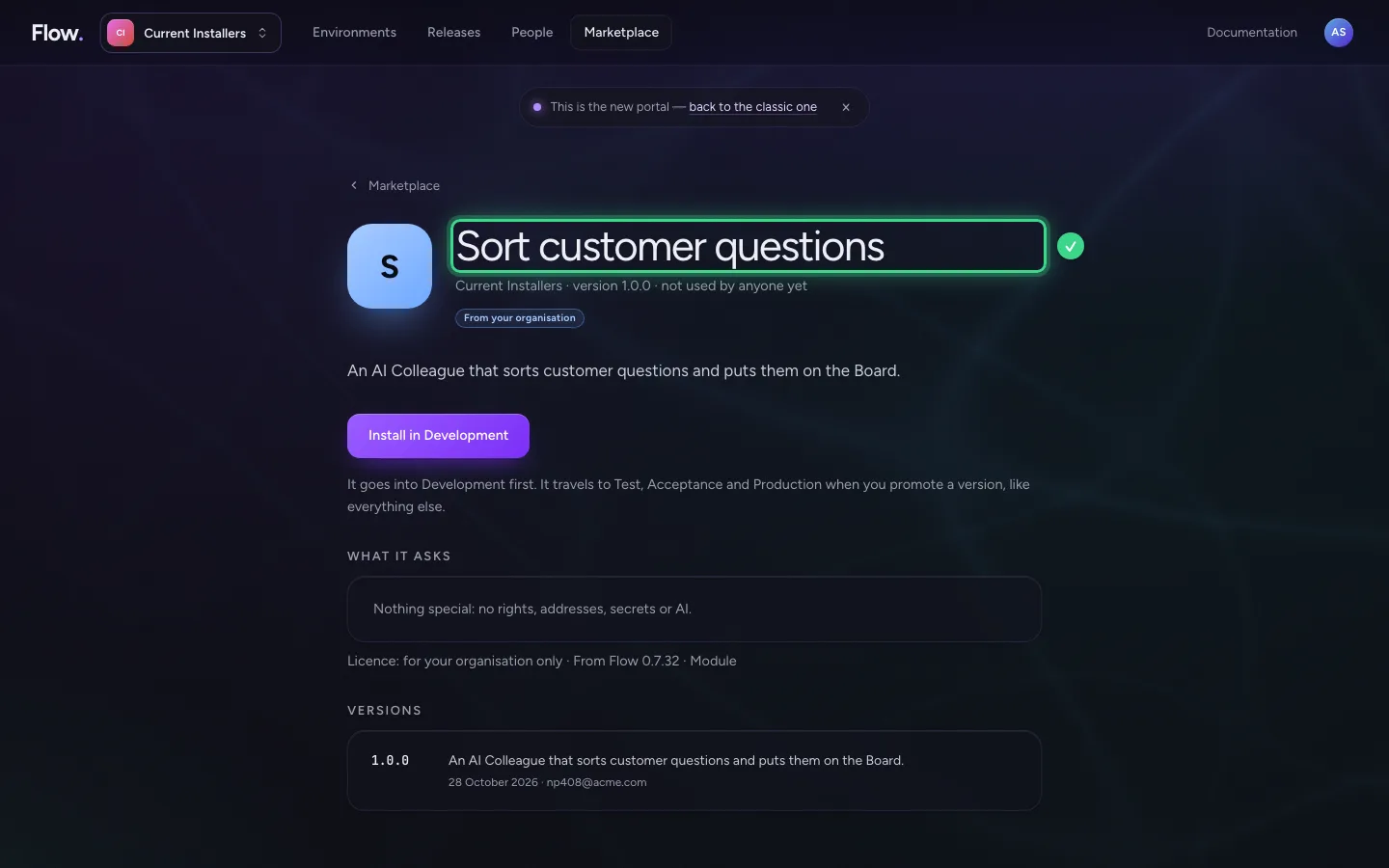
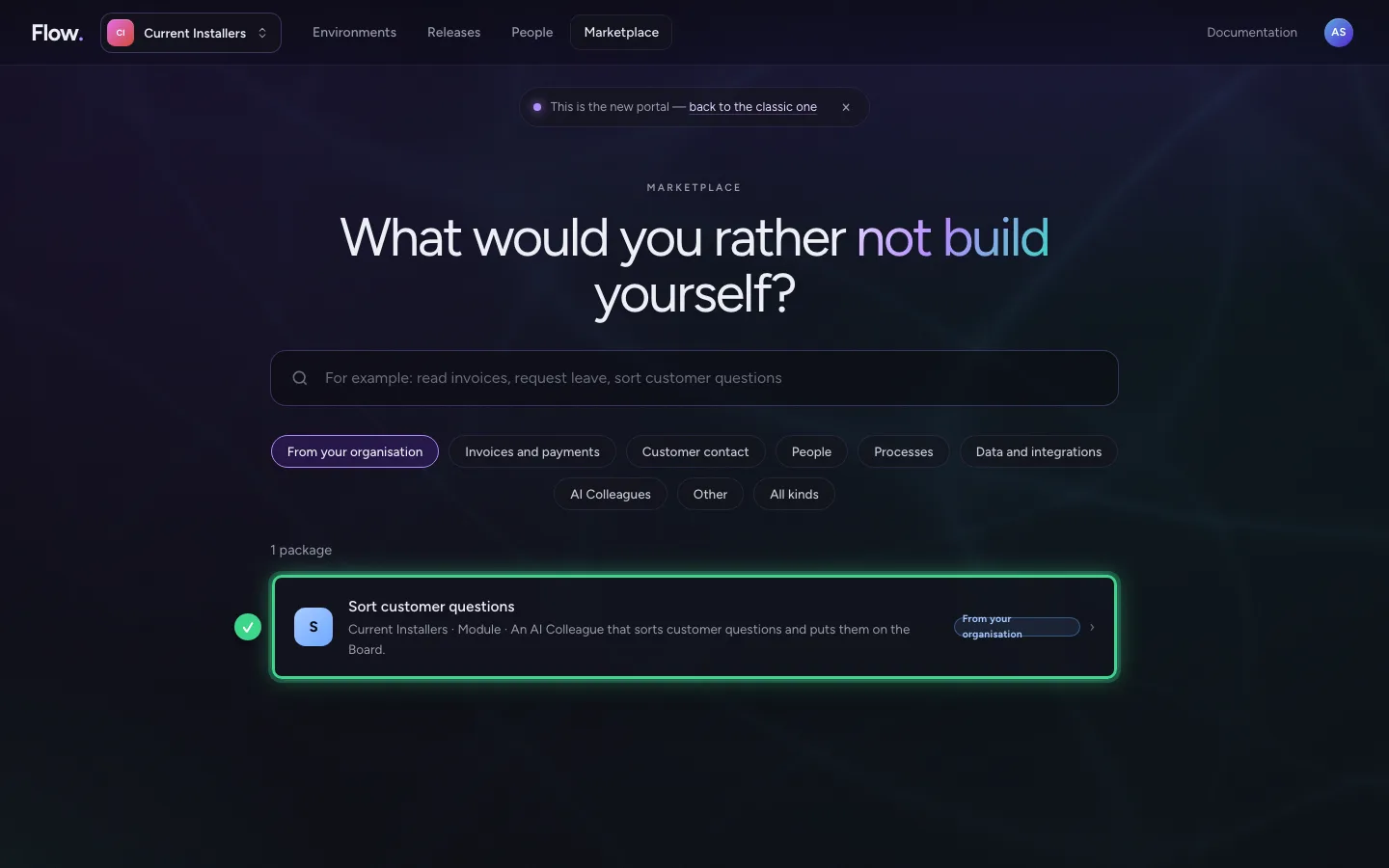
Click the package. You read what it does, who publishes it, the versions with what is new, and what it asks for: which rights, which addresses, which secrets.
- Click S Sort customer questions Current Installers · Module · An AI Colleague that sor
What installing asks
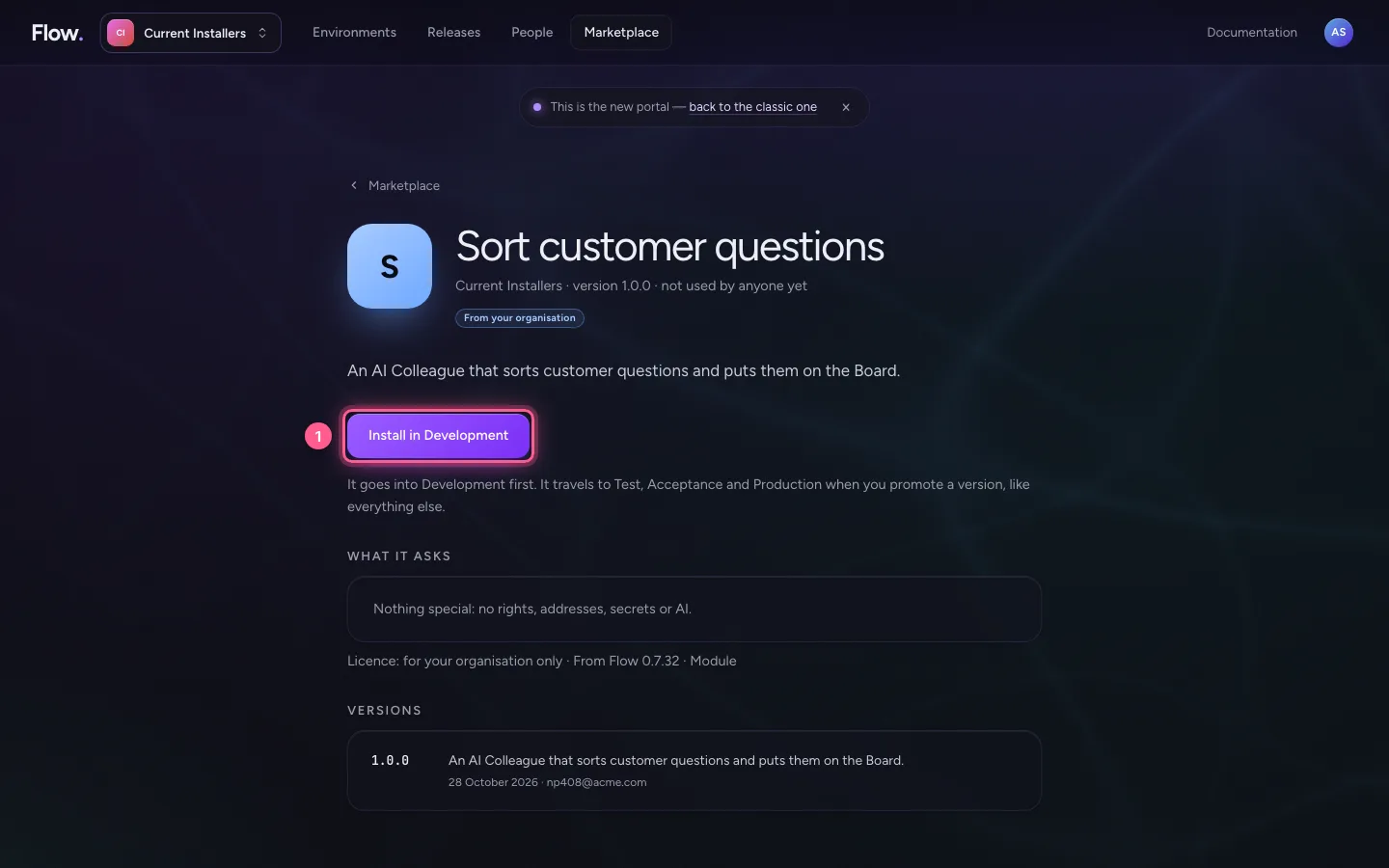
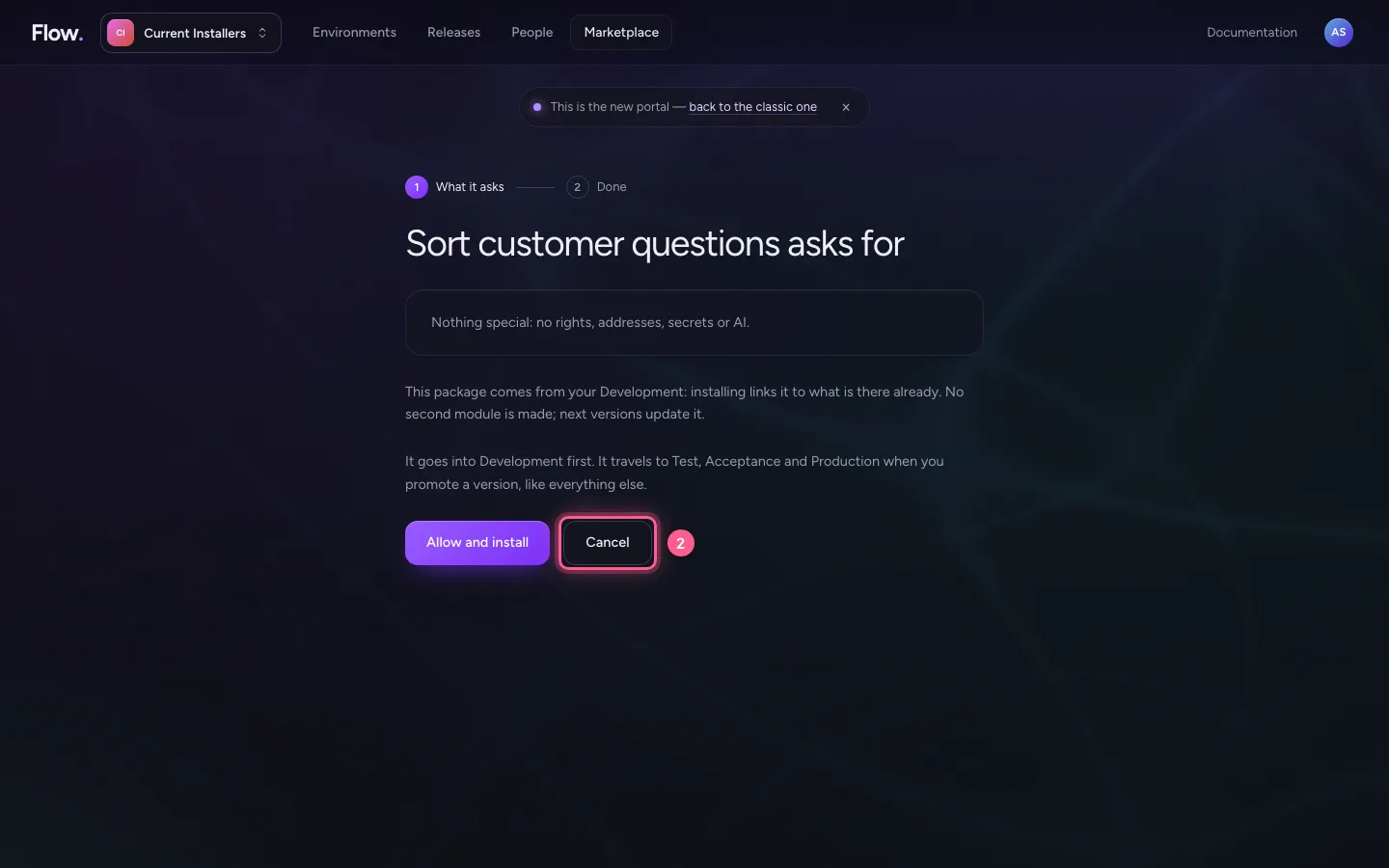
Choose Install in Development. You first see what the package asks for. It goes into Development first; it moves to Test, Acceptance and Production when you promote a version, like everything else. Here you choose Cancel: how to really install is in Install a module from the marketplace.
- Click Install in Development
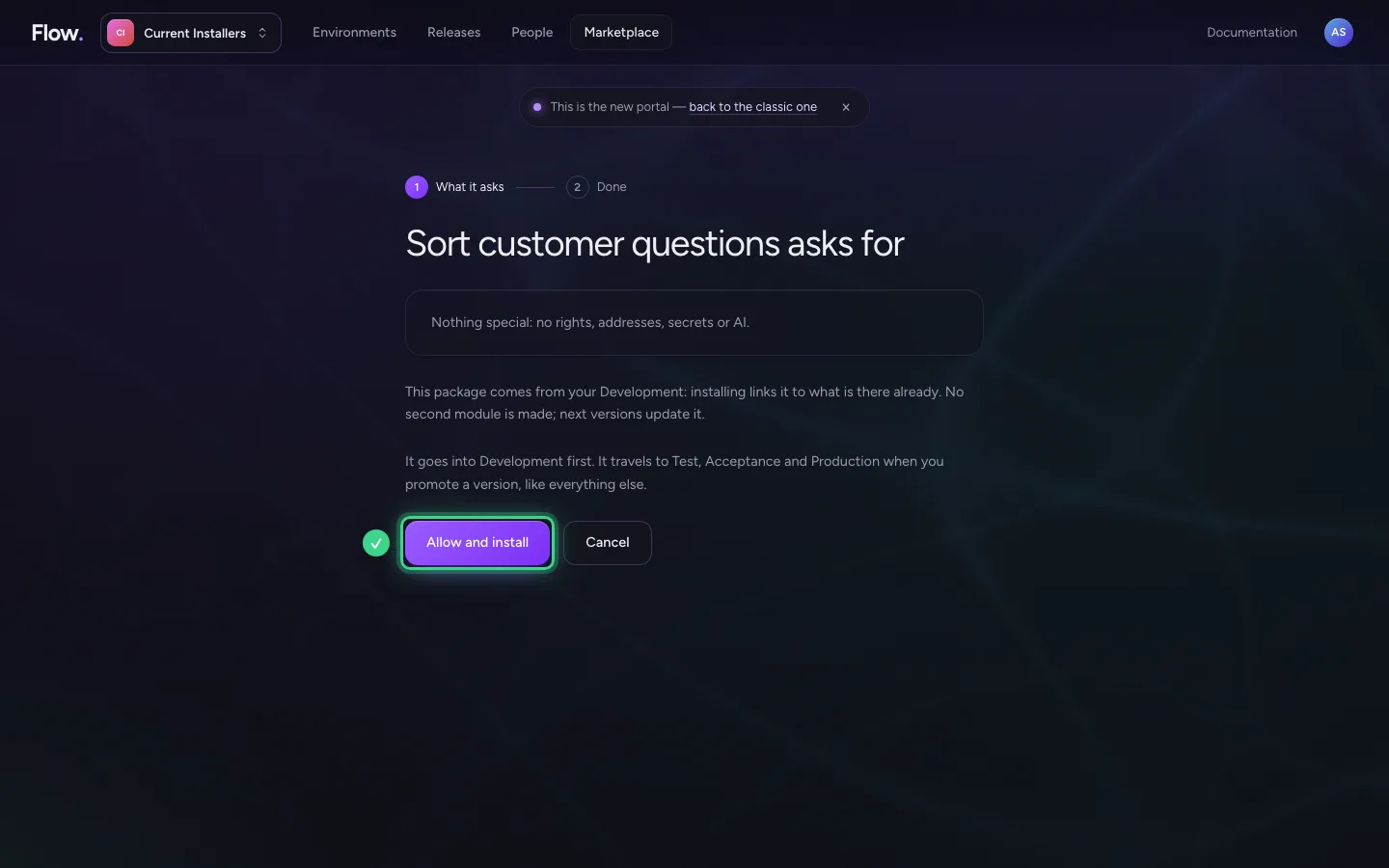
- Click Cancel
Share your own module
You share a module of your own from Flow's studio: choose Marketplace on the module. Only the design goes along: no rows, no secrets, no conversations. Your colleagues then find it here, under From your organisation.
- Click Marketplace
- Click From your organisation
This guide was carried out step by step on 28 Oct 2026 by an automated test on Flow (version 96971699).