Export a module as a package and import it elsewhere
A module — tables, workflows, APIs, agents — travels as a package with a version from one Flow to another: to your personal Flow to try things out, or to another organisation. The package is signed by your environment, so nobody can change it on the way unnoticed. Secrets, connections and table rows never travel. Whoever imports it first sees what is new, what is updated and what is still missing; a next version updates without overwriting their own changes.
Open your development environment
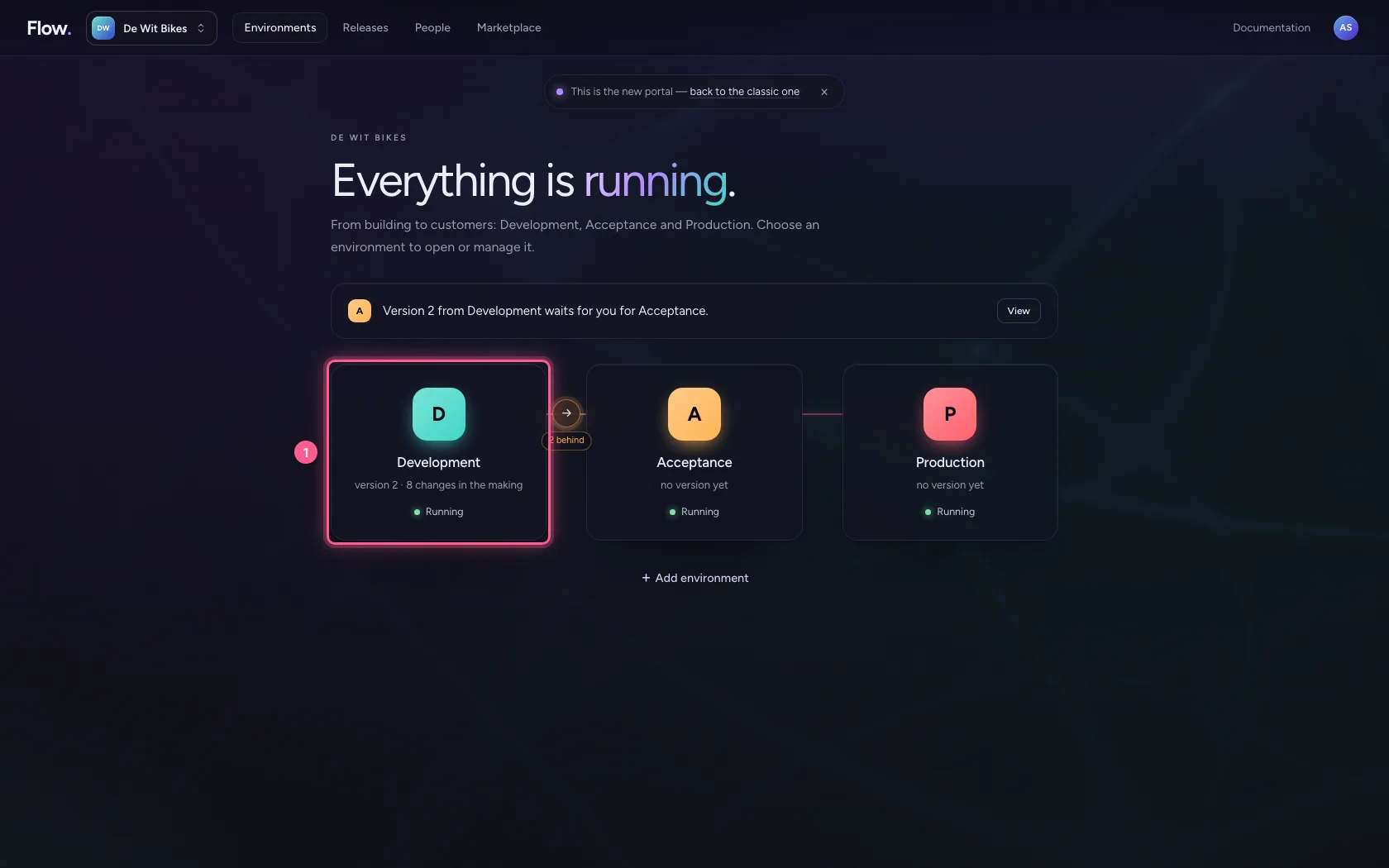
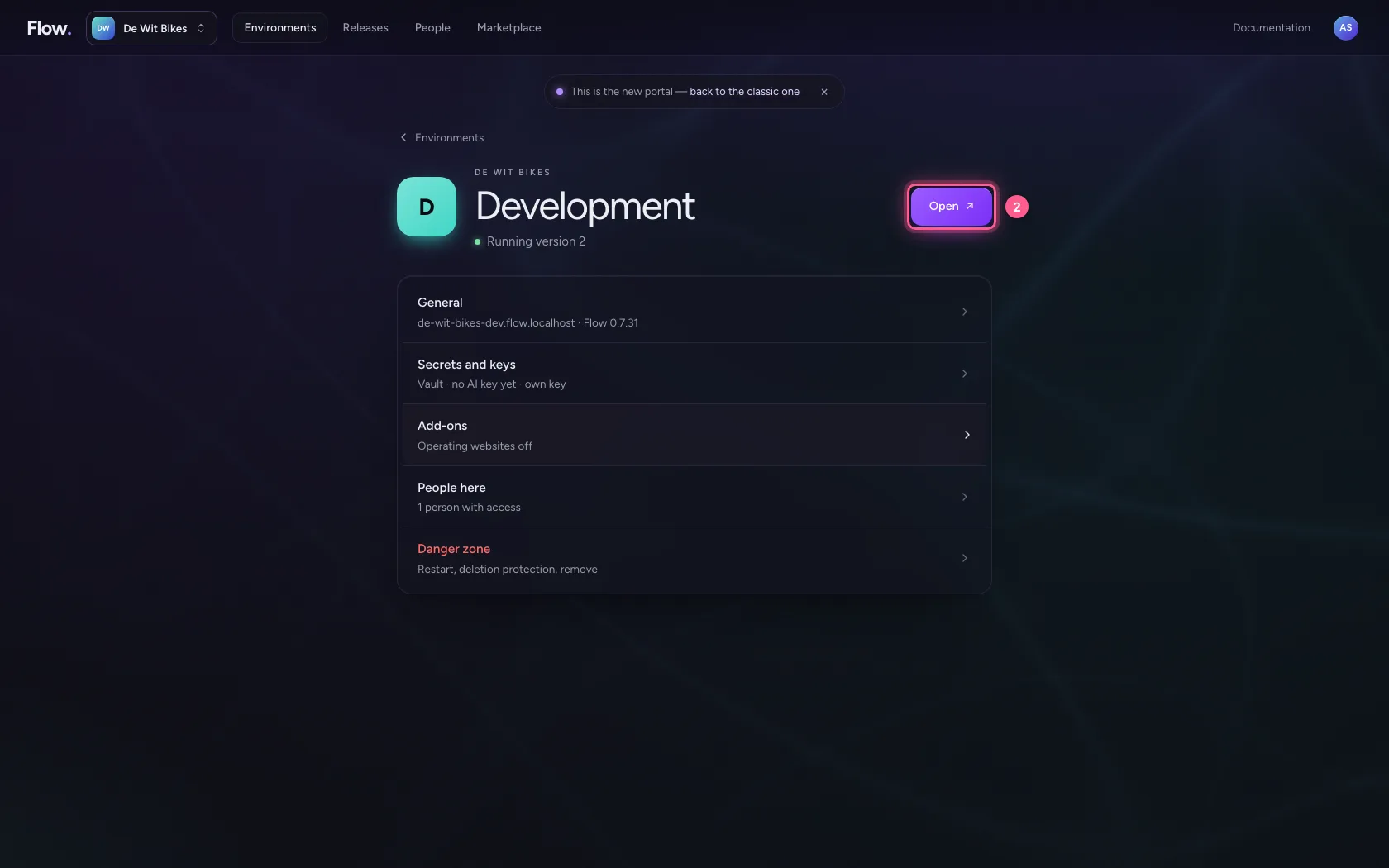
In the portal, under Environments, click Development, and there Open. You export from Development: it holds the module Purchasing with a table, a connection and a workflow.
- Click Development
- Click Open ↗
Export the module as a package
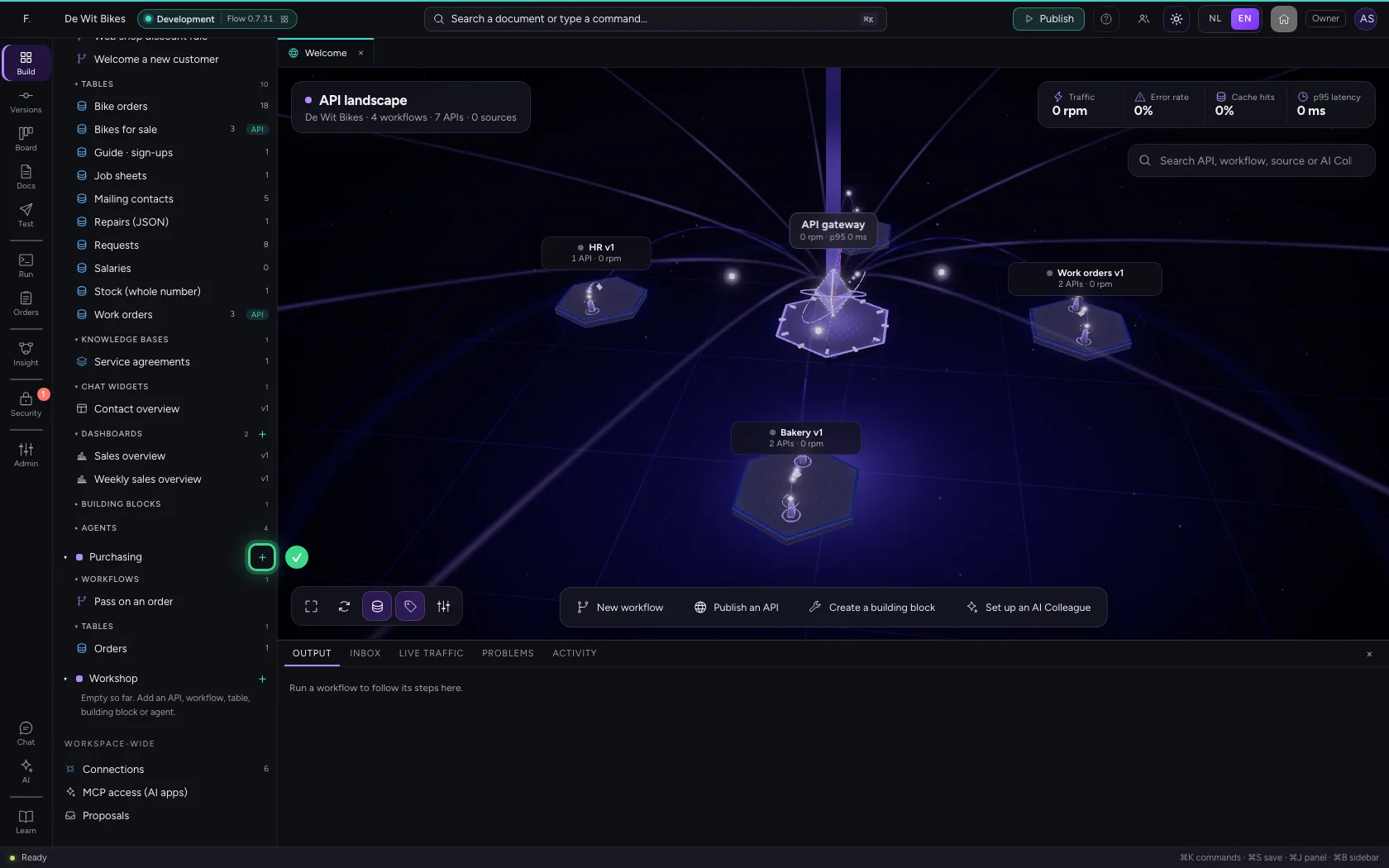
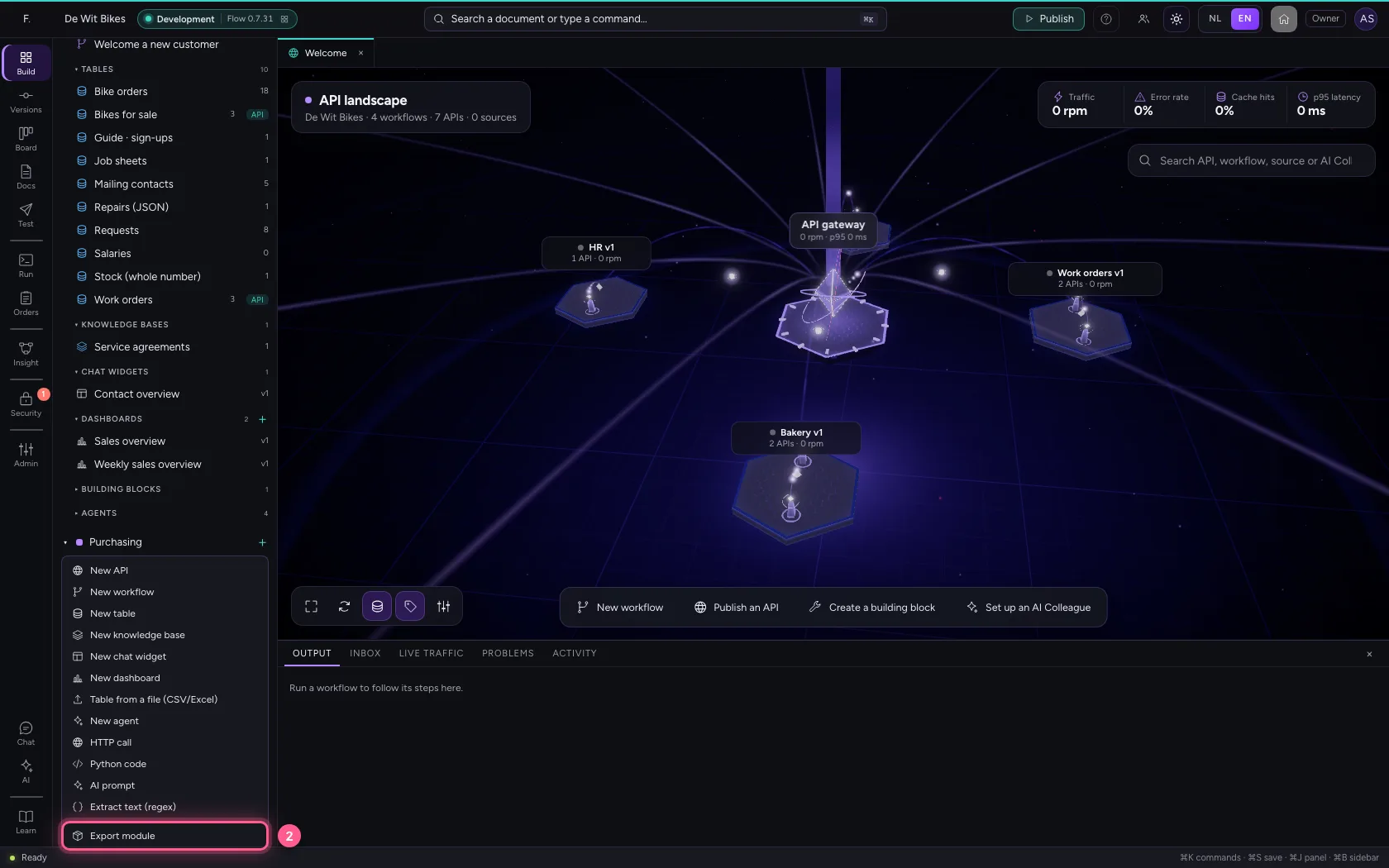
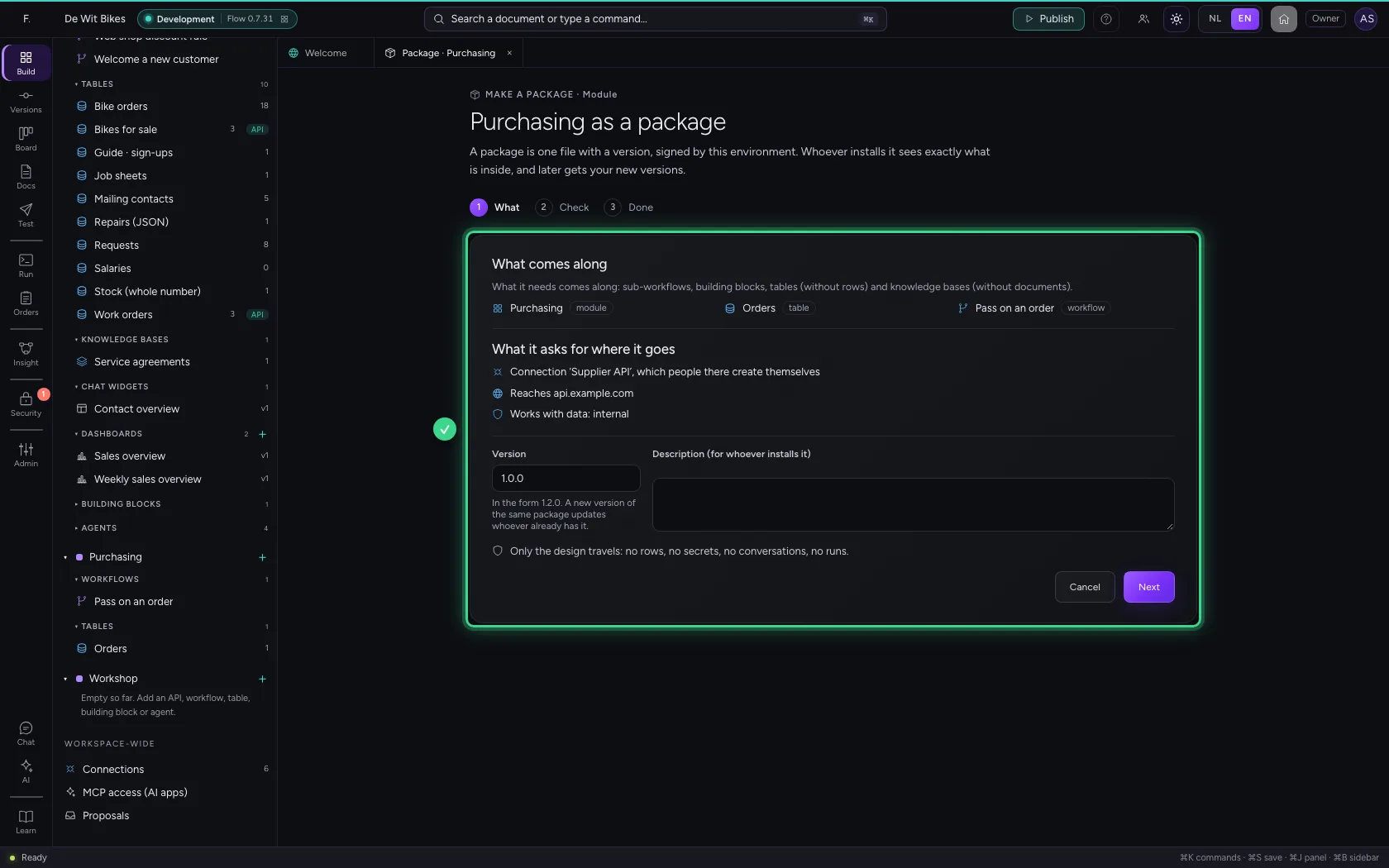
At the bottom of the + menu next to the module is Export module. A tab opens: first you see what comes along and what the package asks for where it goes — here the connection Supplier API, which people there create themselves.
- Click Add to Purchasing
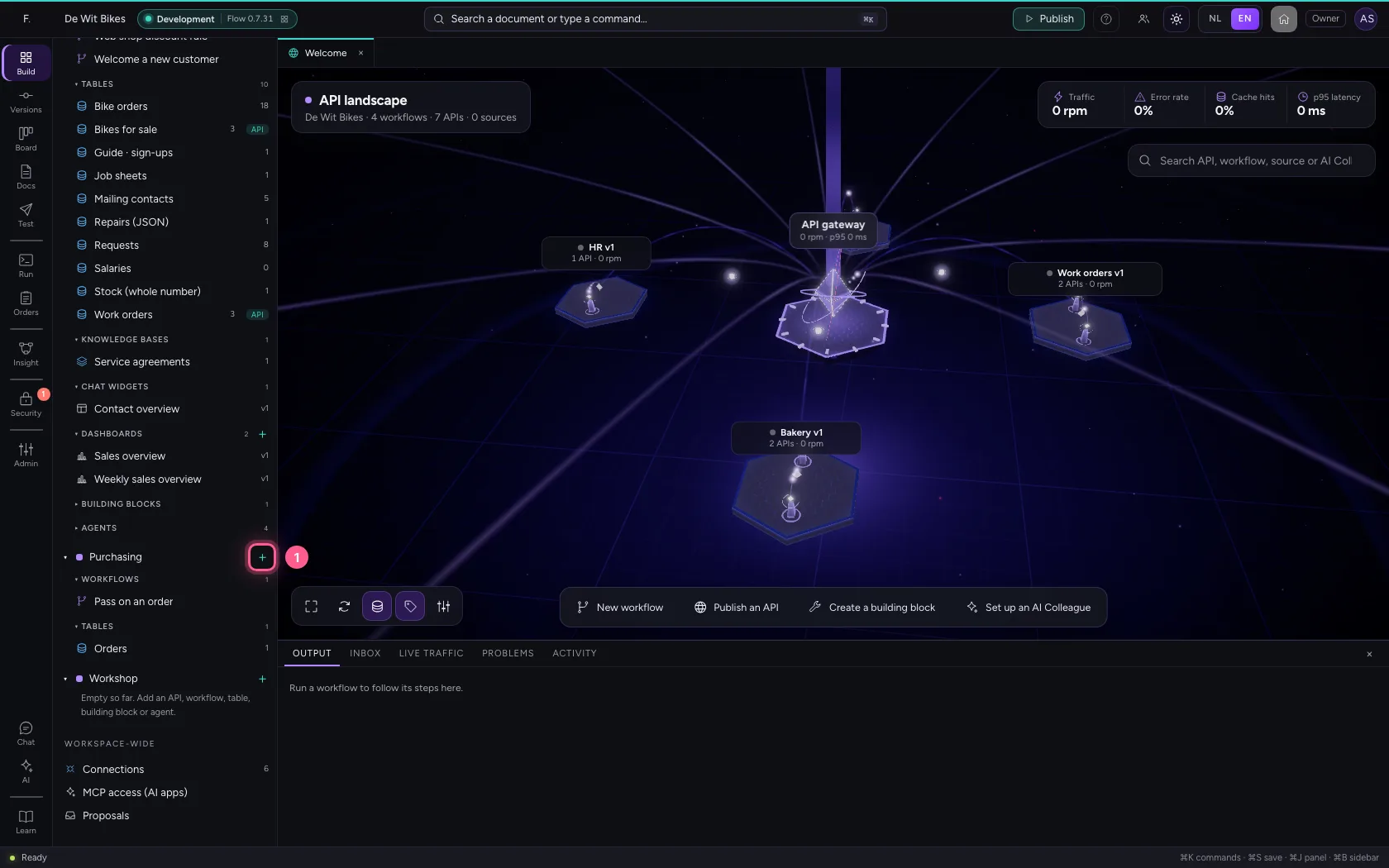
- Click Export module
Check and download
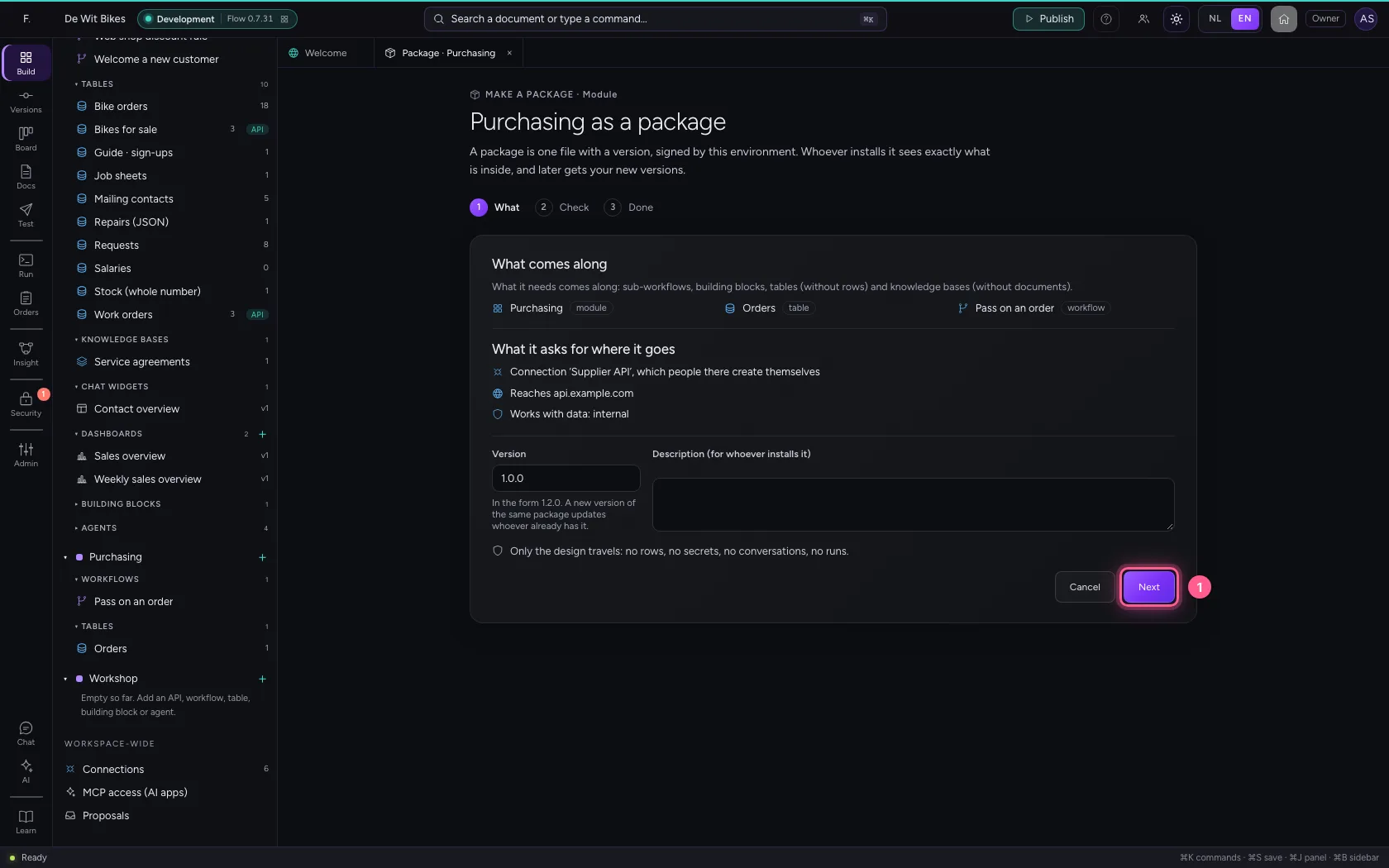
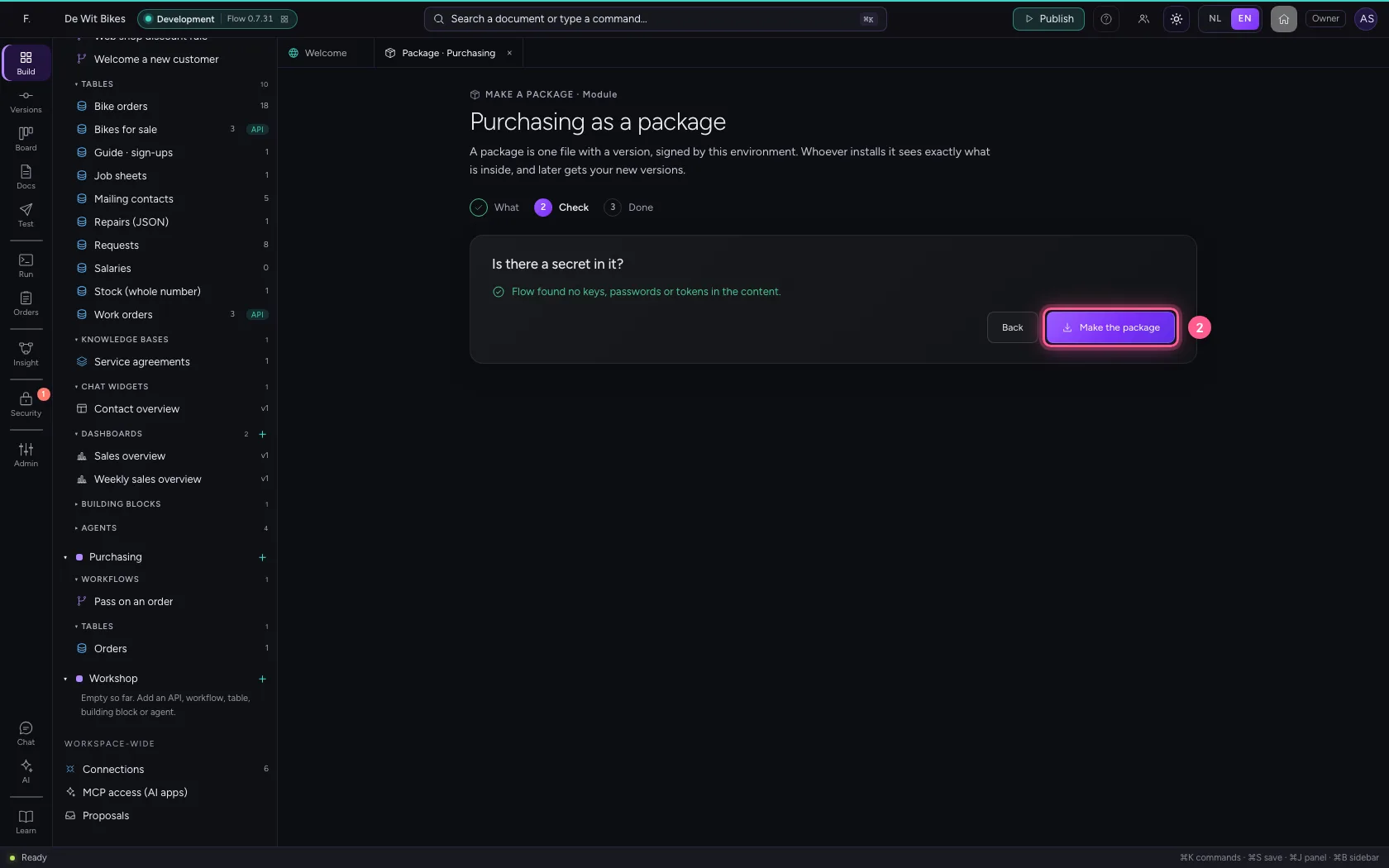
Click Next. Flow checks whether a key, password or token was typed into the content; if so, you first put it in the vault. Here everything is clean: click Make the package and the file is downloaded, signed with this environment's key.
- Click Next
- Click Make the package
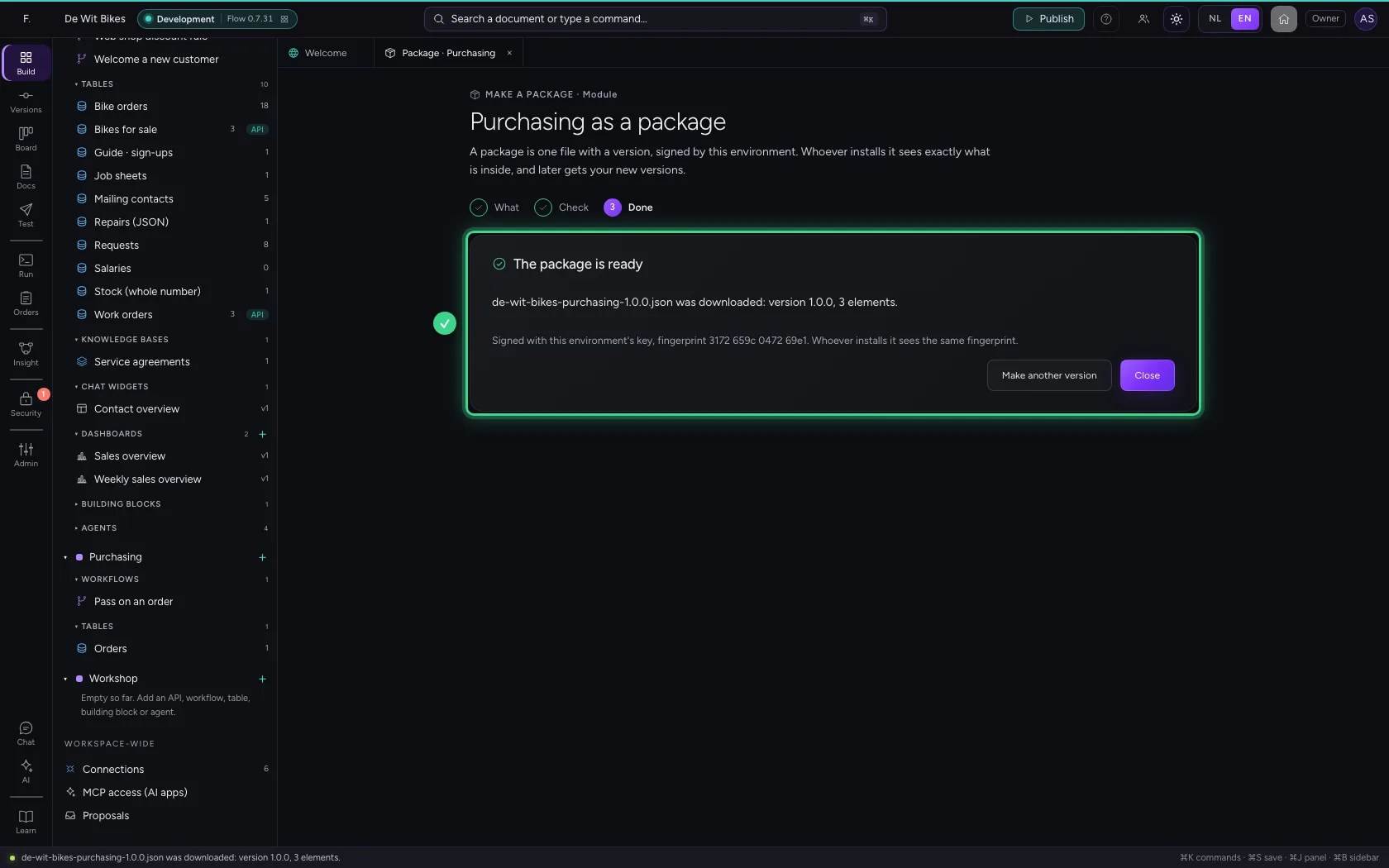
What travels and what does not
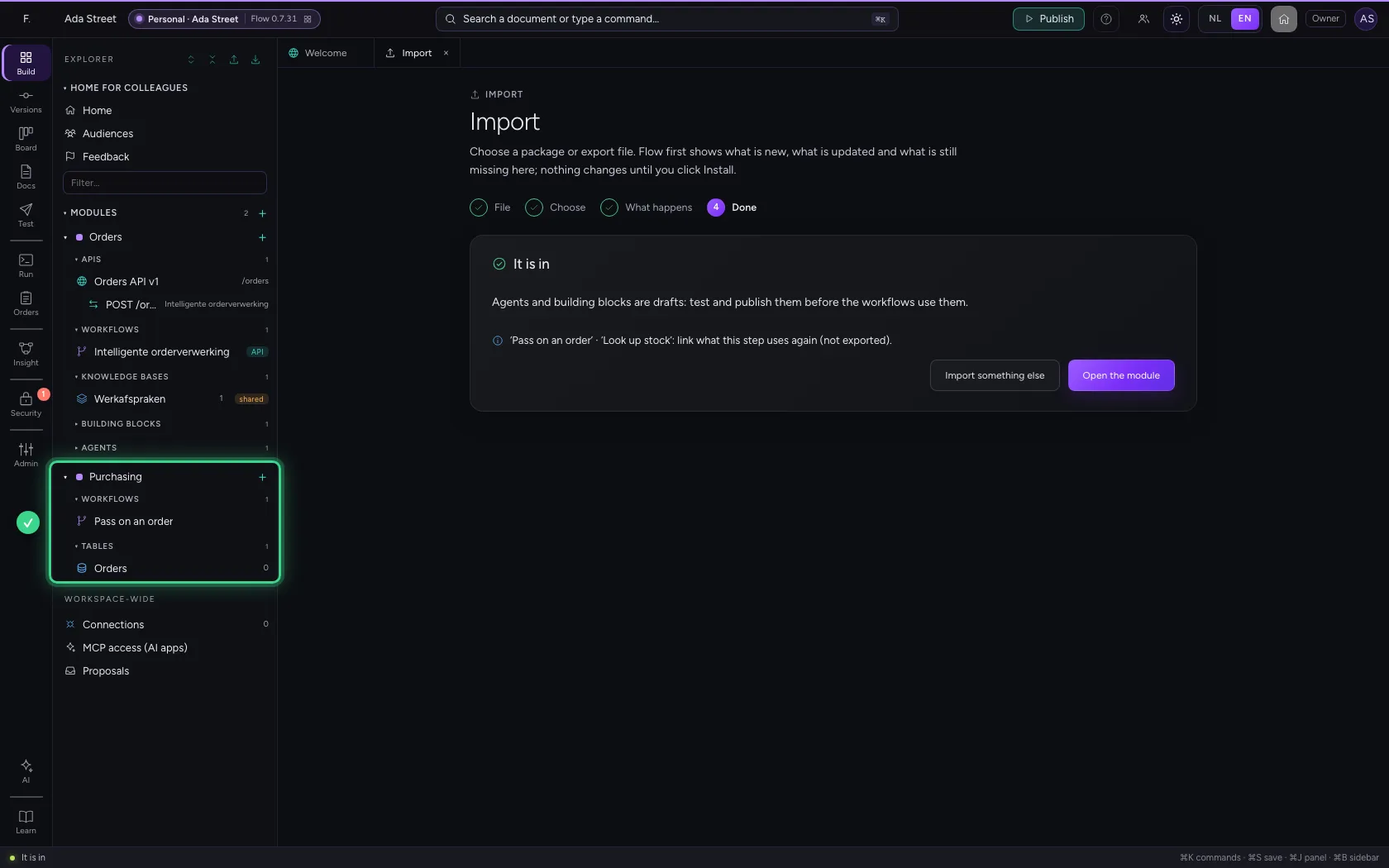
Tables travel as structure, without rows: those can hold personal data. Connections and secrets travel by name only, never their value, and knowledge content and run history do not travel either. Agents and building blocks arrive as drafts: they must be tested and published again there.
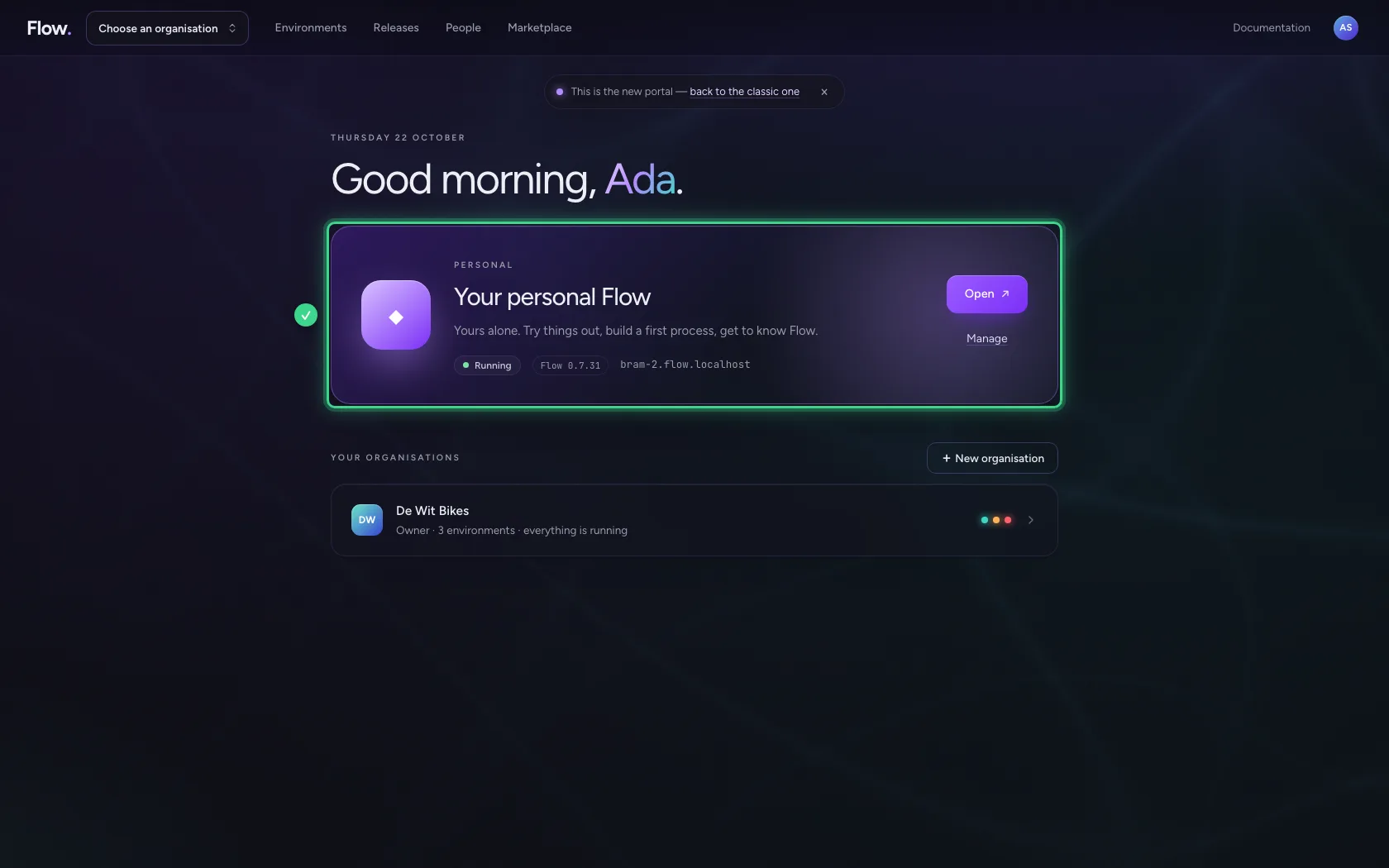
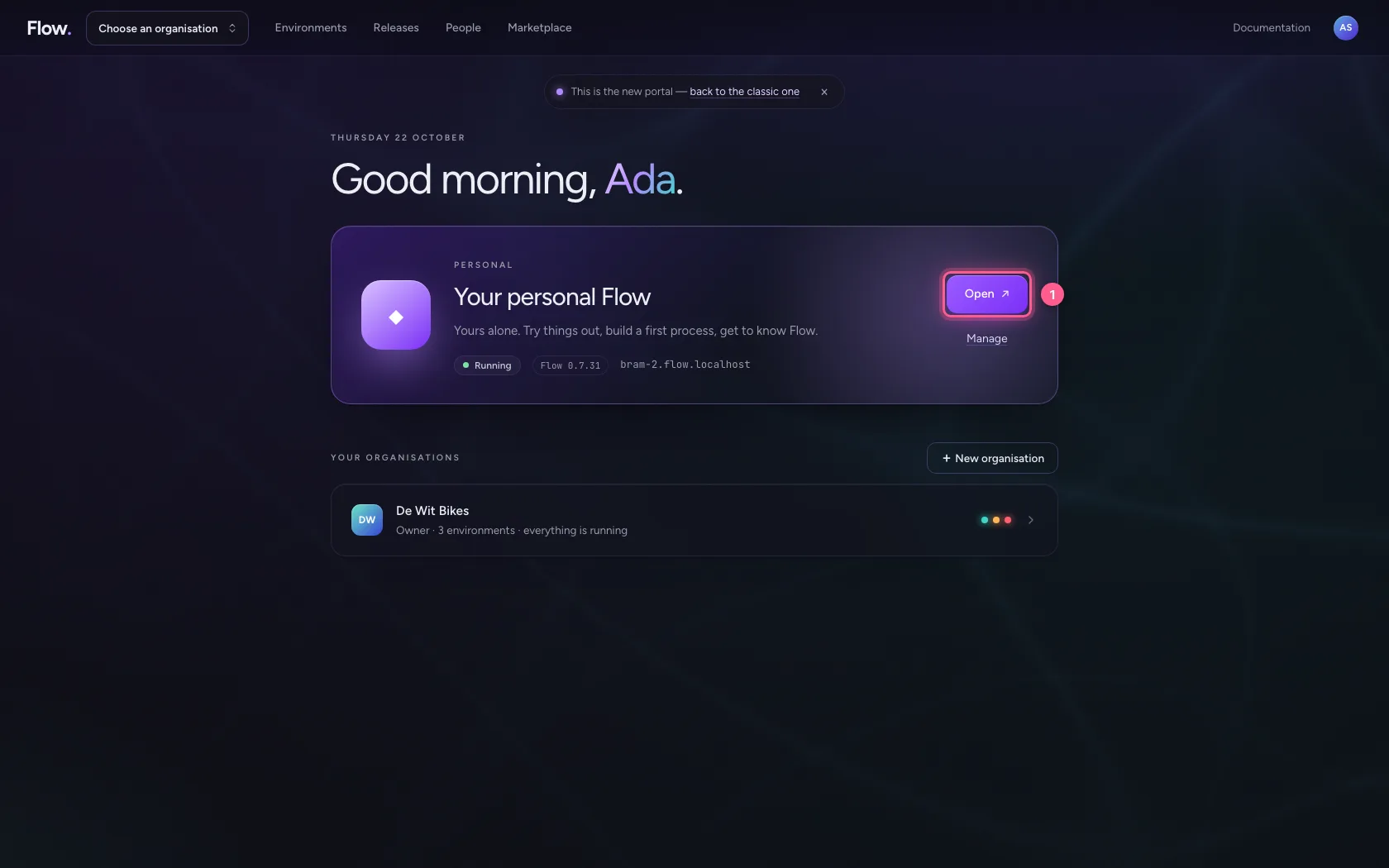
Open your personal Flow
Another Flow, with its own database: nothing you do here touches your organisation.
- Click Open ↗
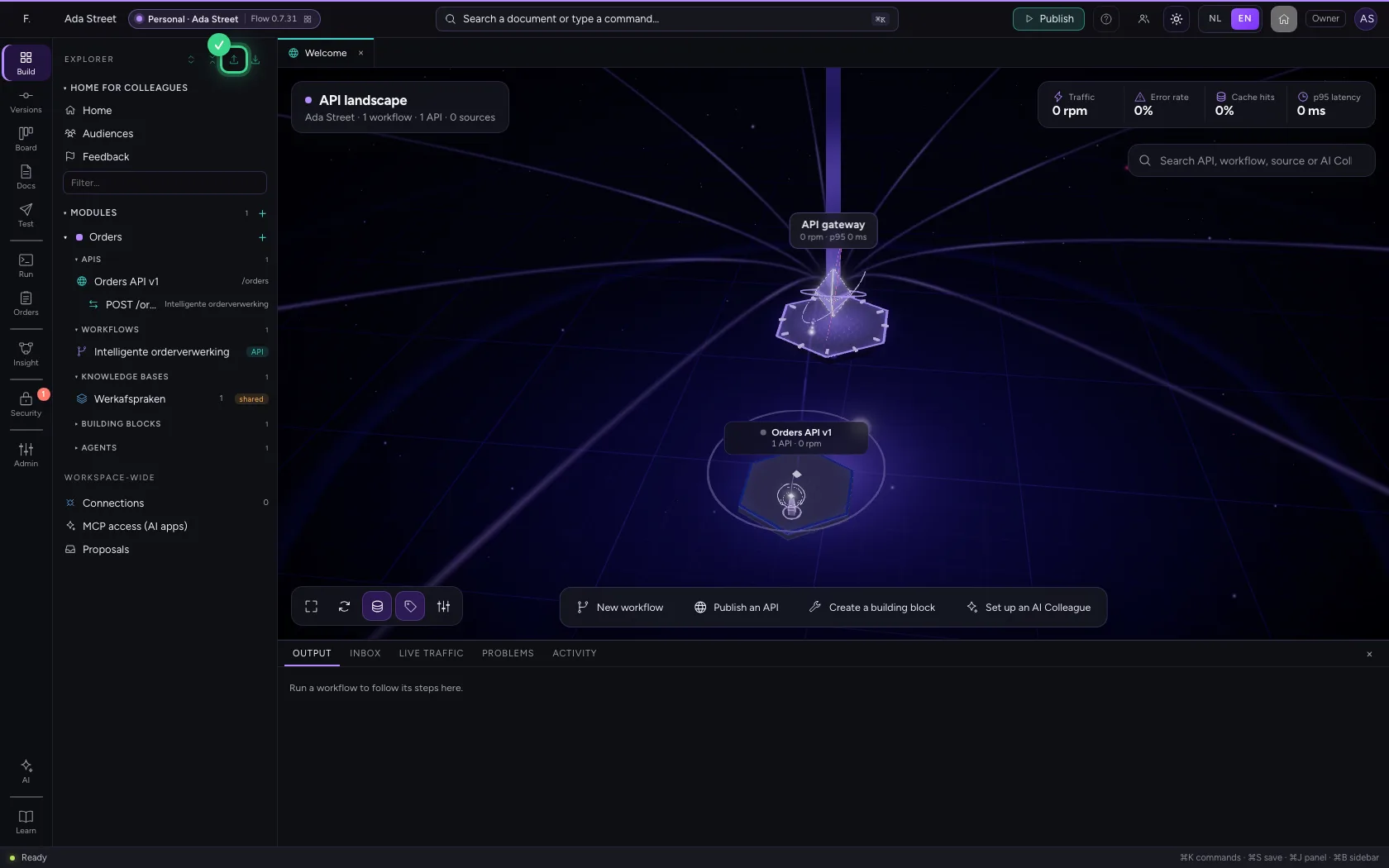
Choose the file
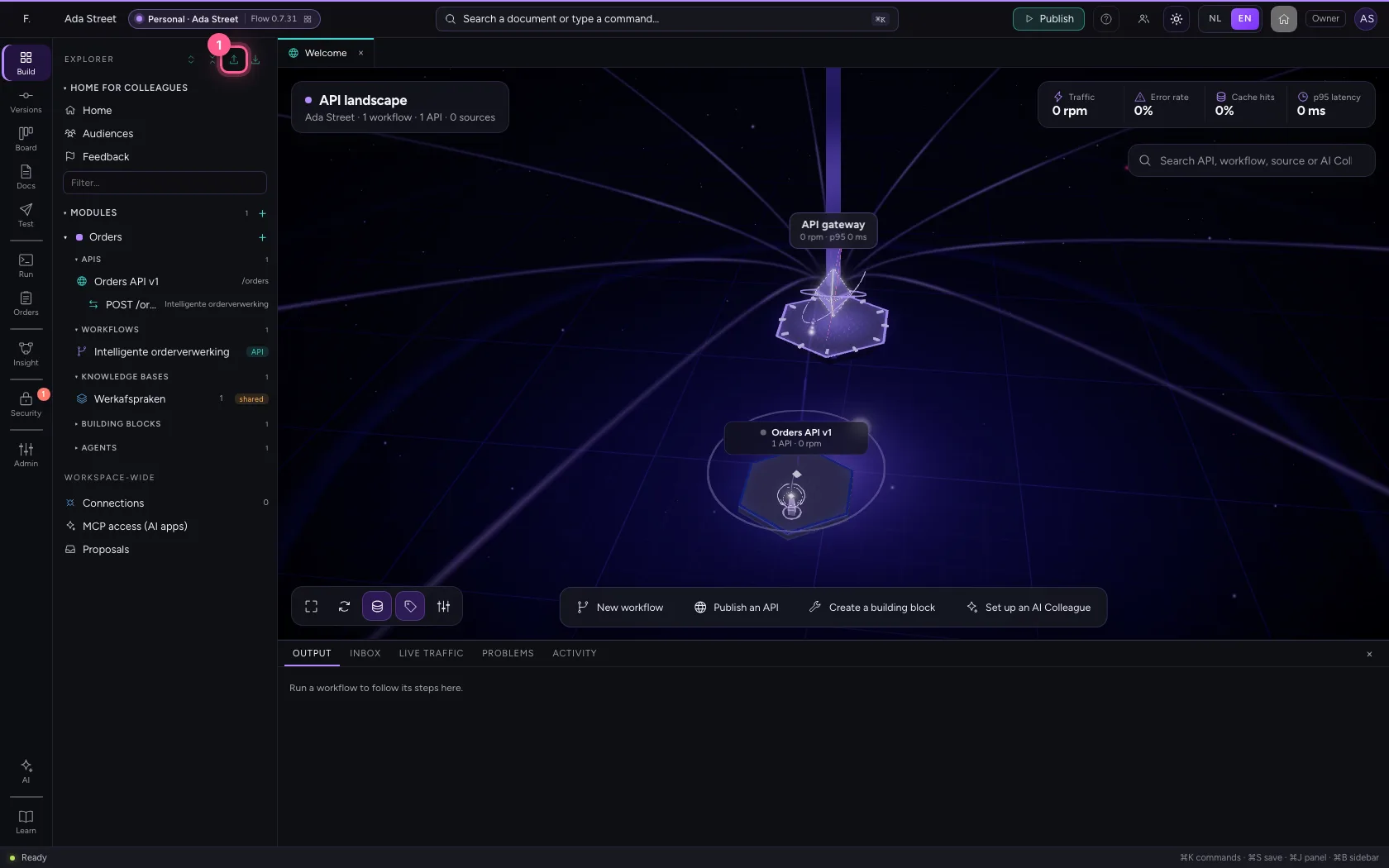
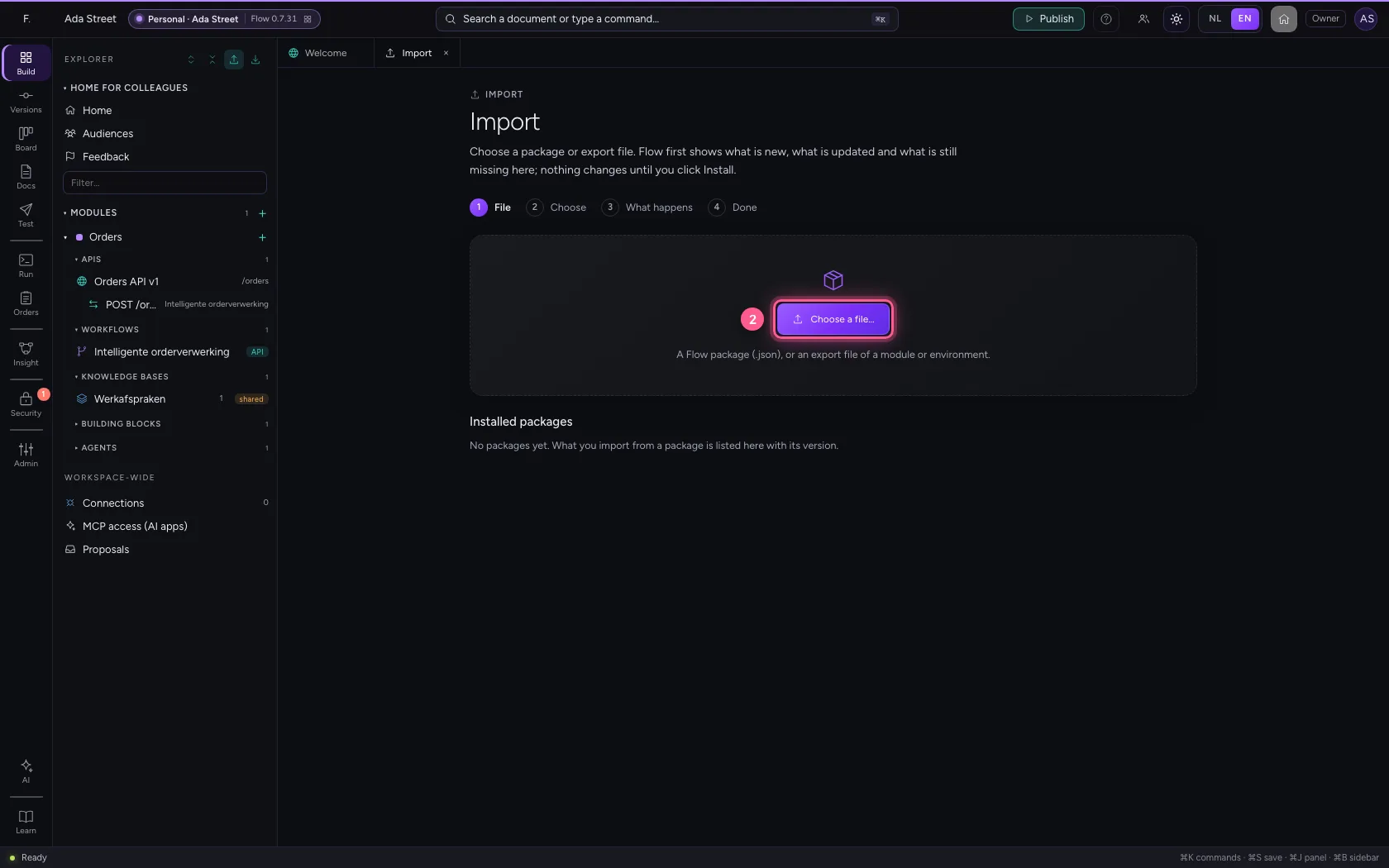
At the top of the explorer is Import…: a tab opens. Click Choose a file… and choose the package. Nothing changes yet.
- Click Import…
- Click Choose a file…
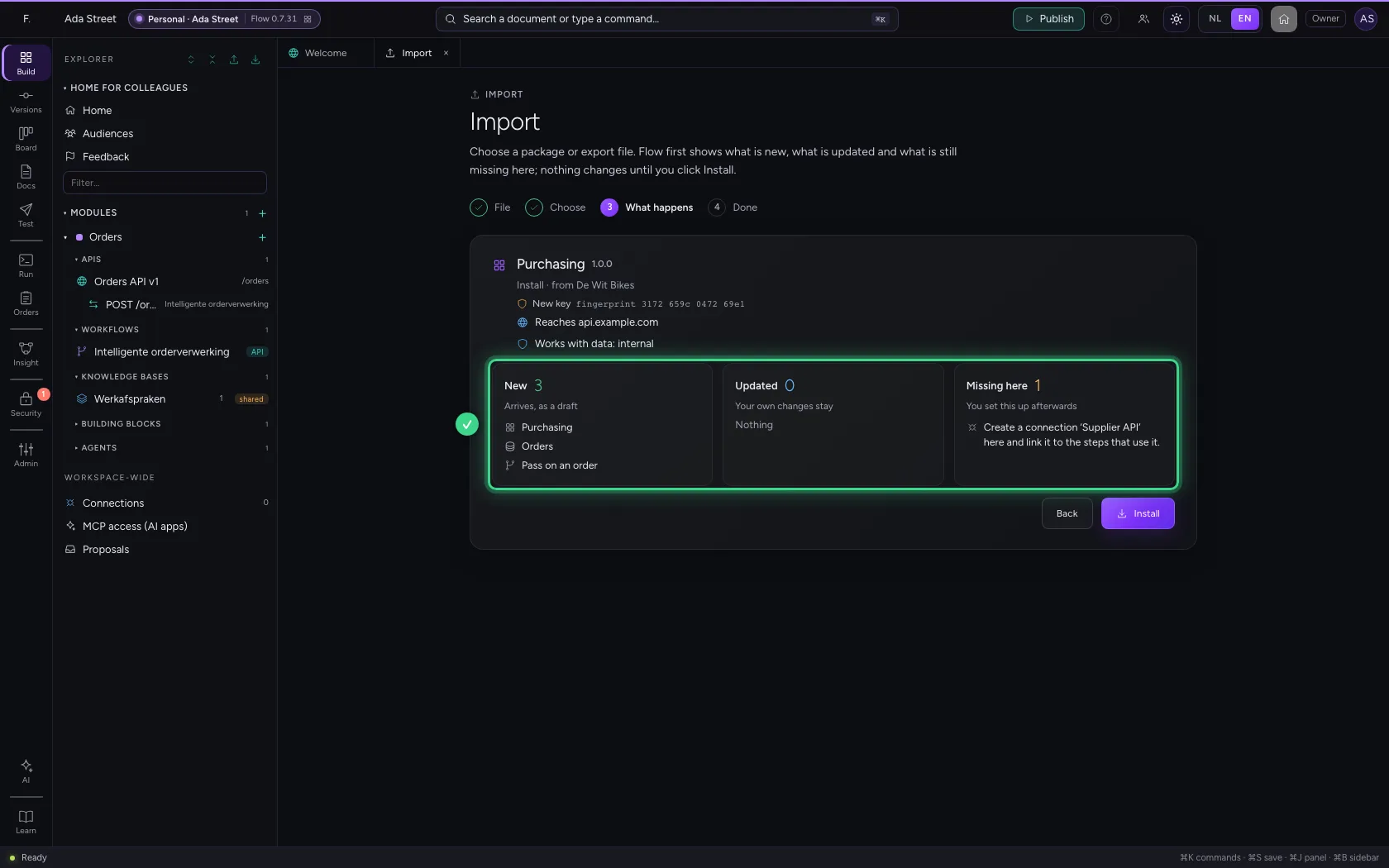
What happens, in three lists
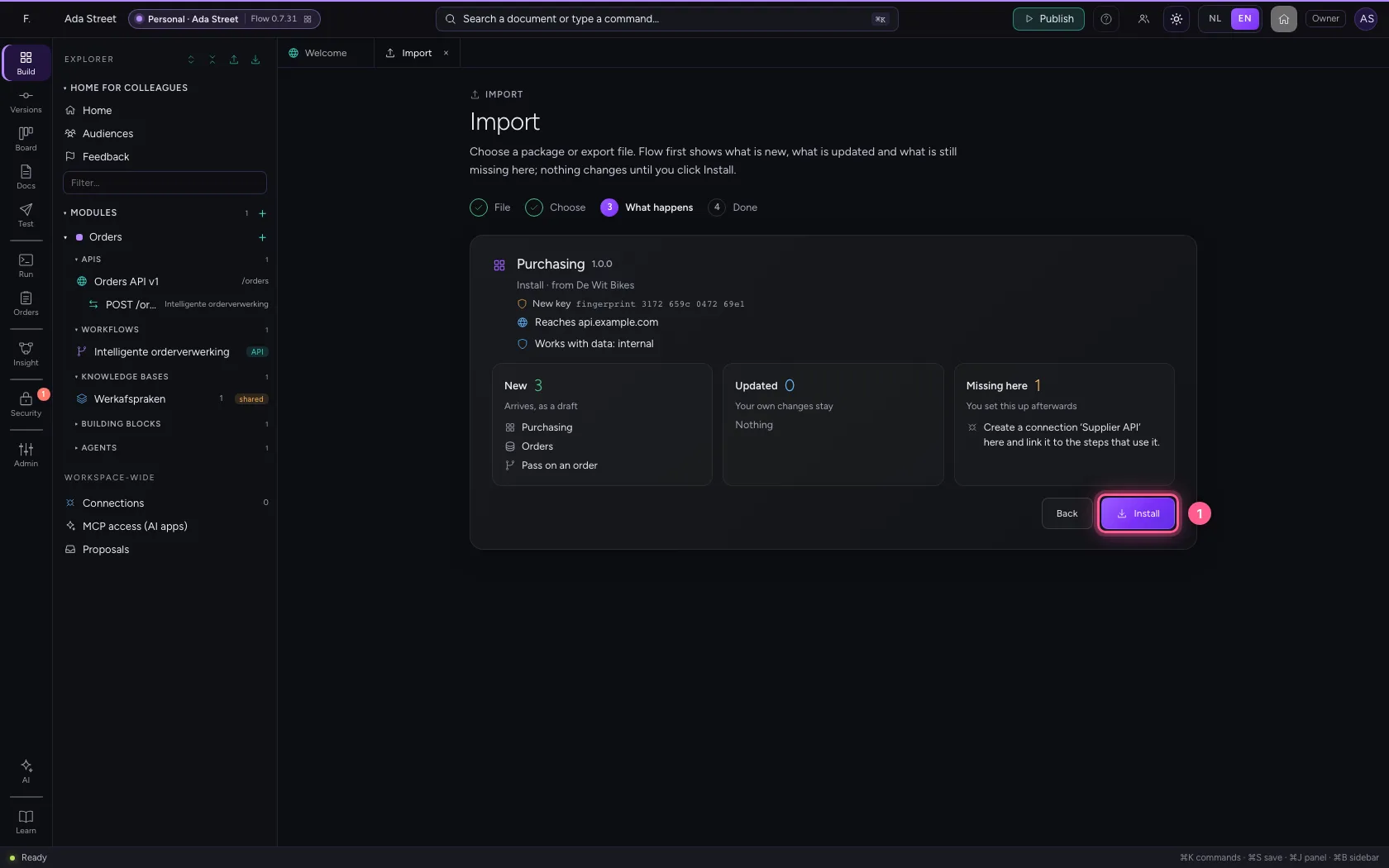
Flow checks the signature and shows what will happen: what is new, what is updated (with a next version; your own changes stay) and what is still missing here — here the connection Supplier API. Click Install.
- Click Install
The module is there, as a package
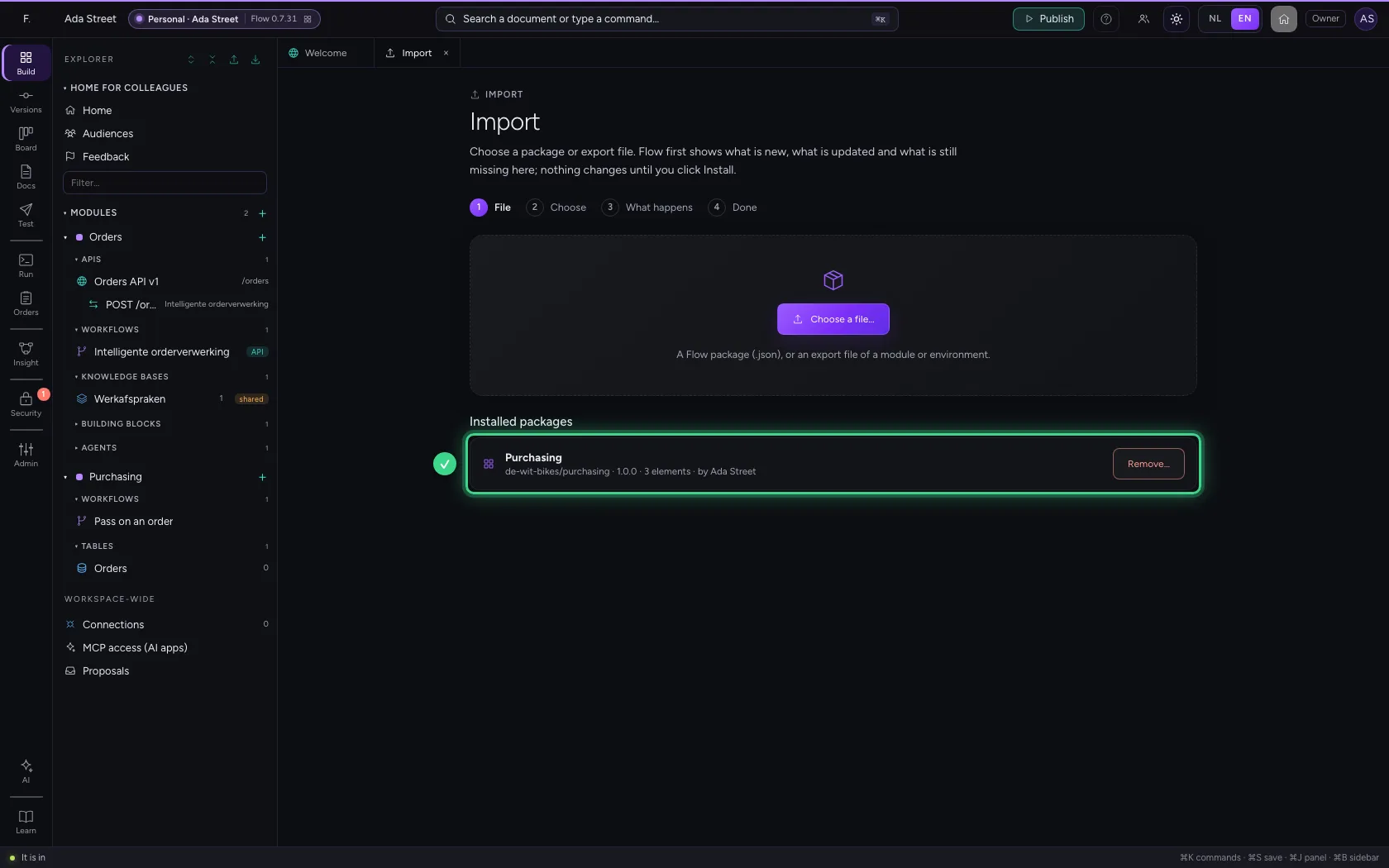
The module arrives as a new module, with all its parts, and is listed under Installed packages with its version. Create a connection of your own here and link it to the step; this Flow has never seen your organisation's key. When a new version comes, you import it the same way: what you did not change yourself is replaced, and where you and the maker changed the same thing, you choose per place.
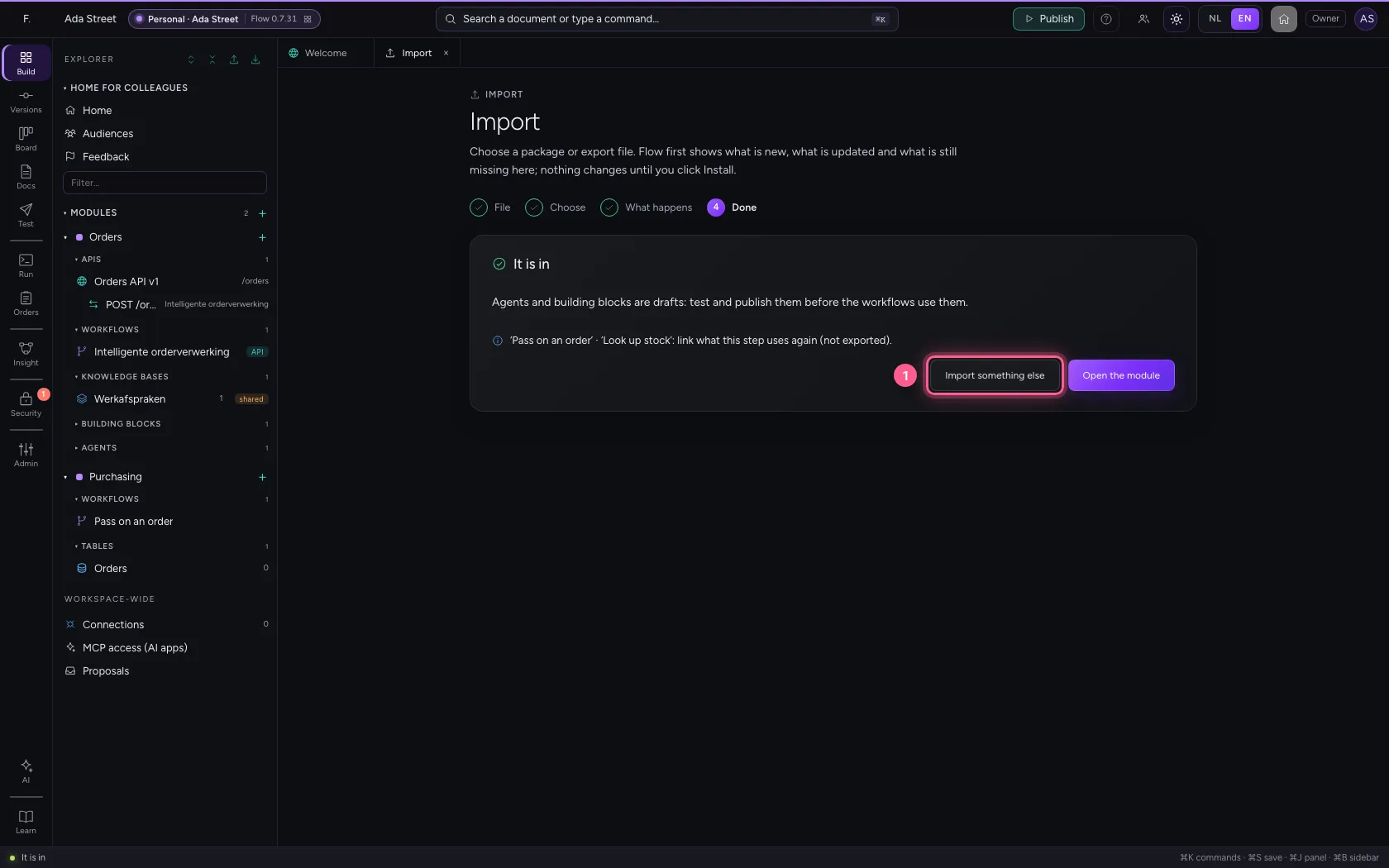
- Click Import something else
This guide was carried out step by step on 22 Oct 2026 by an automated test on Flow (version 3e563176).