Open my environment
You want to get to work in Flow. This is how you get from the portal into the right environment, in three clicks.
Step 1 / 3
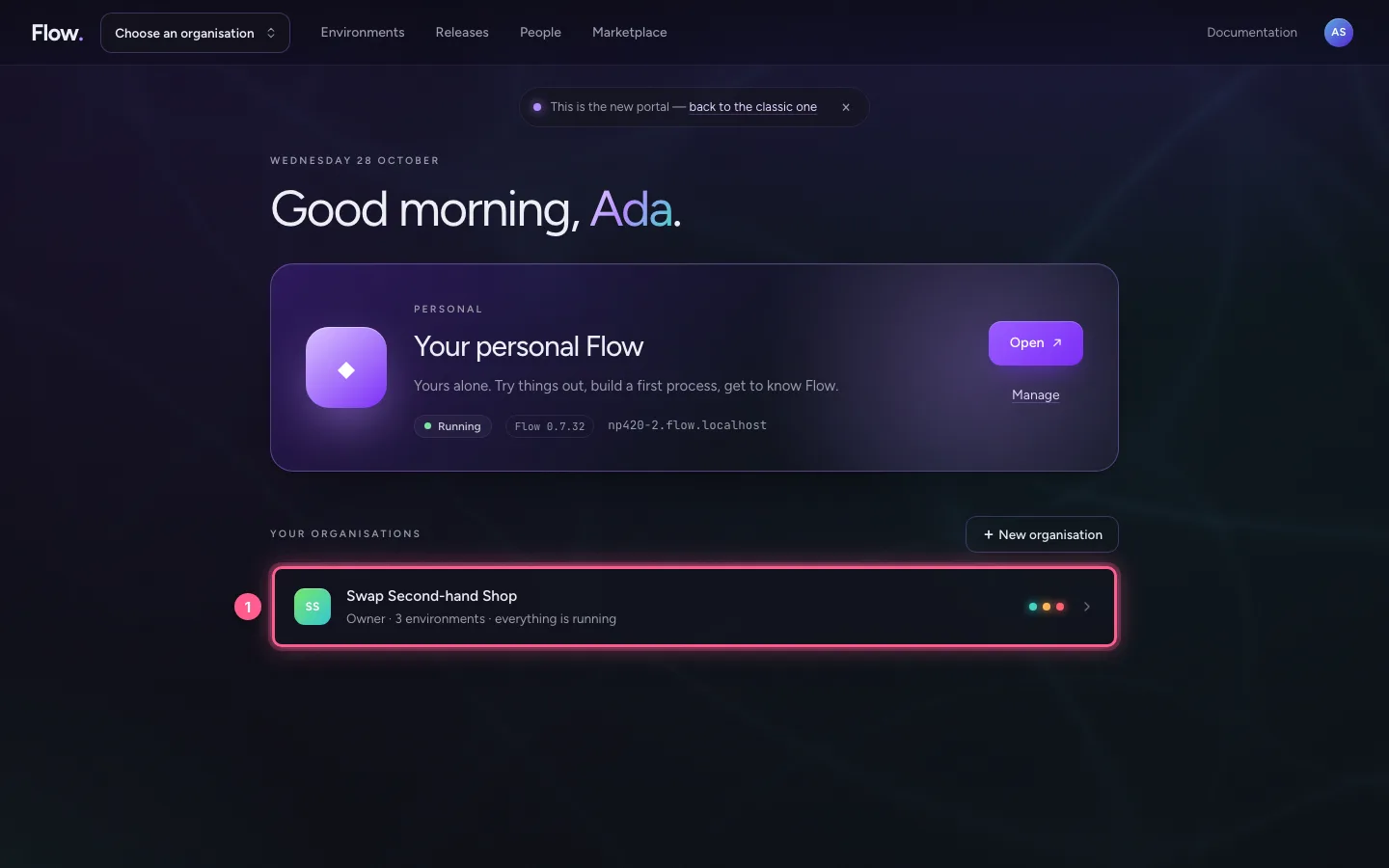
Choose your organisation
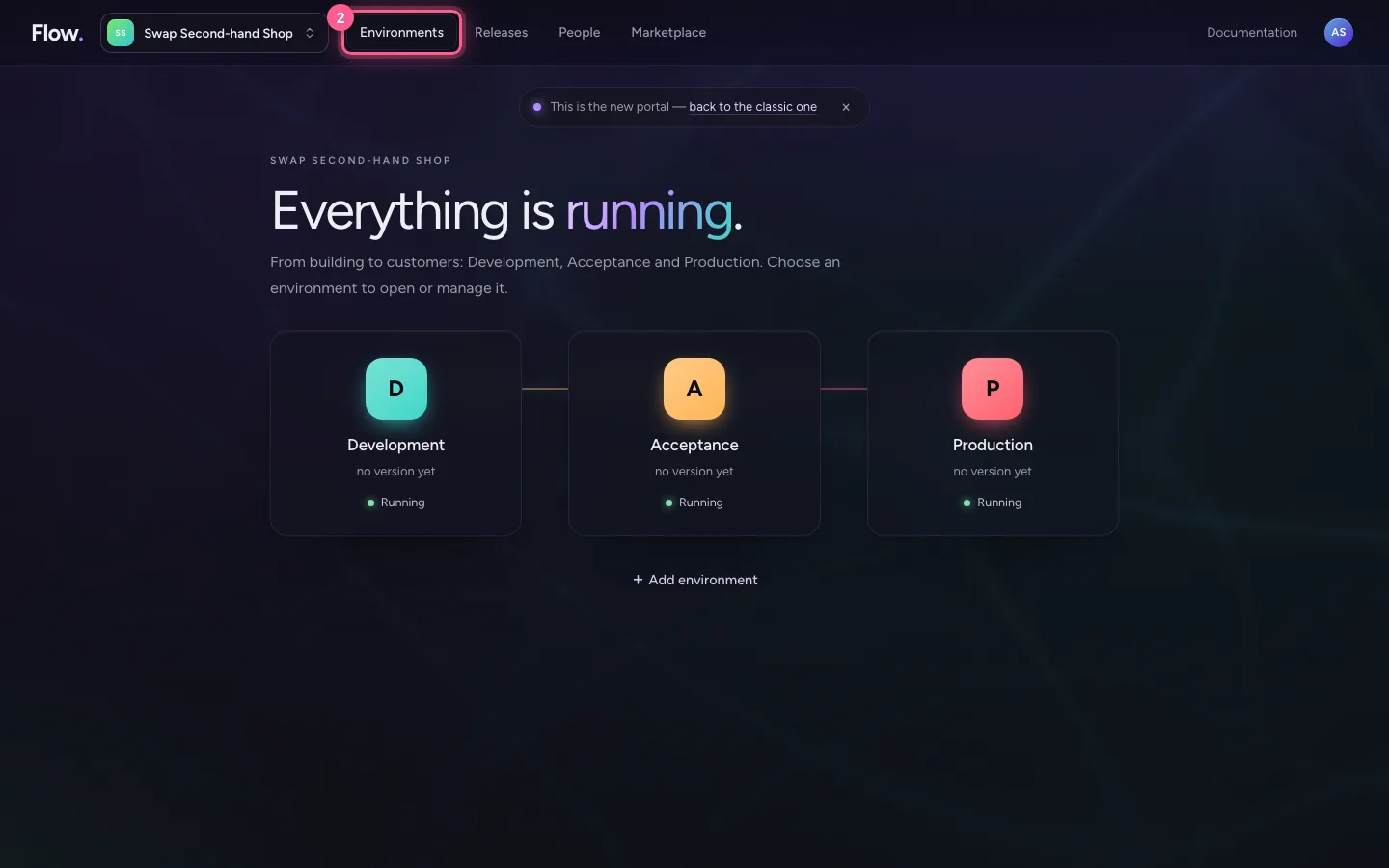
On Start your organisations are below your personal Flow. Click the one of your work. Already in an organisation? Then click Environments at the top.
- Click SS Swap Second-hand Shop Owner · 3 environments · everything is running
- Click Environments
Step 2 / 3
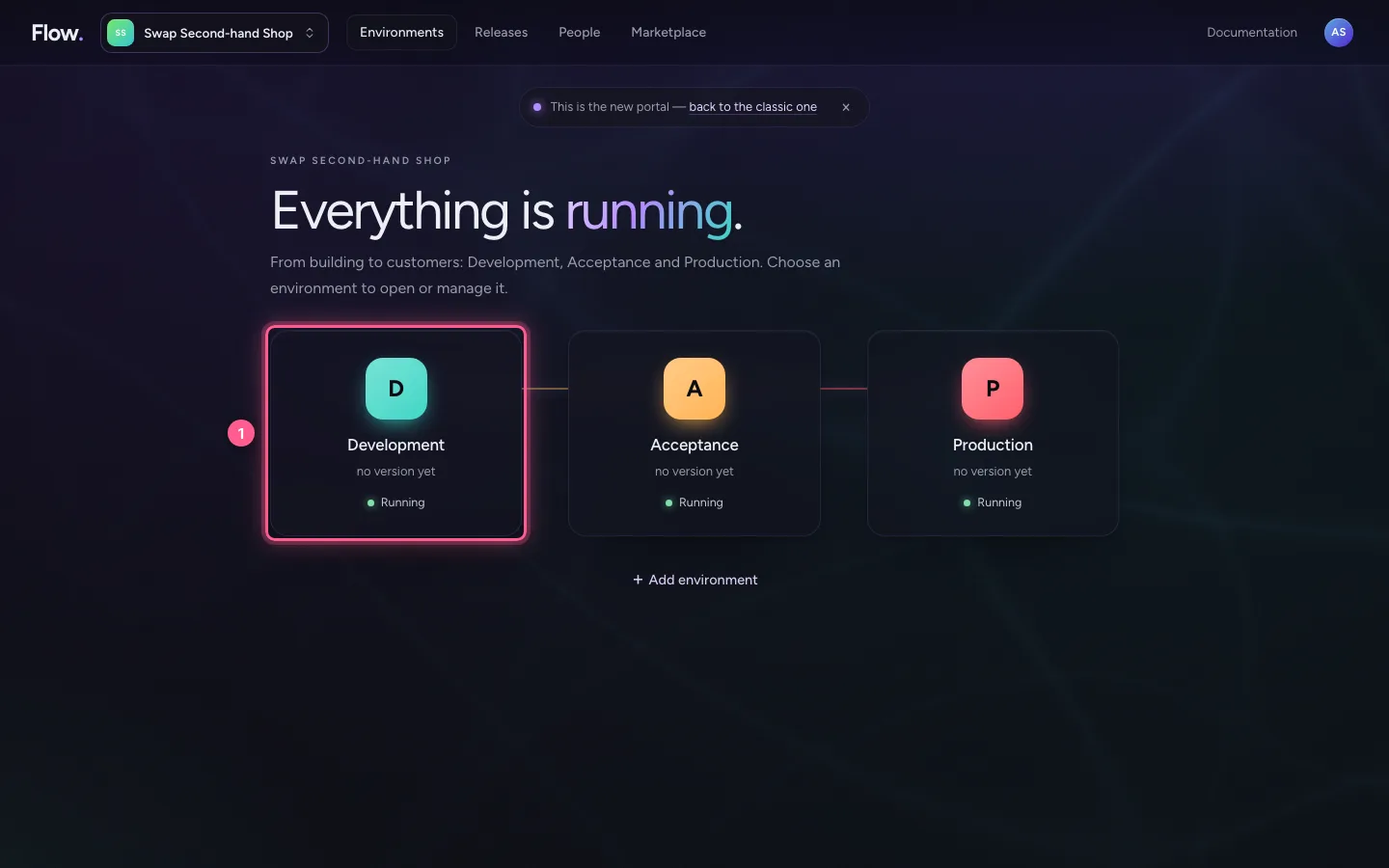
Choose the environment
Building? Choose Development. Testing or approving? Choose Acceptance. Want to use what runs? Choose Production.
- Click D Development no version yet Running
Step 3 / 3
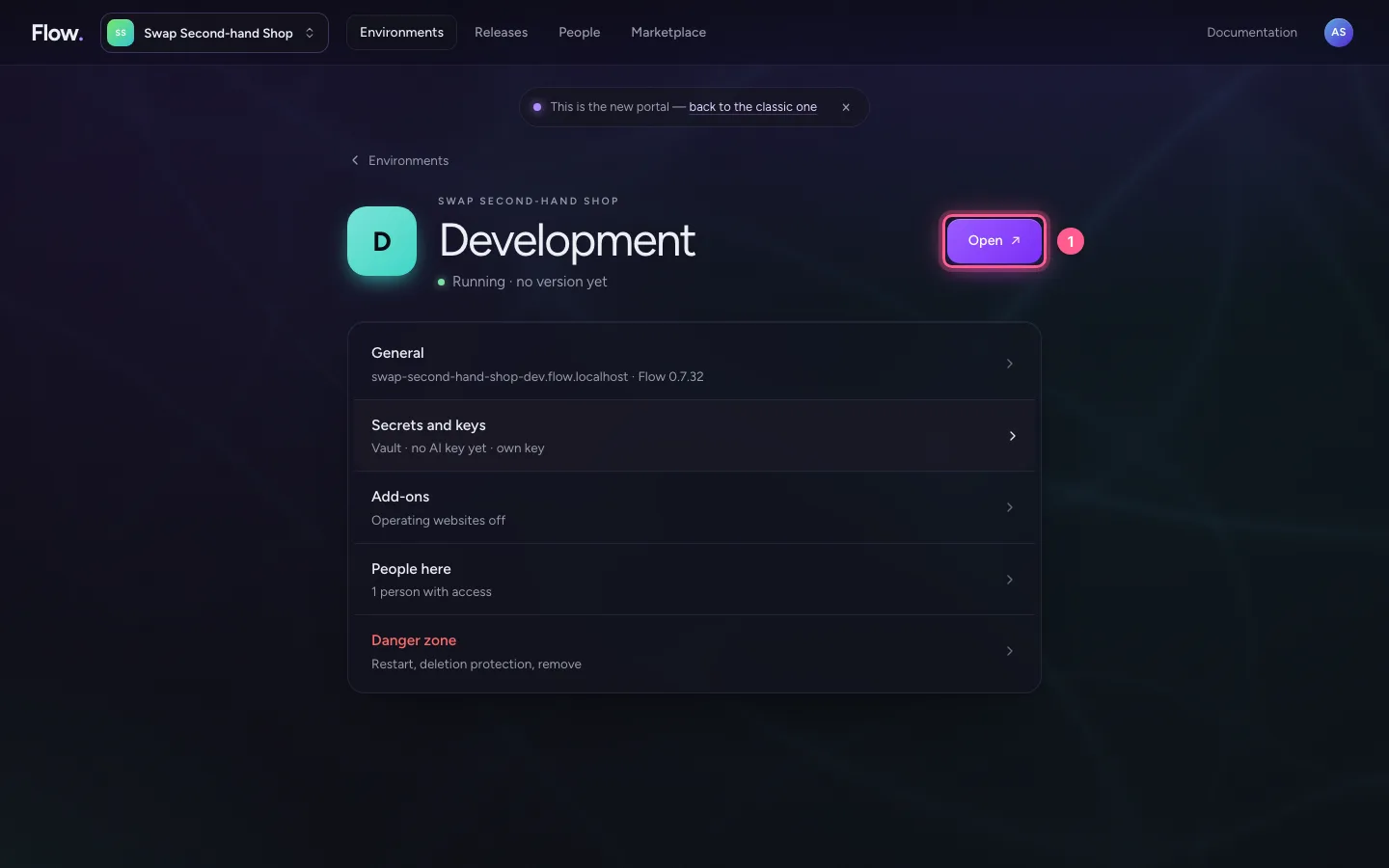
Click Open
At the top is Open ↗. Flow opens in a new tab. You are signed in straight away.
- Click Open ↗
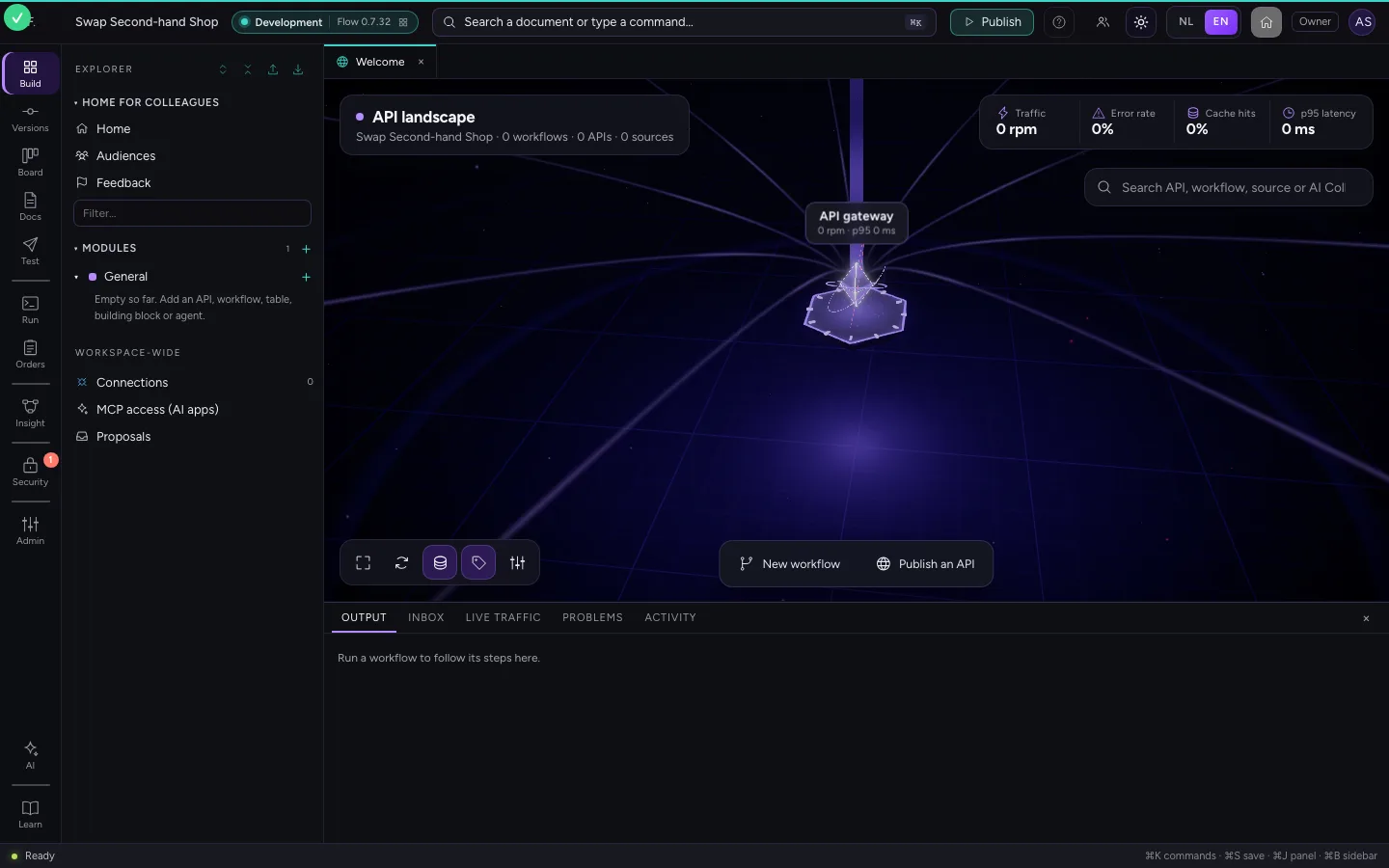
This guide was carried out step by step on 28 Oct 2026 by an automated test on Flow (version 96971699).