Who may come in
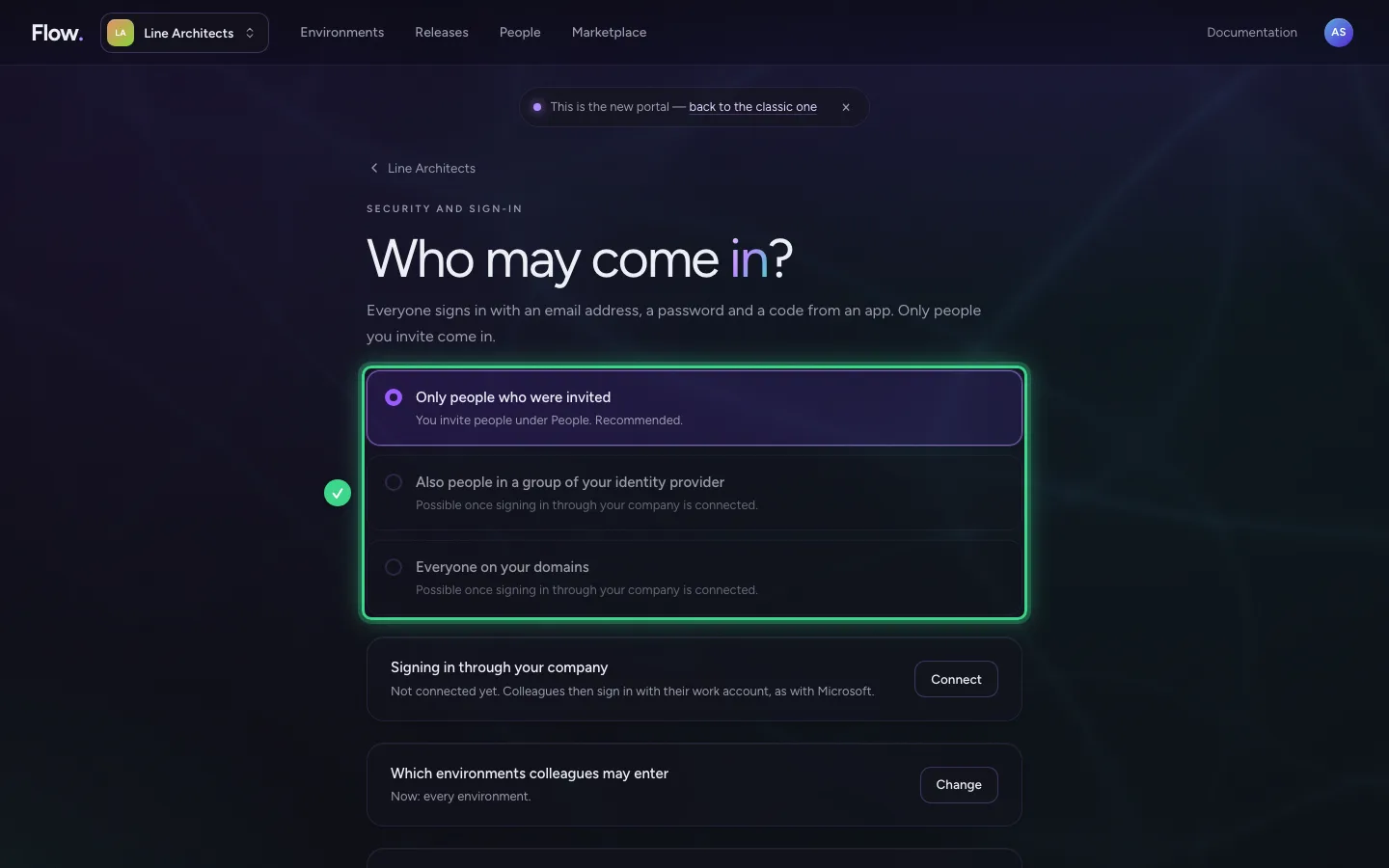
Does your company sign in through its own sign-in service, such as Microsoft? Then you choose here who may come in: only people you invite, also people in a certain group, or everyone with an address of your company. Working at your company does not give access by itself.
Open Security and sign-in
Click your organisation's name at the top left. In the menu, choose Security and sign-in. Only an owner sees this.
- Click Switch organisation or open the organisation's settings

- Click Security and sign-in


Choose who comes in
There are three choices. Only people who were invited: you invite people under People; we recommend this. Also people in a group of your identity provider: for example the group Flow users; whoever leaves the group loses access the next time they sign in. Everyone on your domains: then everyone counts on the invoice, and you see beforehand how many people that is.
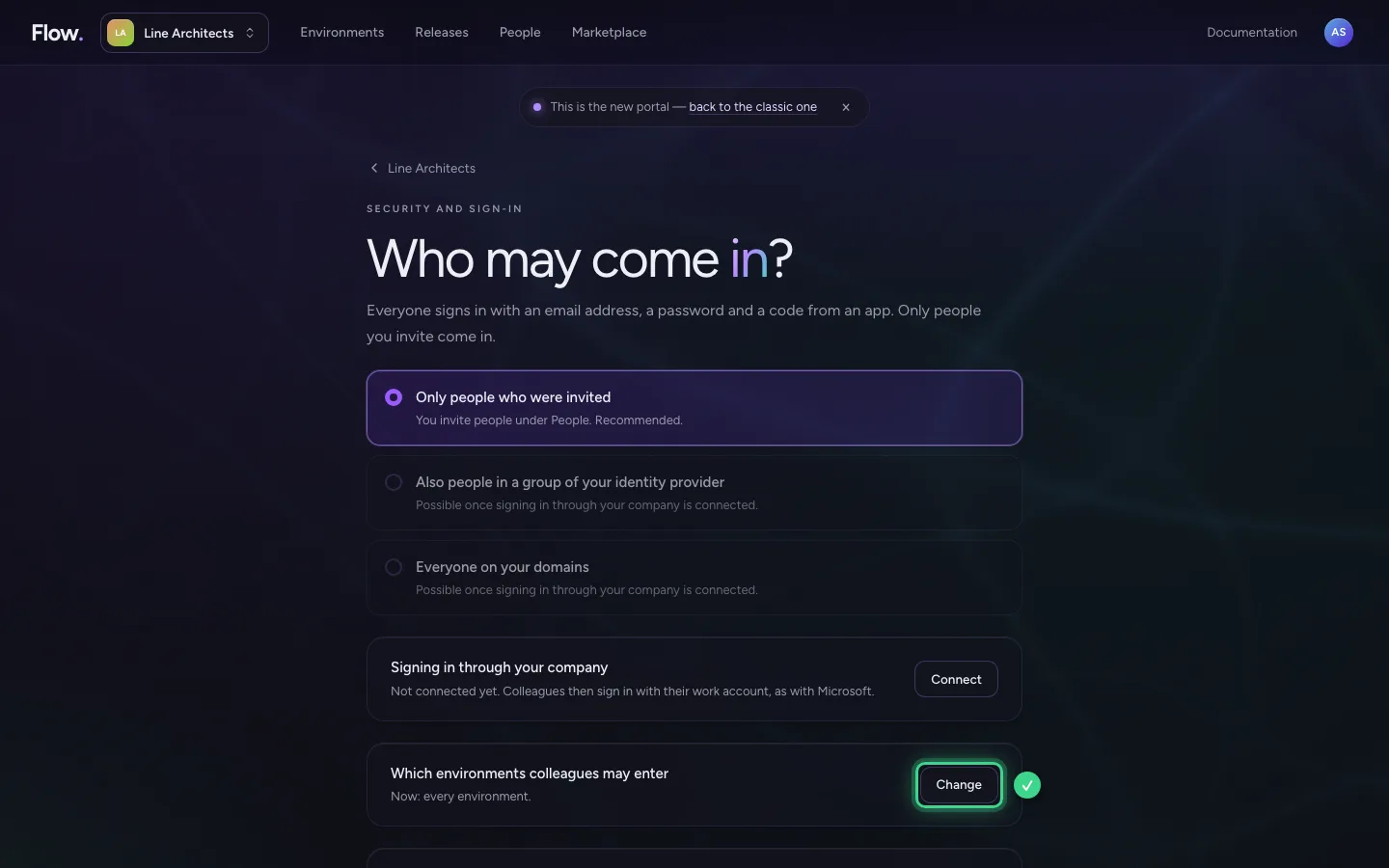
Which environments colleagues may enter
At the bottom you choose where colleagues may go. Usually that is only Production: Development, Test and Acceptance are for builders and approvers. Change adjusts that.
This guide was carried out step by step on 28 Oct 2026 by an automated test on Flow (version 96971699).