One environment and its settings
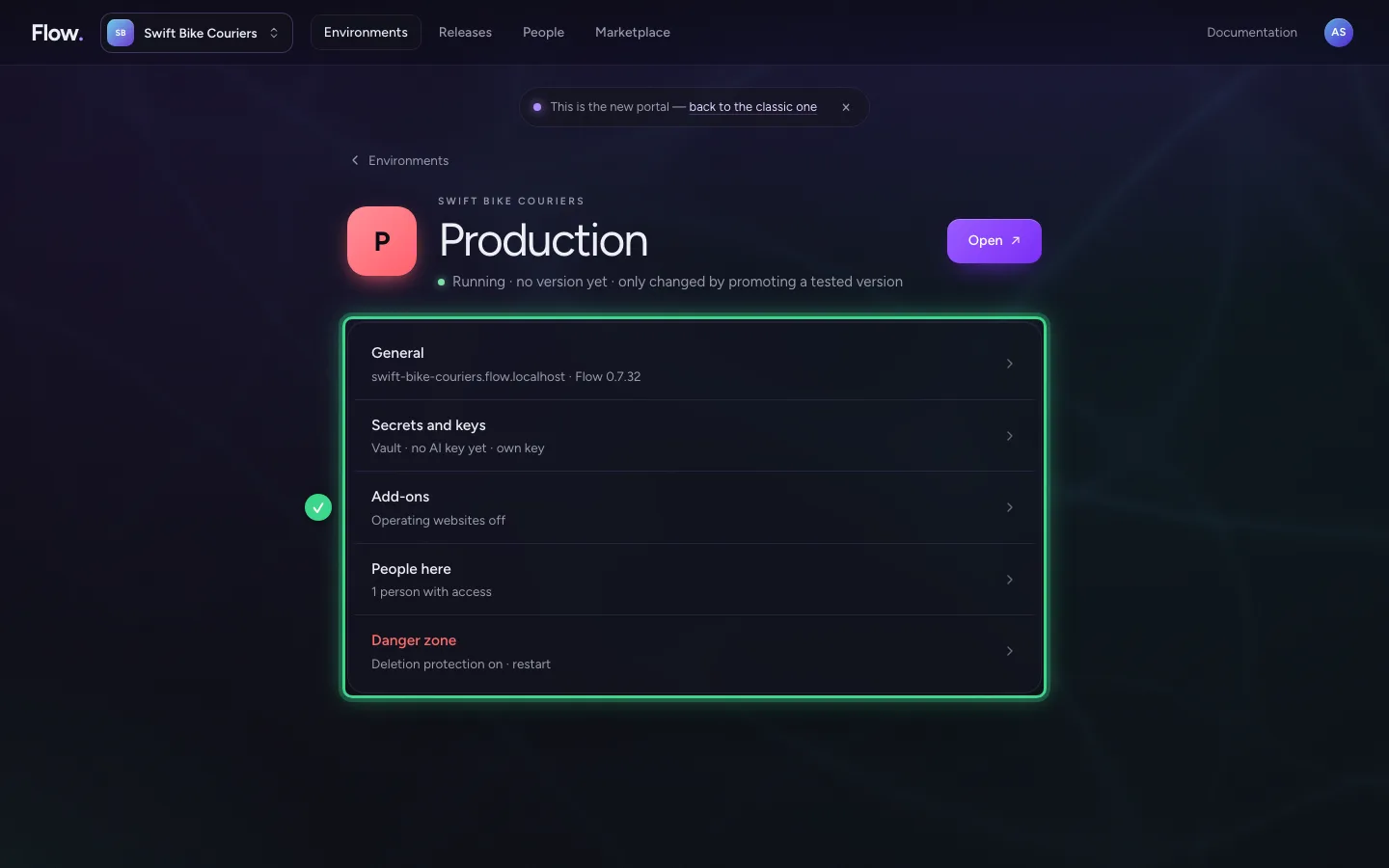
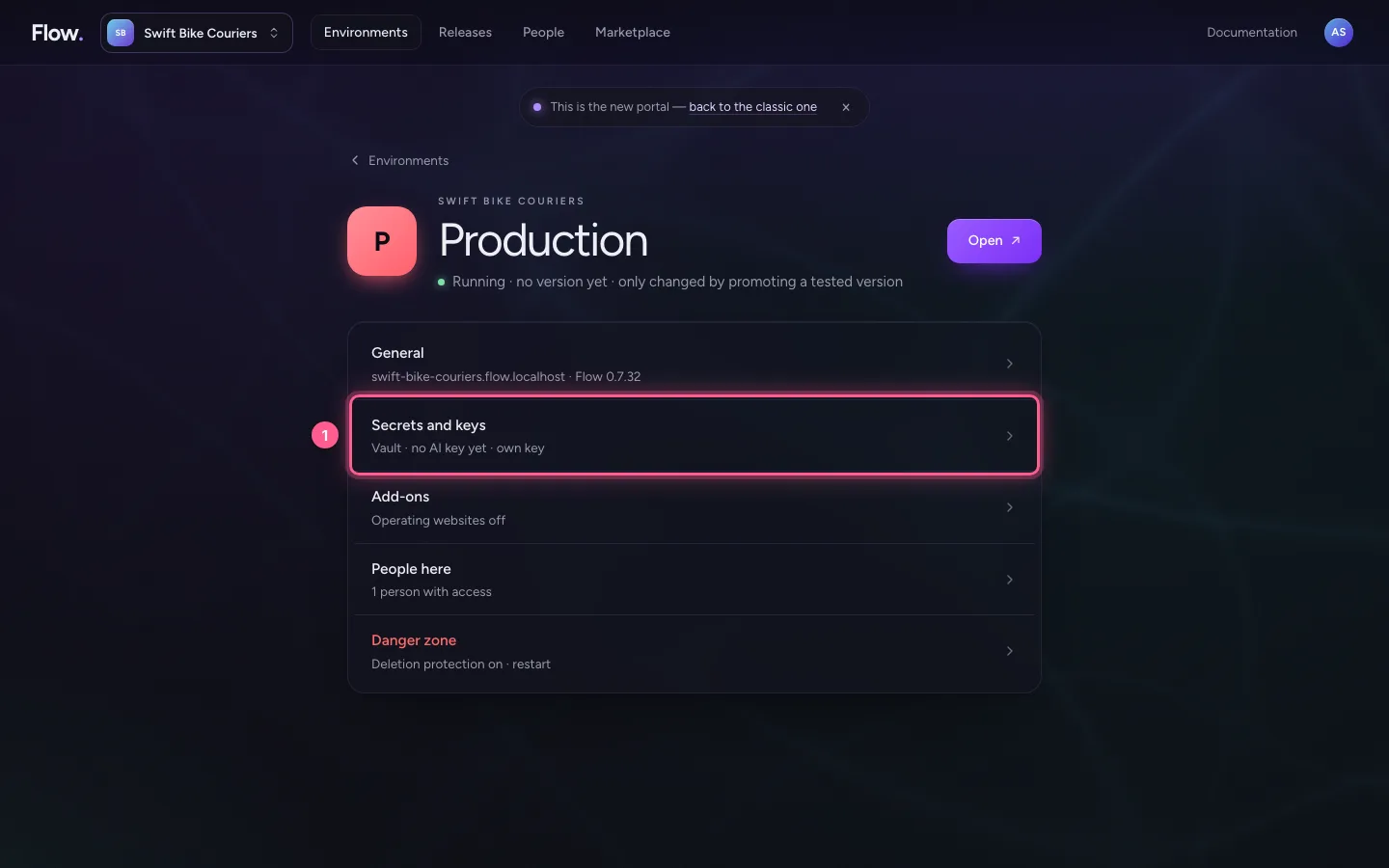
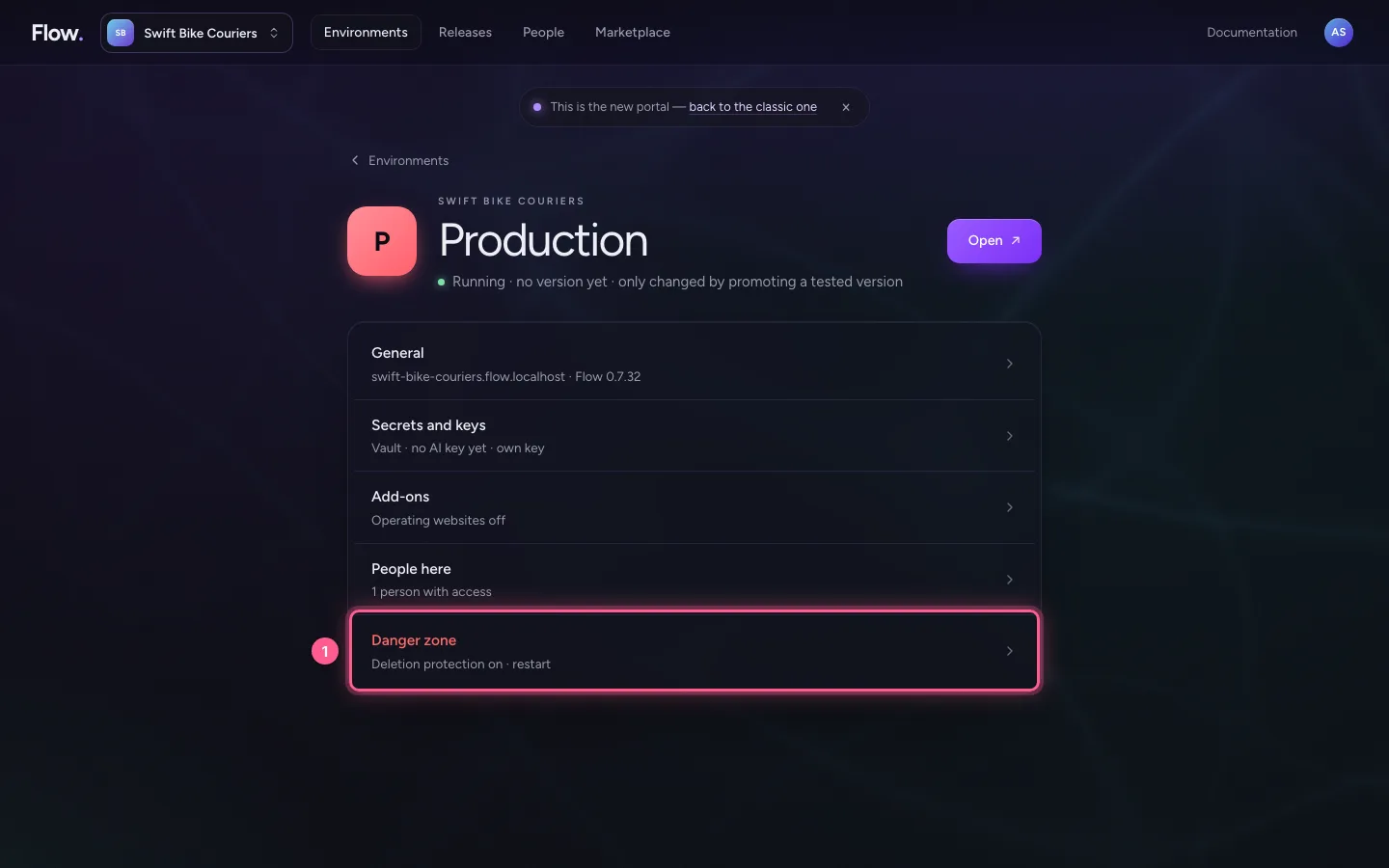
Click an environment and you see a short list: General, Secrets and keys, Add-ons, People here and the Danger zone. Every setting has a page of its own. The list already shows how each one stands.
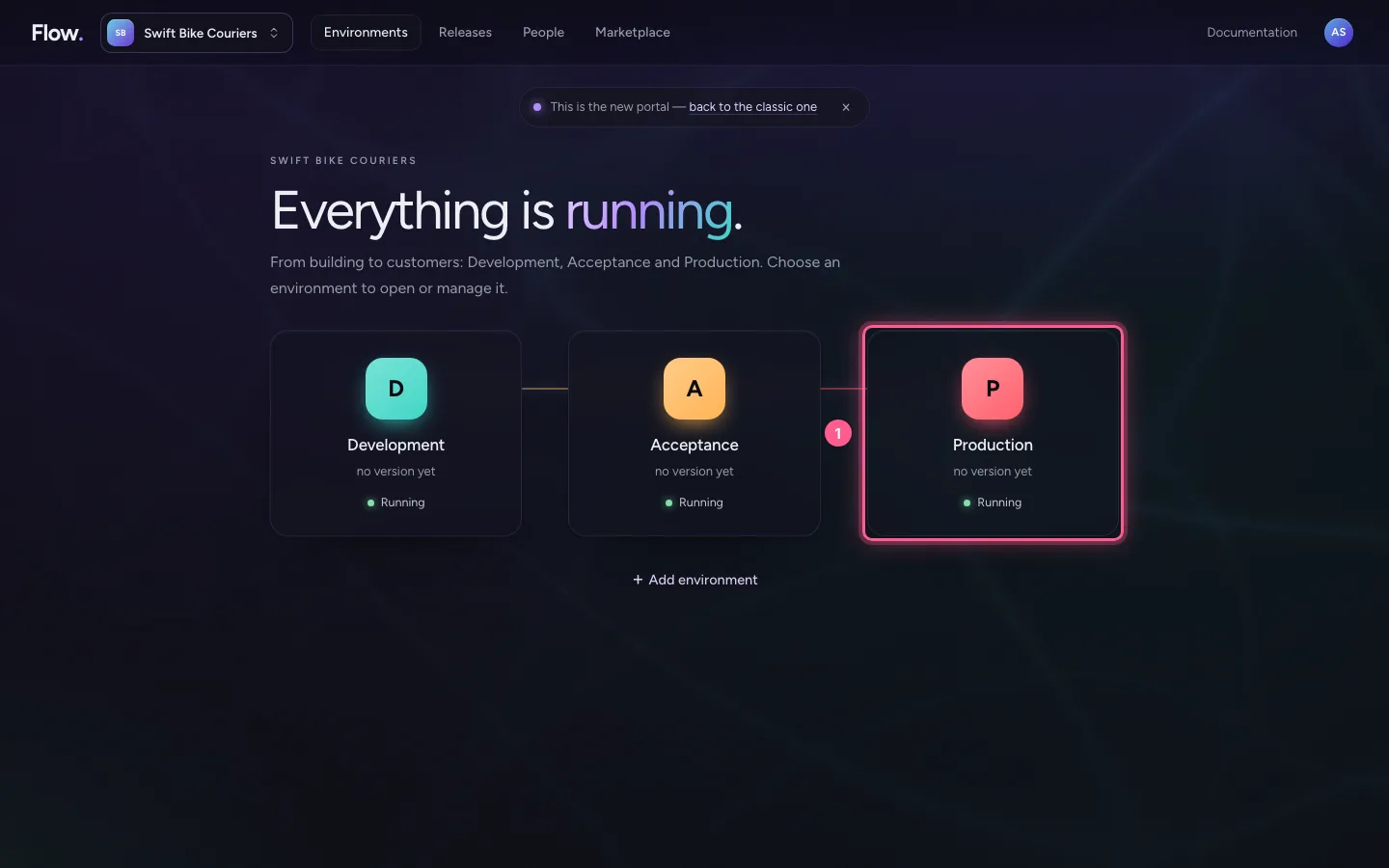
Choose an environment
On Environments, click the line of Production. At the top are its name, whether it runs and the Open button, which opens Flow. Below is the list of settings. Every line says in a few words how it stands.
- Click P Production no version yet Running
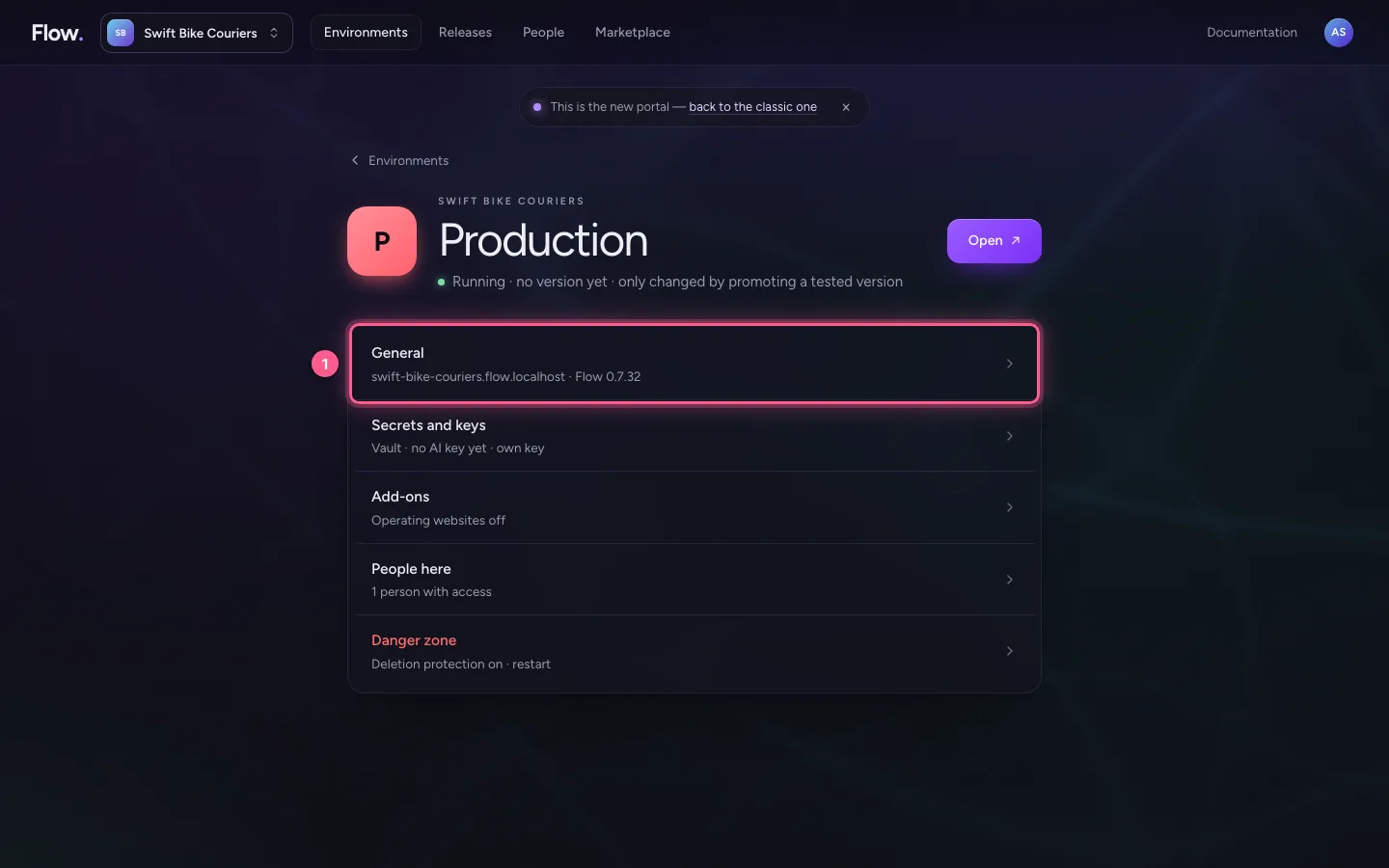
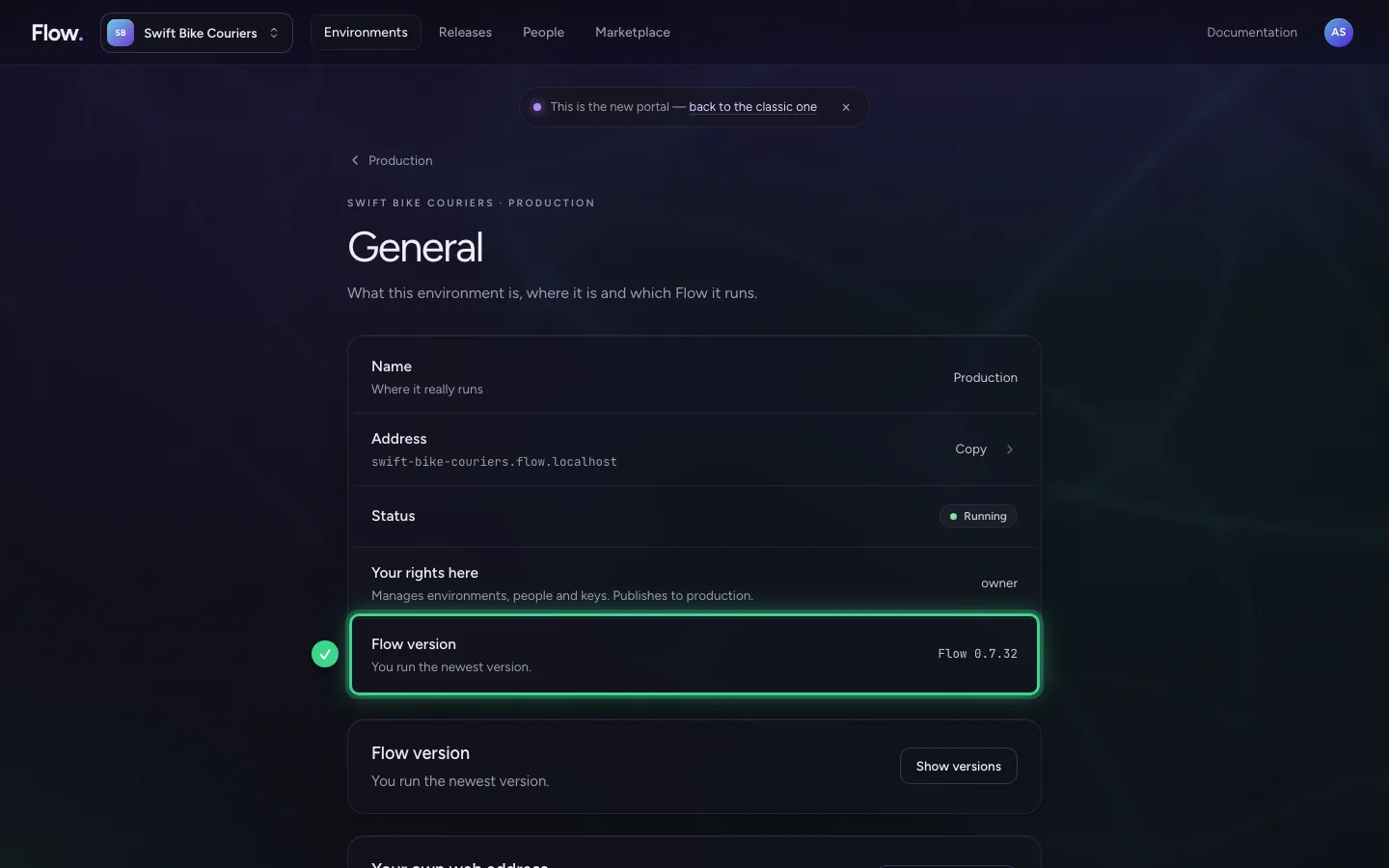
General: name, address and Flow version
Under General are the environment's name and address, the Flow version it runs and your own web address if you connected one. If there is a newer Flow, you can update this one environment here.
- Click General swift-bike-couriers.flow.localhost · Flow 0.7.32
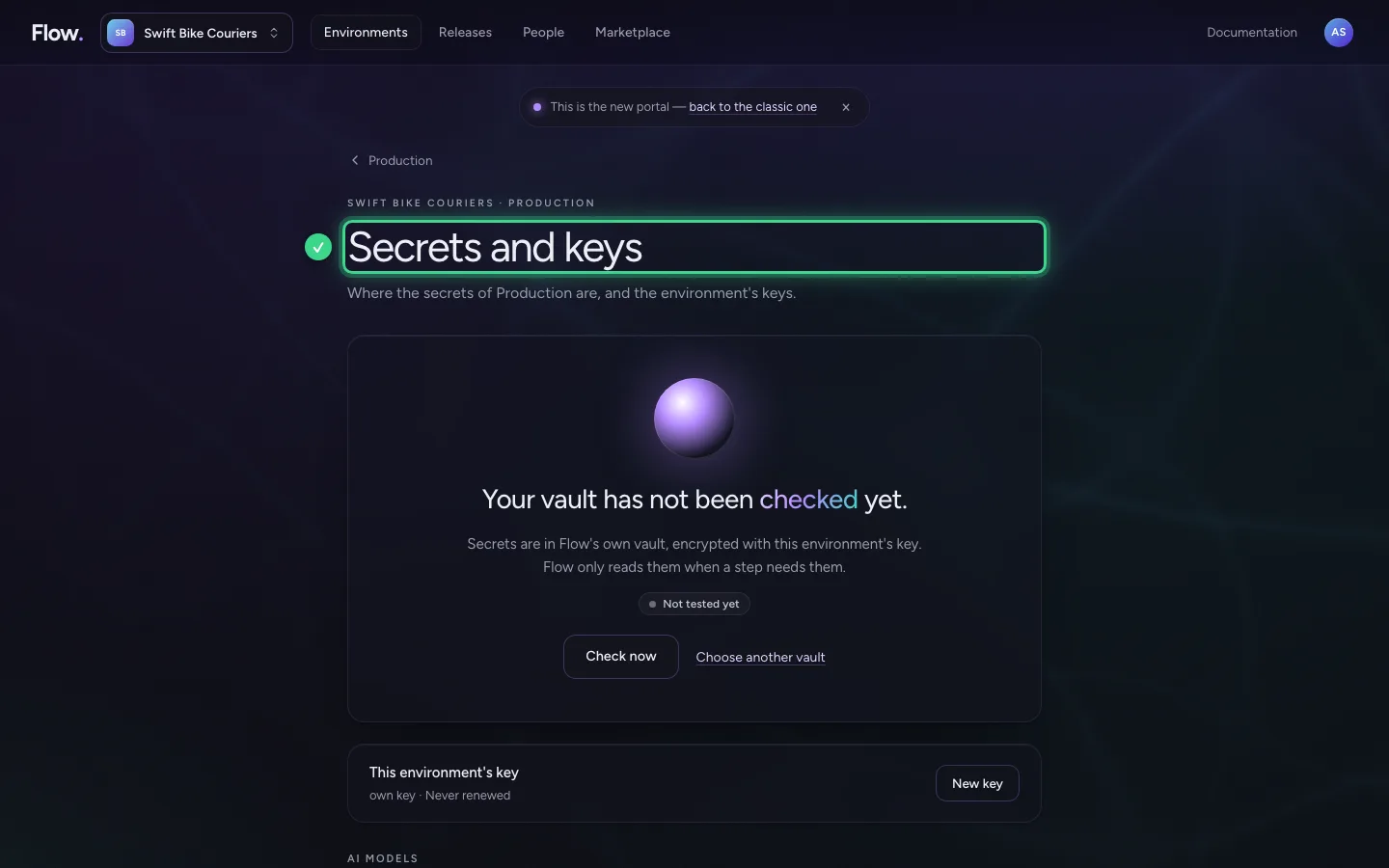
Secrets and keys
Here you see in one sentence whether your vault works. Below are the environment's keys: the key for an AI model and the key the environment encrypts its data with. You also choose another vault here.
- Click Secrets and keys Vault · no AI key yet · own key
Add-ons and People here
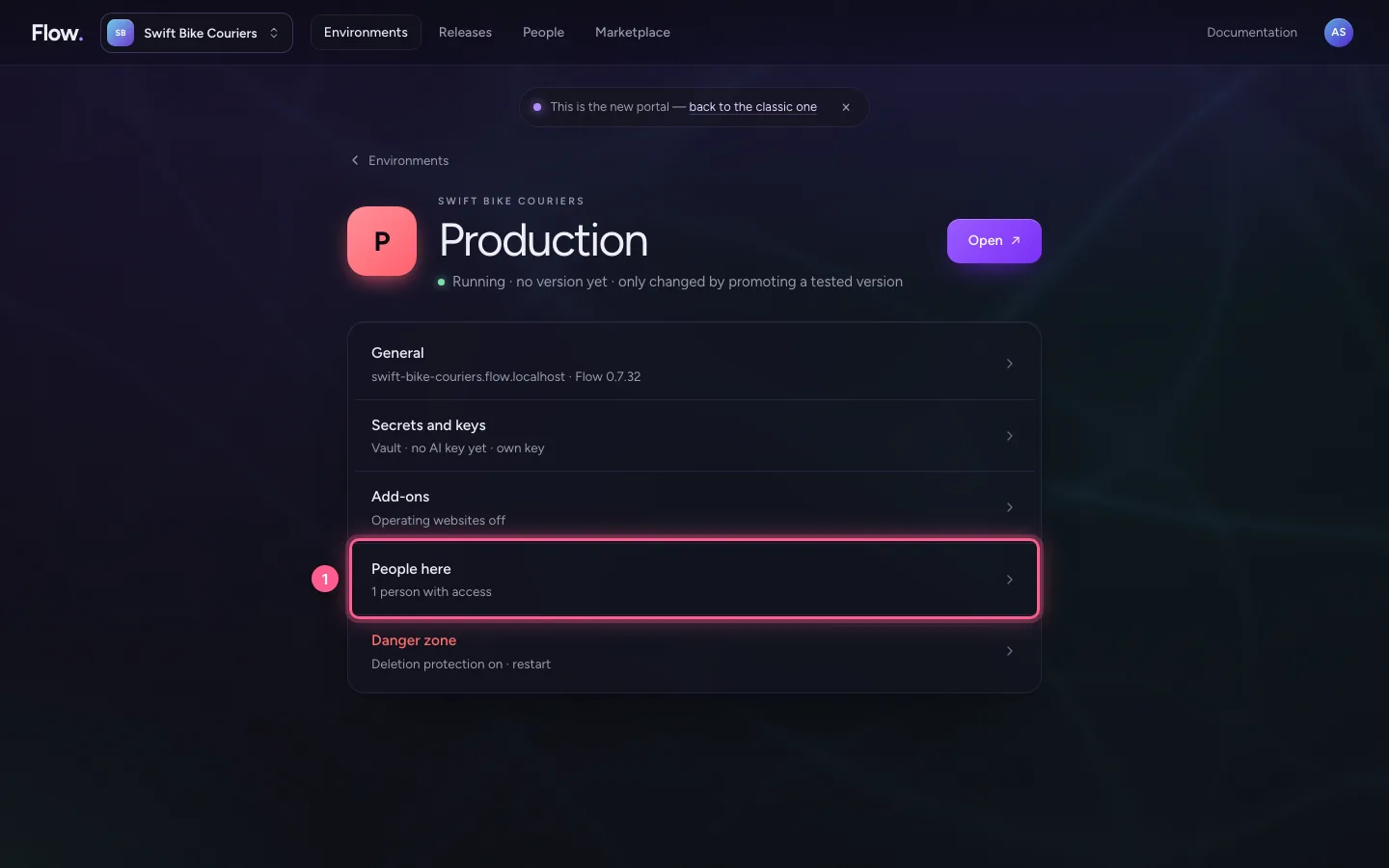
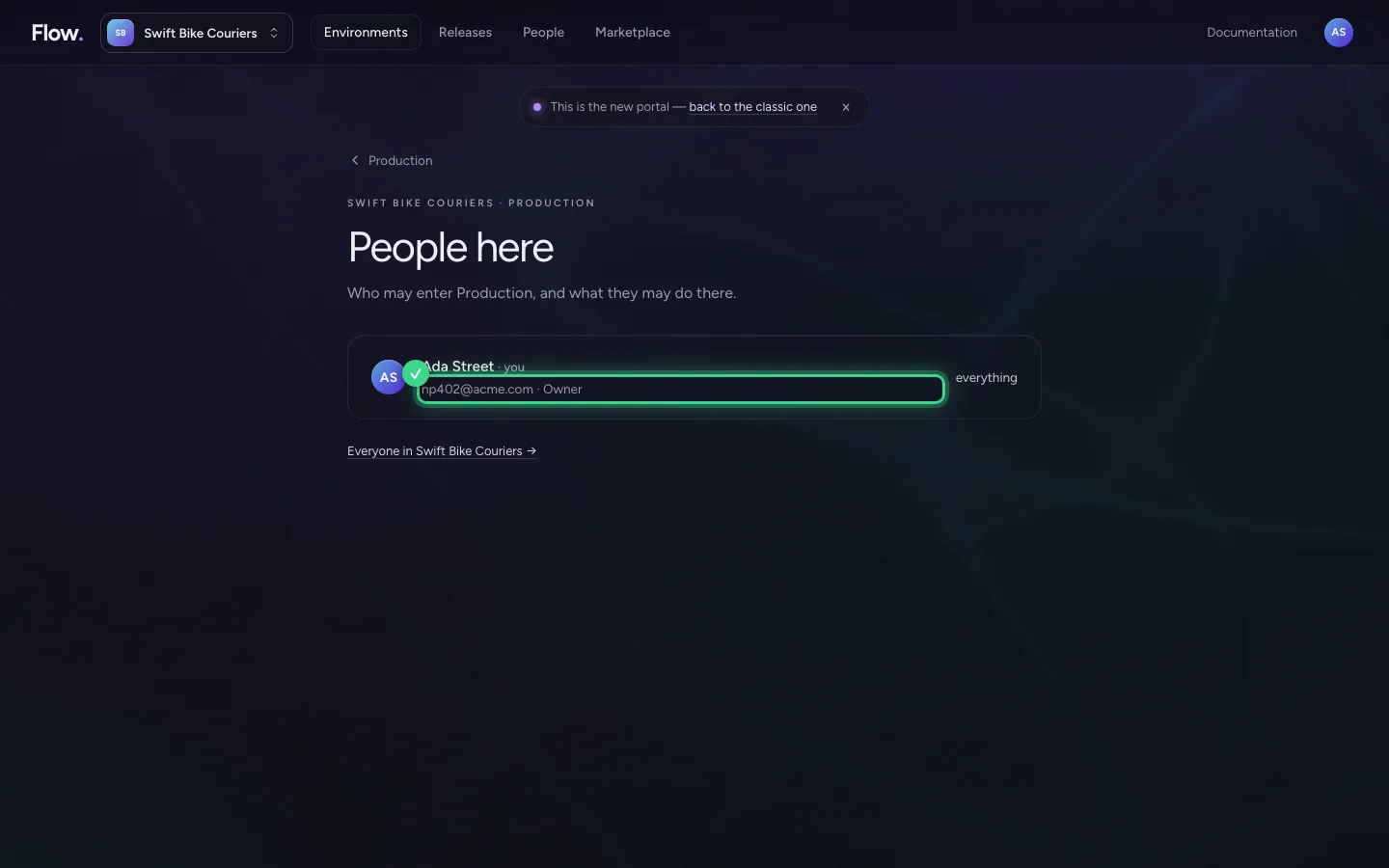
Add-ons shows what is on for this environment, such as operating websites. People here shows who may enter this environment and what they may do there, you too.
- Click People here Who may enter
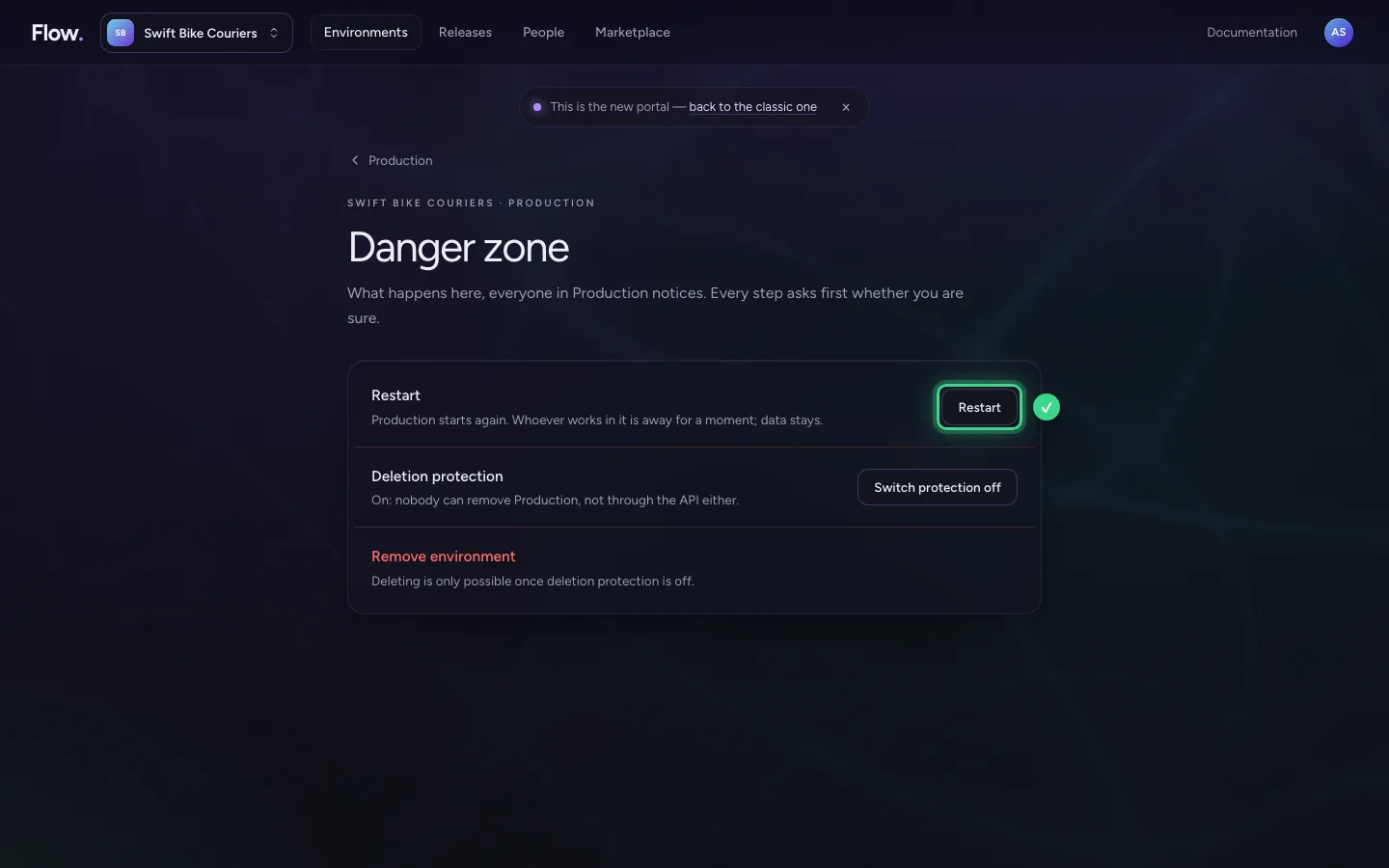
The Danger zone is at the bottom
Restart, restore and remove are together, at the bottom and in red. Production has deletion protection: you switch it off first, with a reason. You confirm removing by typing the environment's name. After that you can still restore it for 7 days.
- Click Danger zone Deletion protection on · restart
This guide was carried out step by step on 28 Oct 2026 by an automated test on Flow (version 96971699).