Start a workflow at fixed times (schedule)
Not everything starts with a call. A start of the day at eight, a check every quarter of an hour, an overview every Monday: for that you replace the trigger with a Schedule. You write the moment as cron, choose the time zone and test the workflow by hand.
Open your development environment and create a workflow
A new workflow starts with an Event trigger: it starts on an API call or a test. You replace it in a moment.
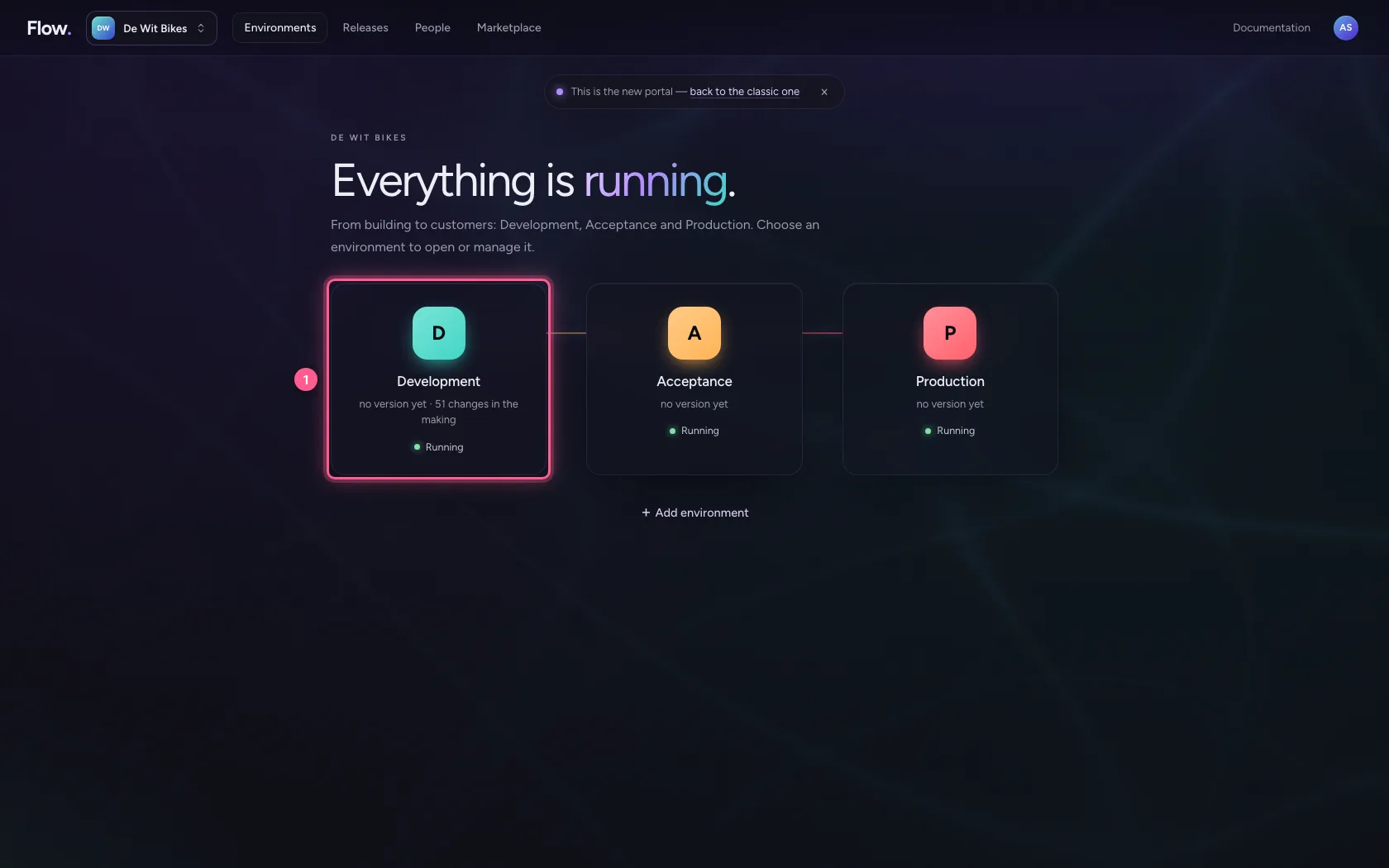
- Click Development
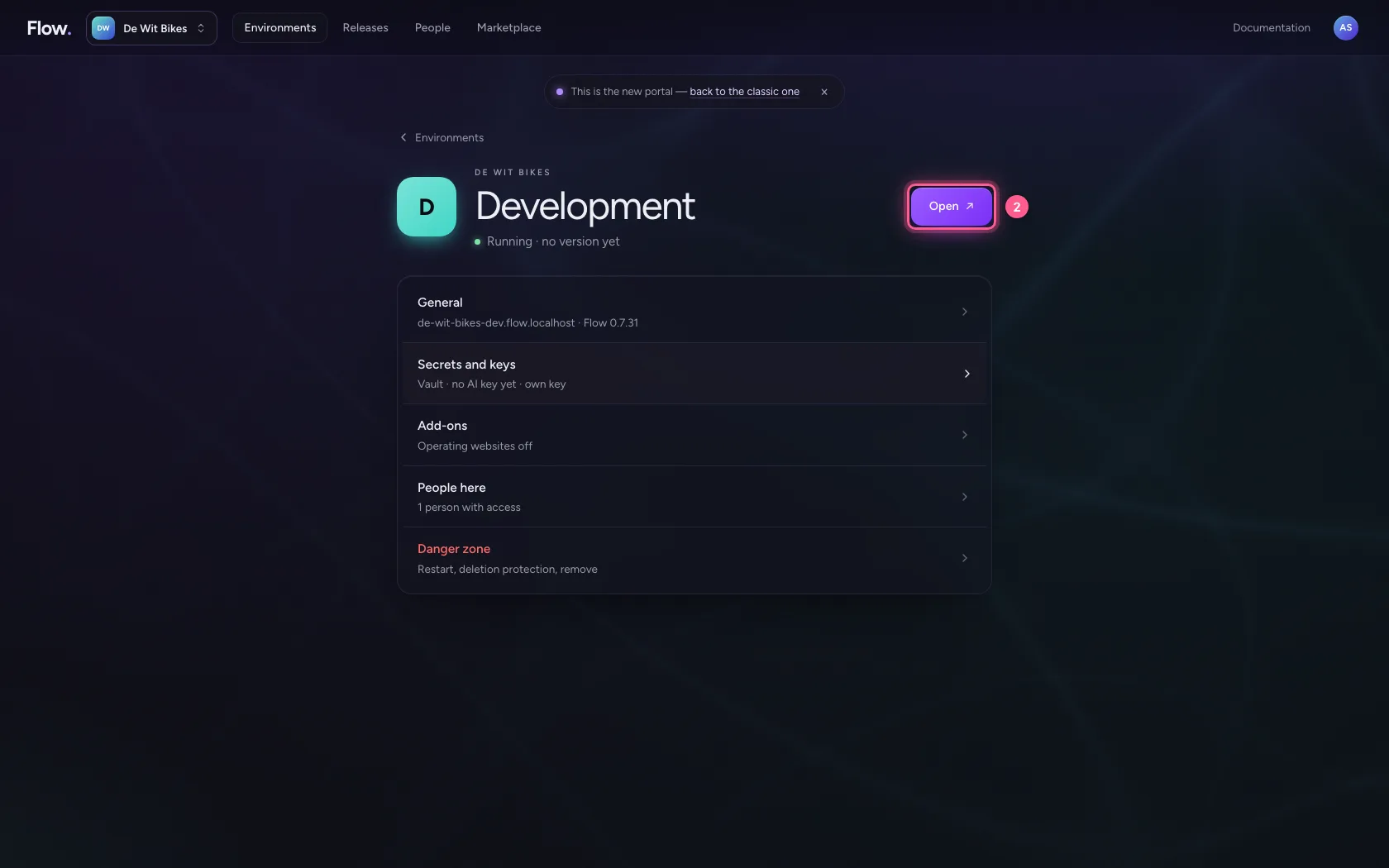
- Click Open ↗
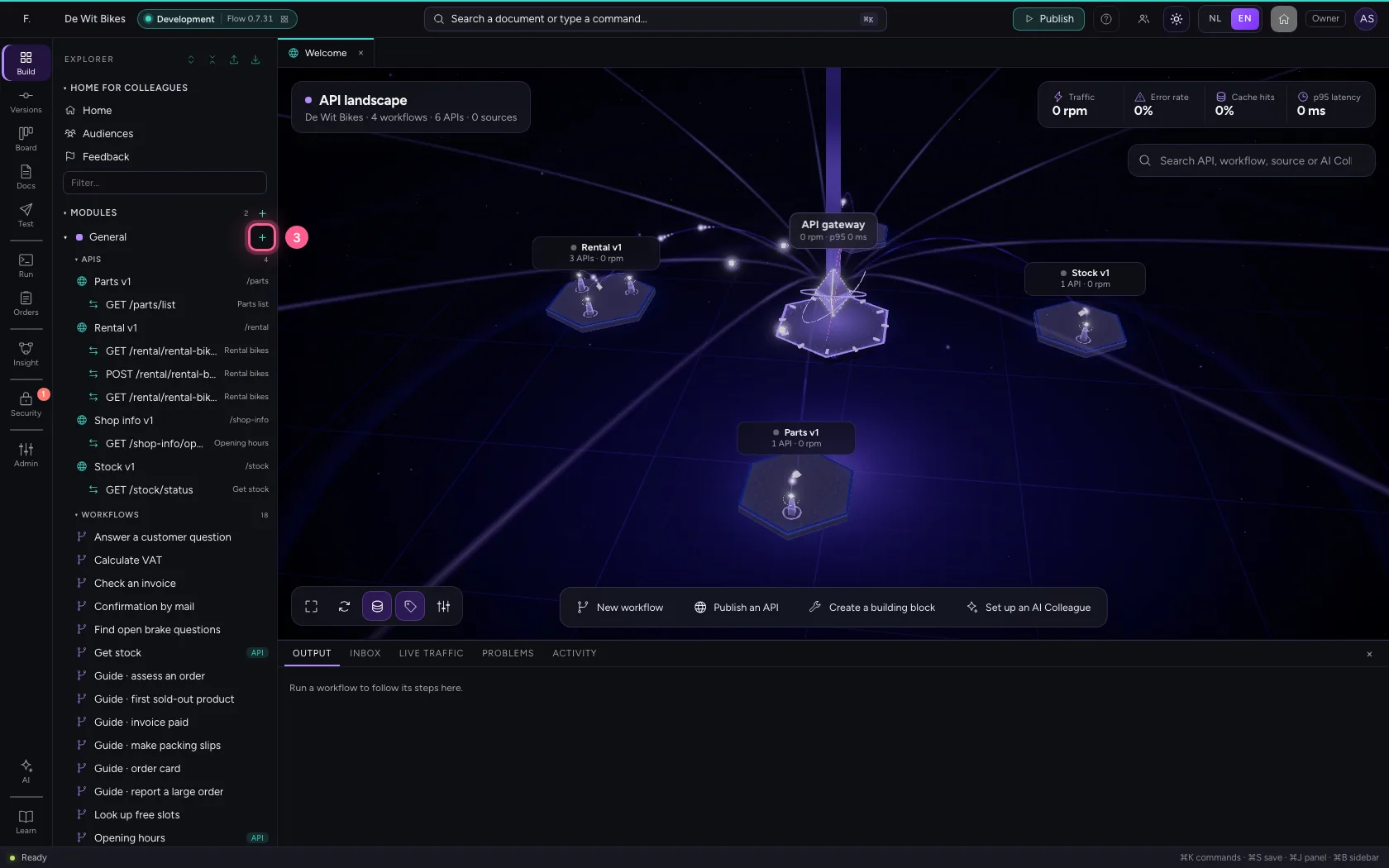
- Click Add to General
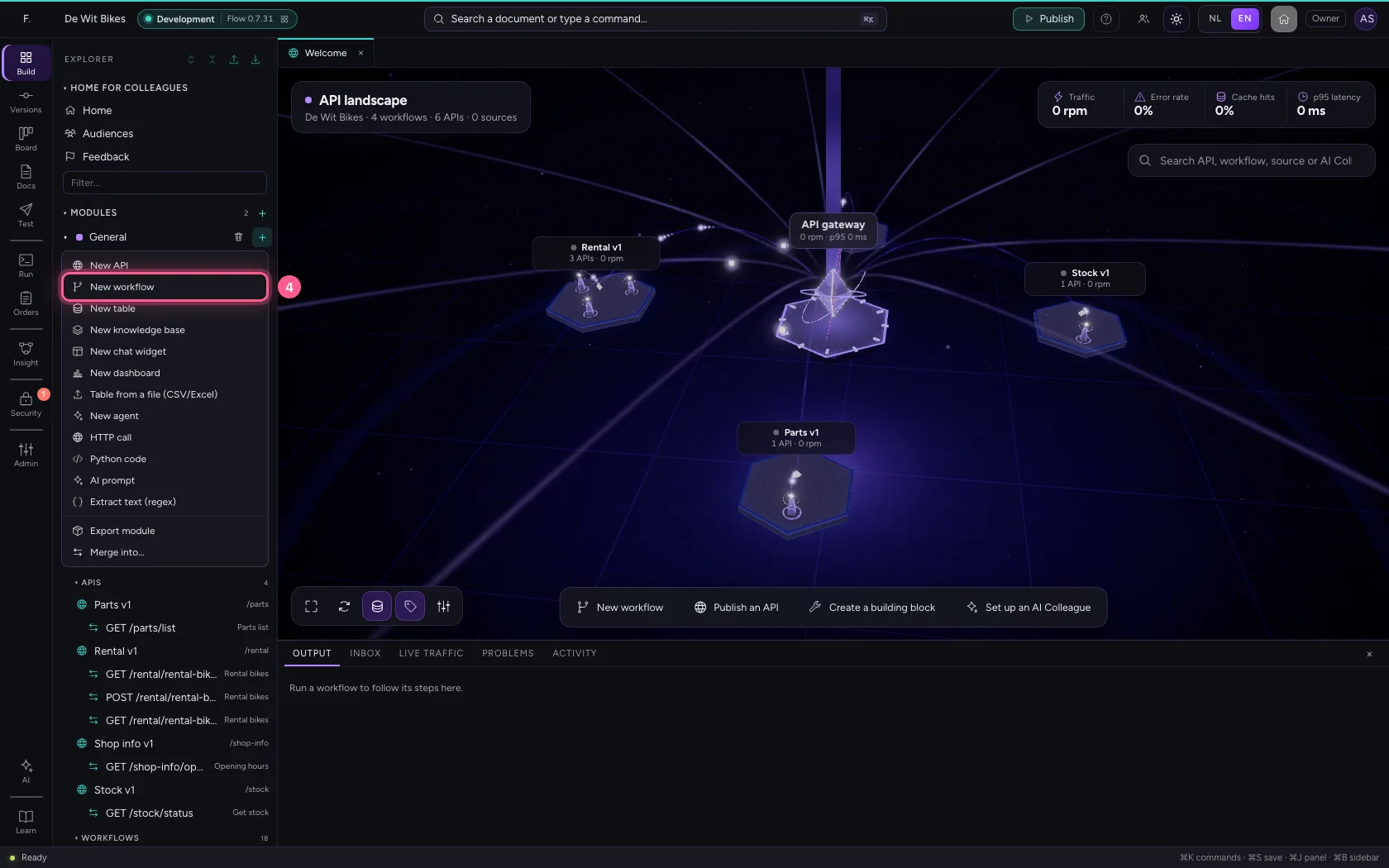
- Click New workflow
- In Workflow name, type
Start of the day at eight
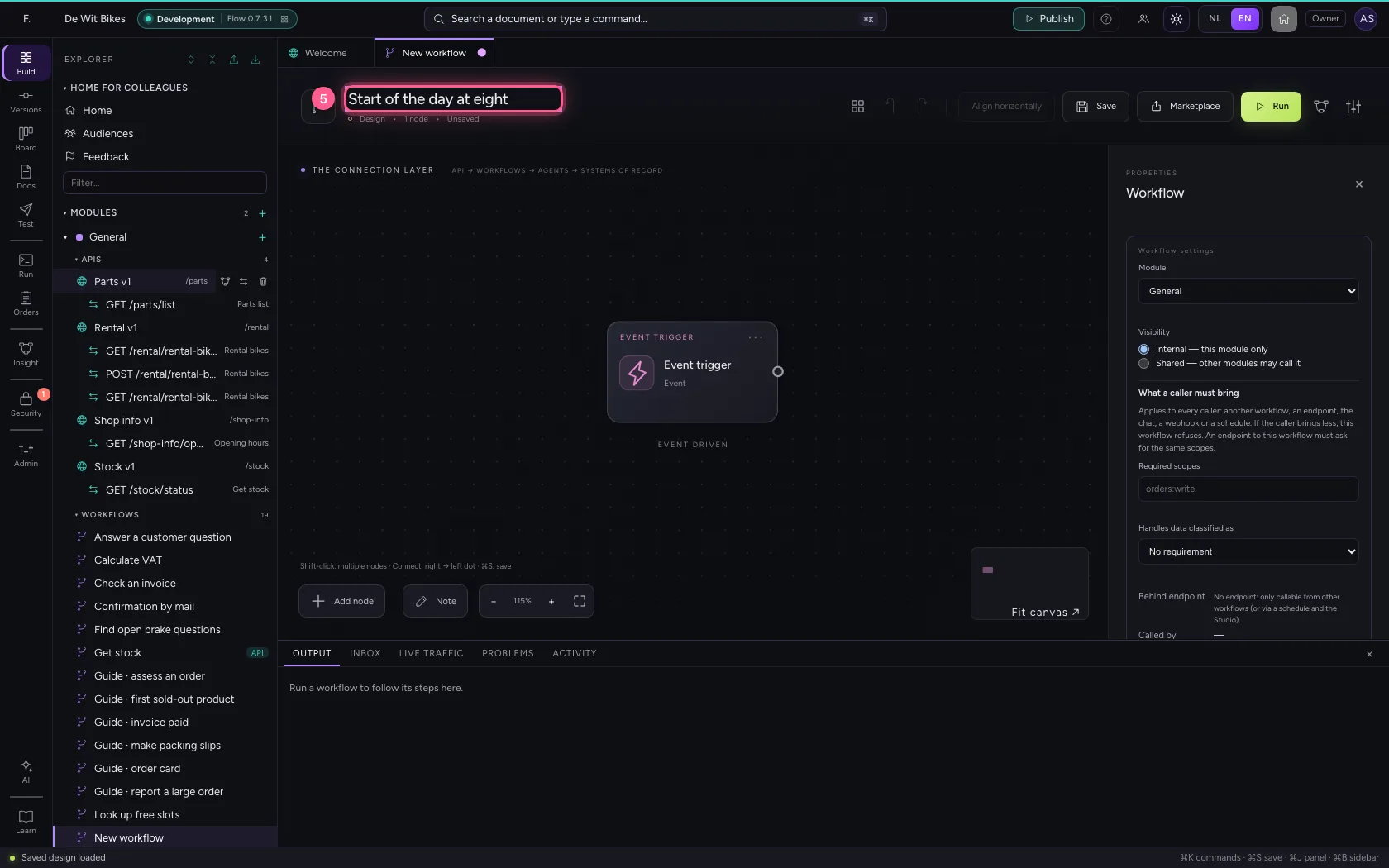
Replace the trigger with a schedule
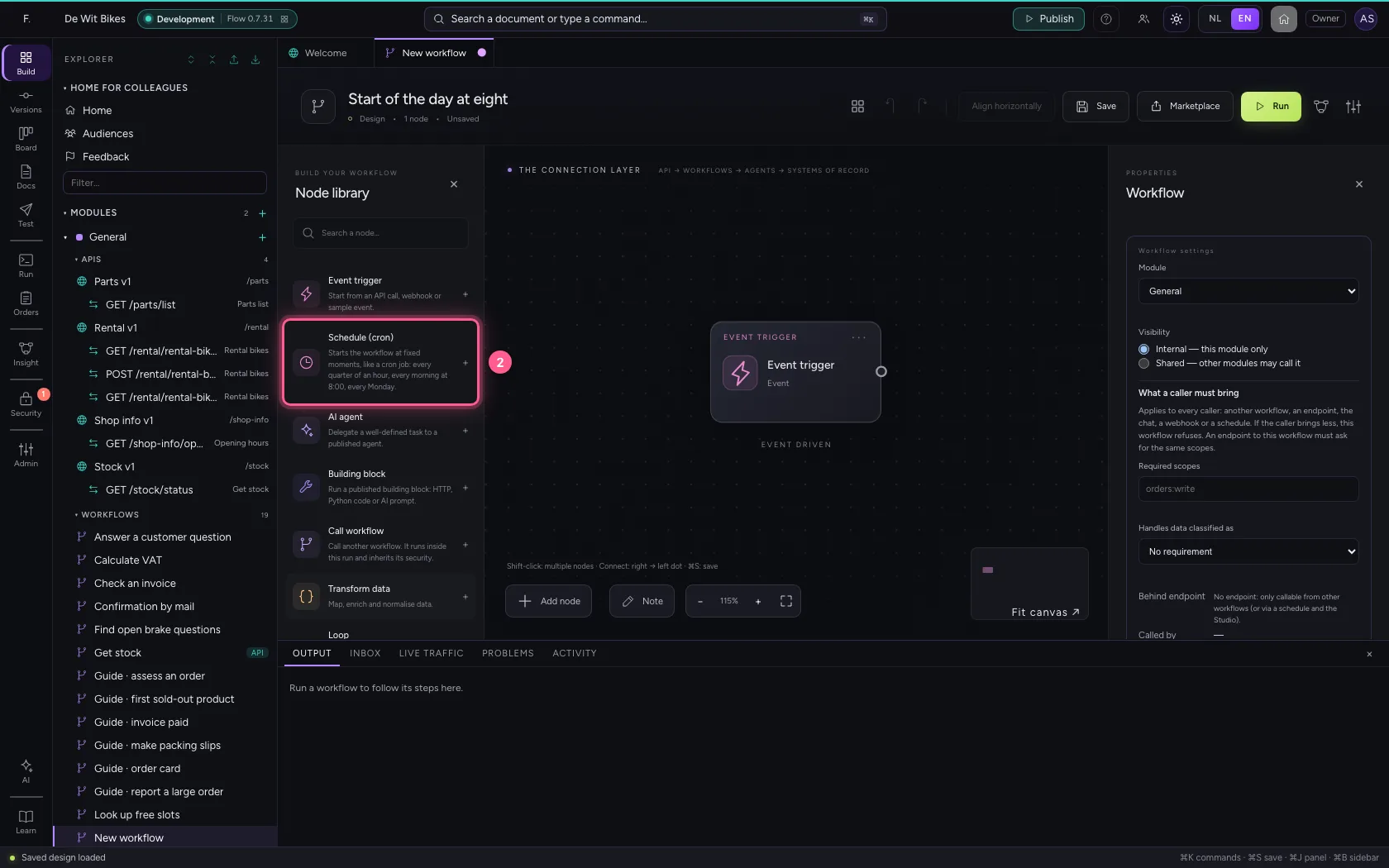
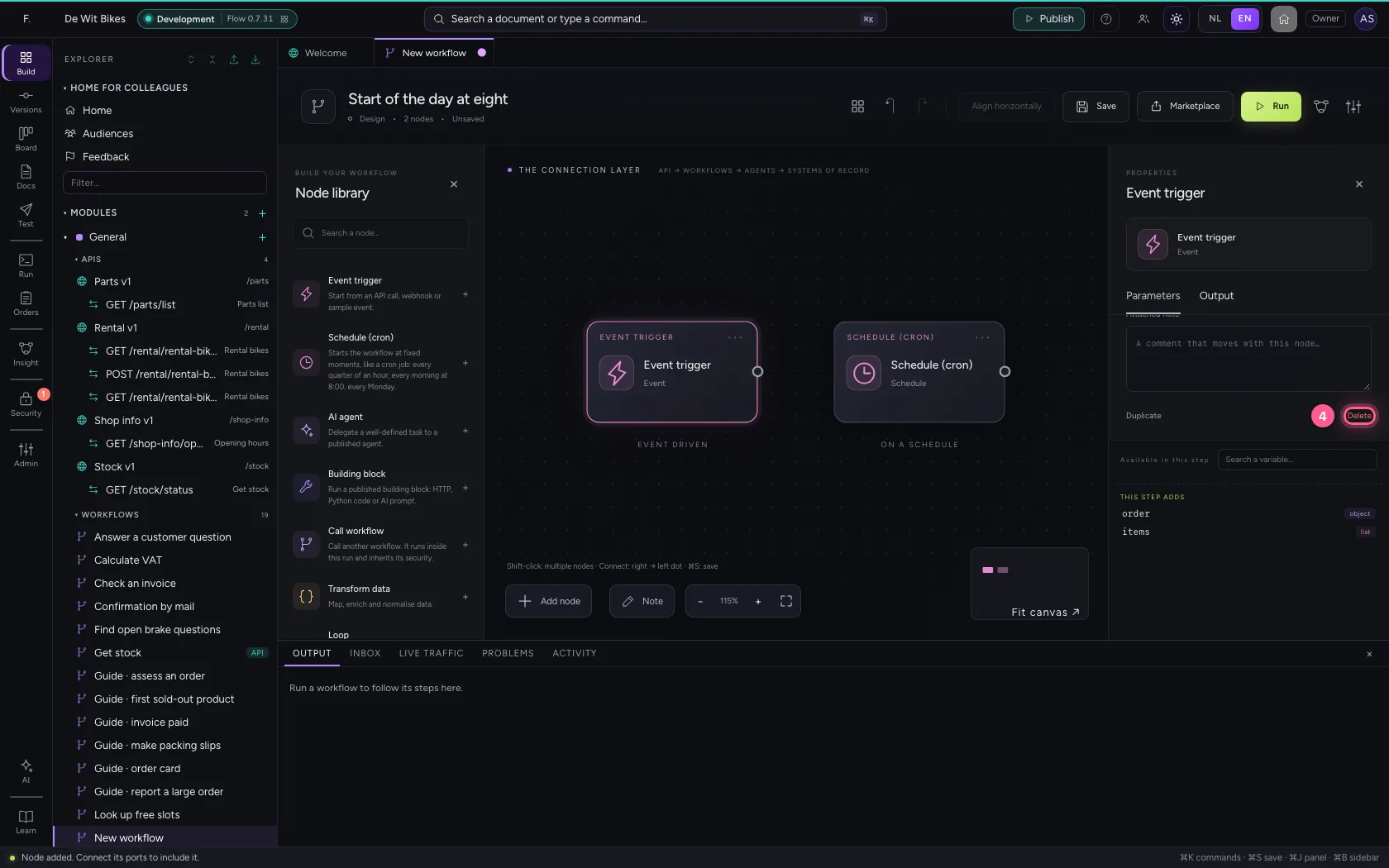
Take Schedule (cron) from the library and delete the Event trigger: click it and choose Delete. A workflow has one starting point.
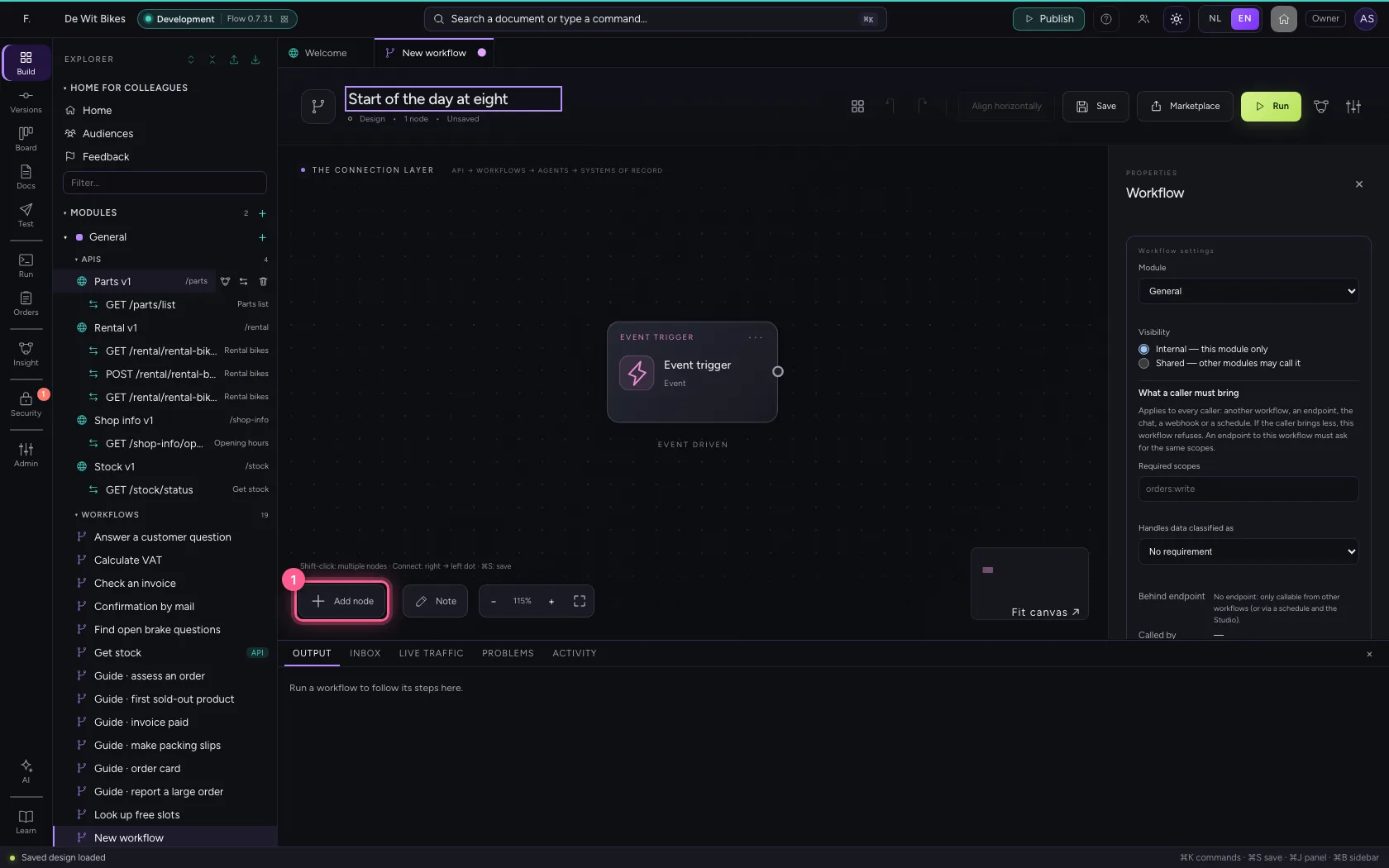
- Click Add node
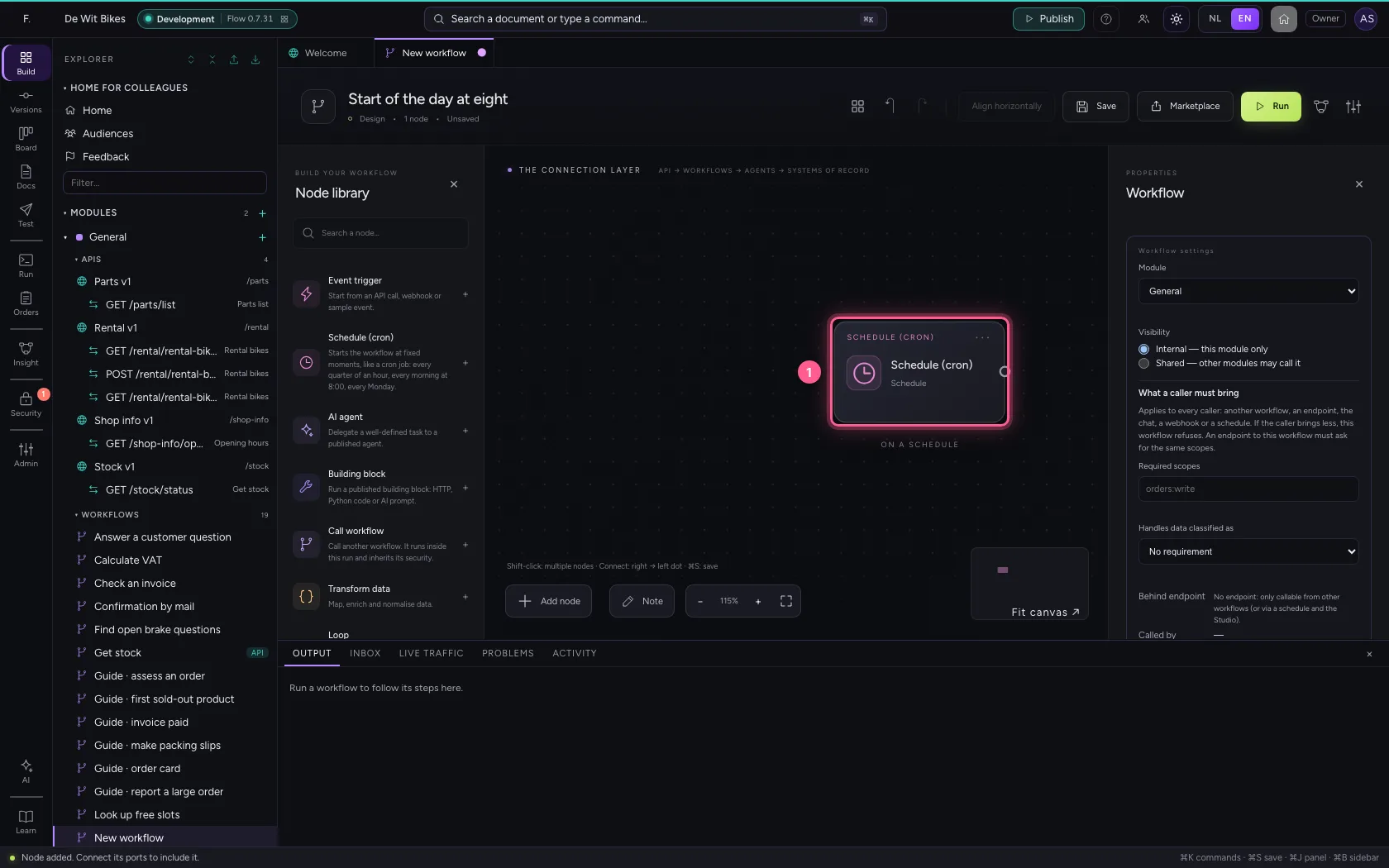
- Click Schedule (cron)
- Click the Event trigger
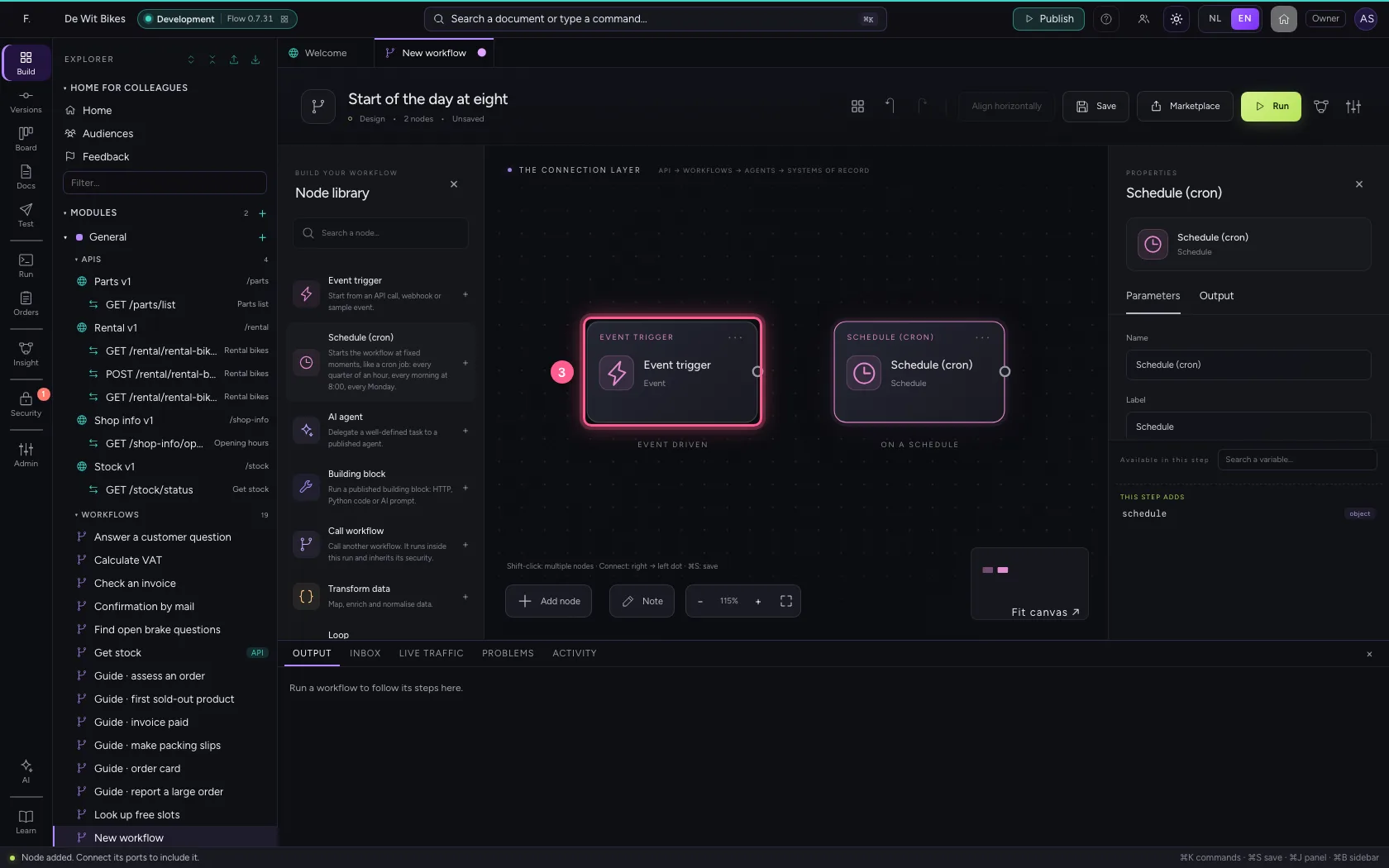
- Click Delete
Write when it starts
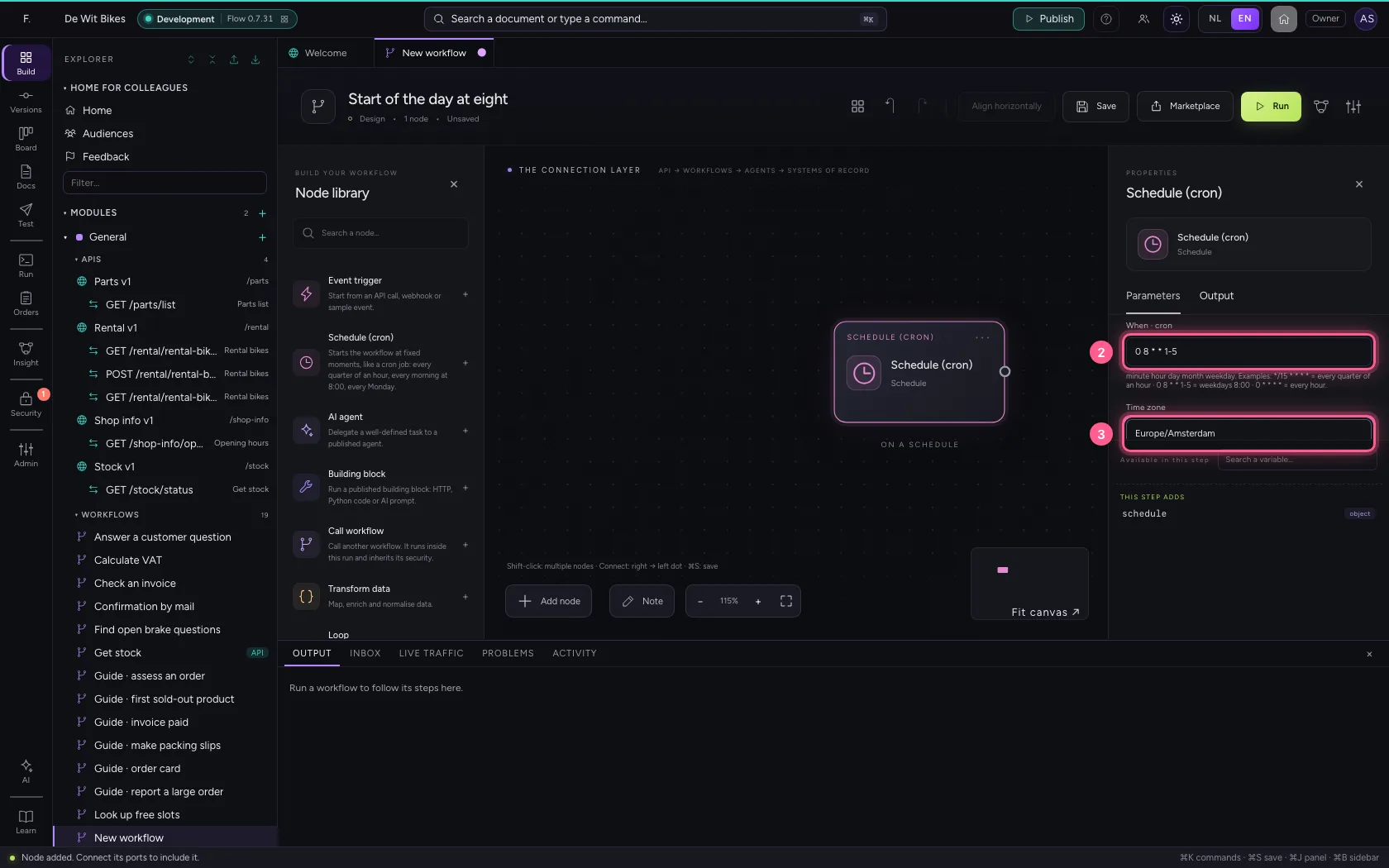
A cron schedule has five parts: minute, hour, day, month, weekday. 0 8 * * 1-5 means: at 8:00 on working days. The time zone decides which eight o'clock — summer and winter time work out by themselves. Active off means it does not start by itself; running it by hand always works.
- Click the schedule
- In When · cron, type
0 8 * * 1-5 - In Time zone, type
Europe/Amsterdam
Leave a line every morning
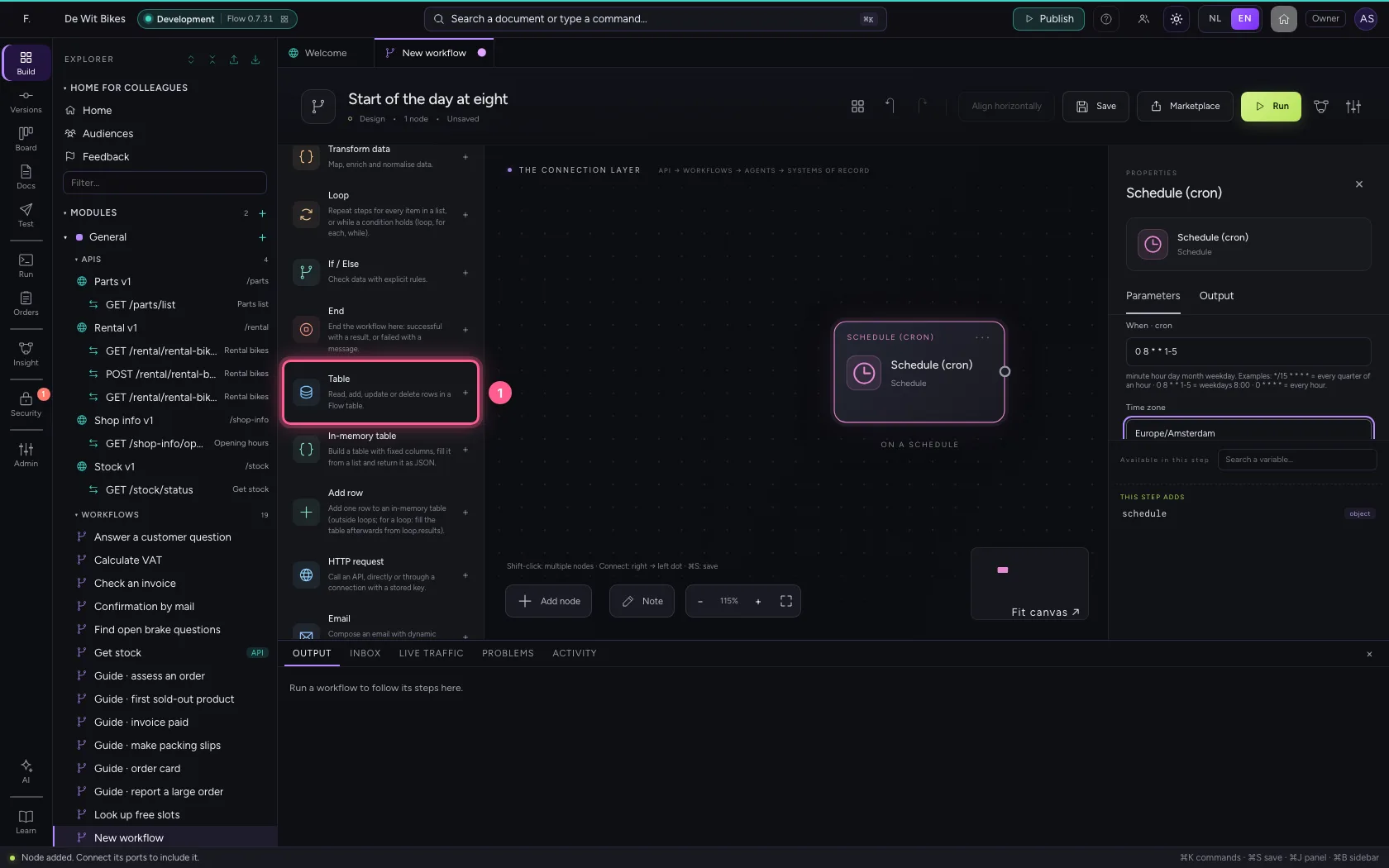
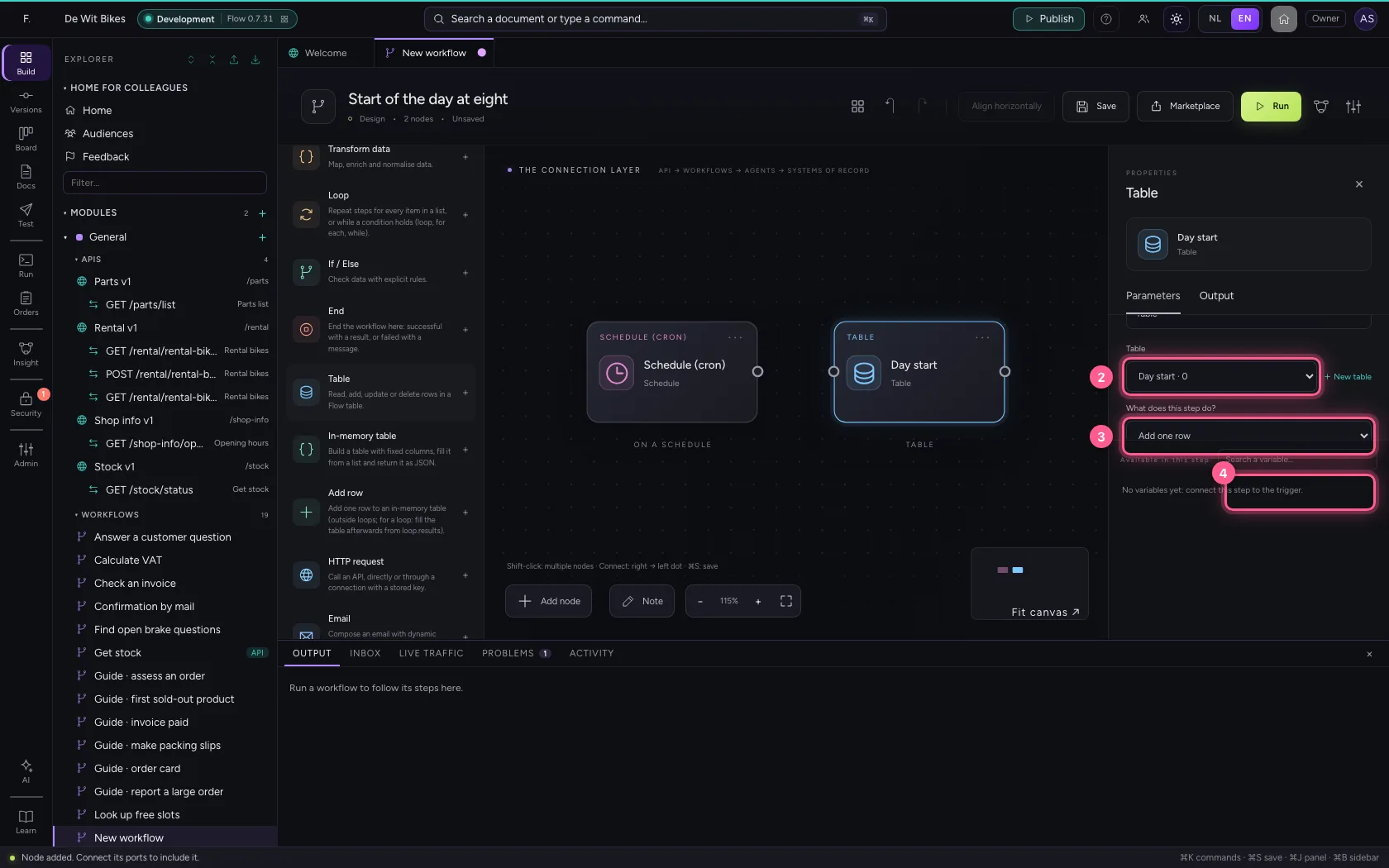
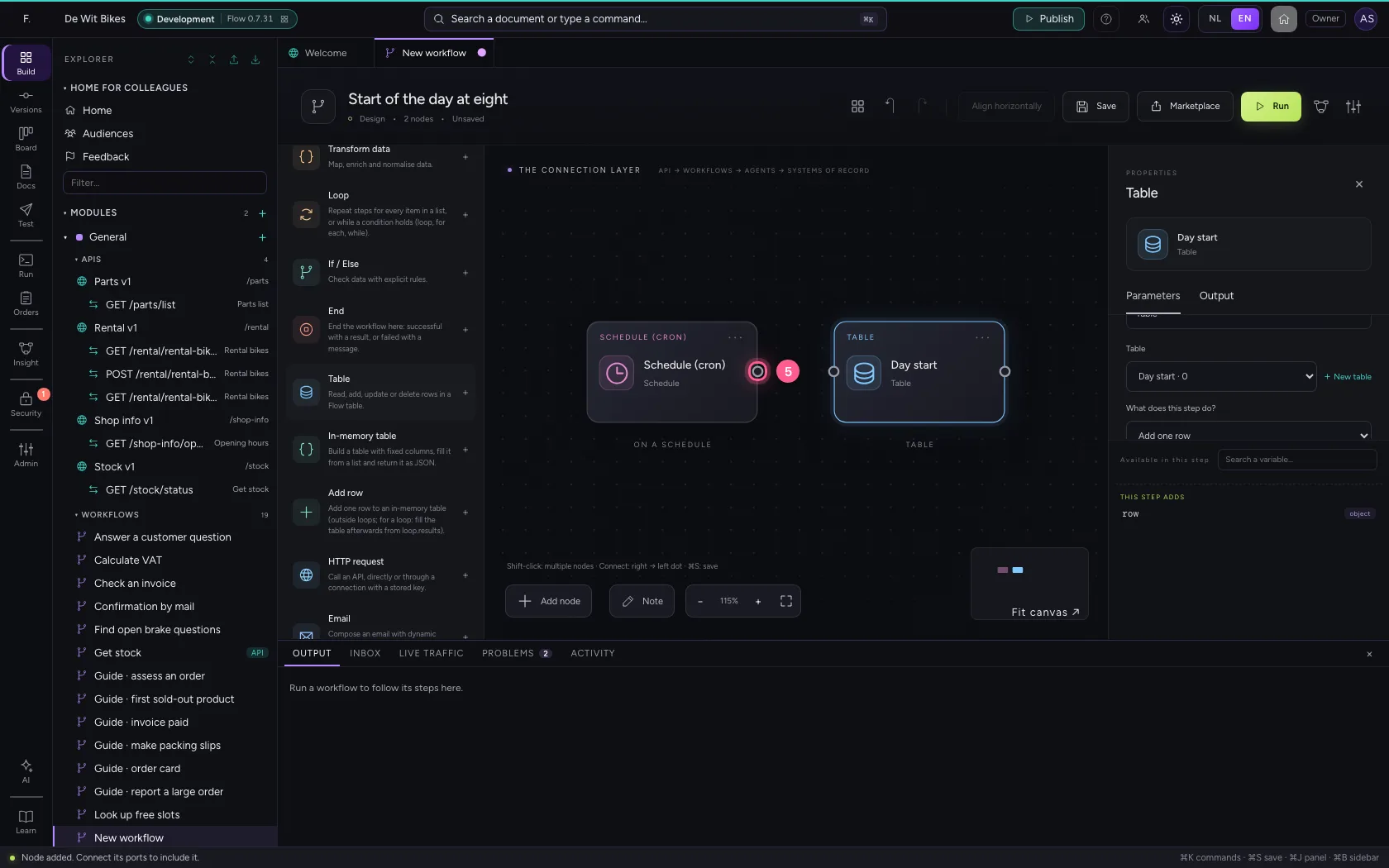
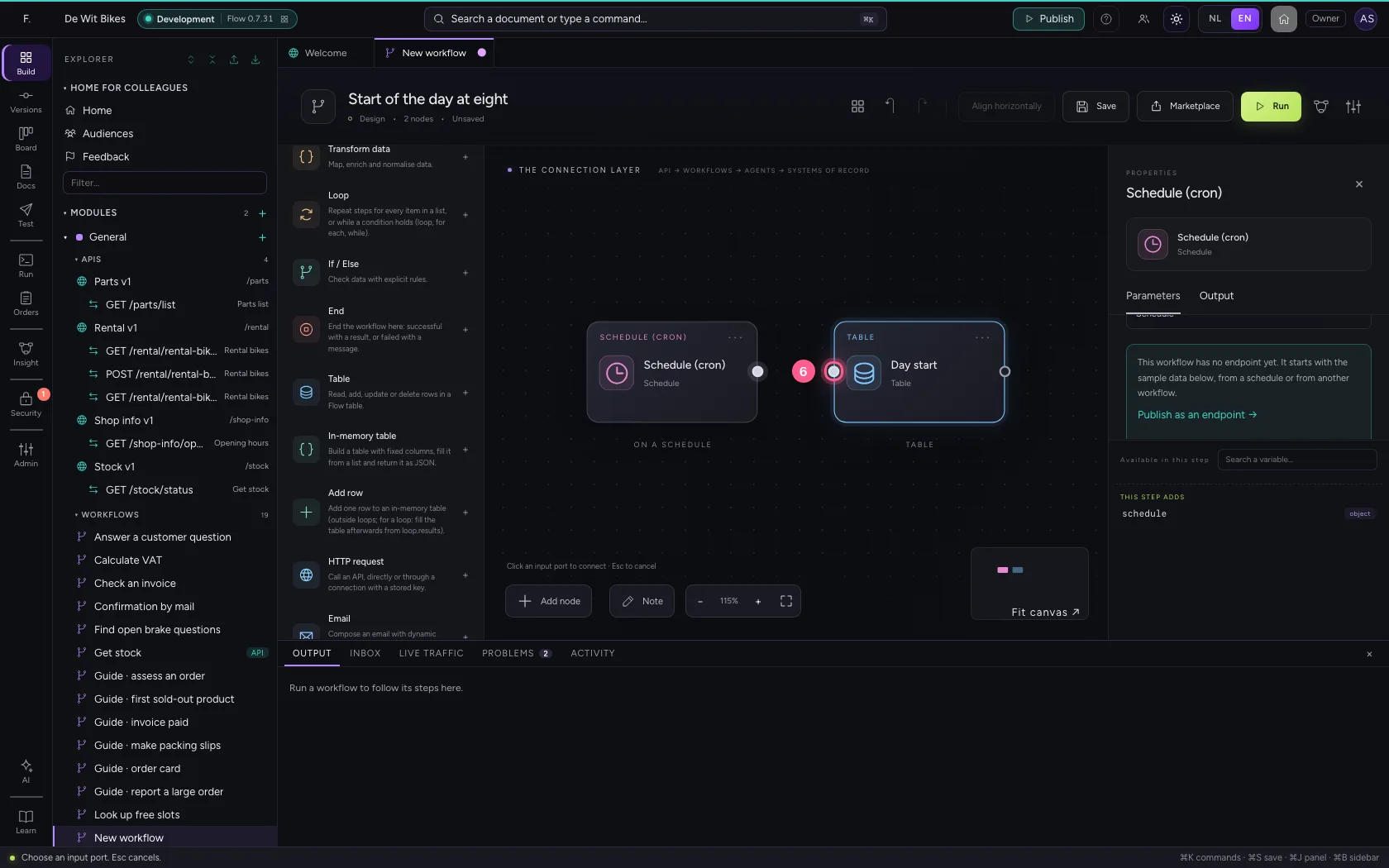
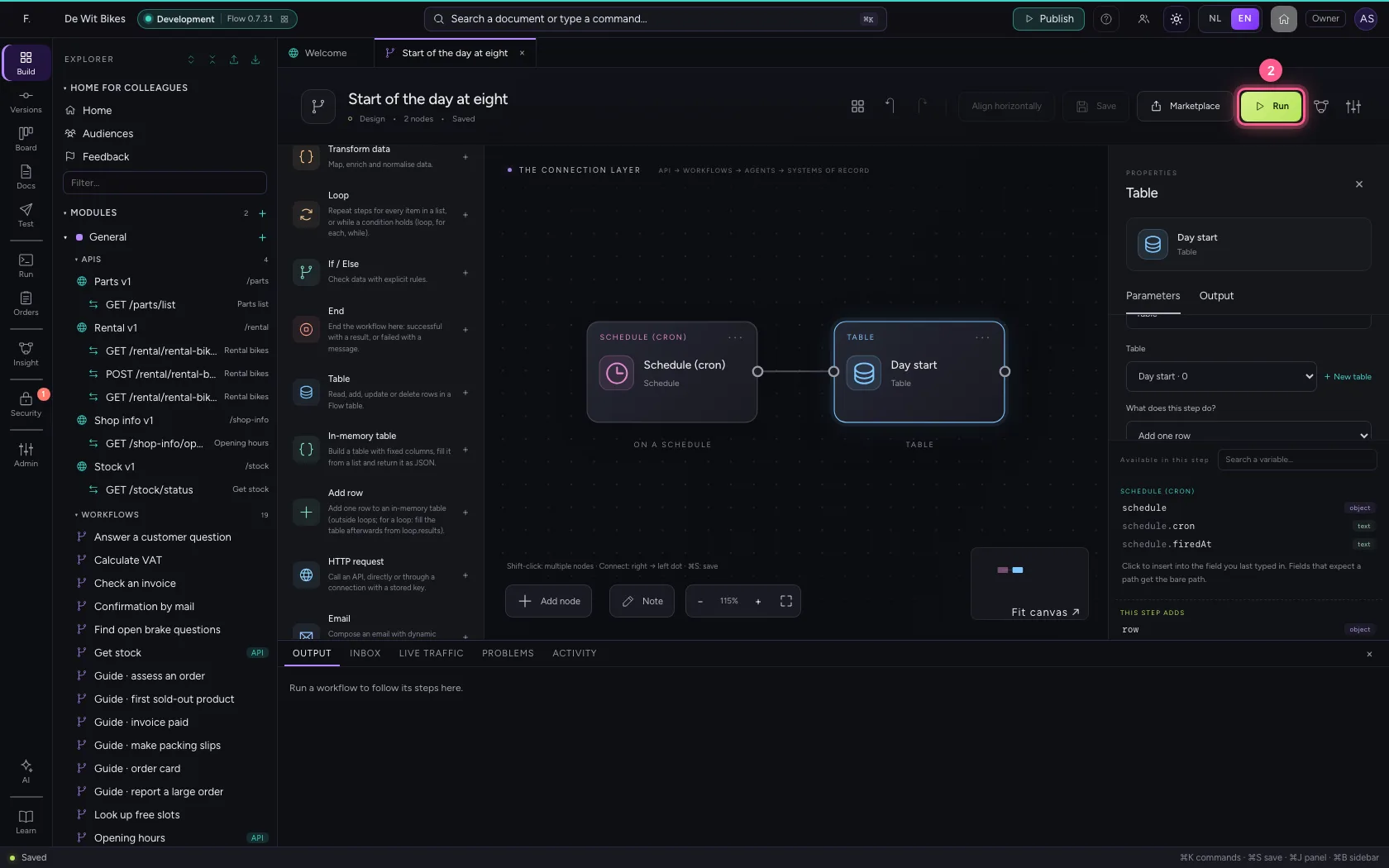
Add a Table step that adds one row to Day start, with the moment the schedule fired ({{schedule.firedAt}}). Connect the schedule to the step.
- Click Table
- In Table, choose Day start · 0
- In What does this step do? Look up rows Get one row (by id) Add one row Add rows fr, choose Add one row
- In moment * text, type
{{schedule.firedAt}}
- Click the schedule's dot
- Click the step's dot
Save and test by hand
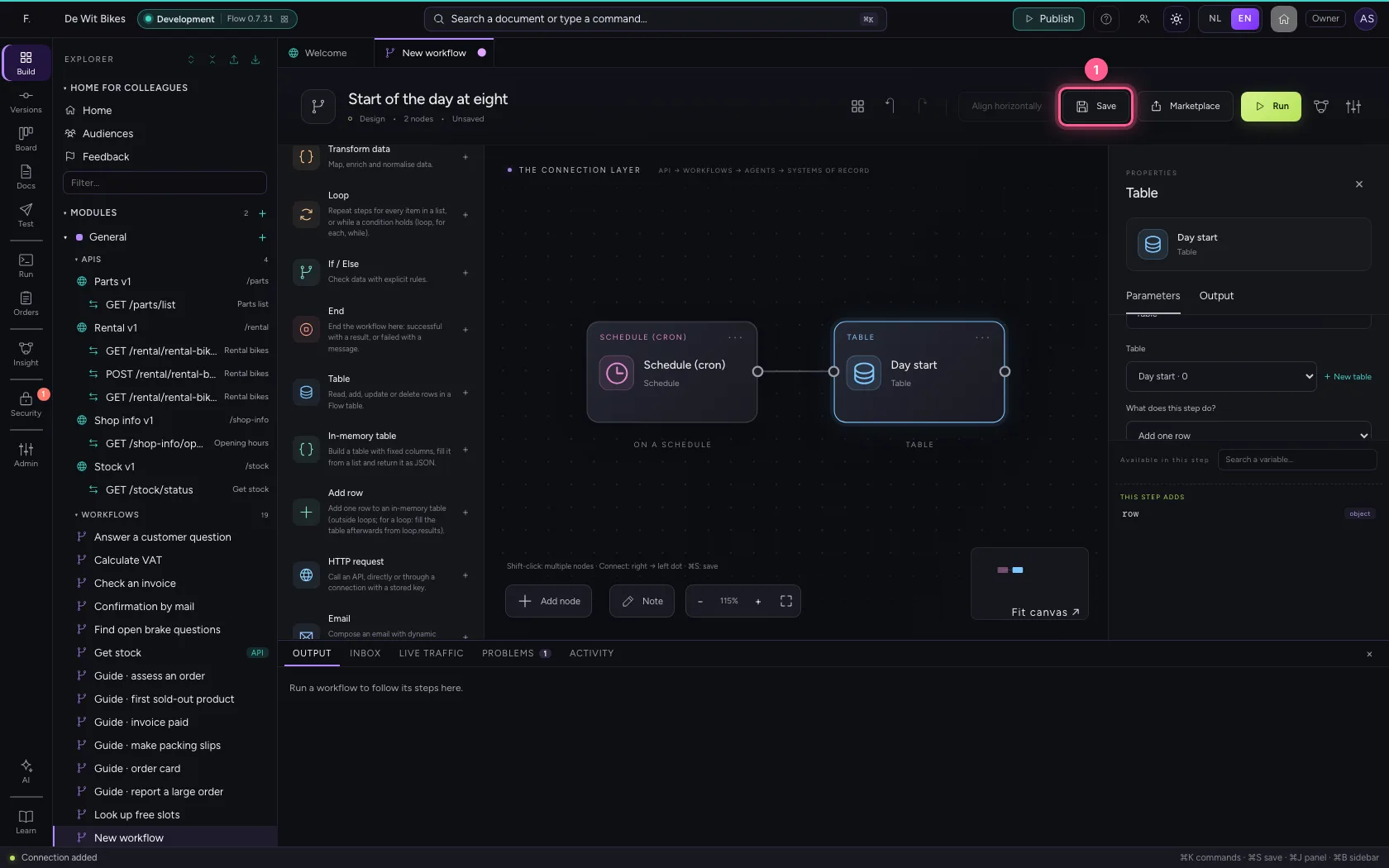
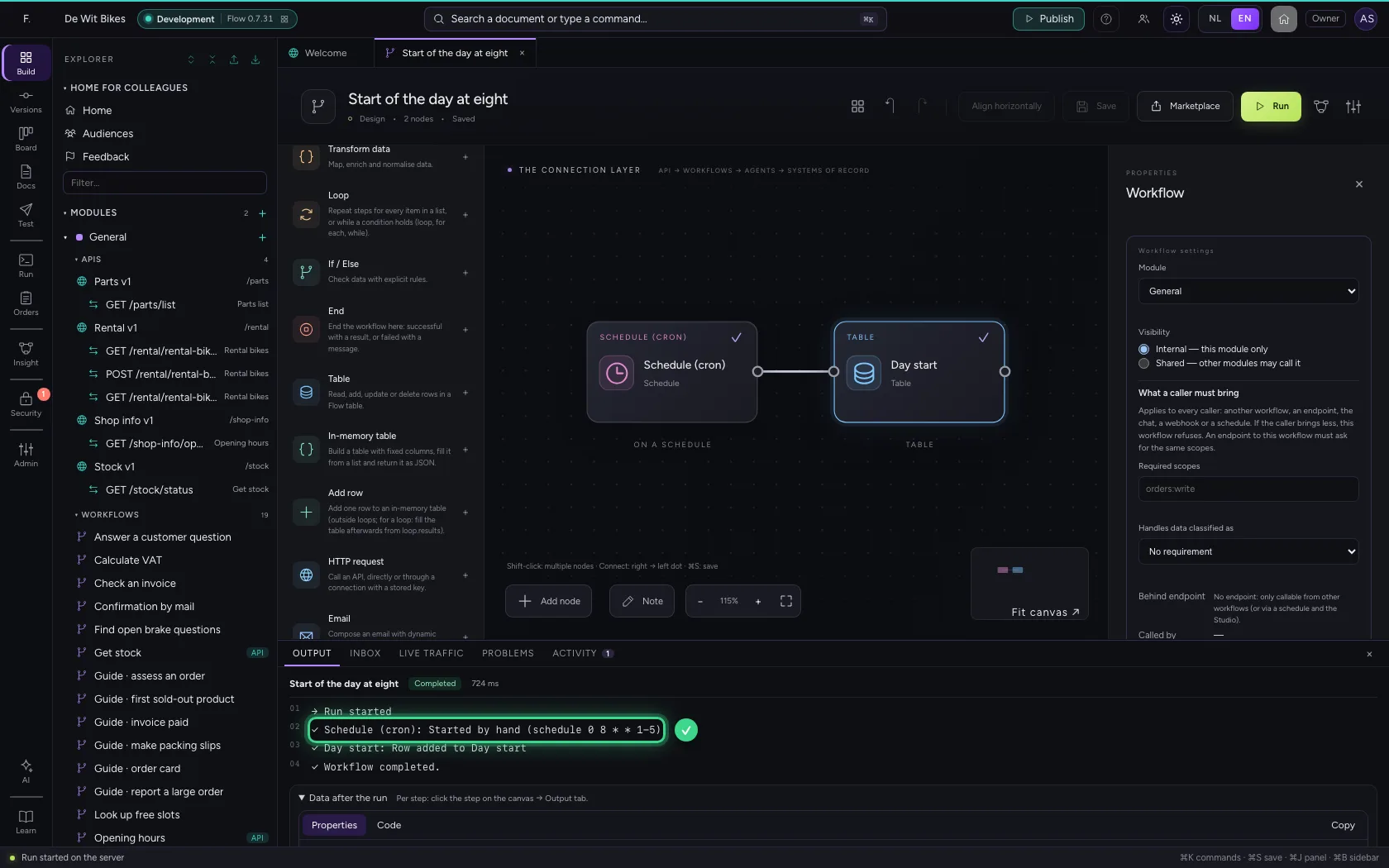
Saving makes the schedule active: from now on Flow starts the workflow itself, even when nobody is signed in and even when the environment runs on several servers — it fires exactly once. Run tests it right now.
- Click Save
- Click Run
This guide was carried out step by step on 22 Oct 2026 by an automated test on Flow (version 3e563176).