See the costs
You want to know what Flow costs this month. It is behind the name of your organisation, under Usage and invoices. Only an owner sees this.
Step 1 / 3
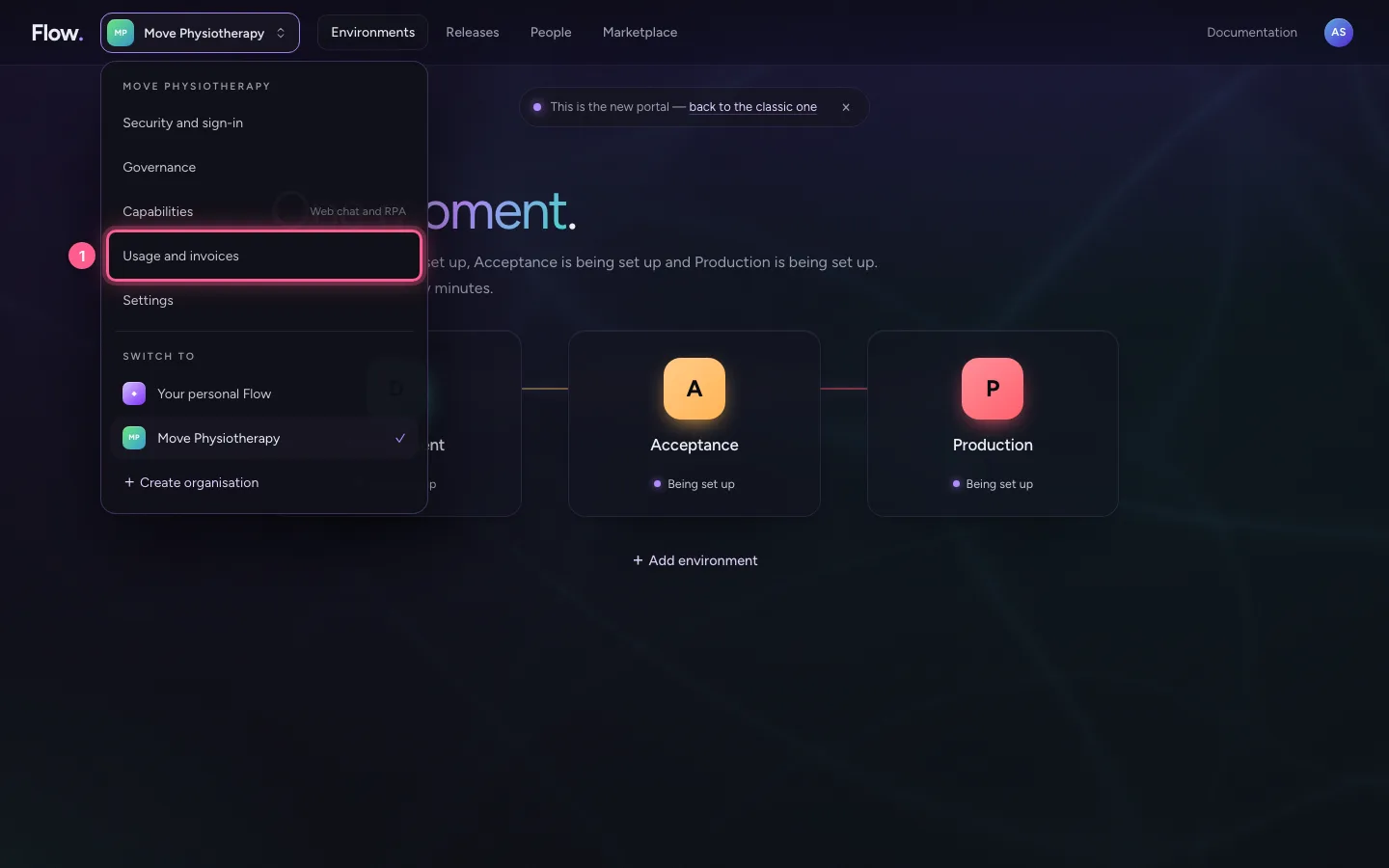
Open your organisation's menu
Click your organisation's name at the top left.
- Click Move Physiotherapy

Step 2 / 3
Choose Usage and invoices
At the top are three amounts: what it has cost so far this month, what to expect for the whole month and what it is per month now. Amounts exclude VAT.
- Click Usage and invoices

Step 3 / 3
What it is made of
Below it you see per environment and per person the monthly price and the number of days. Every day counts pro rata: what existed for ten days of a thirty-day month costs a third of the monthly price.

This guide was carried out step by step on 28 Oct 2026 by an automated test on Flow (version 96971699).