Building from Claude Desktop and Claude Code (MCP)
With MCP access you let an AI app build in your development environment: modules, tables, workflows, agents. The app acts as you and can never do more than your role, it cannot delete, and keys and security policies remain in human hands. You create a key with limited rights, see what the app may and may not do, and revoke the access again.
Open your development environment
An AI app only builds in Development (or Test). In Acceptance and Production it can at most read: what is there only arrives by publishing.
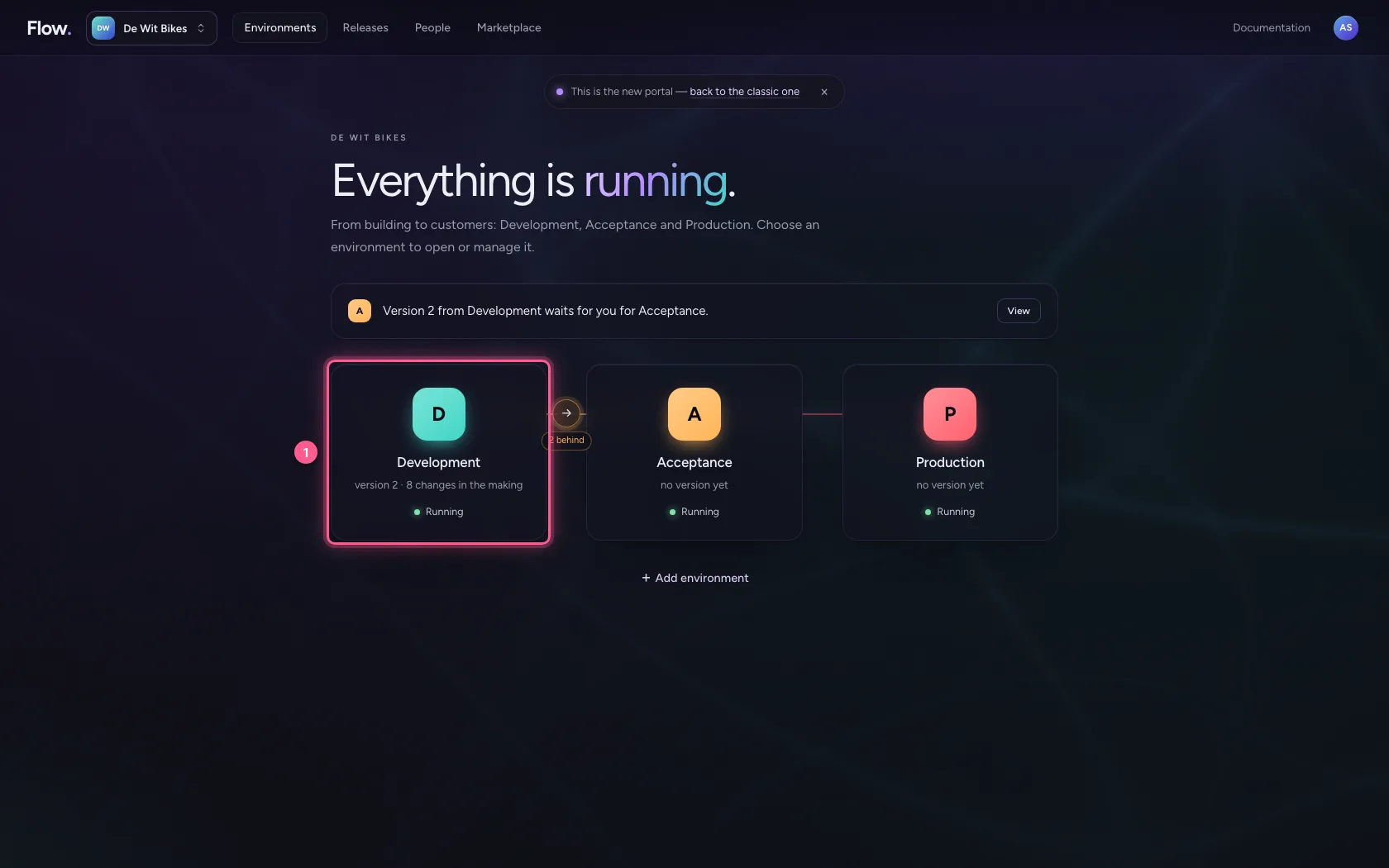
- Click Development
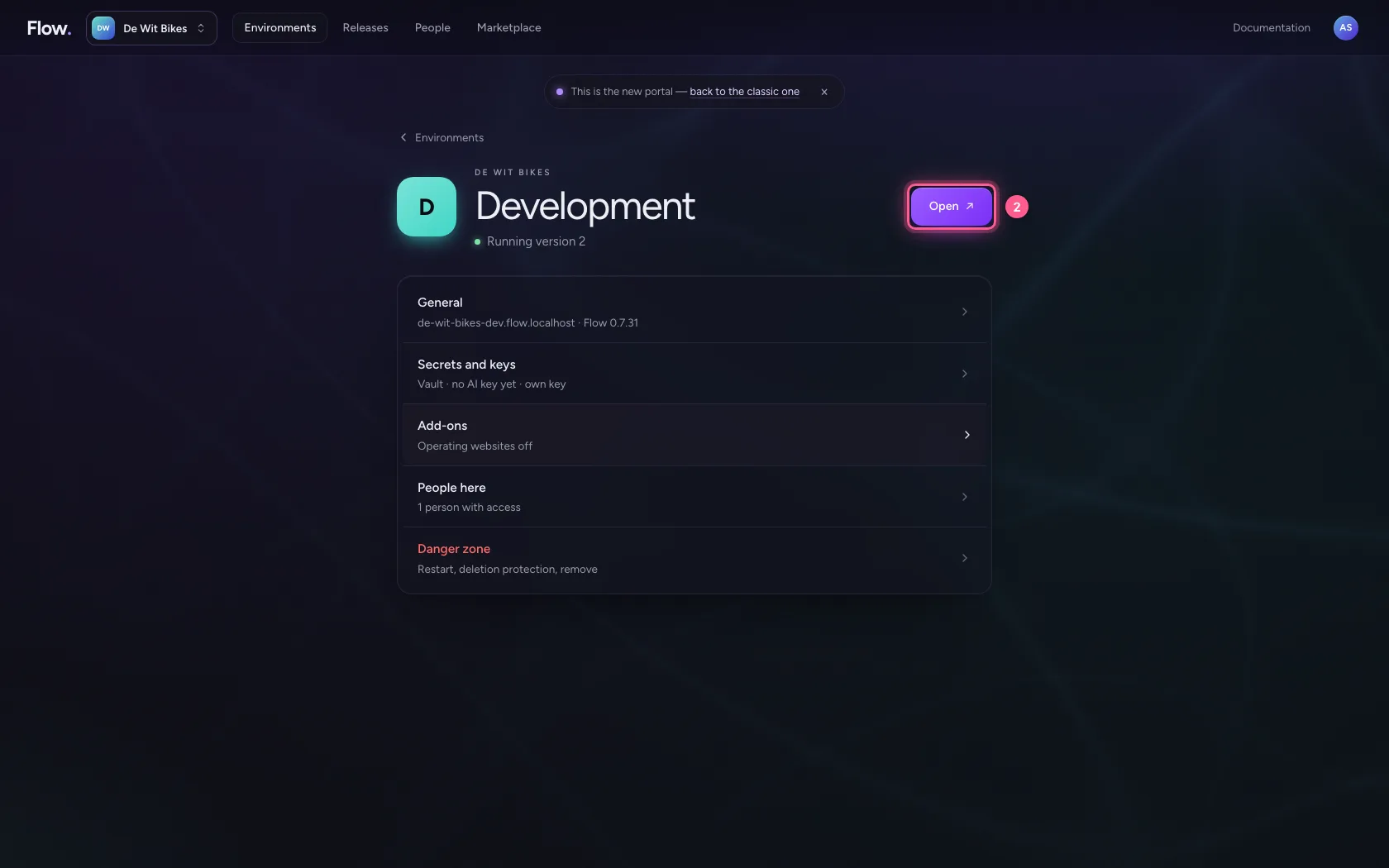
- Click Open ↗
Open MCP access
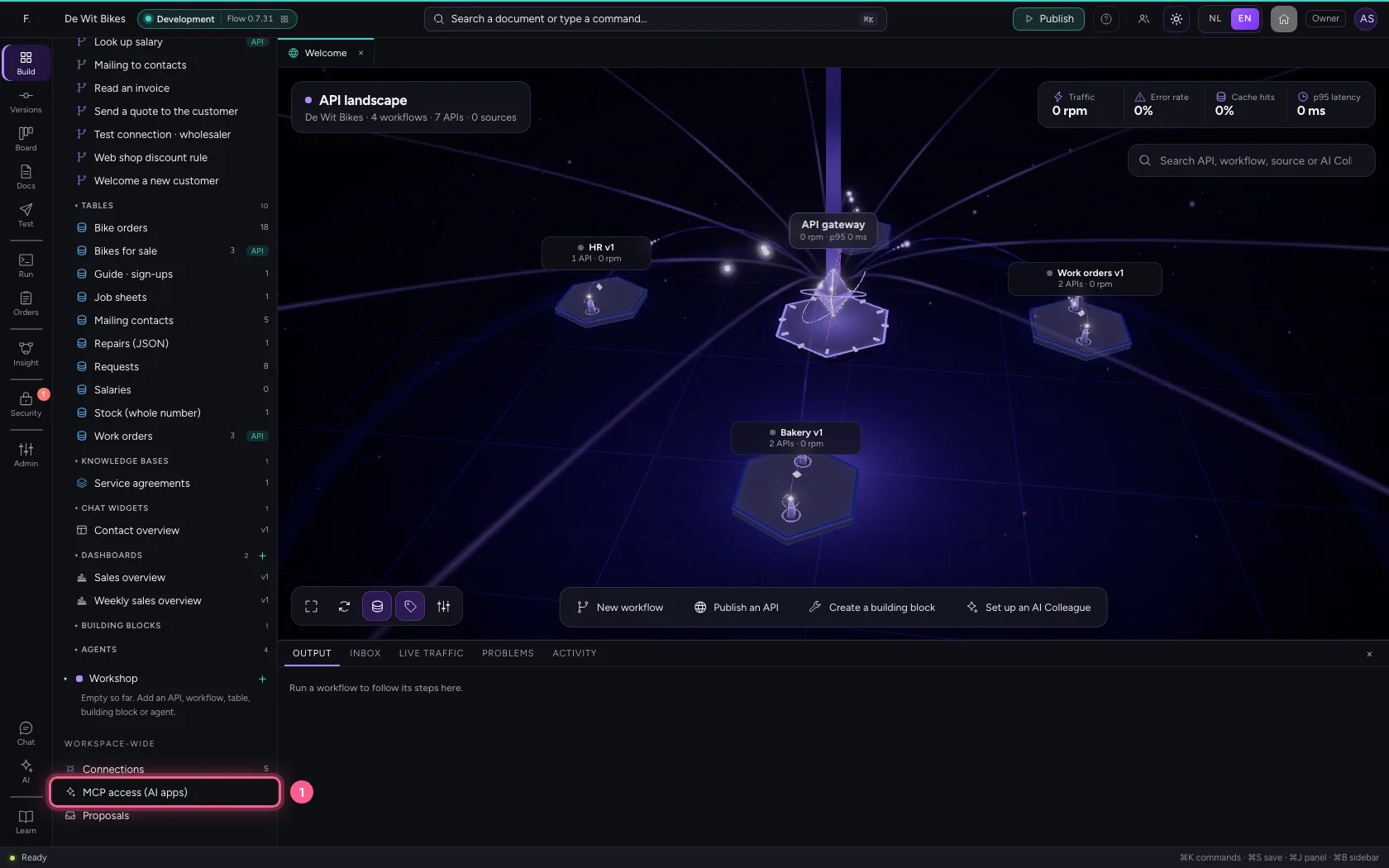
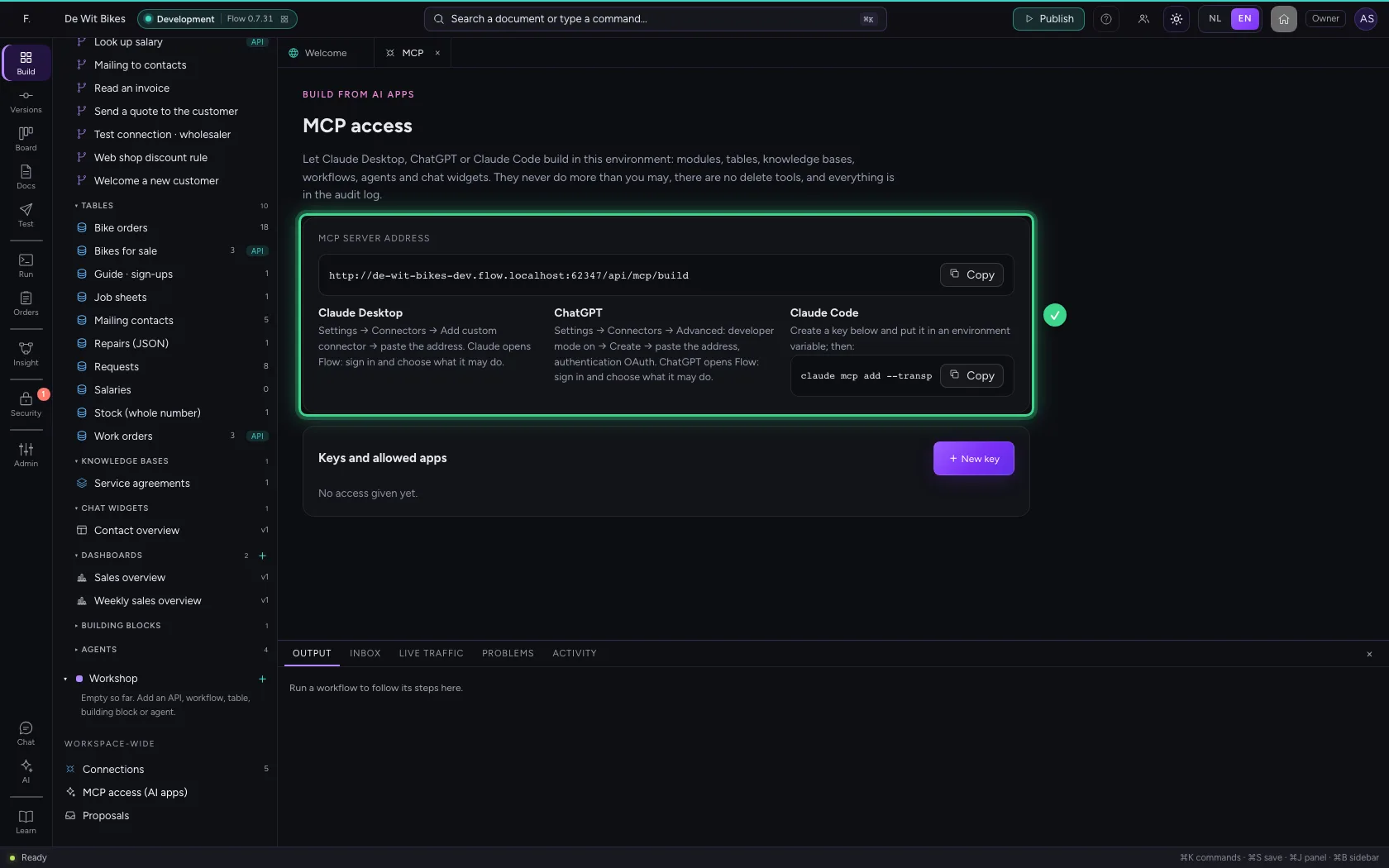
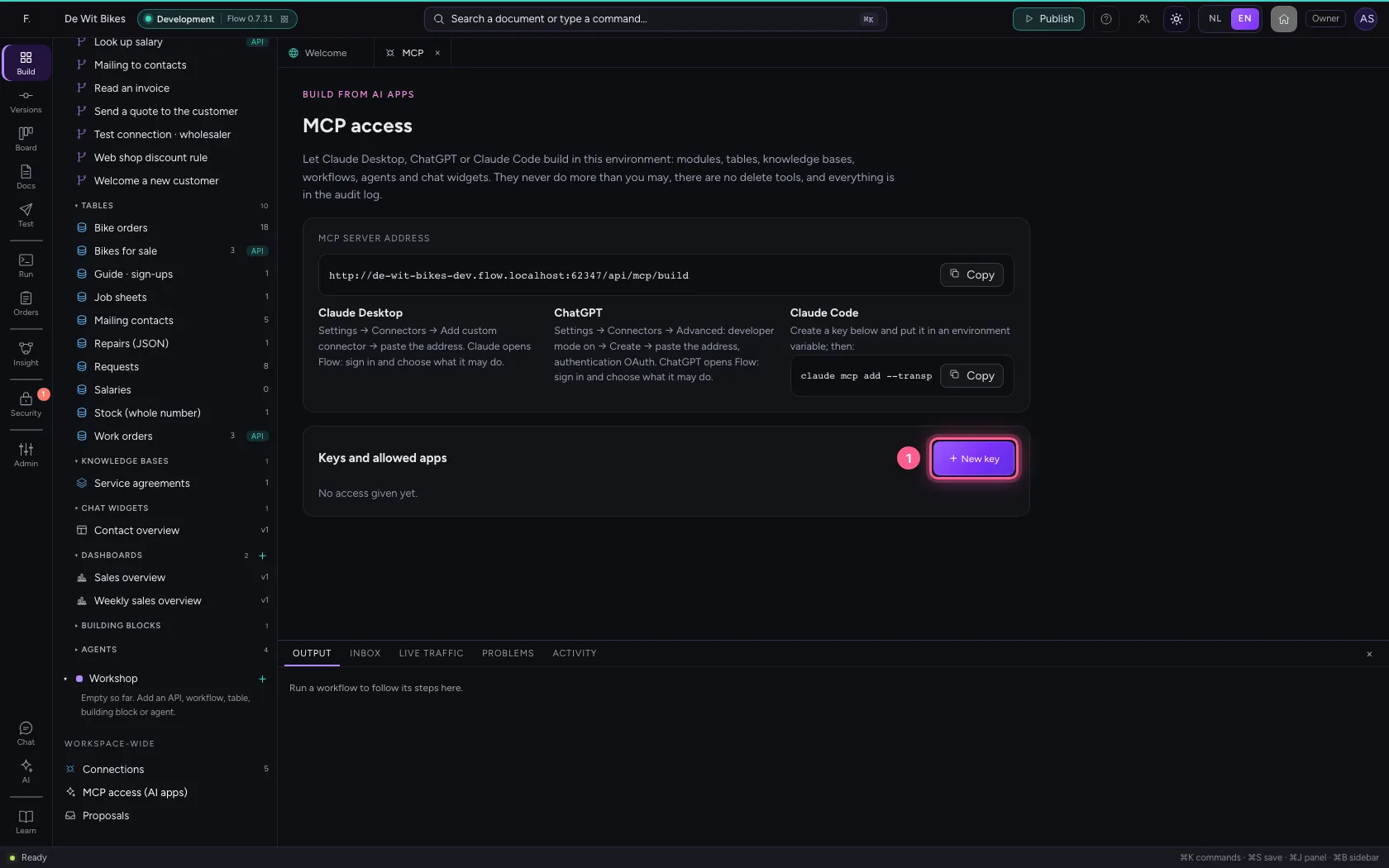
At the bottom of the explorer, under Workspace-wide, is MCP access (AI apps). At the top you find the MCP server's address and, per app, how to connect it. In Claude Desktop you add that address as a custom connector: Claude opens Flow, you sign in and choose what it may do.
- Click MCP access (AI apps)
Create a key with limited rights
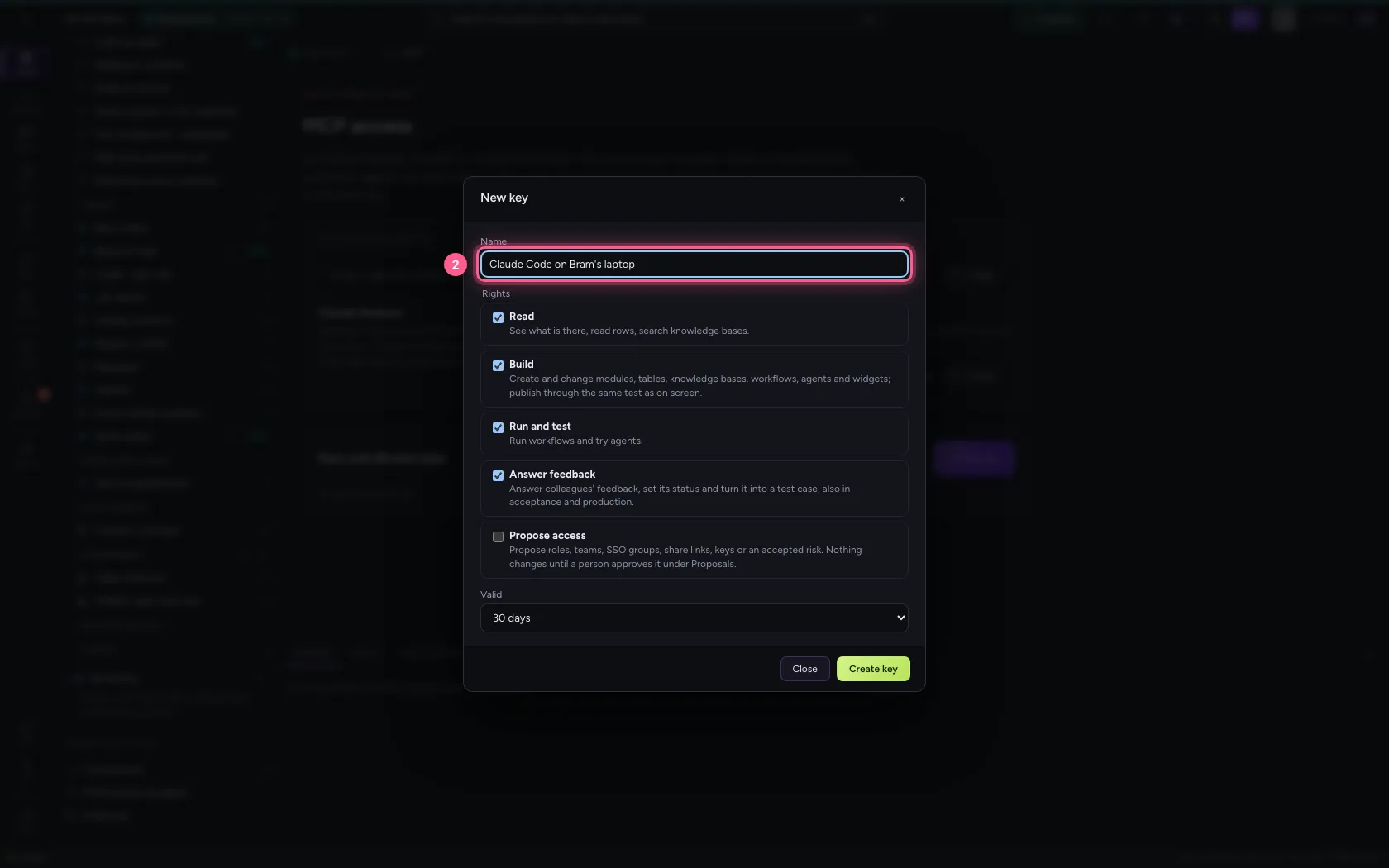
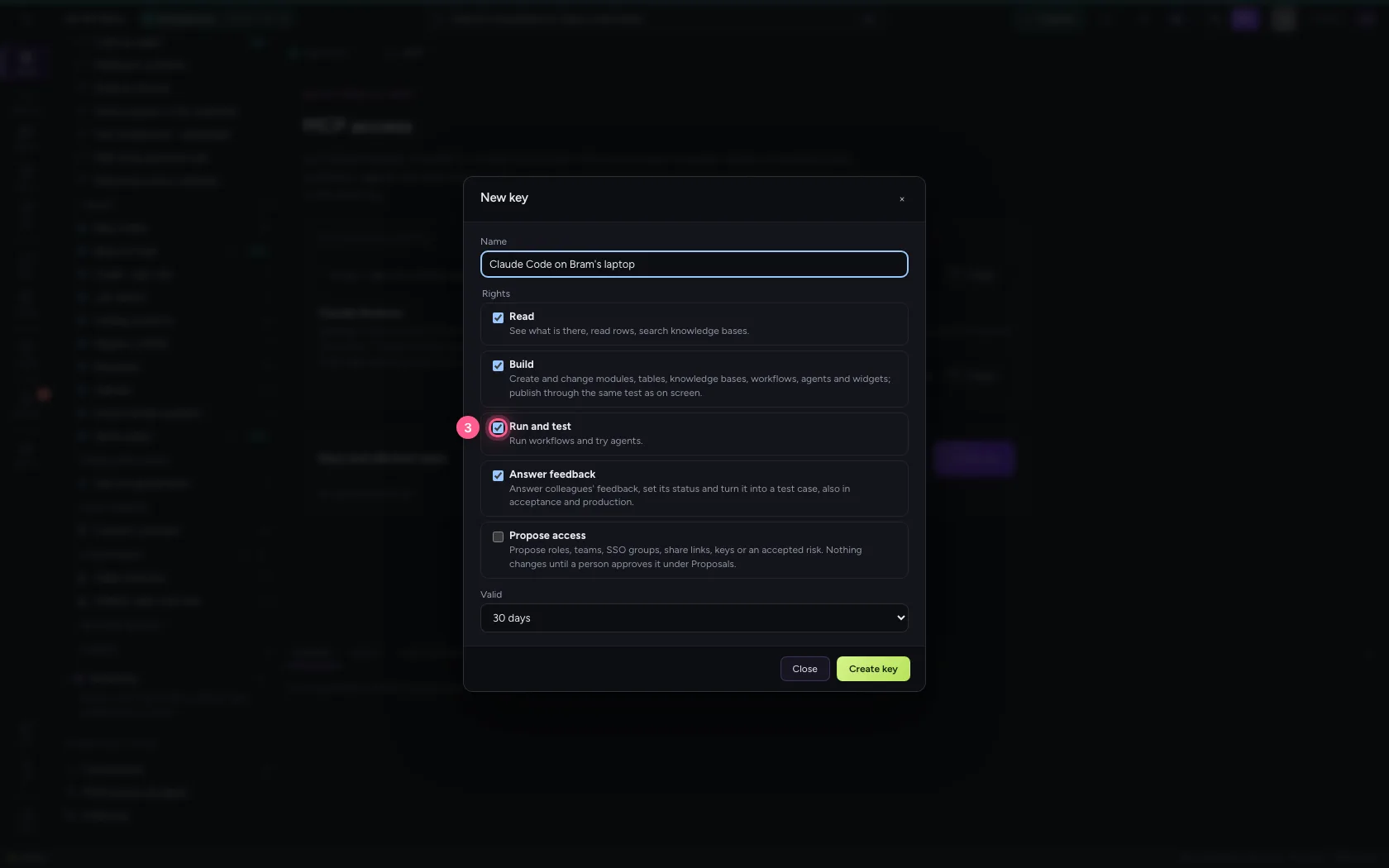
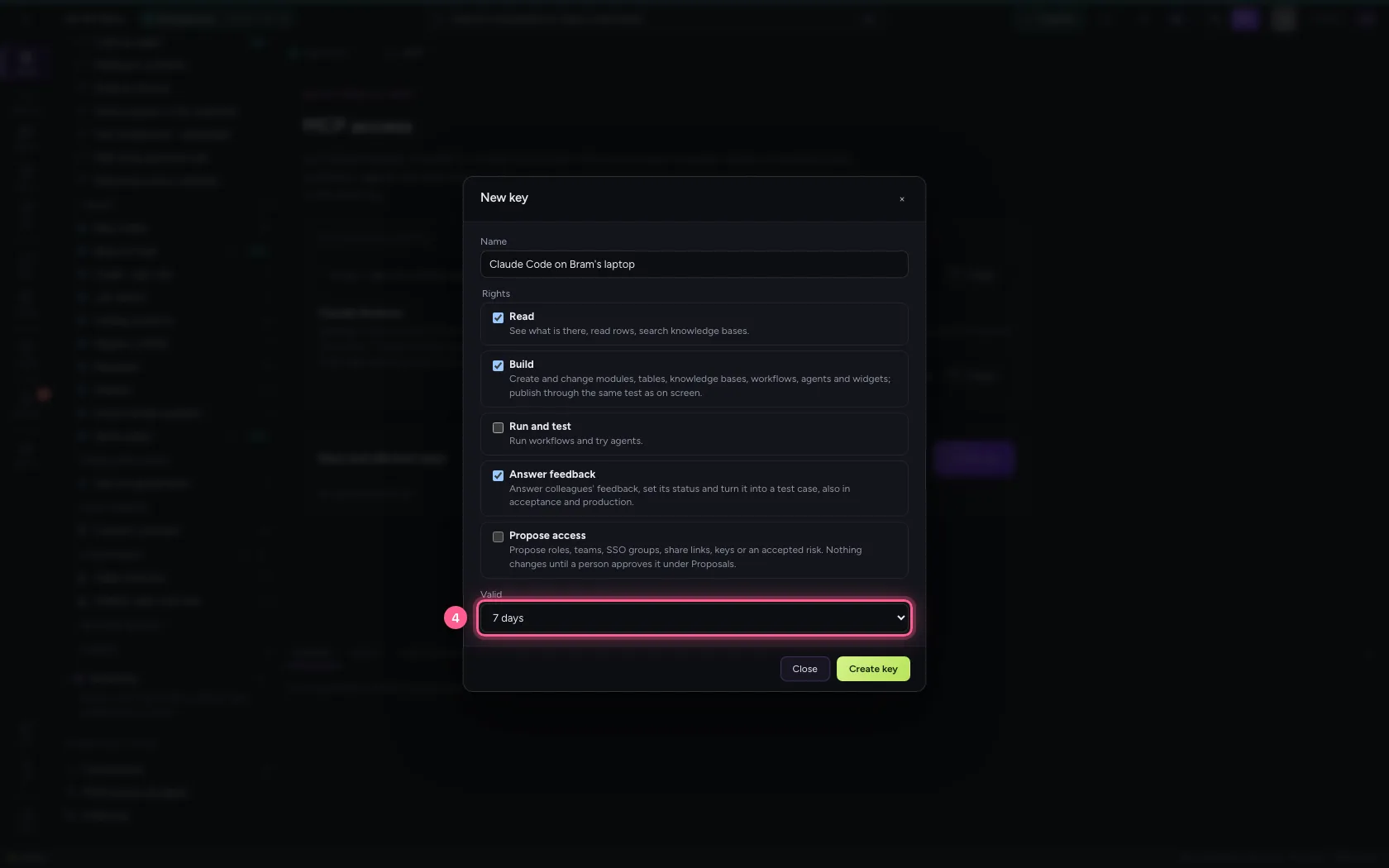
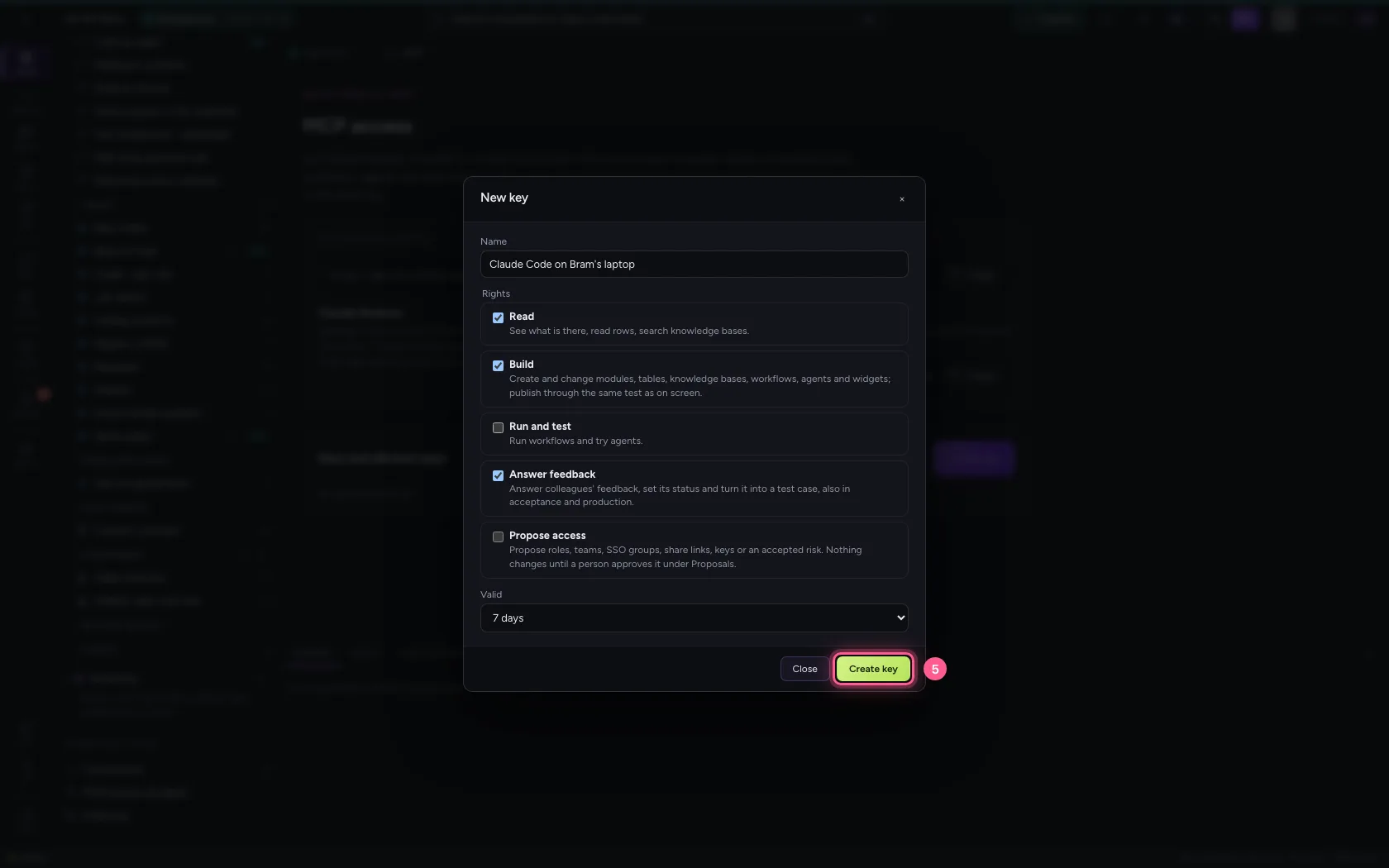
For Claude Code you create a key. Give it a name that says where it lives, and only the rights it needs: Read and Build, but not Run. A key always expires; choose as short as is workable.
- Click + New key
- In Name, type
Claude Code on Bram's laptop
- Click Run and test Run workflows and try agents.
- In Valid 1 day 7 days 14 days 30 days, choose 7 days
- Click Create key
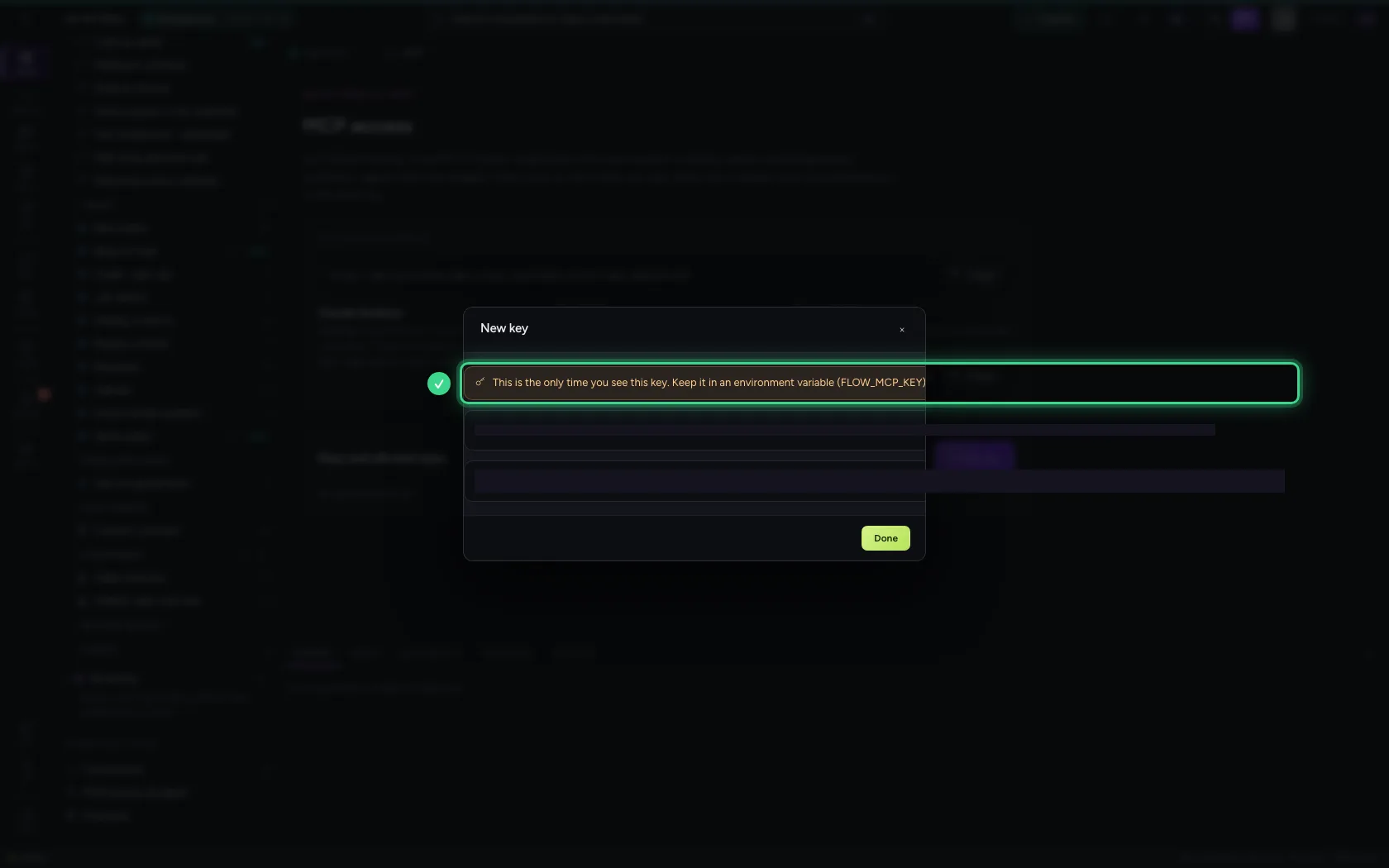
Store the key — you see it once
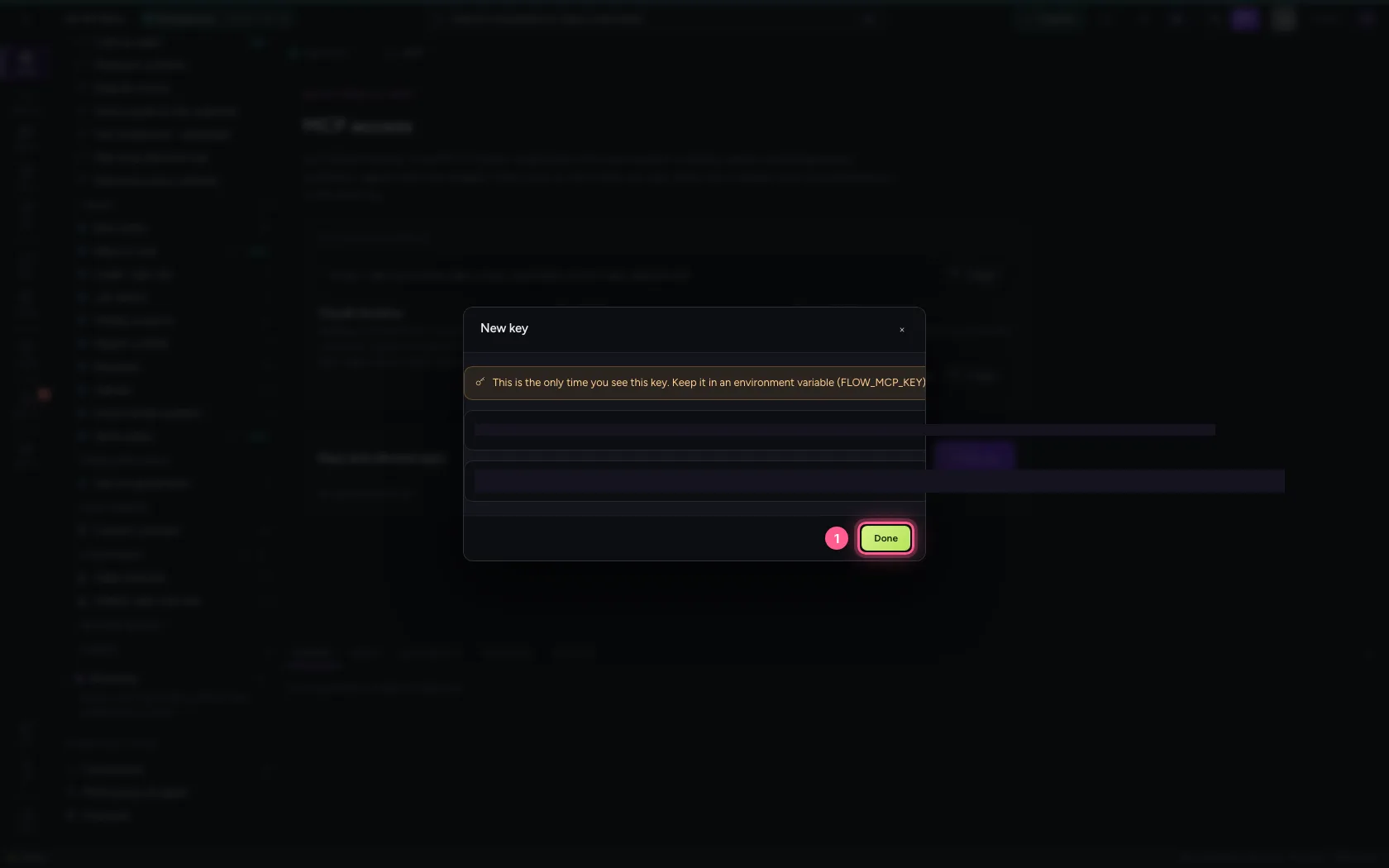
Flow shows the key now, and never again: it keeps only a fingerprint. Put it in an environment variable (FLOW_MCP_KEY), not in a chat or a file.
- Click Done
What the app may and may not do
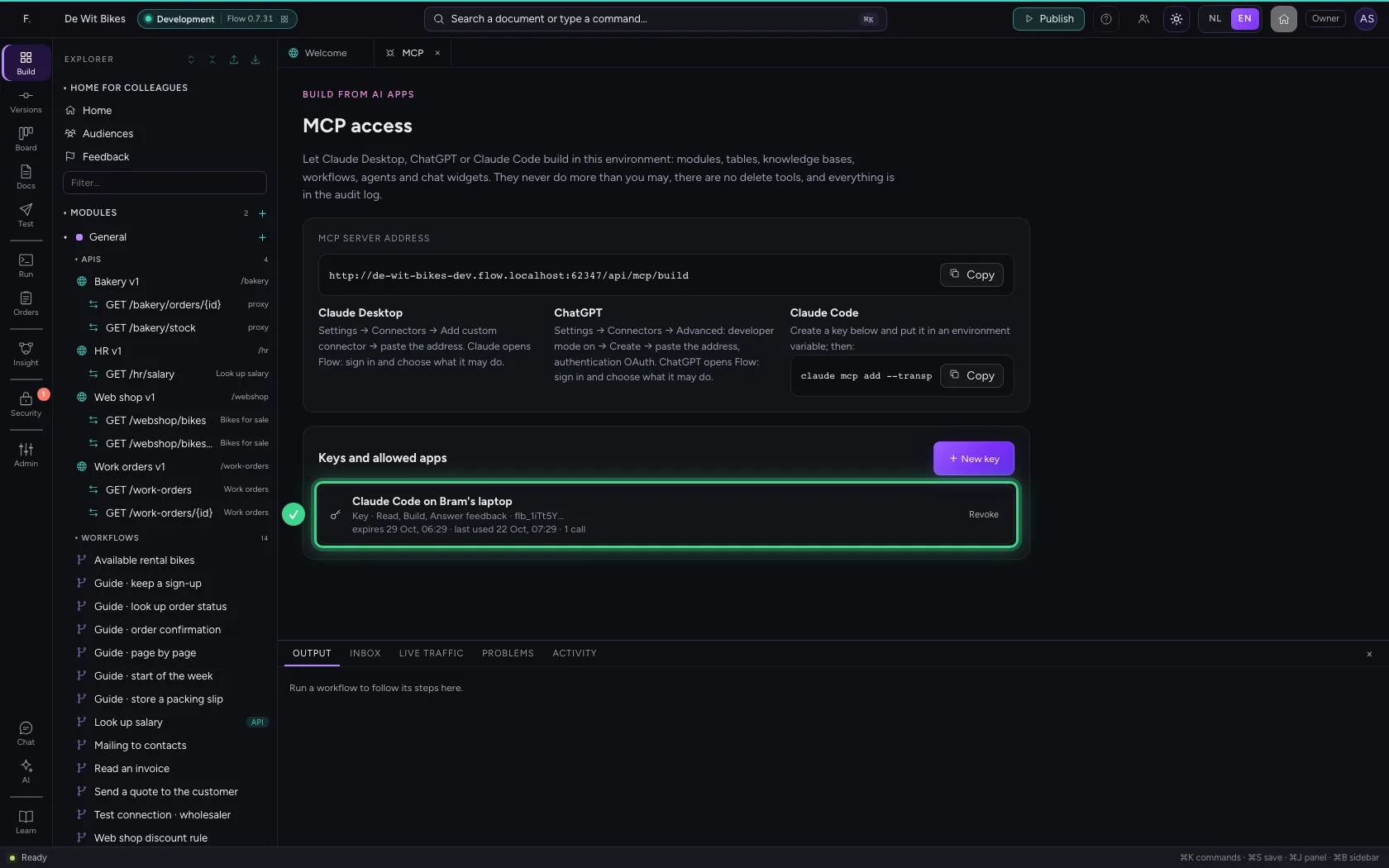
The app only gets tools that match the key's rights. With Read and Build it creates modules, tables, knowledge bases, workflows, APIs, agents and widgets, and publishes through the same test as on screen. Run is not part of it now: if the app asks anyway, it gets no right. Every call counts and every change is in the audit log as via MCP.
Revoke the access
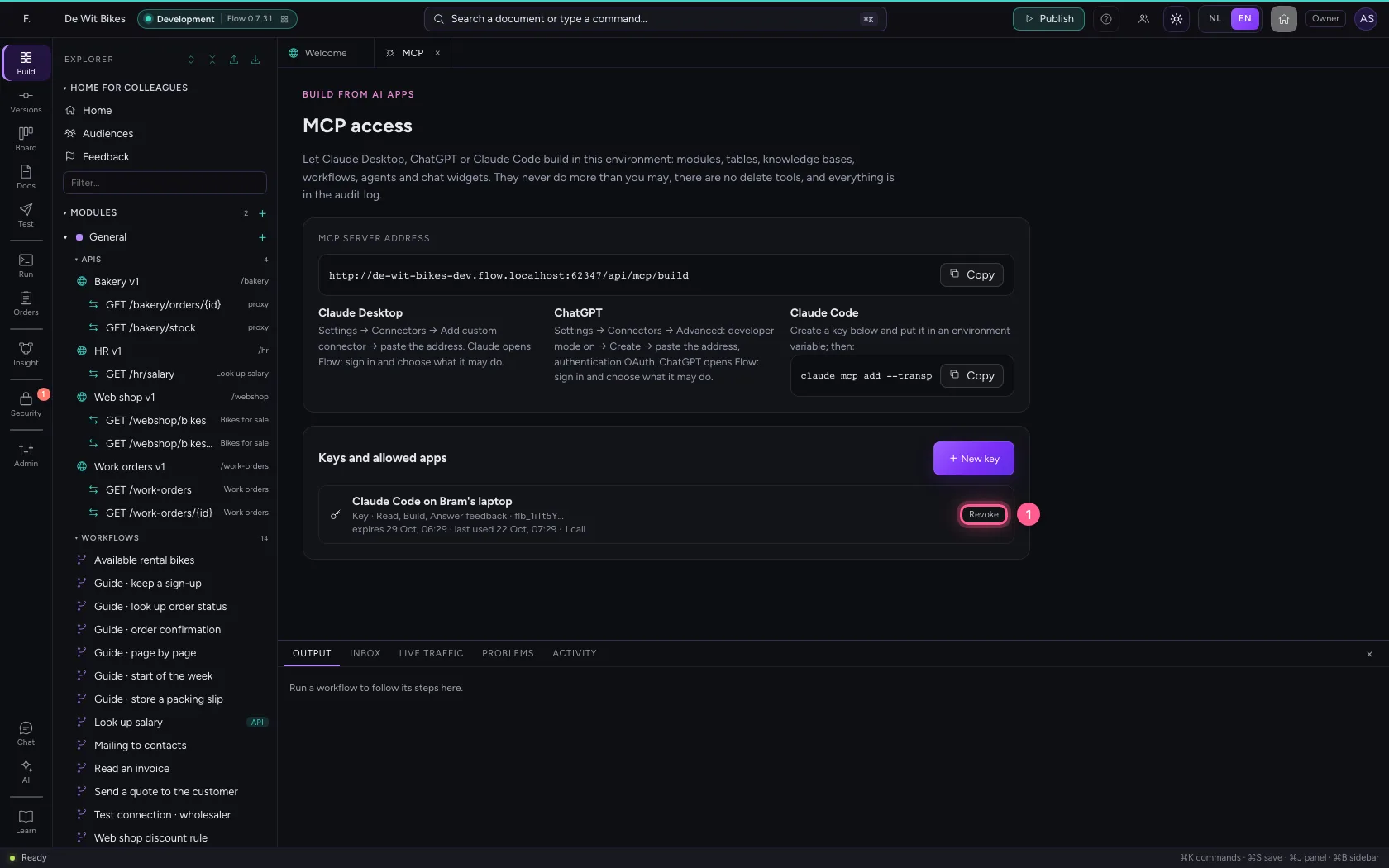
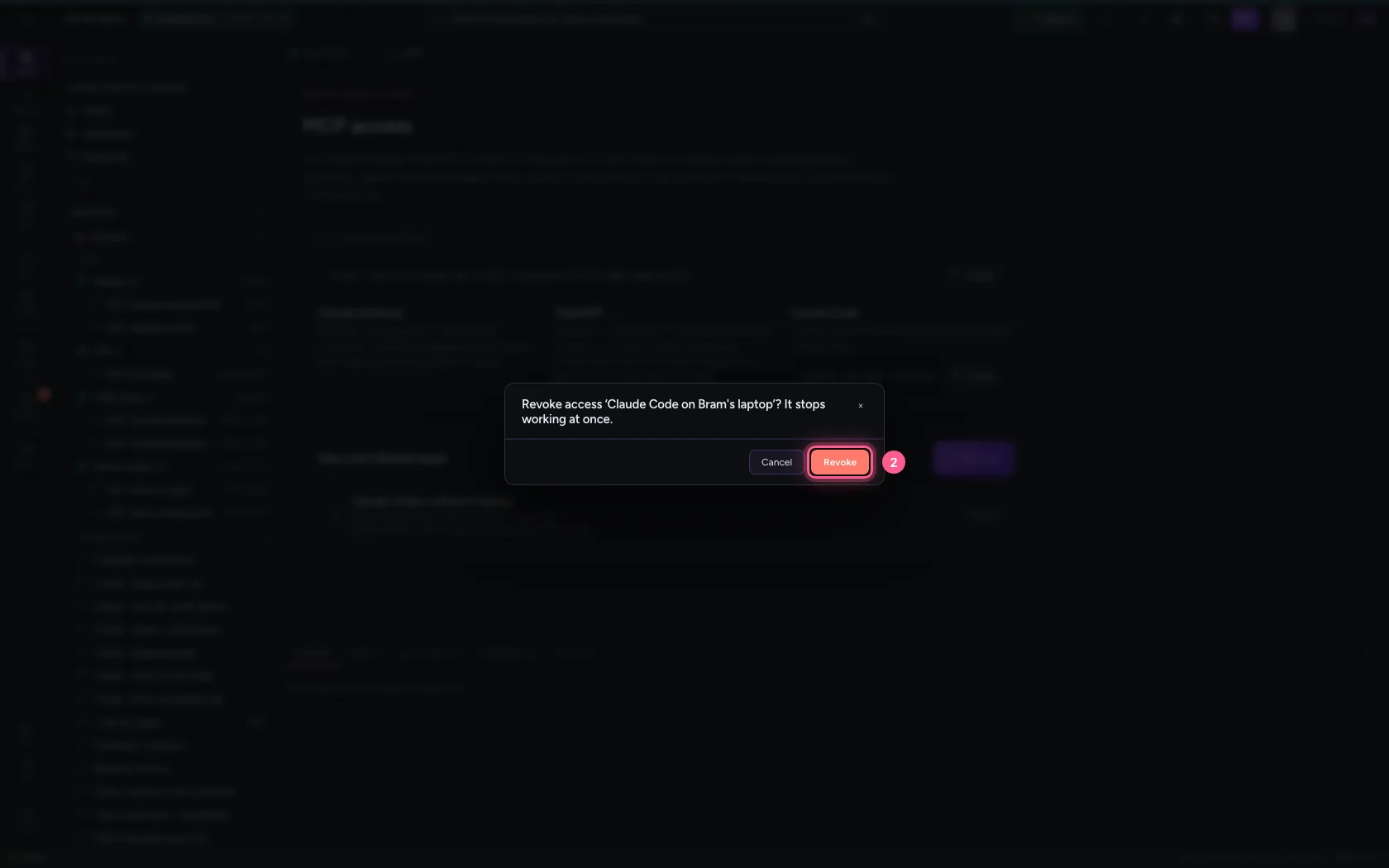
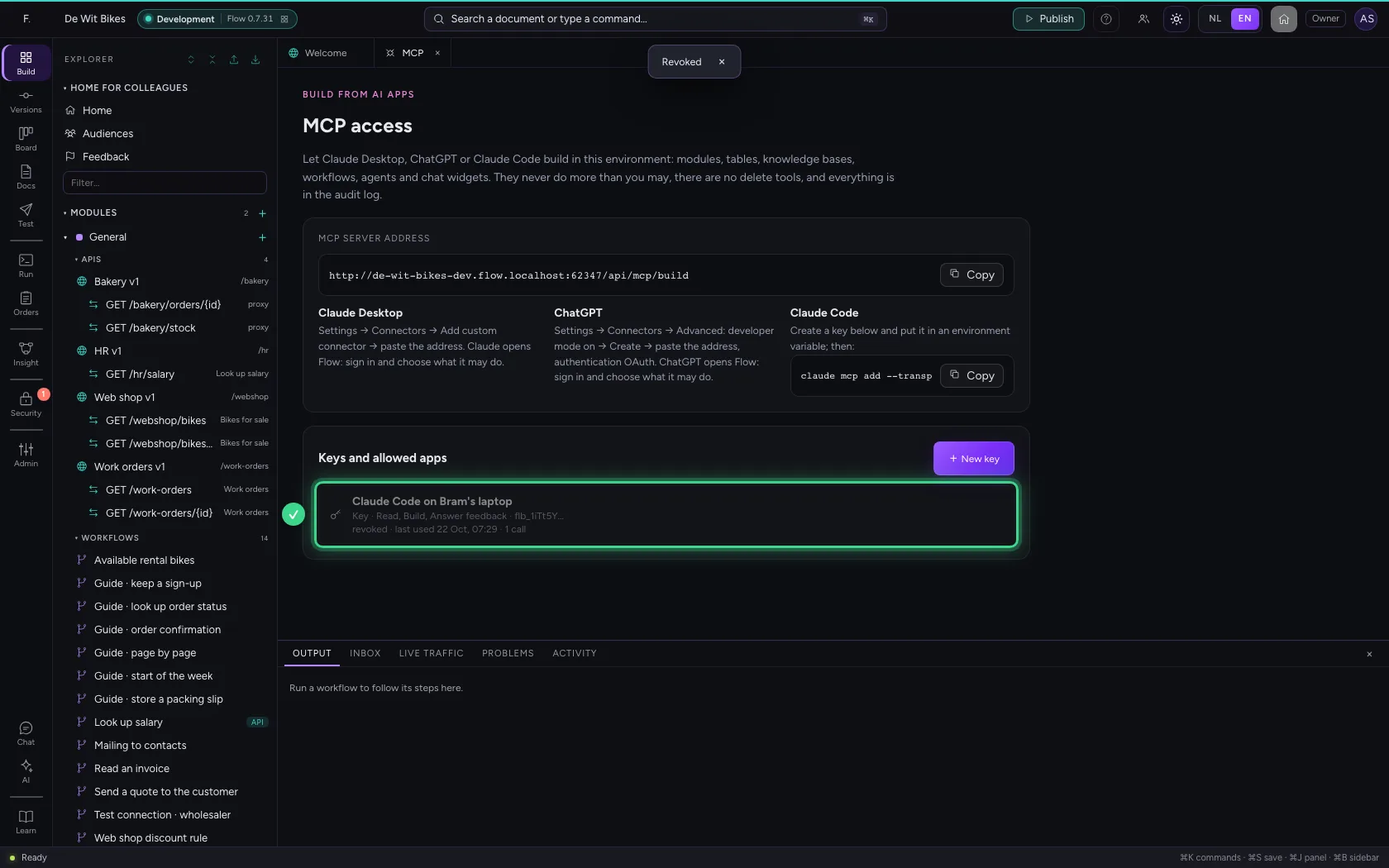
Done building, or lost the laptop? Revoking works at once: the app's next call is refused.
- Click Revoke
- Click Revoke
This guide was carried out step by step on 22 Oct 2026 by an automated test on Flow (version 3e563176).