Process row by row with a loop
A workflow reads the orders from a table, calculates the amount including VAT per order and writes it to a second table. That is how you learn the Loop (for each): steps that repeat per item, with variables you name yourself.
Open your development environment
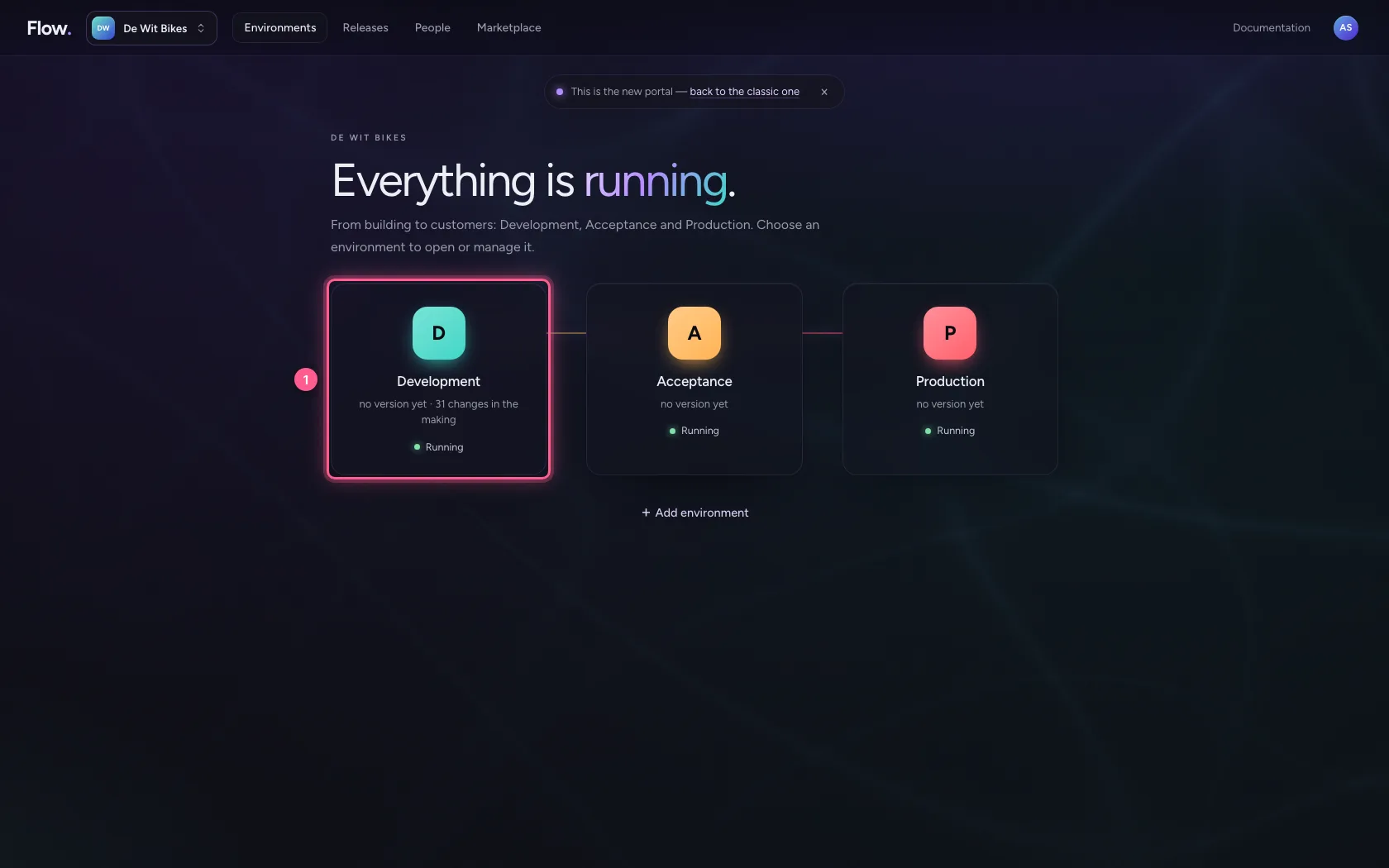
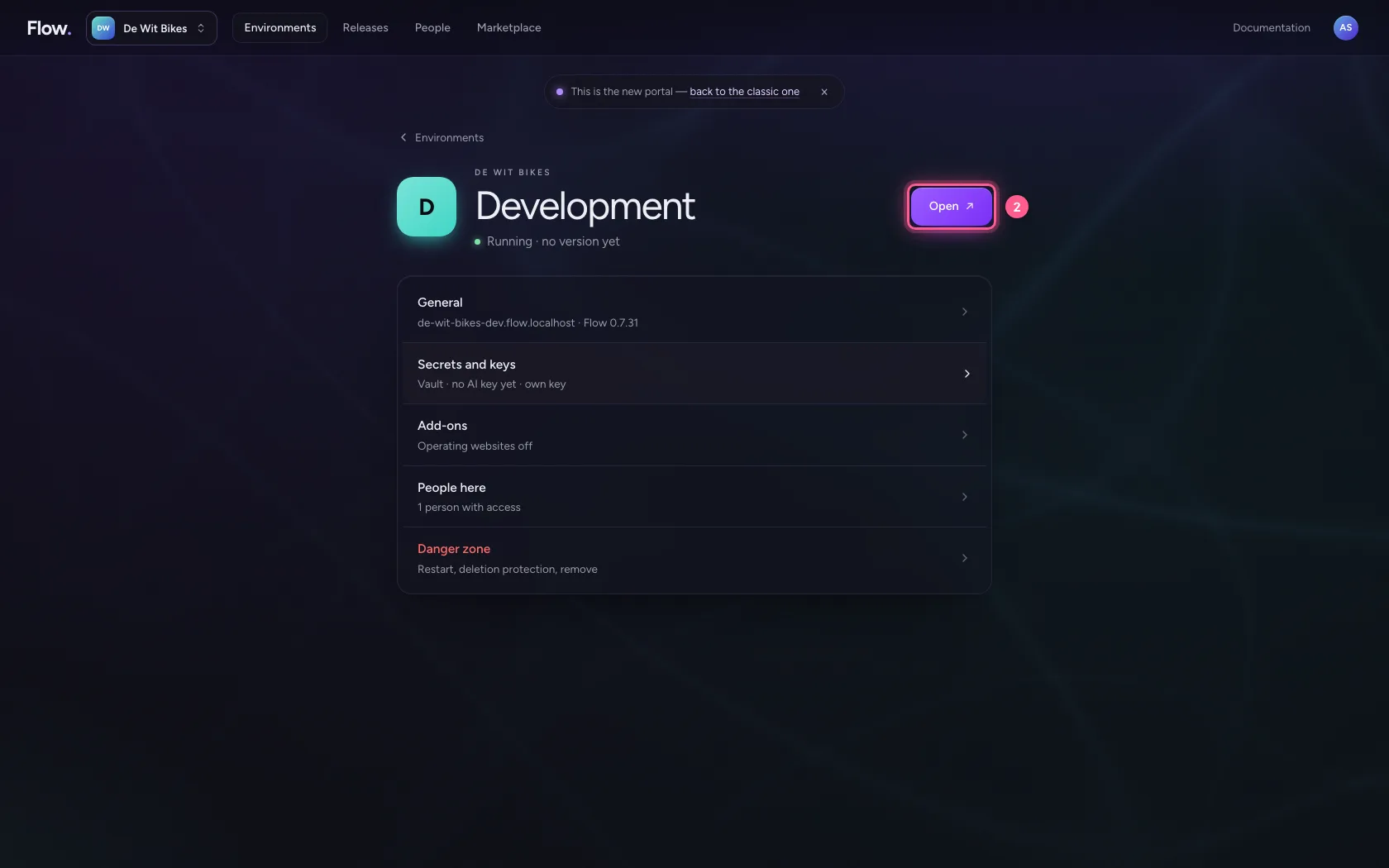
In the portal, under Environments, click Development, and there Open. Flow opens in a new tab and you are signed in straight away.
- Click Development
- Click Open ↗
Read the orders
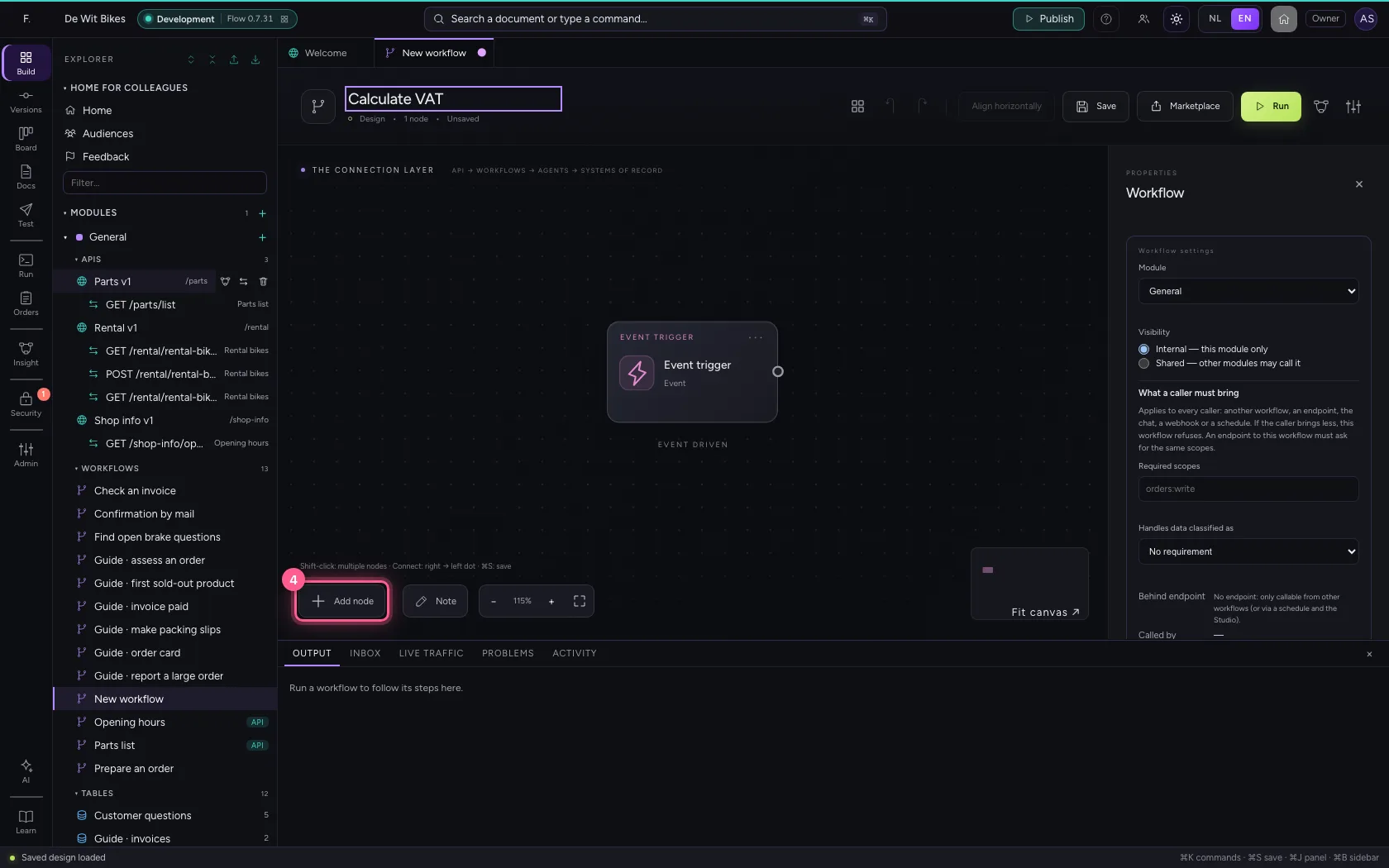
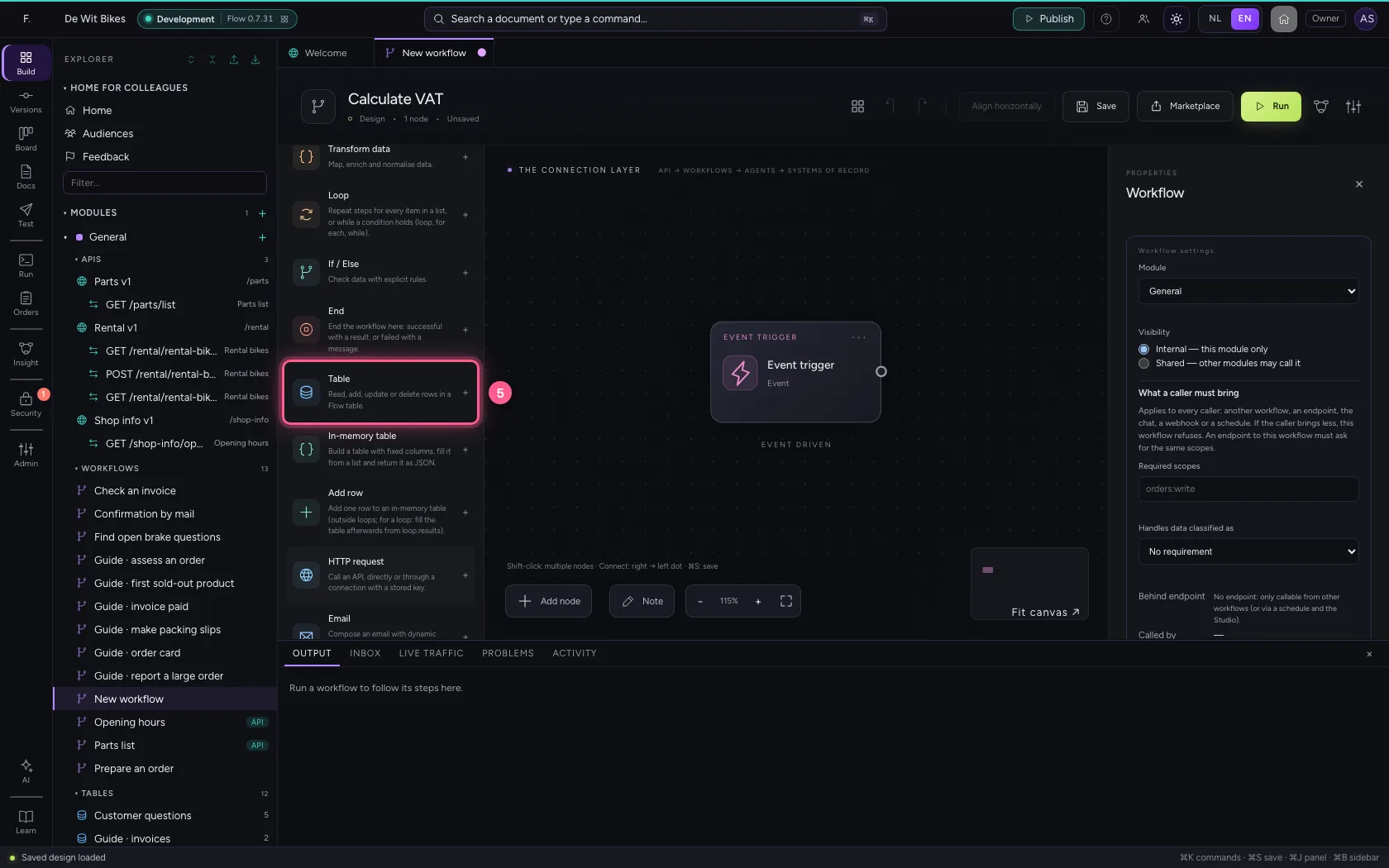
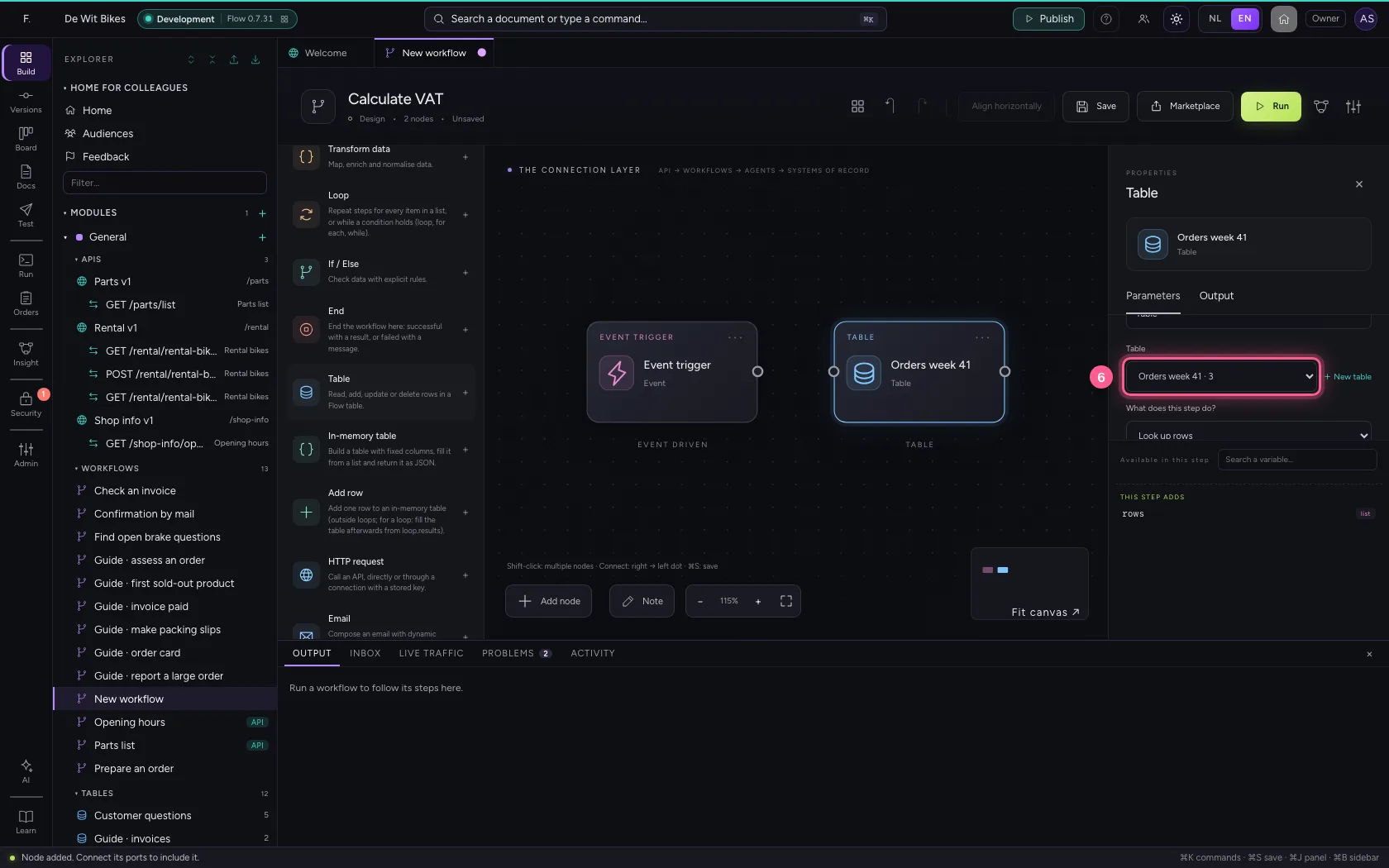
Create a new workflow and add the Table step. Choose the orders table; the step looks up the rows and passes them on as the list rows.
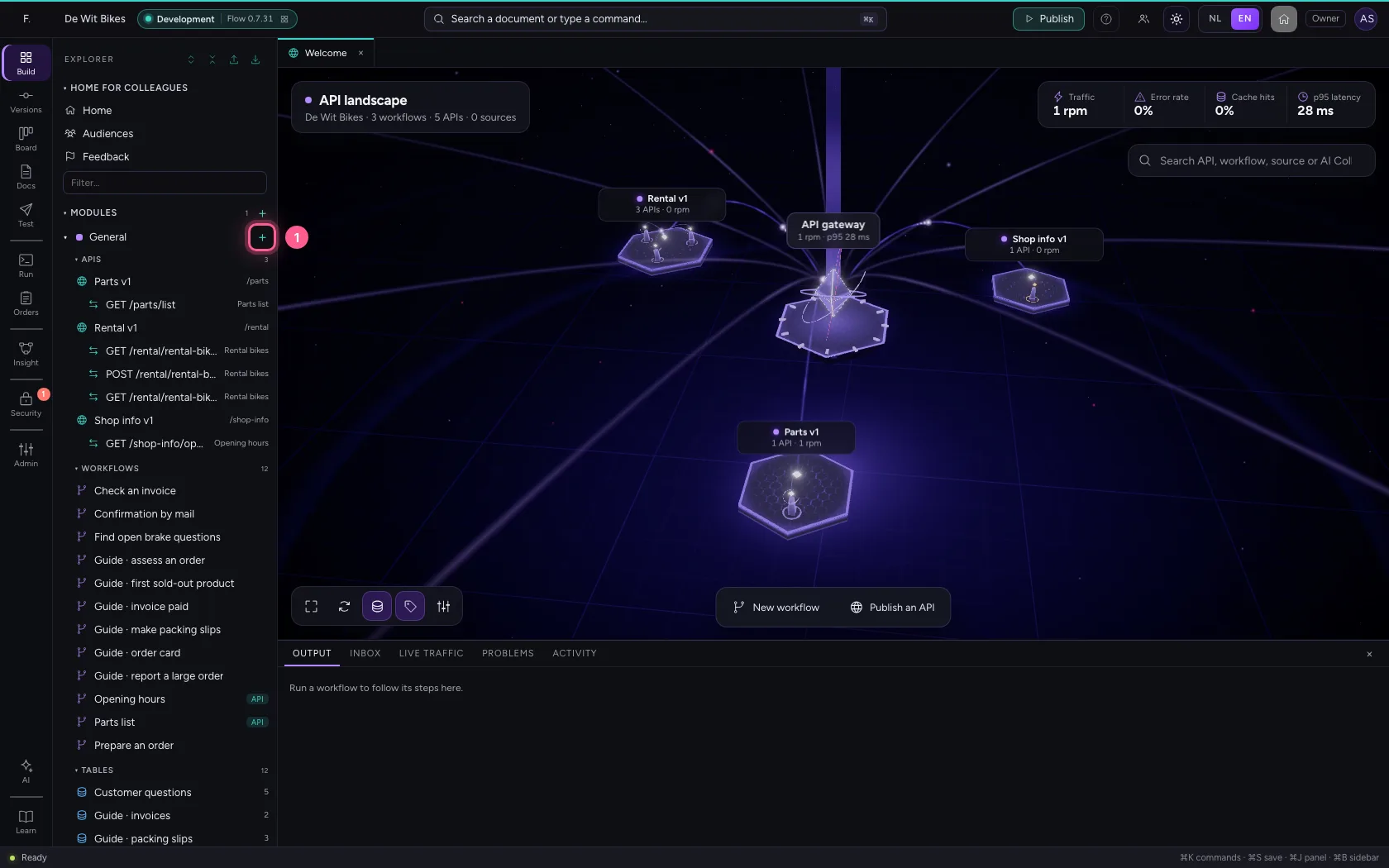
- Click Add to General
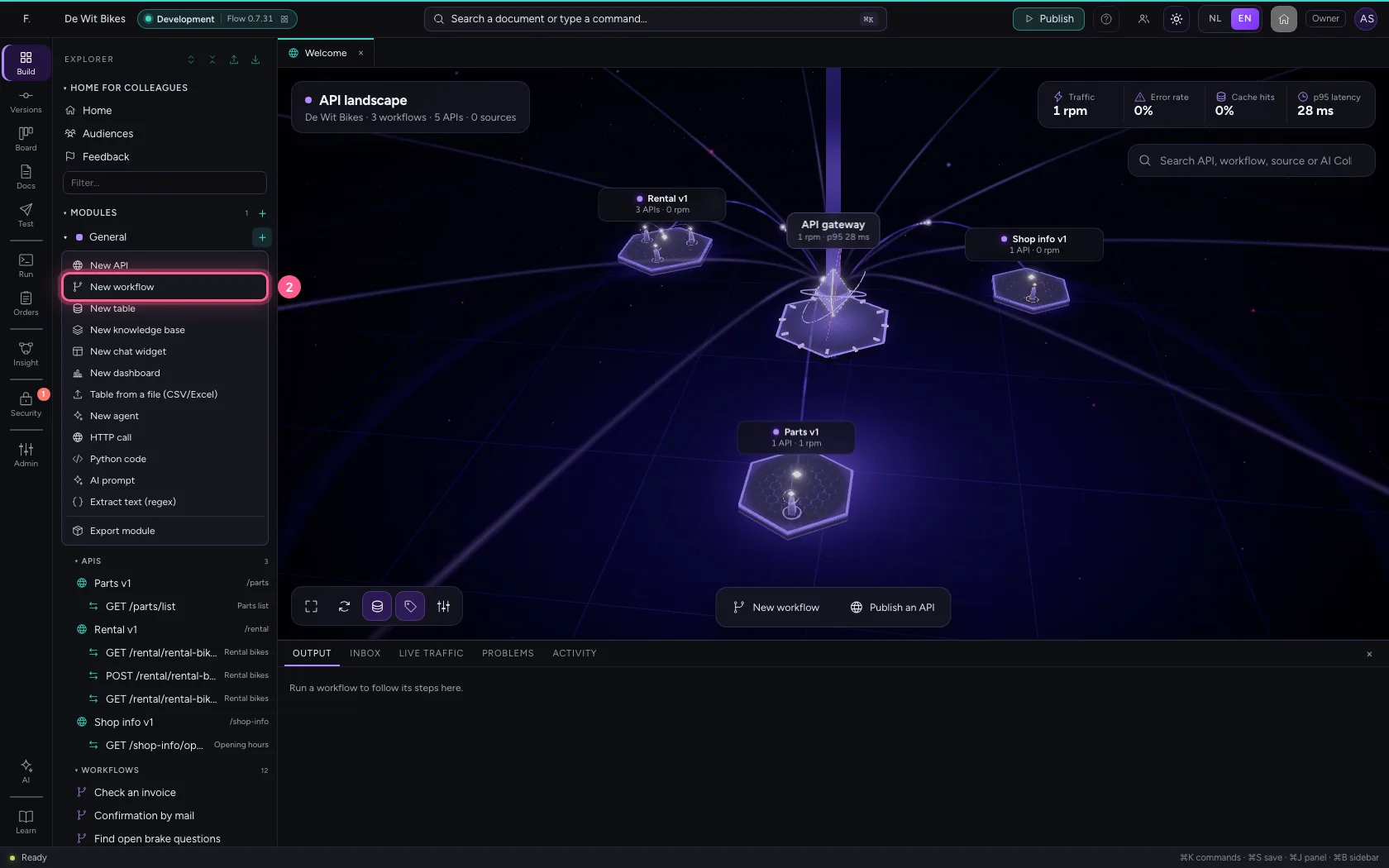
- Click New workflow
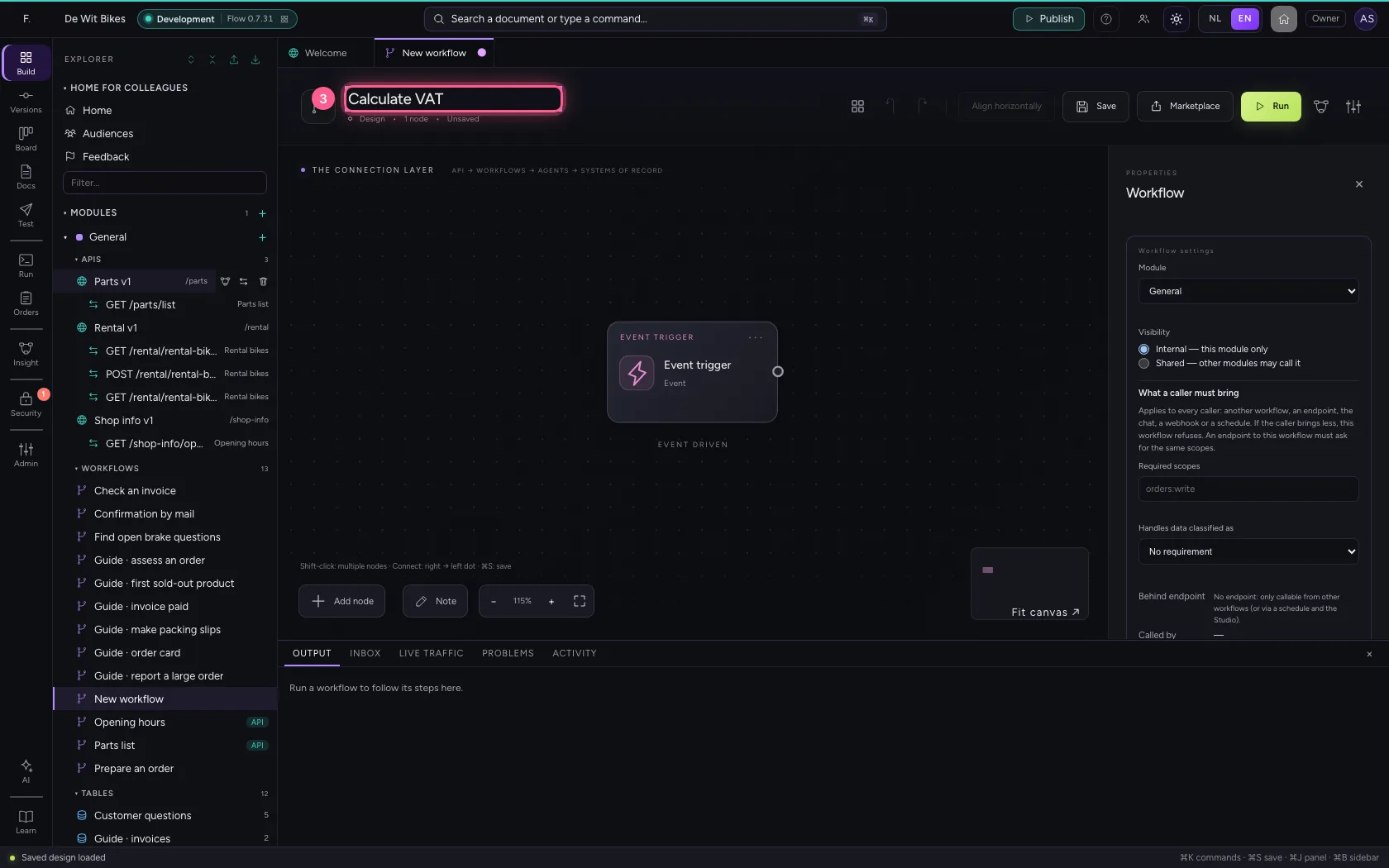
- In Workflow name, type
Calculate VAT
- Click Add node
- Click Table
- In Table, choose Orders week 41 · 3
- Click the dot of ‘Event trigger’
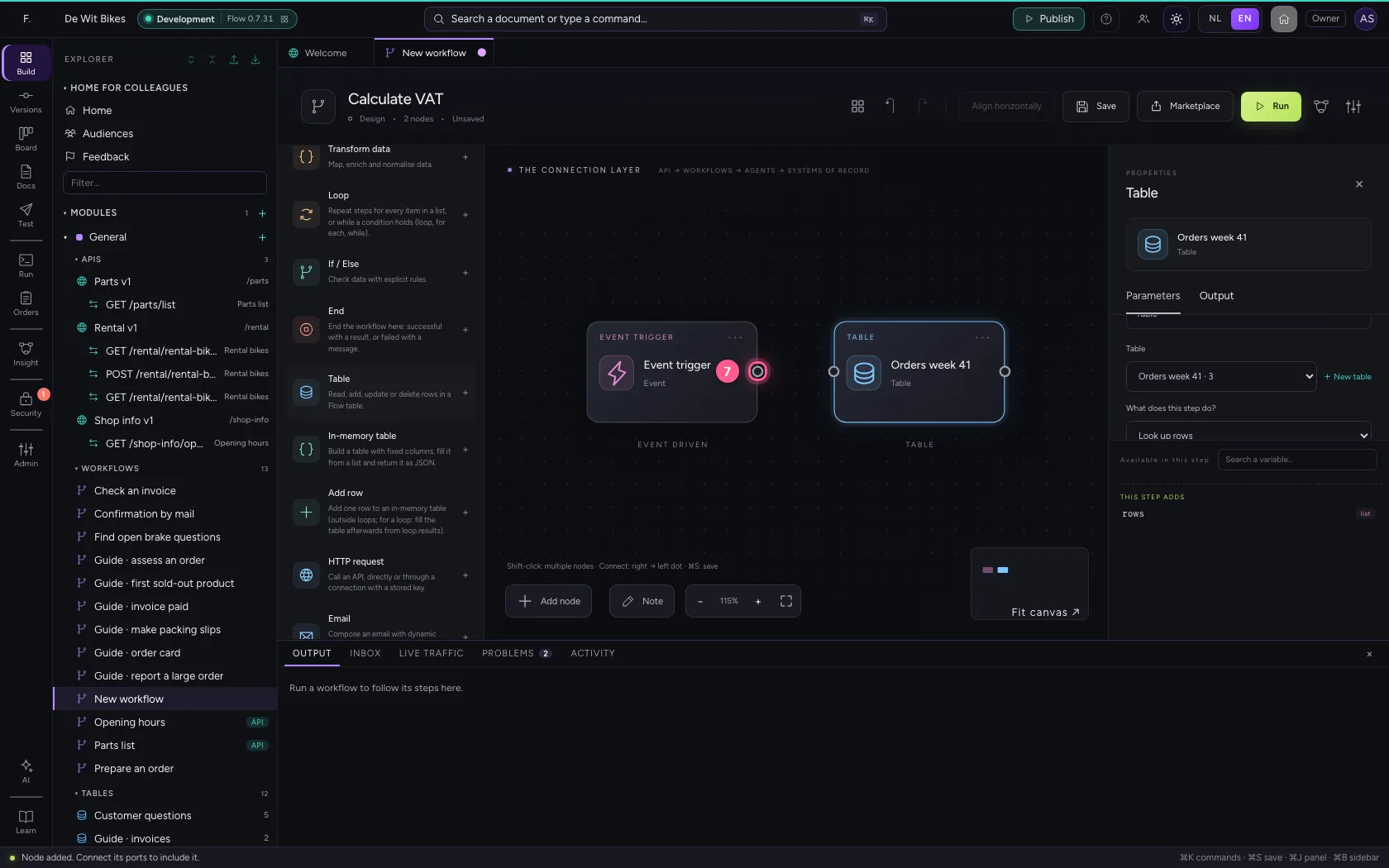
- Click the dot of ‘Orders week 41’
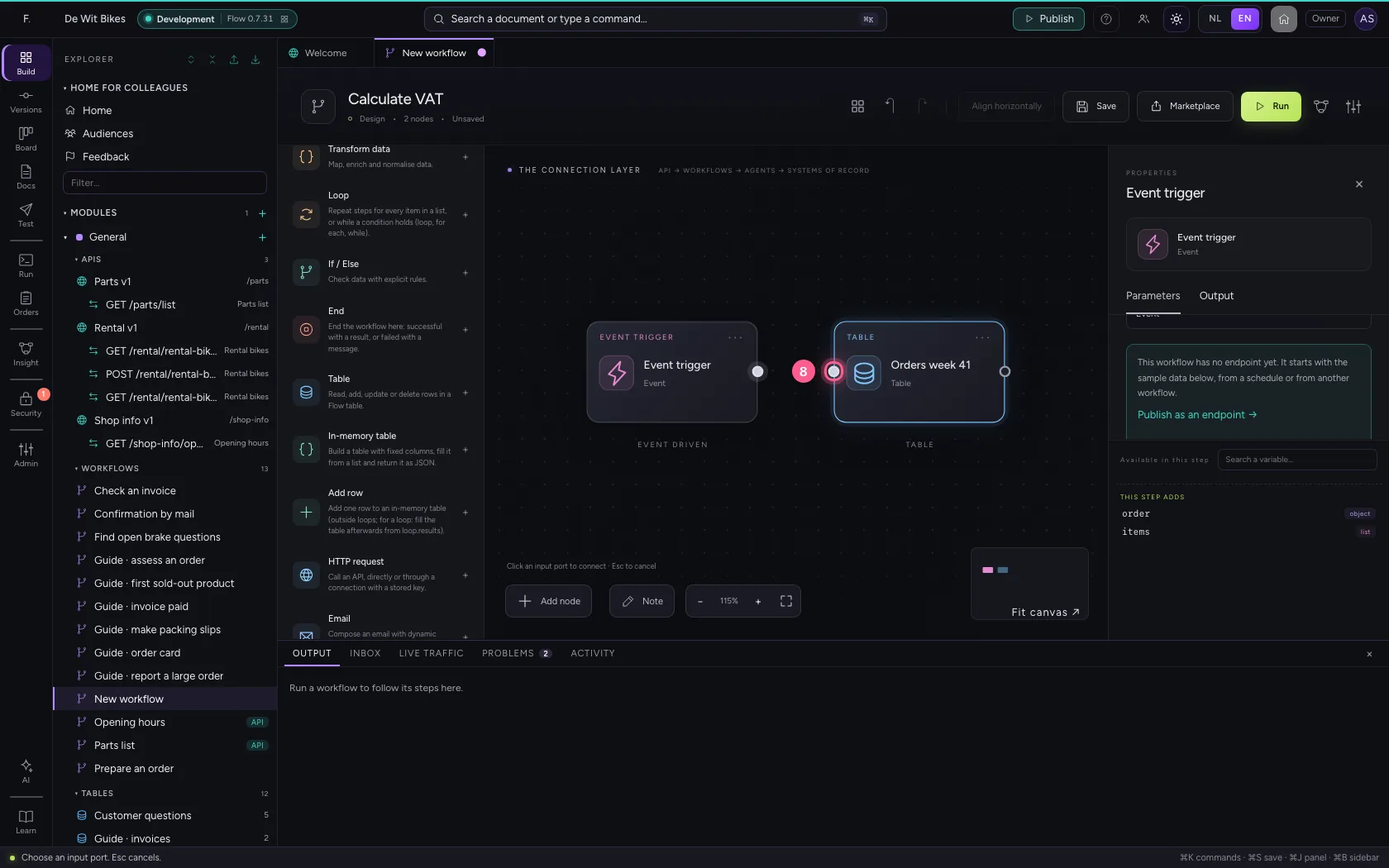
Add a loop
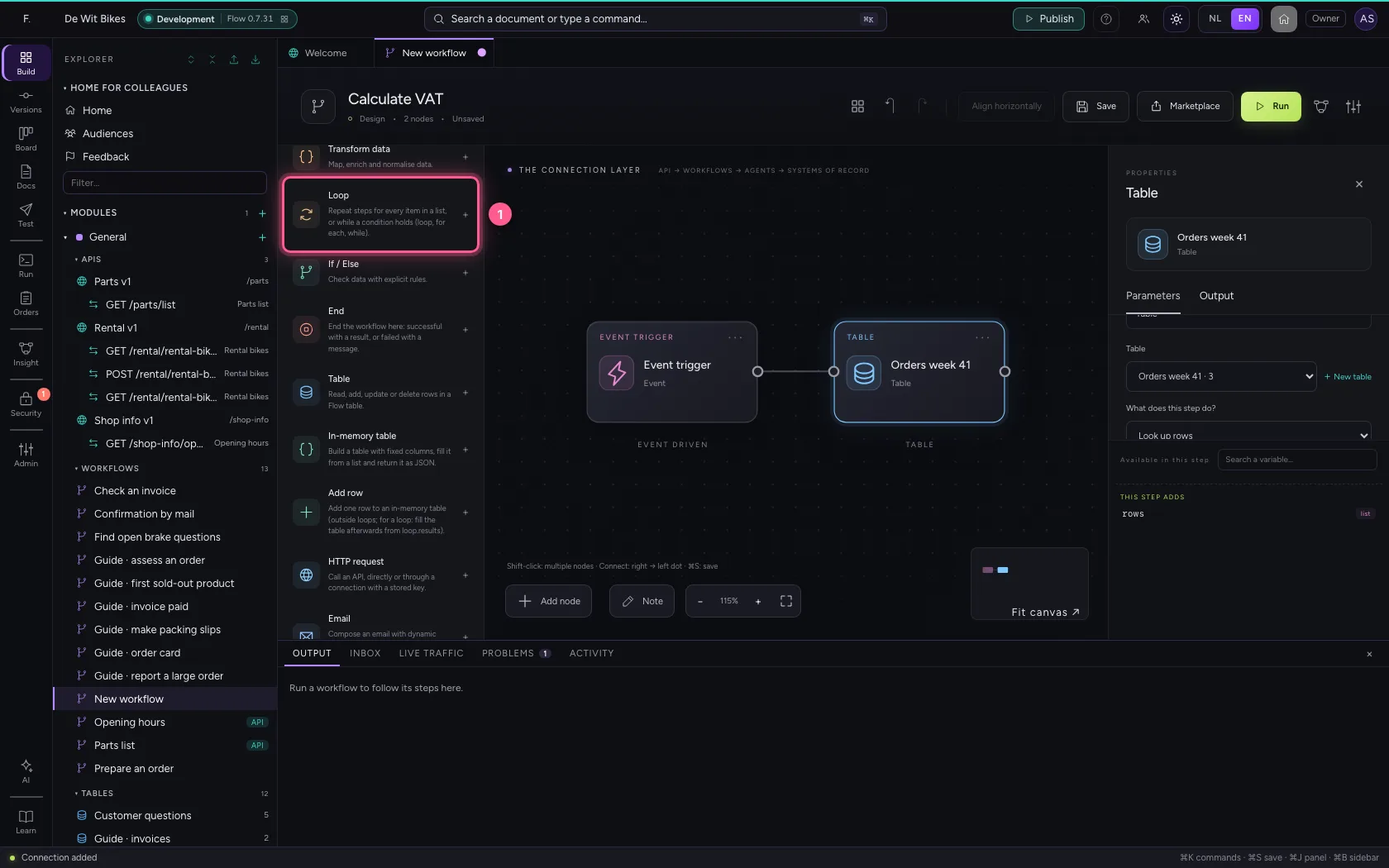
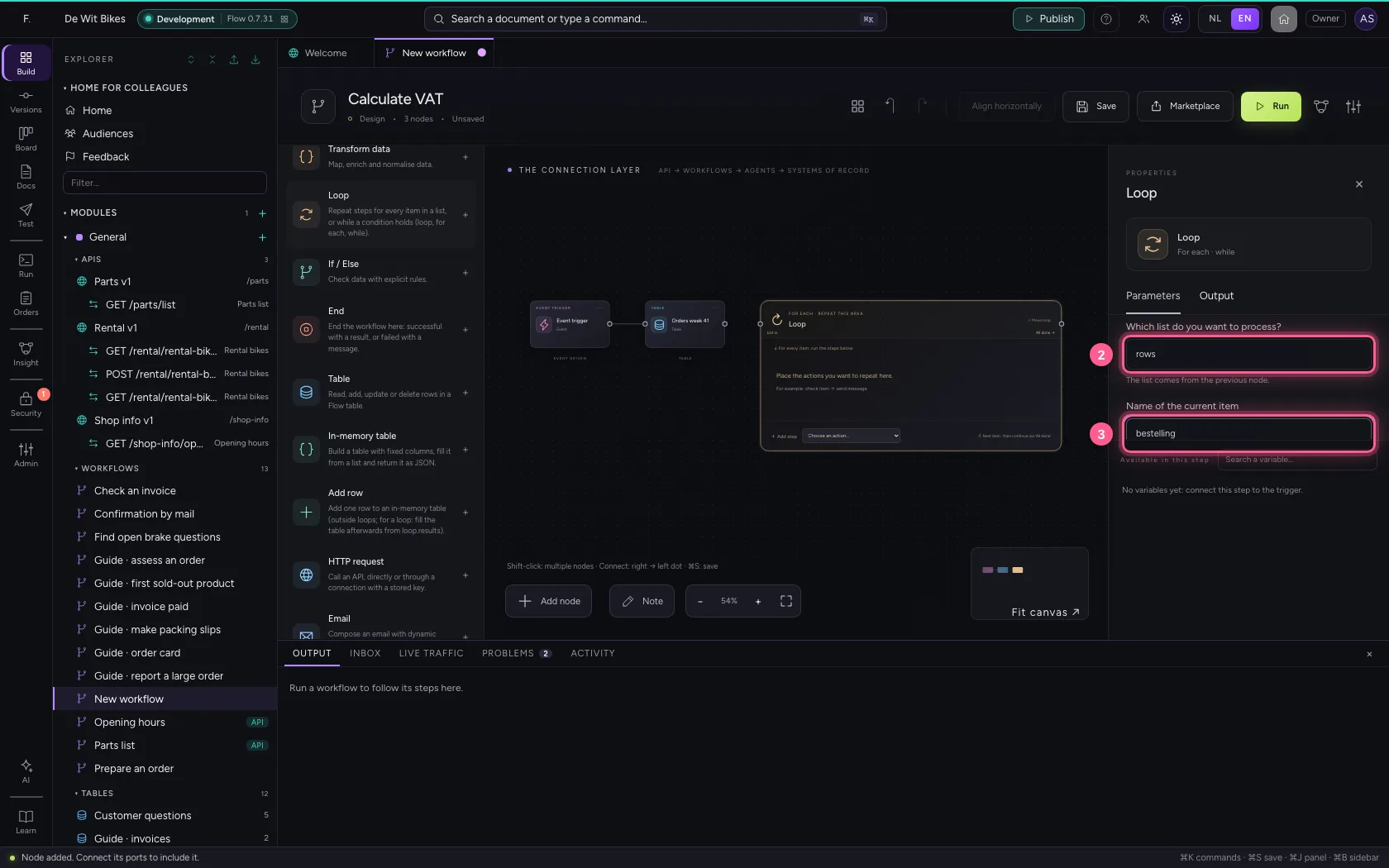
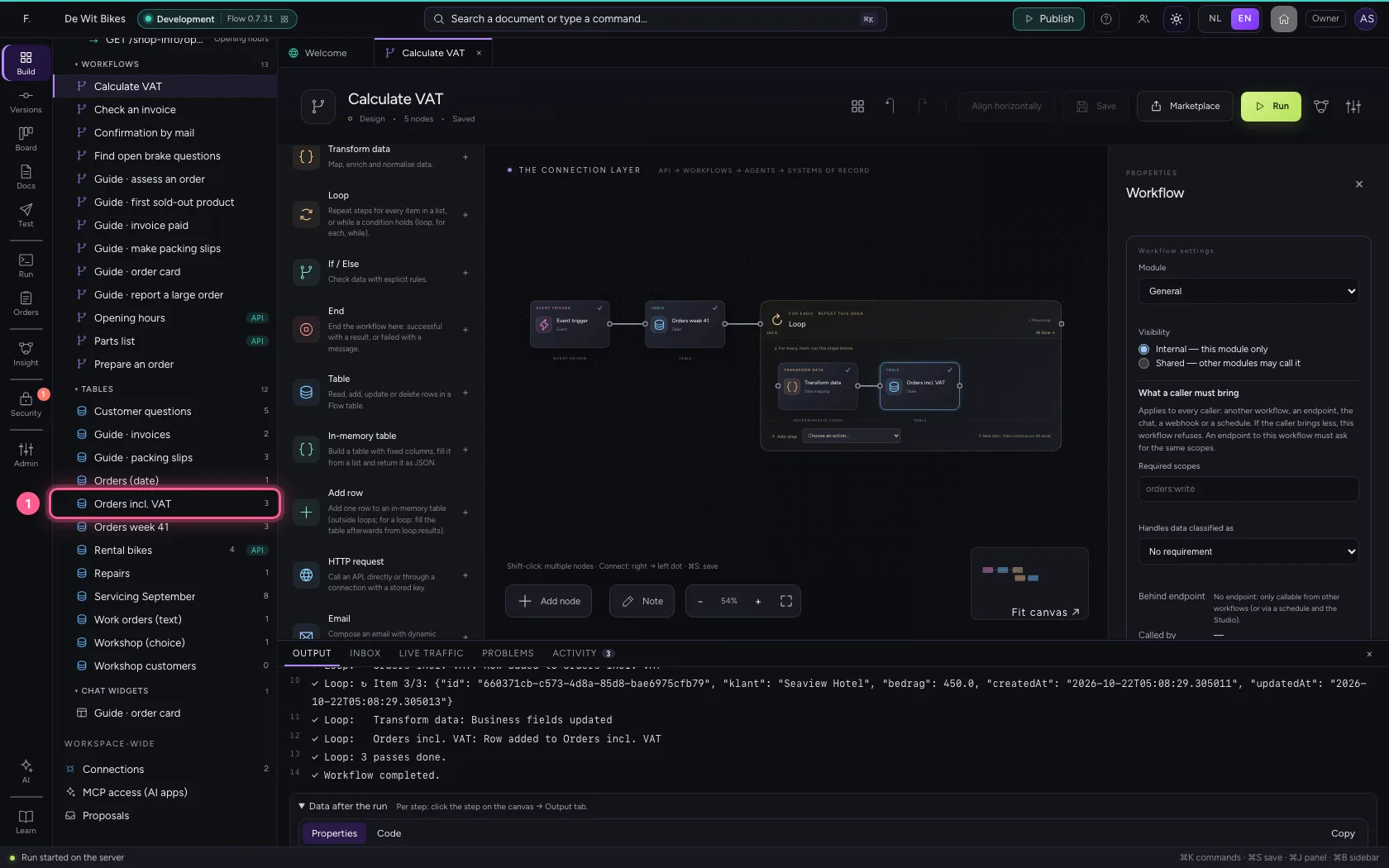
Everything inside the loop's area is repeated, for every item in the list. Choose rows as the list and call the current item bestelling (order). Inside the loop that is {{bestelling}}; afterwards it is gone again.
- Click Loop
- In Which list do you want to process? The list comes from the previous node., type
rows - In Name of the current item Steps read the item as {{bestelling.naam}}., type
bestelling
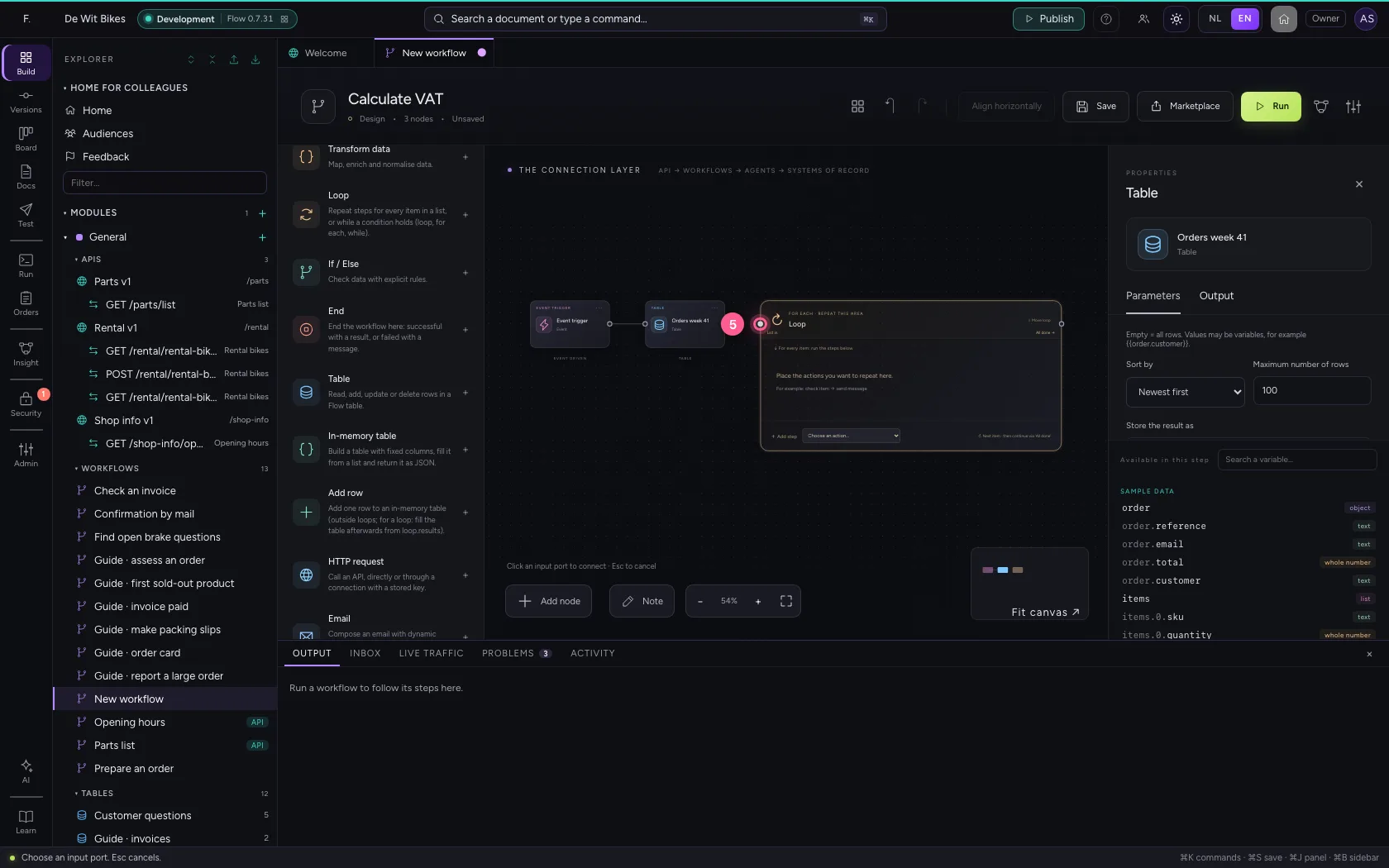
- Click the dot of ‘Orders week 41’
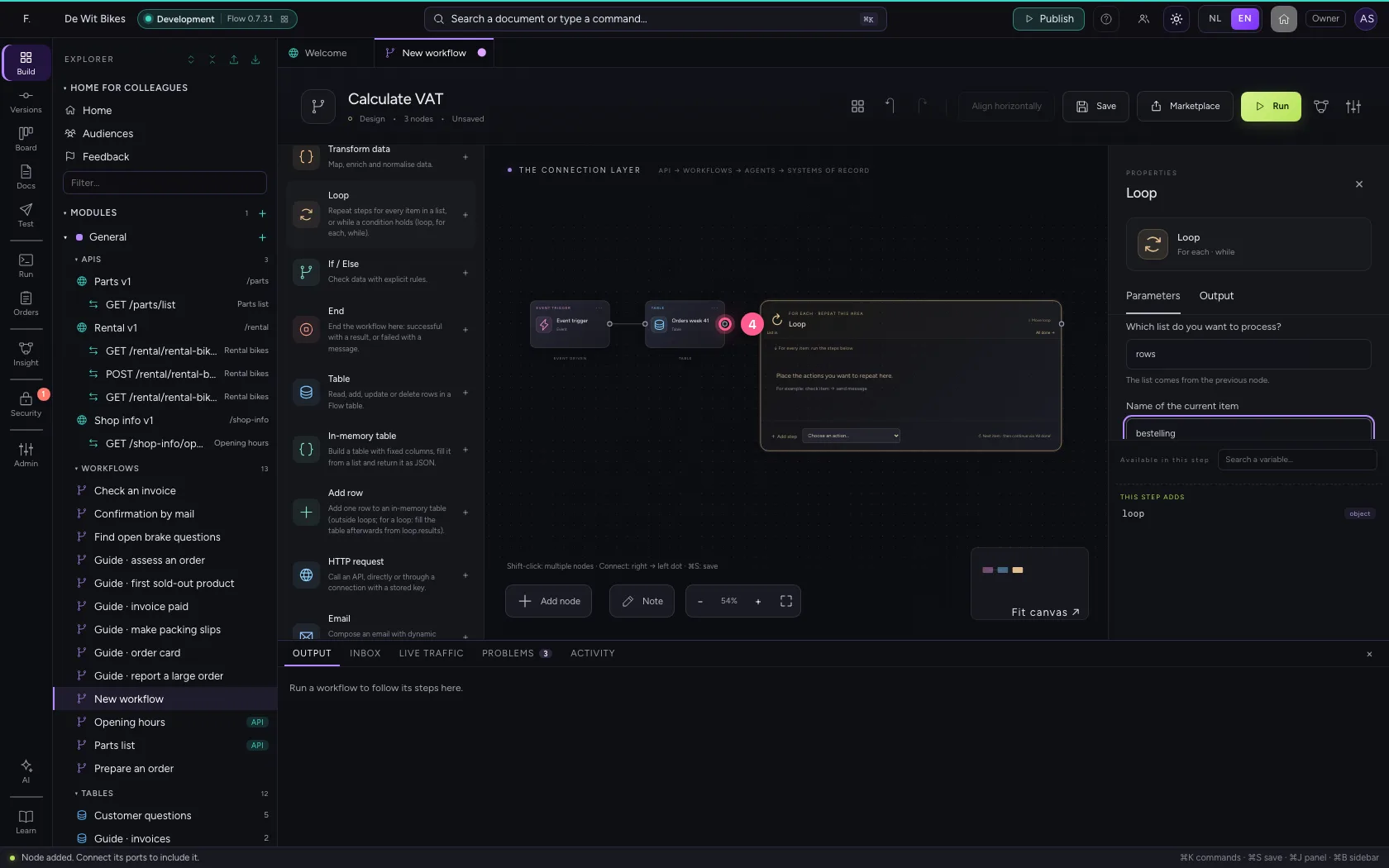
- Click the dot of ‘Loop’
Calculate per order
In the loop choose Add step → Transform data. Remove the example fields and create a field incl. A value starting with = is a calculation: = round(bestelling.bedrag * 1.21, 2).
- In Transform data, choose Transform data
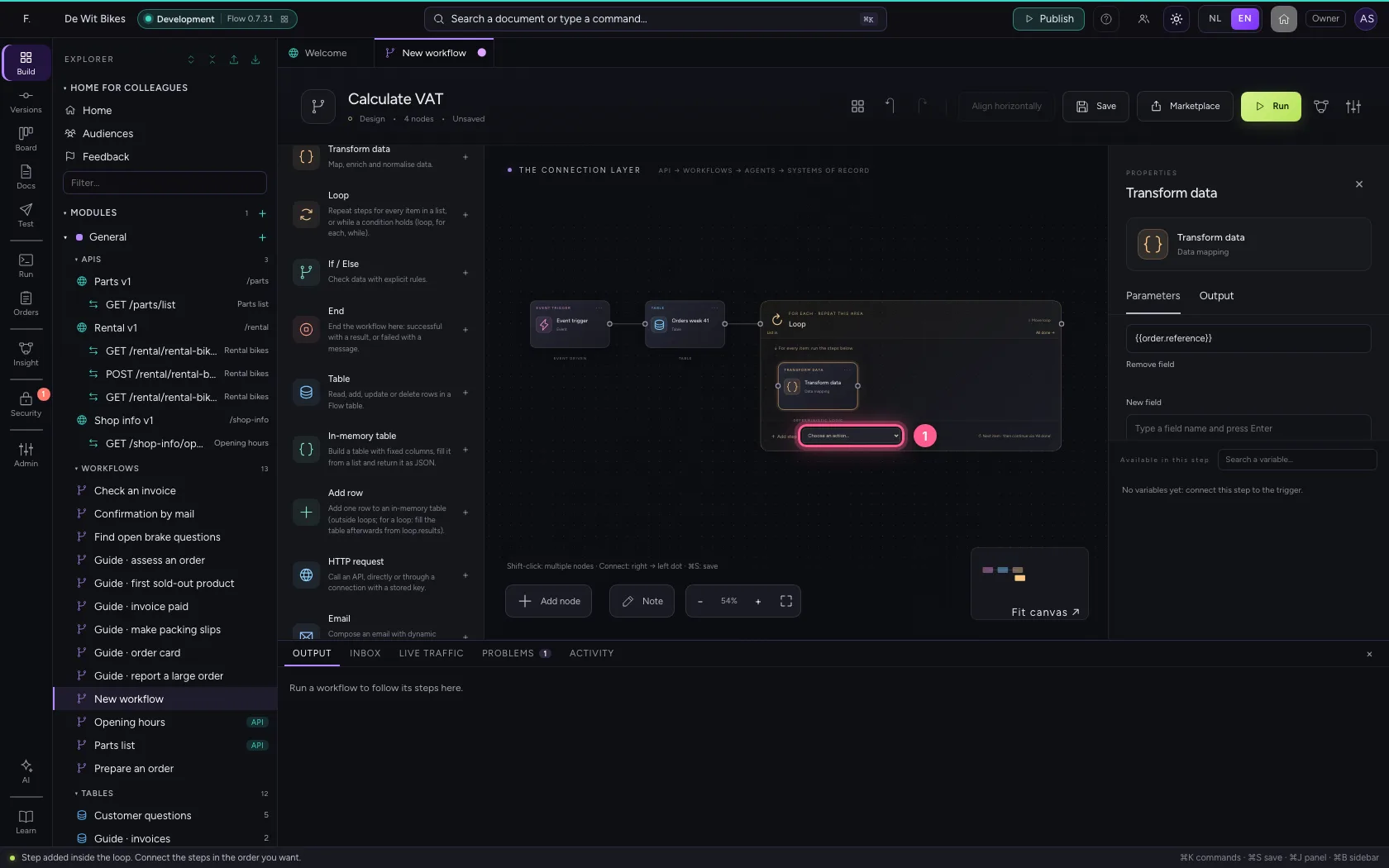
- Click Remove field
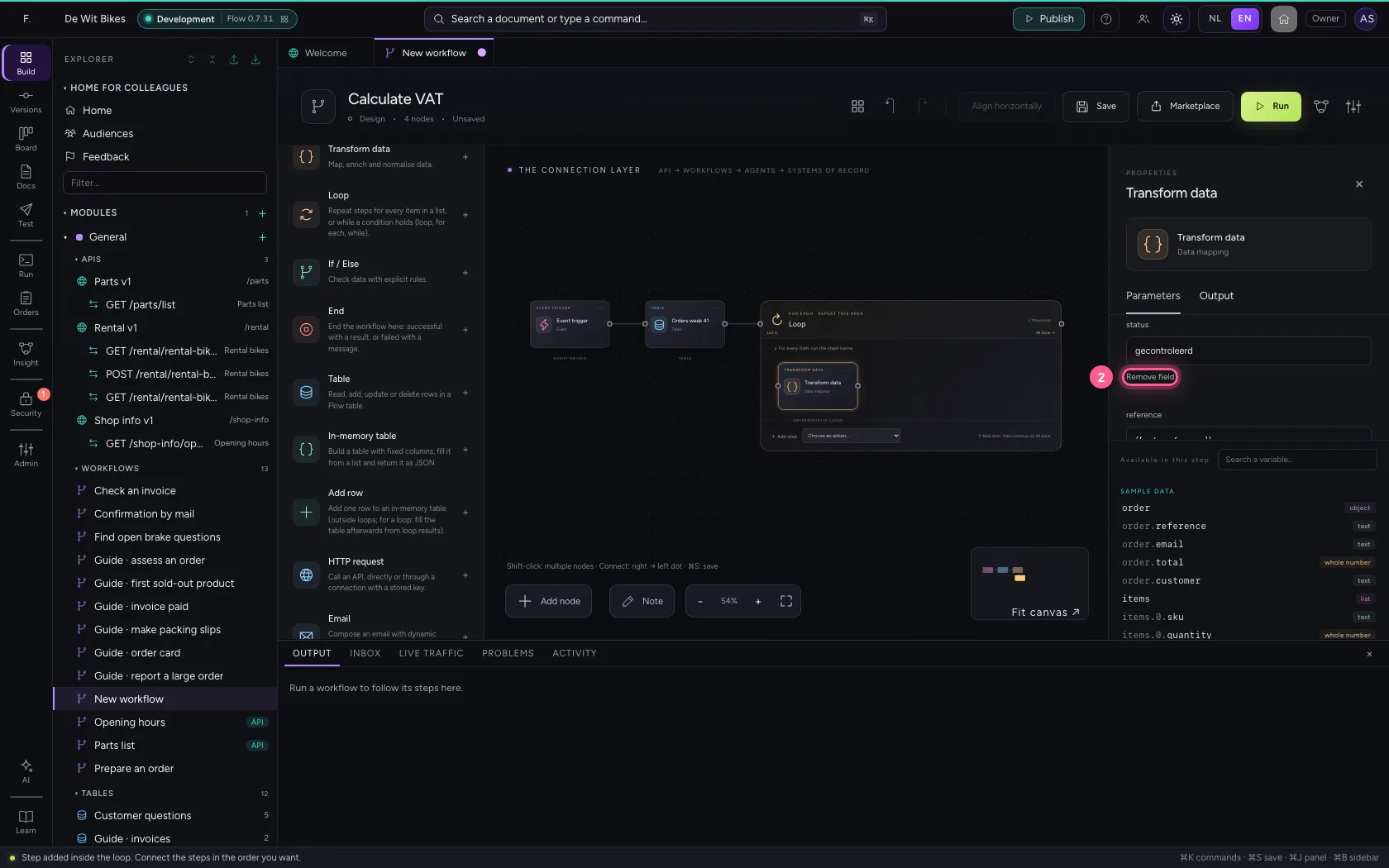
- Click Remove field
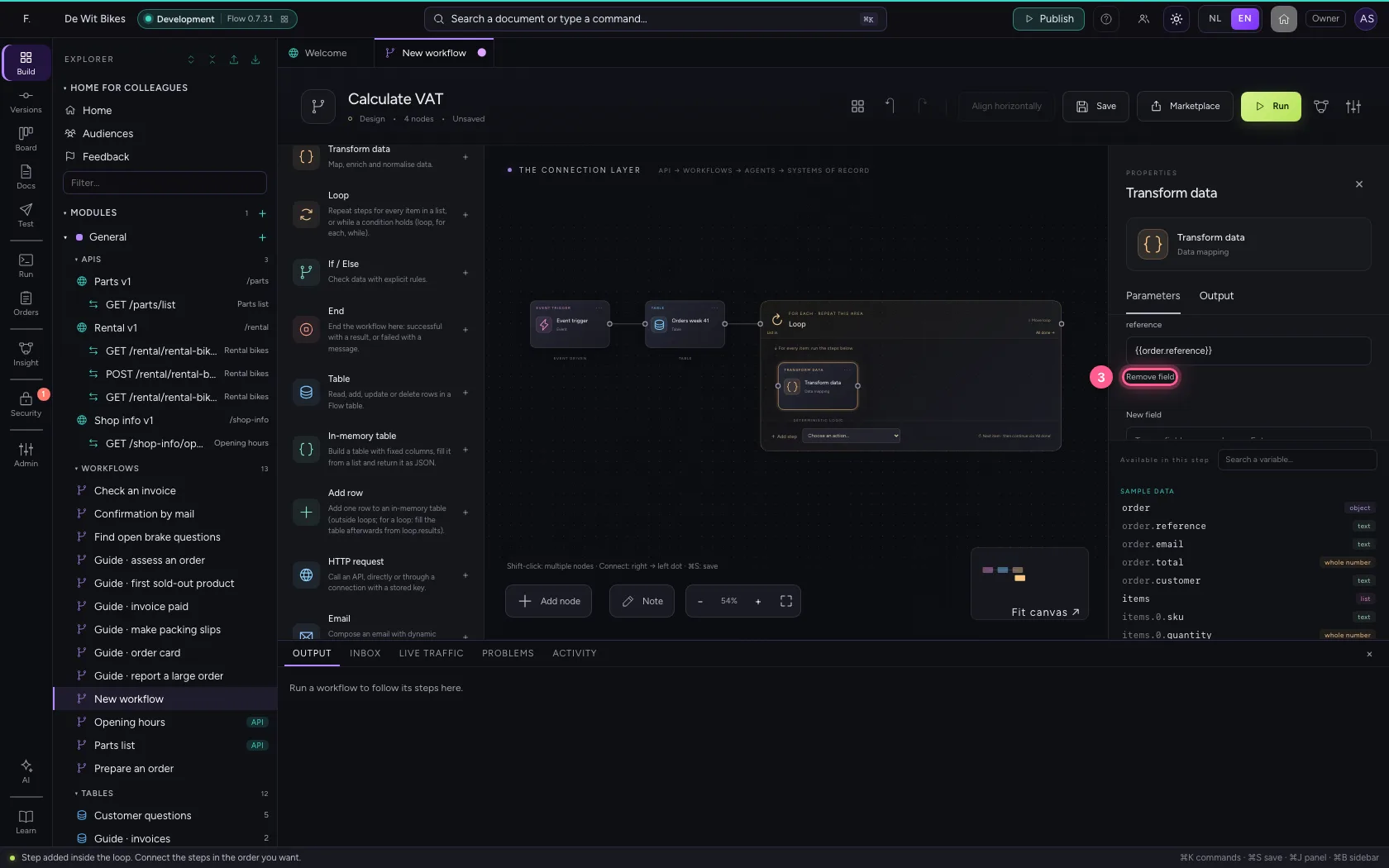
- In New field, type
incl - In incl, type
= round(bestelling.bedrag * 1.21, 2)
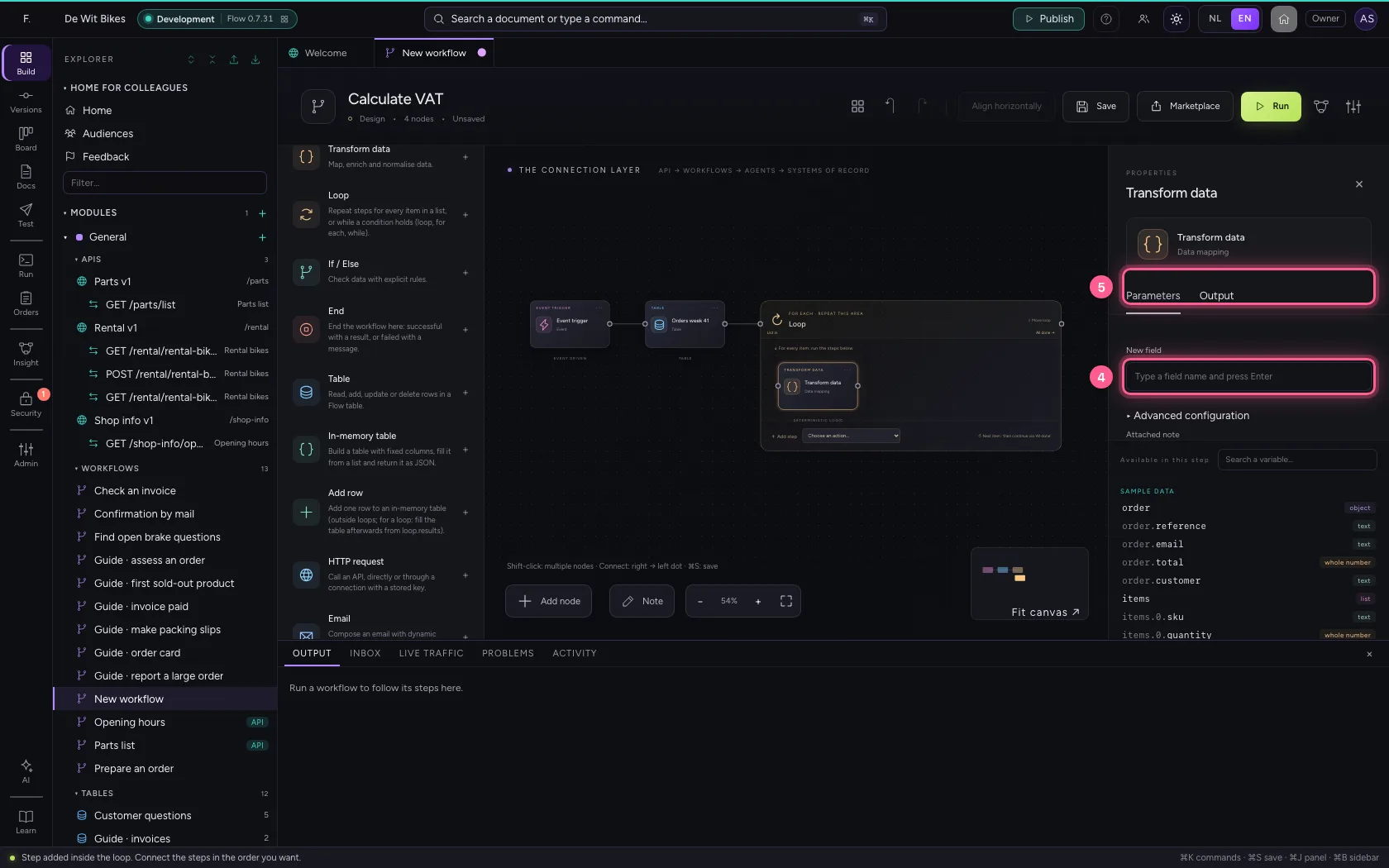
Write every result to the second table
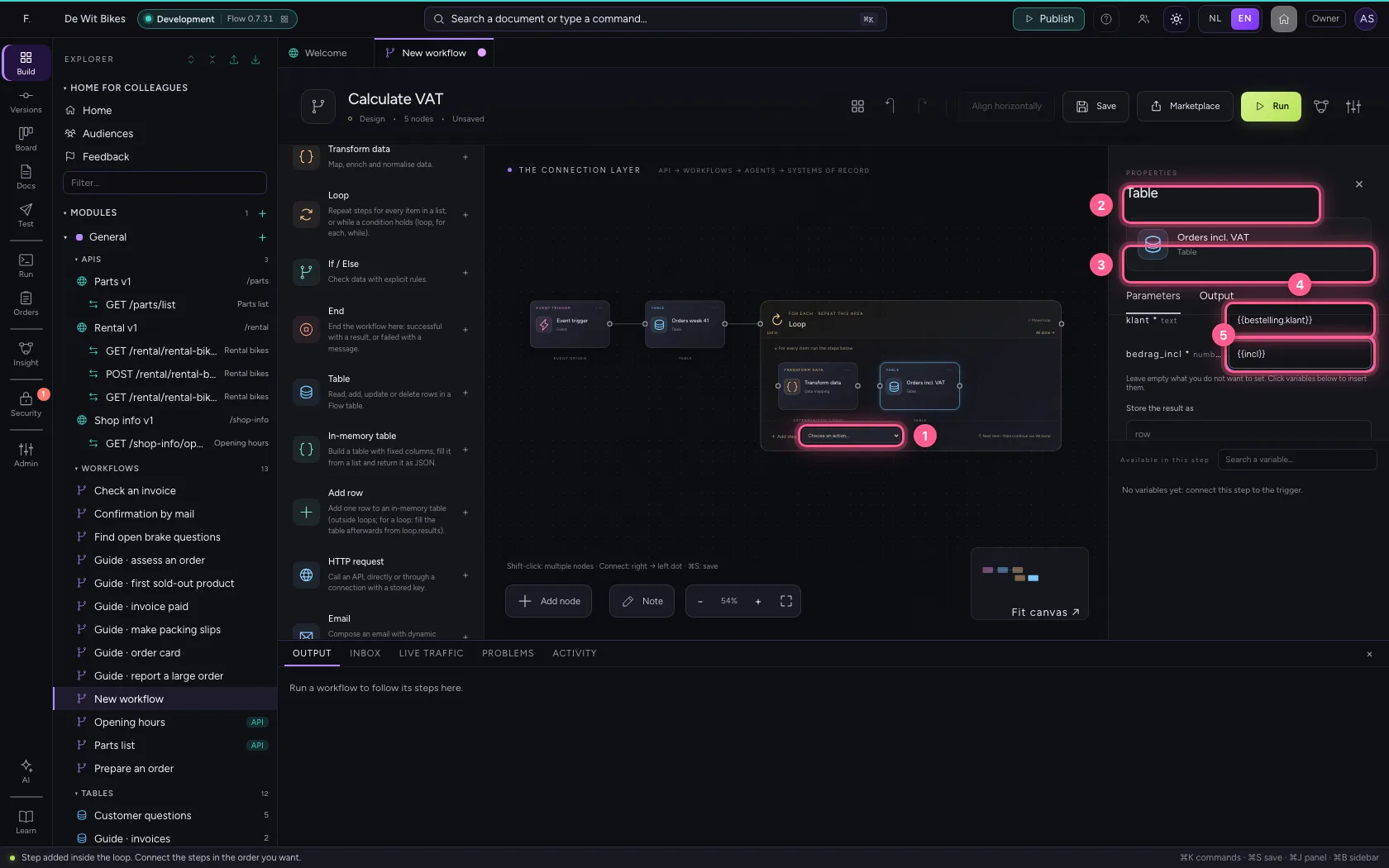
Add another Table step inside the loop, choose the second table and Add one row. Per column you say what goes in: the customer from the order, and the amount you just calculated. Connect the two steps in the loop.
- In Table, choose Table
- In Table, choose Orders incl. VAT · 0
- In What does this step do? Look up rows Get one row (by id) Add one row Add rows fr, choose Add one row
- In klant * text, type
{{bestelling.klant}} - In bedrag_incl * number, type
{{incl}}
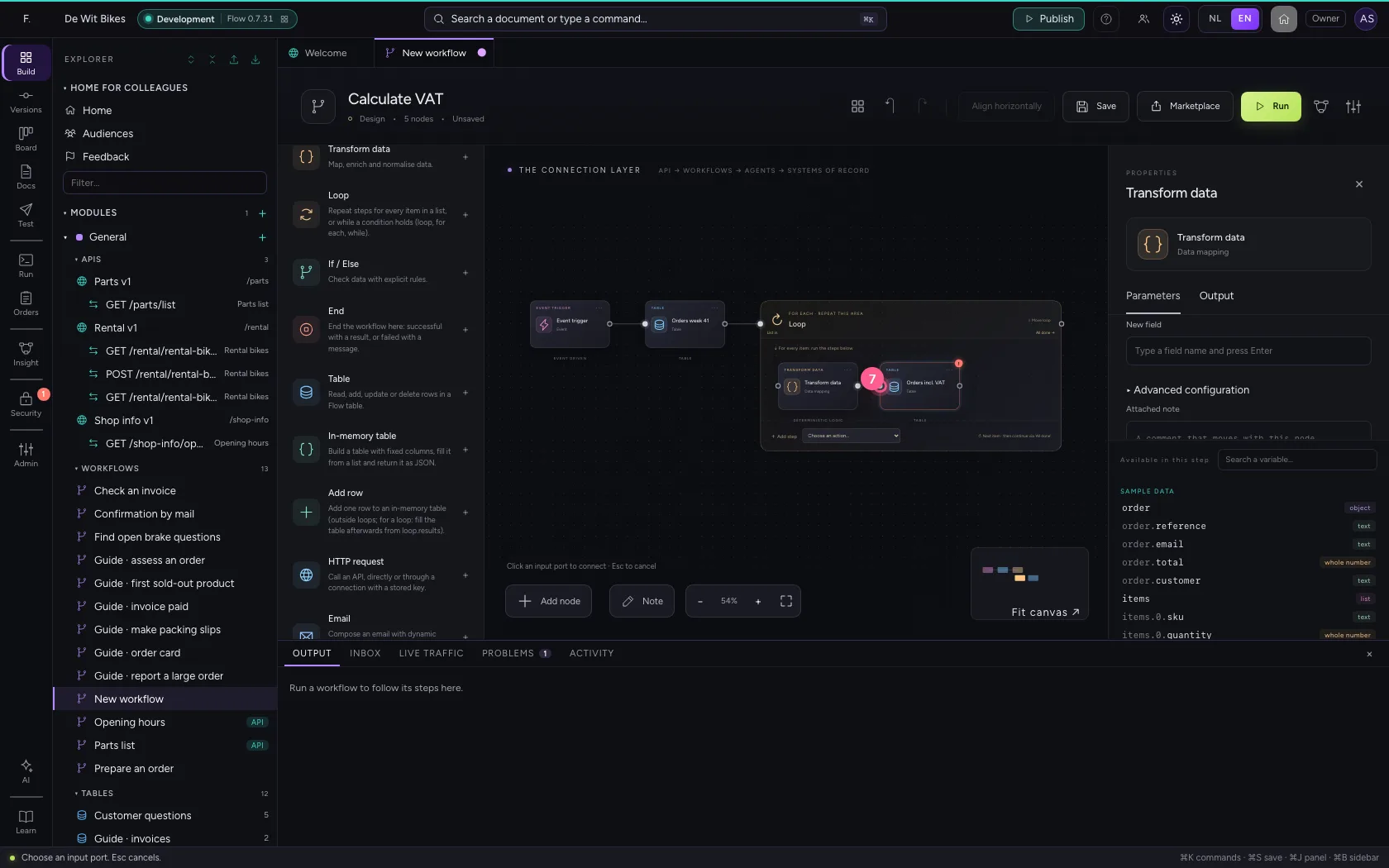
- Click the dot of ‘Transform data’
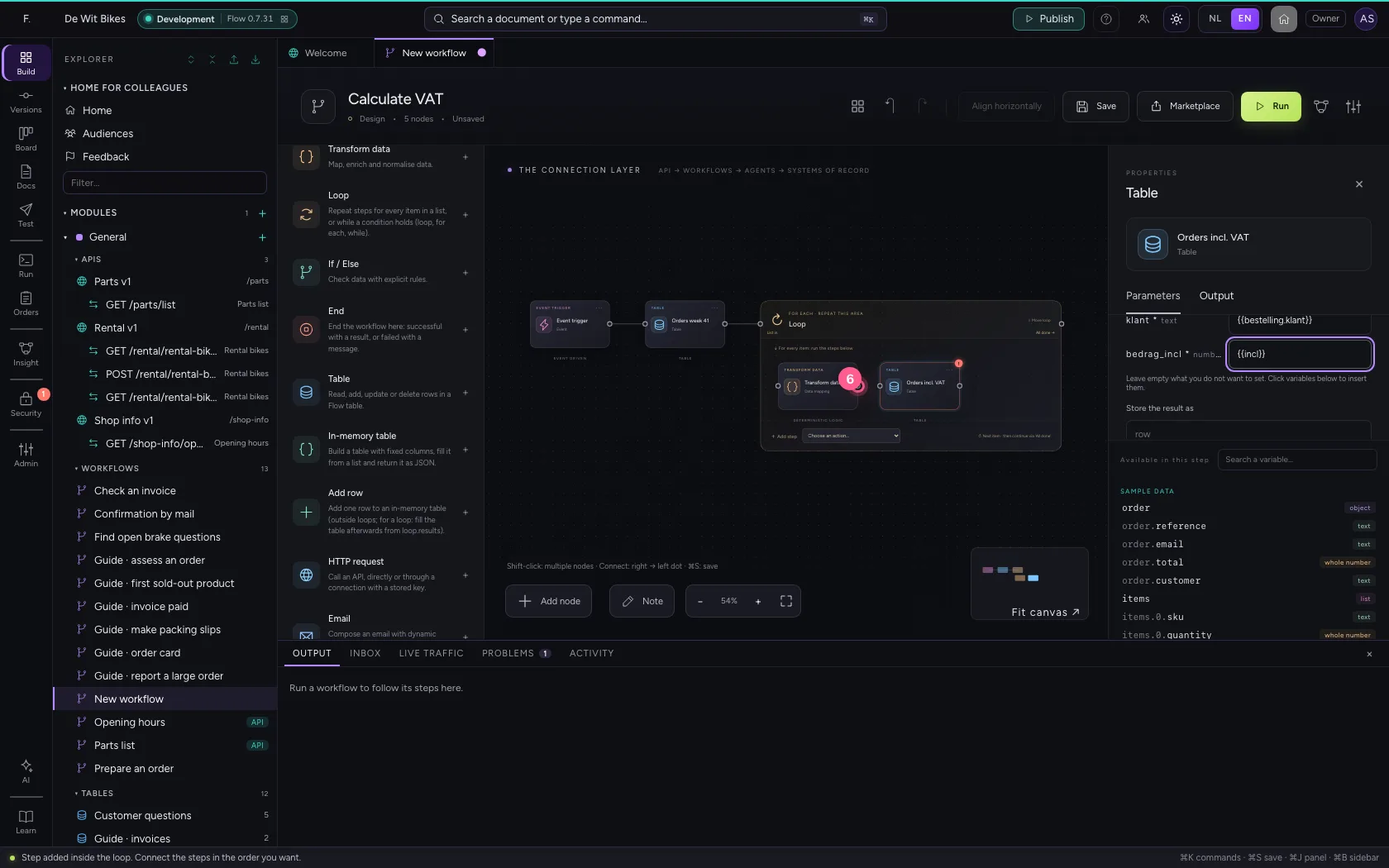
- Click the dot of ‘Orders incl. VAT’
Run
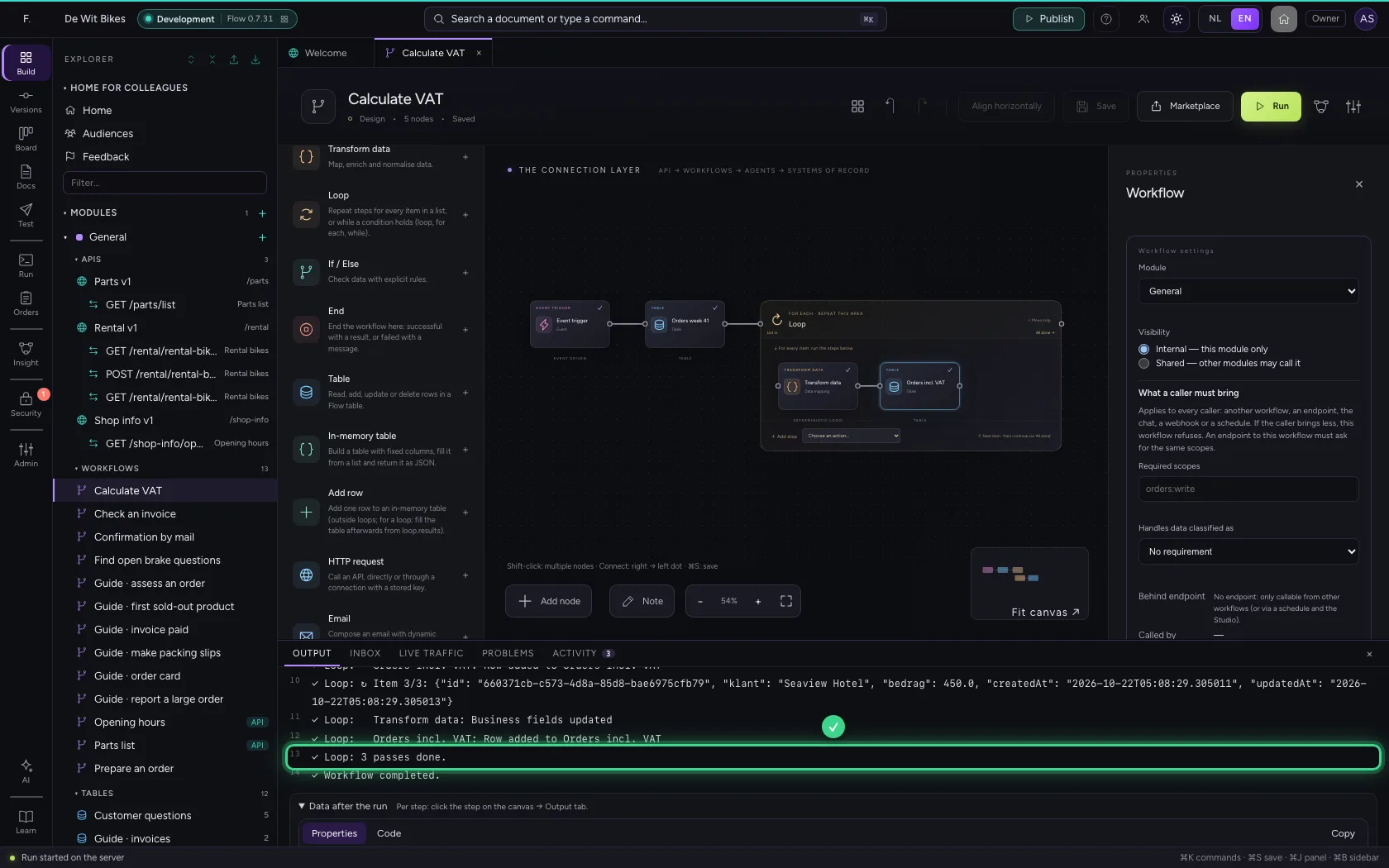
At the bottom you see every pass with the item whose turn it was, and at the end how often the loop ran. What each pass changed is in loop.results after the loop.
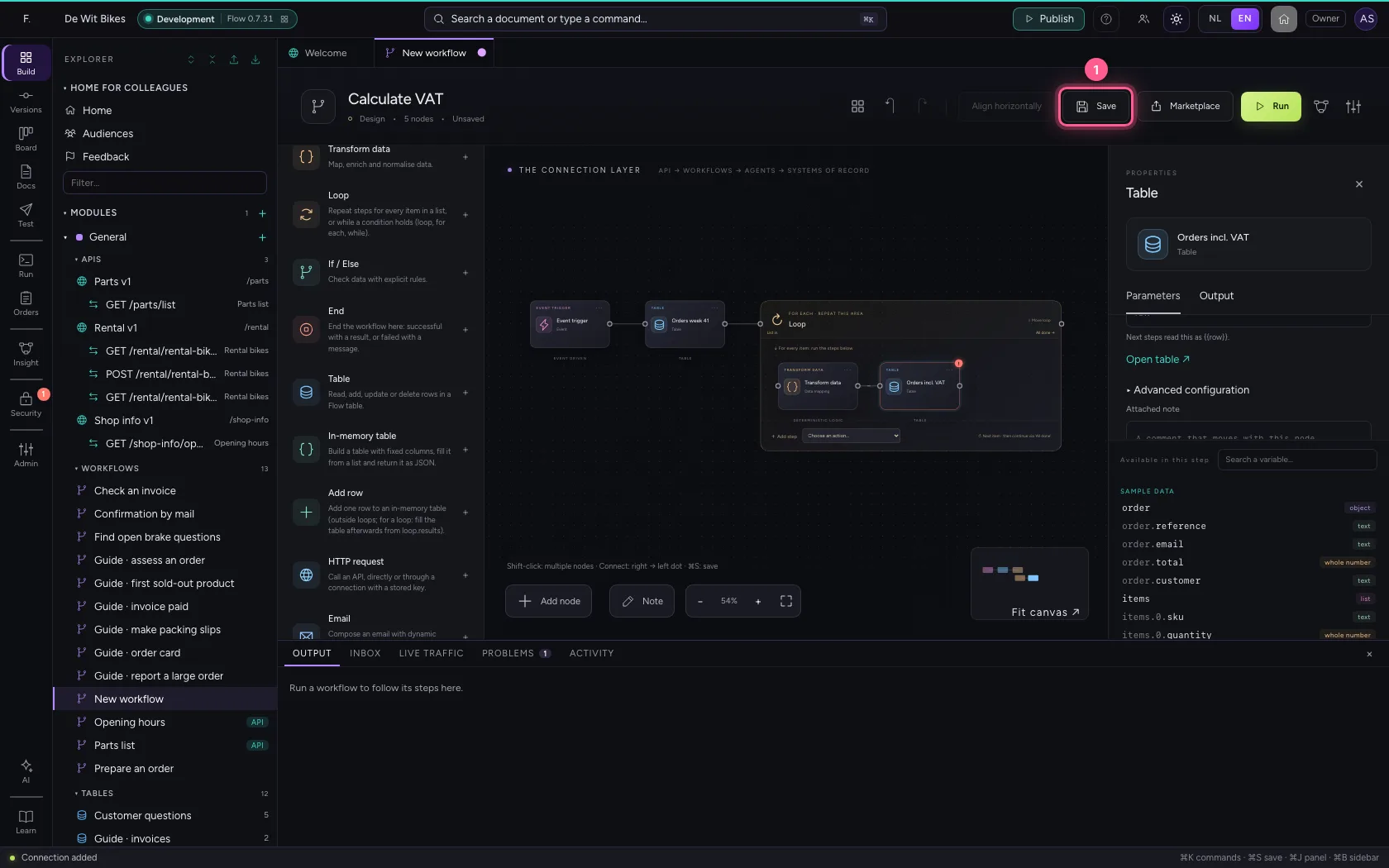
- Click Save
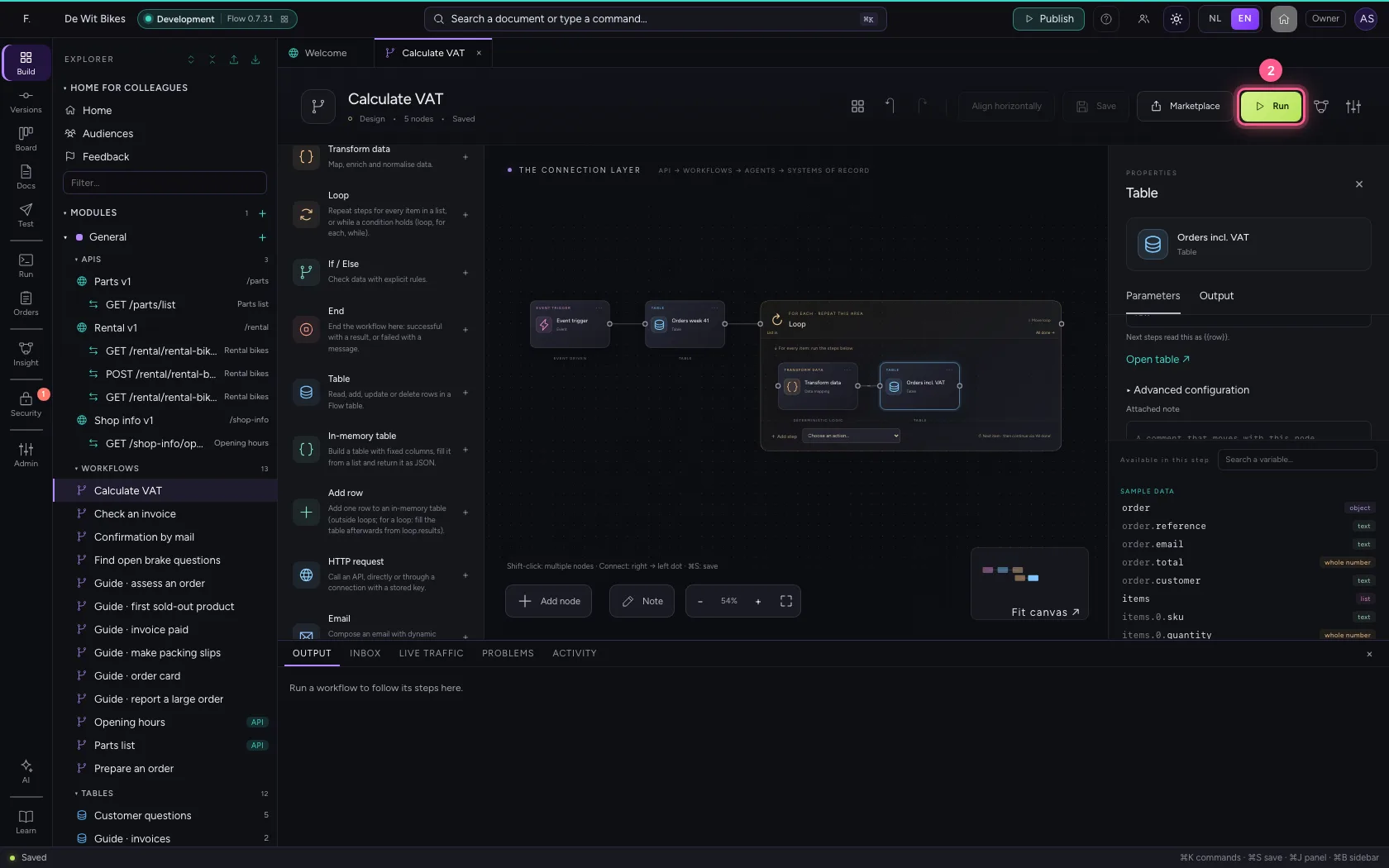
- Click Run
Look at the second table
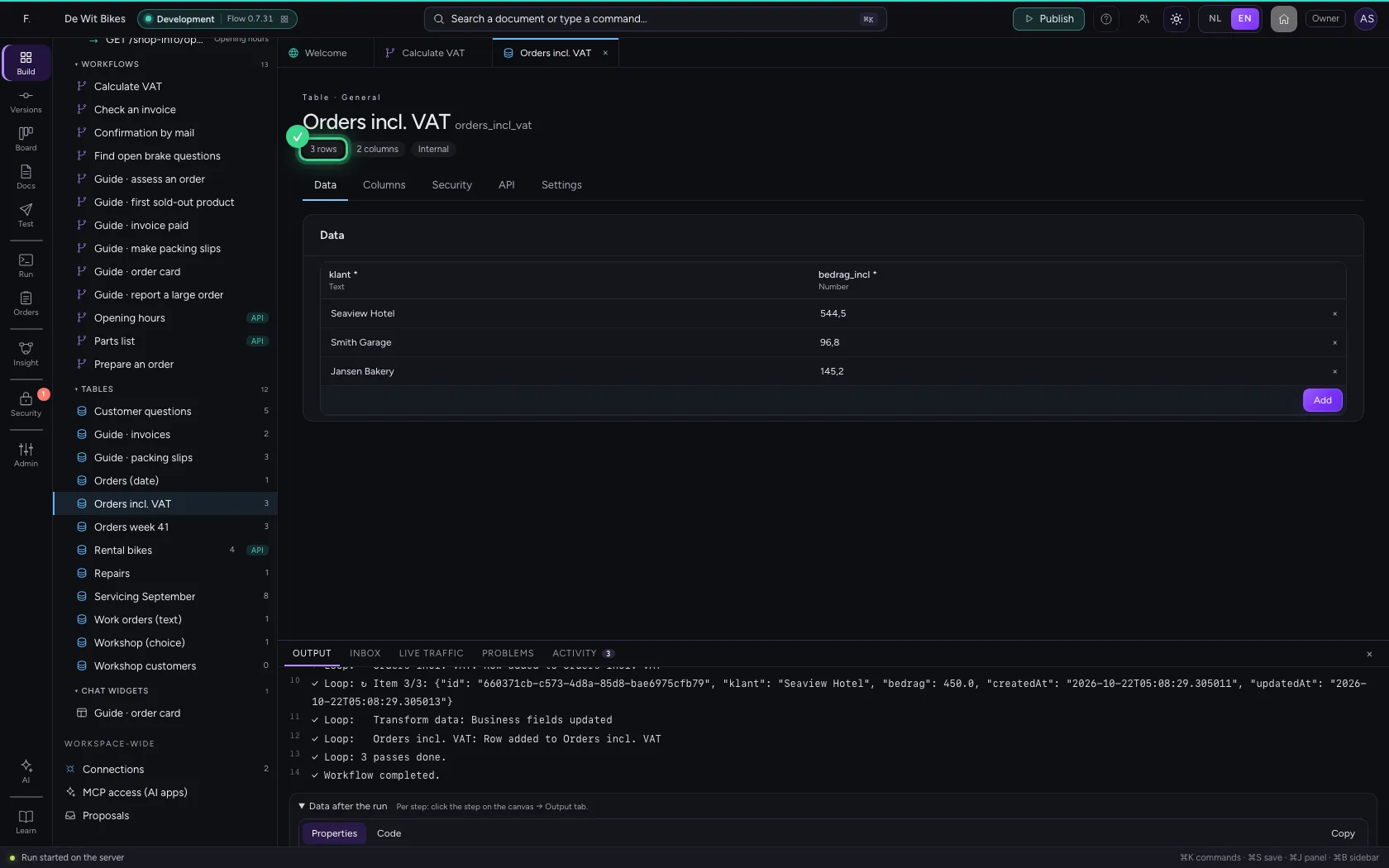
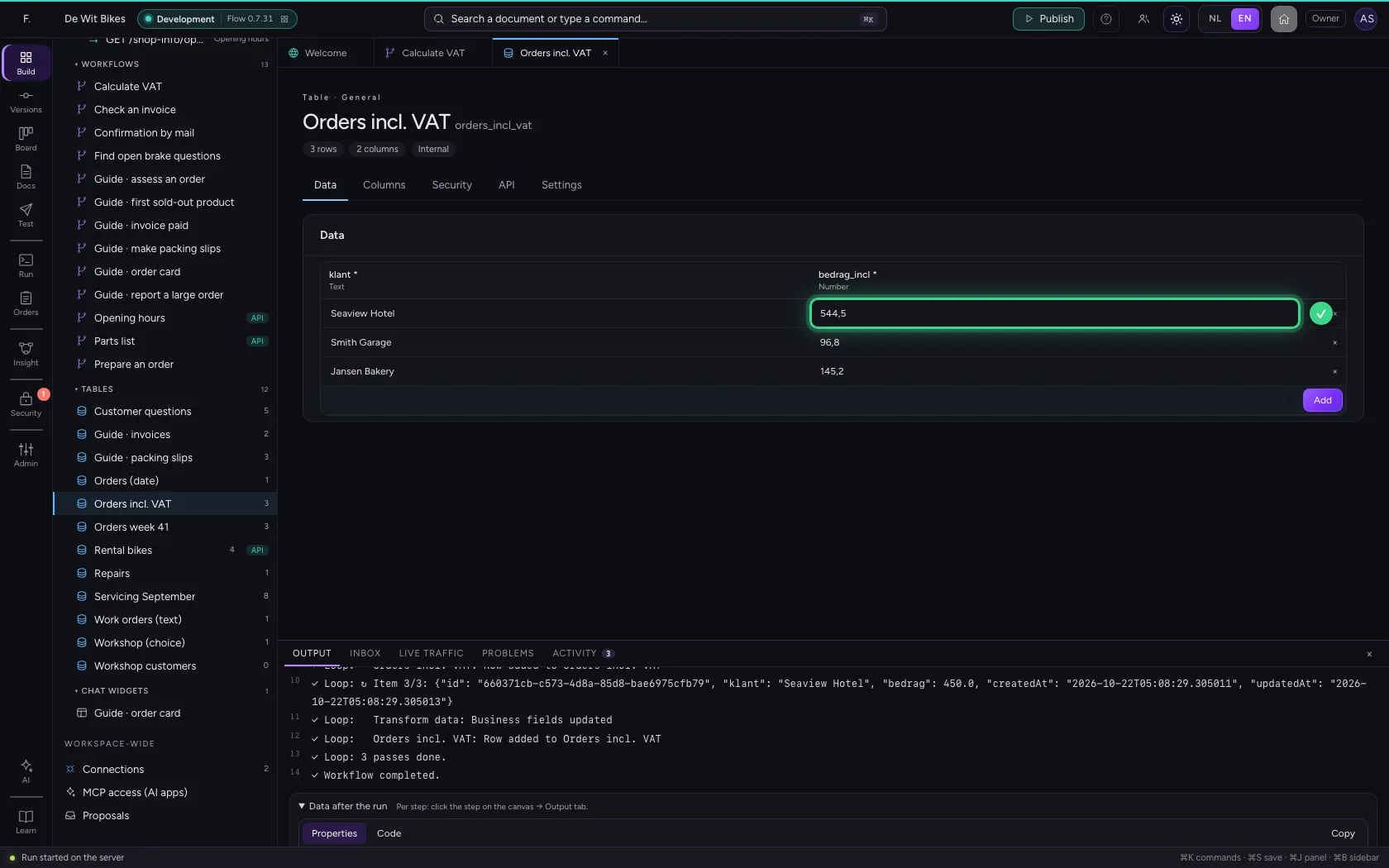
Open the second table: there is a row per order, with the amount including VAT.
- Click the second table
This guide was carried out step by step on 22 Oct 2026 by an automated test on Flow (version 3e563176).