Start and your personal Flow
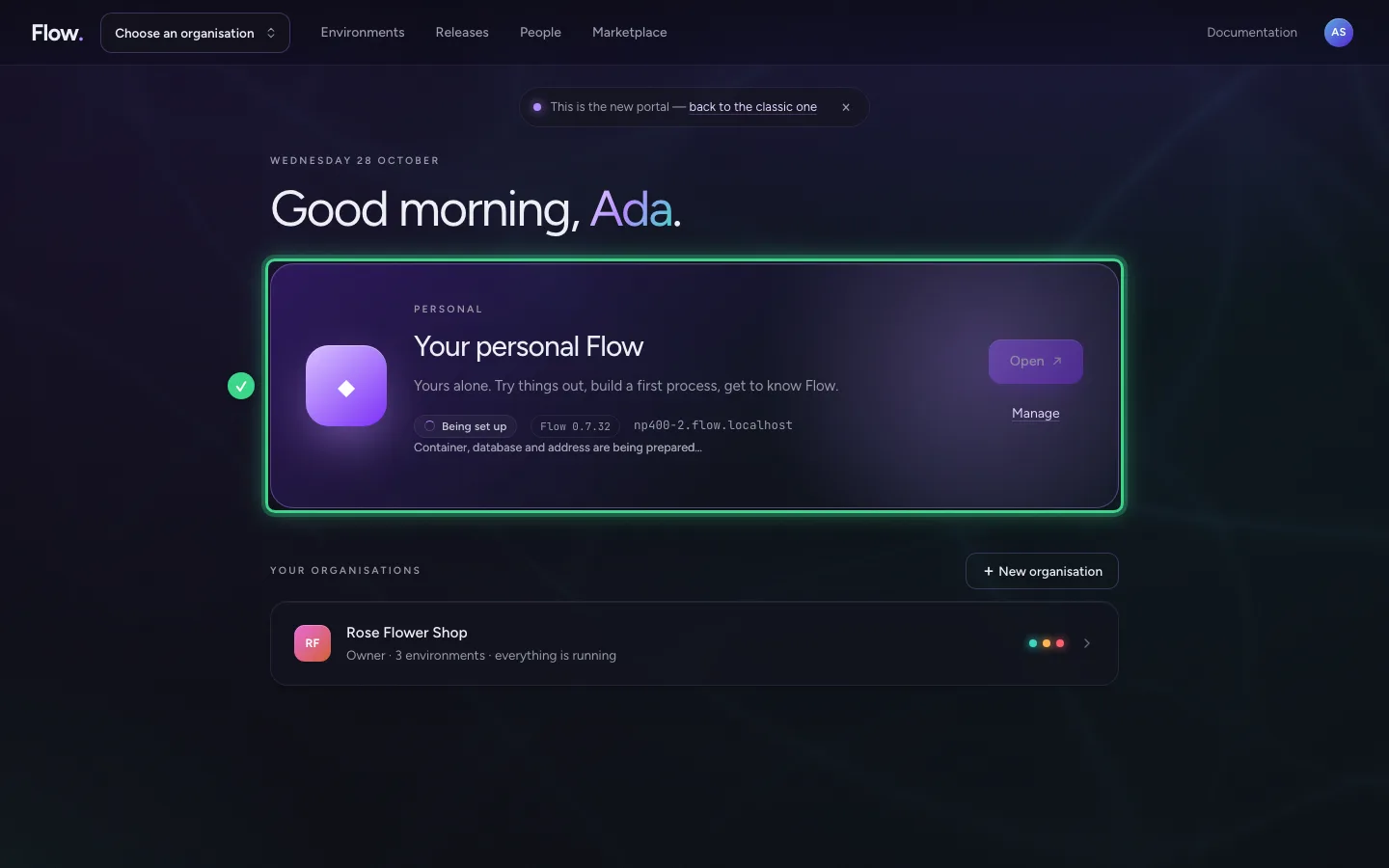
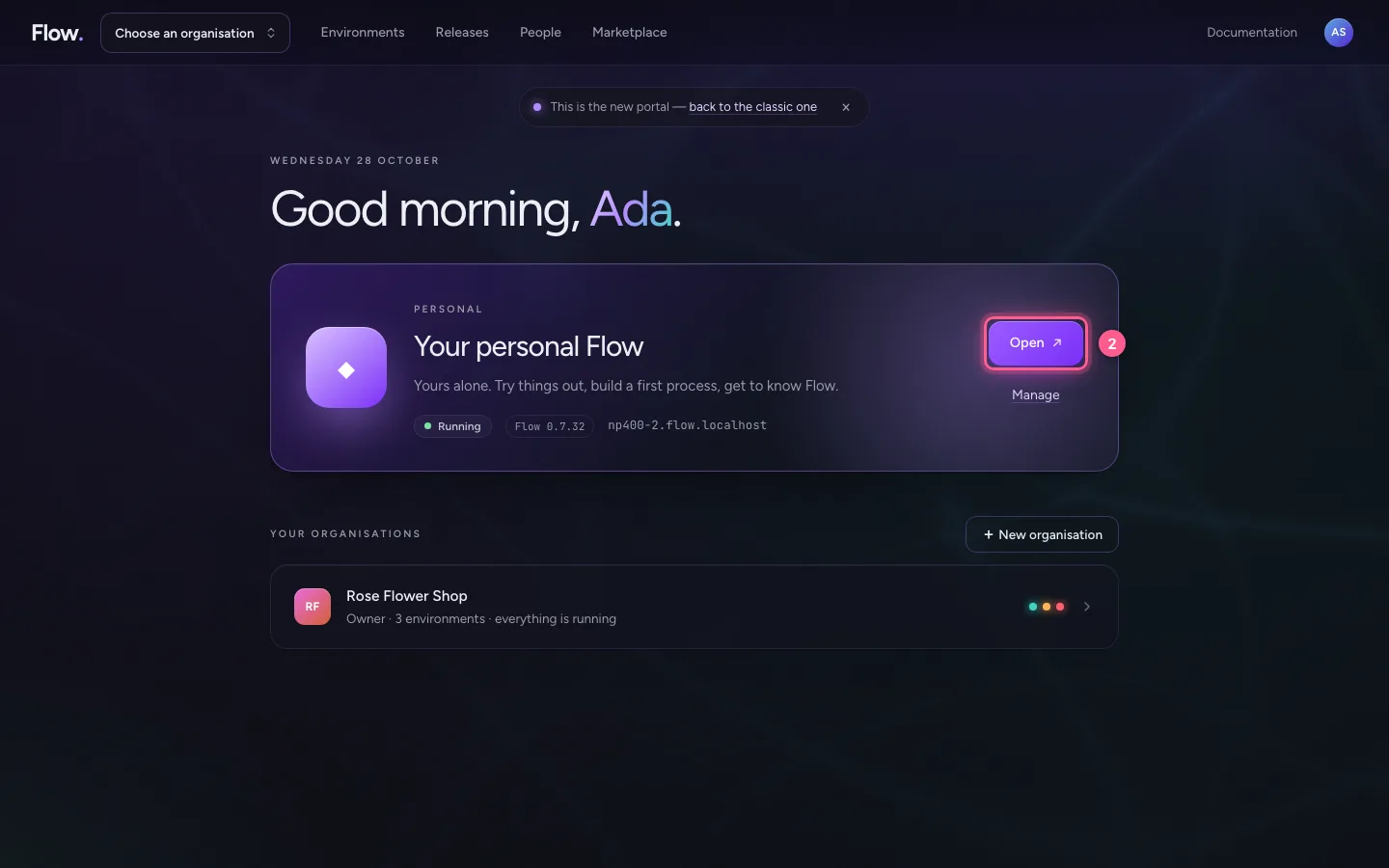
After signing in you land on Start. At the top is your personal Flow, below it your organisations. The bar at the top has four fixed places: Environments, Releases, People and Marketplace.
Your personal Flow is at the top
The violet card with ◆ is your personal Flow. It is yours alone. Here you try things out and get to know Flow, without bothering anyone else. You see whether it runs and which version of Flow.
Your organisations are below it
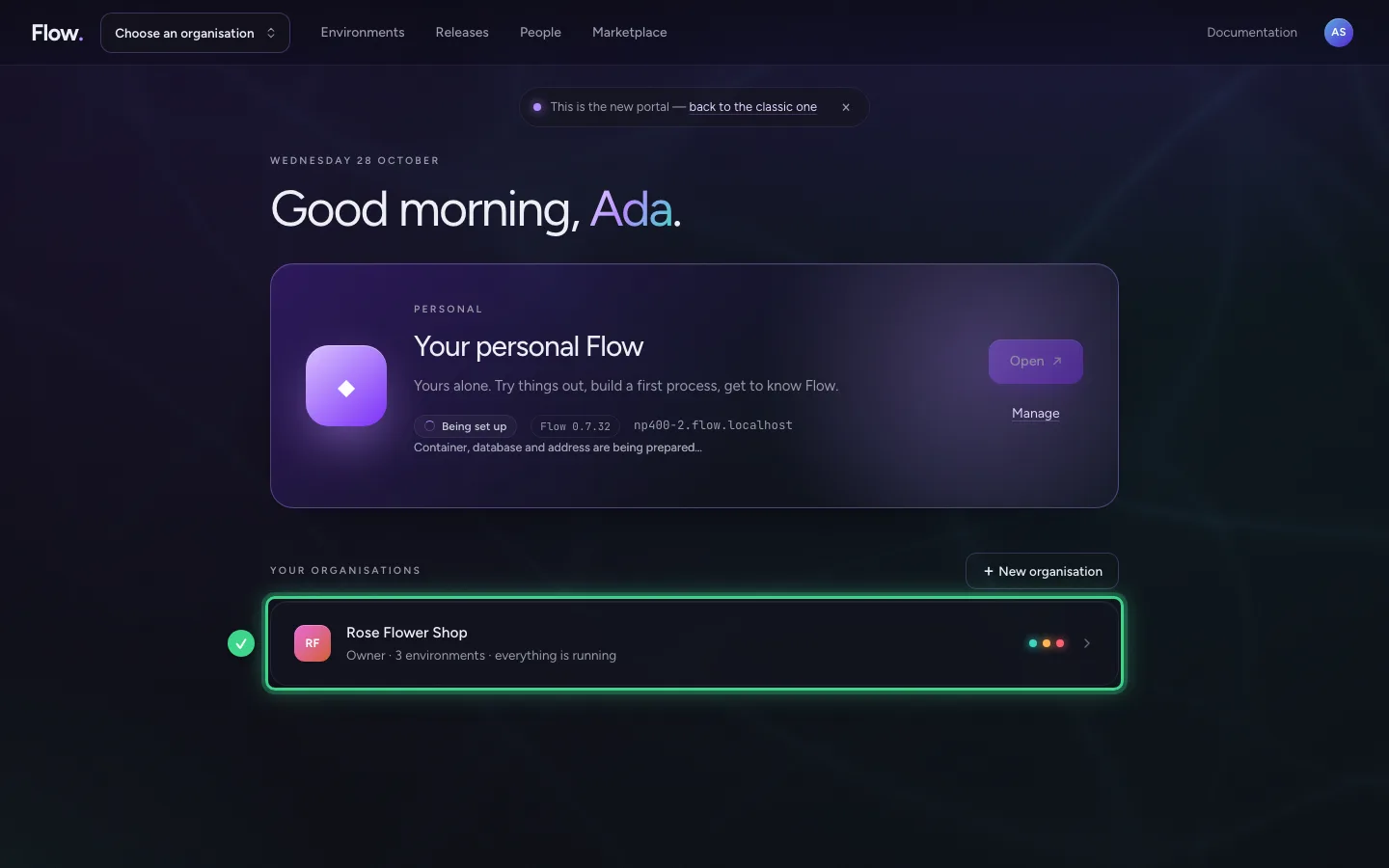
Every organisation you work in has one line: your role, how many environments there are and whether everything runs. + New organisation adds one.
The bar at the top
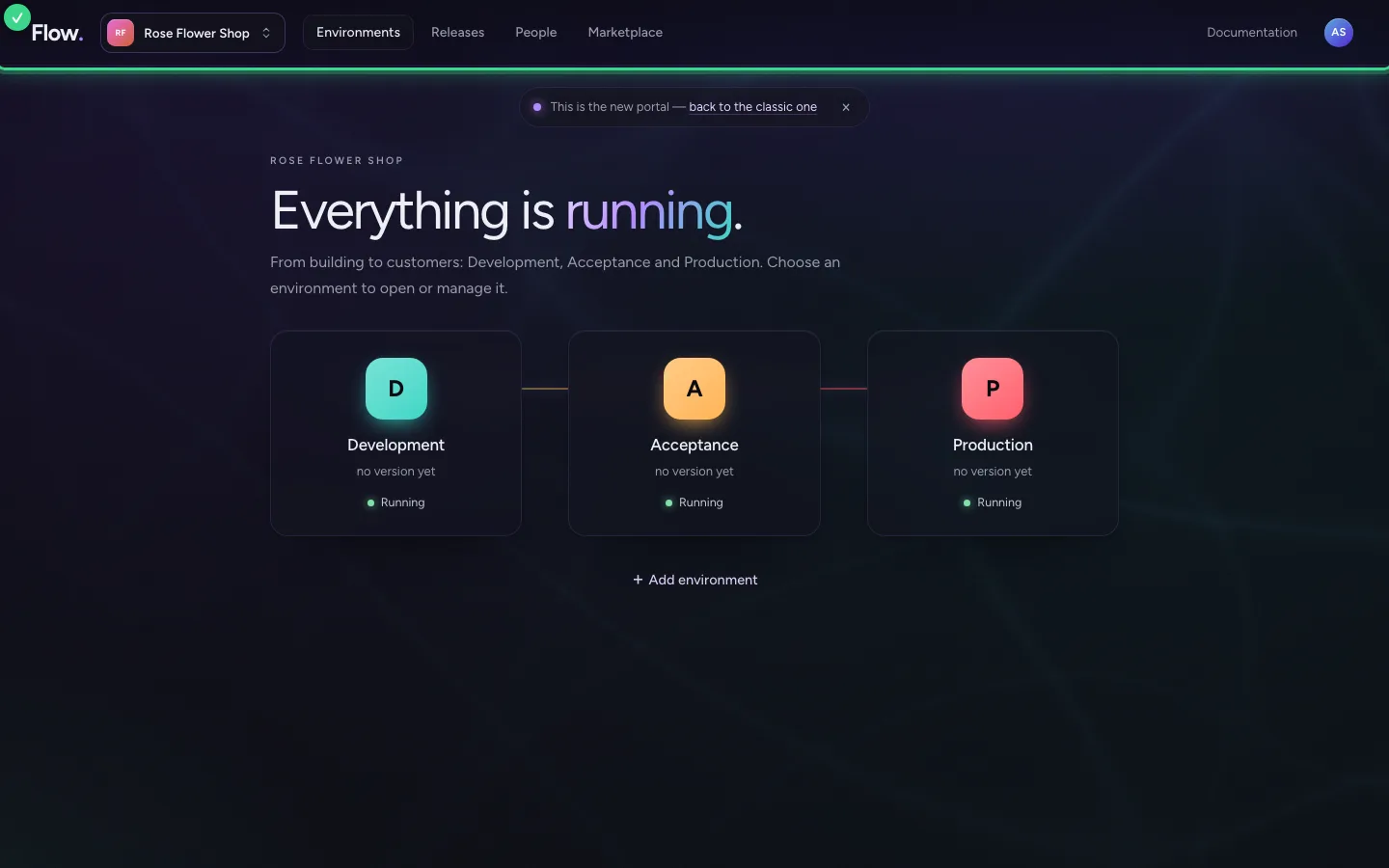
Click your organisation. The same places are always at the top: Environments, Releases, People and Marketplace. On the right are the documentation and your account. At the top left is your organisation's name.
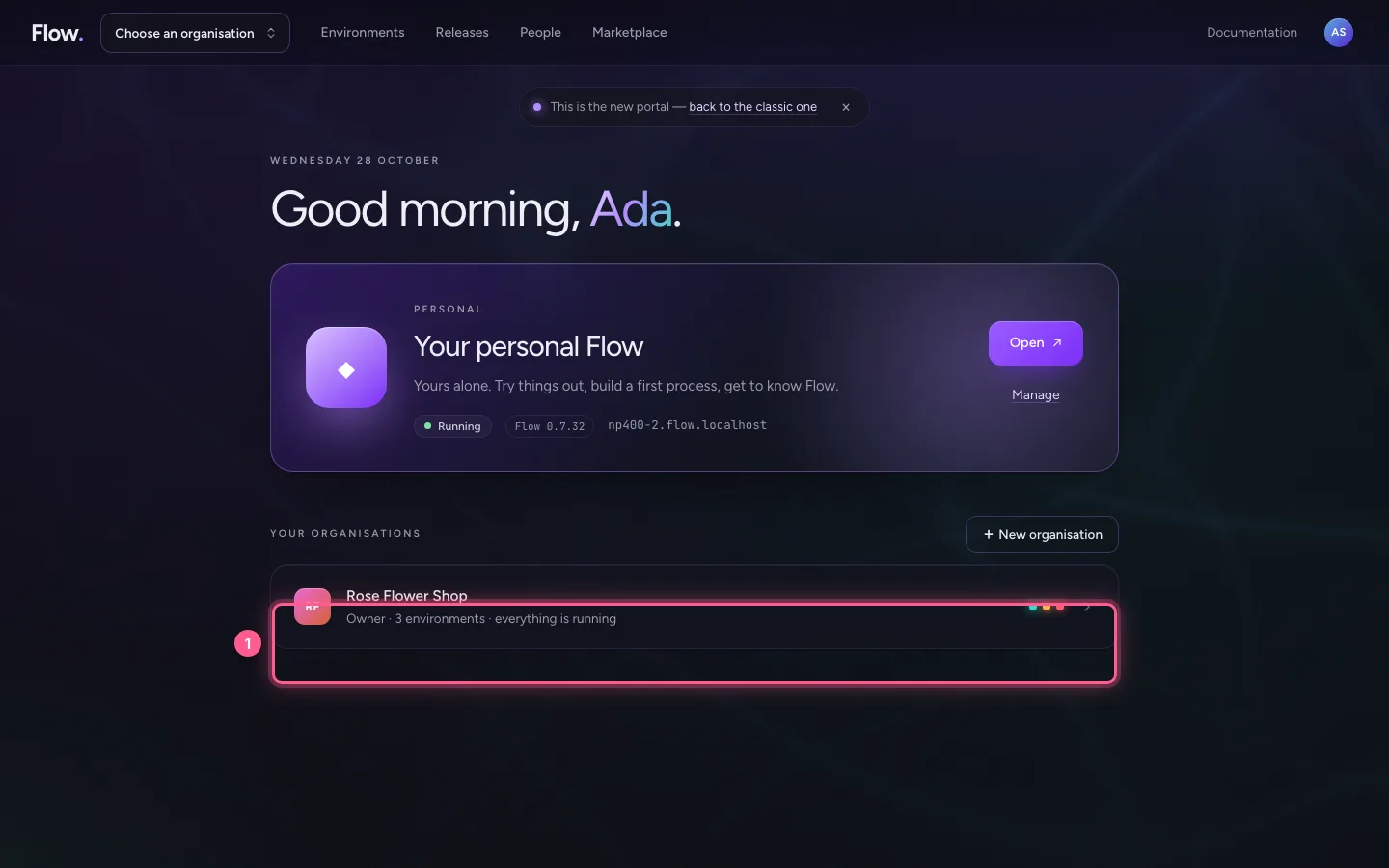
- Click RF Rose Flower Shop Owner · 3 environments · everything is running
Behind your organisation's name
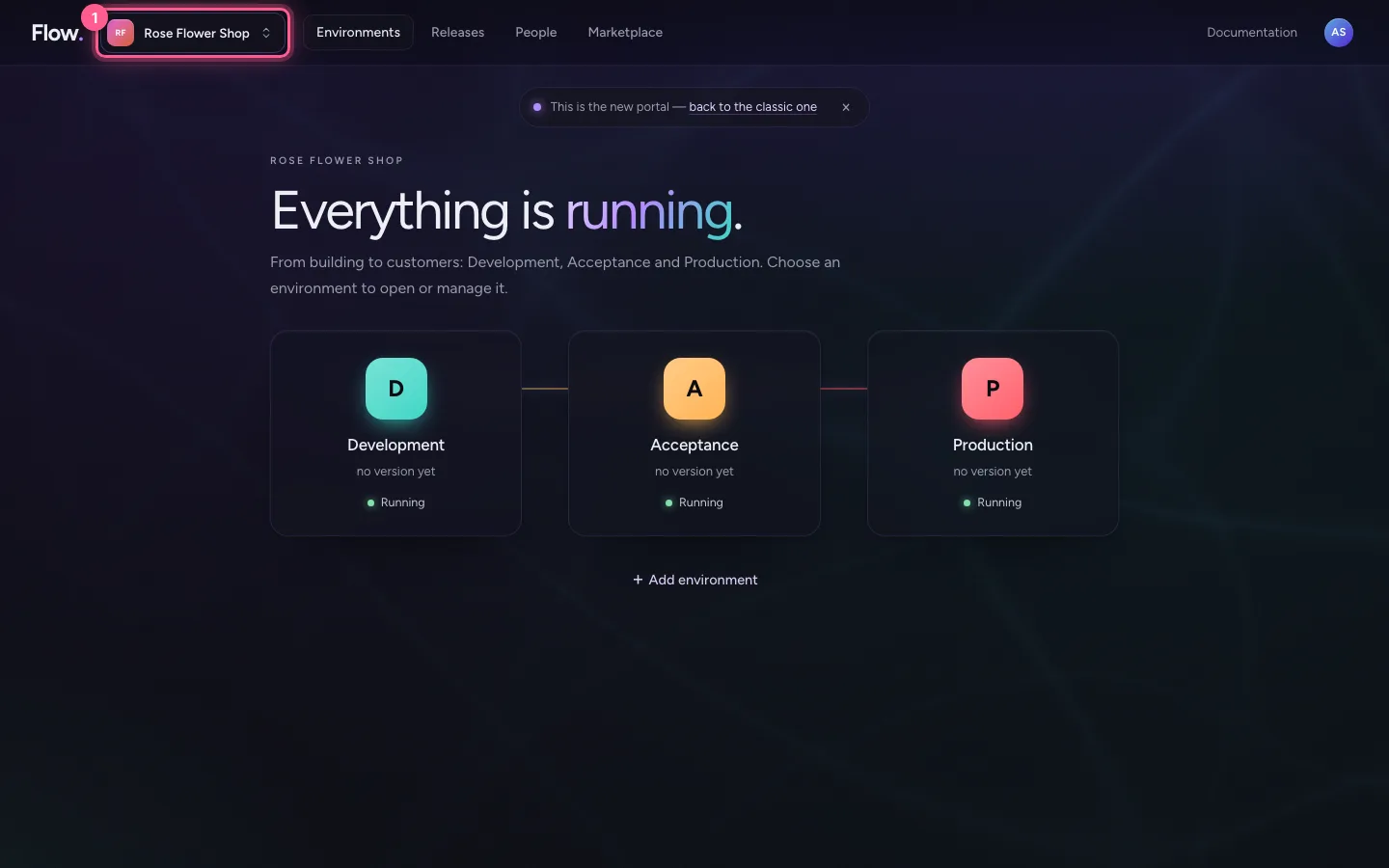
Click your organisation's name. At the top of the menu is what you arrange for the whole organisation: Security and sign-in, Governance (if your organisation has it), Capabilities, Usage and invoices and Settings. Below it you switch organisation, or go to your personal Flow.
- Click Rose Flower Shop

Your account, and the classic portal
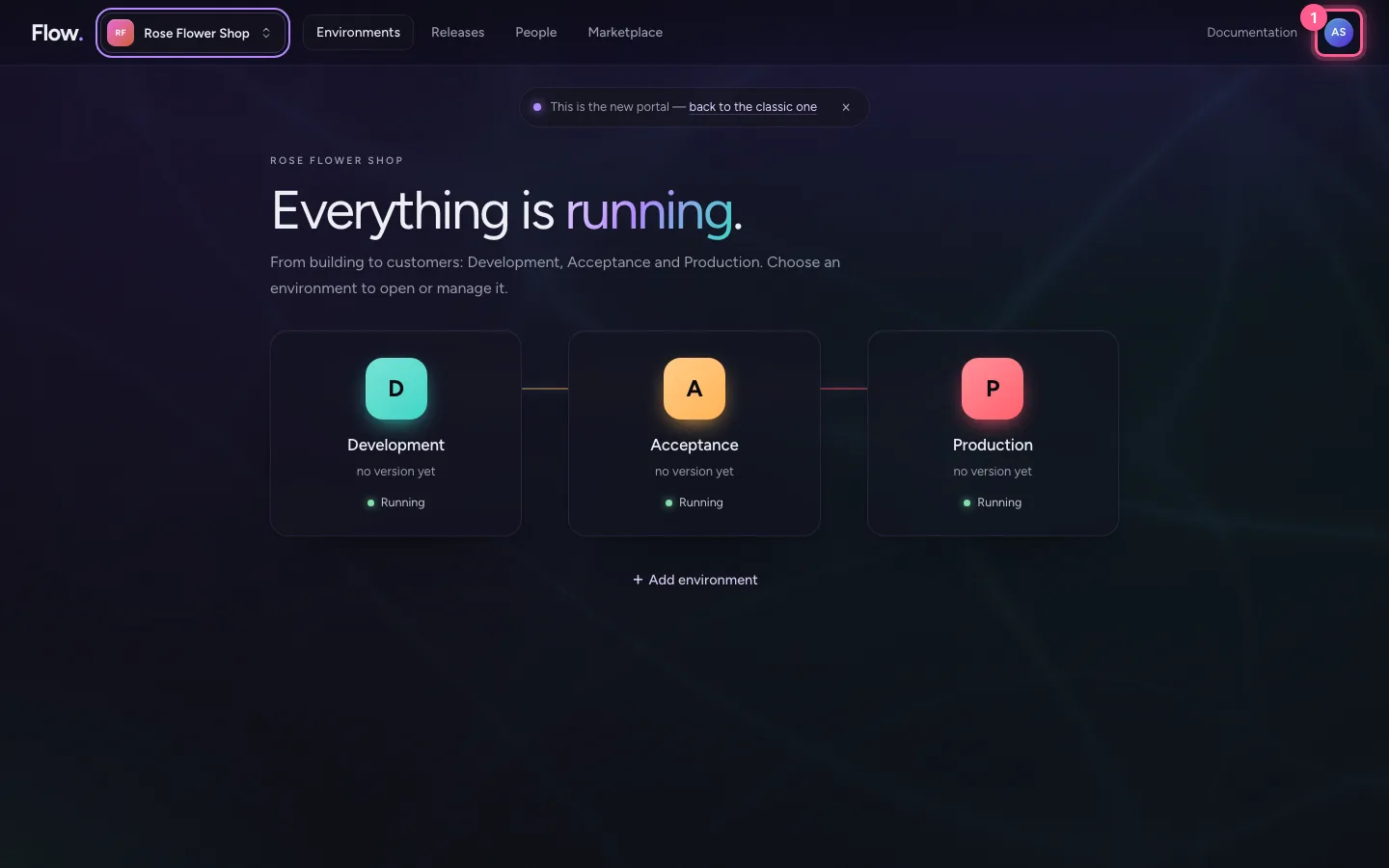
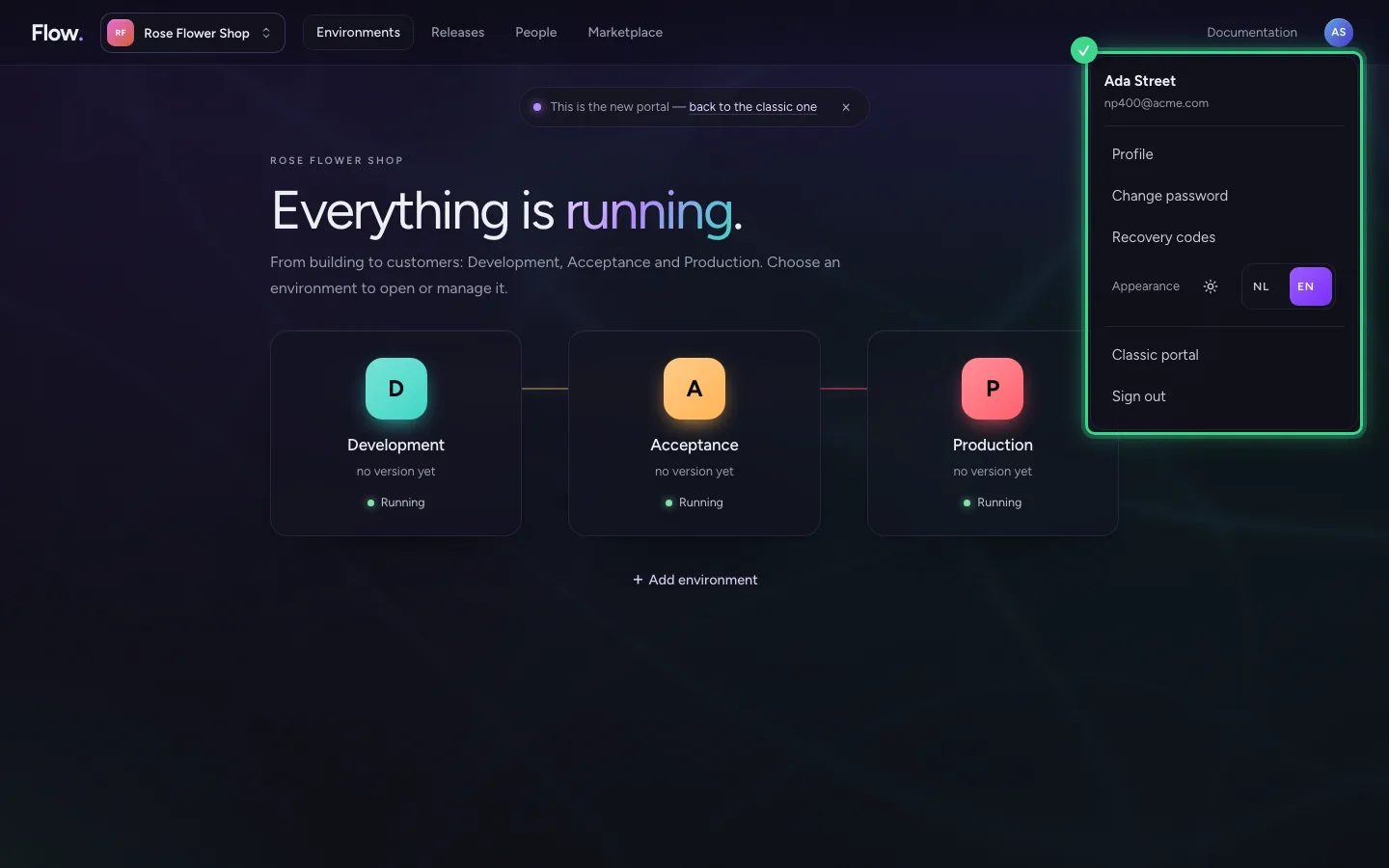
At the top right is your account: your profile, password and recovery codes, light or dark, the language and signing out. Here is also Classic portal: it takes you back to the portal as it was. You can always come back.
- Click Your account
Open your personal Flow
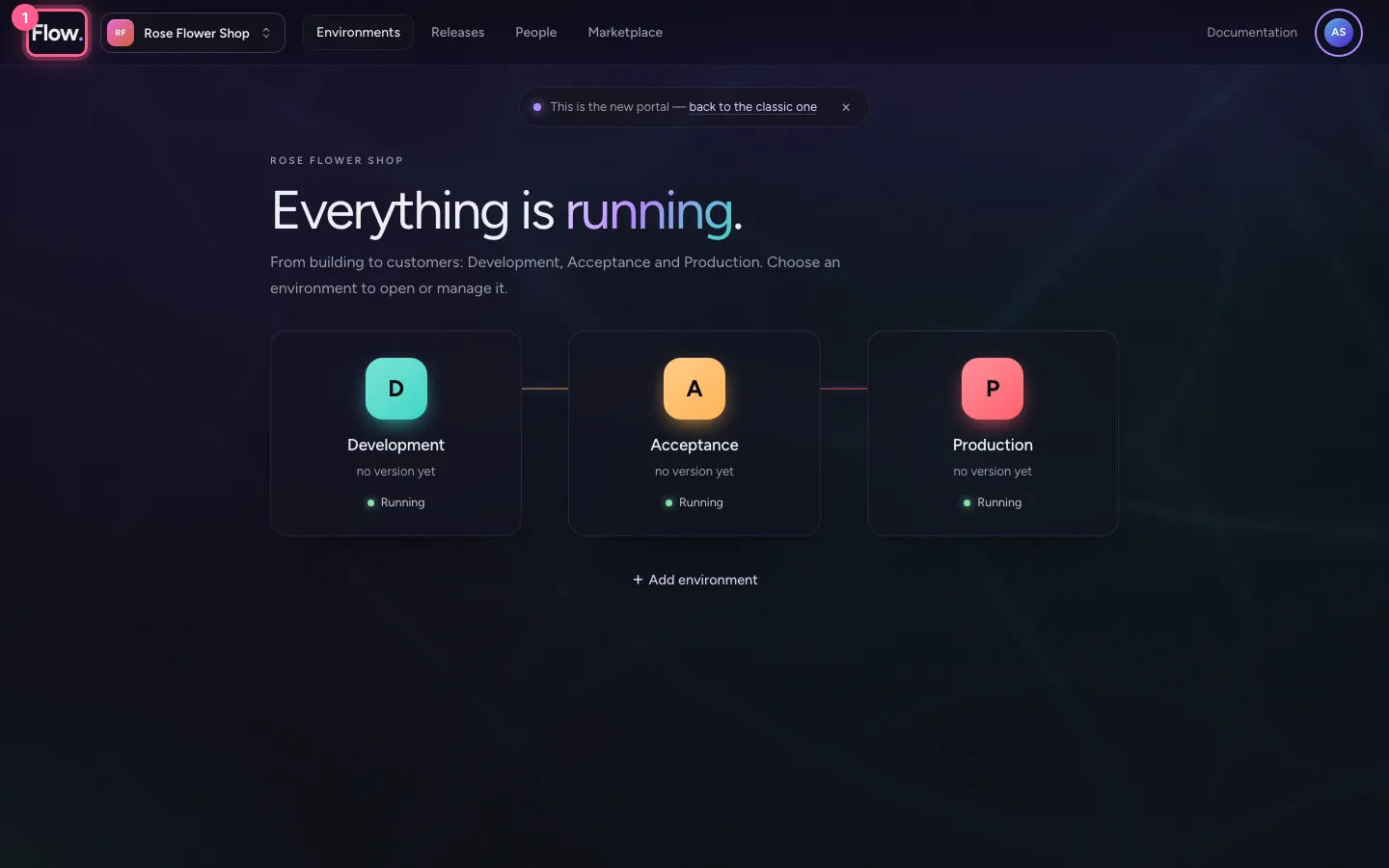
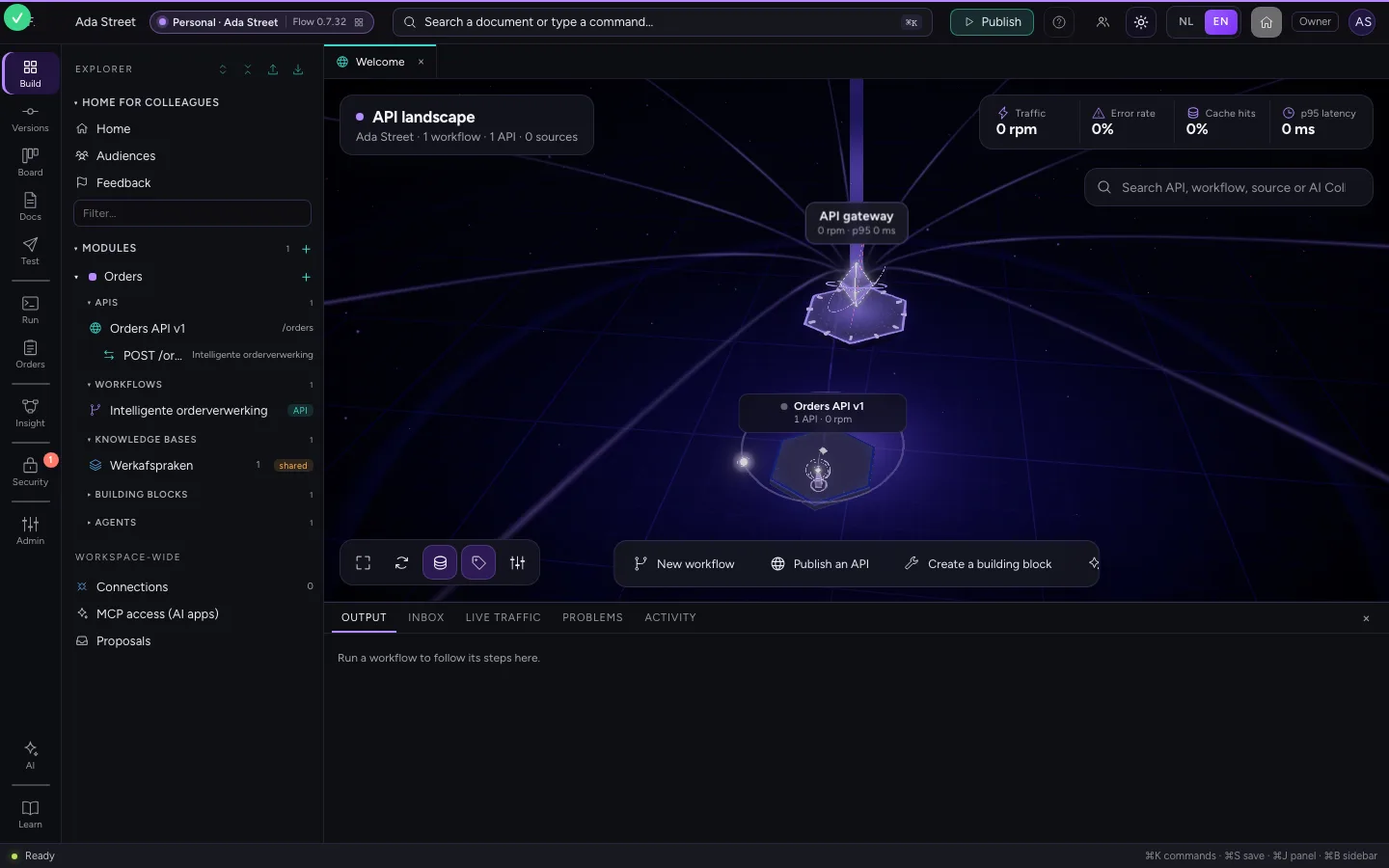
Click Flow at the top left to go back to Start. Then choose Open on the violet card. Your personal Flow opens in a new tab, and you are signed in straight away.
- Click Flow
- Click Open ↗
This guide was carried out step by step on 28 Oct 2026 by an automated test on Flow (version 96971699).