Identity between Flow and your cloud
A vault in your own cloud (Azure Key Vault, AWS Secrets Manager, Google Cloud Secret Manager) needs a key of its own to get in. Putting that key in Flow as a password only moves the problem. That is why every environment has an identity of its own, issued by the portal: you trust exactly that identity in your cloud and give it read access. Flow then gets a short-lived token each time, and no secret is stored anywhere. You see where the portal shows that identity and what you set up per cloud.
Open Production's cloud identity
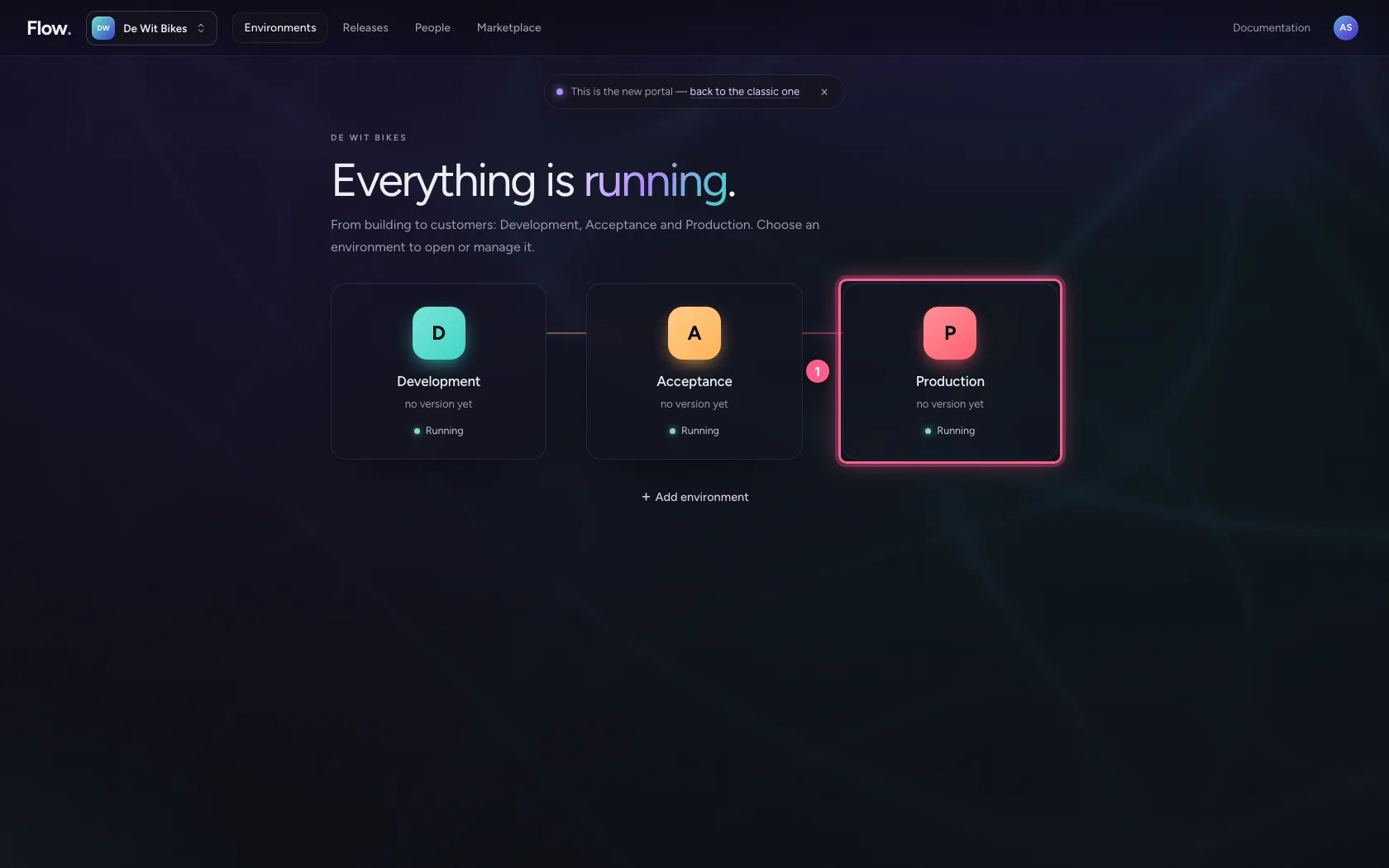
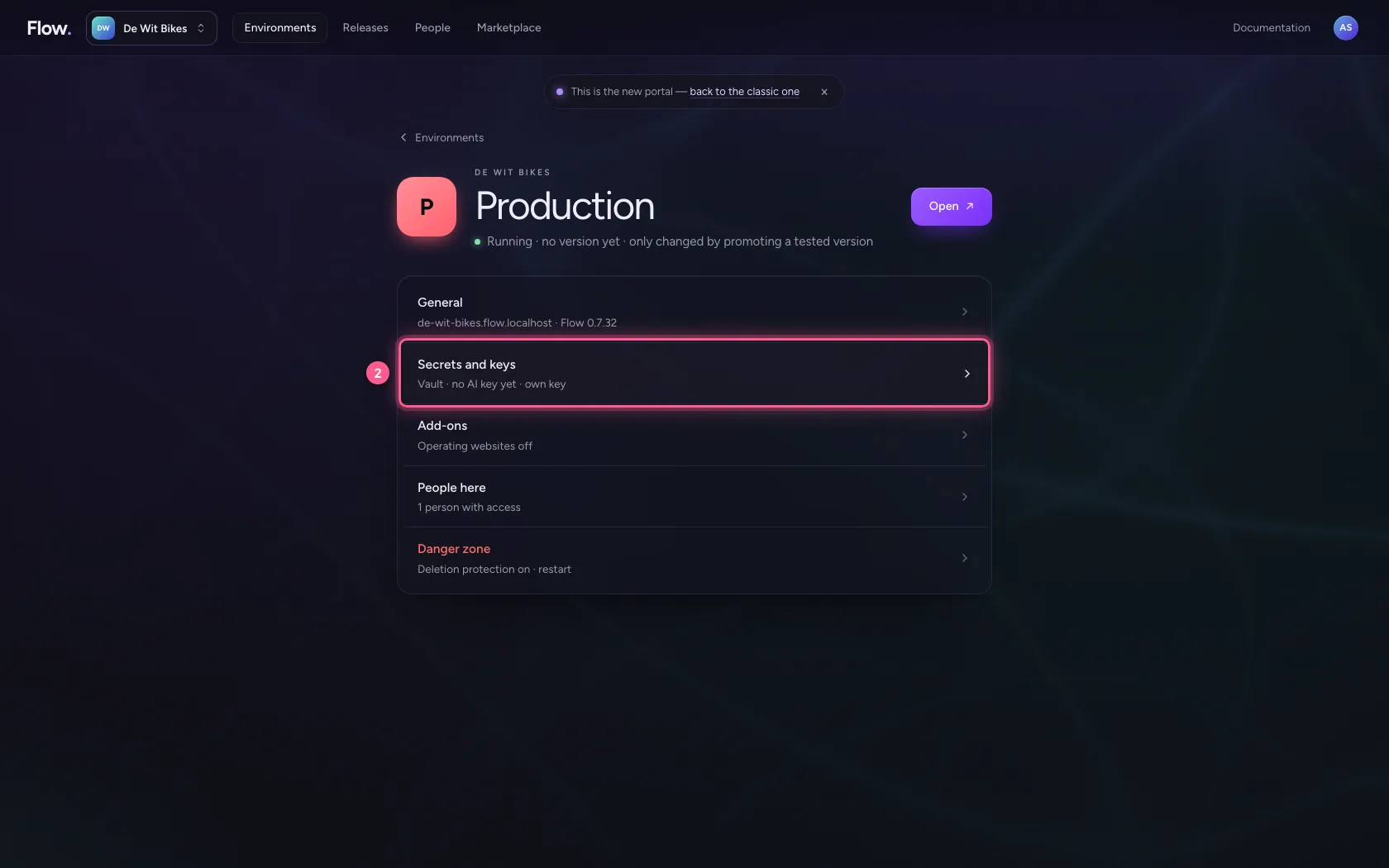
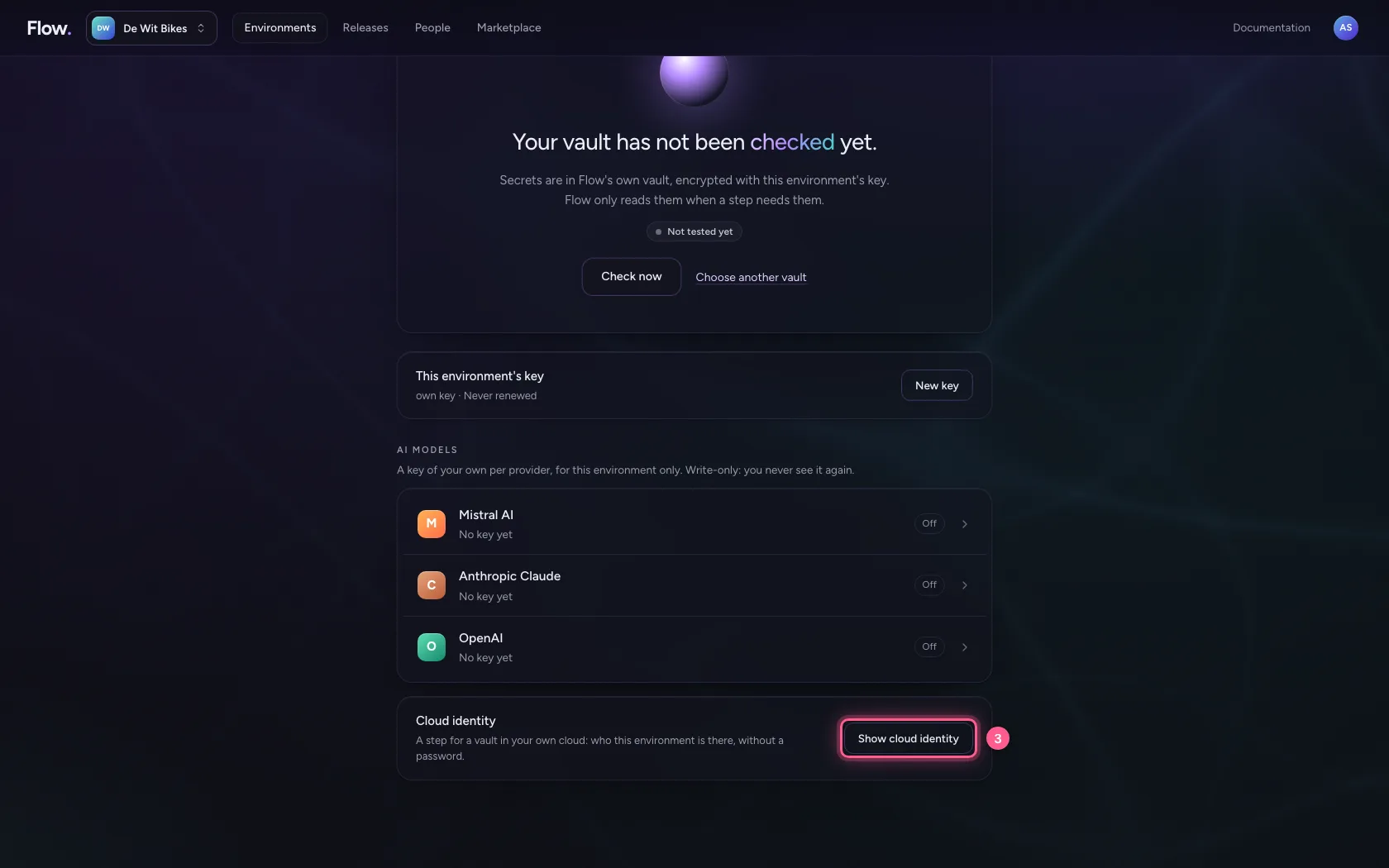
Under Environments, click an environment and choose Secrets and keys; at the bottom, for owners only, is Cloud identity. Choose Show cloud identity. At the top are the issuer (the portal) and the subject, here org:de-wit-bikes/env:prod: the organisation and the environment. Every environment has a subject of its own, so Test can never reach Production's vault. None of this is secret.
- Click Production
- Click Secrets and keys Vault · no AI key yet · own key
- Click Show cloud identity
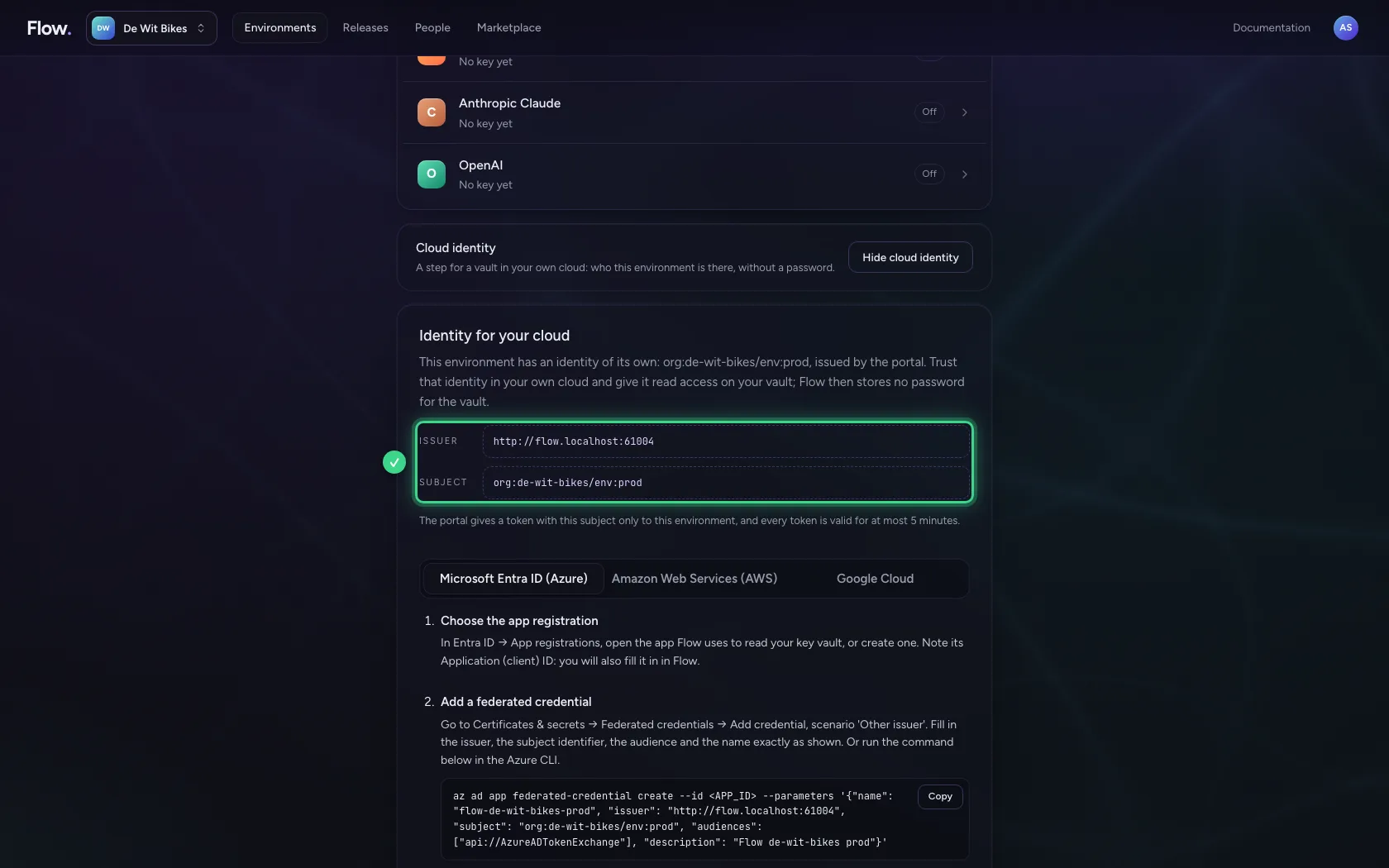
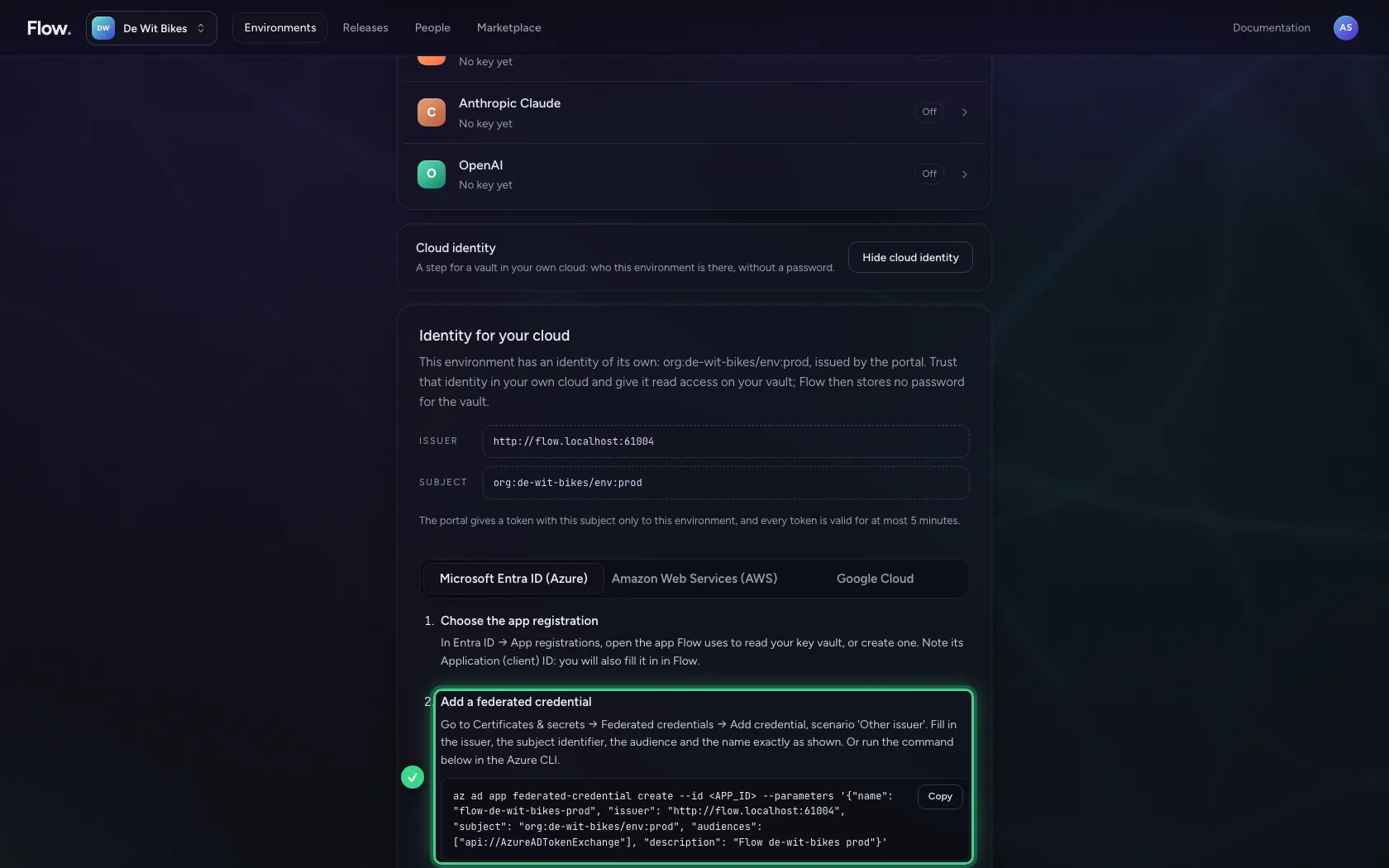
Microsoft Entra ID: a federated credential
For Azure Key Vault, the app registration that reads your vault gets a federated credential with exactly this issuer, this subject and the audience api://AzureADTokenExchange. The command for the Azure CLI is there, with this environment's values already filled in. The app gets no client secret.
AWS: a role that trusts only this subject
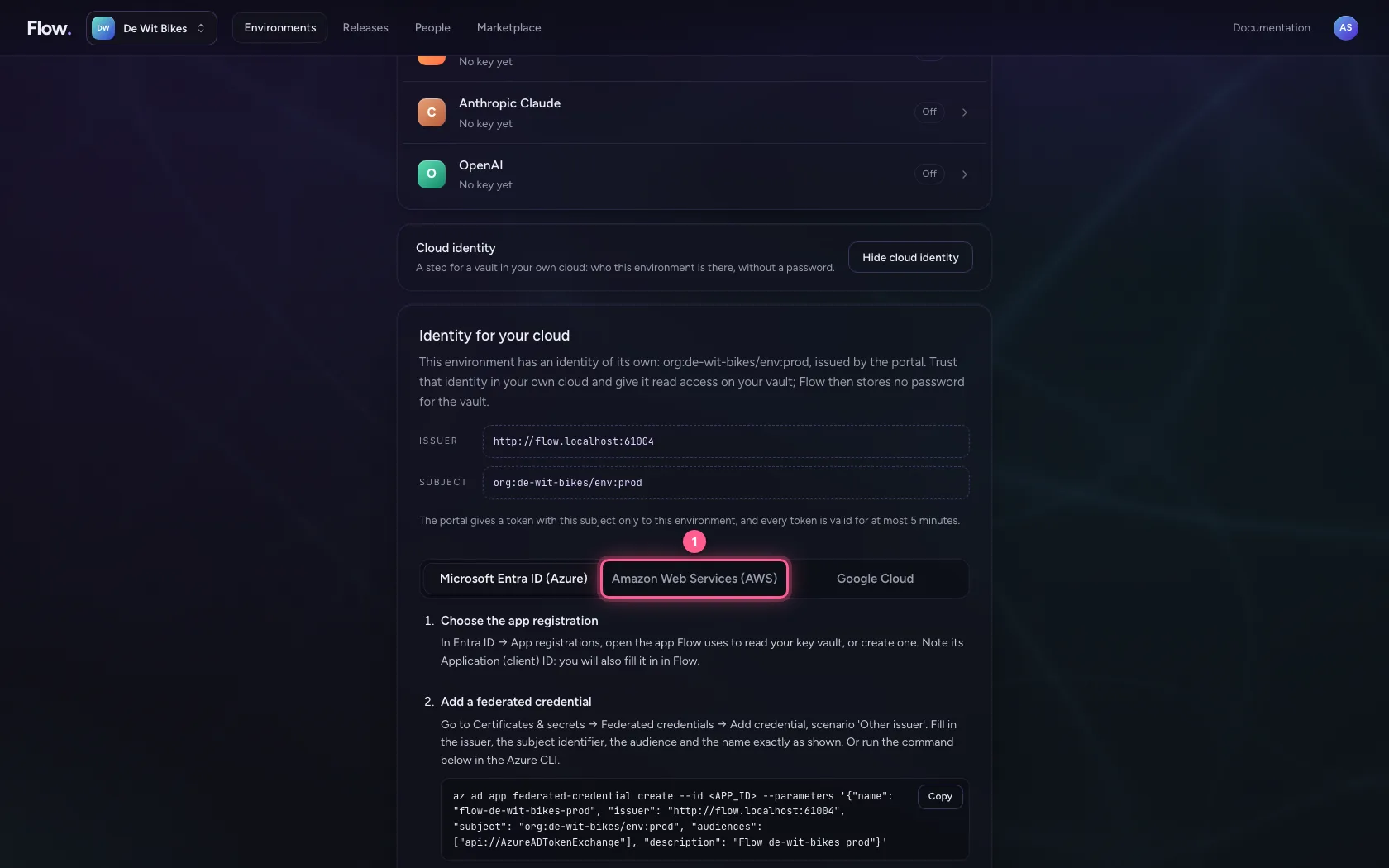
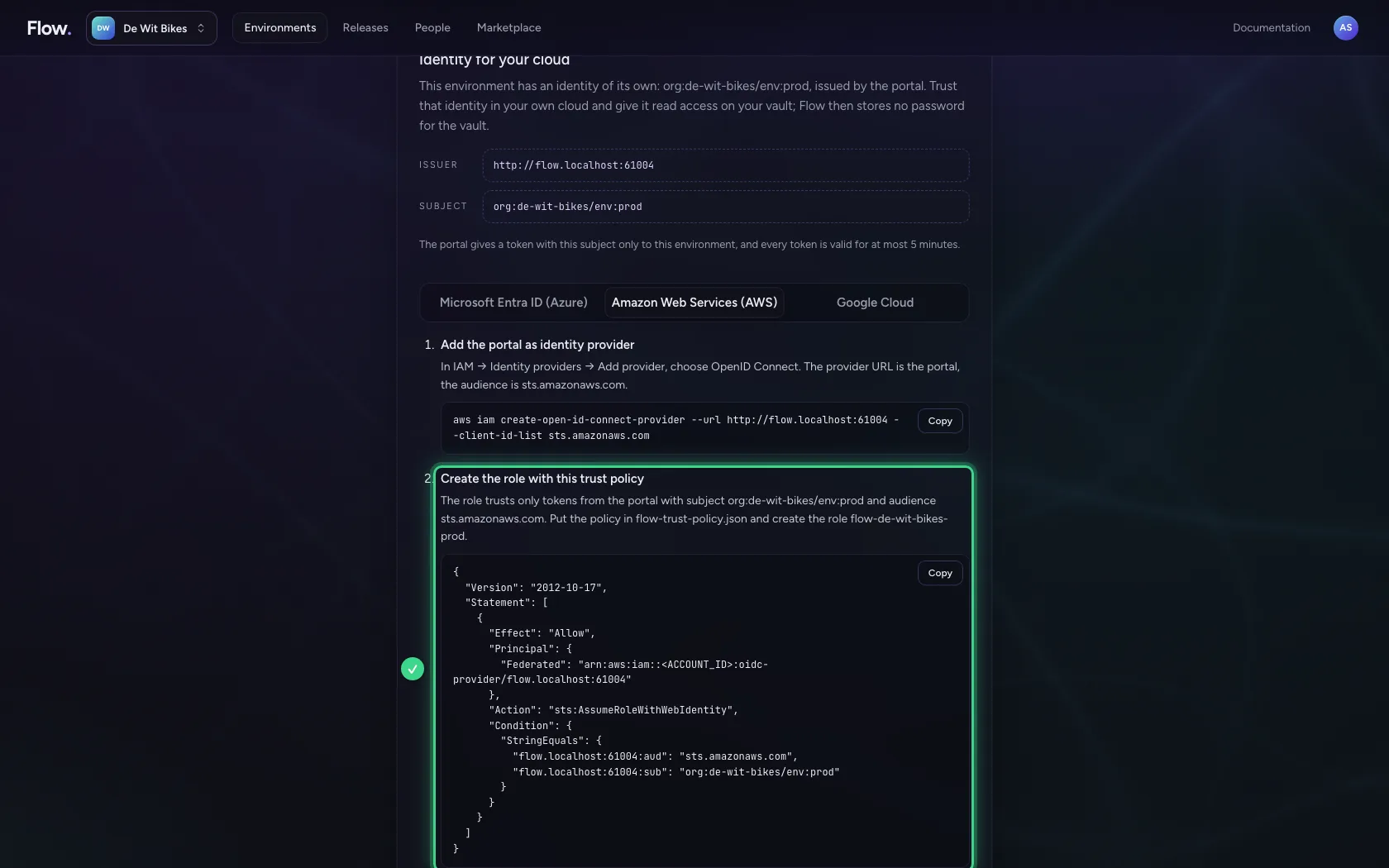
For AWS Secrets Manager you add the portal as OpenID Connect provider and create a role. The trust policy lets in only a token with this subject and the audience sts.amazonaws.com; Flow assumes the role with AssumeRoleWithWebIdentity, without an access key.
- Click Amazon Web Services (AWS)
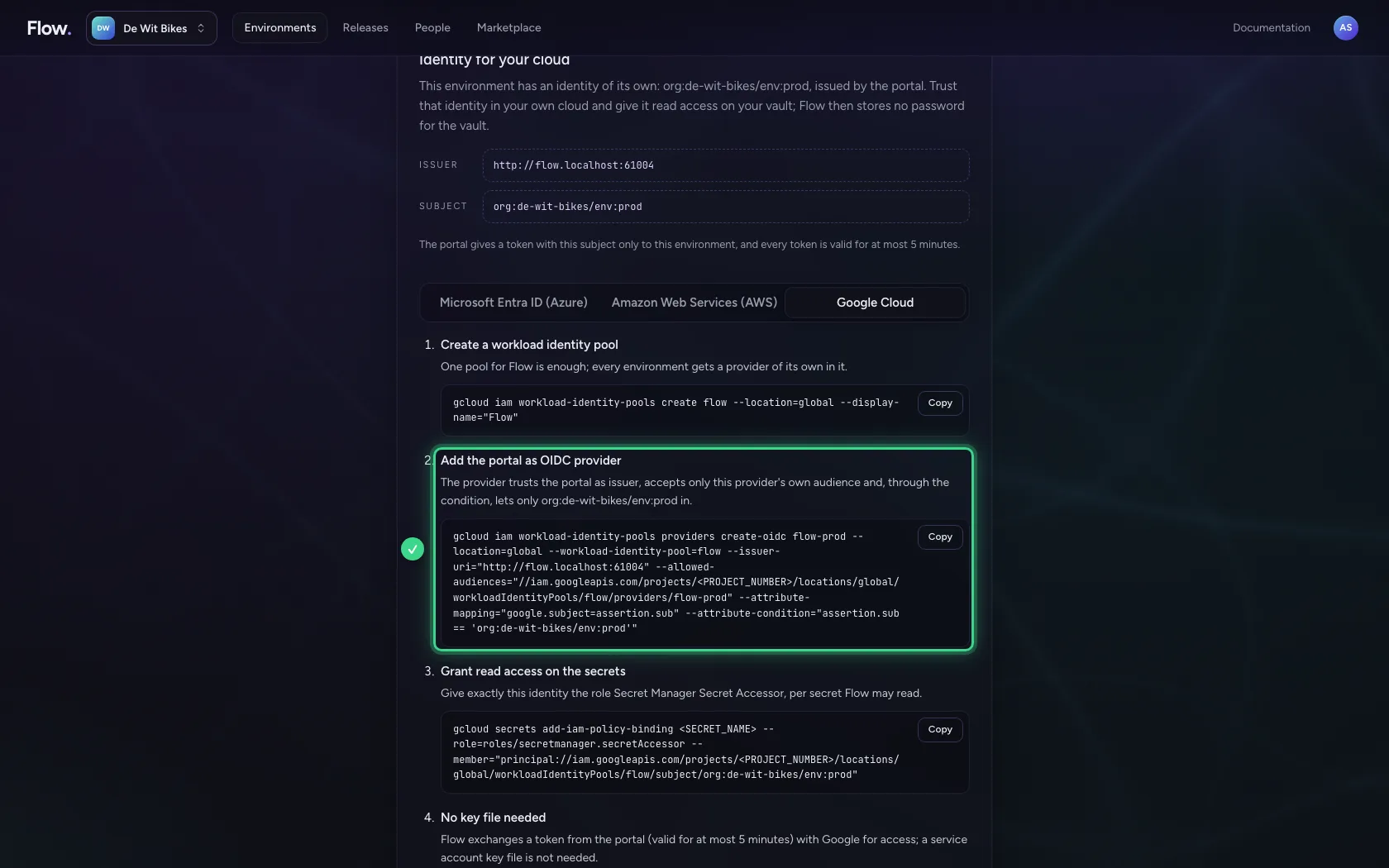
Google Cloud: workload identity federation
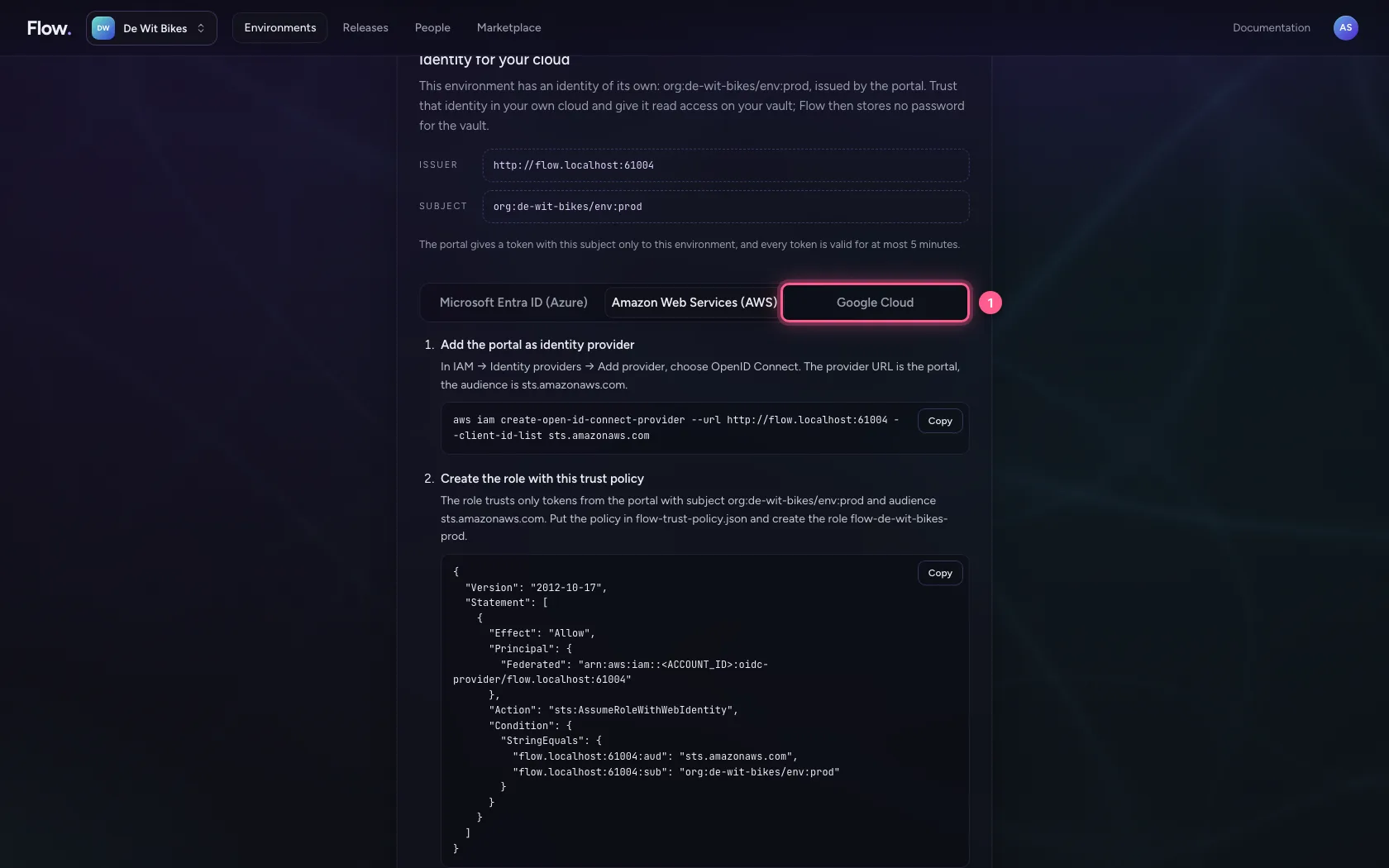
For Google Cloud Secret Manager you create a workload identity pool with a provider for this environment. The condition lets in only this subject; then you give exactly that identity read access on the secrets. A service account key file is not needed.
- Click Google Cloud
This guide was carried out step by step on 28 Oct 2026 by an automated test on Flow (version 96971699).