Environments
Environments answers one question: is everything running? You see your environments in a row, from Development to Production, and at the top what waits for you. This is also where you add an environment.
Open Environments
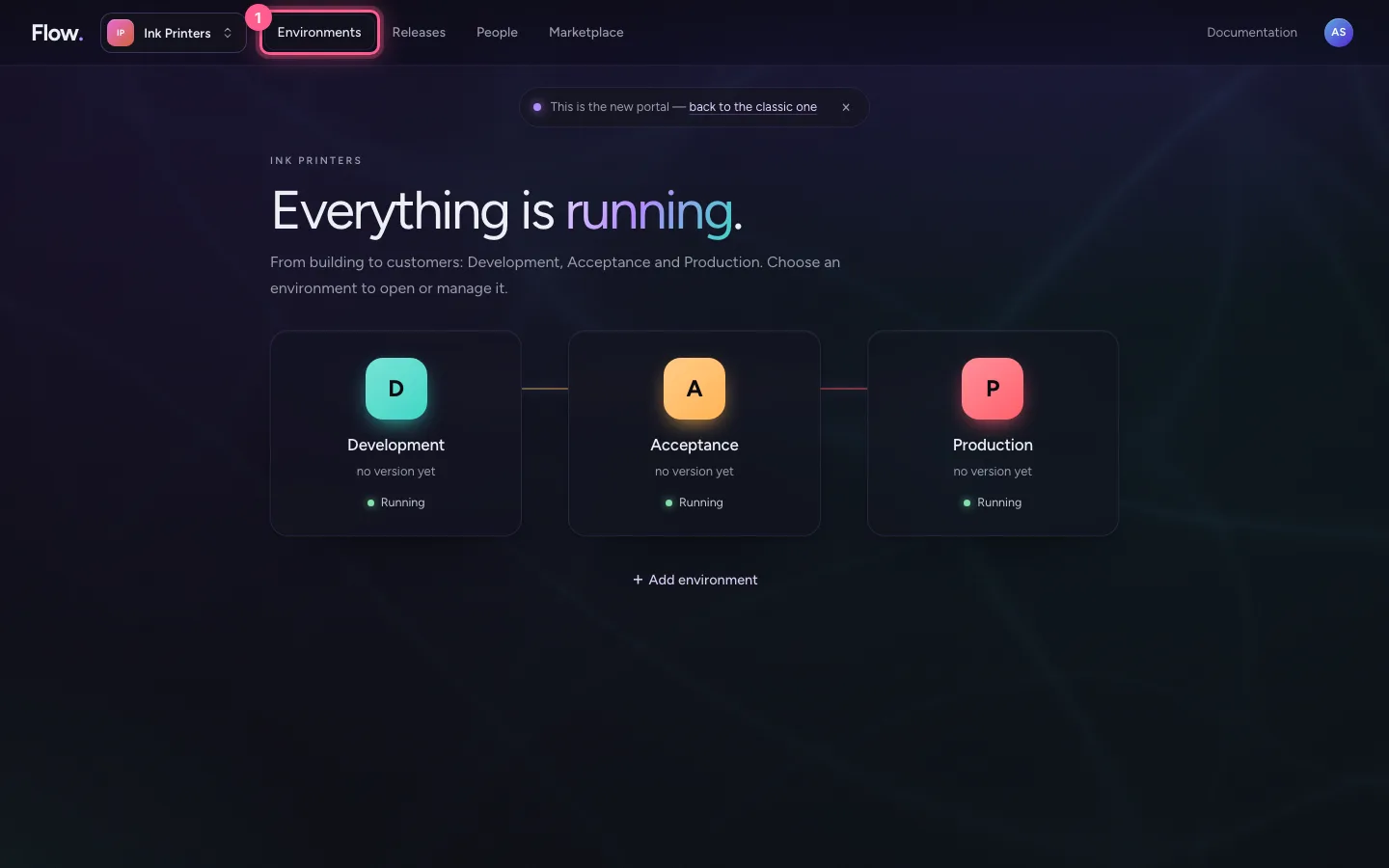
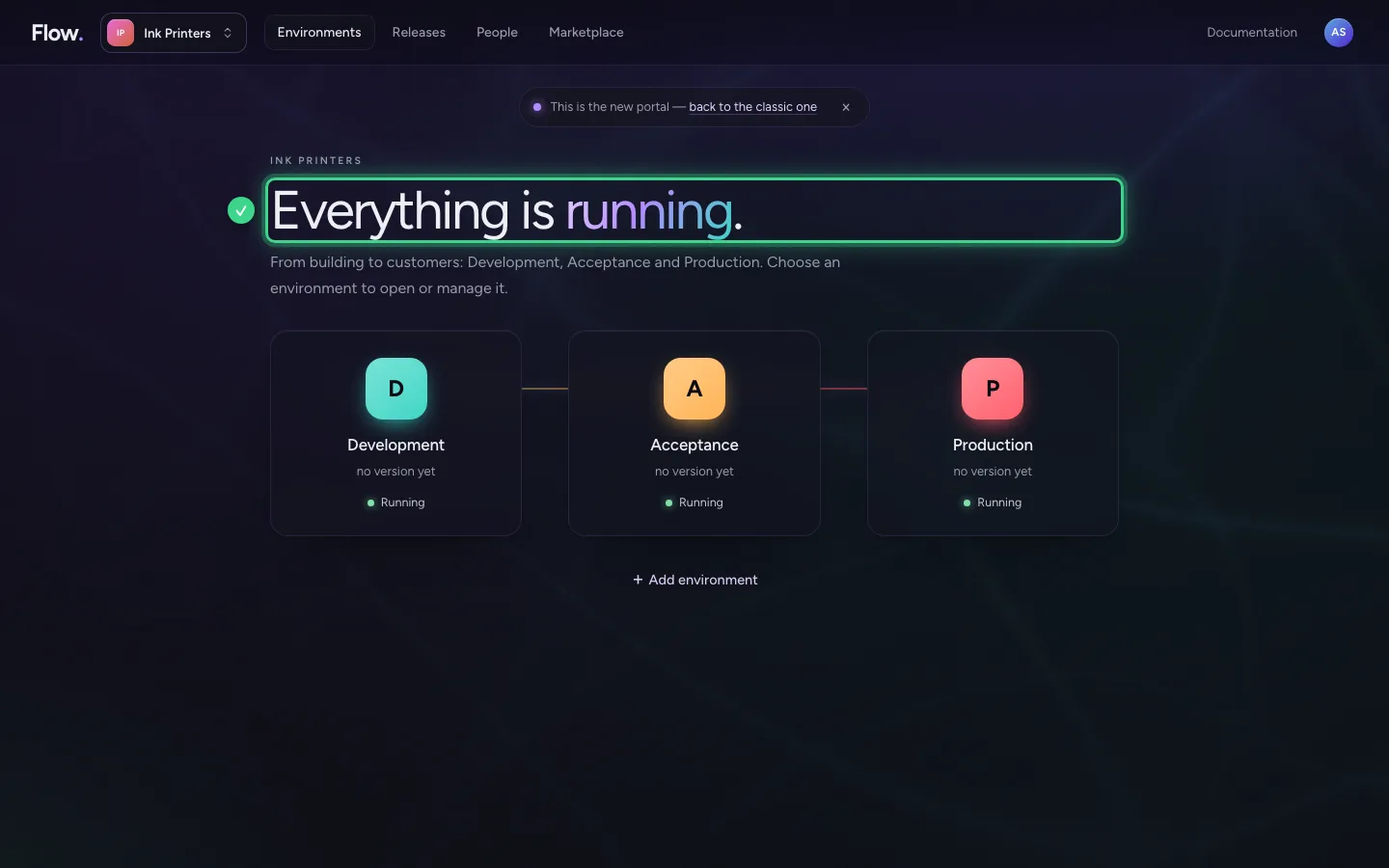
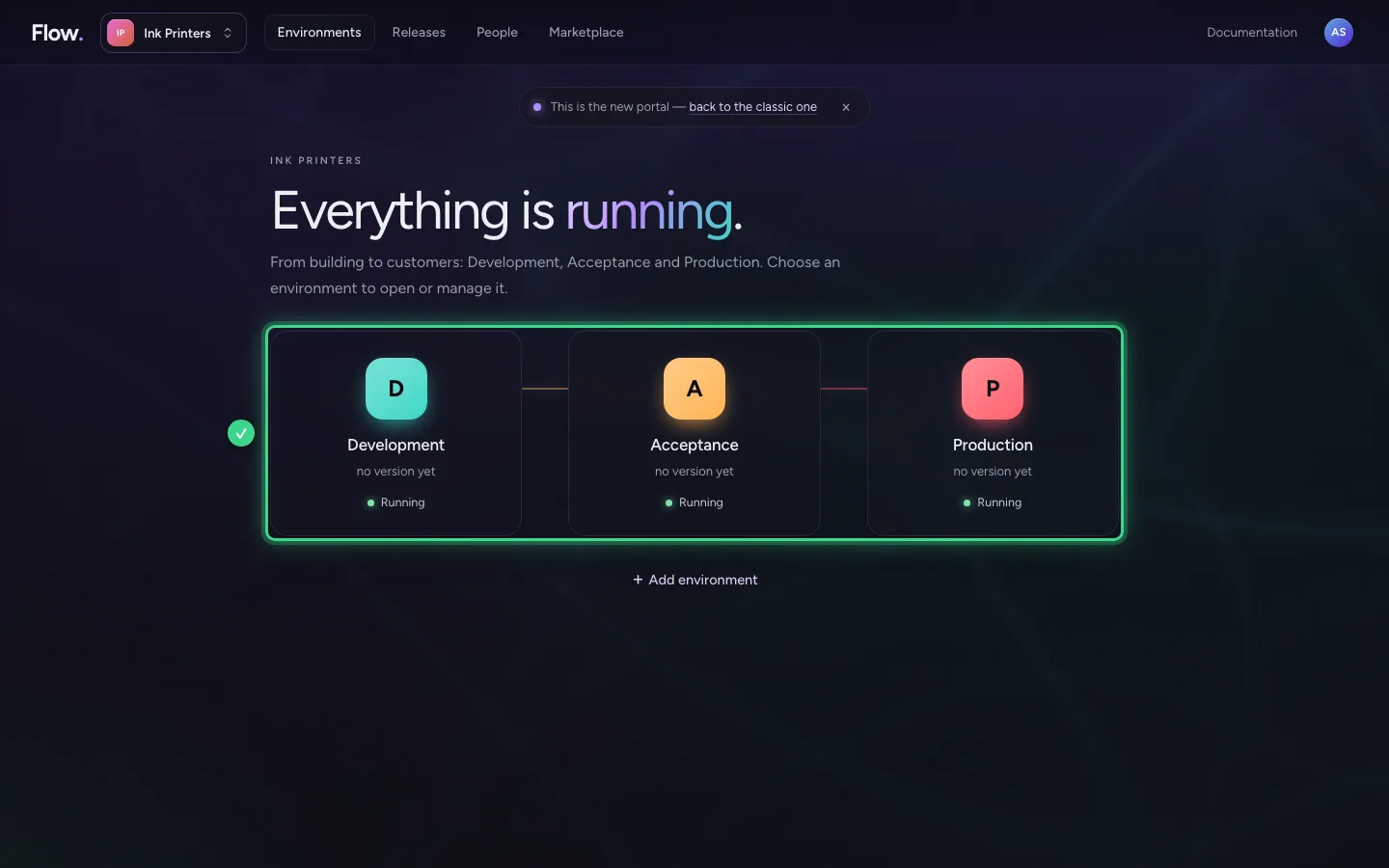
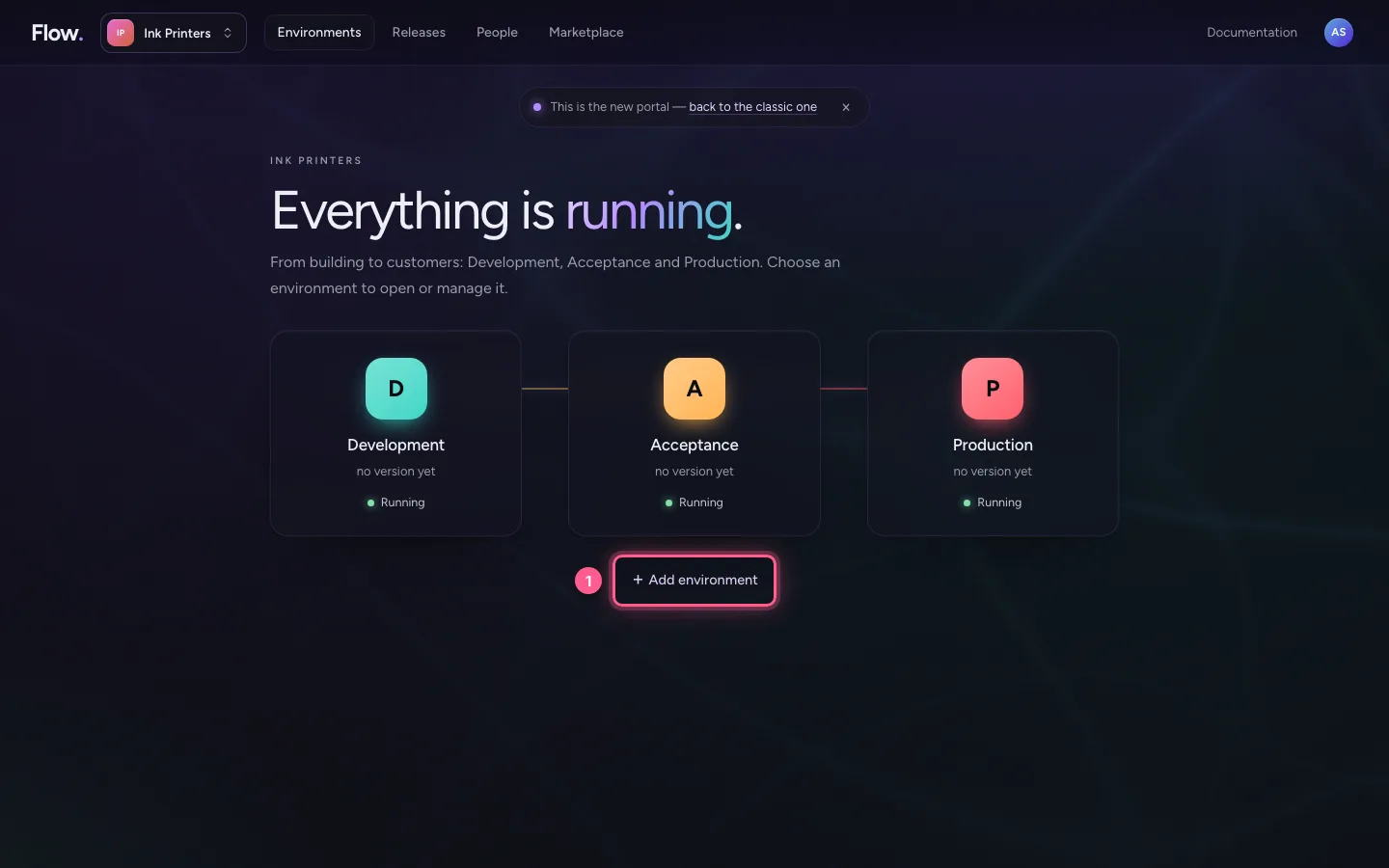
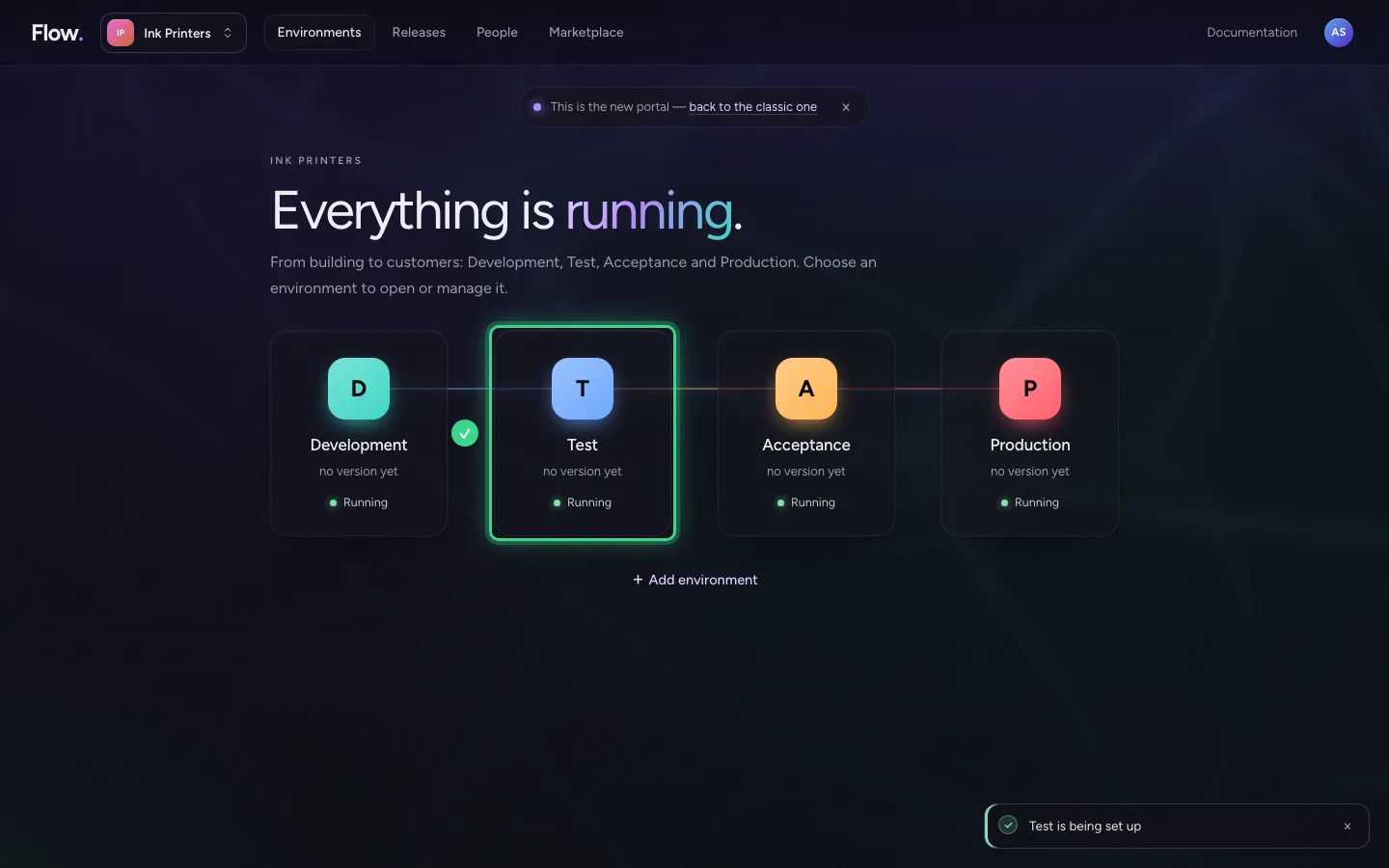
Click Environments at the top. The large heading says in one sentence how things are, for example Everything is running. Below it are your environments in the order your work passes through them: Development → Acceptance → Production, and Test if you have it.
- Click Environments
Your environments in a row
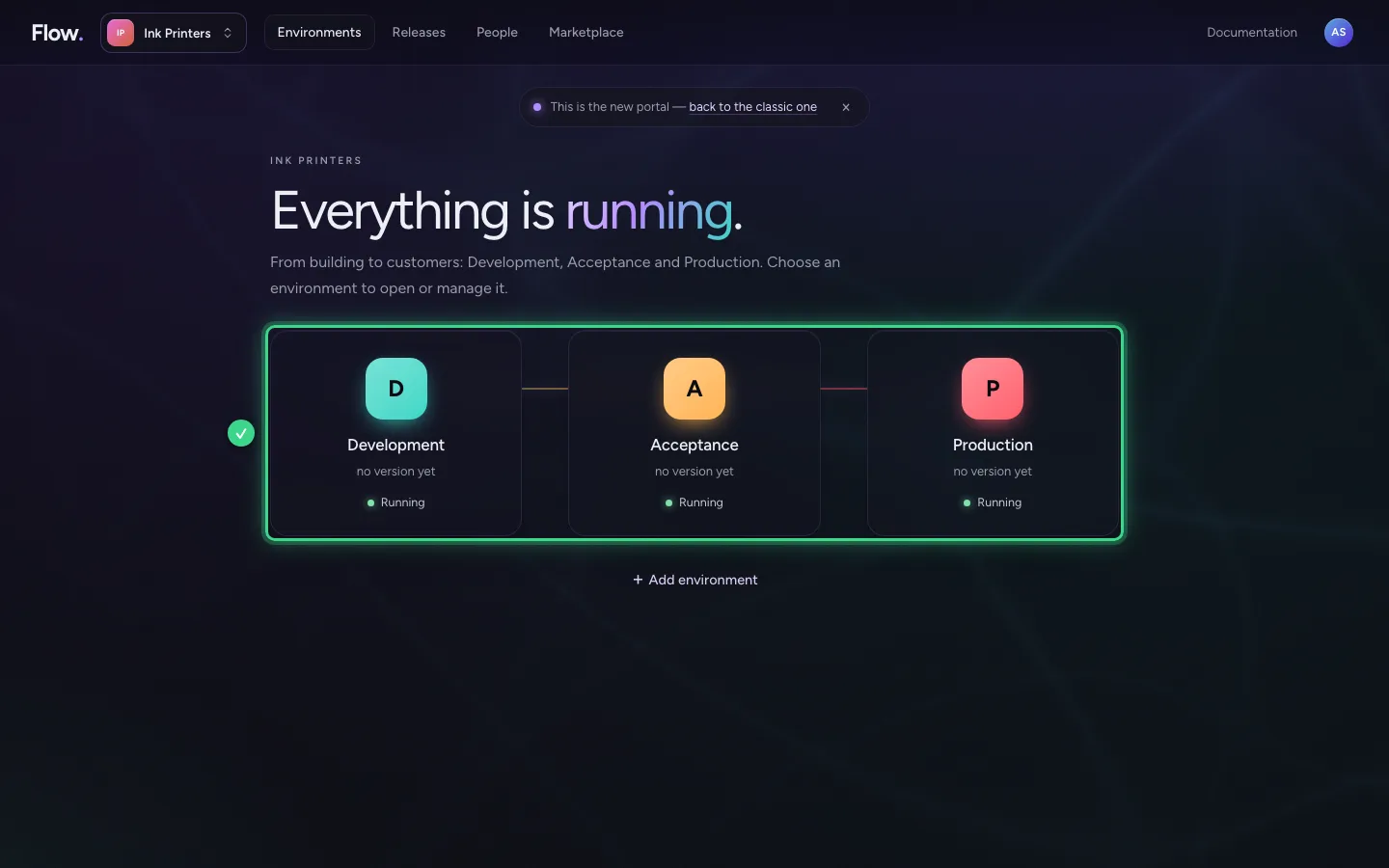
Every environment has its own colour and letter: D for Development, T for Test, A for Acceptance and P for Production. Below the name are the version of your work and whether the environment runs. Click an environment to open or manage it.
What waits for you
If something waits for you, such as a version you still have to approve, it is on one line above the environments, with View after it. If nothing waits, the line is not there.
Add an environment
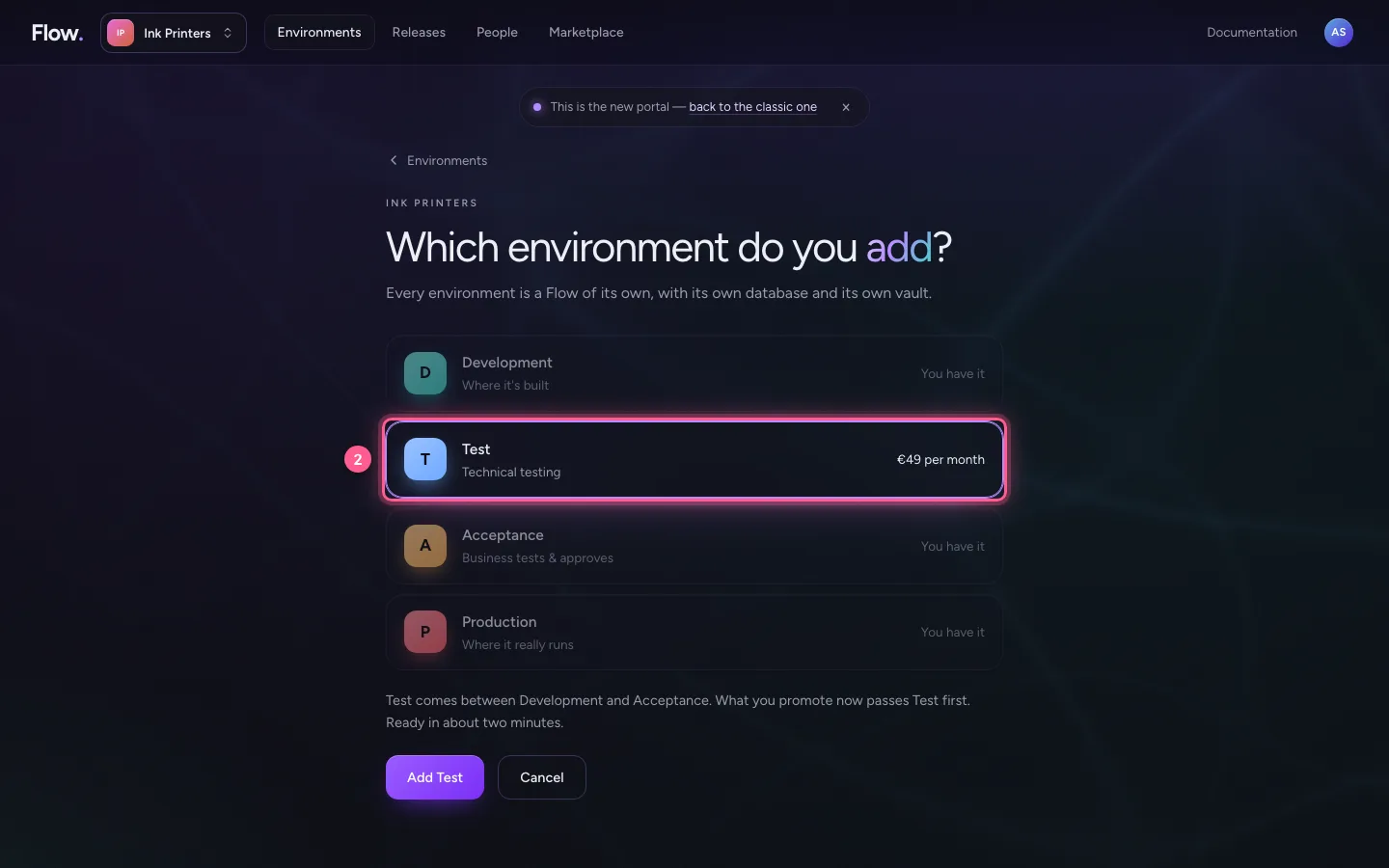
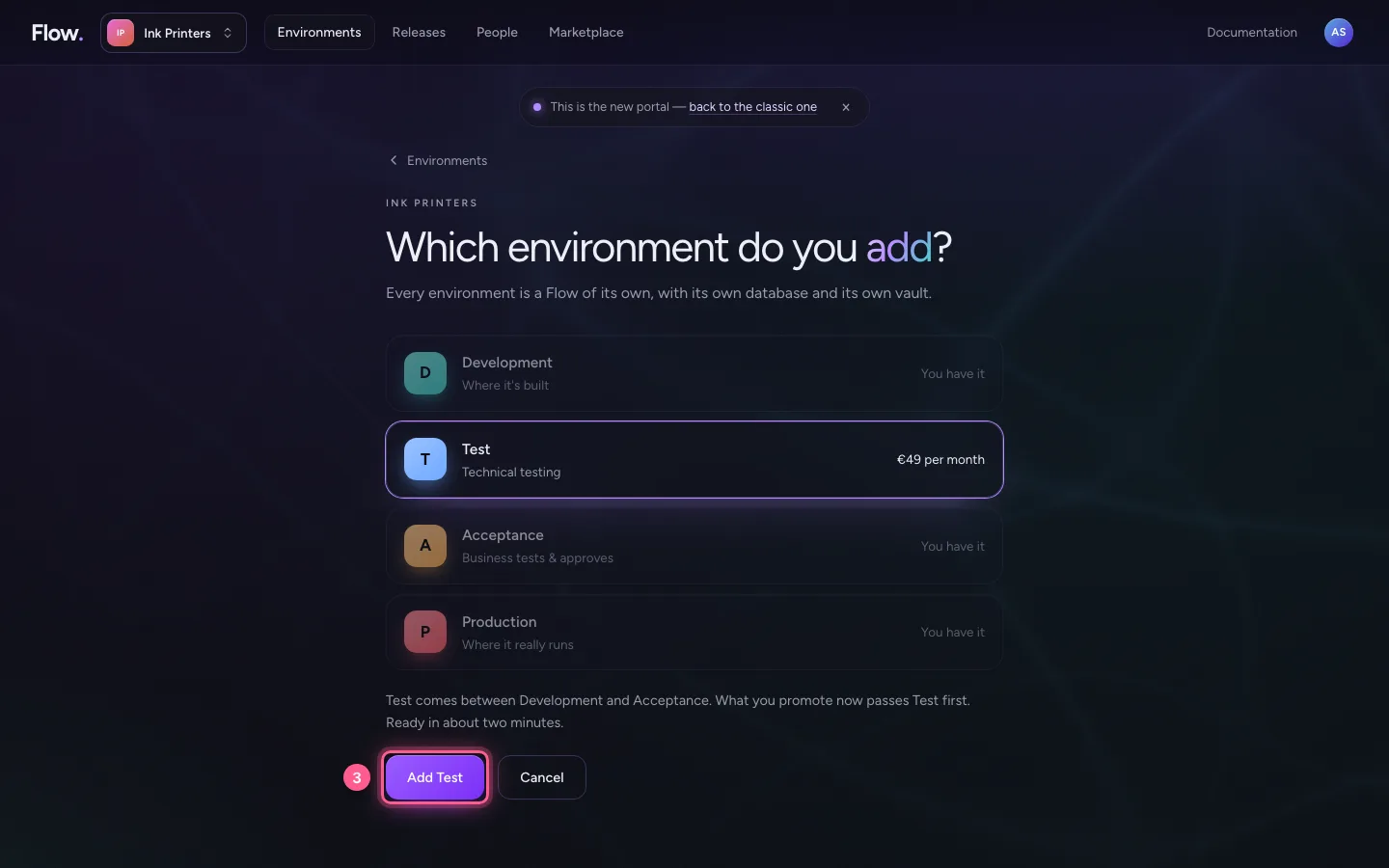
Below the environments is + Add environment. You see which environments you already have and what a new one costs. Choose Test: it comes between Development and Acceptance. What you promote now passes Test first.
- Click + Add environment
- Click T
- Click Add Test
This guide was carried out step by step on 28 Oct 2026 by an automated test on Flow (version 96971699).