Flow as the glue between systems
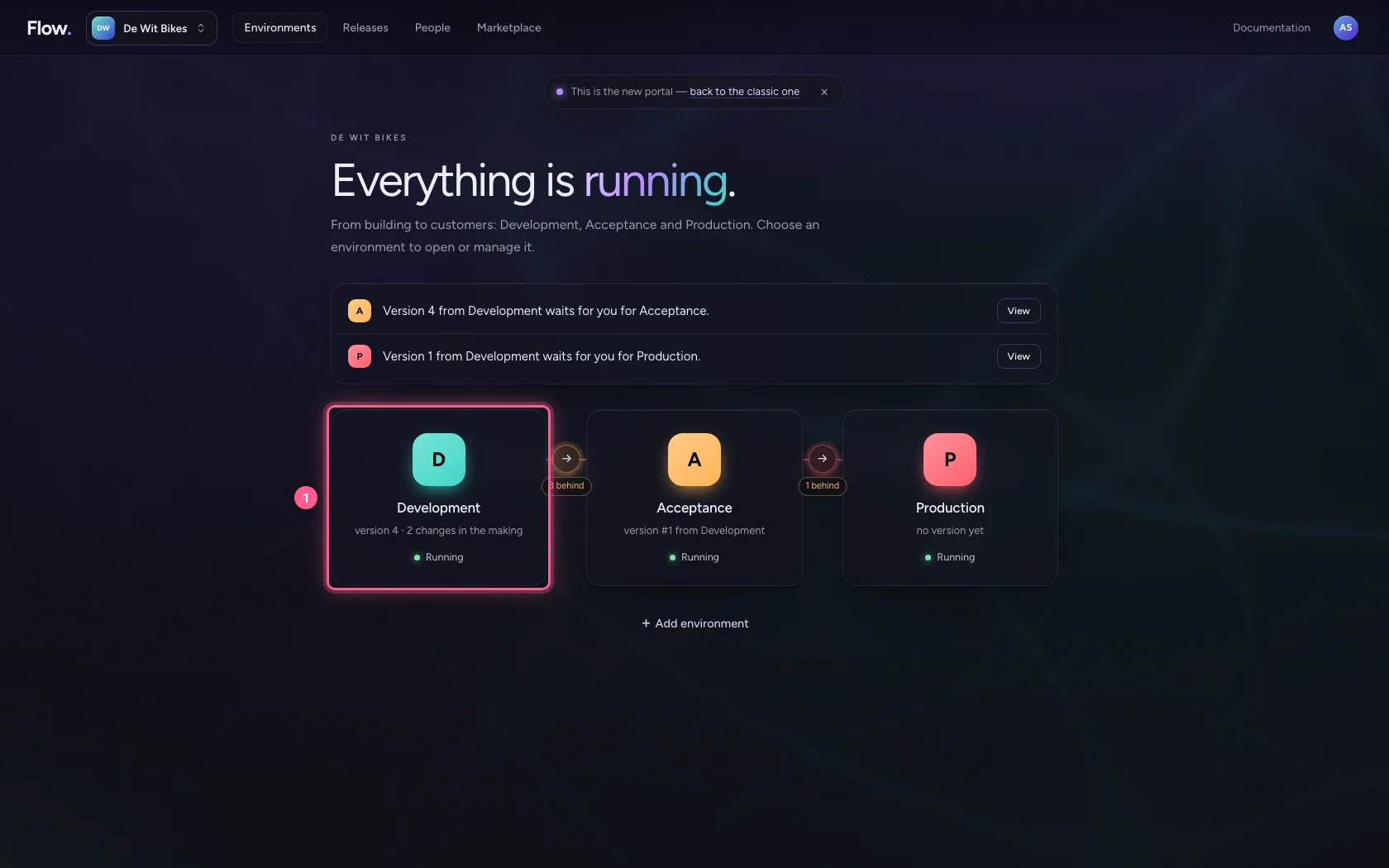
- Step 1 · Open your development environment
- Step 2 · A table for what Flow keeps itself
- Step 3 · A connection to the CRM that may write
- Step 4 · The front door: an API with an endpoint
- Step 5 · Give a sample sign-up
- Step 6 · Remove the direct line
- Step 7 · Record the sign-up in Flow
- Step 8 · Pass it on to the CRM
- Step 9 · Put the steps in order
- Step 10 · Save and test
- Step 11 · Who decides what
The most built pattern: something comes in through an API, a workflow records it and passes it on to another system. You build a sign-up form integration: POST /sign-ups → workflow → a Flow table and the CRM. Along the way the trade-offs: what you keep in Flow and what not, and who decides who may come in and what may go out.
Open your development environment
The pattern in one sentence: the API decides who may come in, the workflow decides what happens, the connection decides what may go out. Three places, three responsibilities.
- Click Development
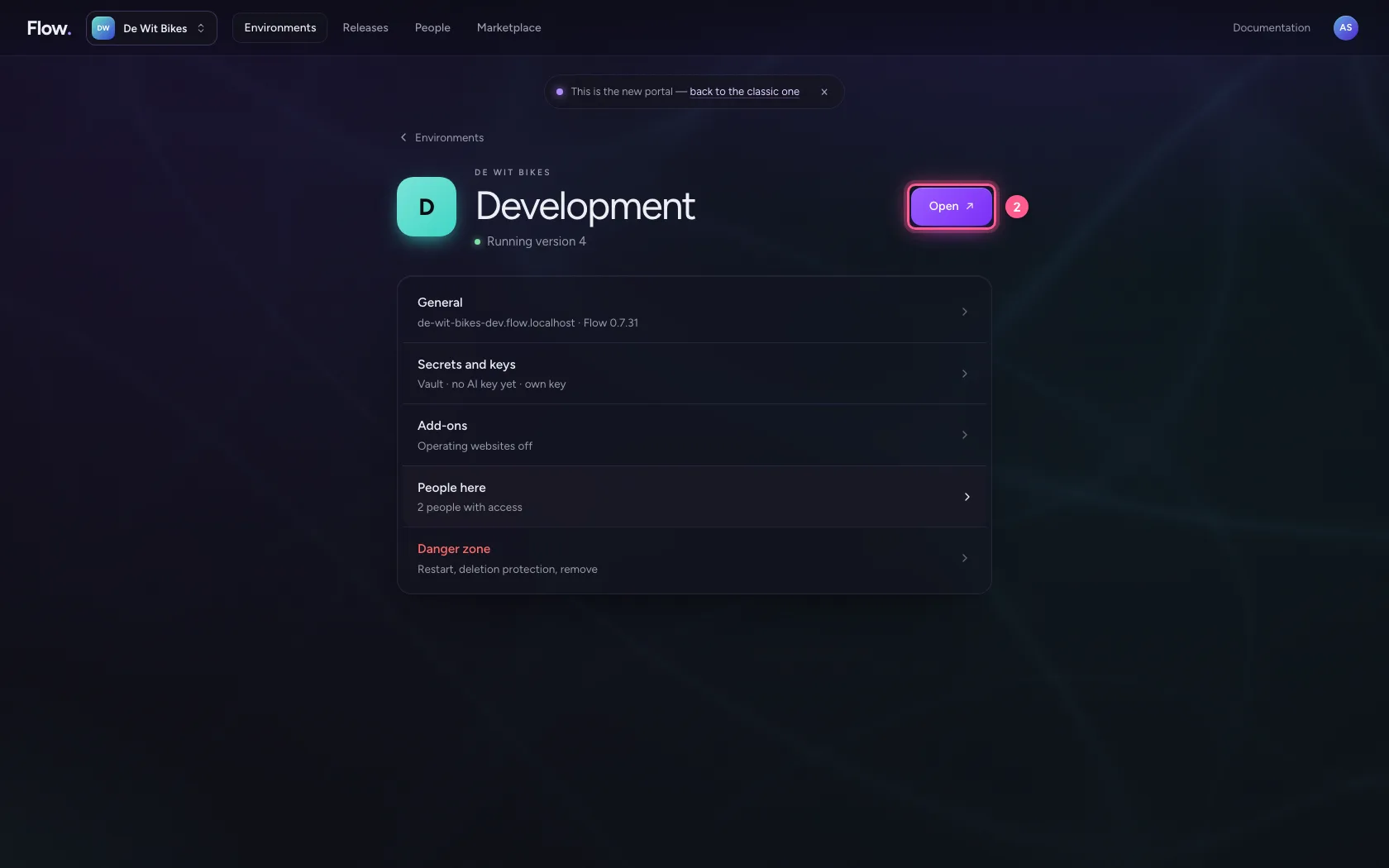
- Click Open ↗
A table for what Flow keeps itself
Record in Flow only what Flow needs to do its work and account for it: here which sign-up came in and whether the CRM received it. The customer belongs in the CRM — that stays the source. Two sources for the same fact always drift apart.
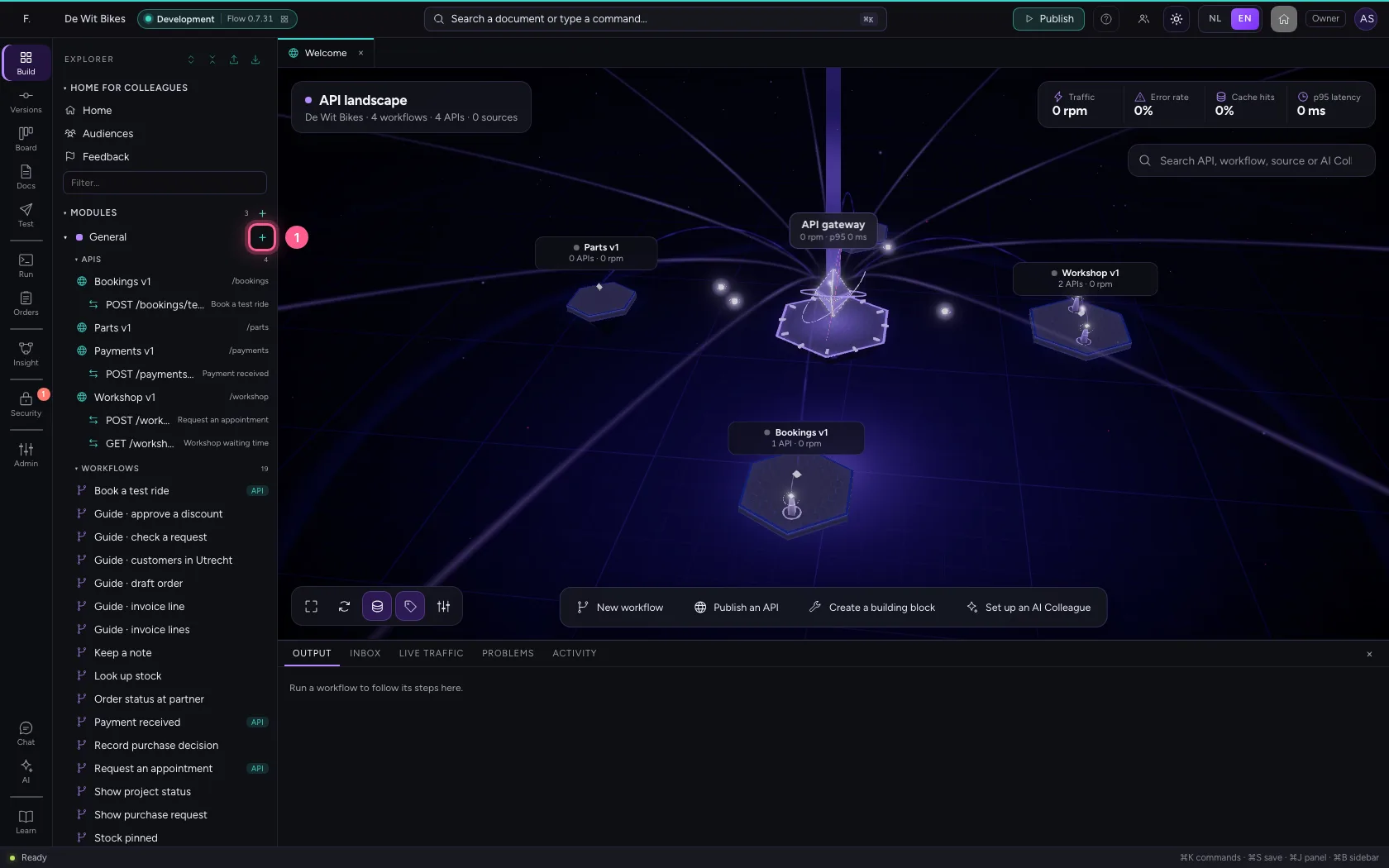
- Click Add to General
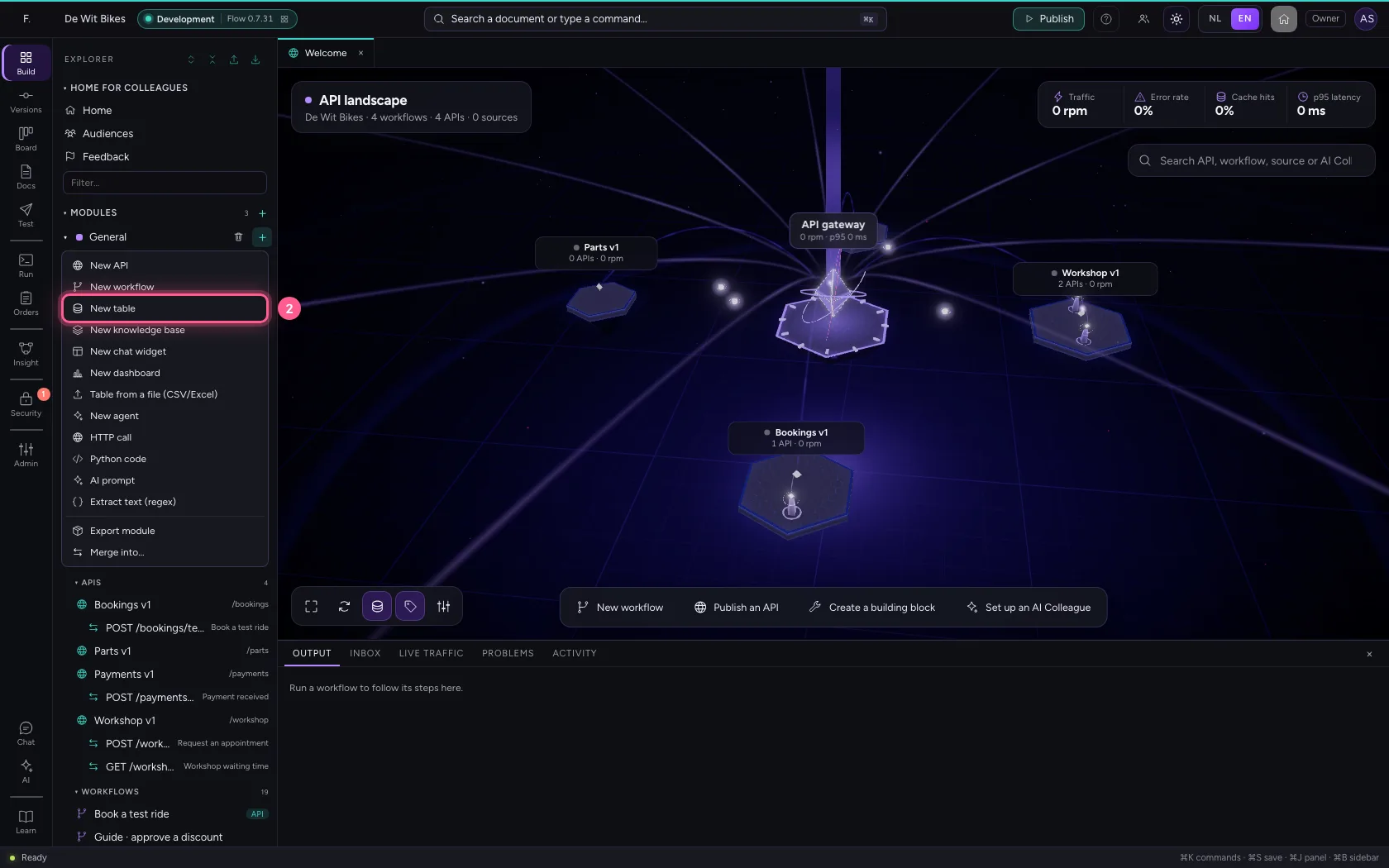
- Click New table
- Click Settings
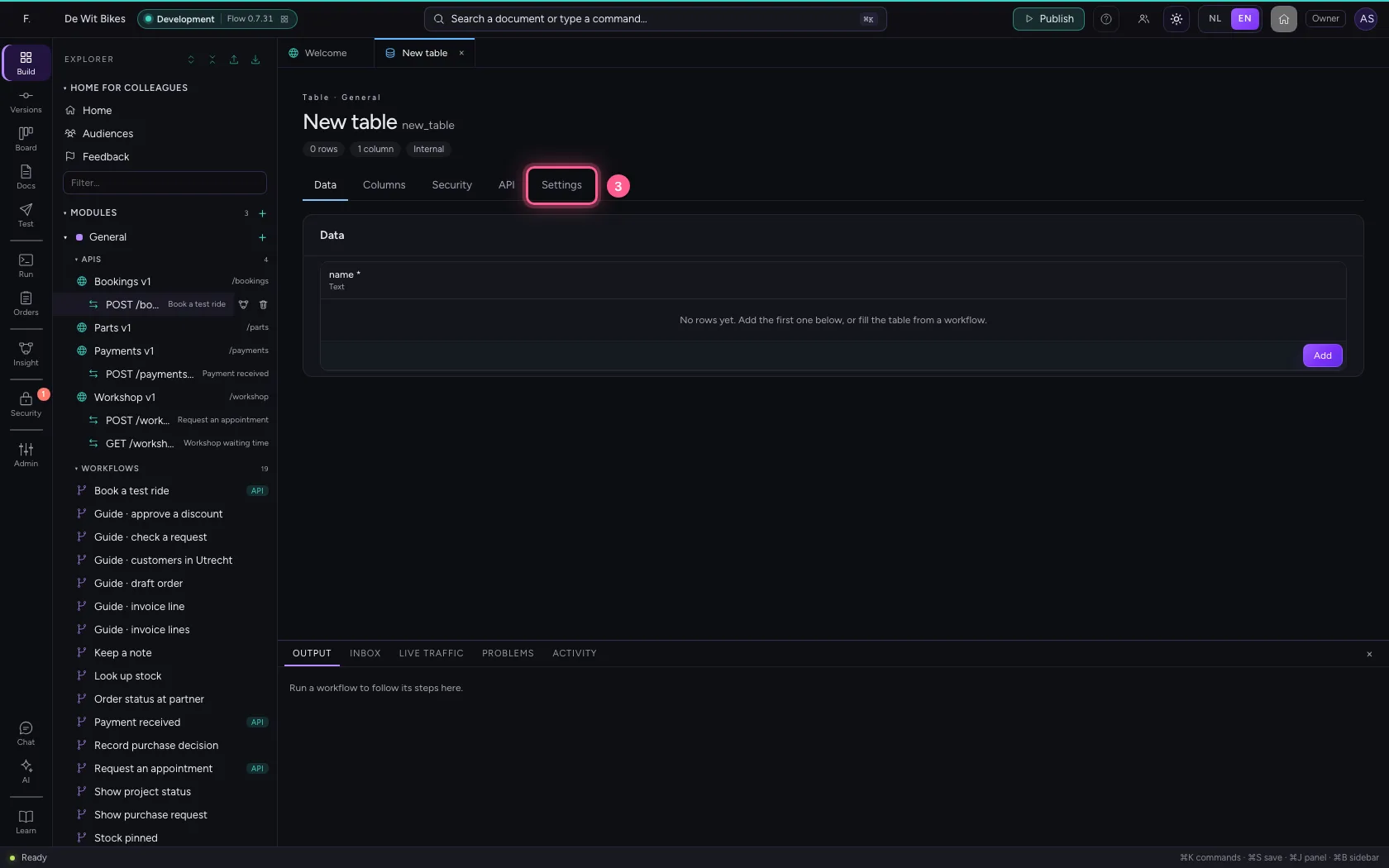
- In Name, type
Sign-ups
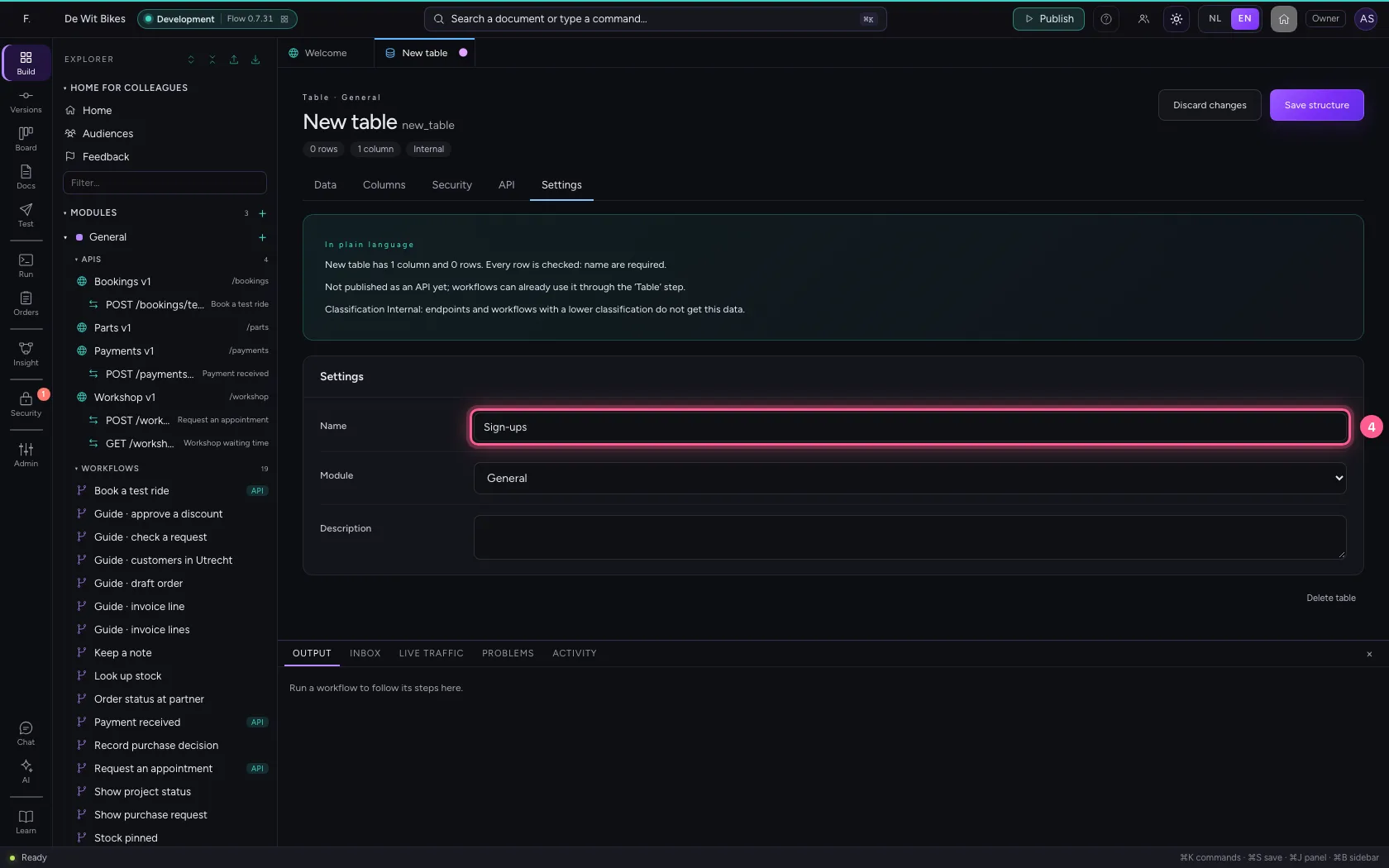
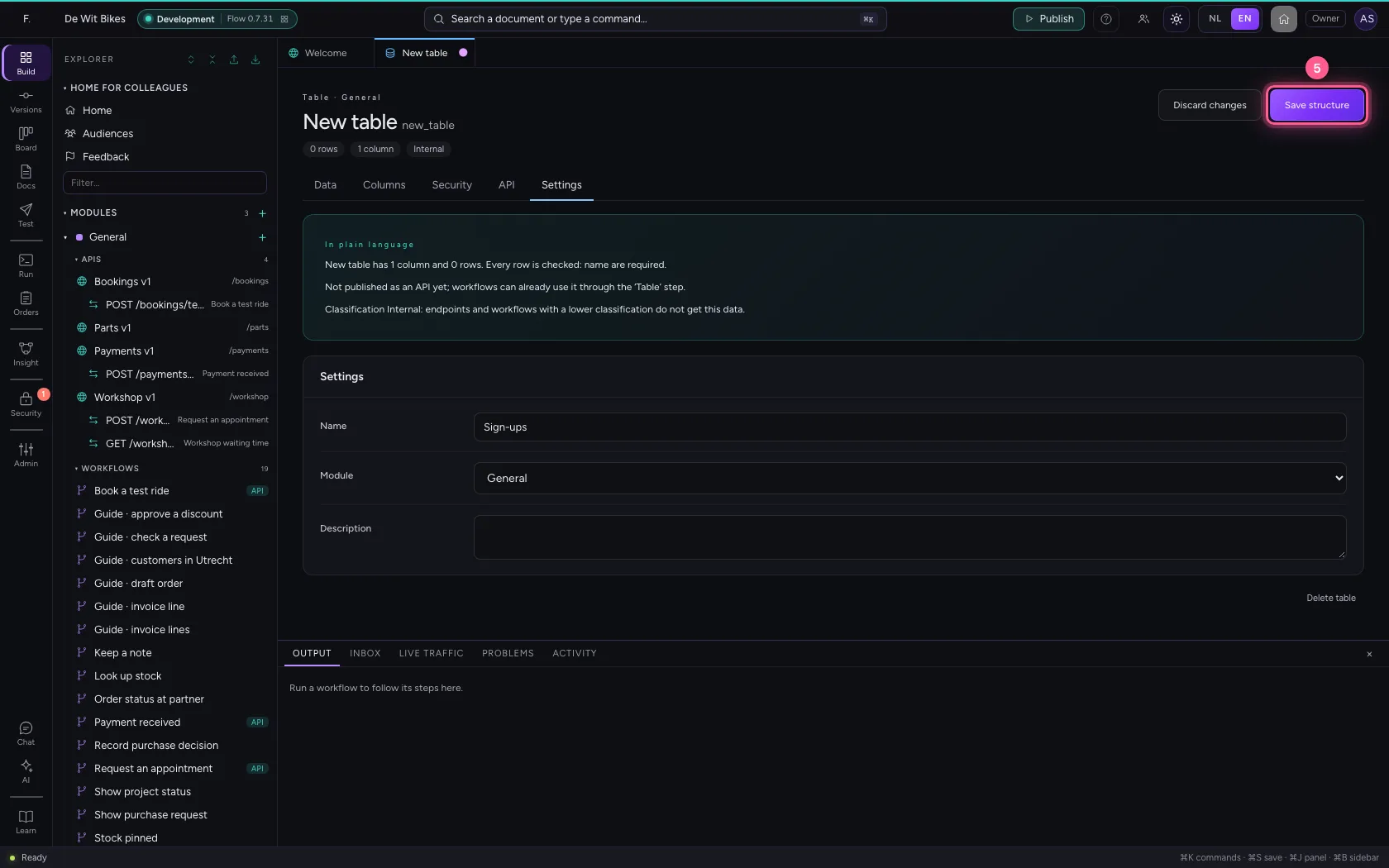
- Click Save structure
A connection to the CRM that may write
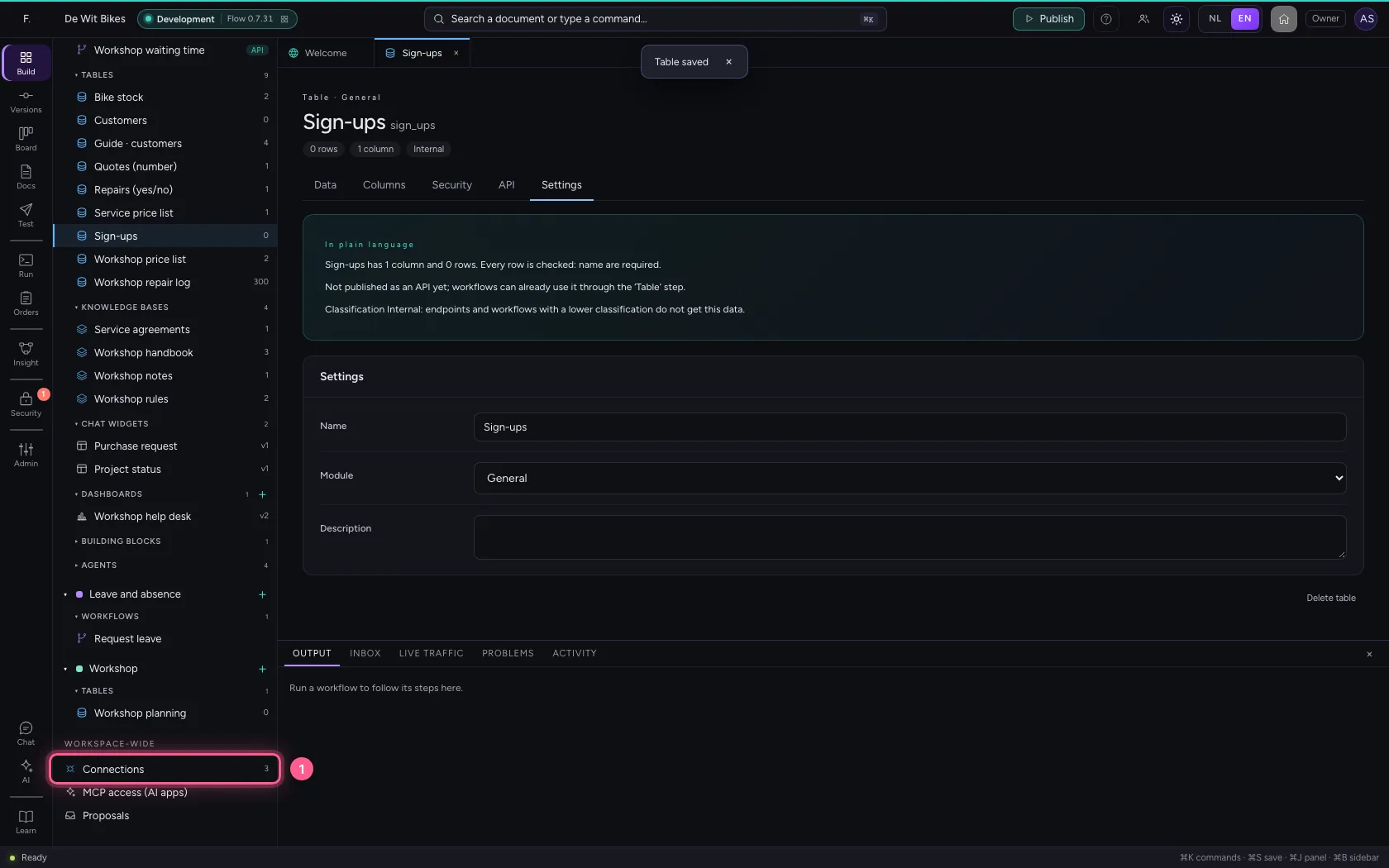
The CRM's address and key live in a connection, not in the workflow: that way they differ per environment and nobody sees the key. Read and write because the workflow creates contacts; a read-only connection refuses every POST.
- Click Connections
- Click **General HTTP API Your own API Any REST API with a base URL and a key. Use it in **
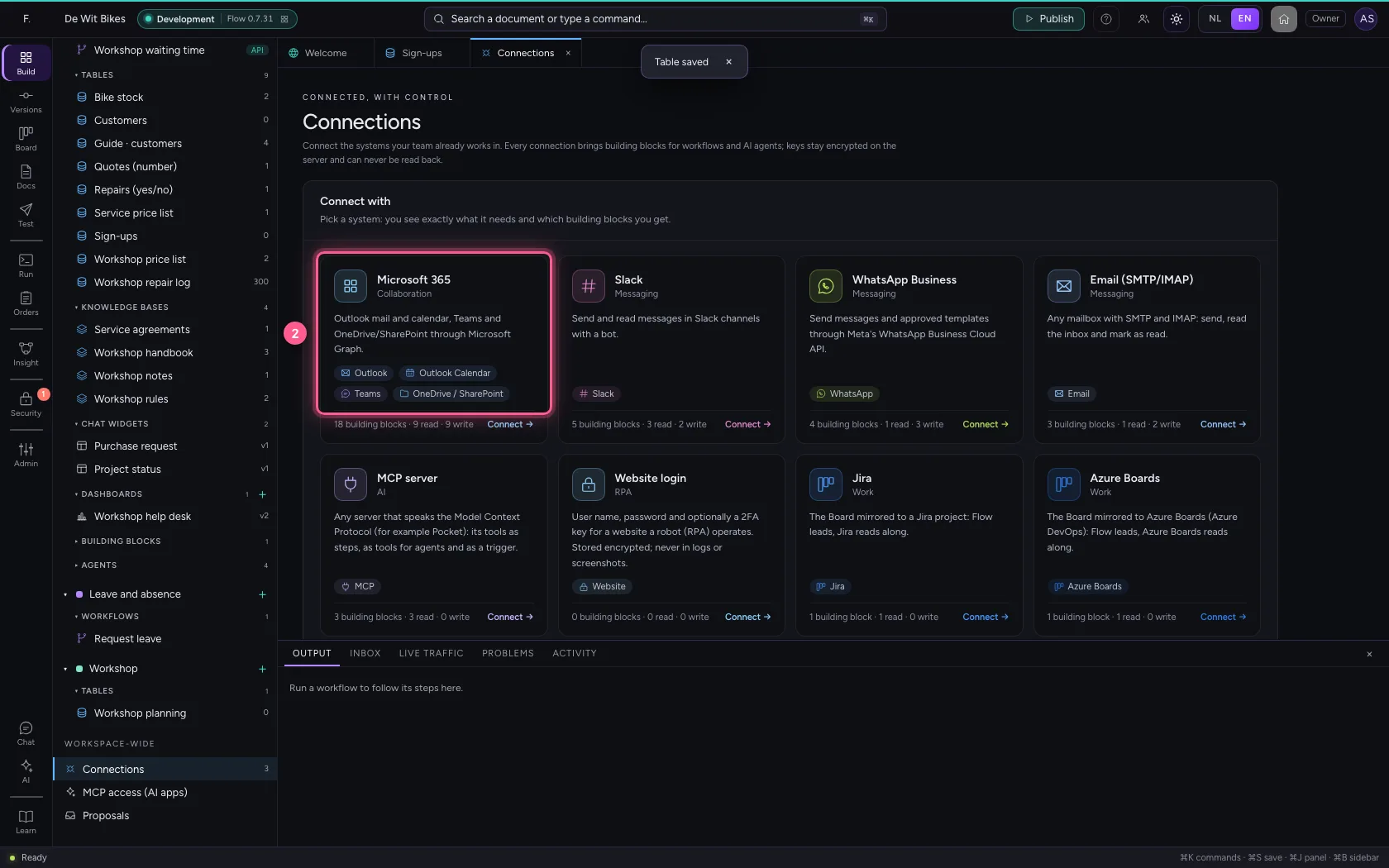
- In Name, type
CRM - In Base URL, type
http://127.0.0.1:56848 - In Secret, type
••••••••
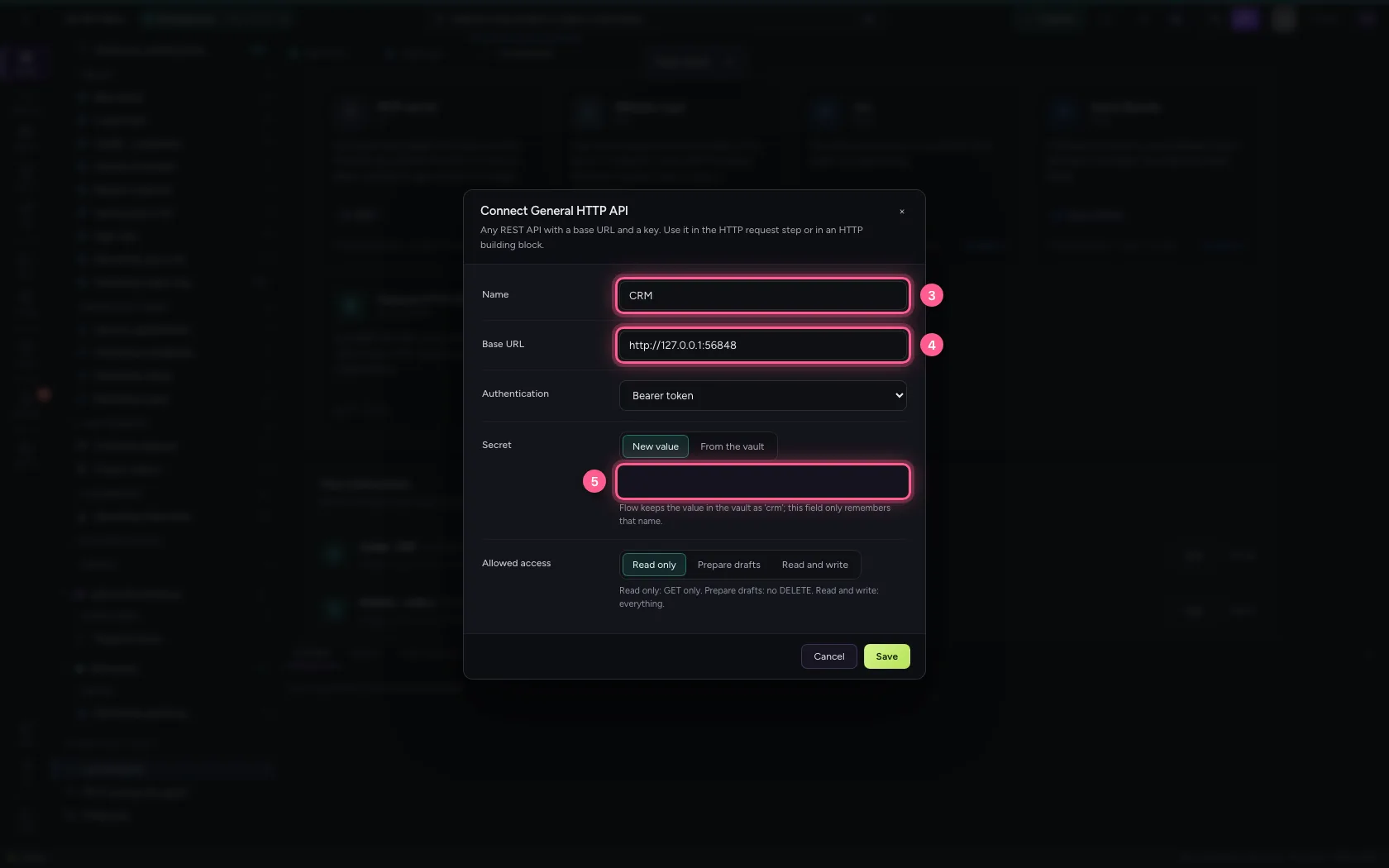
- Click Read and write
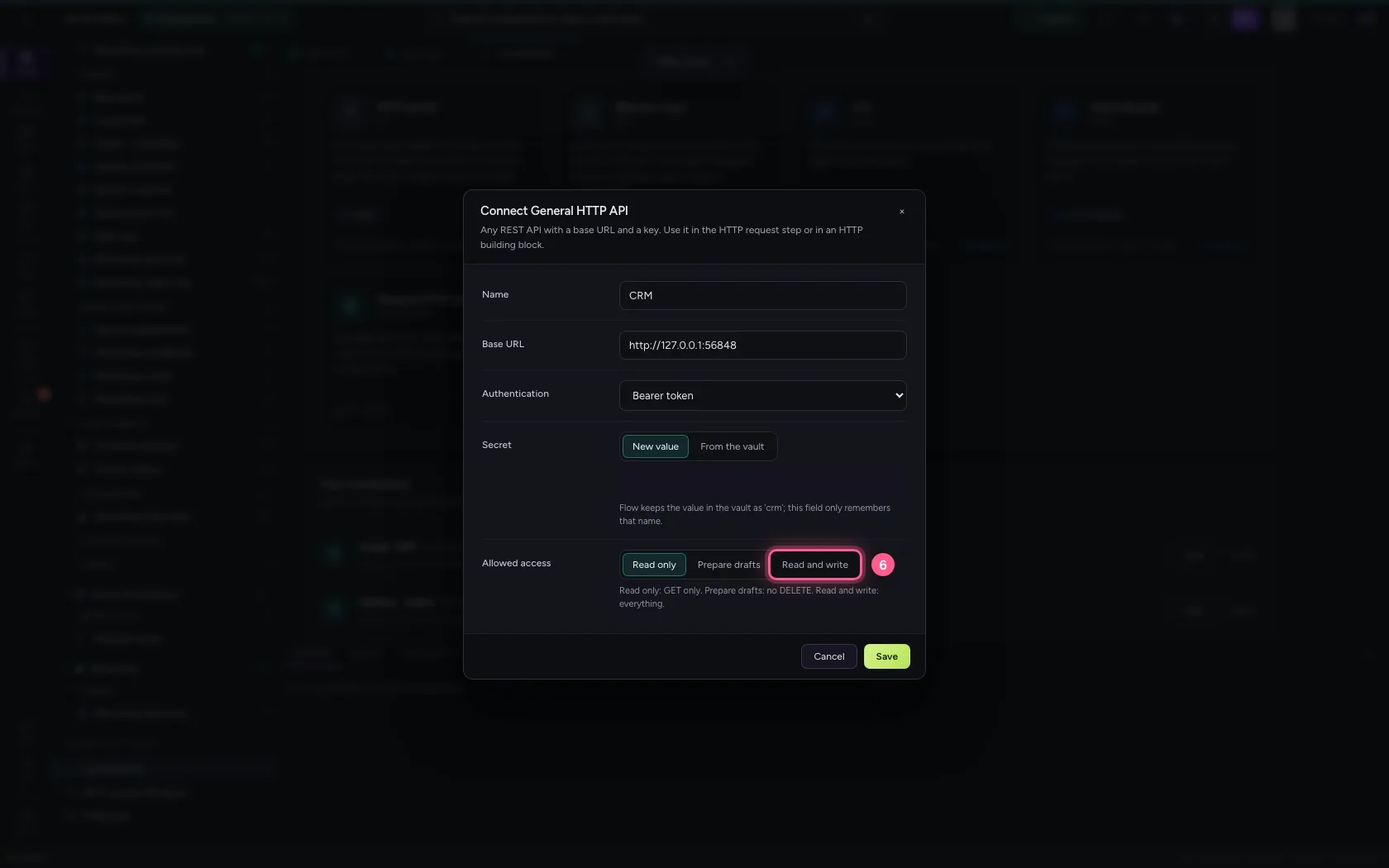
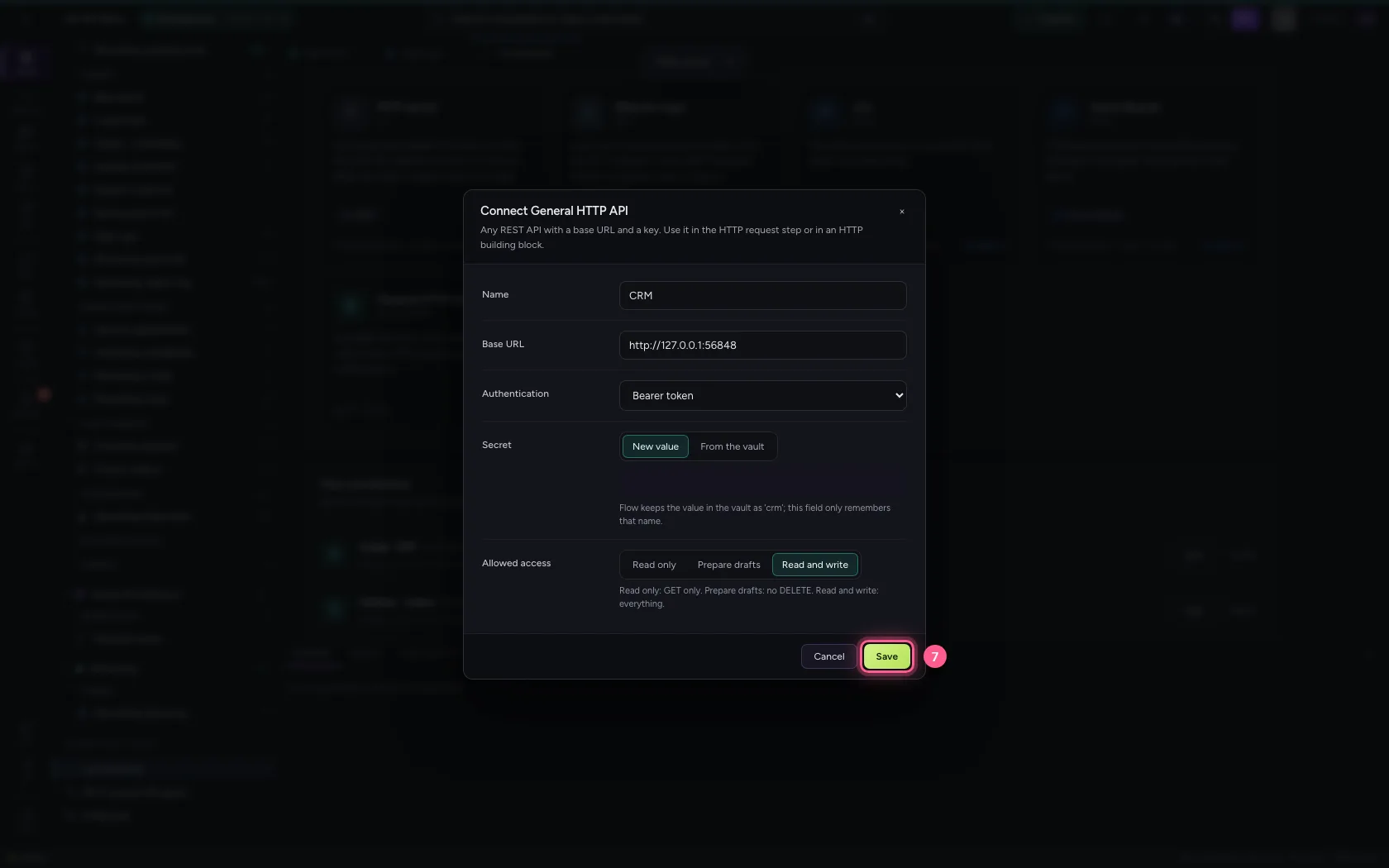
- Click Save
The front door: an API with an endpoint
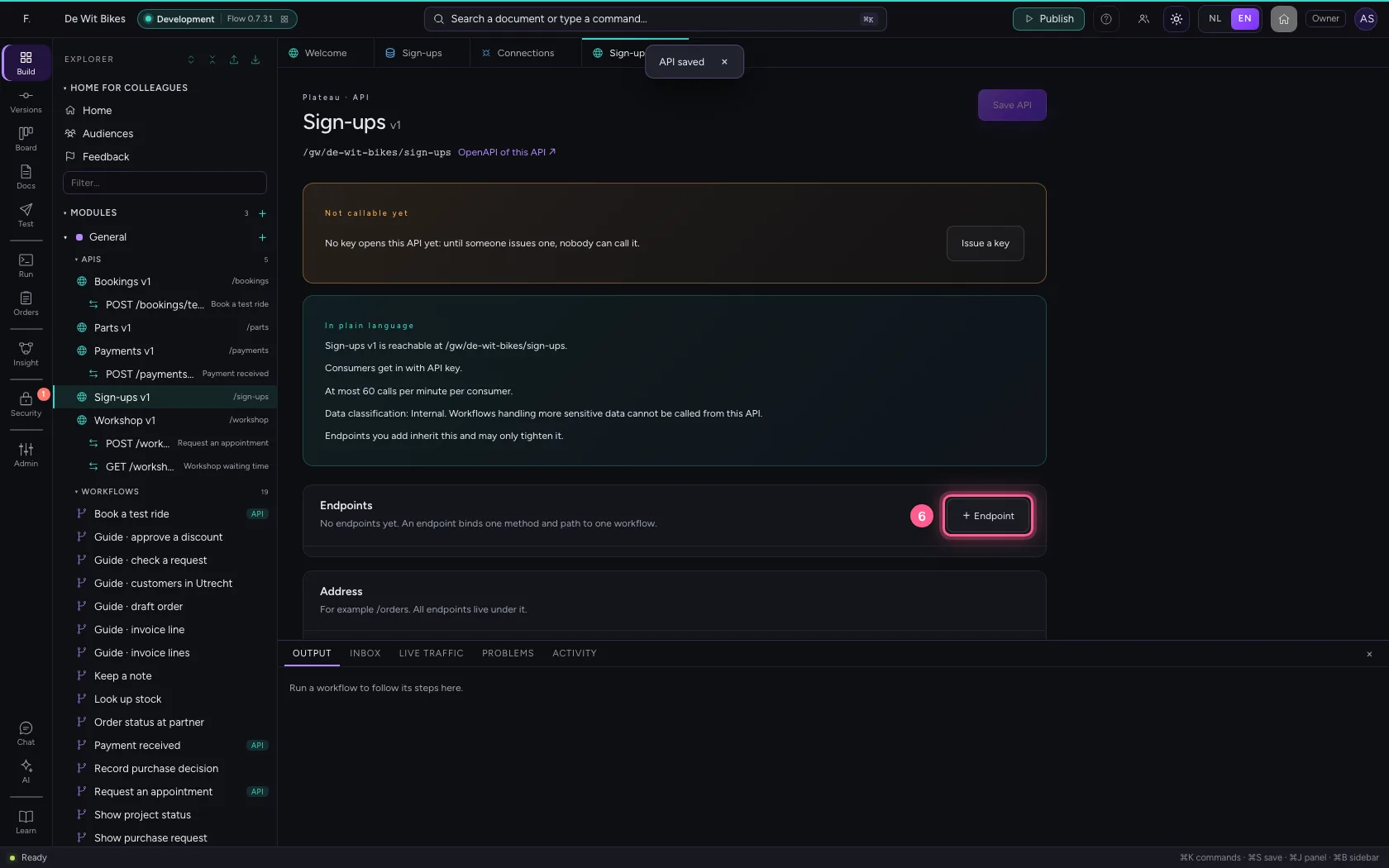
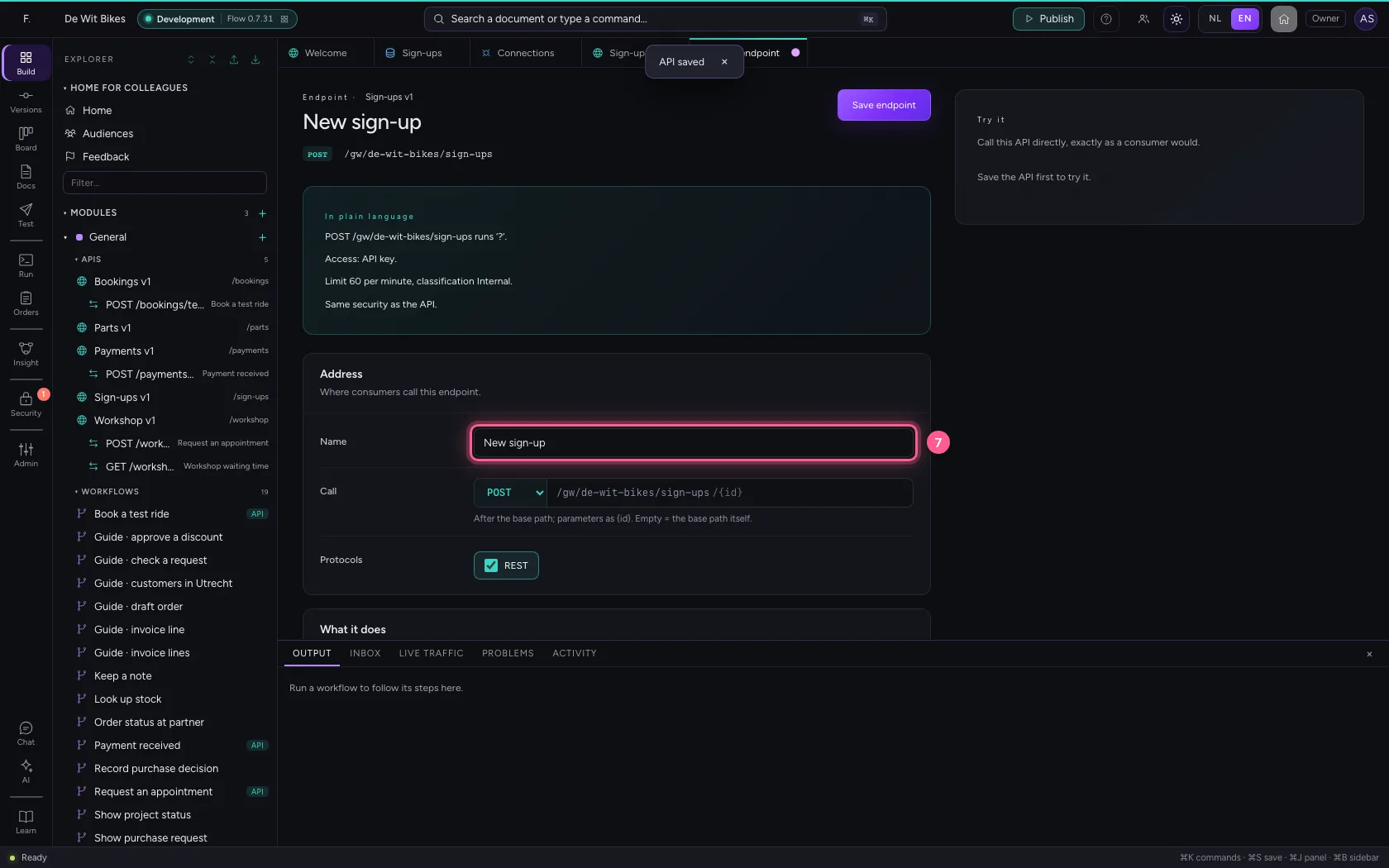
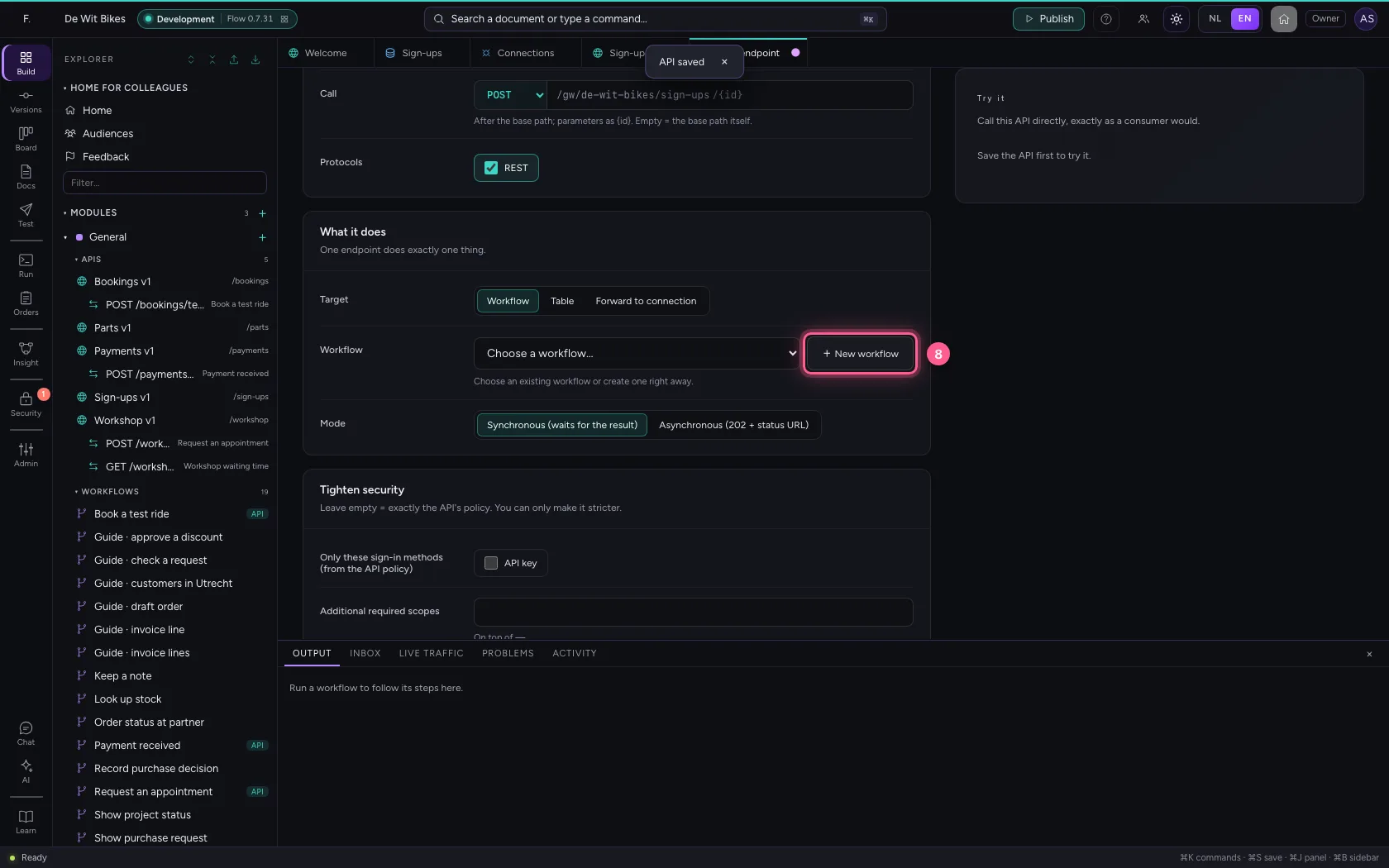
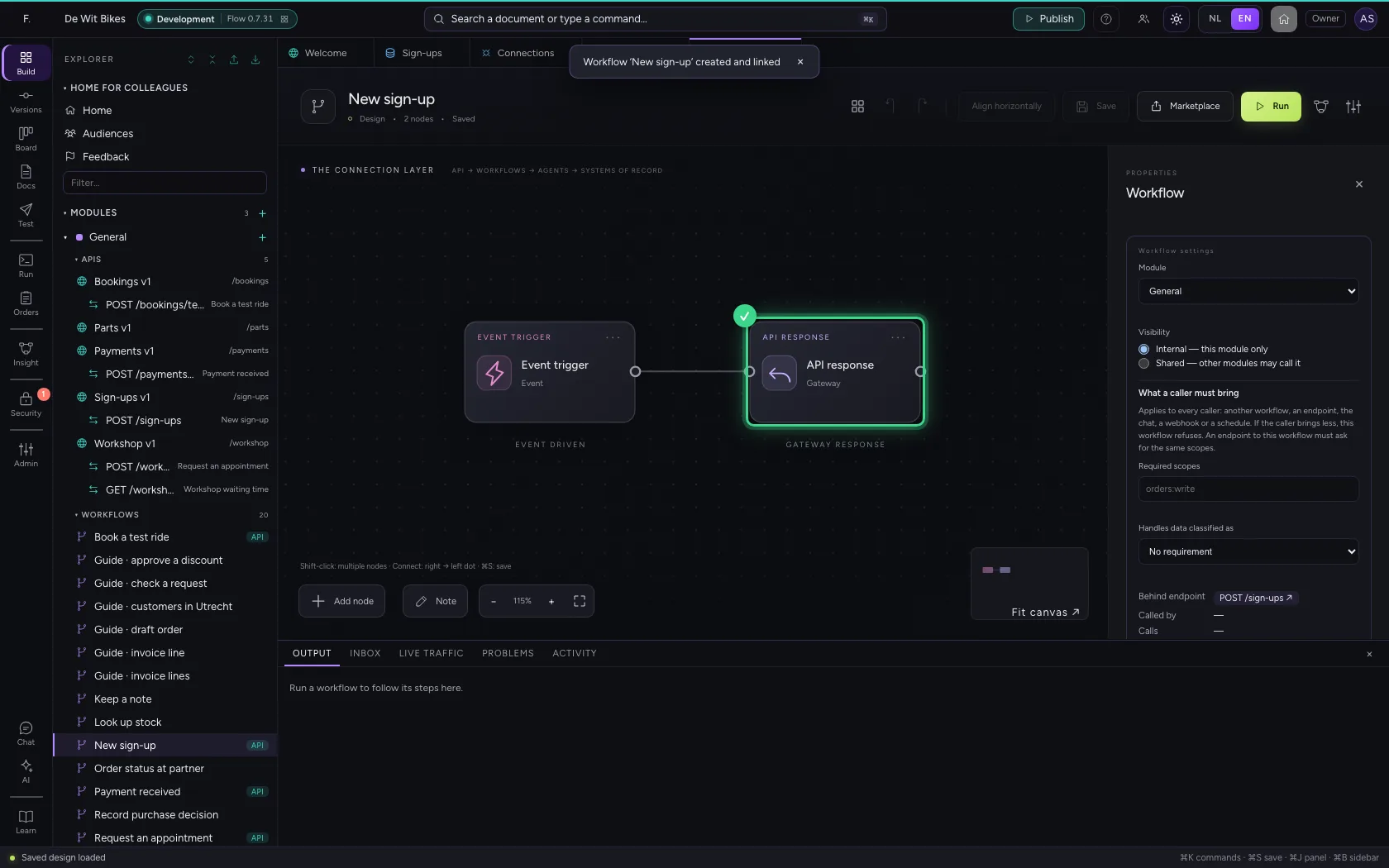
Create an API with a POST endpoint on it. + New workflow creates the workflow behind it right away (trigger → answer), links it and opens it. The API's policy — an API key by default — decides who may submit the form.
- Click Add to General
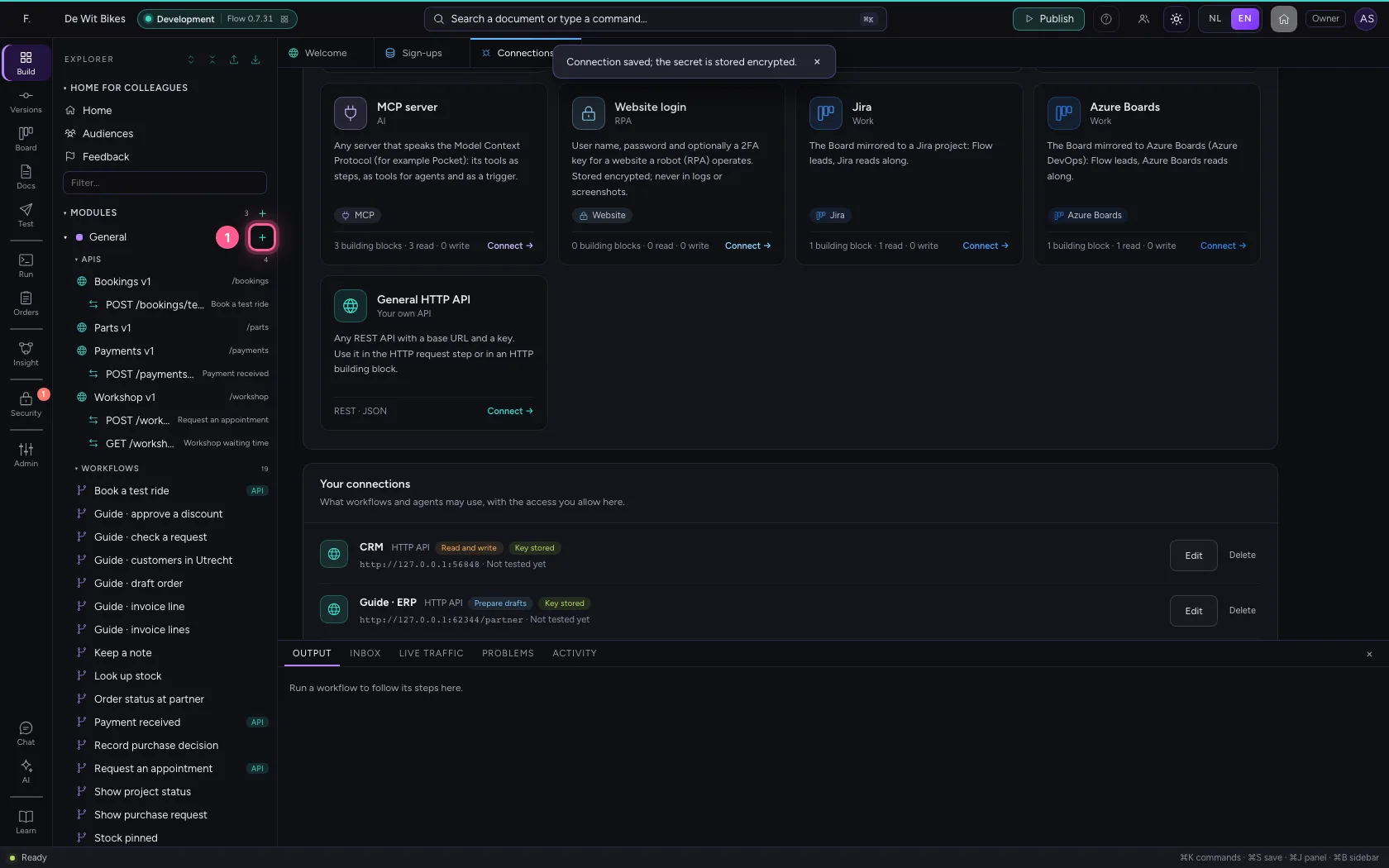
- Click New API
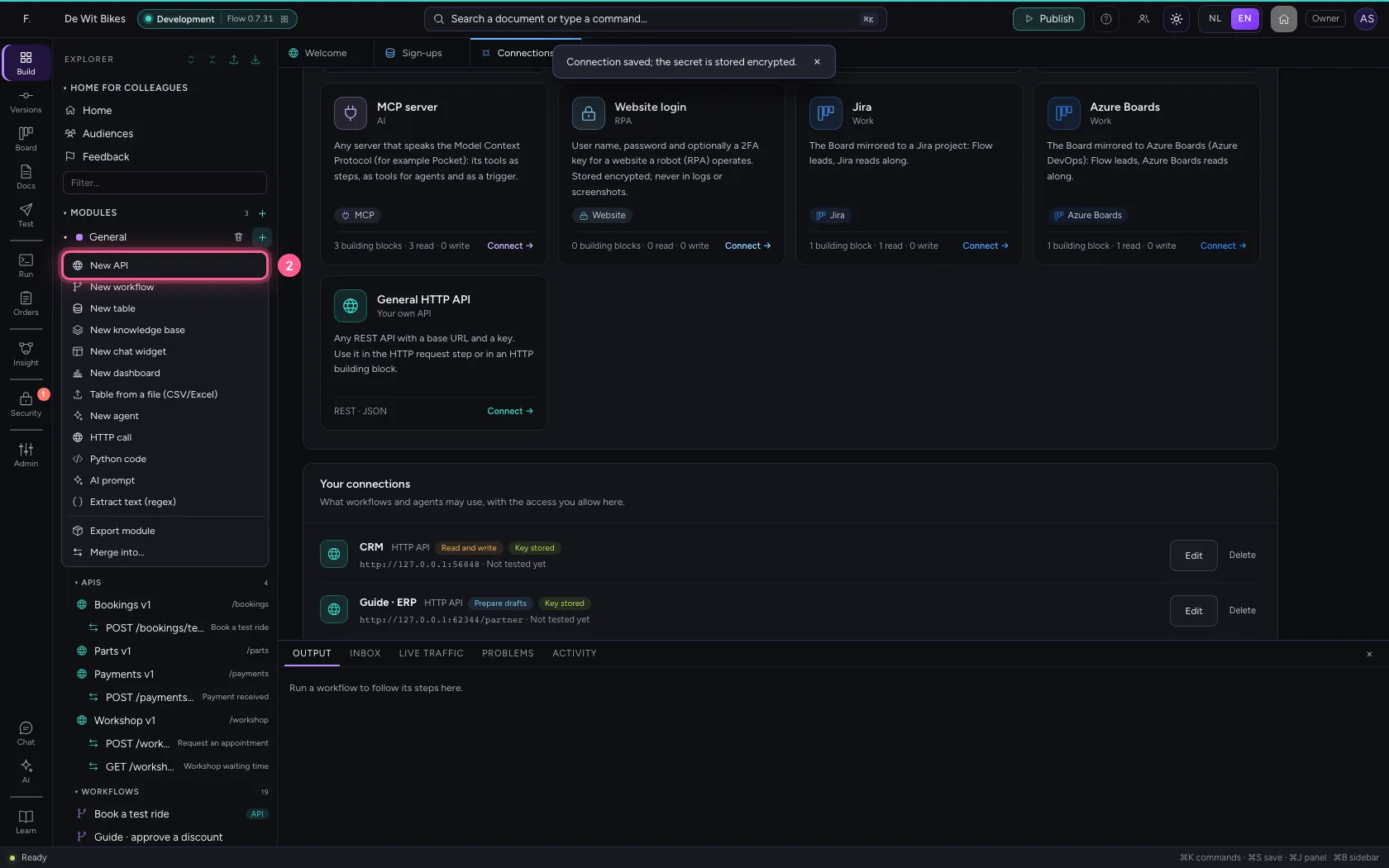
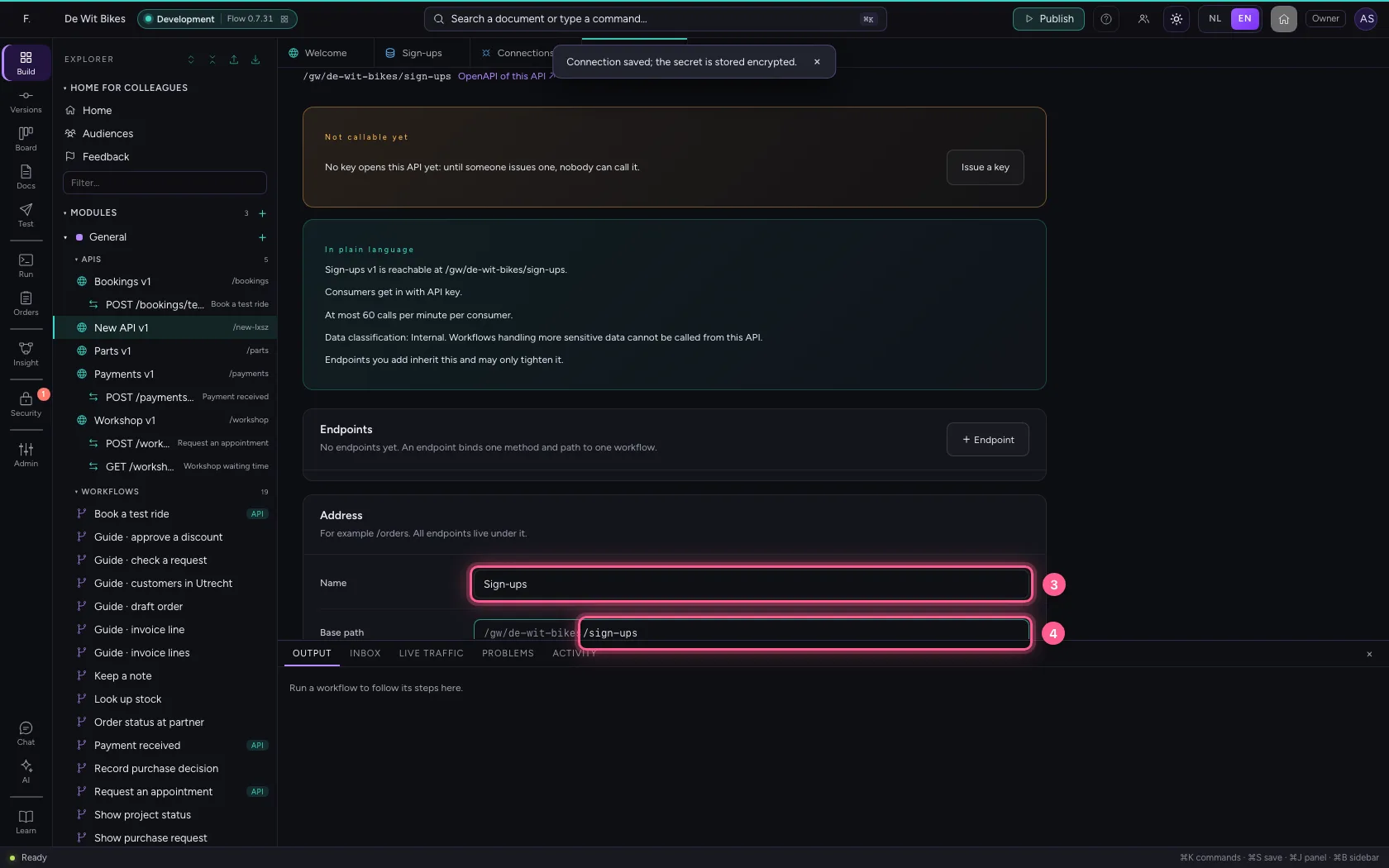
- In Name, type
Sign-ups - In Base path, type
/sign-ups
- Click Save API
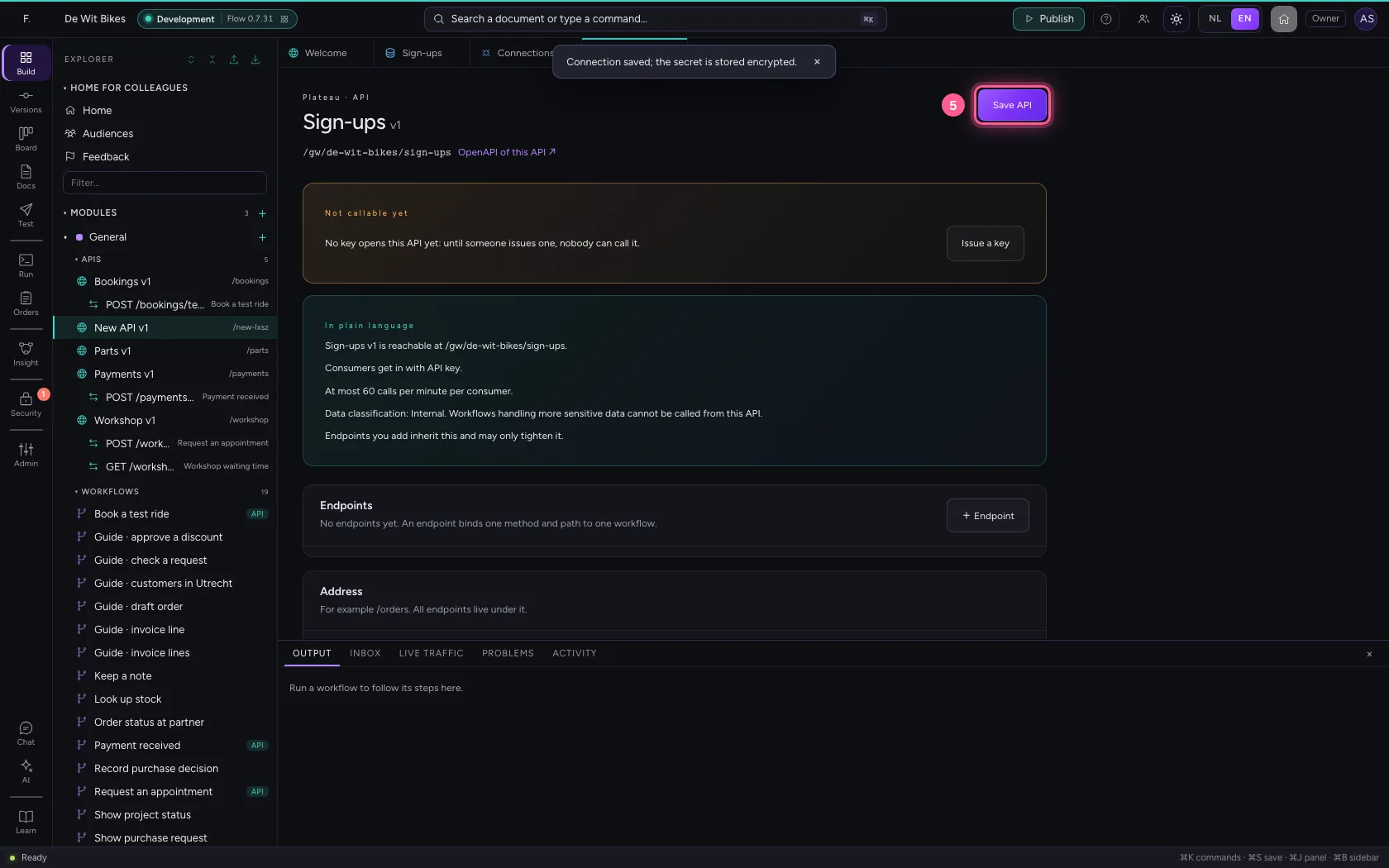
- Click + Endpoint
- In Name, type
New sign-up
- Click + New workflow
Give a sample sign-up
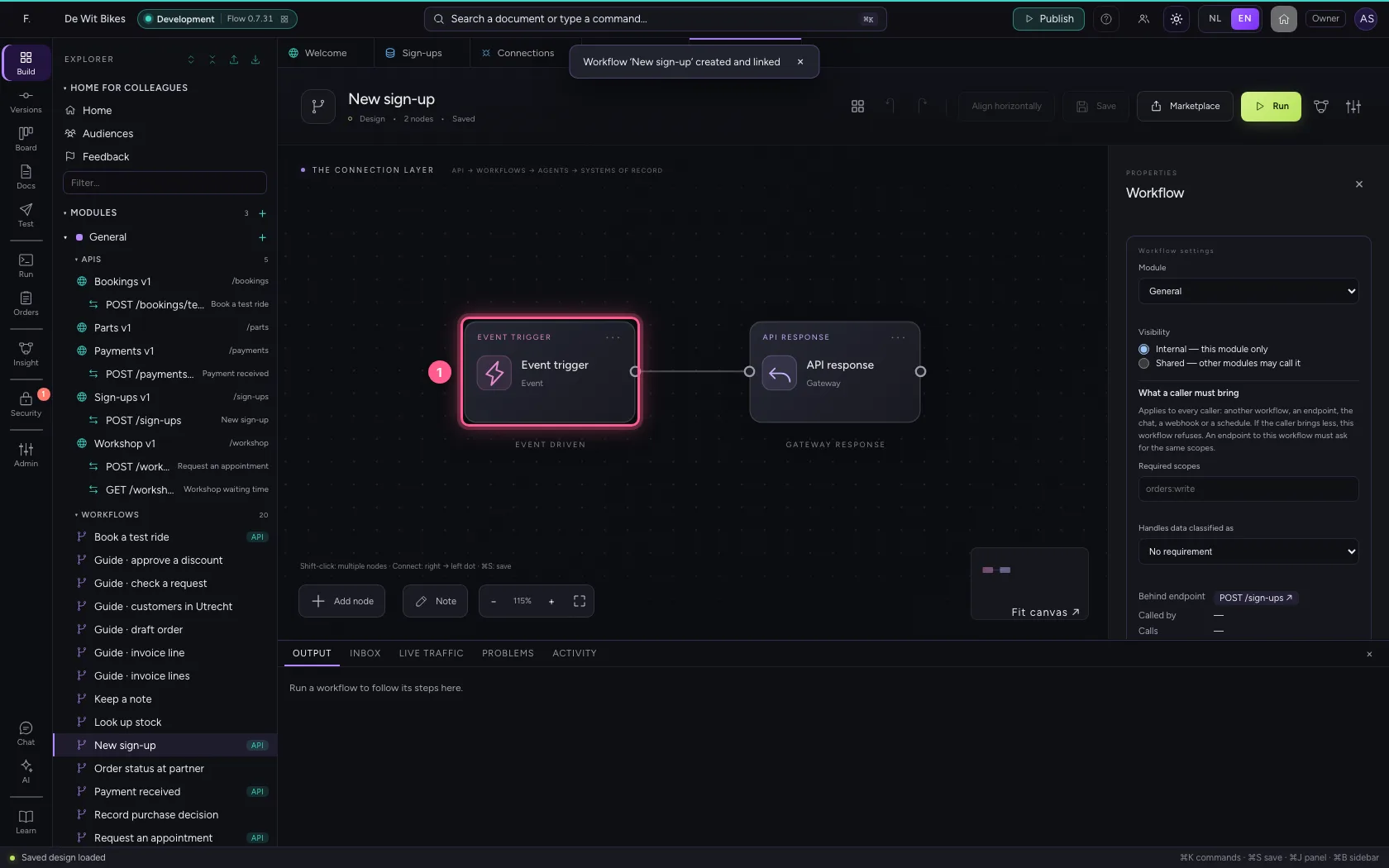
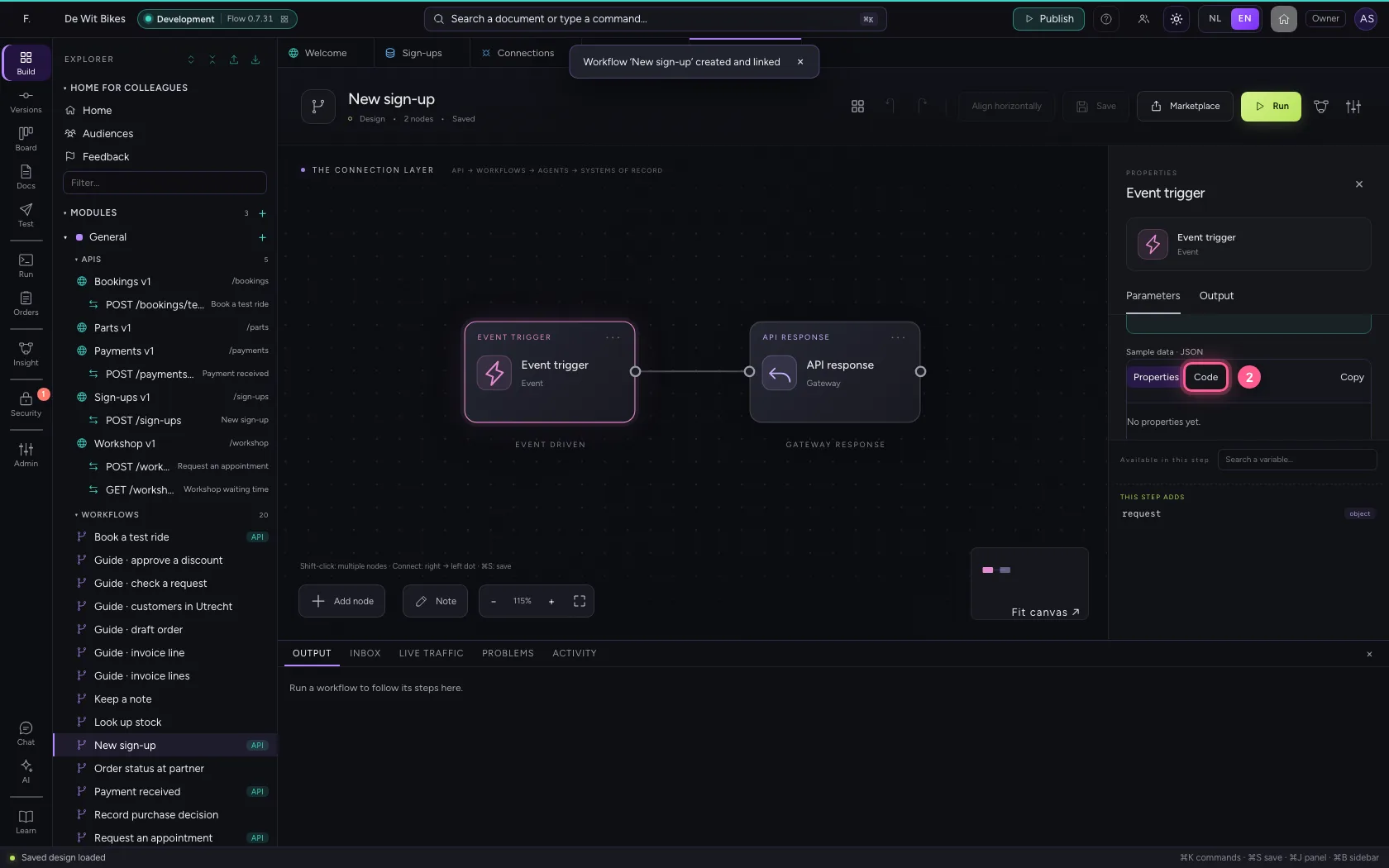
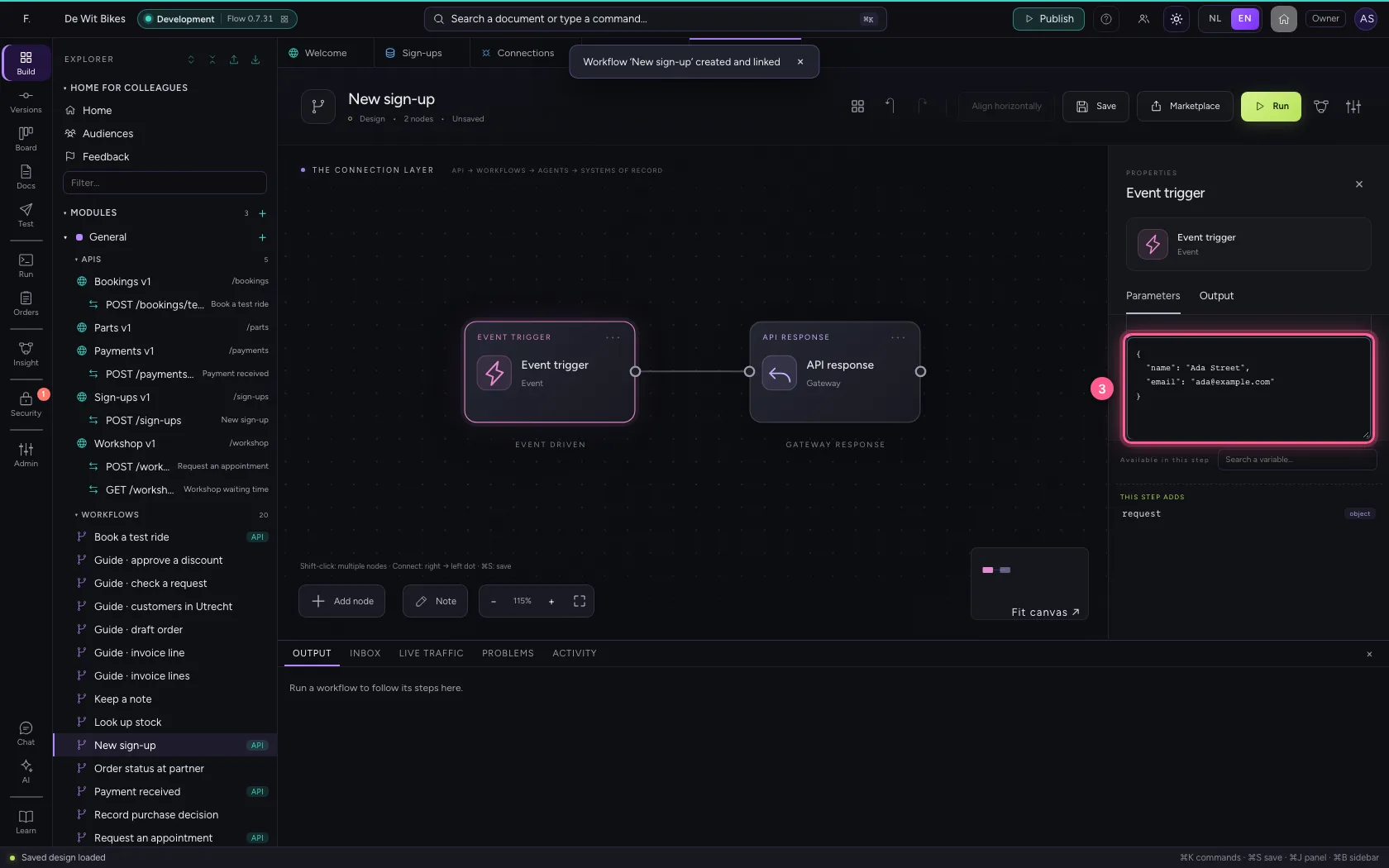
Click the trigger. At the top you see how the workflow comes in (via POST on the endpoint). Put a sign-up under Sample data, so you can test without a real call.
- Click the Event trigger
- Click Code
- In Sample data, type
{"name": "Ada Street", "email": "ada@example.com"}
Remove the direct line
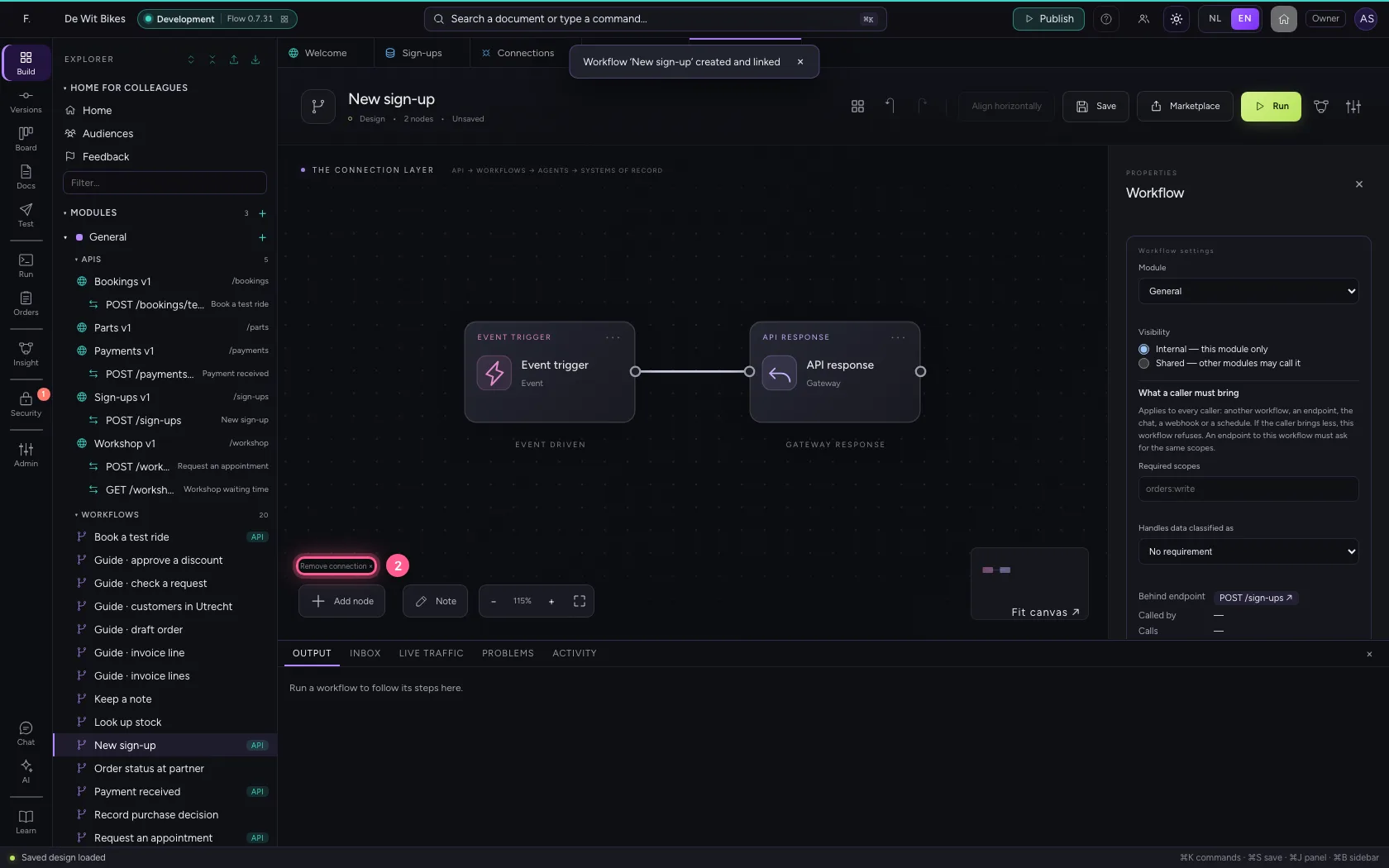
Two steps go between trigger and answer. Click the connection and remove it.
- Click the connection
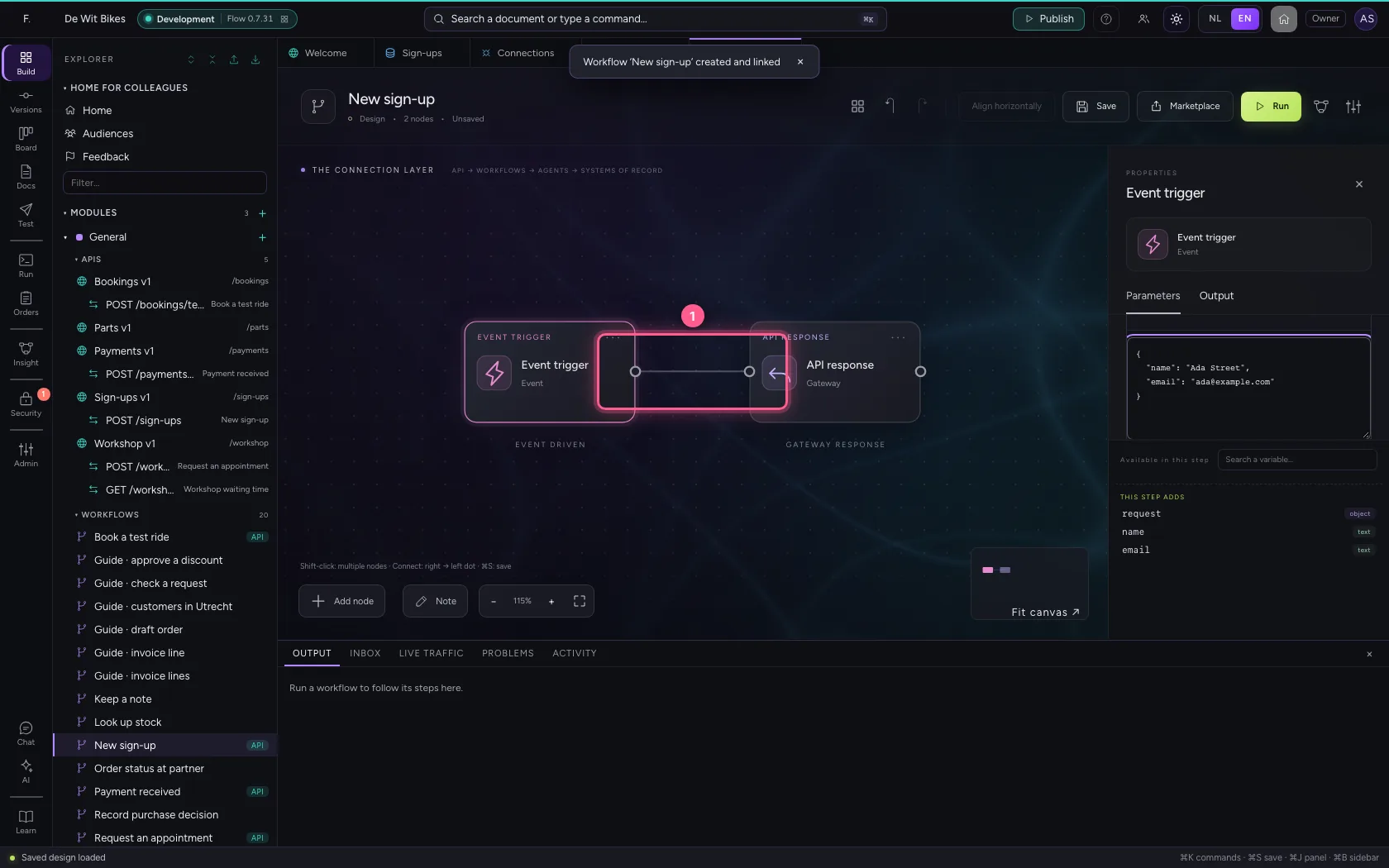
- Click Remove connection ×
Record the sign-up in Flow
A Table step adds one row with the name from the request. That way you can always see later what came in, even if the CRM was down for a while.
- Click Add node
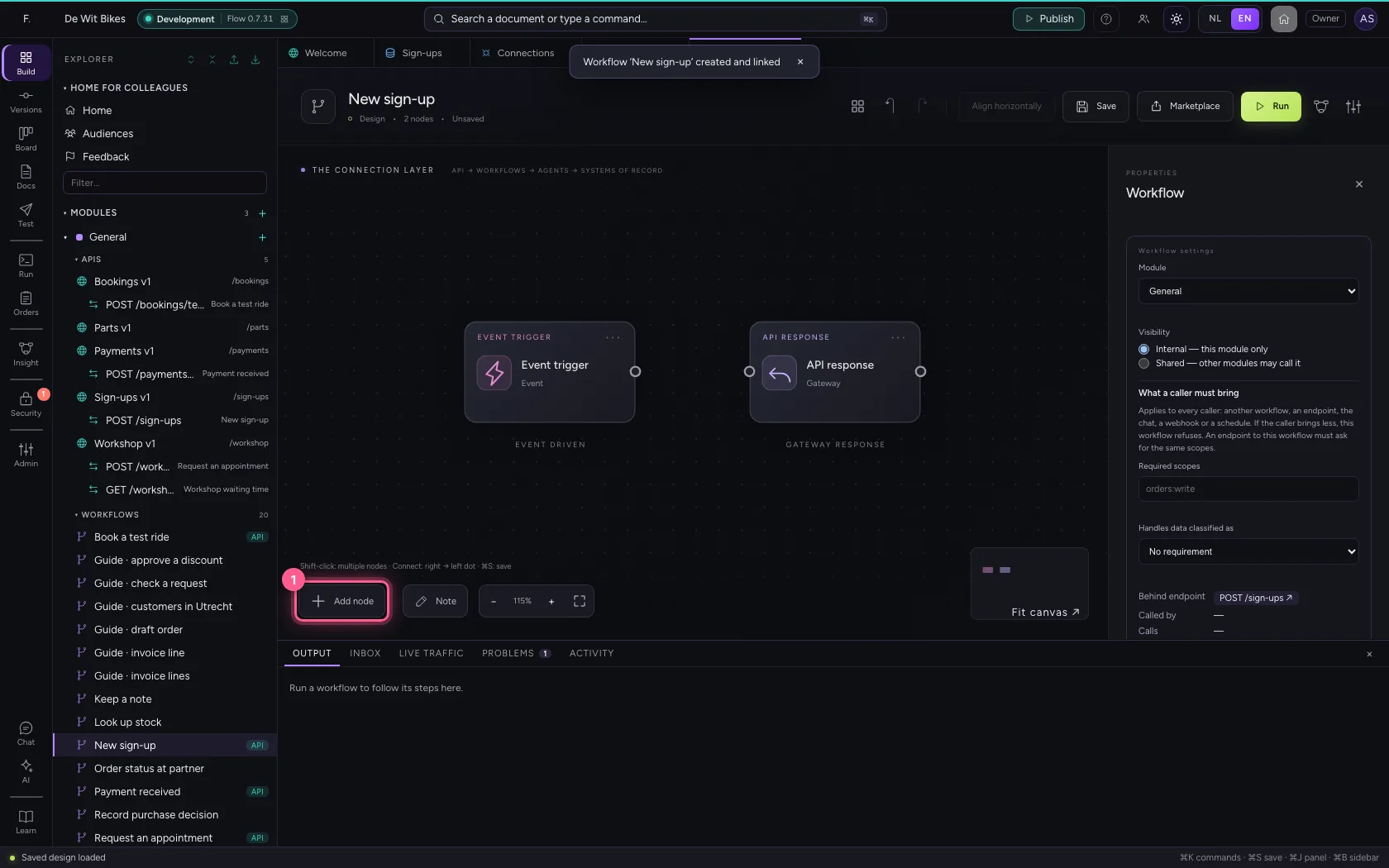
- Click Table
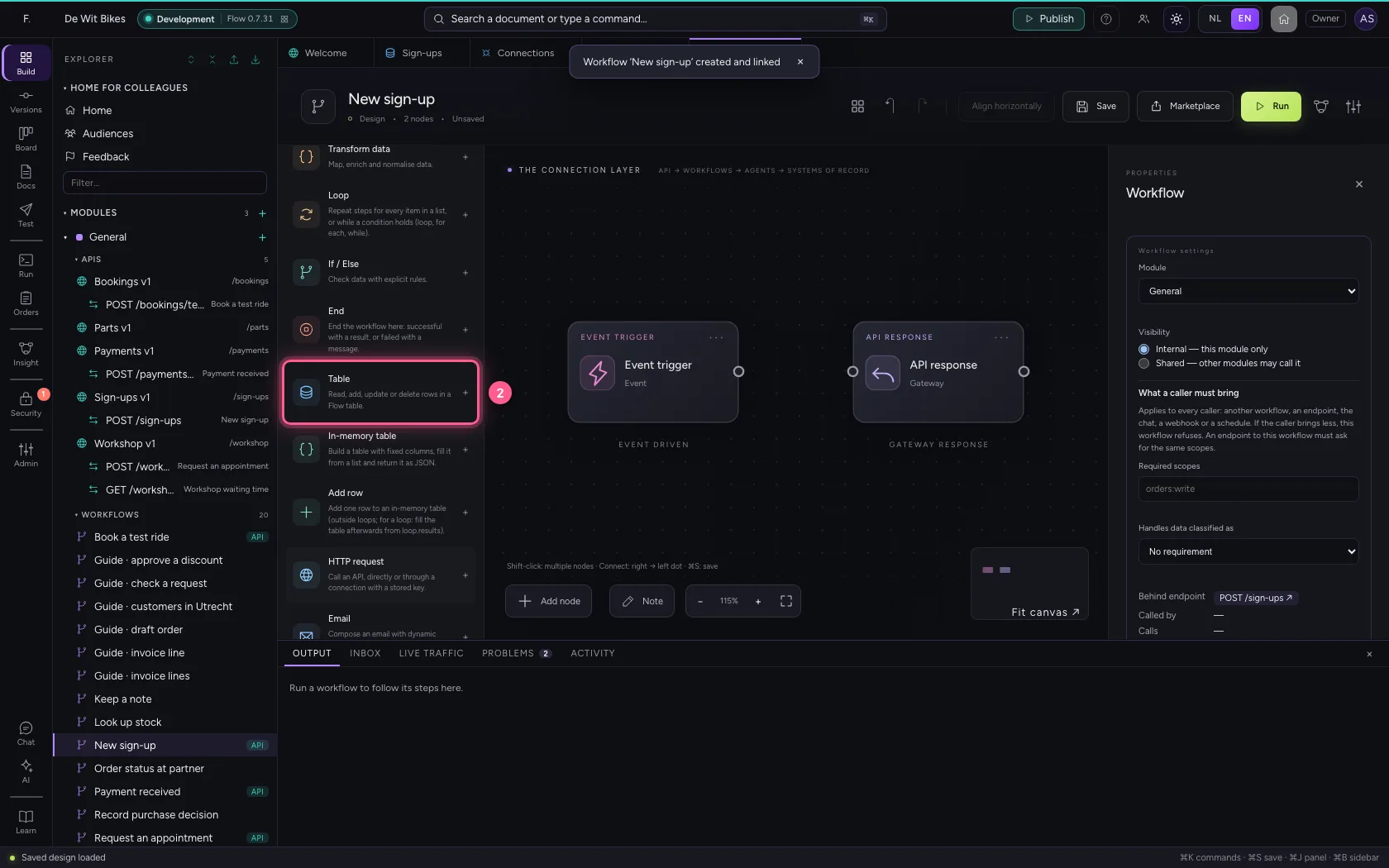
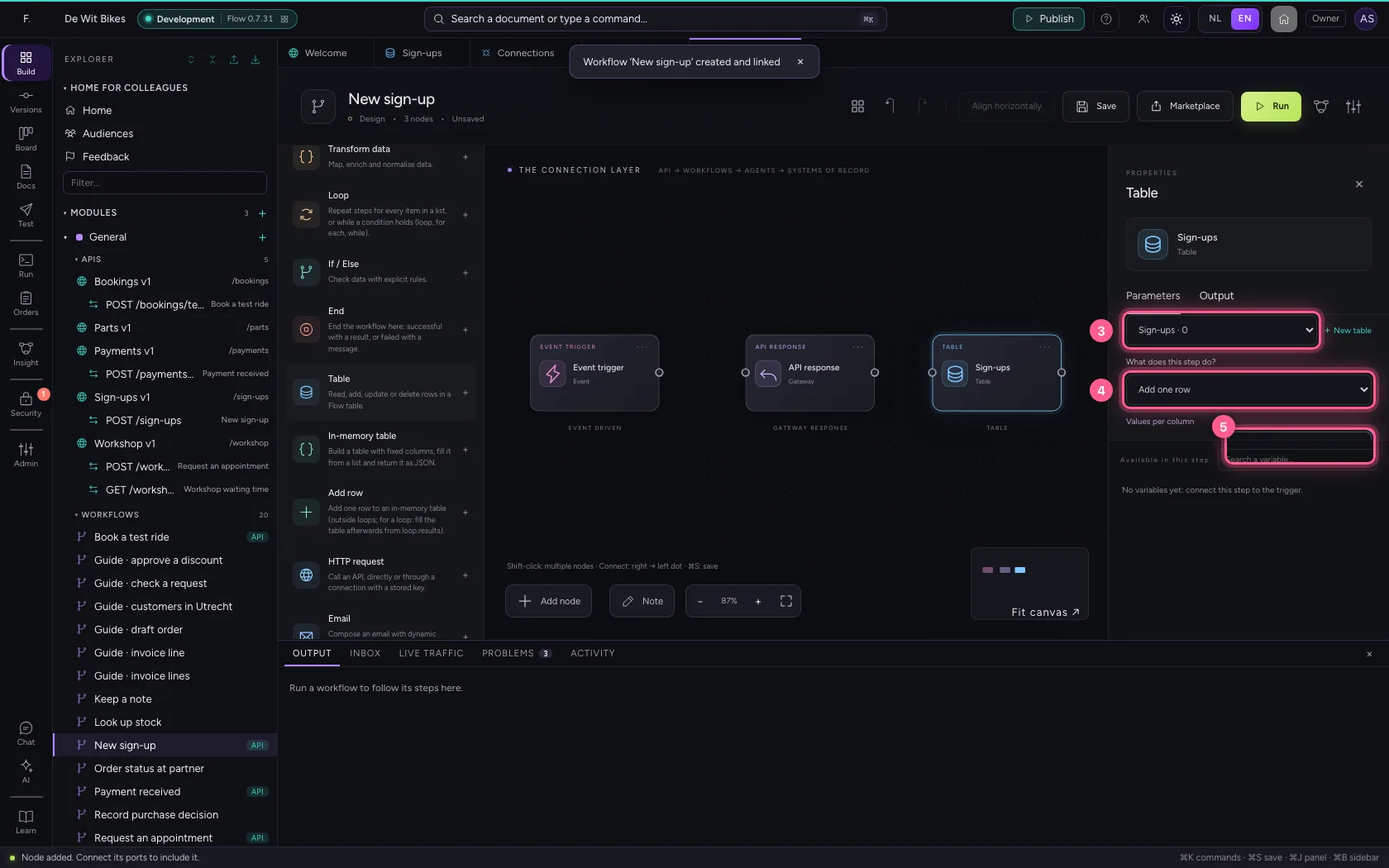
- In Table, choose Sign-ups · 0
- In What does this step do? Look up rows Get one row (by id) Add one row Add rows fr, choose Add one row
- In name, type
{{name}}
Pass it on to the CRM
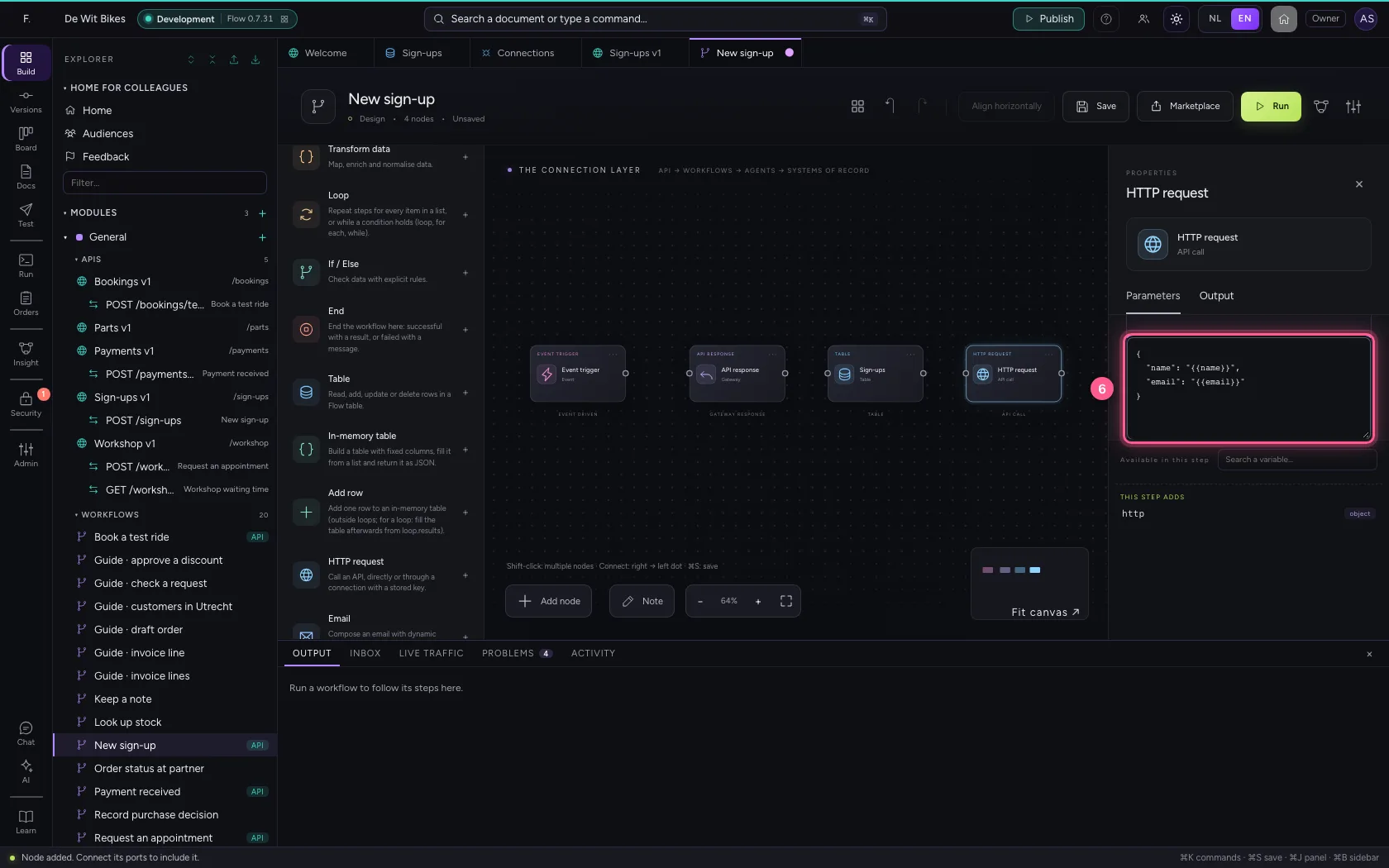
An HTTP request step through the CRM connection: POST /contacts with name and email. The path goes after the connection's base URL; Flow adds the key itself.
- Click HTTP request
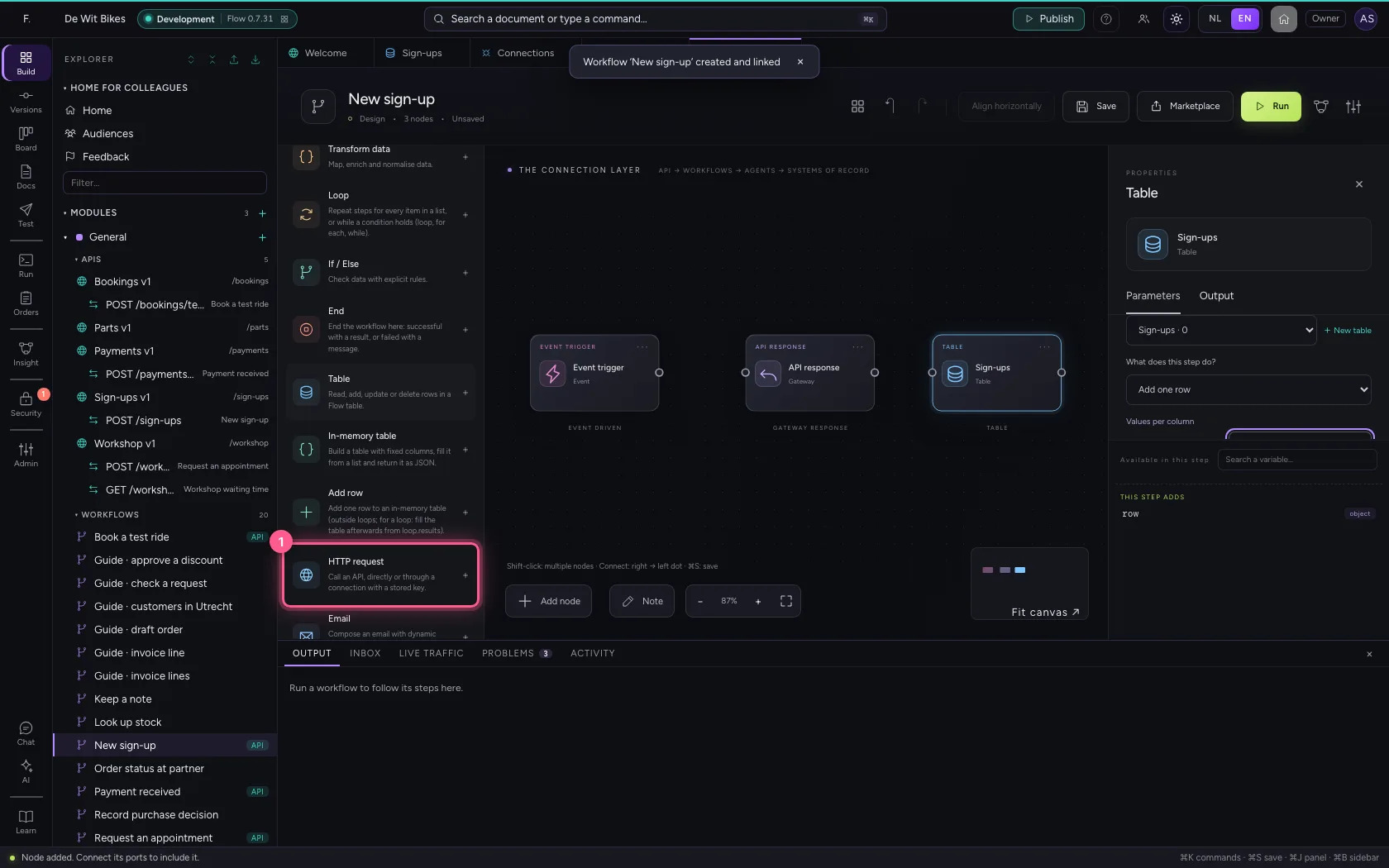
- In Connection (optional), choose CRM
- In Method, choose POST
- In URL or path, type
/contacts
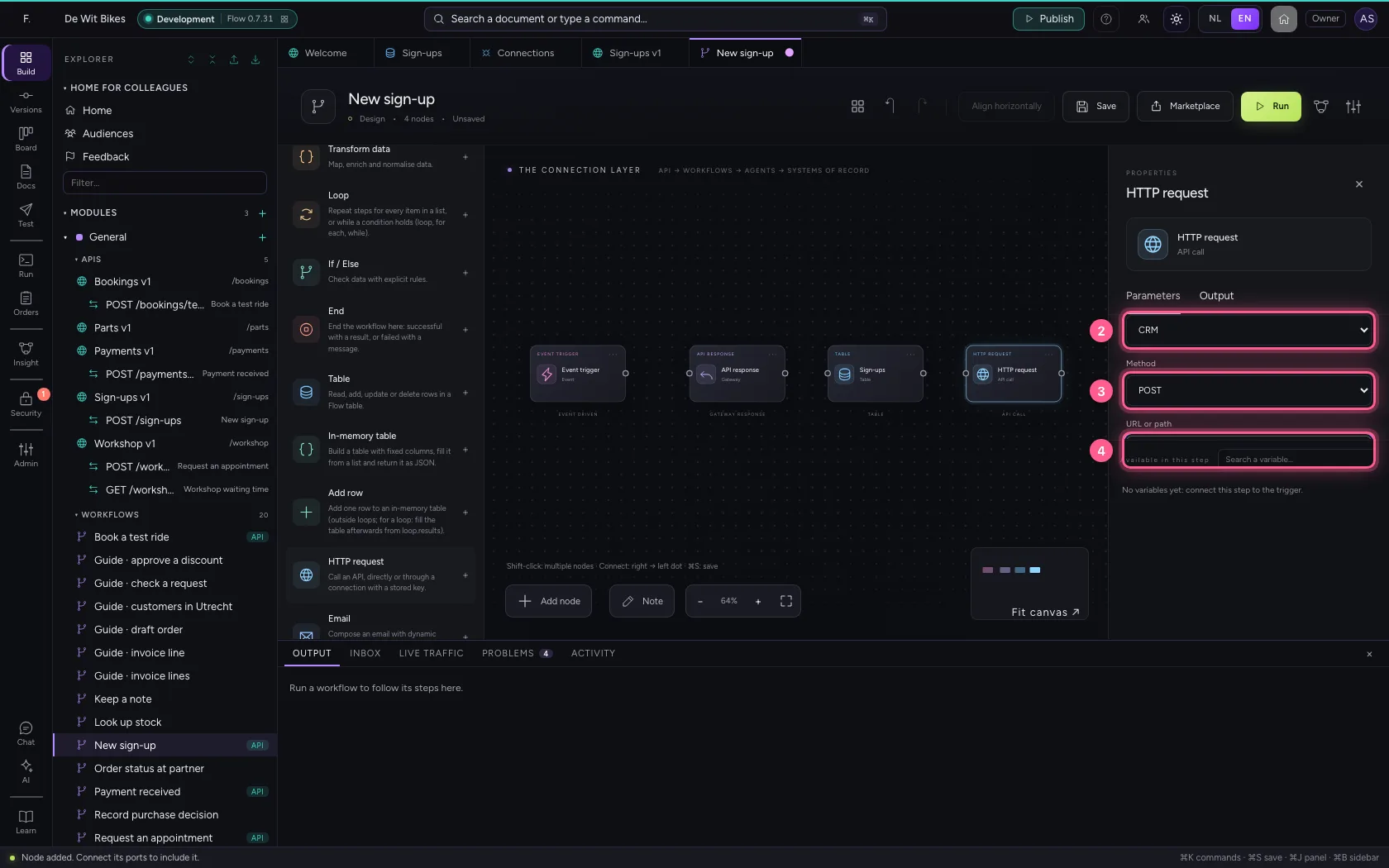
- Click Code
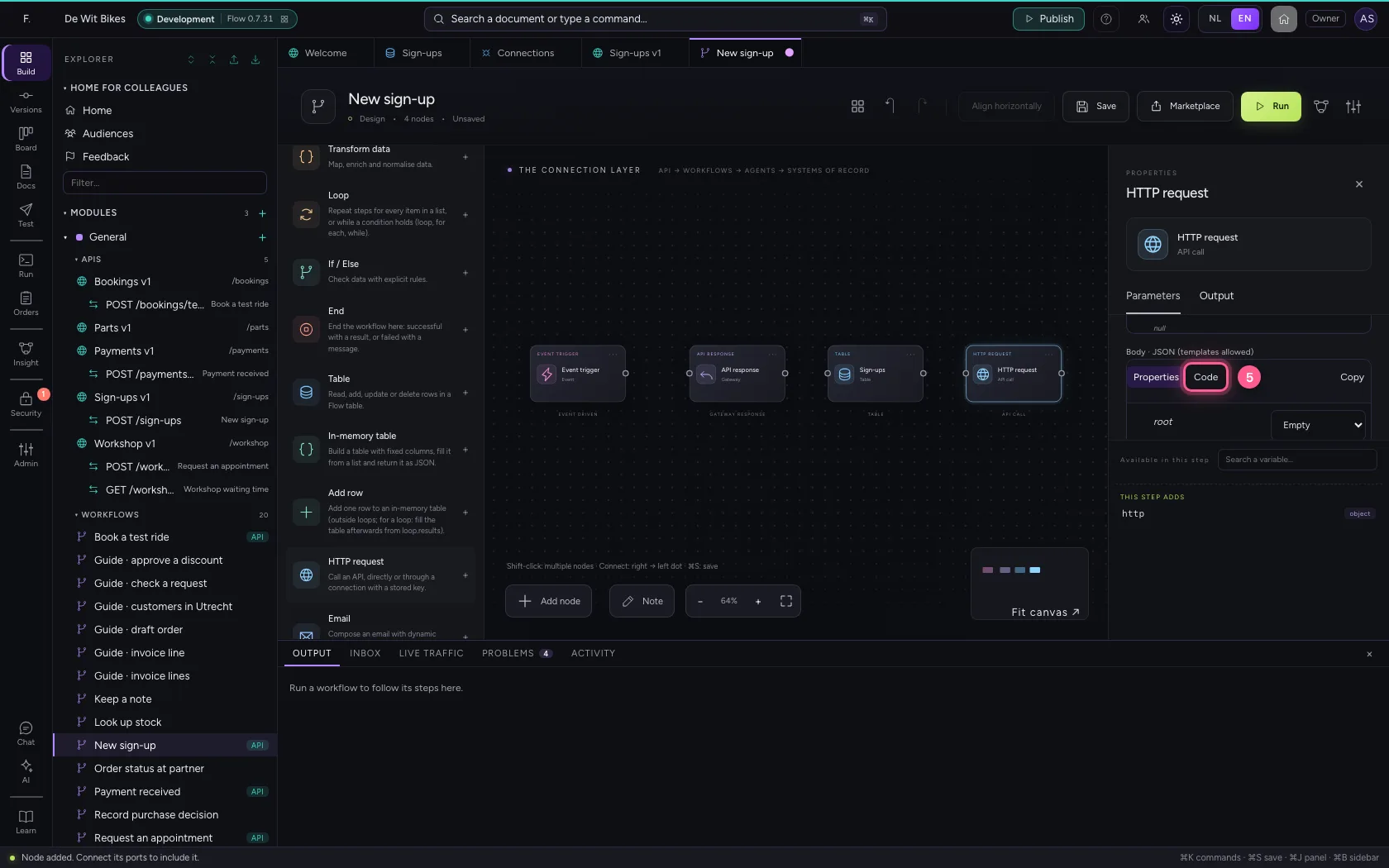
- In Body, type
{"name": "{{name}}", "email": "{{email}}"}
Put the steps in order
Record first, then pass on, then answer. That way a sign-up is already in Flow before the CRM is called; if that call fails, the run shows exactly where and you can do it again.
- Click out: trigger
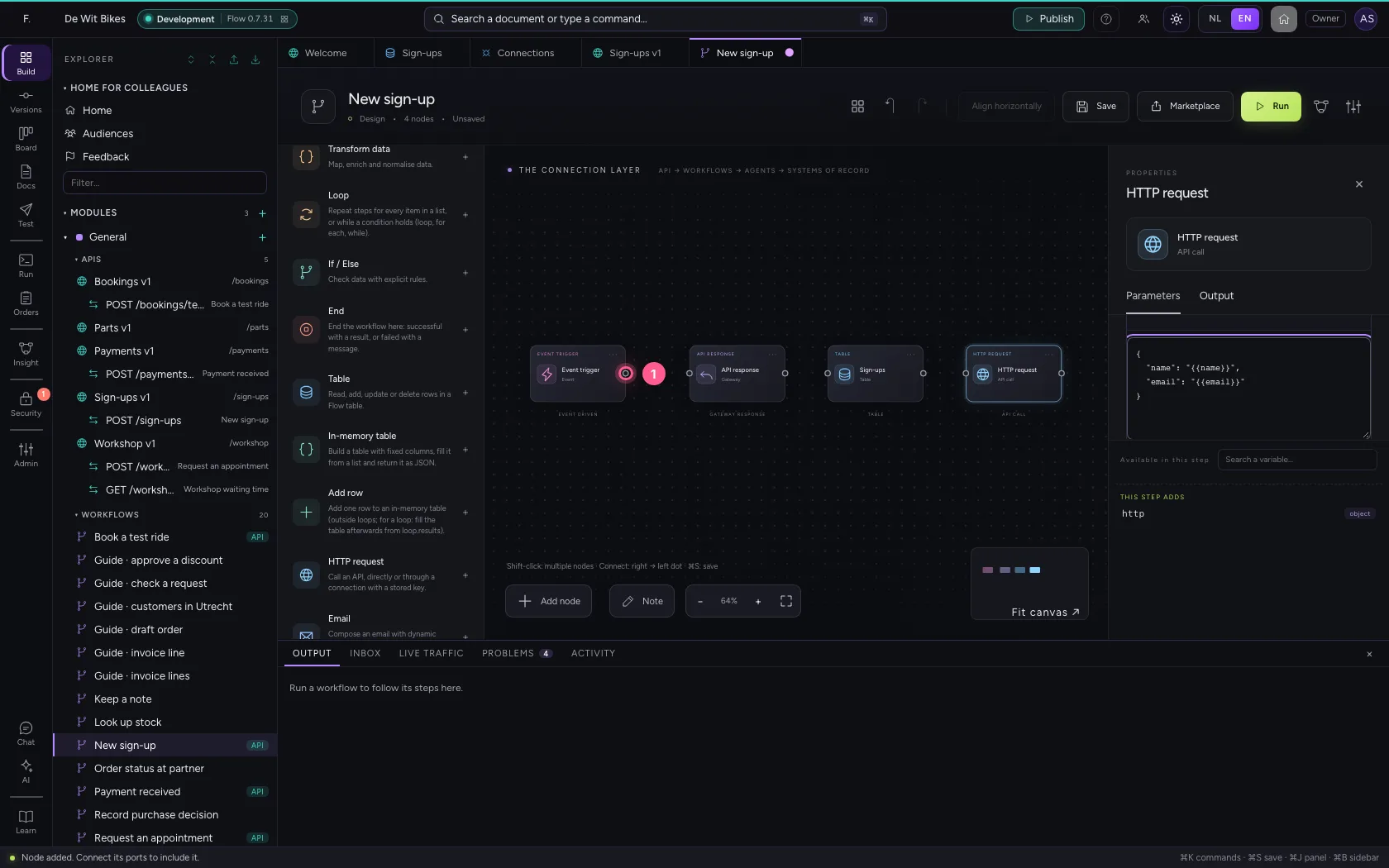
- Click in: table
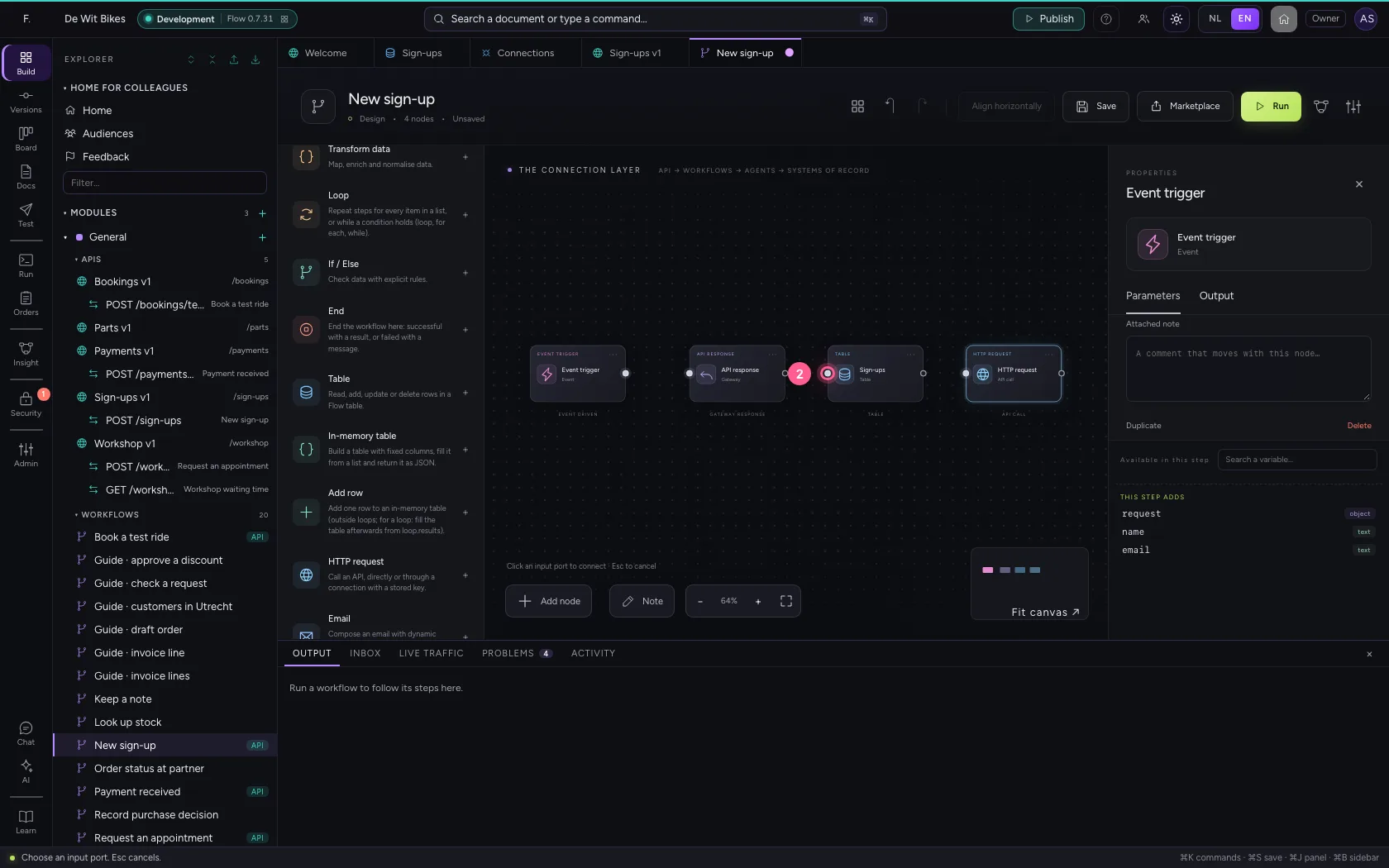
- Click out: table
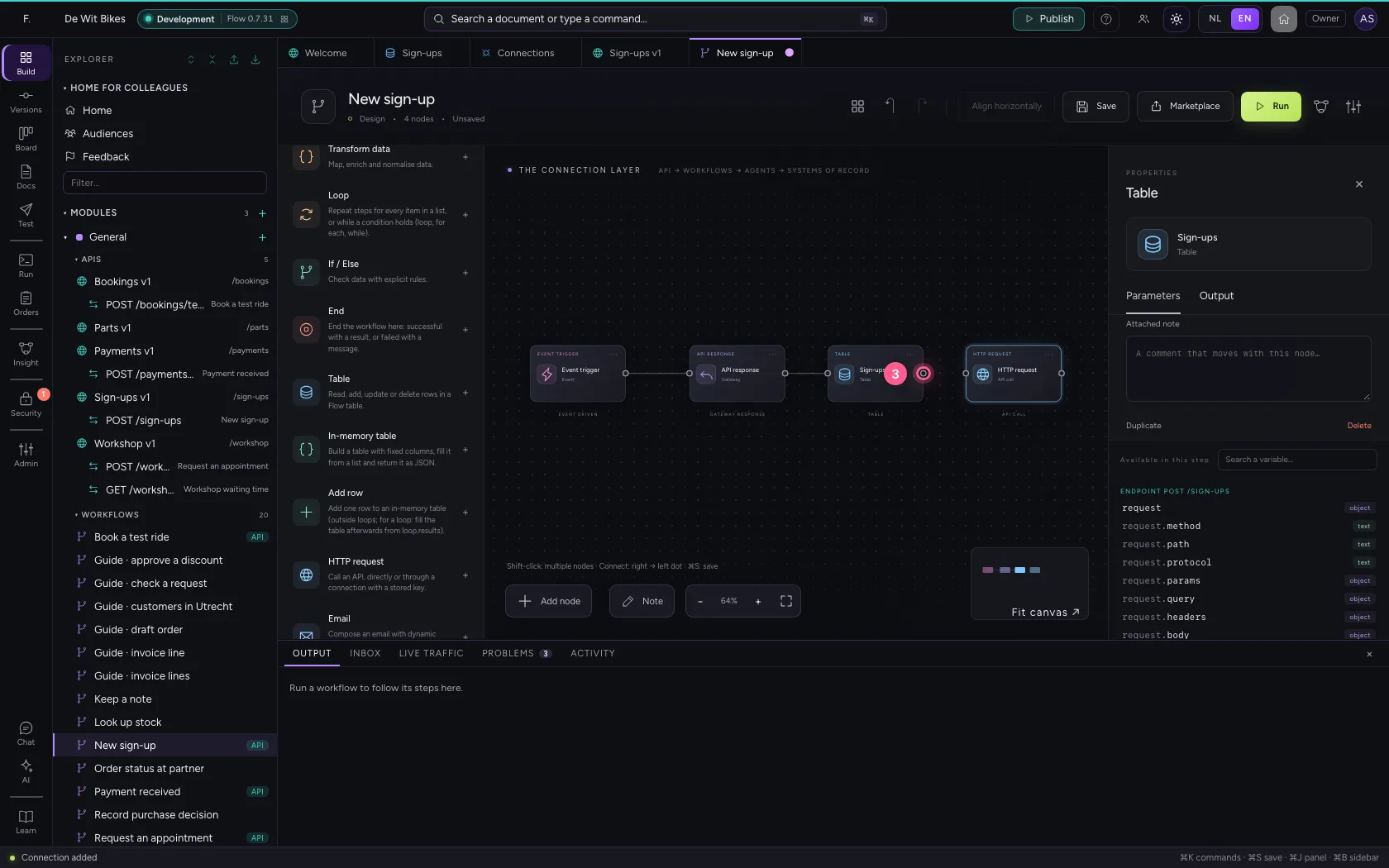
- Click in: HTTP request
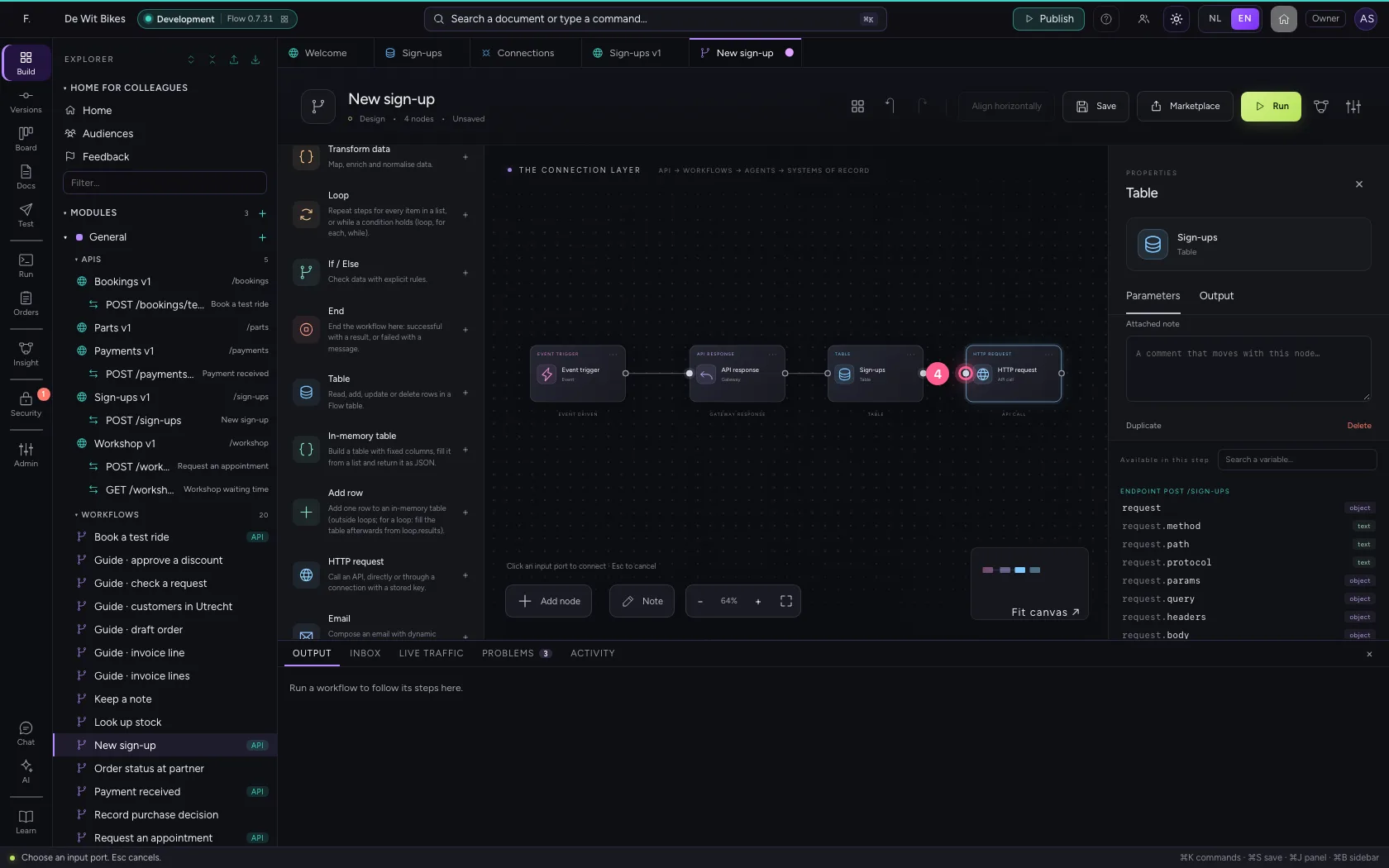
- Click out: HTTP request
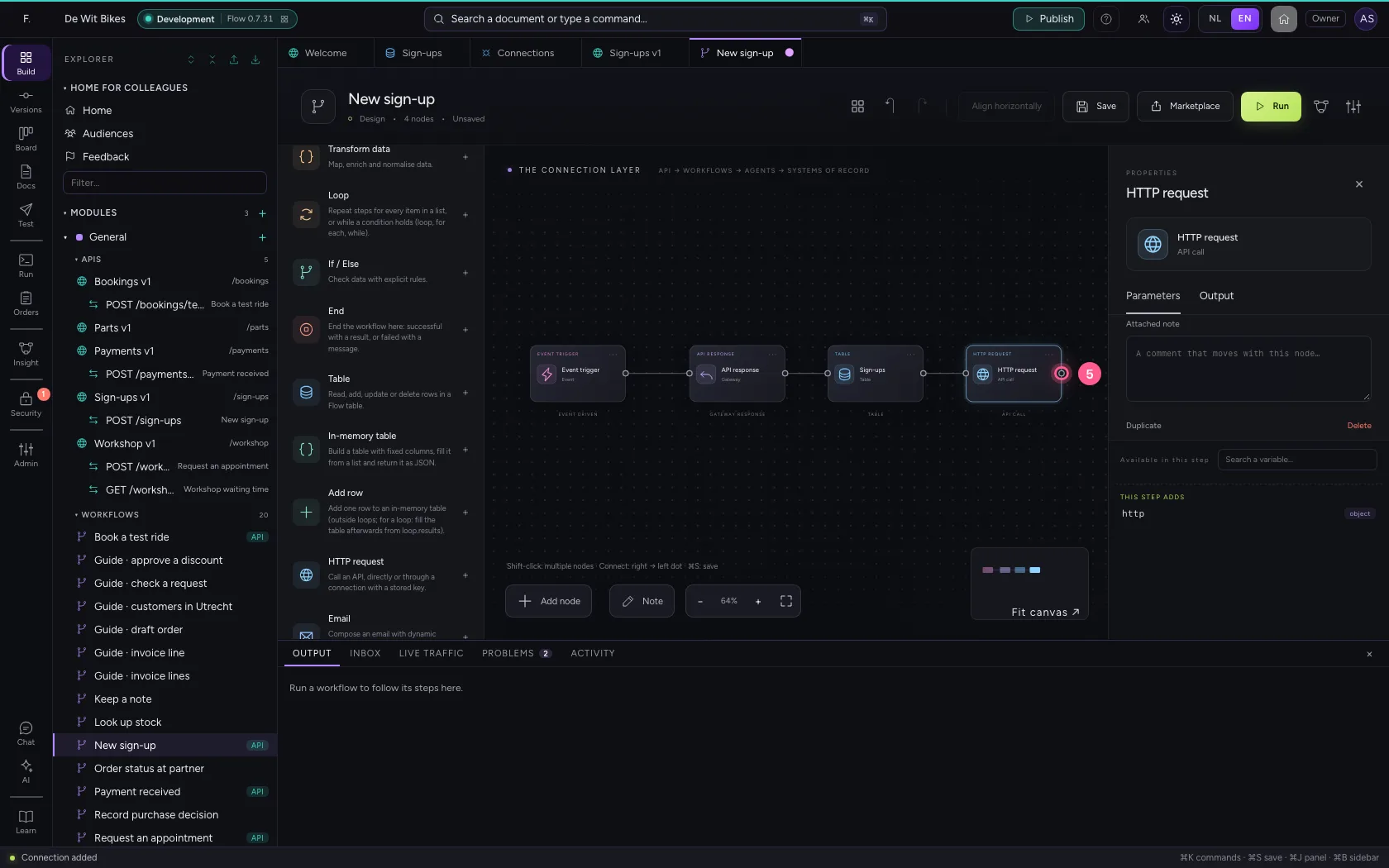
- Click in: API response
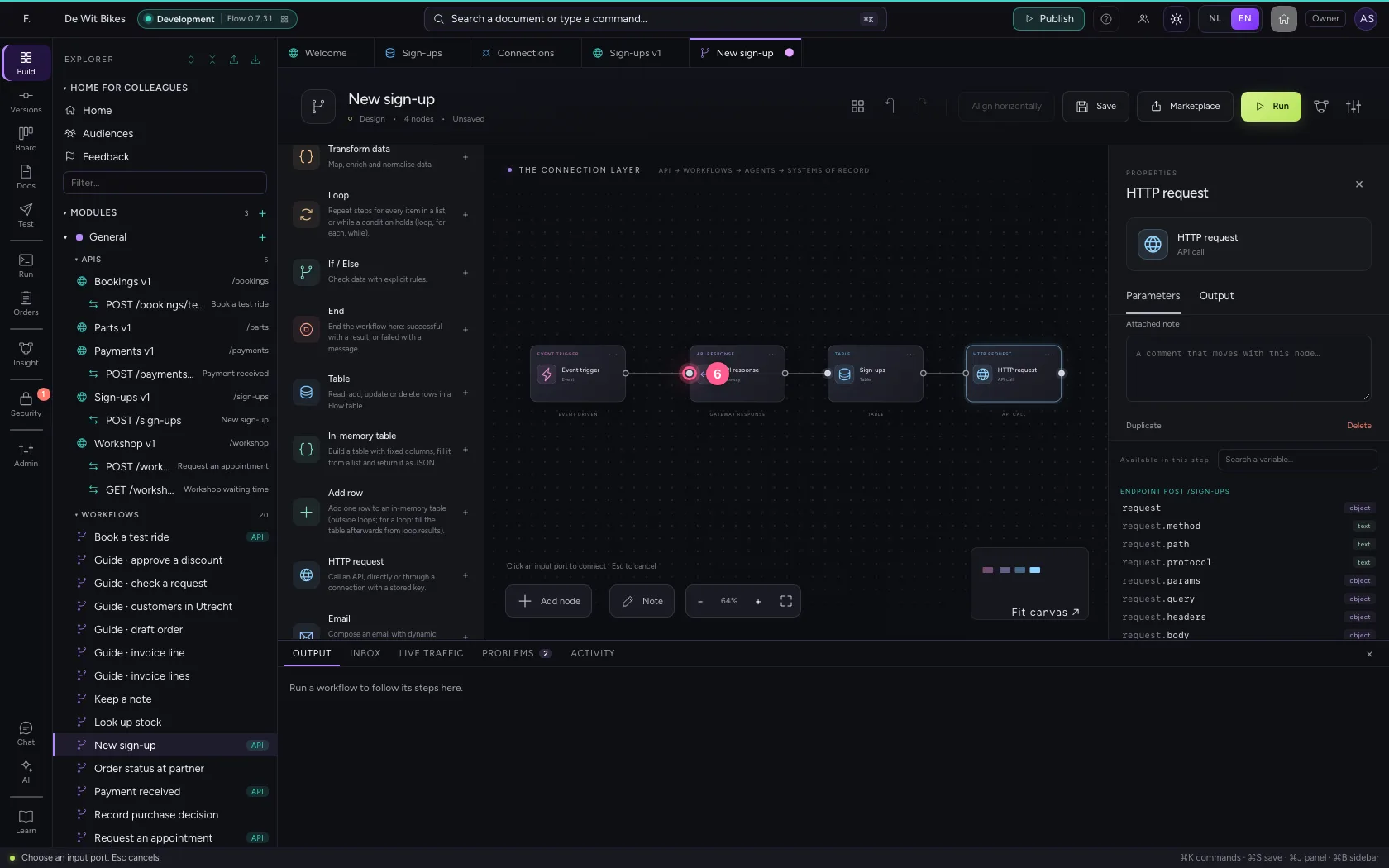
Save and test
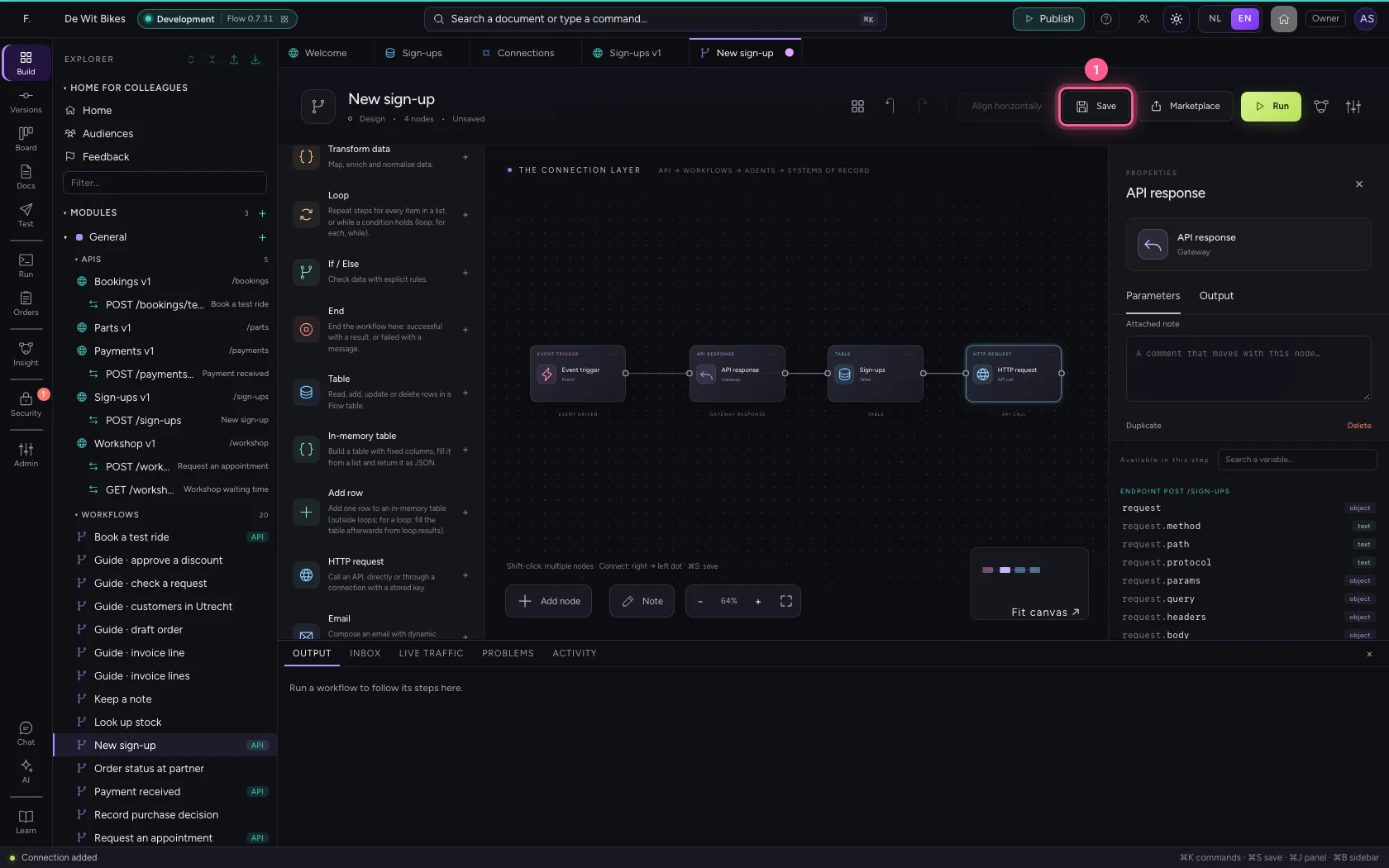
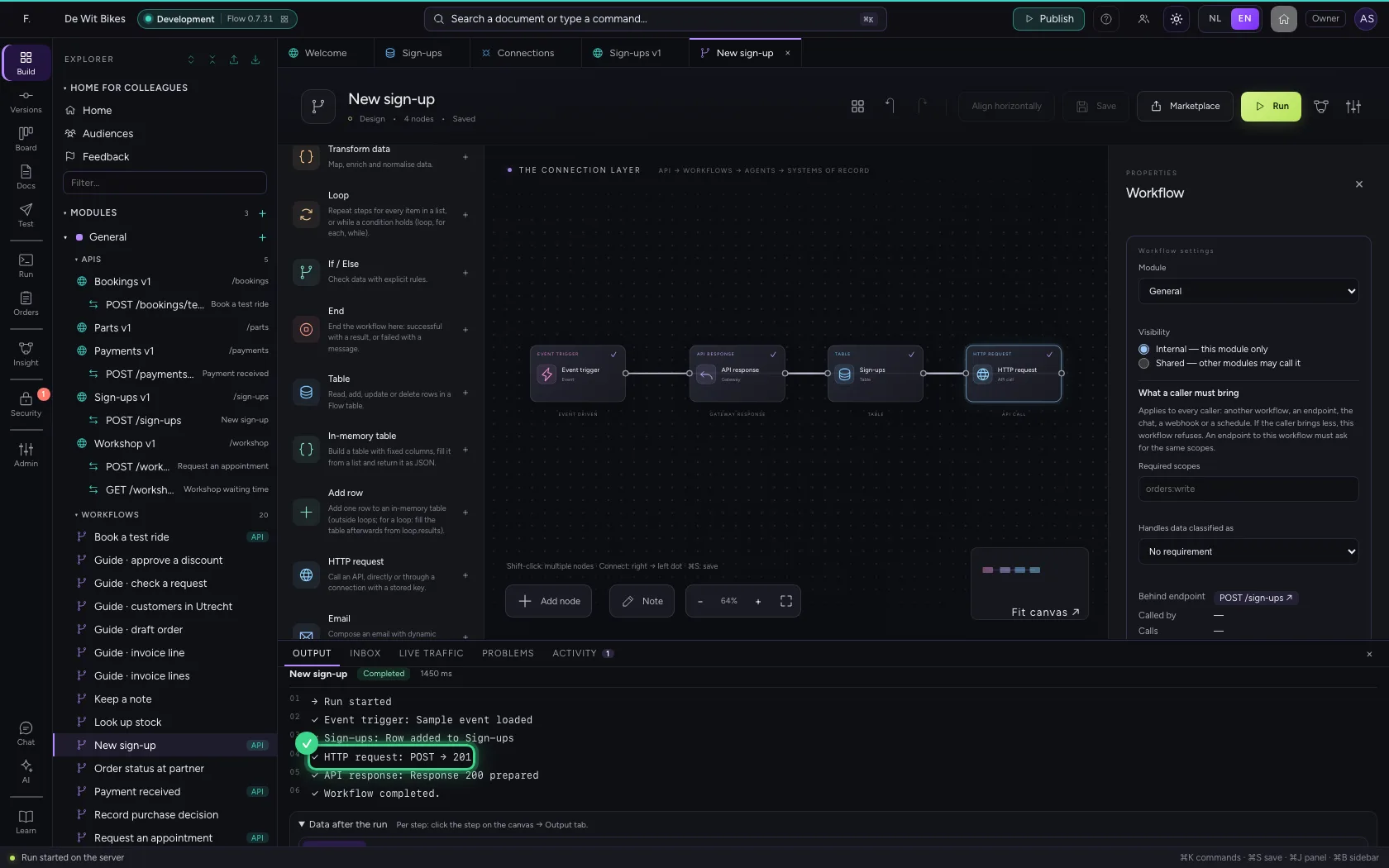
A test run of a workflow behind an endpoint runs with that endpoint's security: what works here will work for a real consumer too. At the bottom: the row in the table, POST → 201 from the CRM, and the answer.
- Click Save
- Click Run
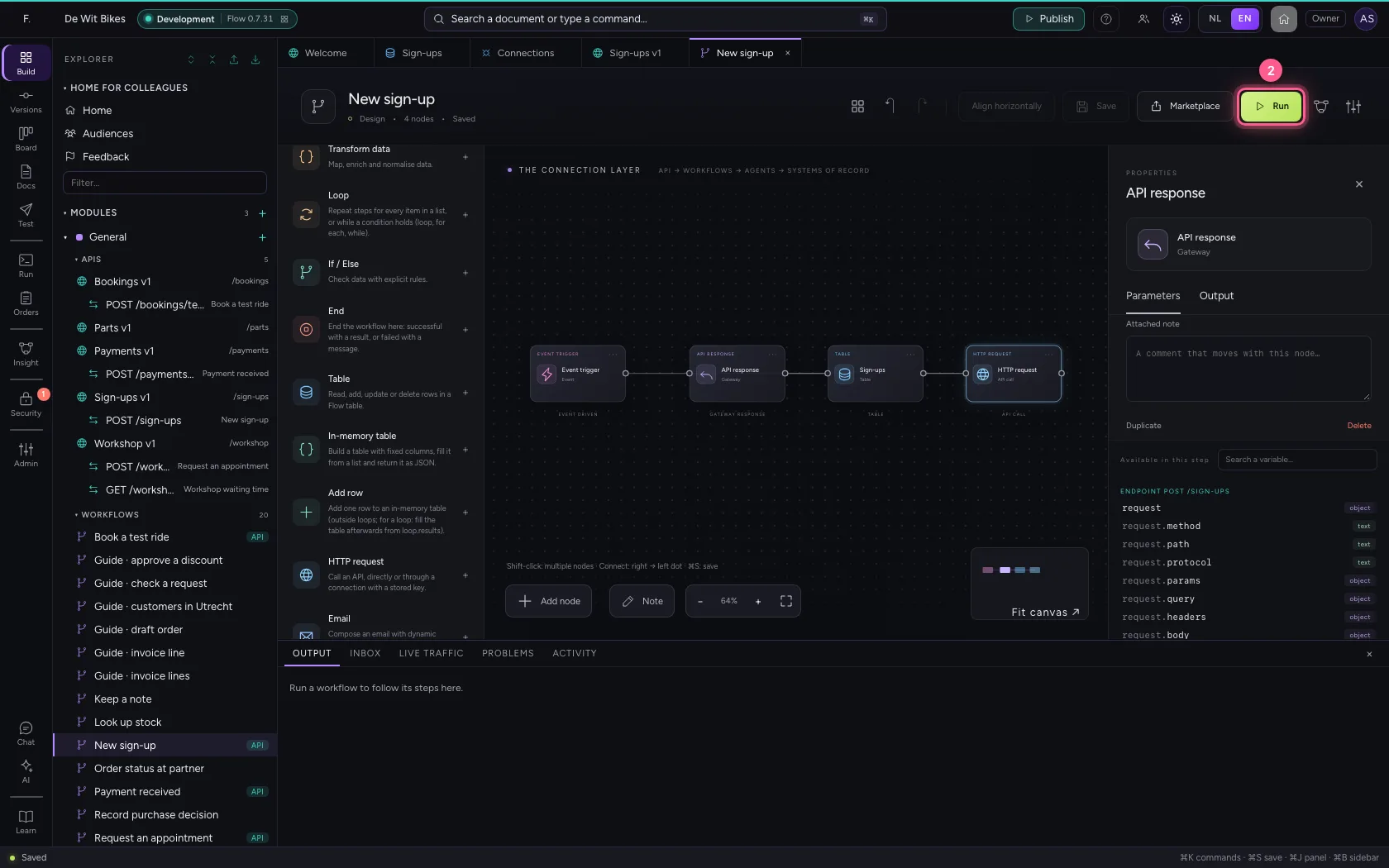
Who decides what
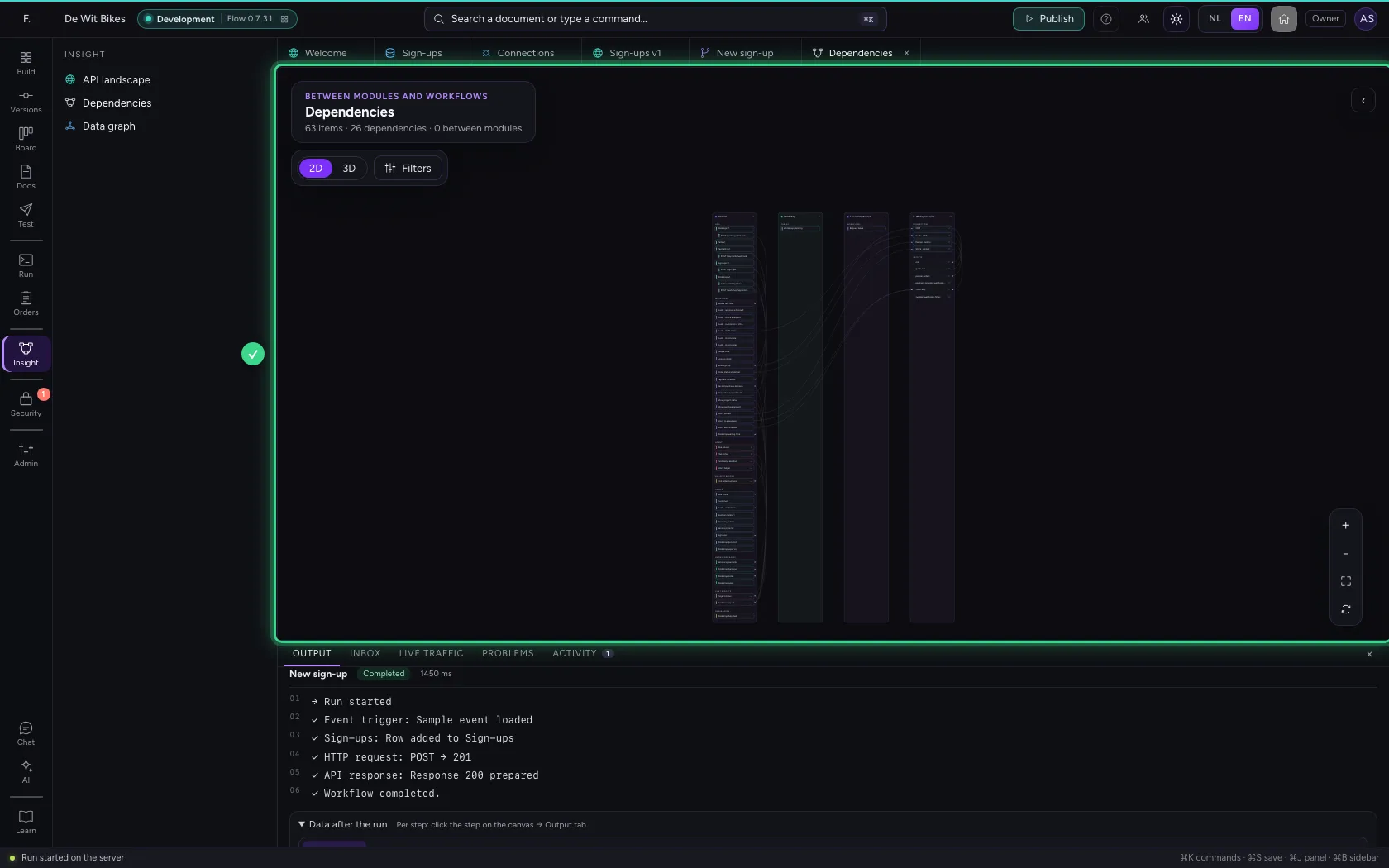
The dependencies show the glue: endpoint → workflow → table and connection. If the CRM later wants to report back through a webhook, that becomes a second endpoint with a policy of its own (a signature), not an extra path in this workflow. One endpoint, one workflow: one's security never leaks through the other.
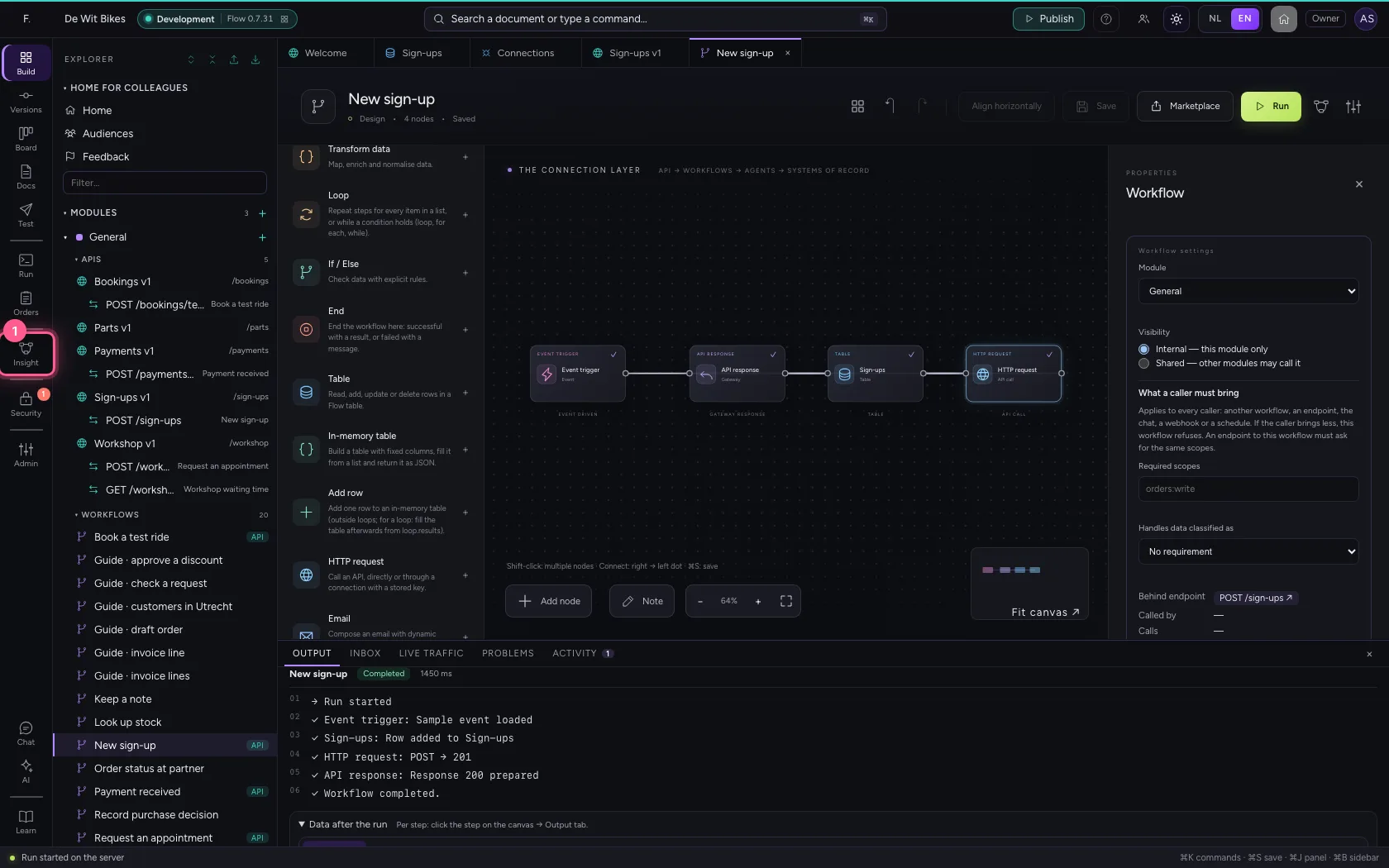
- Click Insight
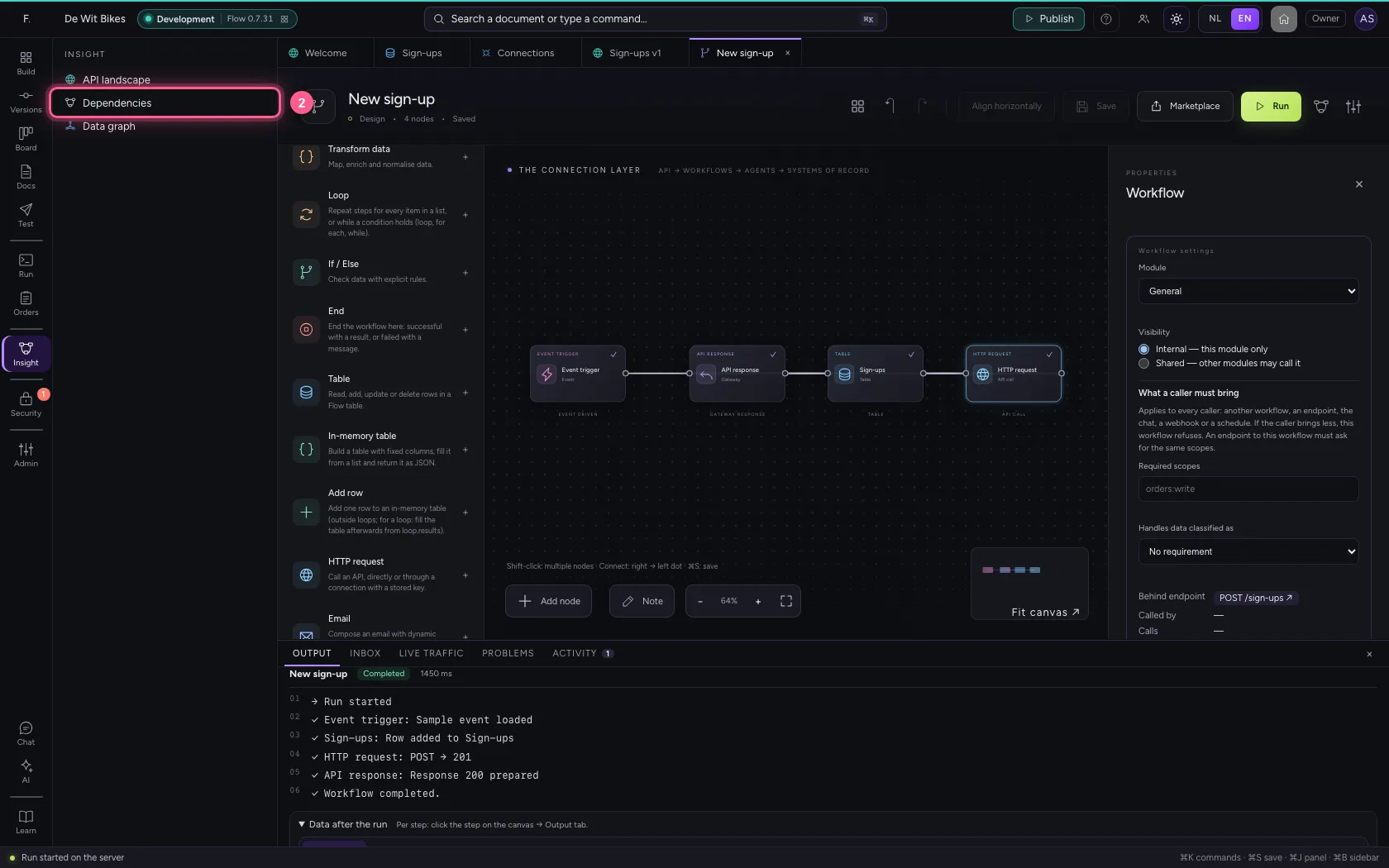
- Click Dependencies
This guide was carried out step by step on 22 Oct 2026 by an automated test on Flow (version 3e563176).