Put a version into Production
A version of your work goes to Production step by step: first to Acceptance, where the business tests and approves, then to Production. Each time you first see what changes. Only an owner promotes to Production.
Open Releases
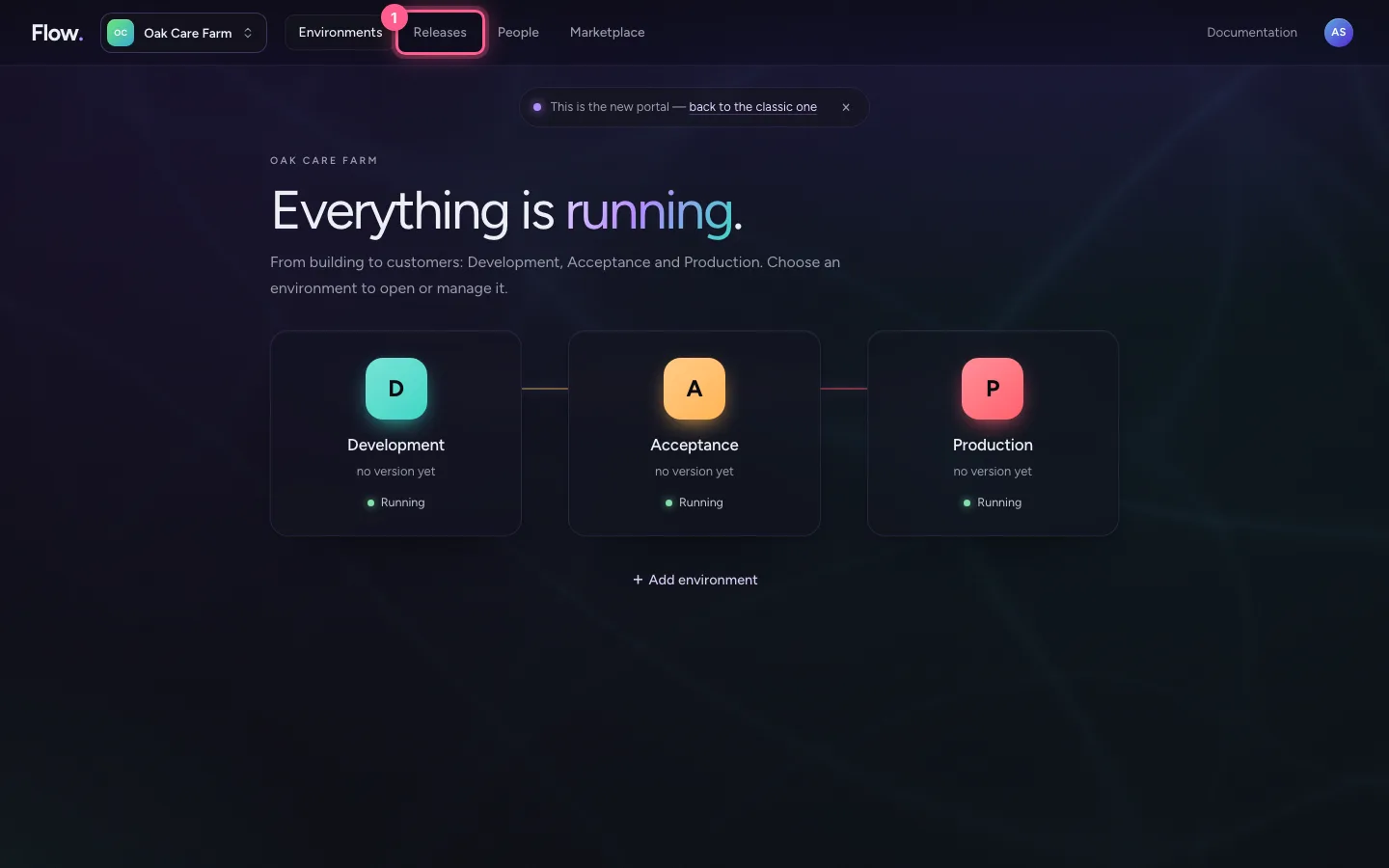
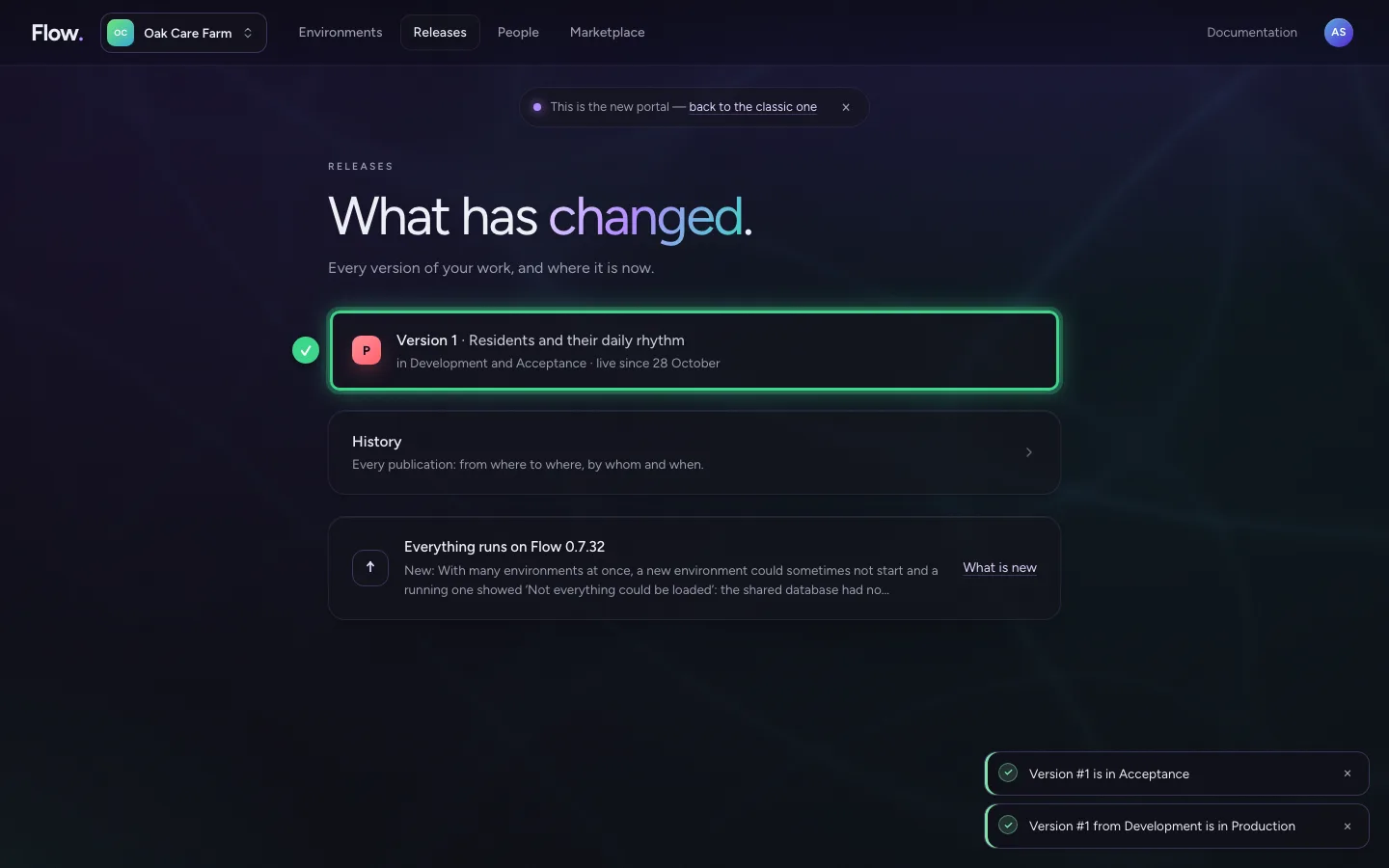
Click Releases at the top. Every version of your work is on one line, with where it is now and what the next step is. A new version from Development is ready for Acceptance.
- Click Releases
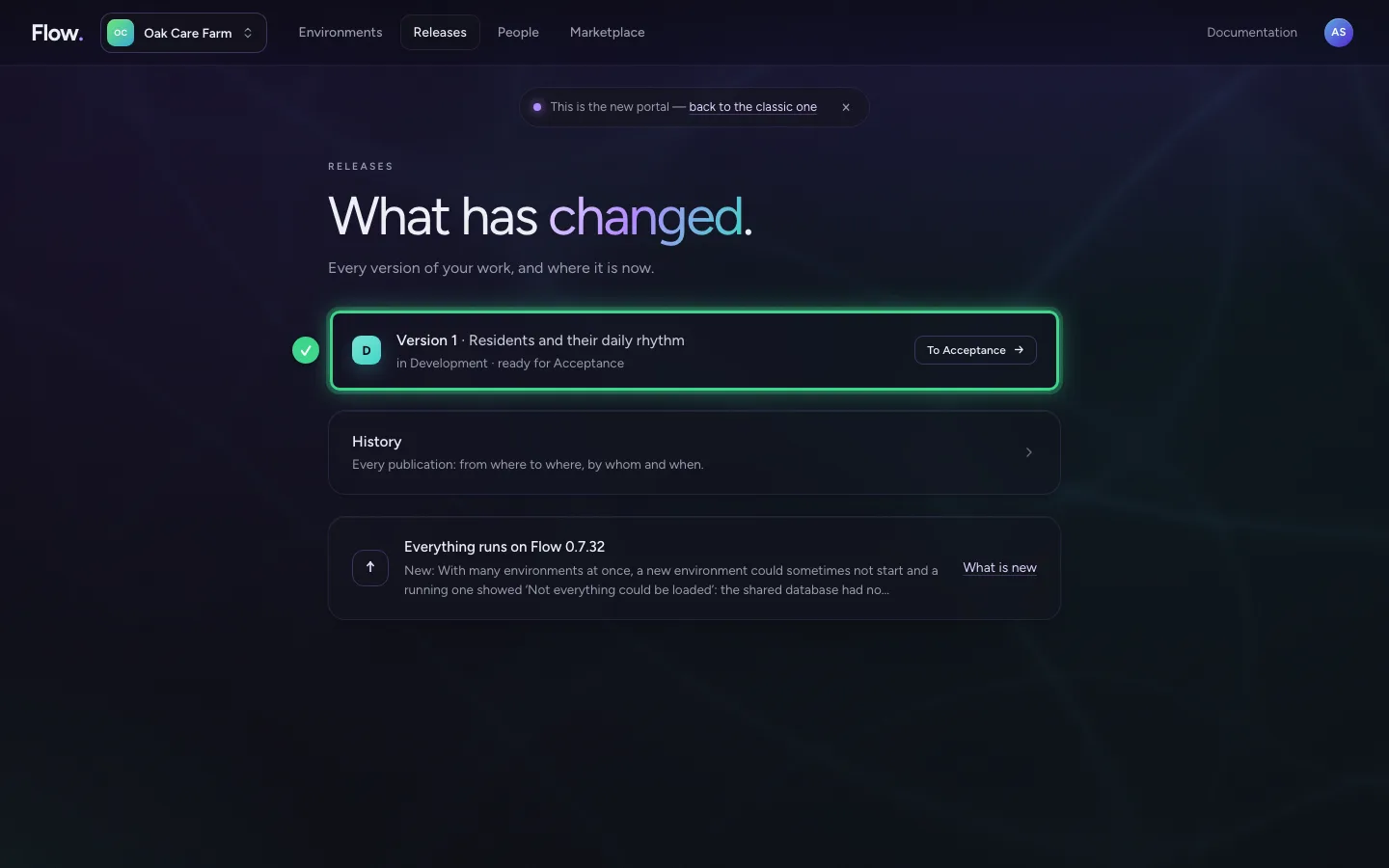
First to Acceptance
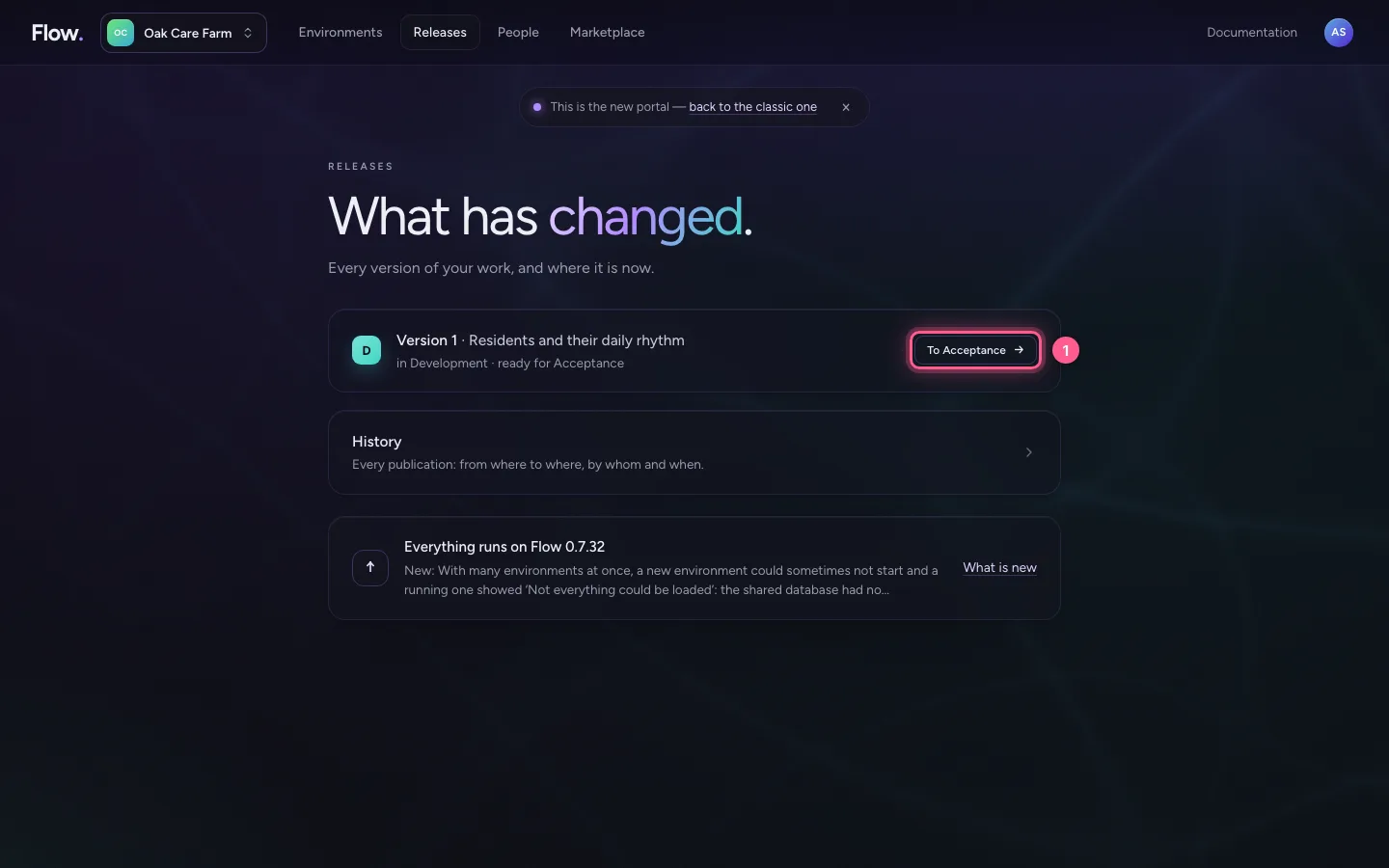
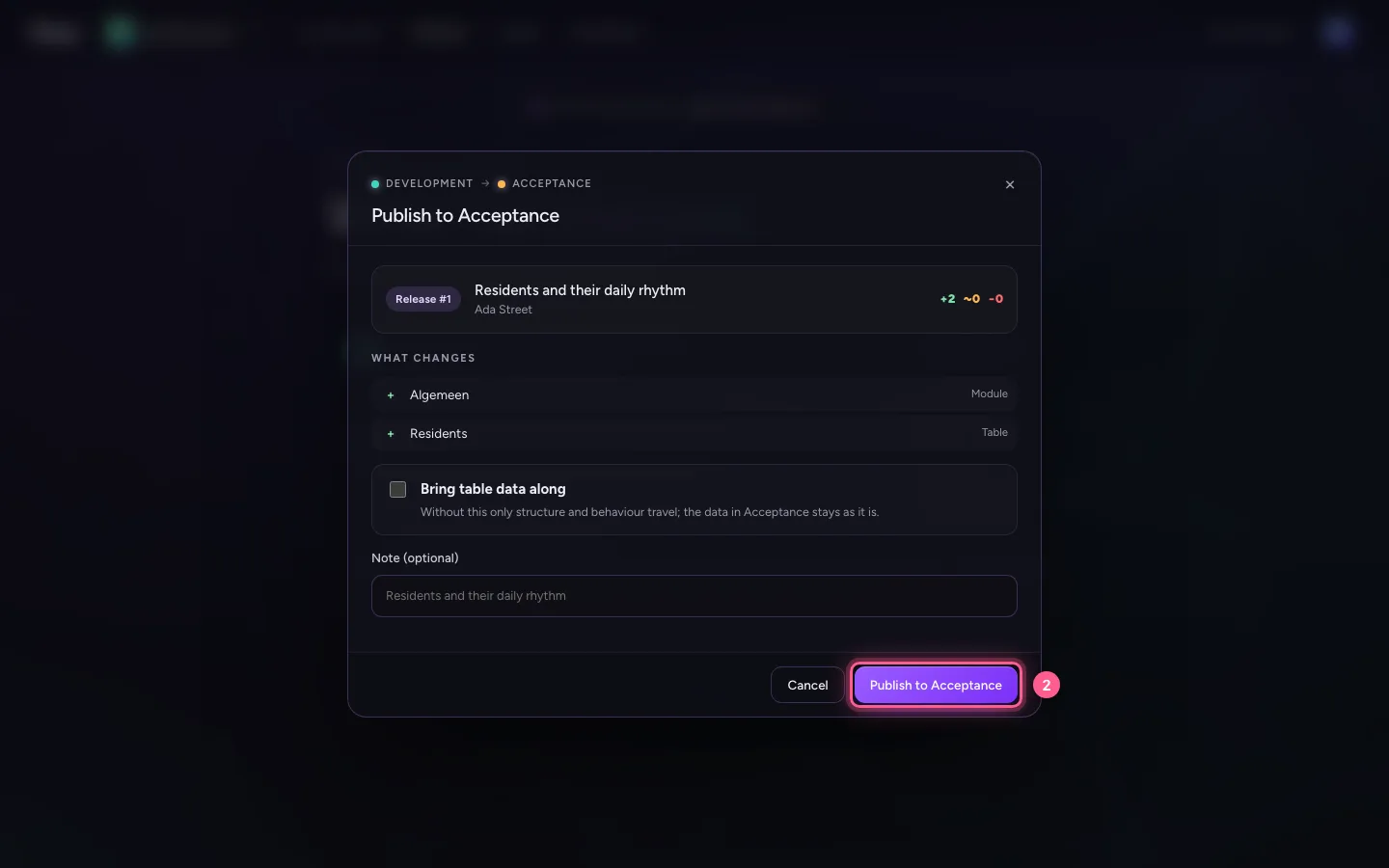
Choose To Acceptance. The window says what is new, what changes and what goes. Choose Publish to Acceptance. There the business tests and approves the version.
- Click To Acceptance →
- Click Publish to Acceptance
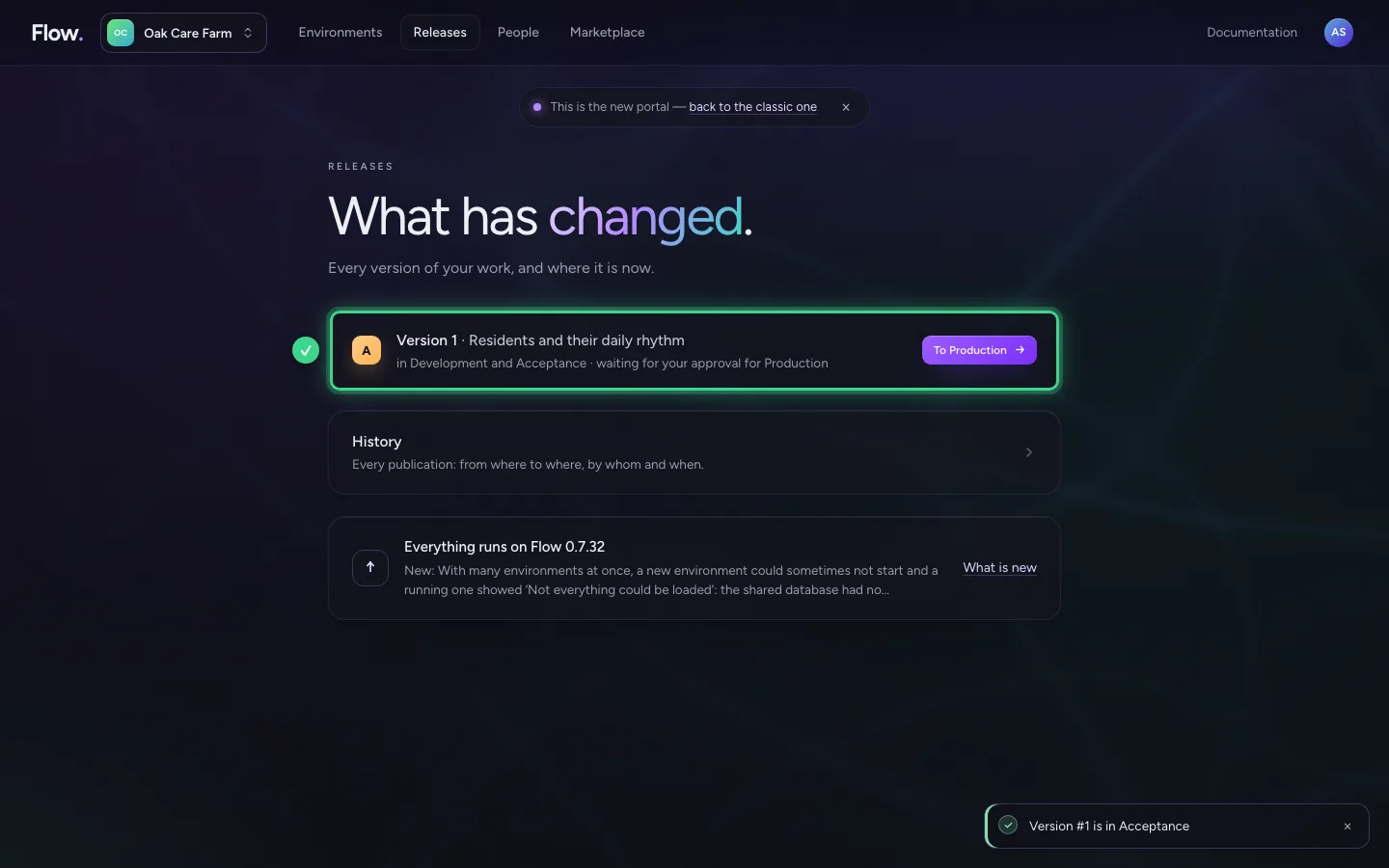
Look at what changes in Production
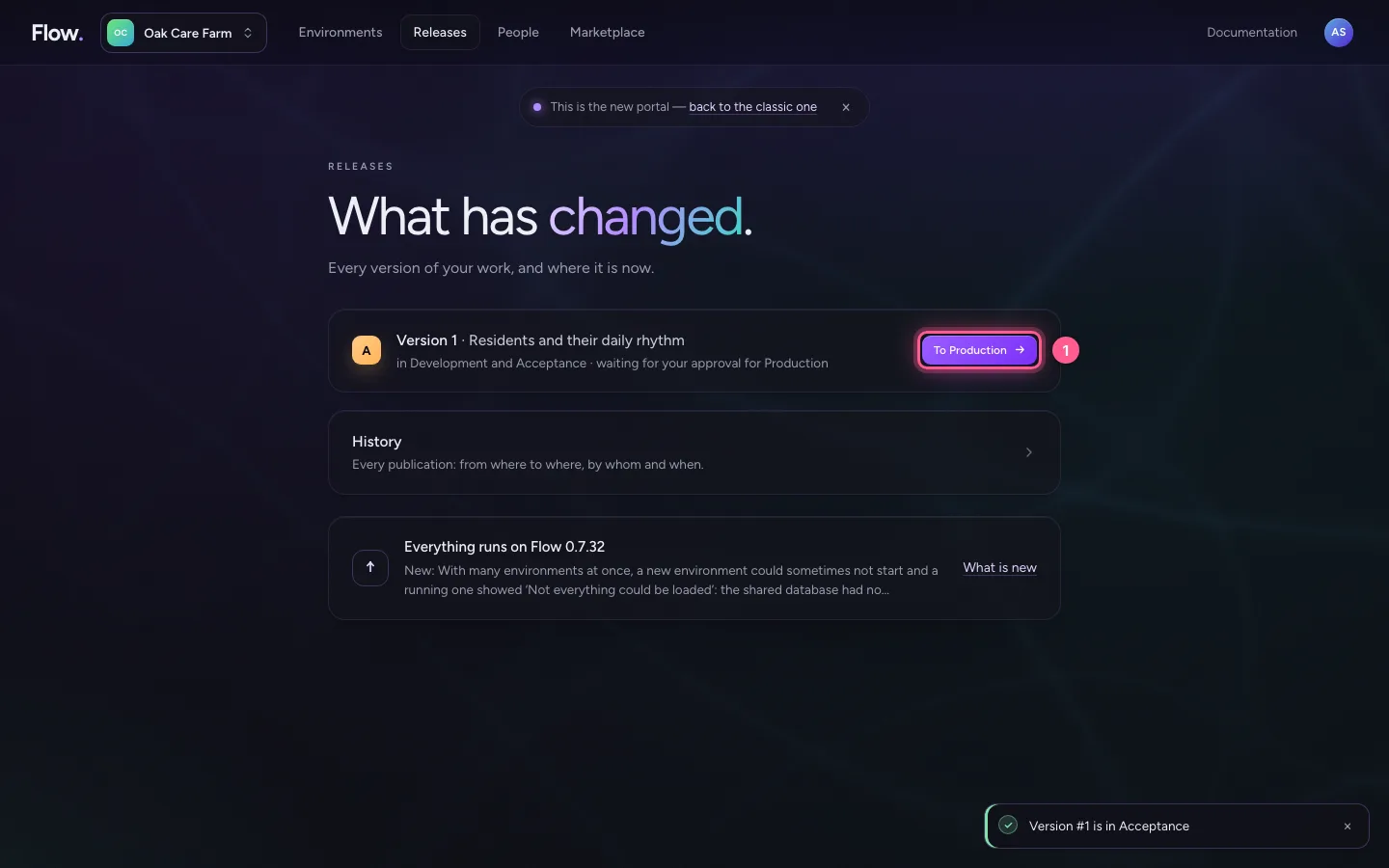
Once the version is approved, choose To Production. Again you see exactly what changes. You usually leave Bring table data along off: then the data in Production stays as it is.
- Click To Production →
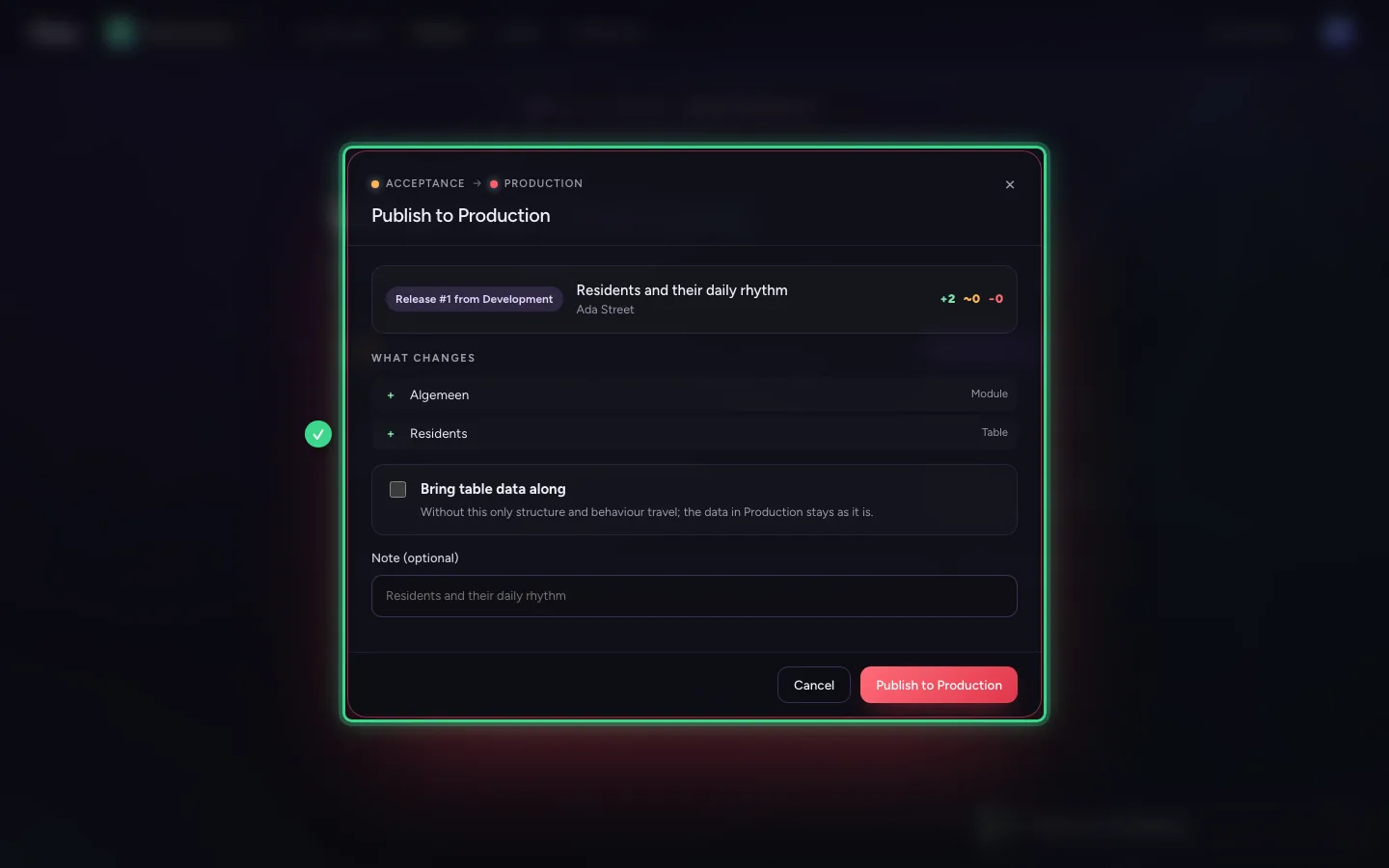
Promote to Production
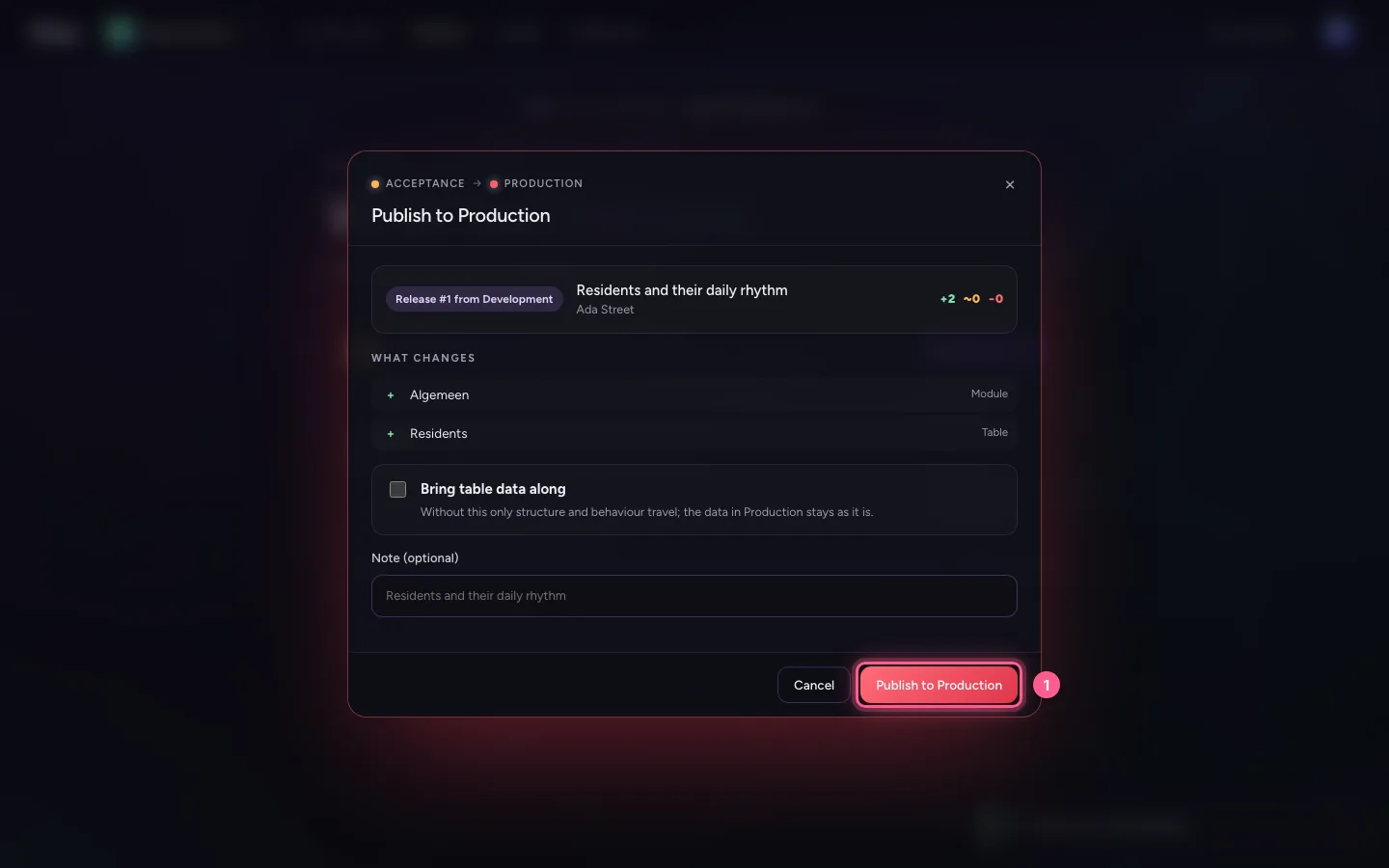
Choose Publish to Production. After a few seconds the version is live. Under History you can later see who promoted what, and when.
- Click Publish to Production
This guide was carried out step by step on 28 Oct 2026 by an automated test on Flow (version 96971699).