Install a module from the marketplace
You would rather not build something yourself. You choose a package in the Marketplace, read what it asks for and install it. It goes into Development first, so you can try it.
Find the package
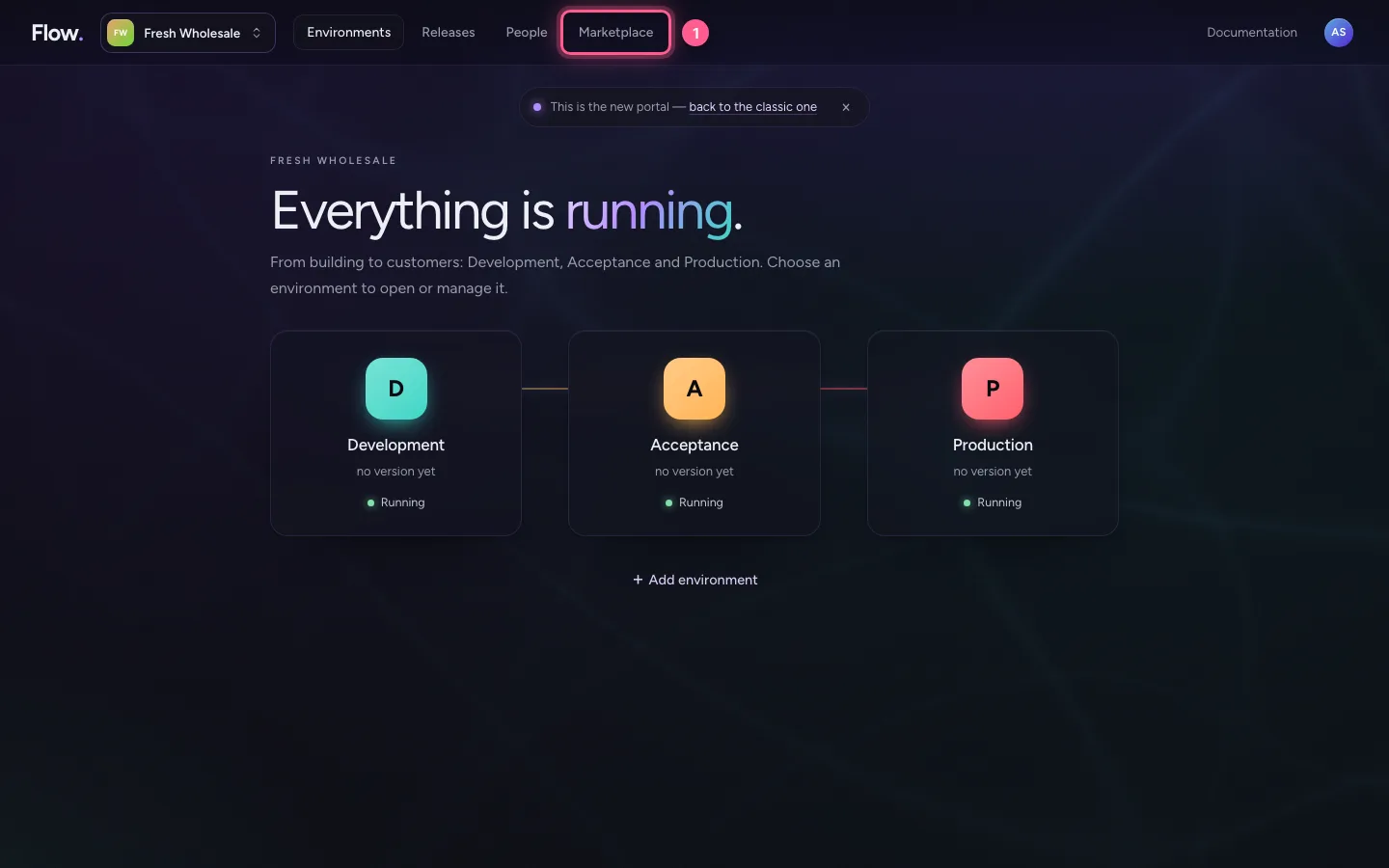
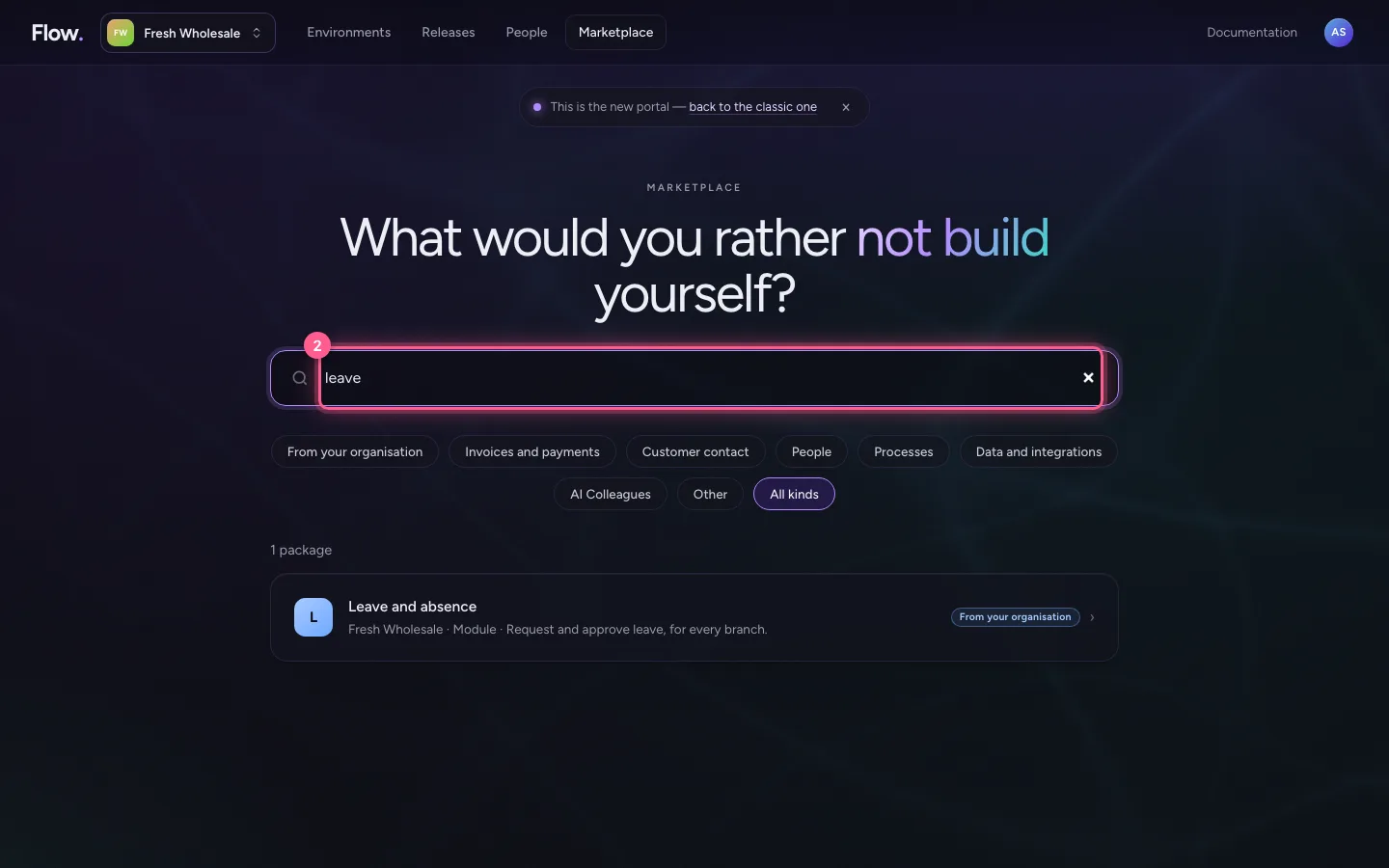
Click Marketplace at the top and type what you are looking for.
- Click Marketplace
- In Search the marketplace, type
leave
Open the package
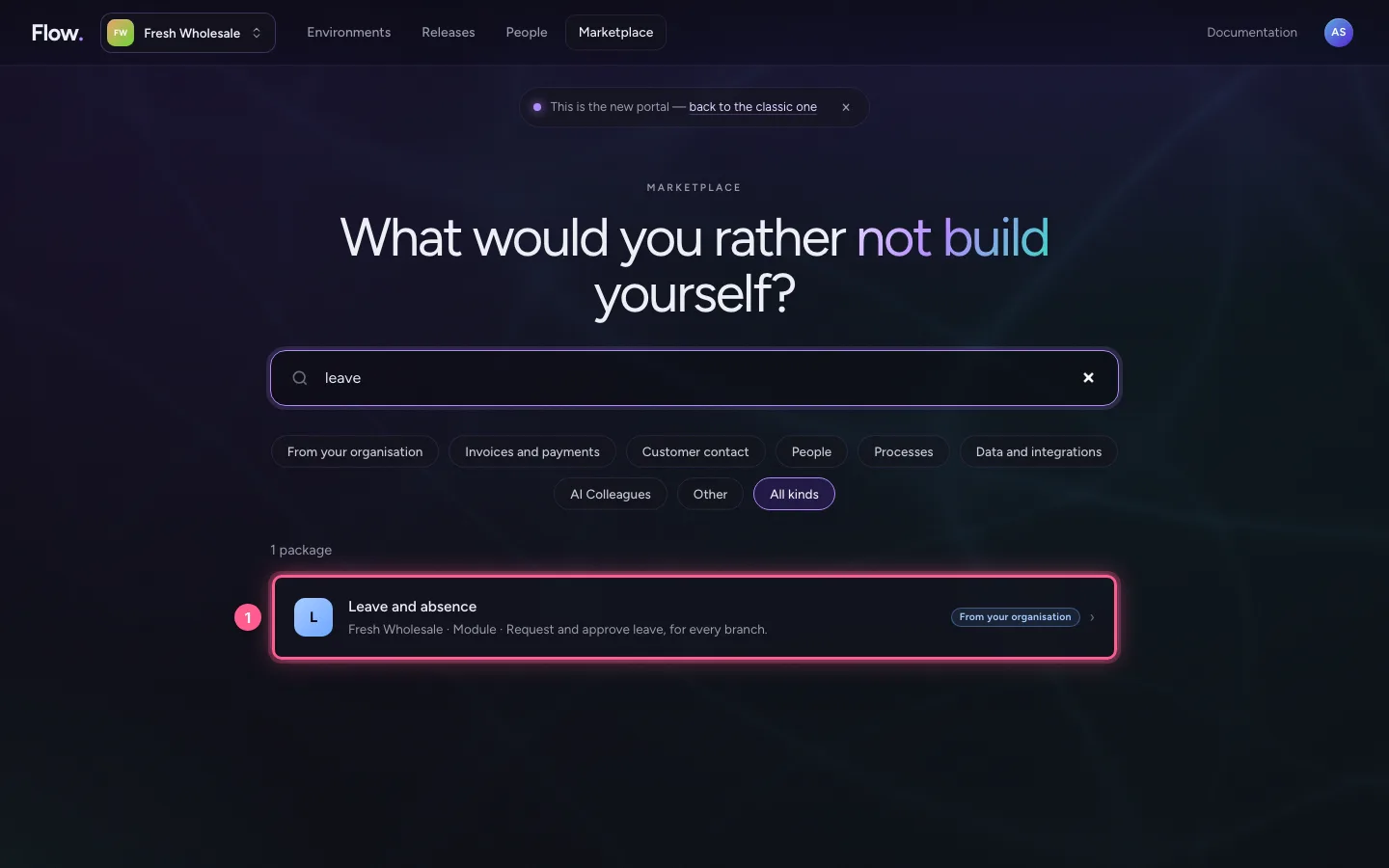
Click the package. You see who makes it, what it does, the versions and what it asks for.
- Click L Leave and absence Fresh Wholesale · Module · Request and approve leave, for ev
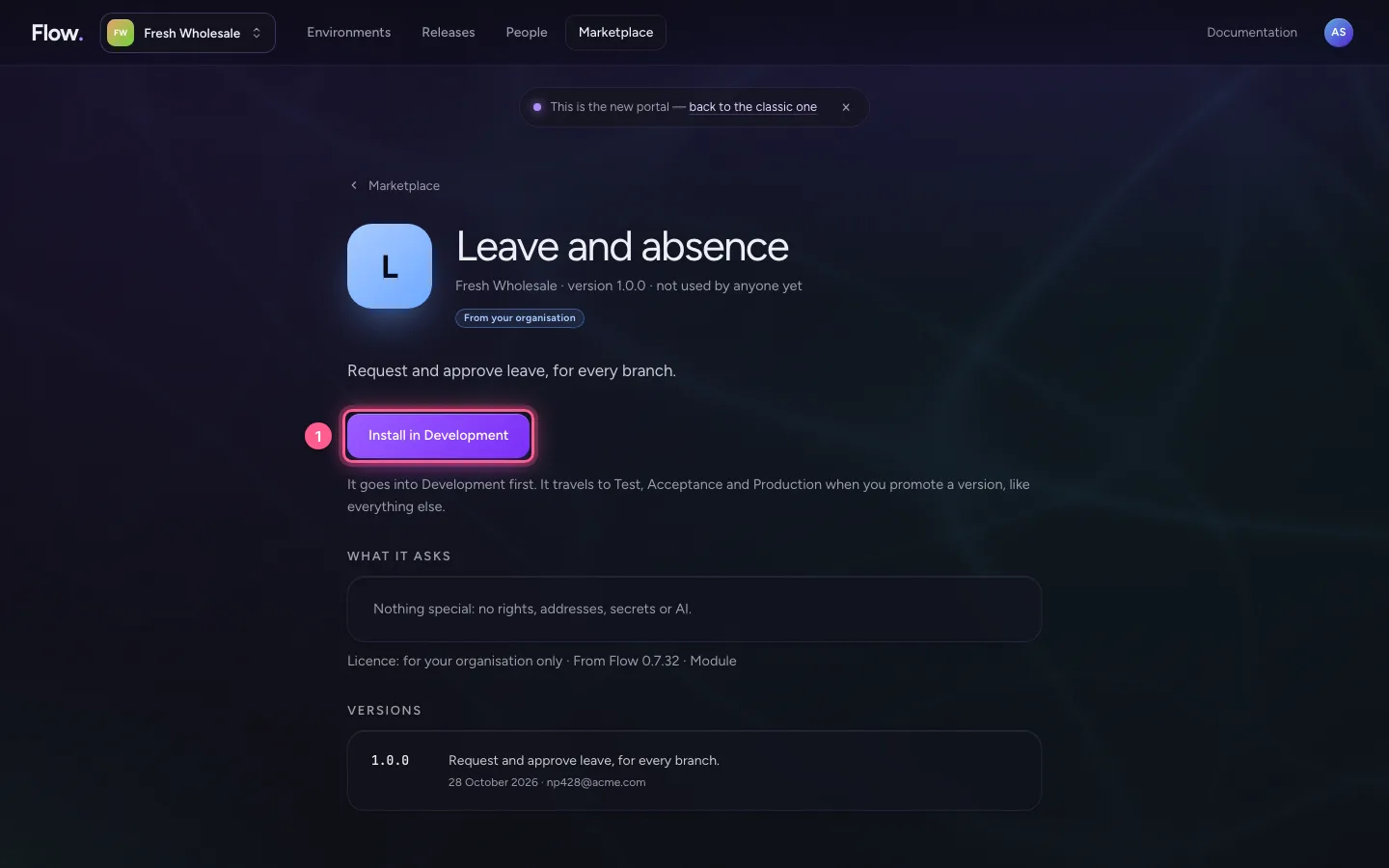
Read what it asks for
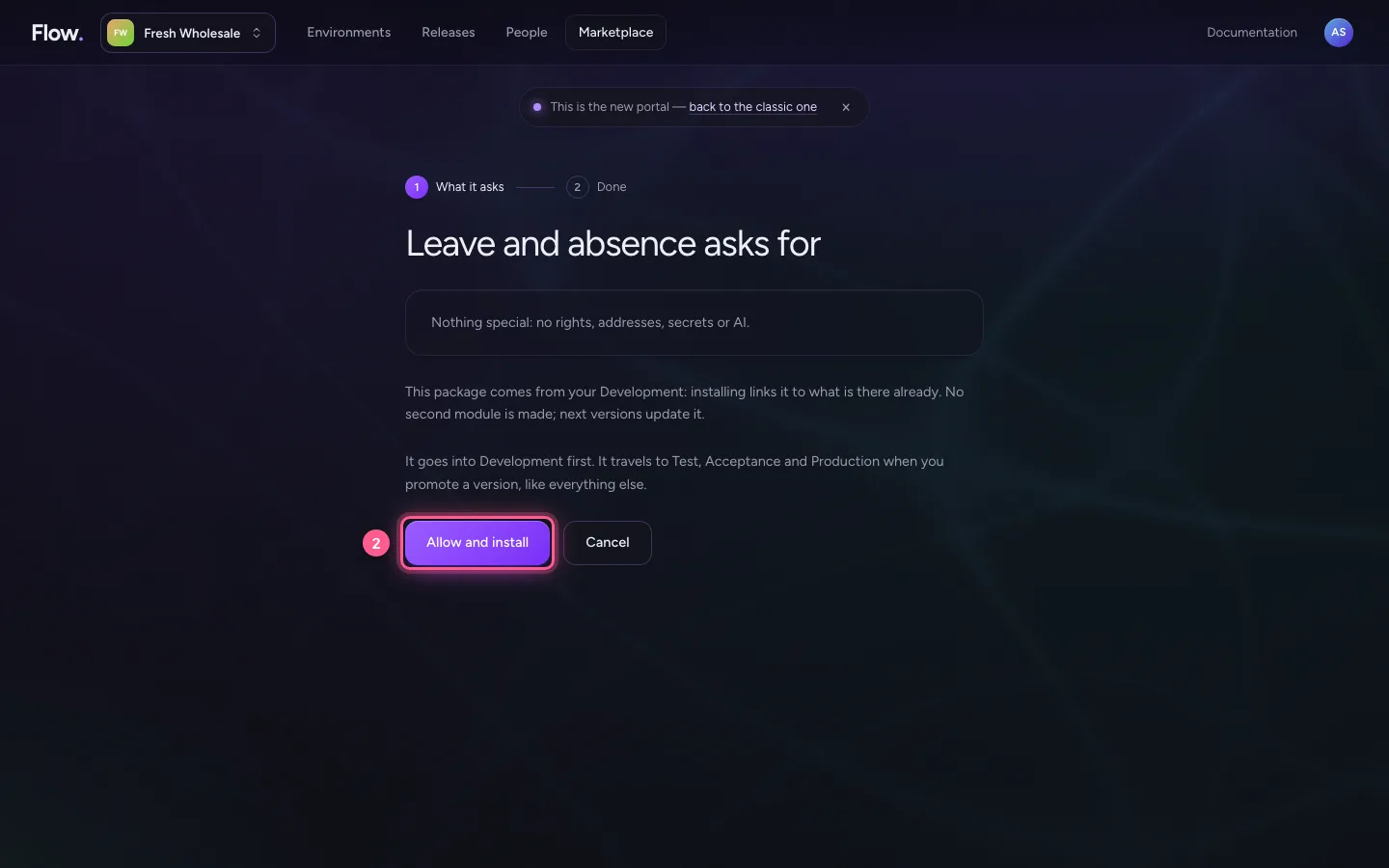
Choose Install in Development. You see which rights the package asks for, which addresses it may reach and which secrets you put in your vault yourself. Is that right? Then choose Allow and install.
- Click Install in Development
- Click Allow and install
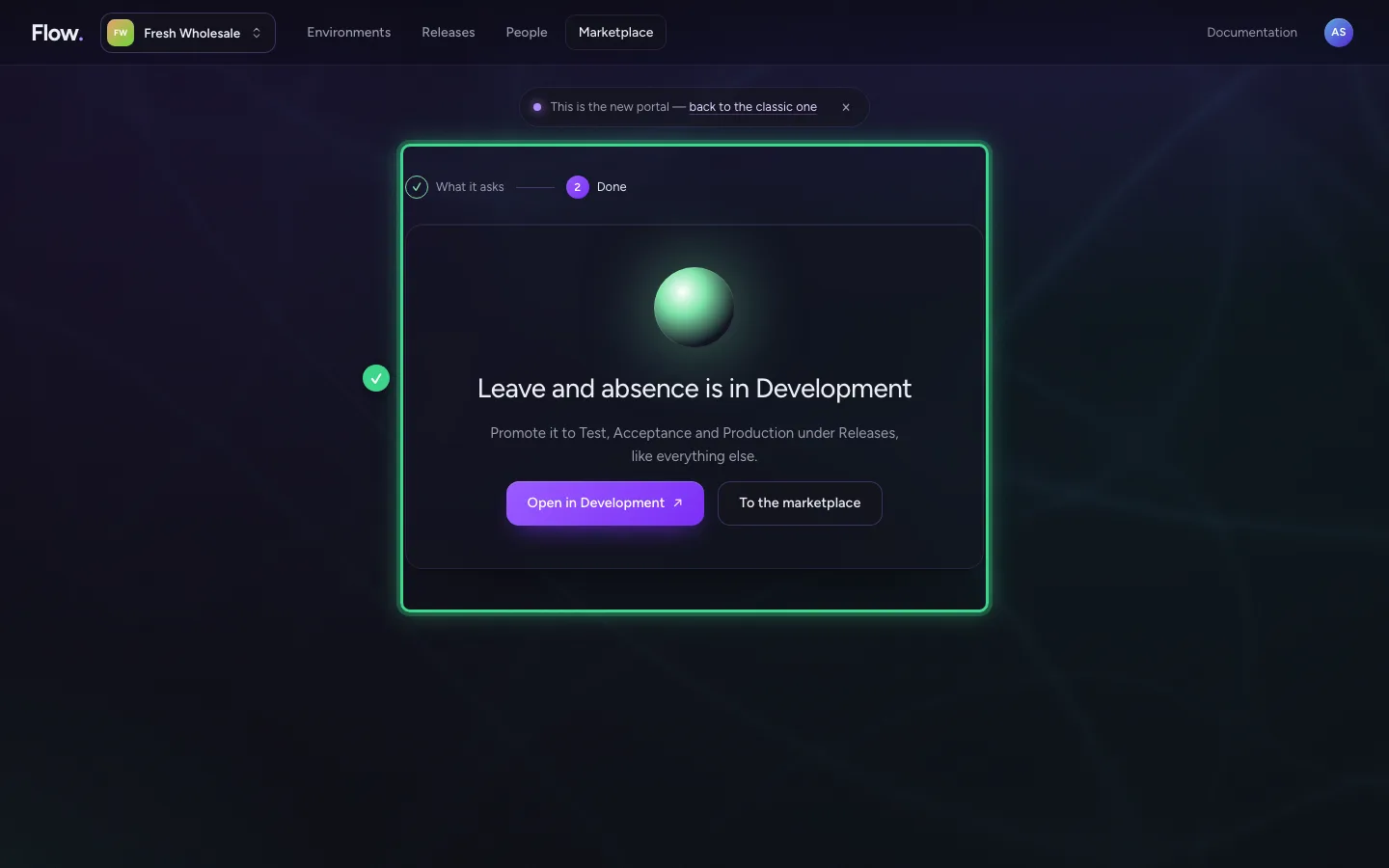
Done: it is in Development
The package is now in Development. With Open in Development you try it straight away. It moves to Test, Acceptance and Production when you promote a version under Releases, like everything else.
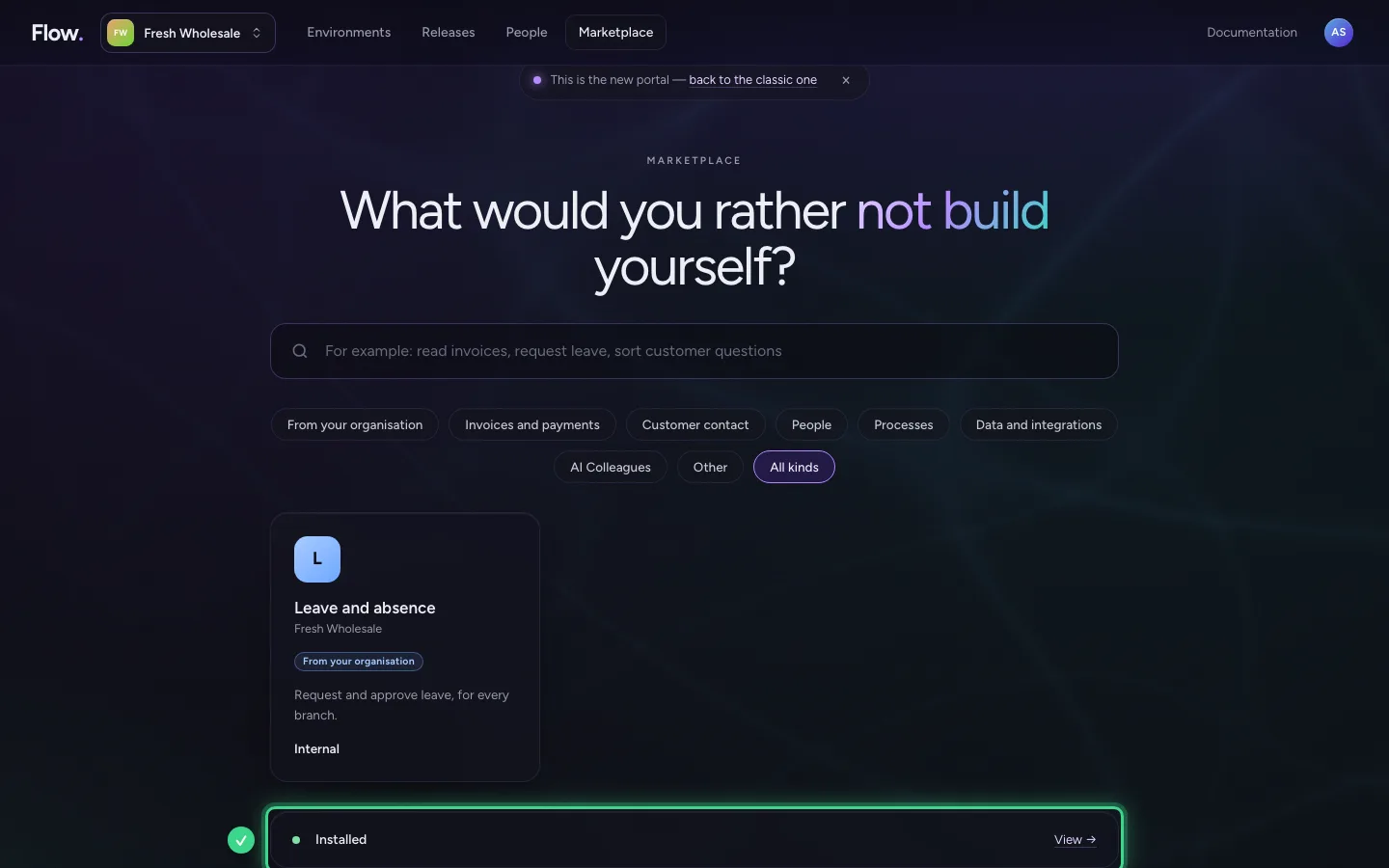
What you installed
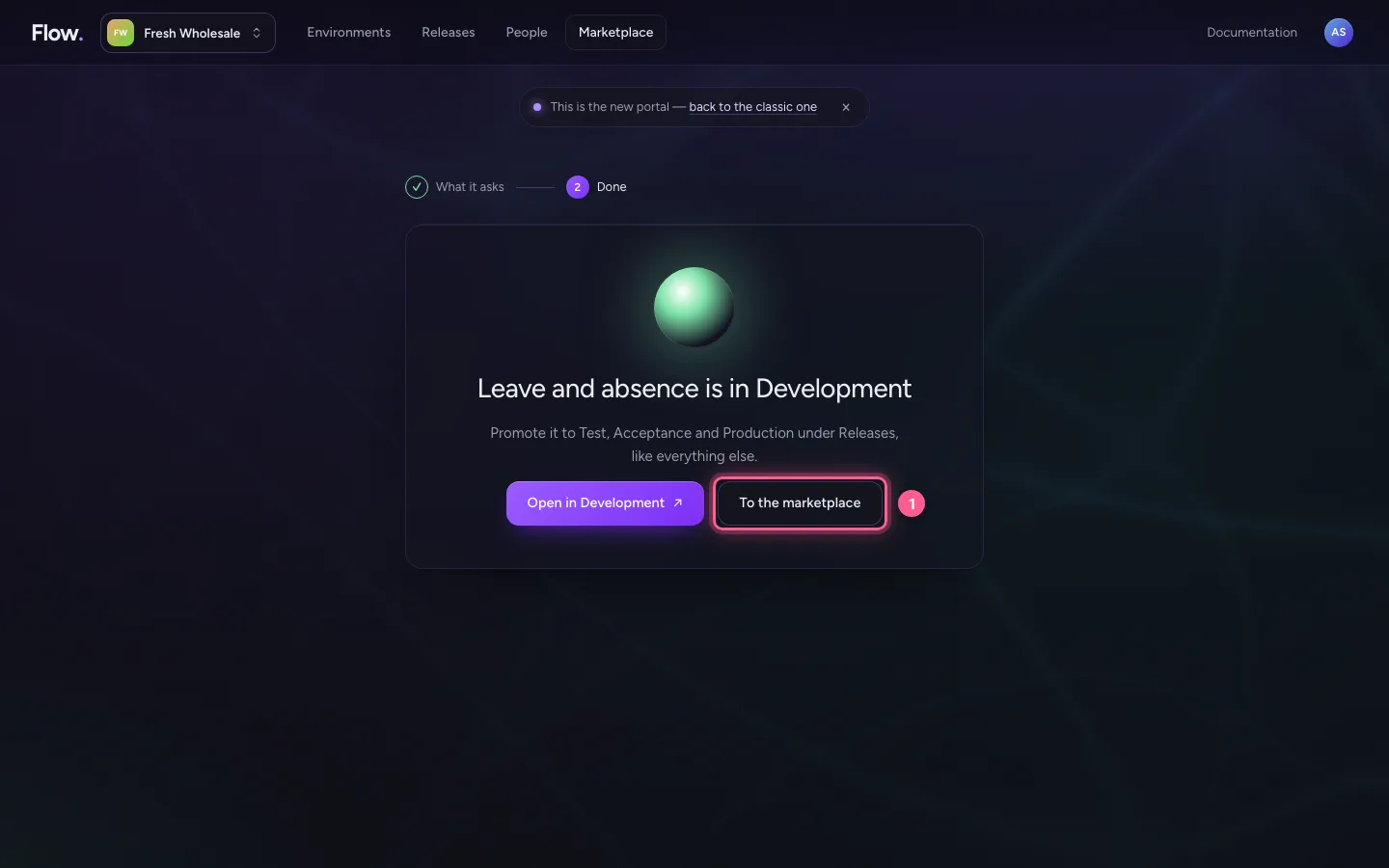
Back in the Marketplace is Installed: what your environments have from the marketplace, and where a newer version is ready.
- Click To the marketplace
This guide was carried out step by step on 28 Oct 2026 by an automated test on Flow (version 96971699).