A chat widget from a template
A chat widget shows data in the chat as a card, table, key figures or chart, instead of long text. You start from an example that works straight away, test and publish it, and then fill it from a workflow. An AI Colleague that may use the widget shows it in the chat itself.
Open your development environment
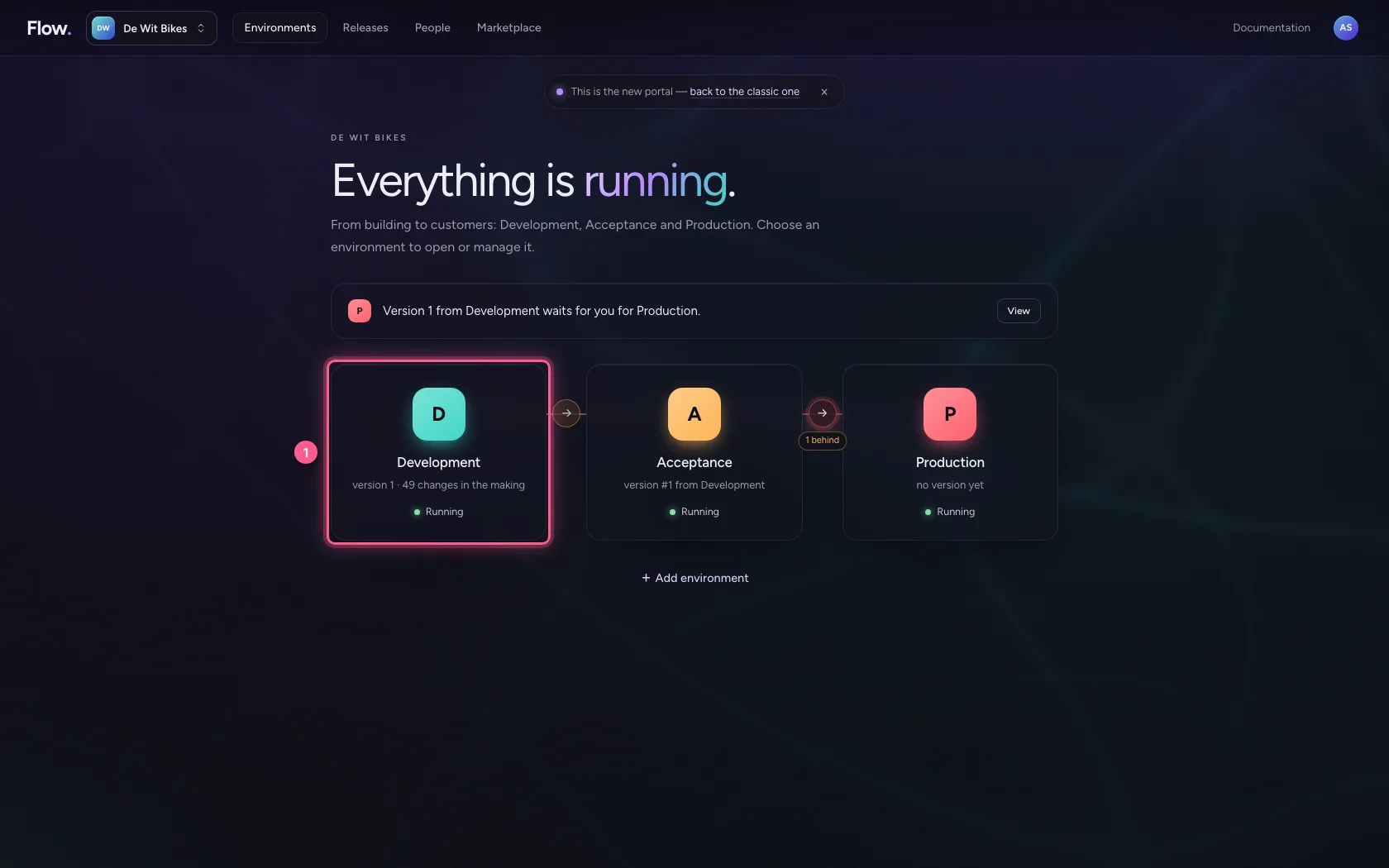
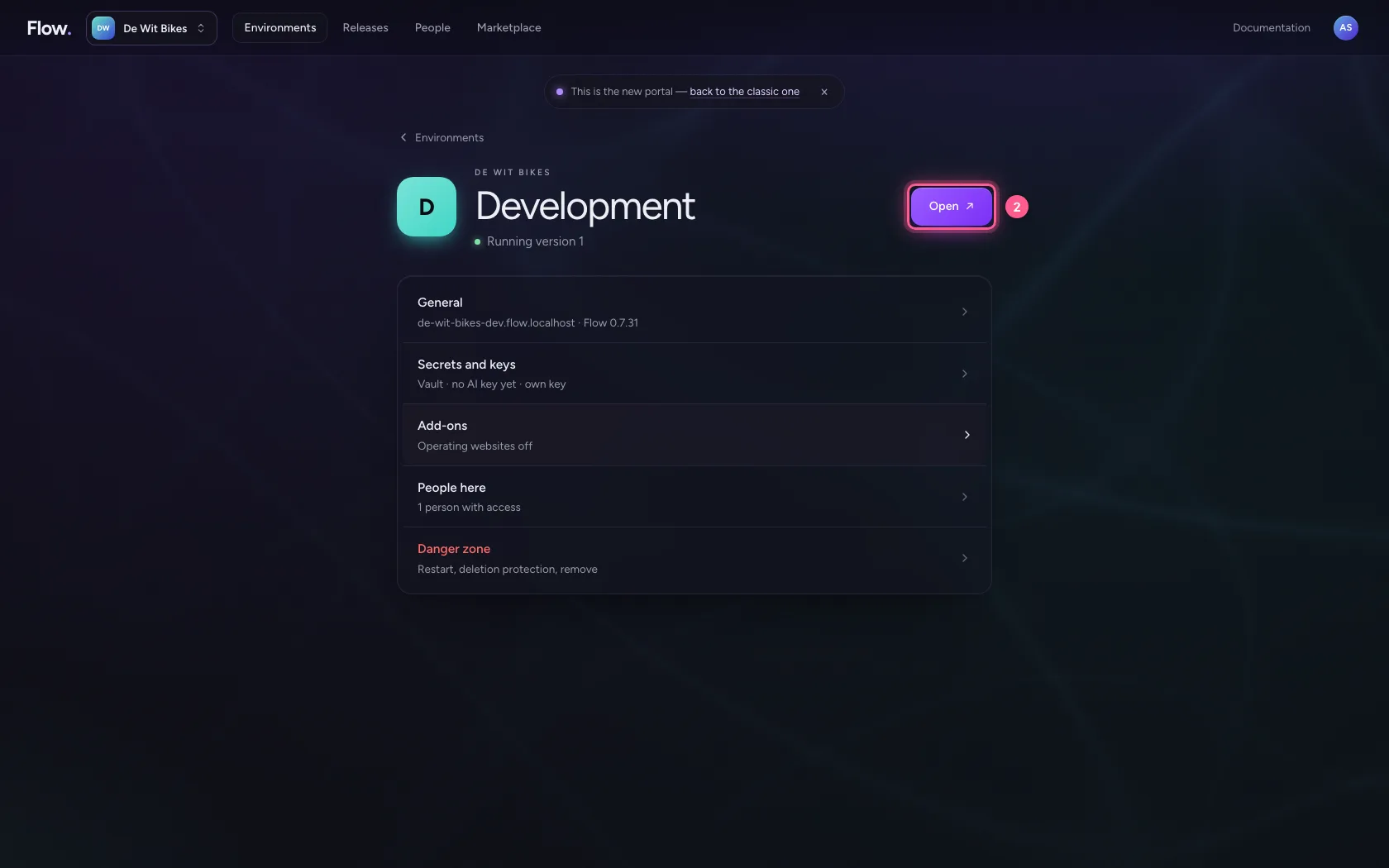
In the portal, under Environments, click Development, and there Open. Flow opens in a new tab and you are signed in straight away.
- Click Development
- Click Open ↗
Pick an example
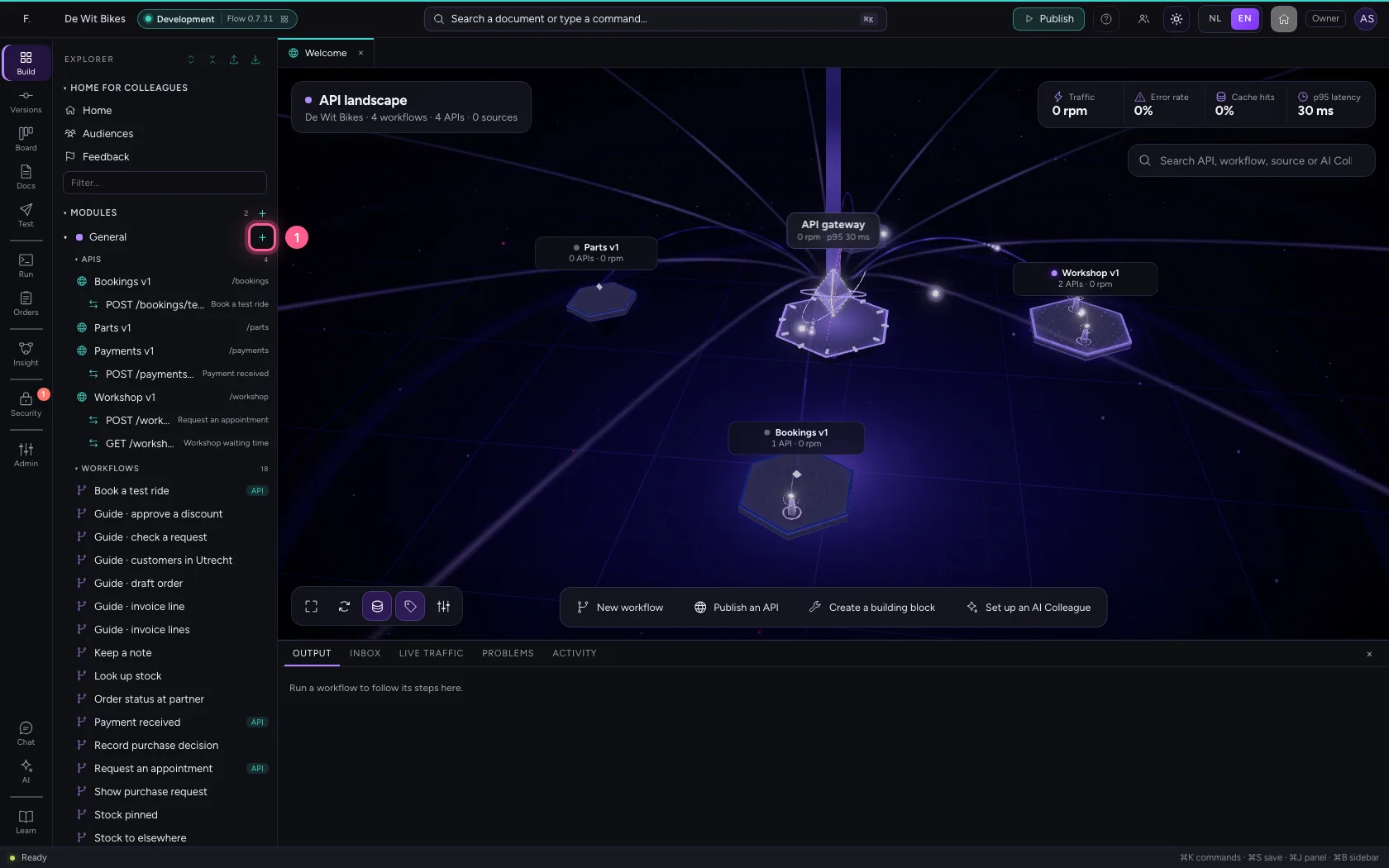
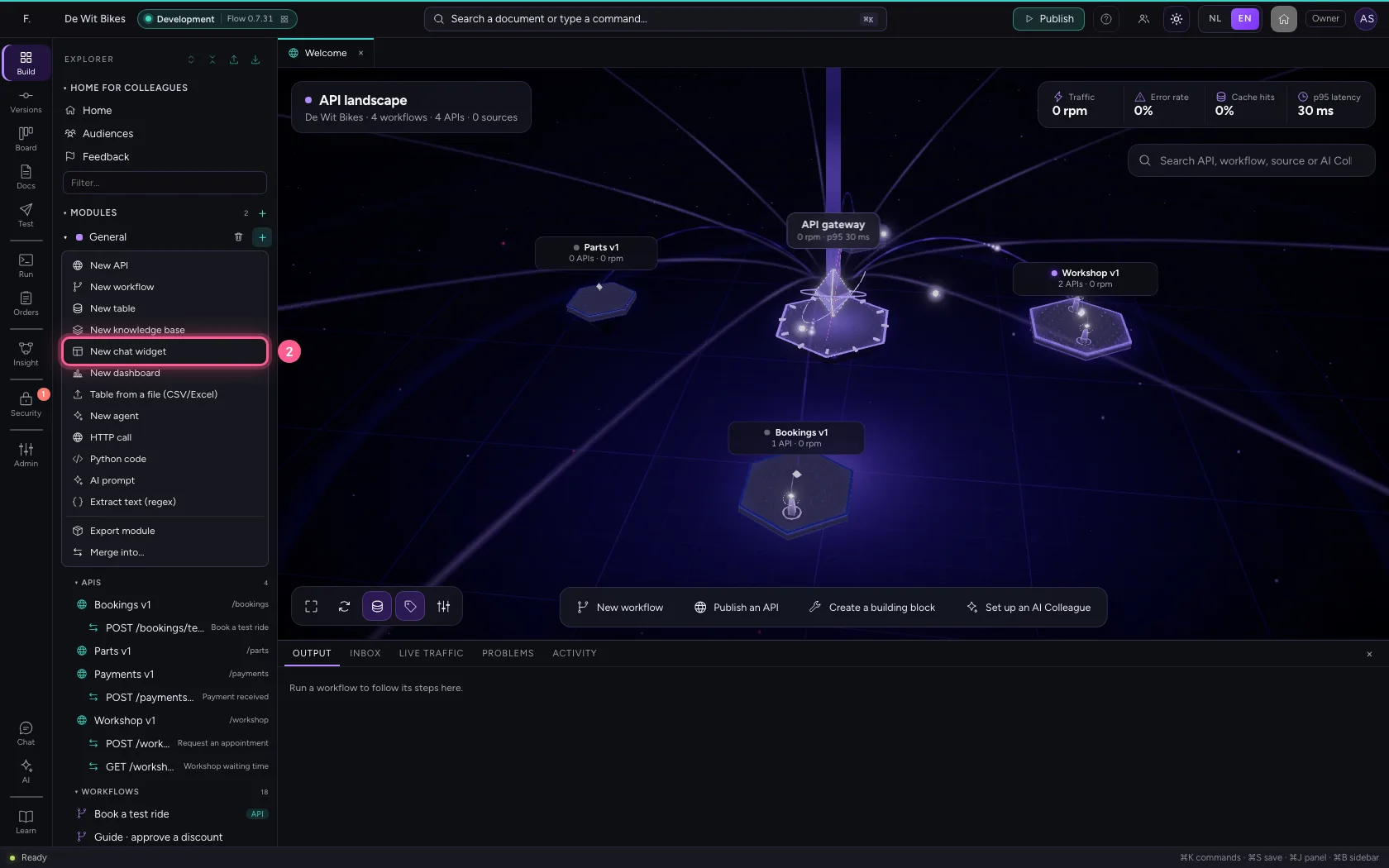
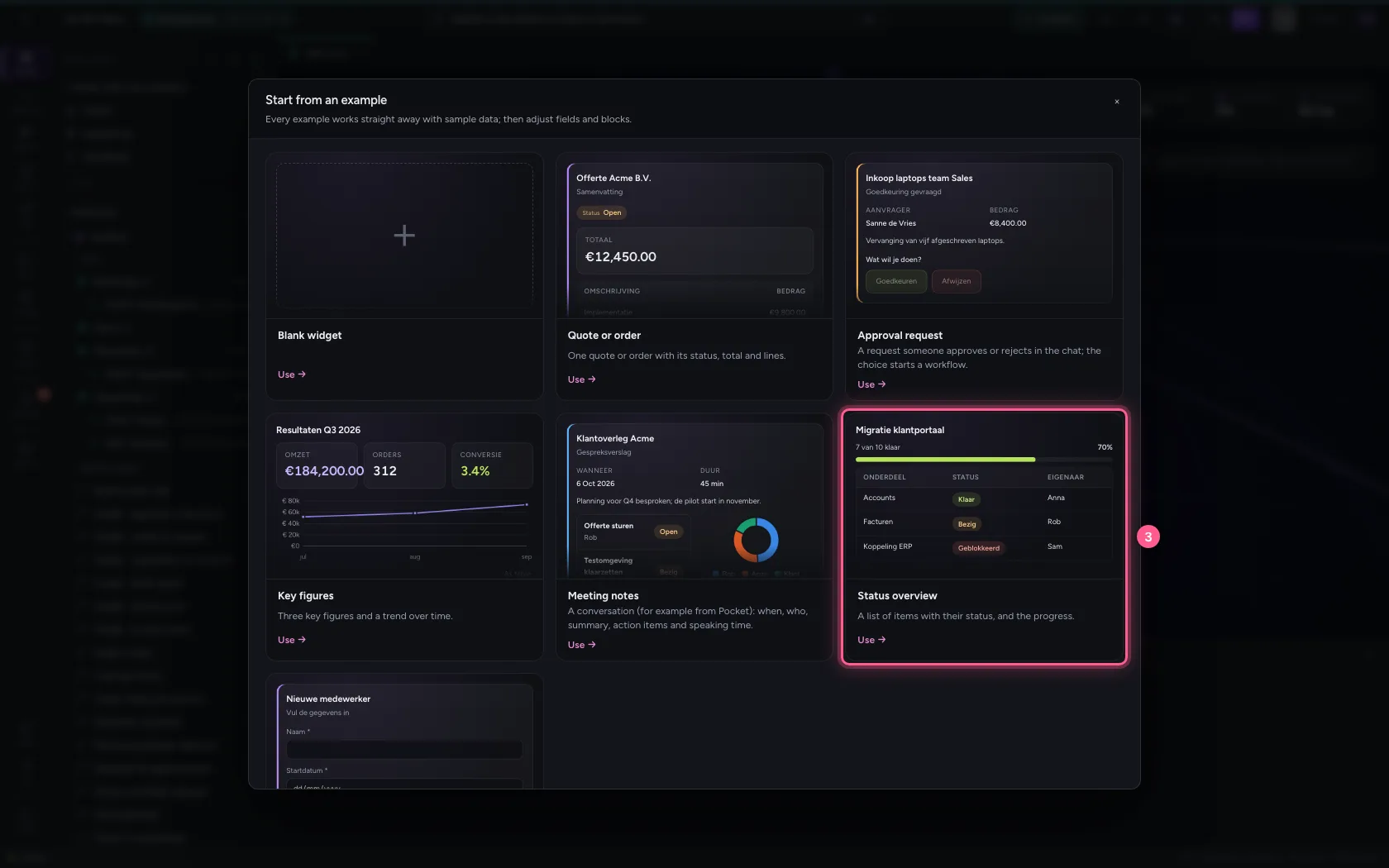
Click + next to General and choose New chat widget. Every example is drawn with its own sample data: what you see is what the chat shows. Choose the Status overview: a title, progress and a table.
- Click Add to General
- Click New chat widget
- Click Status overview
Name the widget
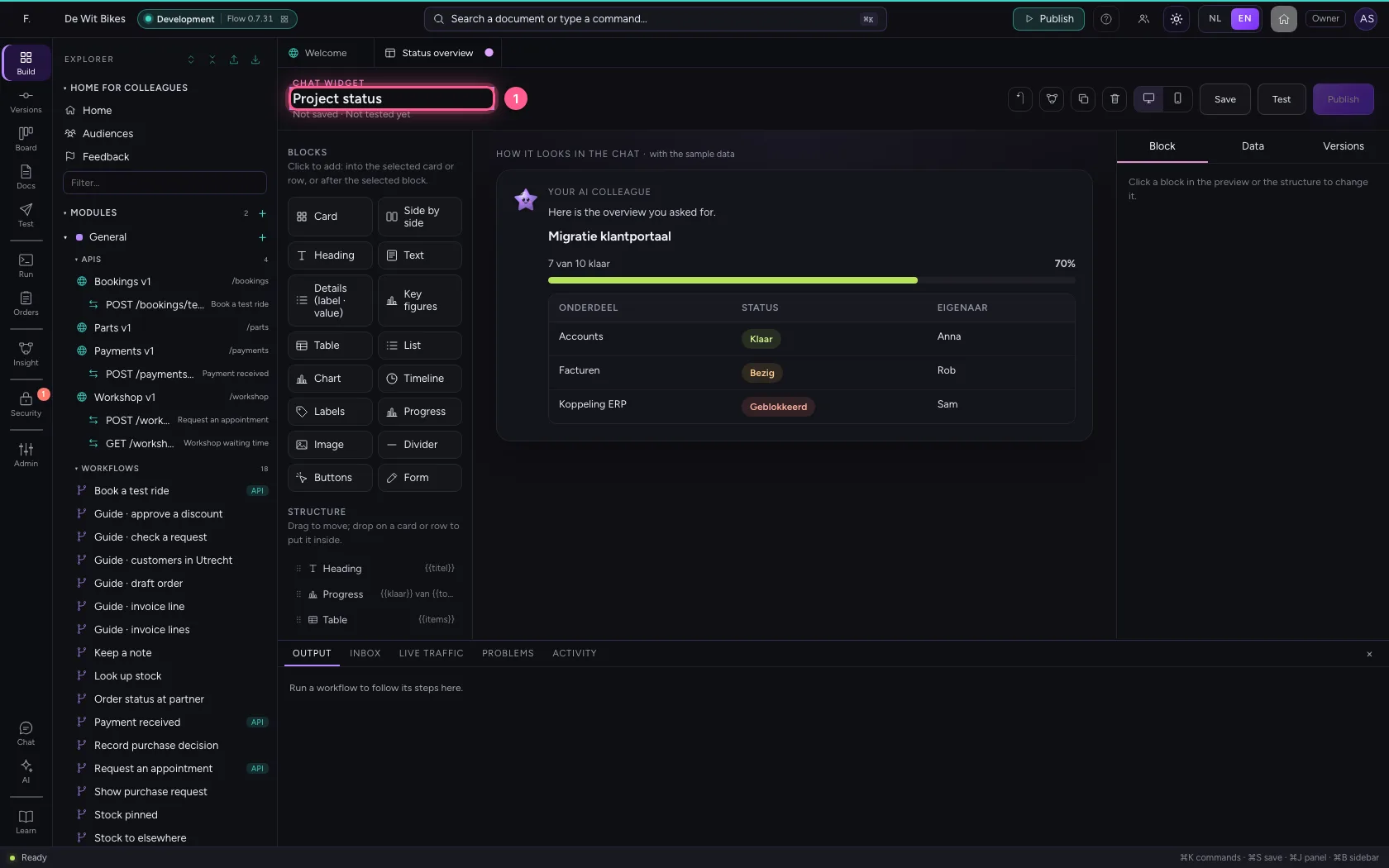
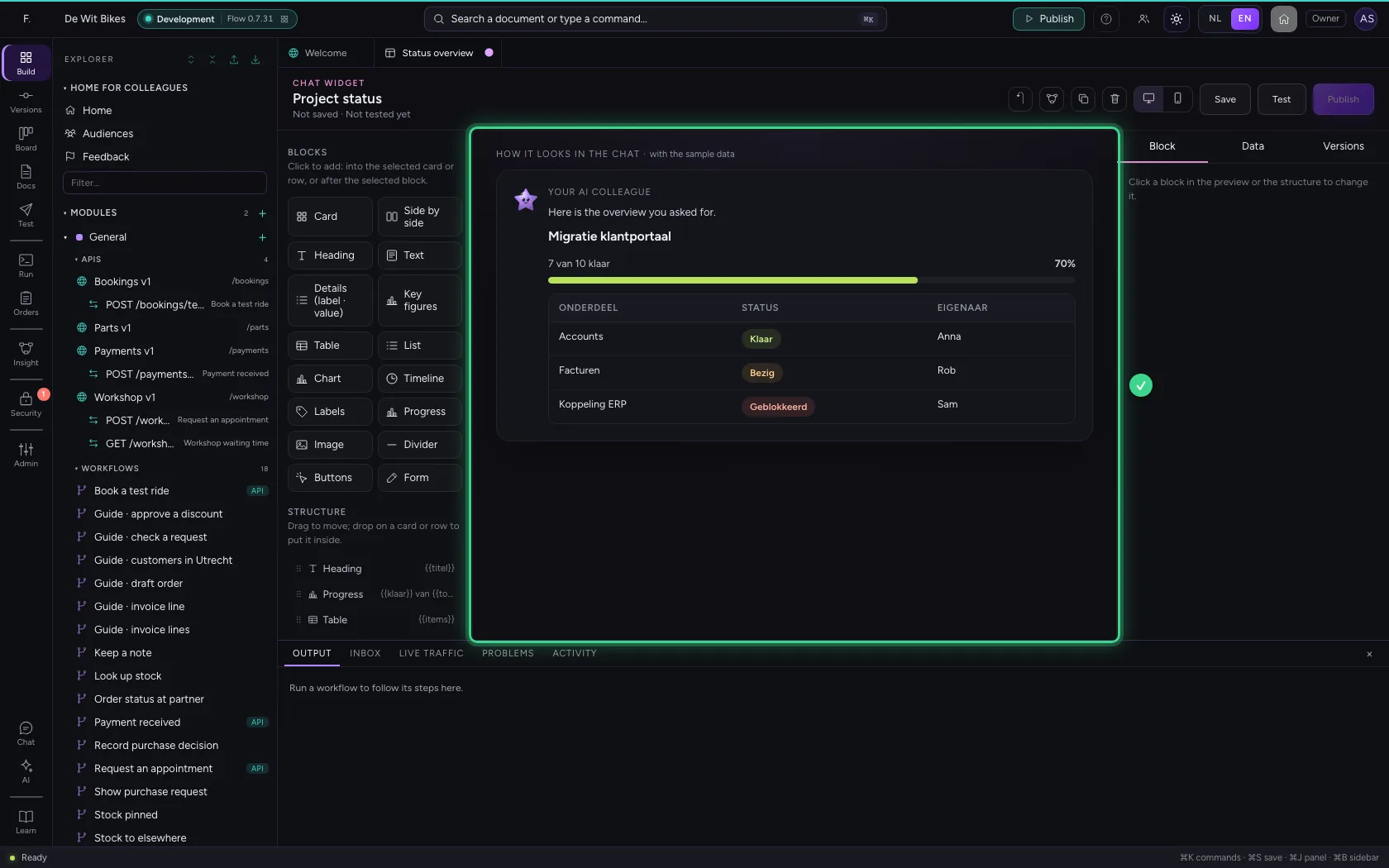
In the middle you see the widget as it appears in the chat. On the left are the blocks, on the right you adjust a block, and under Data you see which fields the widget needs. Give it a name that says what it shows.
- In Widget name, type
Project status
Save, test and publish
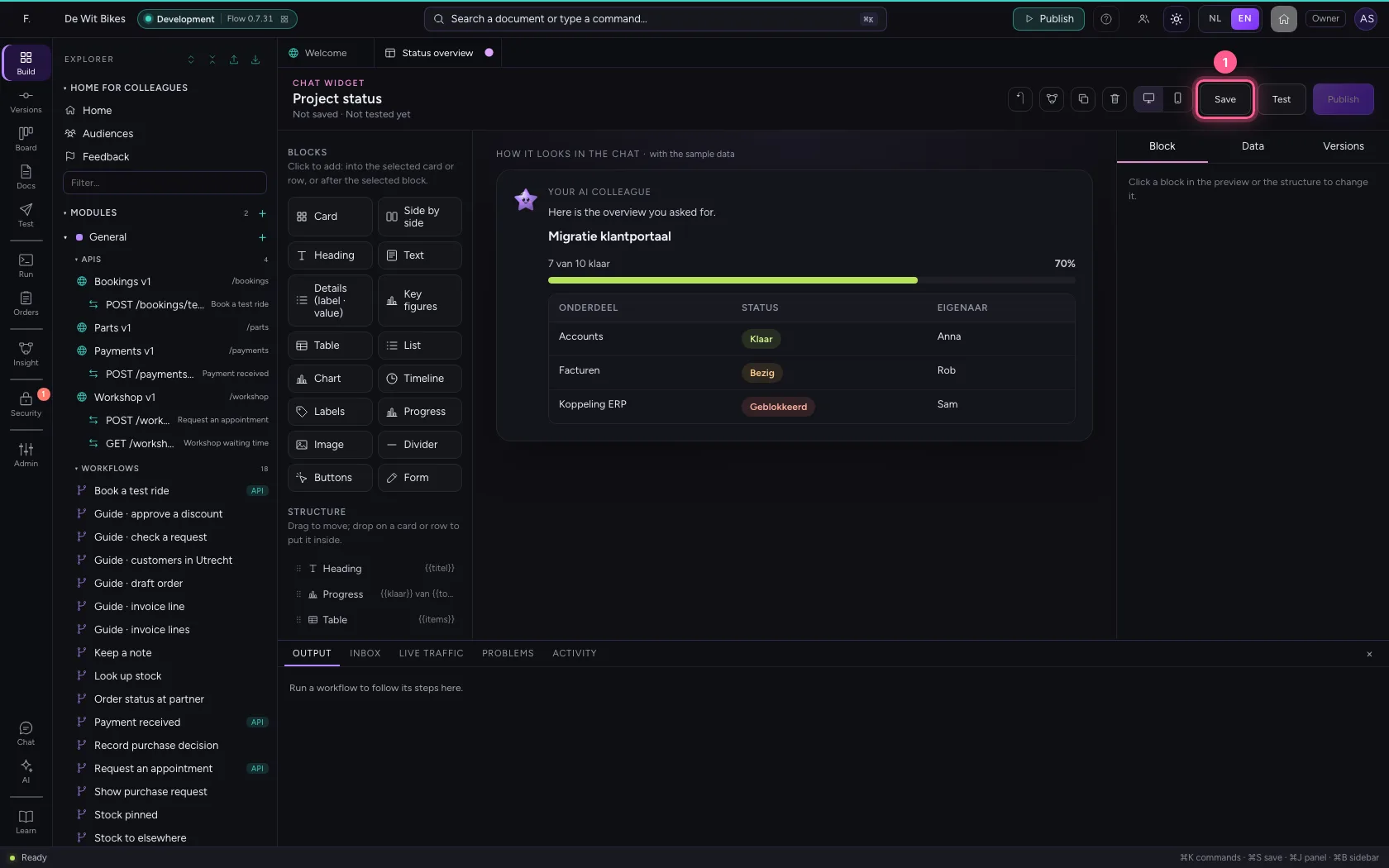
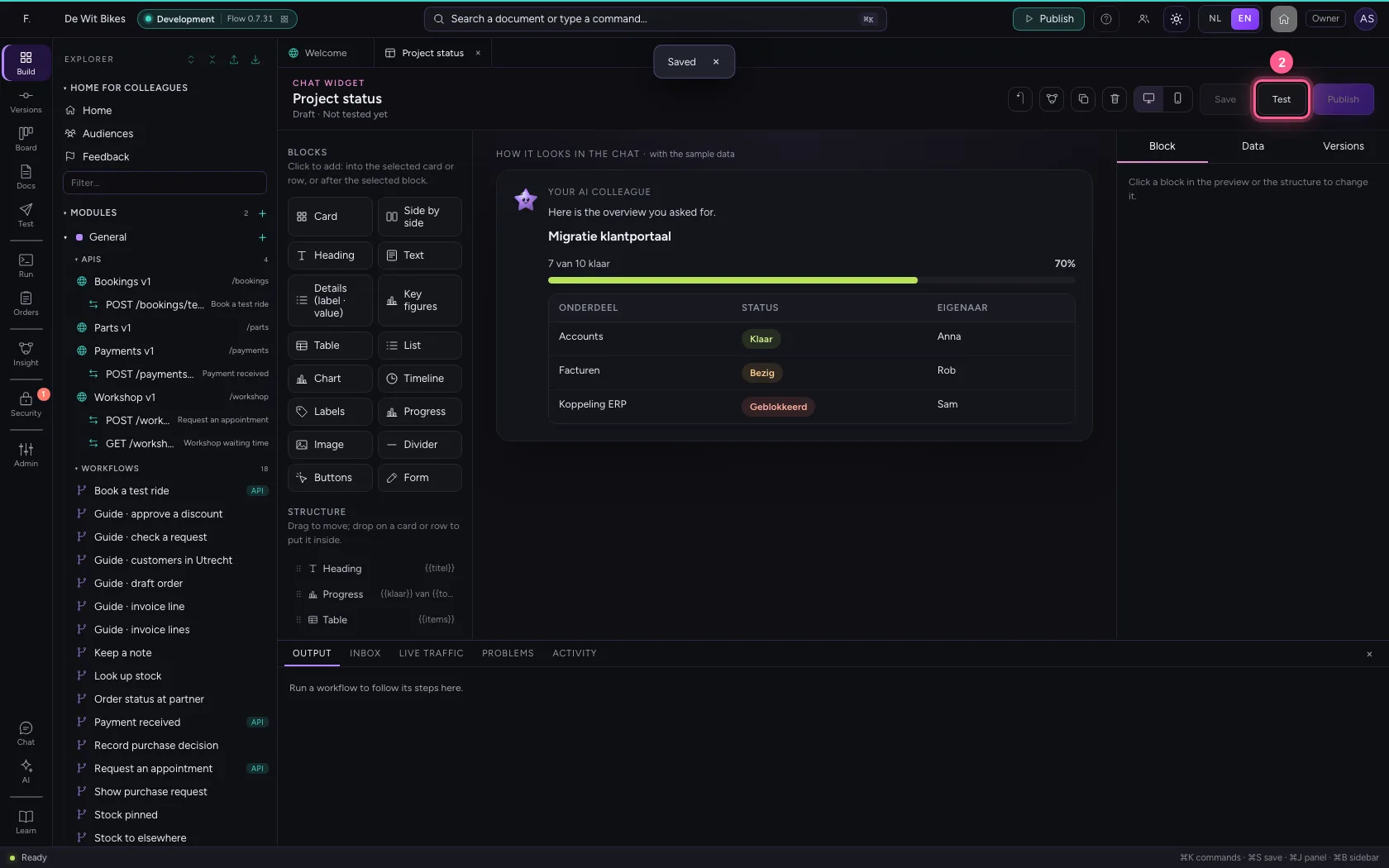
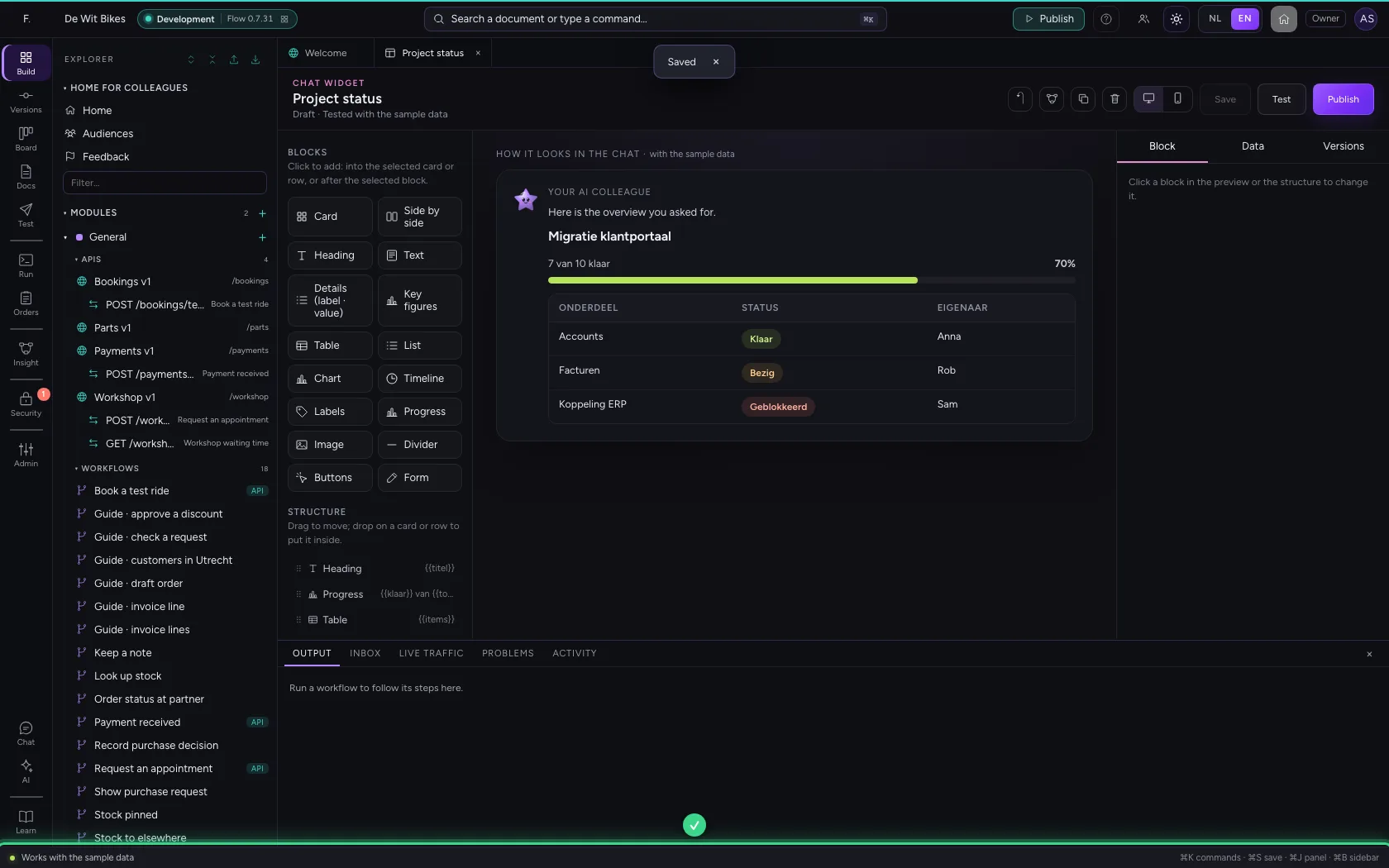
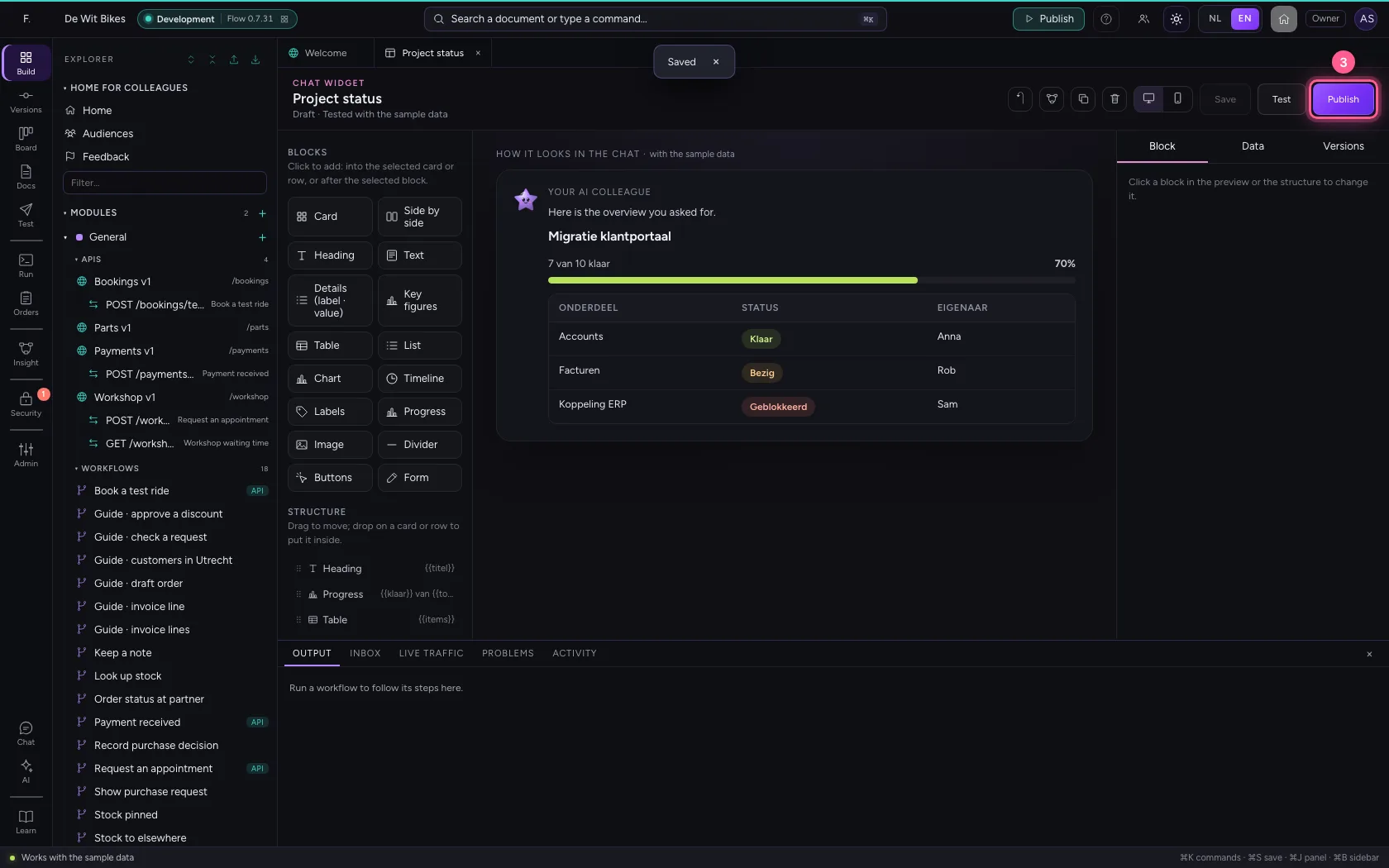
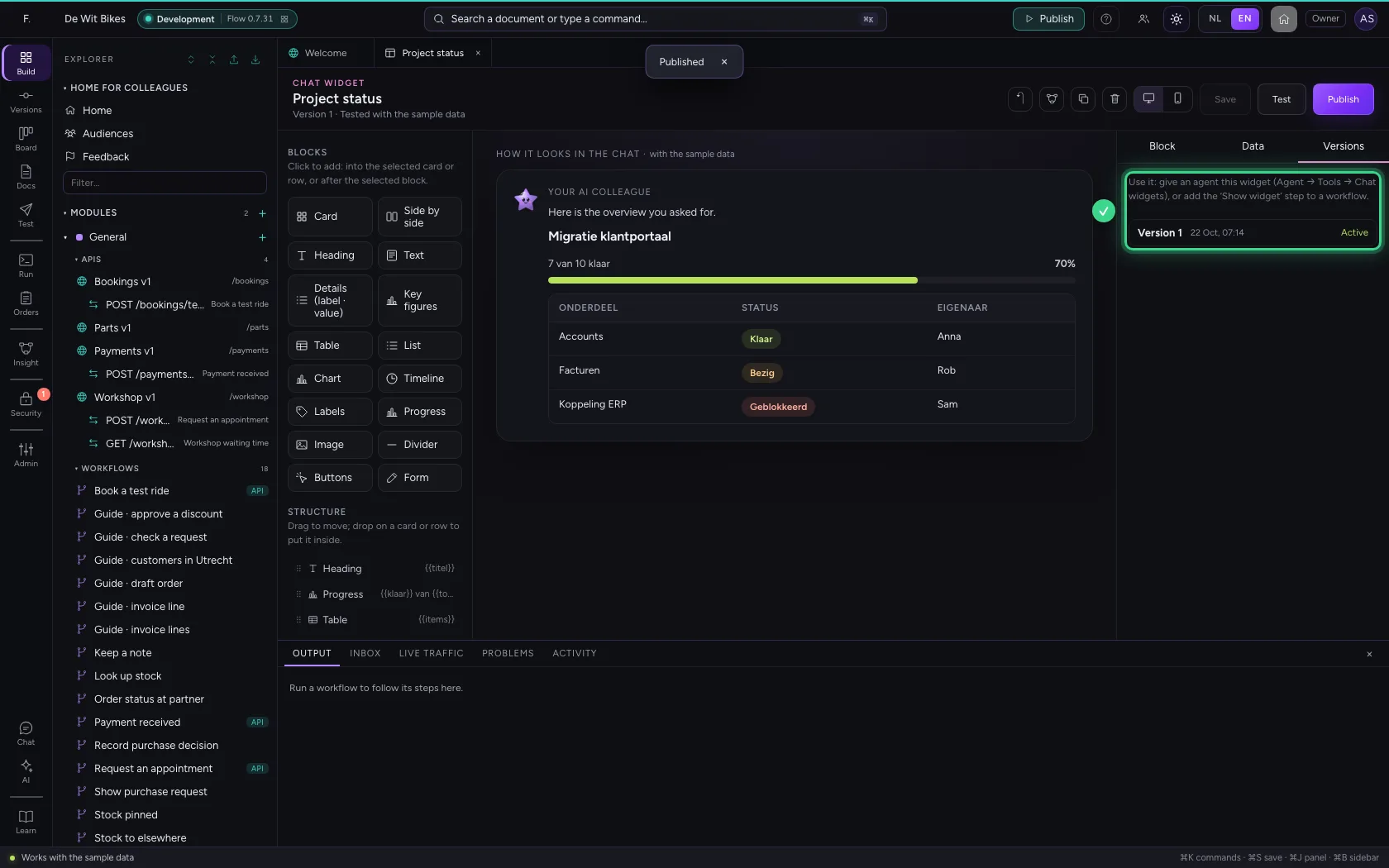
Test checks whether the sample data fits the fields the widget asks for. Only then can you publish; workflows and AI Colleagues use the published version.
- Click Save
- Click Test
- Click Publish
Create a workflow that fills the widget
Create a new workflow. Put a project with its tasks in the trigger's sample data: that is how the request will come in later too, through an API or another workflow.
- Click Add to General
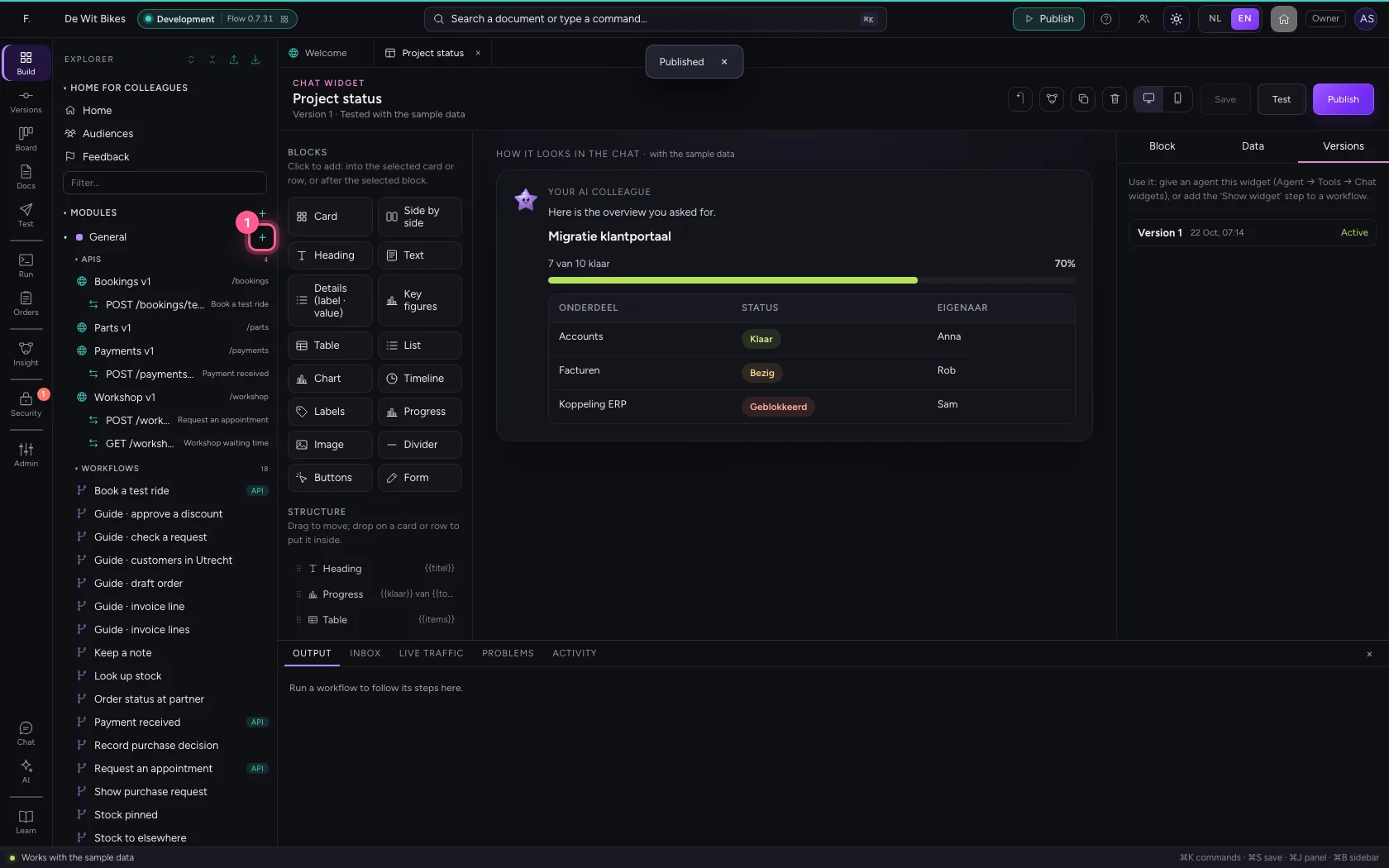
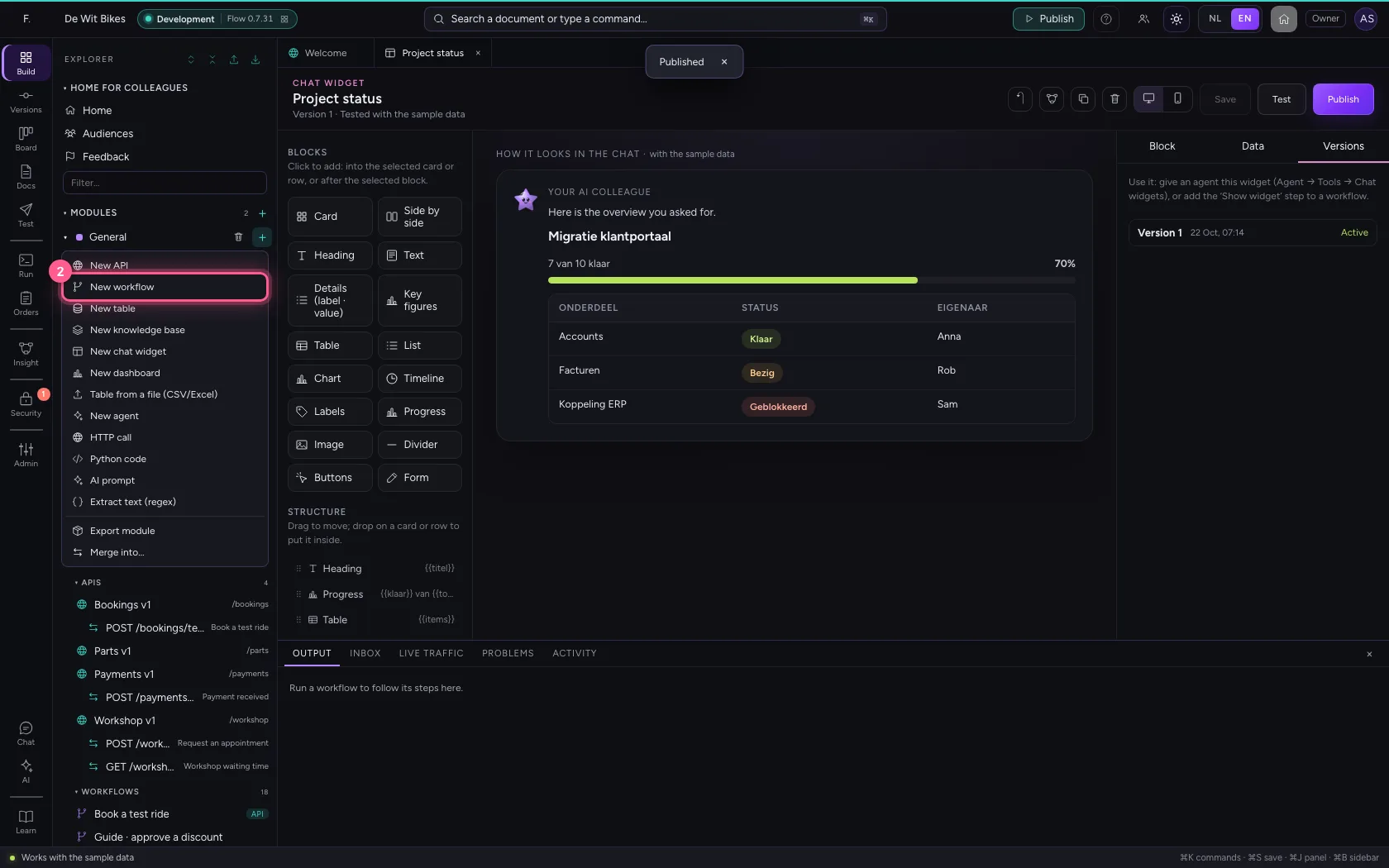
- Click New workflow
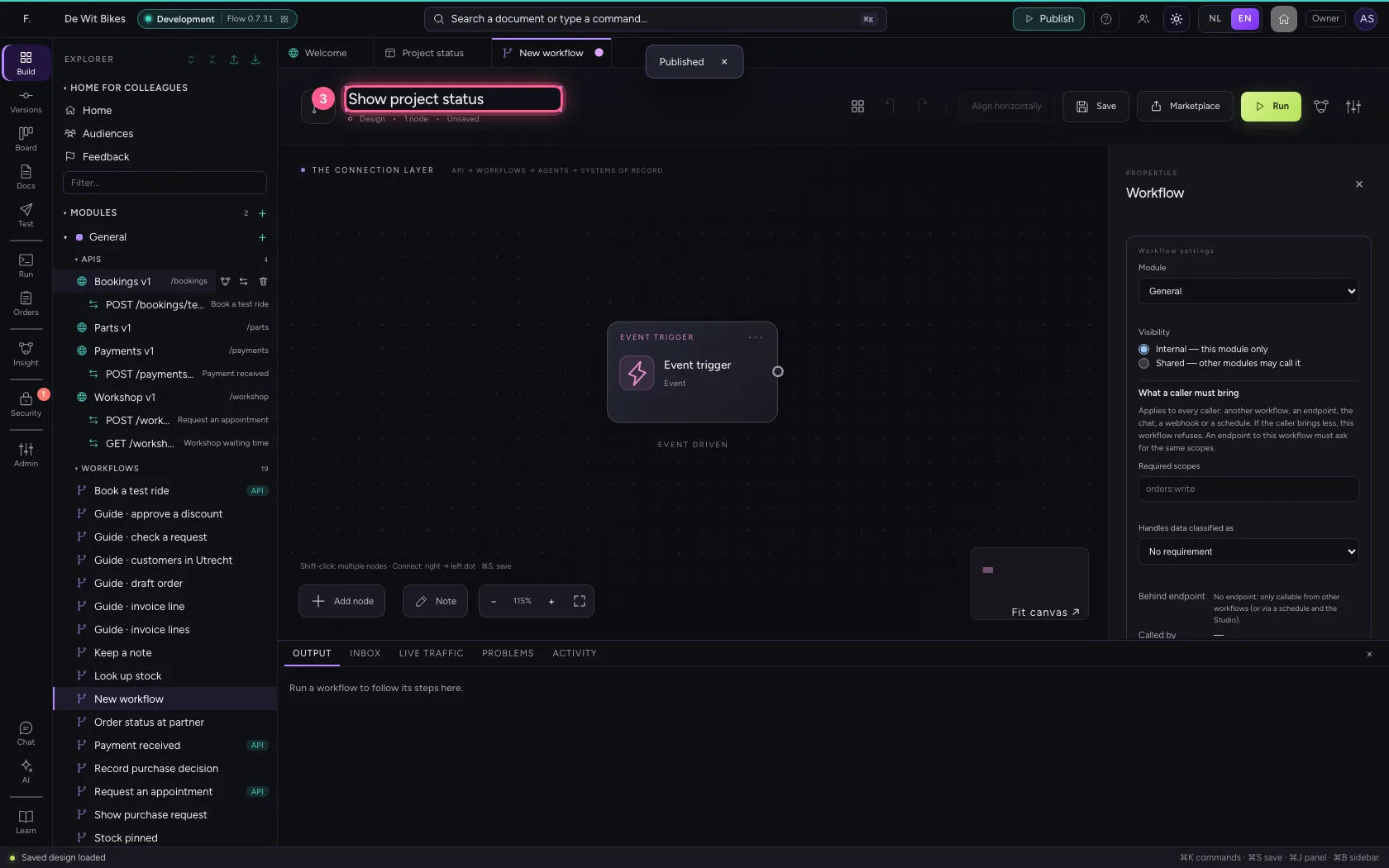
- In Workflow name, type
Show project status
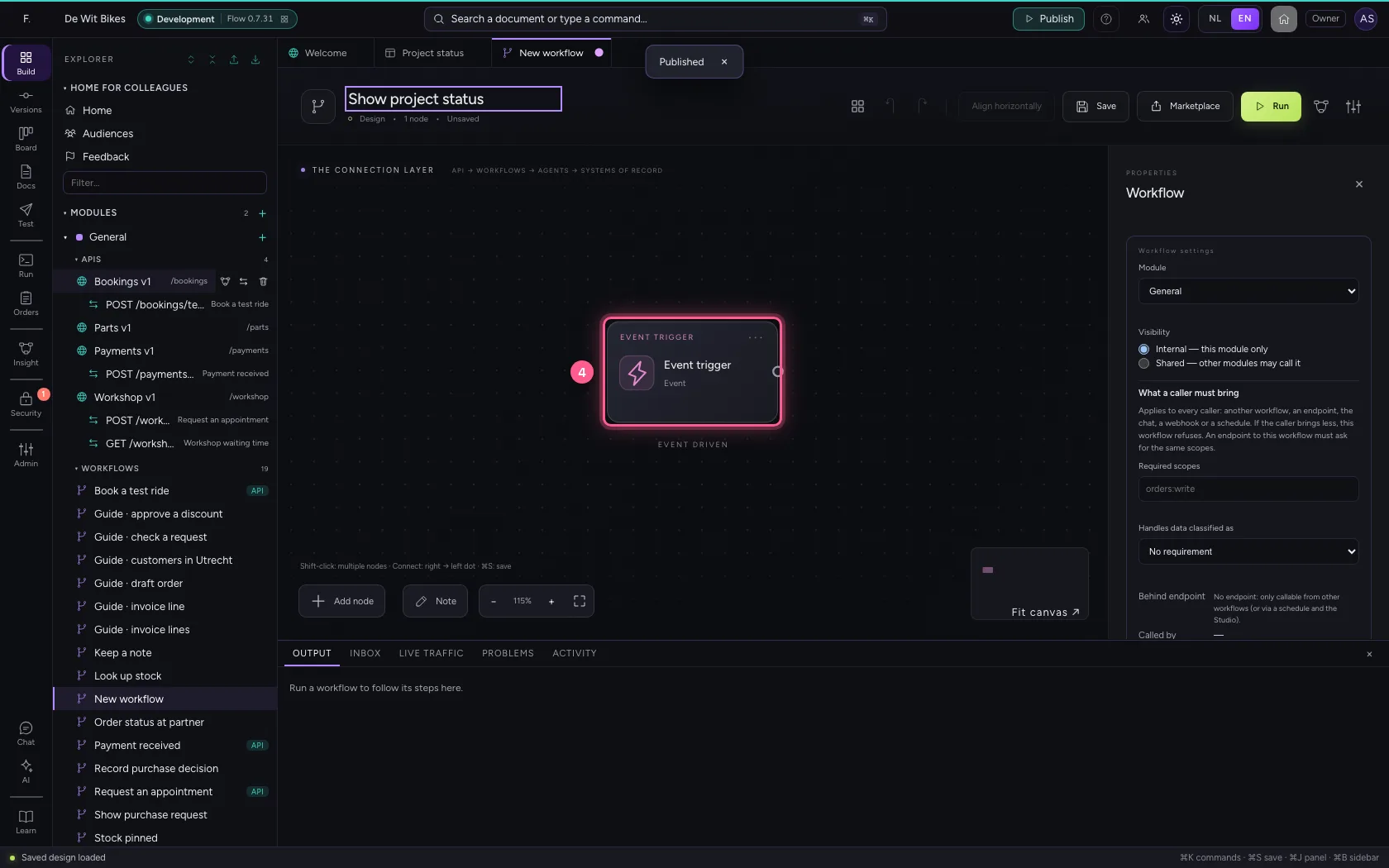
- Click the trigger
- Click Code
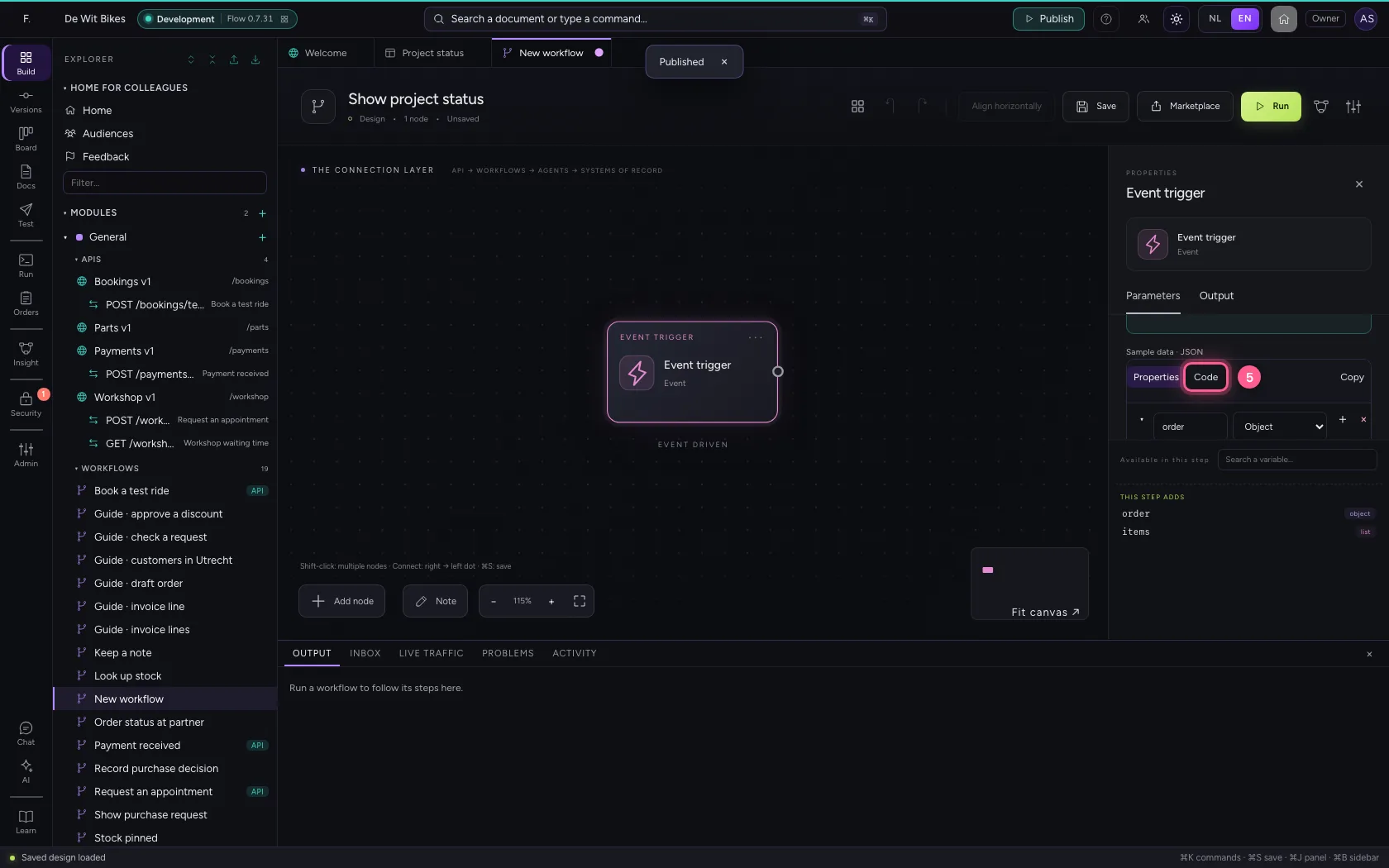
- In Sample data, type `{
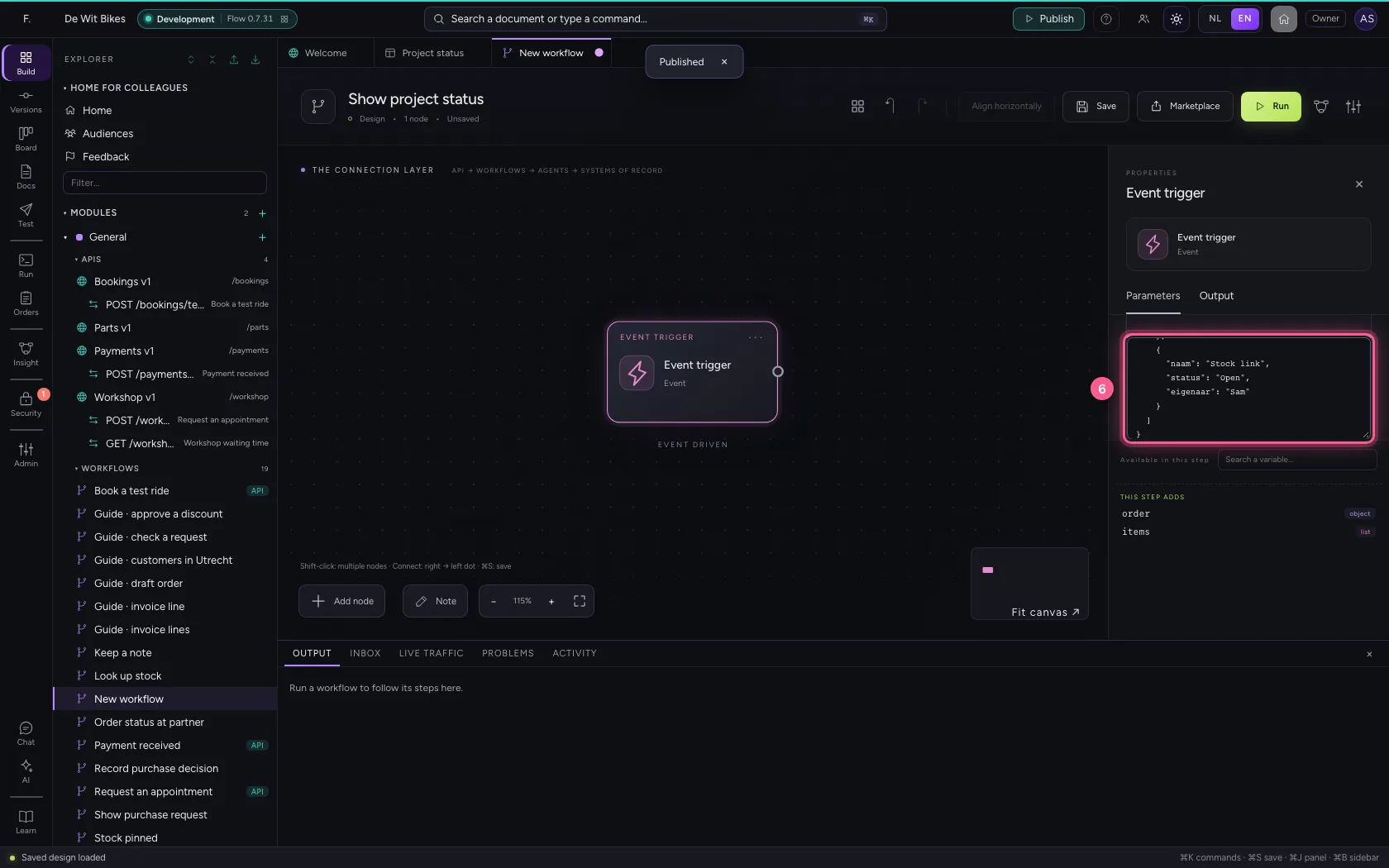
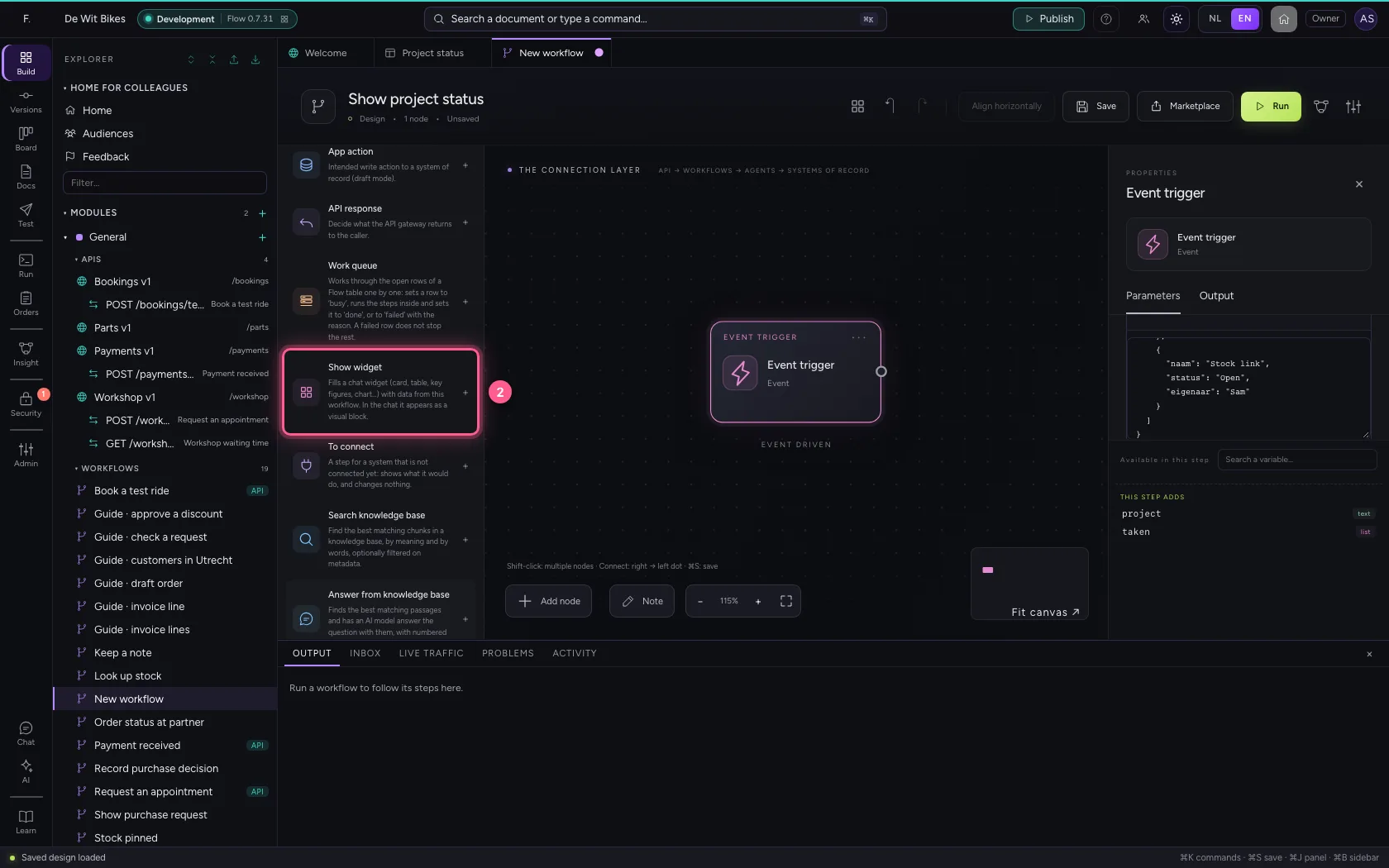
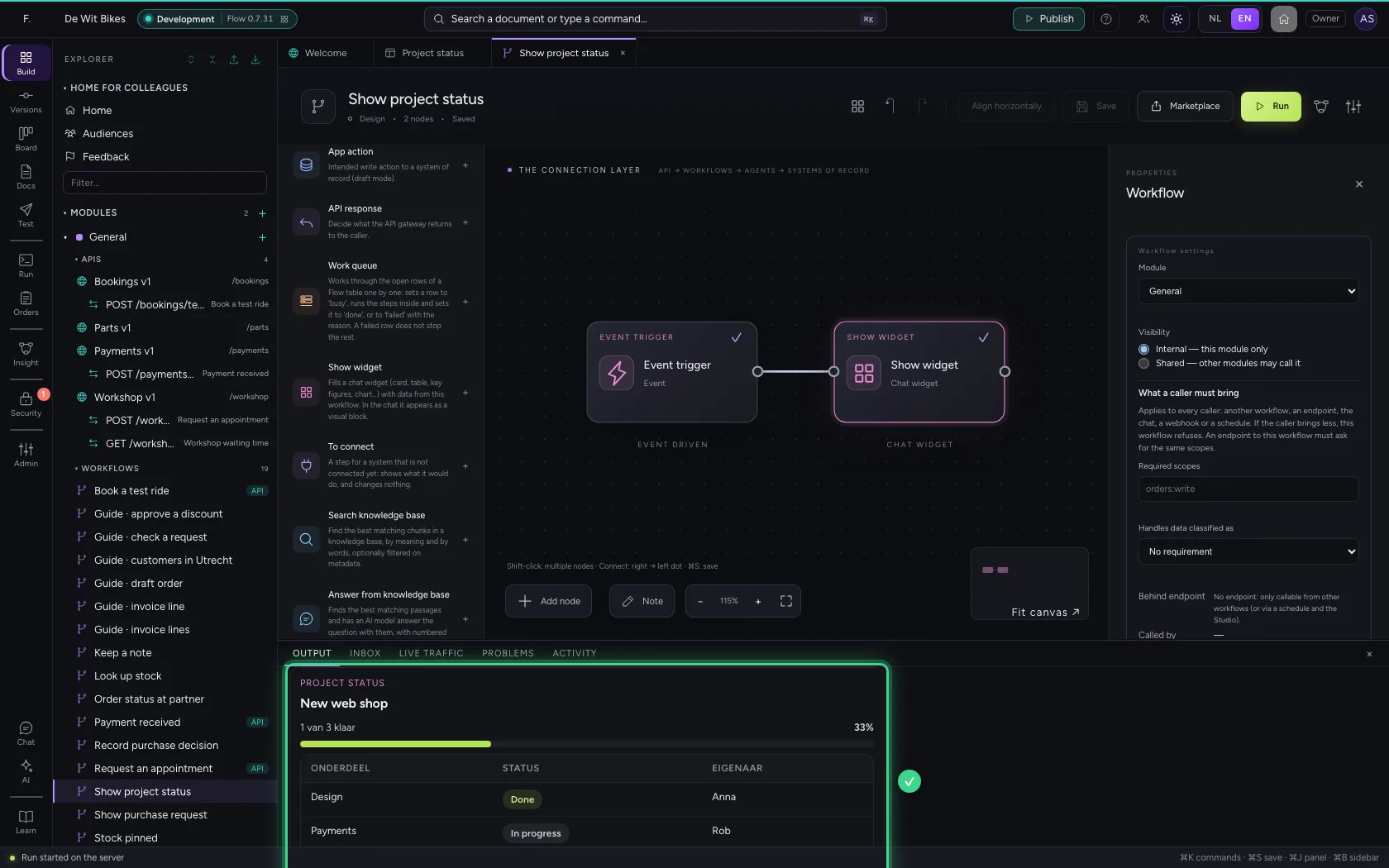
Add the Show widget step
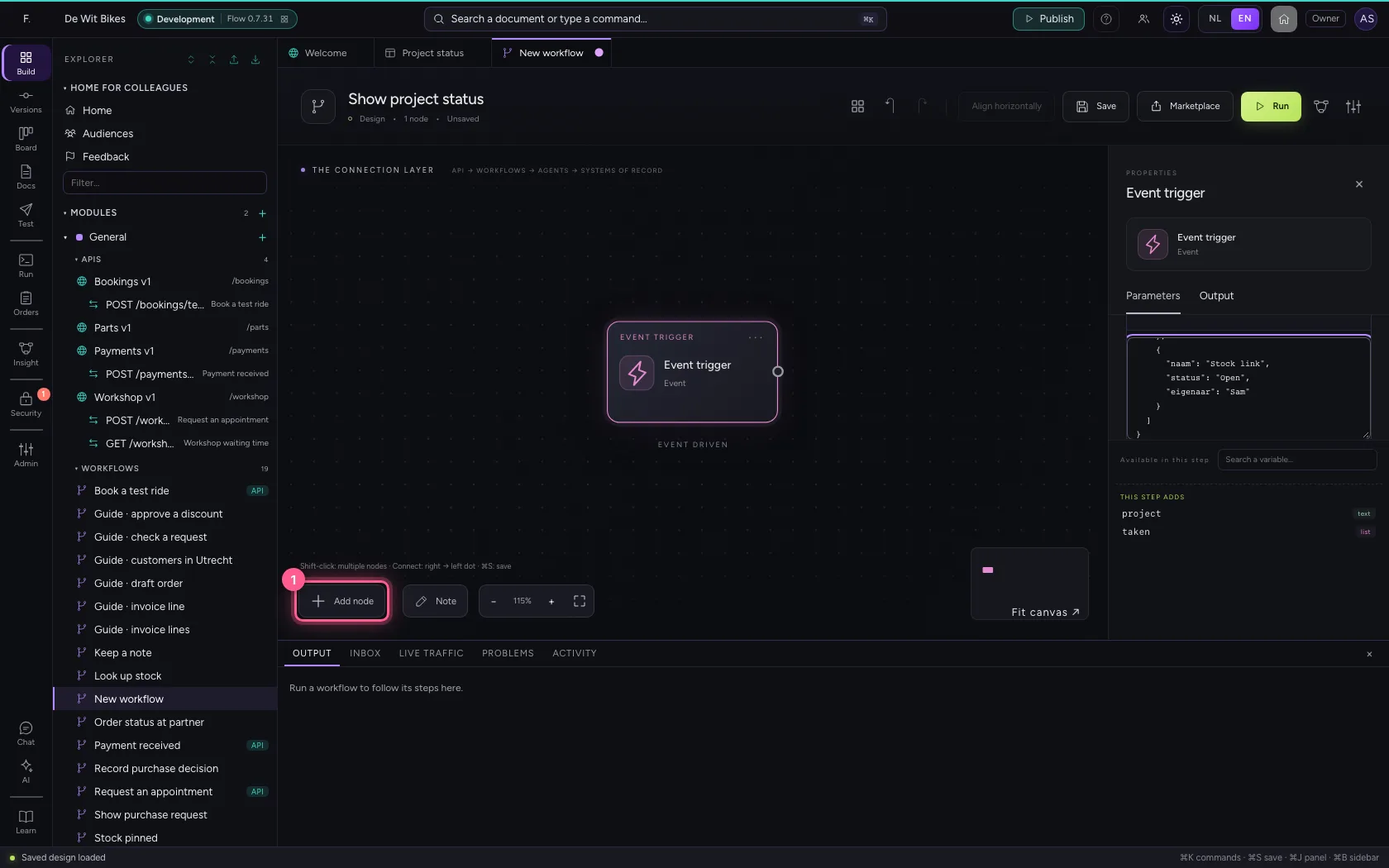
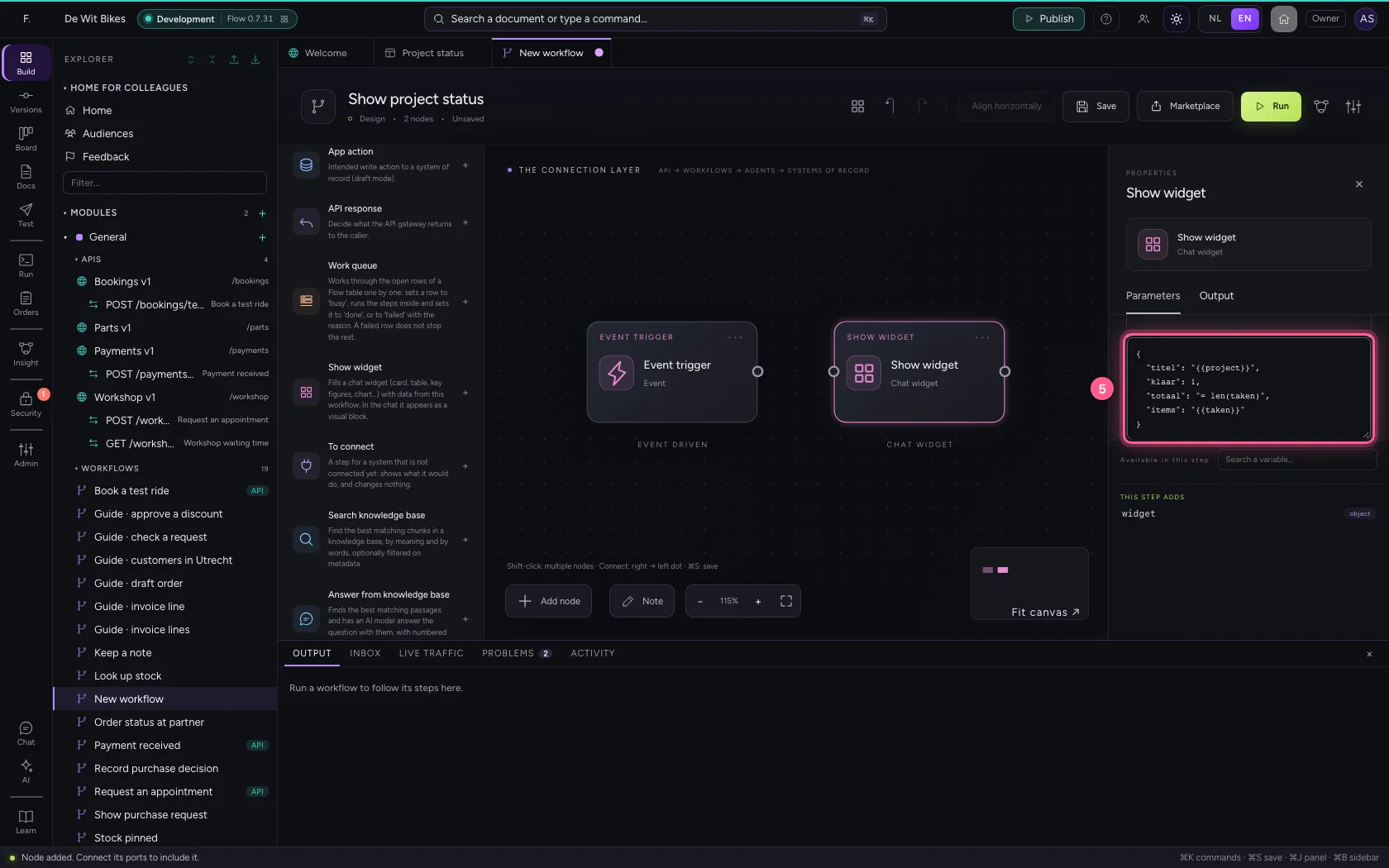
Choose your widget and say per field where the value comes from. {{project}} takes the value from the trigger; a value starting with = calculates: = len(taken) counts the tasks.
- Click Add node
- Click Show widget
- In Widget, choose Project status · v1
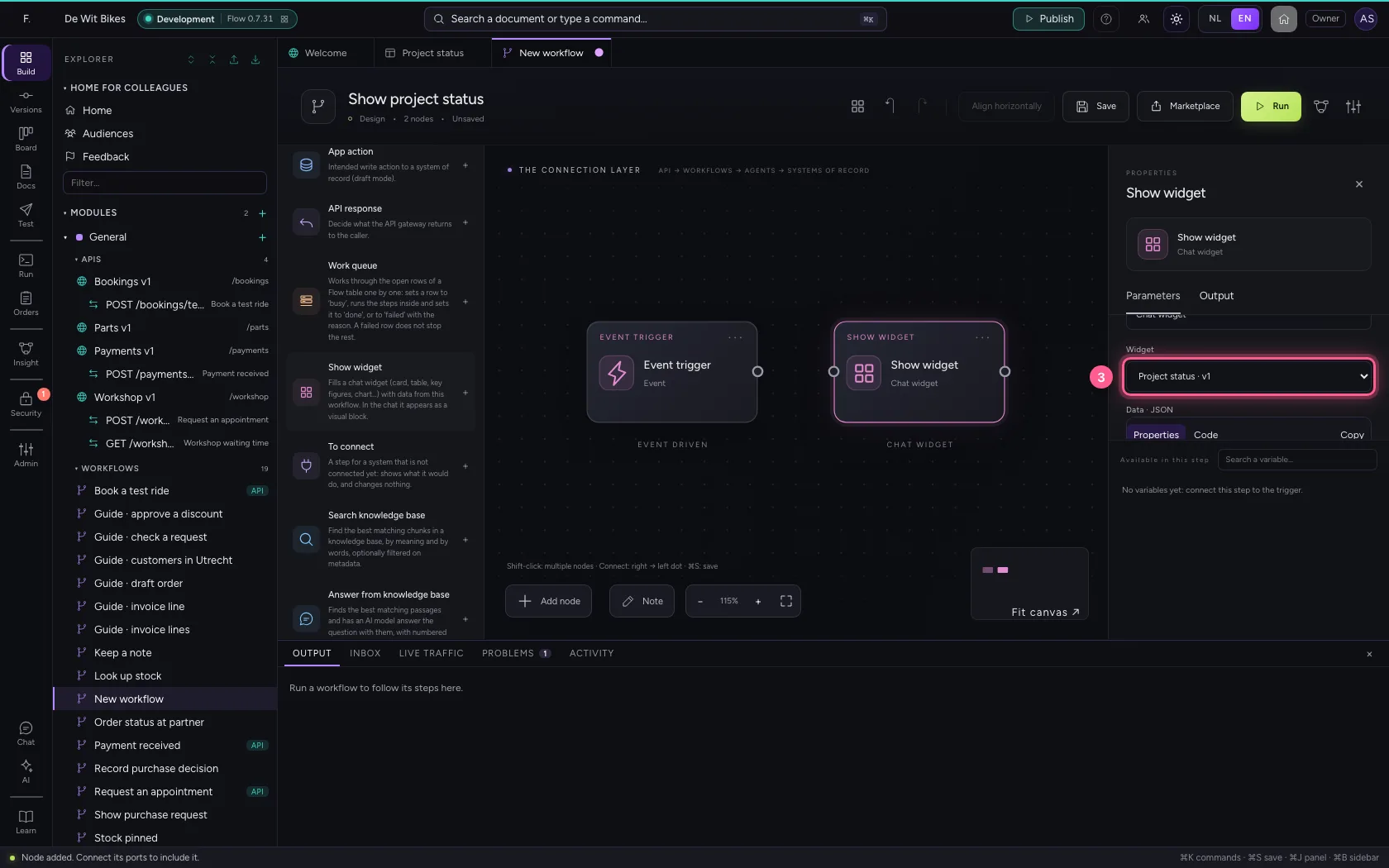
- Click Code
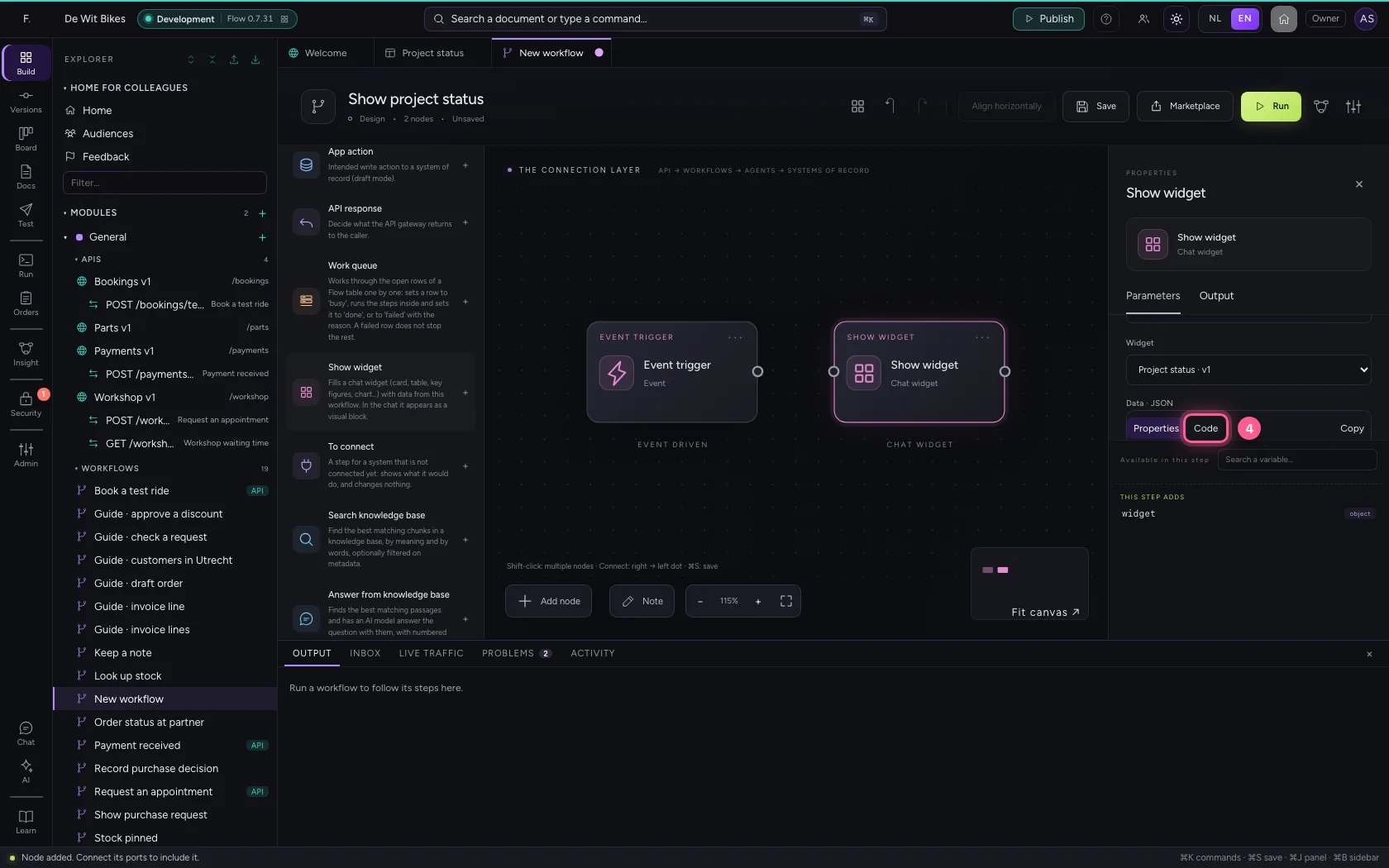
- In Data for the widget, type `{
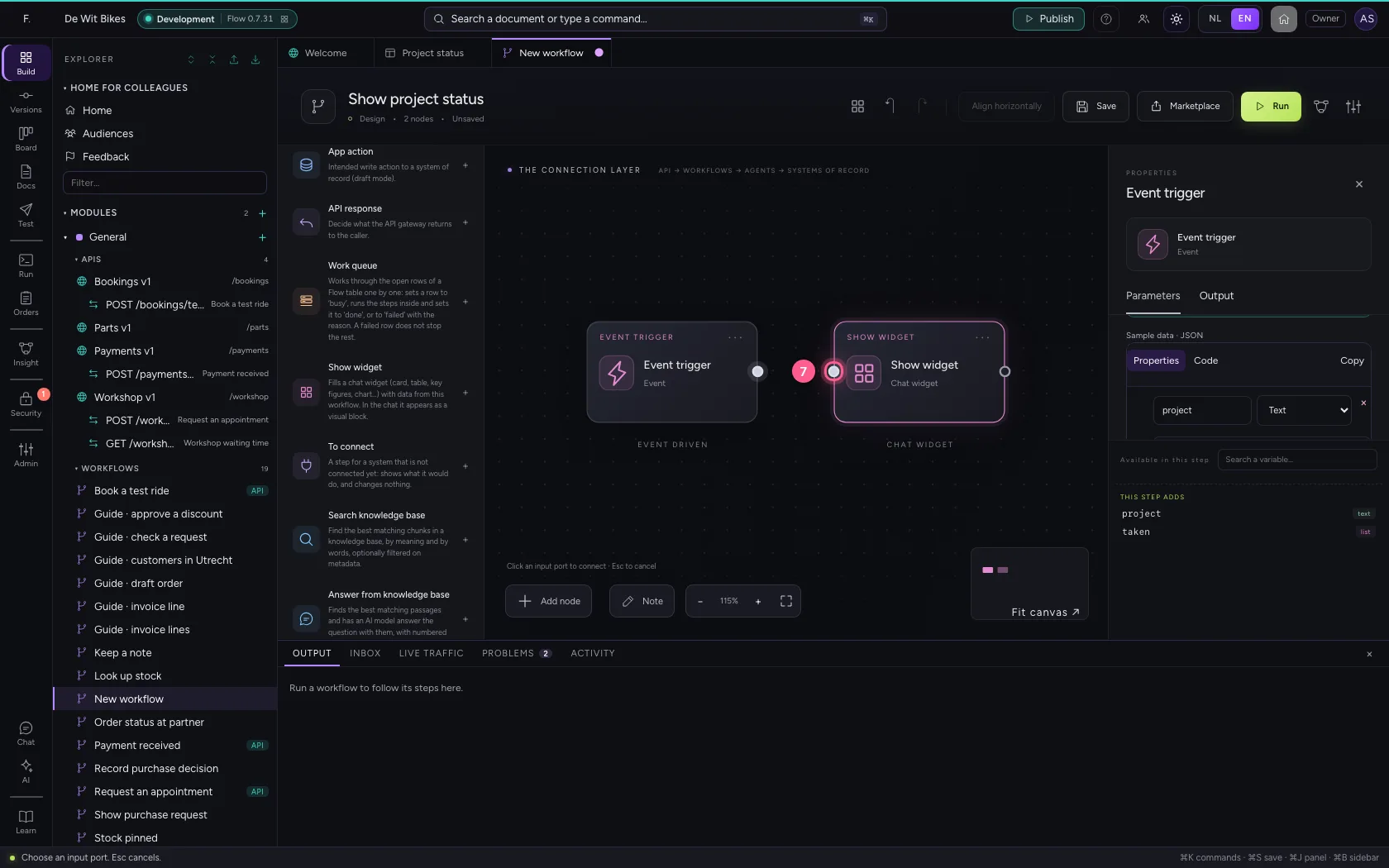
- Click the dot of ‘Event trigger’
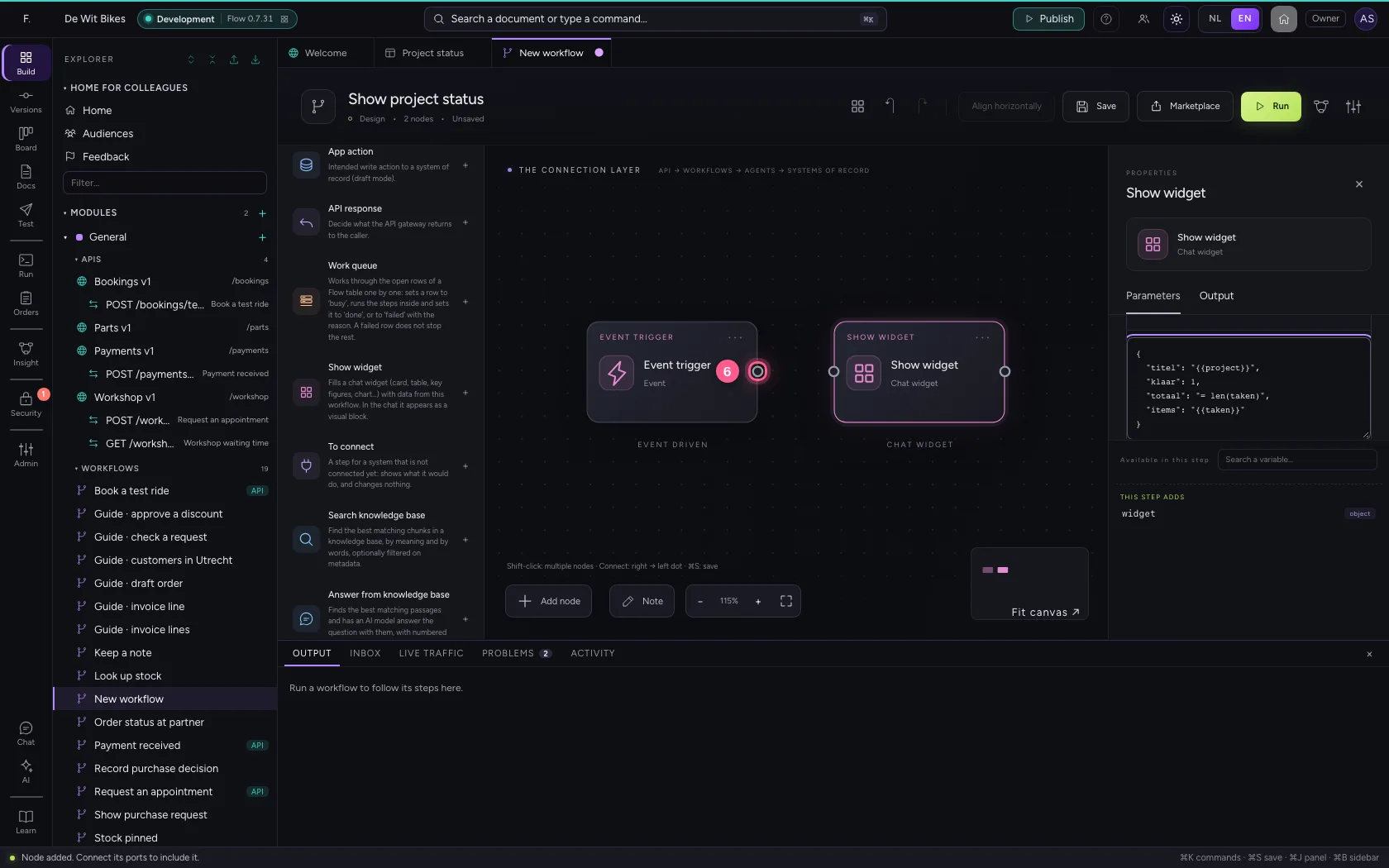
- Click the dot of ‘Show widget’
Run and look at the widget
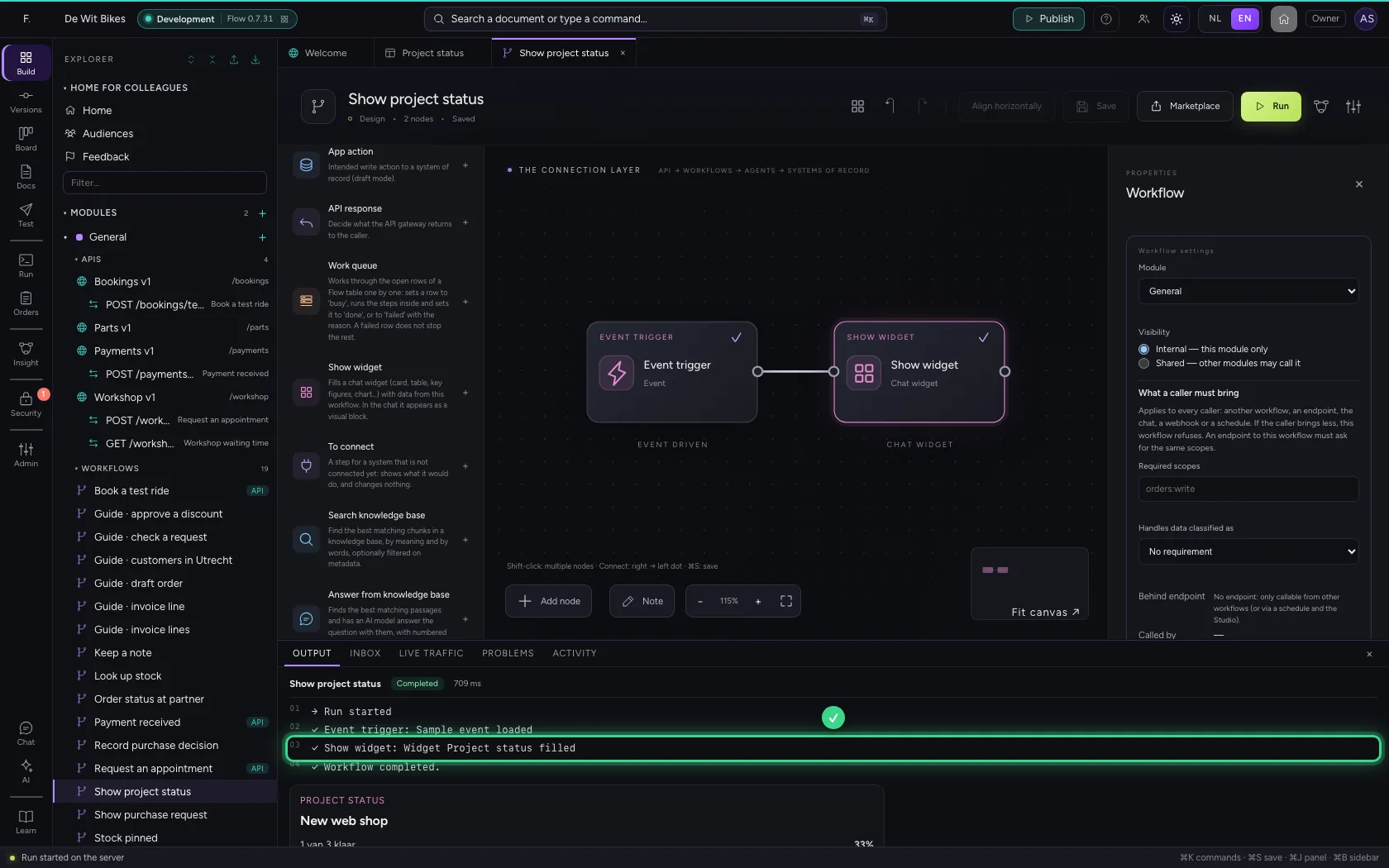
At the bottom under Output is the filled widget, exactly as the chat shows it. Give the widget to an AI Colleague (Agent → Brain → Chat widgets), or let an agent use this workflow as a tool: then it appears in the chat.
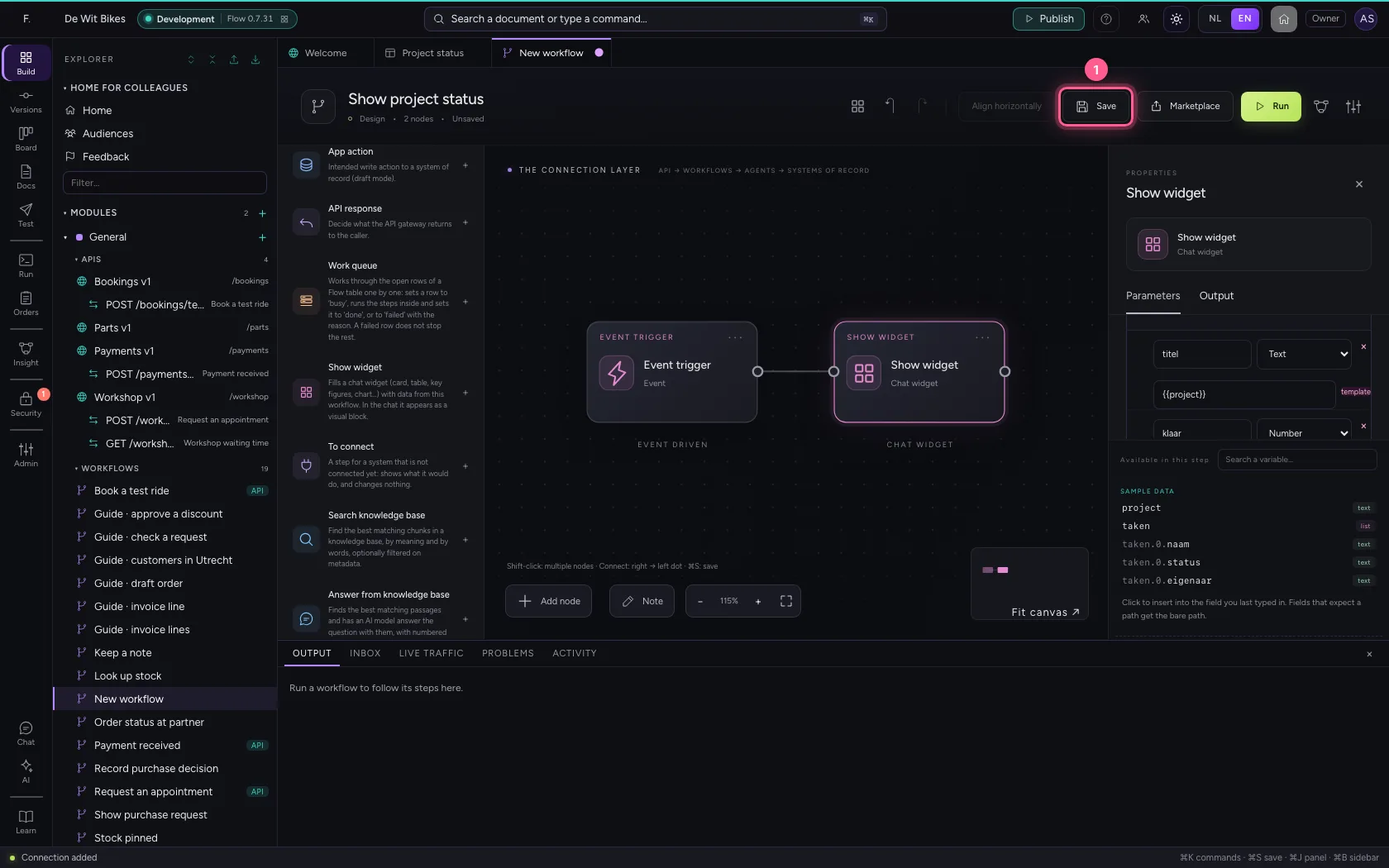
- Click Save
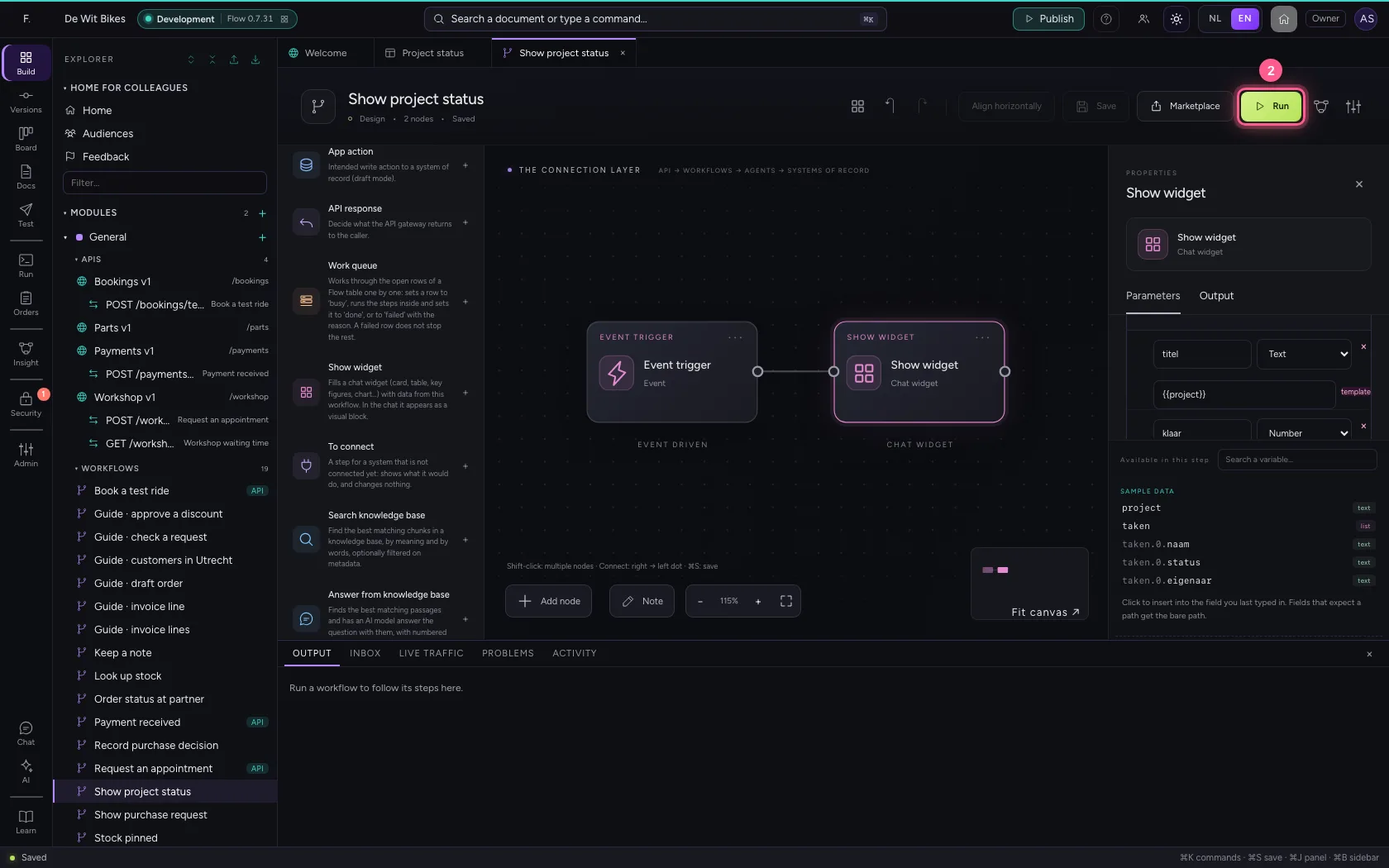
- Click Run
This guide was carried out step by step on 22 Oct 2026 by an automated test on Flow (version 3e563176).