Your first AI Colleague with a knowledge base
An AI Colleague answers questions with what you know yourselves, not with whatever is somewhere on the internet. You put that knowledge in a knowledge base: texts, manuals, terms. You make a knowledge base with the bike shop's service agreements, an agent that searches it, and you try it before anyone else gets to see it.
Open your development environment
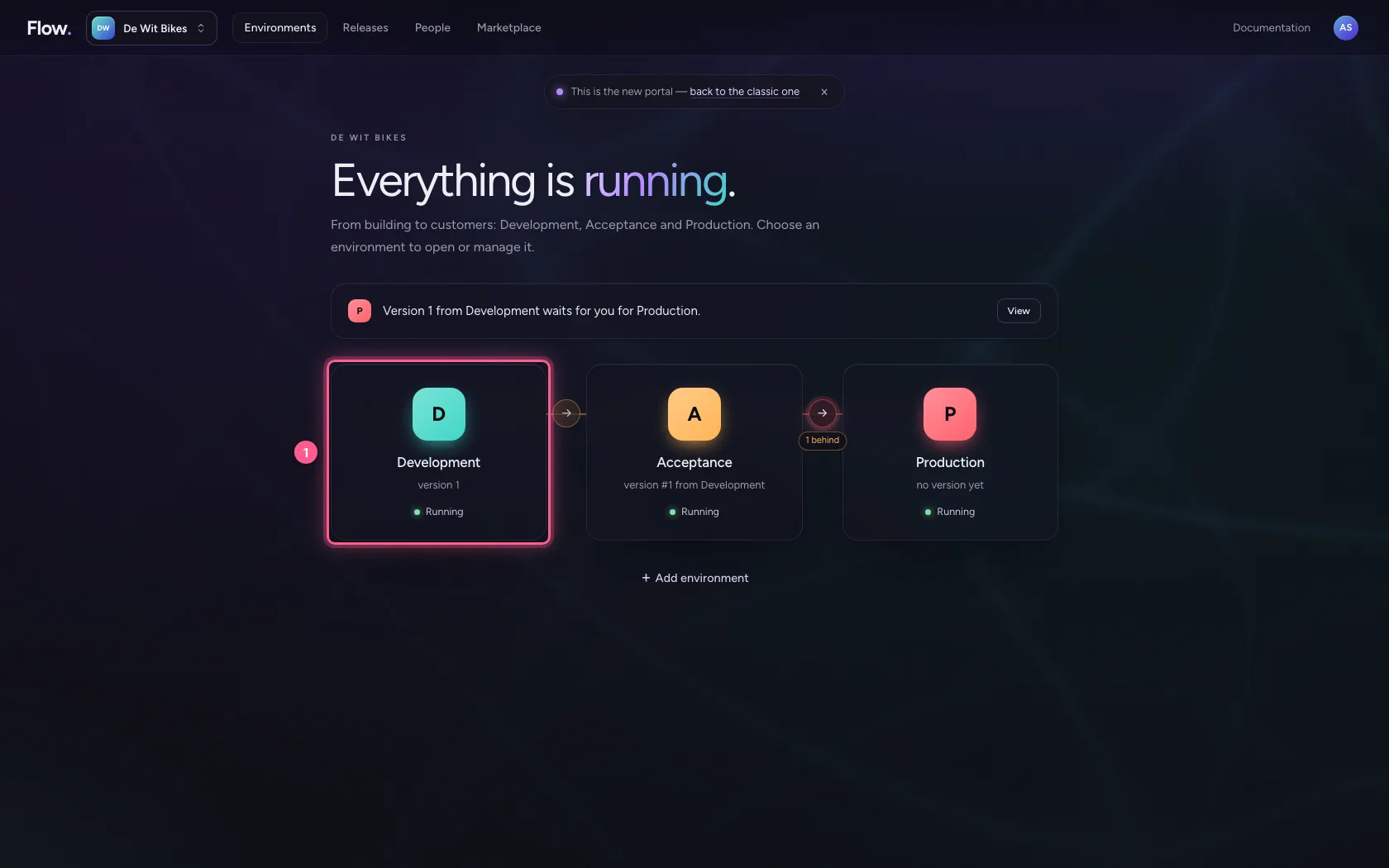
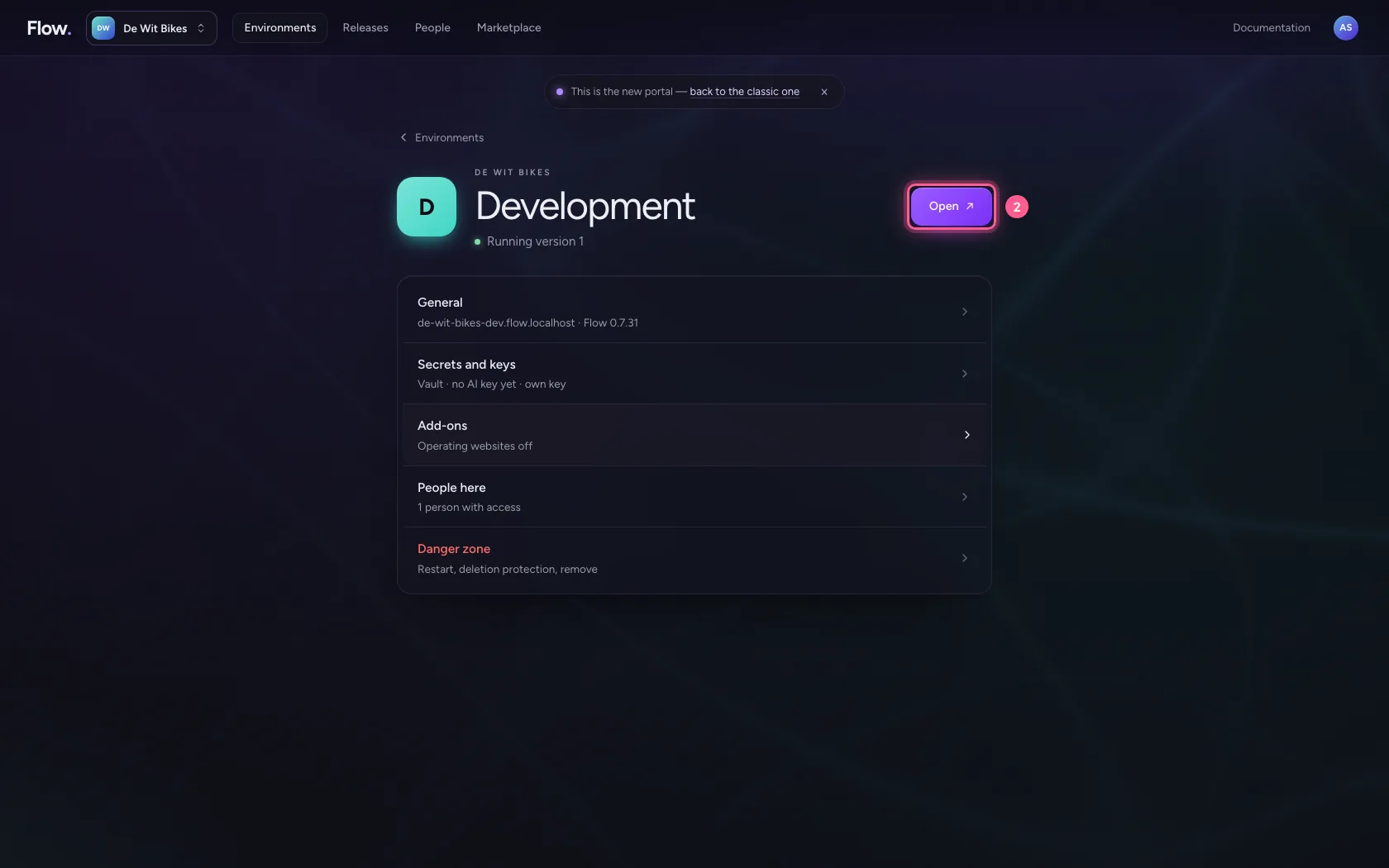
In the portal, under Environments, click Development, and there Open. Flow opens in a new tab.
- Click Development
- Click Open ↗
Create a knowledge base
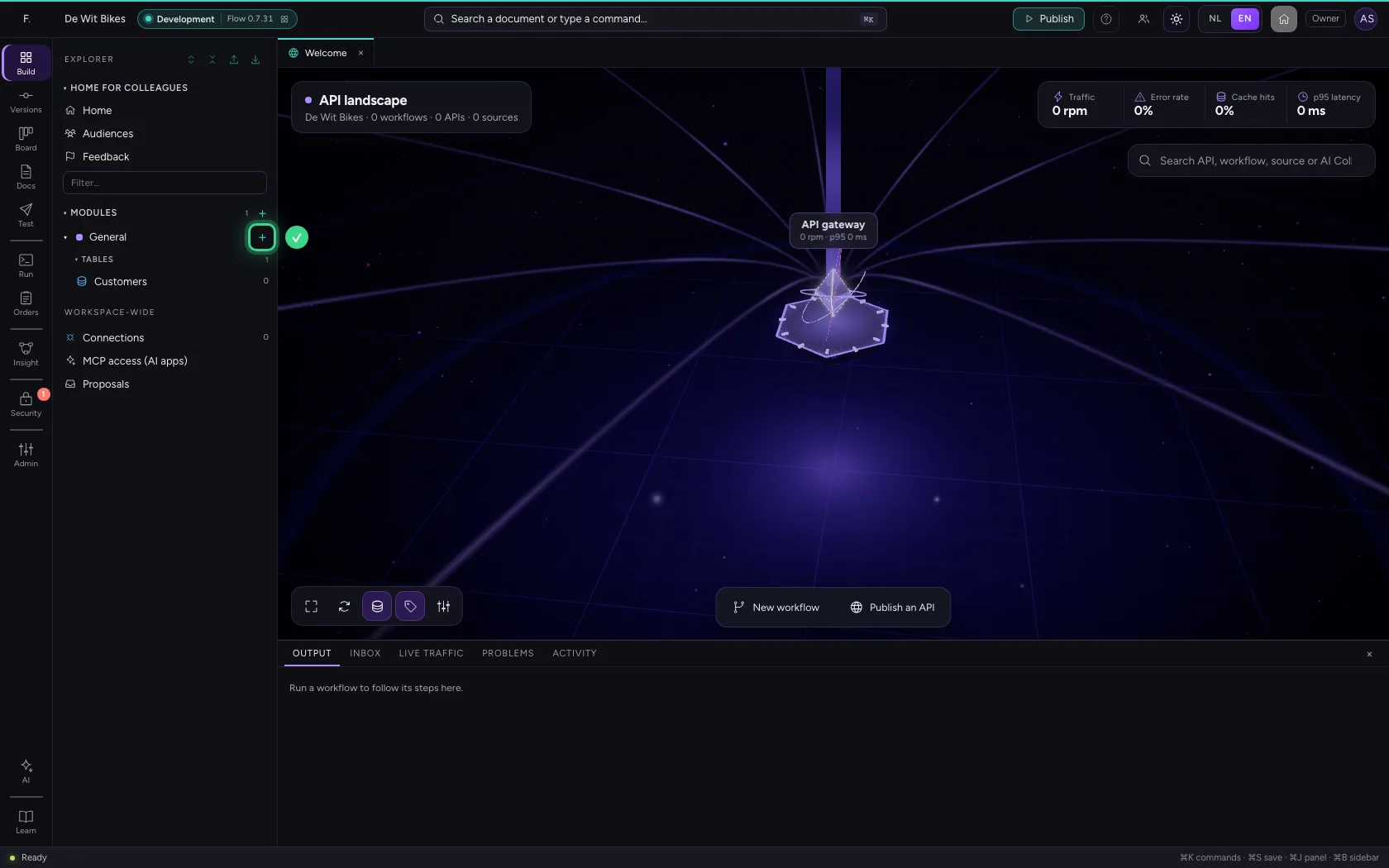
Click + next to General and choose New knowledge base. Under Settings you give it a name and a short description: the agent reads that description to decide when to search it.
- Click Add to General
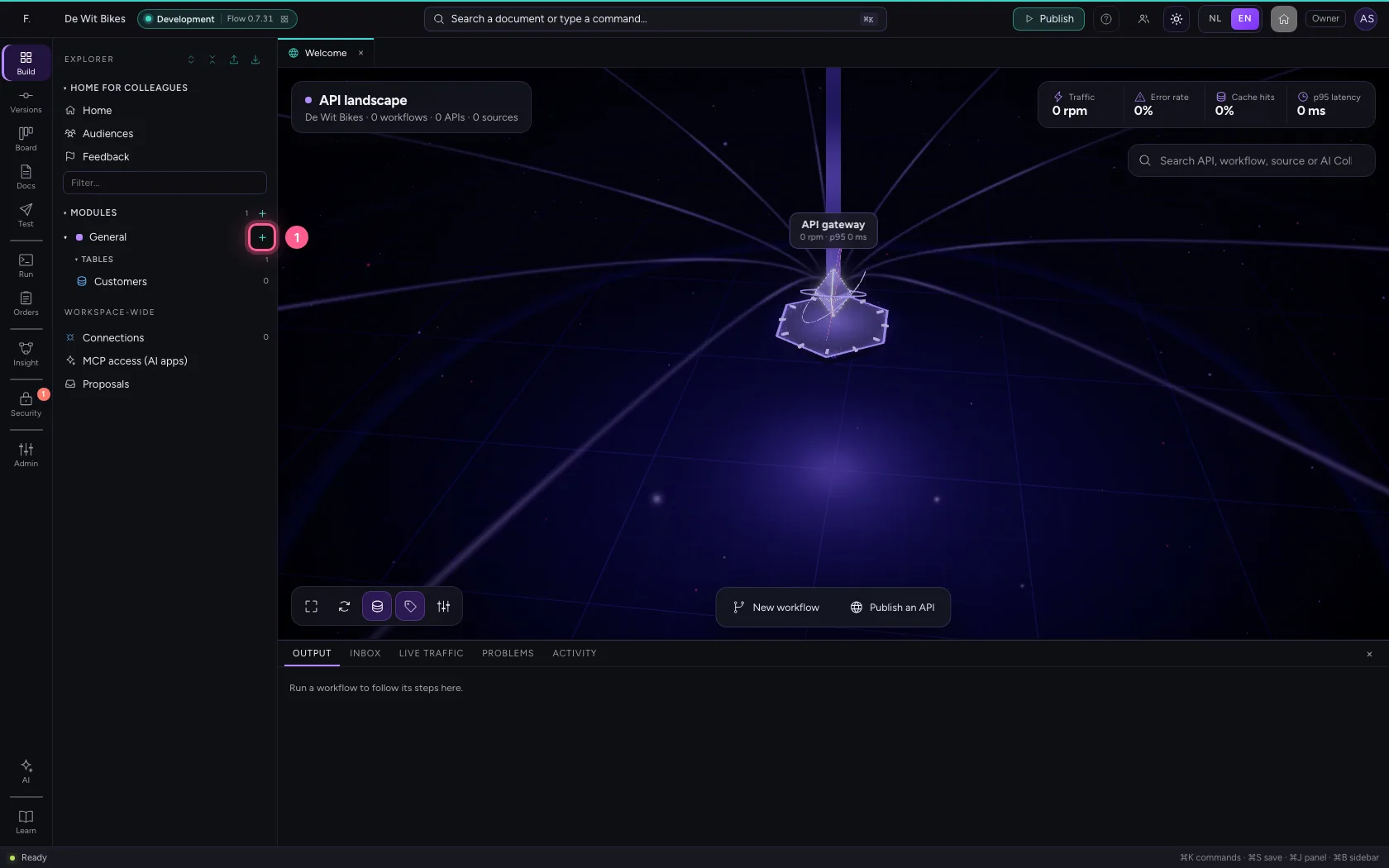
- Click New knowledge base
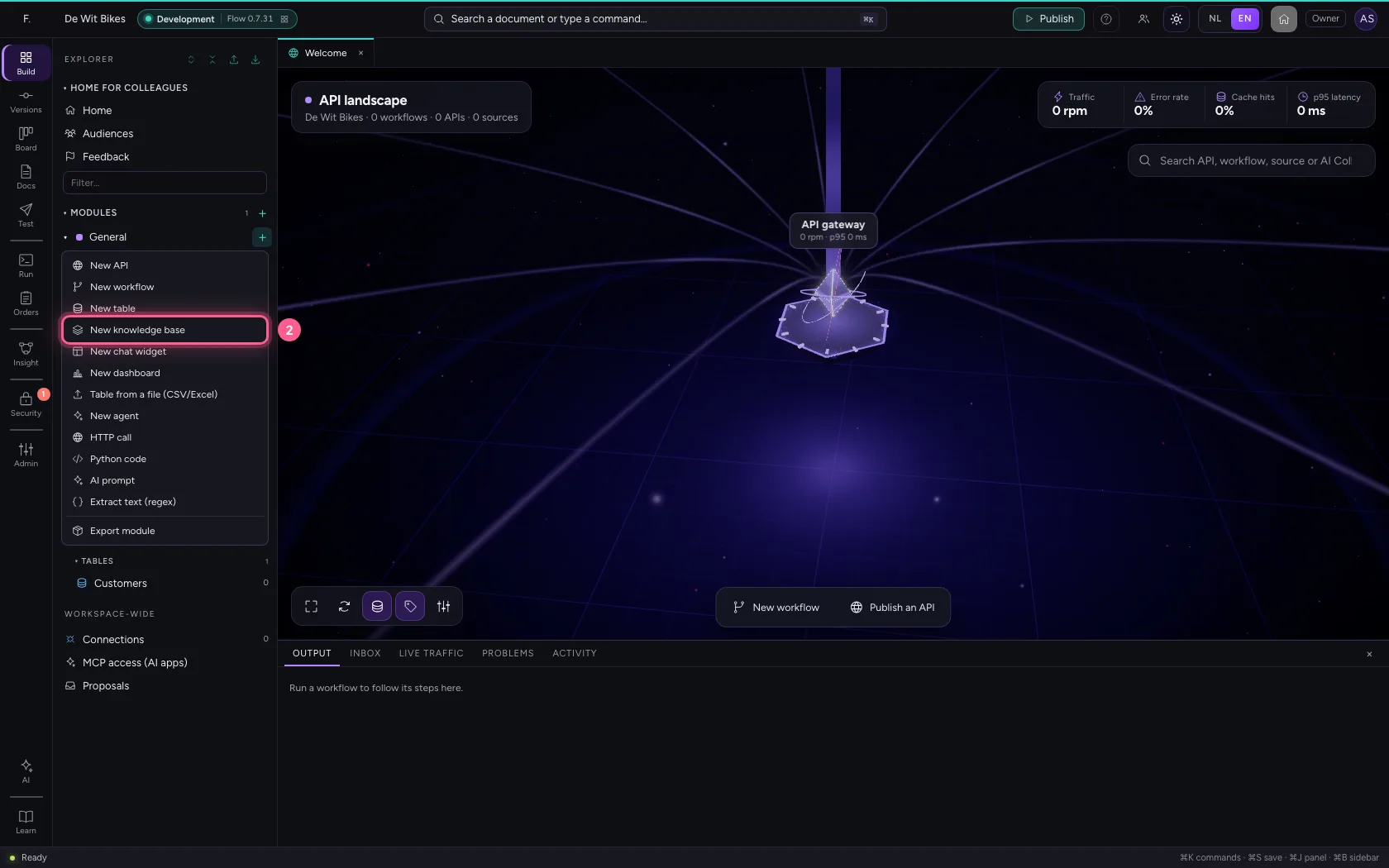
- Click Settings
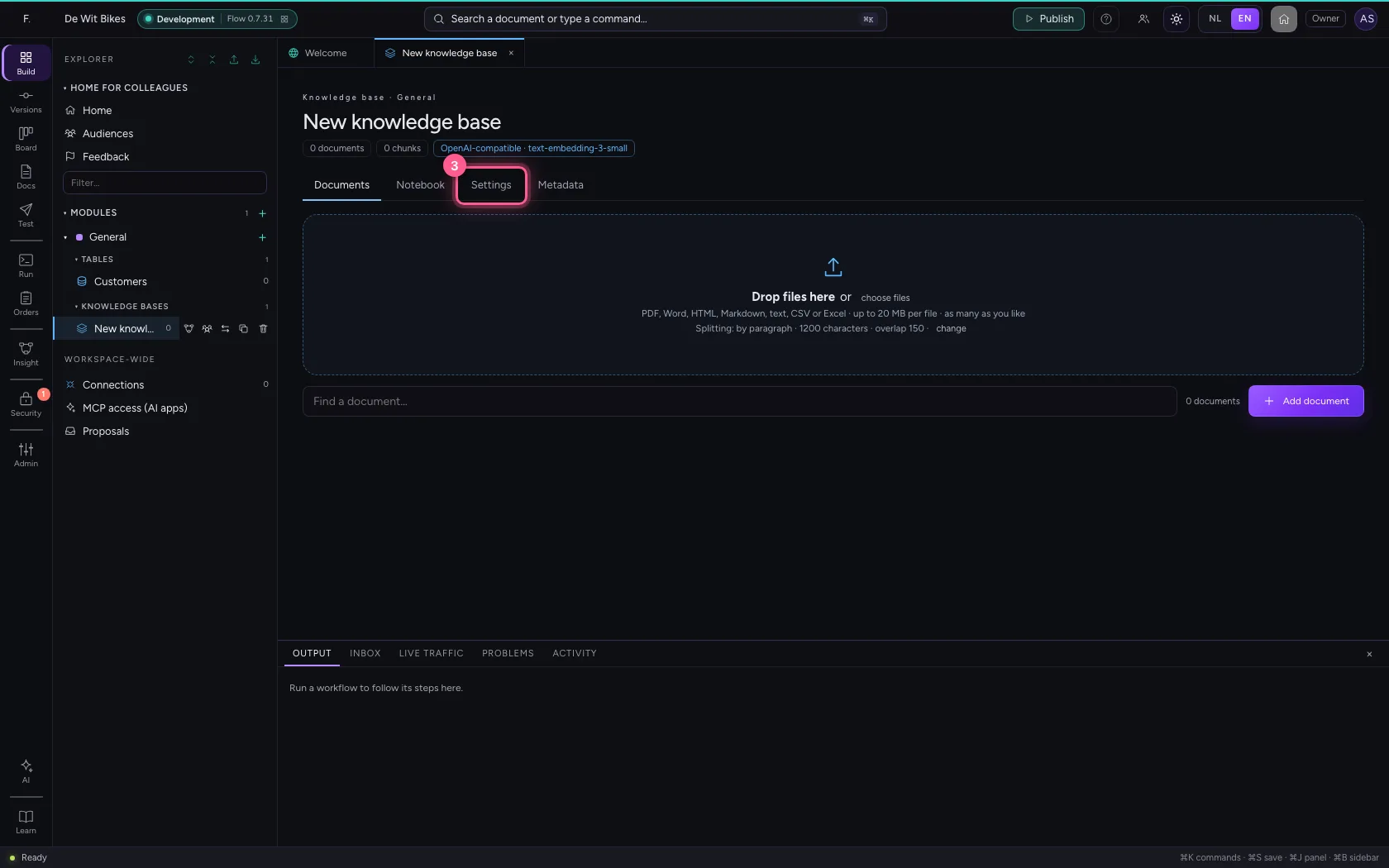
- In Name, type
Service agreements - In Description, type
Warranty, services and returns at De Wit Bikes.
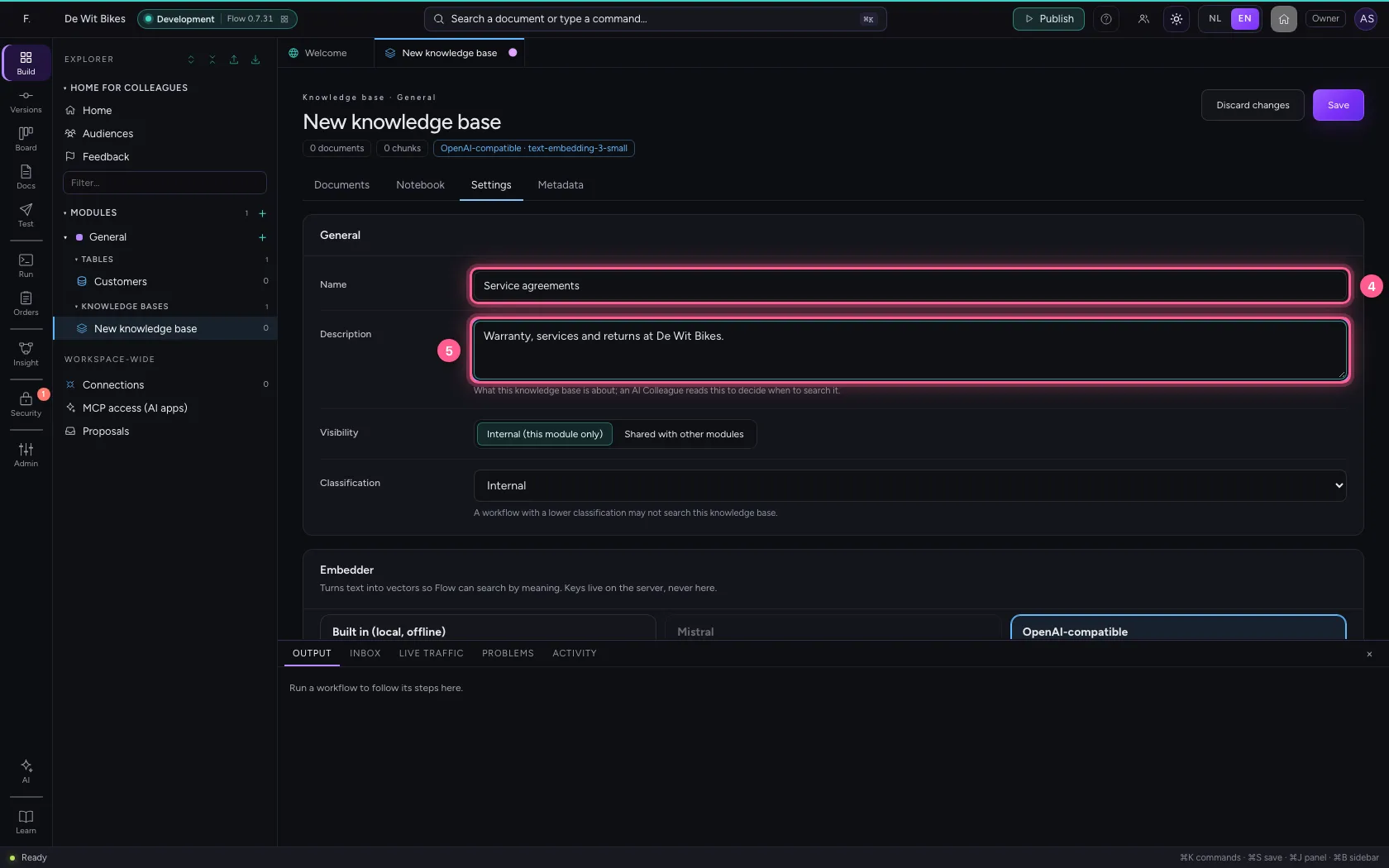
- Click Save
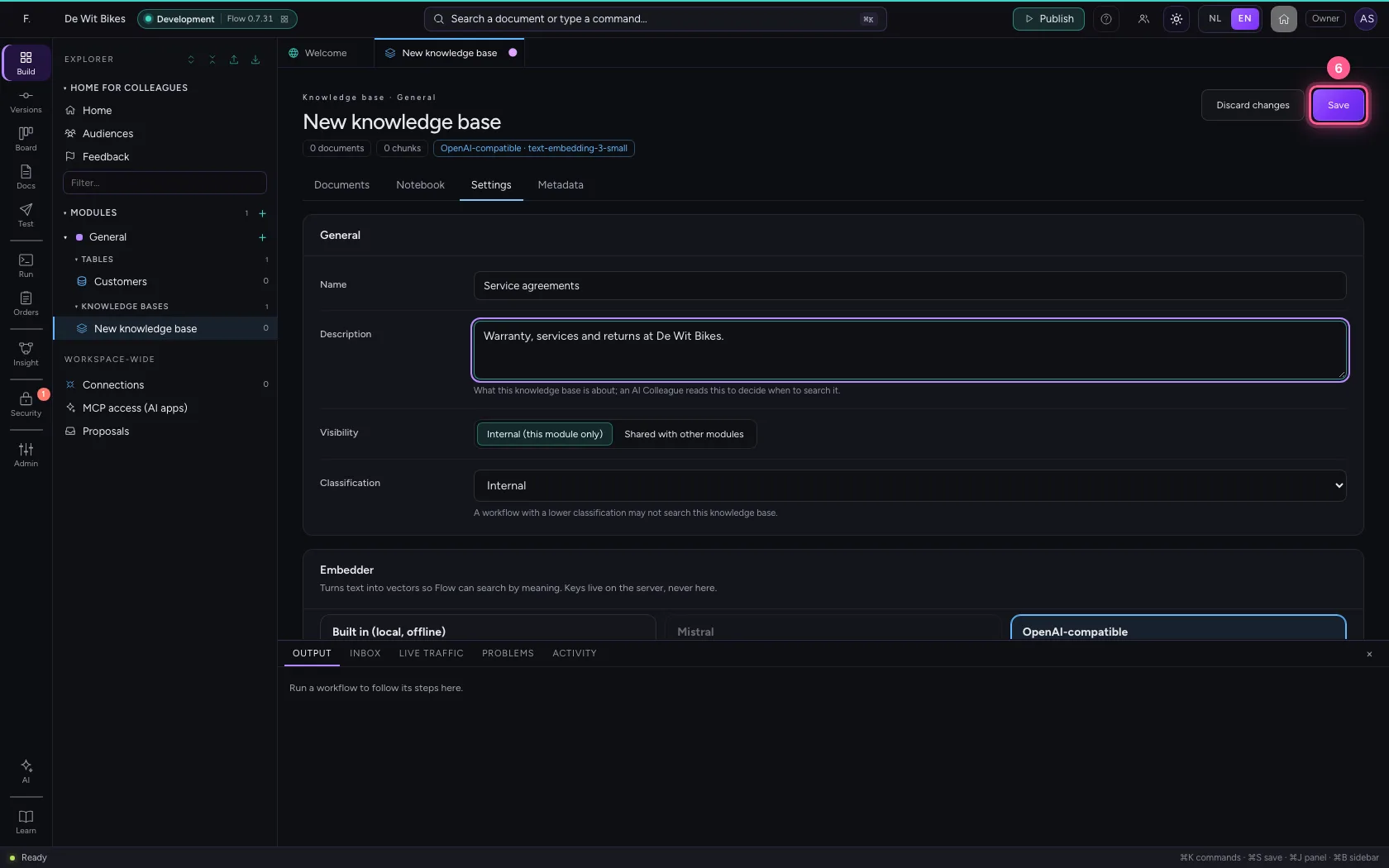
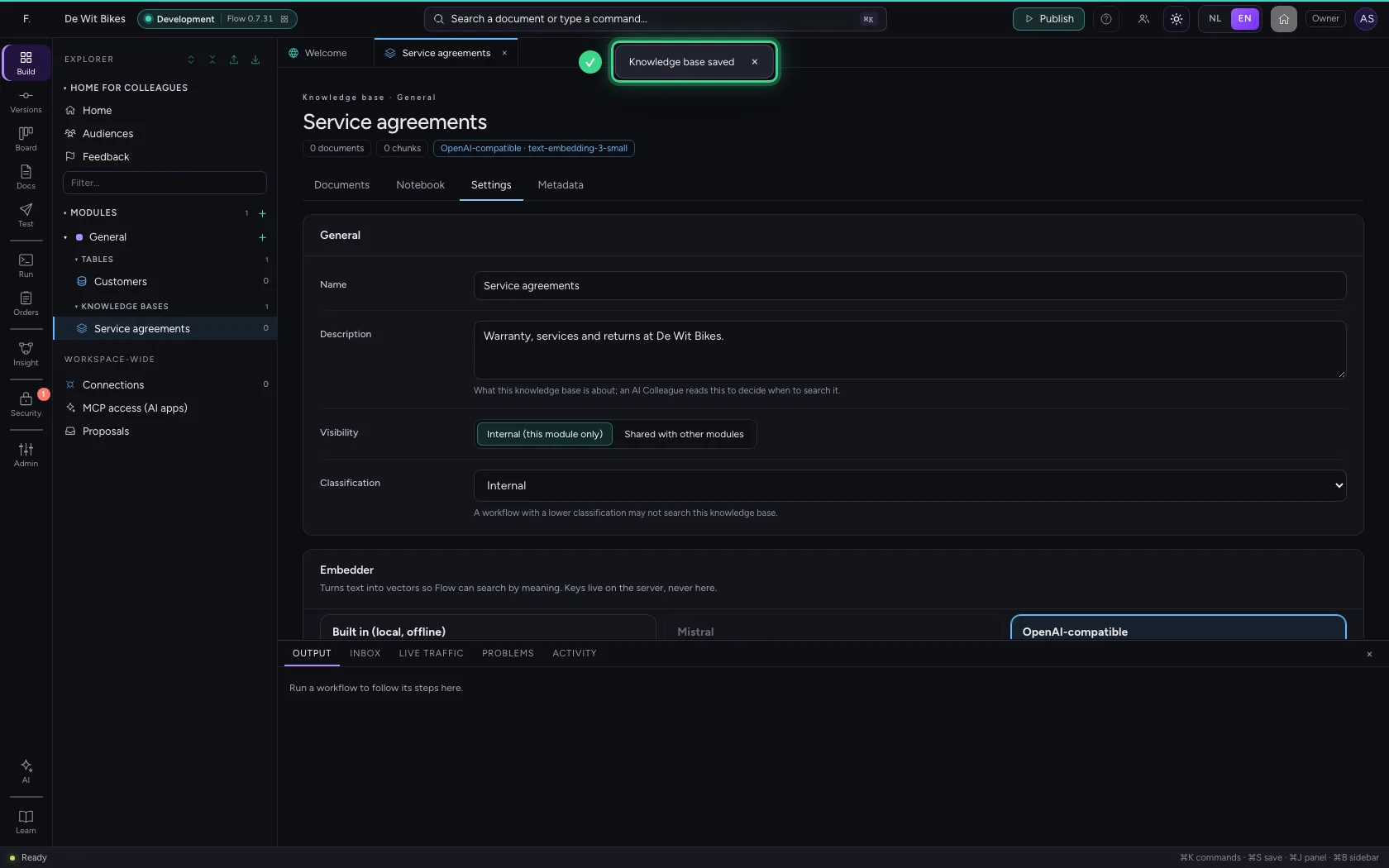
Add a document
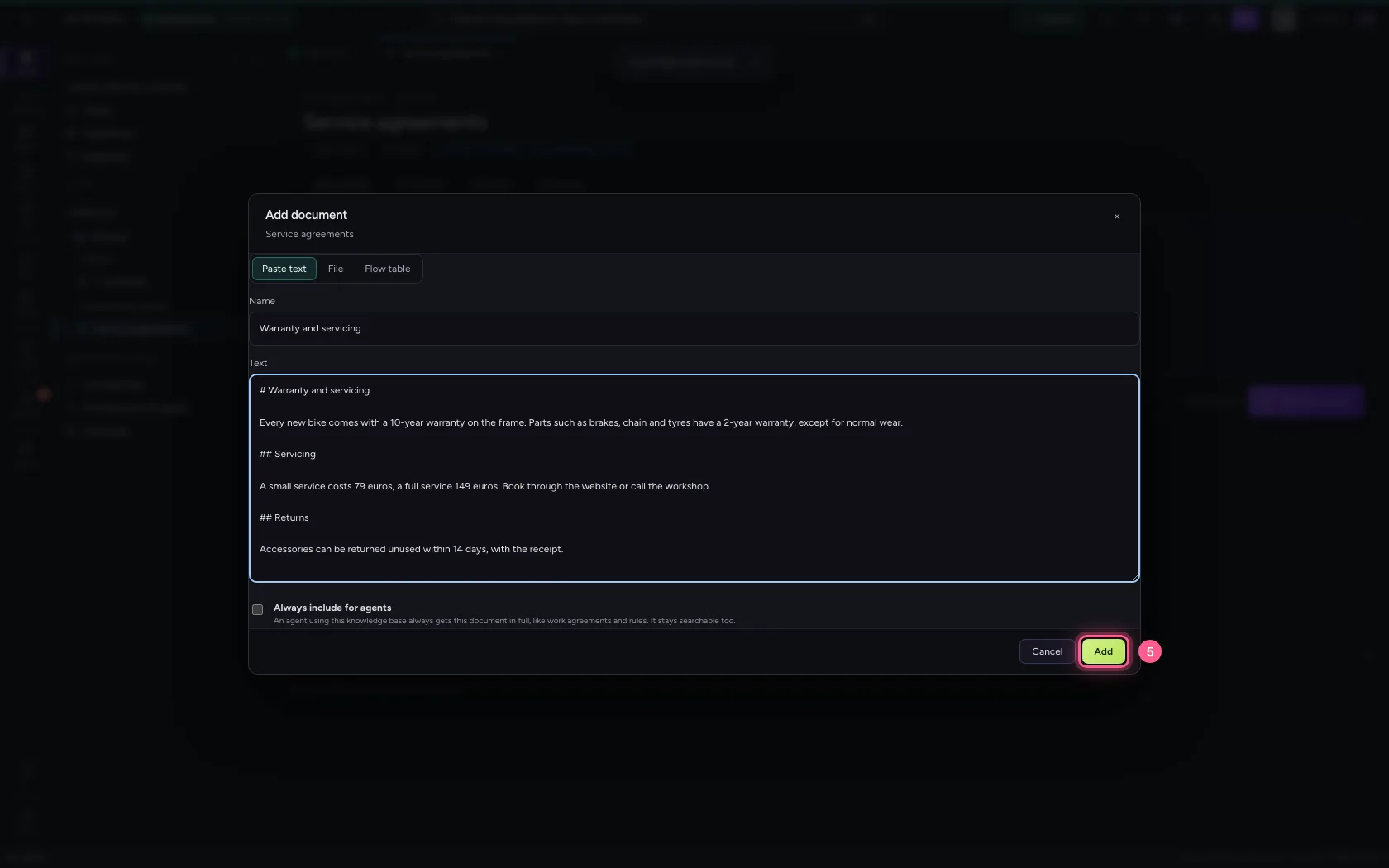
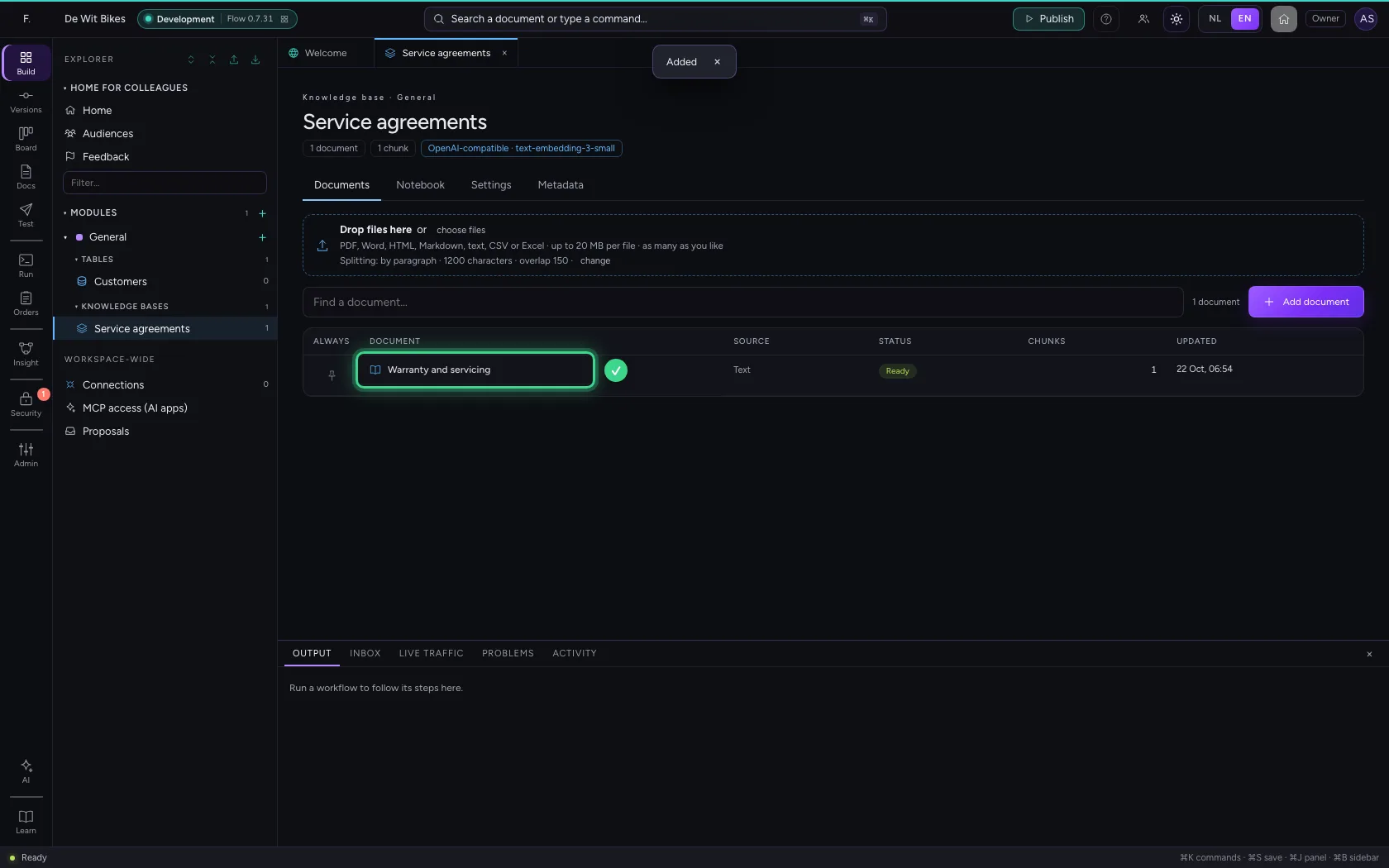
Under Documents, click Add document and paste the text. Flow cuts it into pieces and makes them searchable; dragging in a file (PDF, Word, Excel) works too.
- Click Documents
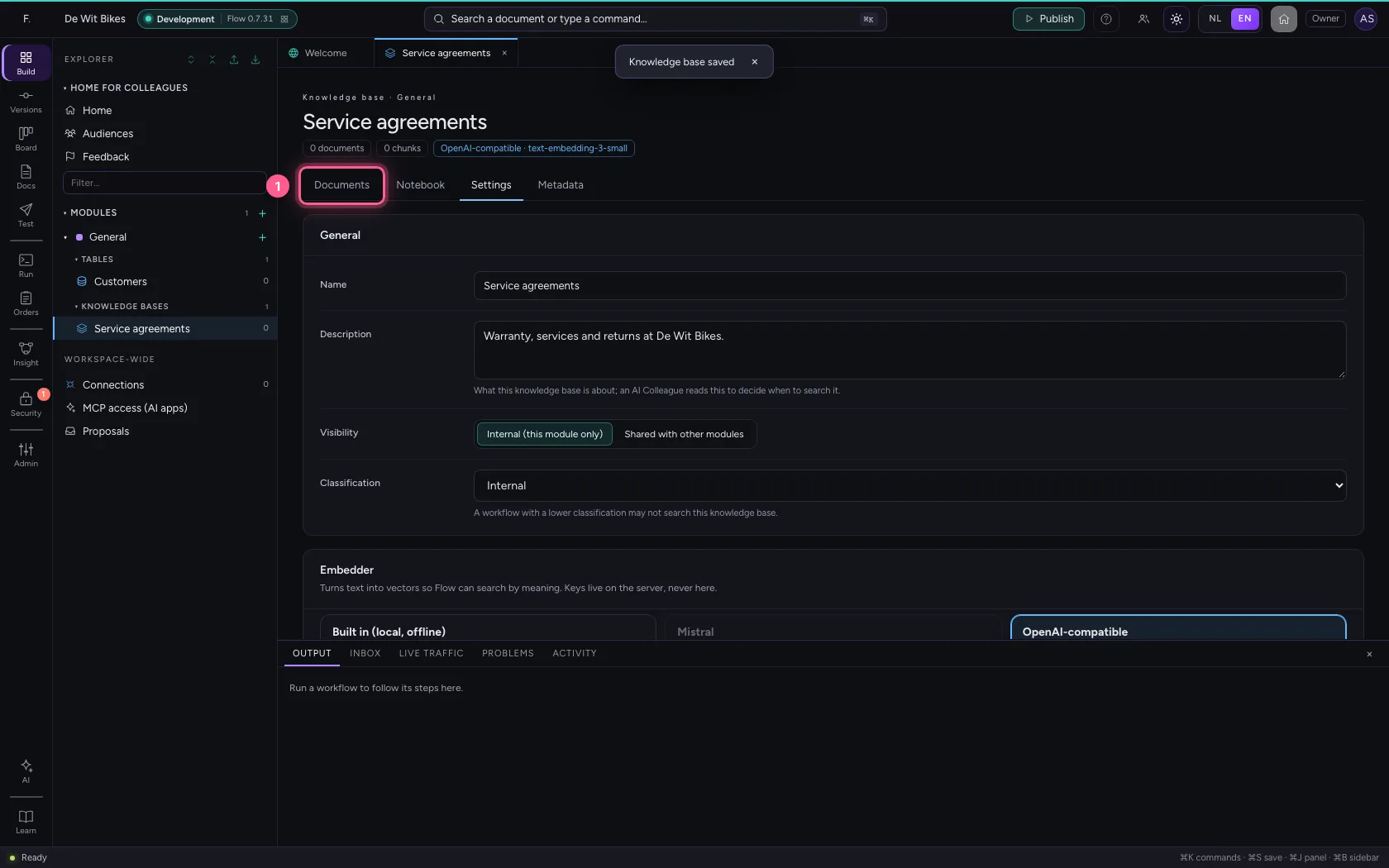
- Click Add document
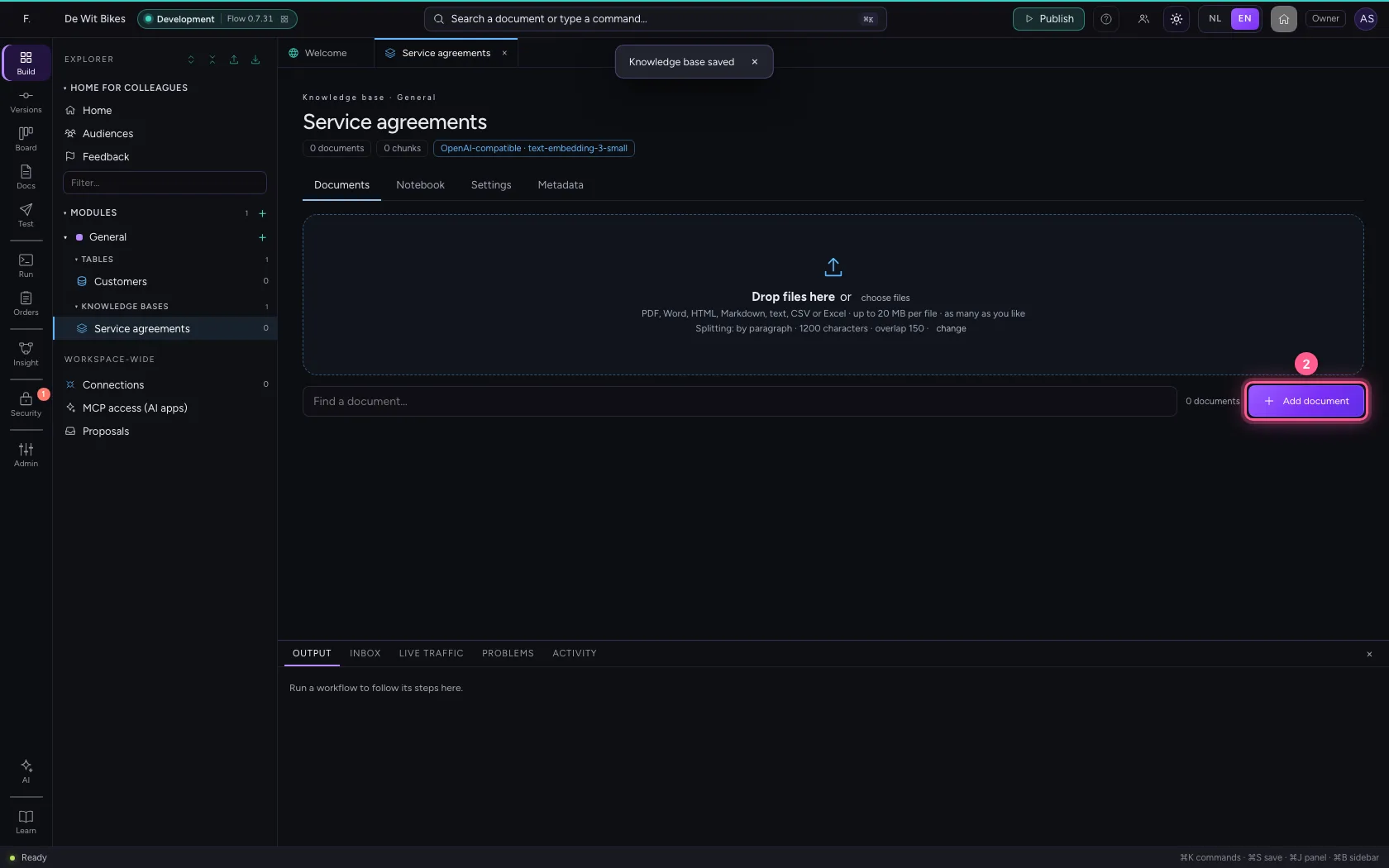
- In Name, type
Warranty and servicing - In Text, type
the text on warranty and servicing
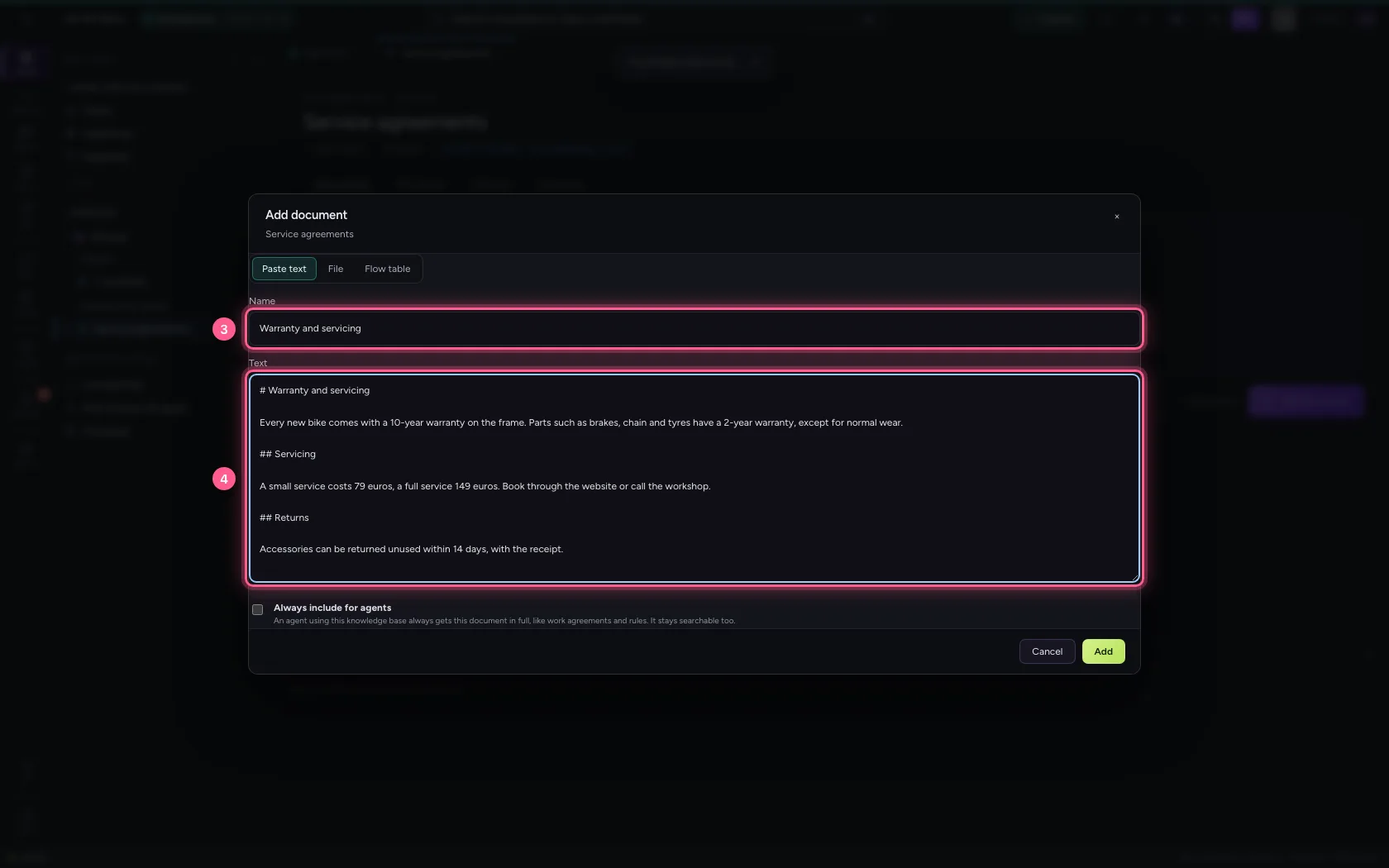
- Click Add
Create an agent
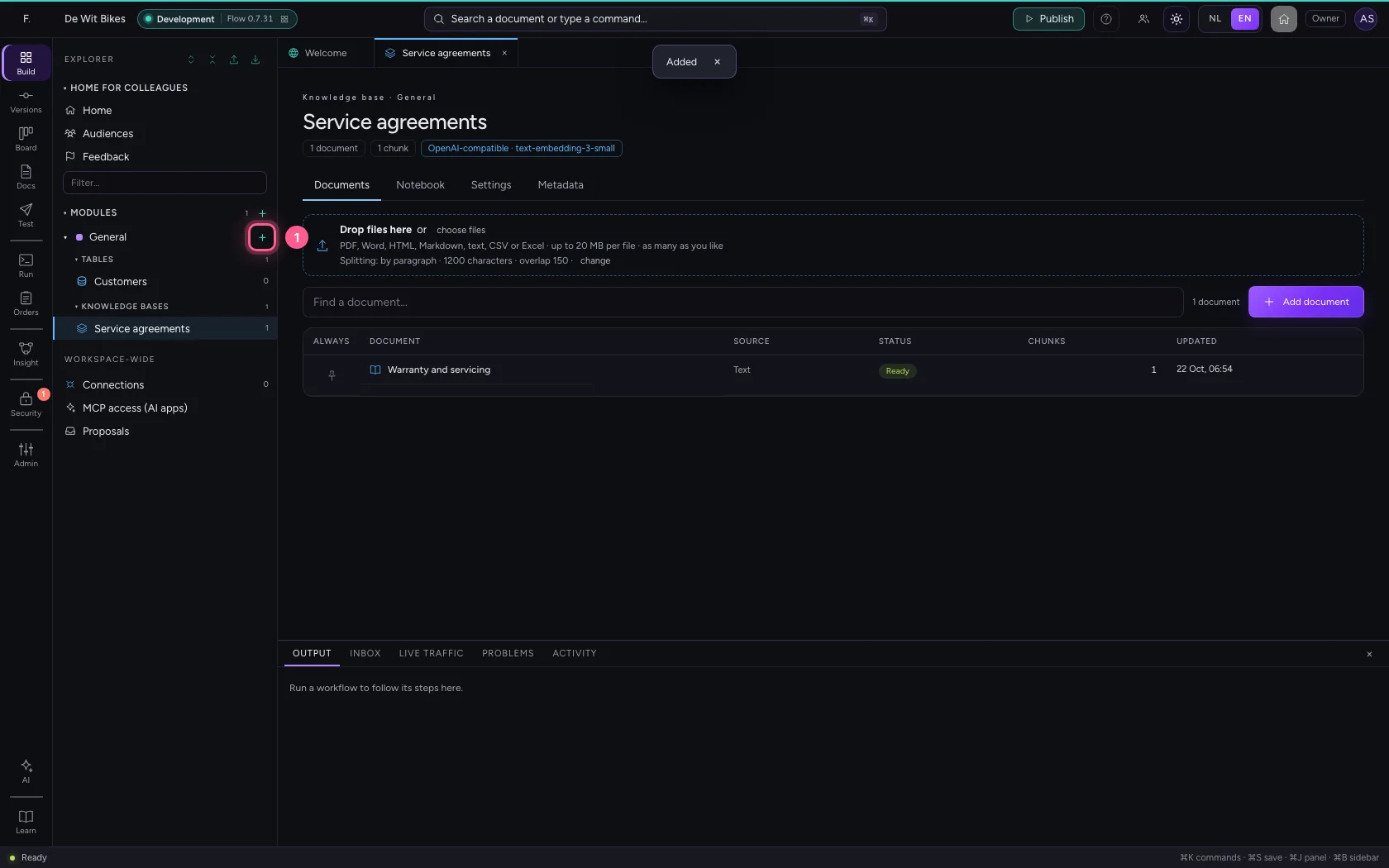
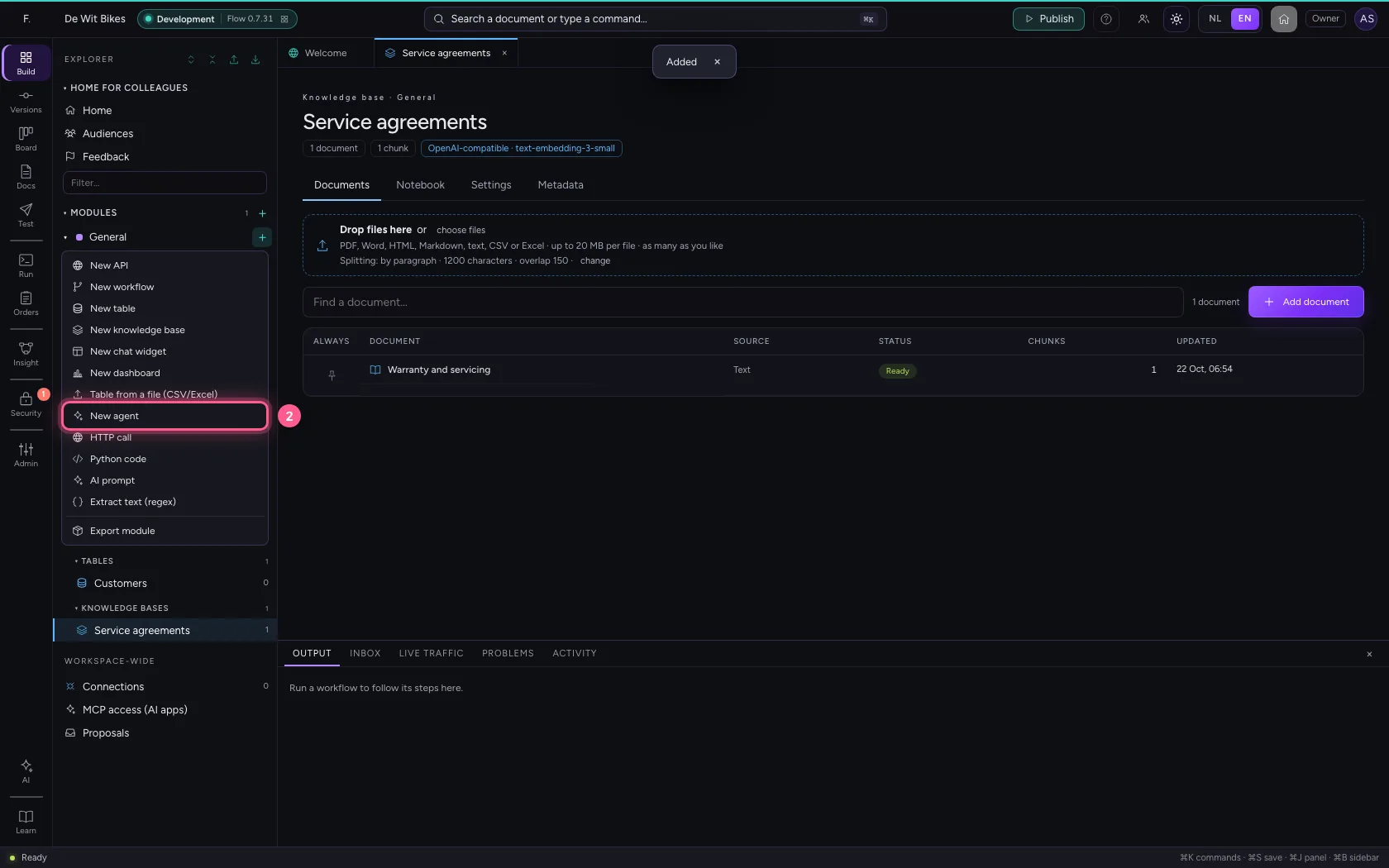
Click + next to General and choose New agent. In the middle you see the box: what the agent receives, which guard rails apply, what it thinks with and what comes out. On the right you try it. Under Settings you give it a name.
- Click Add to General
- Click New agent
- Click Settings
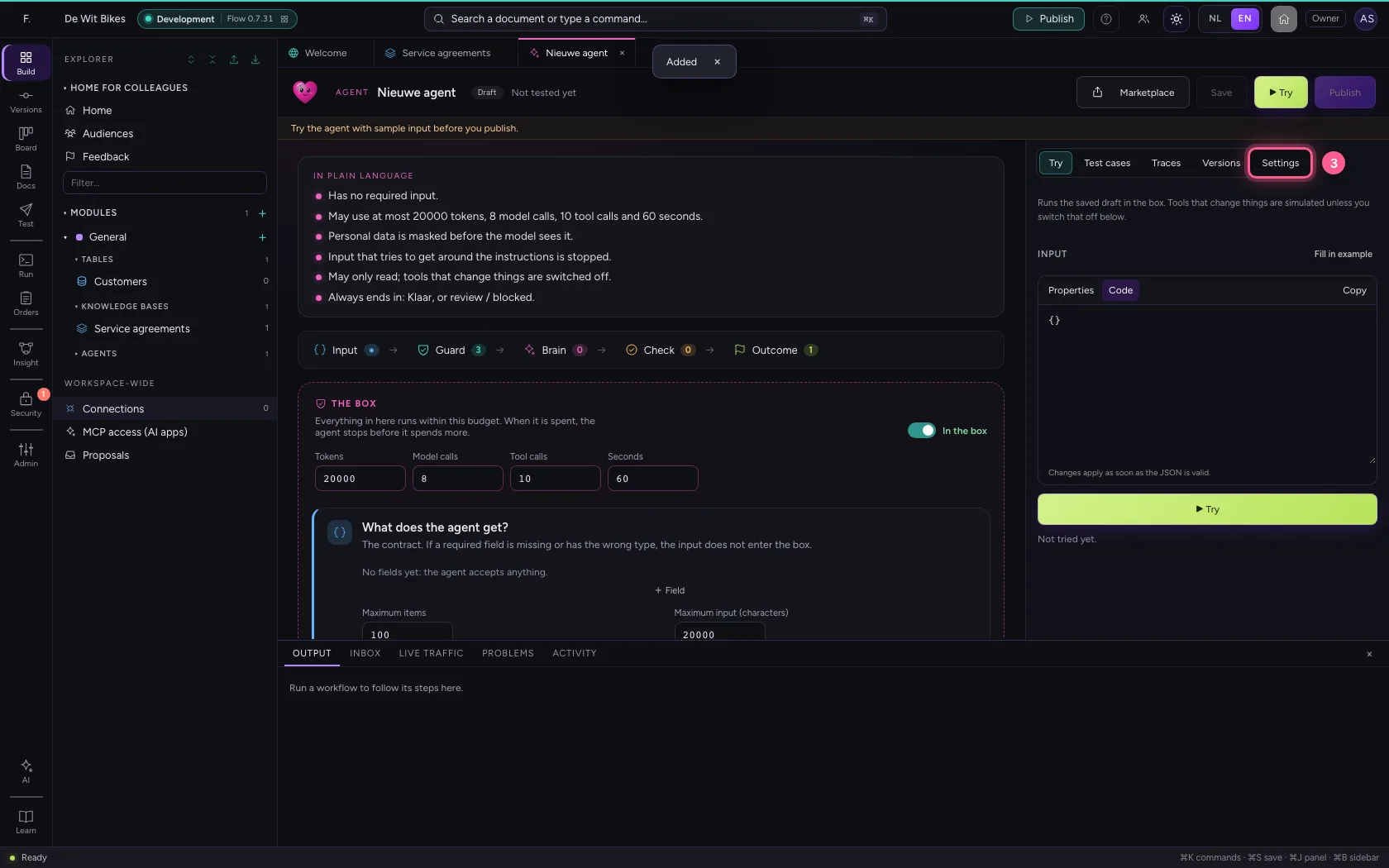
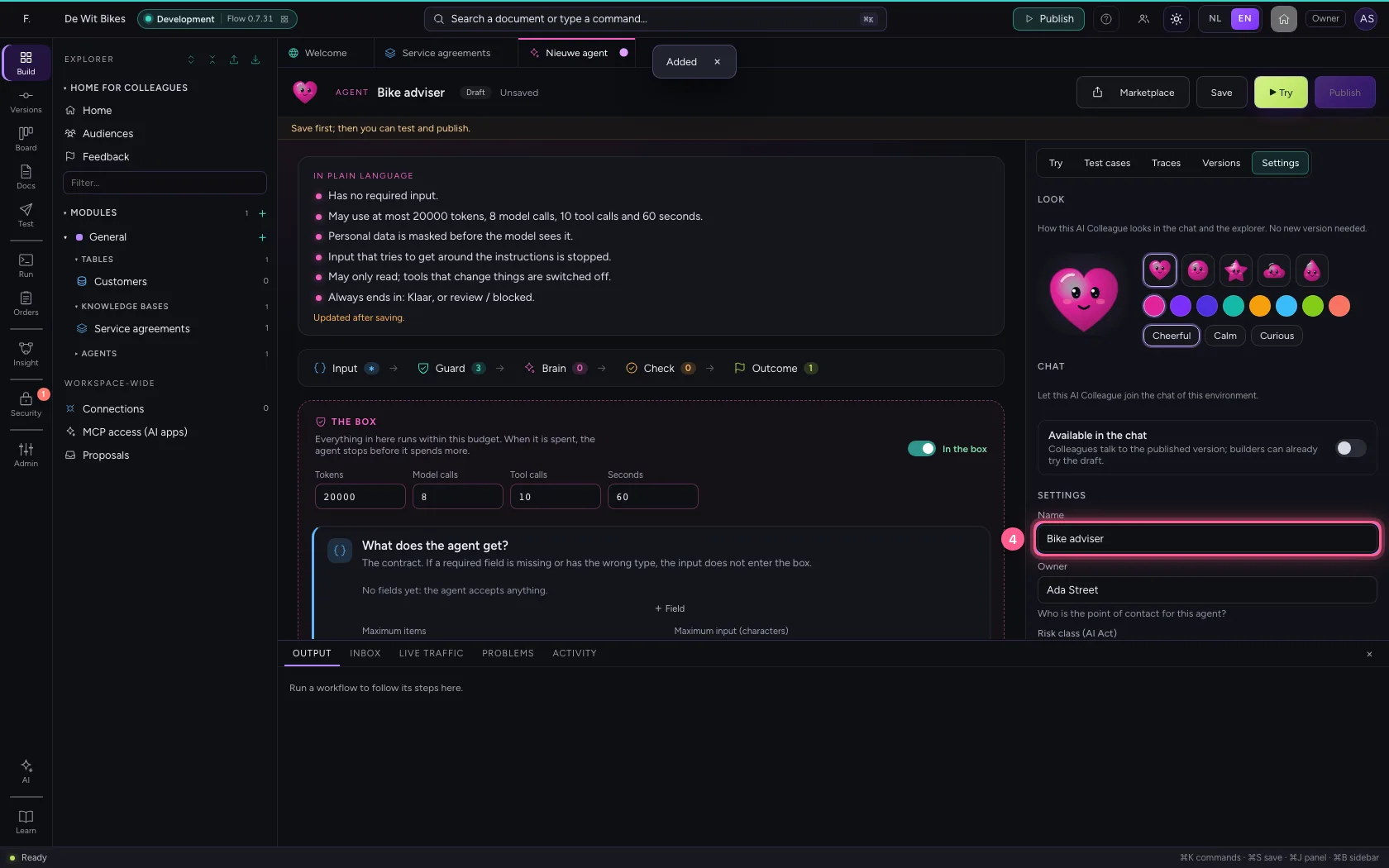
- In Name, type
Bike adviser
Say what it does and give it the knowledge base
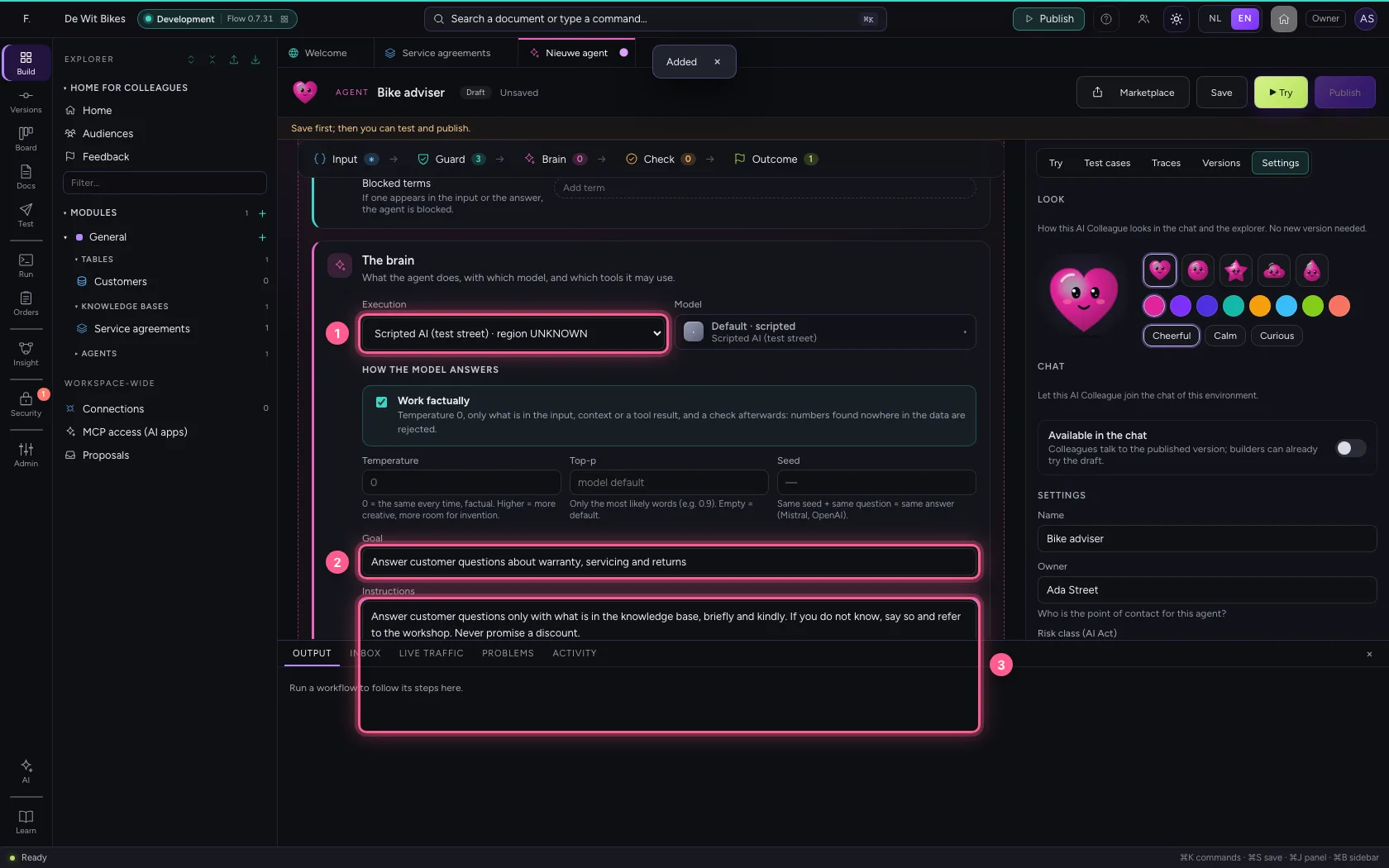
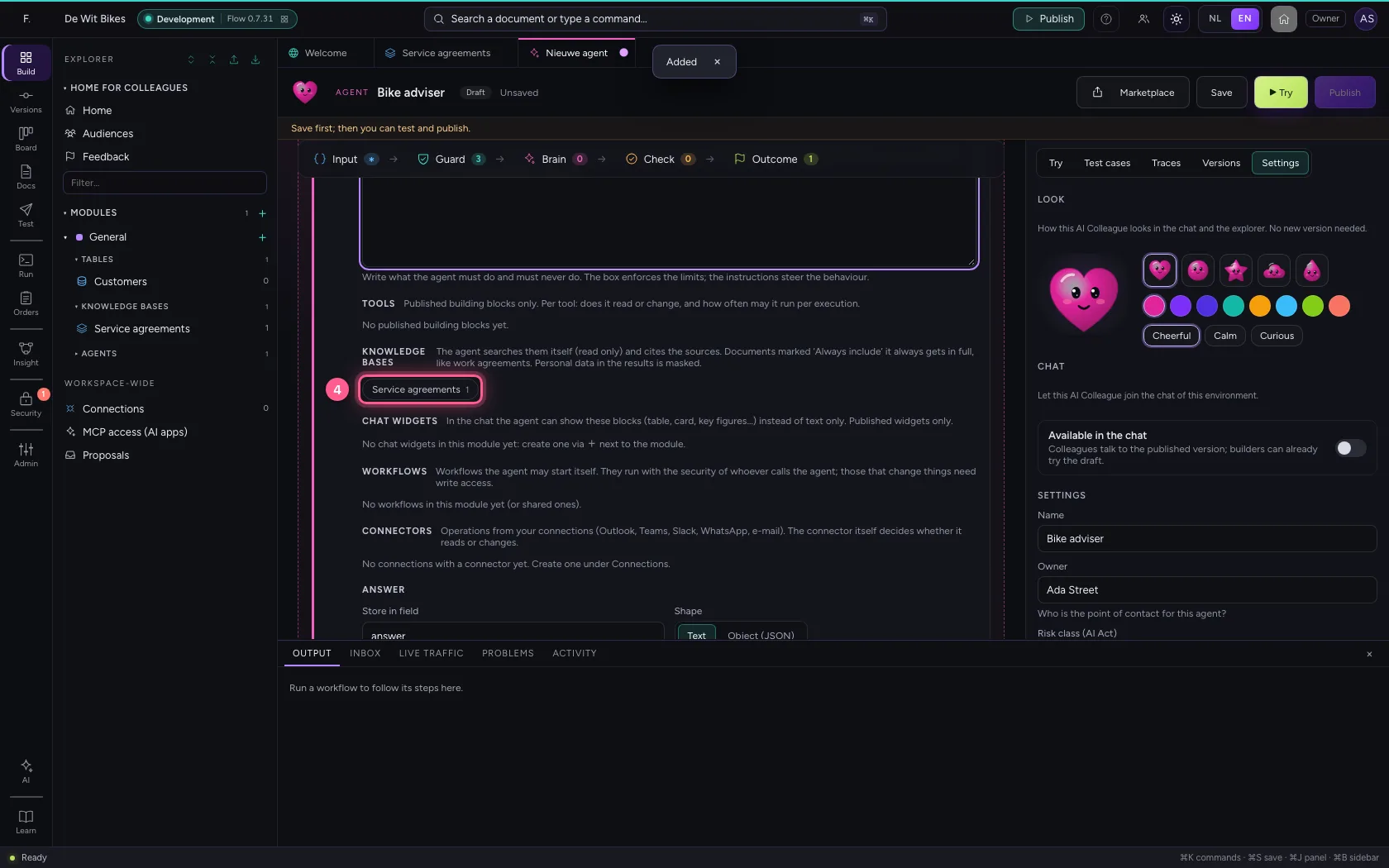
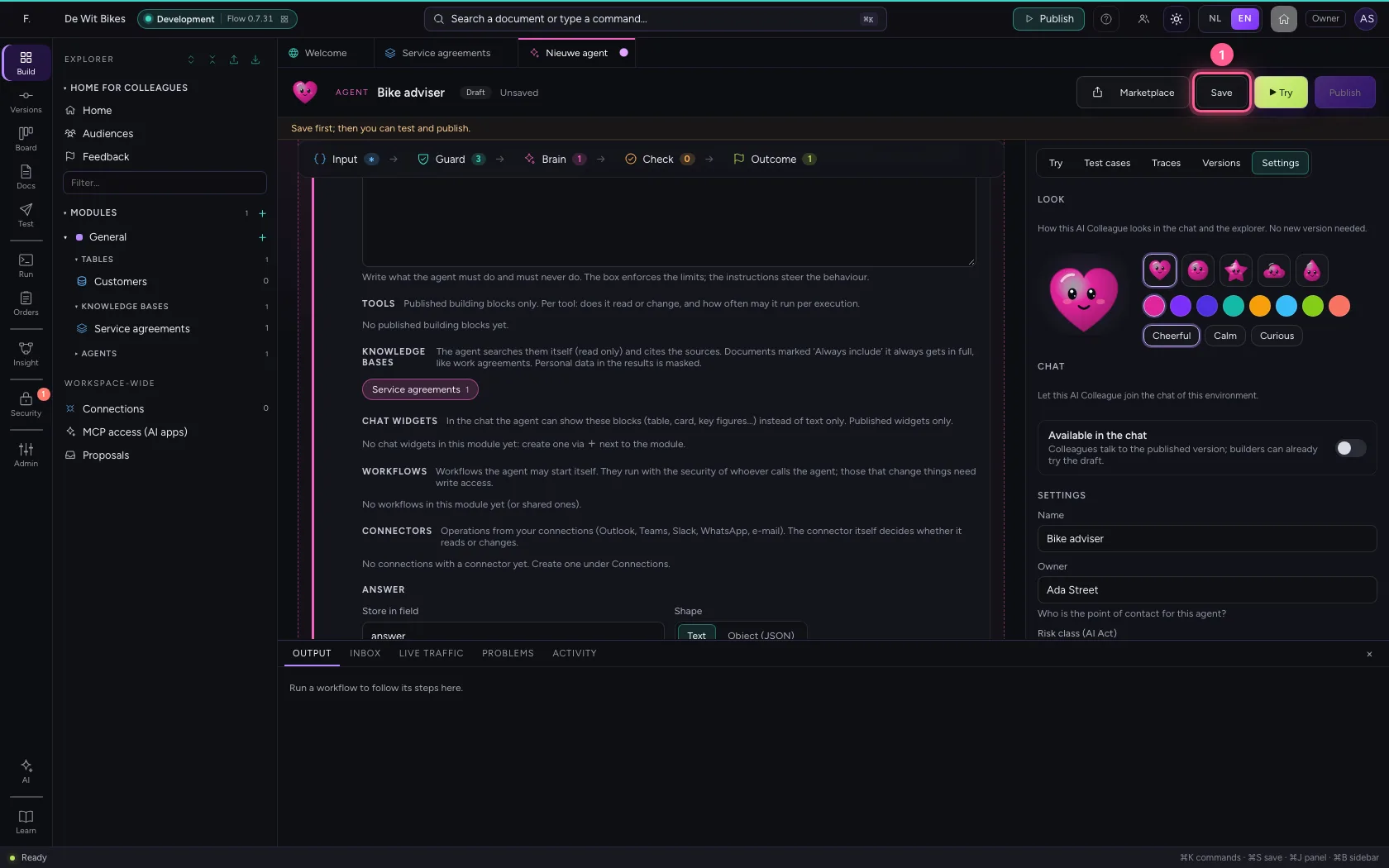
Under Brain you choose the AI model, write the goal and the instructions, and click the knowledge base. The agent may only read it, and cites the source with every answer.
- In Execution Rules (no AI model) · region LOCAL Echo (test, no model) · region LOCA, choose Scripted AI (test street) · region UNKNOWN
- In Goal, type
Answer customer questions about warranty, servicing and returns - In Instructions, type
Answer customer questions only with what is in the knowledge base, briefly and kindly. If you do not know, say so and refer to the workshop. Never promise a discount.
- Click the knowledge base
Save and read it back
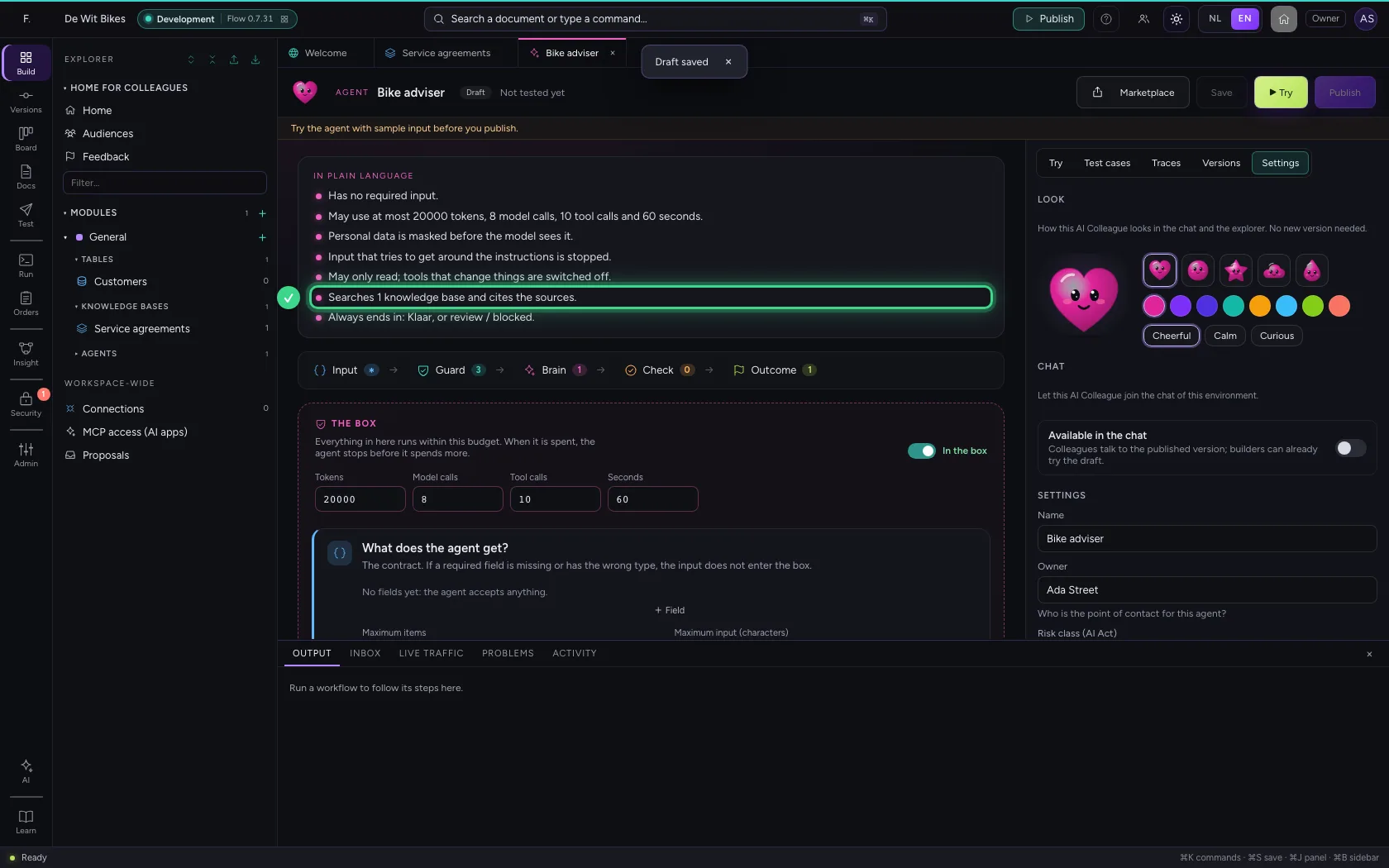
After Save, the top says in plain language what this agent may do and does. Read it through: is this what you meant?
- Click Save
Try it
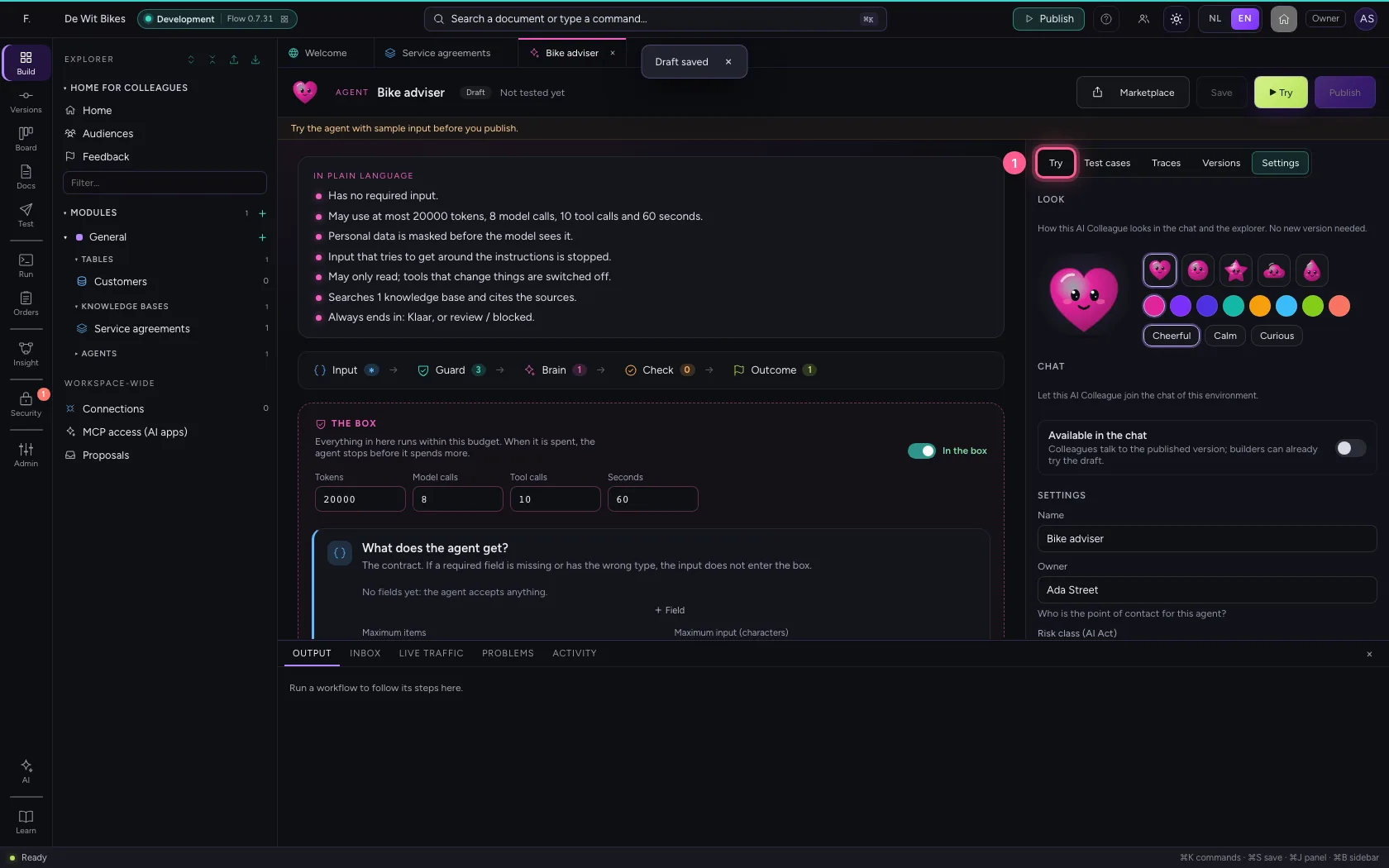
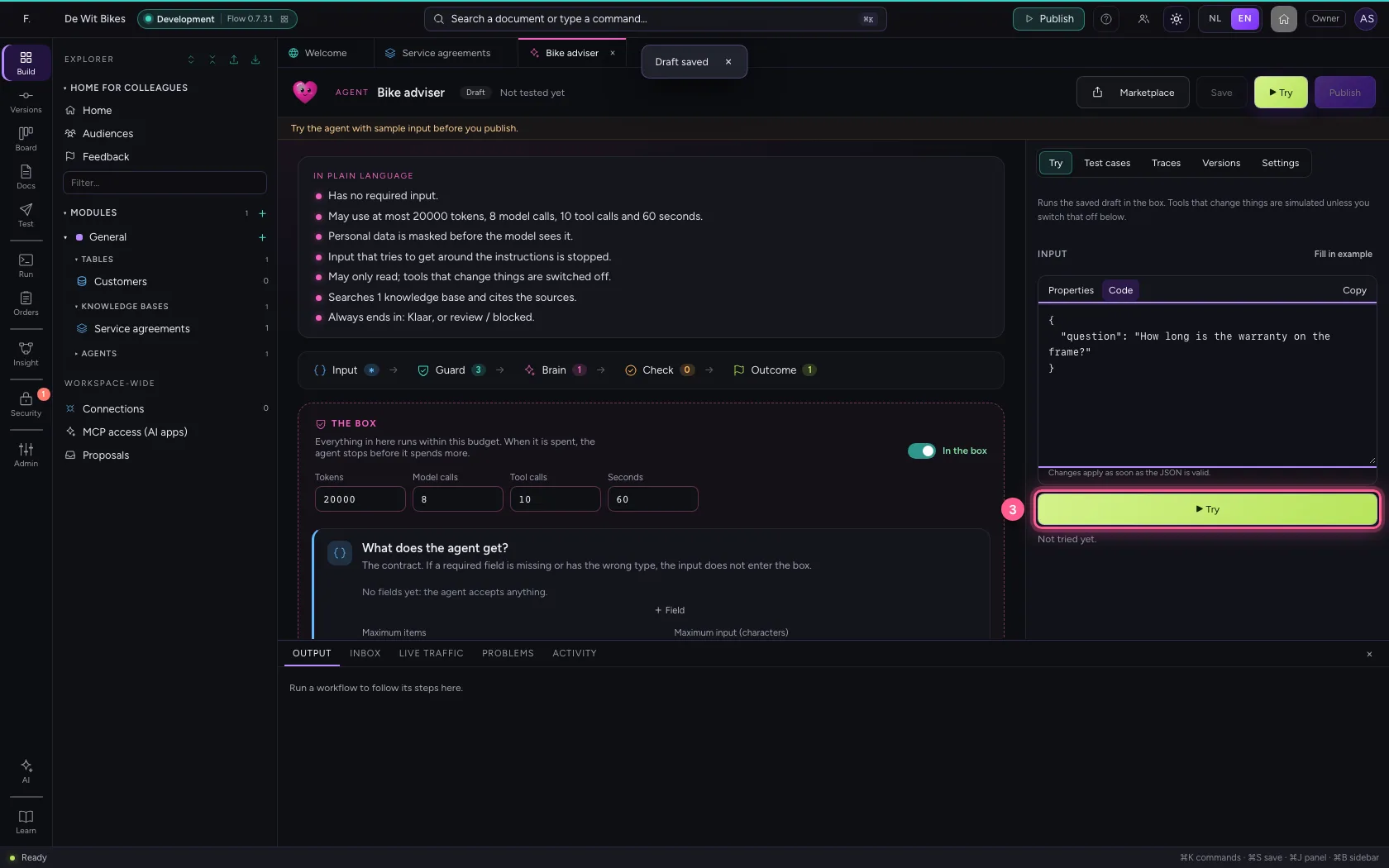
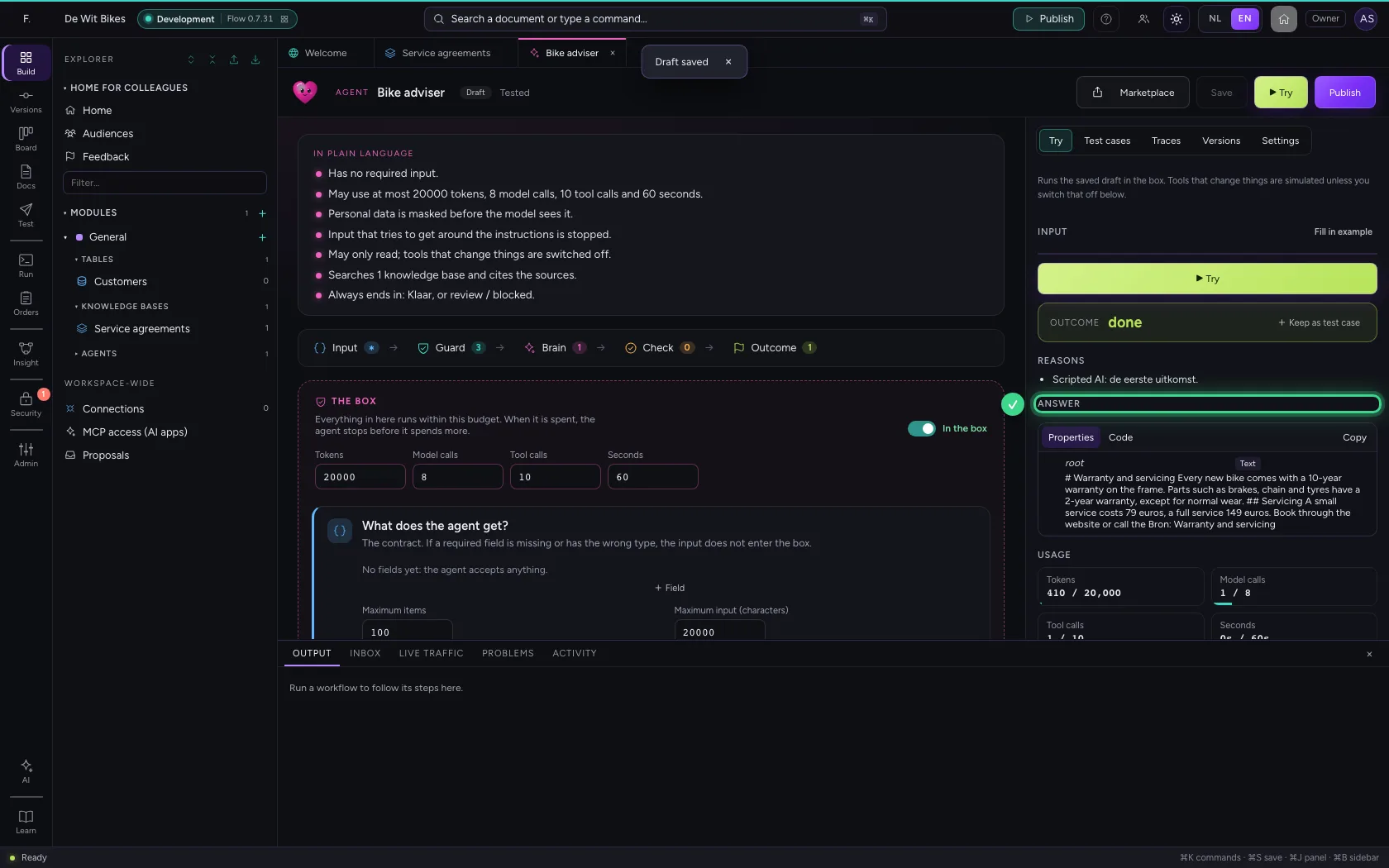
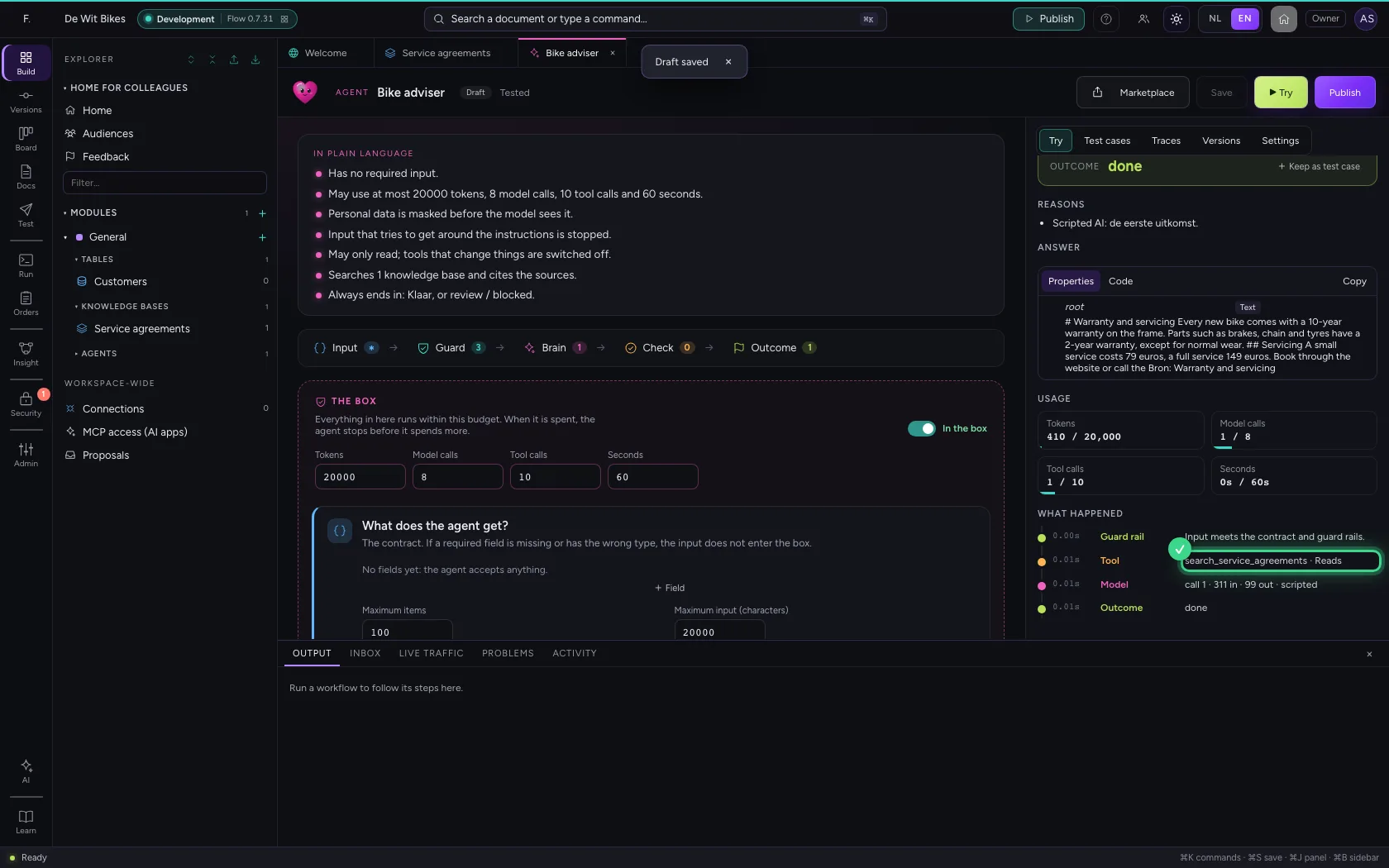
On the right under Try, give a question and click ▶ Try. You see the answer, what it cost, and under What happened every step: the guard rails, the model, and the search in your knowledge base.
- Click Try
- In the question, type
{"question": "How long is the warranty on the frame?"}
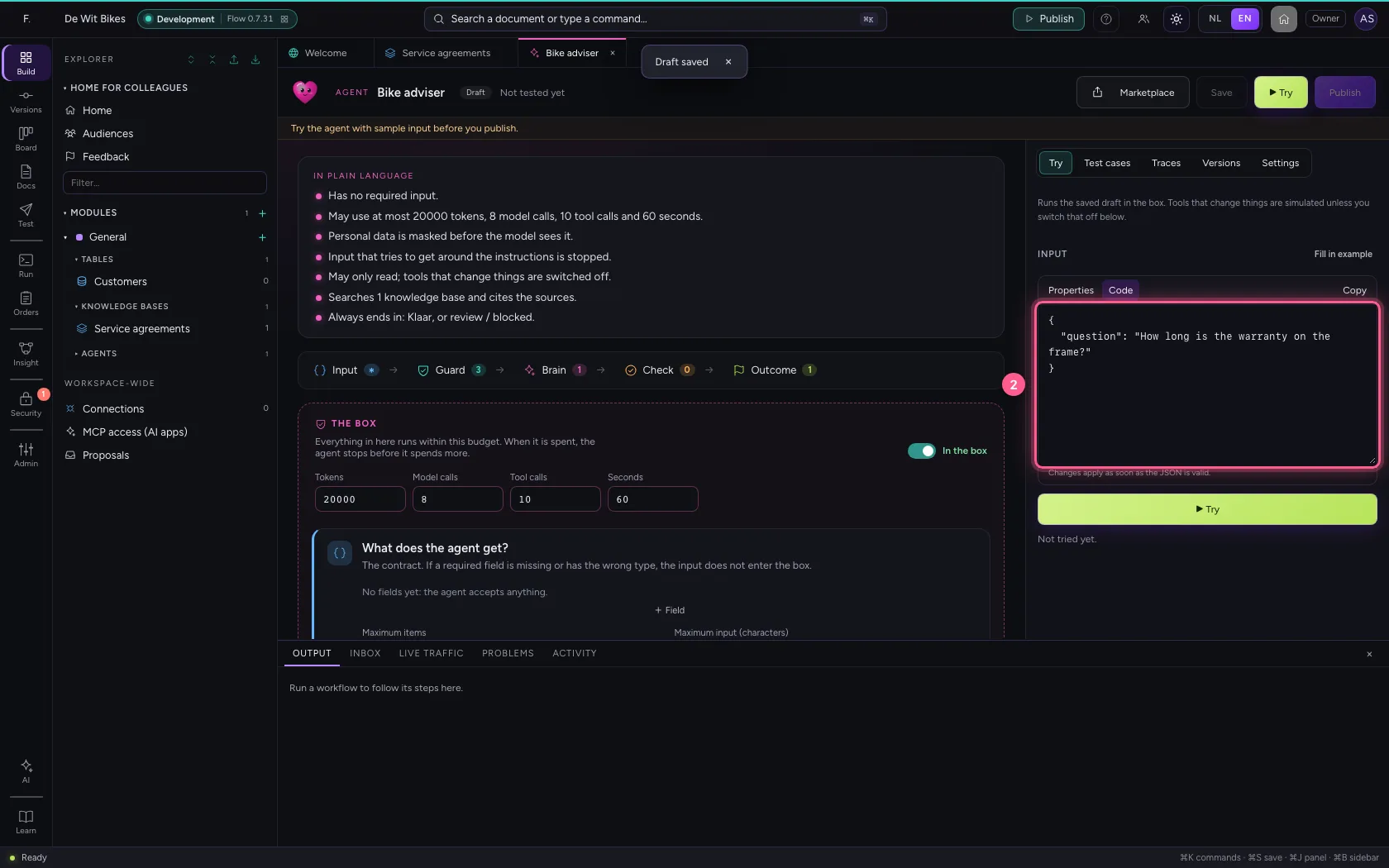
- Click ▶ Try
This guide was carried out step by step on 22 Oct 2026 by an automated test on Flow (version 3e563176).