Capabilities
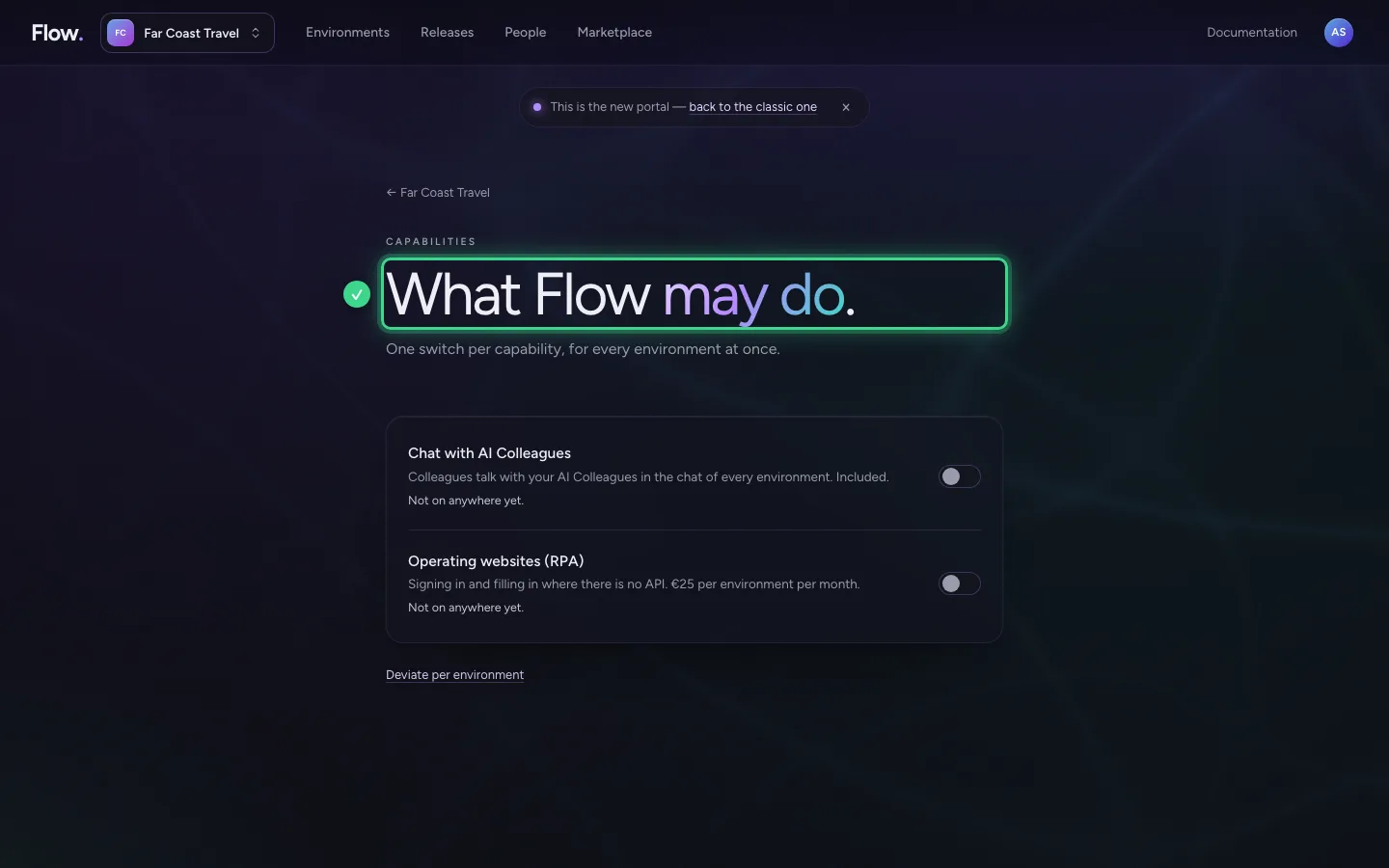
Under Capabilities you switch on what Flow may also do: the chat with AI Colleagues, or operating websites where there is no connection. One switch applies to all your environments at once. You used to do that per environment.
Open Capabilities
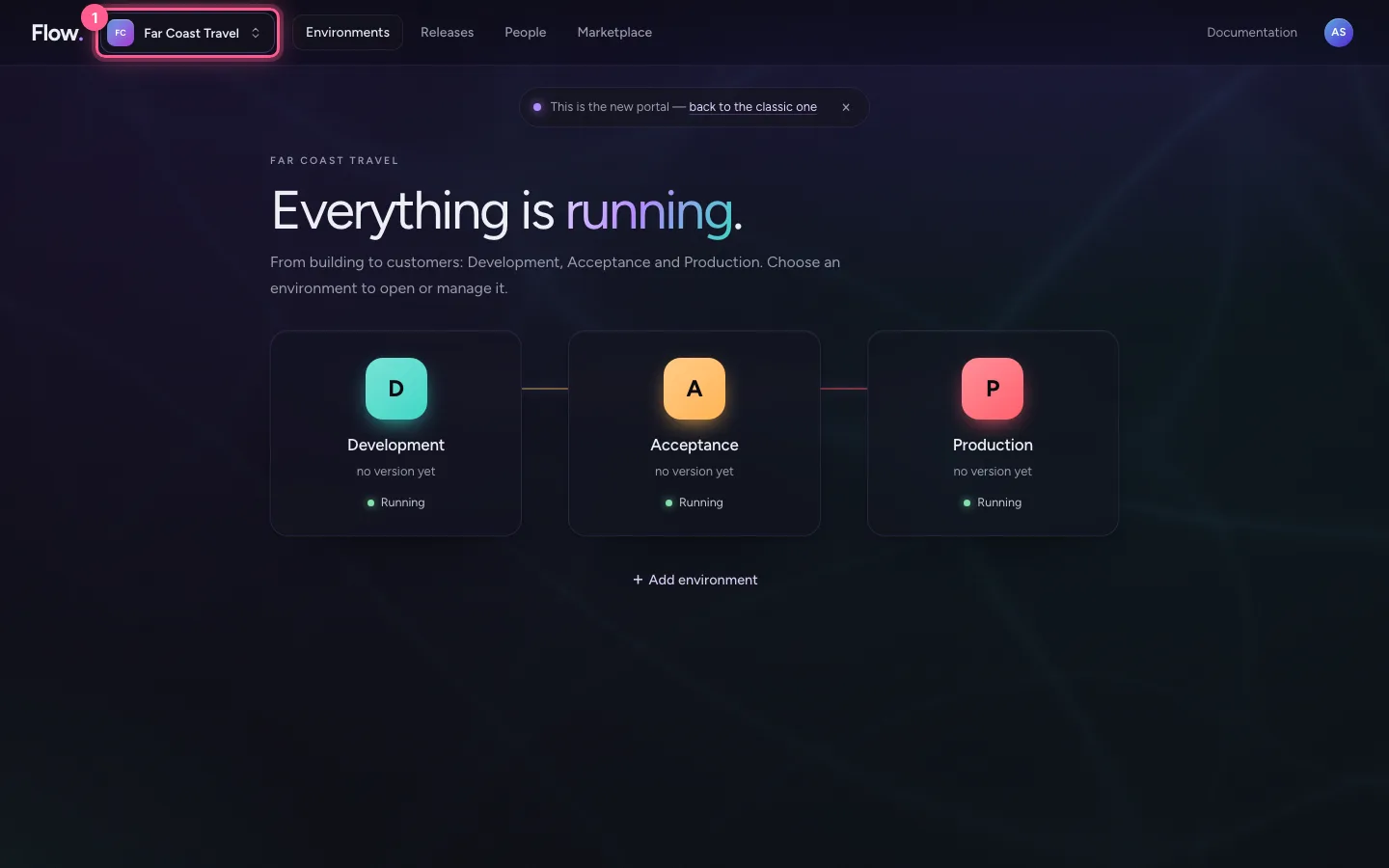
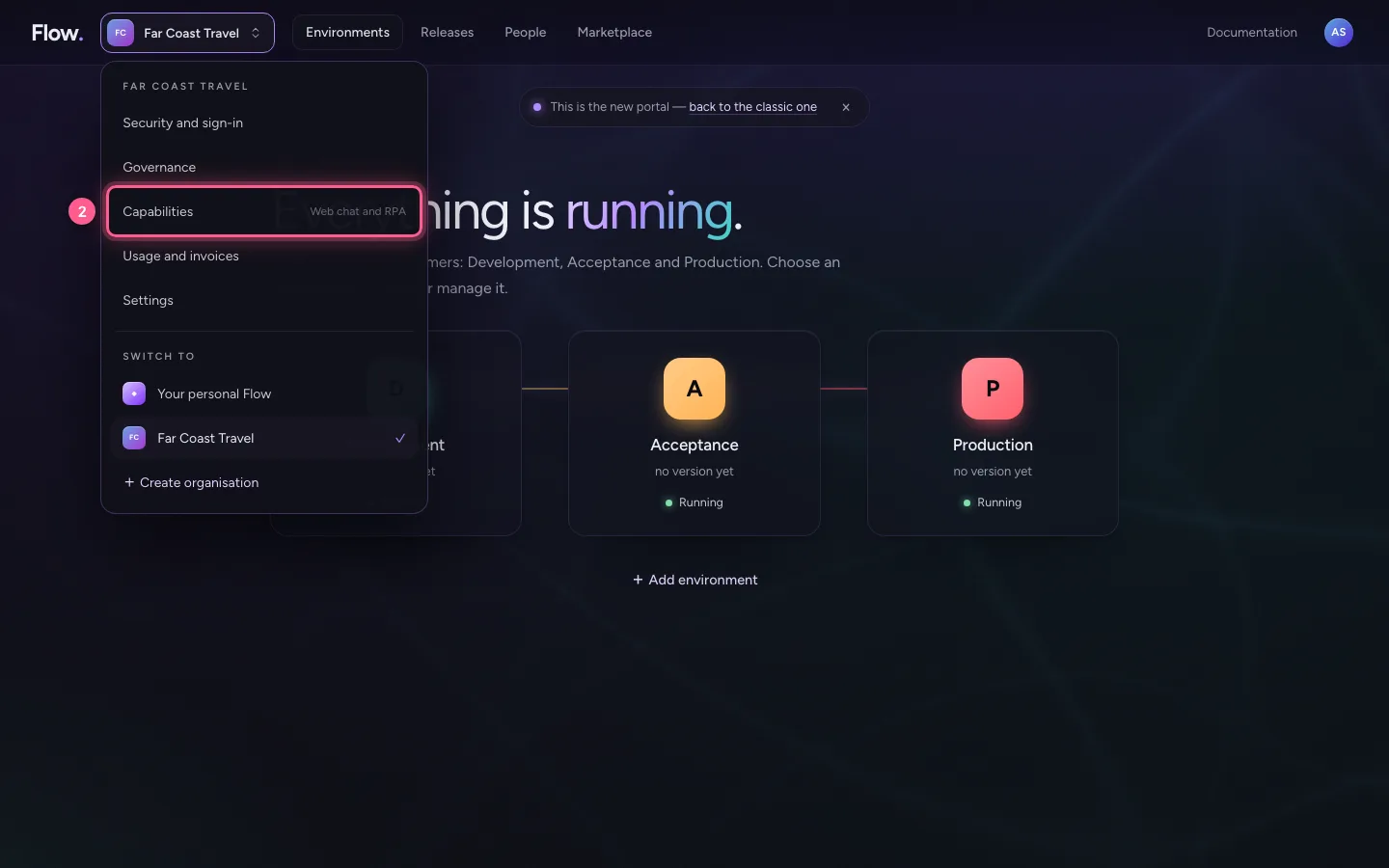
Click your organisation's name at the top left and choose Capabilities. Everyone in the organisation sees what is on here; only an owner switches something on or off.
- Click Far Coast Travel
- Click Capabilities Web chat and RPA
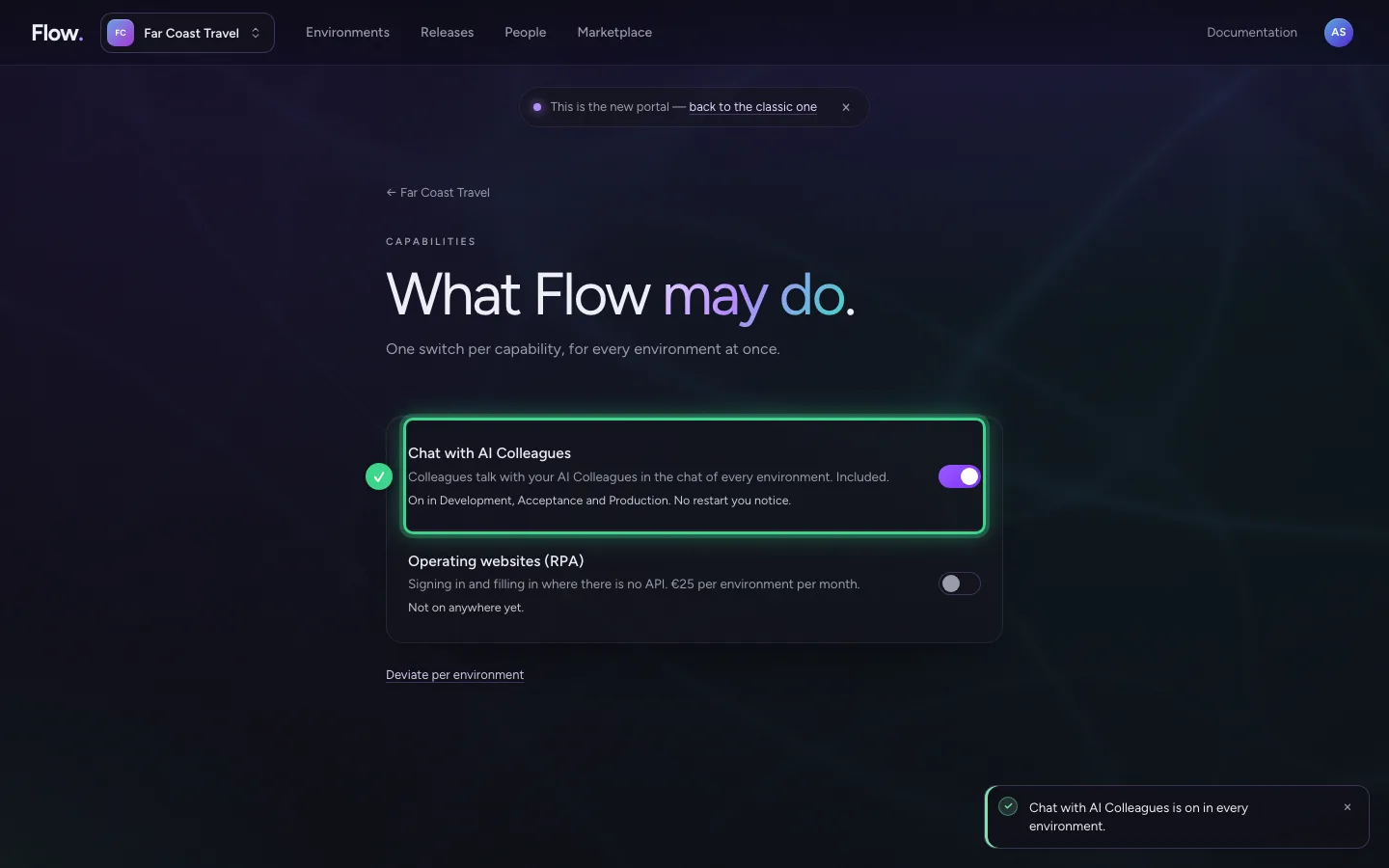
Switch the chat on
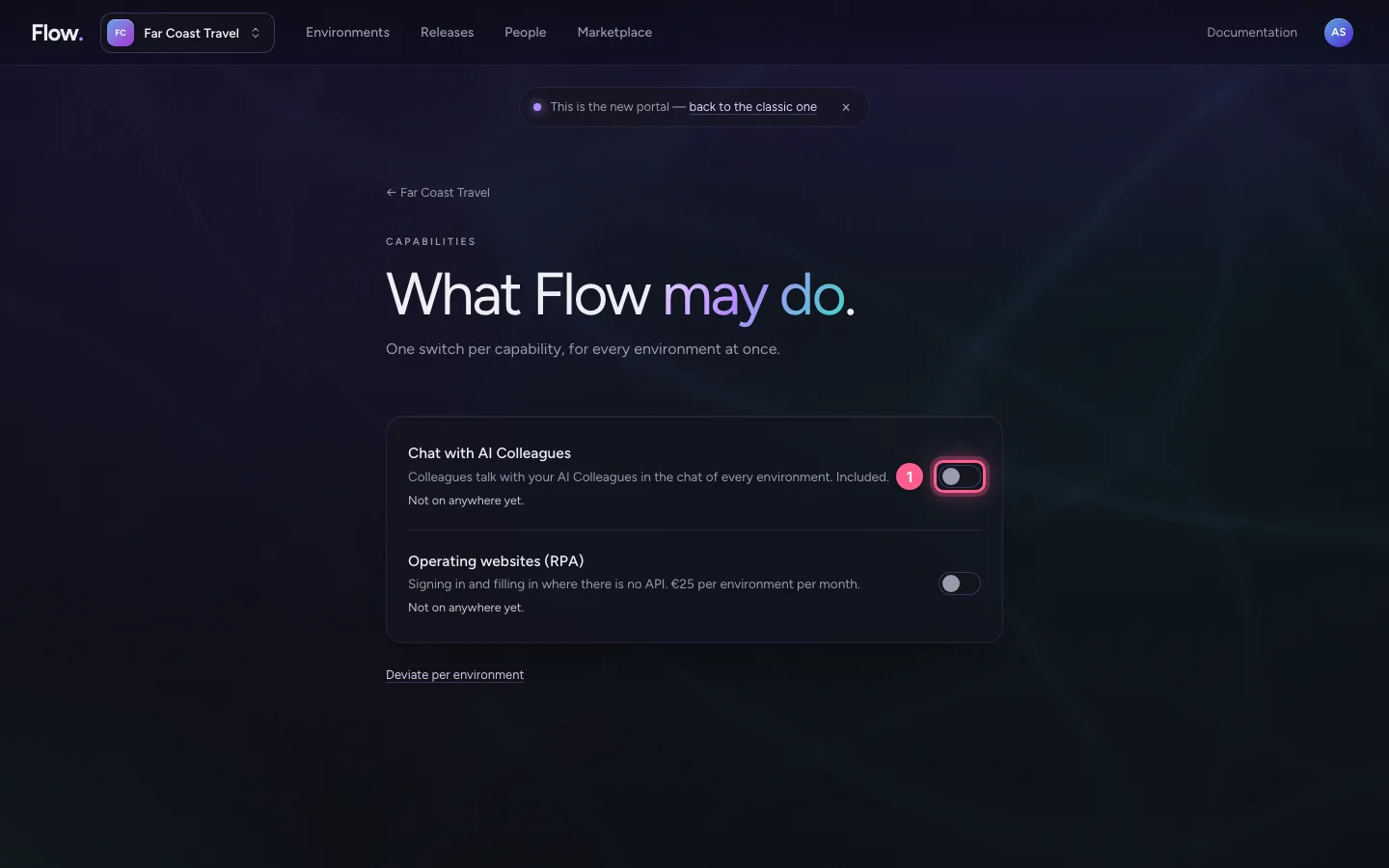
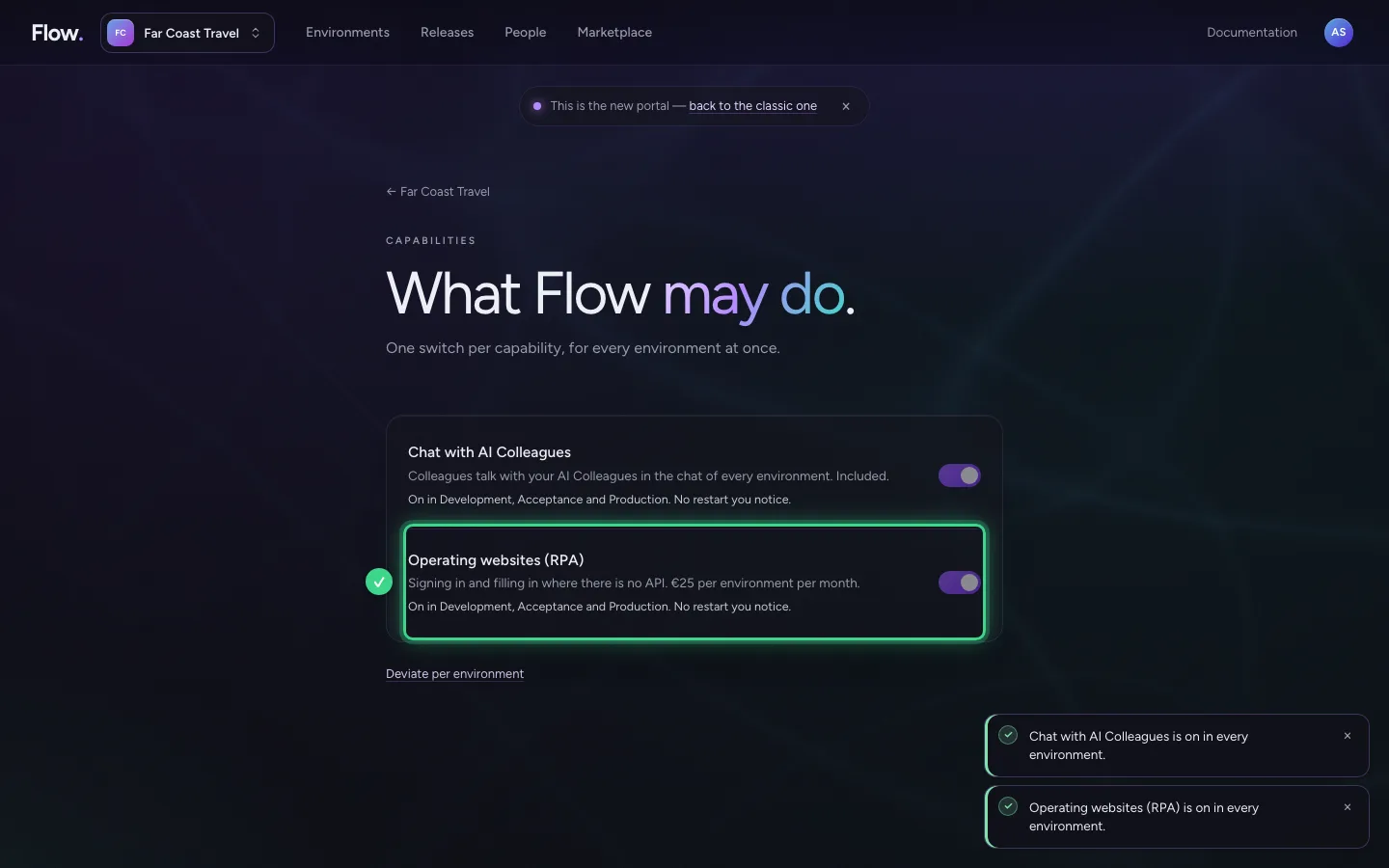
Every capability is on one line: what it does, what it costs and where it is on. The chat with AI Colleagues is included. Switch it on: the chat is then on in all your environments.
- Click
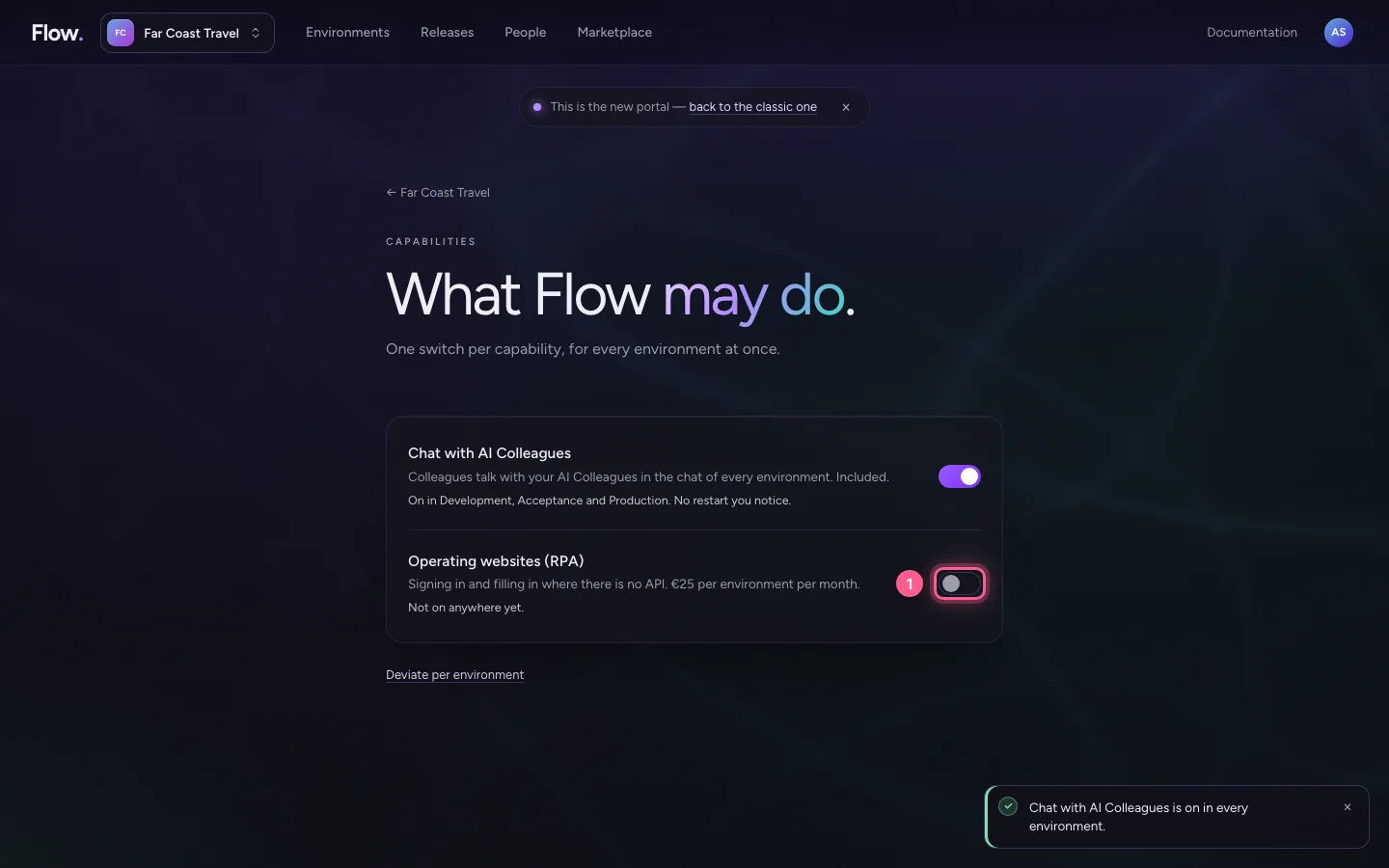
Switch on operating websites
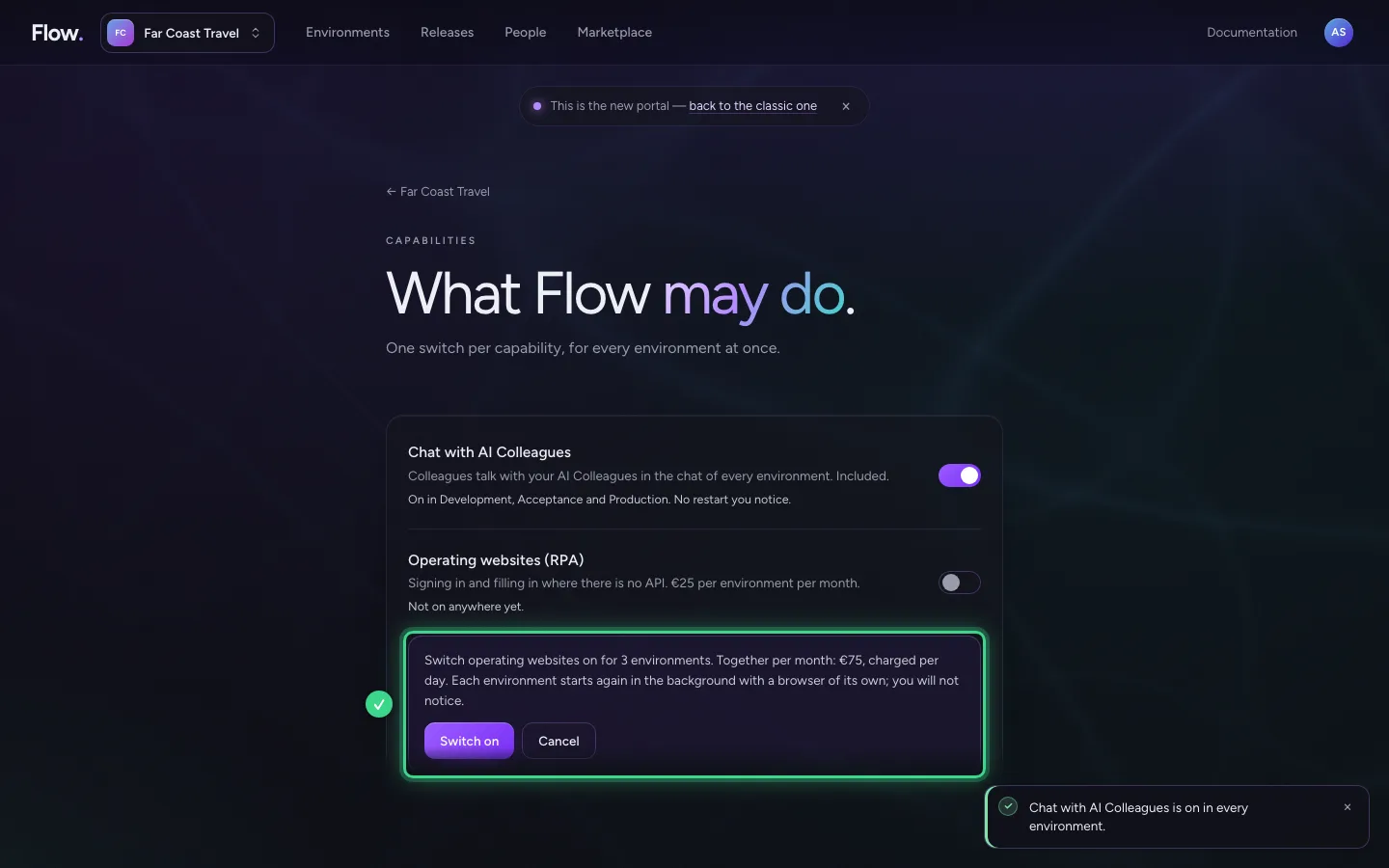
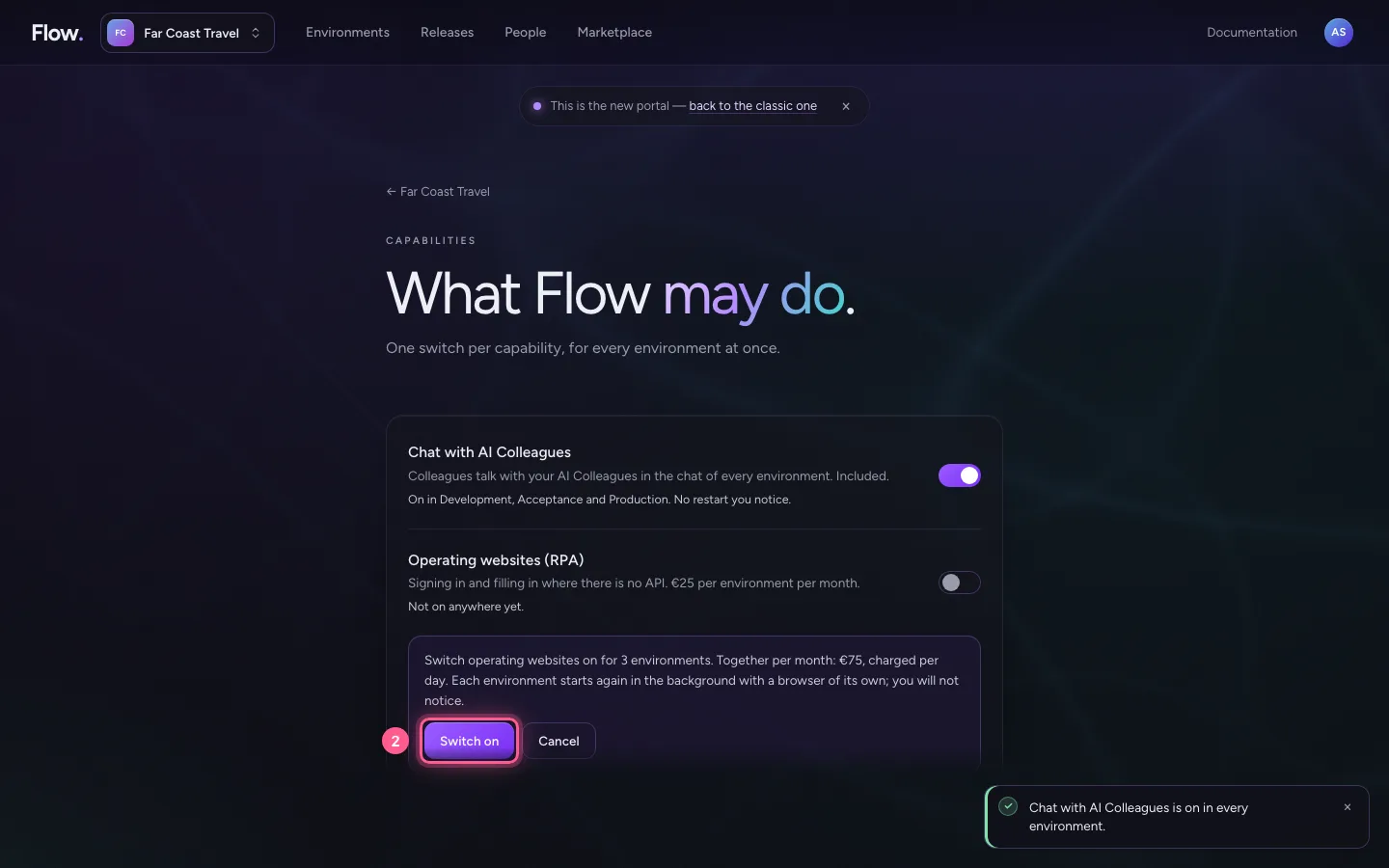
Operating websites lets Flow sign in to a website and fill in forms, like a person. It costs money per environment, so the portal asks first: you see for how many environments and what it costs together per month. Choose Switch on. Each environment starts again in the background with a browser of its own; you will not notice.
- Click
- Click Switch on
One environment differently
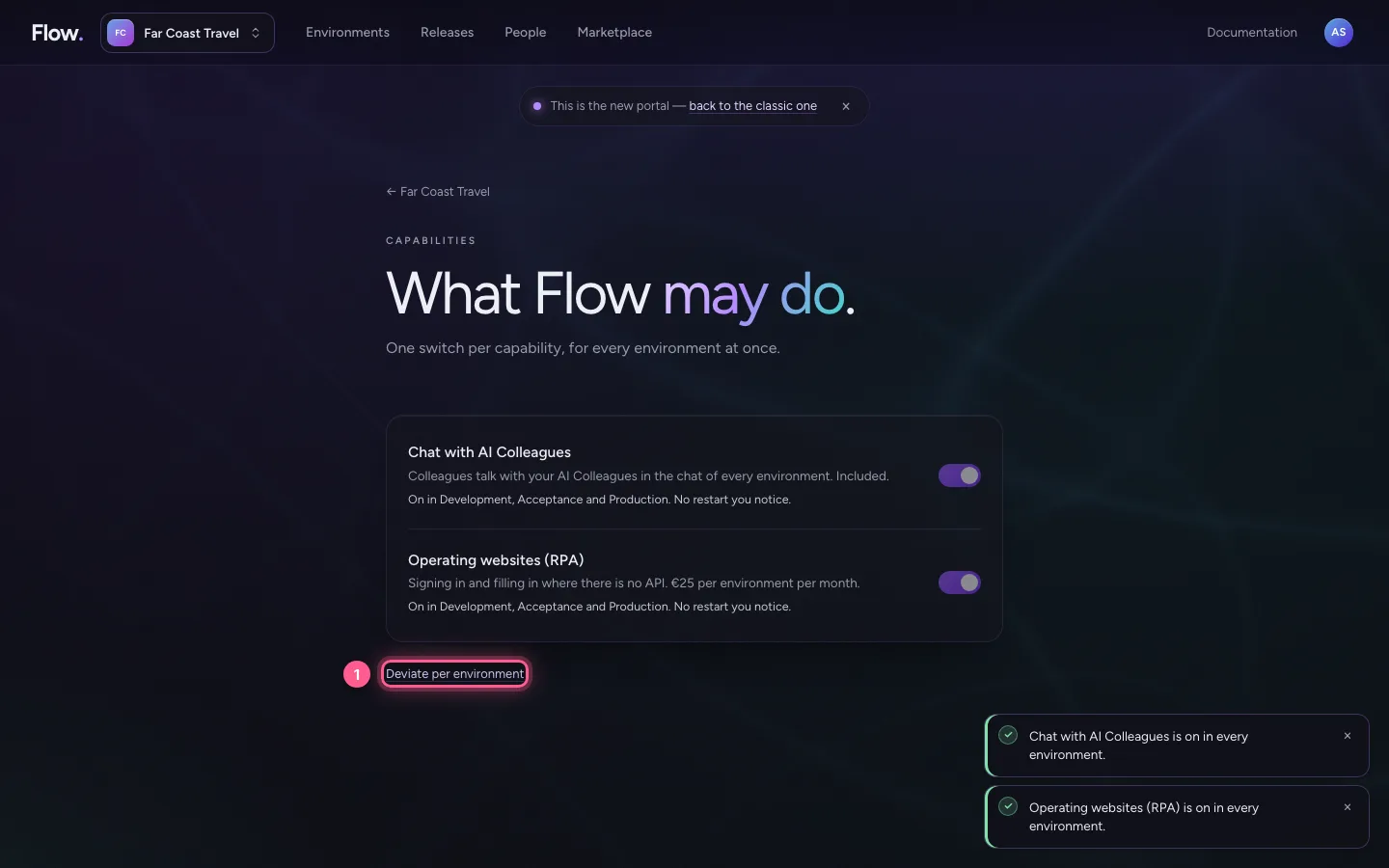
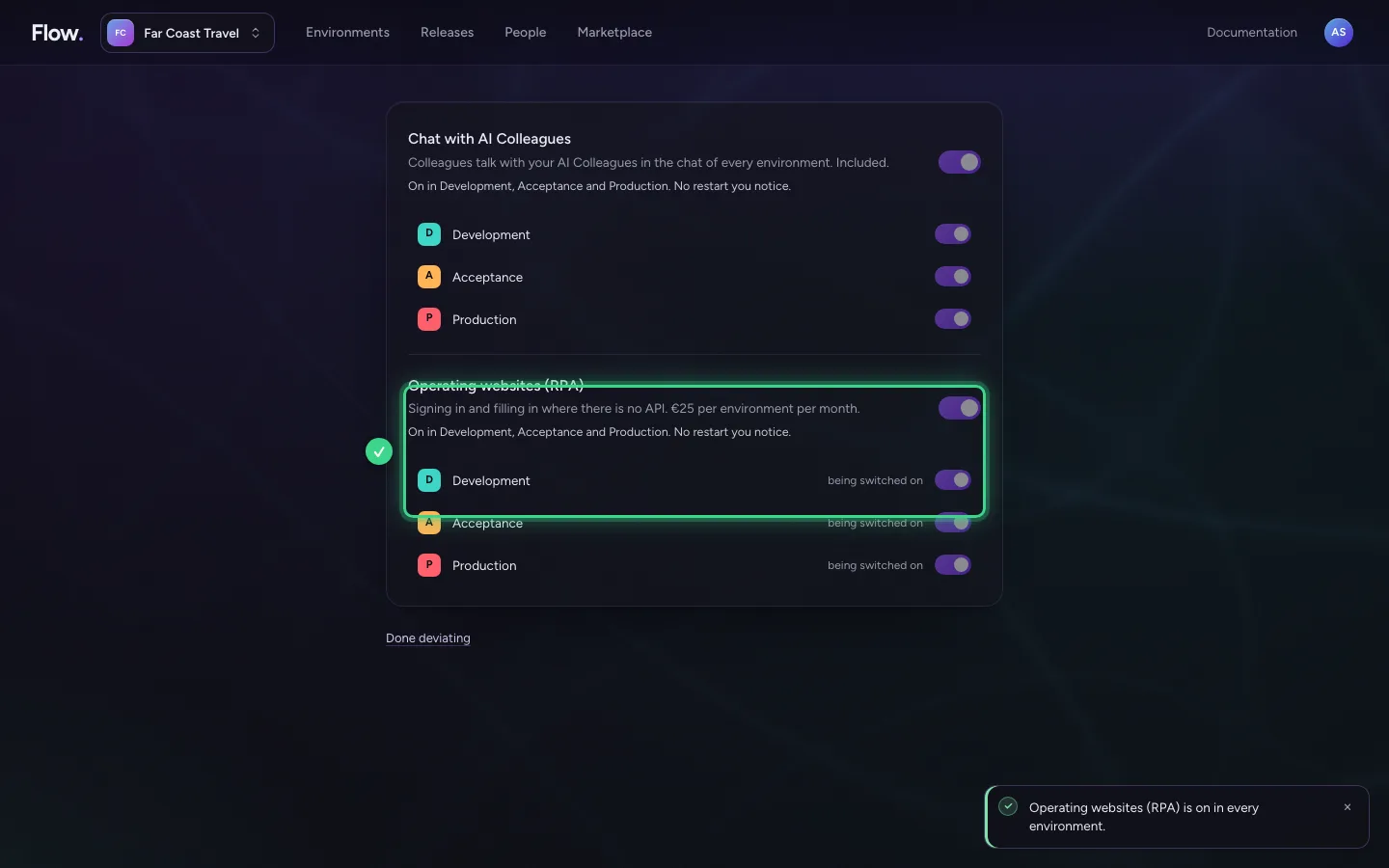
Want a capability in some environments only? Choose Deviate per environment at the bottom. Then every capability has a switch per environment below it.
- Click Deviate per environment
This guide was carried out step by step on 28 Oct 2026 by an automated test on Flow (version 96971699).