Usage and invoices
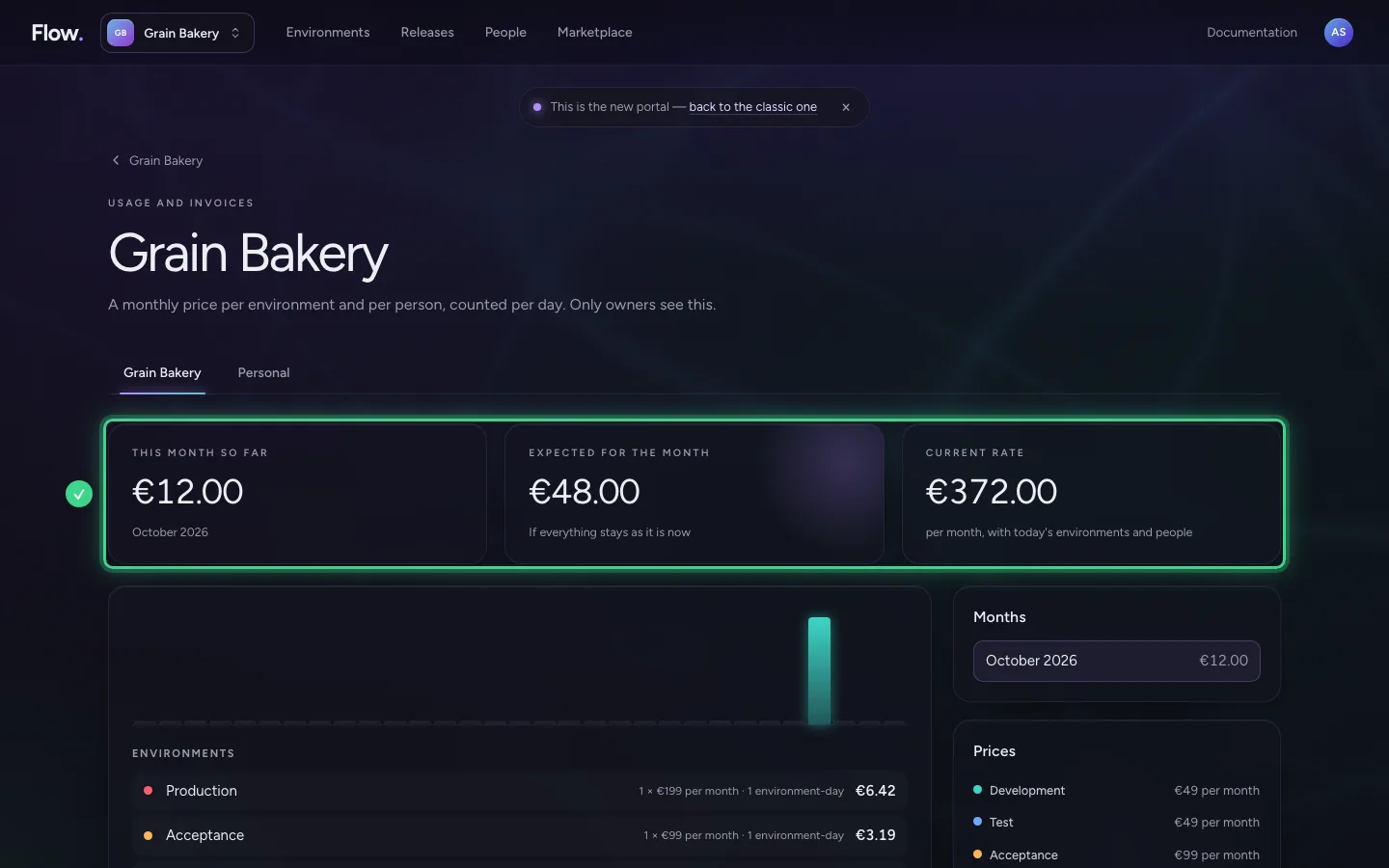
What Flow costs is under Usage and invoices. The amounts and how they are calculated have not changed. Only the place is new: Billing used to be in the bar at the top, now it is behind the name of your organisation.
Step 1 / 2
Open Usage and invoices
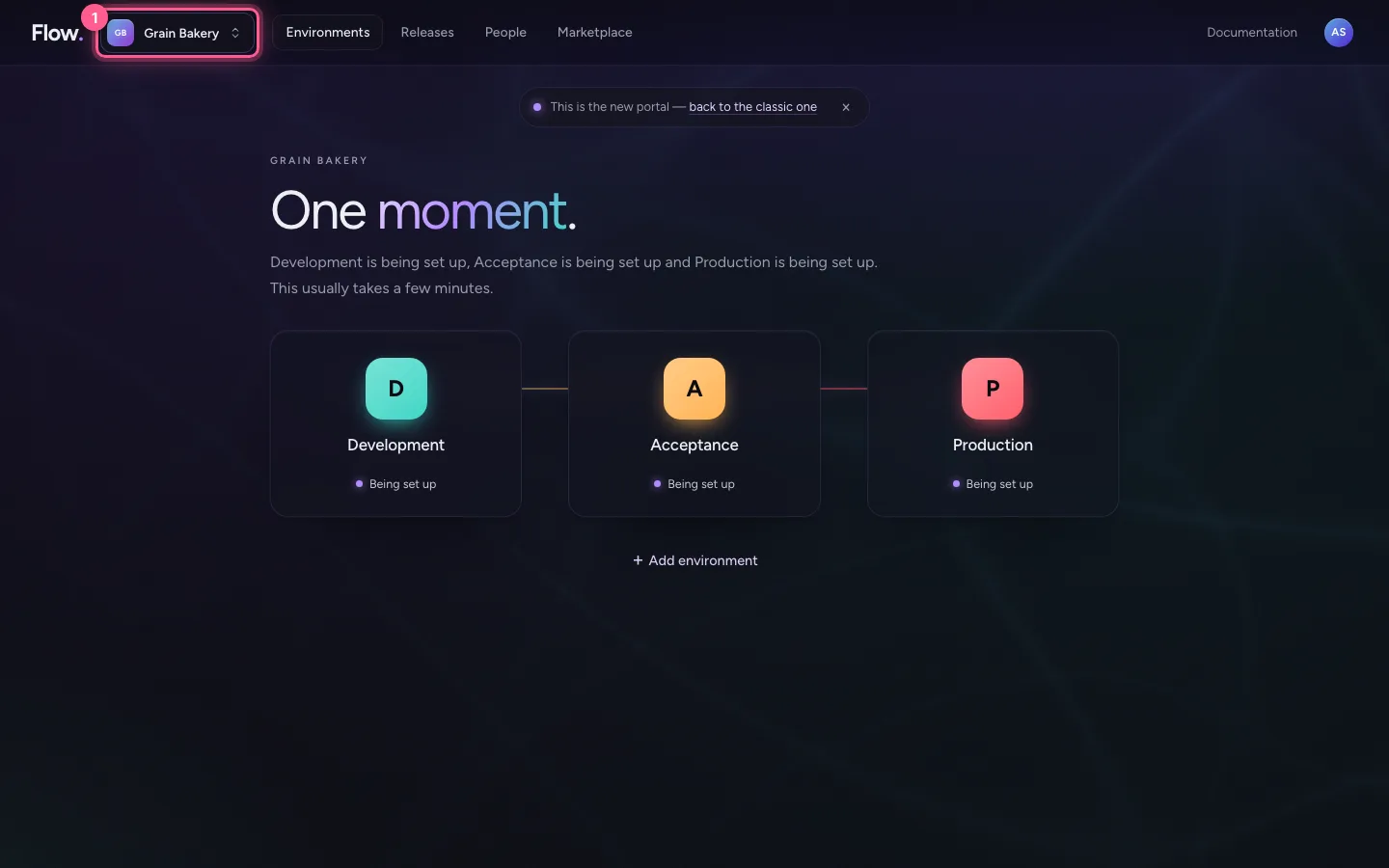
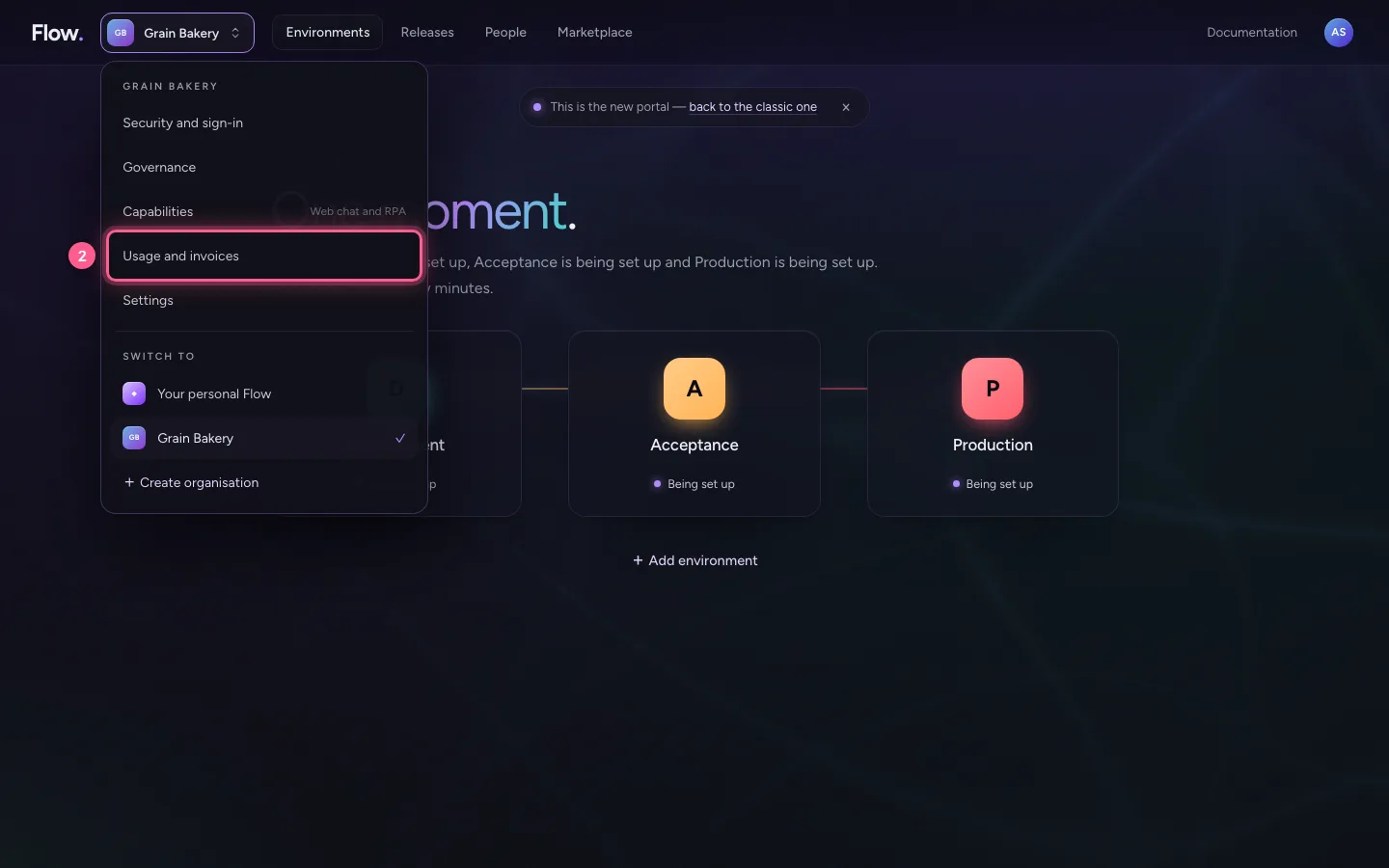
Click your organisation's name at the top left and choose Usage and invoices. Only an owner sees this.
- Click Your organisation's name
- Click Usage and invoices
Step 2 / 2
What it is made of
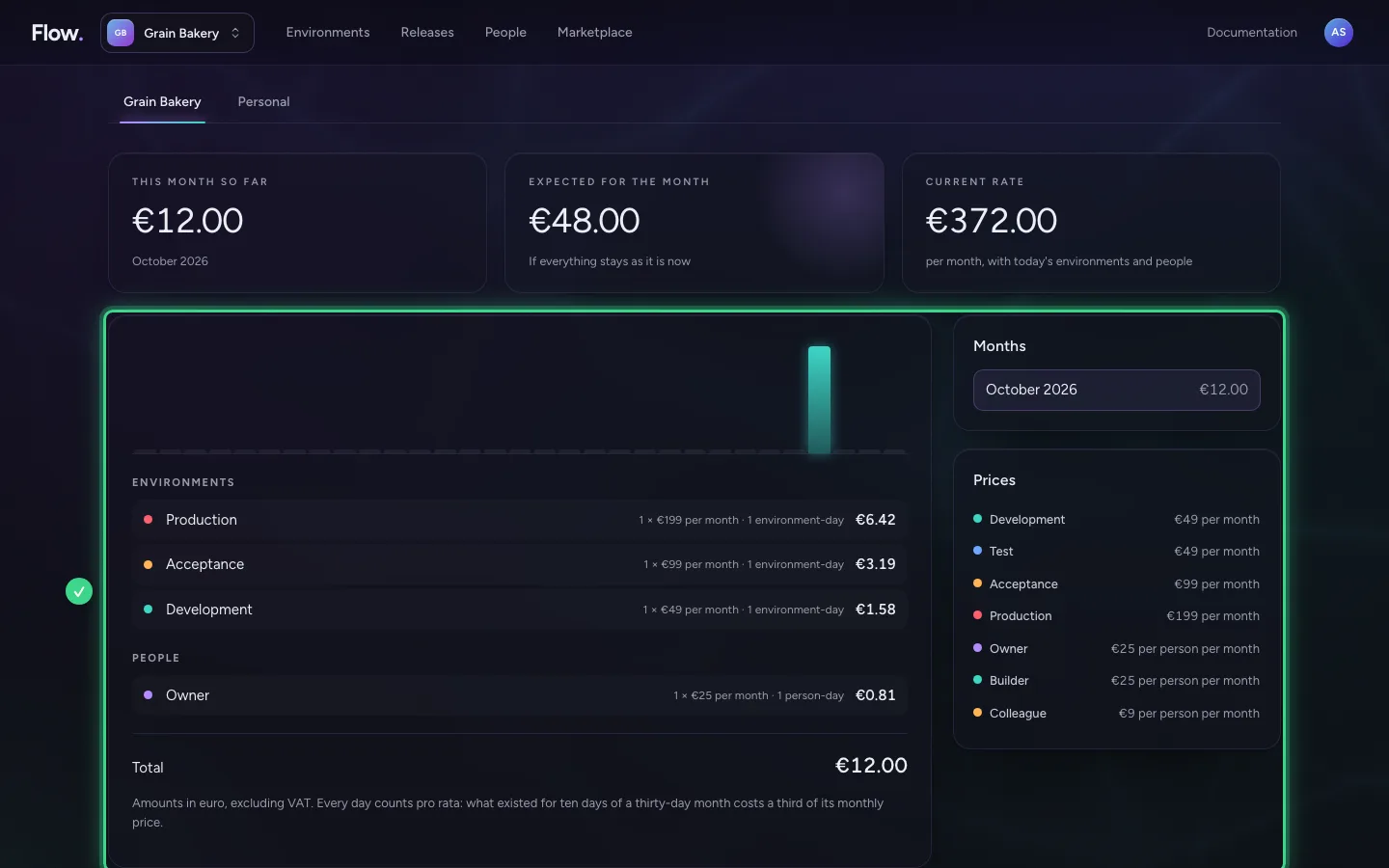
Below it every day is a bar, and what the amount is made of: environments, people and add-ons, each with their monthly price and the number of days. Every day counts pro rata. Earlier months and the prices are next to it.
This guide was carried out step by step on 28 Oct 2026 by an automated test on Flow (version 96971699).