Set up a vault
Every environment keeps its secrets in a vault. That is Flow's own vault, unless you choose a vault in your own cloud. You set it per environment. An owner approves the move.
Choose the environment
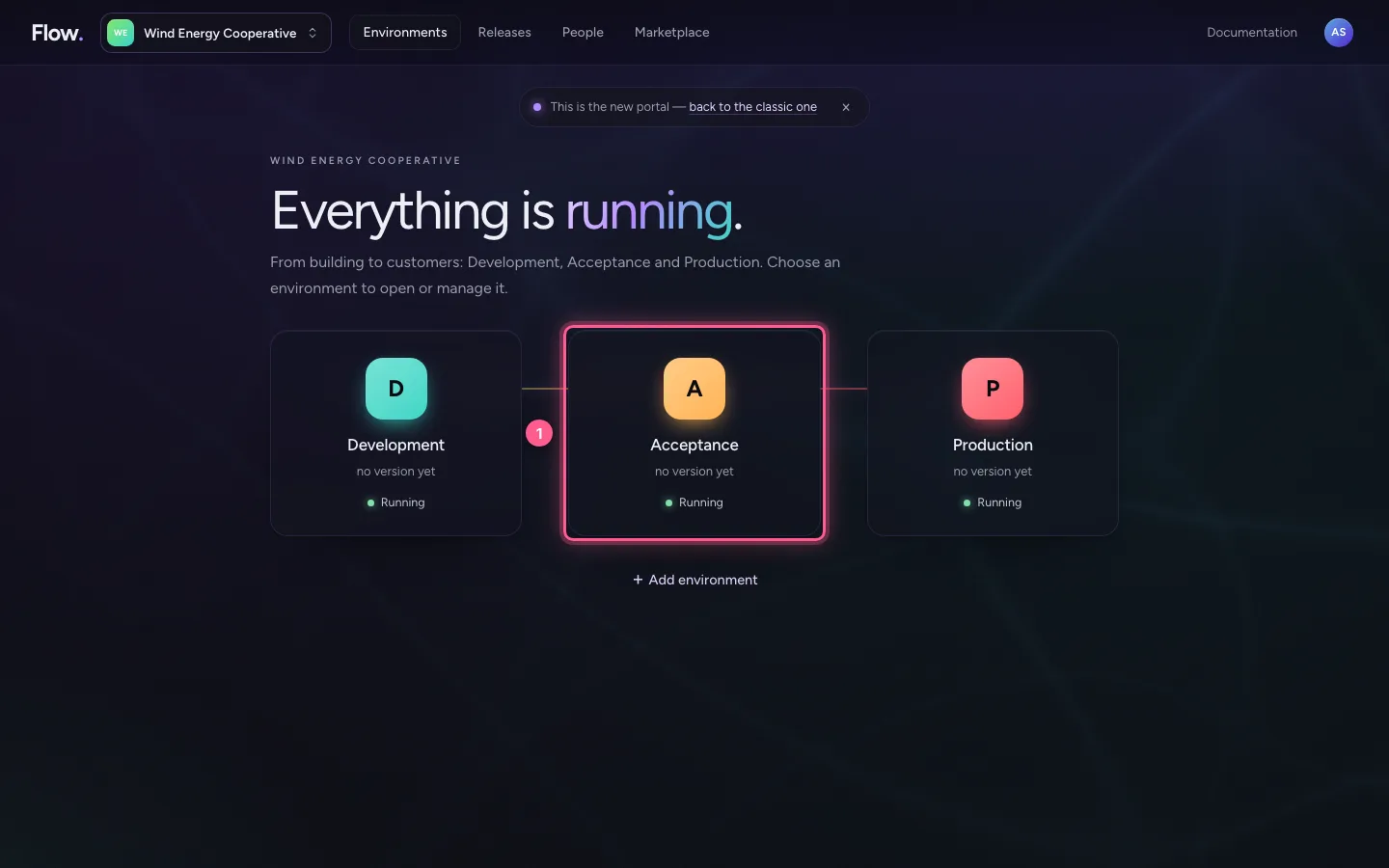
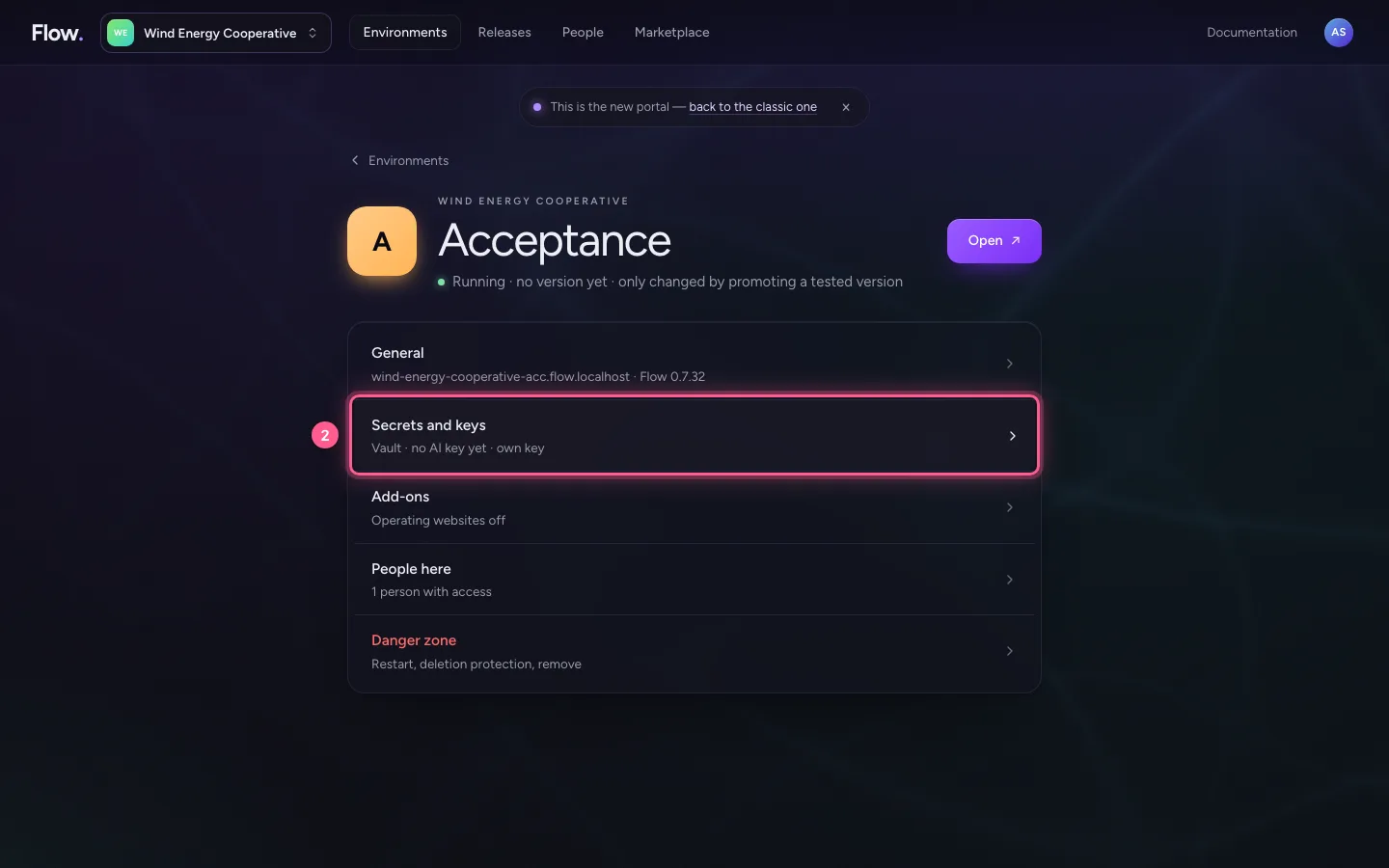
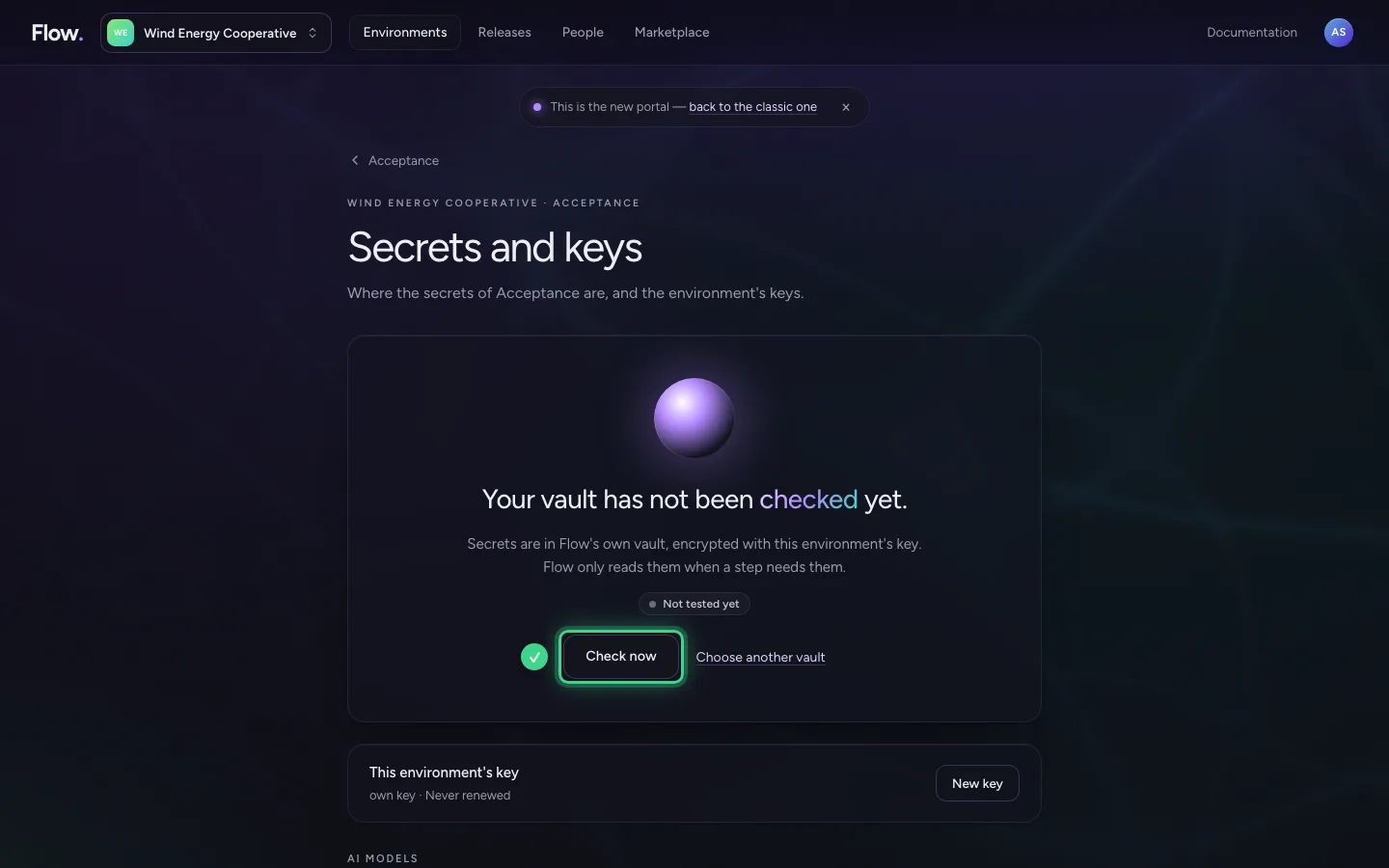
On Environments, click the environment, for example Acceptance, and choose Secrets and keys. At the top you see in one sentence whether the vault works, and when that was last checked.
- Click A Acceptance no version yet Running
- Click Secrets and keys Vault · no AI key yet · own key
Choose another vault
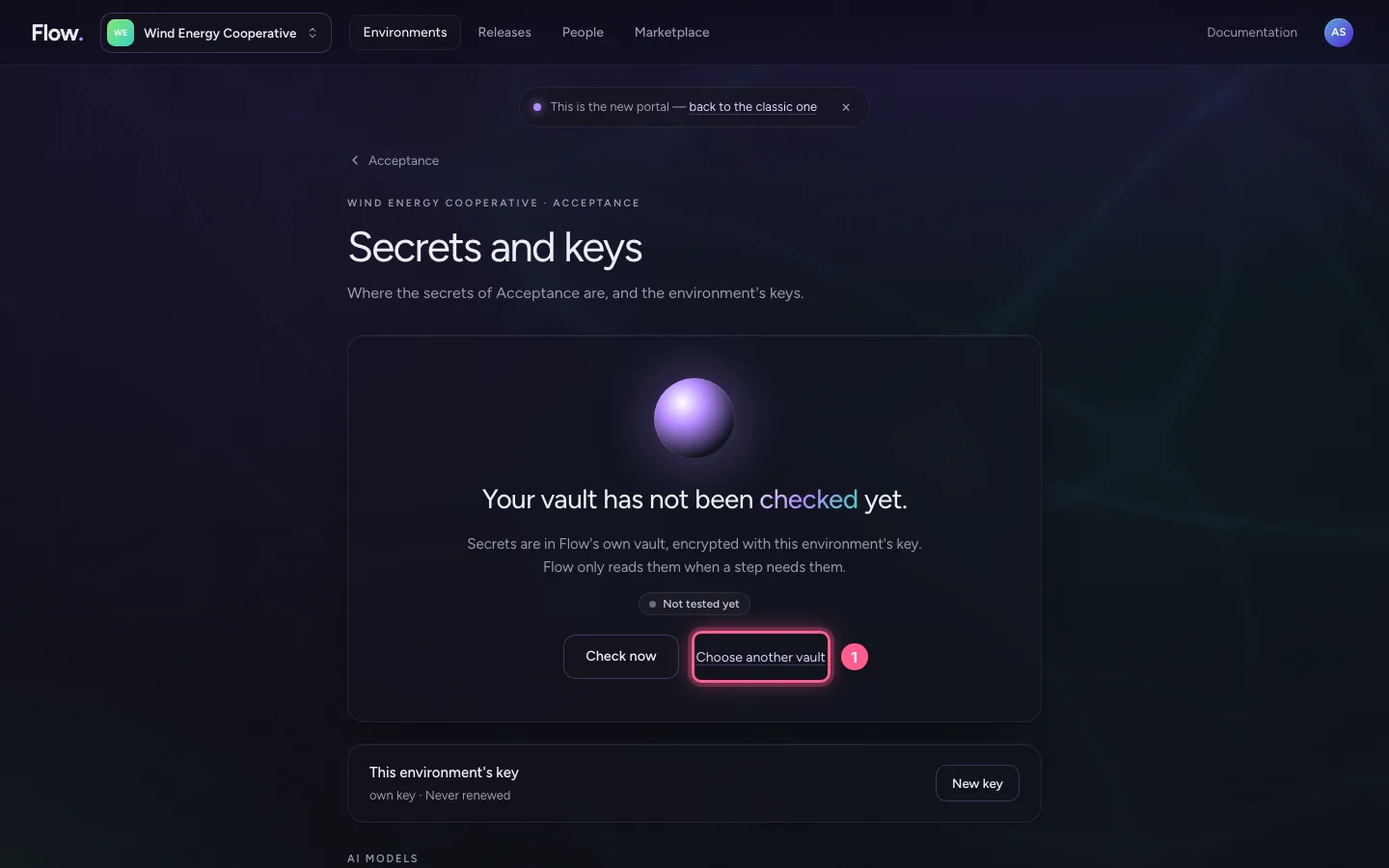
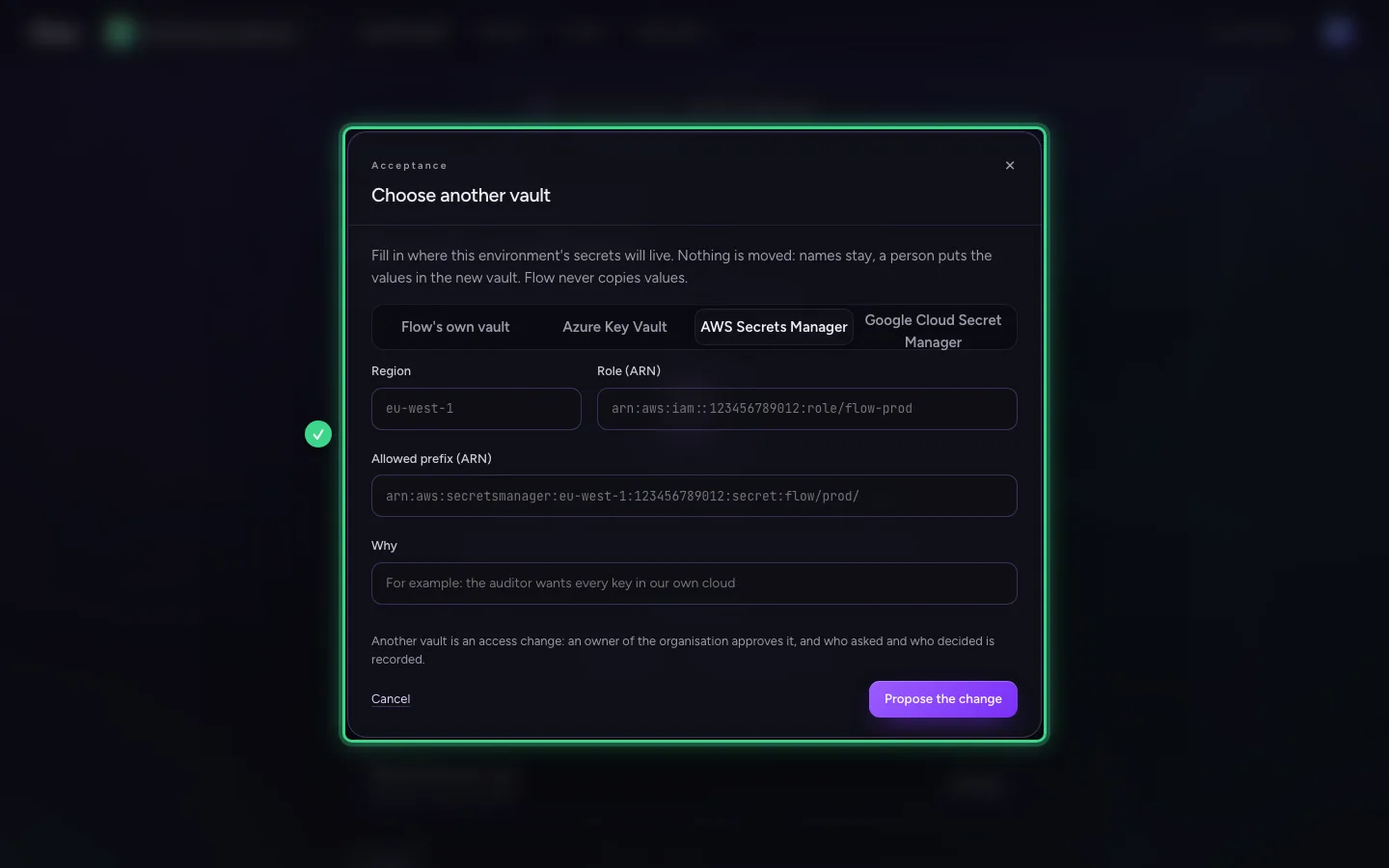
Choose Choose another vault. Choose your cloud: Azure Key Vault, AWS Secrets Manager or Google Cloud Secret Manager. Fill in where the vault is, and why you move. Nothing is moved: the names stay, you put the values in the new vault yourself. Flow never copies values.
- Click Choose another vault
Propose, test and approve
Propose the change makes a proposal. The portal then shows step by step what to set up in your cloud, and tests the new vault without ever showing a value. An owner approves the move; the environment restarts and reads from the new vault afterwards. Check now shows at any moment whether the vault works.
This guide was carried out step by step on 28 Oct 2026 by an automated test on Flow (version 96971699).