API gateway patterns
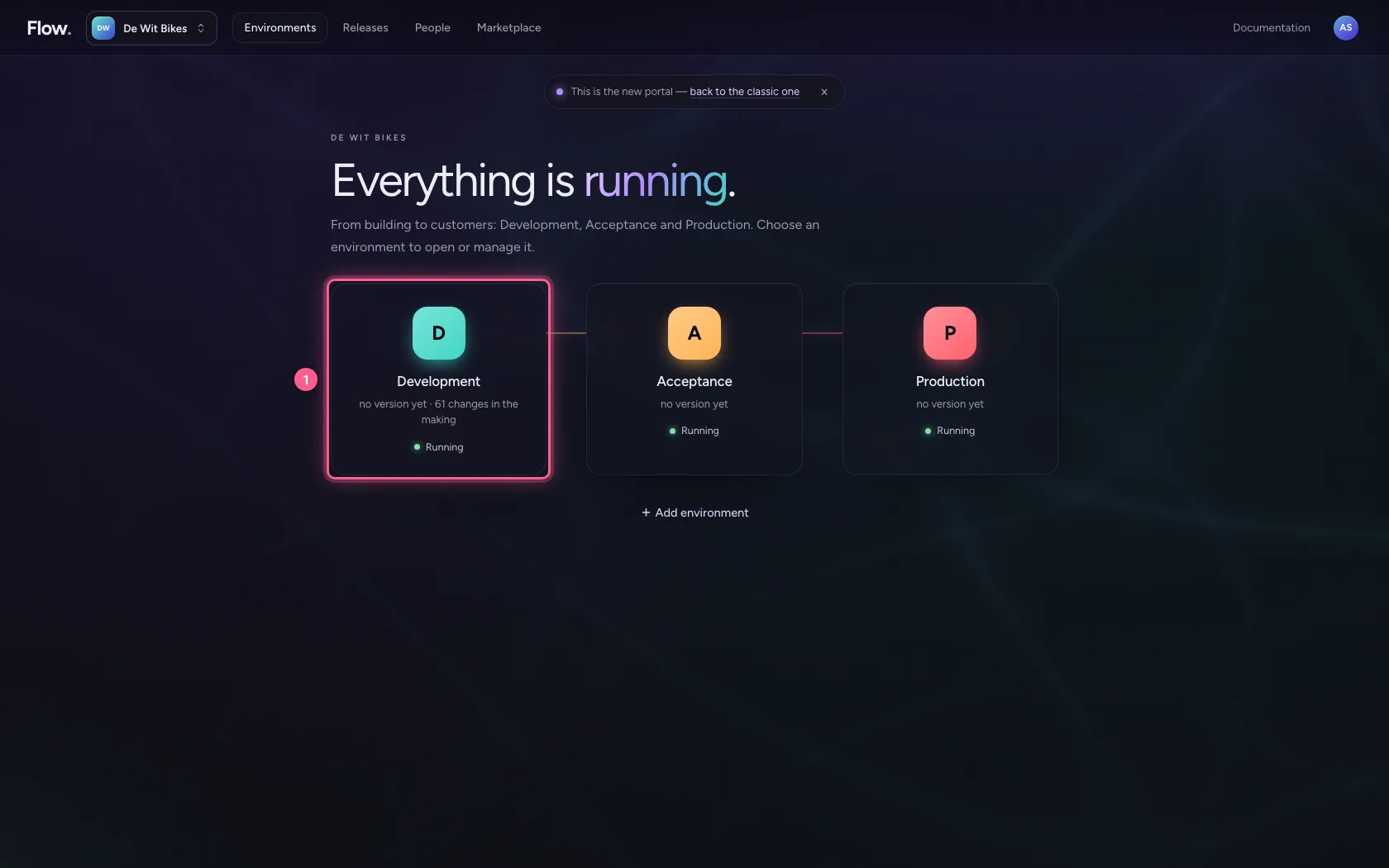
- Step 1 · Open your development environment
- Step 2 · Connect the existing system
- Step 3 · Create a security policy with three sign-in methods
- Step 4 · Set up the signature
- Step 5 · Create the API and attach the policy
- Step 6 · A proxy endpoint for the stock system
- Step 7 · Without signing in: refused
- Step 8 · With a signature: in
- Step 9 · The public description
The gateway is the one front door for every API your organisation offers — including systems you do not build yourself. You put an existing stock system behind a proxy endpoint, choose per API how consumers sign in (API key, OAuth 2.0, webhook signature), see a signed call get in and an unsigned one fail, and make the API's description public.
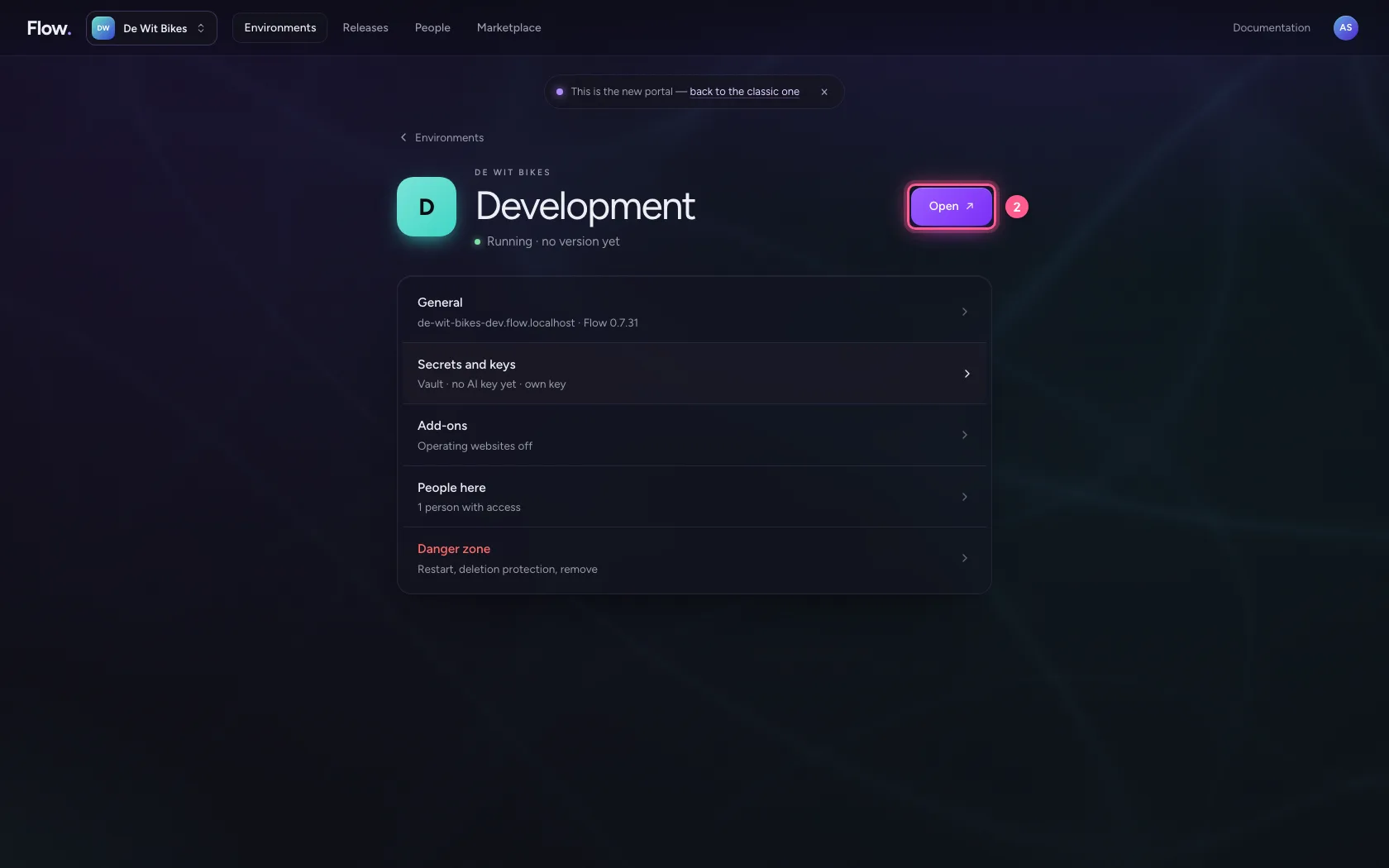
Open your development environment
You design APIs in Development; they travel with a version to Acceptance and Production. Connections do not: you set them up per environment, with that environment's keys.
- Click Development
- Click Open ↗
Connect the existing system
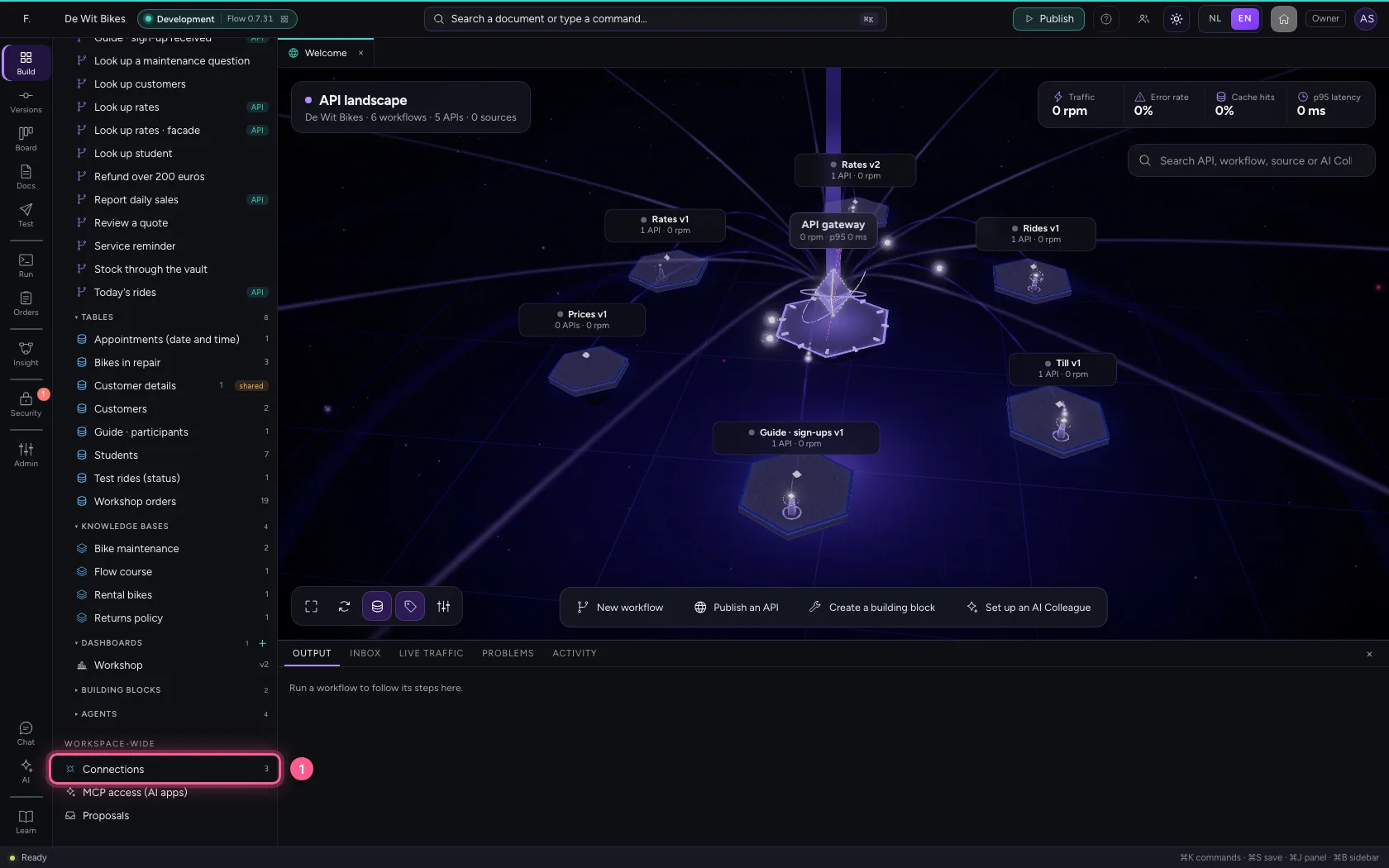
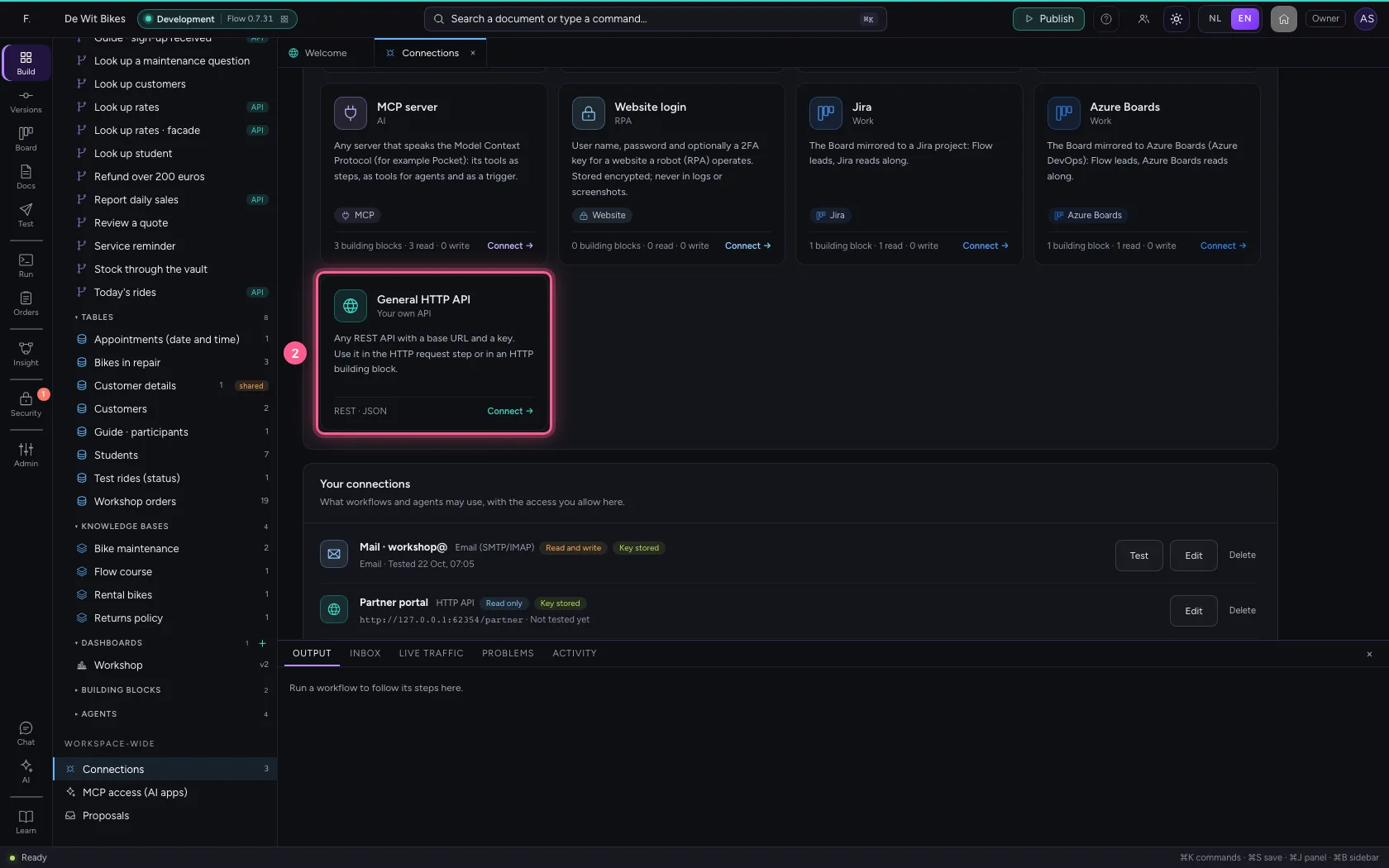
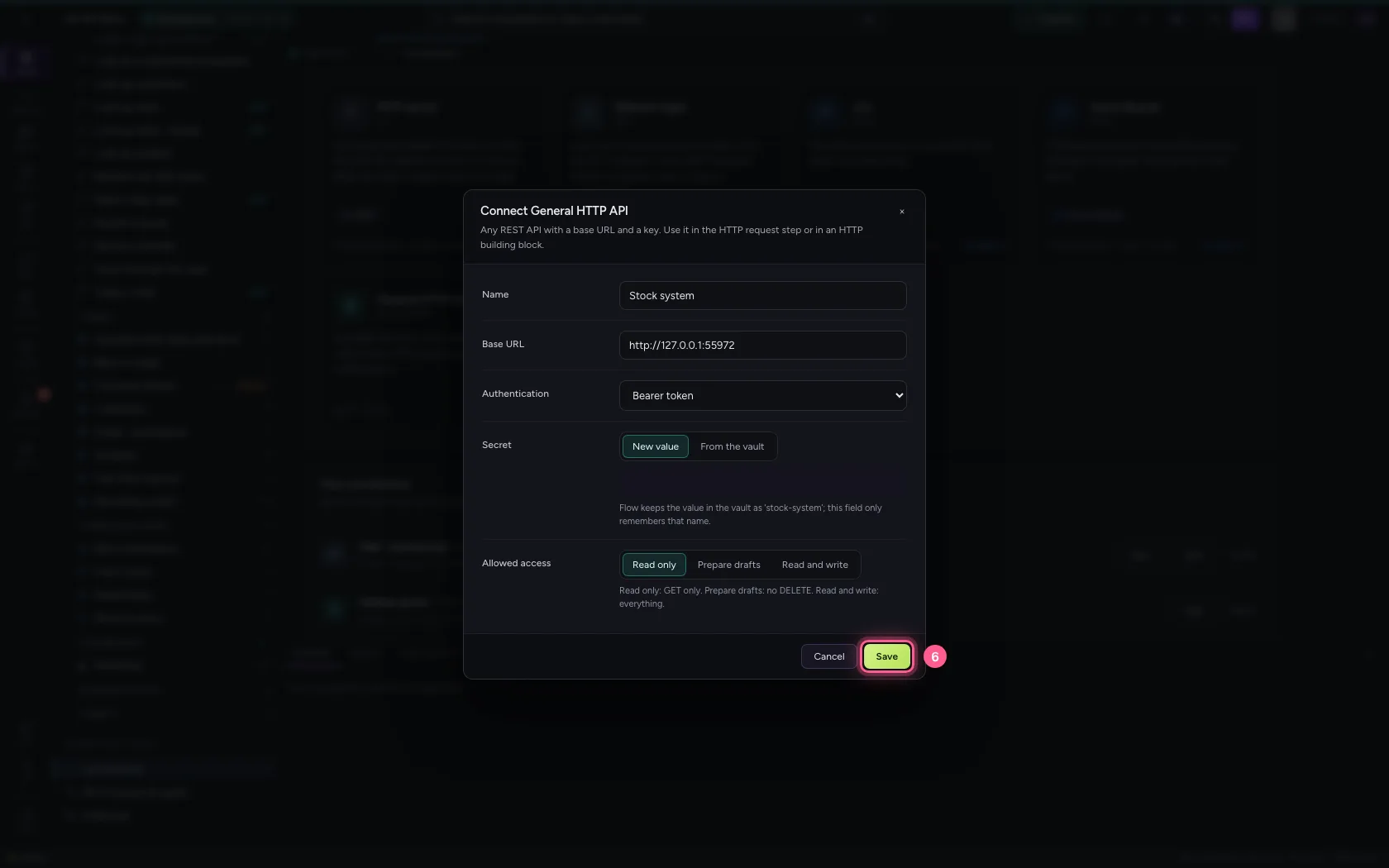
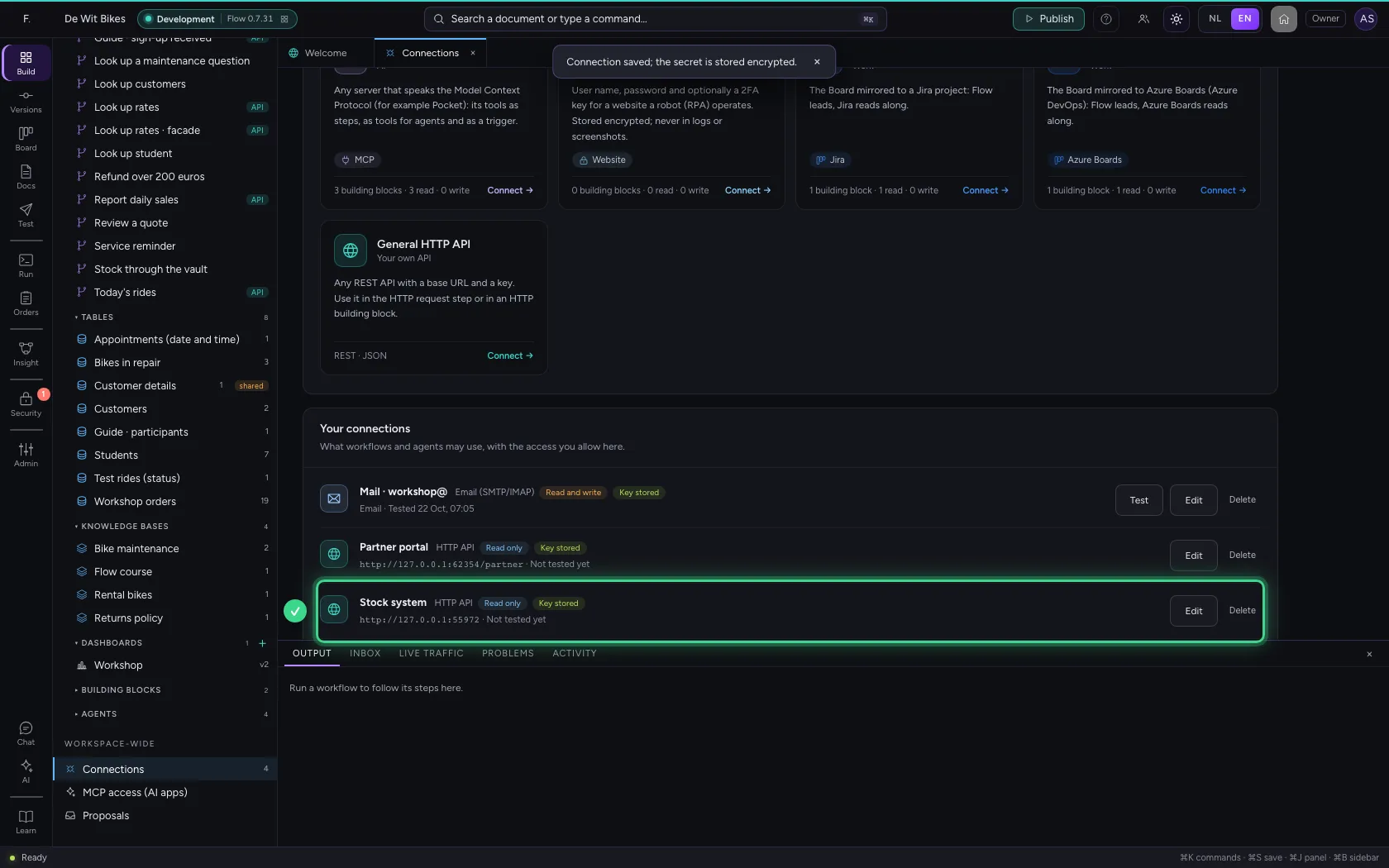
Under Connections you choose General HTTP API: base URL, key and what Flow may do with it. The key stays encrypted on the server and can never be read back. Read only means: Flow only does GET here.
- Click Connections
- Click **General HTTP API Your own API Any REST API with a base URL and a key. Use it in **
- In Name, type
Stock system - In Base URL, type
http://127.0.0.1:55972 - In Secret, type
••••••••
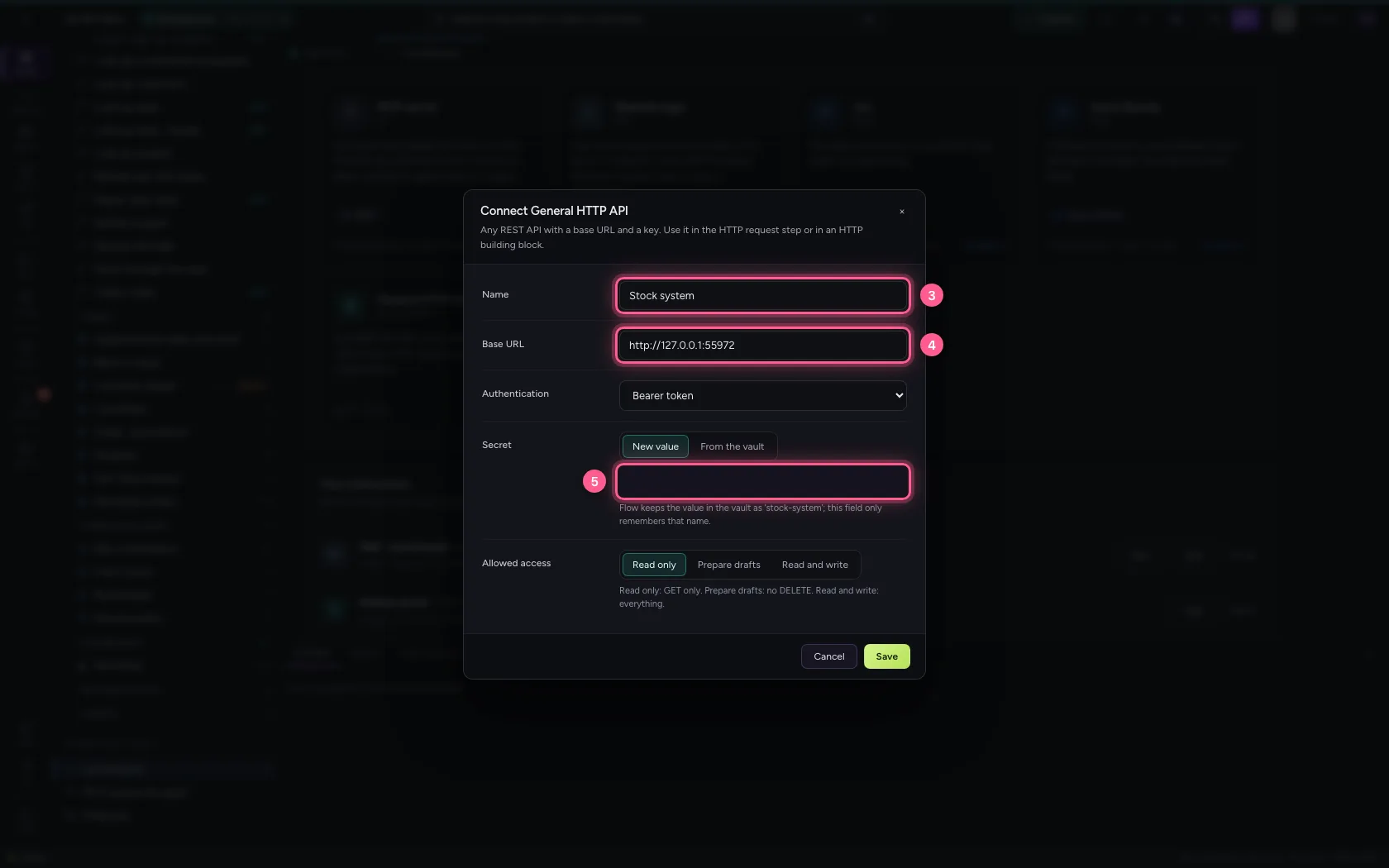
- Click Save
Create a security policy with three sign-in methods
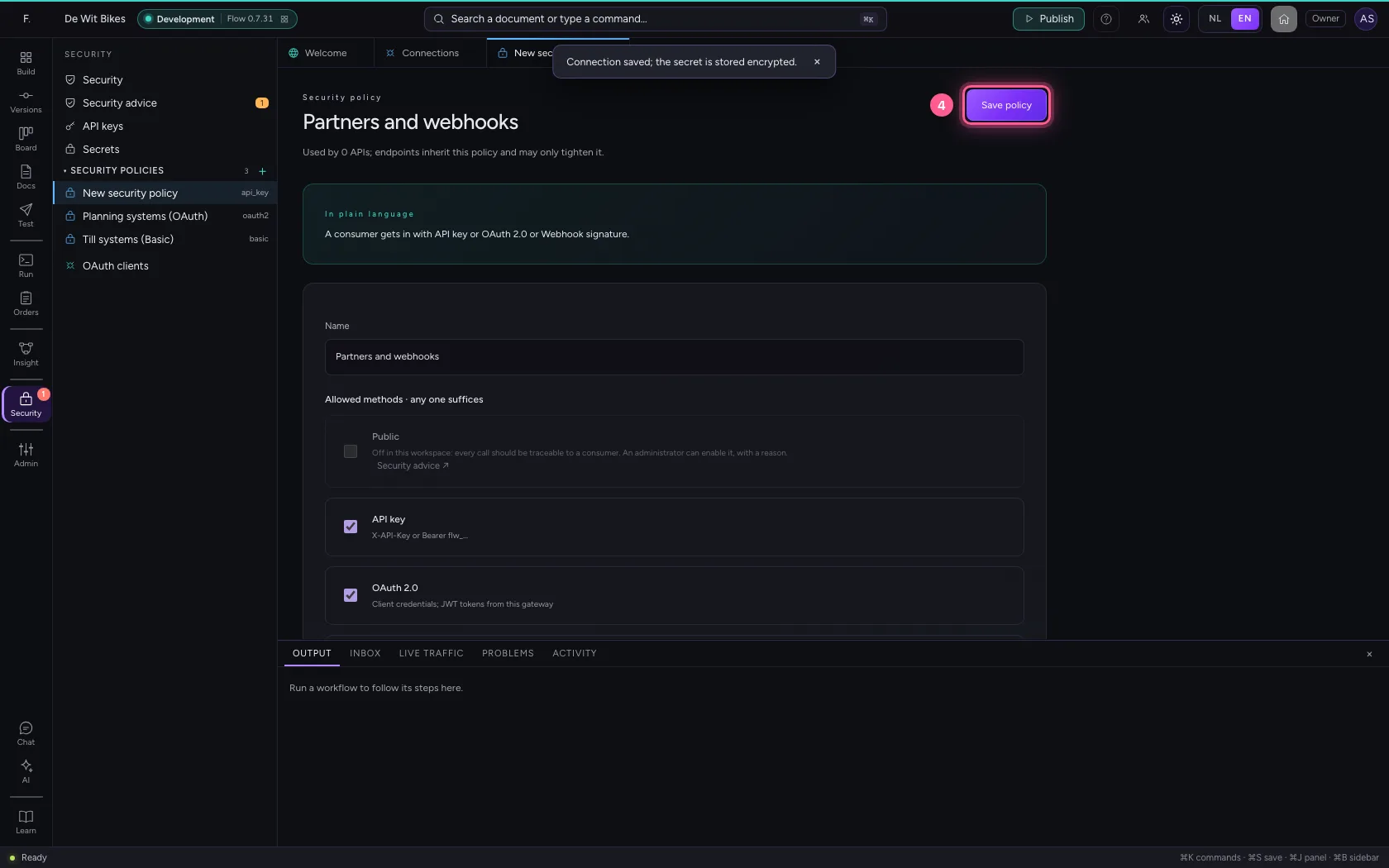
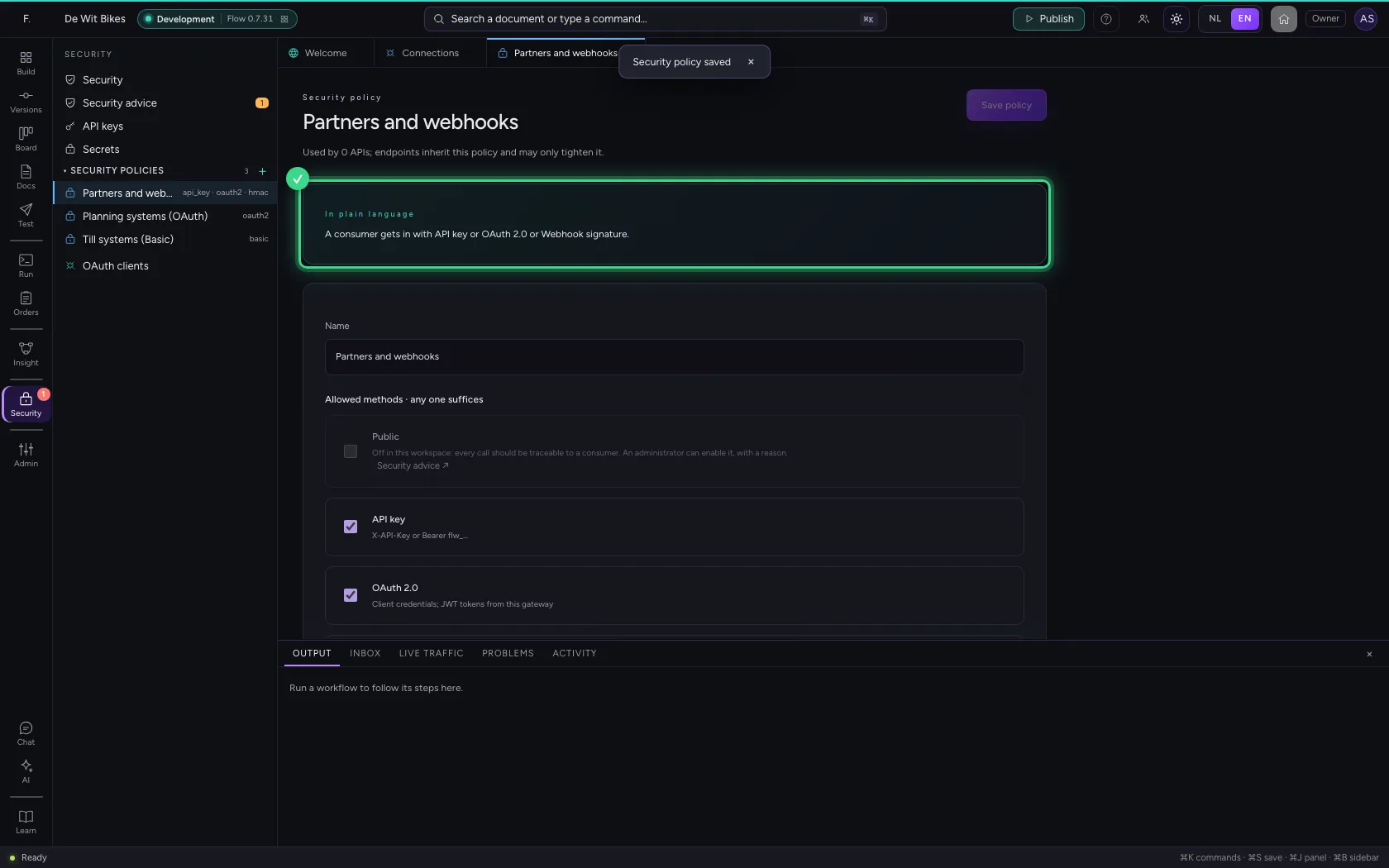
Under Security you create a policy. One method suffices for a consumer: a partner with an API key, an application with OAuth 2.0 (client credentials) or a webhook that signs its message with a shared secret (HMAC, like GitHub and Stripe). Public is off: every call should be traceable.
- Click Security

- Click New security policy

- In Name, type
Partners and webhooks

- Click OAuth 2.0 Client credentials; JWT tokens from this gateway

- Click Webhook signature HMAC over the body (GitHub, Stripe, Shopify style)

Set up the signature
Say in which header the sender puts its signature, with which prefix, and the shared secret. Flow recalculates the HMAC over the received body itself; if it does not match, the call does not get in.
- In Signature header, type
X-Signature - In Prefix, type
sha256= - In Secret, type
••••••••
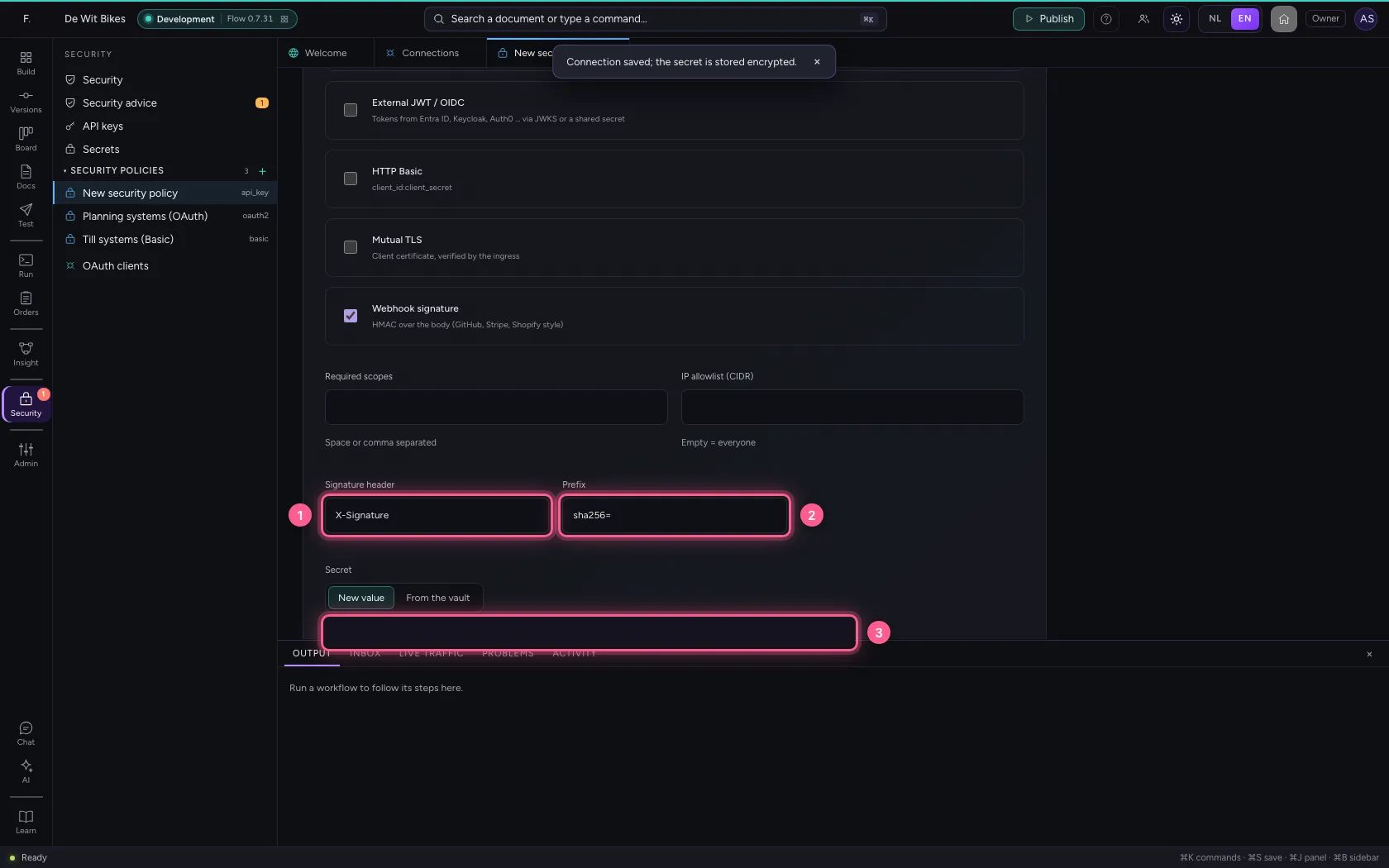
- Click Save policy
Create the API and attach the policy
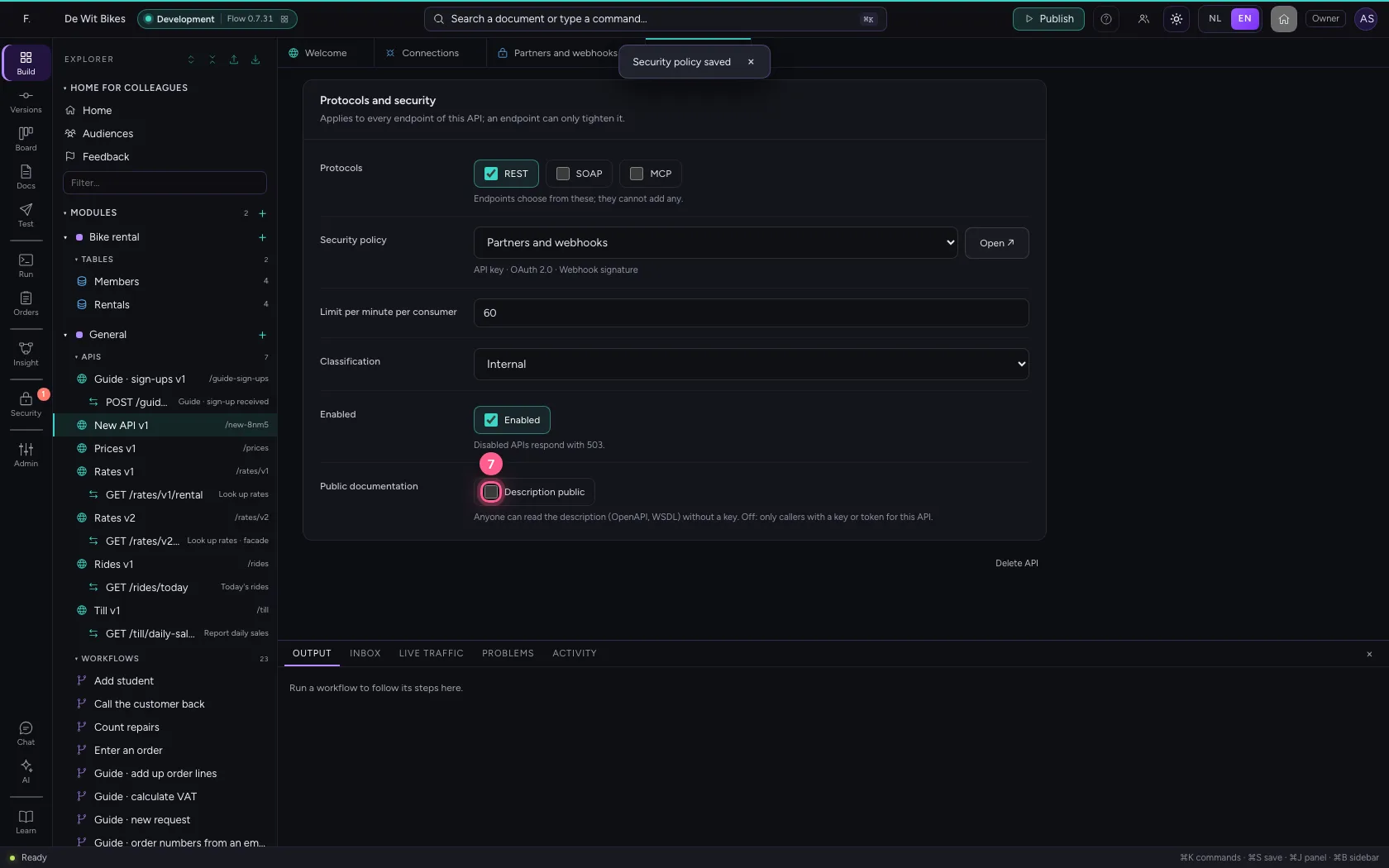
The policy hangs on the API, not on every endpoint: all endpoints inherit it and may only tighten it (fewer methods, more permissions, a lower limit). Also switch on Public documentation: then anyone can read the OpenAPI description, but nobody can call the API without signing in.
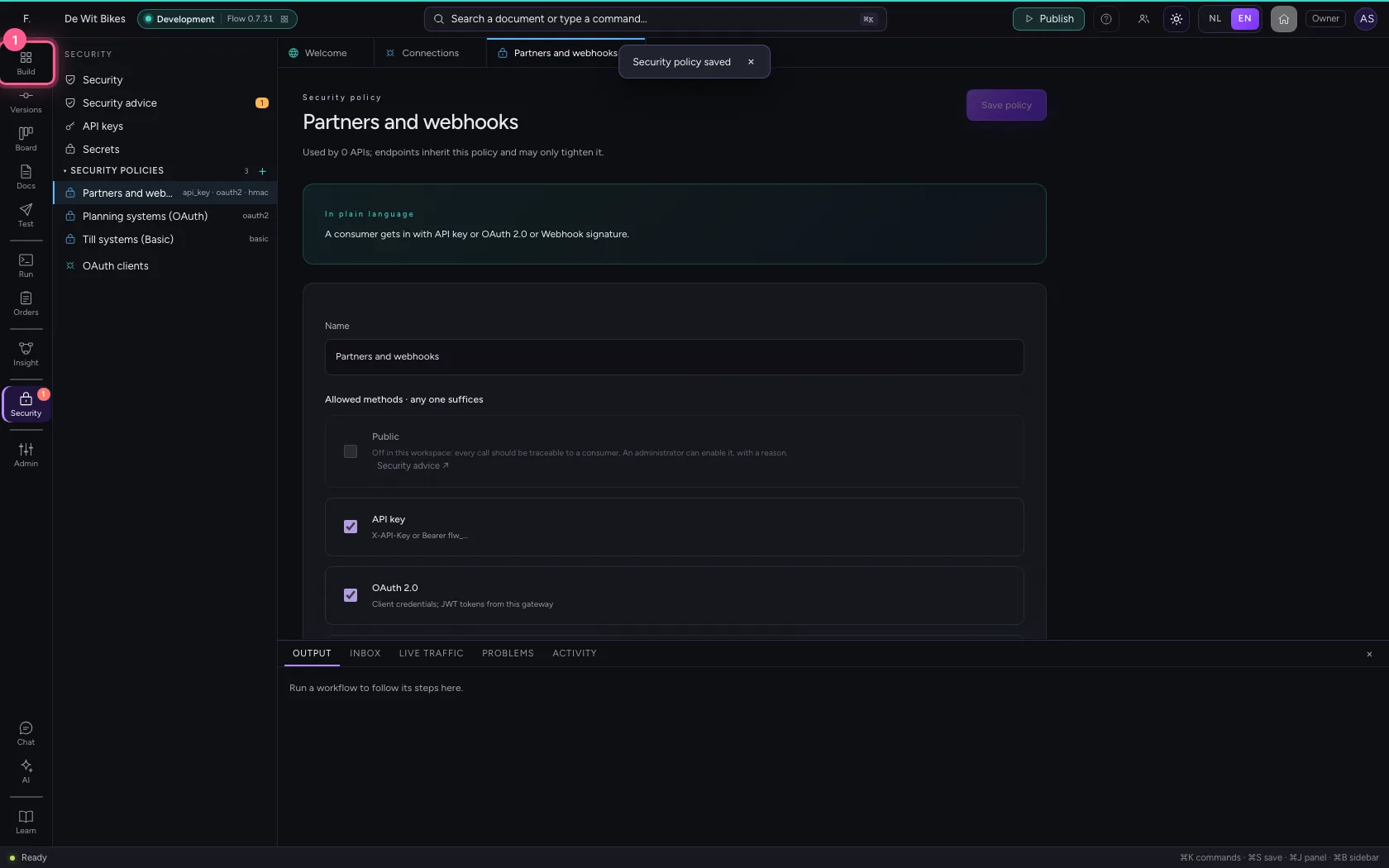
- Click Explorer
- Click Add to General
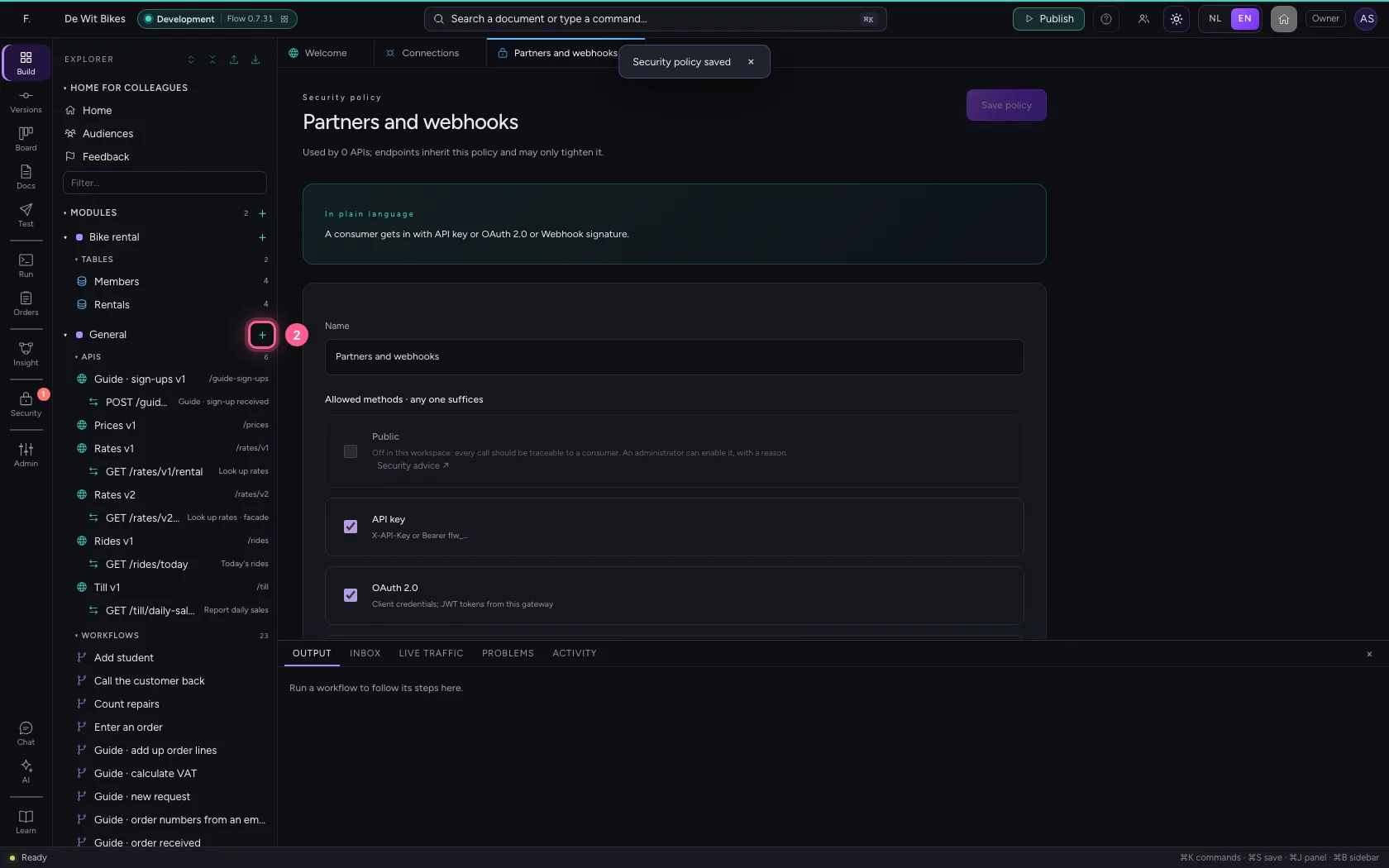
- Click New API
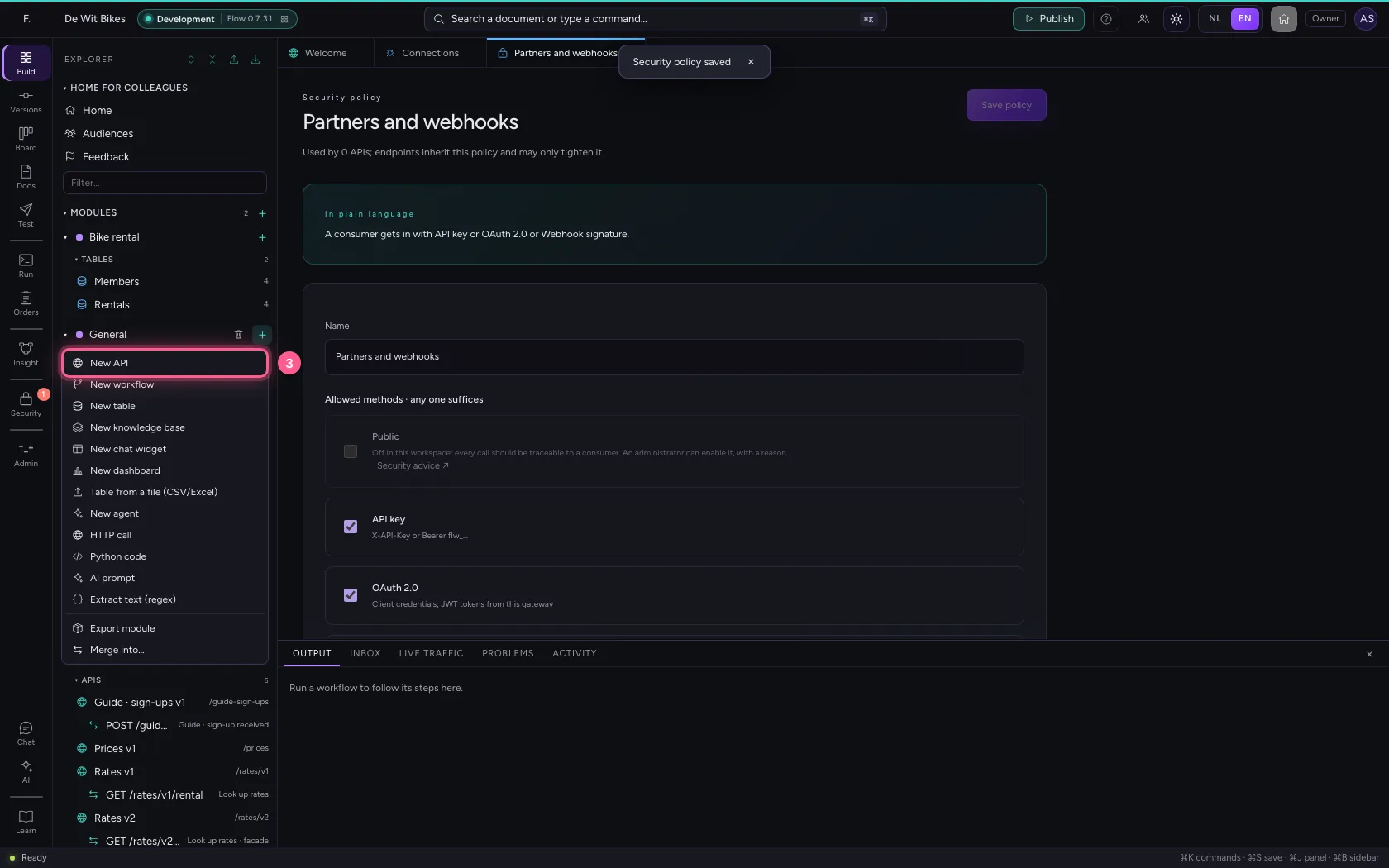
- In Name, type
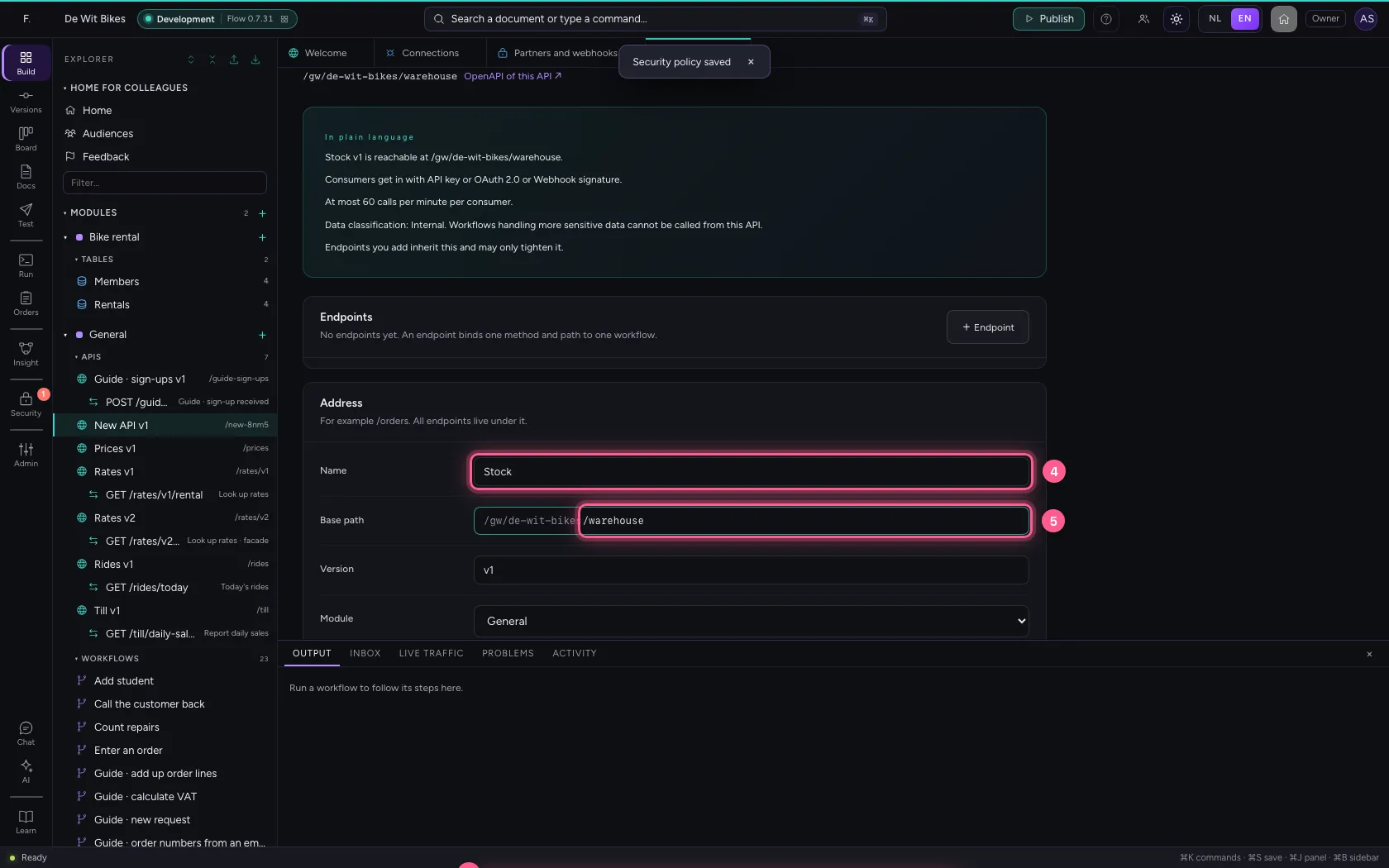
Stock - In Base path, type
/warehouse - In Security policy, choose Partners and webhooks
- Click Description public
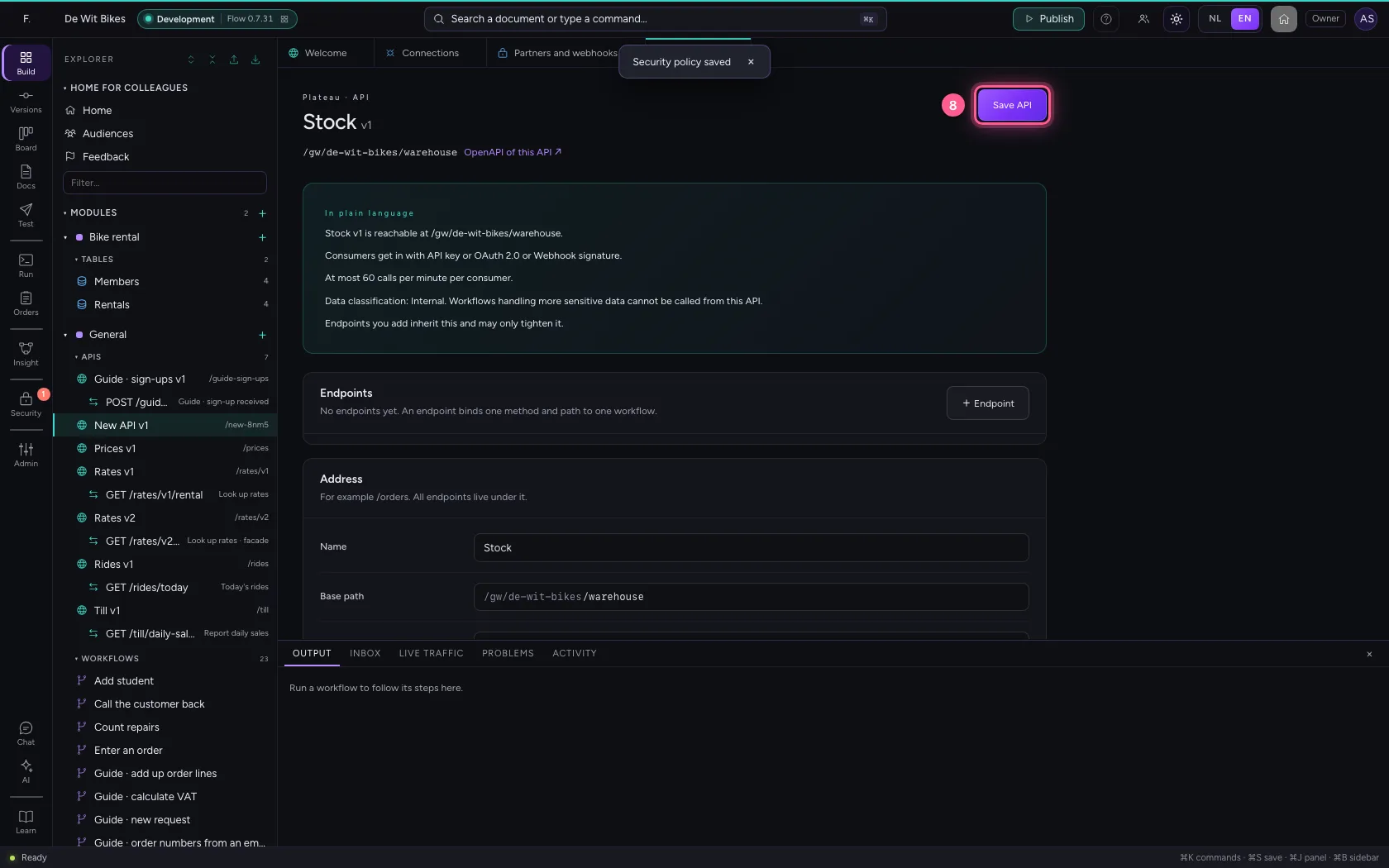
- Click Save API
A proxy endpoint for the stock system
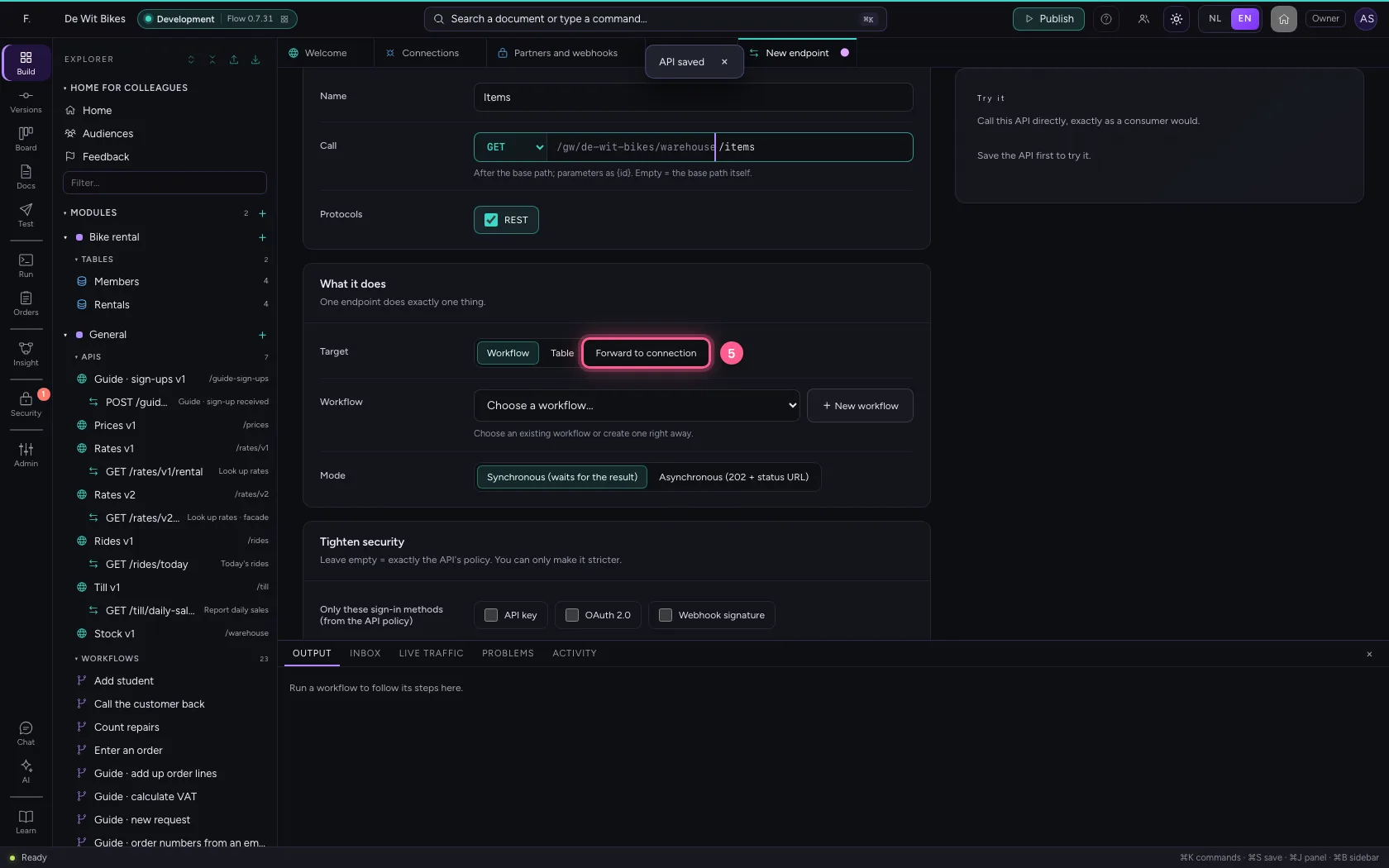
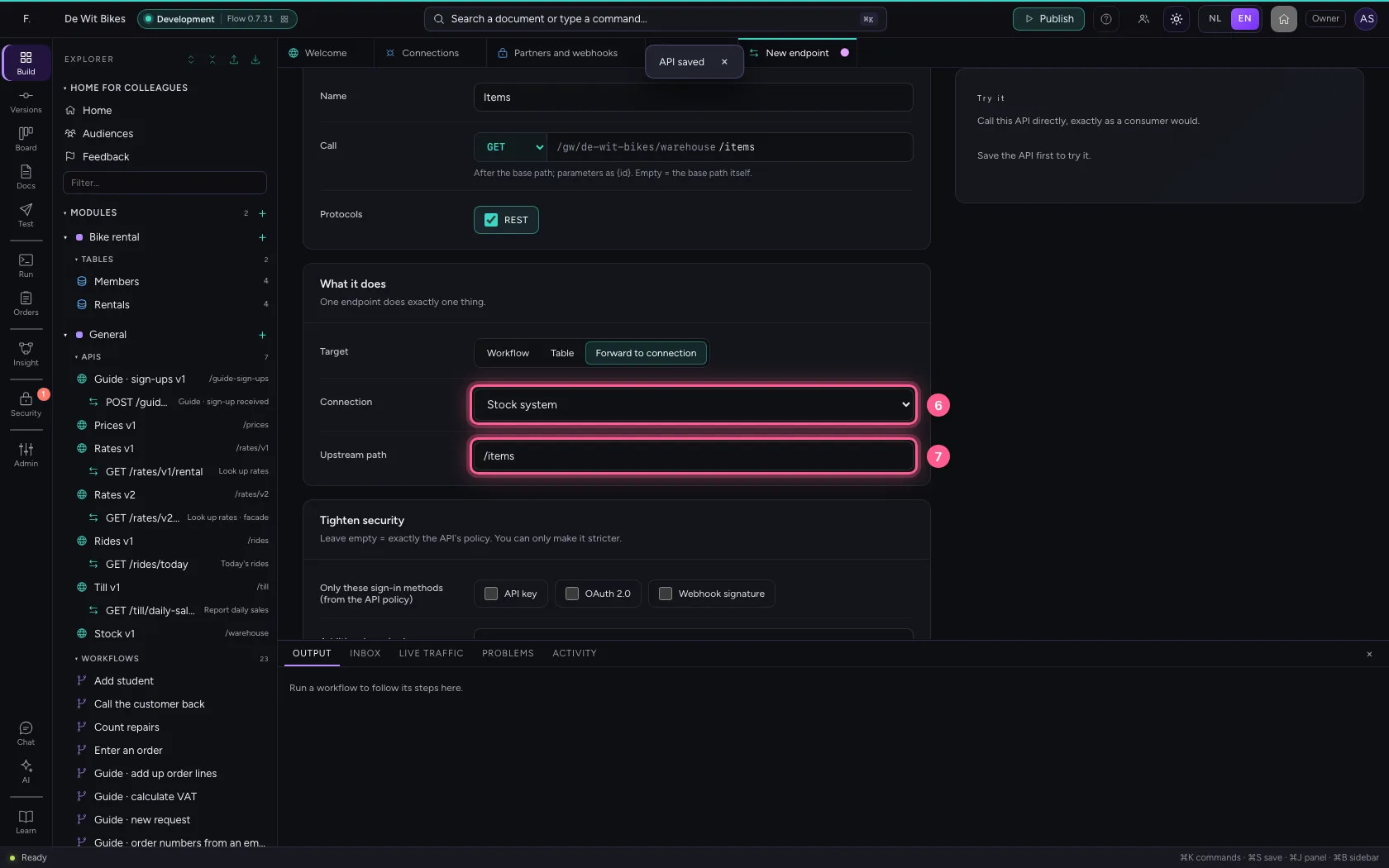
Not every endpoint needs a workflow. Forward to connection passes the request on to the existing system, with the key from the connection. The consumer sees your address and your security, never the key or the address of the system behind it.
- Click + Endpoint
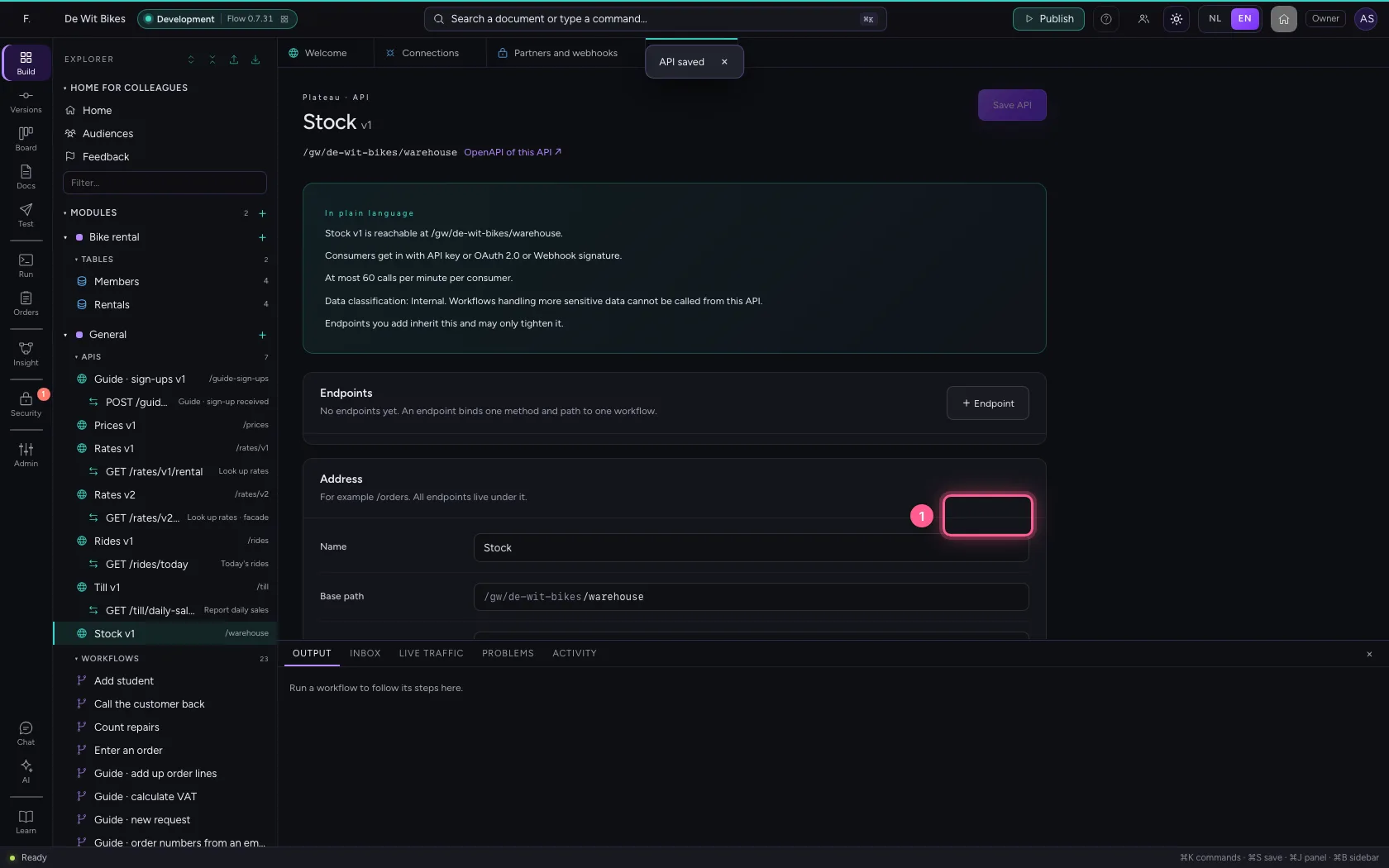
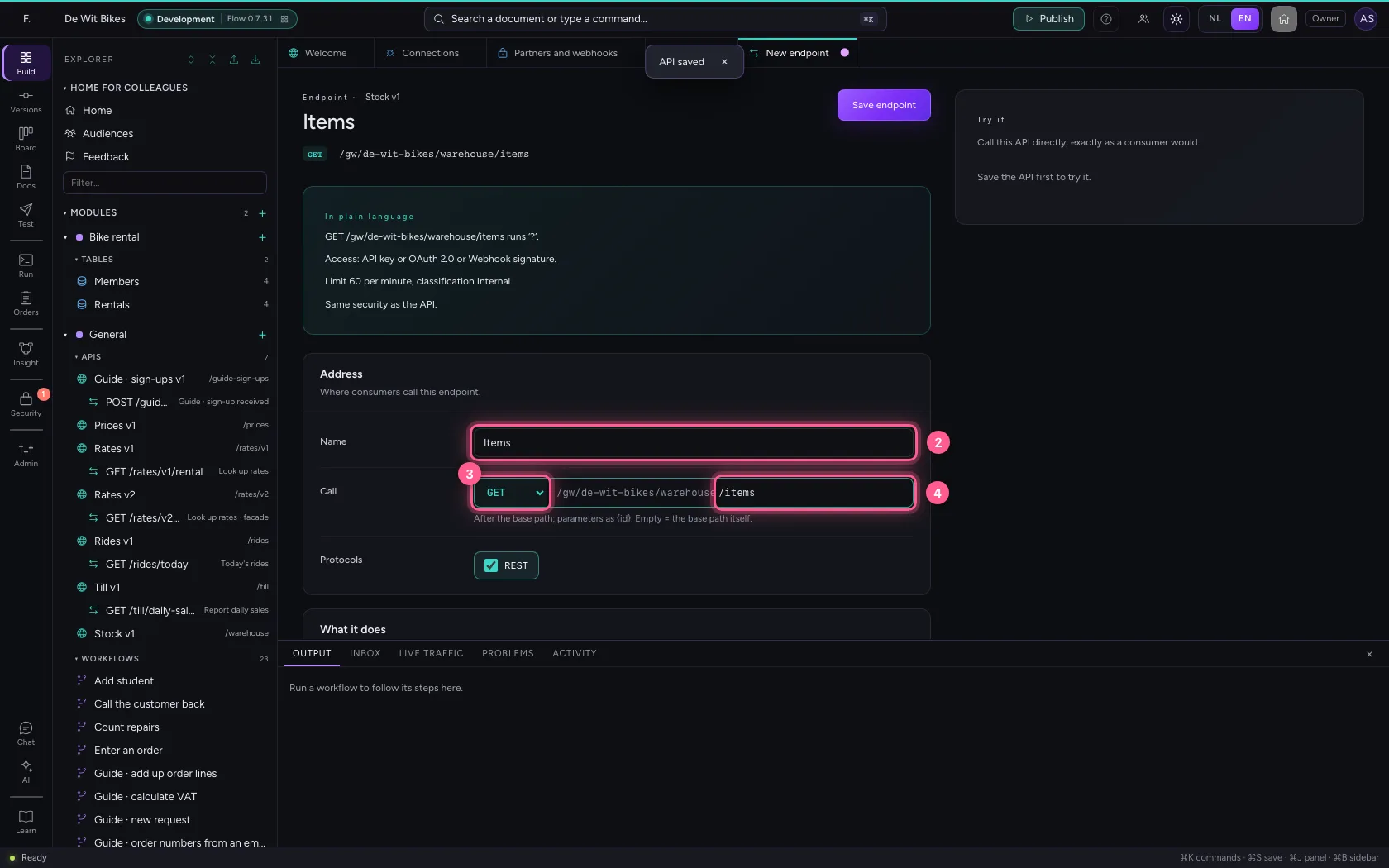
- In Name, type
Items - In Method, choose GET
- In Path, type
/items
- Click Forward to connection
- In Connection, choose Stock system
- In Upstream path, type
/items
- Click Save endpoint
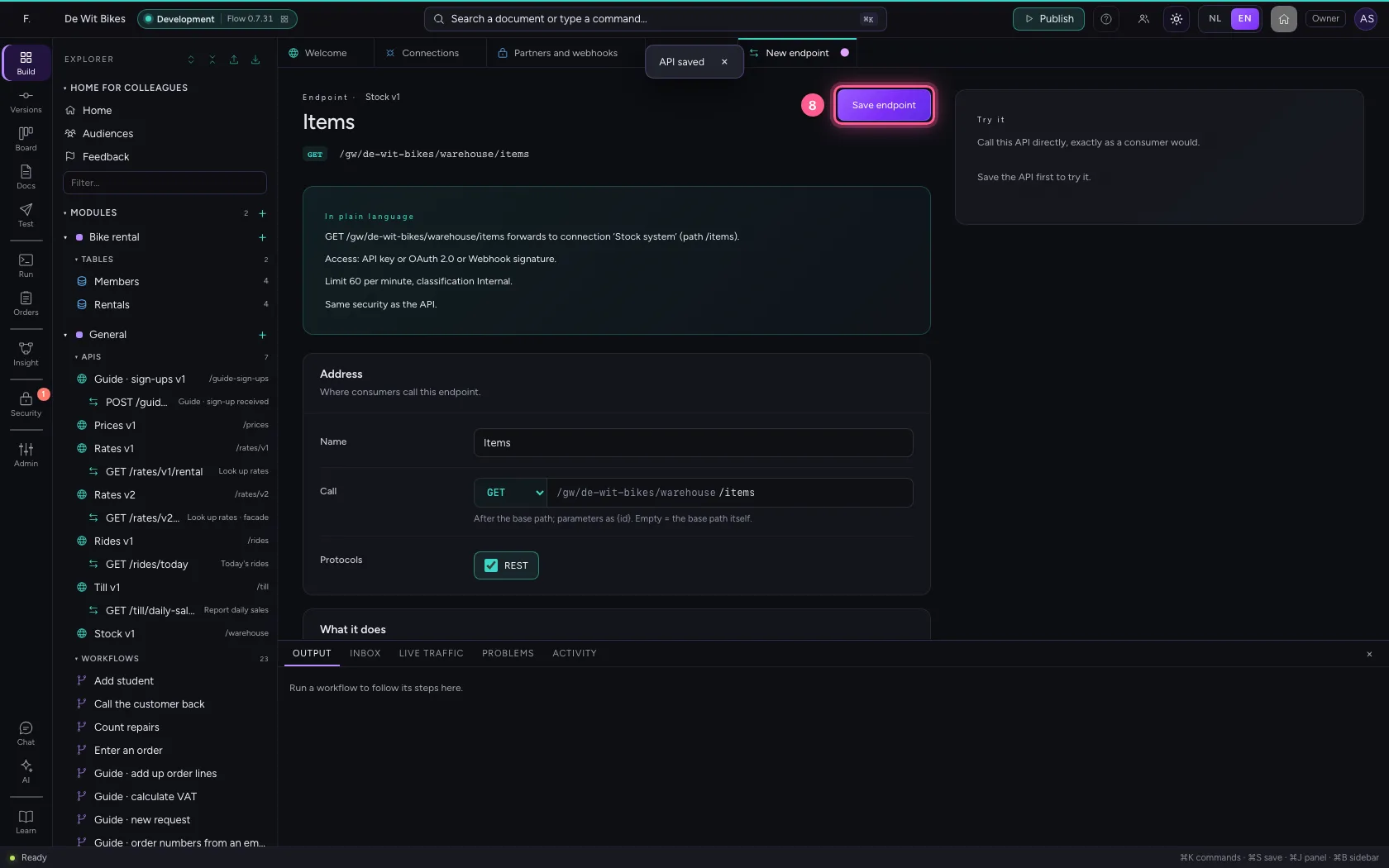
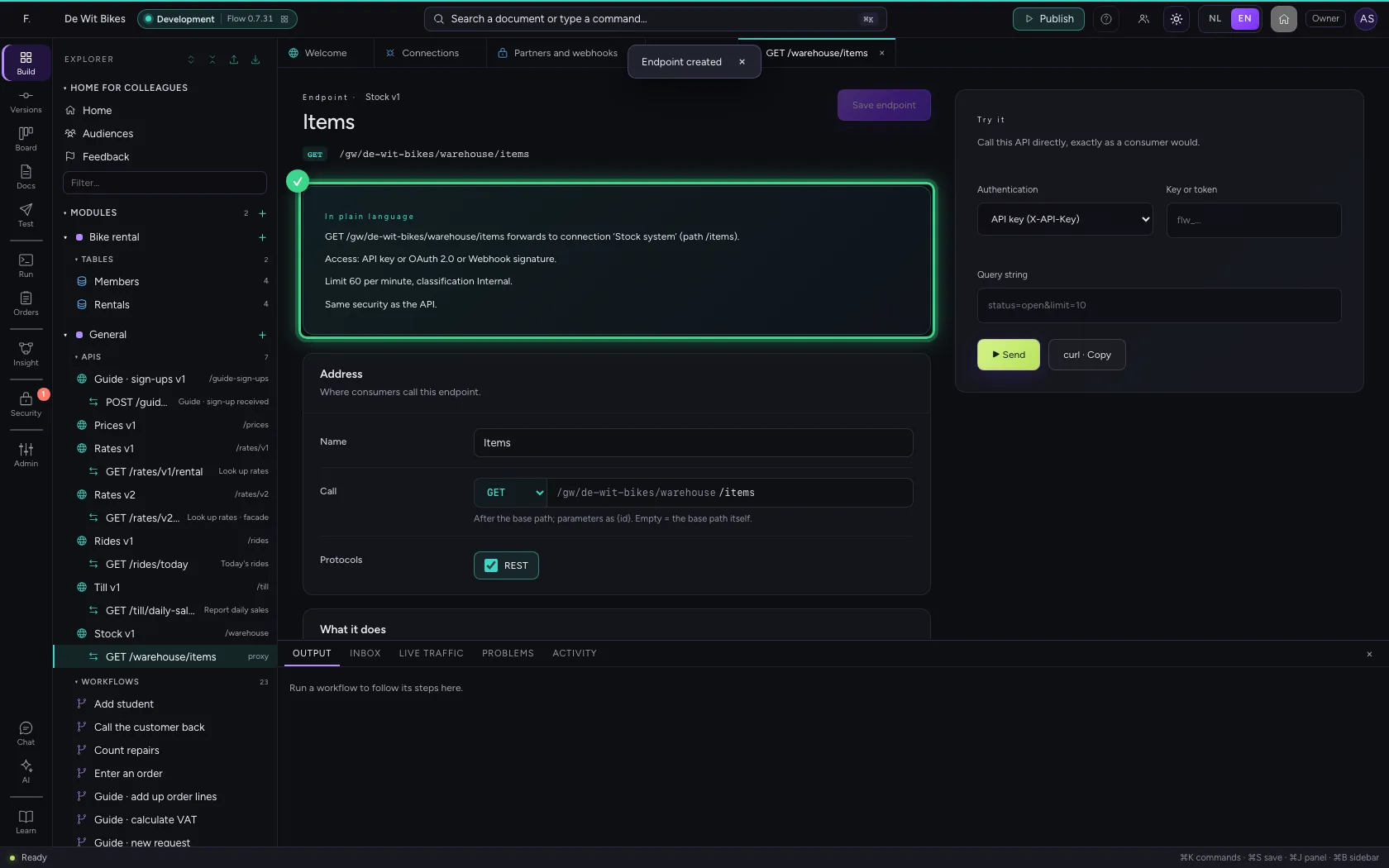
Without signing in: refused
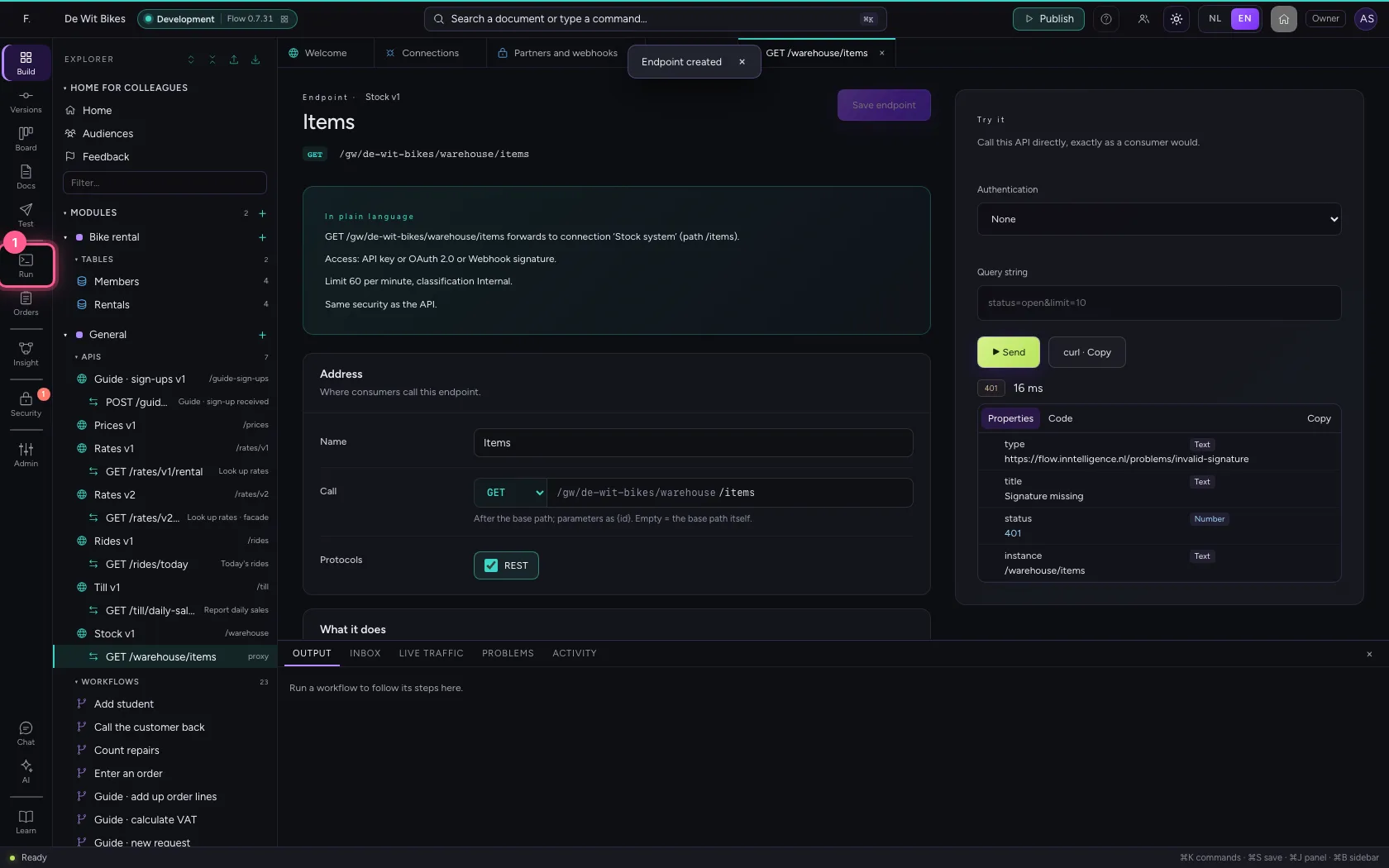
On the right under Try it you call the endpoint like a consumer. Without a key, token or signature the gateway answers 401; the stock system notices nothing.
- In Authentication, choose None

- Click ▶ Send


With a signature: in
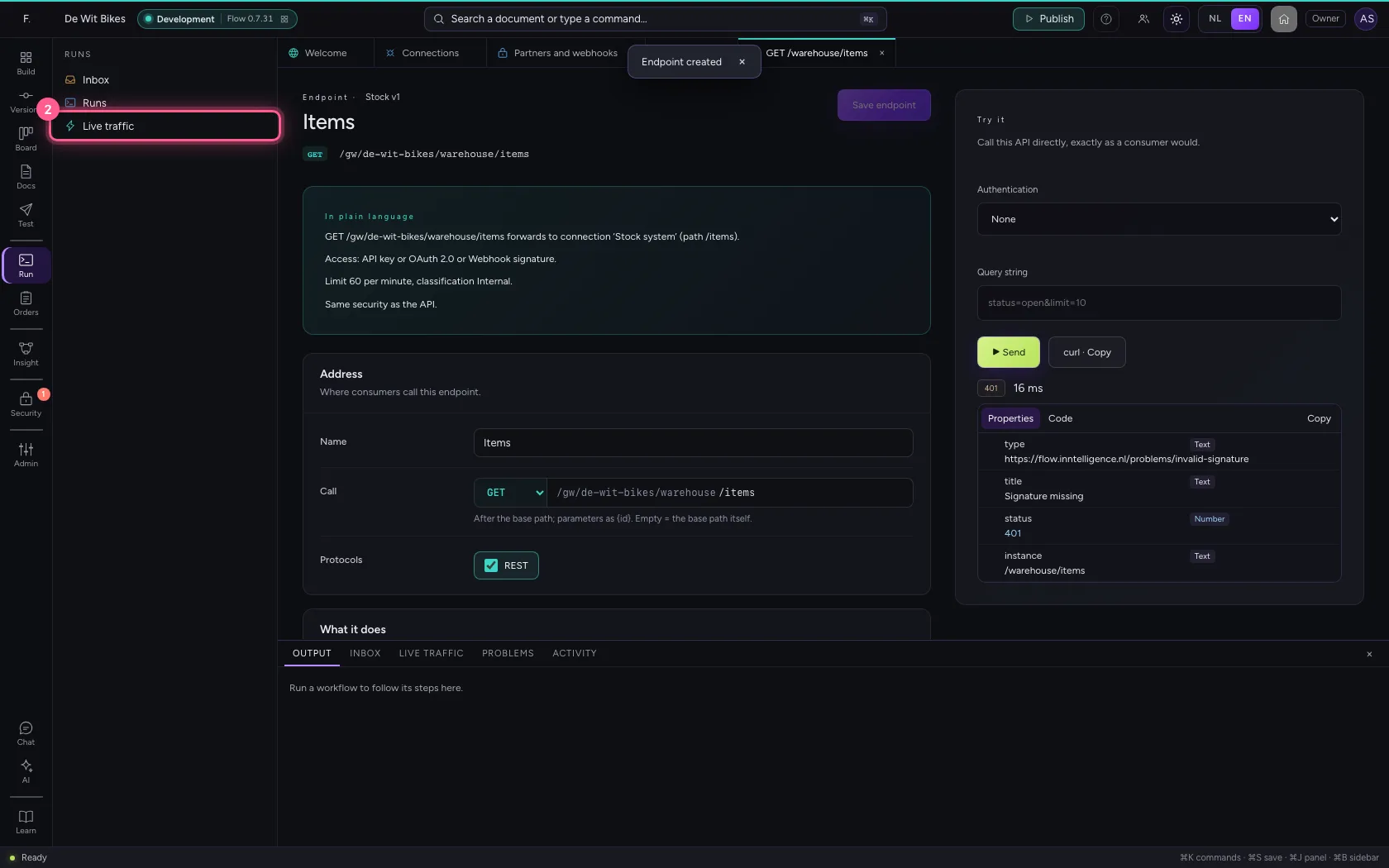
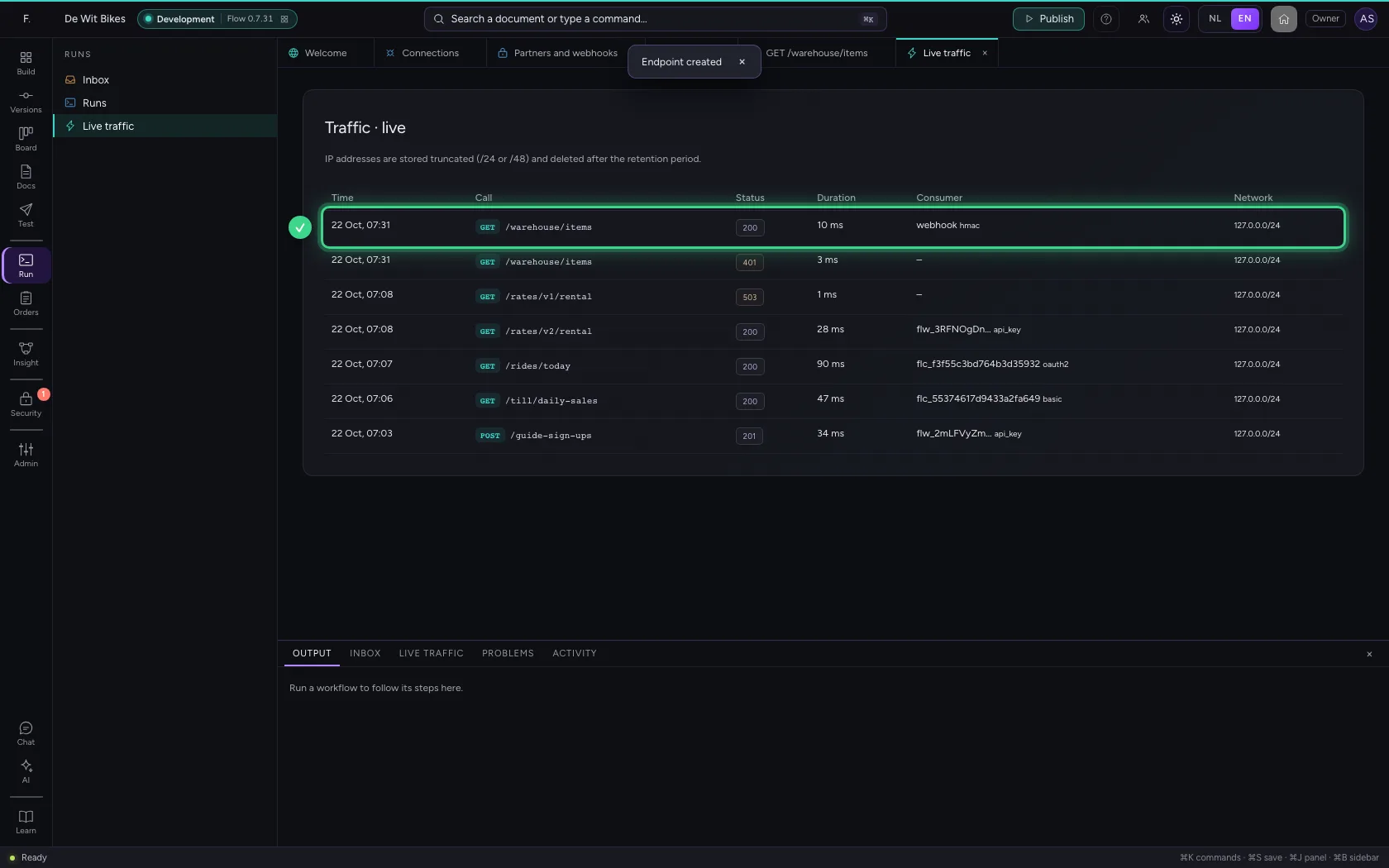
A partner system calls the same endpoint and signs its message. Under Runs → Live traffic you see both calls: the 401 and the 200, with how the consumer signed in. IP addresses are stored truncated.
- Click Runs
- Click Live traffic
The public description
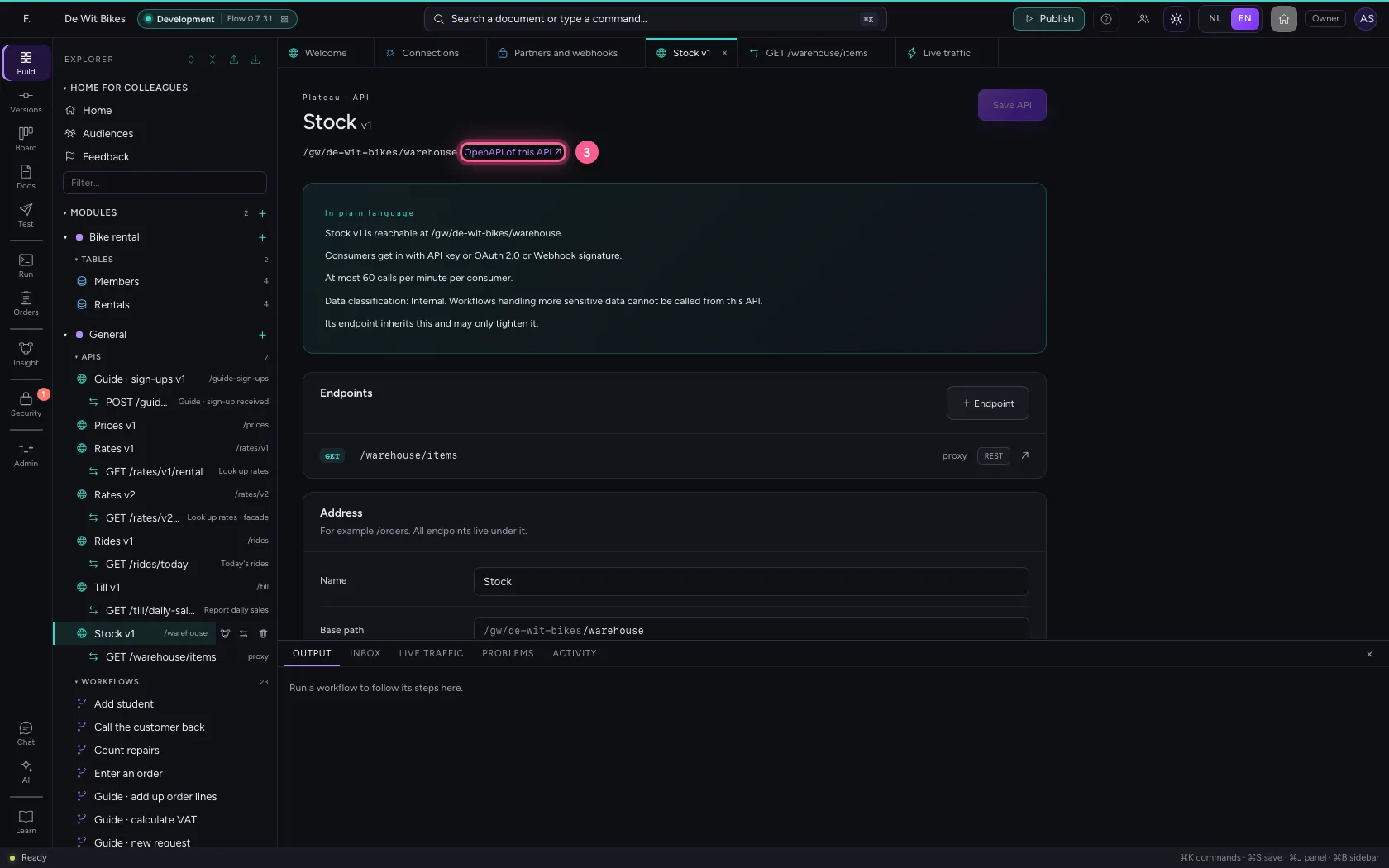
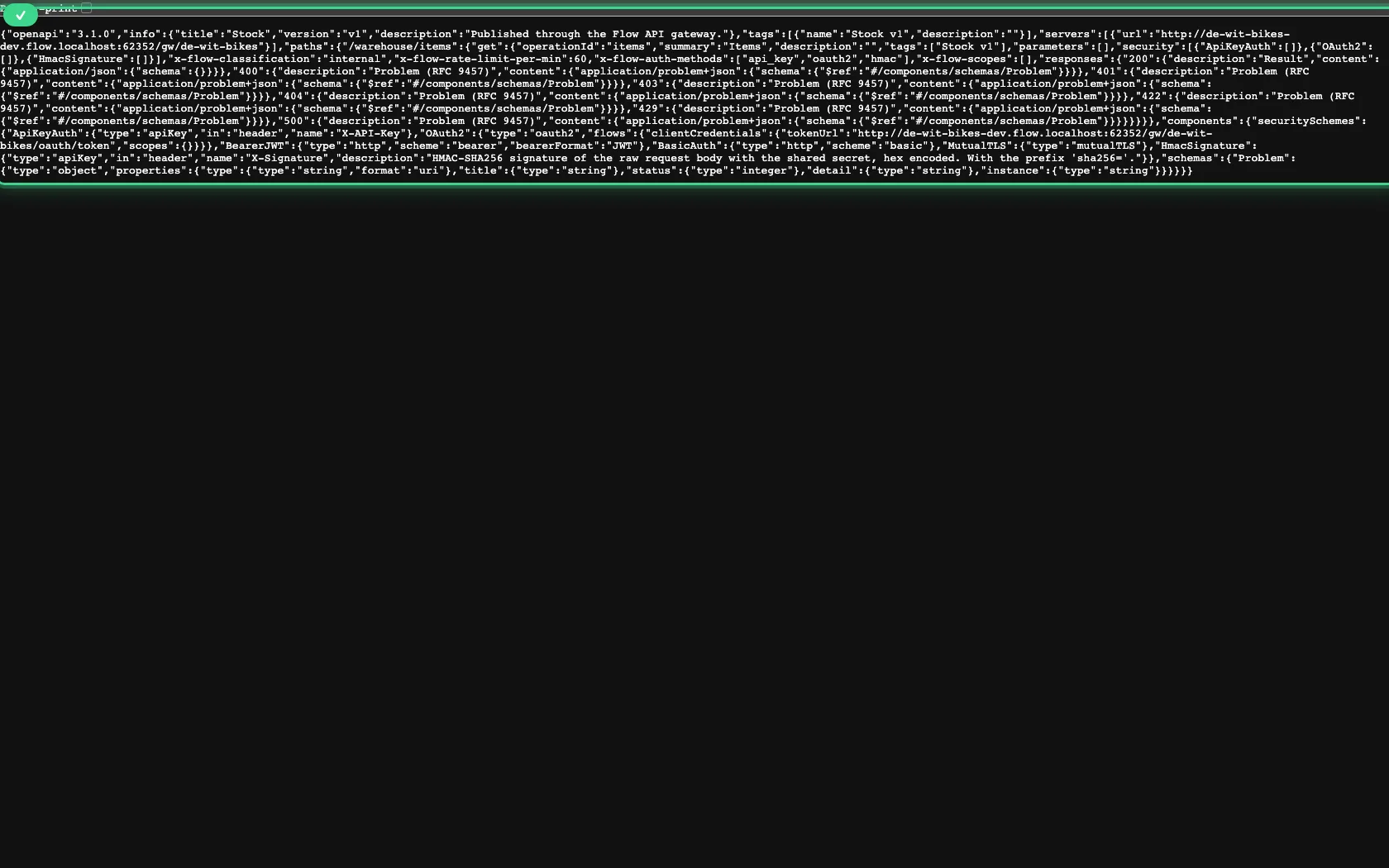
Because Public documentation is on, the OpenAPI link on the API opens for anyone, without a key: partners' developers build against it without you creating an account for them.
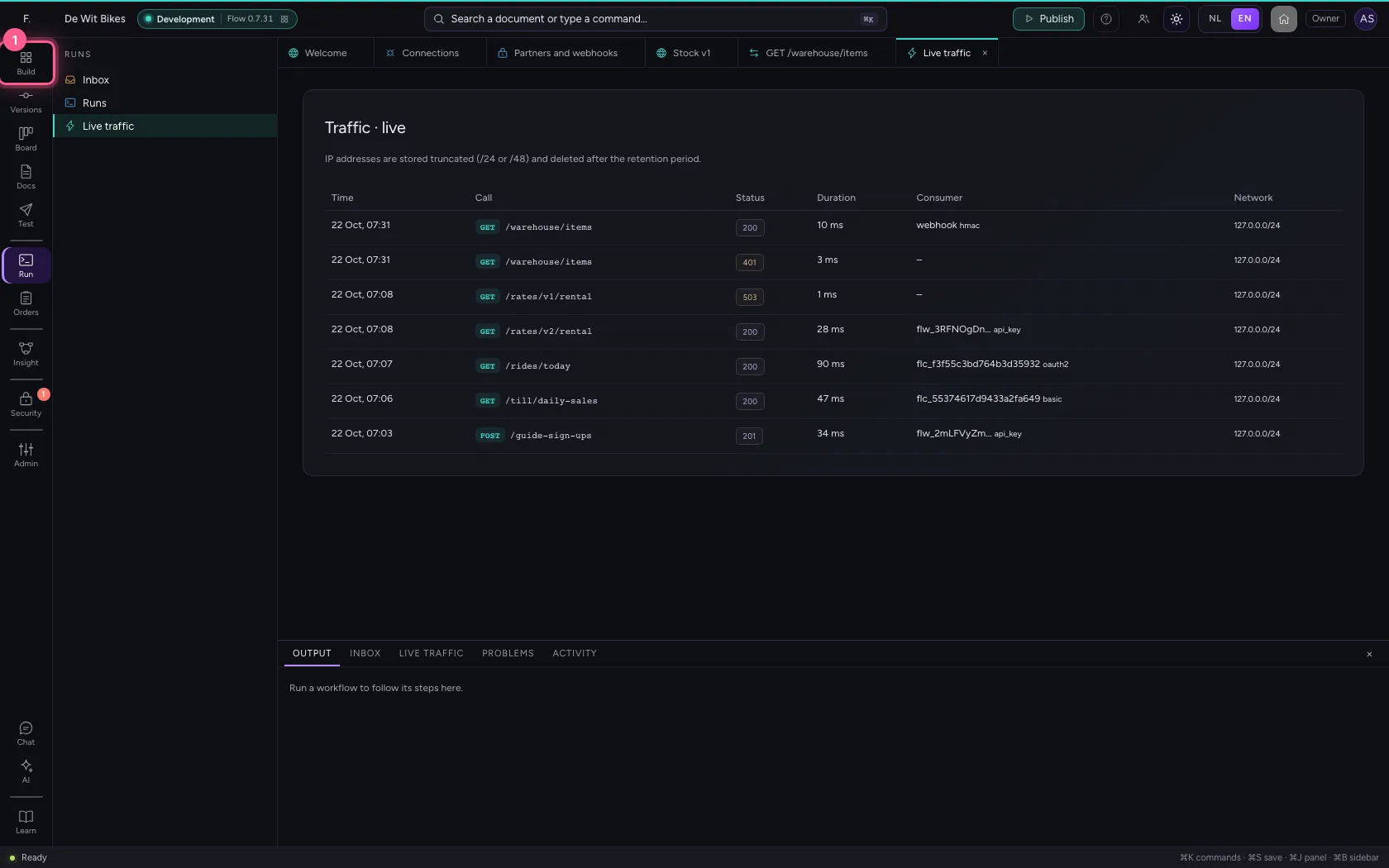
- Click Explorer
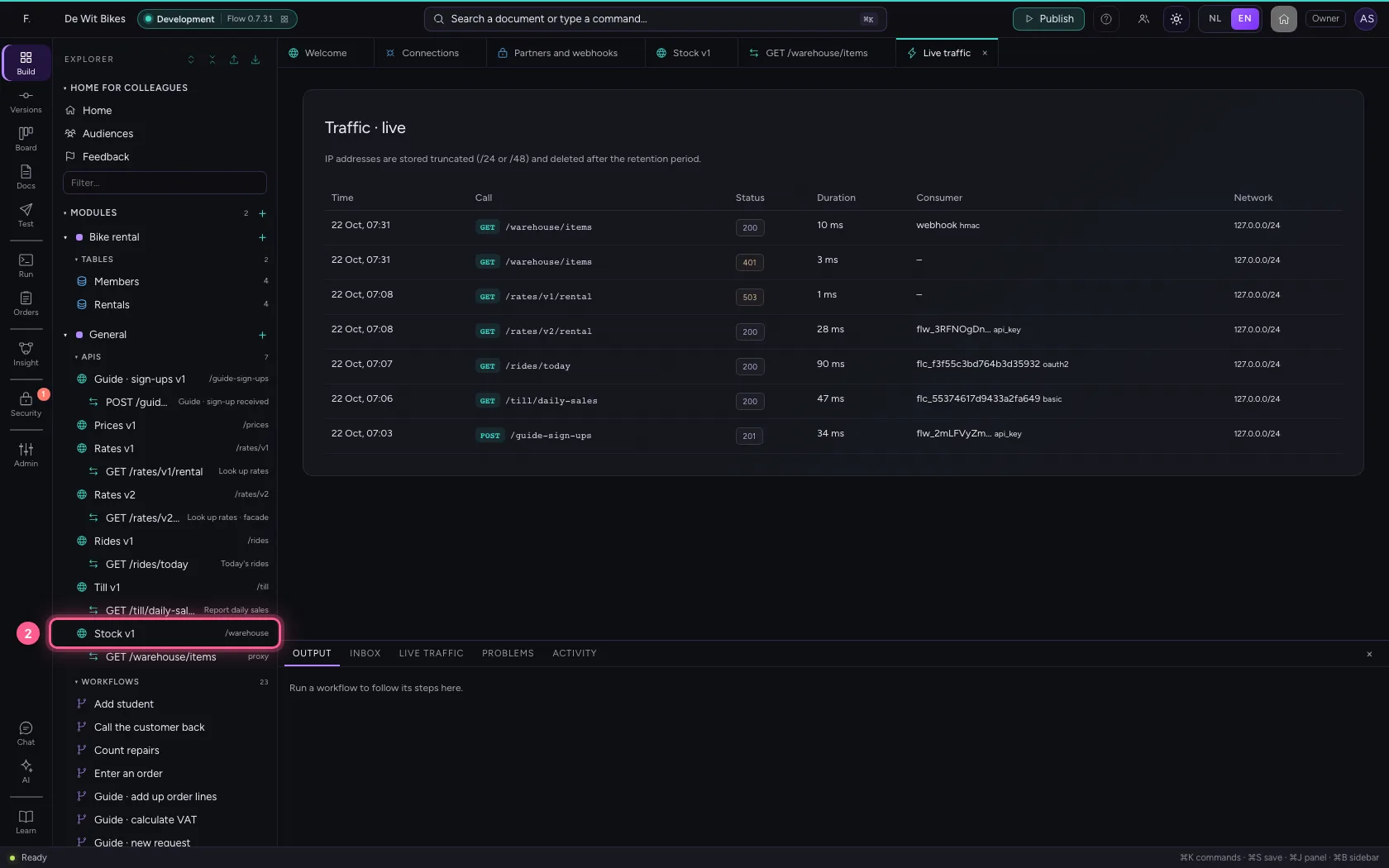
- Click Stock v1 /warehouse
- Click OpenAPI of this API ↗
This guide was carried out step by step on 22 Oct 2026 by an automated test on Flow (version 3e563176).