Admin, for InnTelligence
Admin is only for people who work at InnTelligence. Here you update every environment of every customer in one round, the personal Flows too. Here you also invite people into an organisation and open the settings of any environment. A customer makes their organisation themselves.
Open Admin
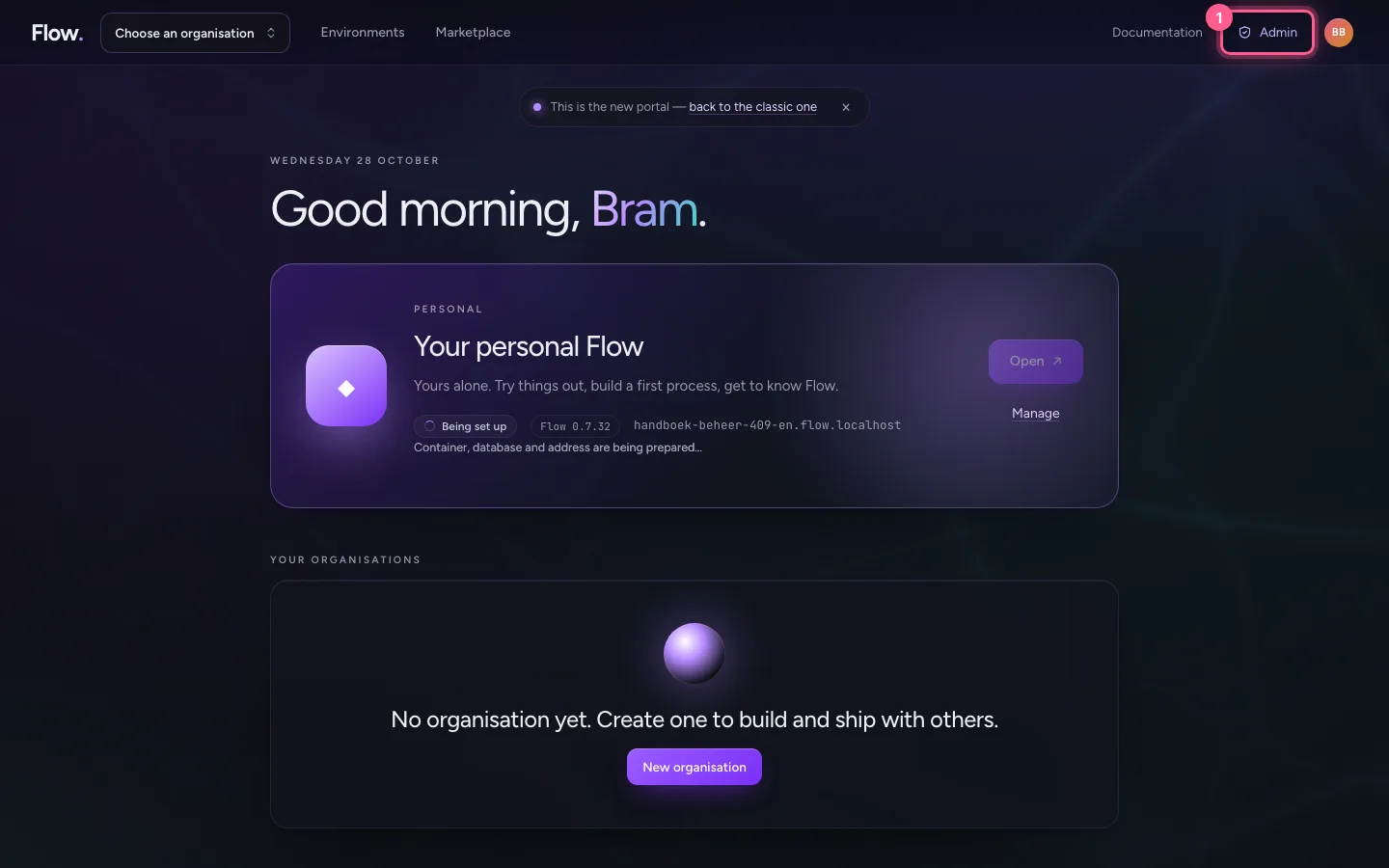
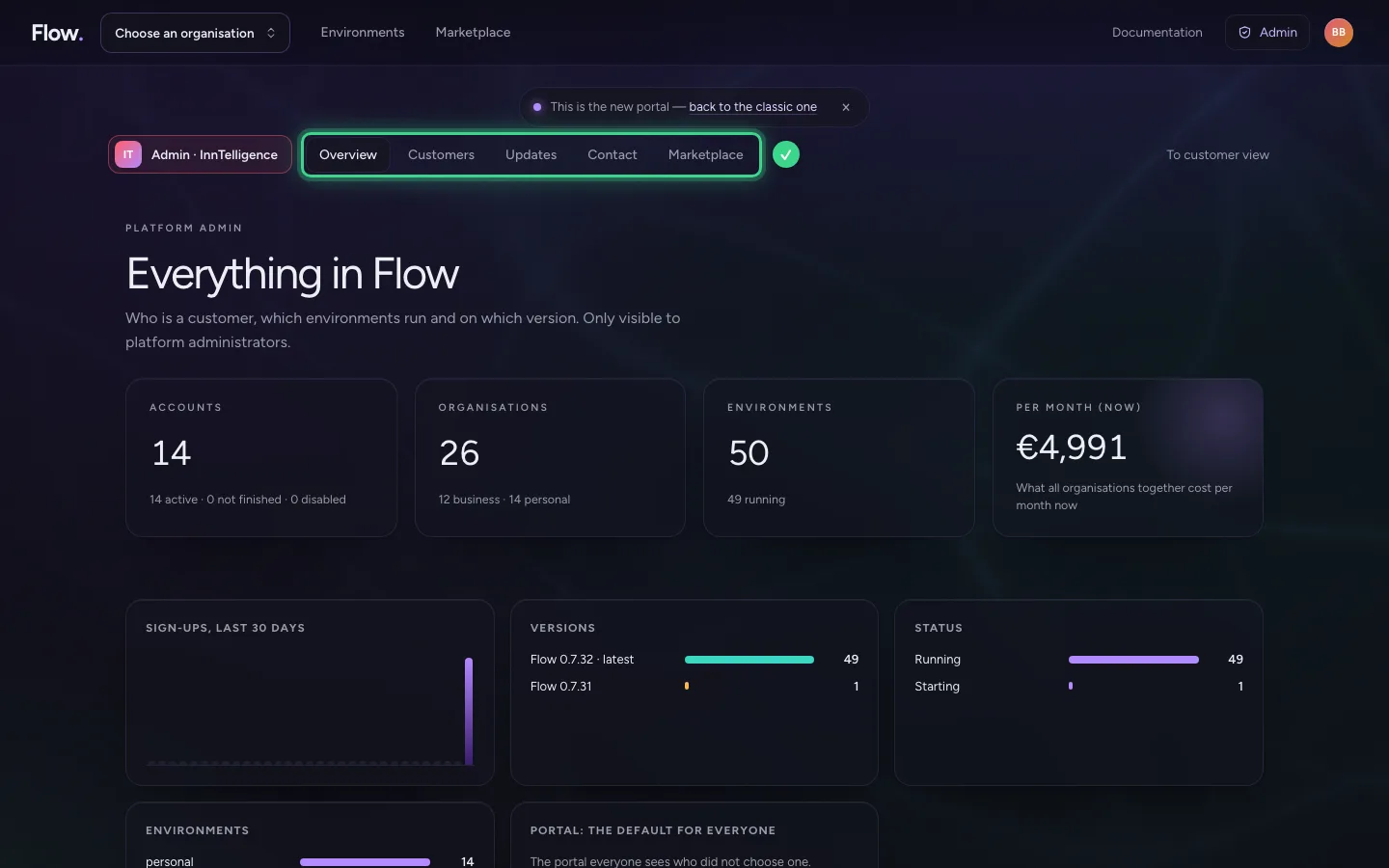
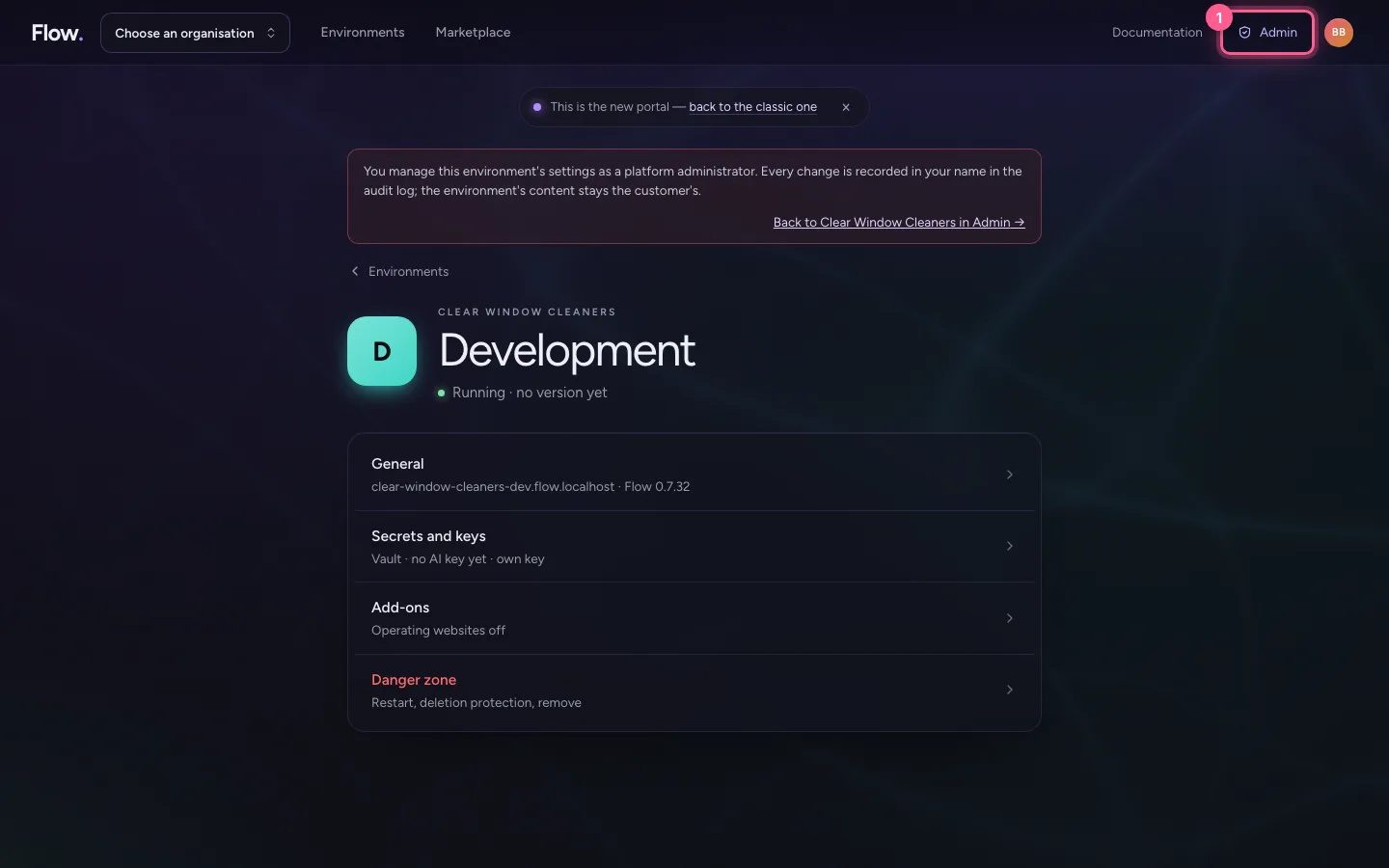
Whoever works at InnTelligence sees Admin at the top. Admin has five places: Overview, Customers, Updates, Contact and Marketplace. The Overview puts everything in figures: accounts, organisations, environments, versions and what it earns per month. There you also choose which portal everyone sees who did not choose one. Under Marketplace you review what customers want to share publicly.
- Click Admin
Customers: organisations, people and environments
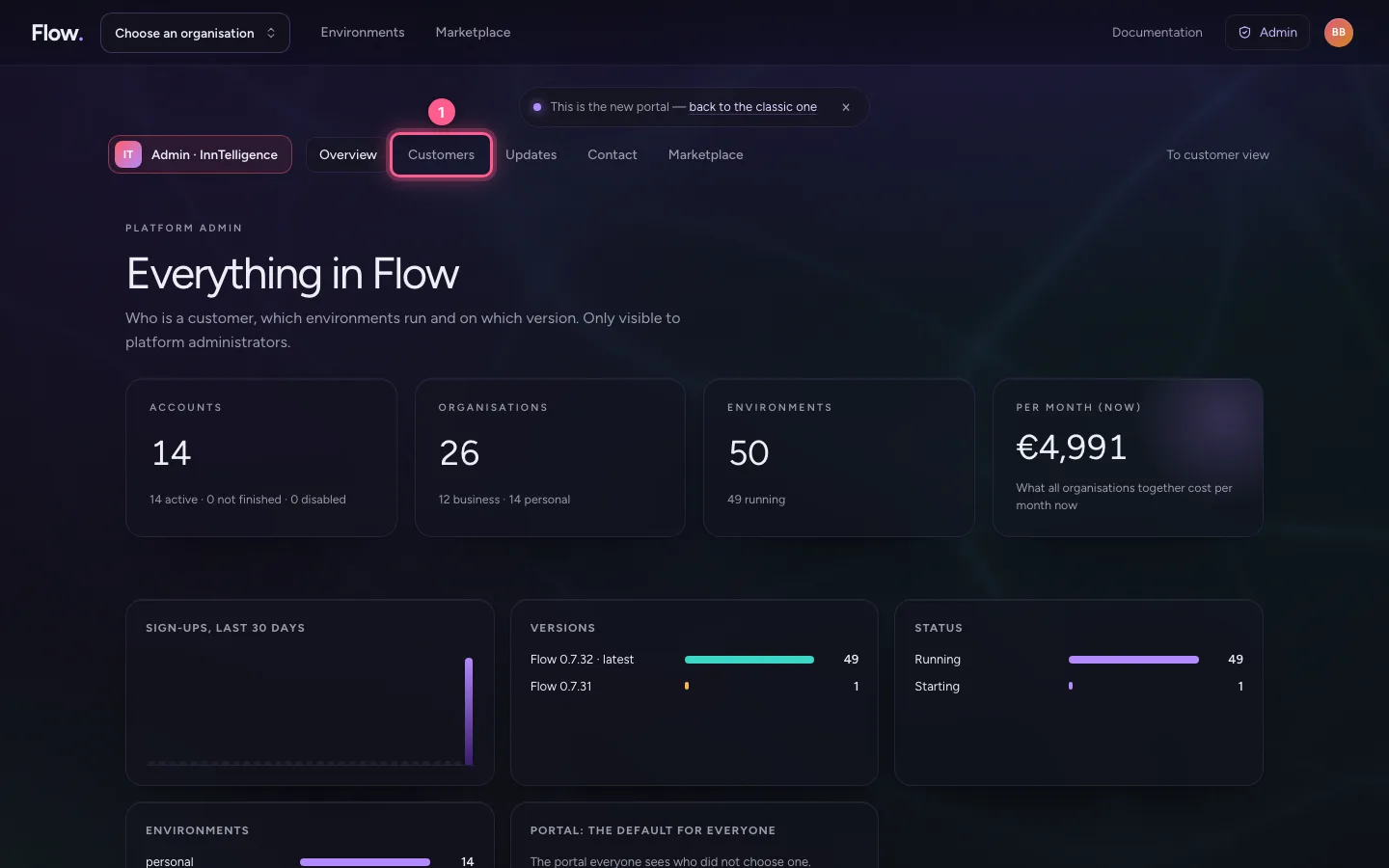
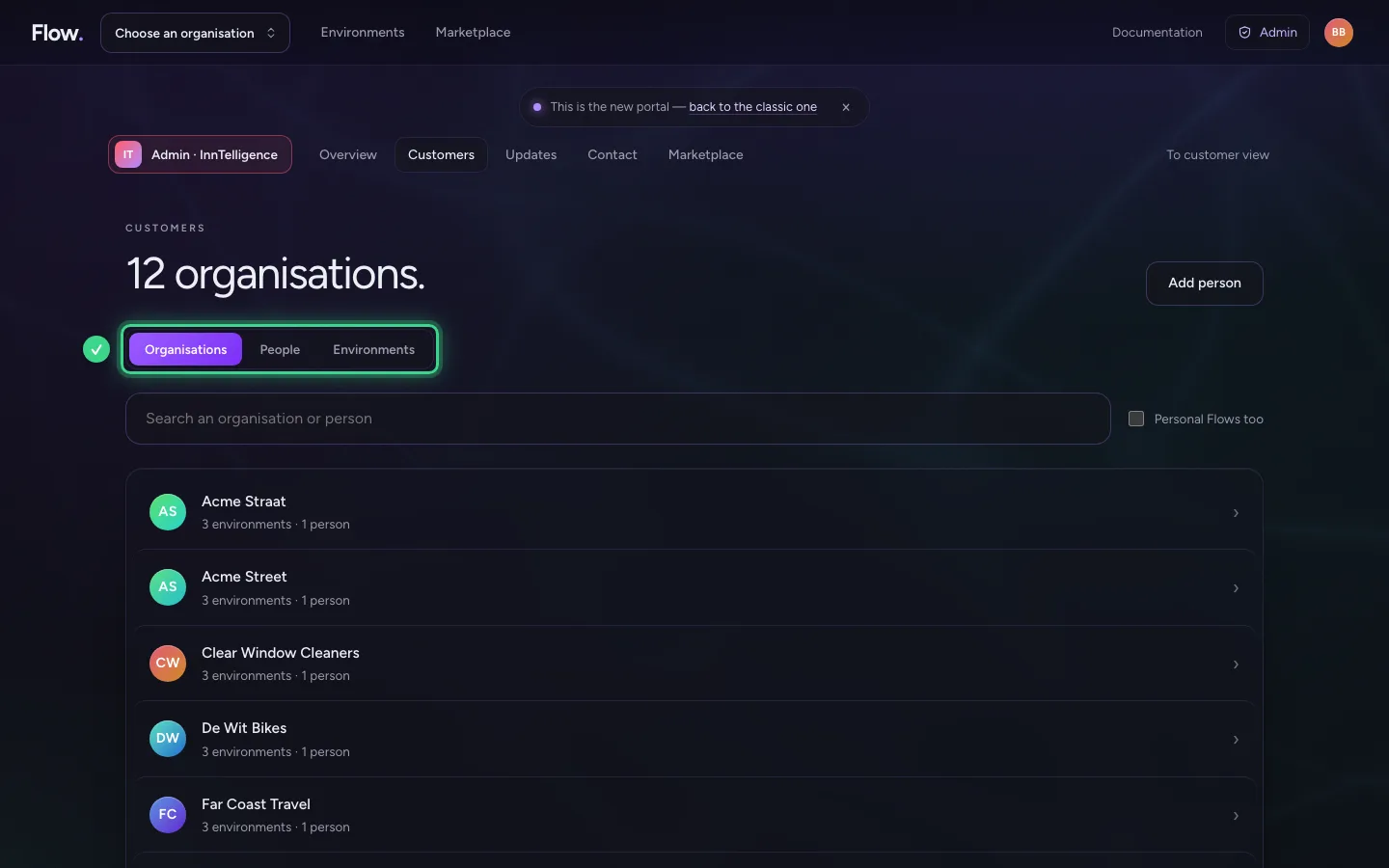
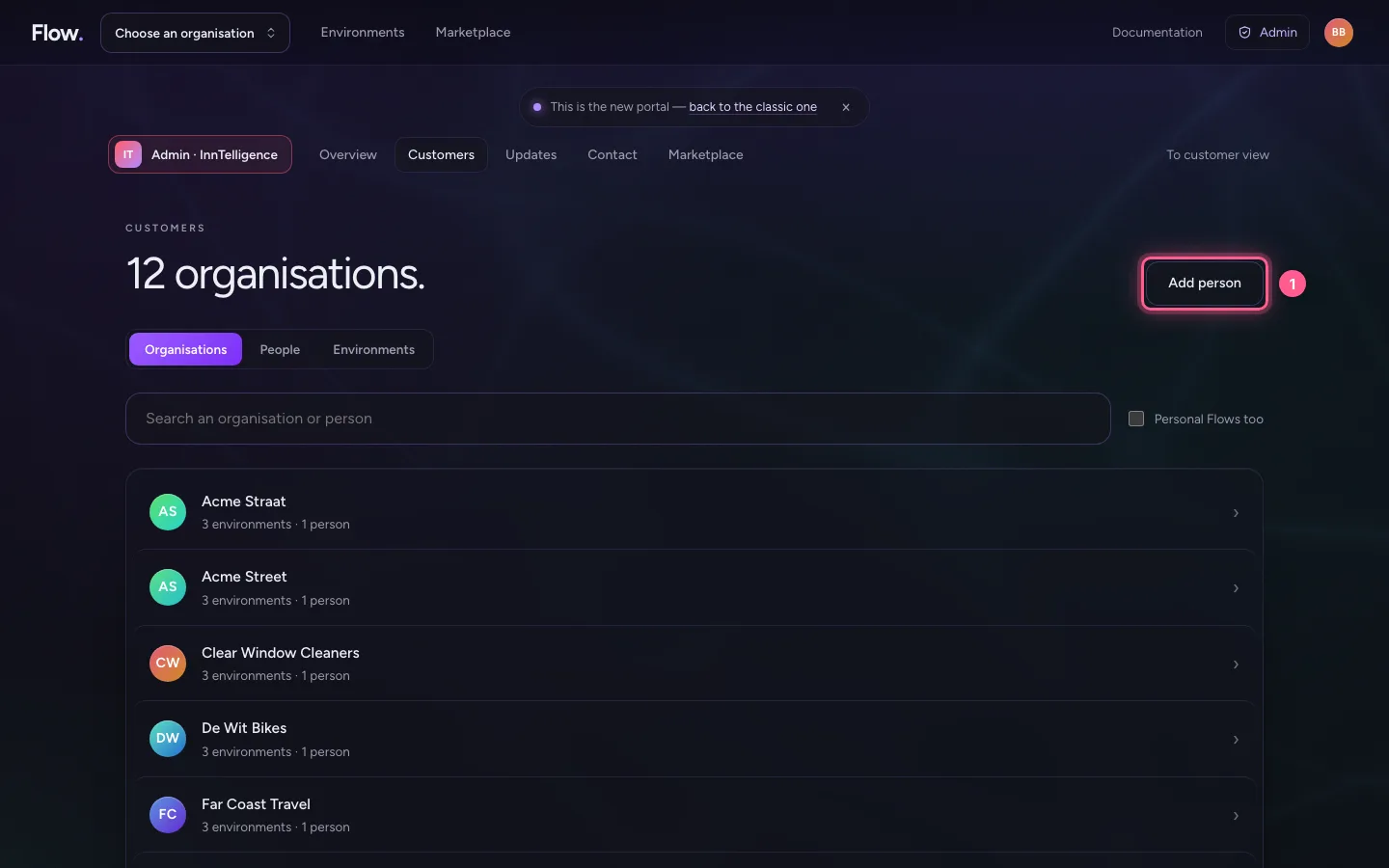
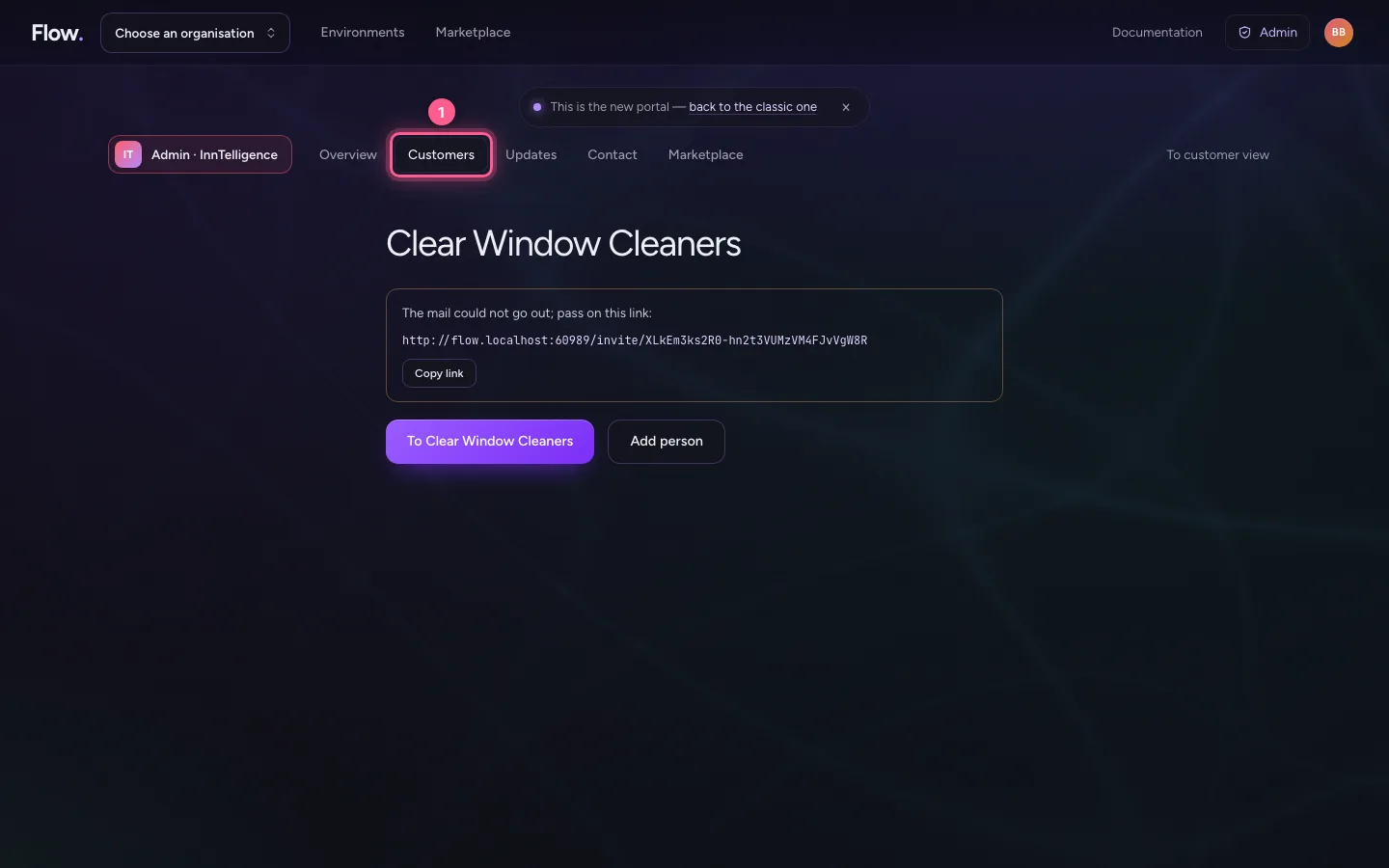
Under Customers you see how many organisations there are. With the buttons at the top you choose Organisations, People or Environments, and the search field finds an organisation or person.
- Click Customers
Invite someone into an organisation
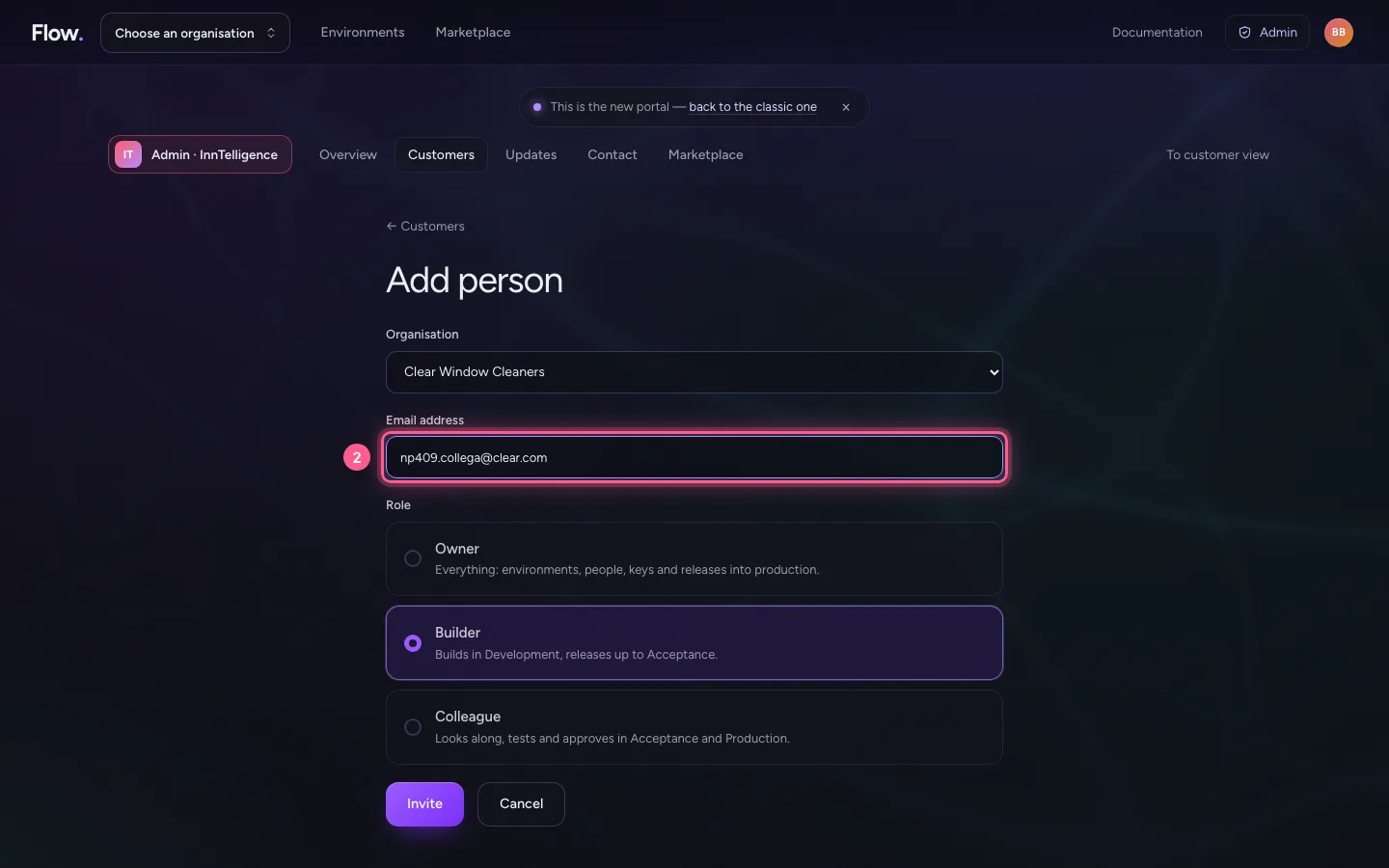
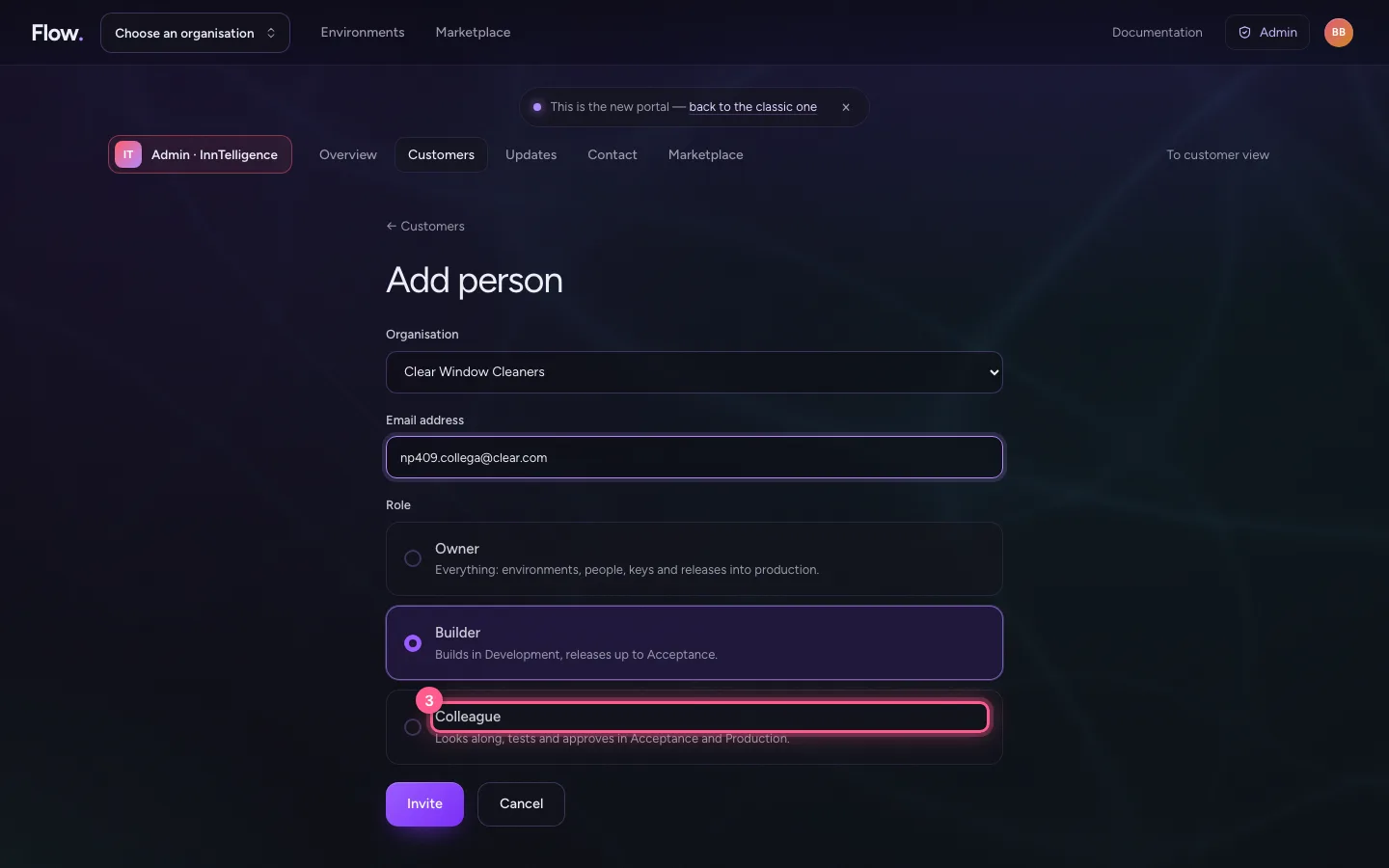
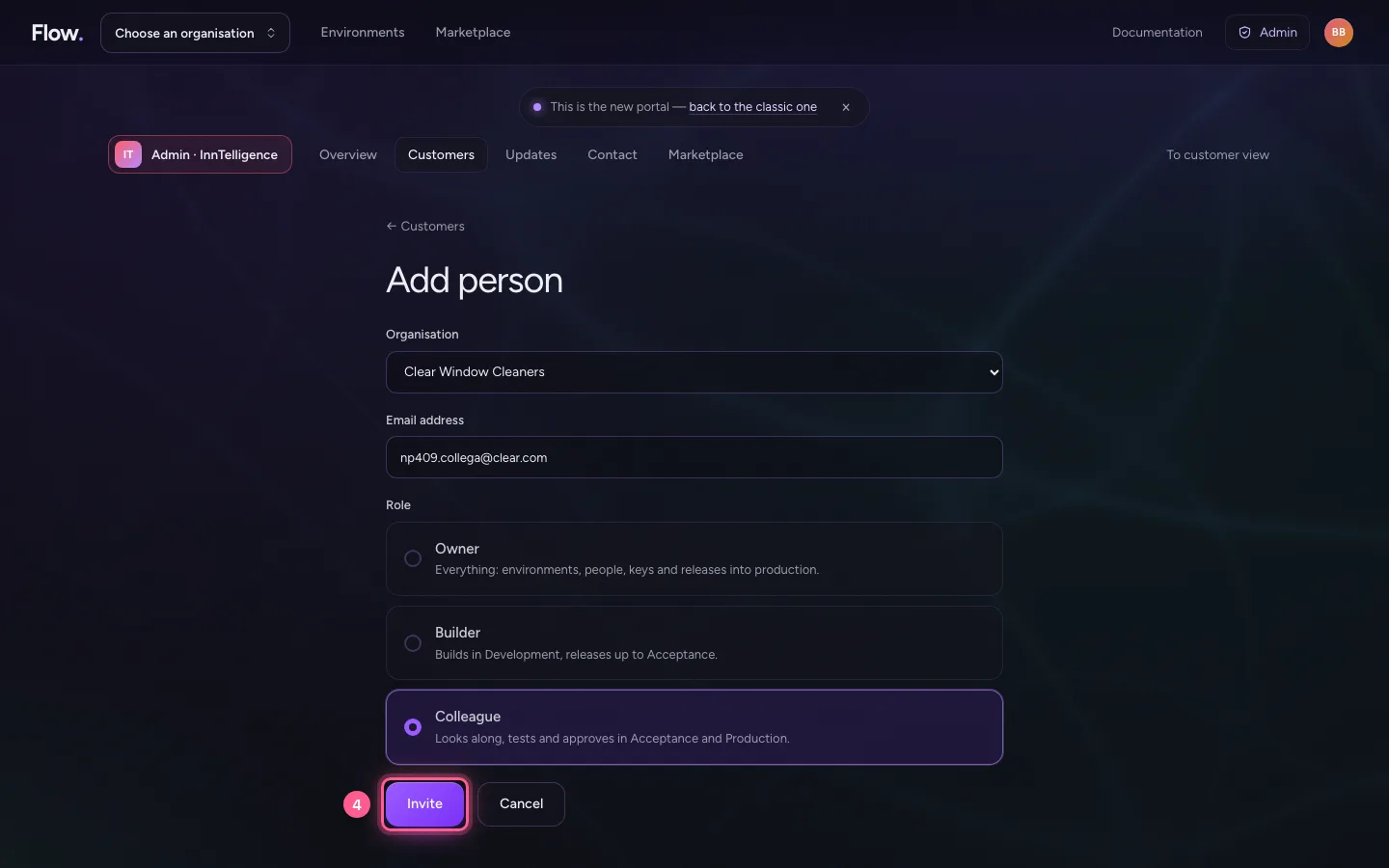
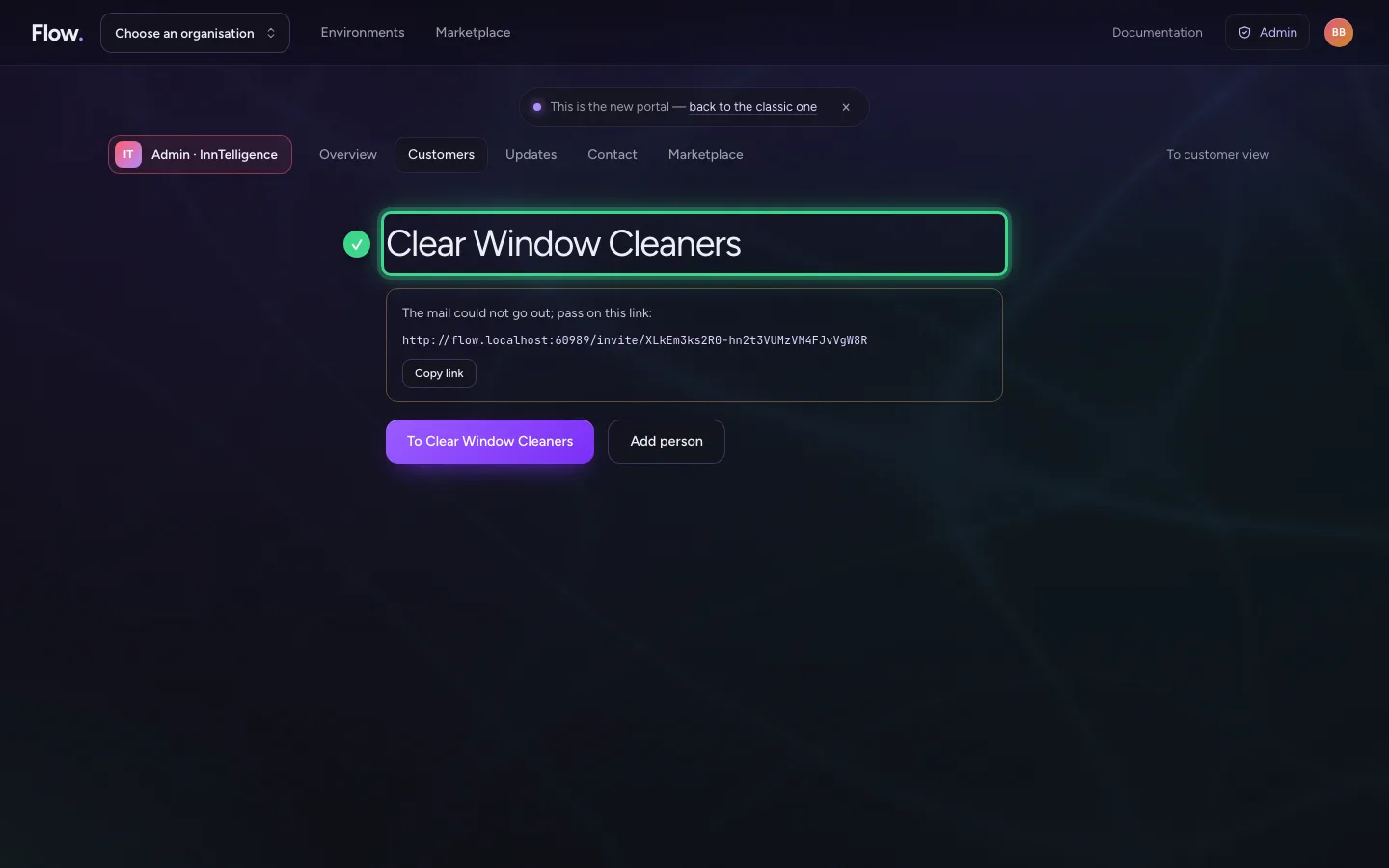
Choose Add person: the organisation, the email address and the role (Owner, Builder or Colleague). It is the same invitation an owner sends. A customer makes their organisation themselves, with their own account; Admin never makes one on someone else's behalf, so it is always clear who its owner is.
- Click Add person
- In Email address, type
np409.collega@clear.com
- Click Colleague
- Click Invite
The settings of any environment
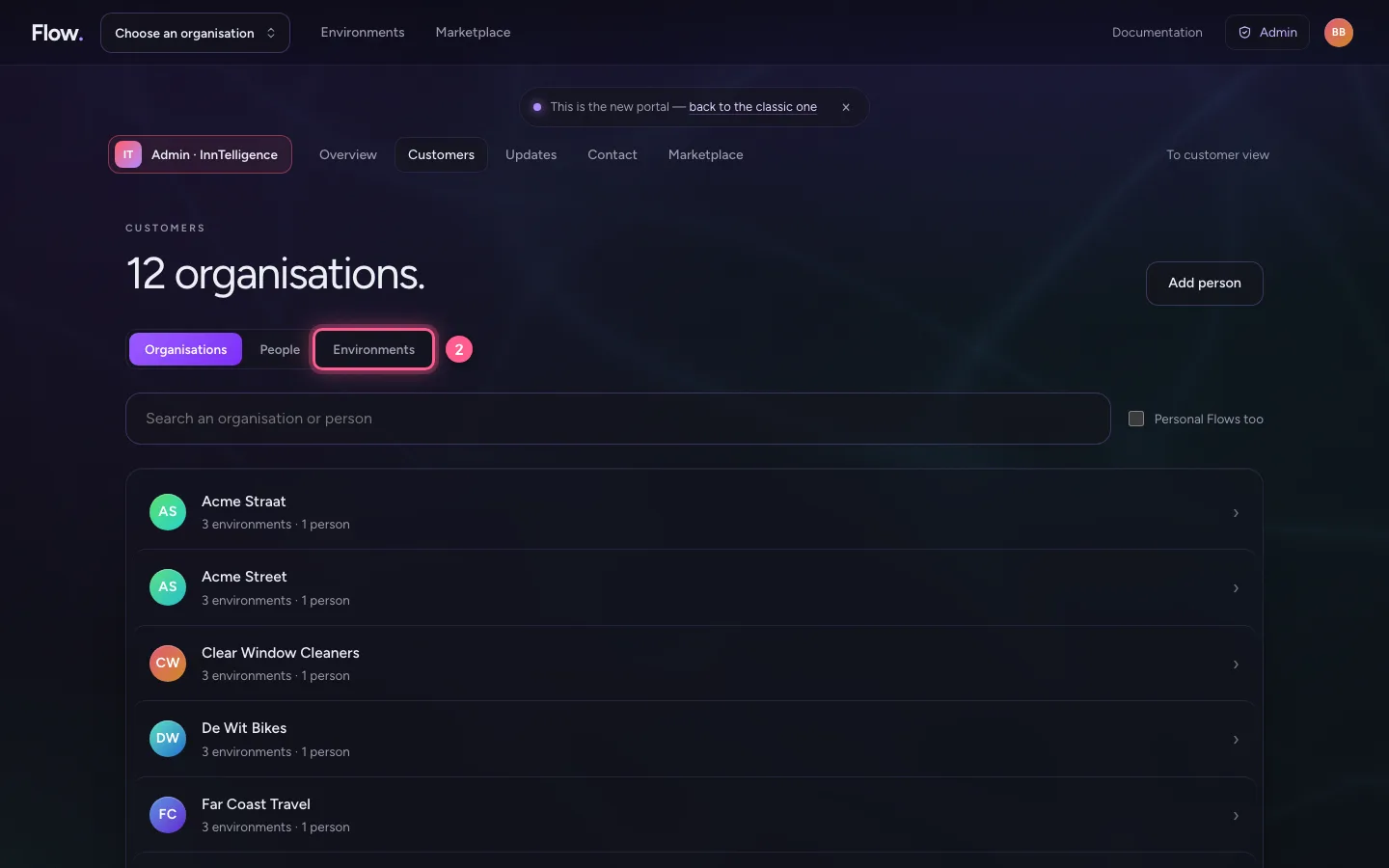
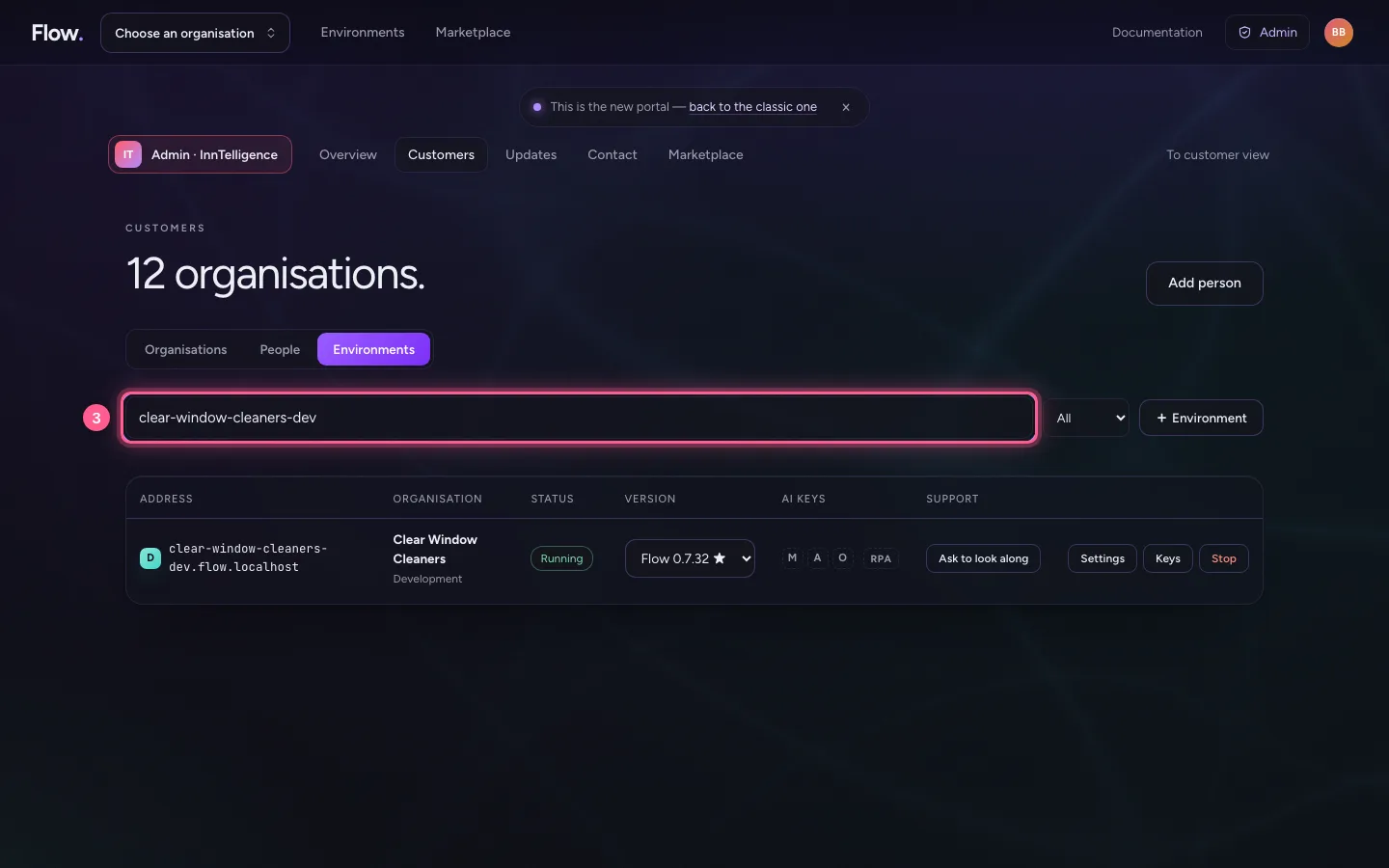
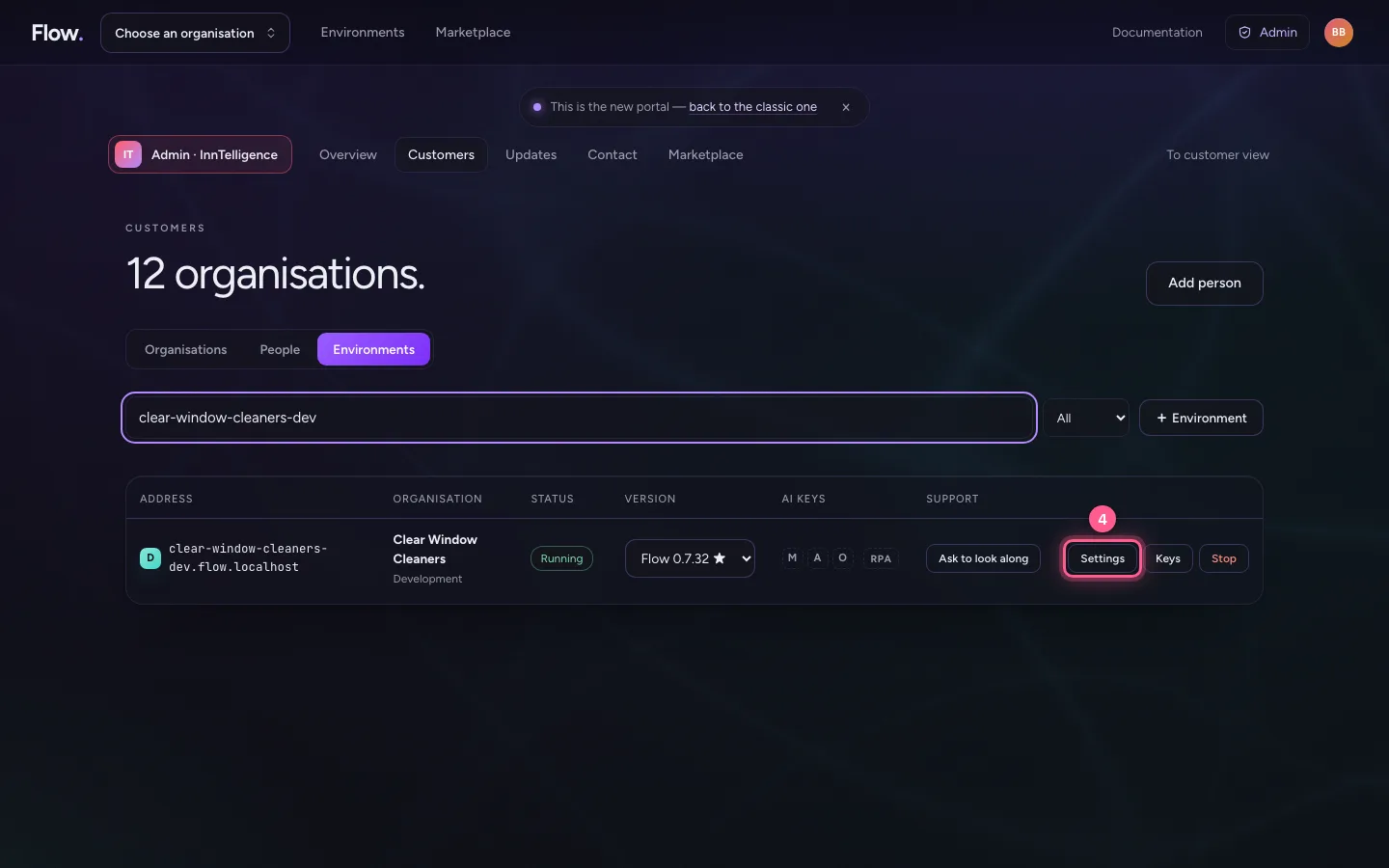
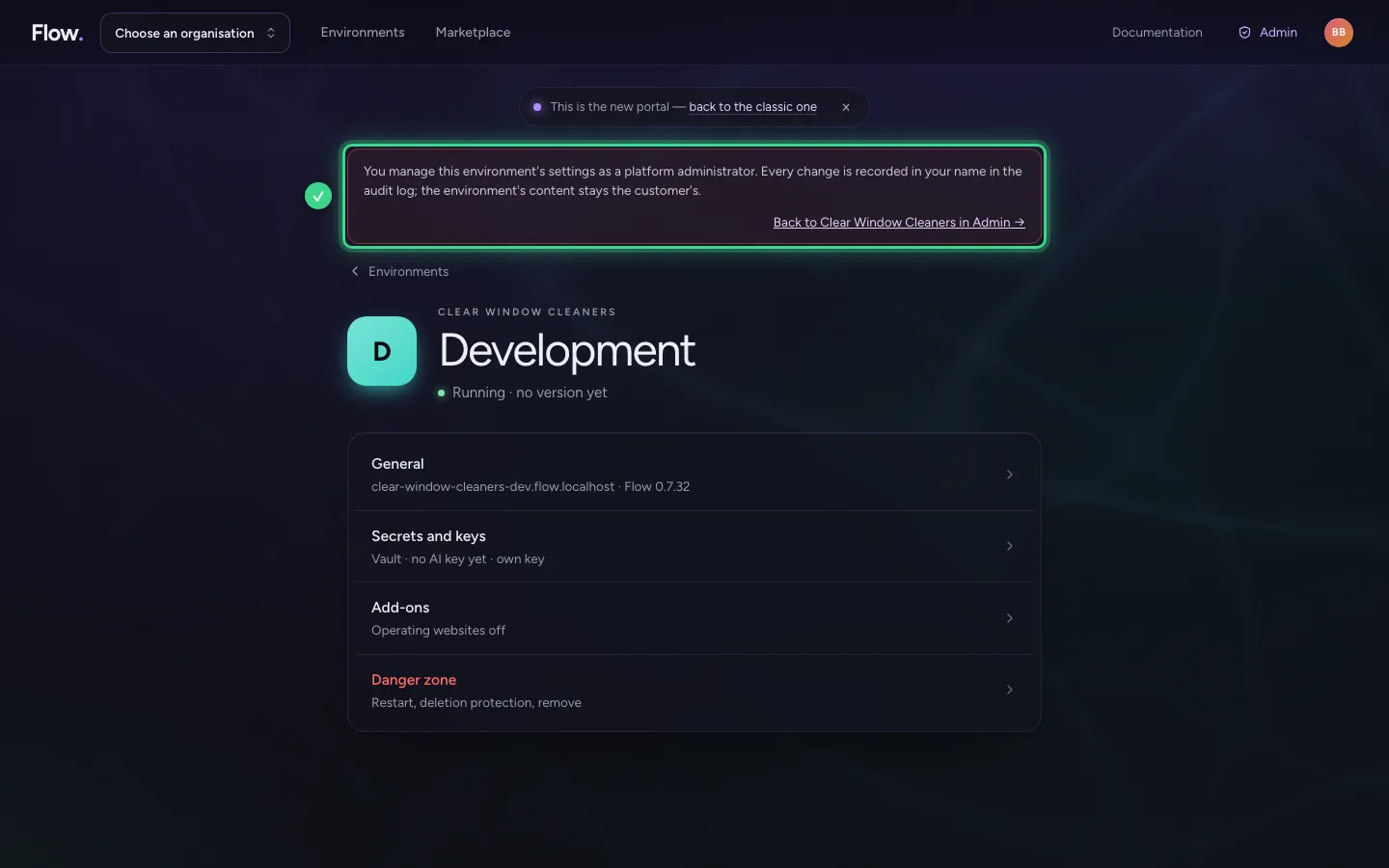
Under Customers choose Environments and search for an environment. Settings opens that environment's page, with a band at the top: you manage it as a platform administrator. Every change is recorded in your name. The content stays the customer's: looking along only happens with permission.
- Click Customers
- Click Environments
- In Search an environment: address, organisation or owner, type
clear-window-cleaners-dev
- Click Settings
Updates: one round for every environment
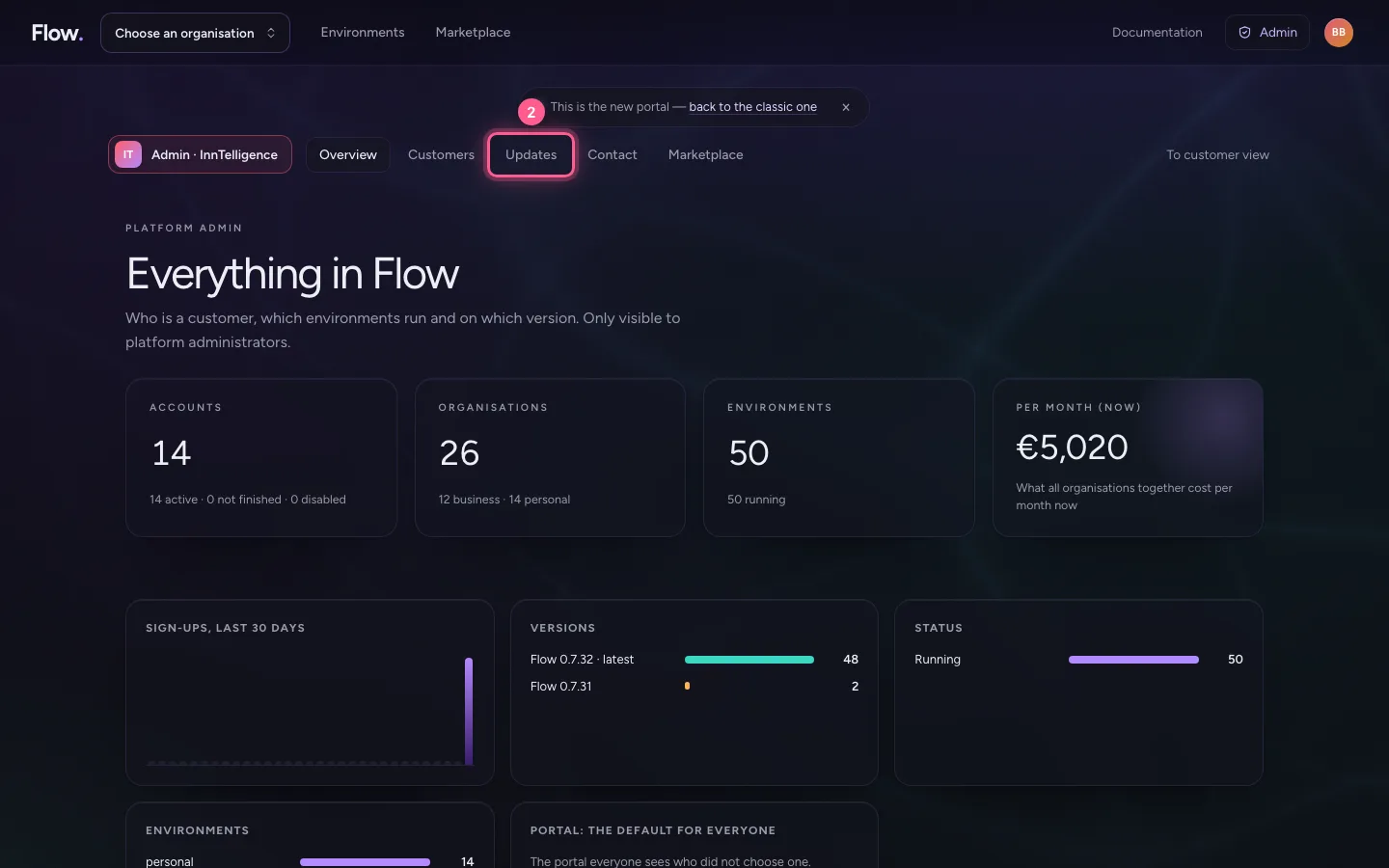
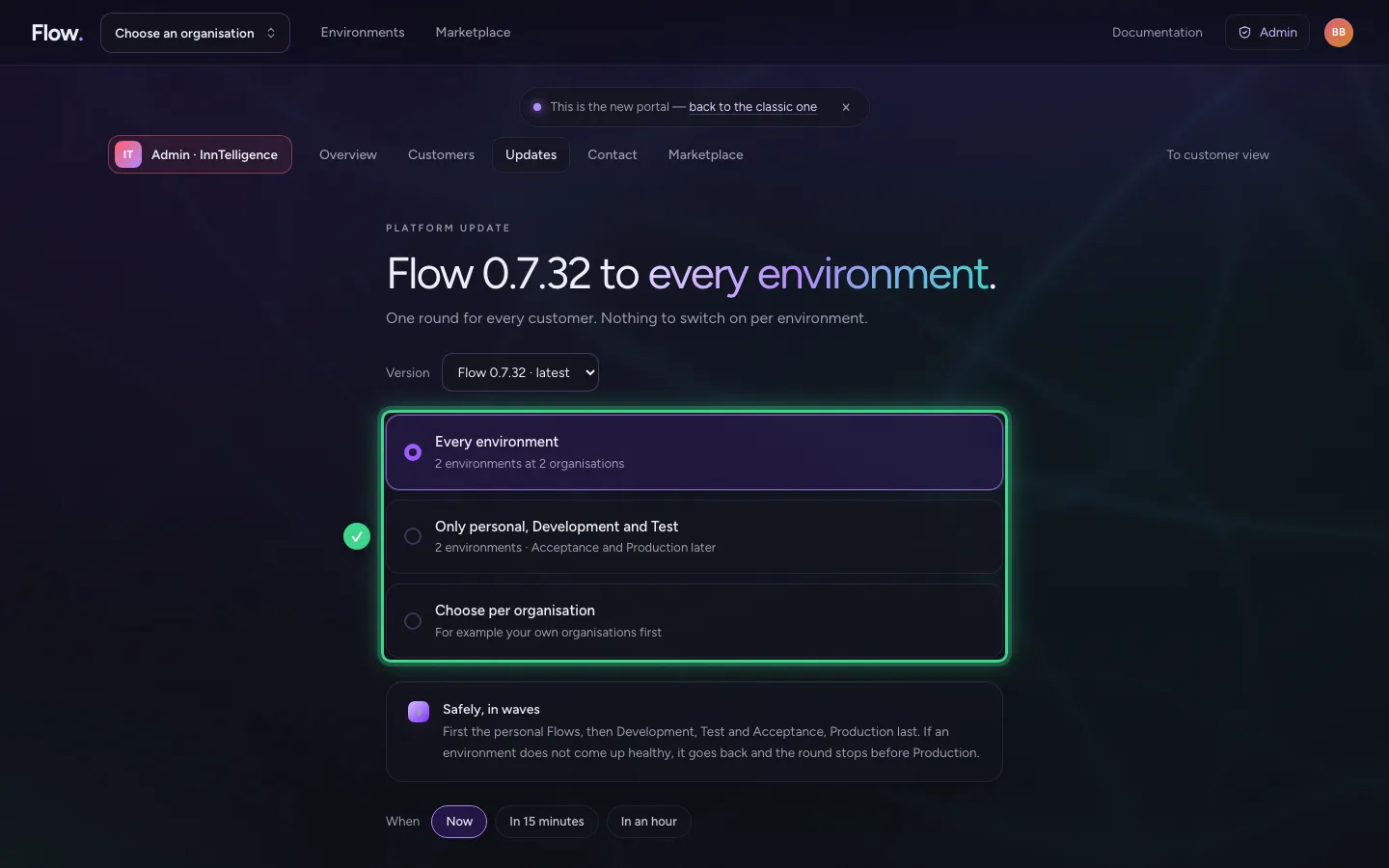
Under Updates you choose the version and which environments take part: all, only personal, Development and Test, or per organisation. The round goes safely in waves: the personal Flows first, then Development, Test and Acceptance, Production last. If an environment does not come up healthy, it goes back and the round stops before Production. Customers get a notice beforehand.
- Click Admin
- Click Updates
Contact and back to the customer view
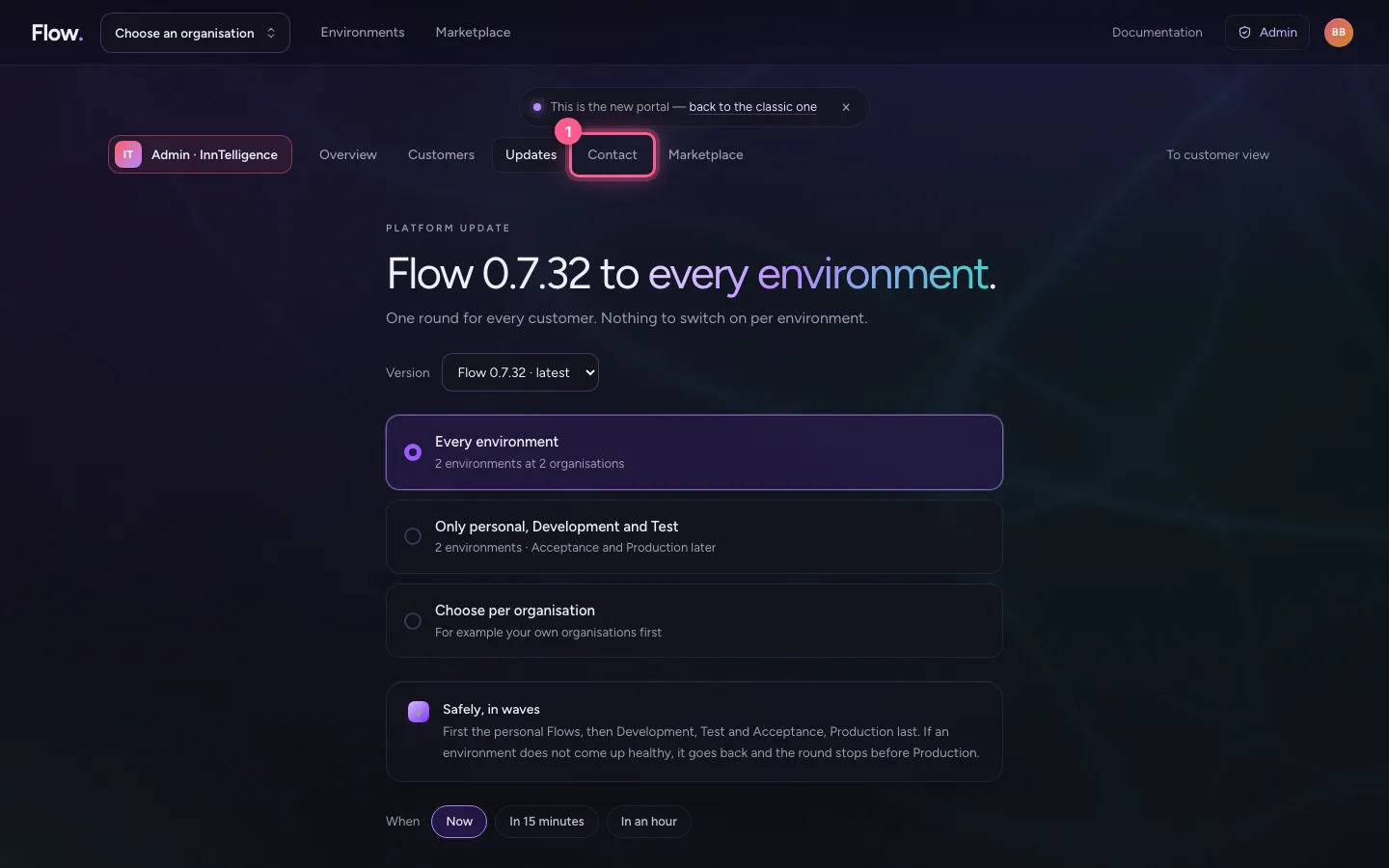
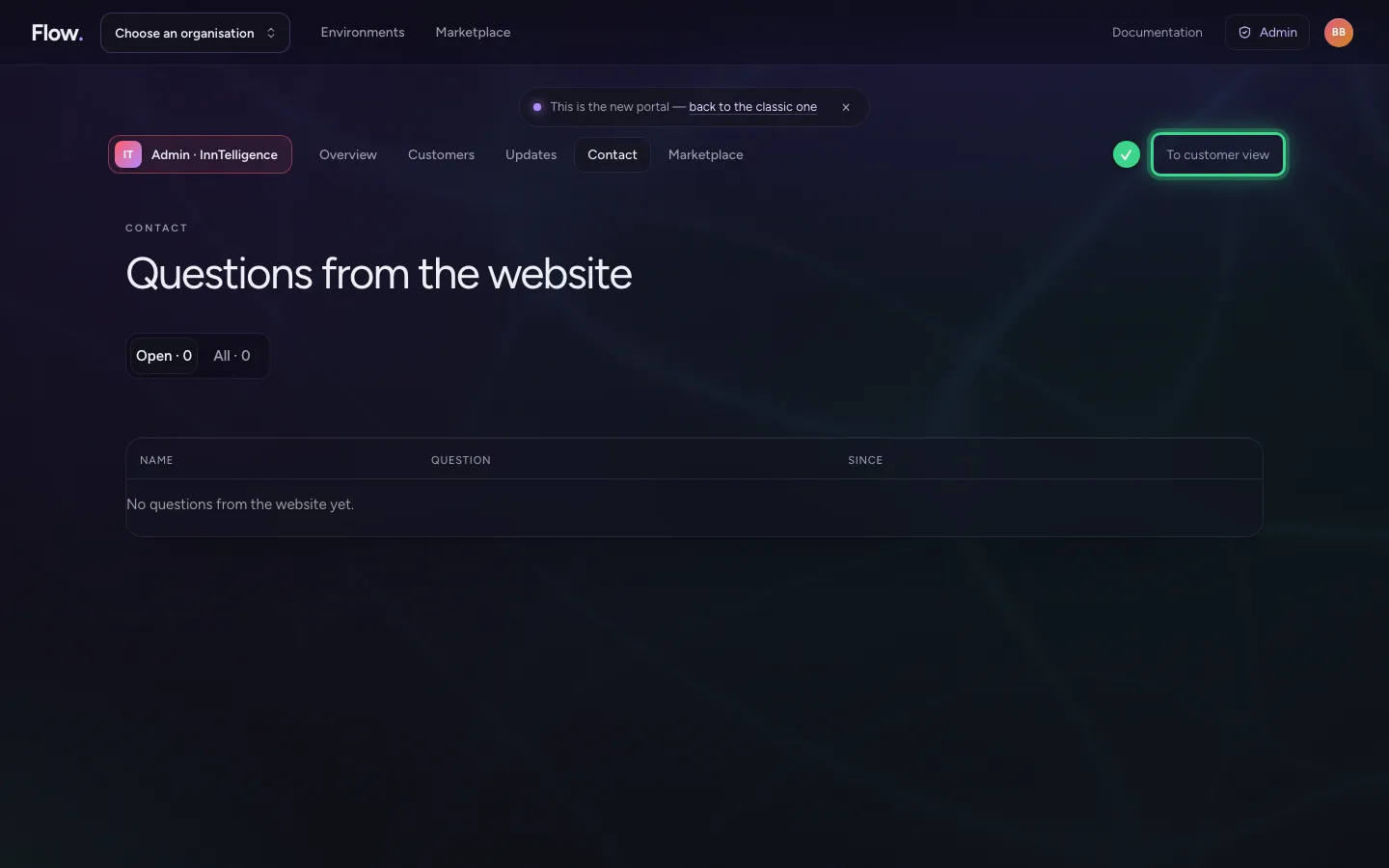
Contact shows the questions that came in through the website. To customer view, at the top right of Admin, takes you back to the portal as a customer sees it.
- Click Contact
This guide was carried out step by step on 28 Oct 2026 by an automated test on Flow (version 96971699).