DTAP: from development to production
Flow separates building from running. Only Development changes; Test, Acceptance and Production receive only committed versions, in a fixed order, with a trail of who promoted what and when. You add a test environment, move one version down the whole street, look at production's protection and the release history, and roll back the Flow version of an environment.
Add a test environment
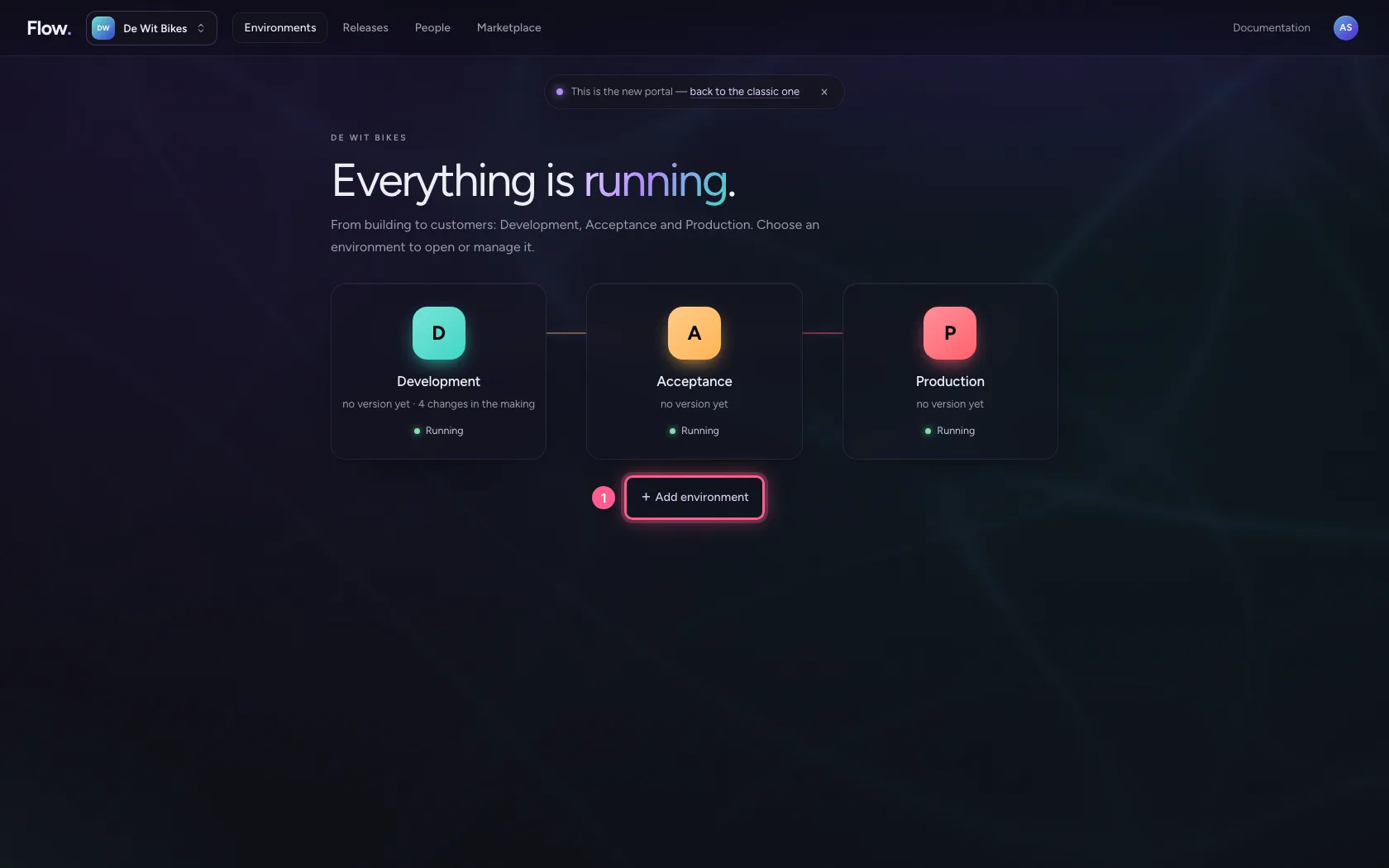
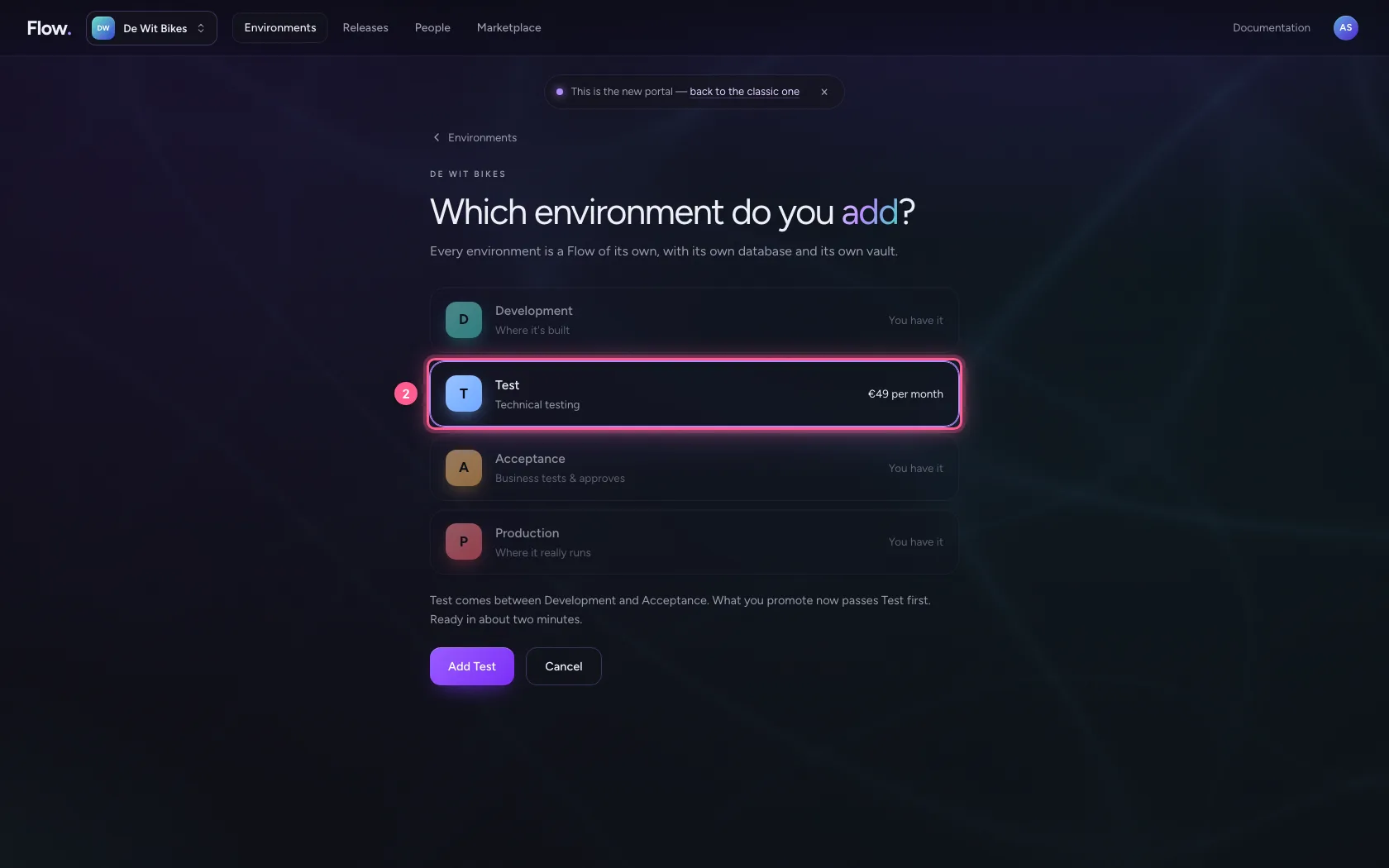
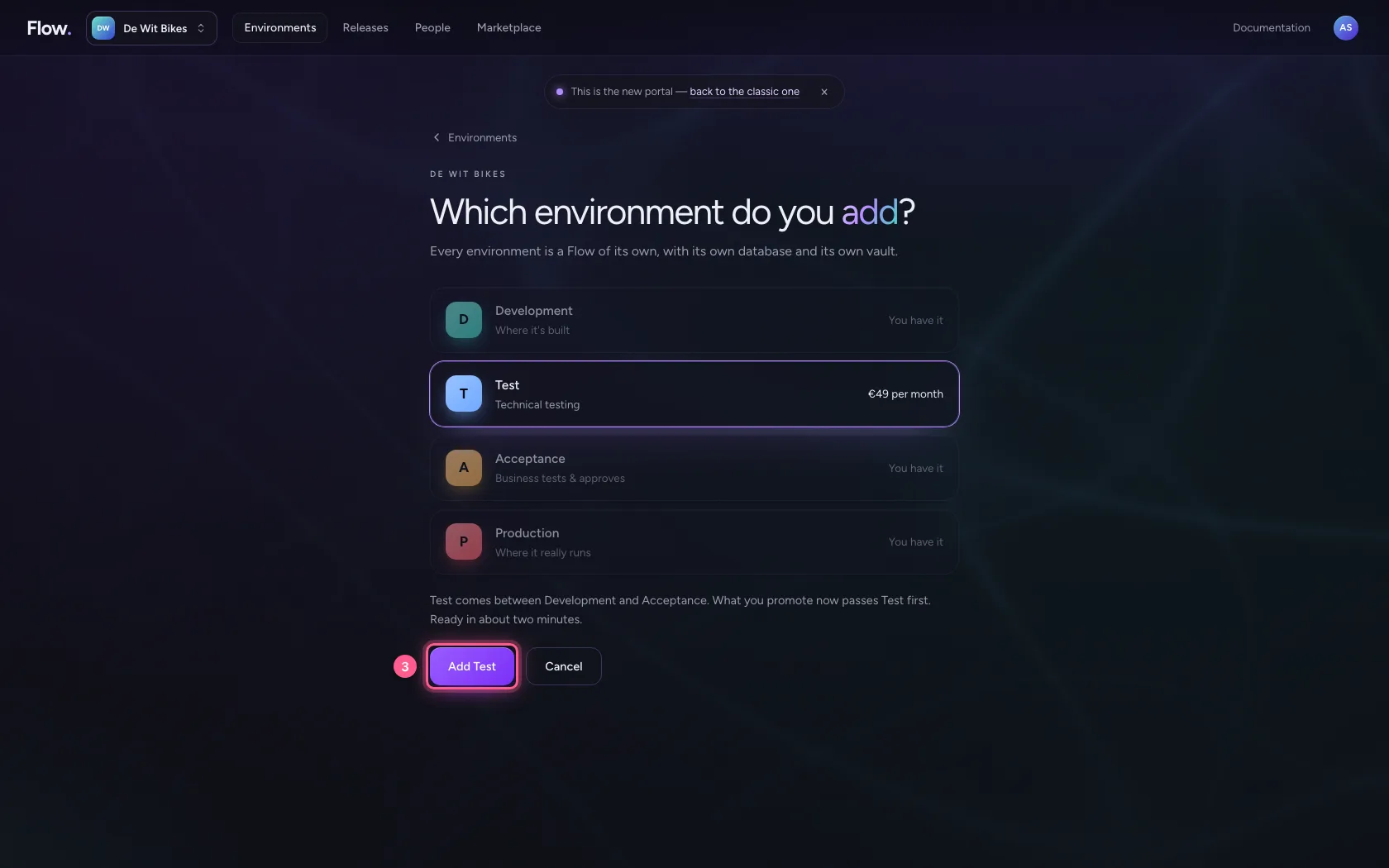
You already have Development, Acceptance and Production. A separate Test sits in between: there you test technically (connections, volumes) without bothering the business. It is a Flow of its own with its own database, read-only like Acceptance. You add it below the environments, with + Add environment.
- Click + Add environment
- Click T
- Click Add Test
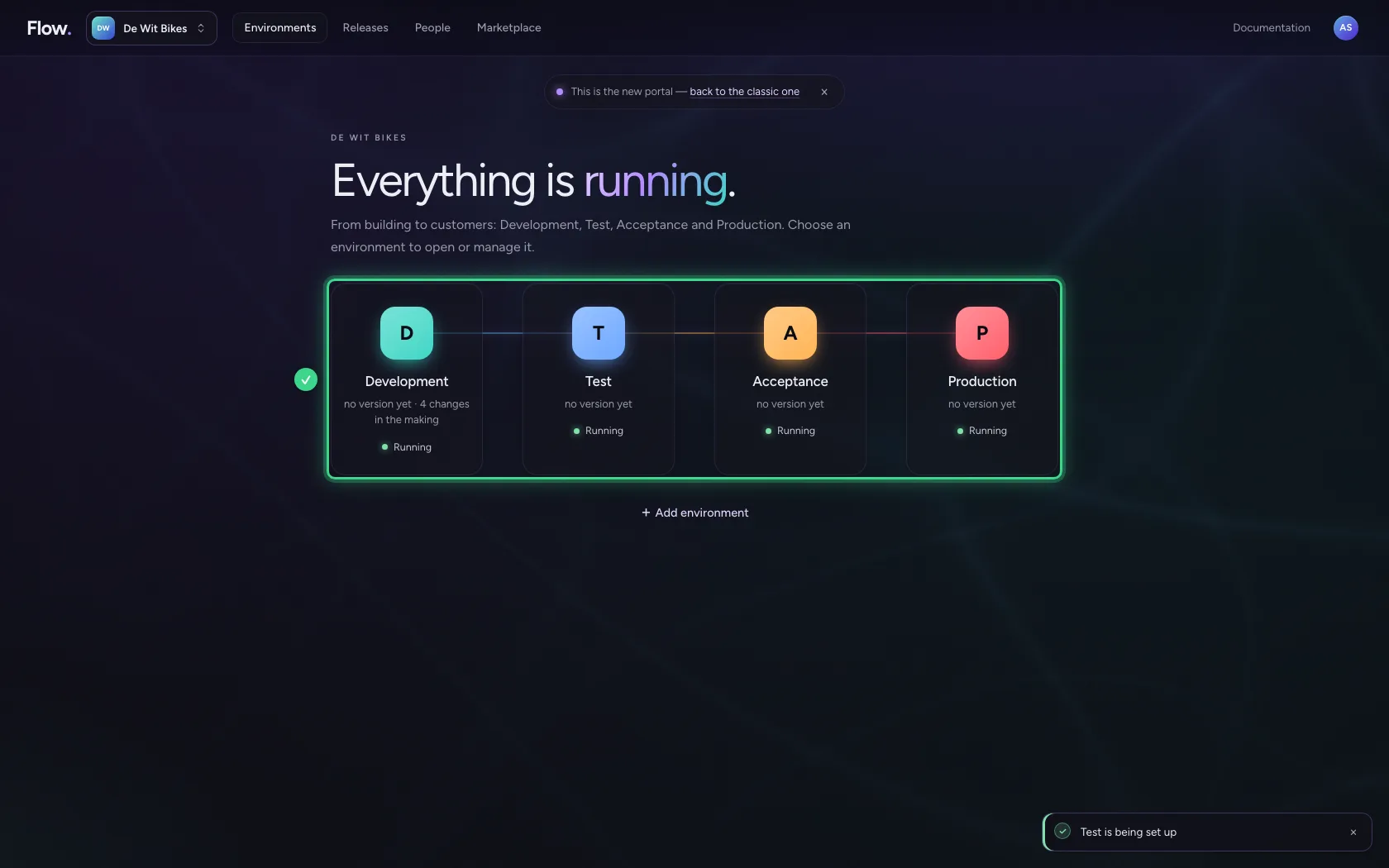
Commit a version in Development
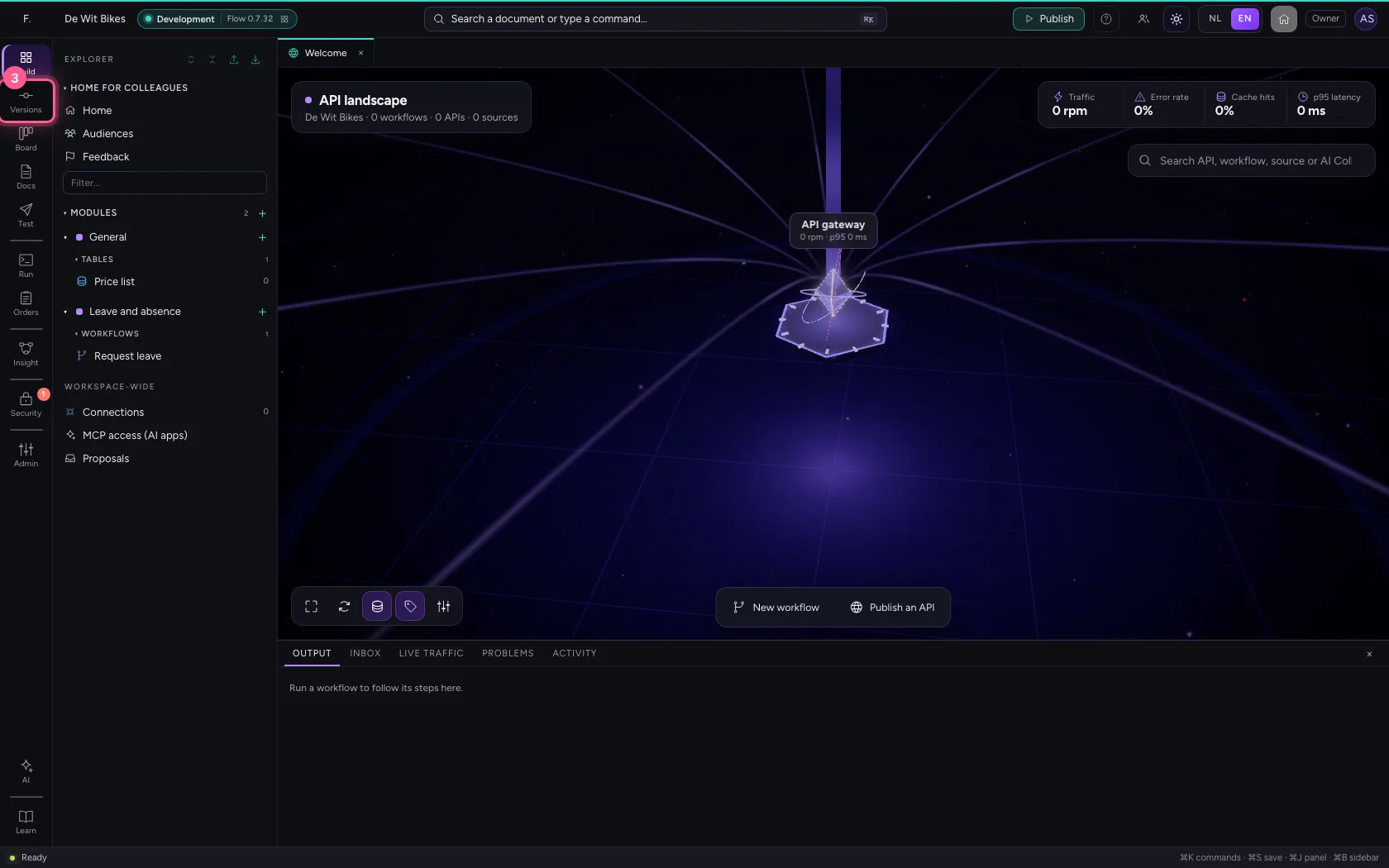
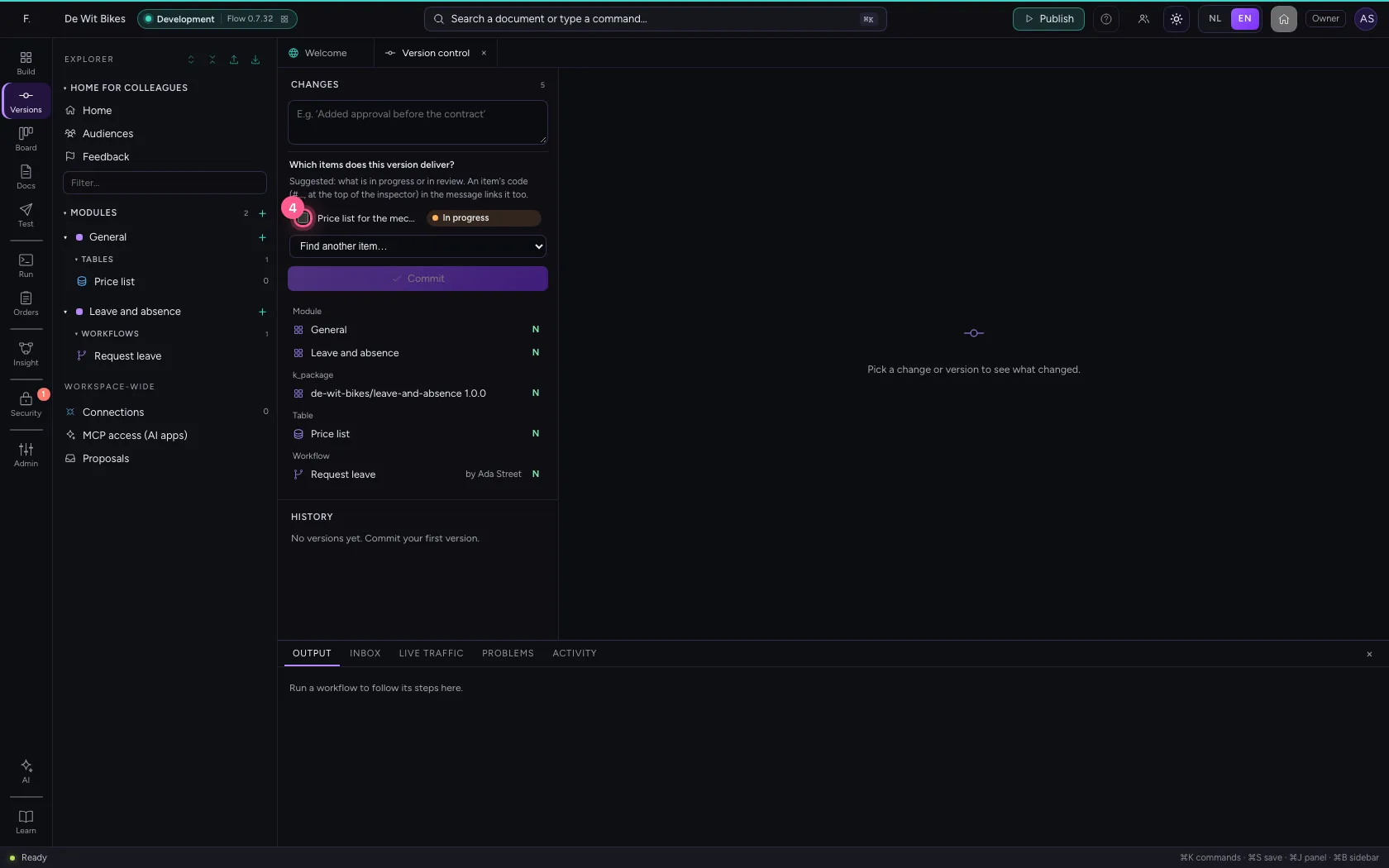
Promotion always uses a committed version: a snapshot of everything, with a sentence about what changed. What is not committed cannot end up anywhere else. Open Development; under Which items does this version deliver? you tick the work from the board that is in it (suggested: what is in progress or in review). The version then shows its delivered items, and every release takes them along to the next environment.
- Click Development
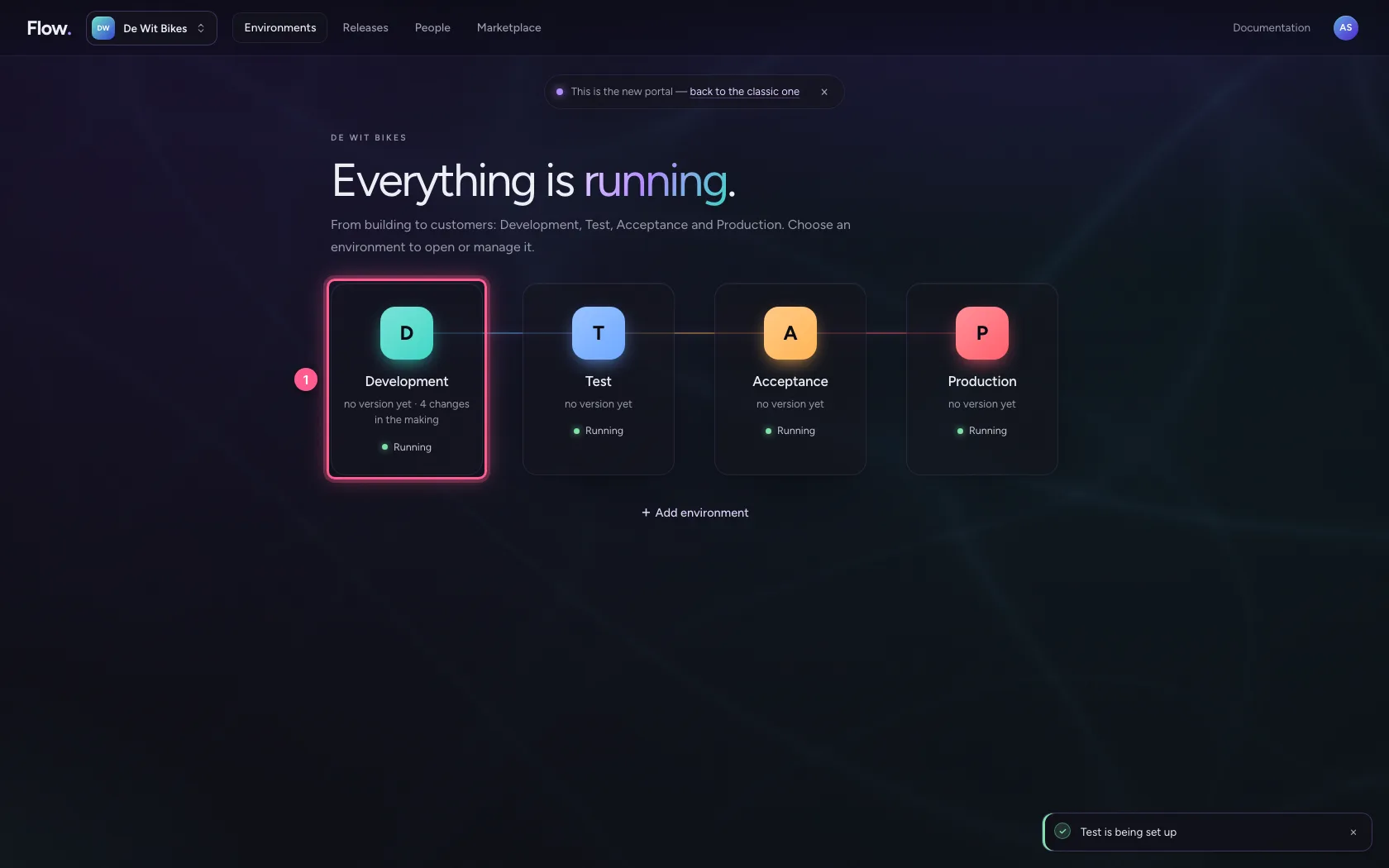
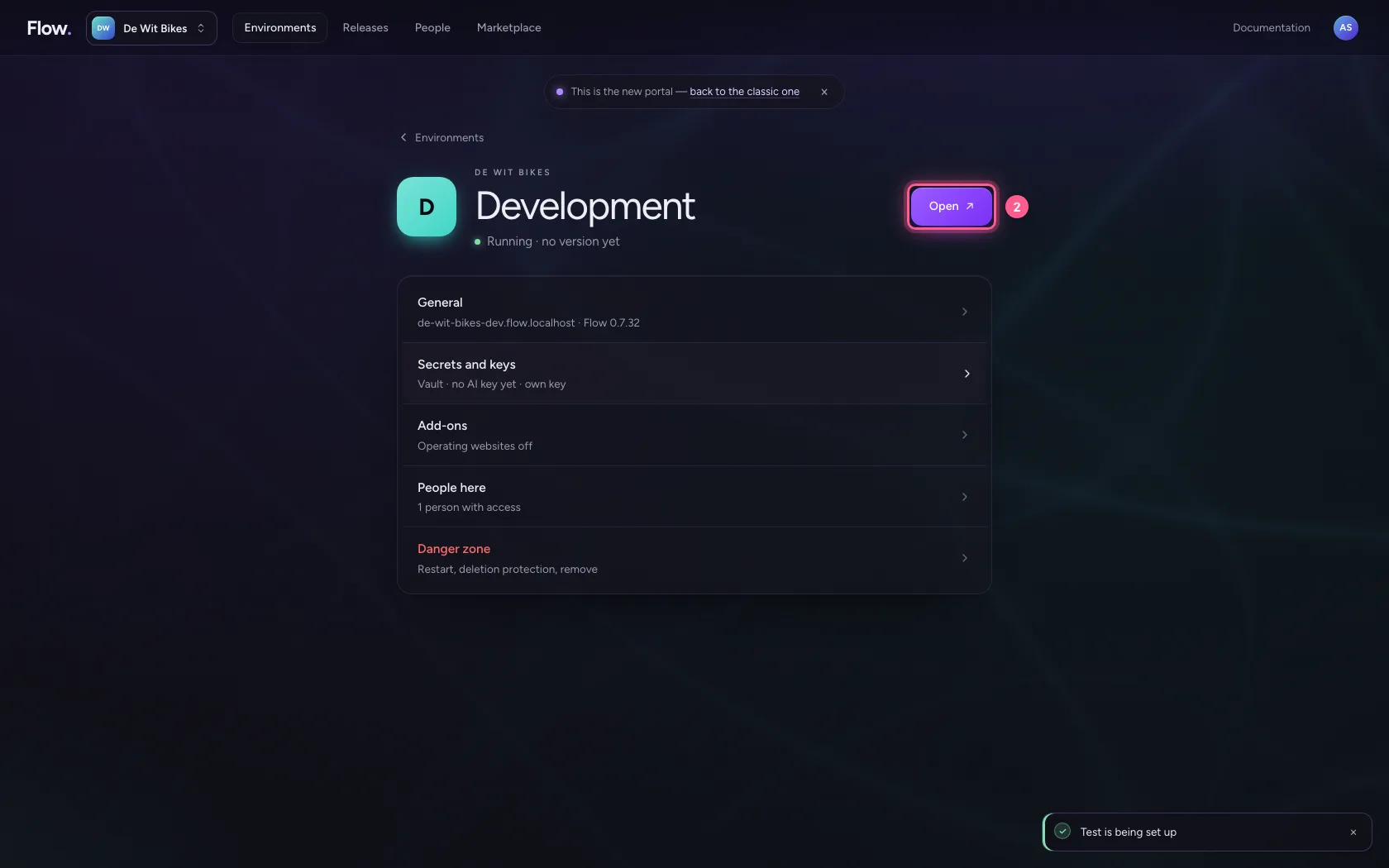
- Click Open ↗
- Click Version control
- Click Price list for the mechanics
- In What did you change?, type
Price list added
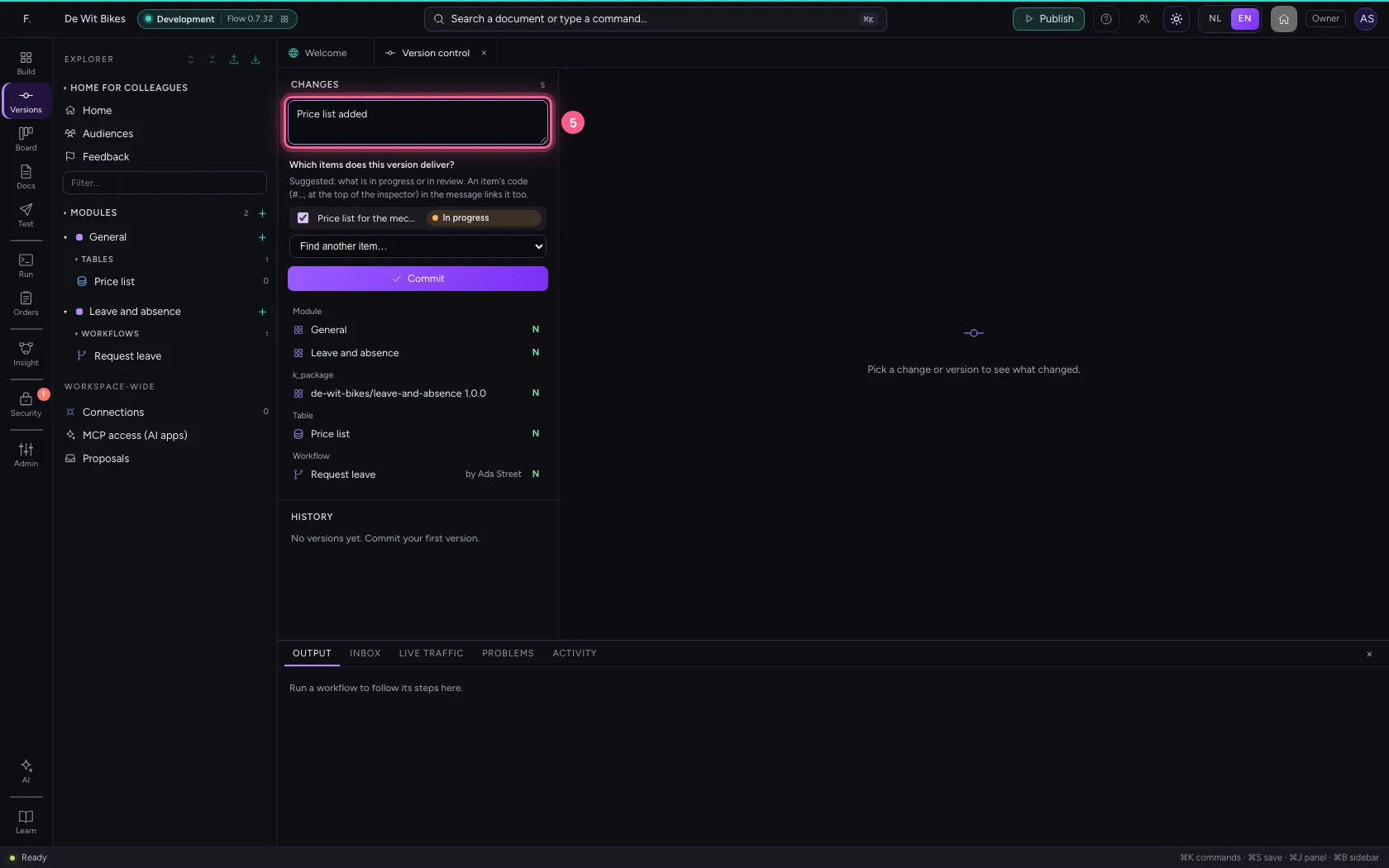
- Click Commit
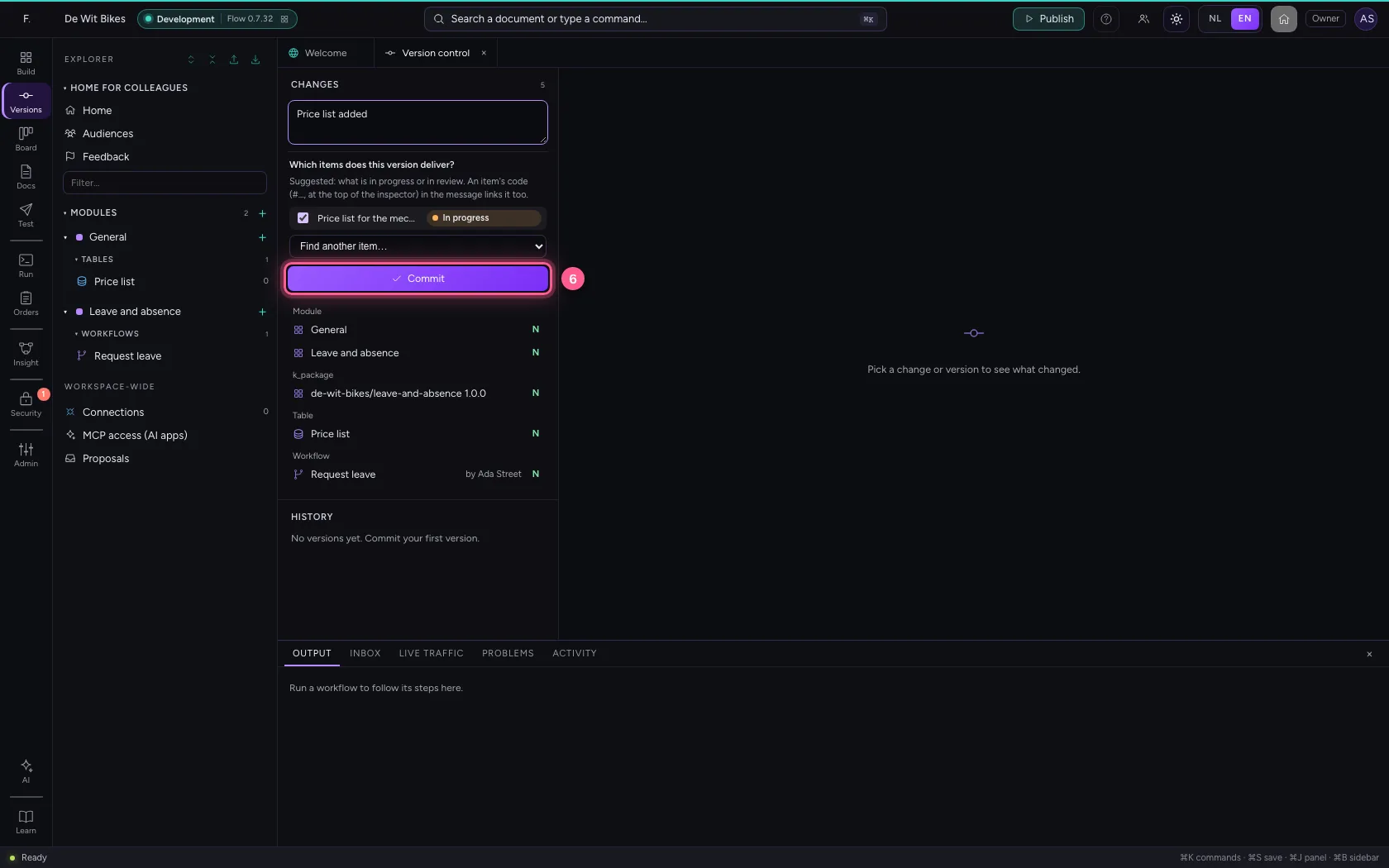
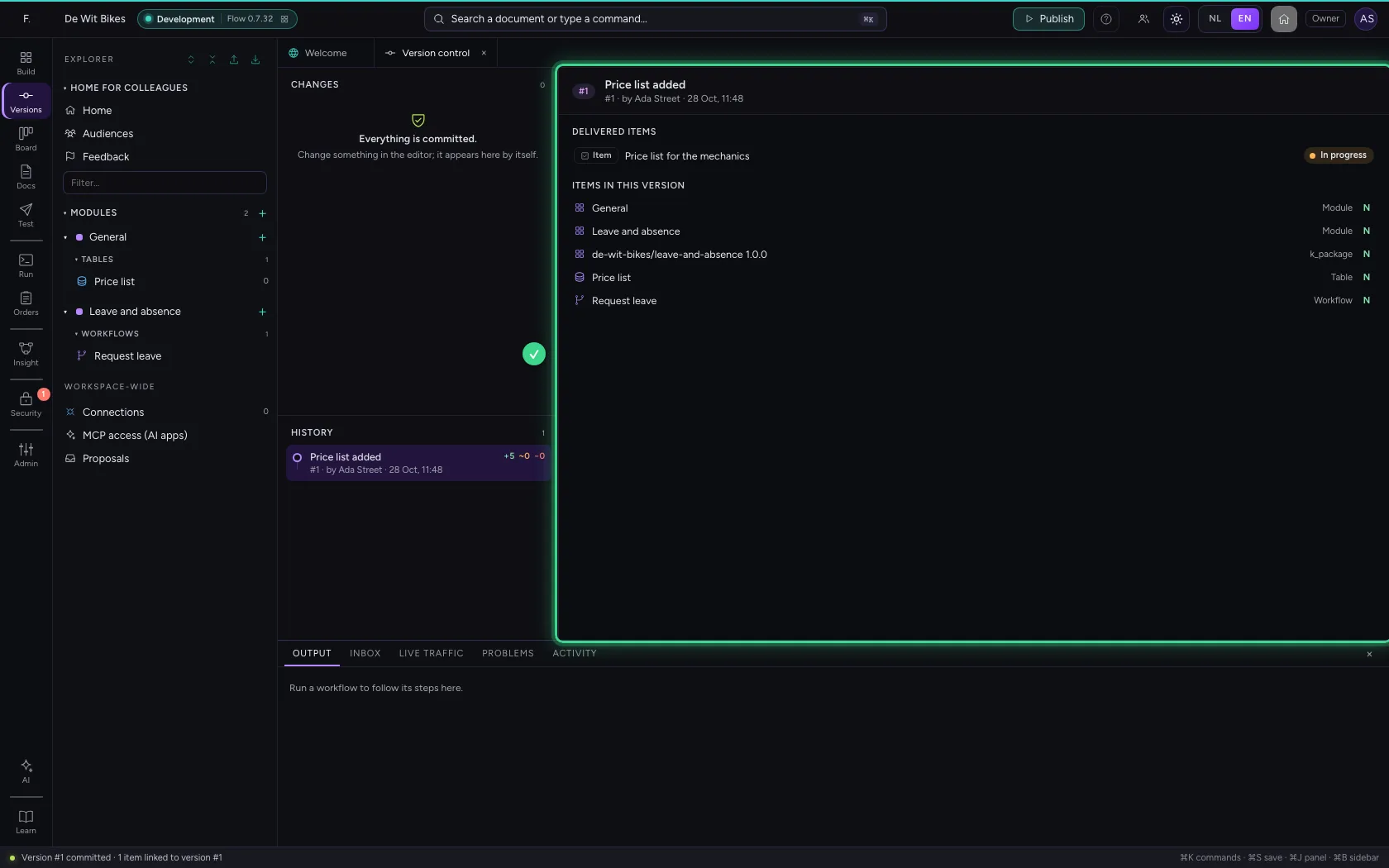
Promote the version to Test
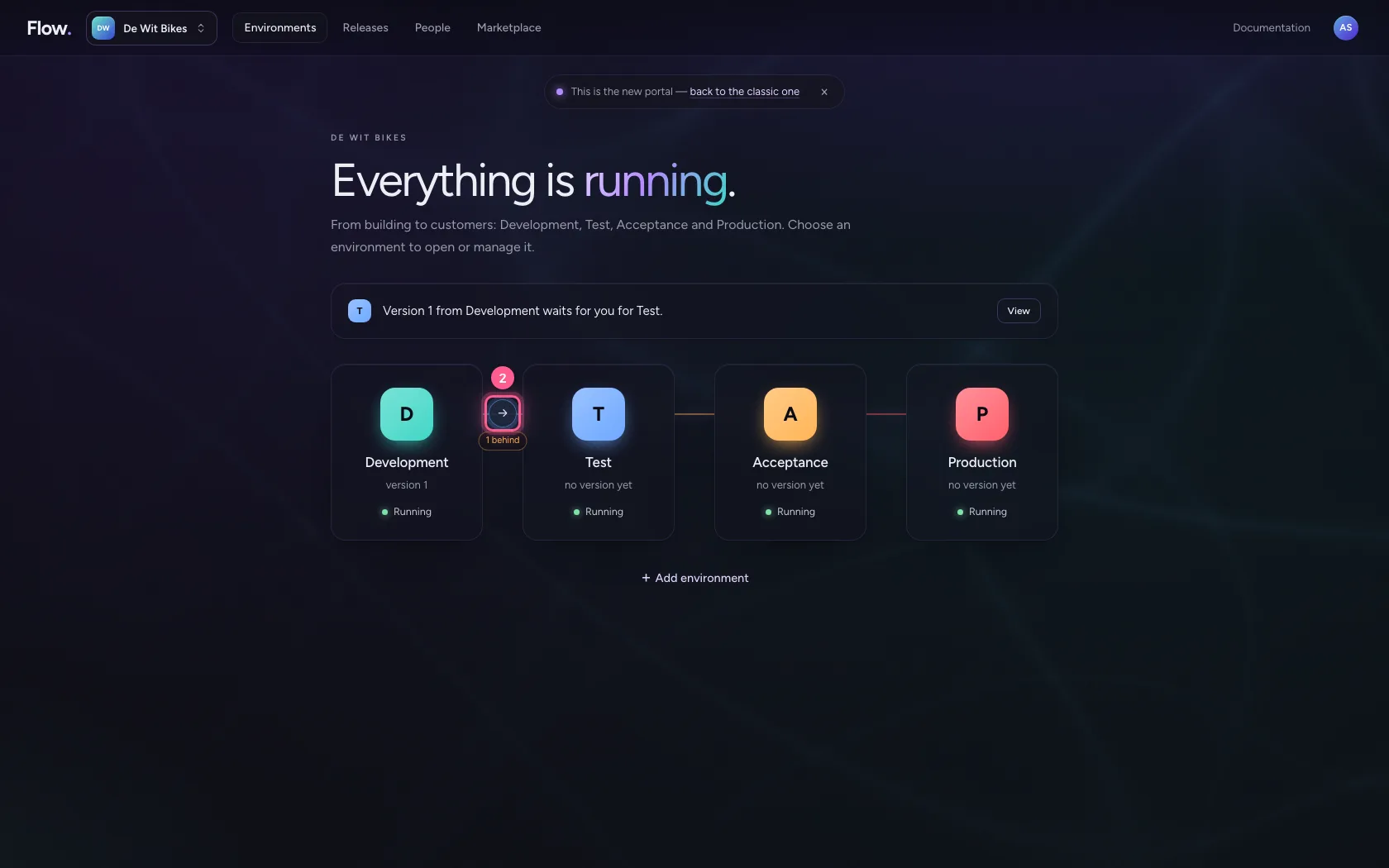
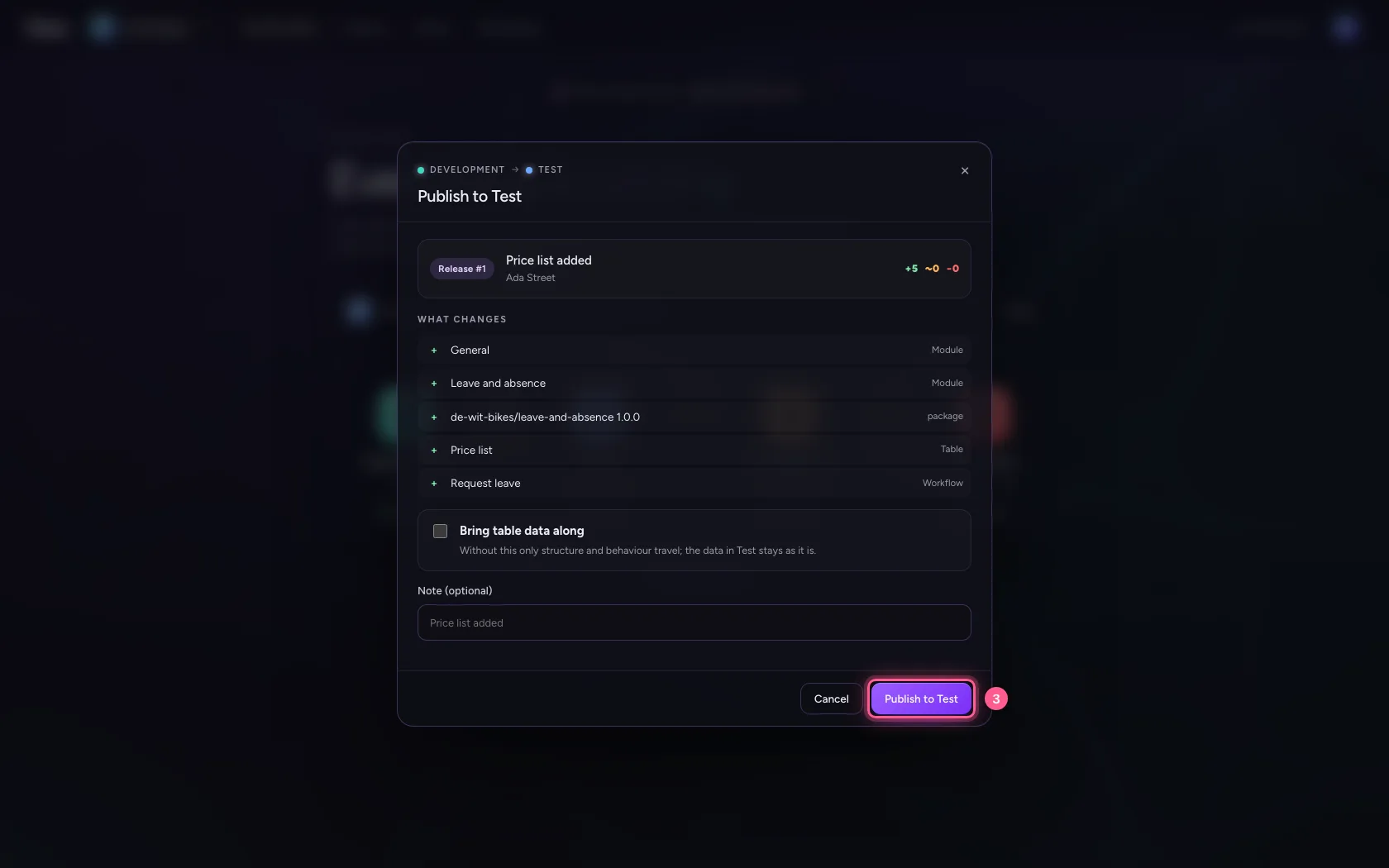
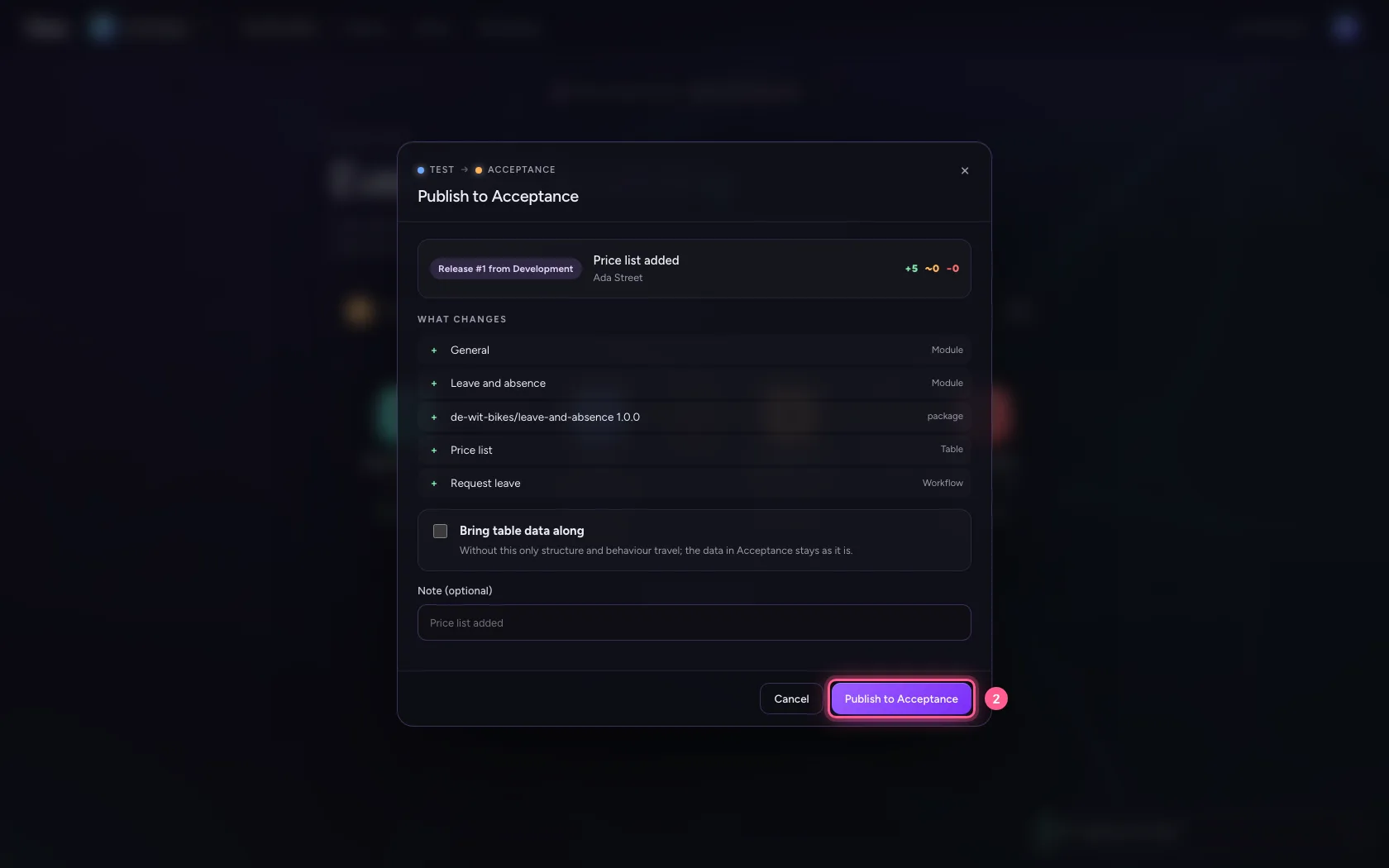
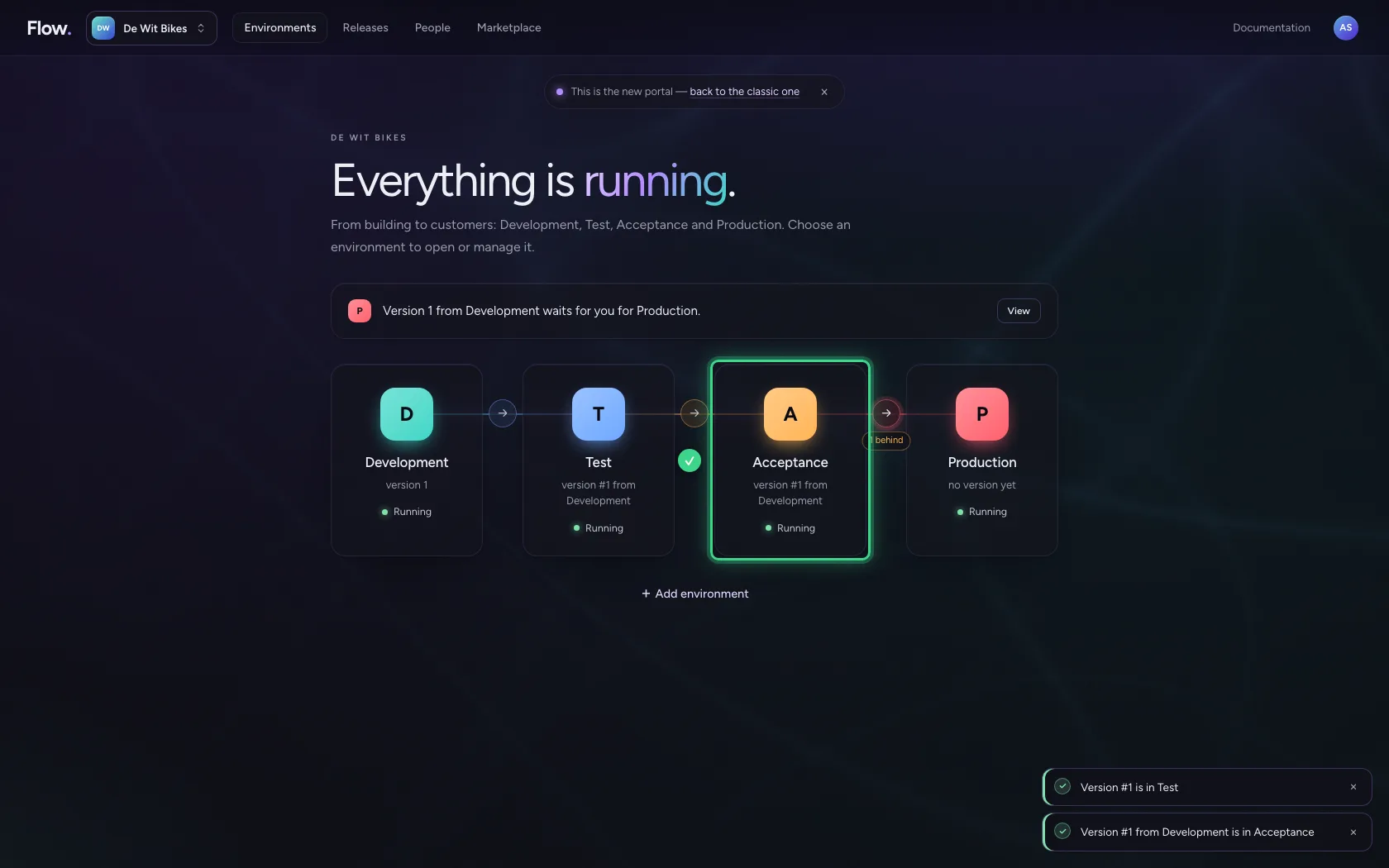
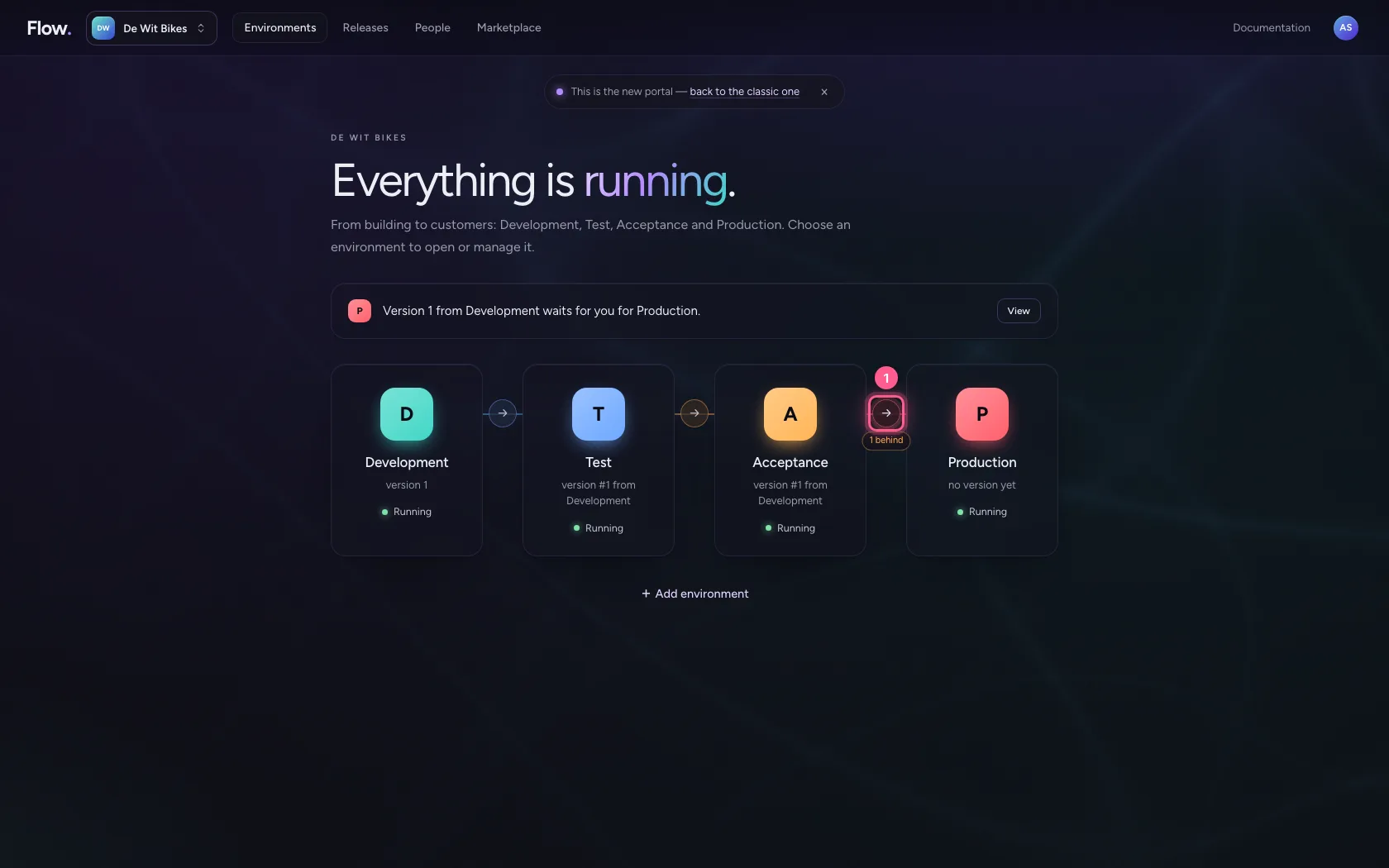
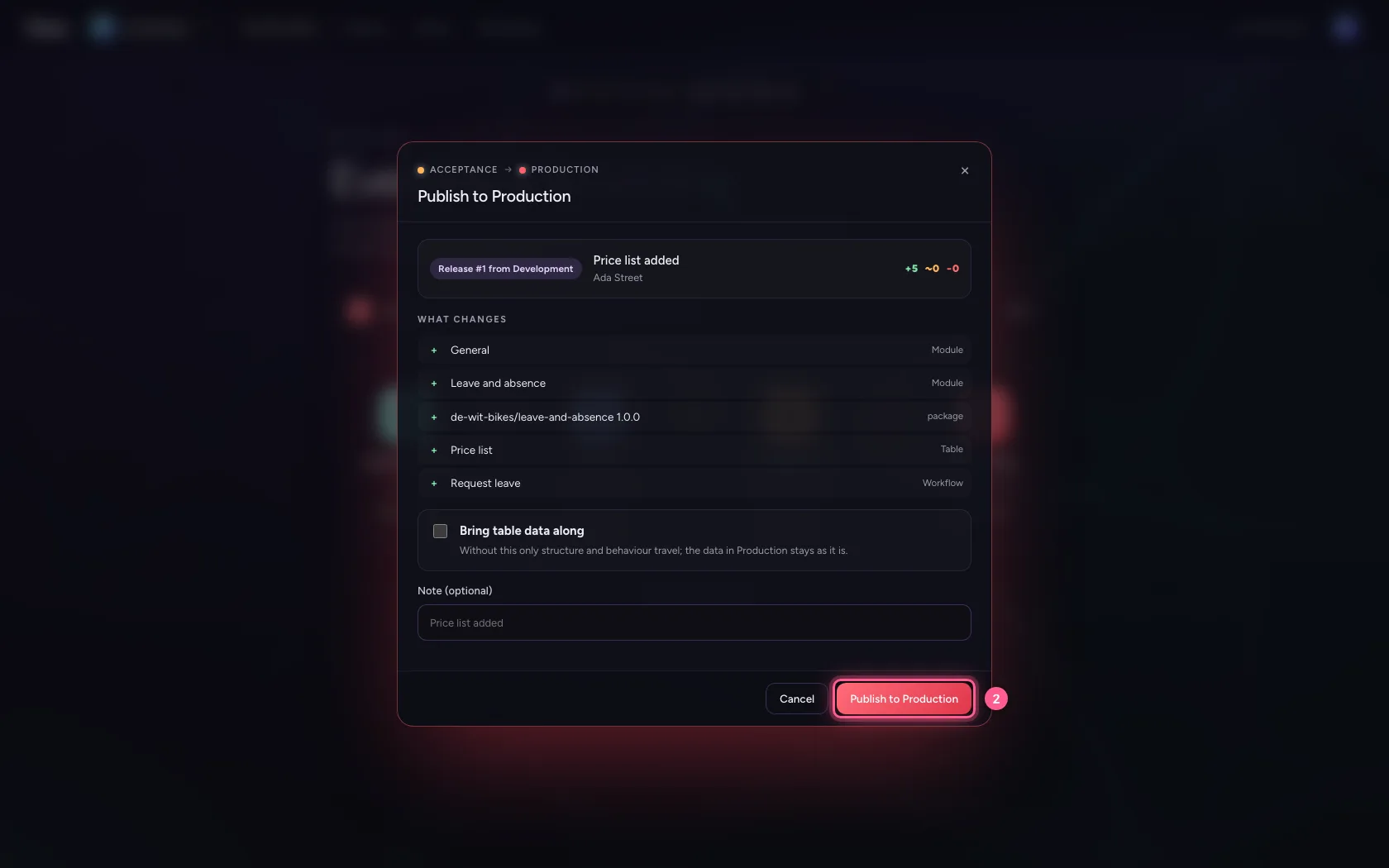
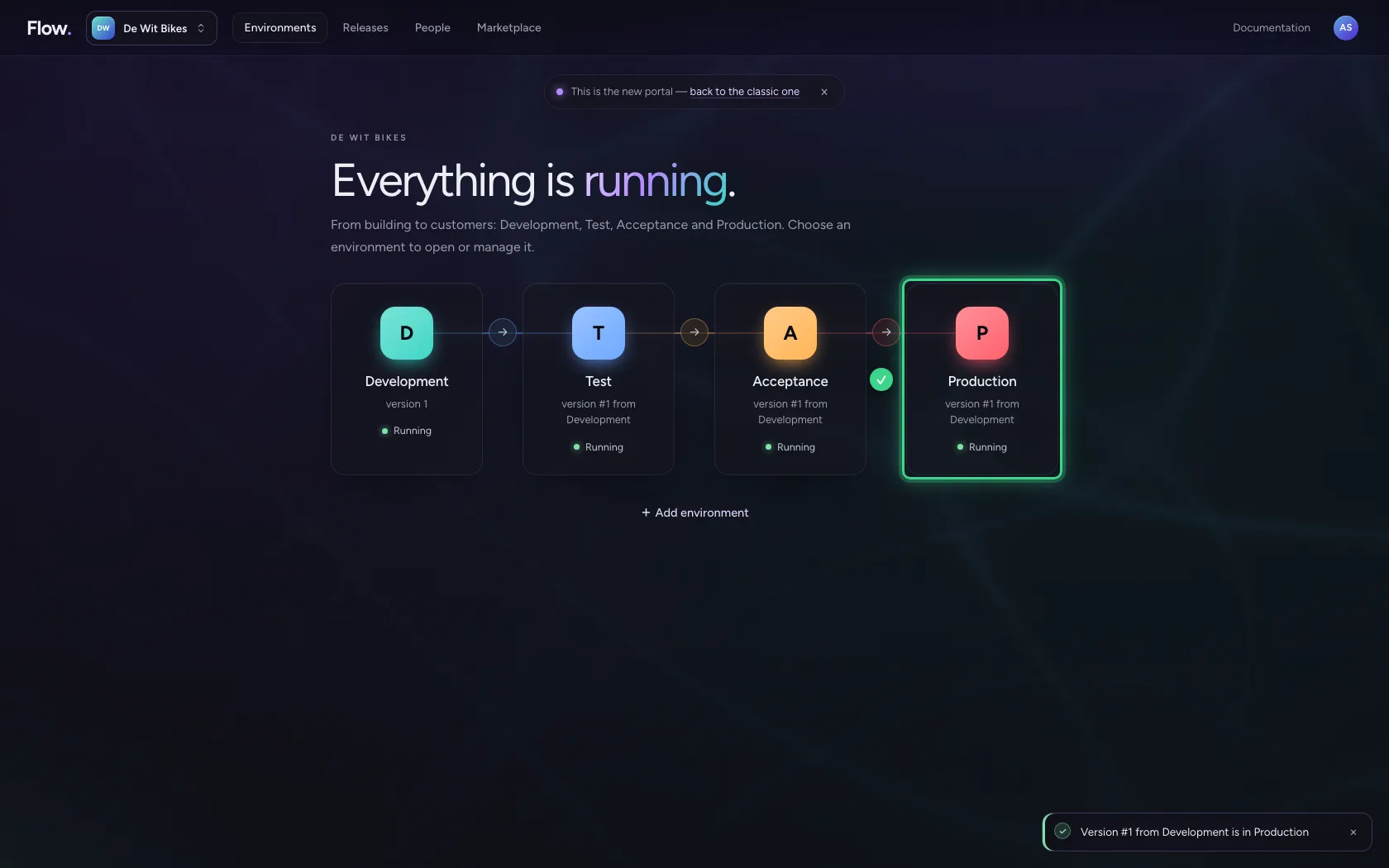
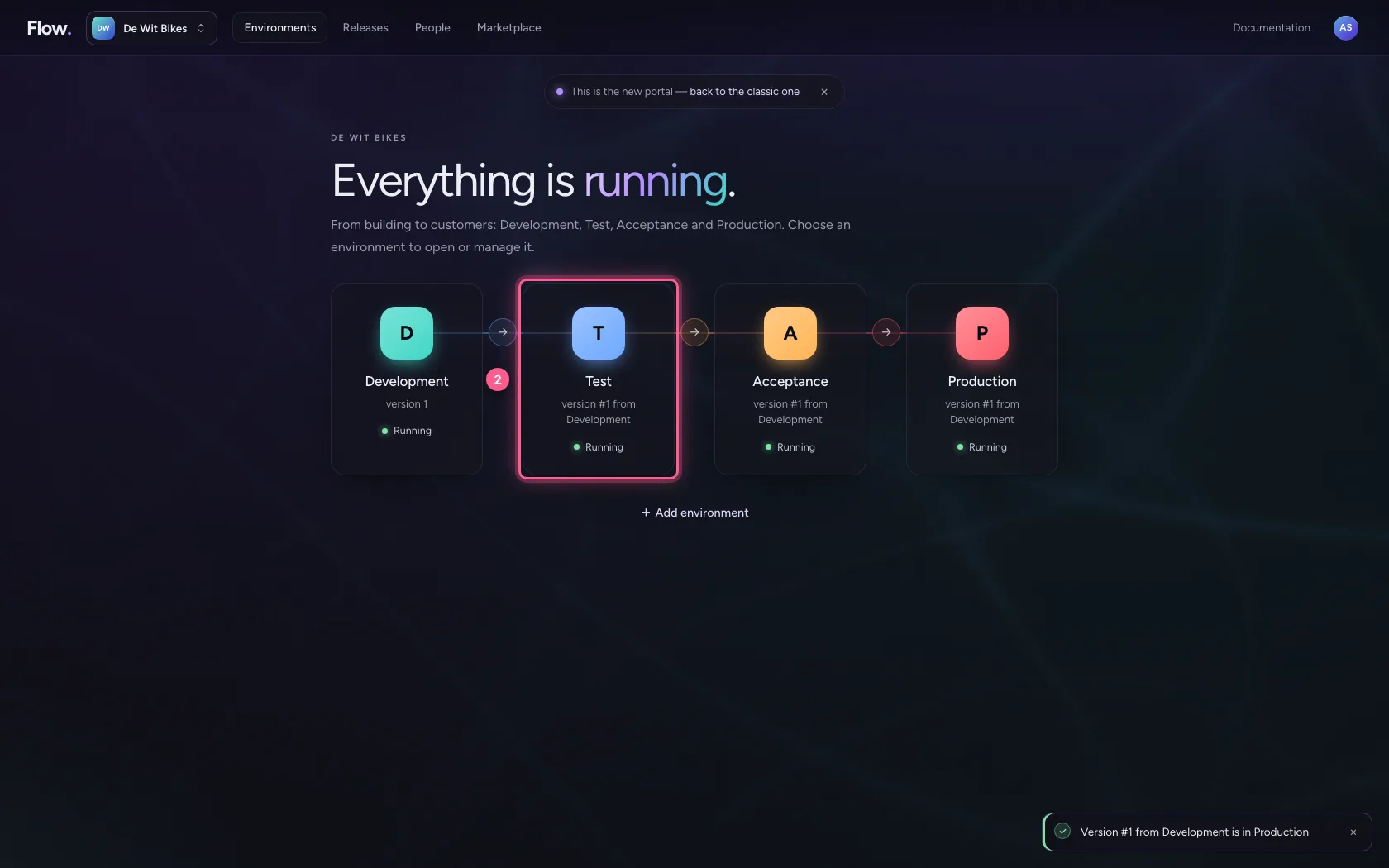
Back in the portal, under Environments. Between two environments is an arrow with how many versions the next one is behind; the arrow promotes. The portal first asks what would change and shows it. Table data does not travel by default.
- Click Environments
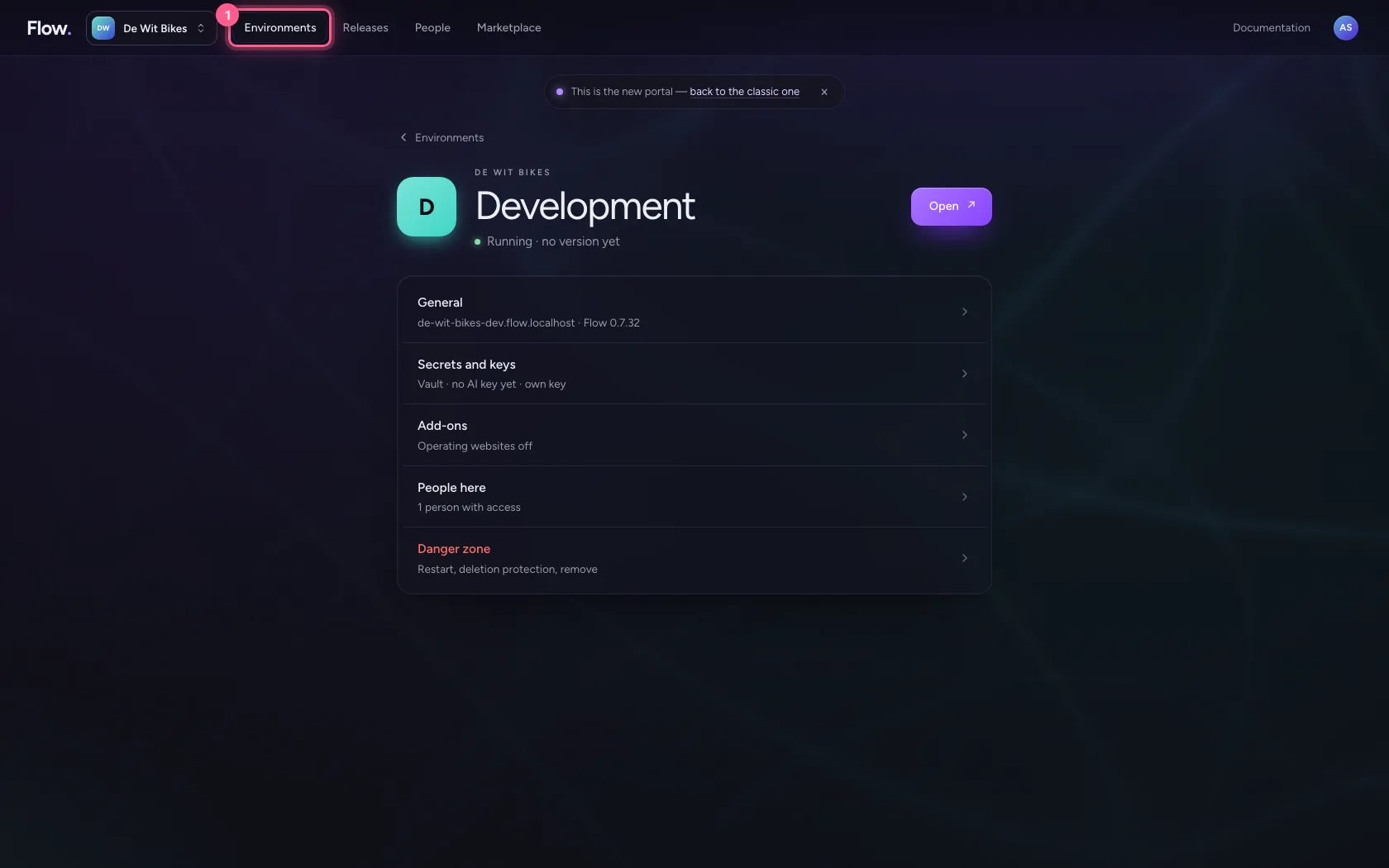
- Click → to Test
- Click Publish to Test
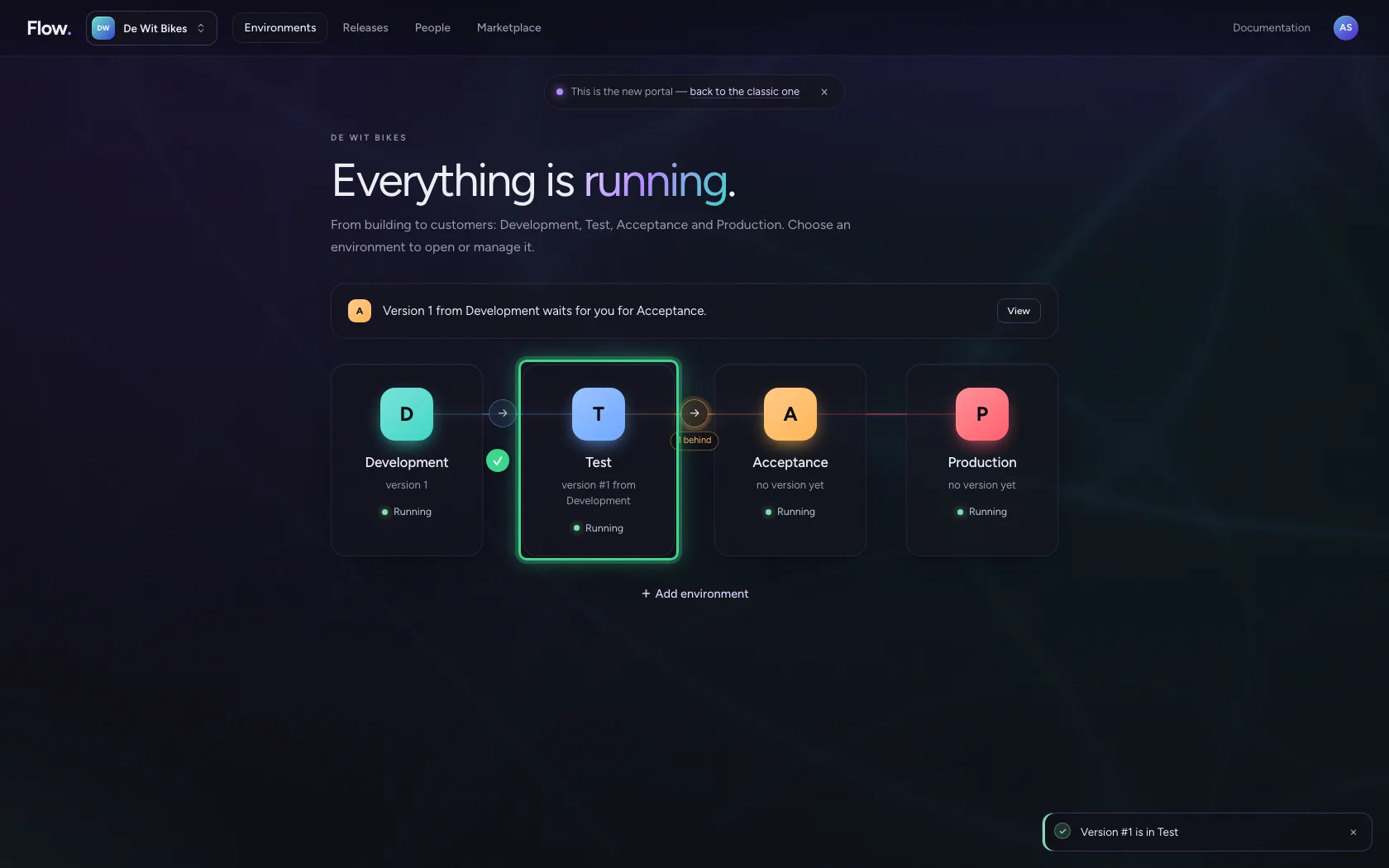
And on to Acceptance
Always the next step, never skipping: Acceptance gets exactly what was approved in Test. There the business tests and approves.
- Click → to Acceptance
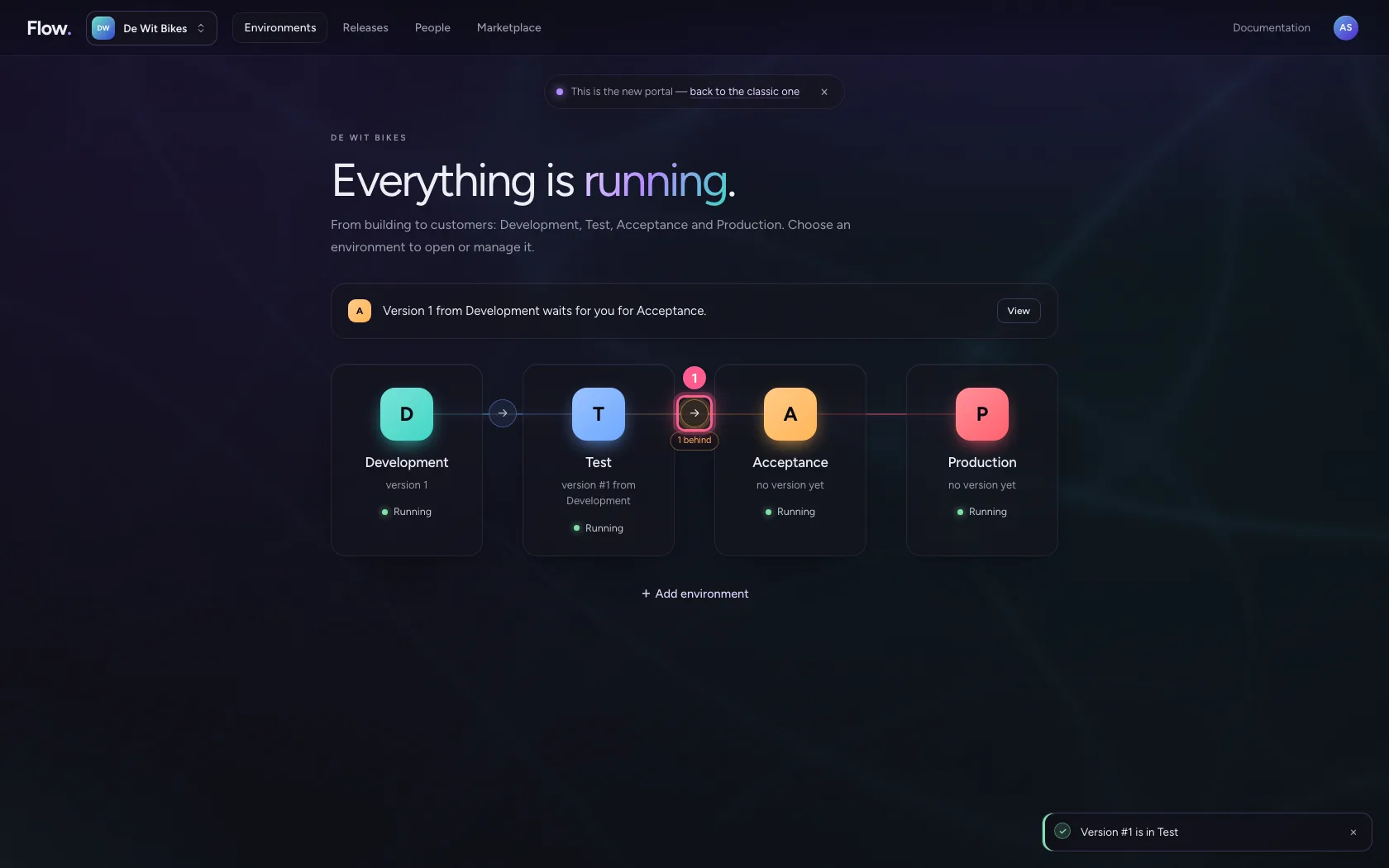
- Click Publish to Acceptance
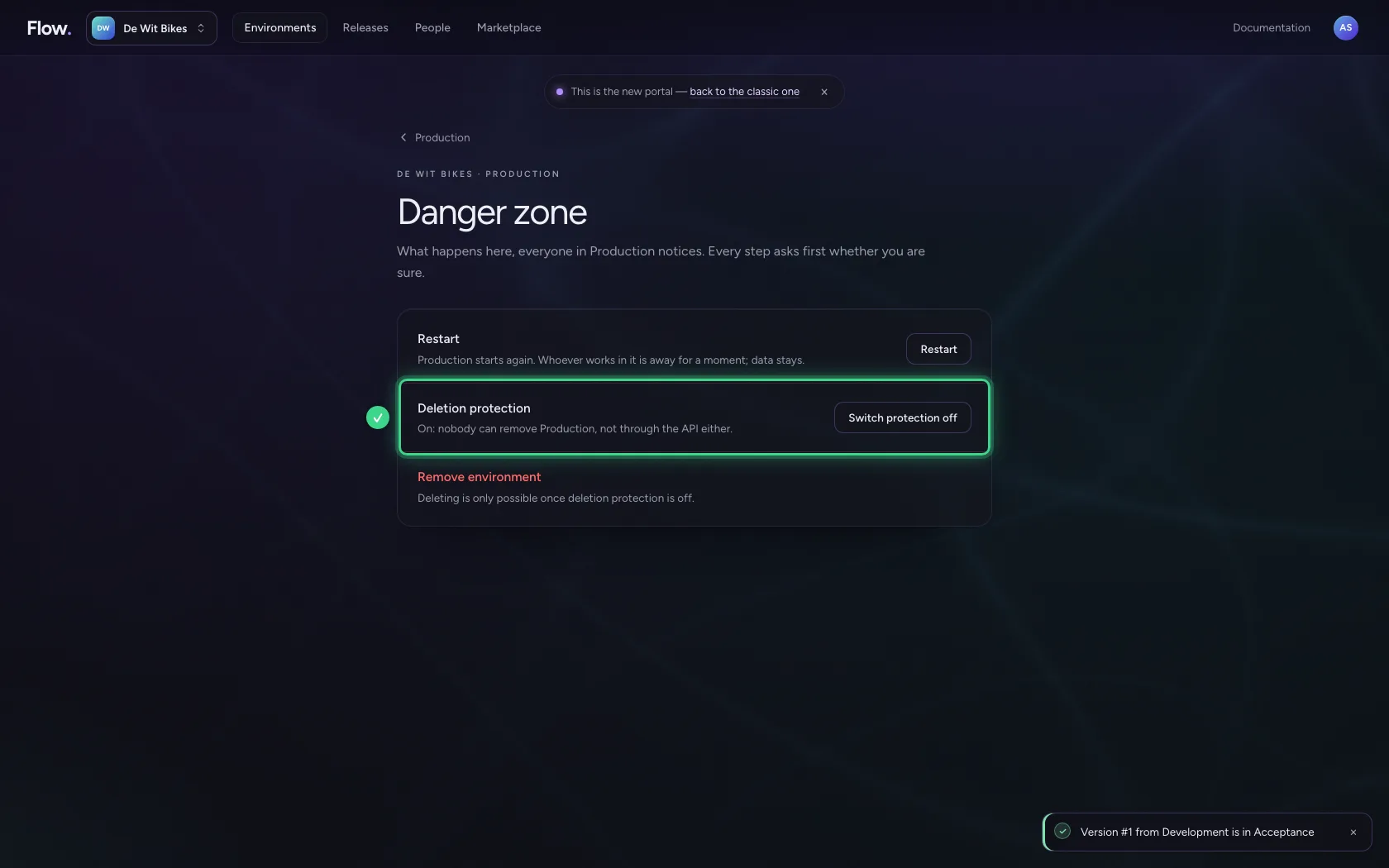
Production is protected
Click Production and choose Danger zone: deletion protection is on by default. Nobody can throw this environment away, not even through the API. Switching it off requires a reason, which is recorded.
- Click Production
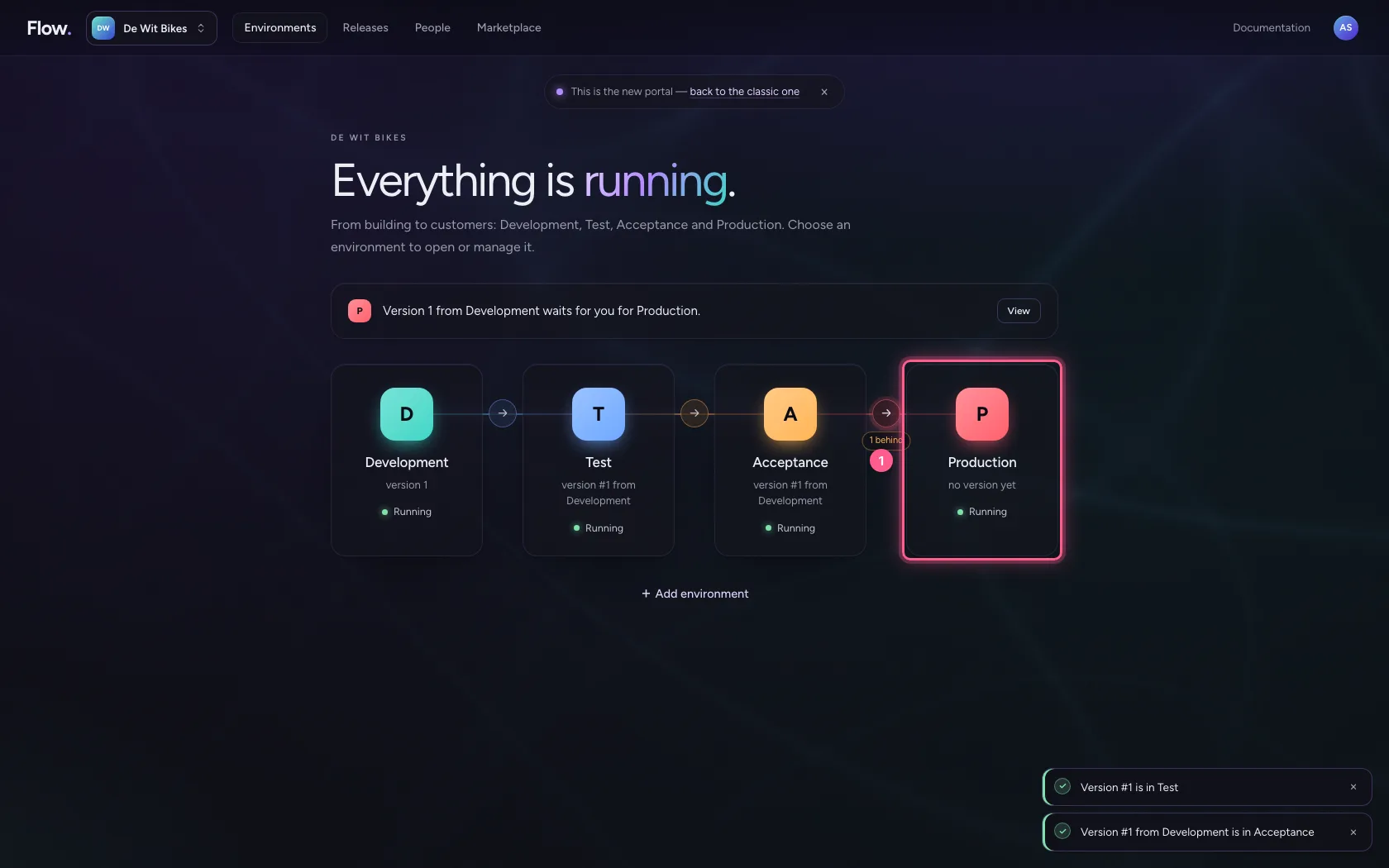
- Click Danger zone Deletion protection on · restart
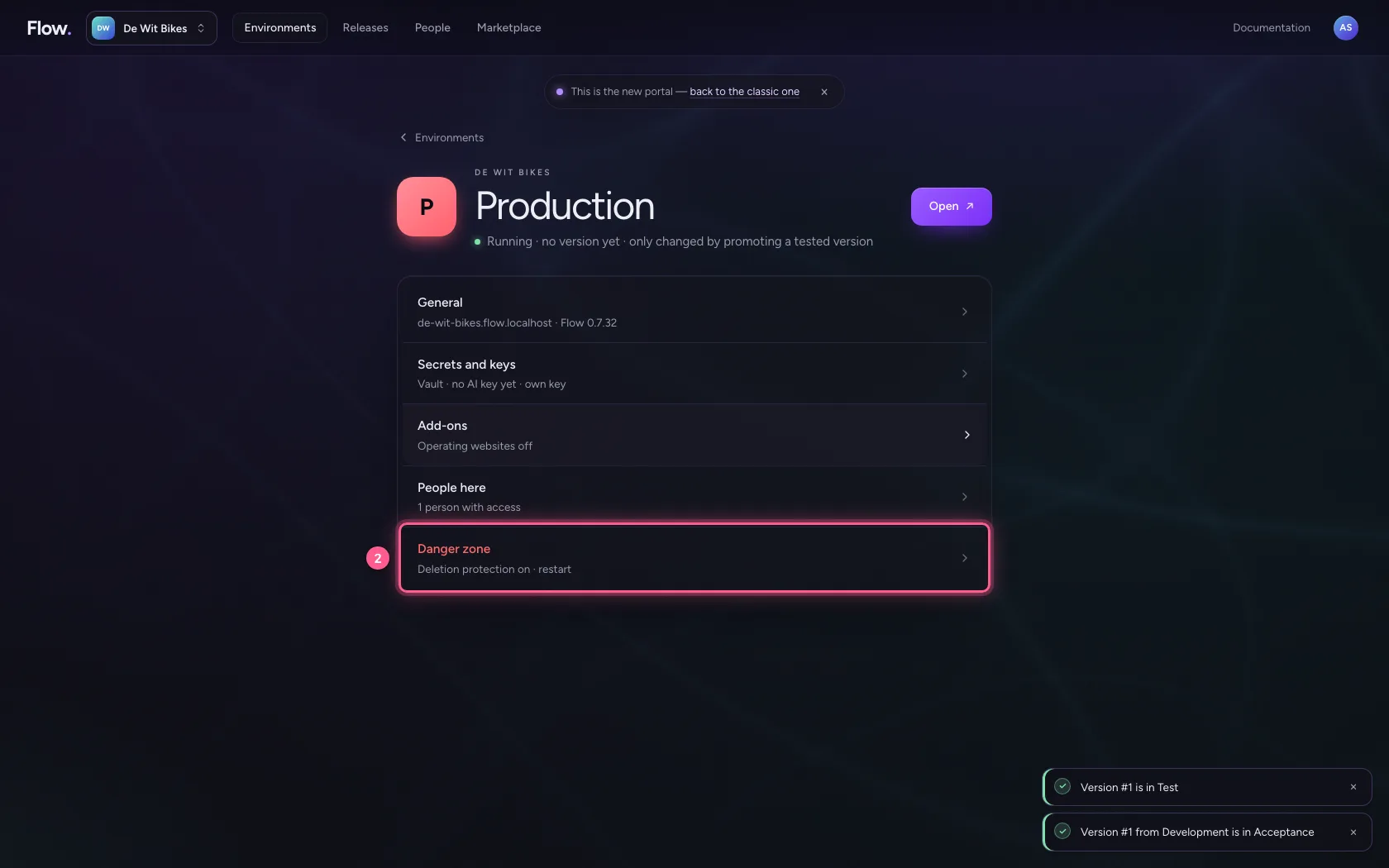
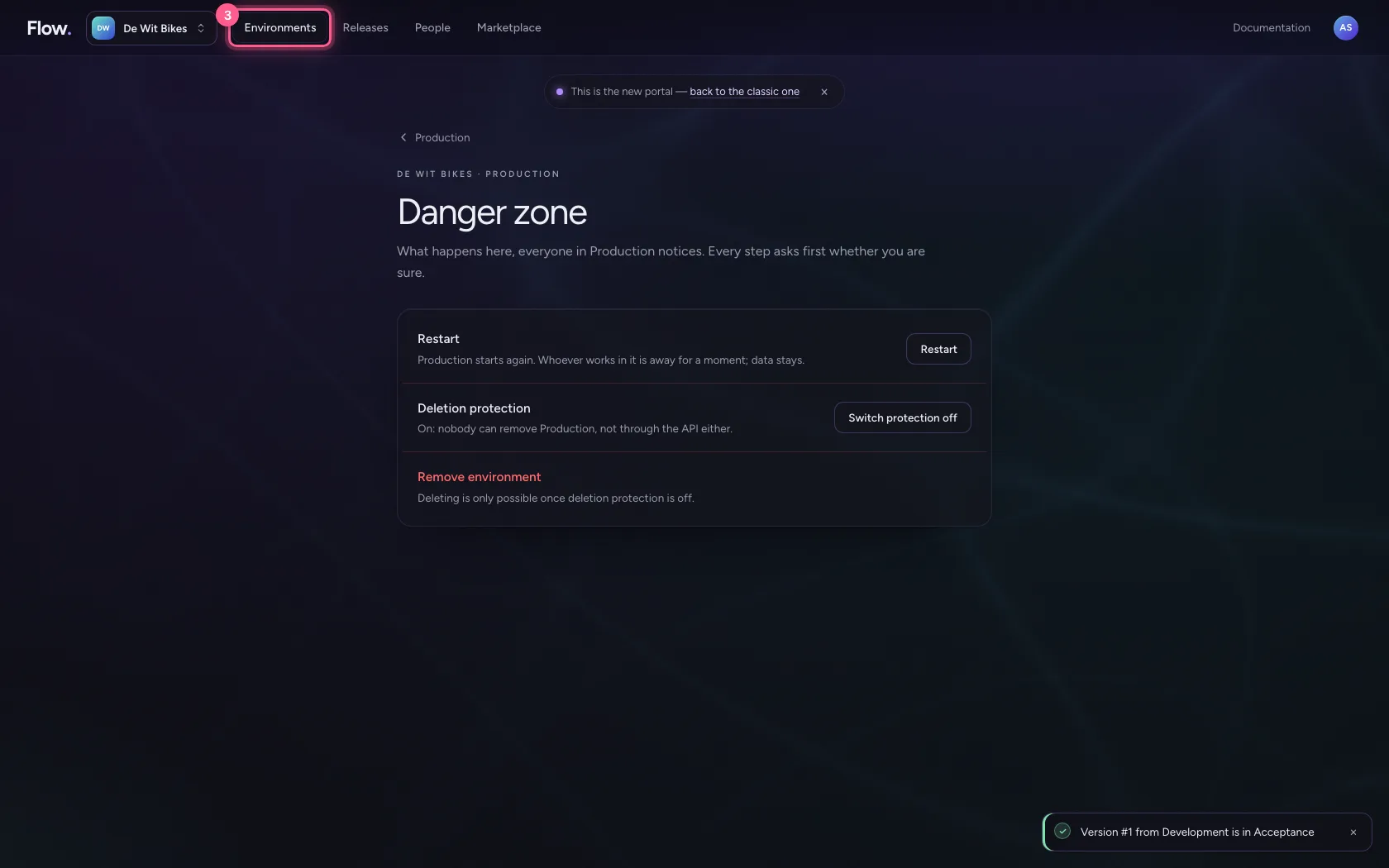
- Click Environments
Promote to Production
Only an owner may take the last step, and the window is red: this touches the real users. Builders can promote up to Acceptance.
- Click → to Production
- Click Publish to Production
Look at the releases
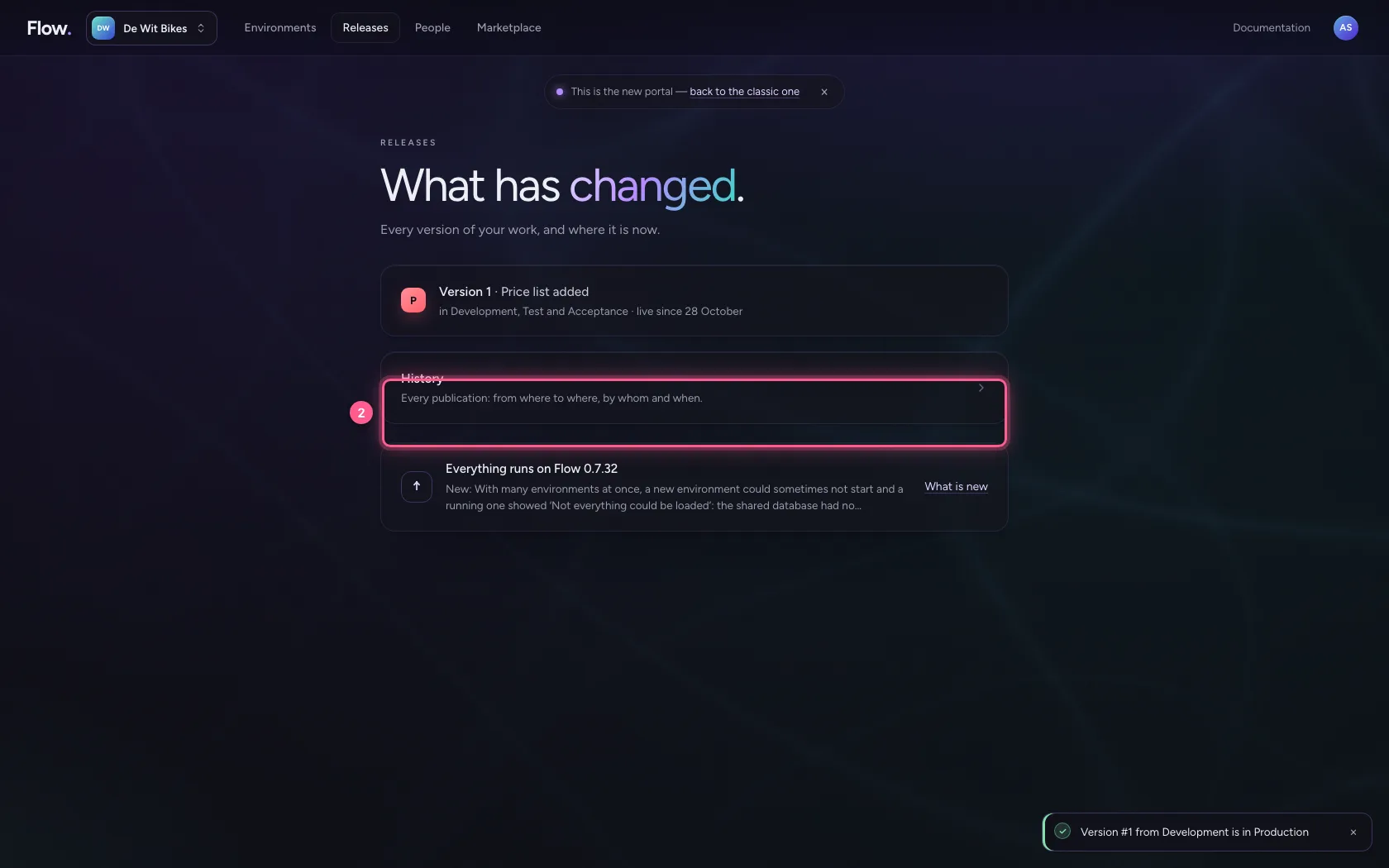
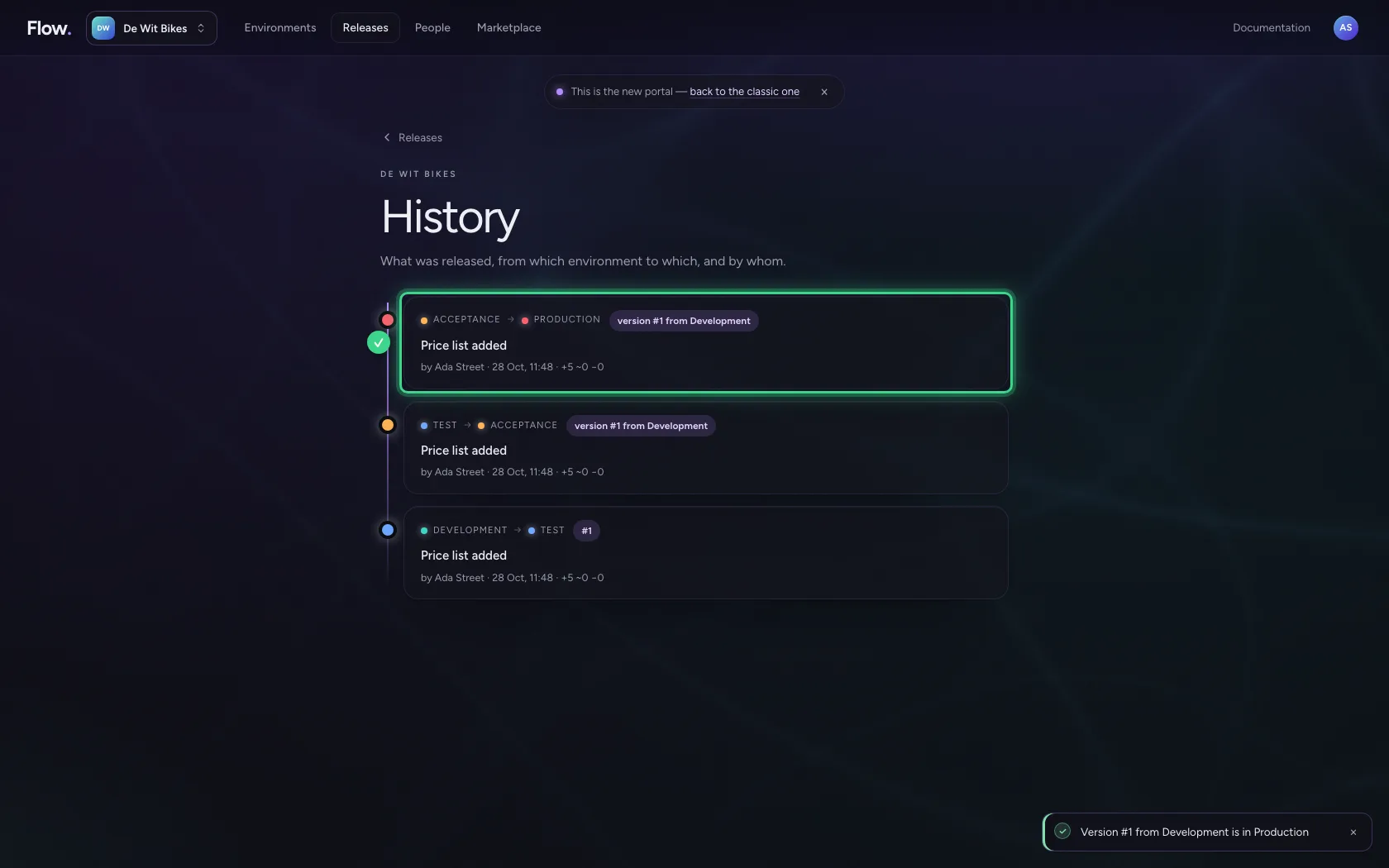
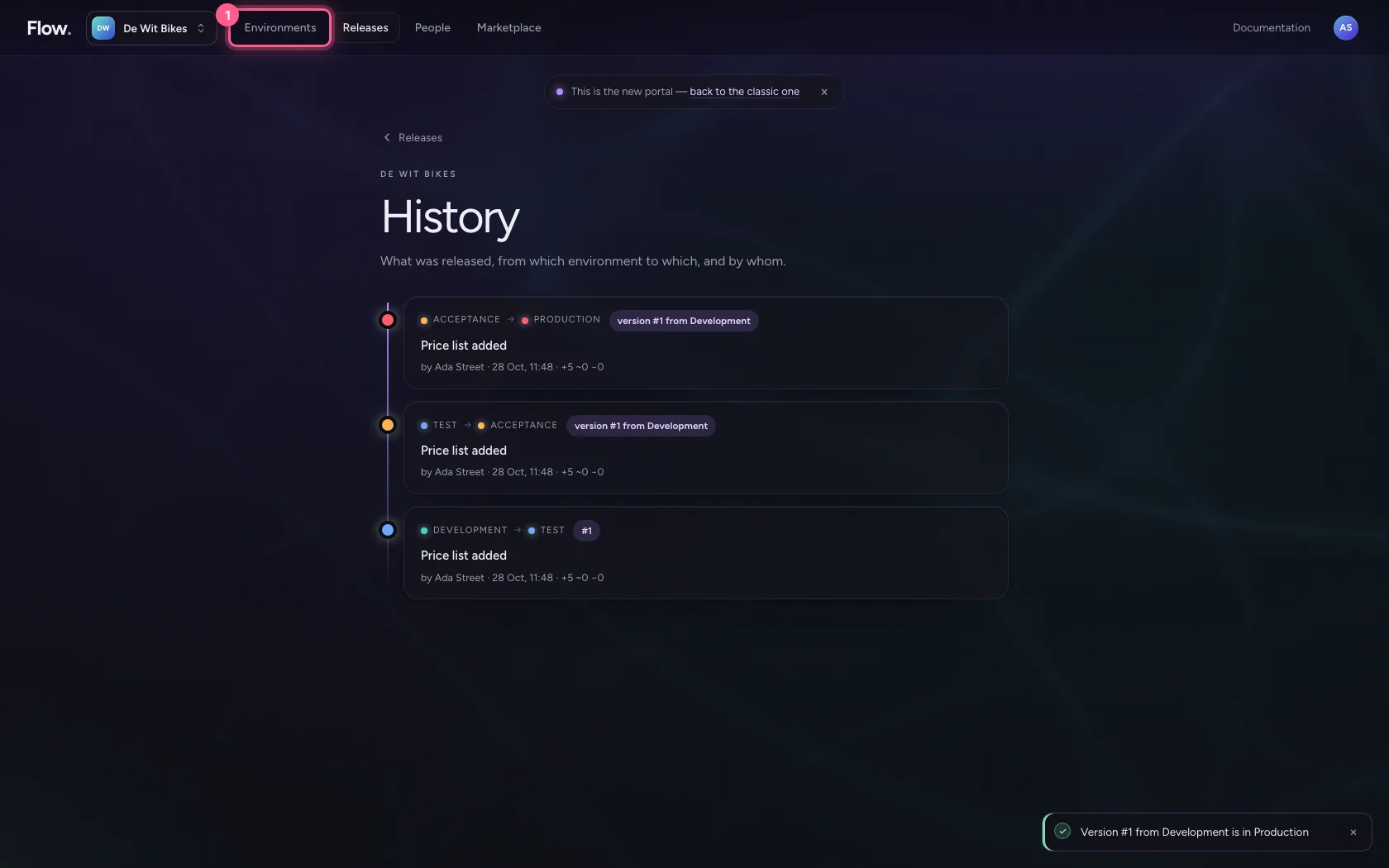
Under Releases → History is every promotion: from where to where, which version, by whom, when, and what changed. That is the evidence for an audit, without anyone having to keep track.
- Click Releases
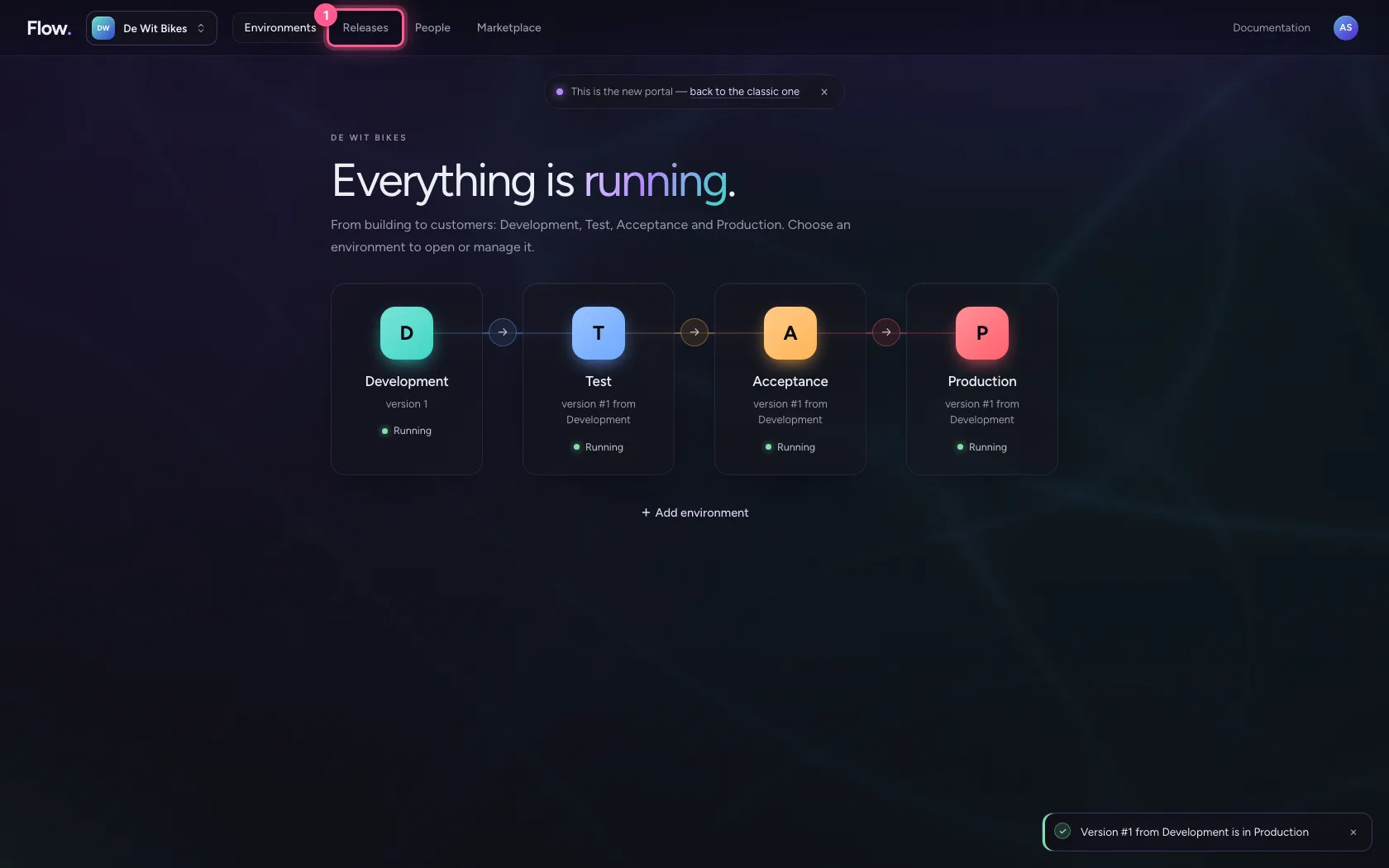
- Click History Every publication: from where to where, by whom and when.
Roll back the Flow version of Test
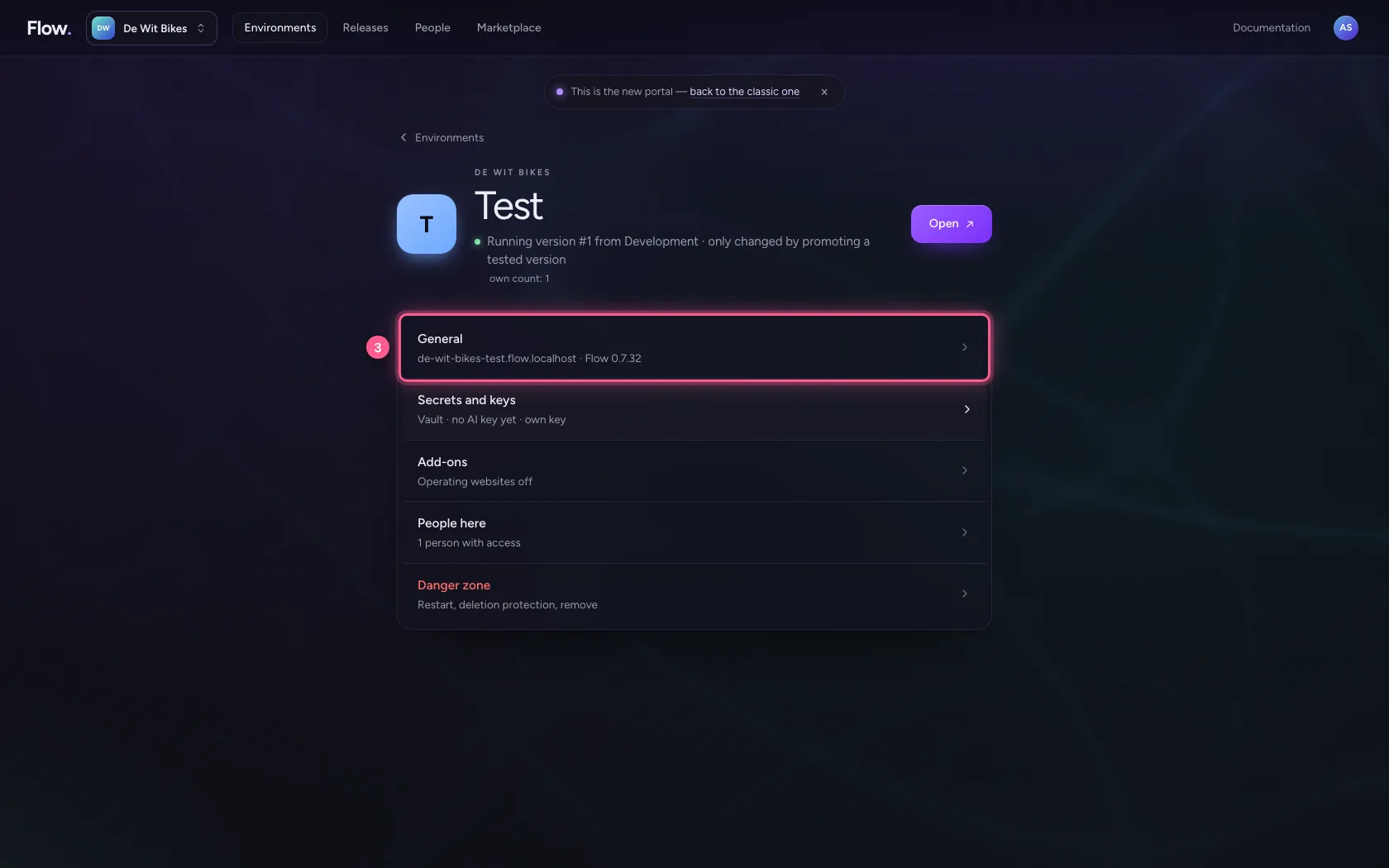
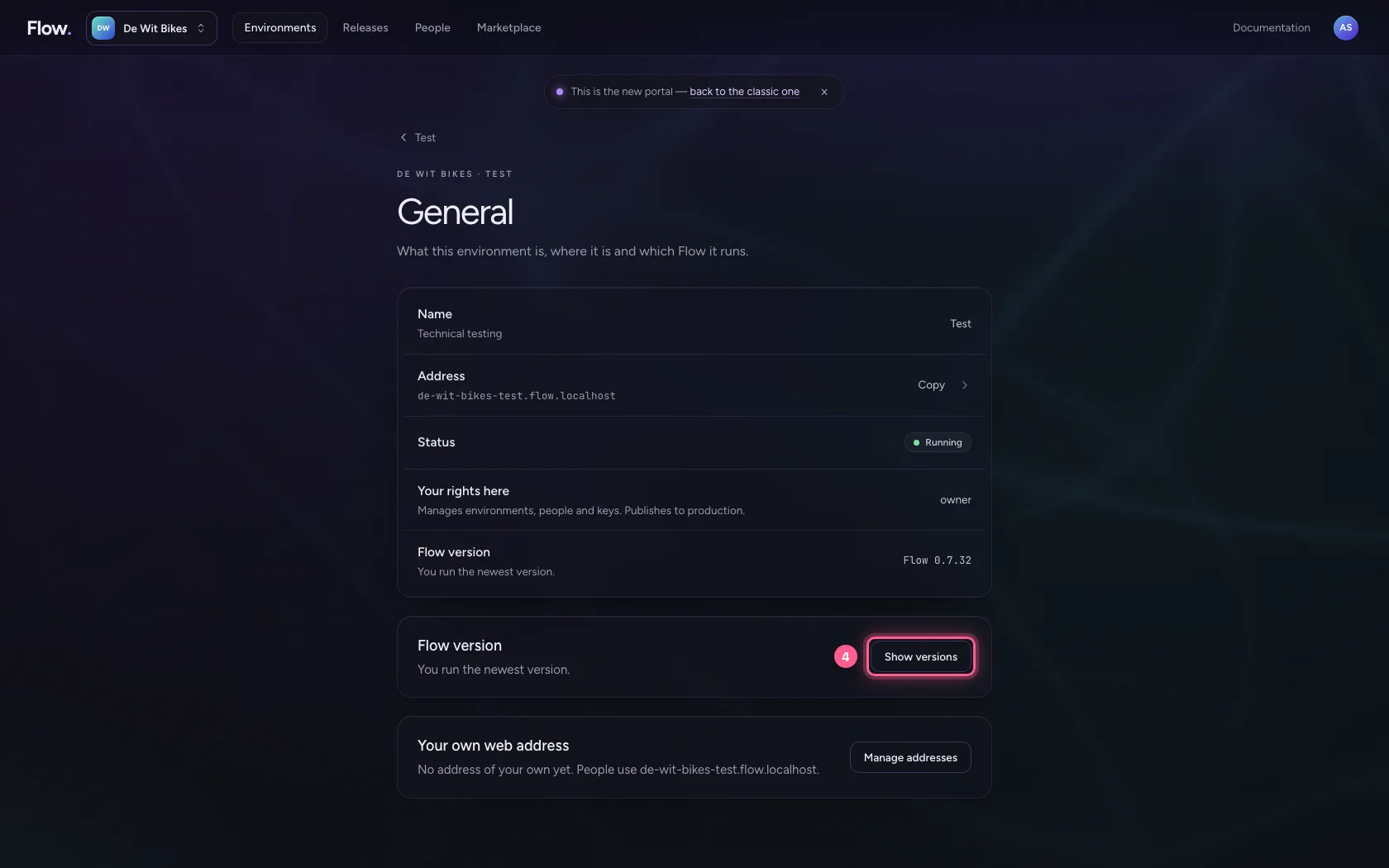
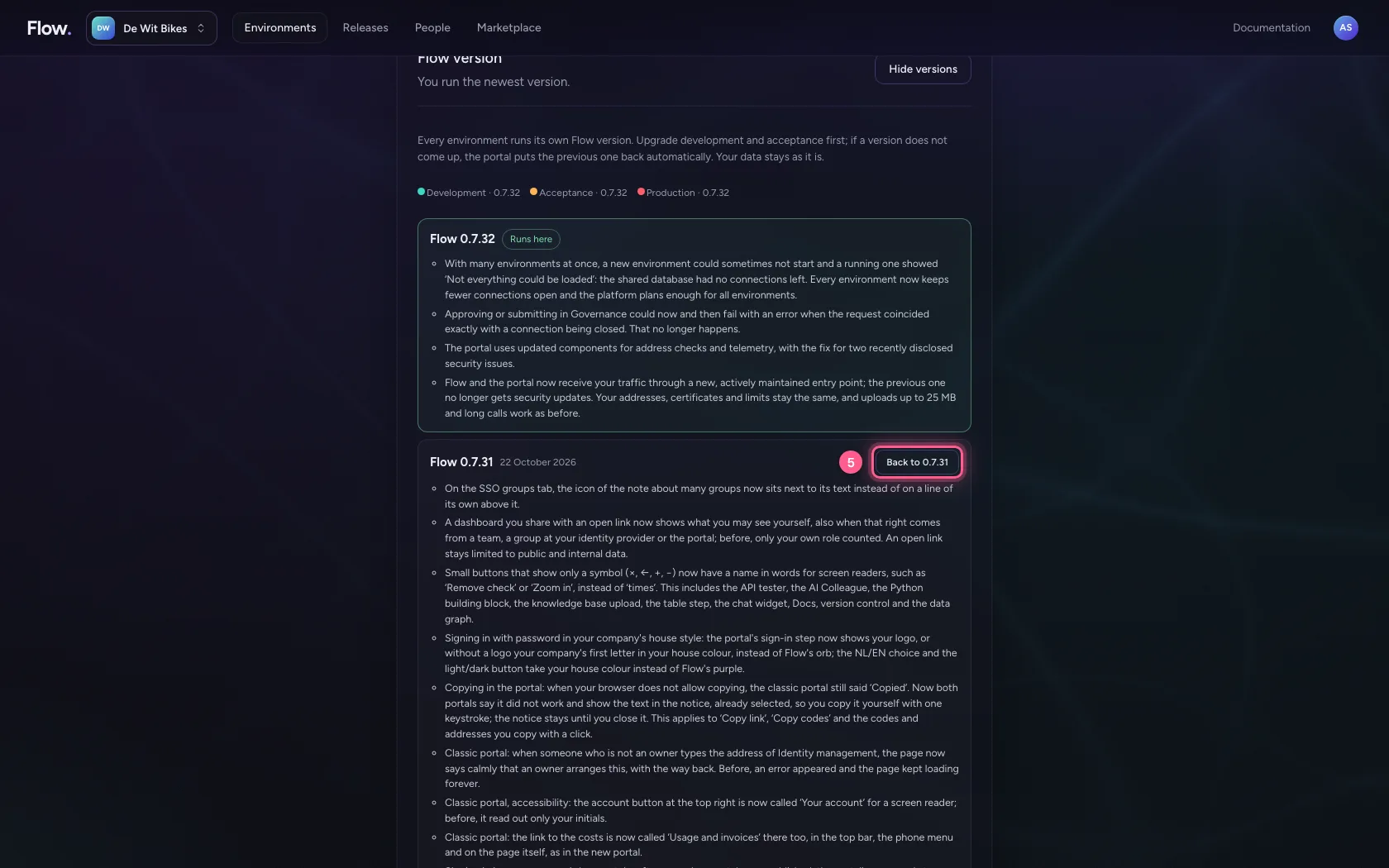
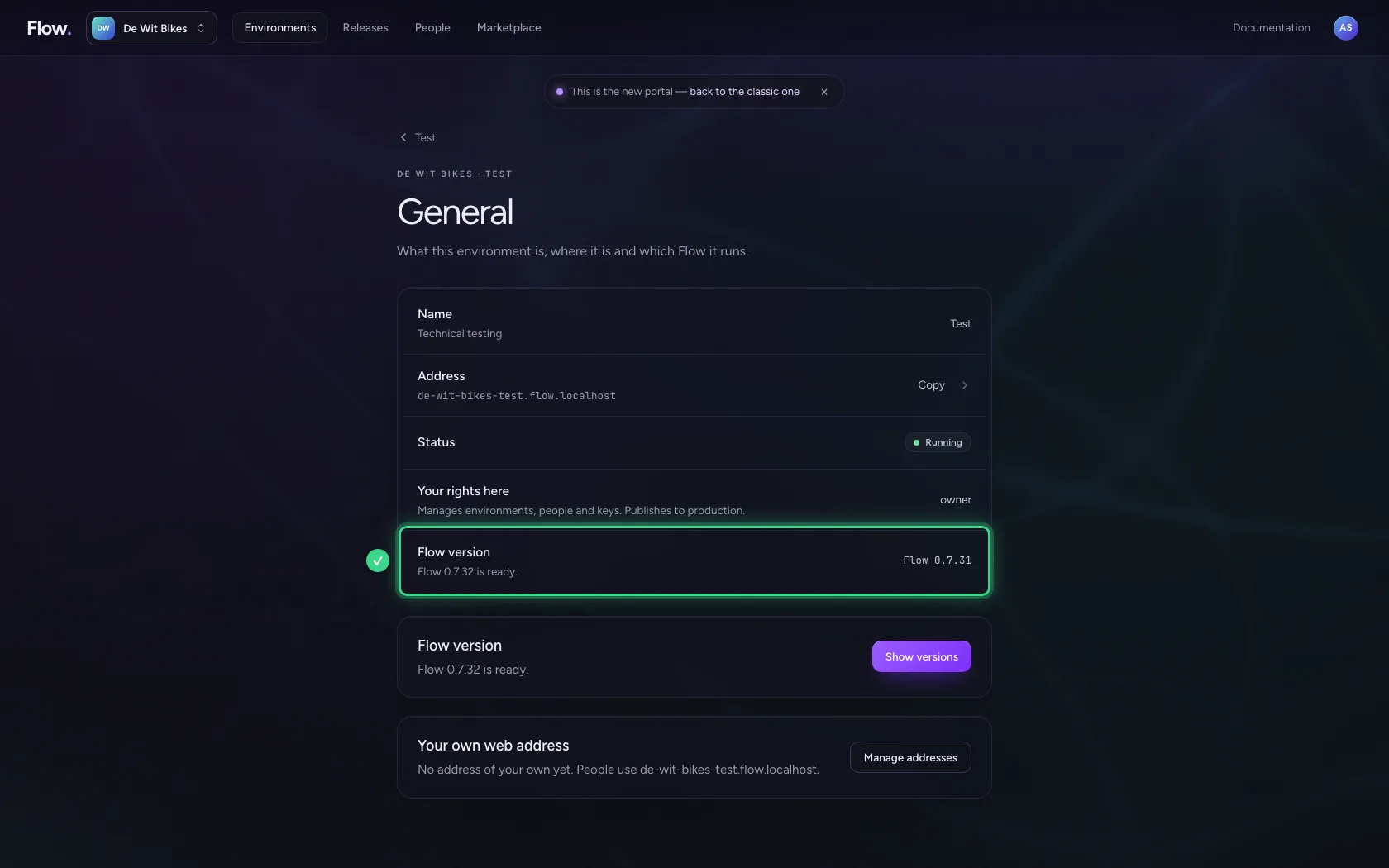
Apart from your versions, every environment runs a Flow version. Under Environments click Test, choose General and then Show versions, and choose an earlier one: the portal restarts Test with it and rolls back automatically if it does not come up healthy. Your data stays. That way you try an update on Test and Acceptance first, and production last.
- Click Environments
- Click Test
- Click General de-wit-bikes-test.flow.localhost · Flow 0.7.32
- Click Show versions
- Click Back to 0.7.31
This guide was carried out step by step on 28 Oct 2026 by an automated test on Flow (version 96971699).