Columns and a status
A table is more than text: an amount is a number, a date a date, and some columns may only hold certain values. With a status column you also fix the order in which a row goes through its stages, such as new → scheduled → done. Flow guards that, and writes every status change to the audit log. You make a table of repairs for a bike shop.
Open your development environment
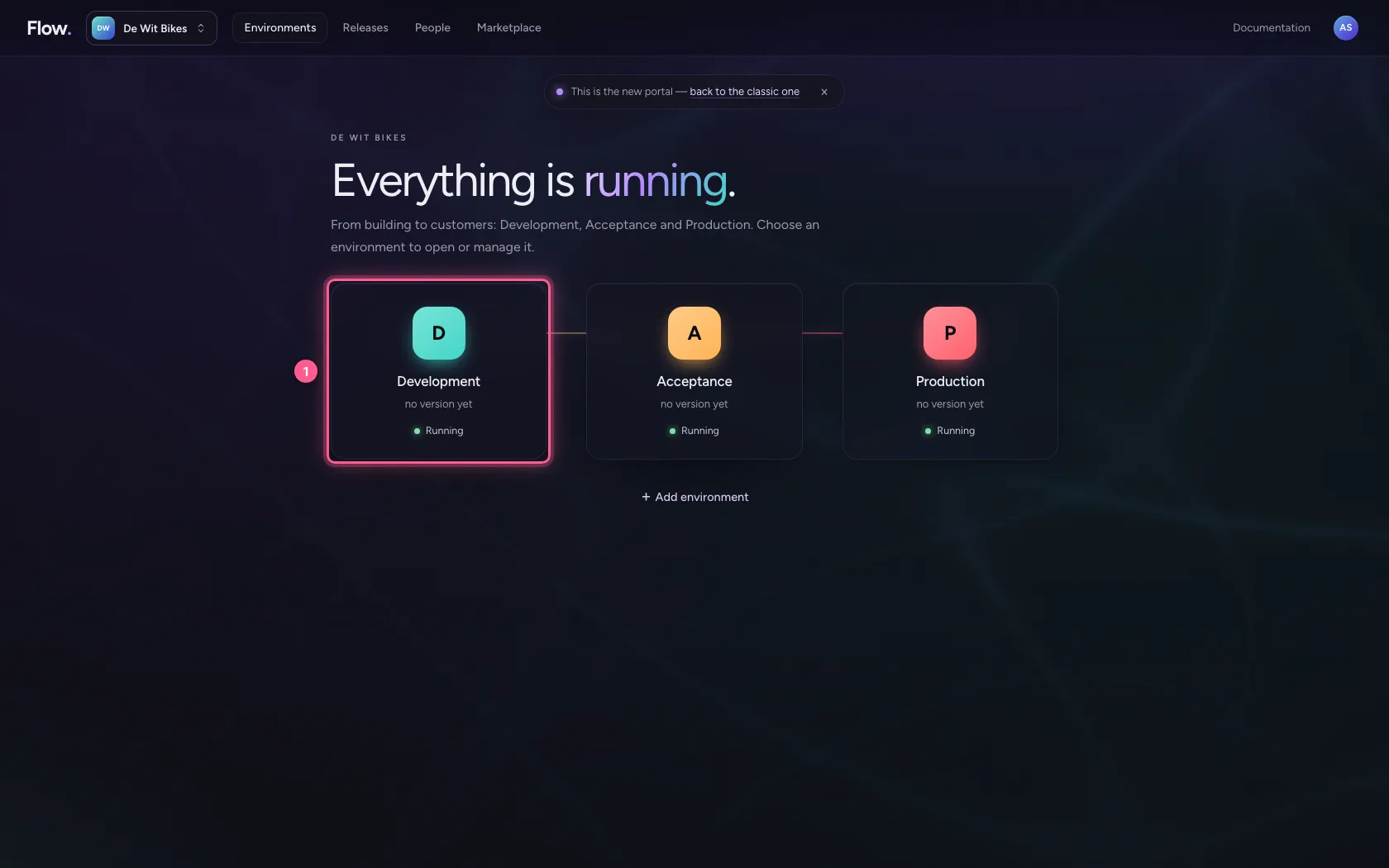
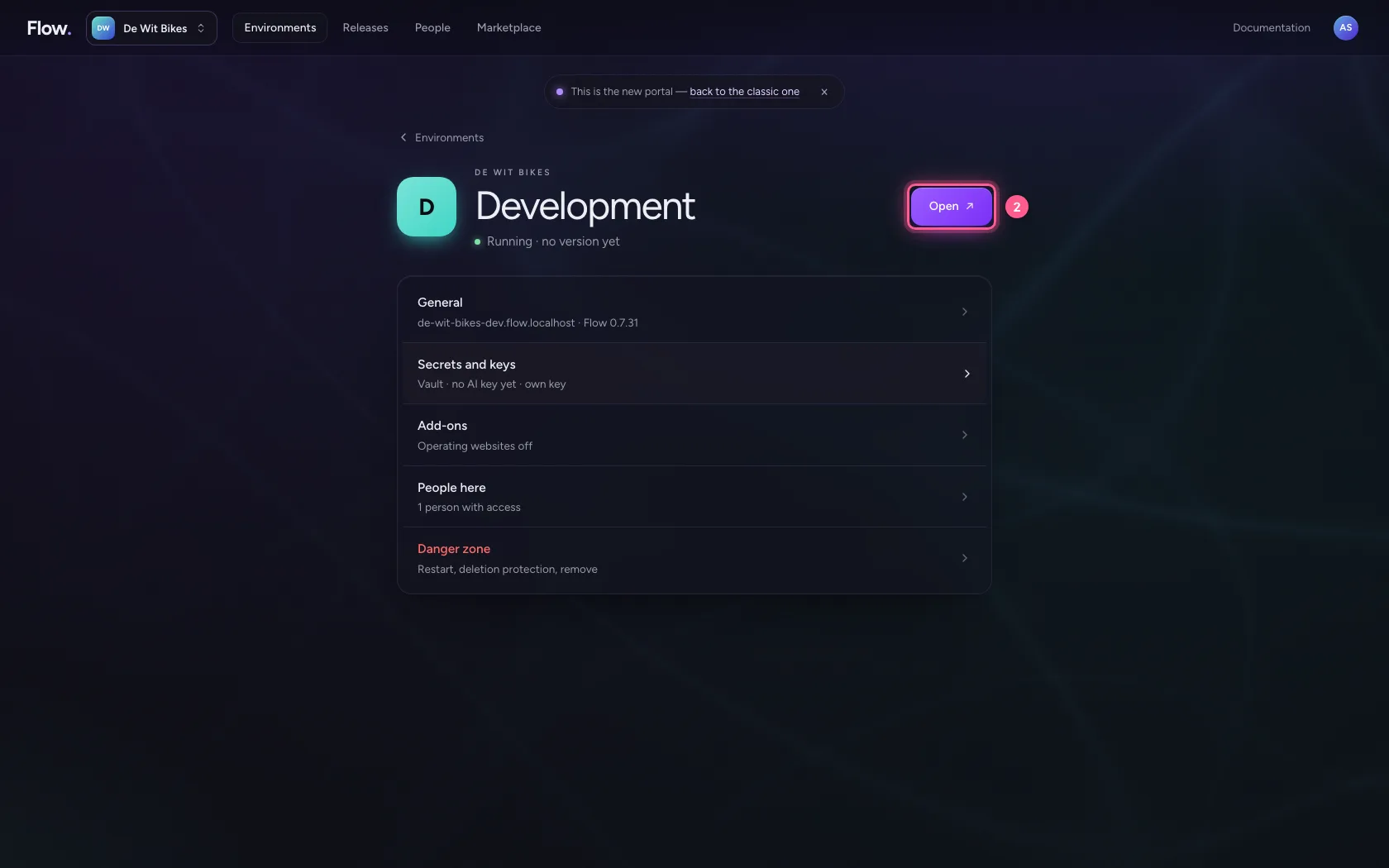
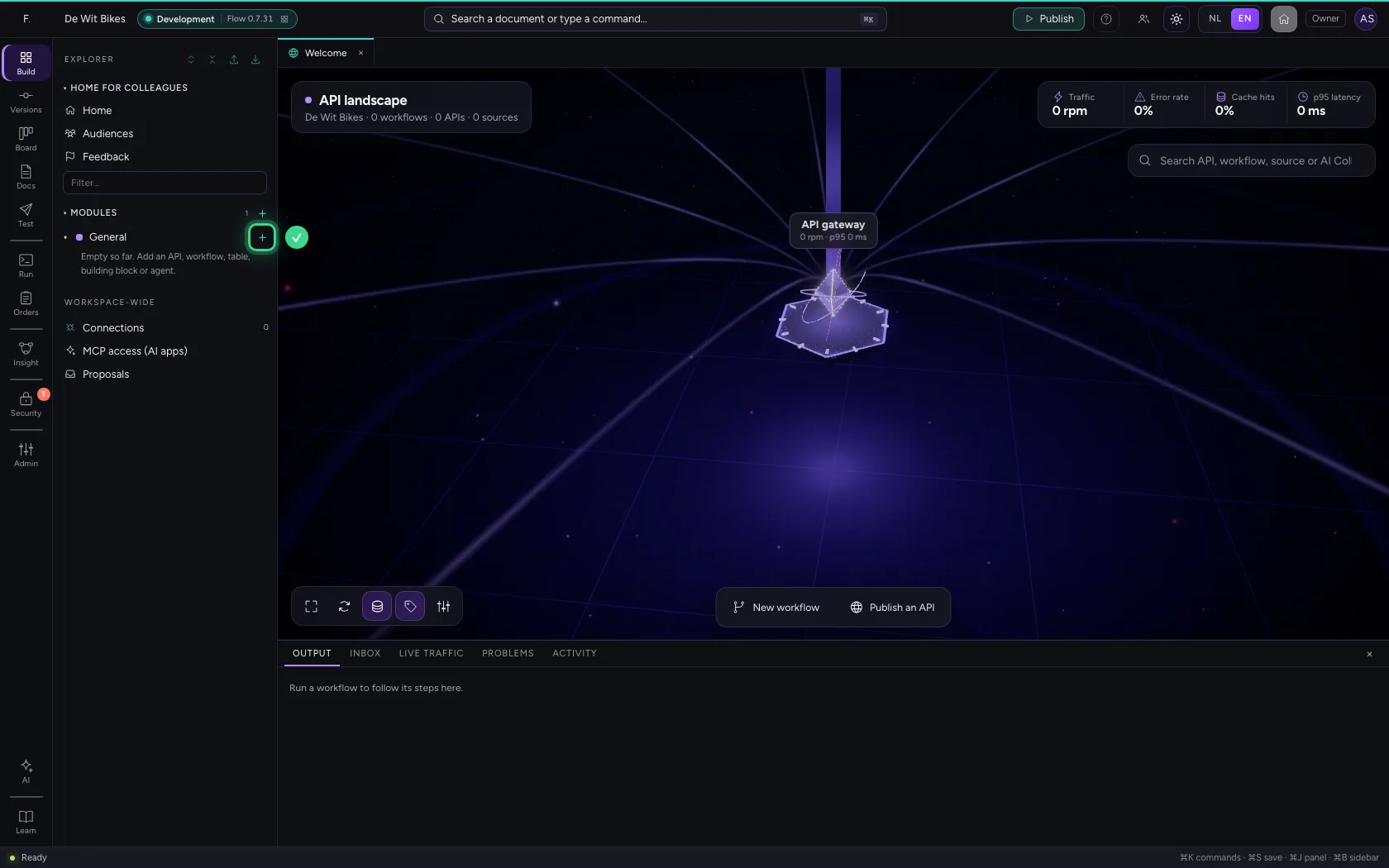
In the portal, under Environments, click Development, and there Open. Flow opens in a new tab.
- Click Development
- Click Open ↗
Create a table and name it
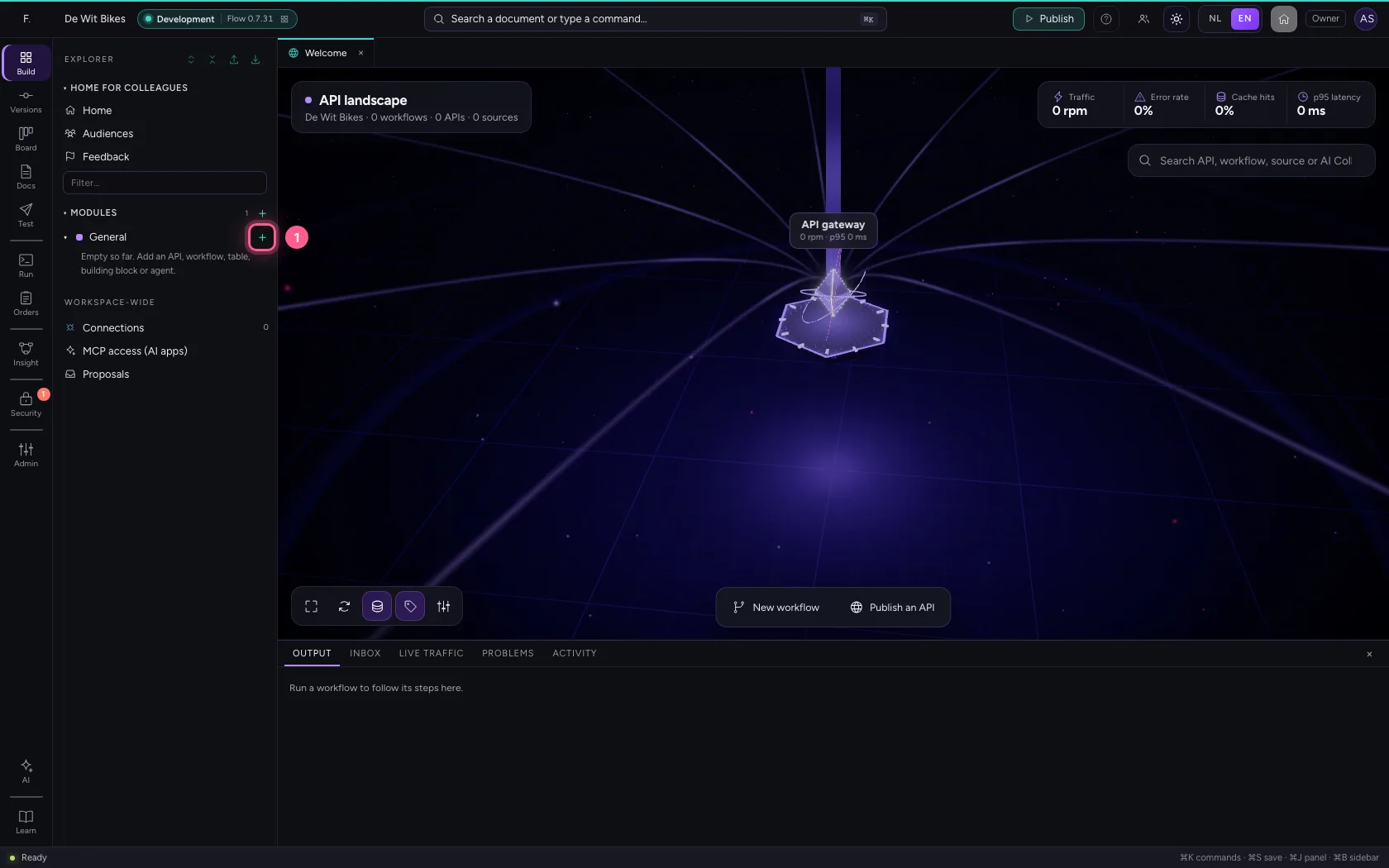
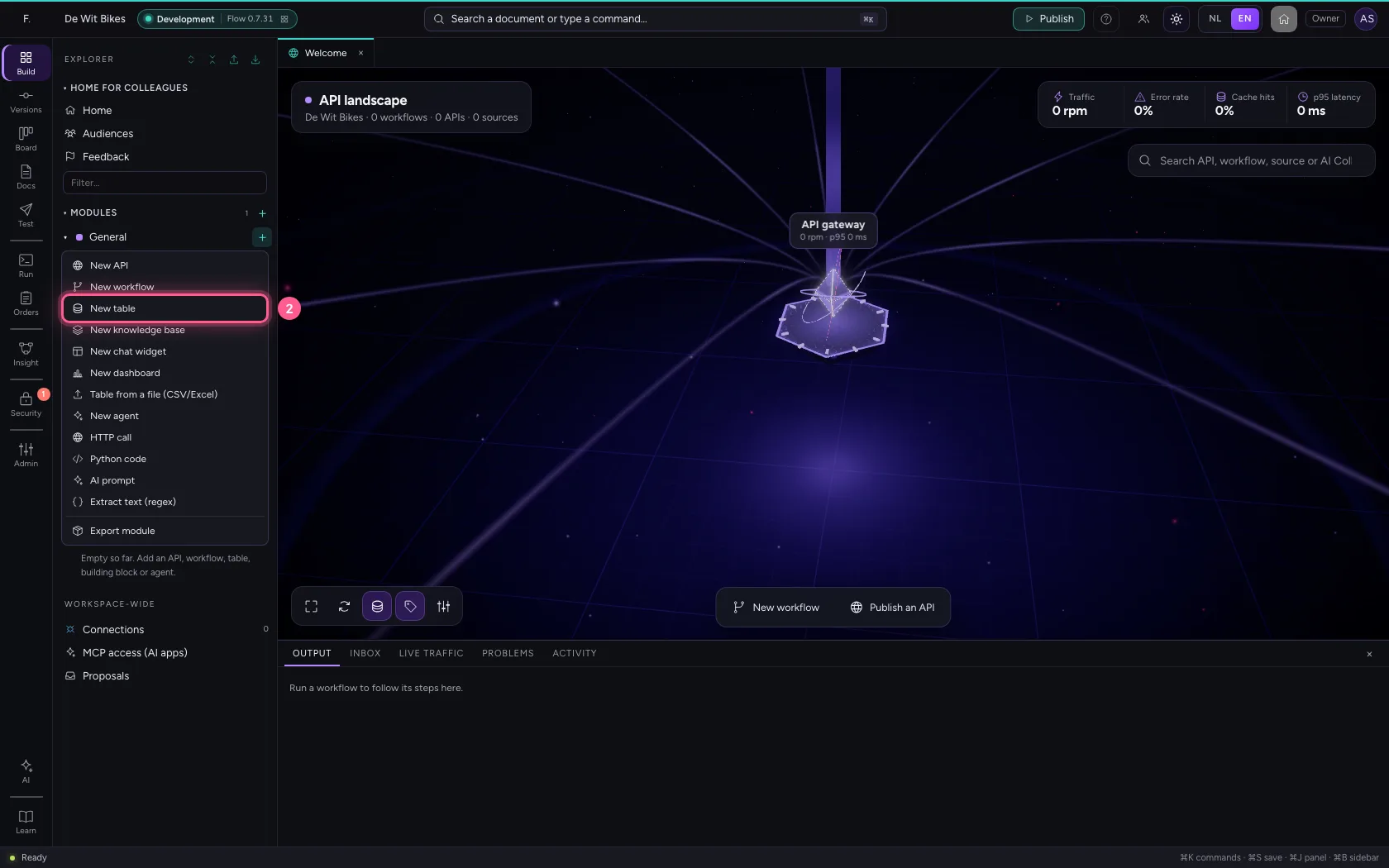
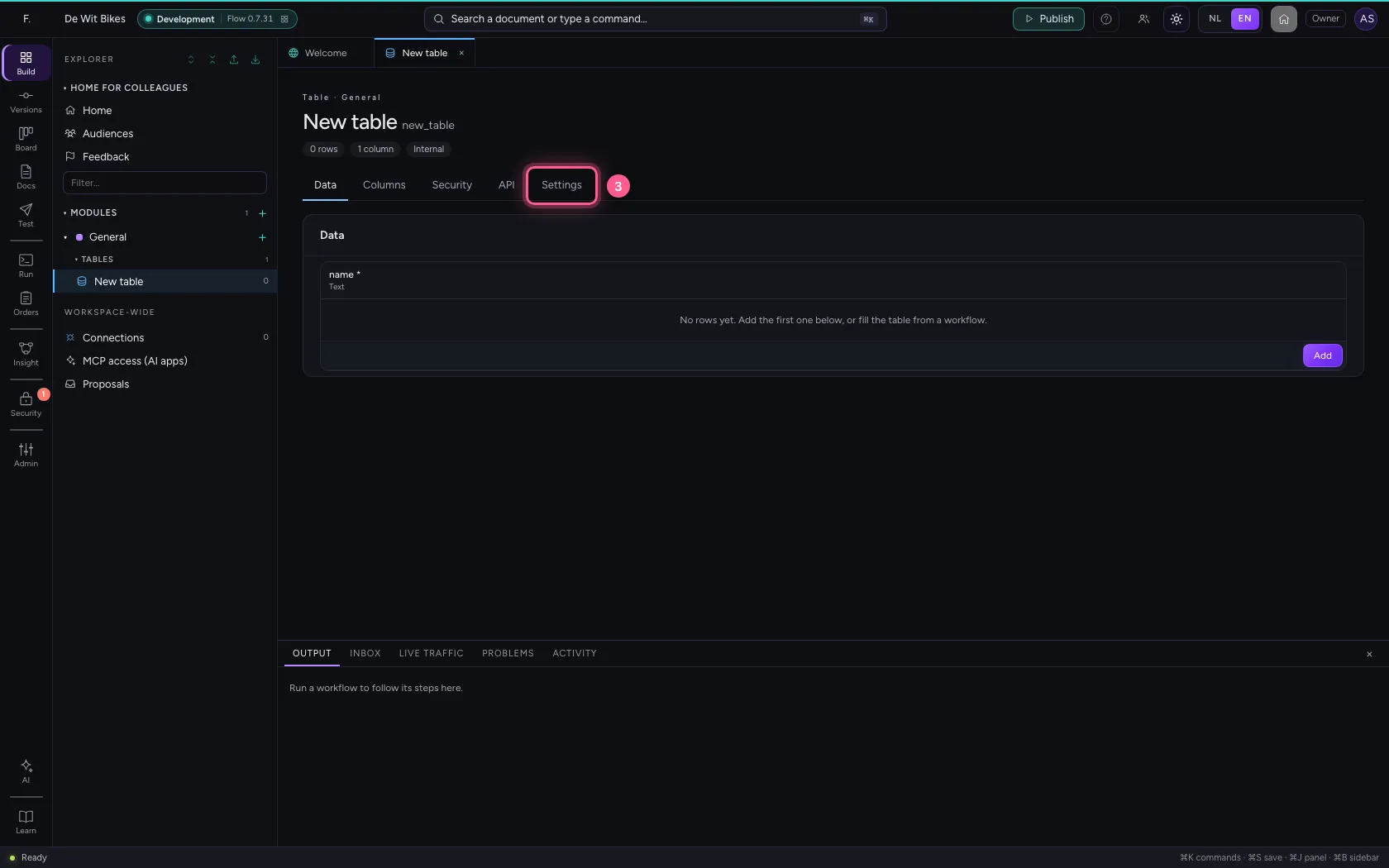
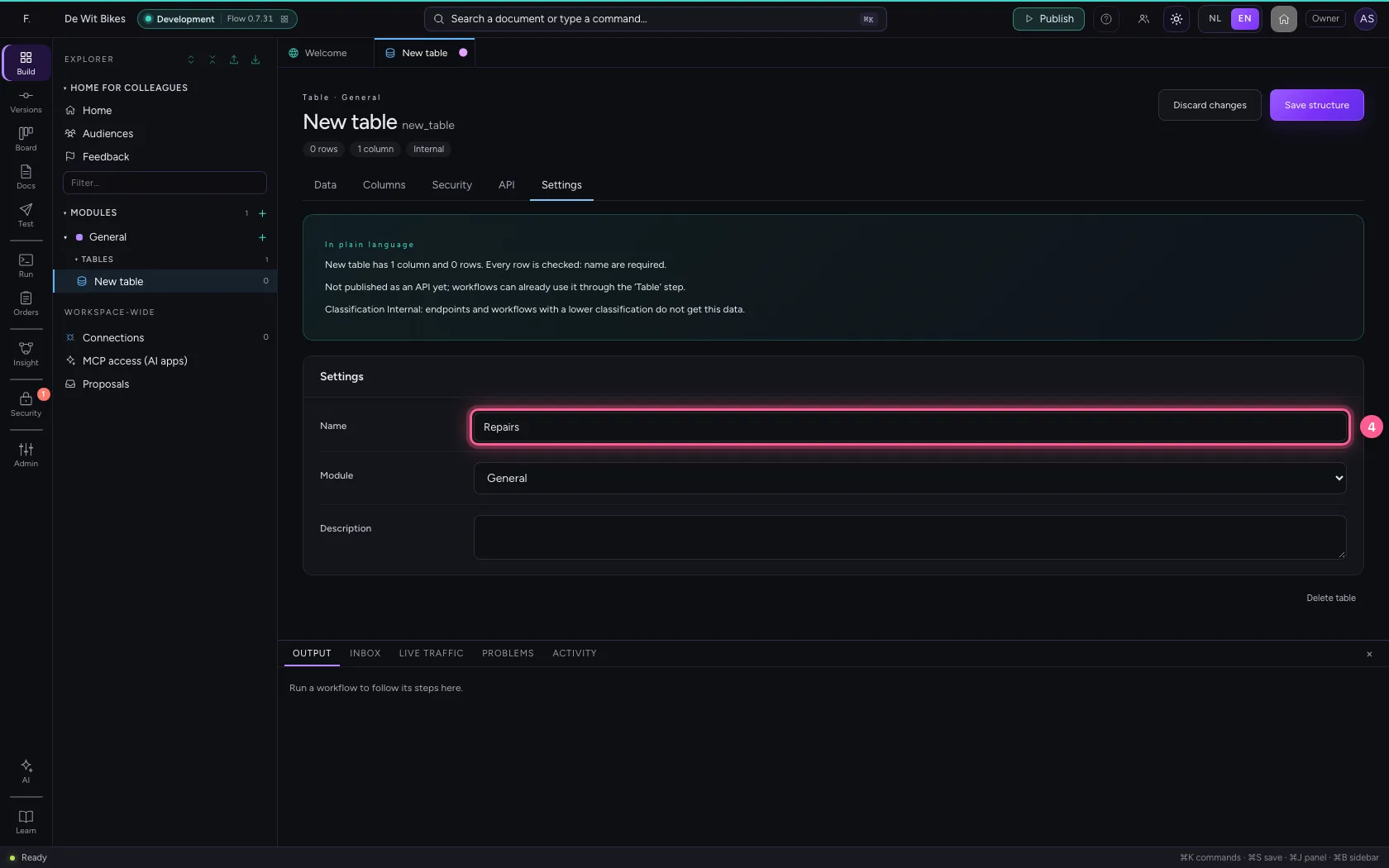
Click + next to General, choose New table and give it a name under Settings. You save in one go later, together with the columns.
- Click Add to General
- Click New table
- Click Settings
- In Name, type
Repairs
Give every column the right kind
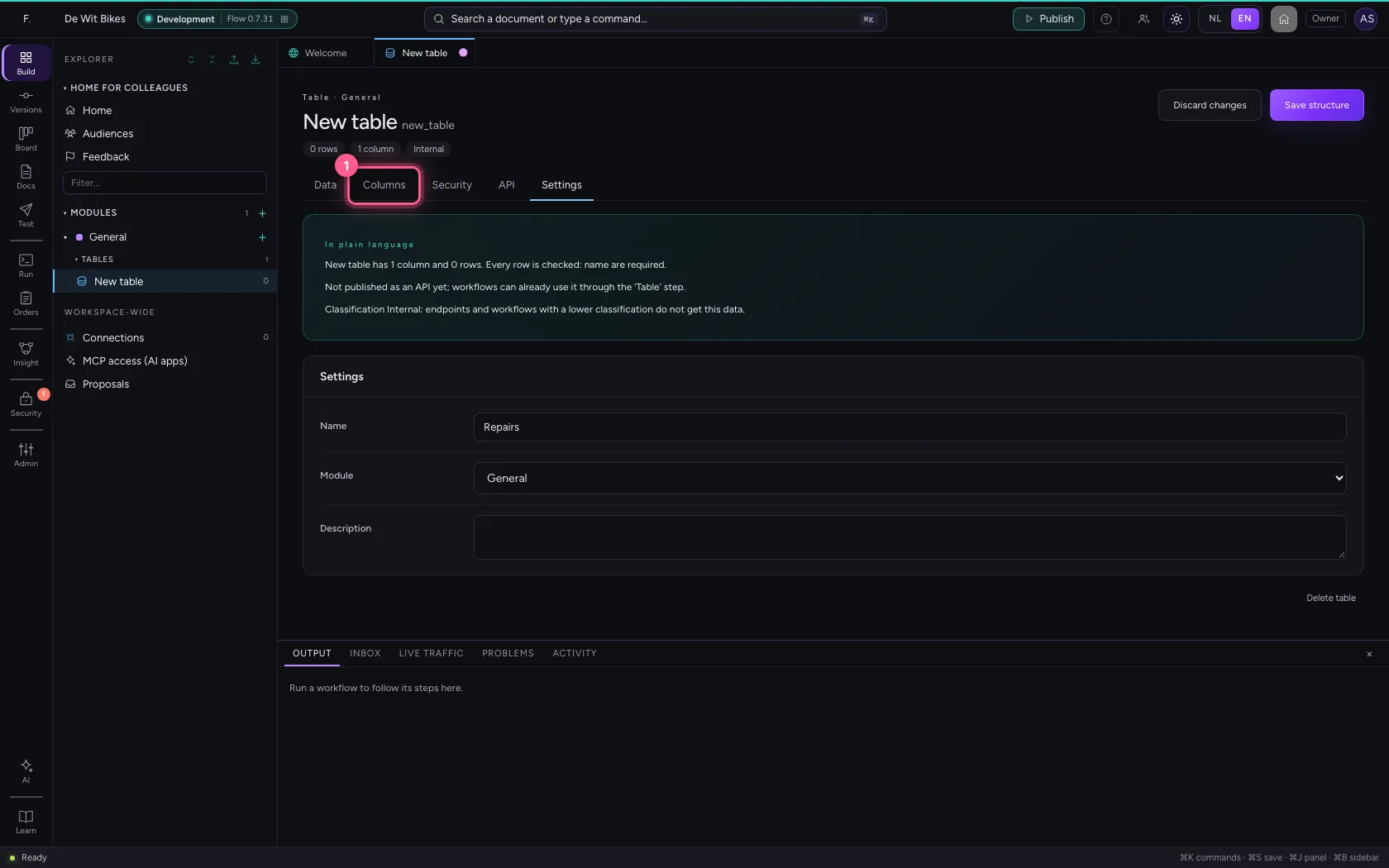
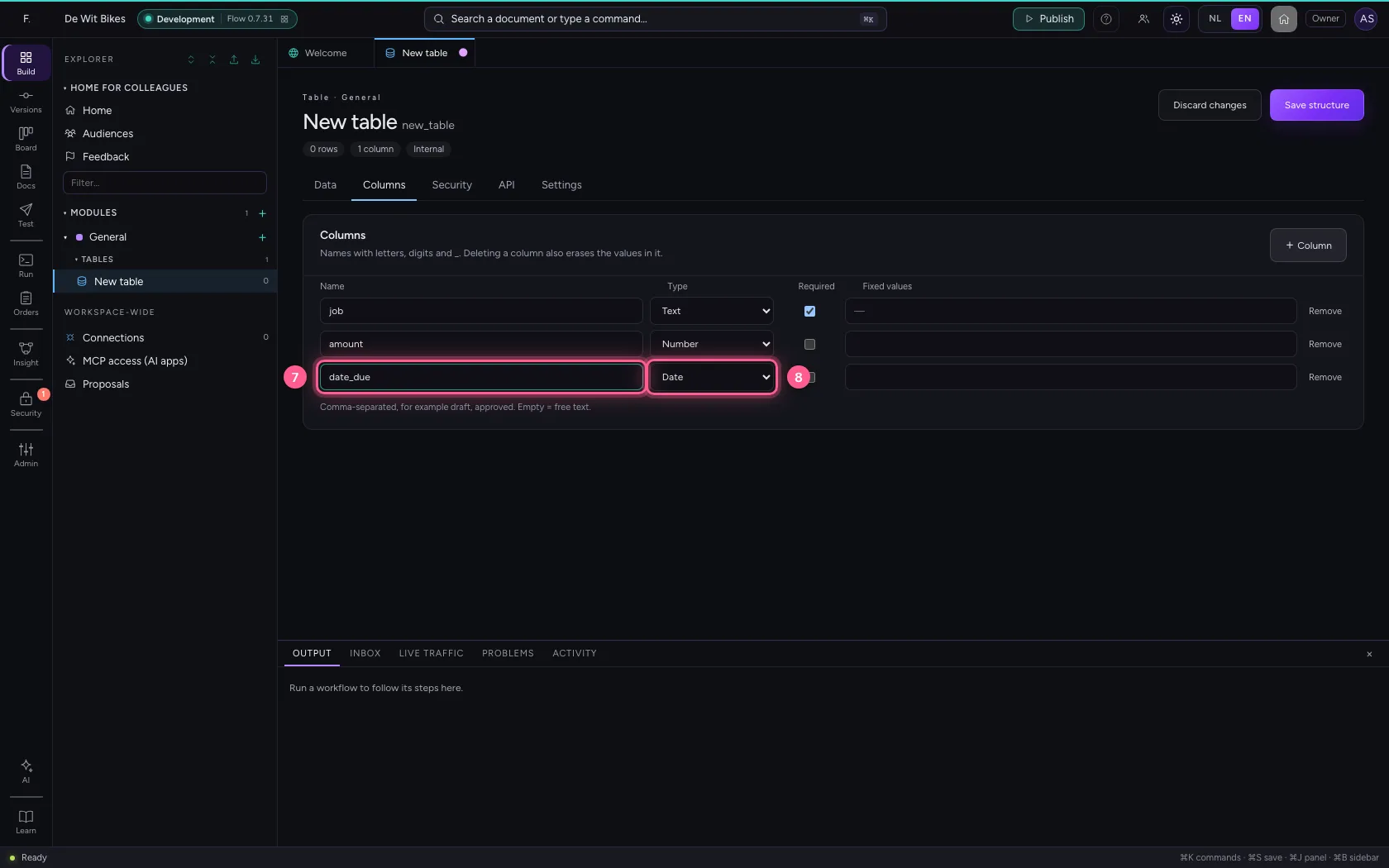
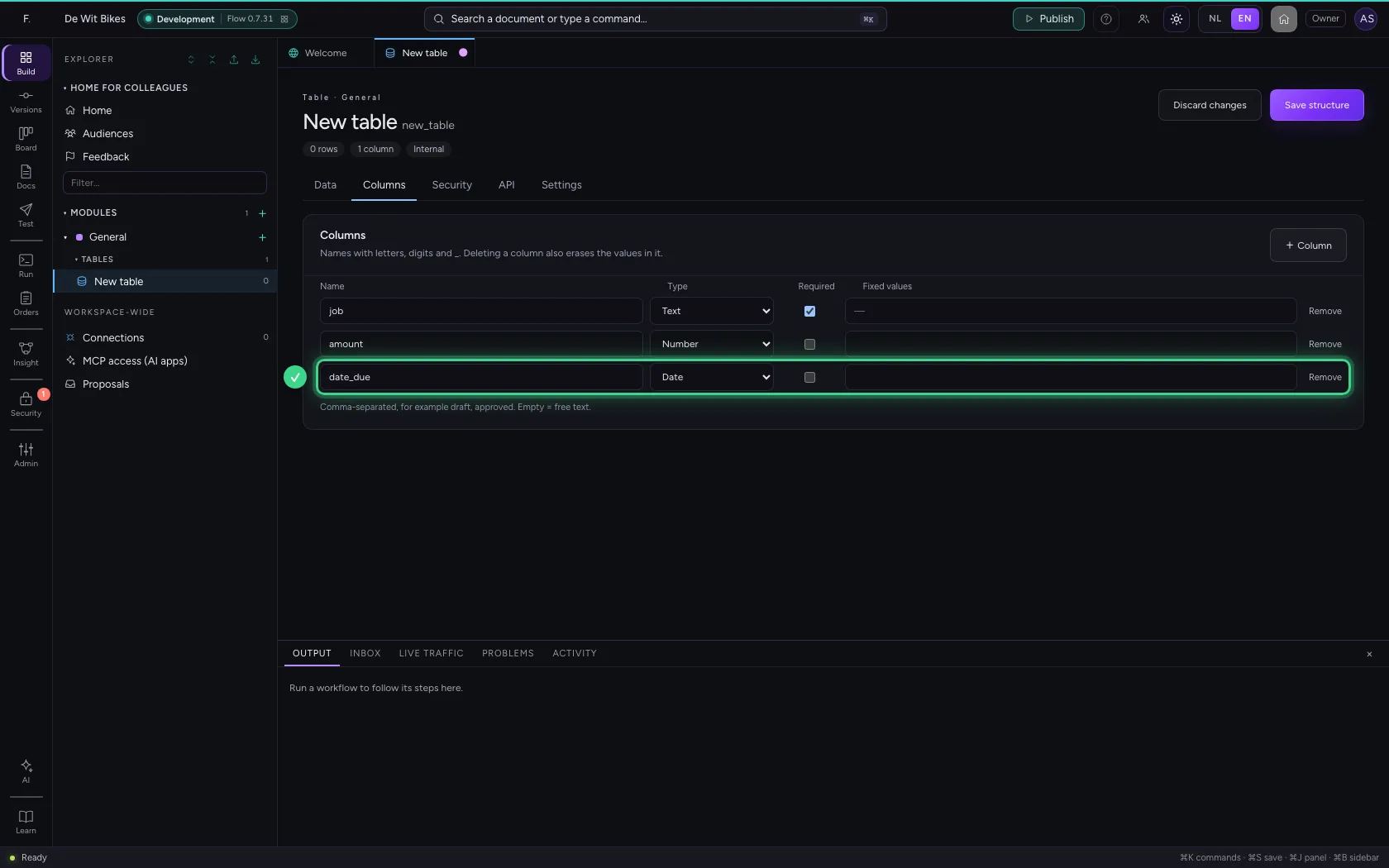
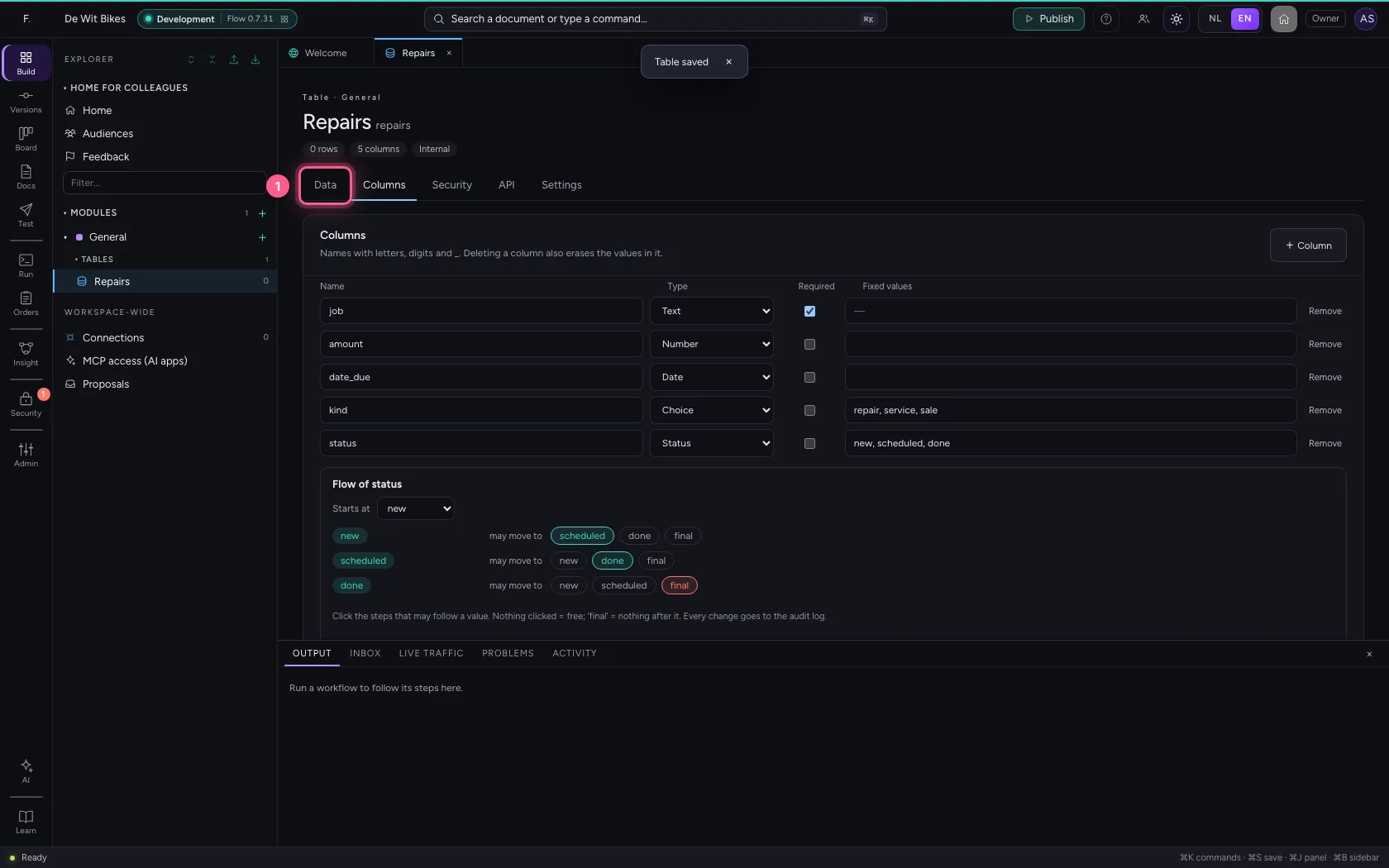
Under Columns there is already one text column; give it a name. + Column adds one, and you choose its kind: Number for an amount, Date for a date. That way nobody can put text in an amount by mistake, and you can calculate and sort later.
- Click Columns
- In Name, type
job
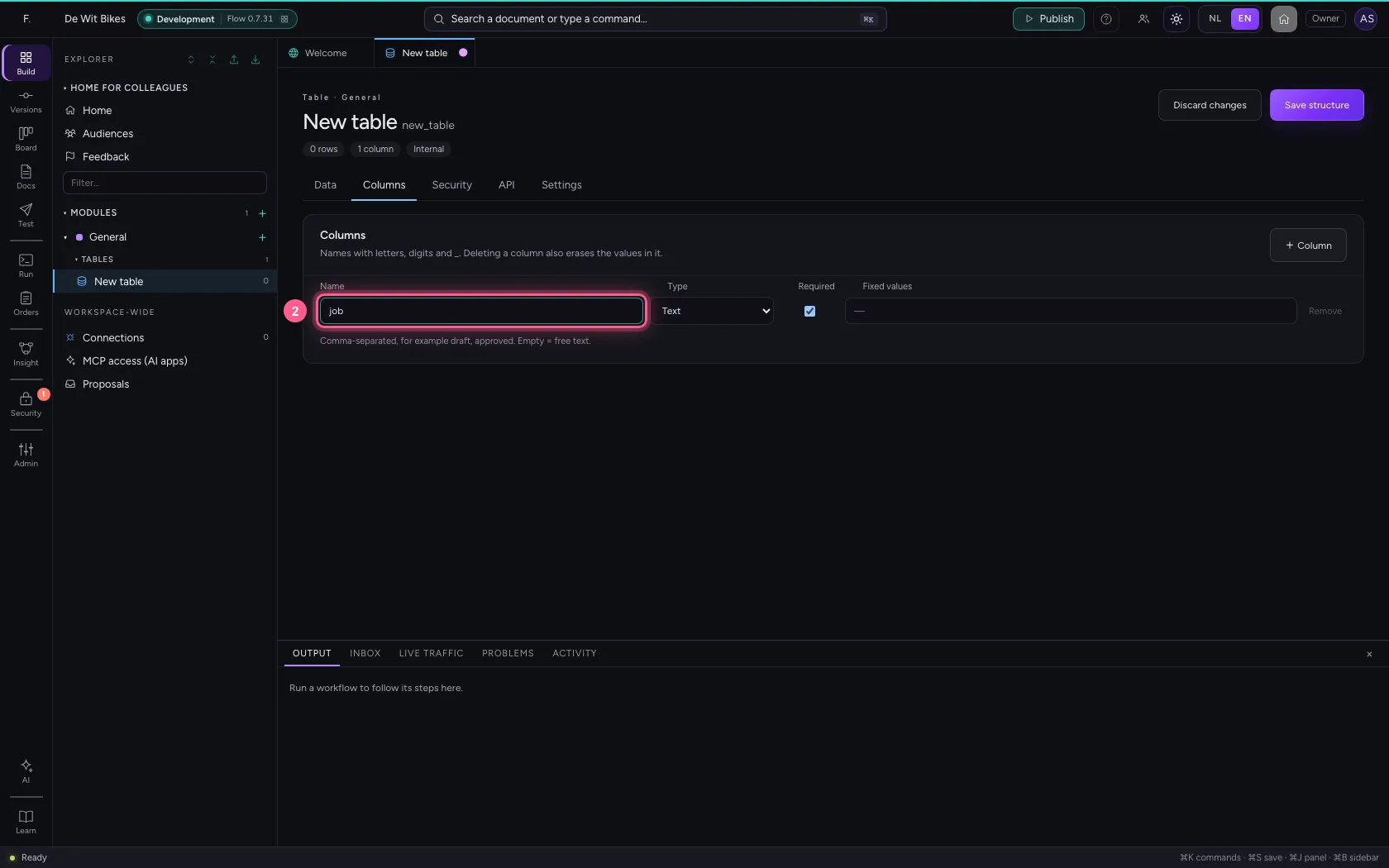
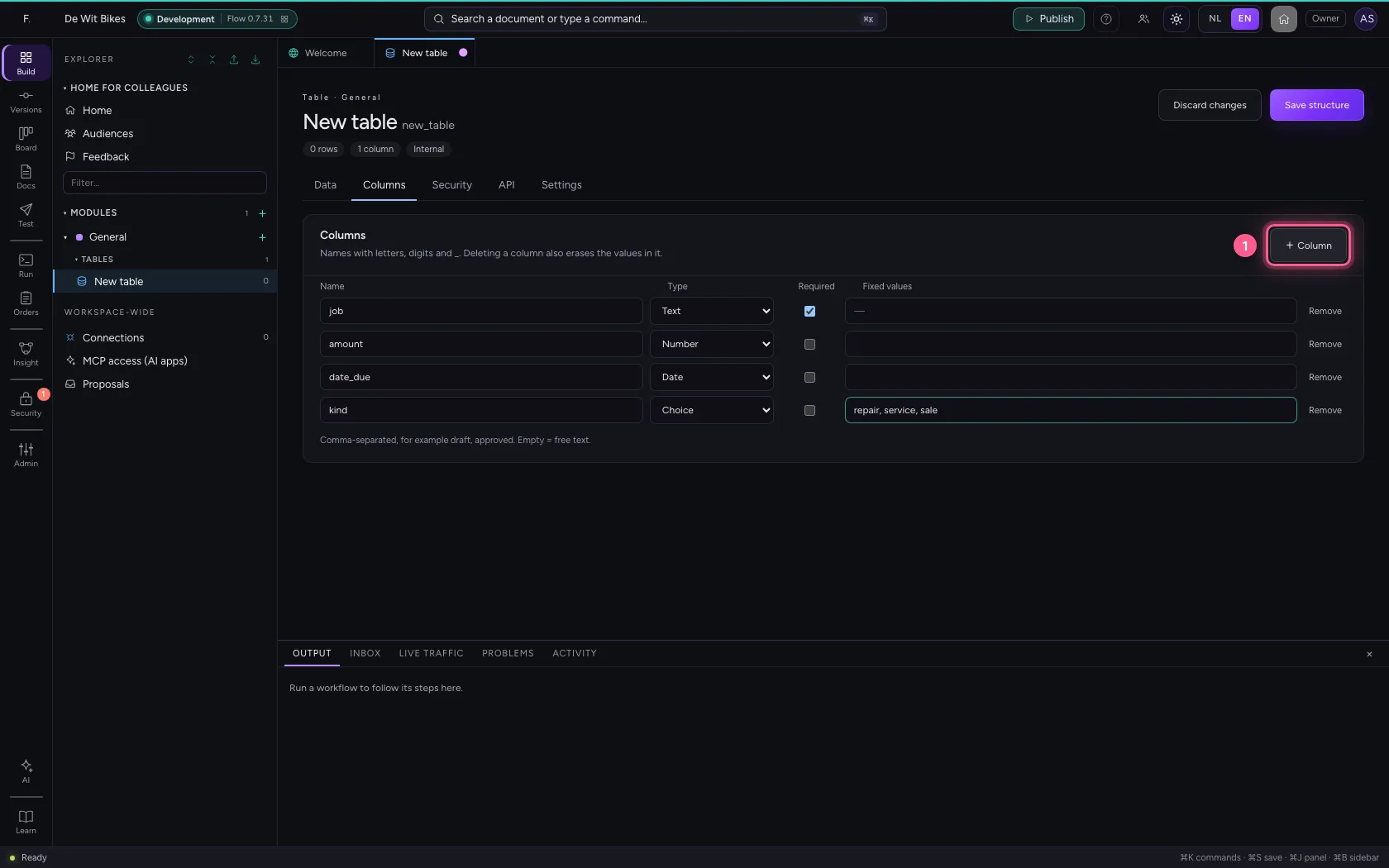
- Click + Column
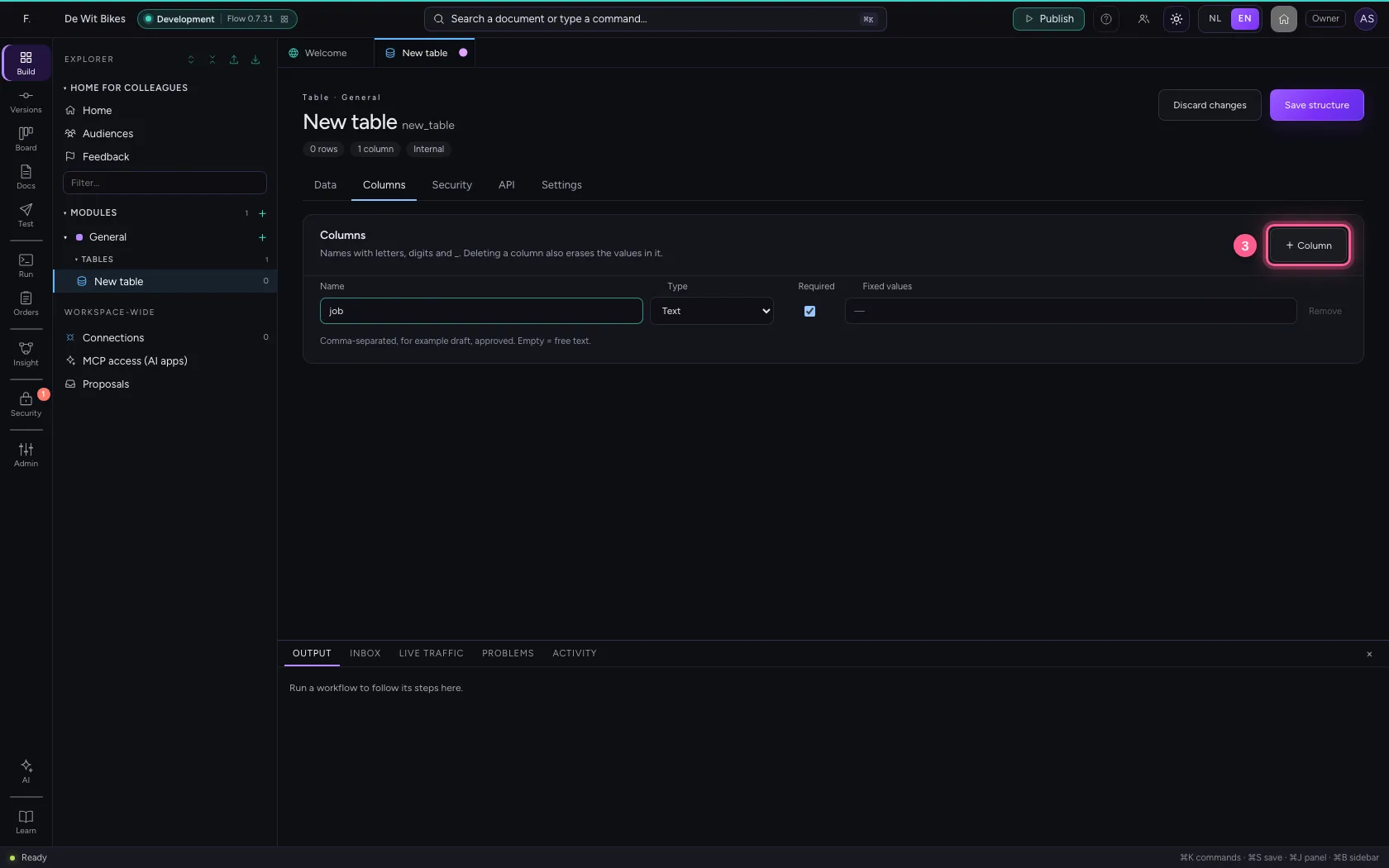
- In Name, type
amount - In Type, choose Number
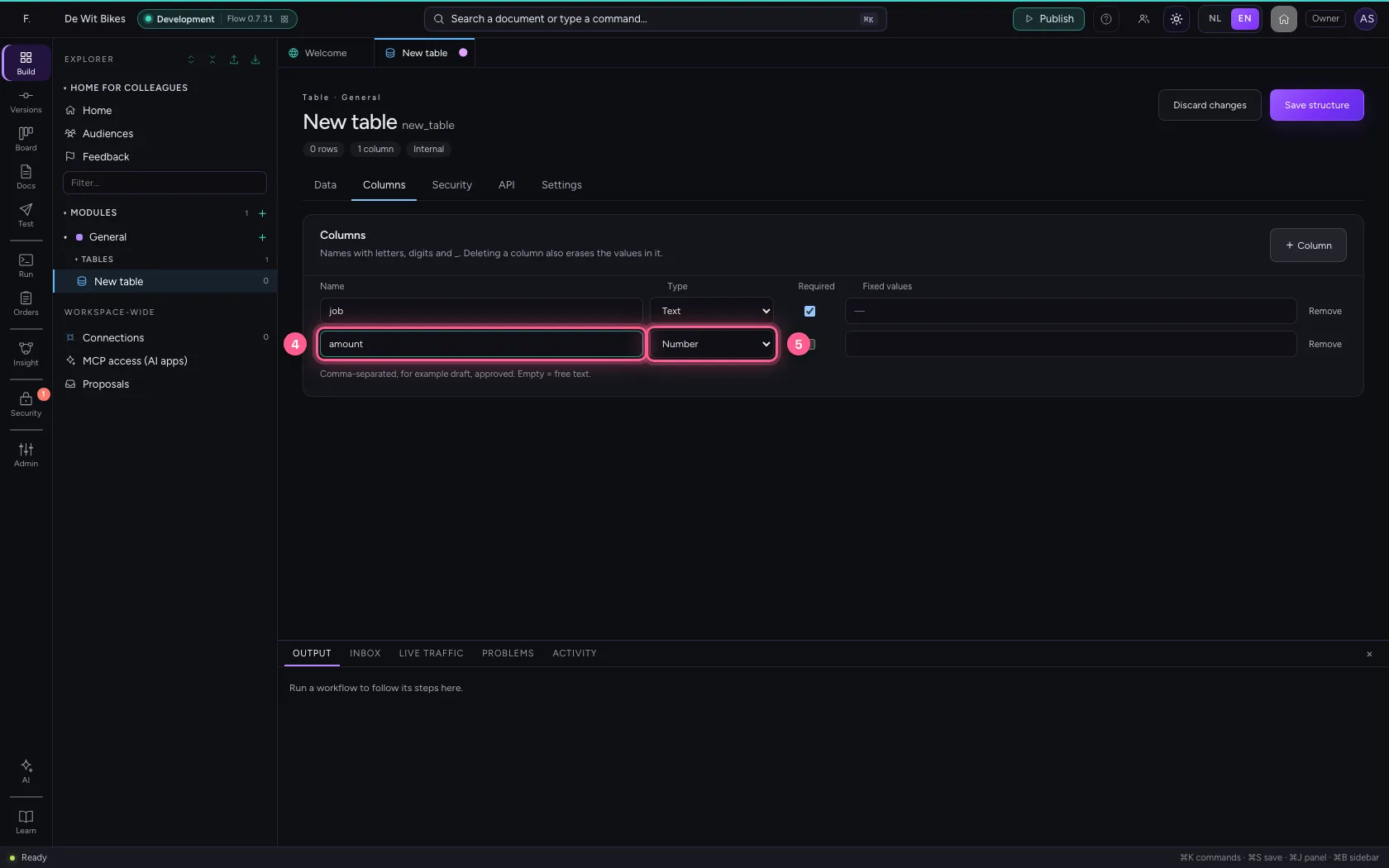
- Click + Column
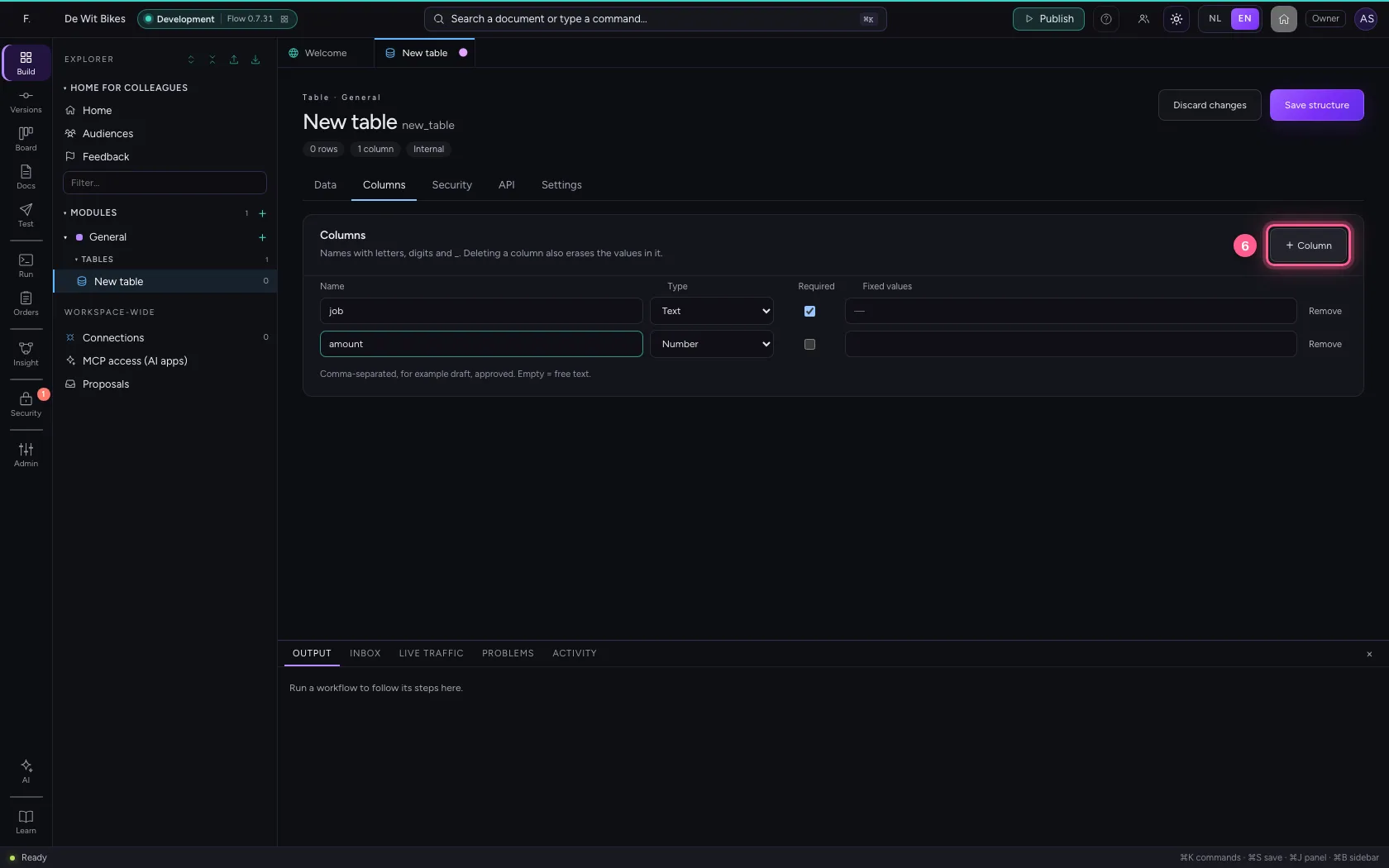
- In Name, type
date_due - In Type, choose Date
A choice column
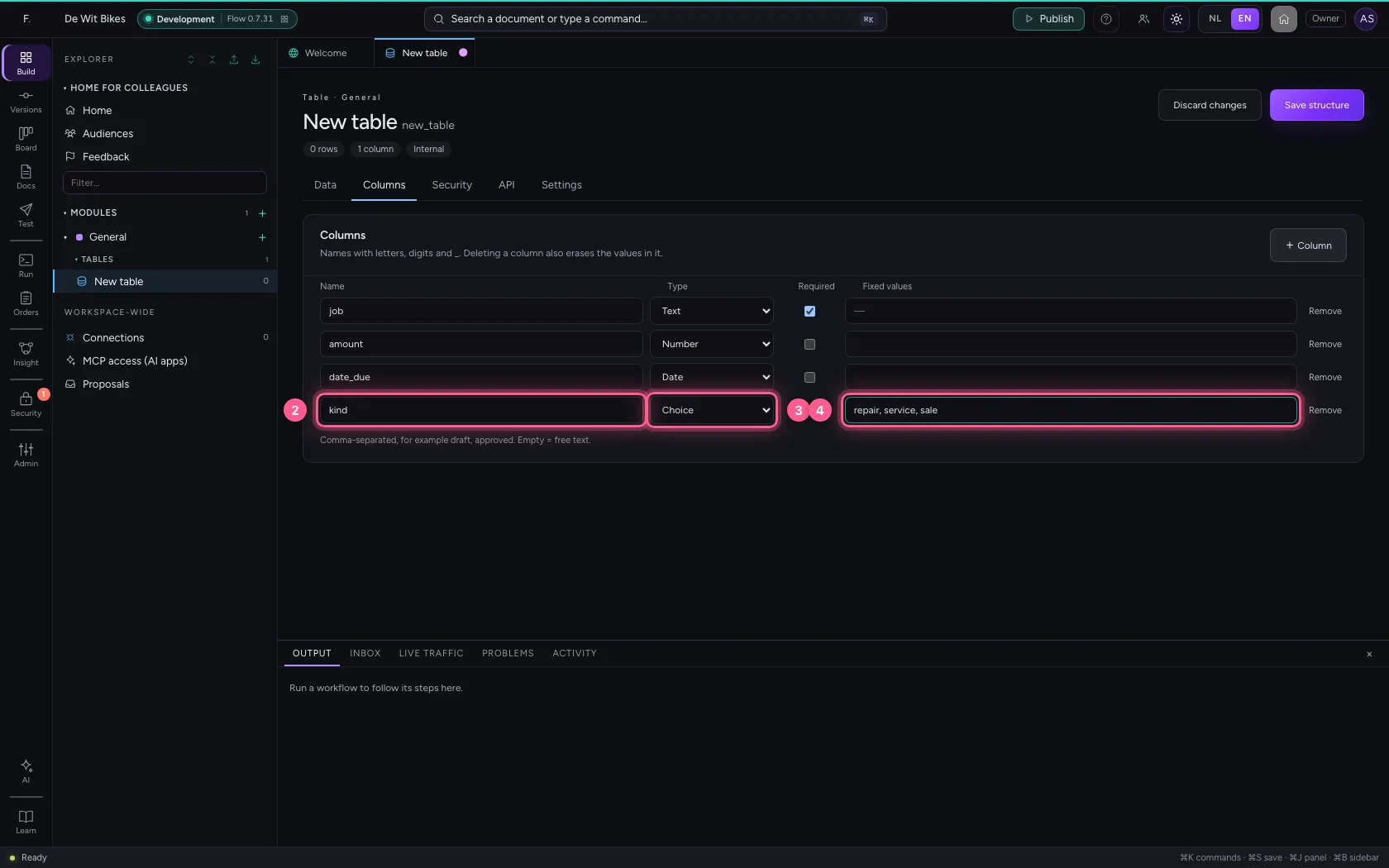
A Choice column may only hold the fixed values you give, separated by commas. On the data screen this becomes a drop-down list: no typing errors, and you can filter on it well later.
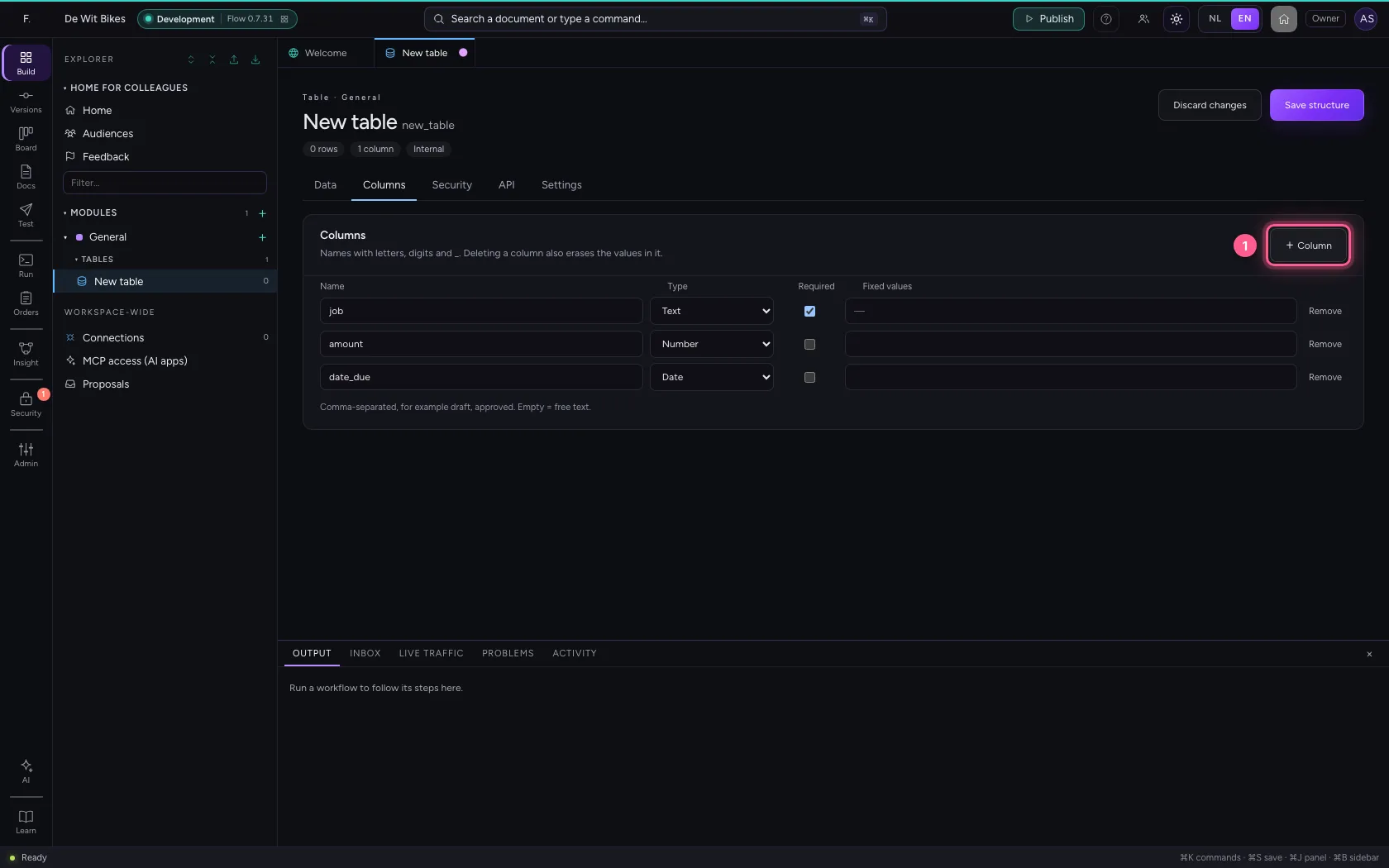
- Click + Column
- In Name, type
kind - In Type, choose Choice
- In Fixed values, type
repair, service, sale
A status column with a course
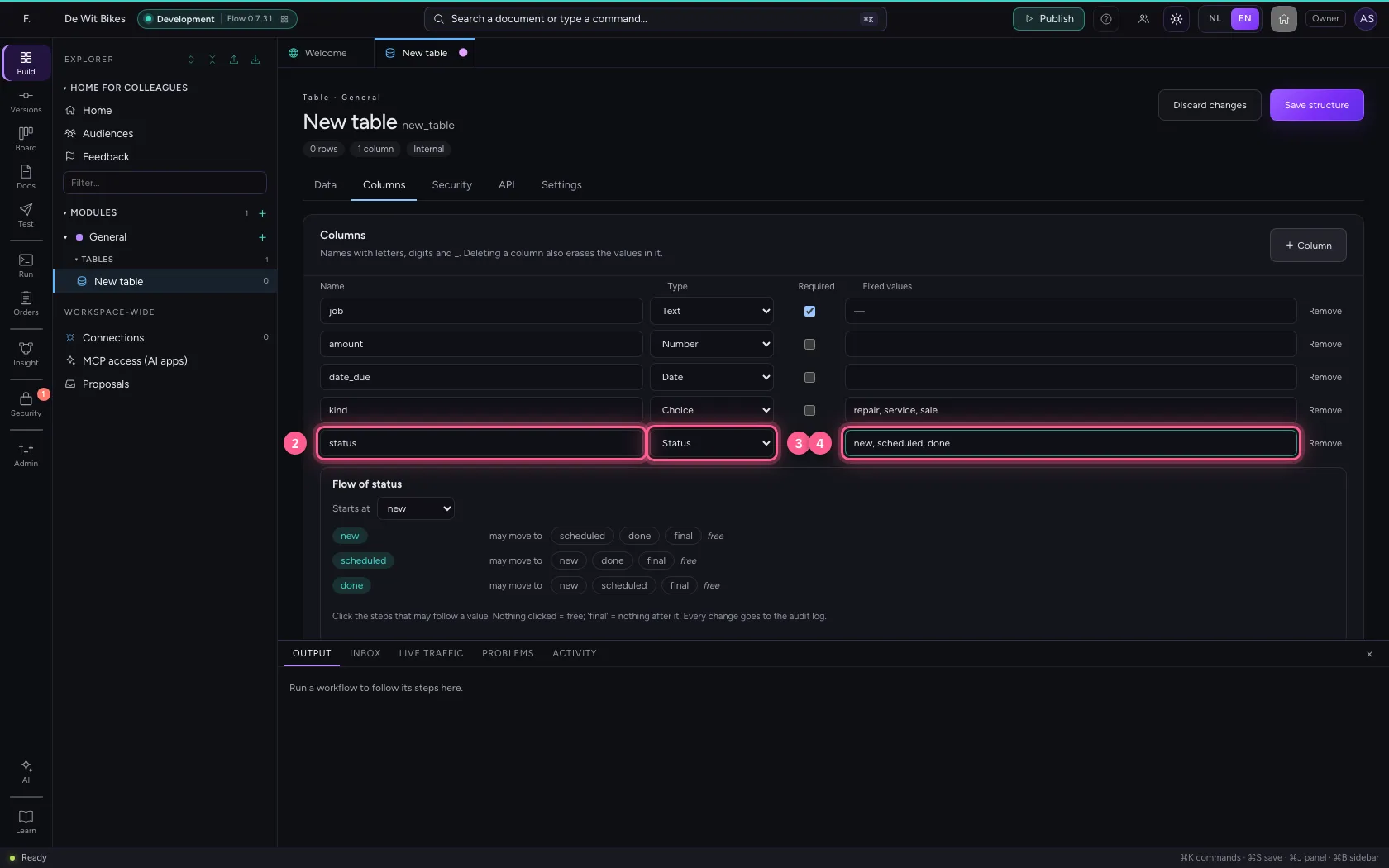
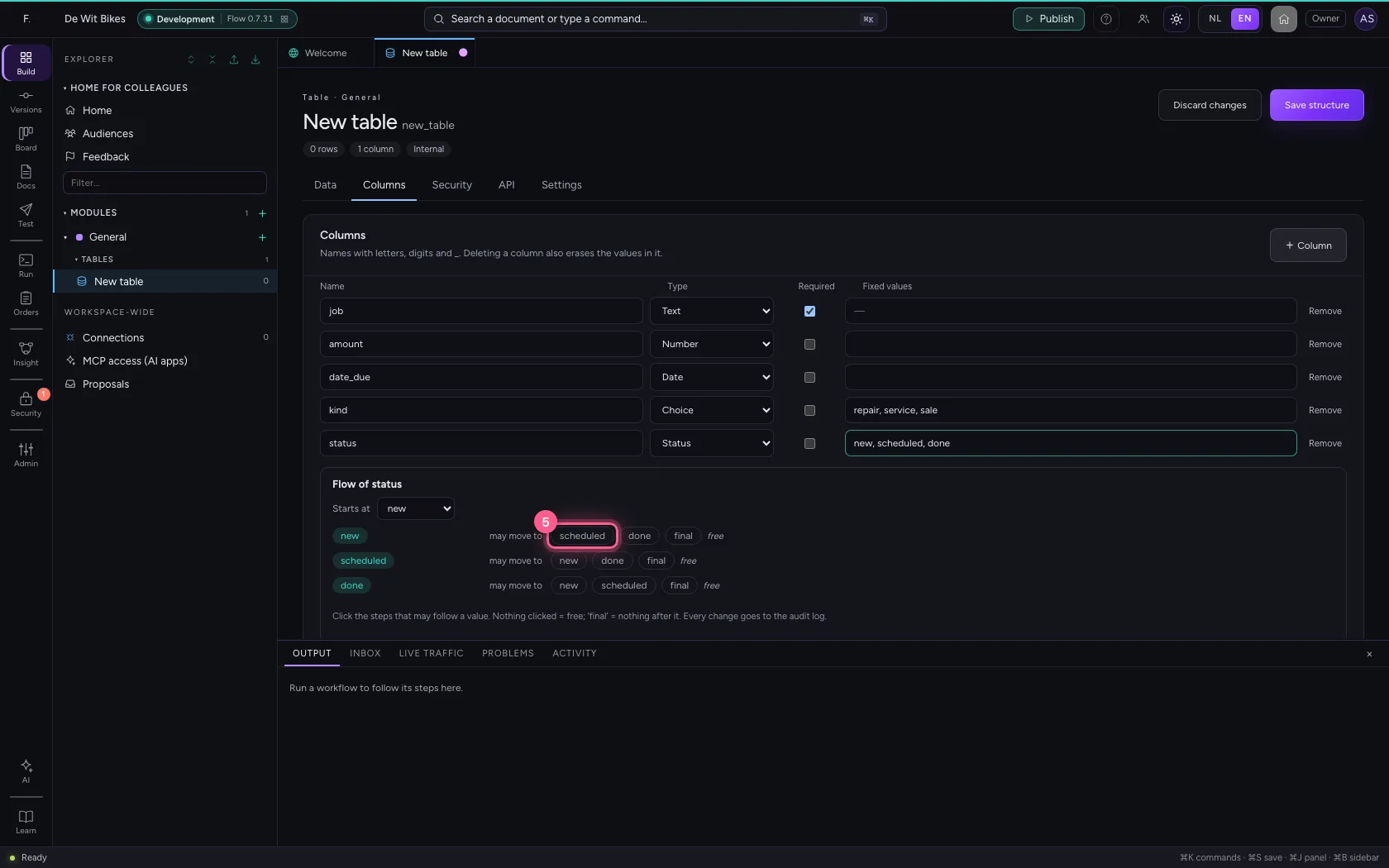
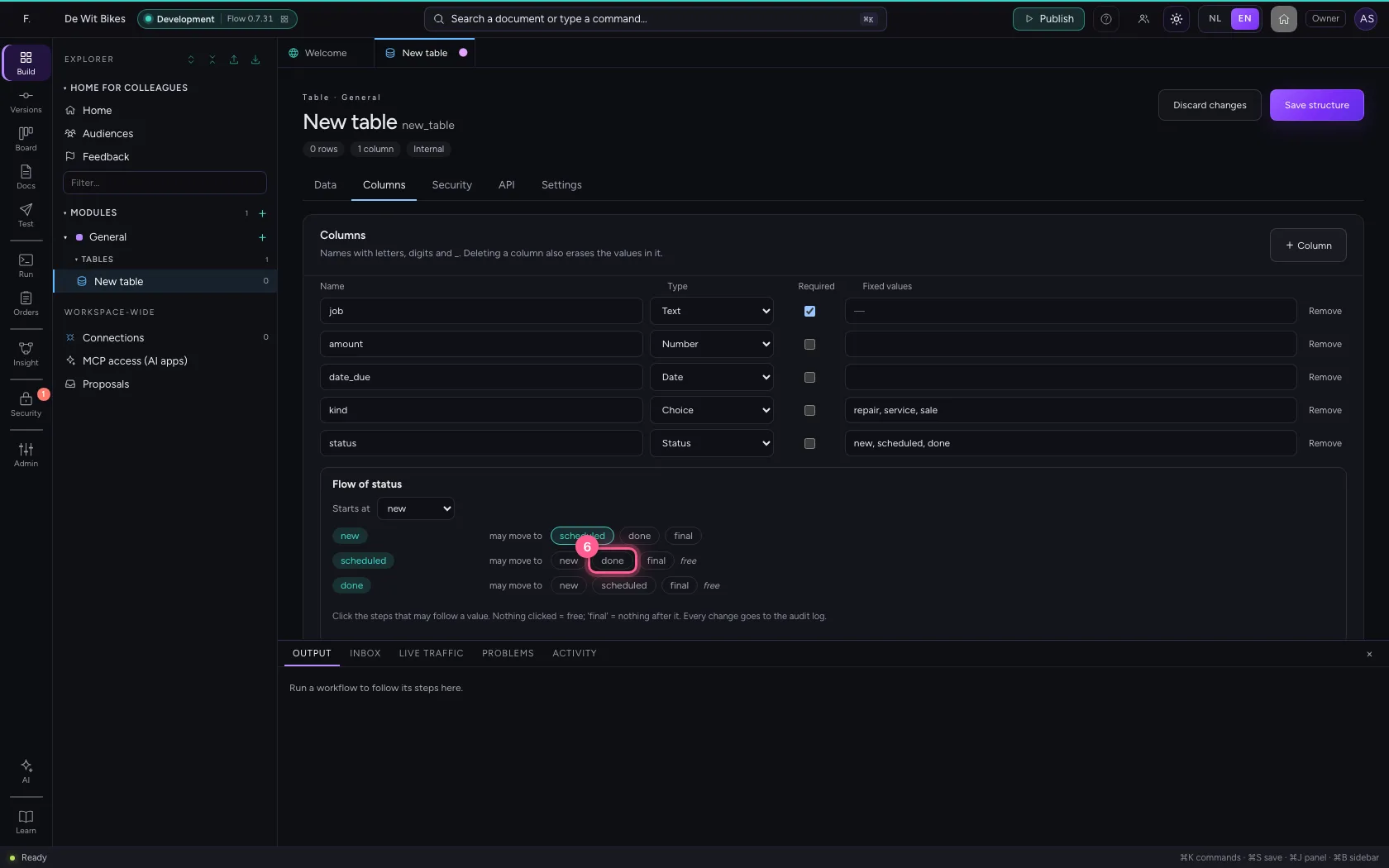
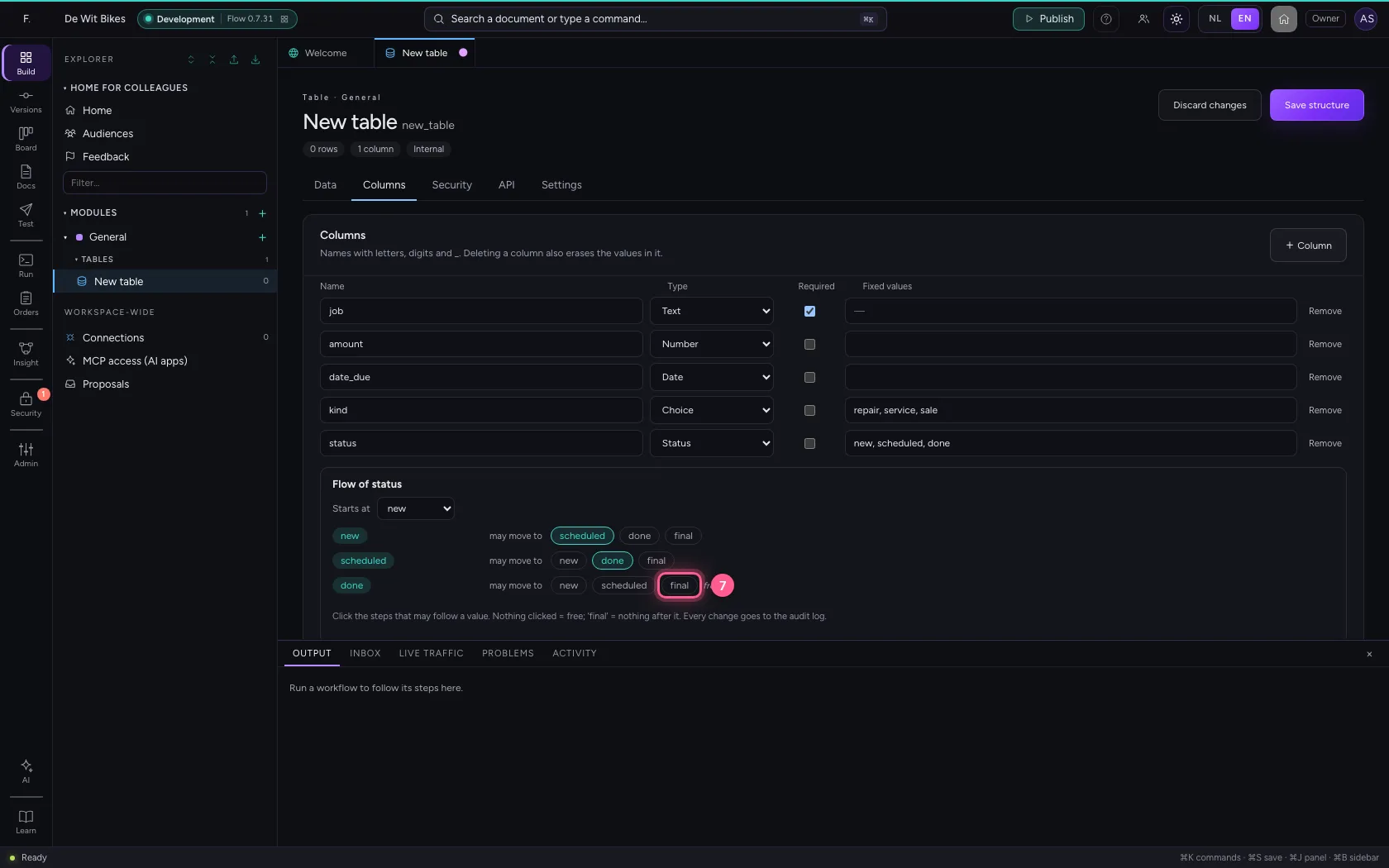
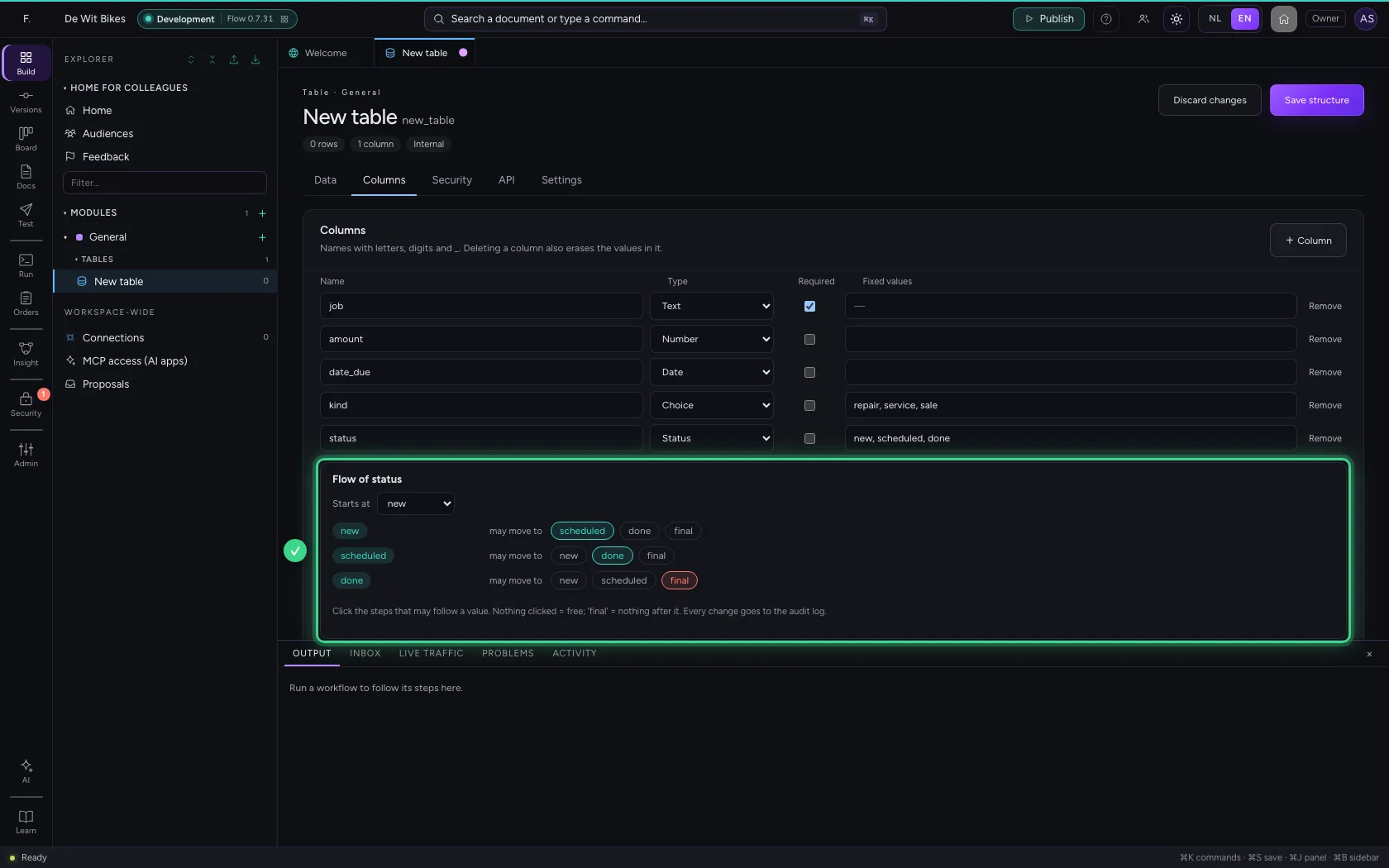
A Status column also has fixed values, but on top of that a course: where a new row starts and which step may follow which. Click, per value, where it may go next. A final status means: nothing after it.
- Click + Column
- In Name, type
status - In Type, choose Status
- In Fixed values, type
new, scheduled, done
- Click new → scheduled
- Click scheduled → done
- Click final
Save the structure
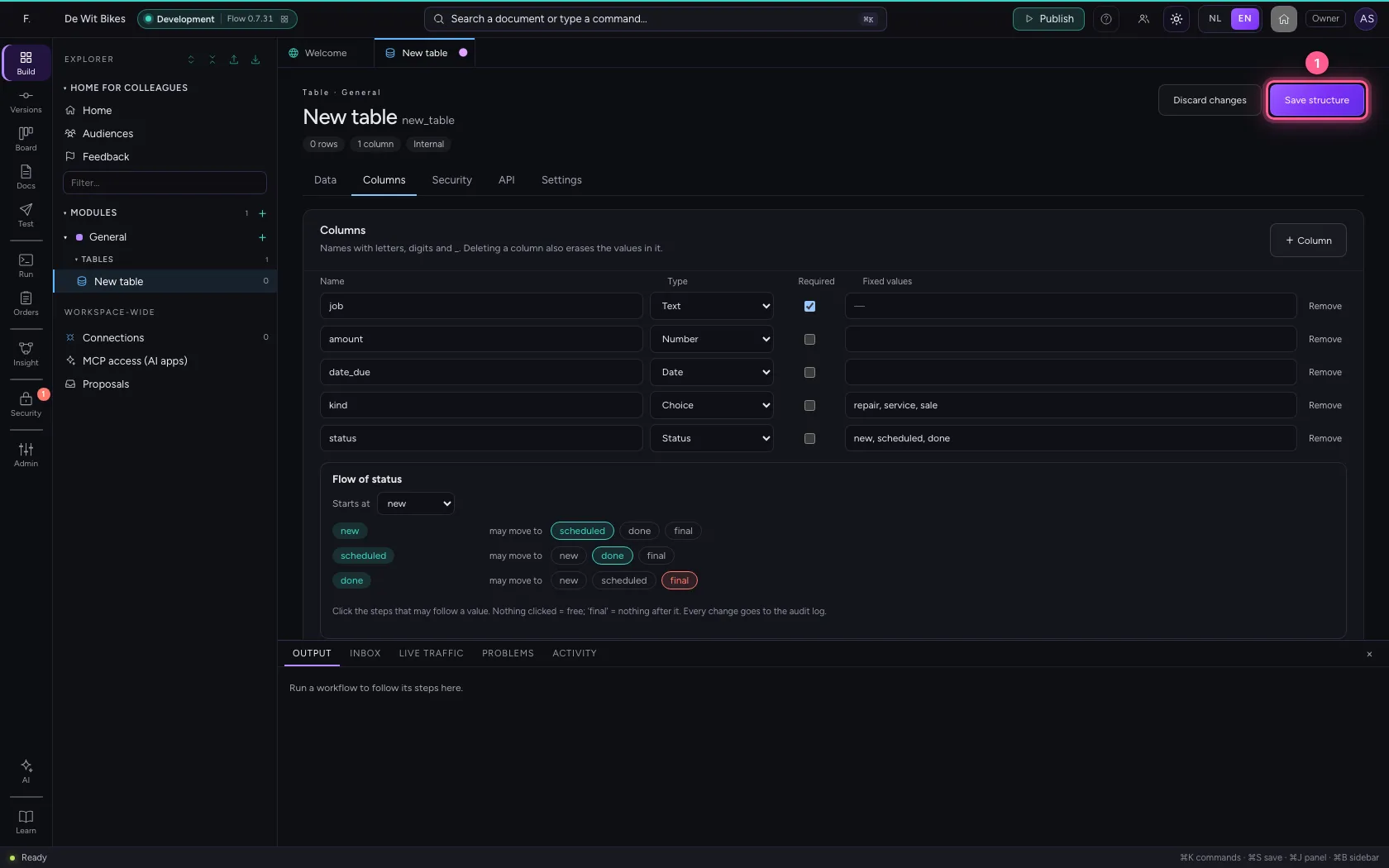
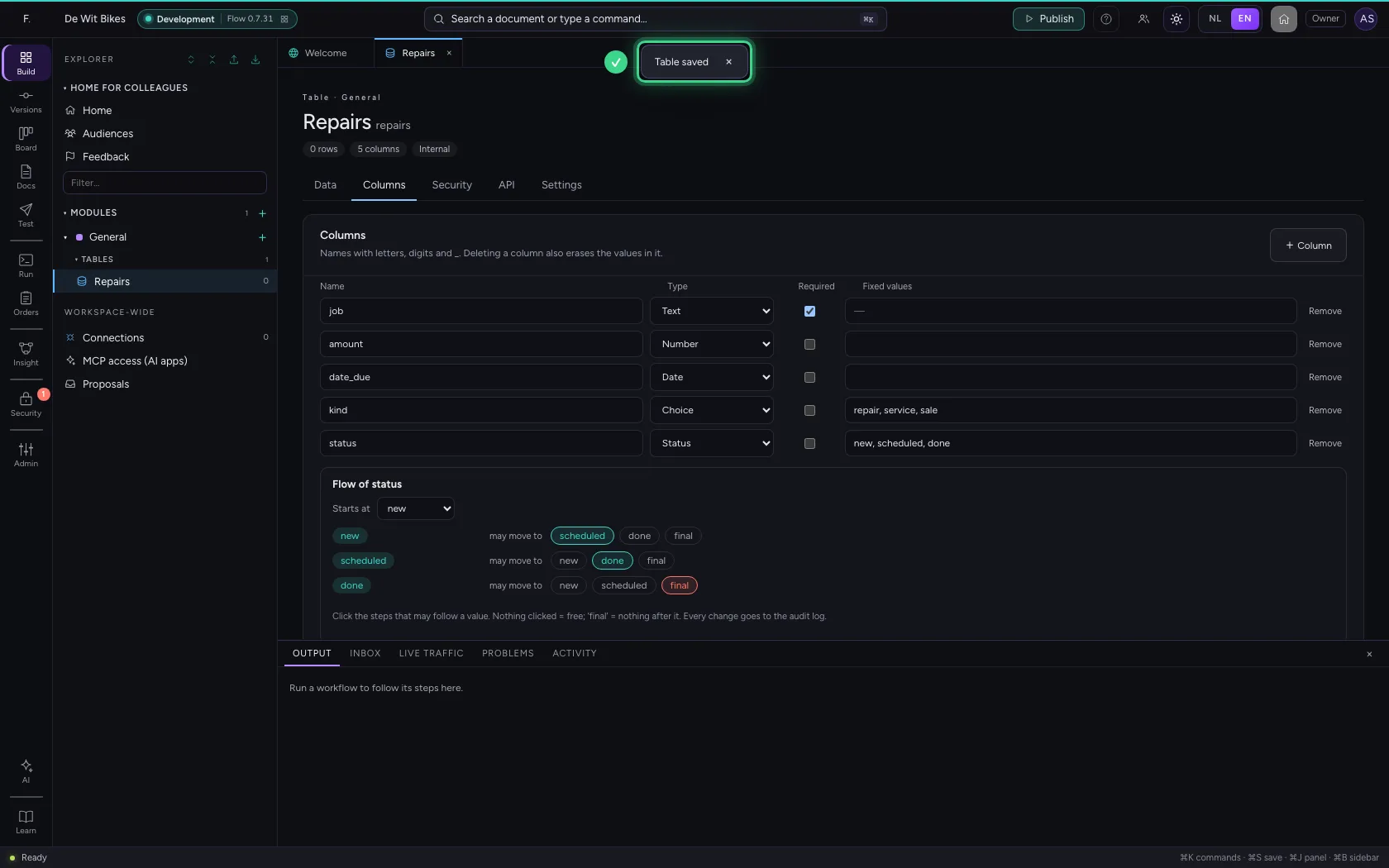
Only after Save structure do the columns apply; until then you can still undo everything.
- Click Save structure
Add a repair
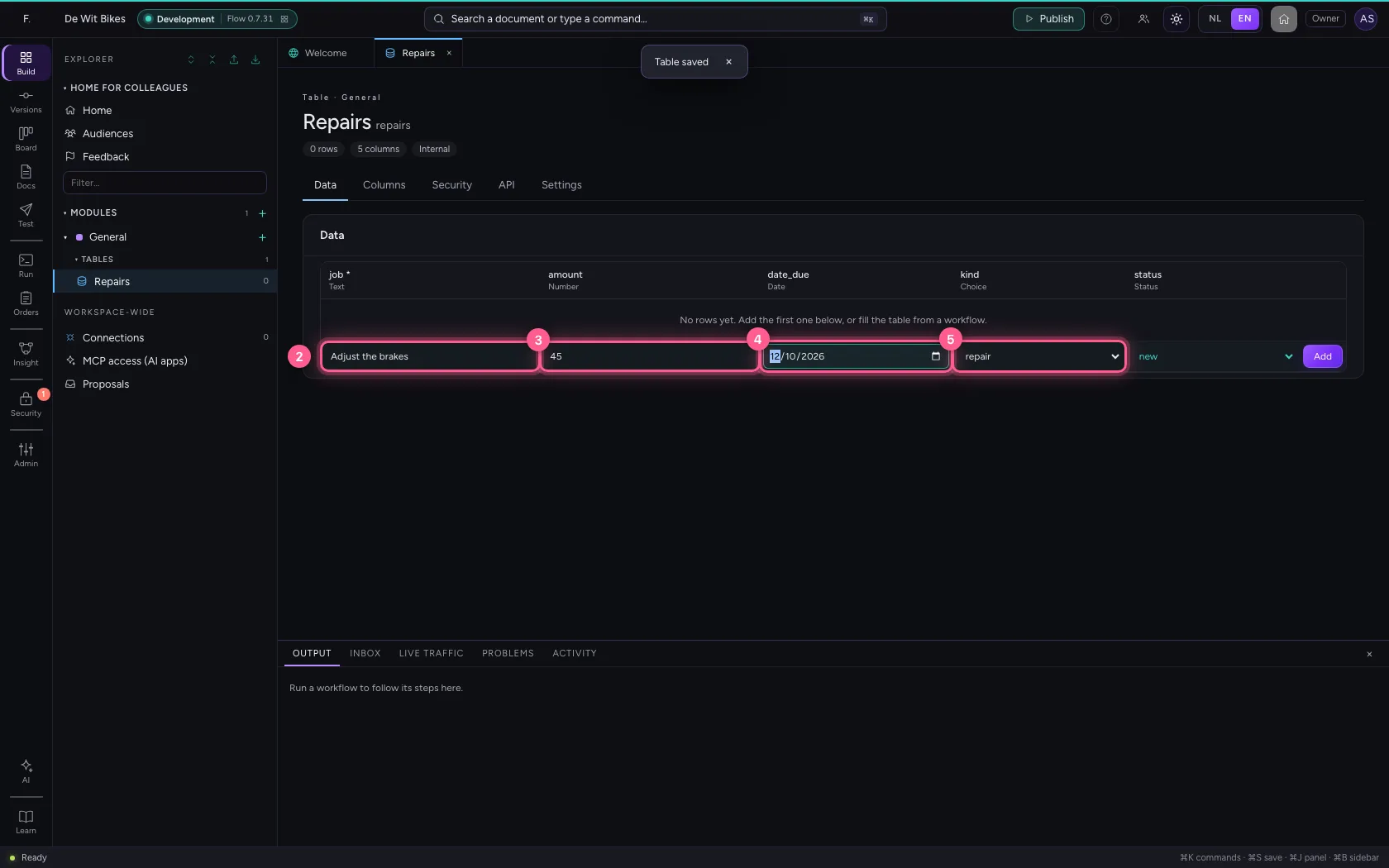
Under Data every column now has the right input: a number, a date picker, a drop-down list. You do not fill in the status: a new row starts at the first step by itself.
- Click Data
- In job, type
Adjust the brakes - In amount, type
45 - In date_due, type
2026-10-12 - In kind, choose repair
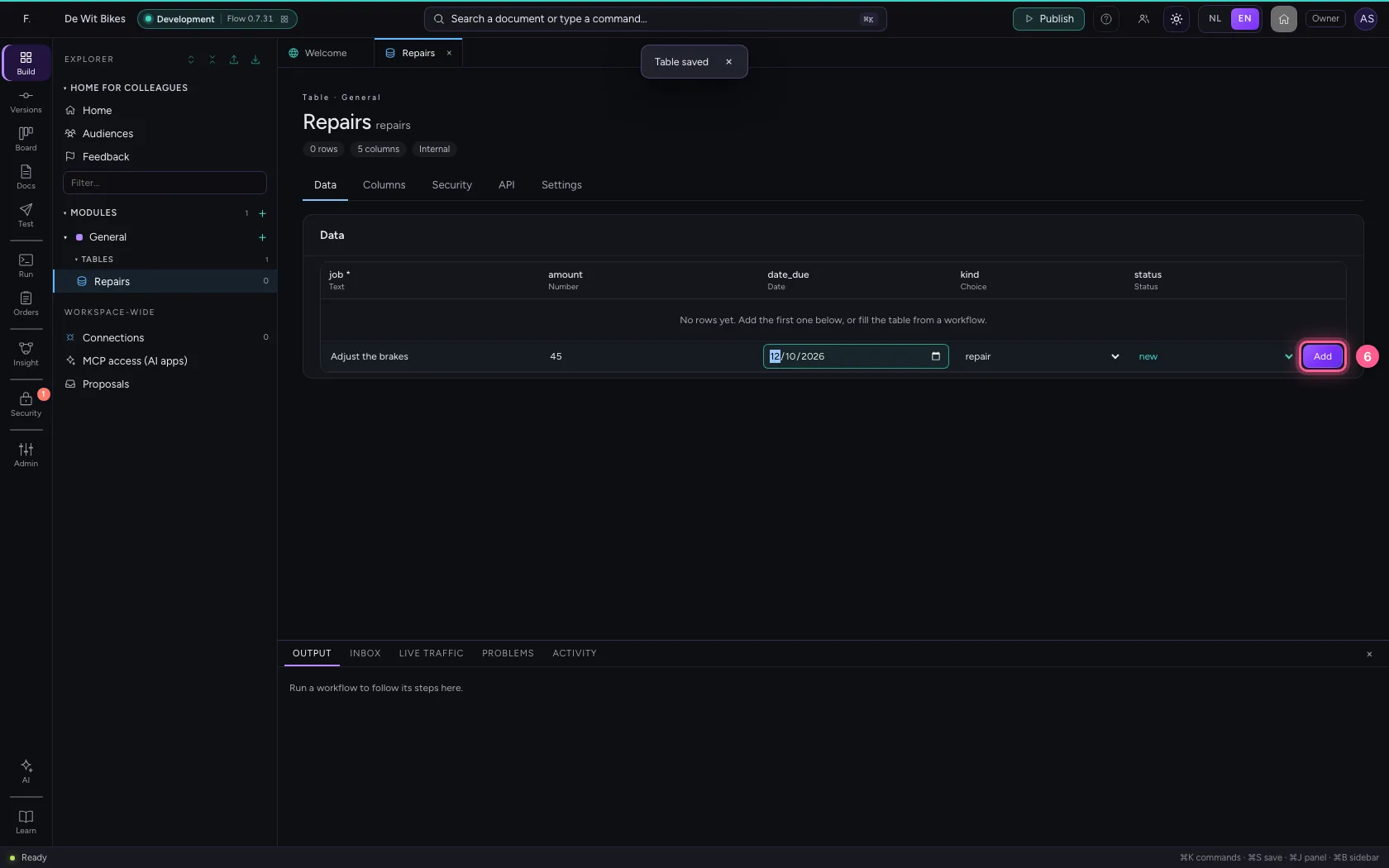
- Click Add
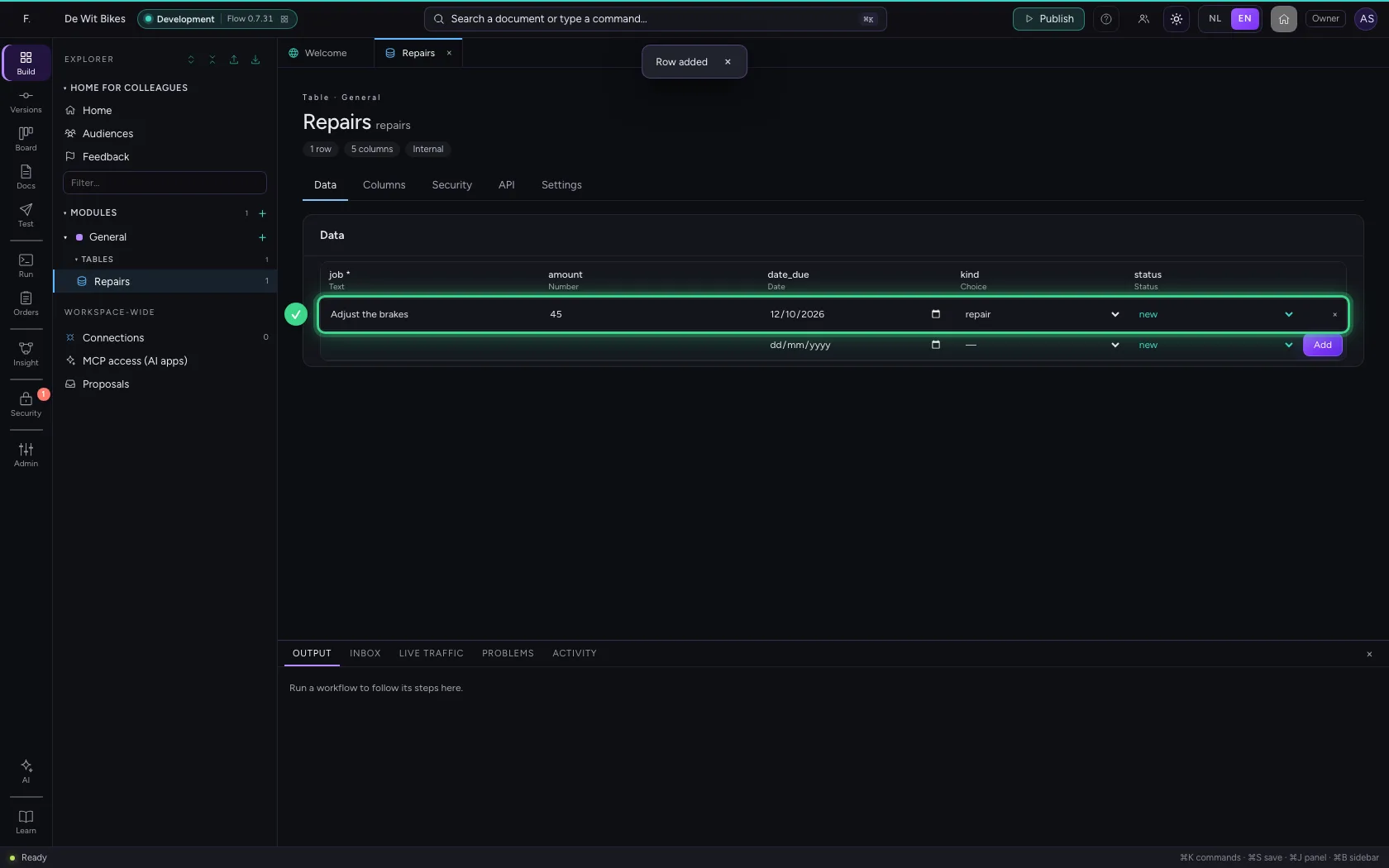
Move the status one step on
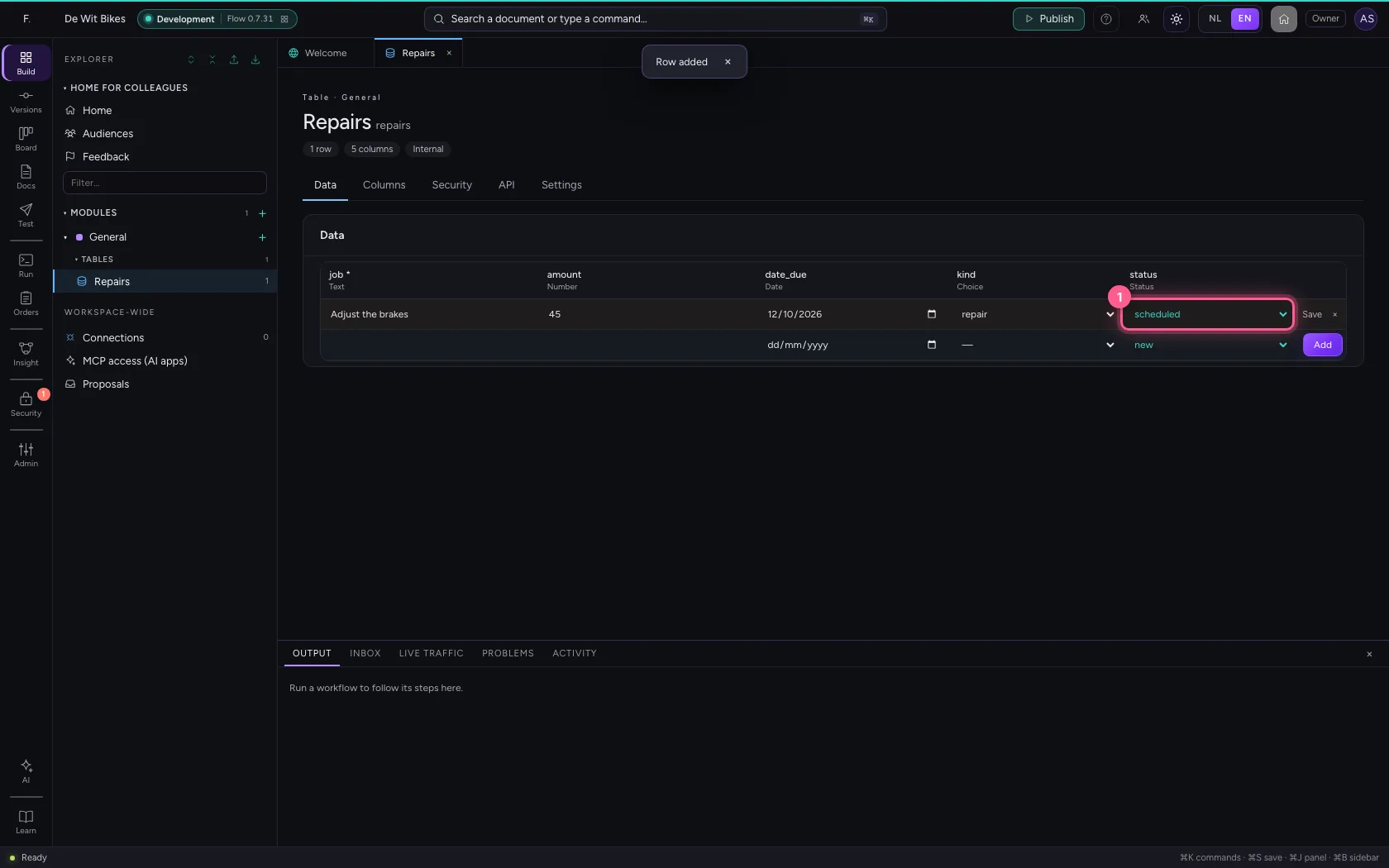
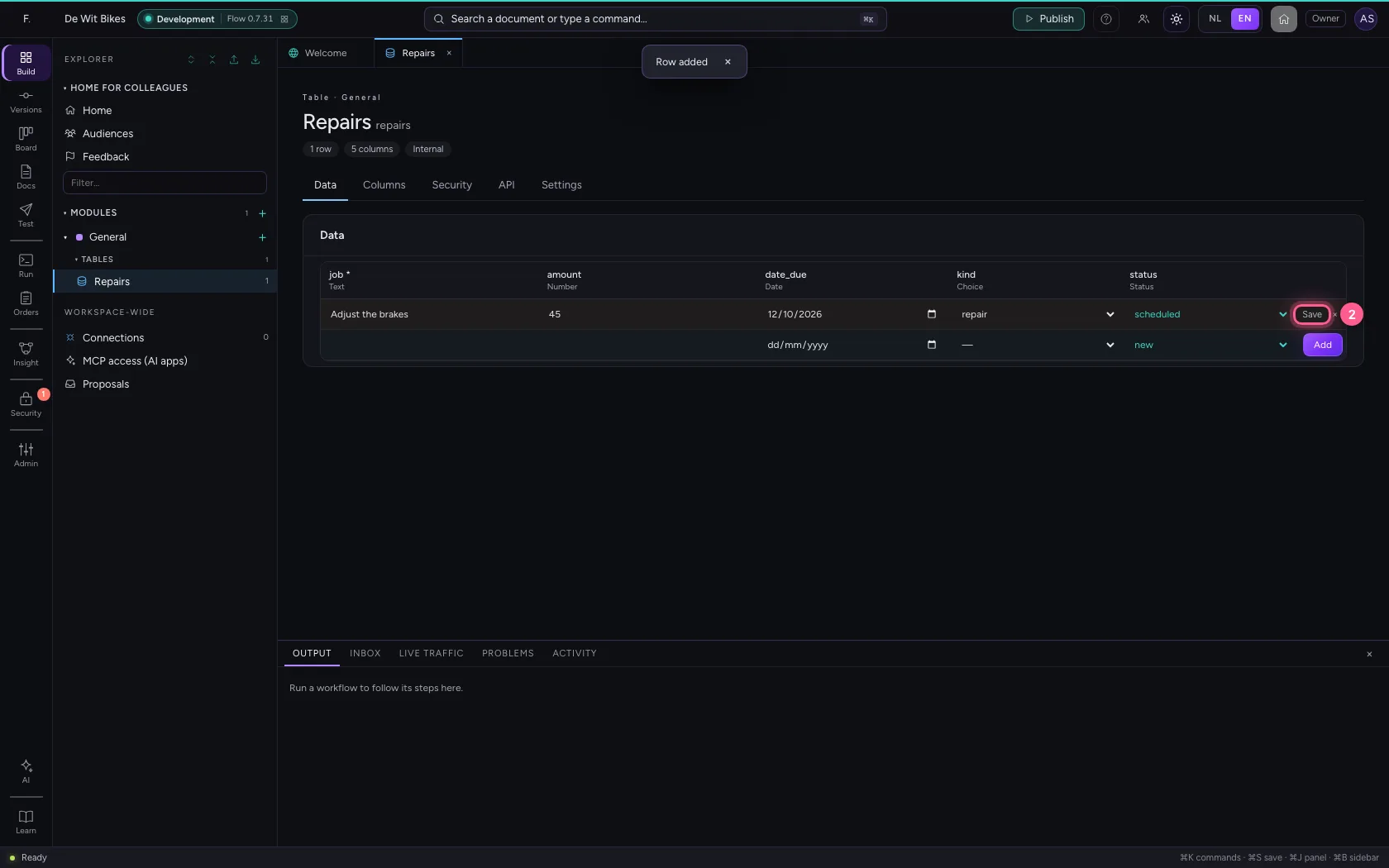
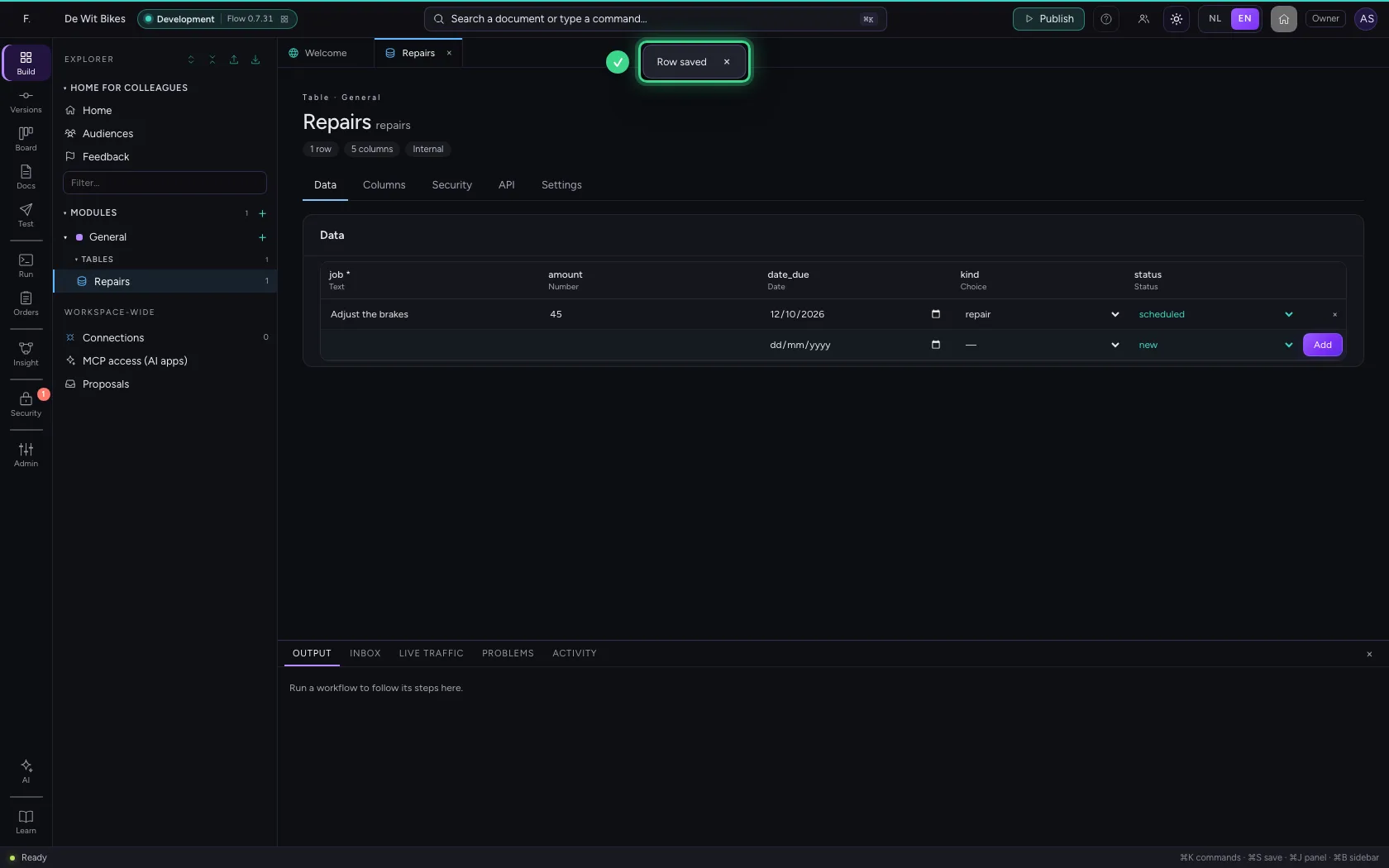
In the row, choose the next status and click Save. The list only offers the steps allowed from here: from new you cannot jump straight to done.
- In status, choose scheduled
- Click Save
This guide was carried out step by step on 22 Oct 2026 by an automated test on Flow (version 3e563176).