BeginnerTables
Column: choice from fixed values
A Choice column may only hold the values you fix, such as a kind, a category or a branch. On the data screen it becomes a drop-down list: no typing errors, and filtering always works. You sort repairs by kind of work.
Step 1 / 3
Open your development environment
In the portal, under Environments, click Development, and there Open. Flow opens in a new tab and you are signed in straight away.
- Click Development

- Click Open ↗

Step 2 / 3
Add a choice column
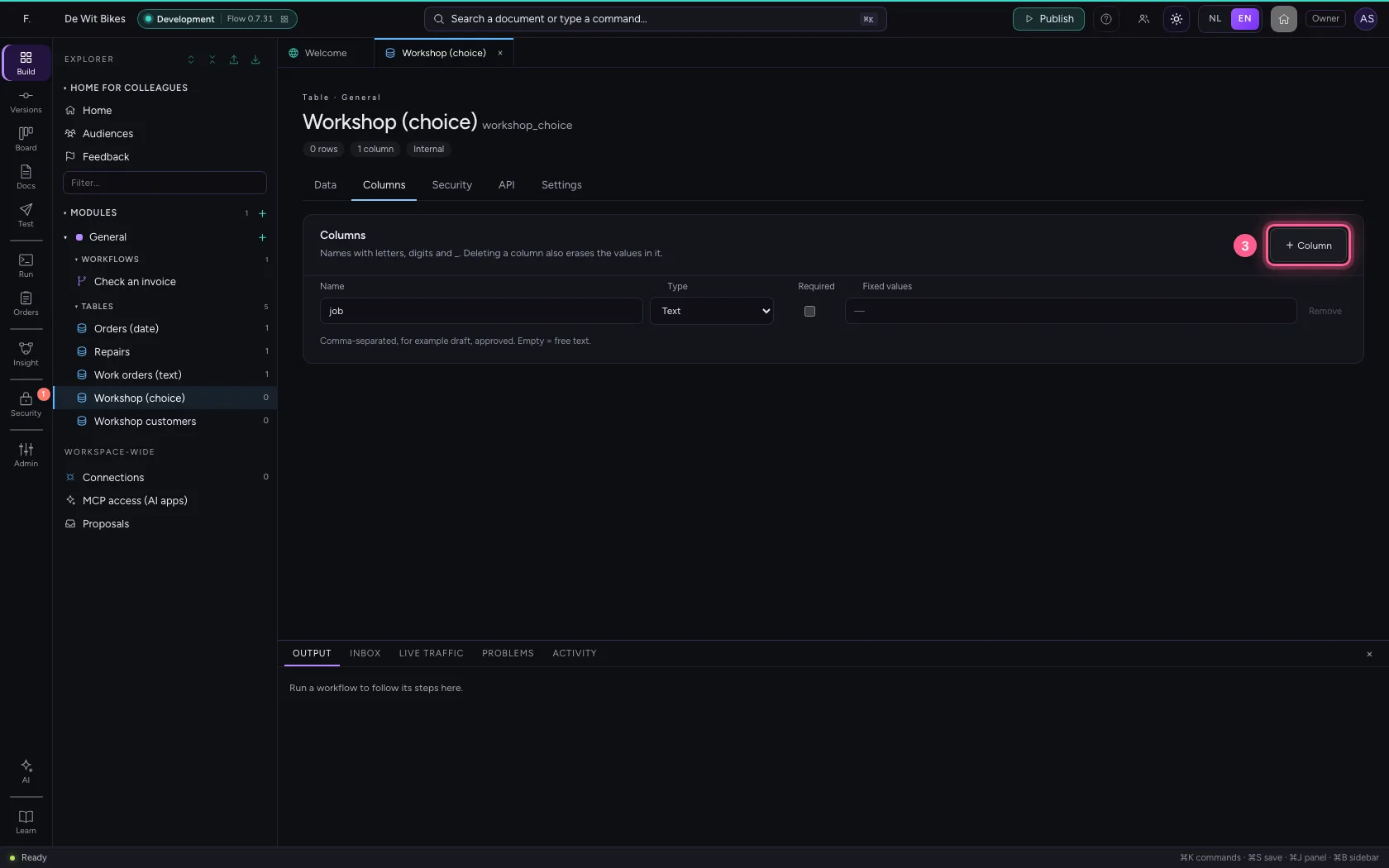
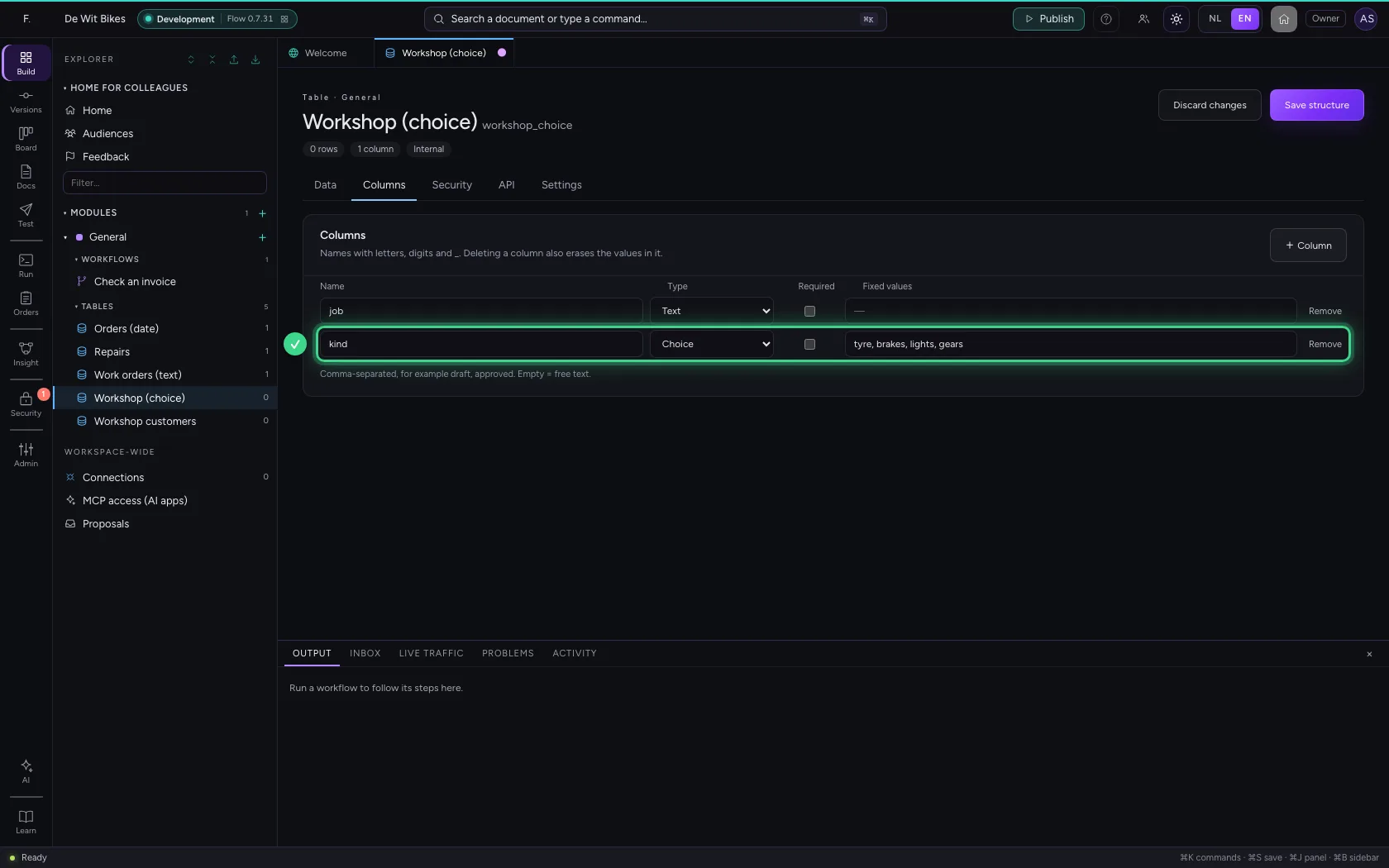
Open the table, go to Columns, click + Column and choose Choice under Type. Under Fixed values, type the values separated by commas. Each value may appear only once.
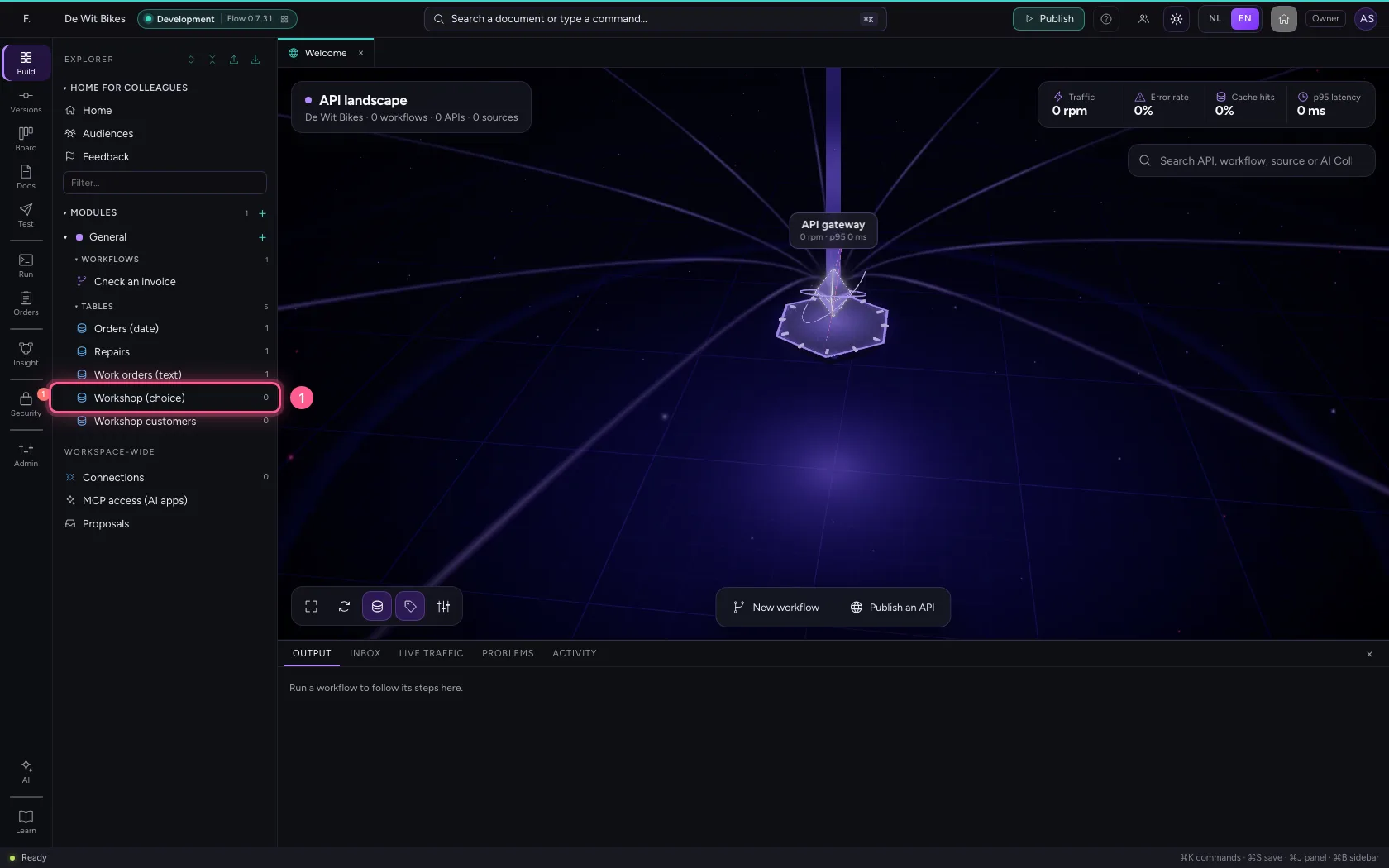
- Click the table ‘Workshop (choice)’
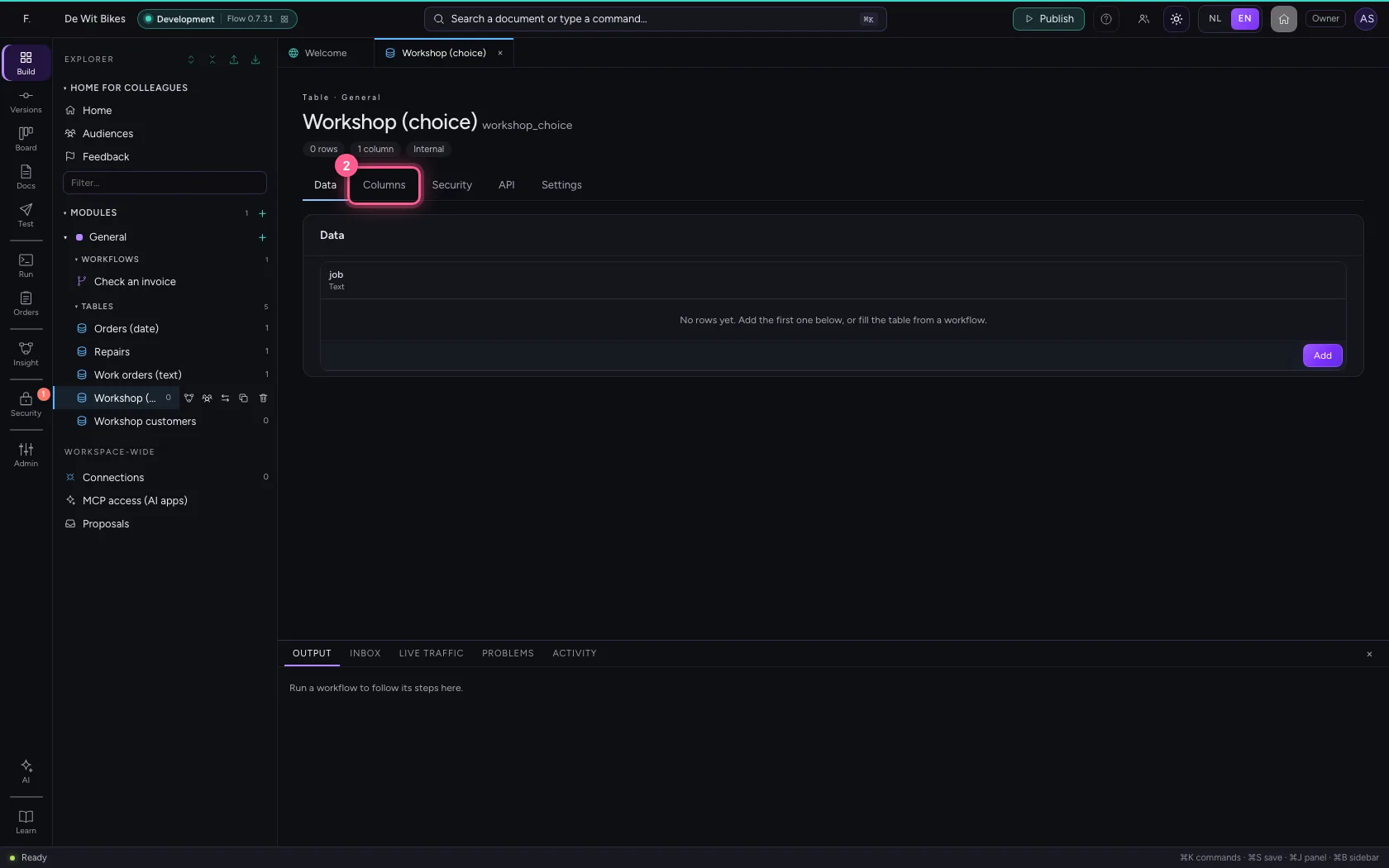
- Click Columns
- Click + Column
- In Name, type
kind - In Type, choose Choice
- In Fixed values, type
tyre, brakes, lights, gears
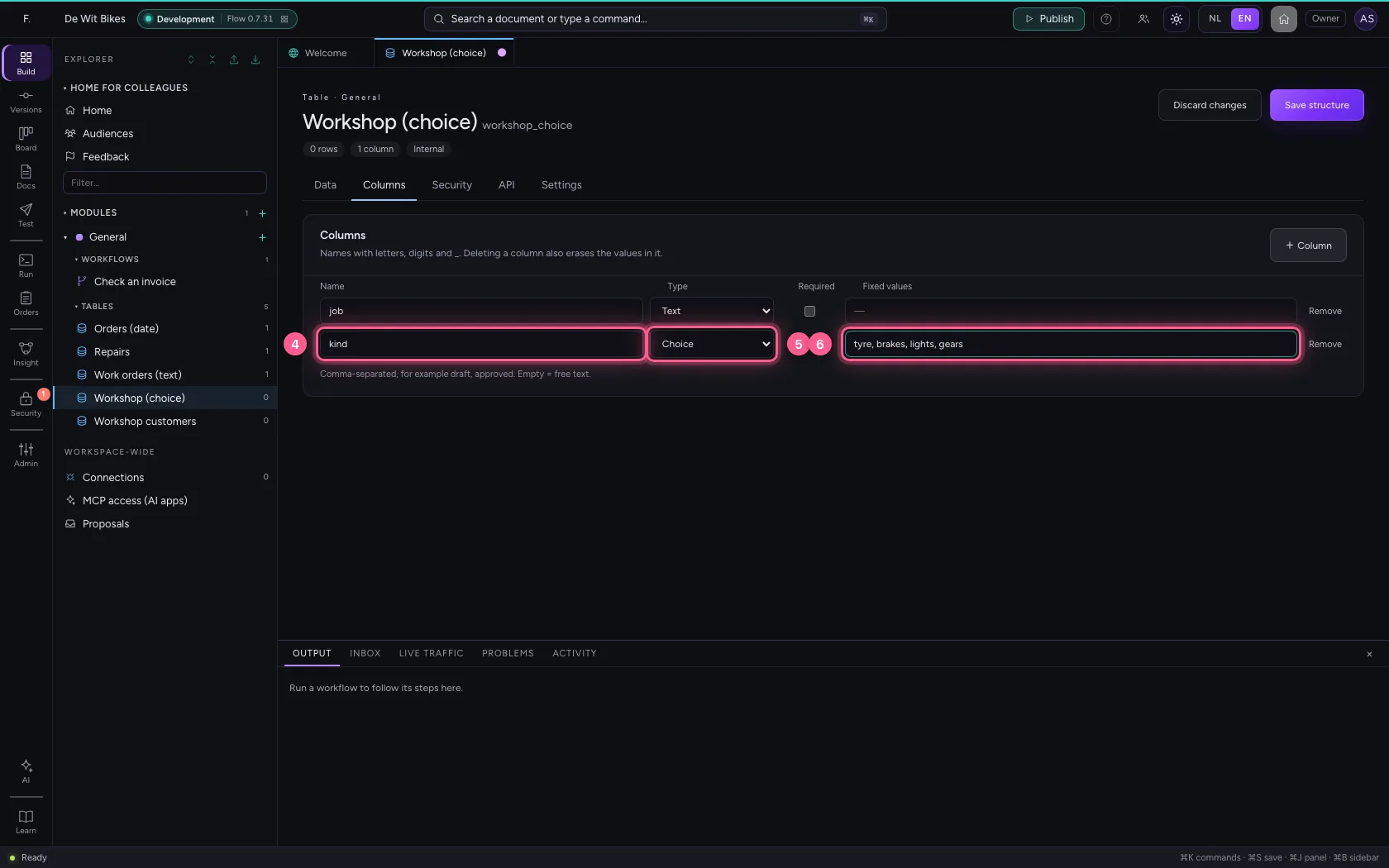
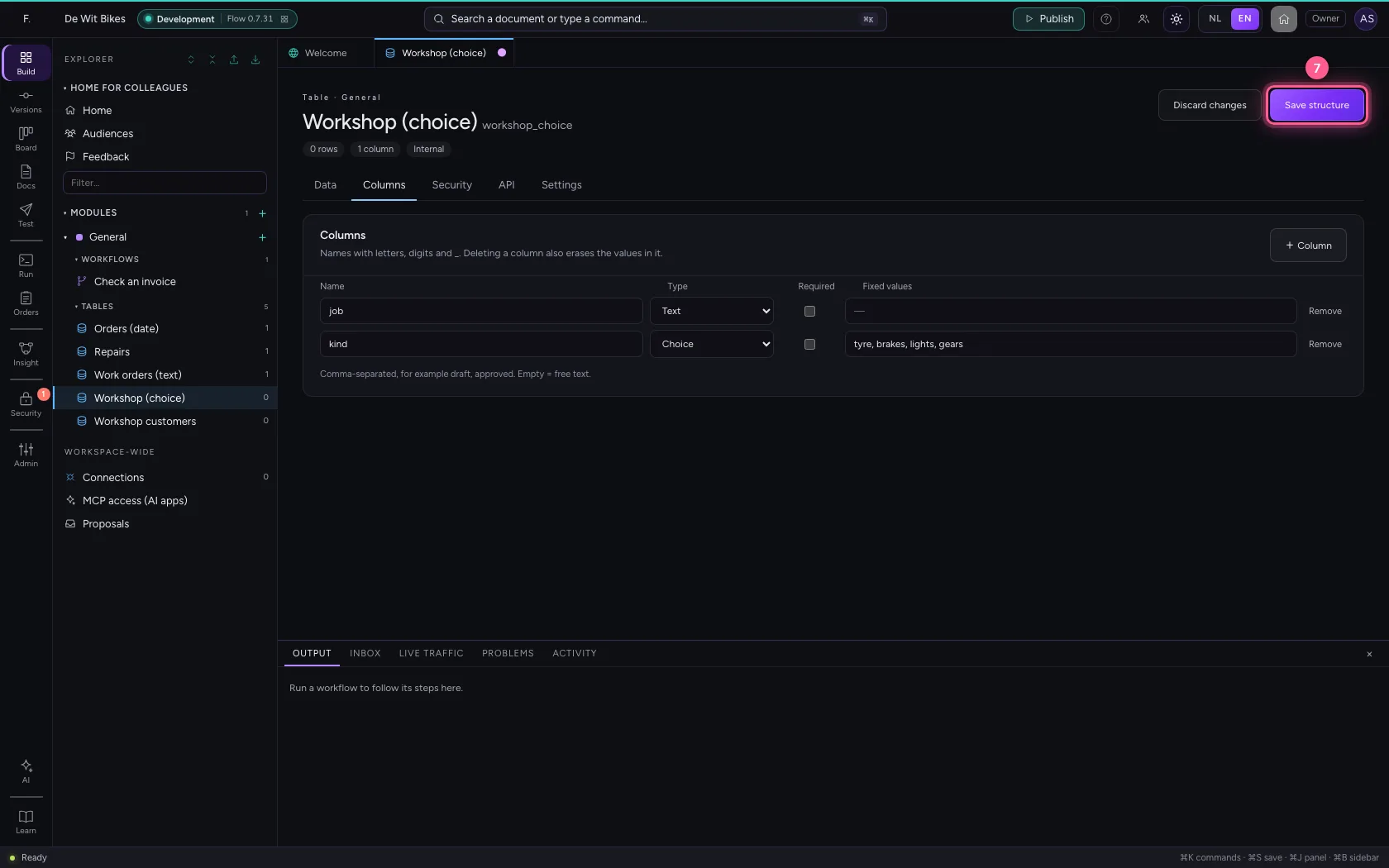
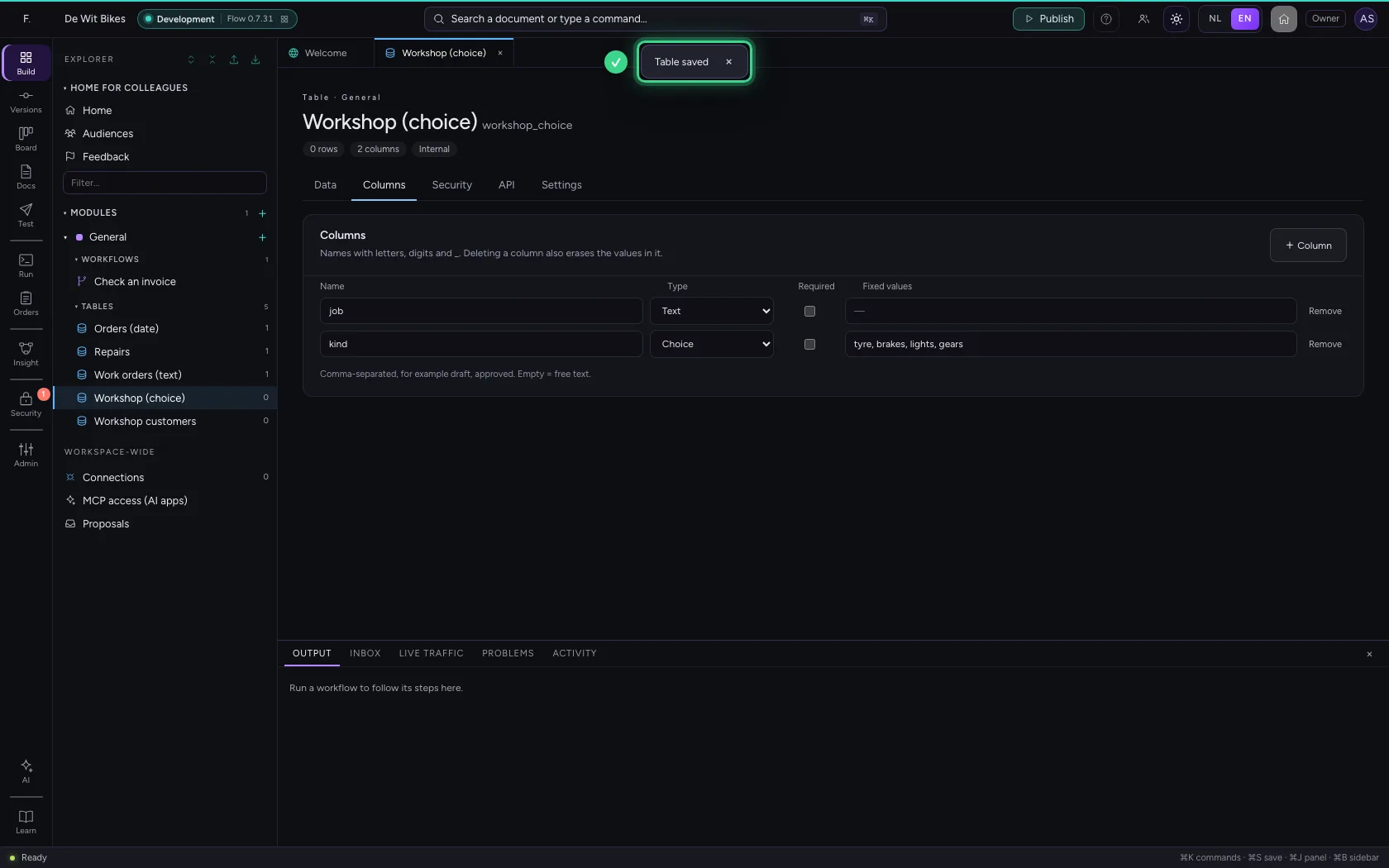
- Click Save structure
Step 3 / 3
Pick from the list
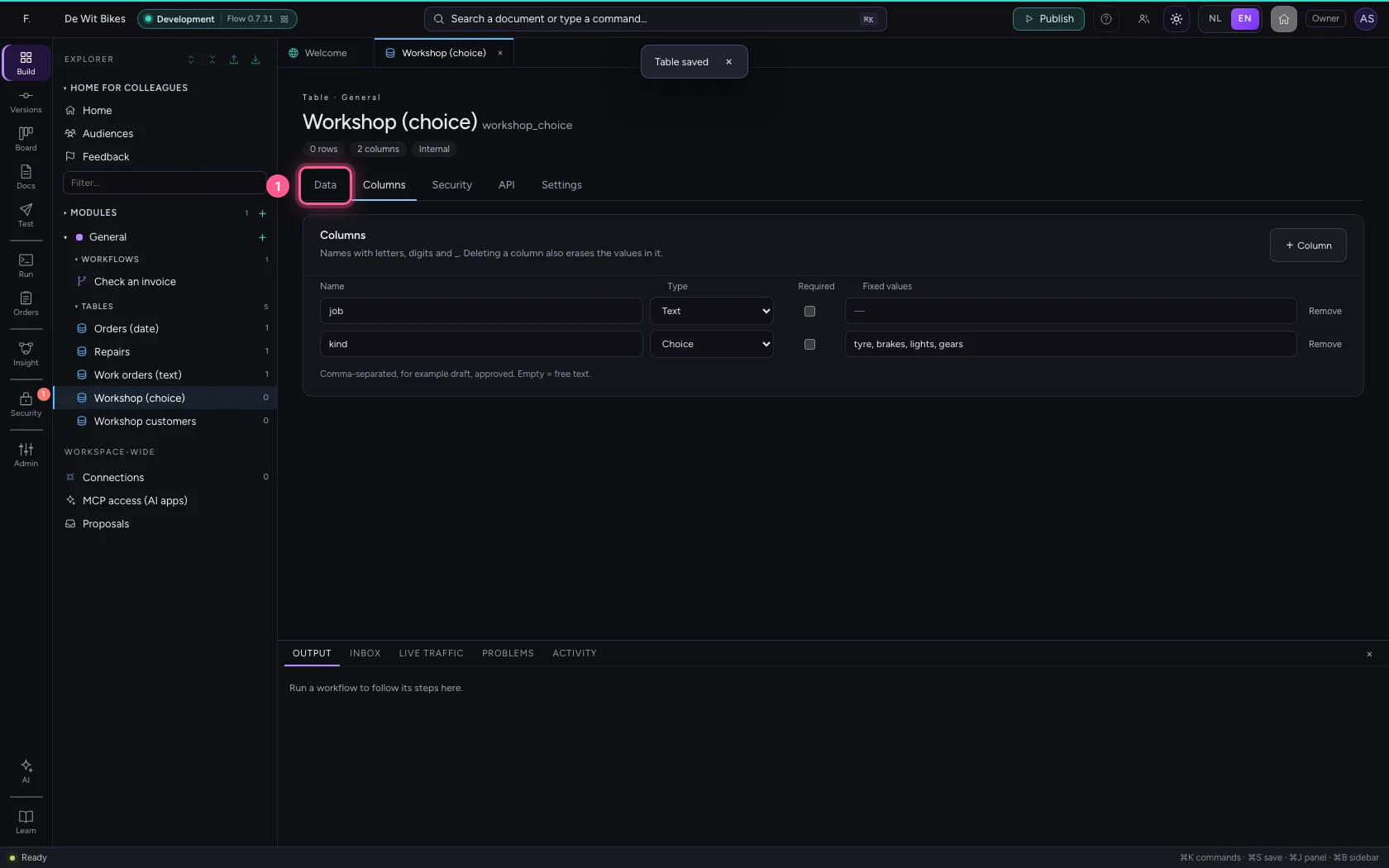
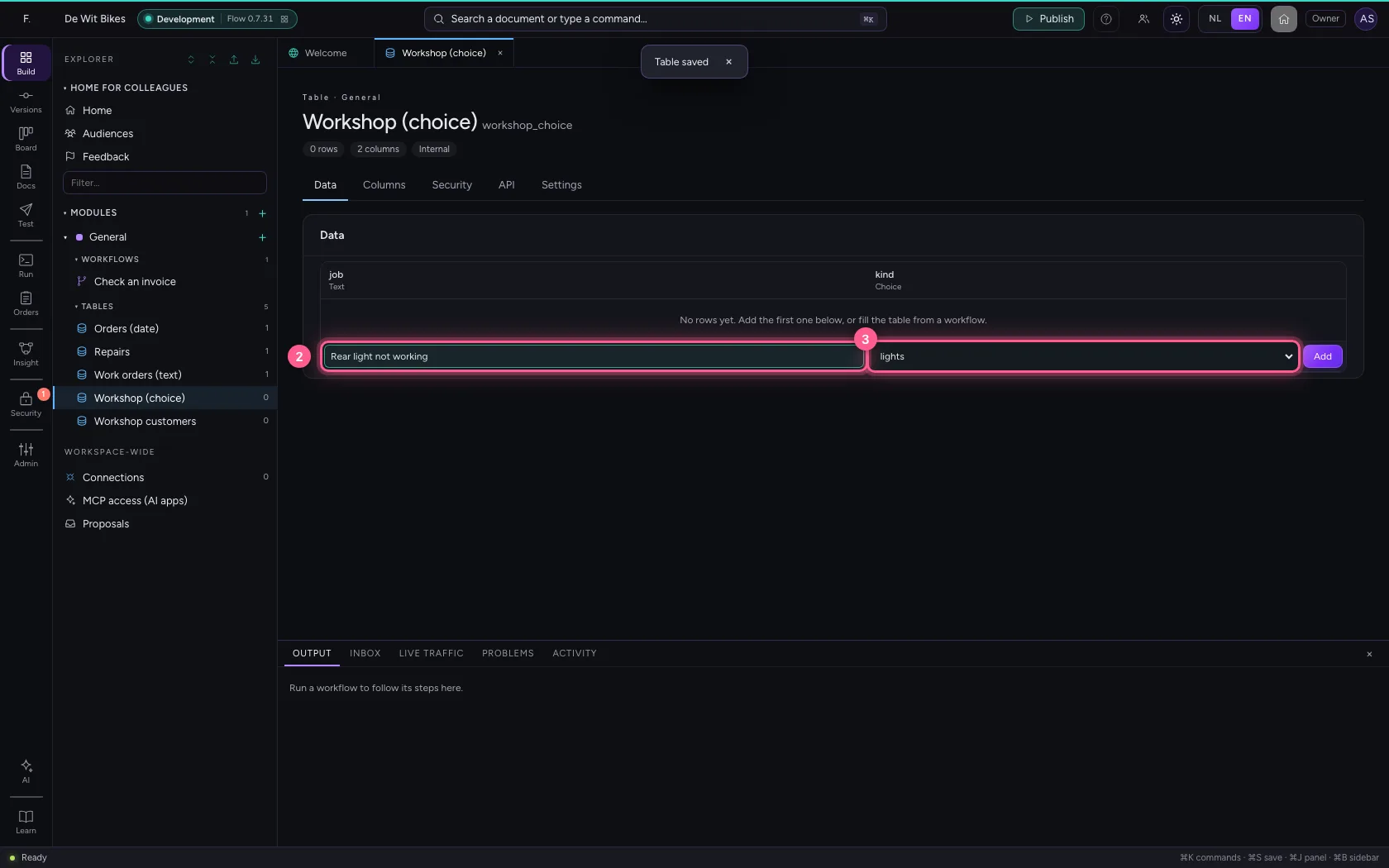
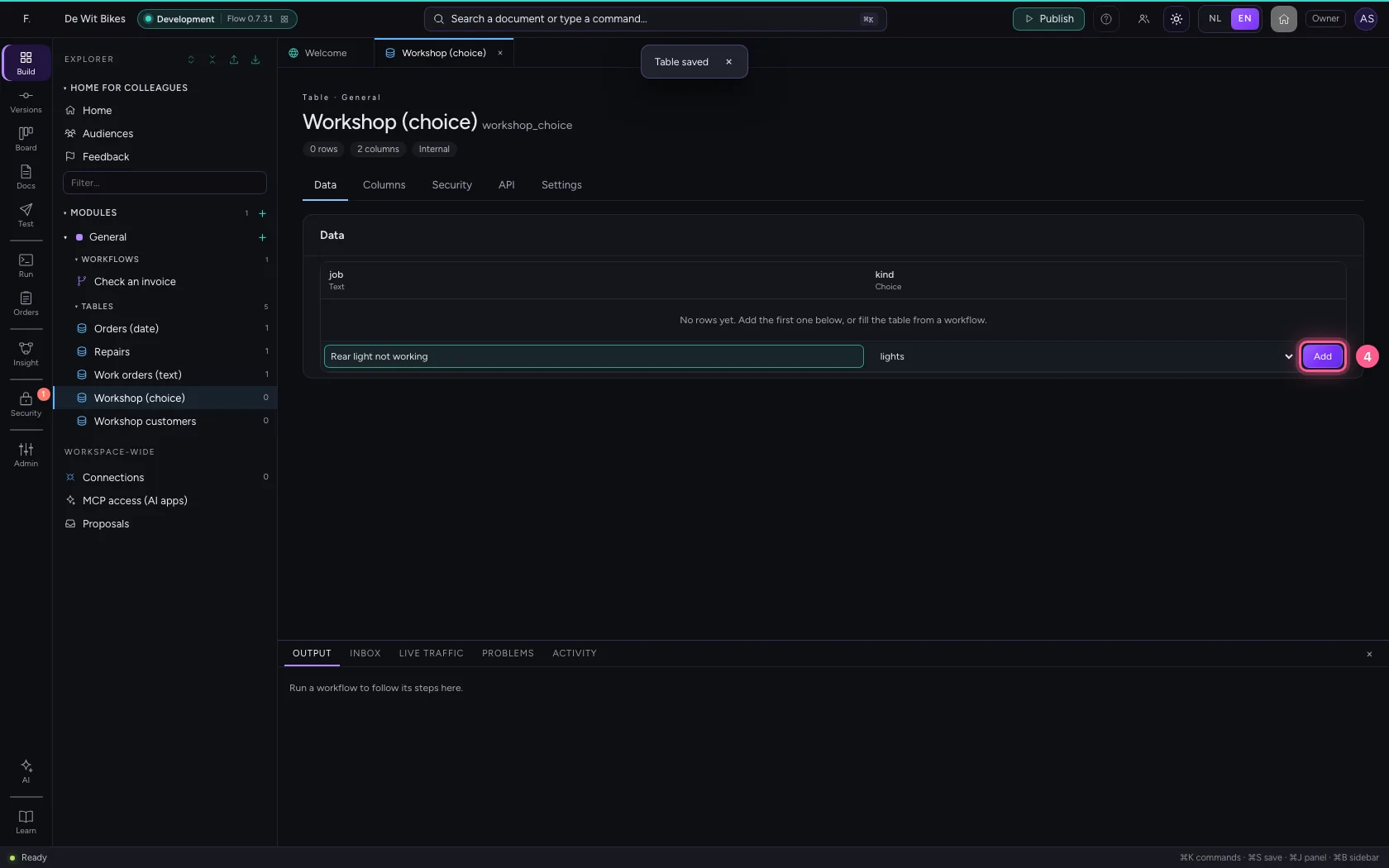
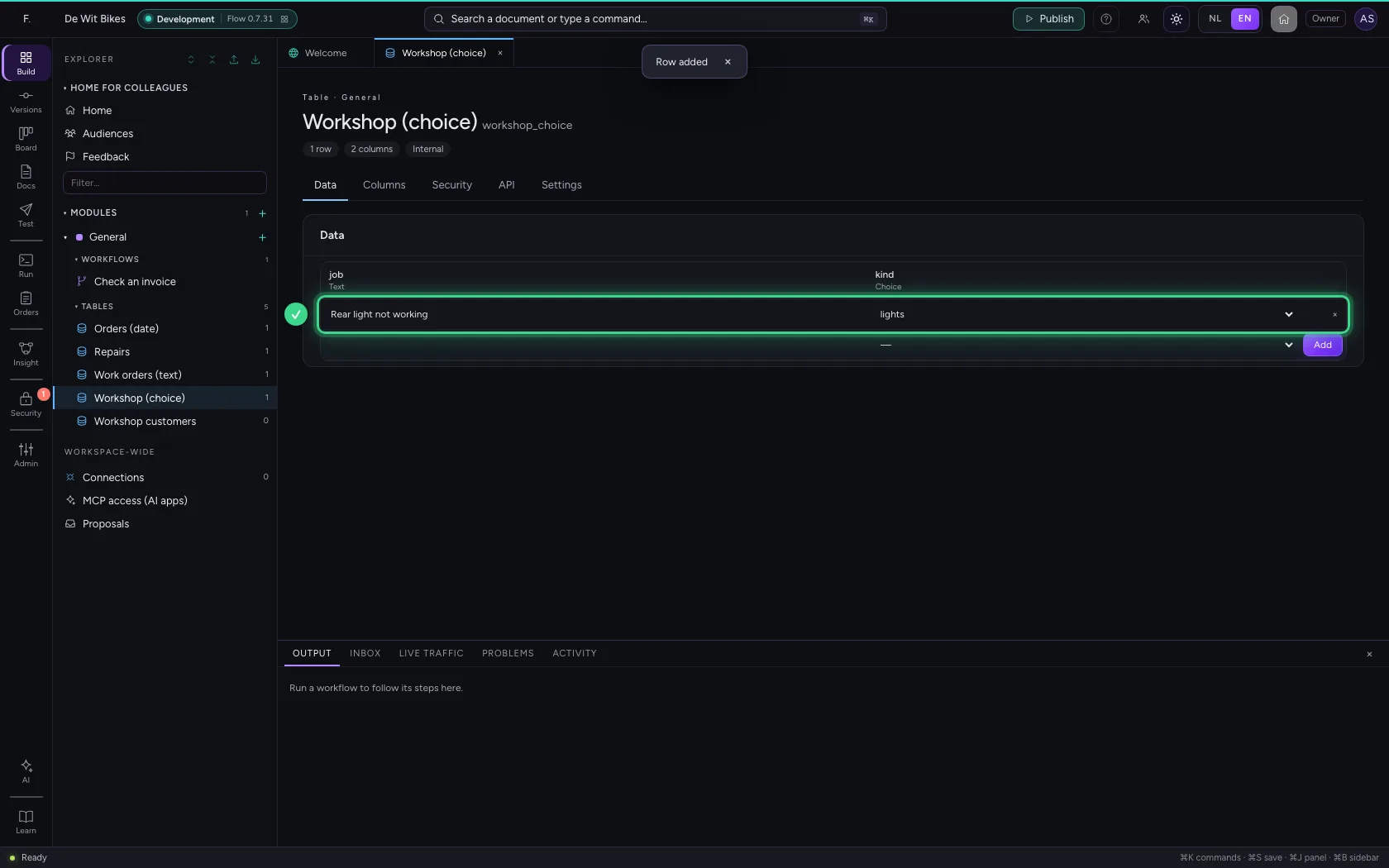
Under Data the column is a drop-down list with exactly your values, plus — for empty. Pick a value and add the row.
- Click Data
- In job, type
Rear light not working - In kind, choose lights
- Click Add
This guide was carried out step by step on 22 Oct 2026 by an automated test on Flow (version 3e563176).