Column: date
A Date column stores a day, without a time: a delivery date, a date of birth, the due date of an invoice. You pick it with a date picker, and Flow always stores it the same way (year-month-day), so sorting and comparing are right. You add a delivery date to orders.
Open your development environment
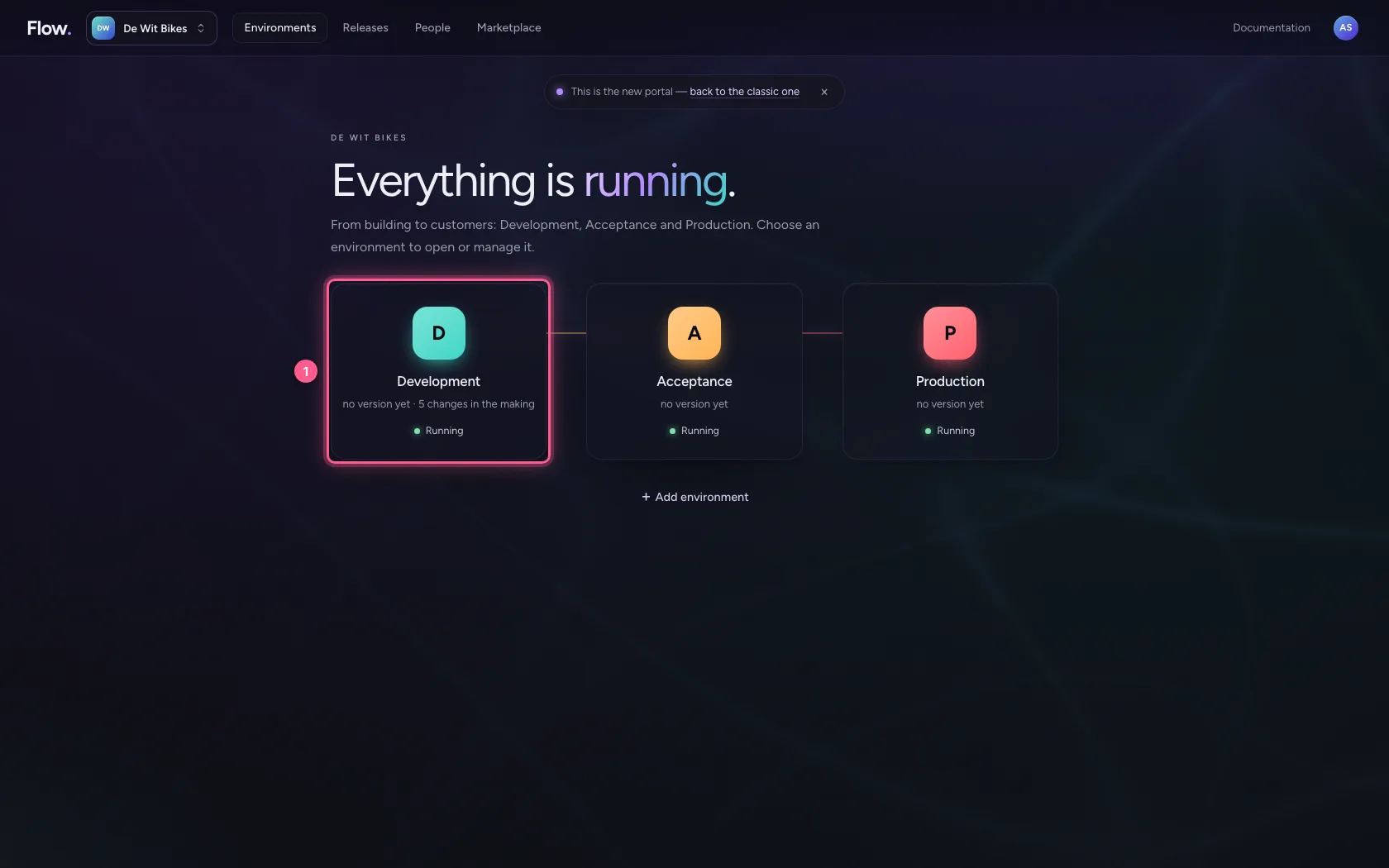
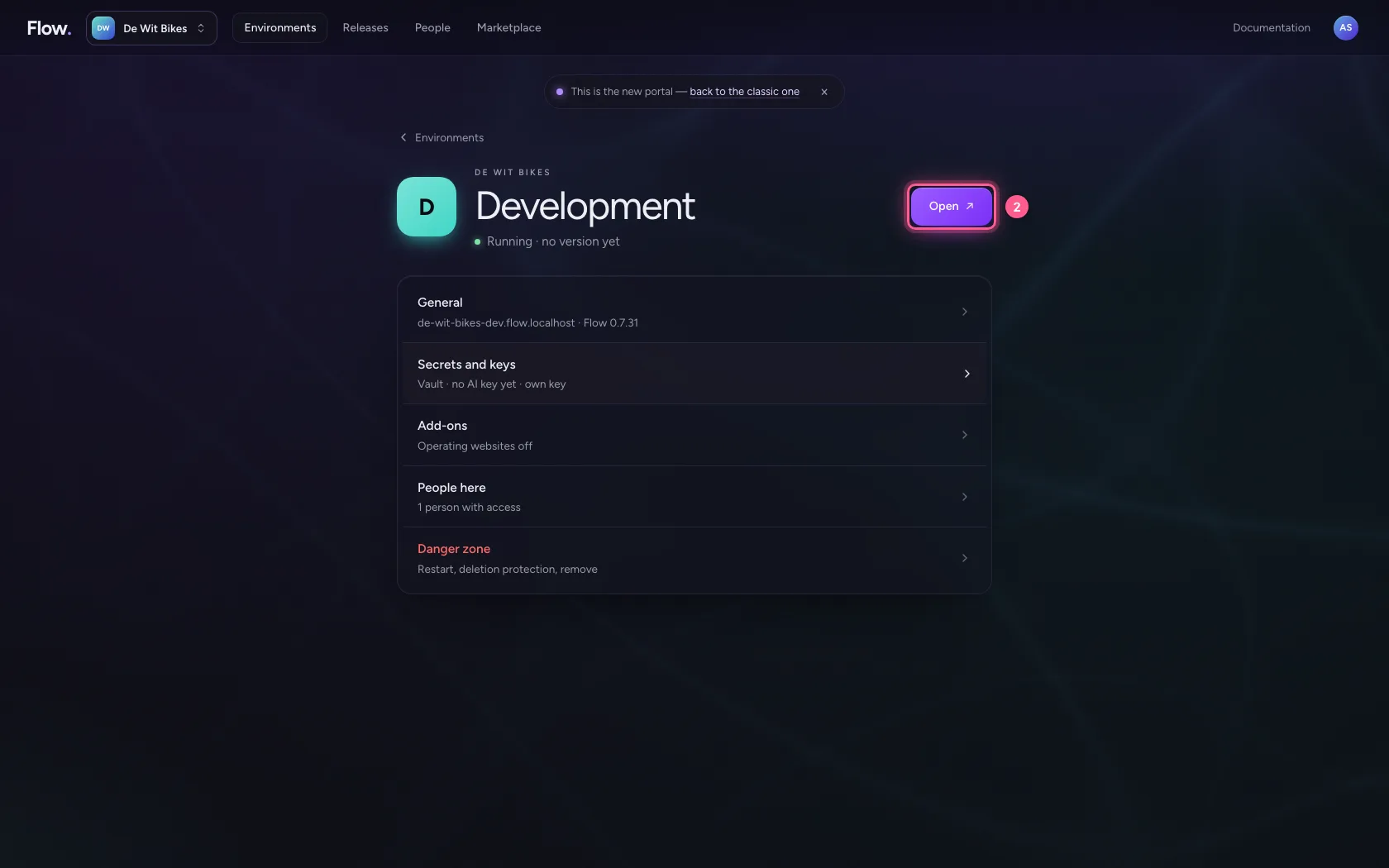
In the portal, under Environments, click Development, and there Open. Flow opens in a new tab and you are signed in straight away.
- Click Development
- Click Open ↗
Add a date column
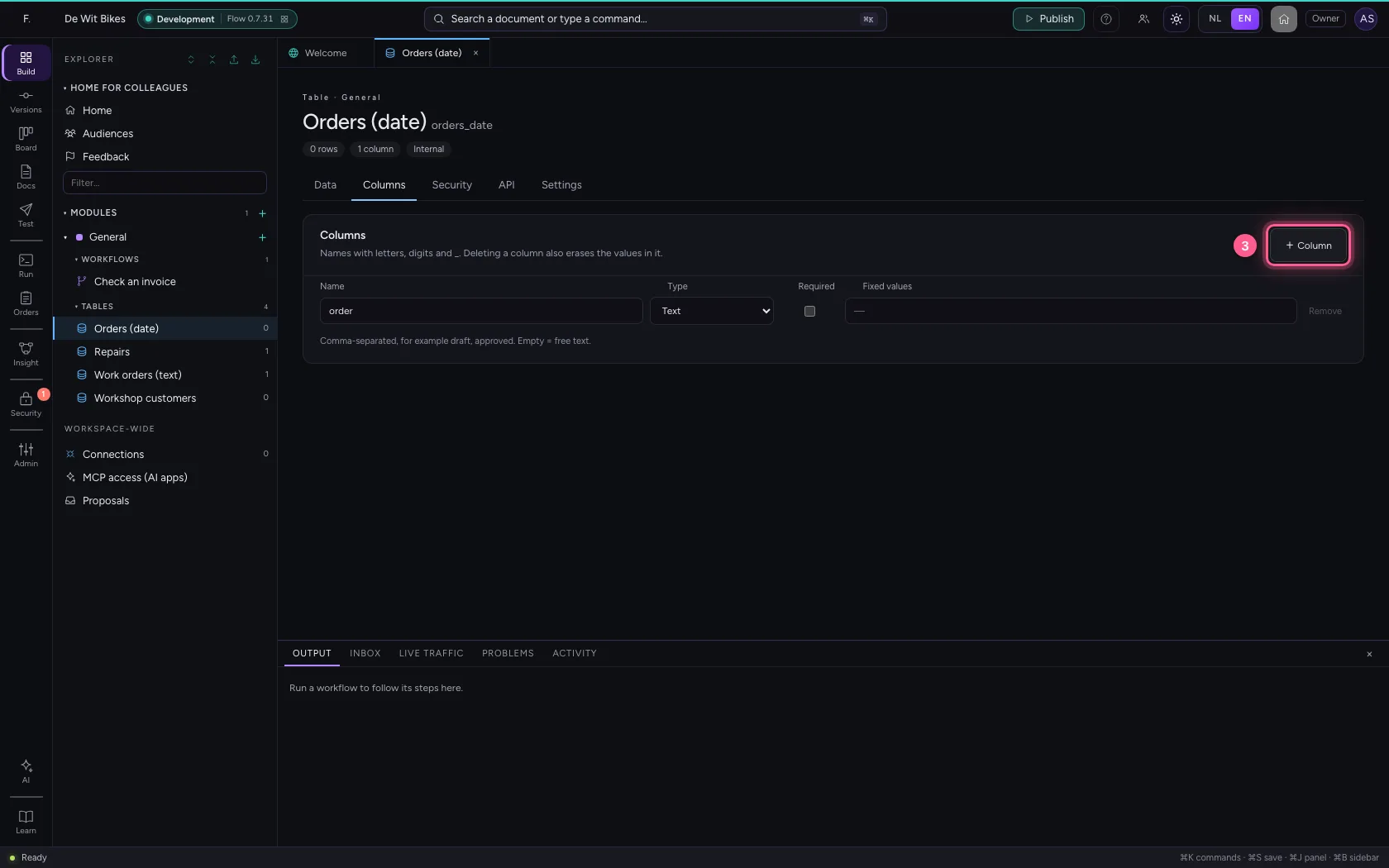
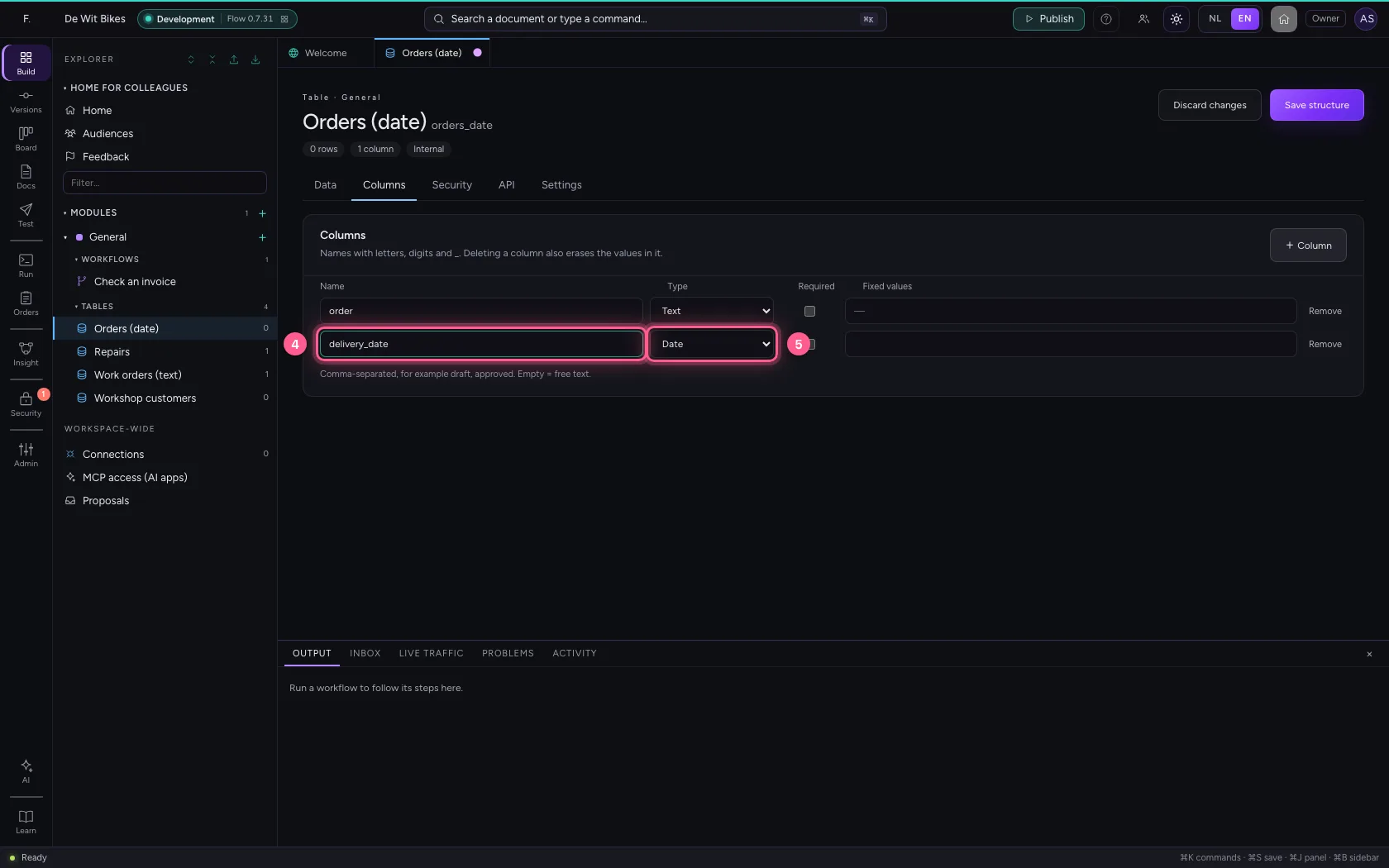
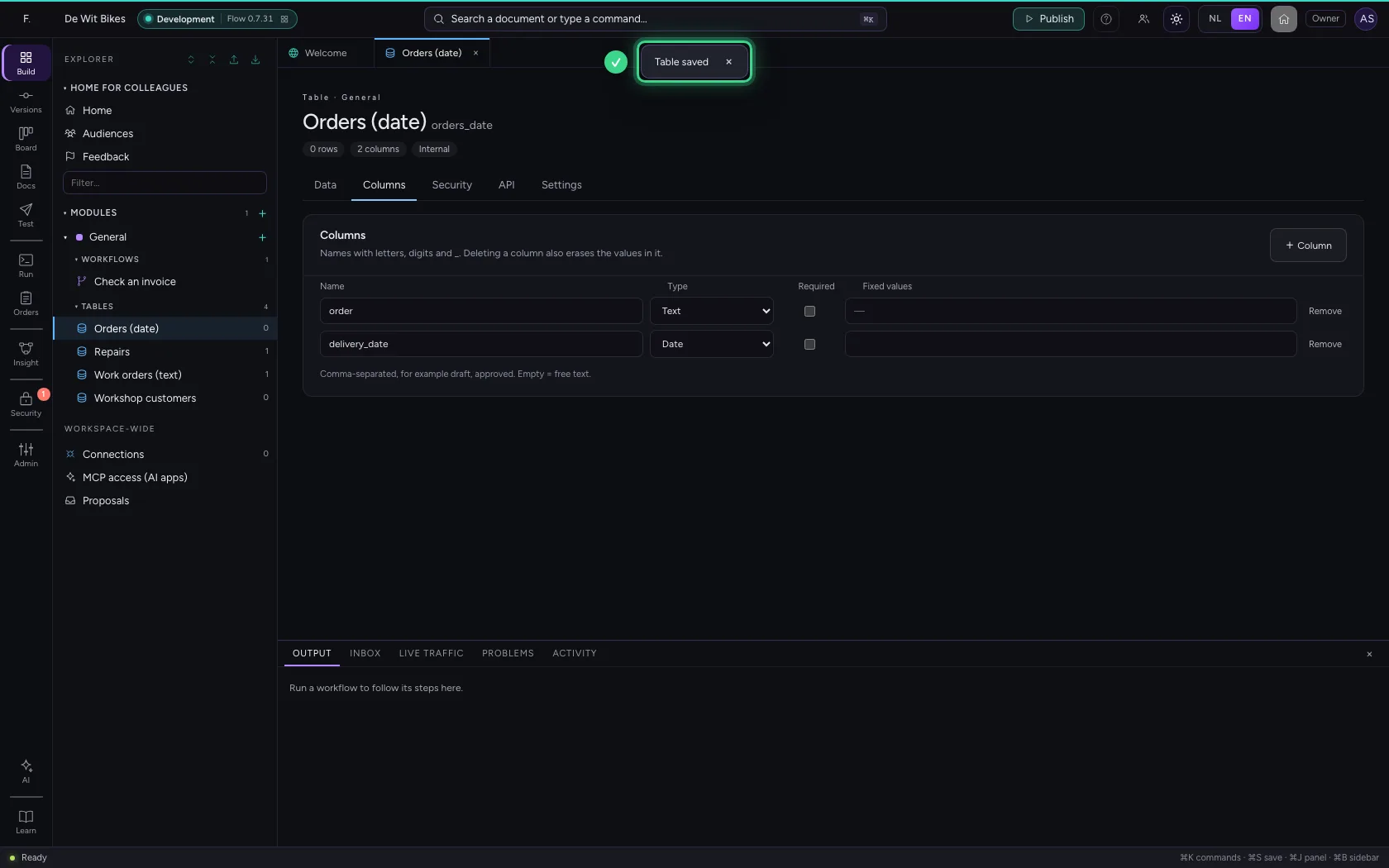
Open the table, go to Columns, click + Column and choose Date under Type. Do you need the time as well, as for an appointment? Then choose Date and time.
- Click the table ‘Orders (date)’
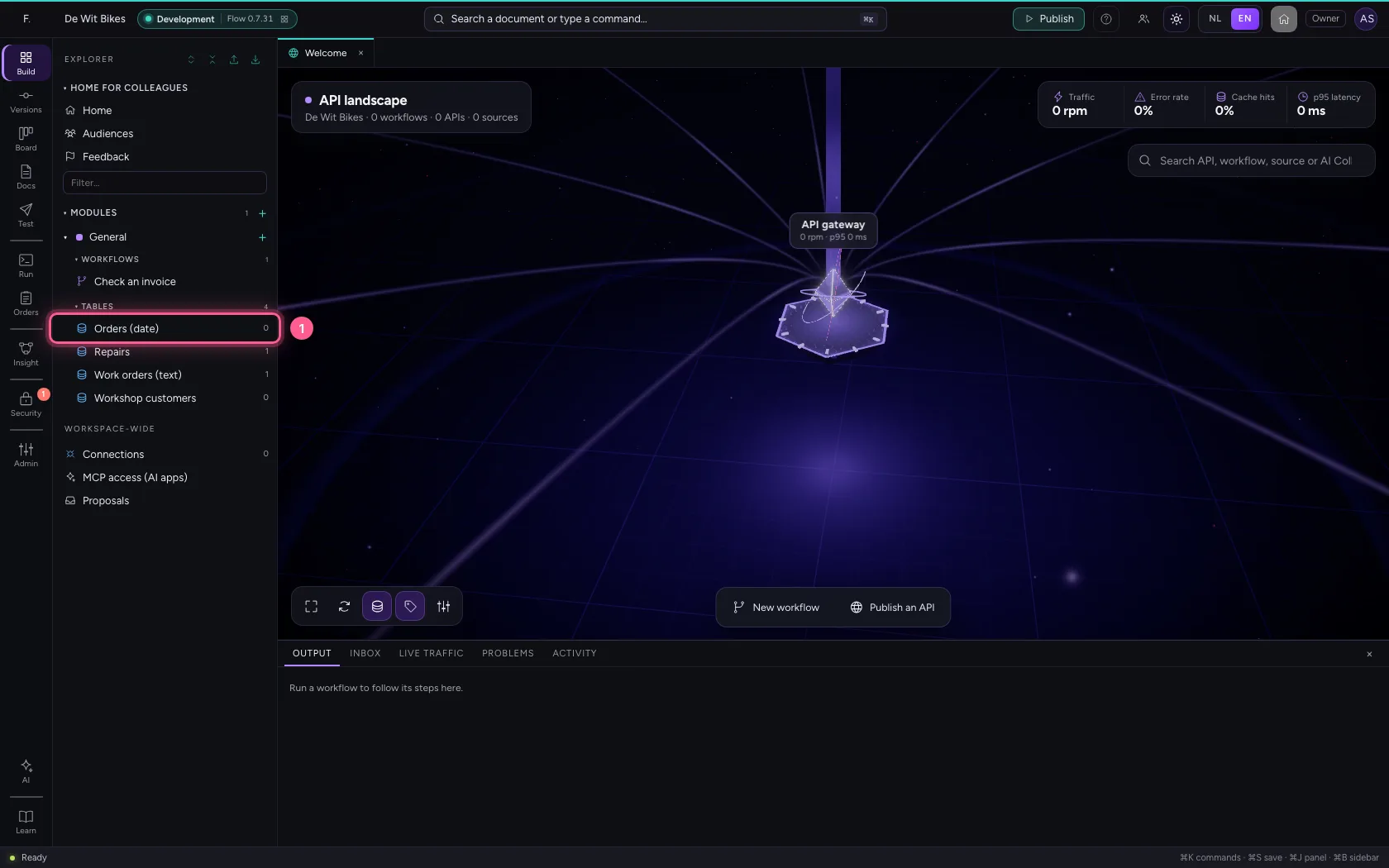
- Click Columns
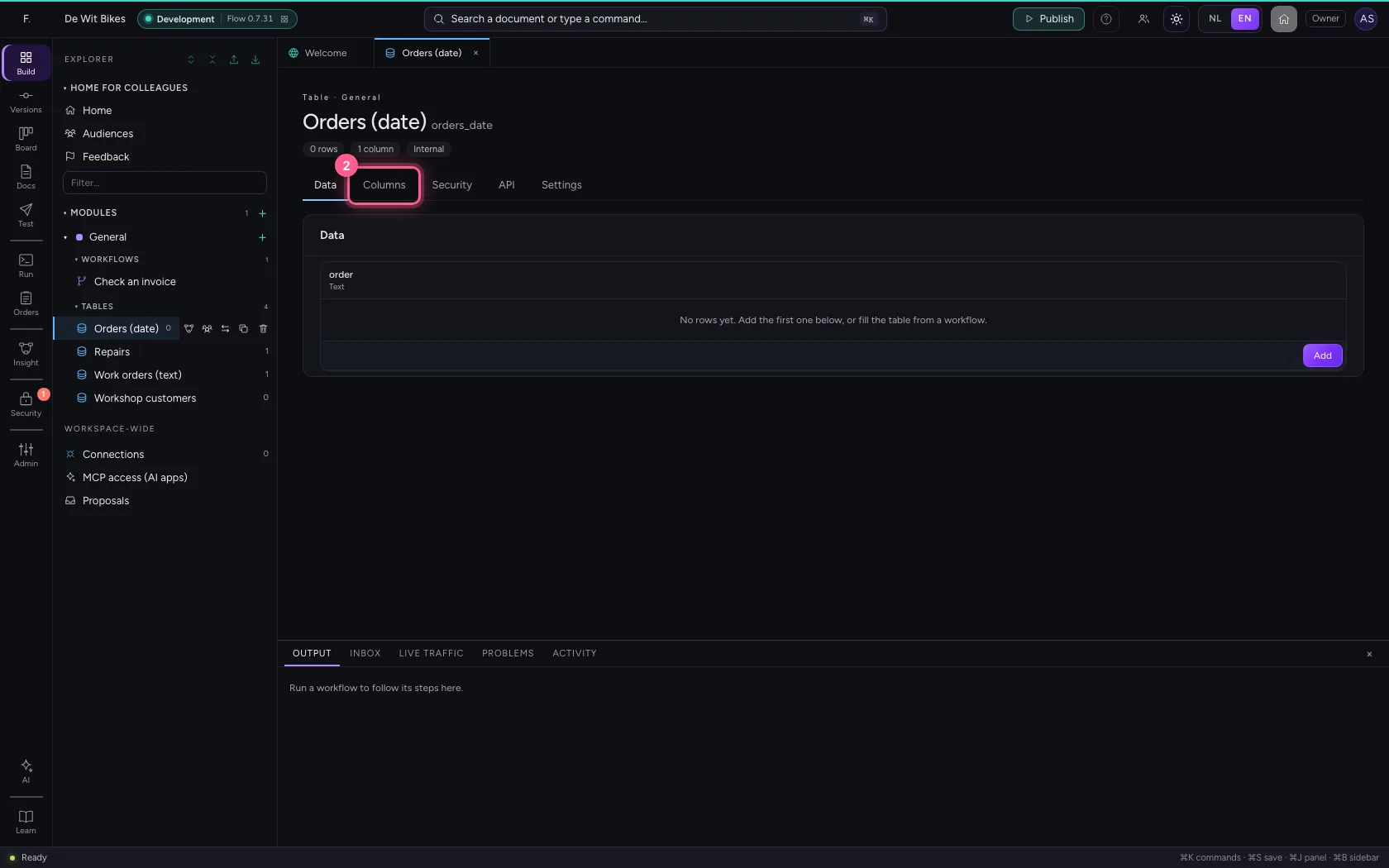
- Click + Column
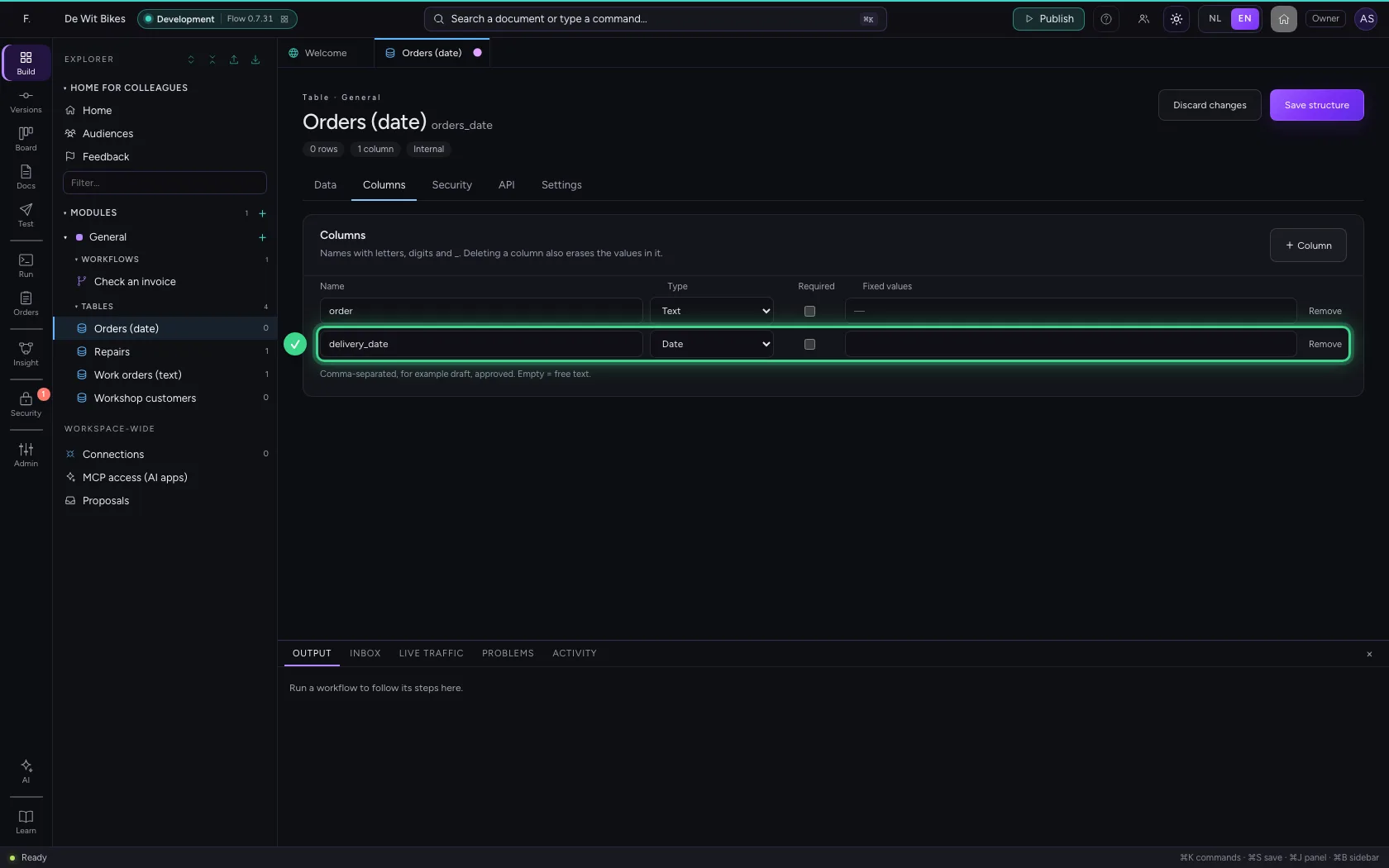
- In Name, type
delivery_date - In Type, choose Date
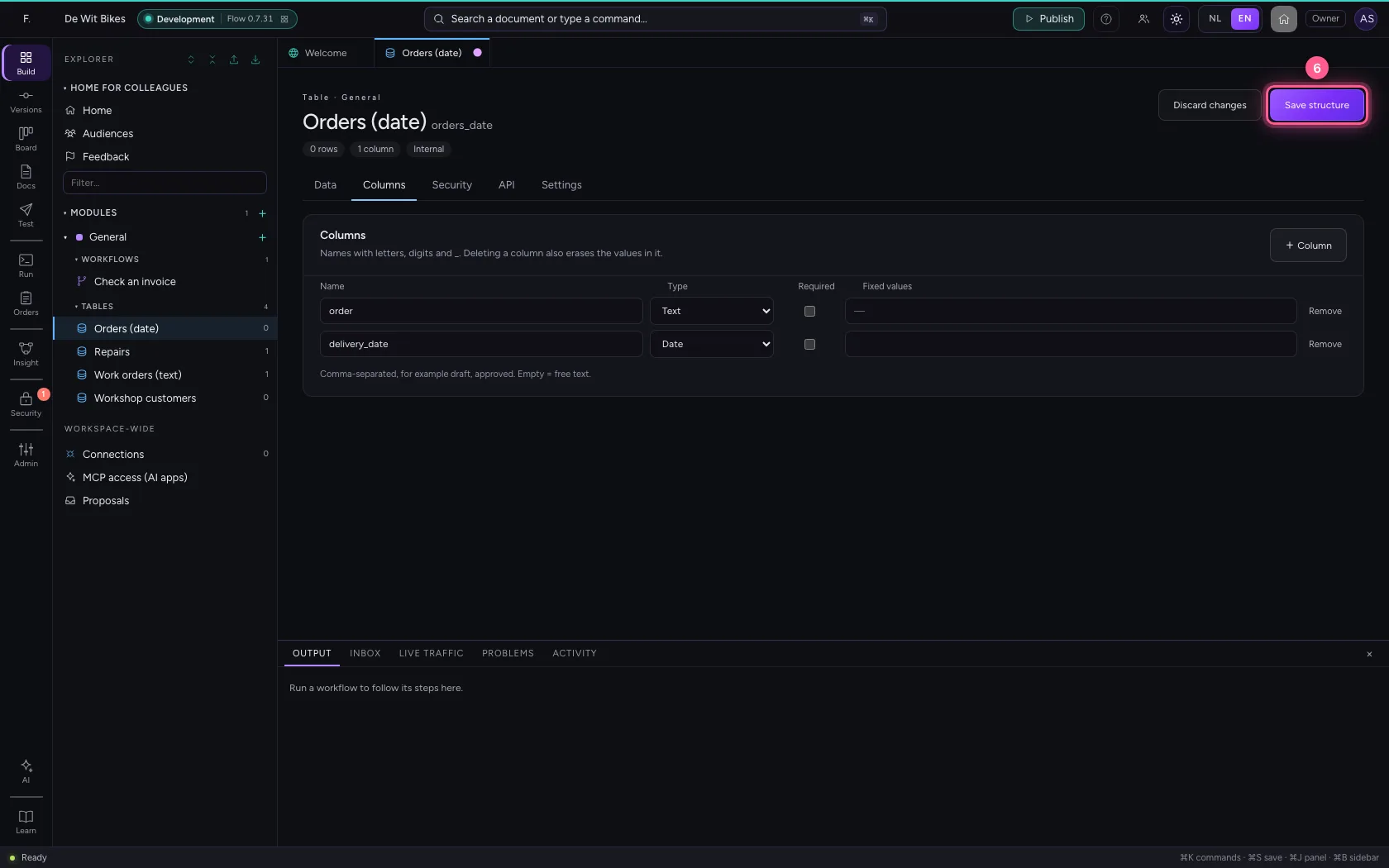
- Click Save structure
Pick a date
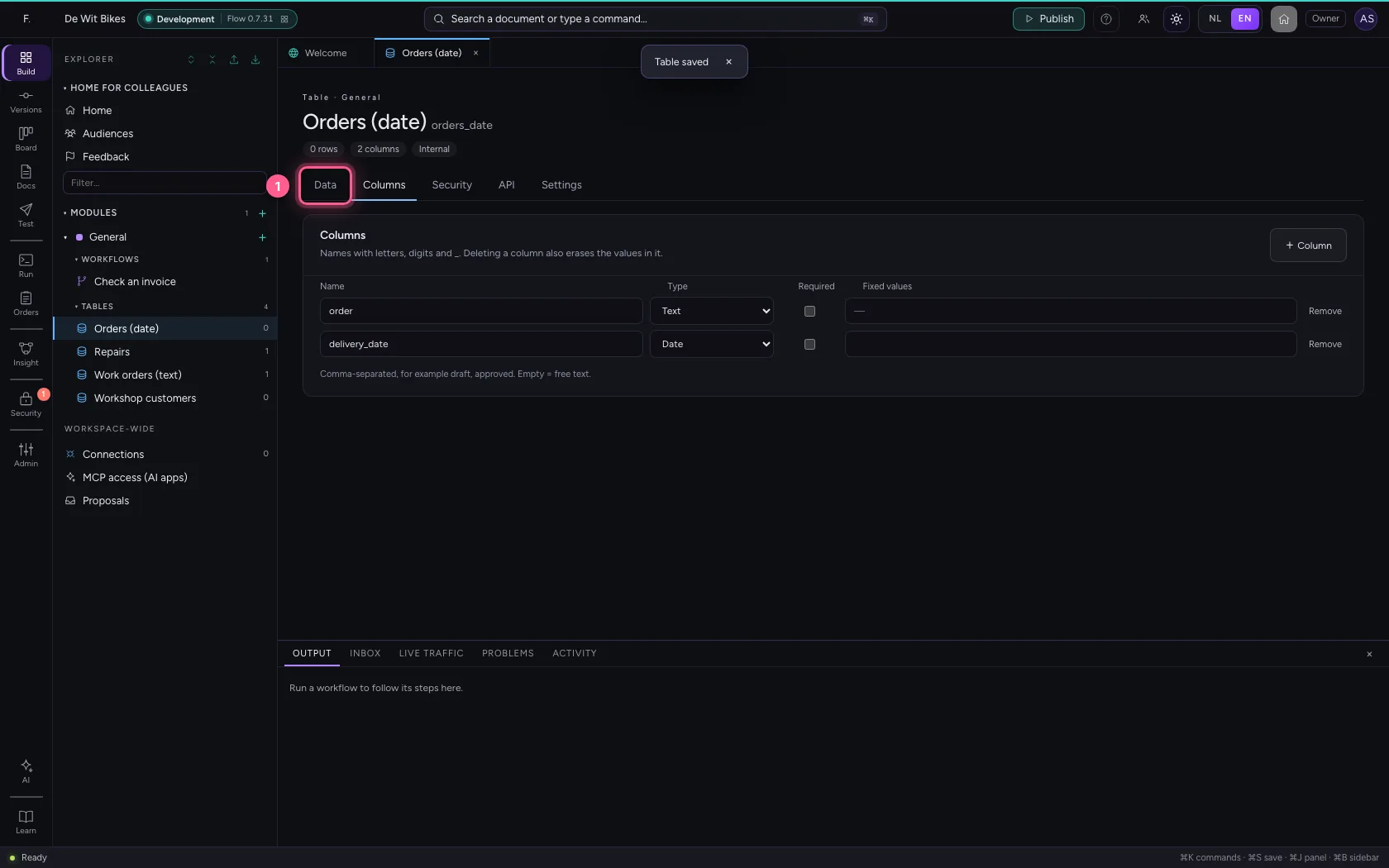
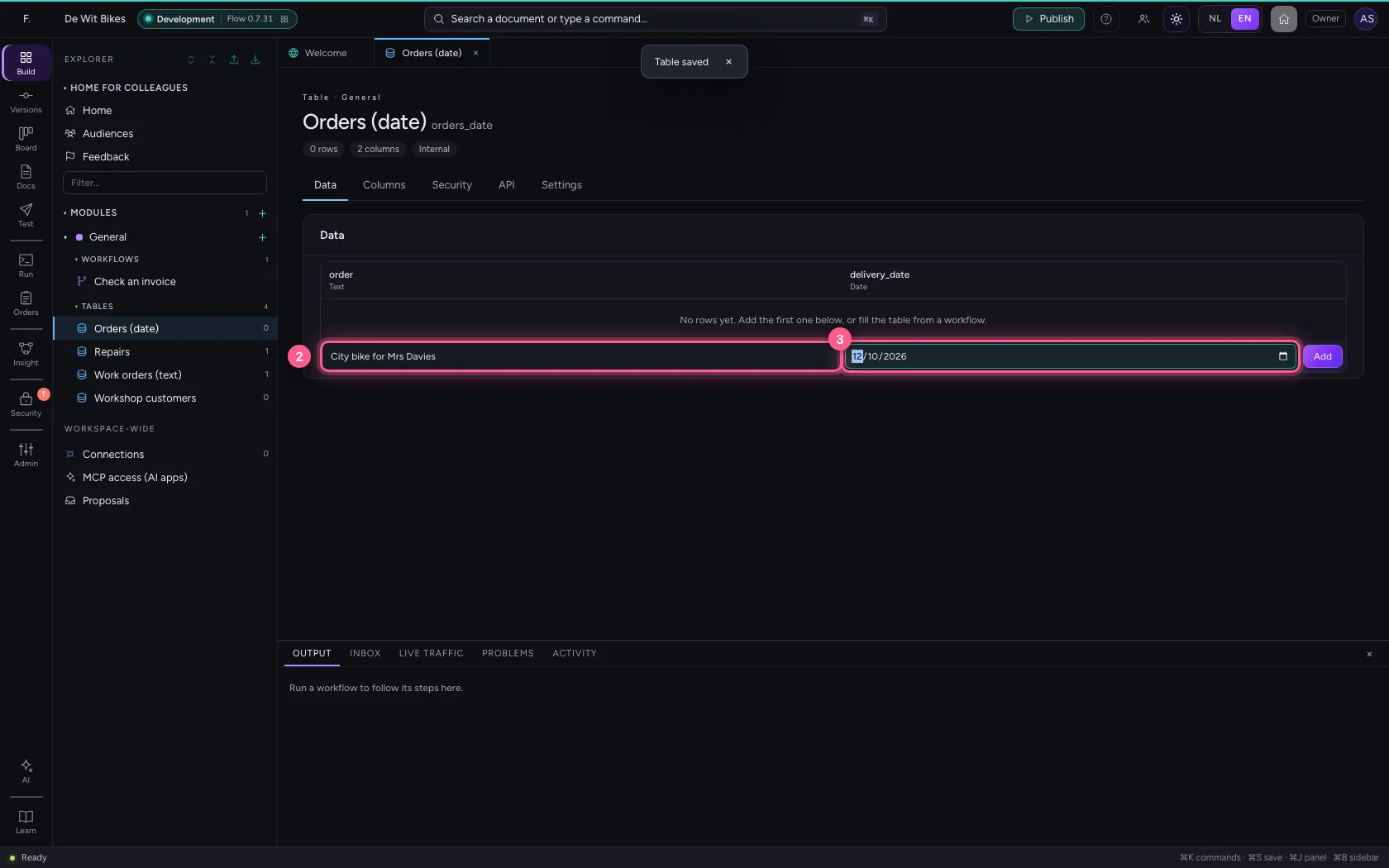
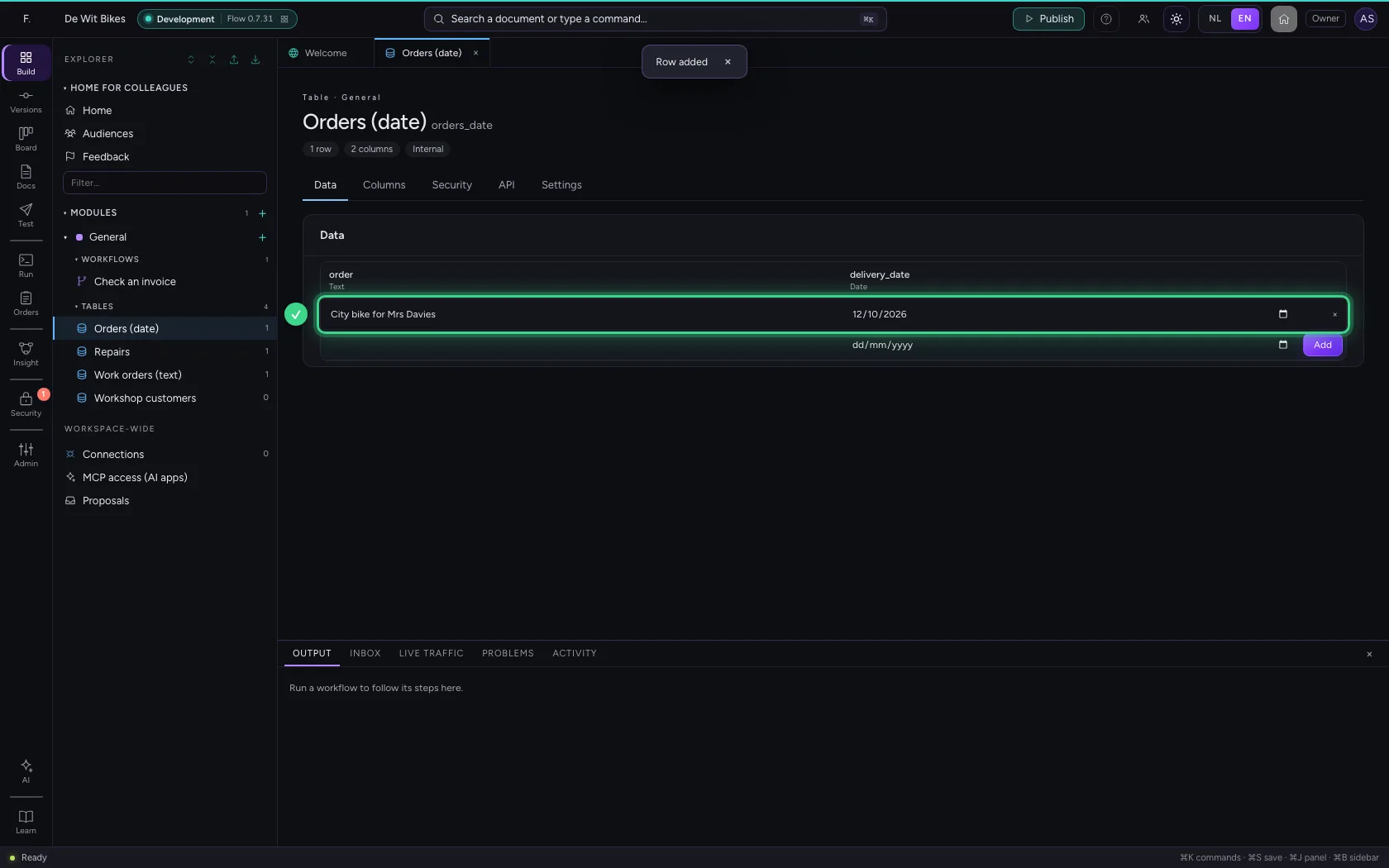
Under Data the field is a date picker. You see the date the way you are used to; Flow stores it as 2026-10-12. That is also how your API passes it on, and how you compare it in a workflow.
- Click Data
- In order, type
City bike for Mrs Davies - In delivery_date, type
2026-10-12
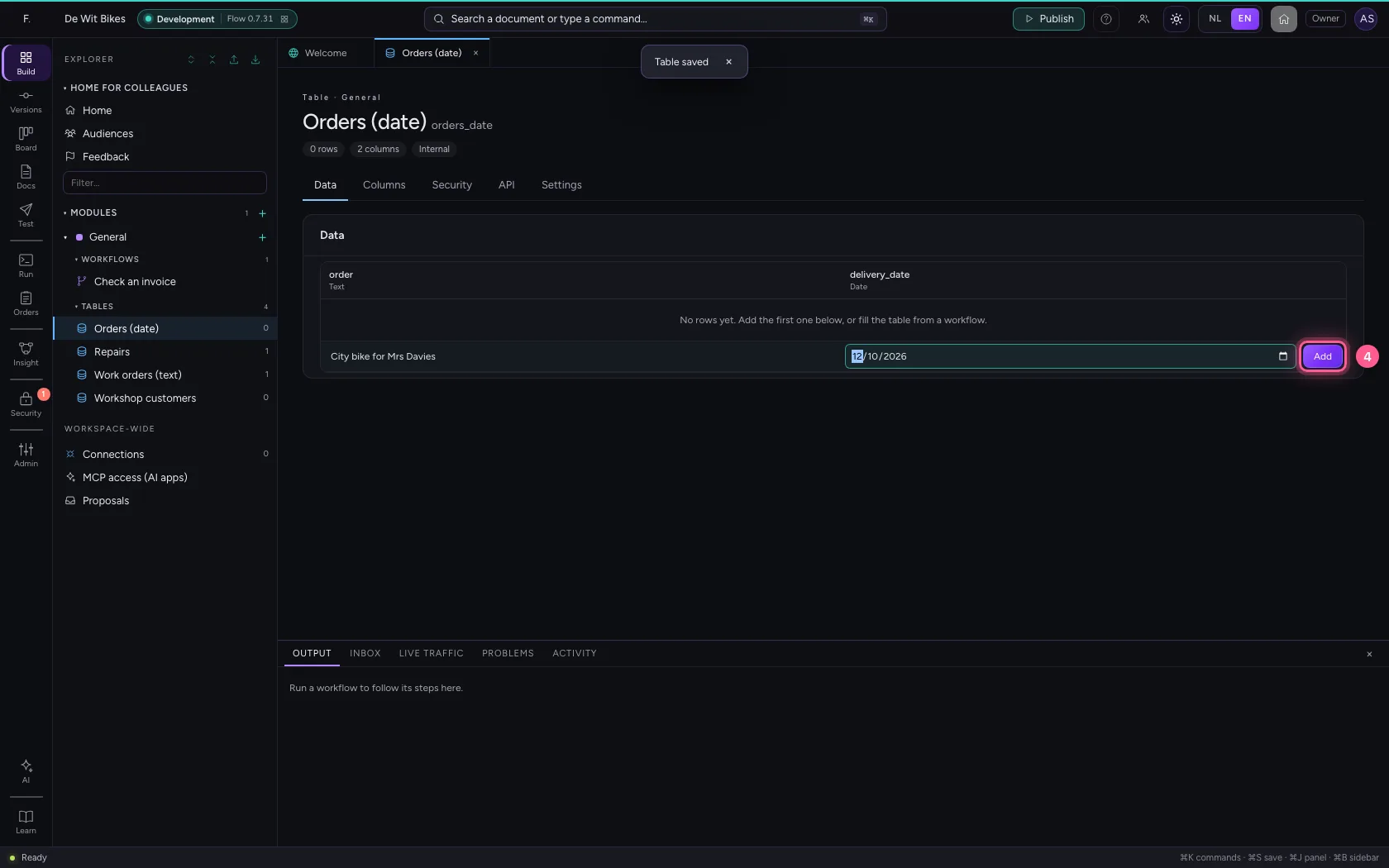
- Click Add
This guide was carried out step by step on 22 Oct 2026 by an automated test on Flow (version 3e563176).