Column: JSON
A JSON column stores a structured value in one cell: an object with fields, or a list. Handy for what differs per row, such as the parts of a repair or the raw answer from another system. For what you want to filter or sort on, ordinary columns are better.
Open your development environment
In the portal, under Environments, click Development, and there Open. Flow opens in a new tab and you are signed in straight away.
- Click Development

- Click Open ↗

Add a JSON column
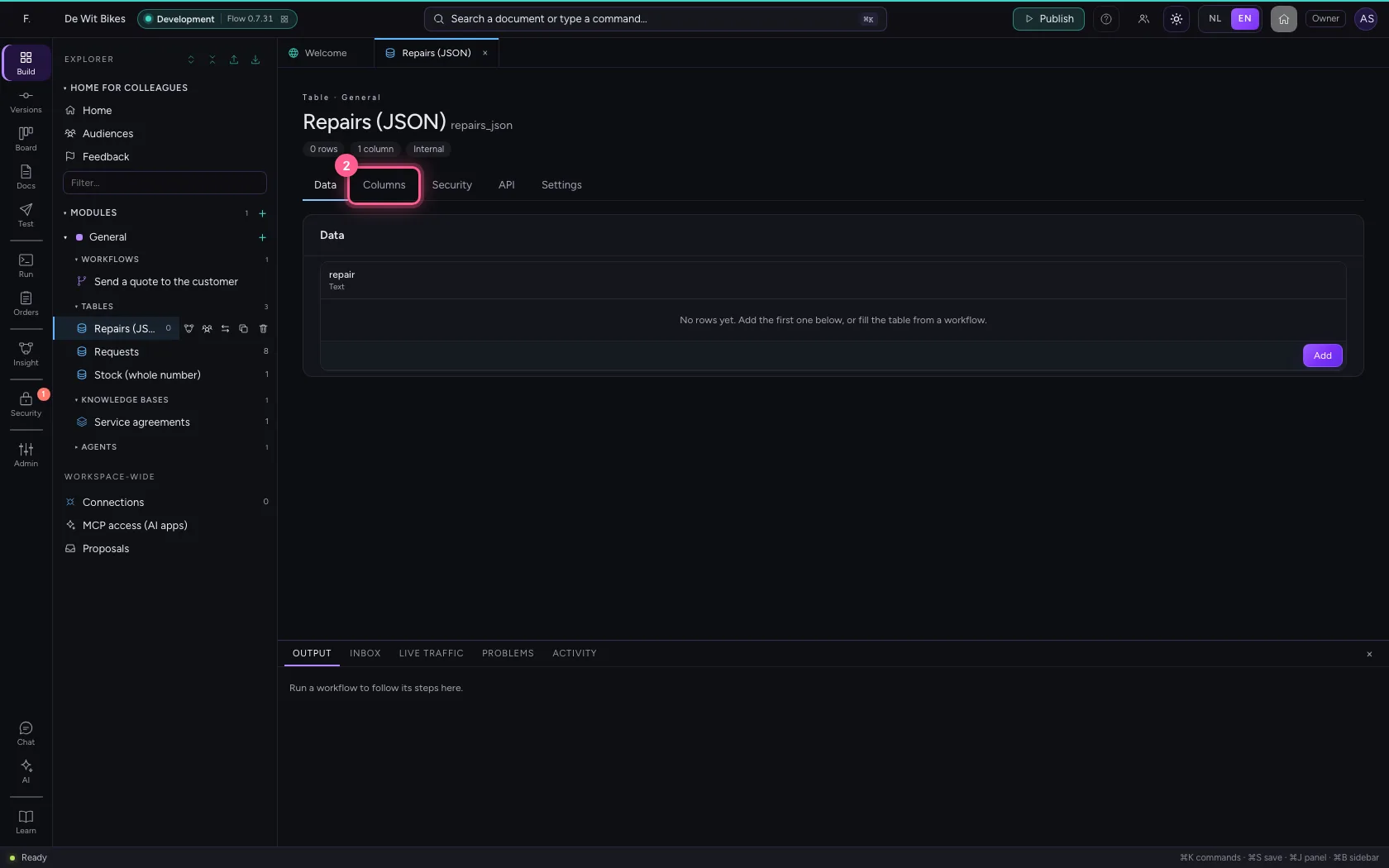
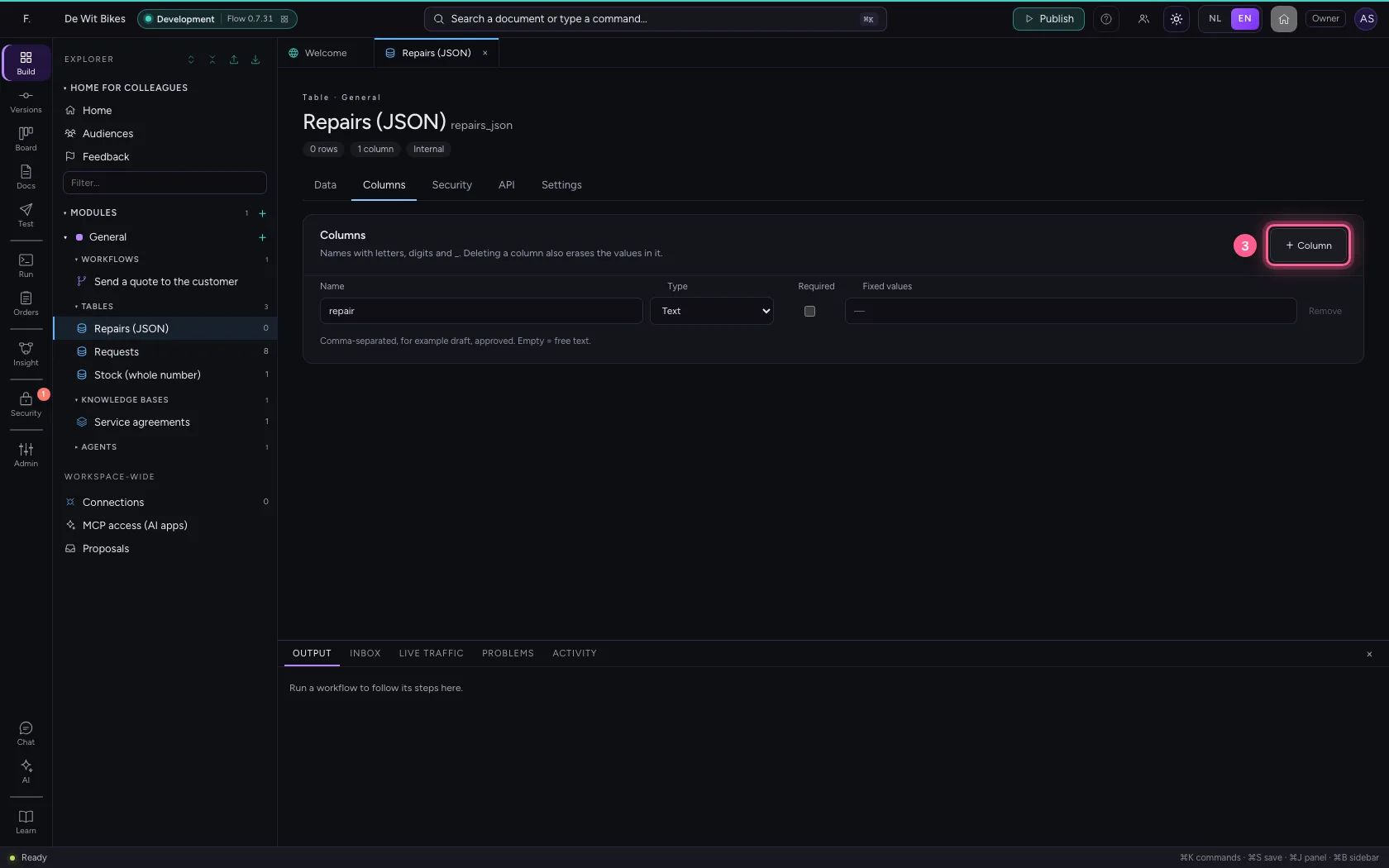
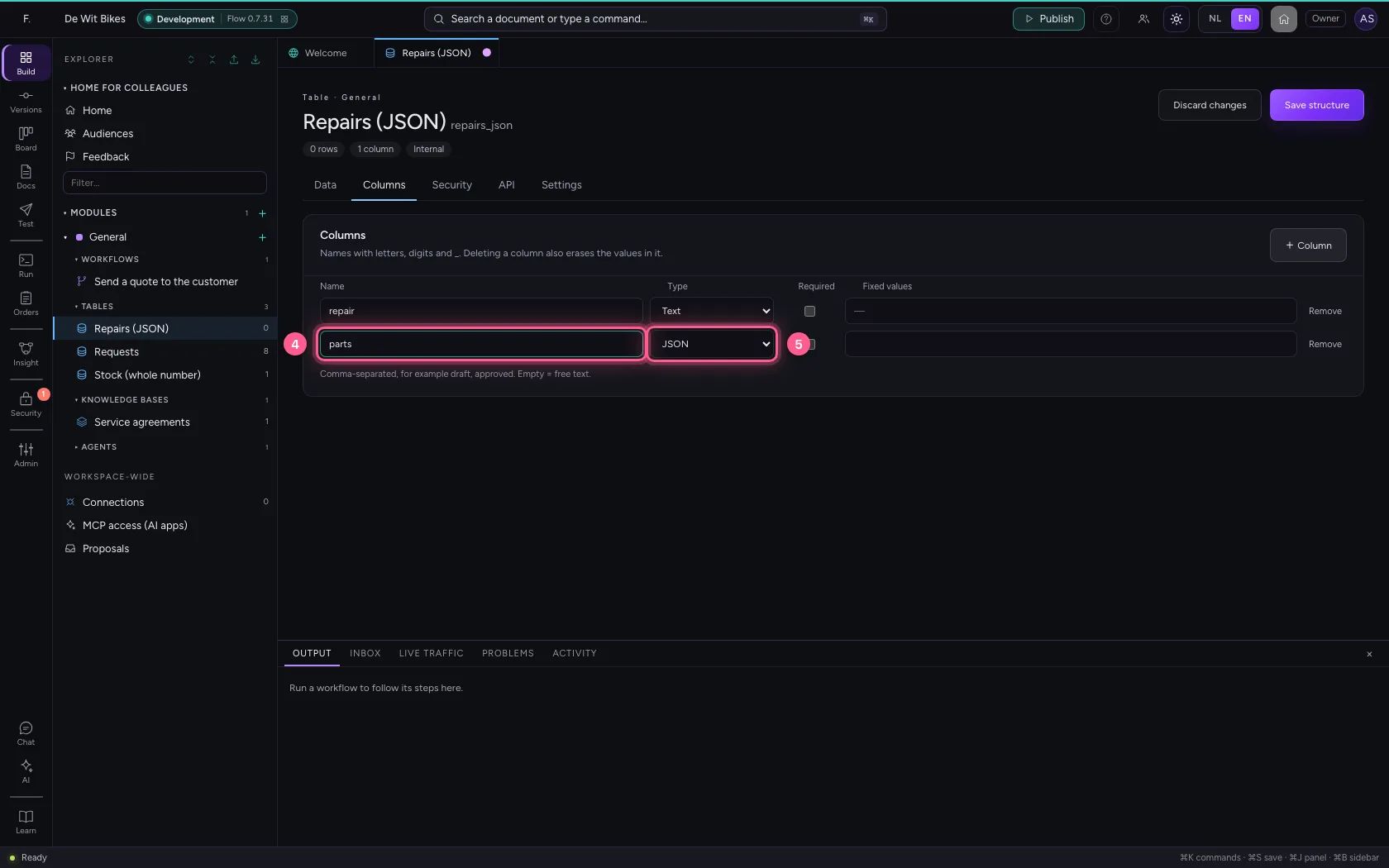
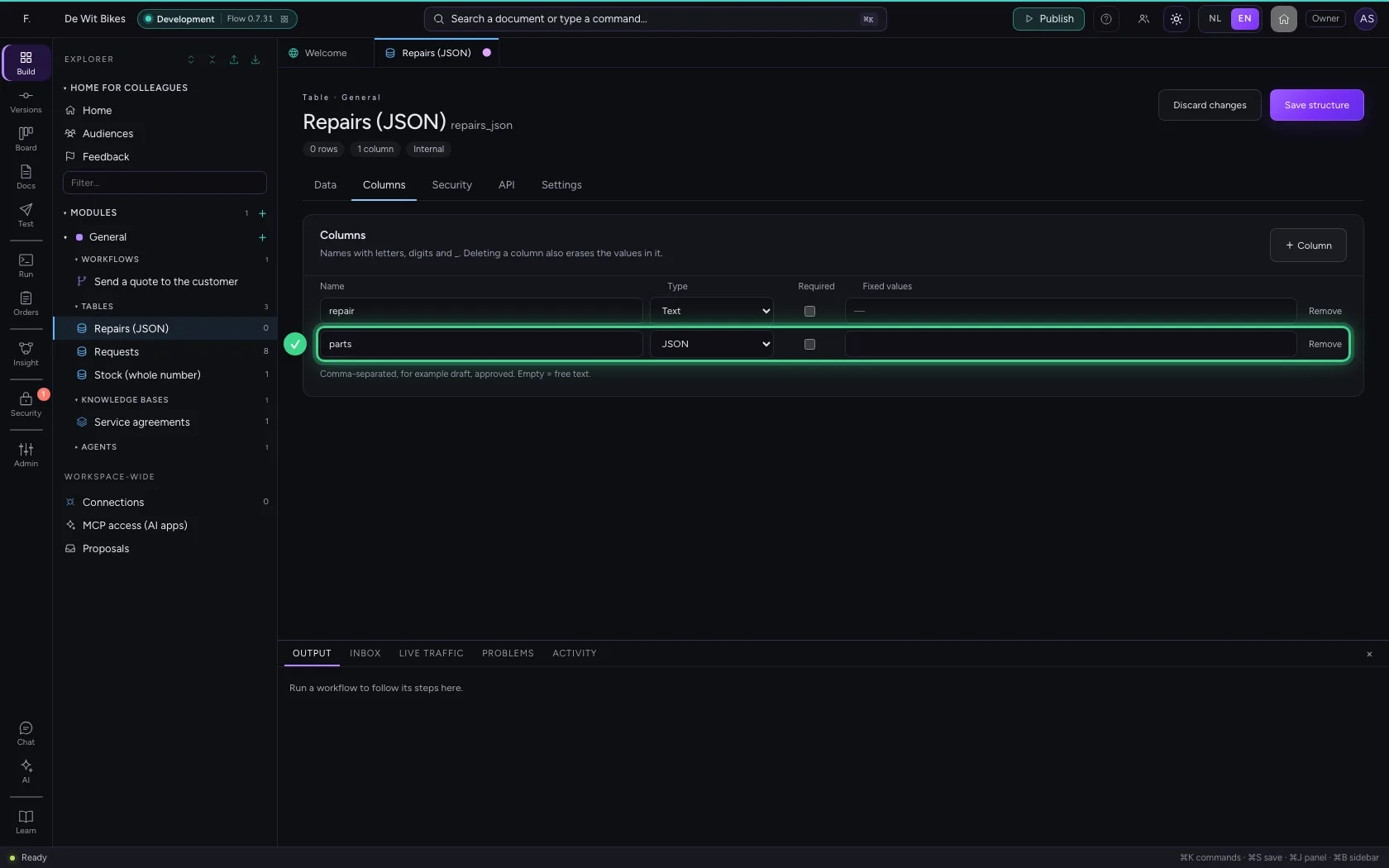
Open the table, go to Columns, click + Column and choose JSON under Type.
- Click the table ‘Repairs (JSON)’
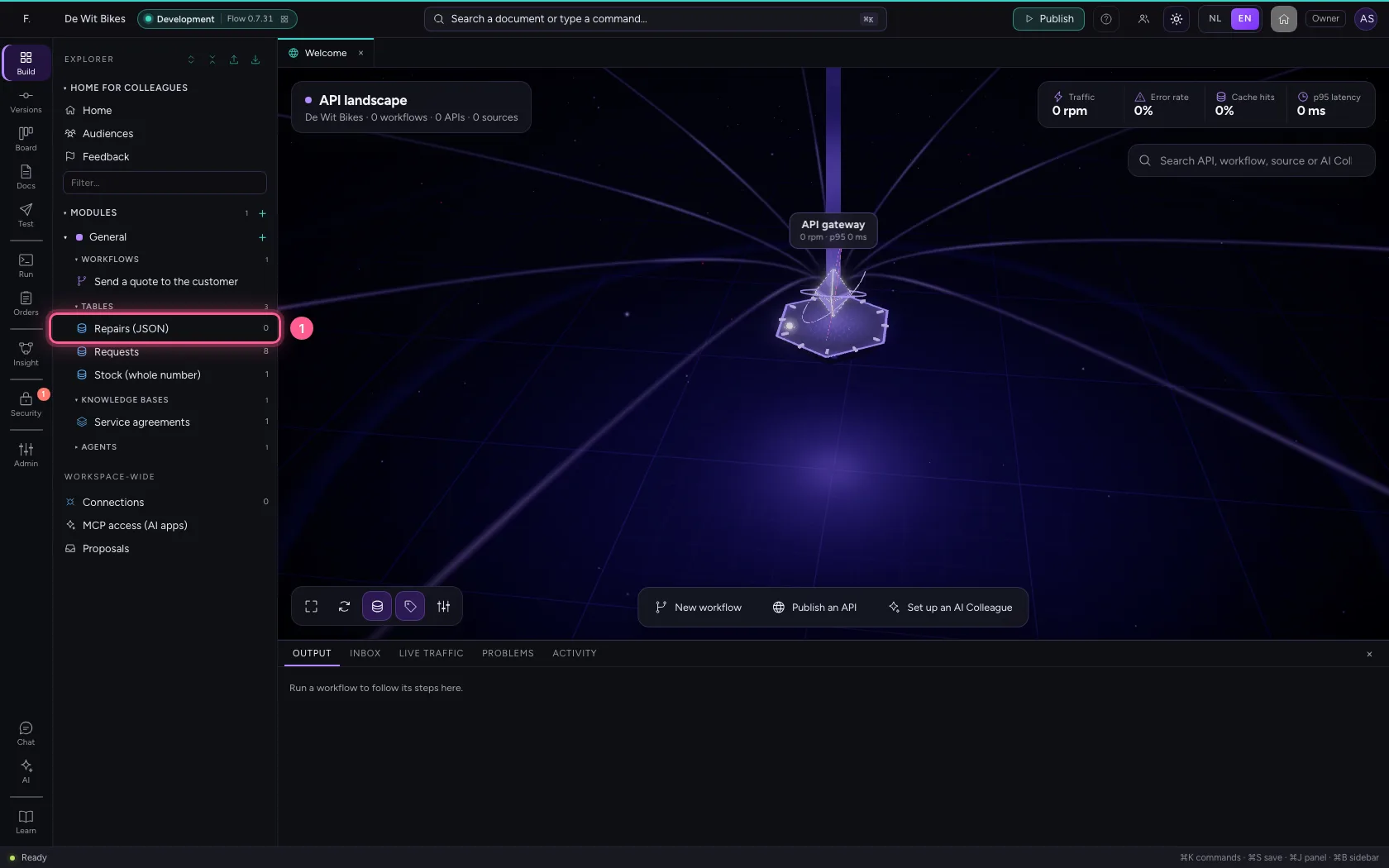
- Click Columns
- Click + Column
- In Name, type
parts - In Type, choose JSON
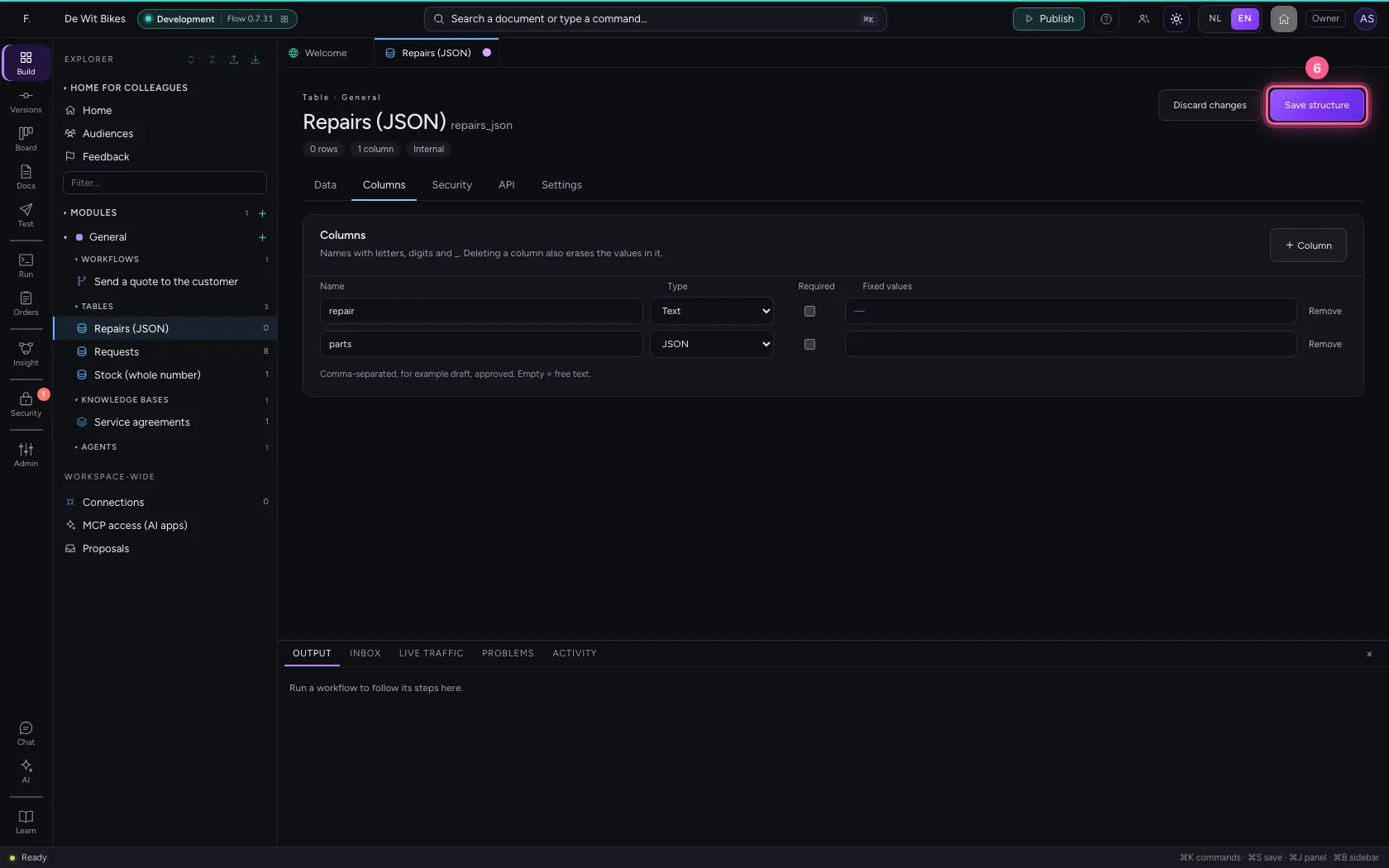
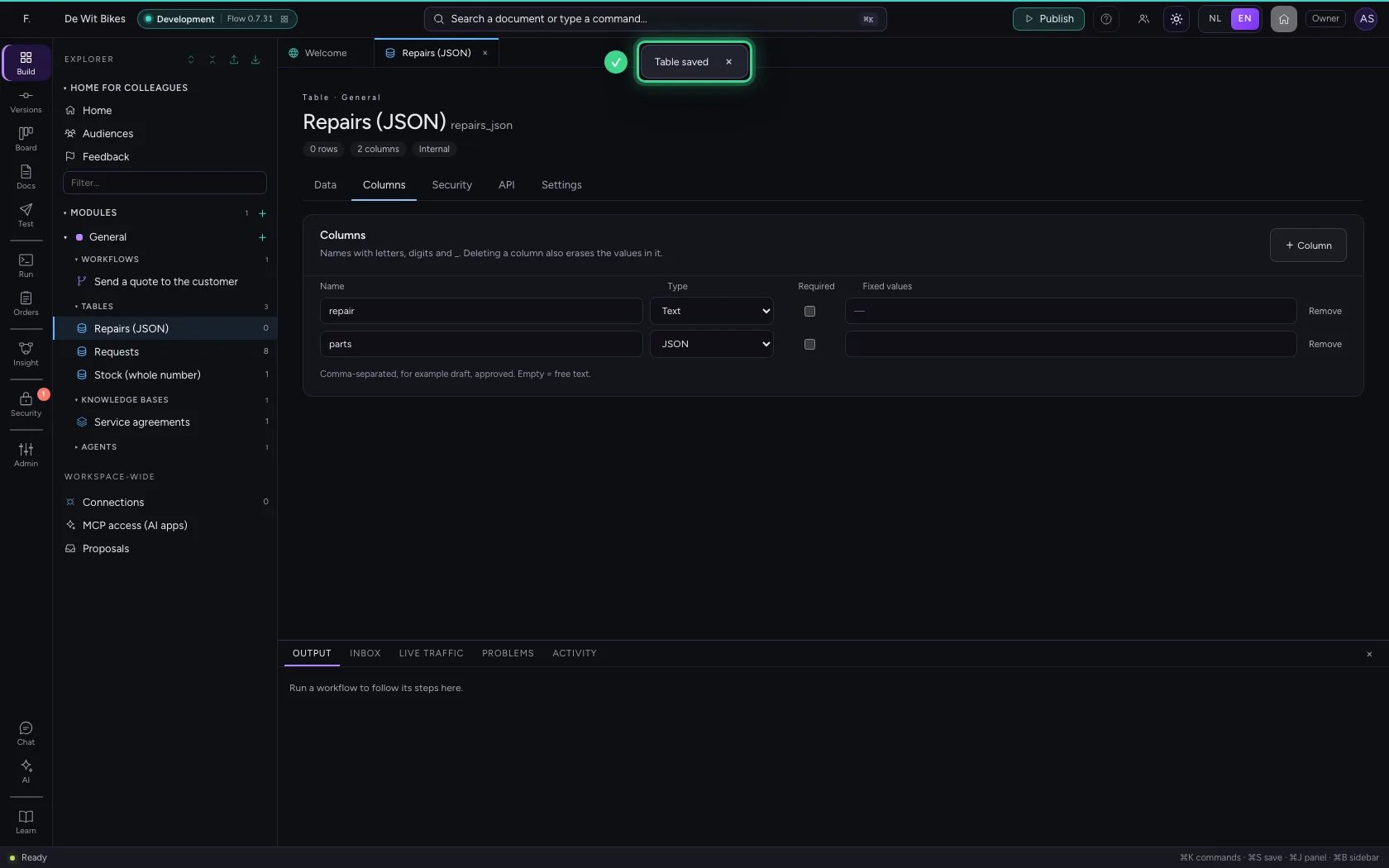
- Click Save structure
Fill in an object
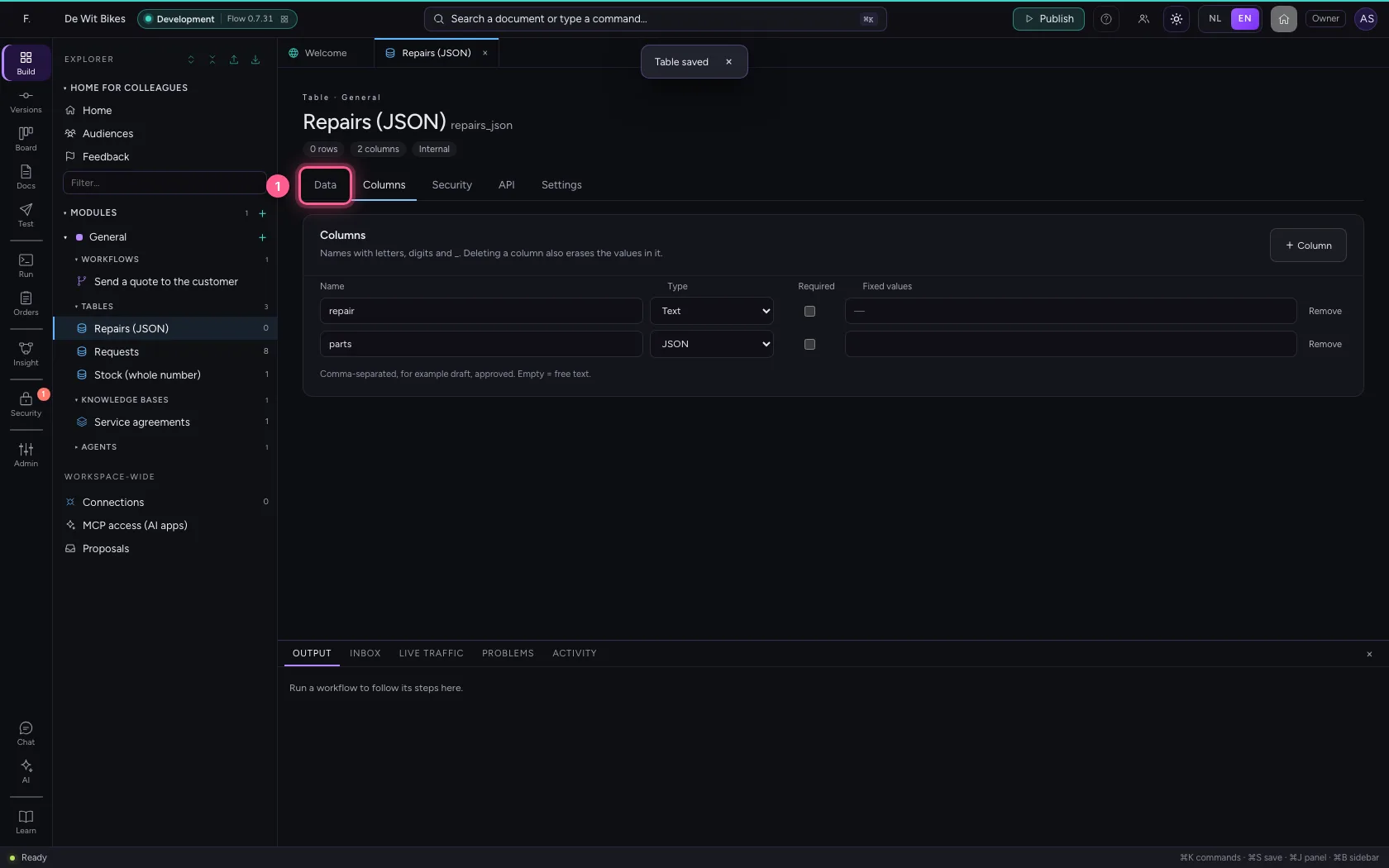
Under Data you type the value as JSON: between curly braces, with names between double quotes. A workflow reads the fields back out, for example {{row.parts.valve}}.
- Click Data
- In repair, type
Flat front tyre - In parts, type
{"inner_tube": 2, "valve": 1}
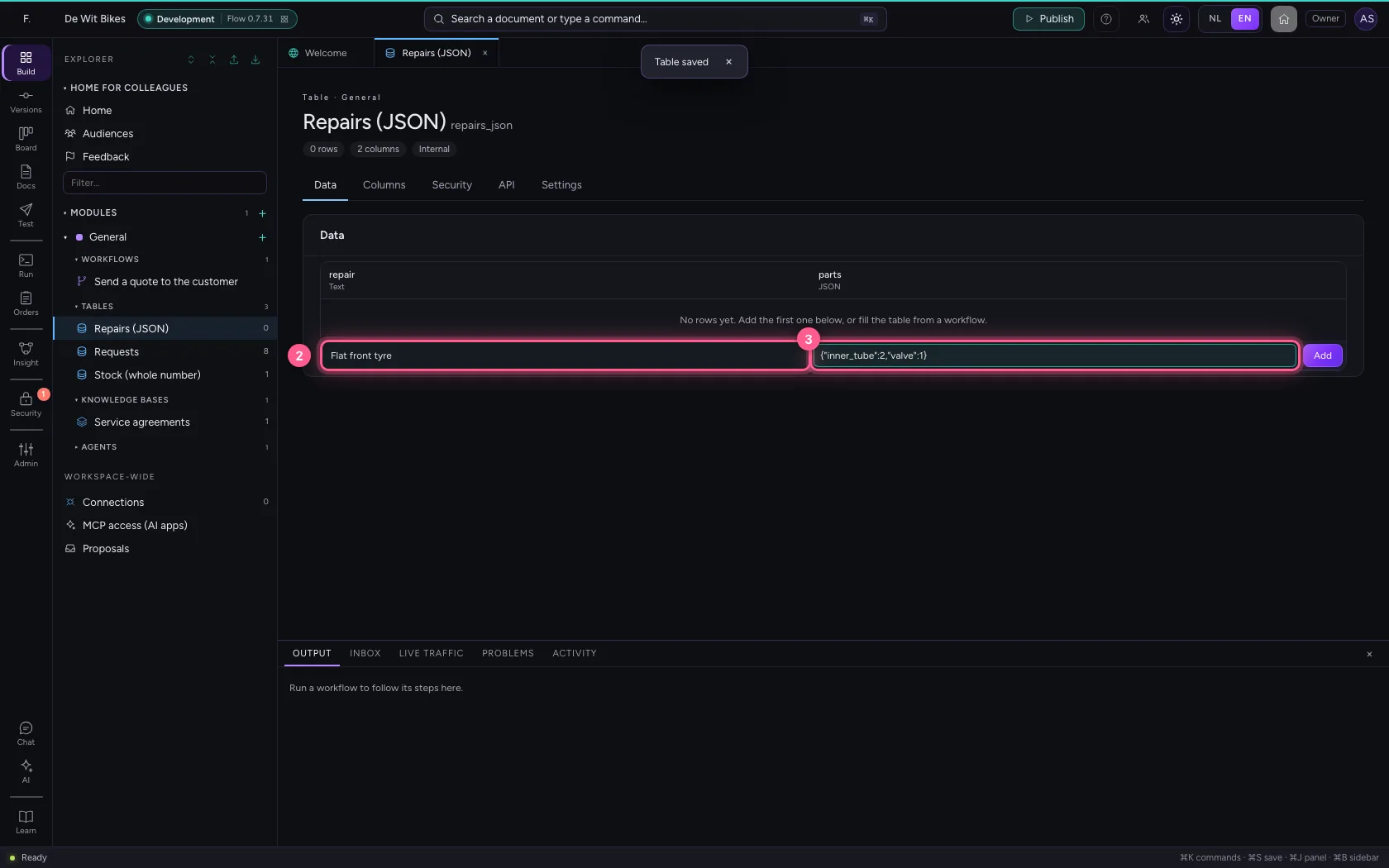
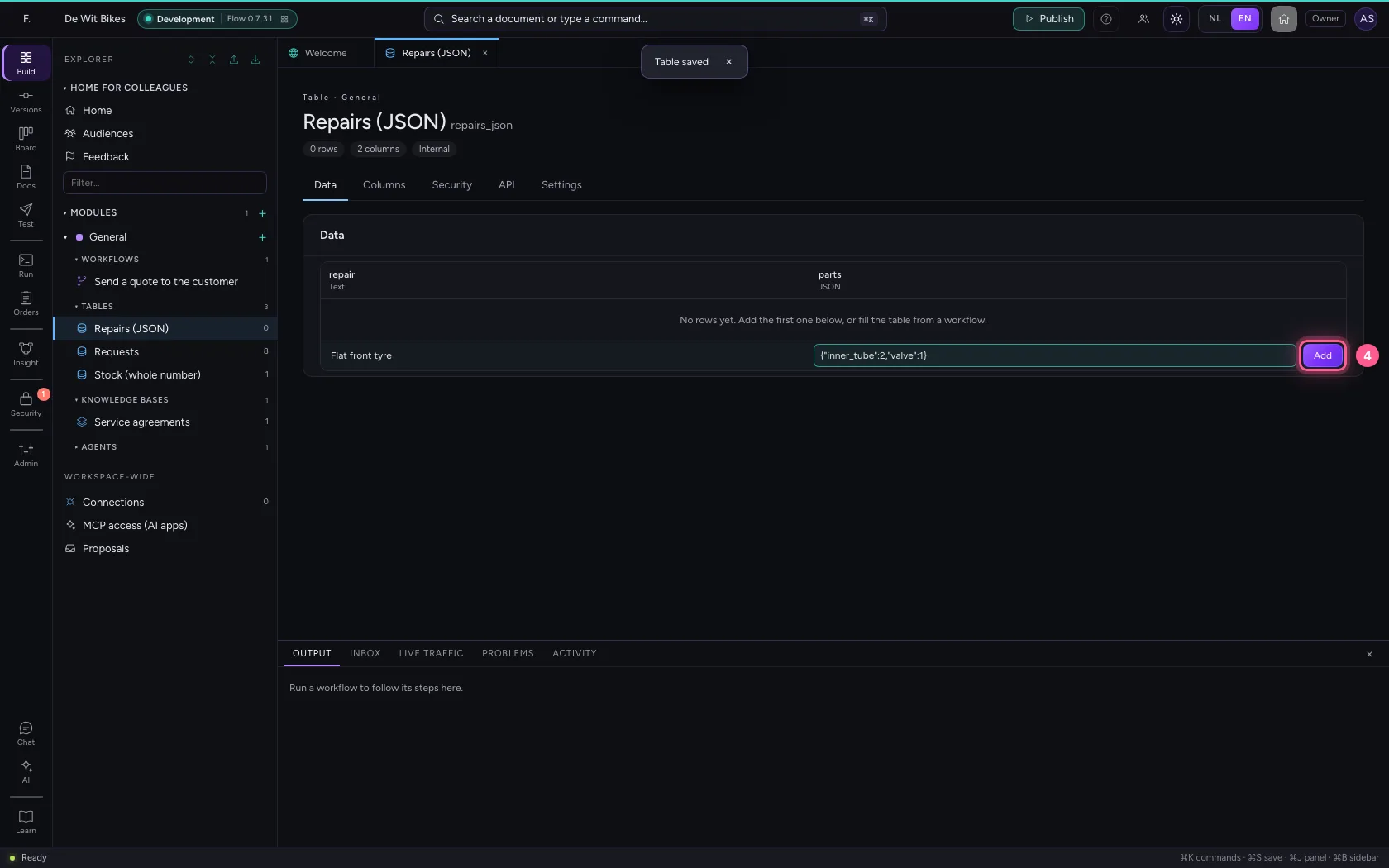
- Click Add
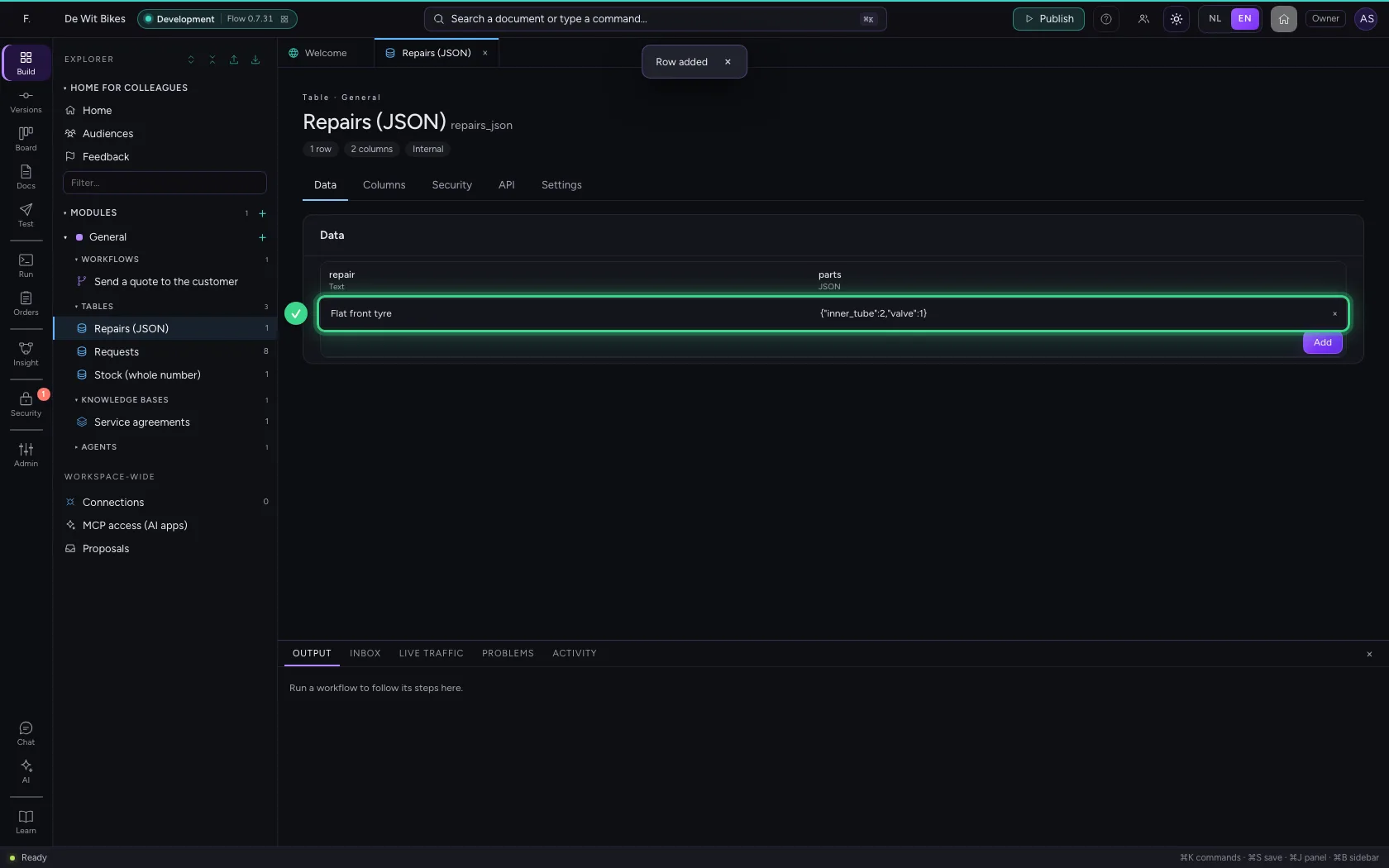
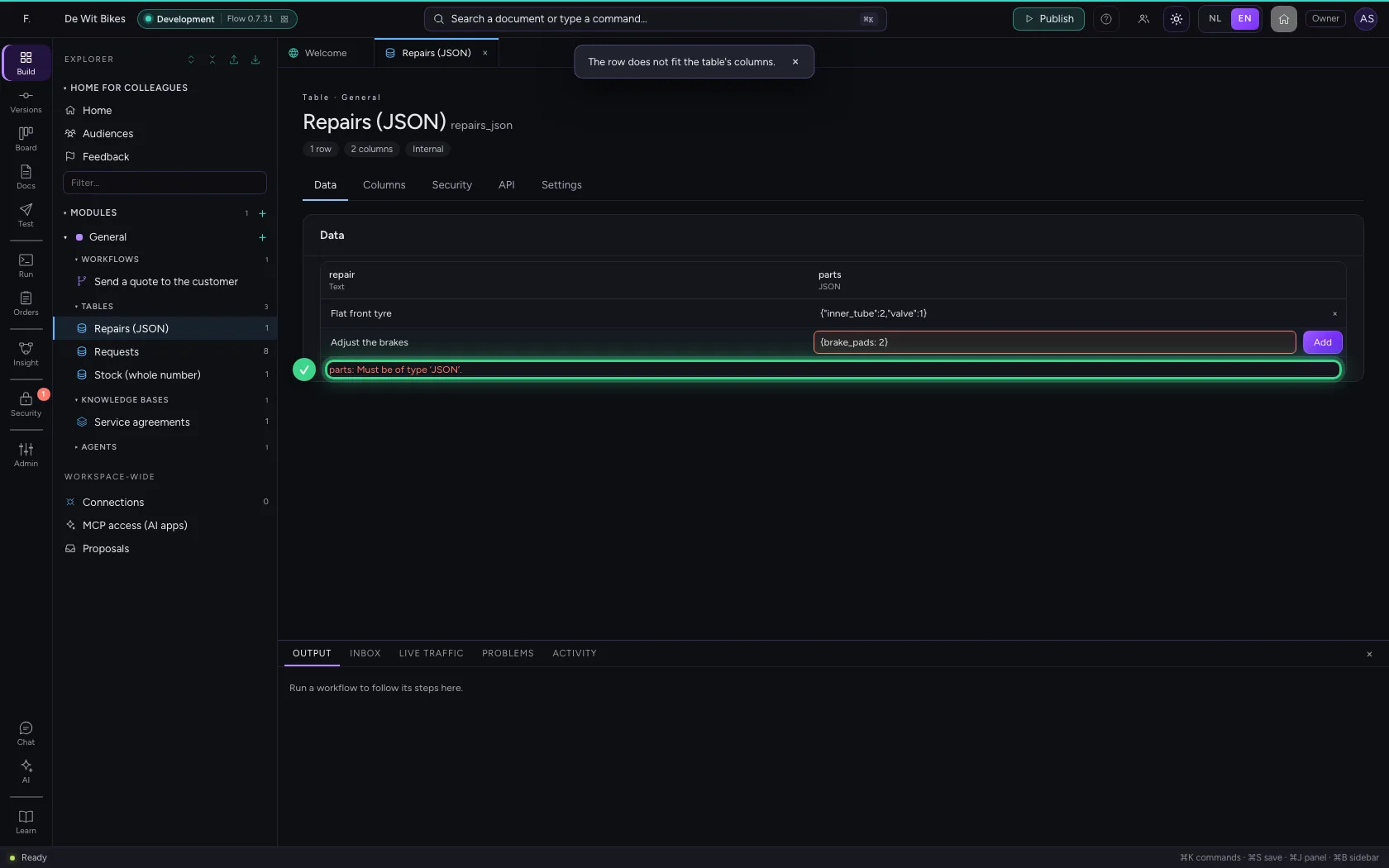
Valid JSON only
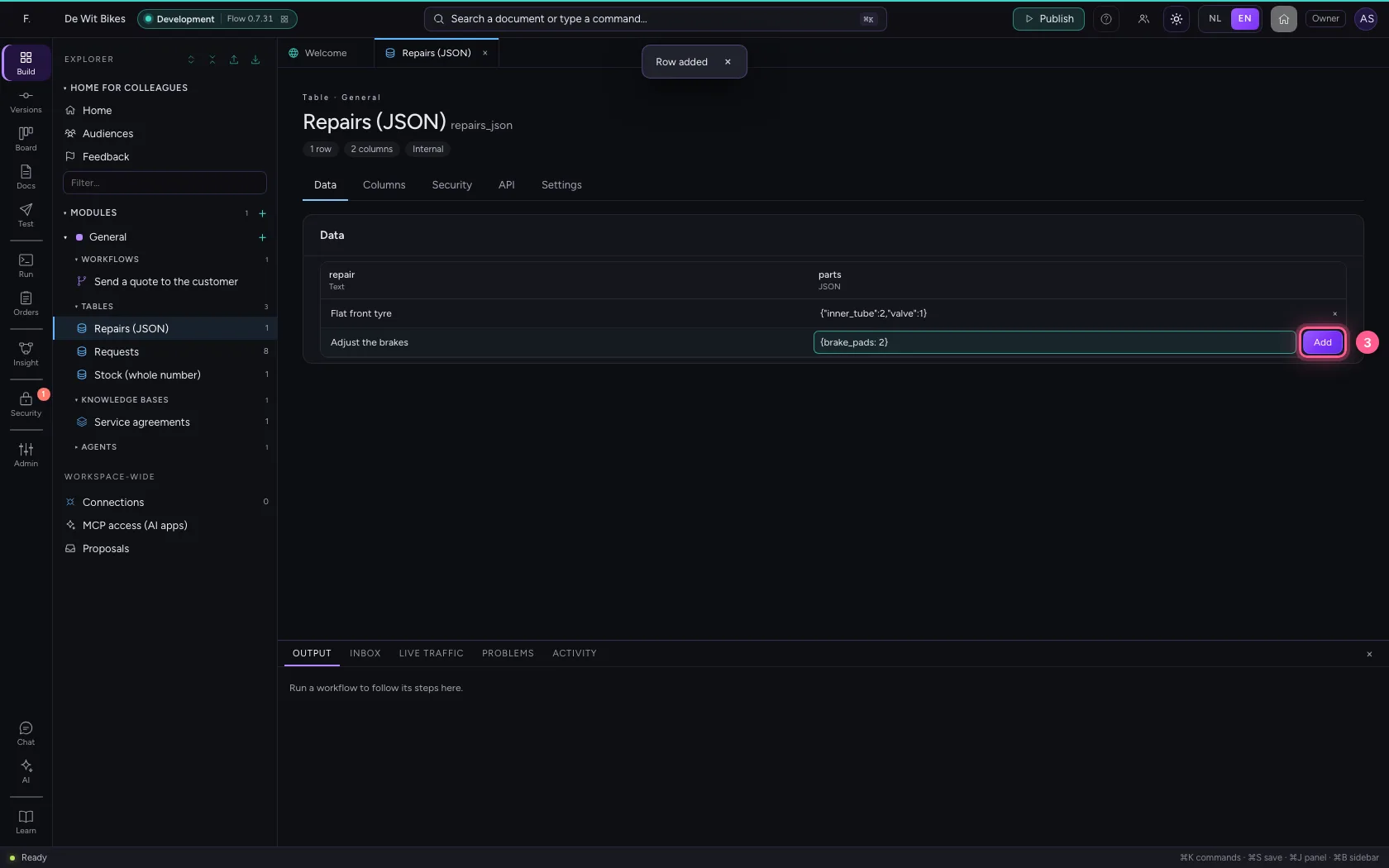
If the text is not valid JSON, or not an object or list, Flow refuses the row. A common mistake: names without quotes.
- In repair, type
Adjust the brakes - In parts, type
{brake_pads: 2}
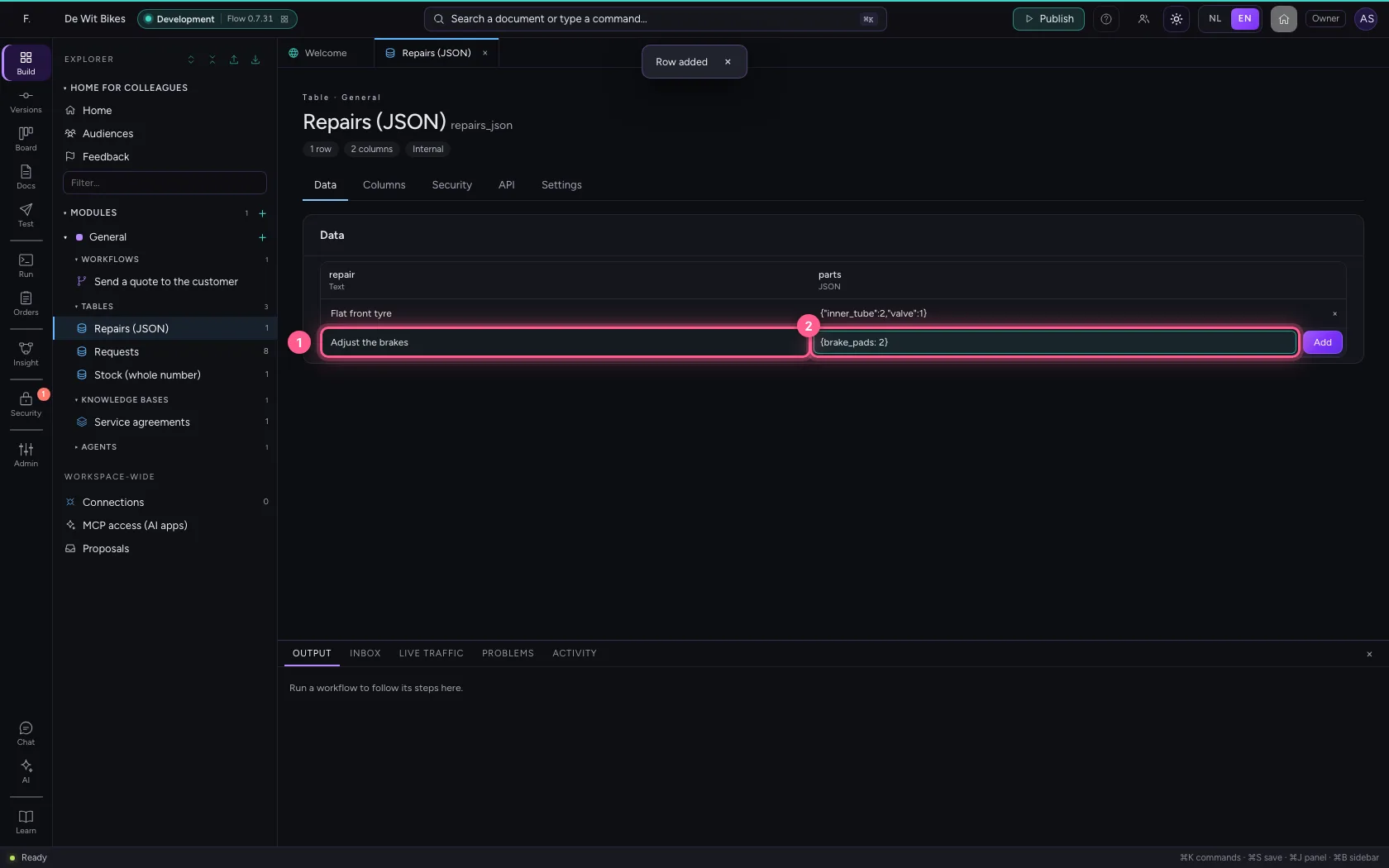
- Click Add
This guide was carried out step by step on 22 Oct 2026 by an automated test on Flow (version 3e563176).