Validate data: check first, then process
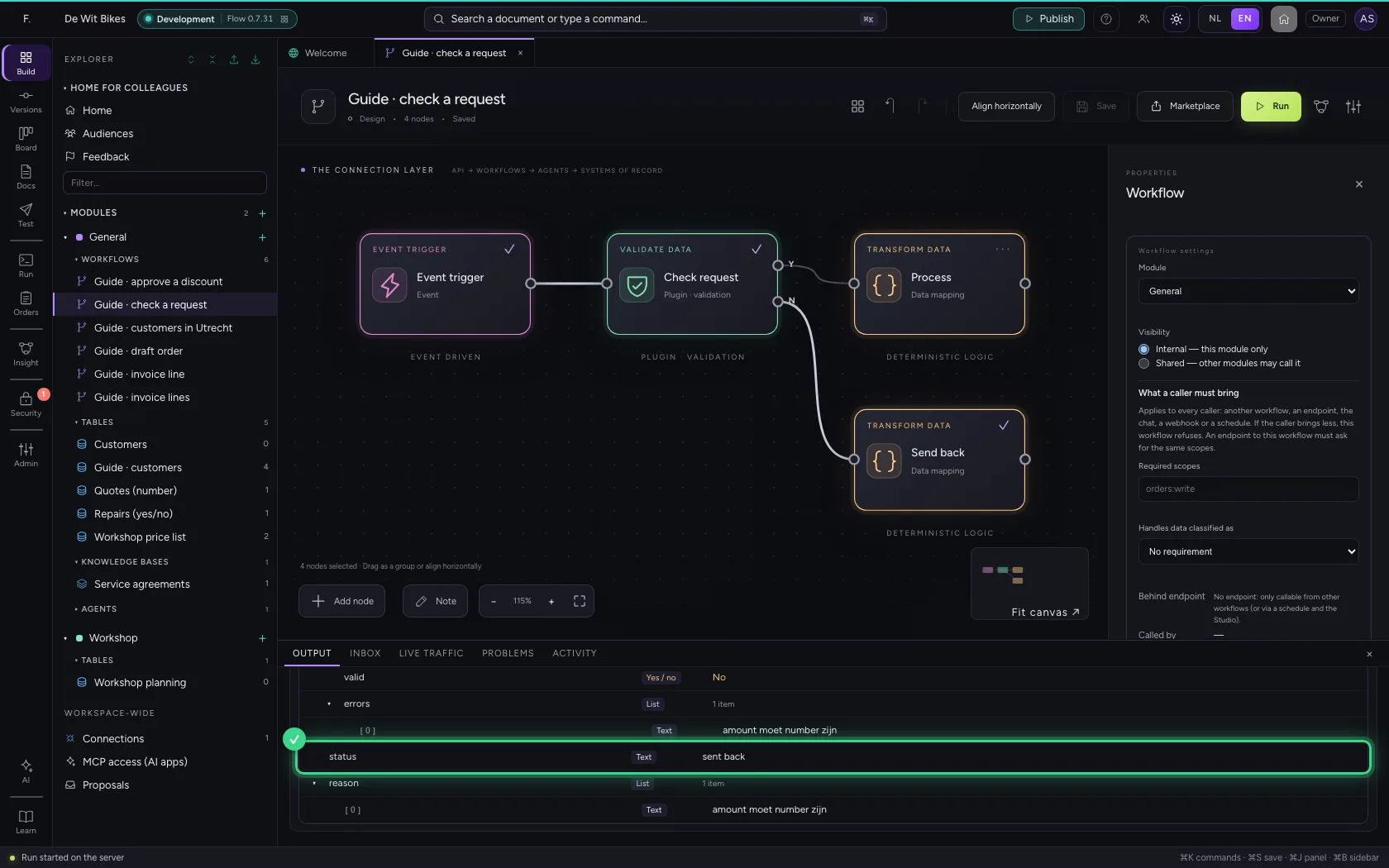
Validate data comes from a plugin: an extension your administrator adds to Flow, and that sits in the library like any other step. You write per field which type it must have. If everything is right, the workflow continues through the top exit; if something is missing or a type is wrong, through the bottom one, with the errors attached.
Open Flow and create a workflow
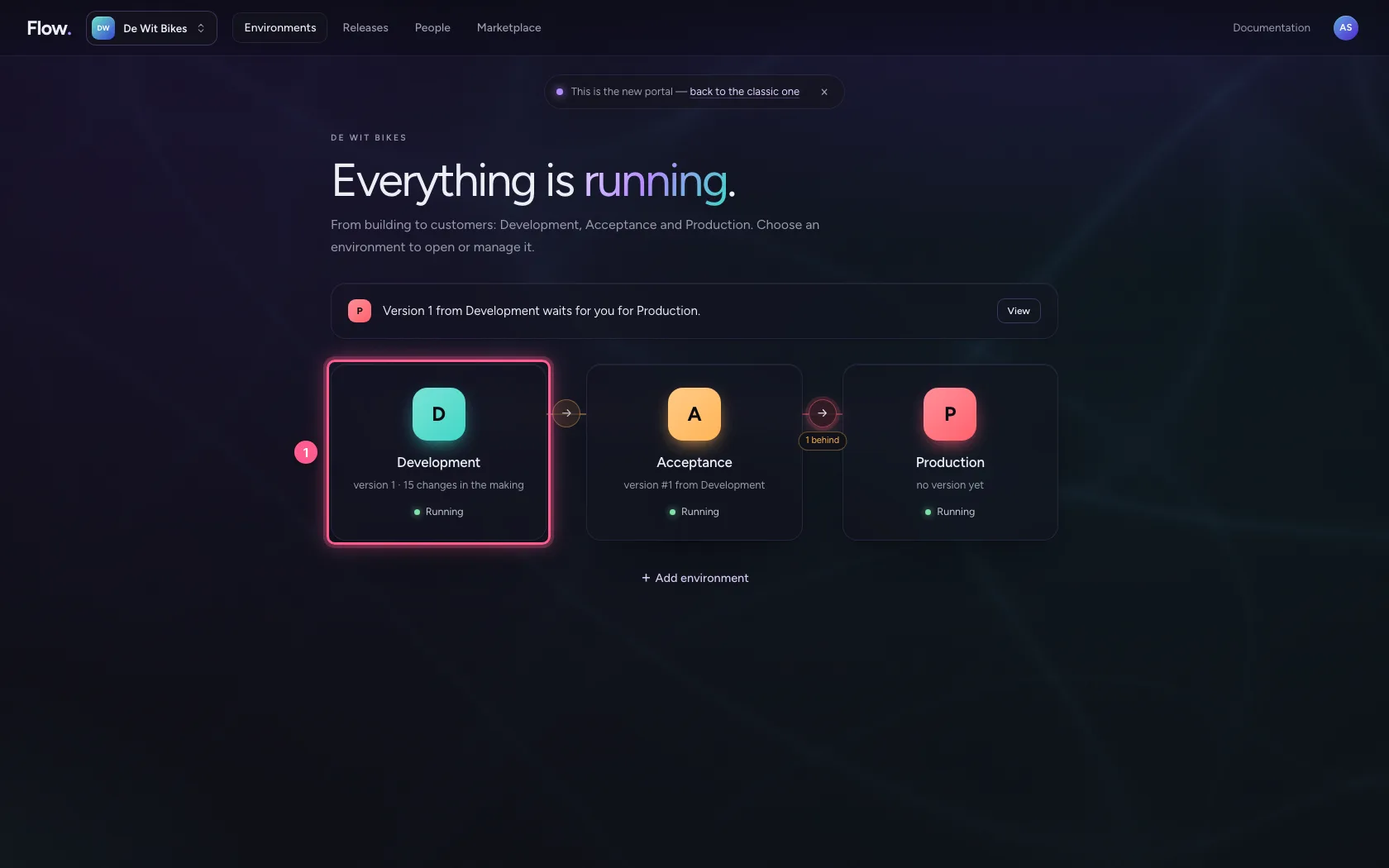
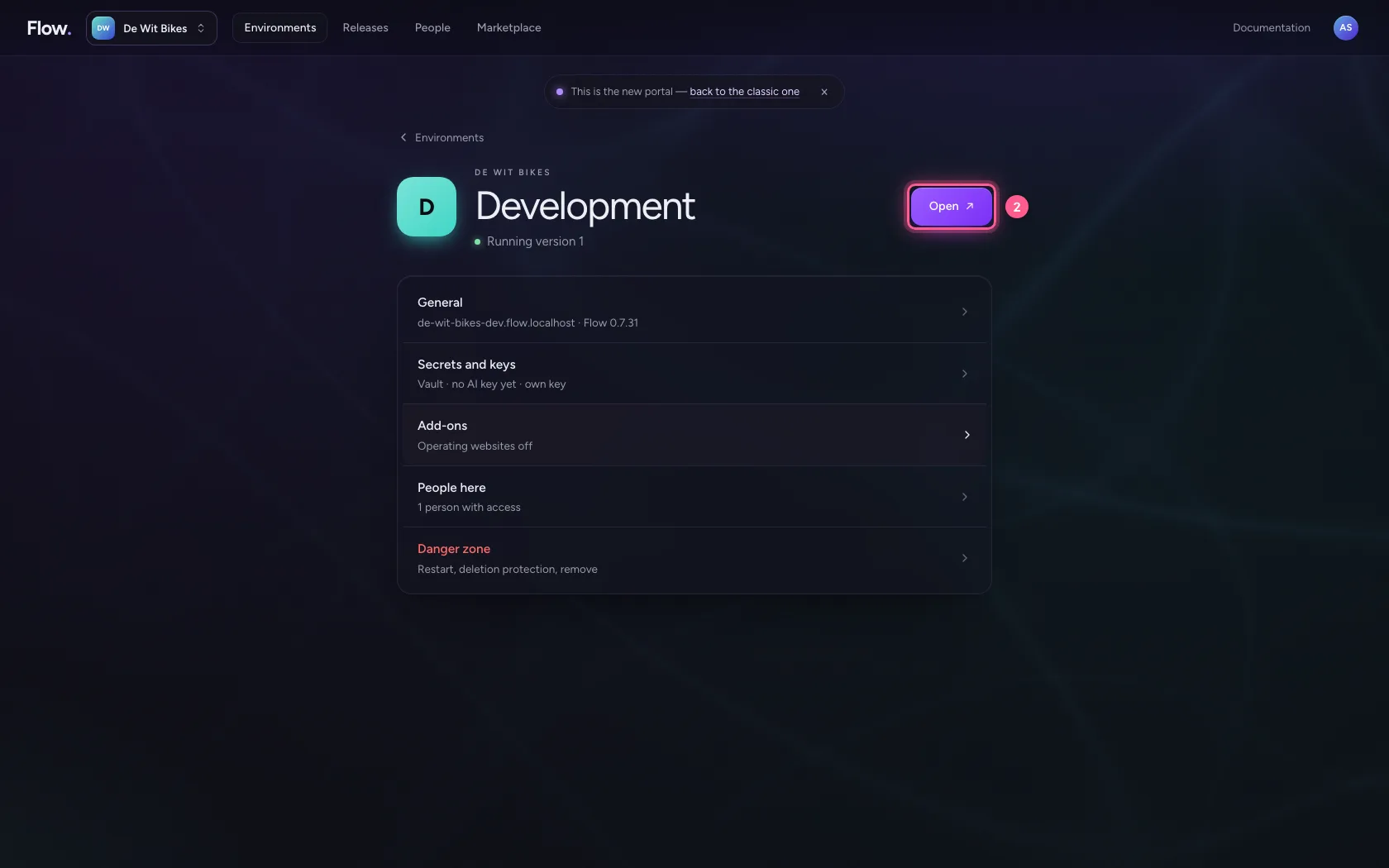
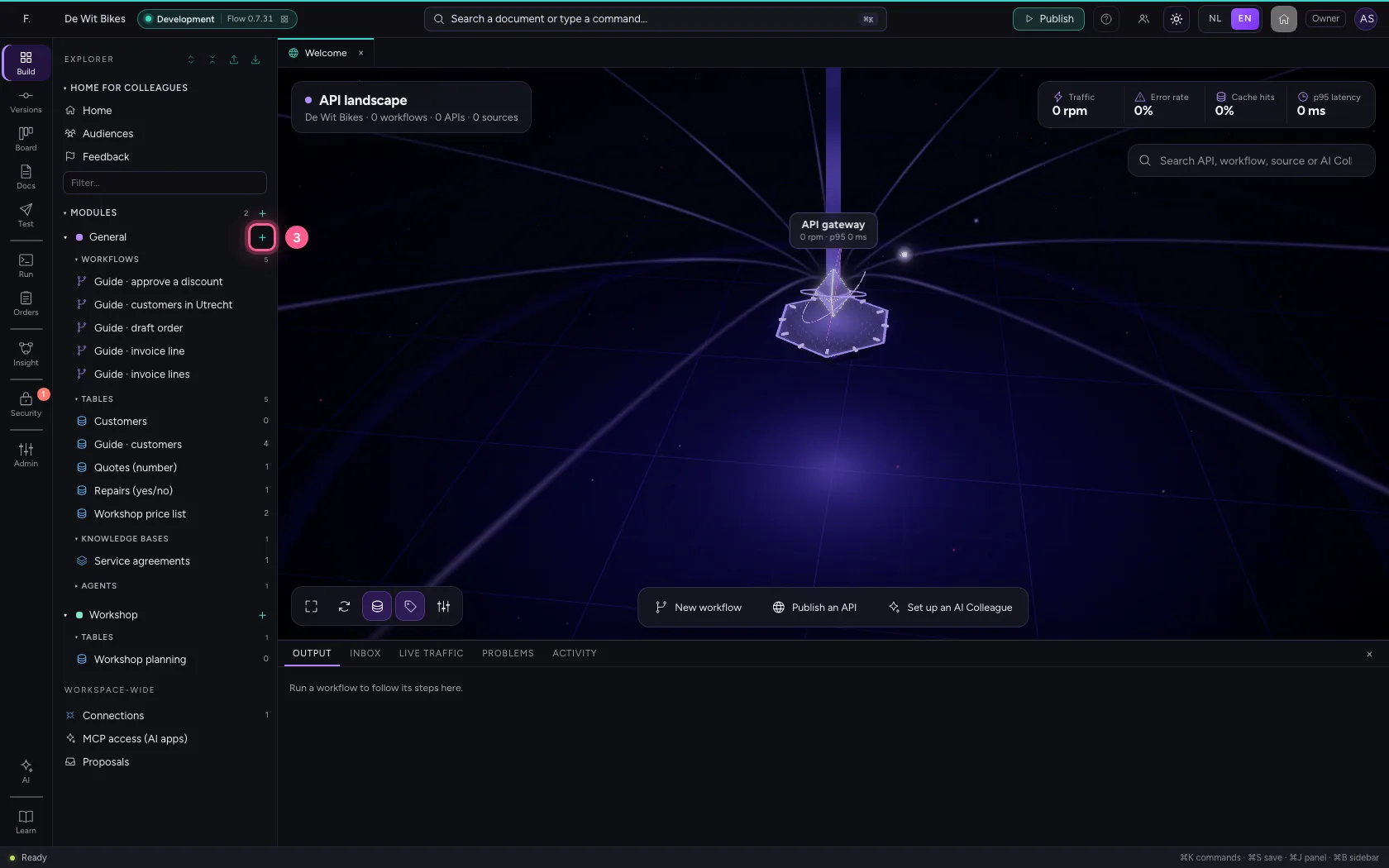
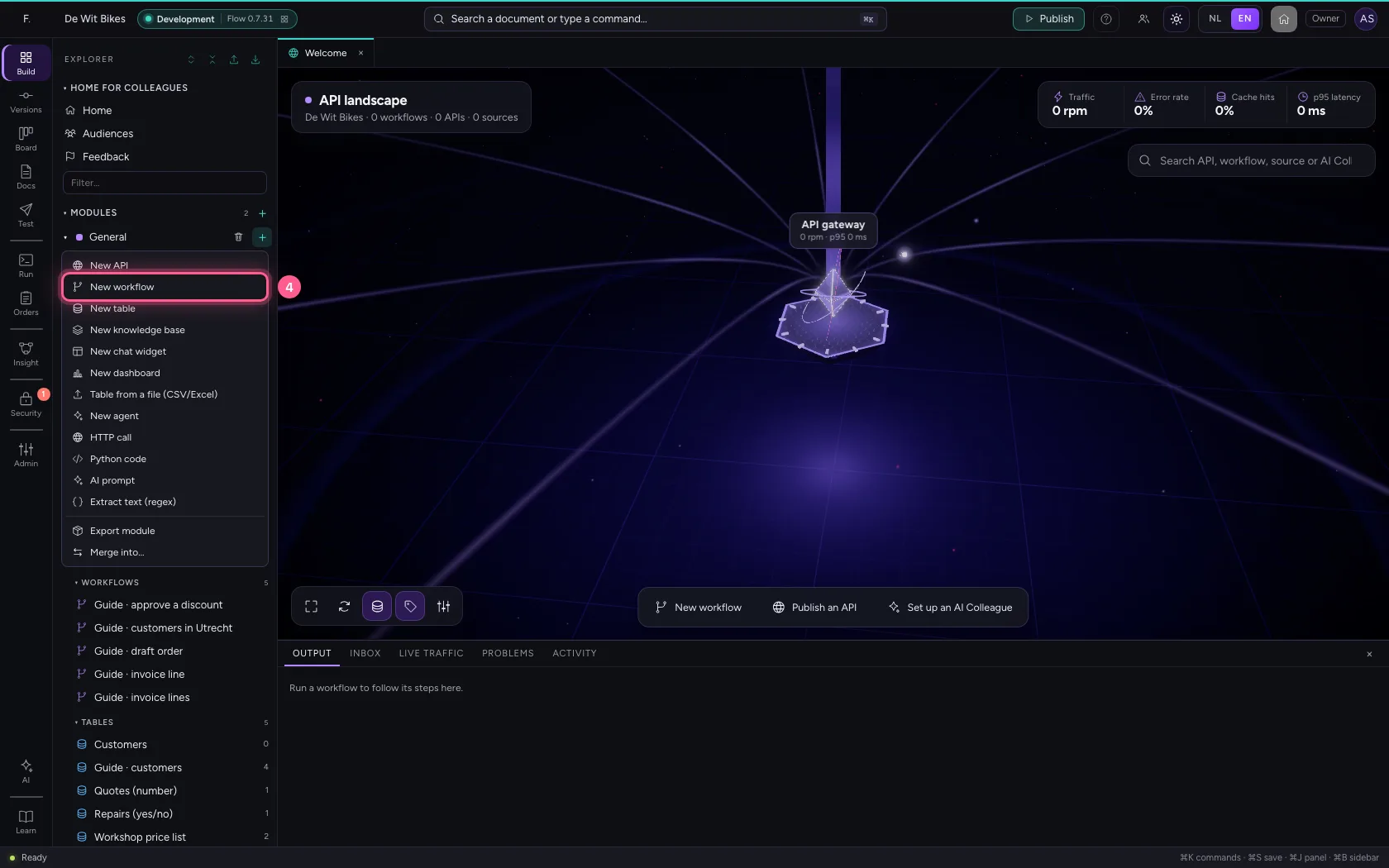
In the portal, under Environments, click Development and there Open; Flow opens in a new tab. There, click + next to General, choose New workflow and give it a name. A new workflow starts with an Event trigger: the point where it begins.
- Click Development
- Click Open ↗
- Click Add to General
- Click New workflow
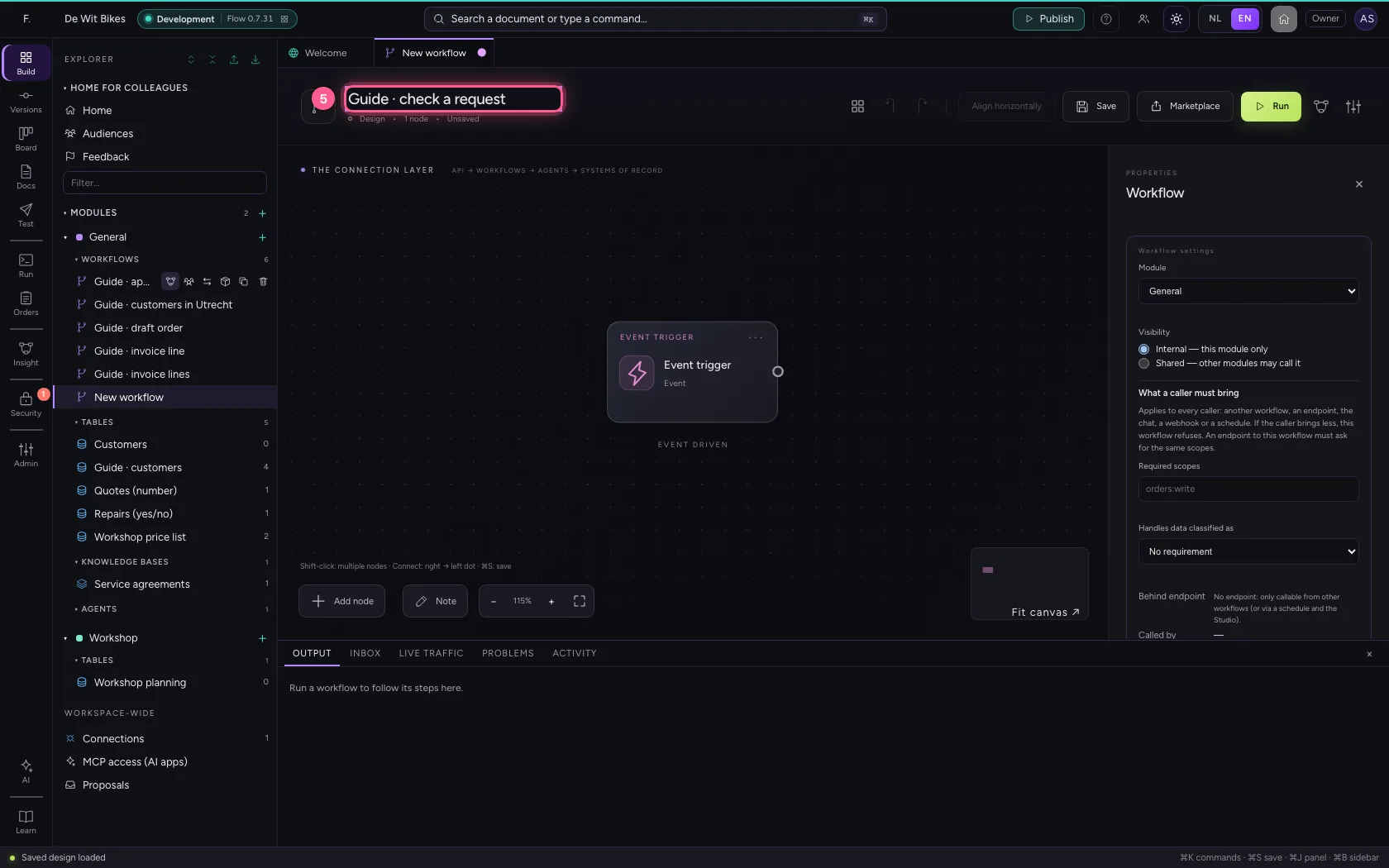
- In Workflow name, type
Guide · check a request
A request with a mistake
Put a request in the sample data where the amount was filled in as text: in real life you see that more often than you would think.
- Click the step ‘Event trigger’
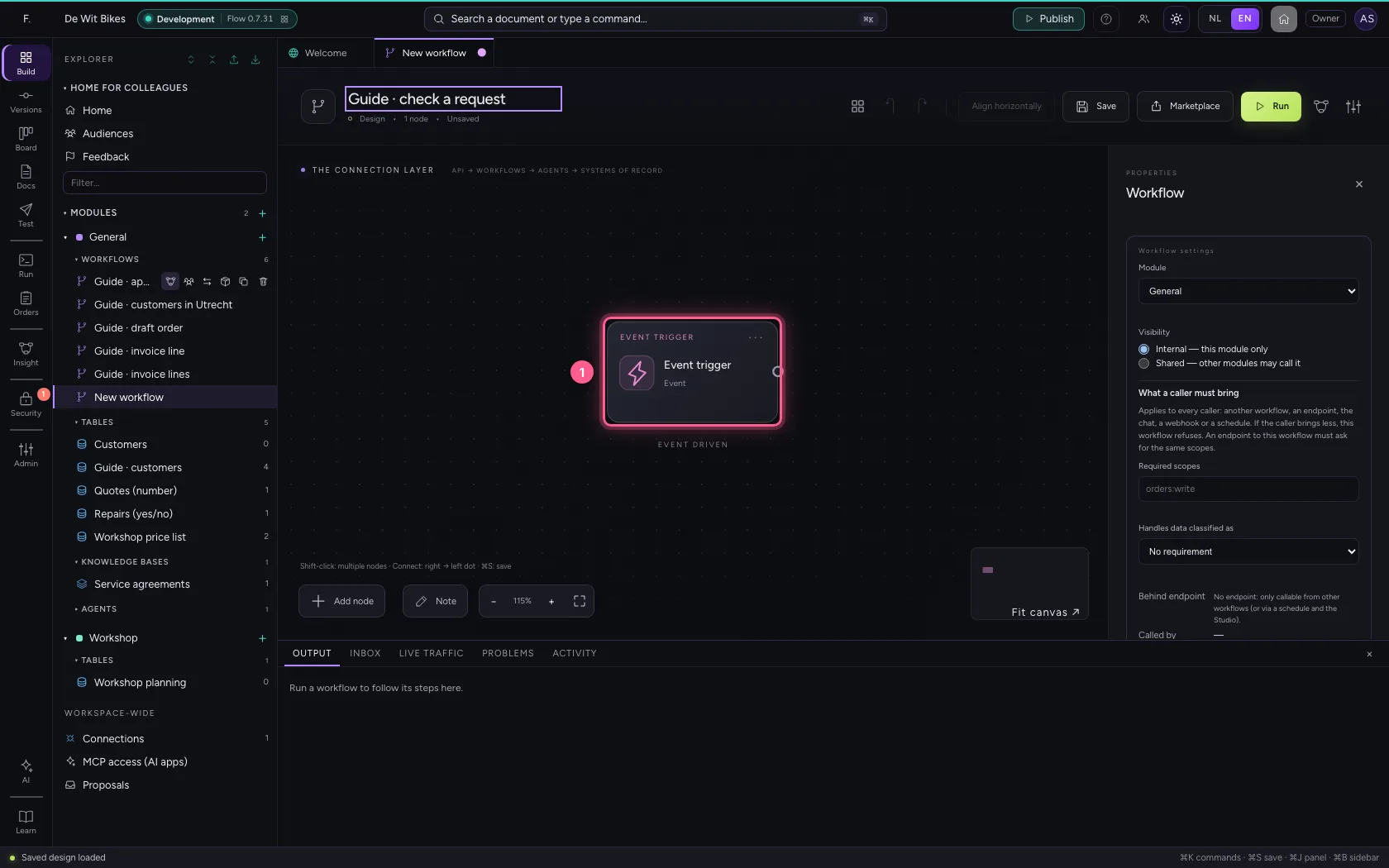
- Click Code
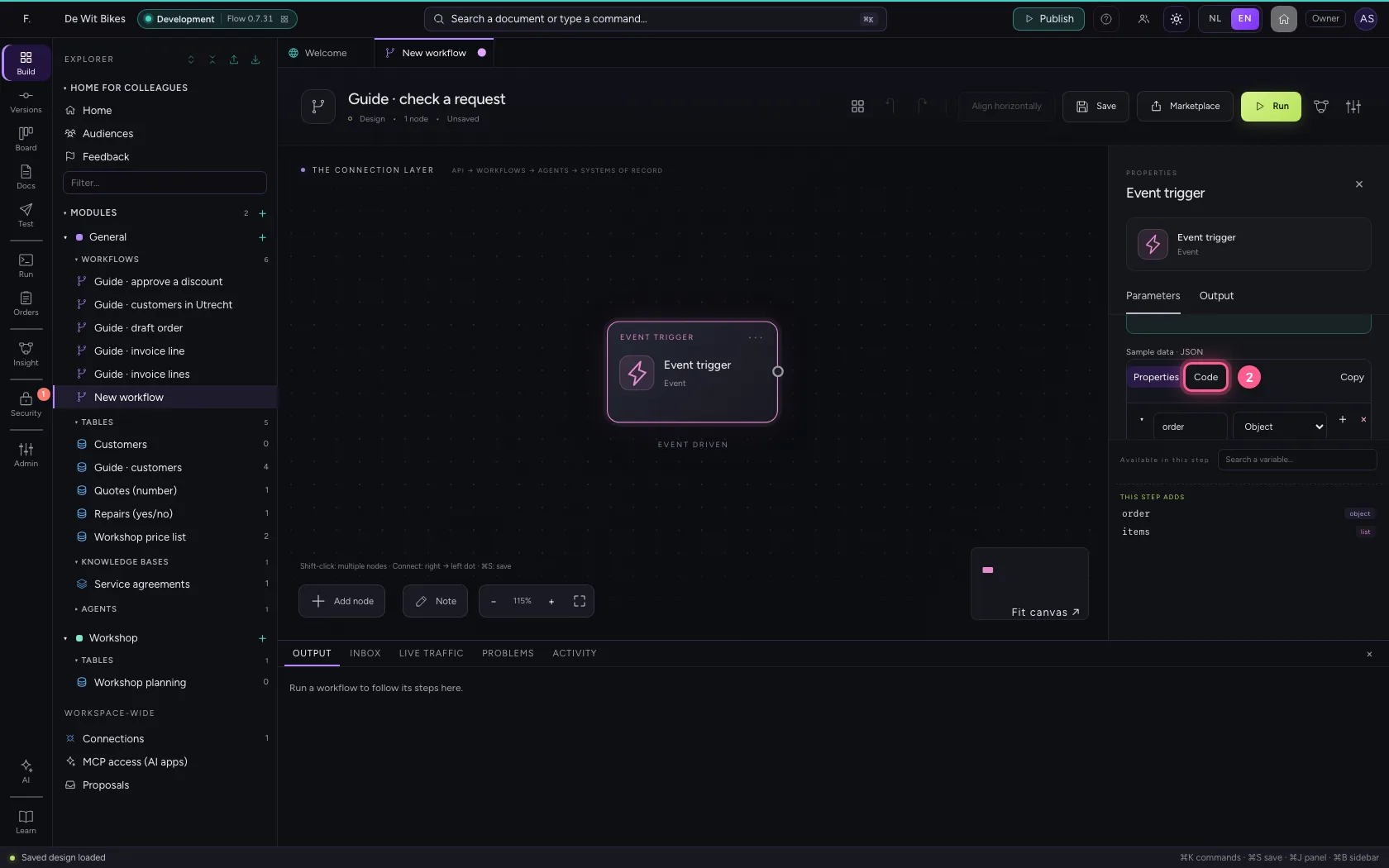
- In the sample data, type `{
Write the rules
Add Validate data. Under Rules (Code) you put the type per field: string (text), number, boolean, object or array (list). A field that is not there is an error too.
- Click Add node
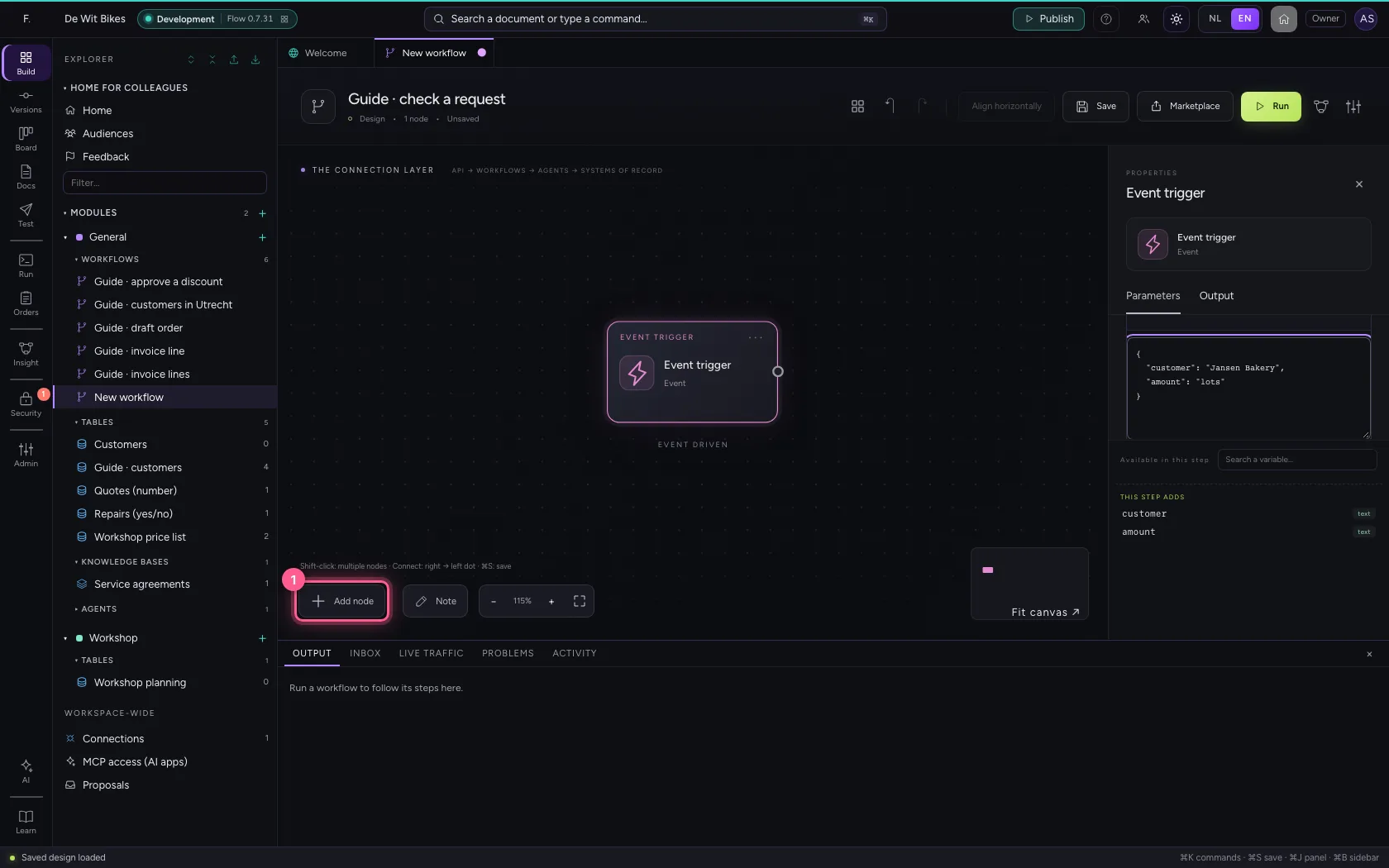
- Click Validate data
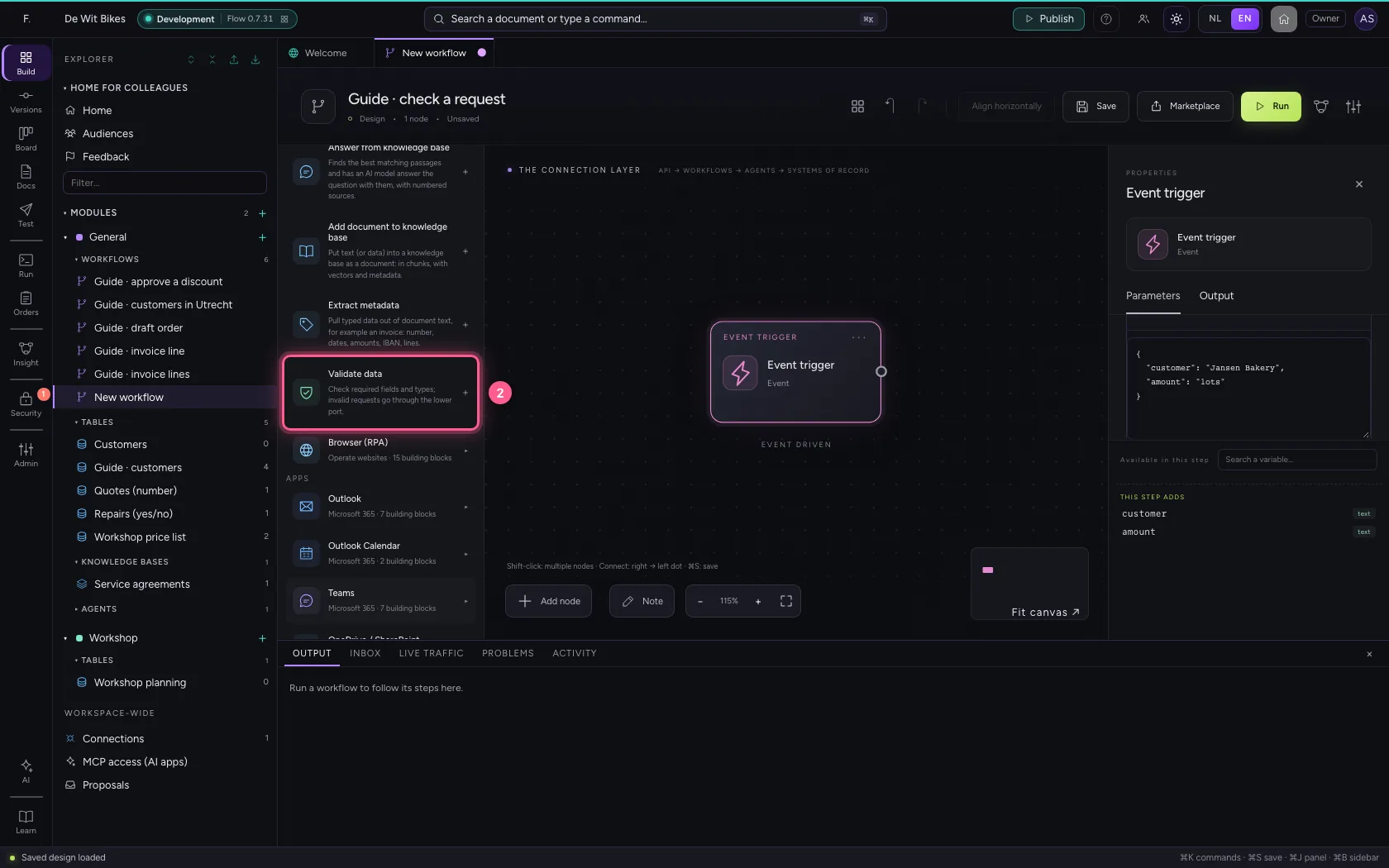
- In Name, type
Check request
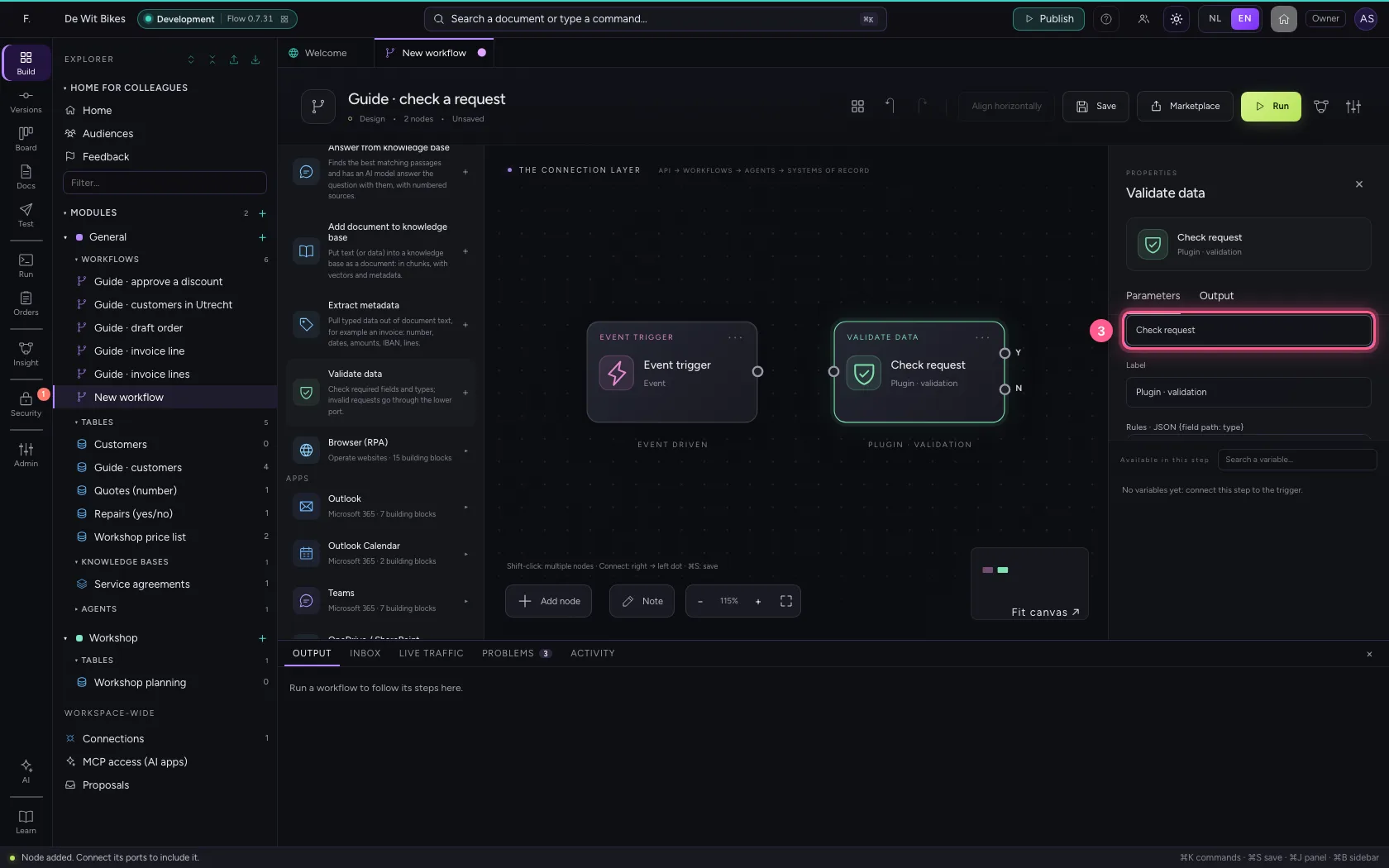
- Click Code
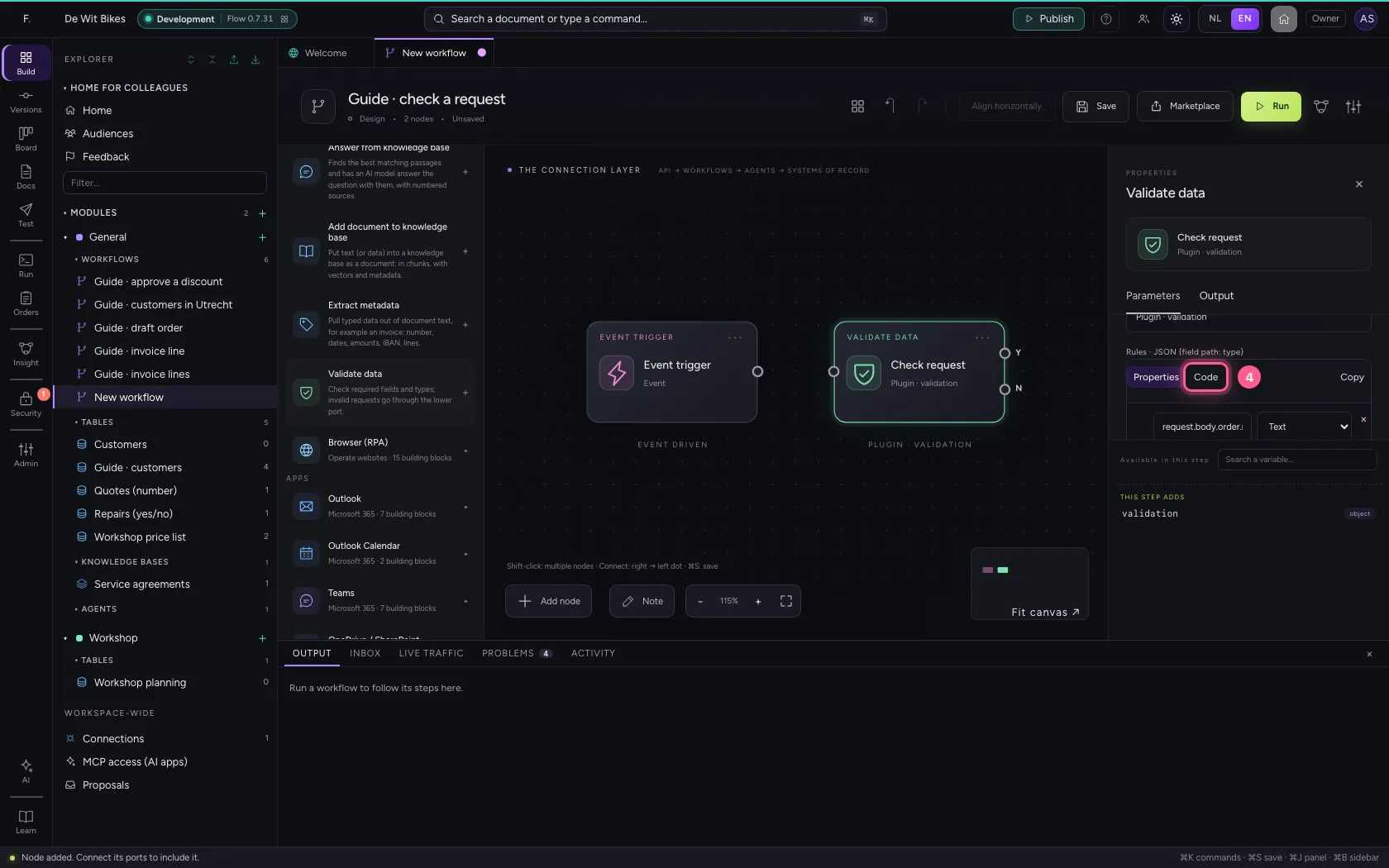
- In the rules, type `{
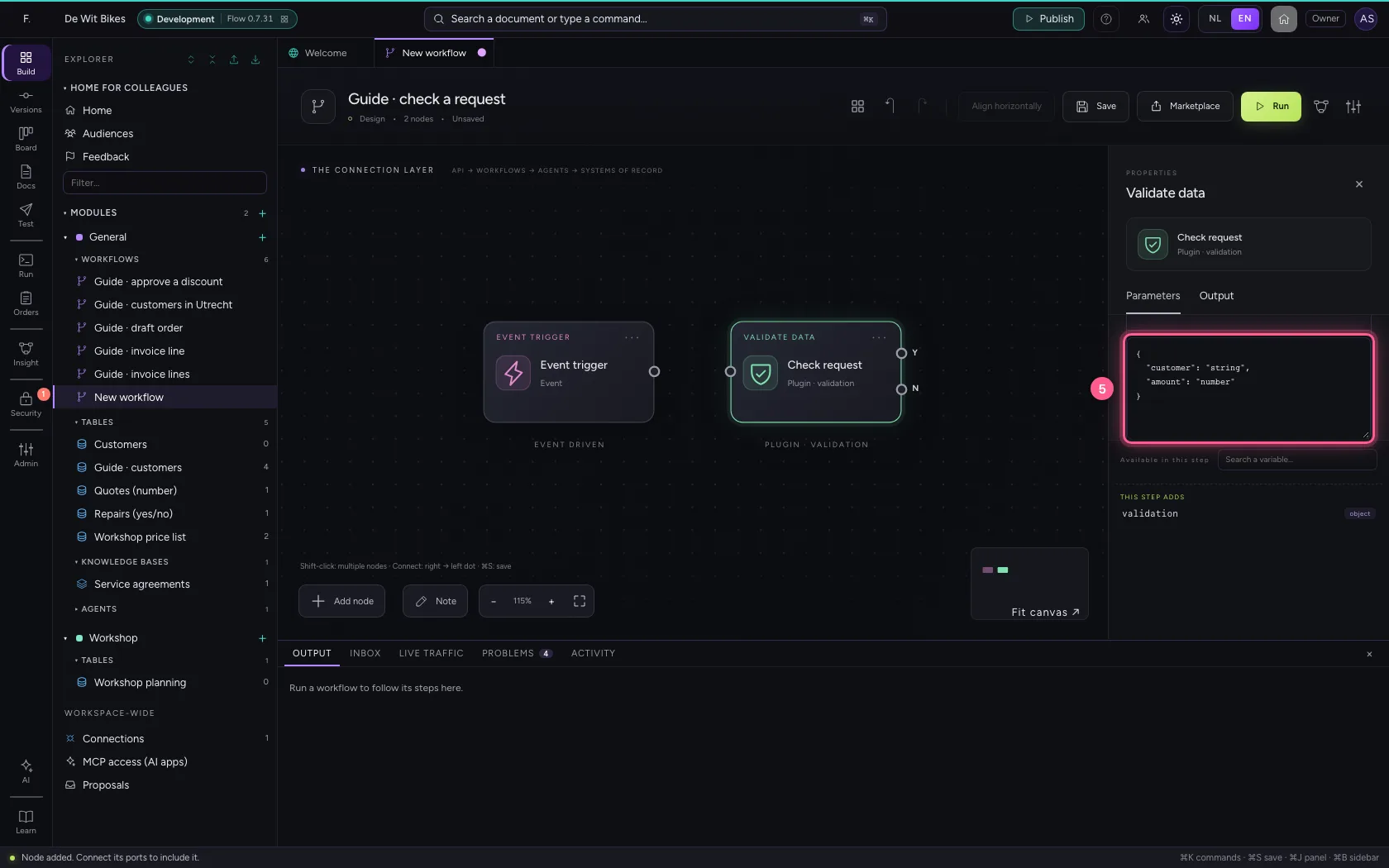
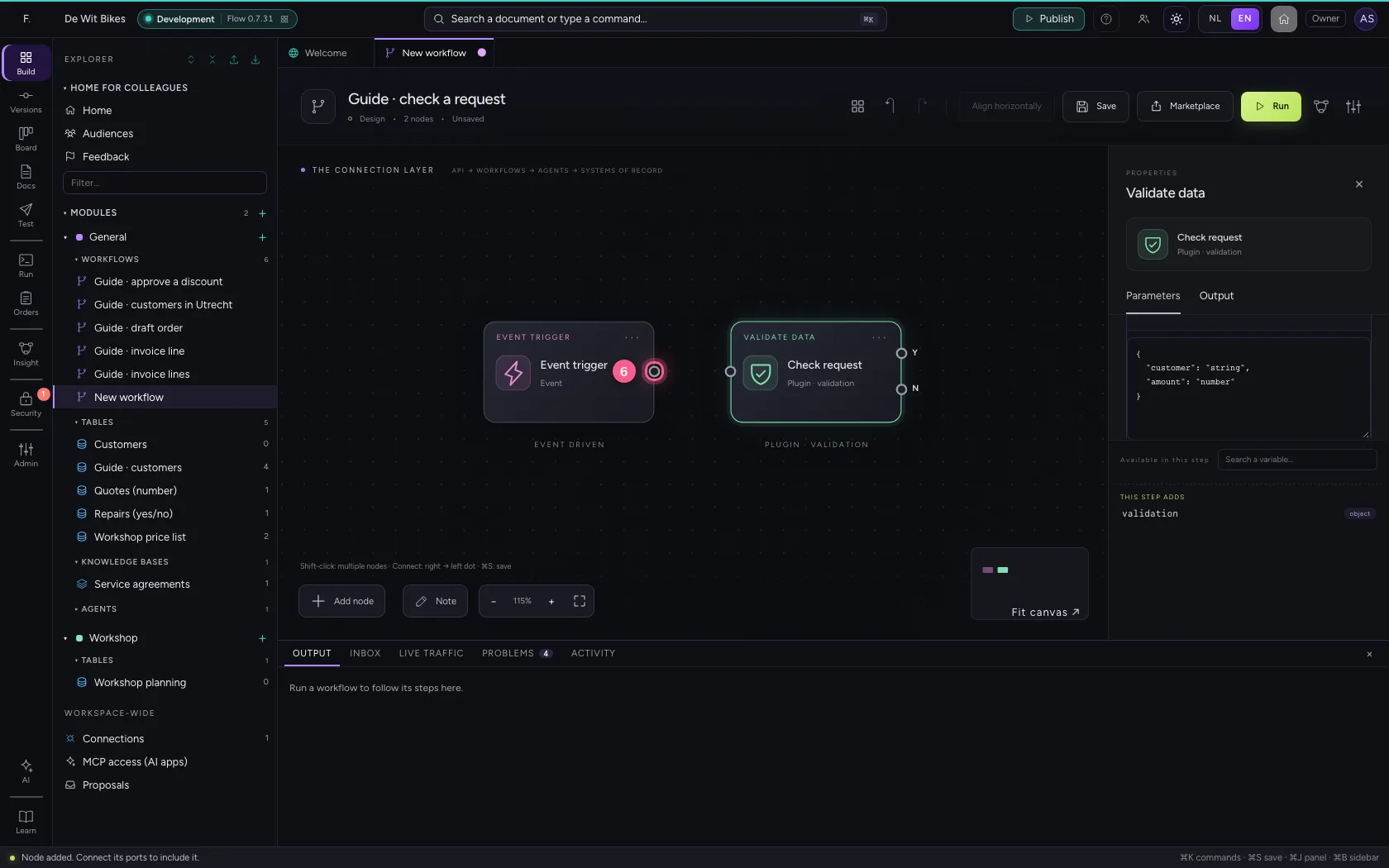
- Click the dot of ‘Event trigger’
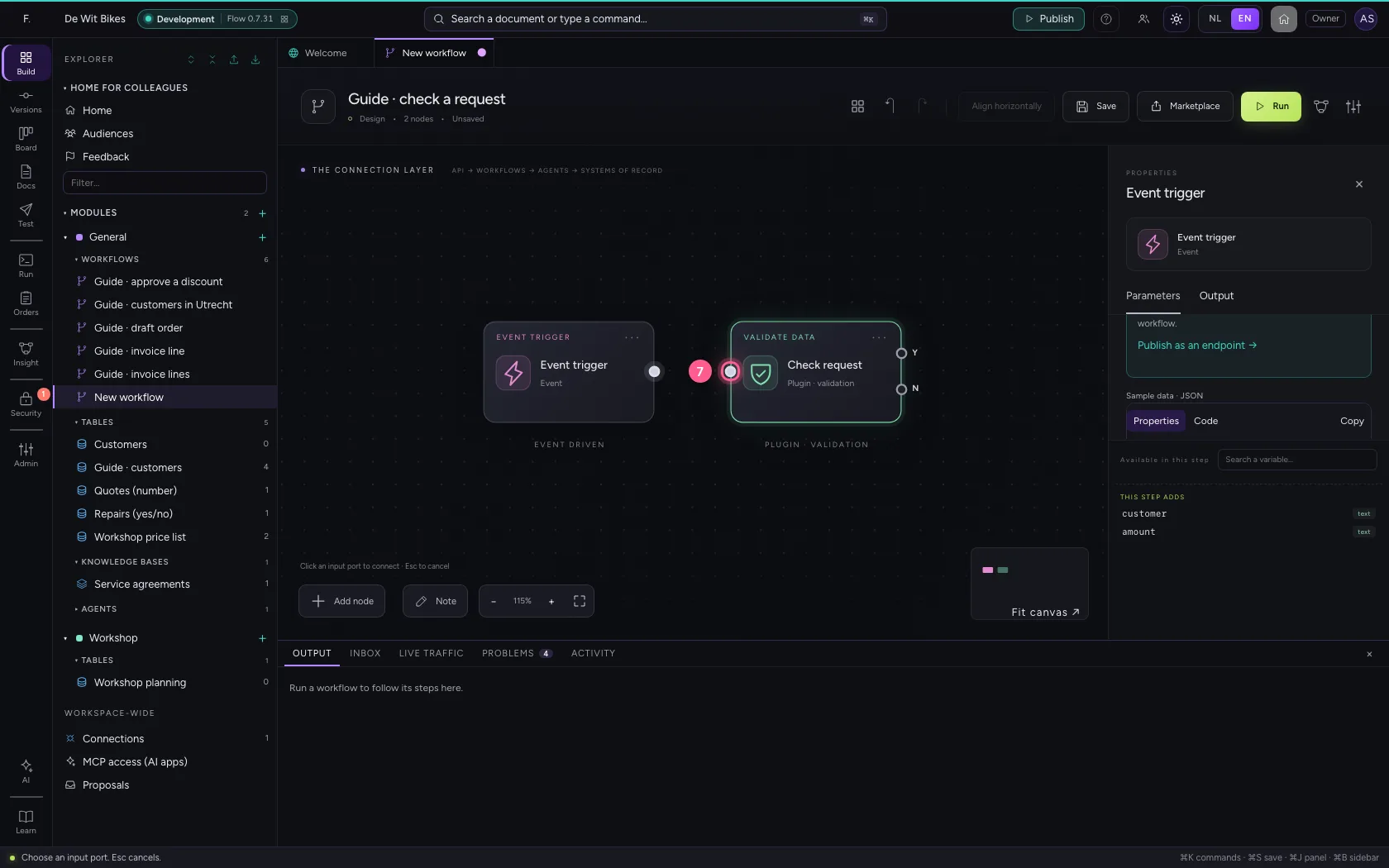
- Click the dot of ‘Check request’
Two ways
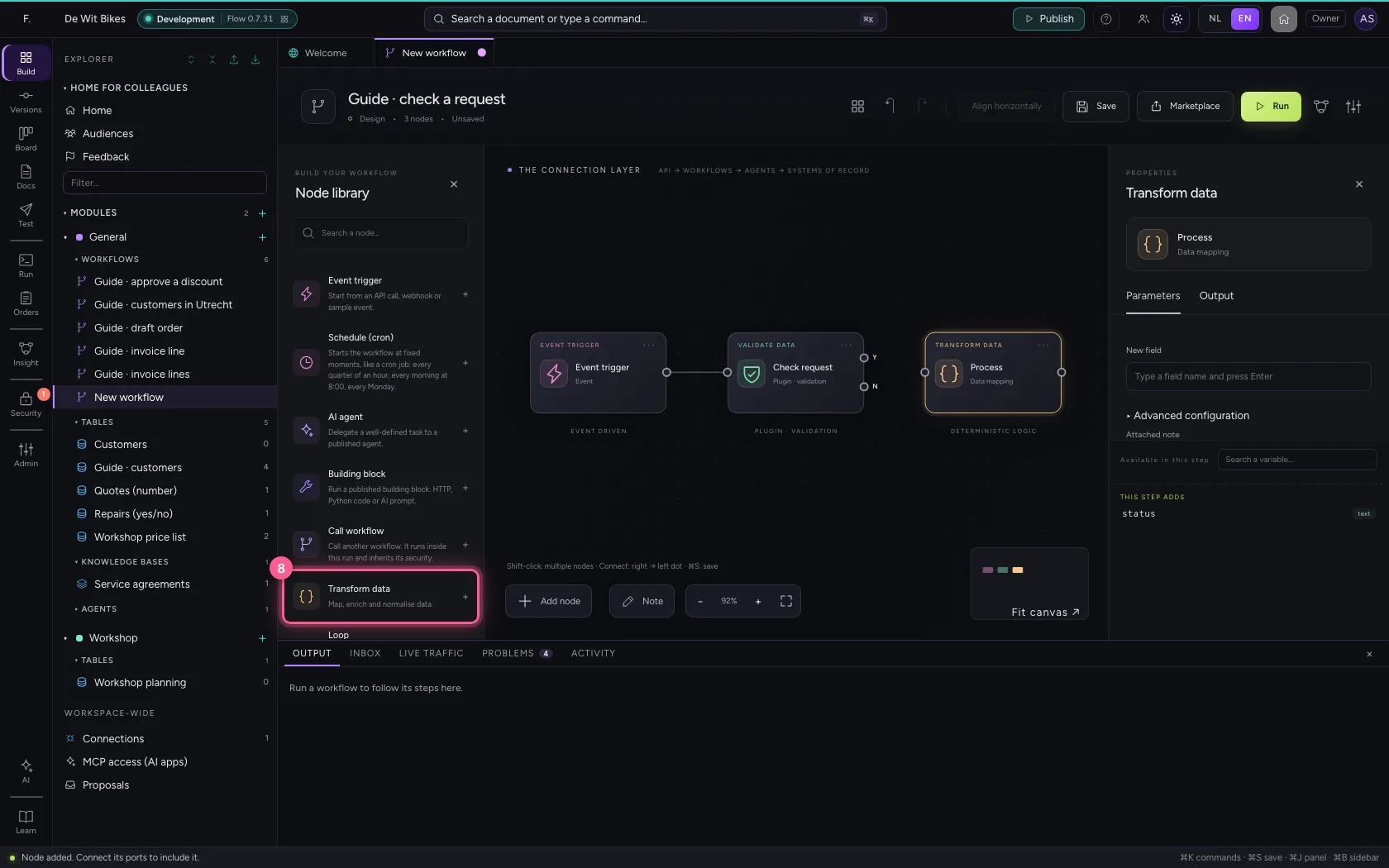
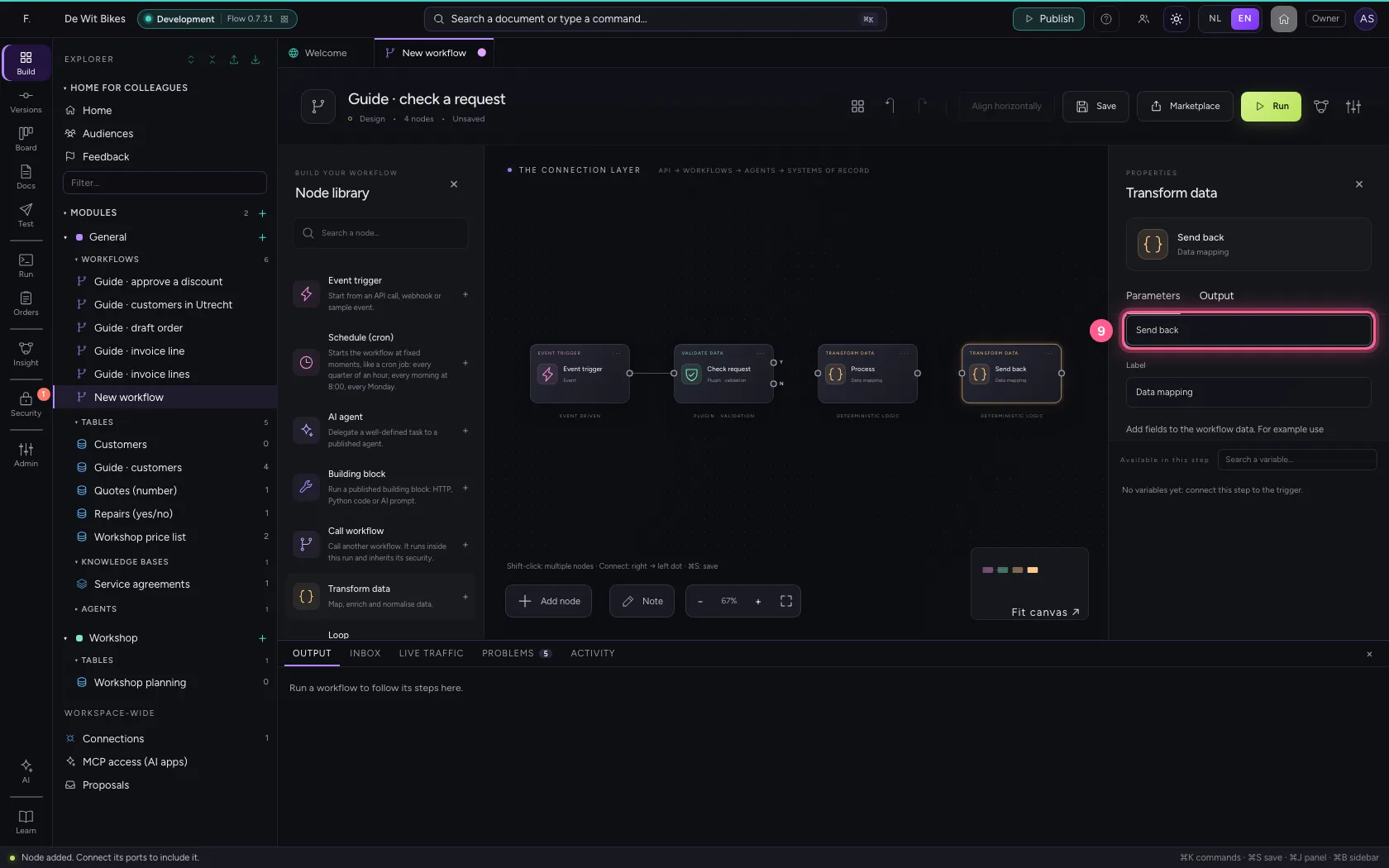
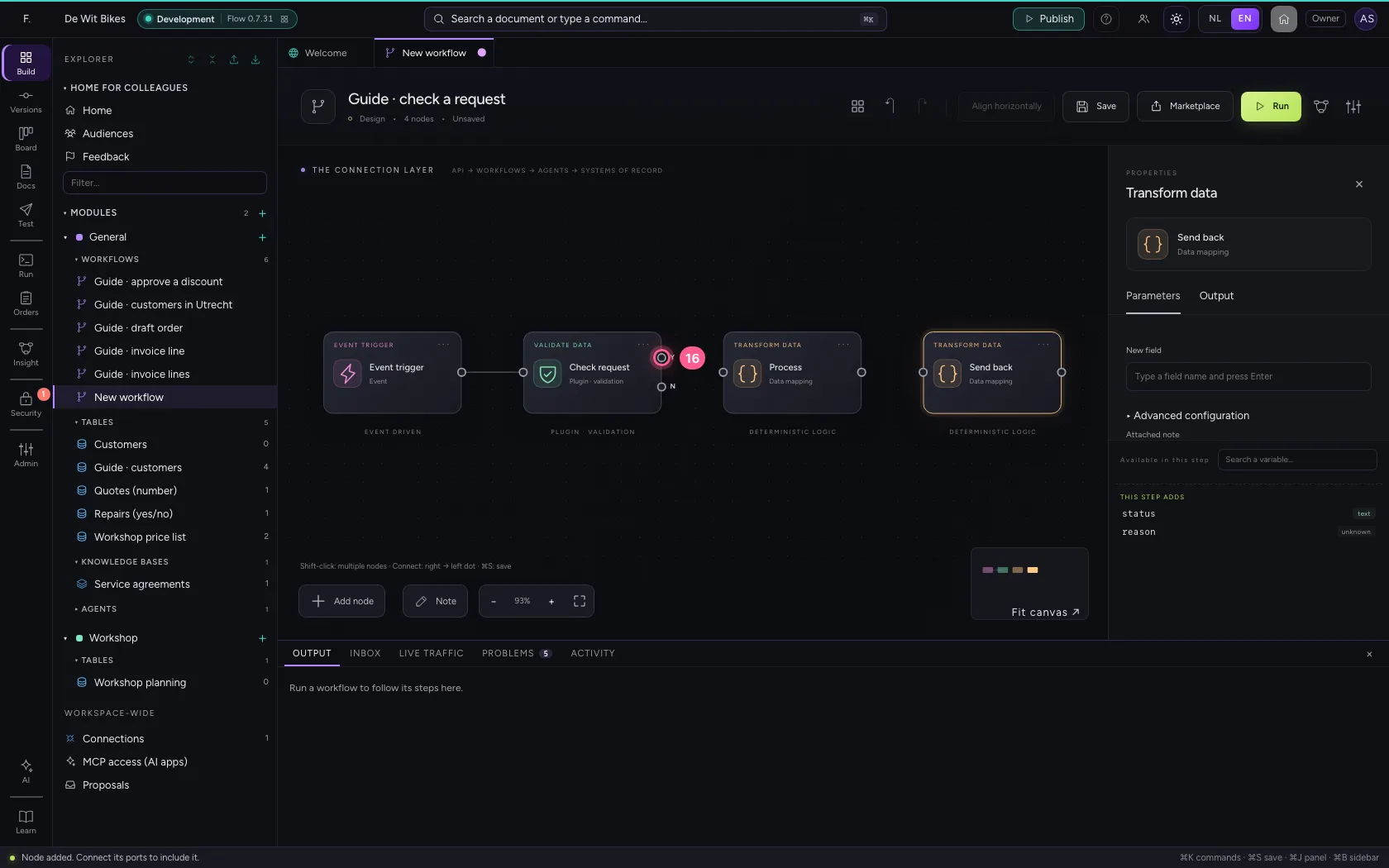
Add Transform data twice: Process for a good request, Send back for a wrong one, with the errors from {{validation.errors}}. Connect Yes (top) to Process and No (bottom) to Send back.
- Click Add node
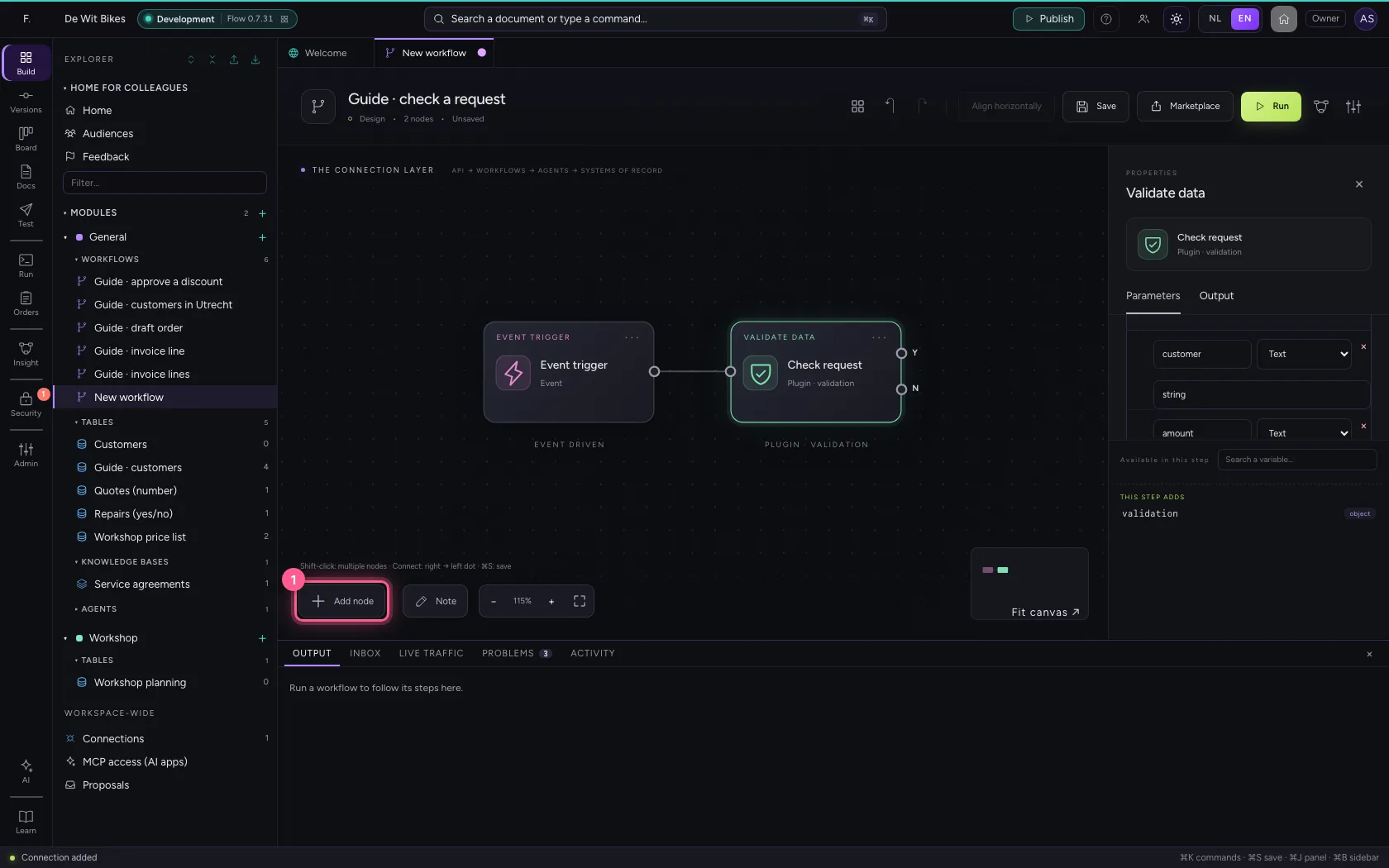
- Click Transform data
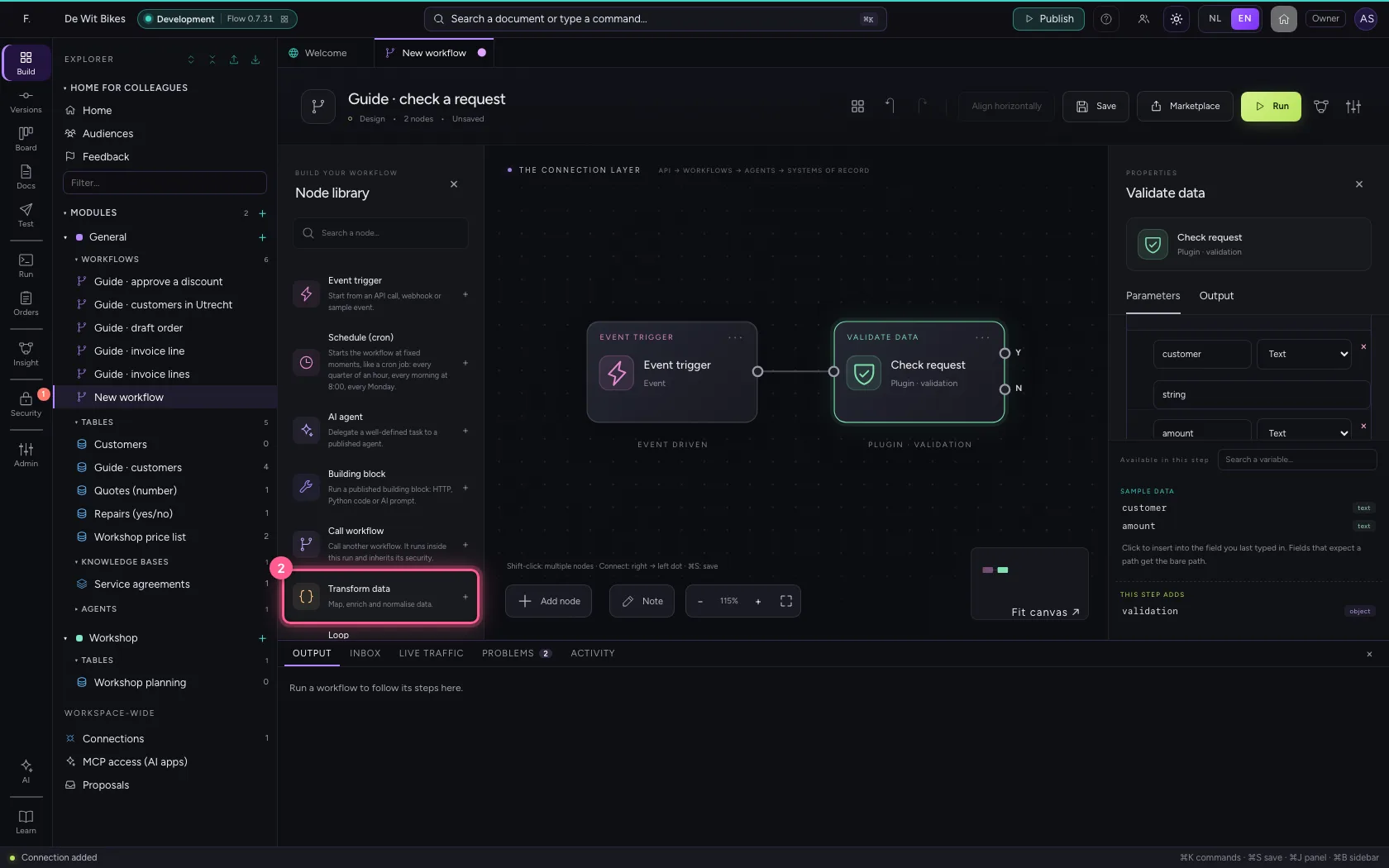
- In Name, type
Process
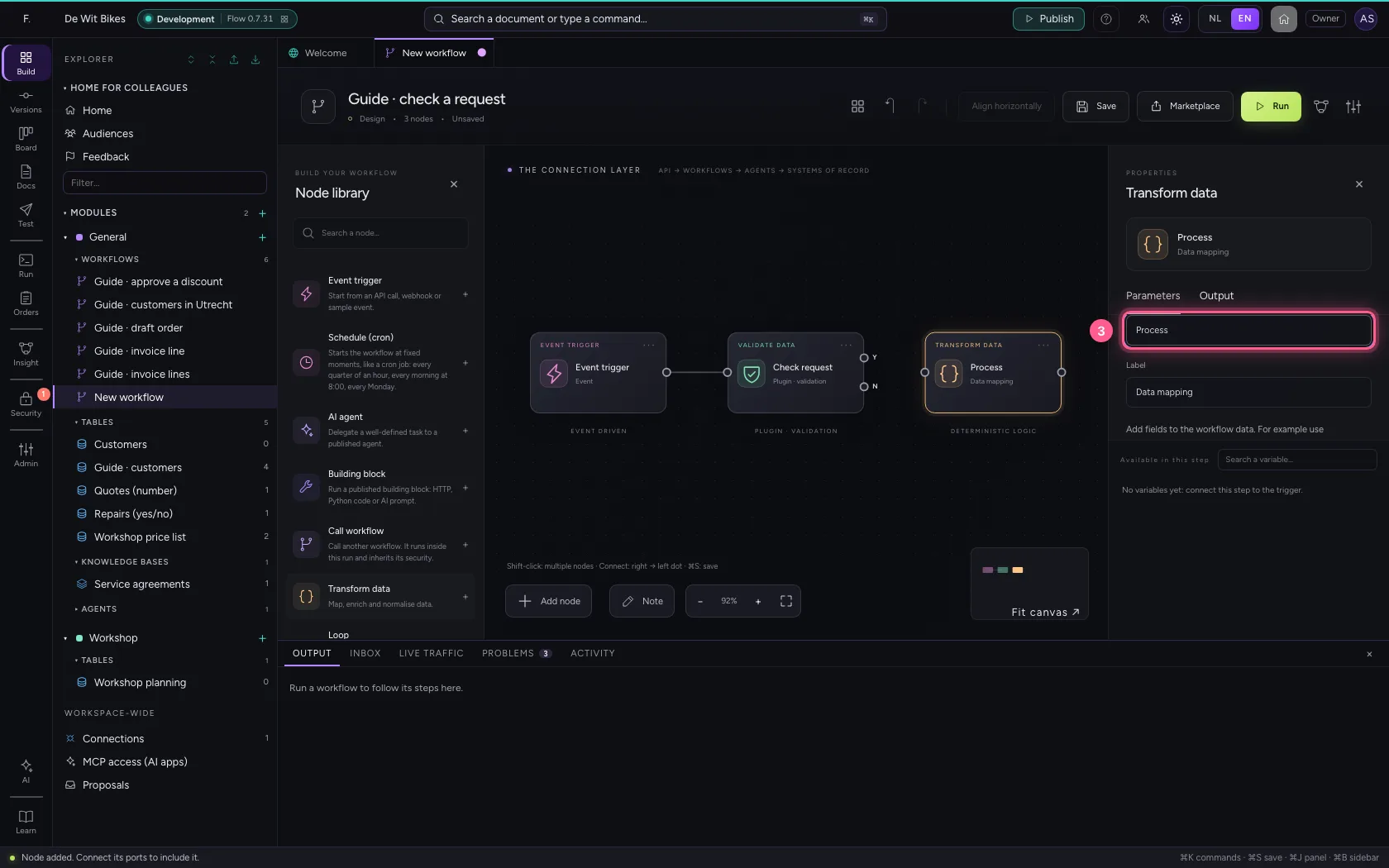
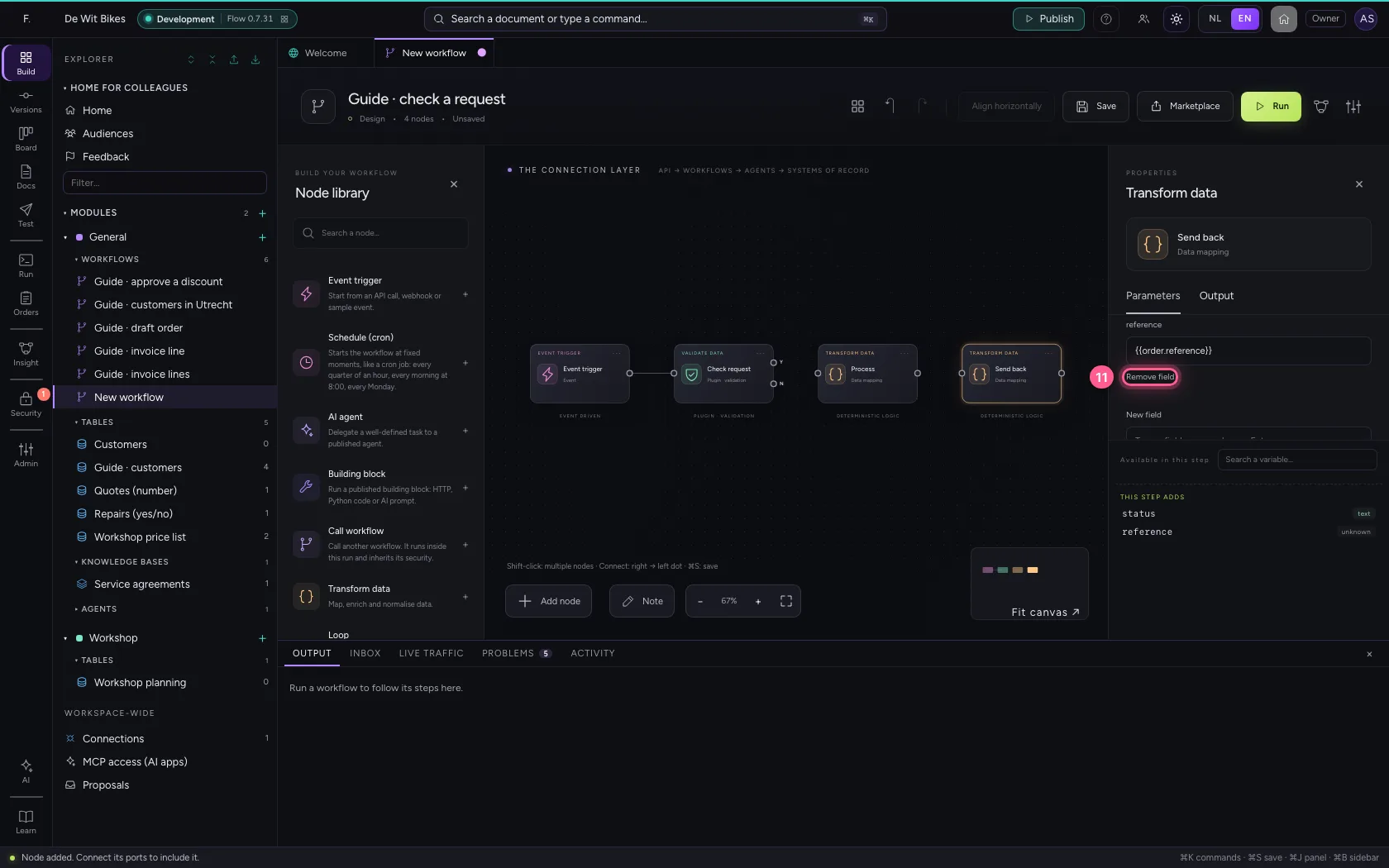
- Click Remove field
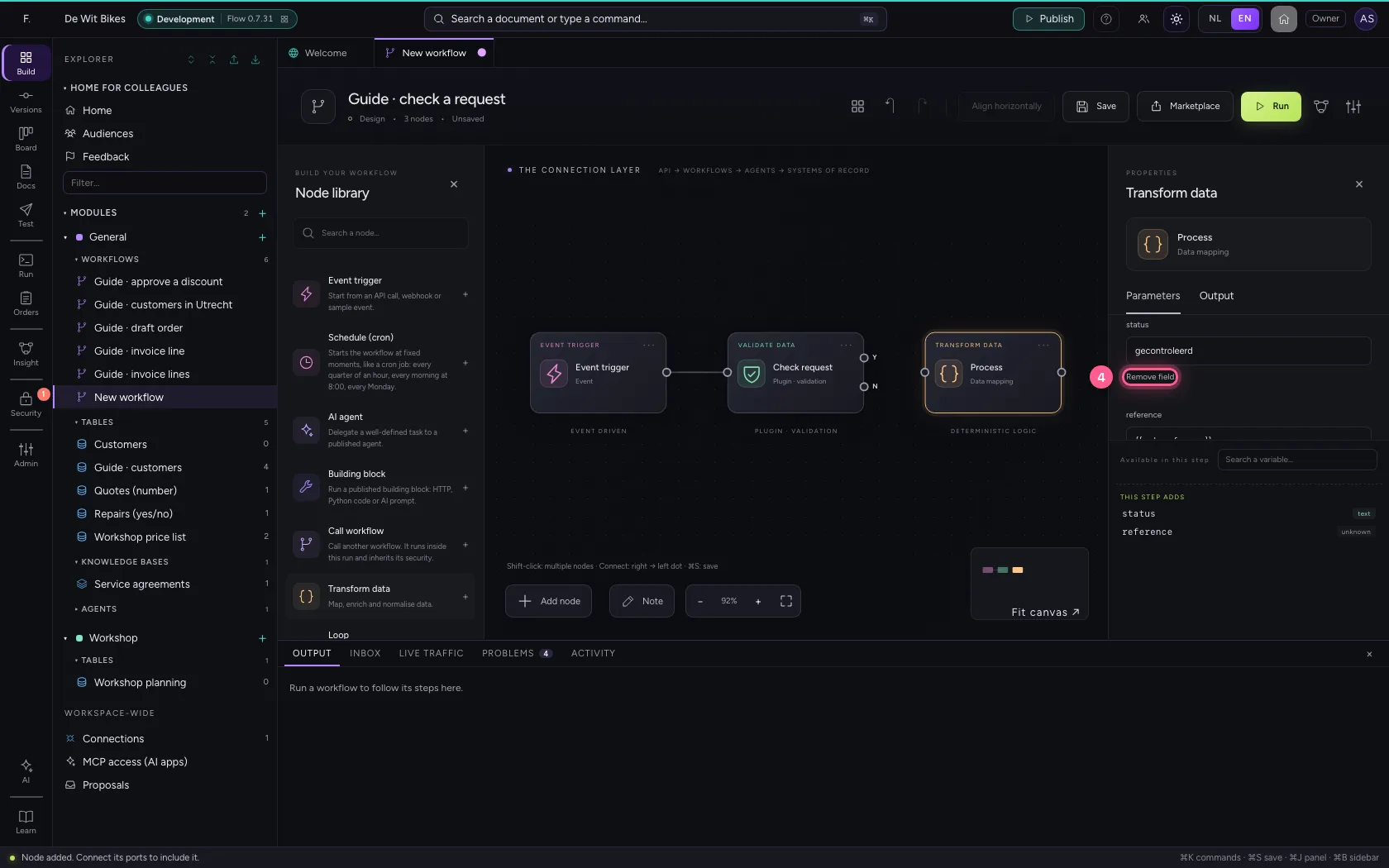
- Click Remove field
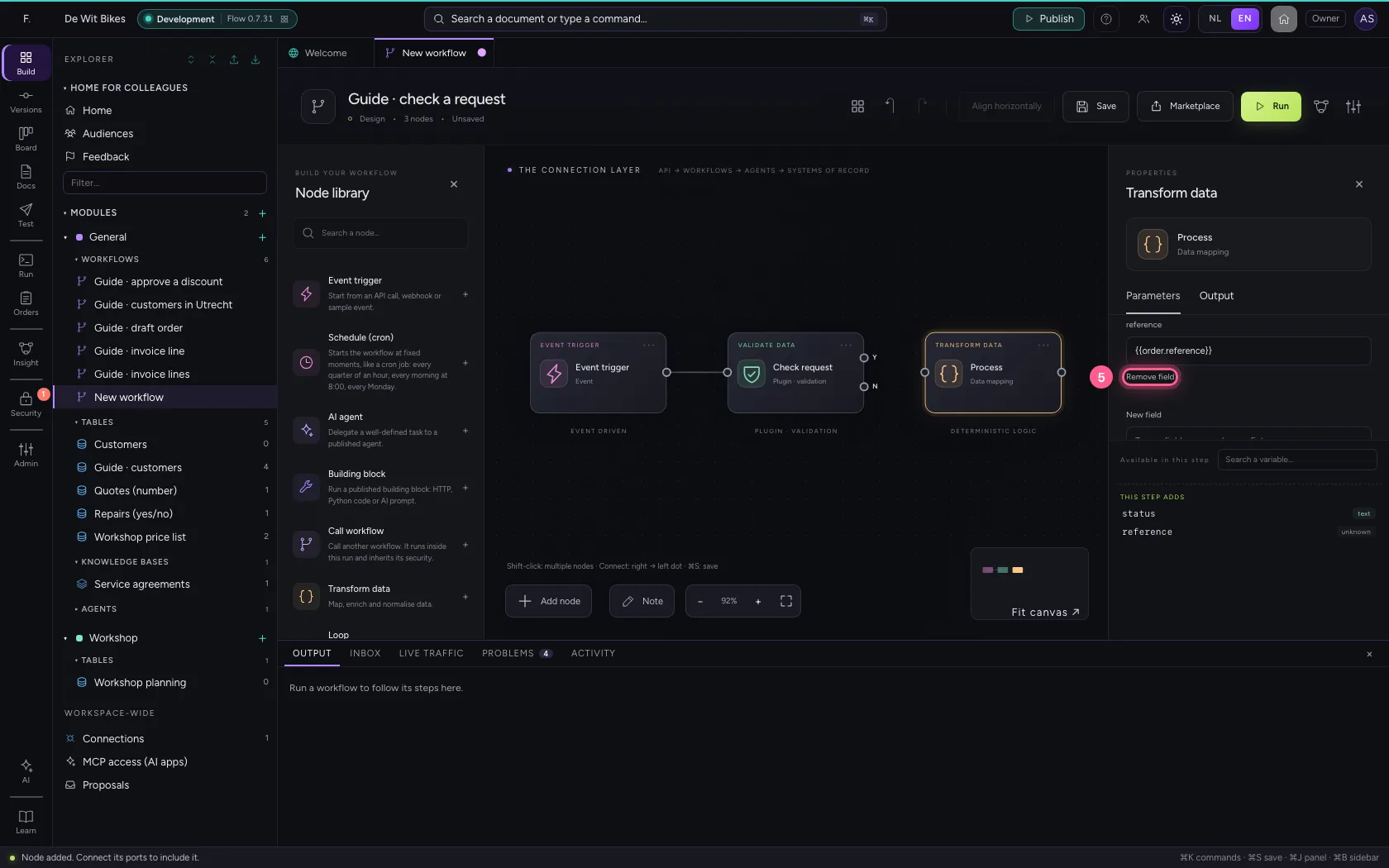
- In New field, type
status - In status, type
in progress
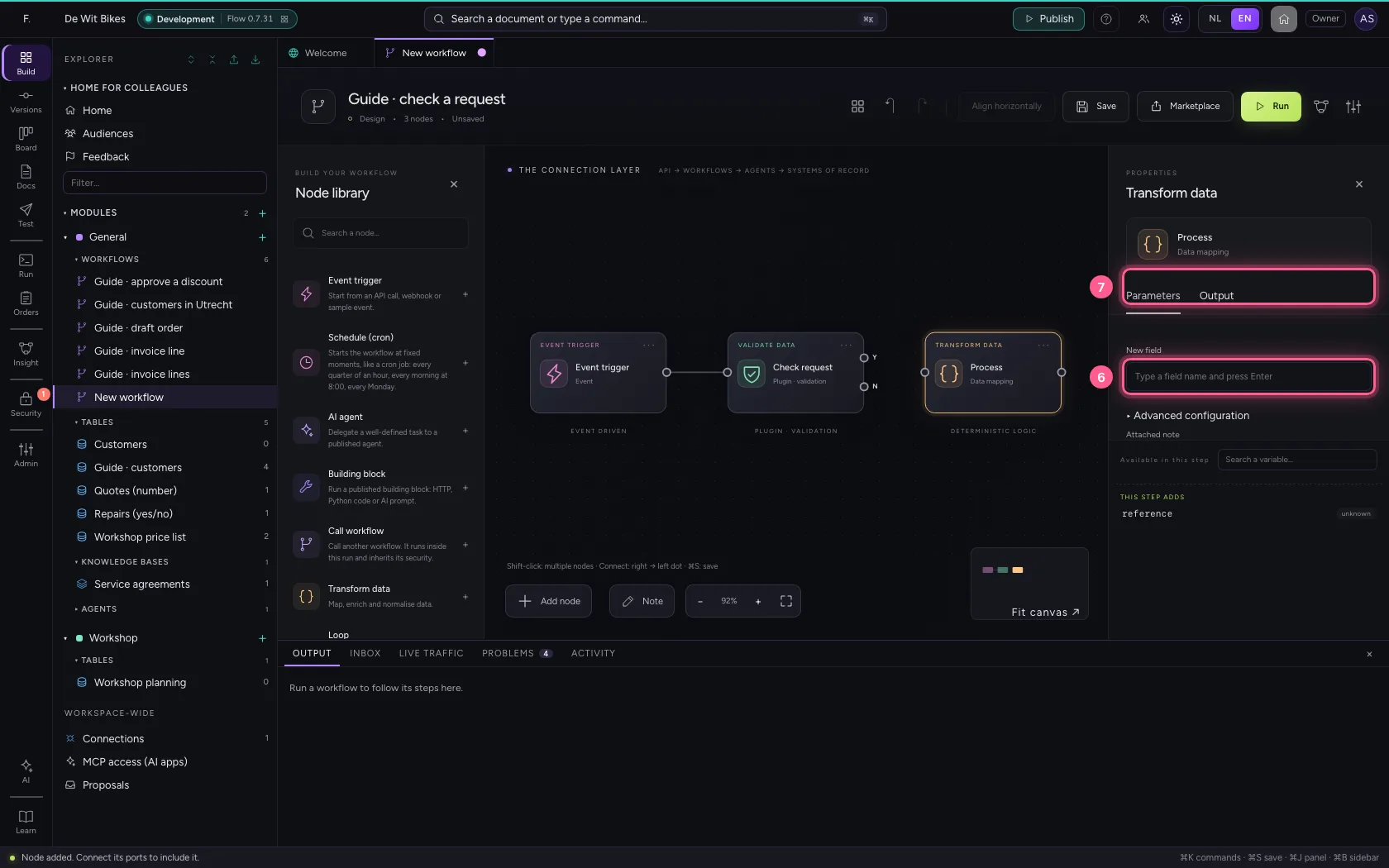
- Click Transform data
- In Name, type
Send back
- Click Remove field
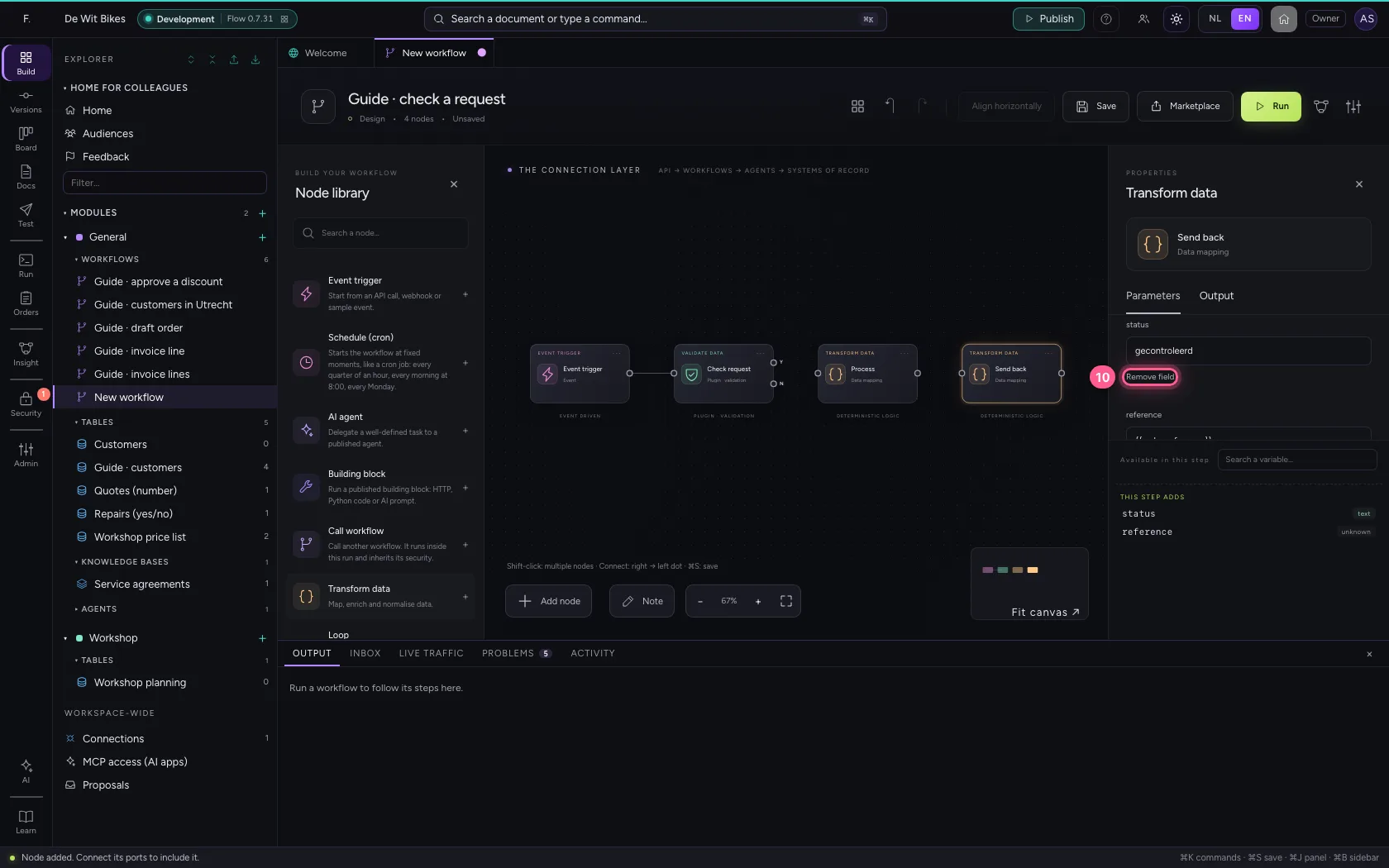
- Click Remove field
- In New field, type
status - In status, type
sent back - In New field, type
reason - In reason, type
{{validation.errors}}
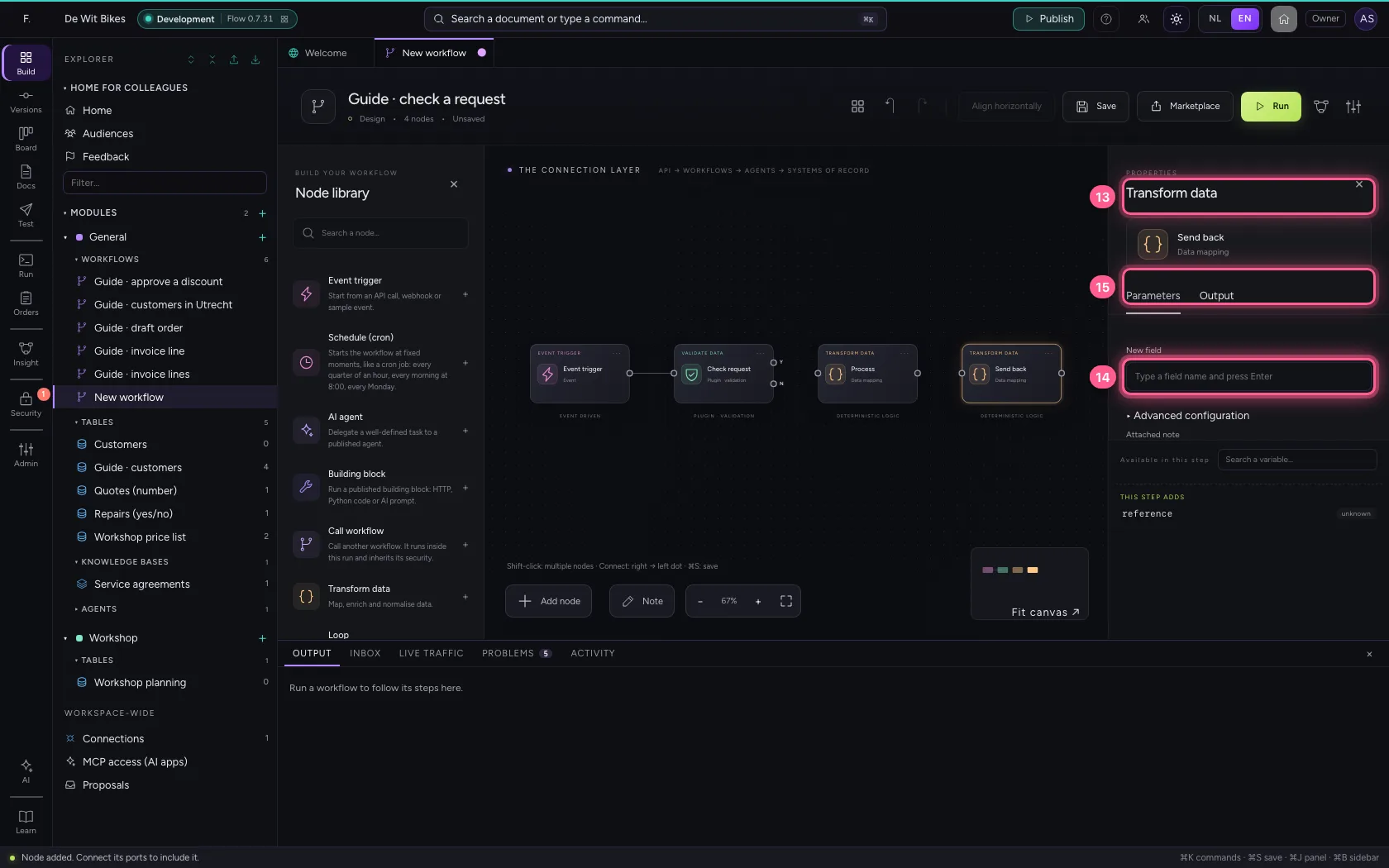
- Click exit Yes of ‘Check request’
- Click the dot of ‘Process’
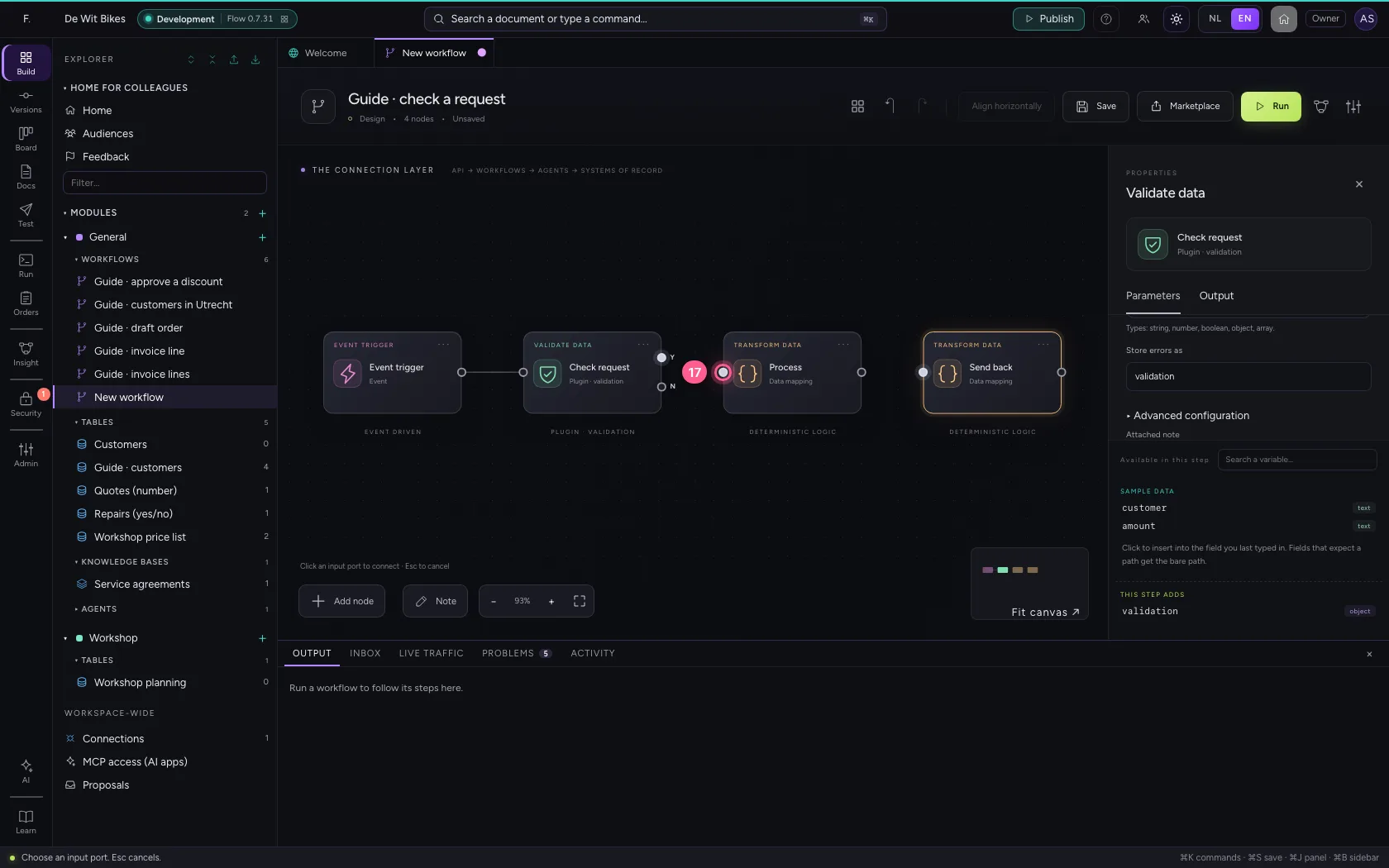
- Click exit No of ‘Check request’
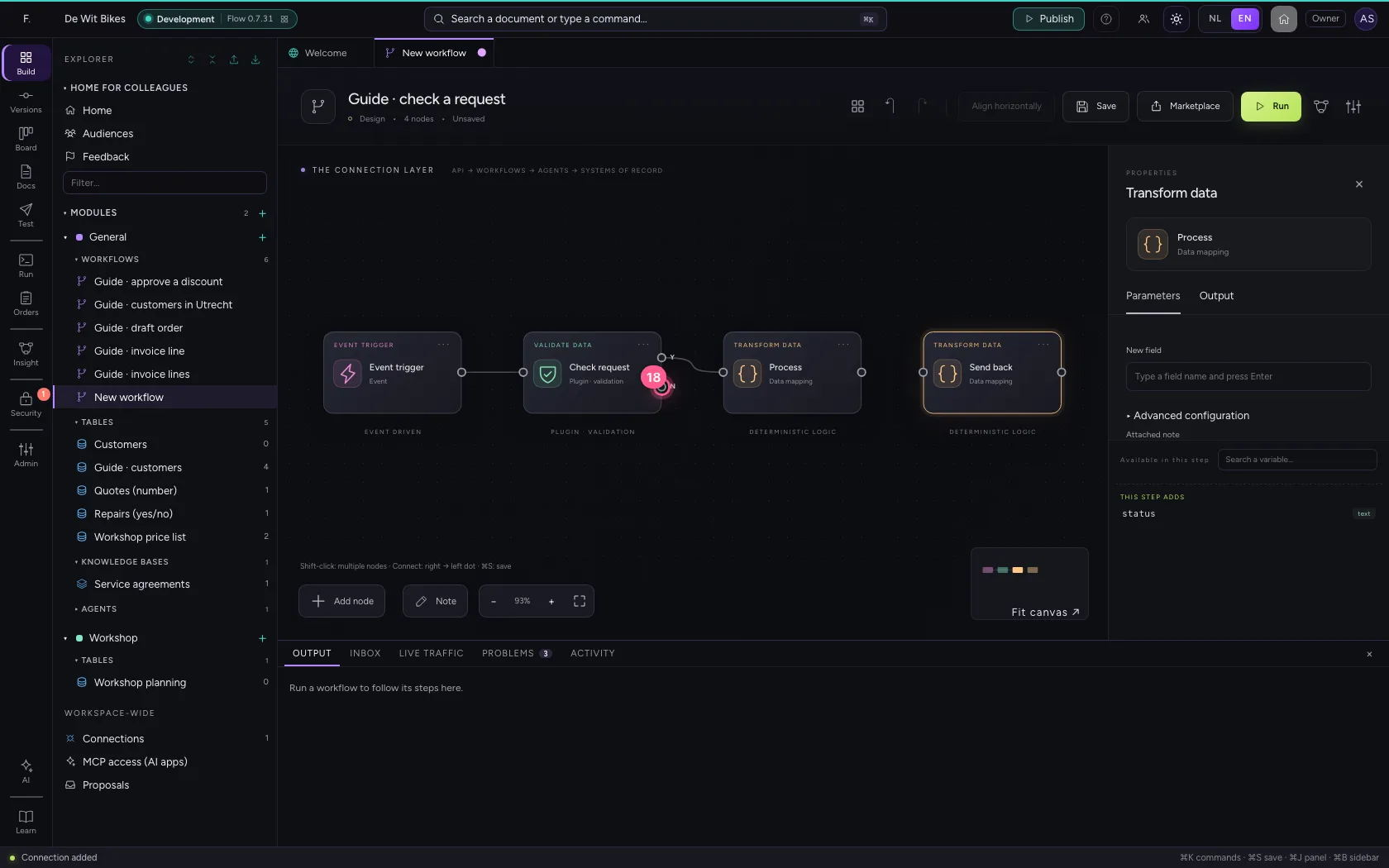
- Click the dot of ‘Send back’
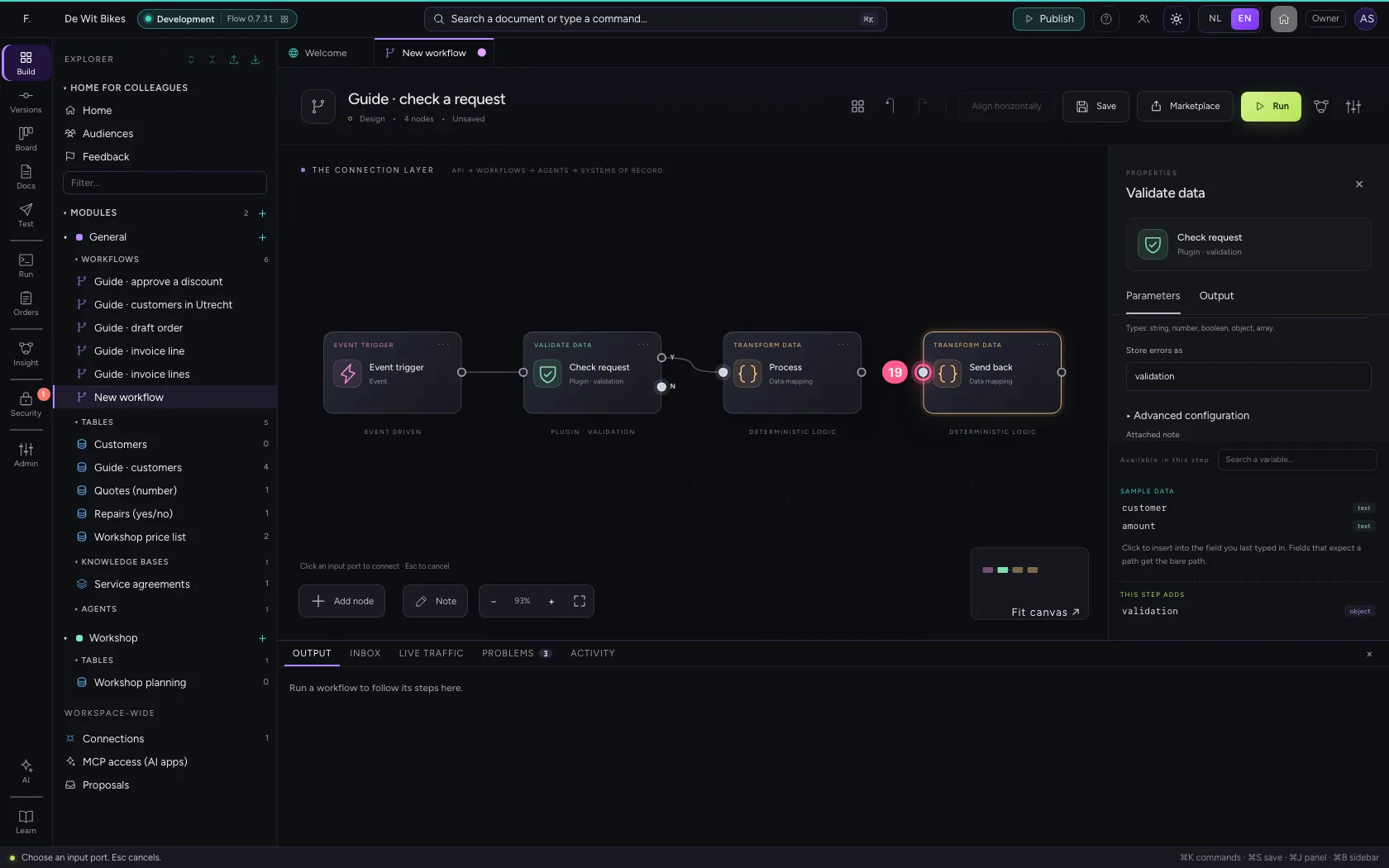
Put the steps in one line and save
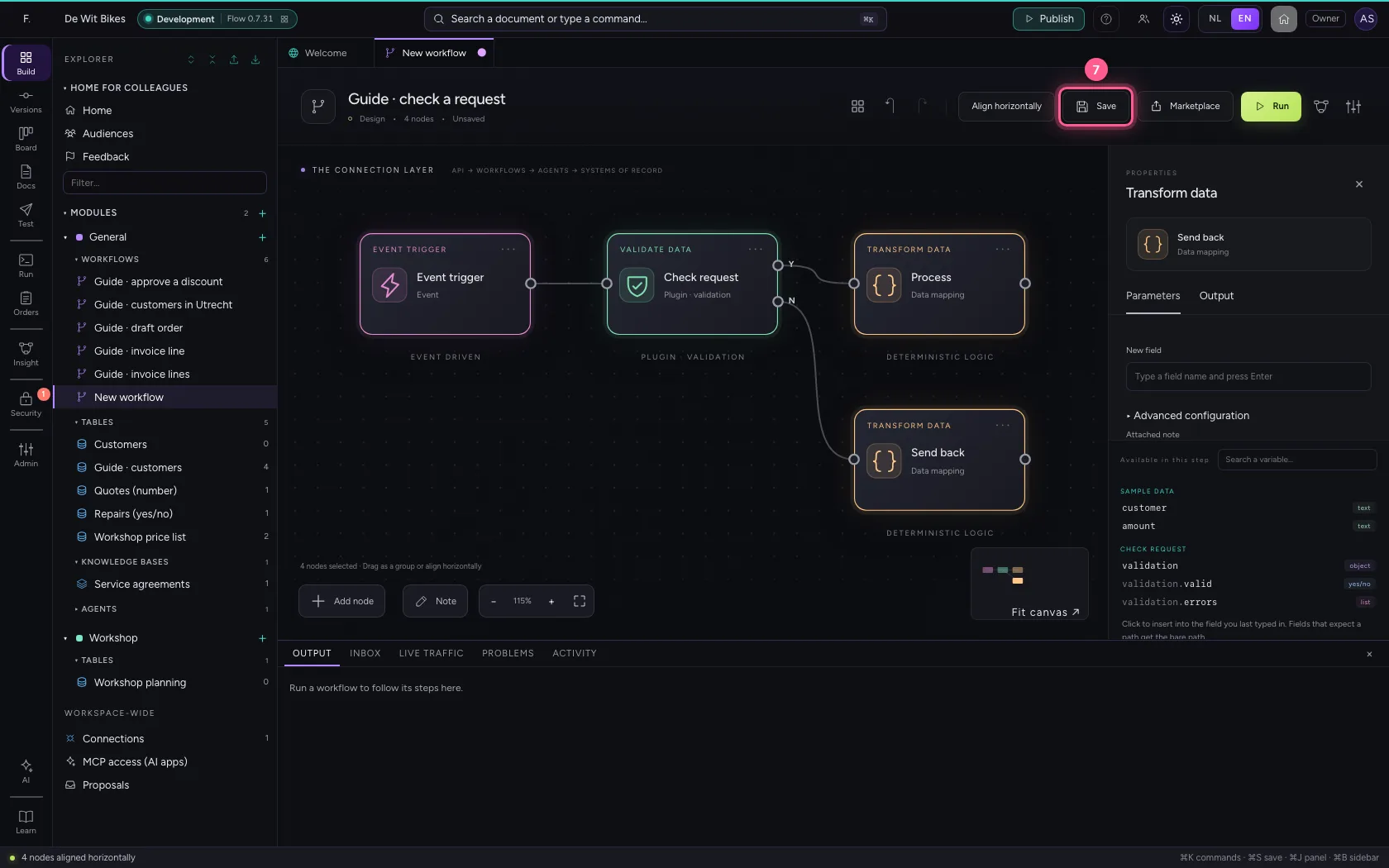
Select the steps (click the first, and the others while holding Shift) and click Align horizontally: they then stand in one line and you read the workflow from left to right; a branch (such as No of an If / Else) gets its own row below. Fit to view puts everything in sight; then Save.
- Click ‘Event trigger’
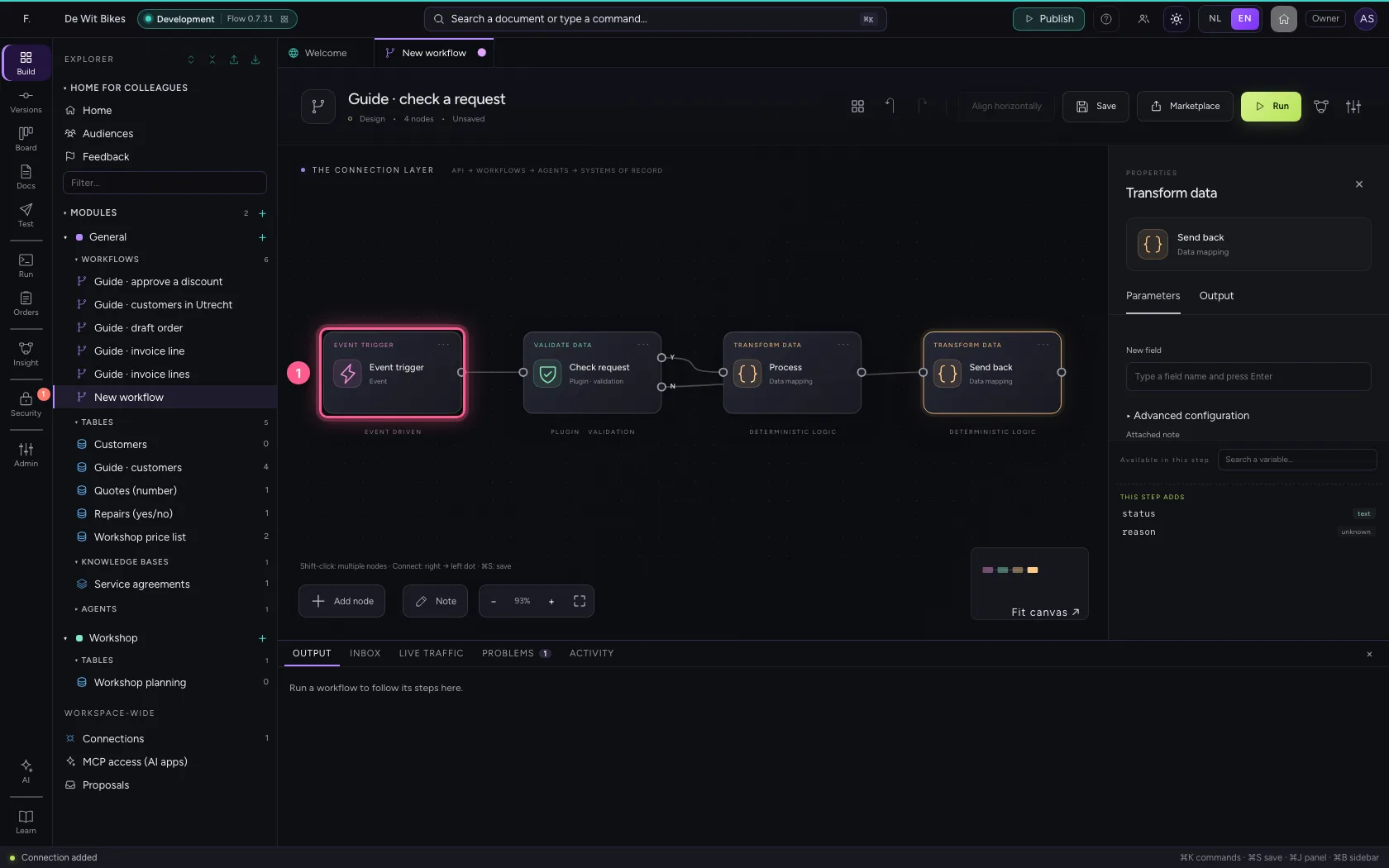
- Click ‘Check request’ while holding Shift
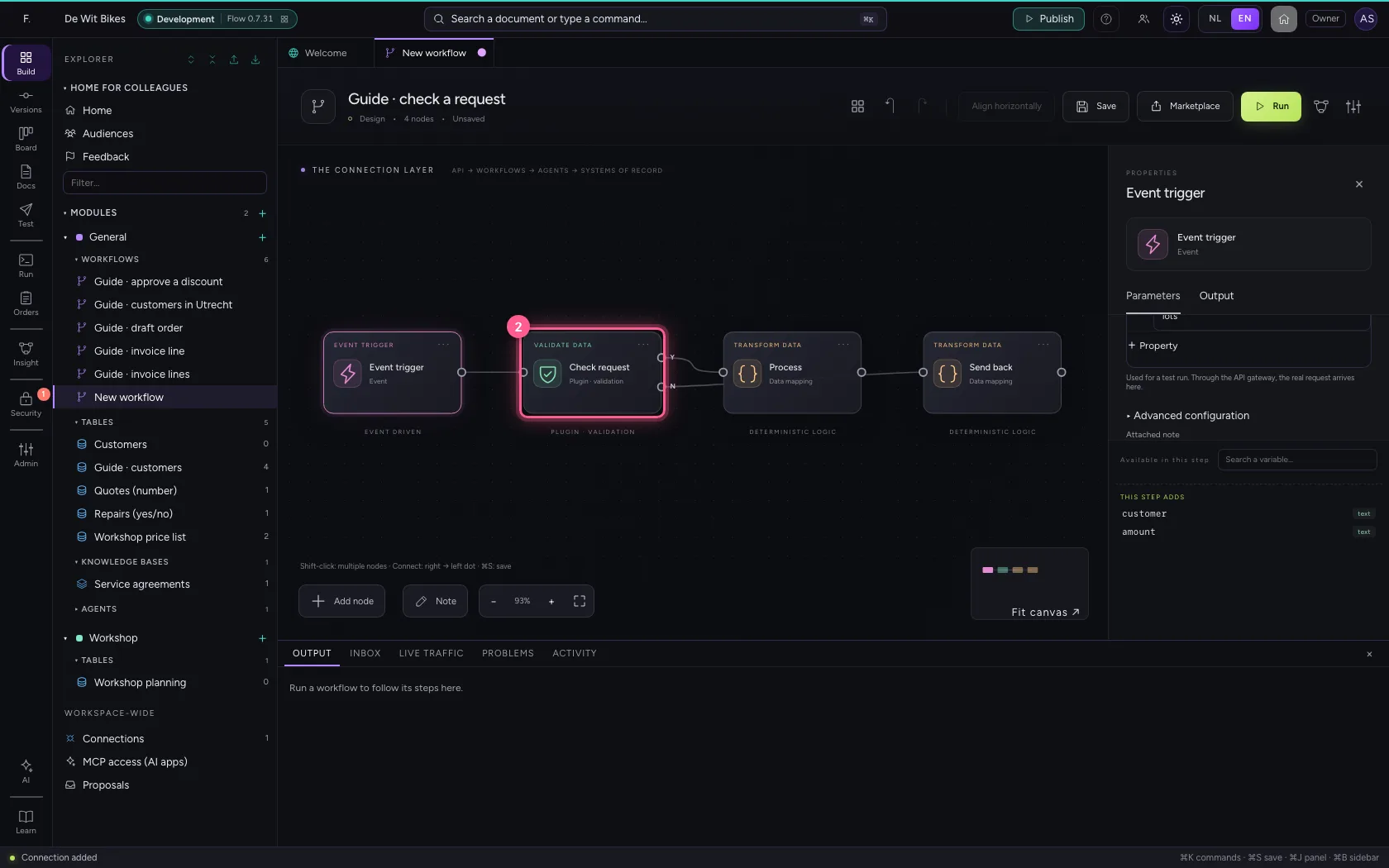
- Click ‘Process’ while holding Shift
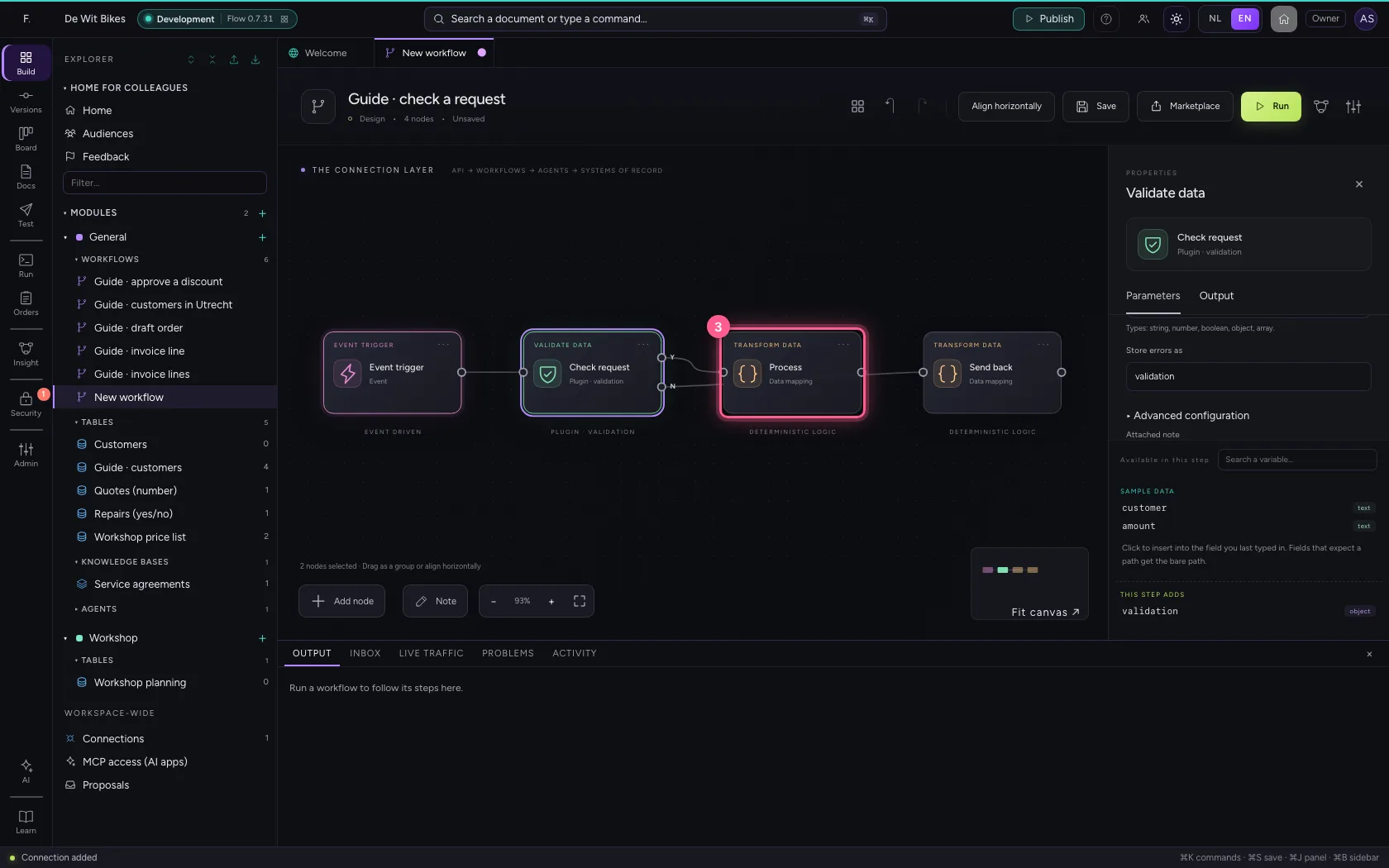
- Click ‘Send back’ while holding Shift
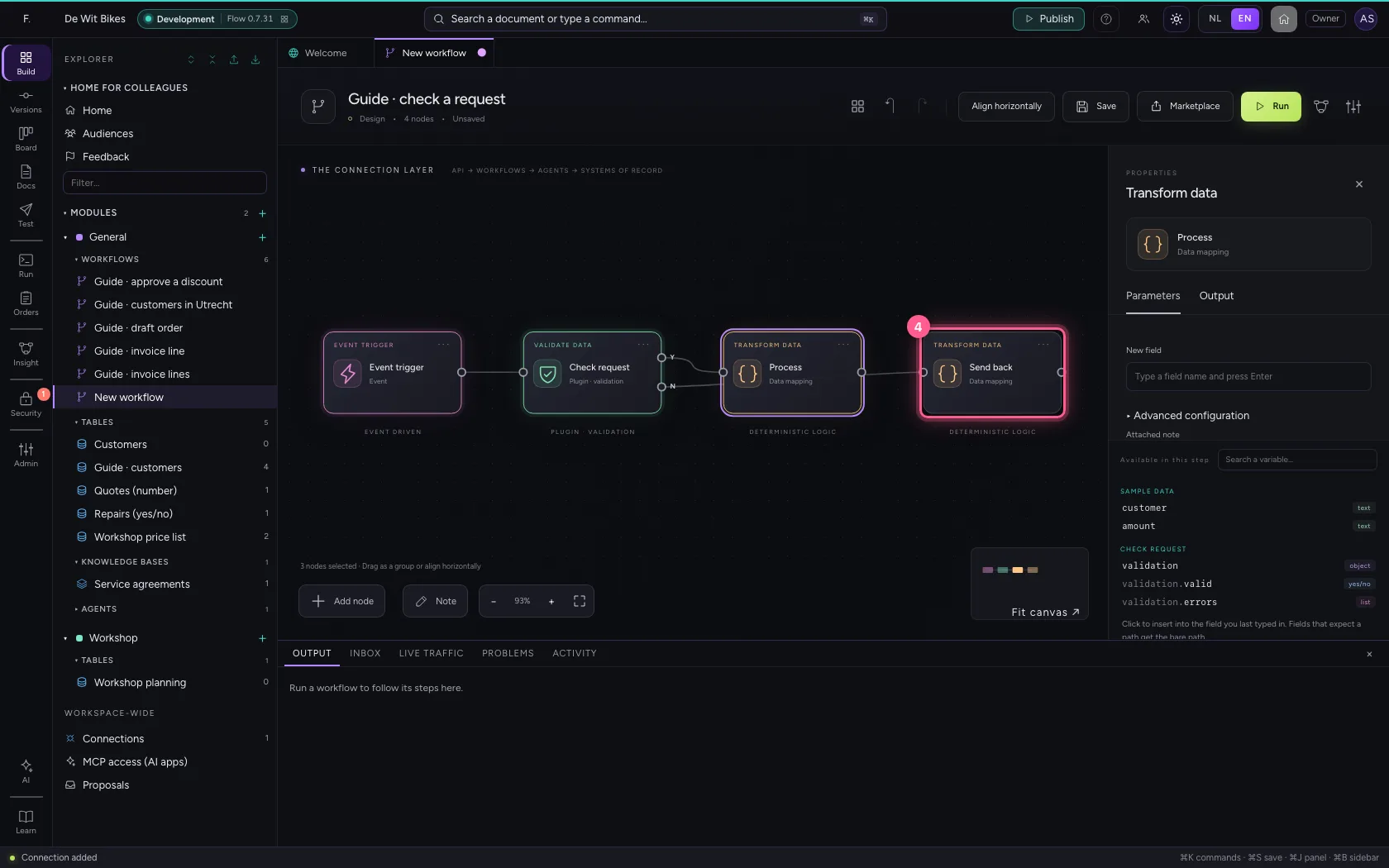
- Click Align horizontally
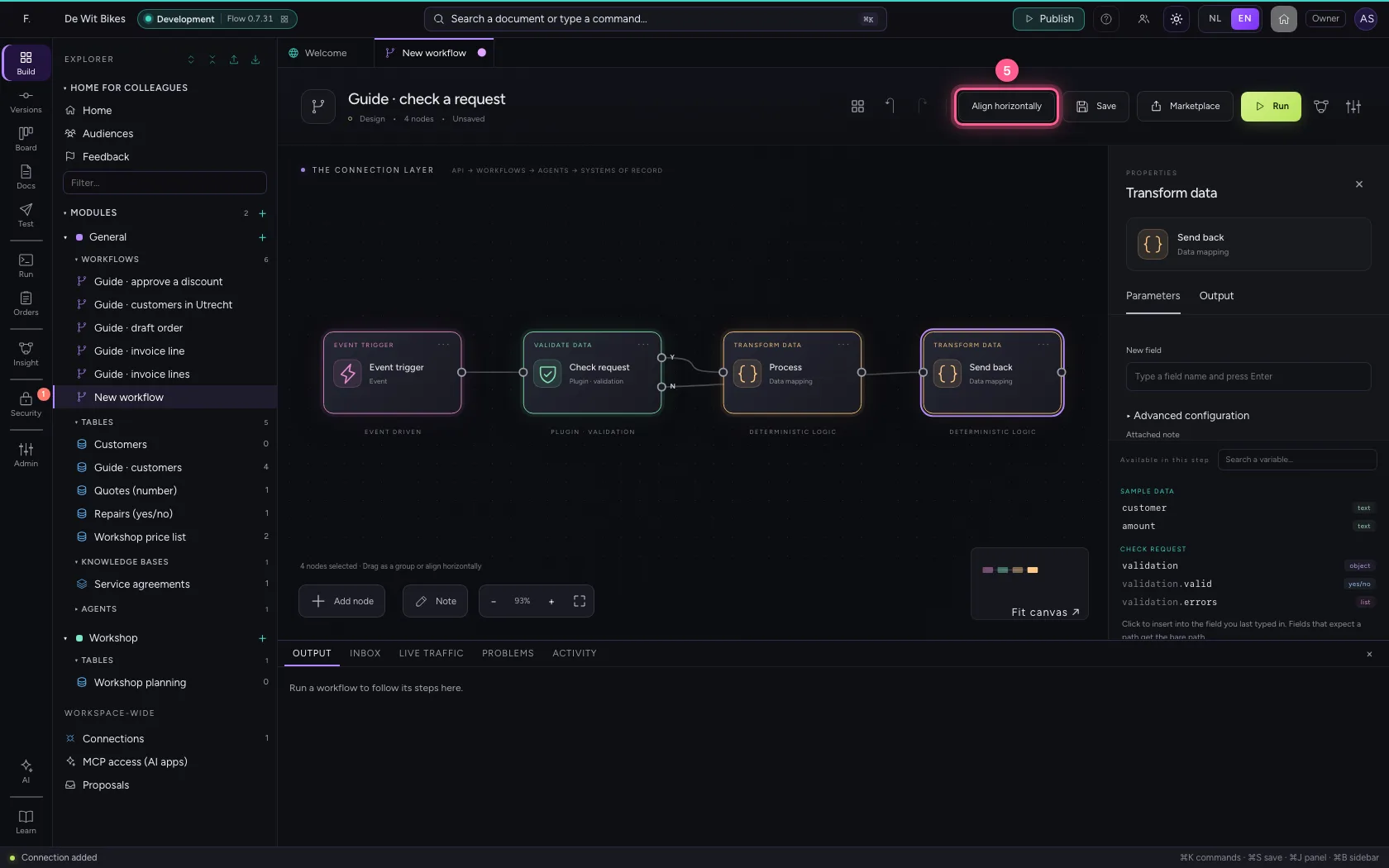
- Click Fit to view
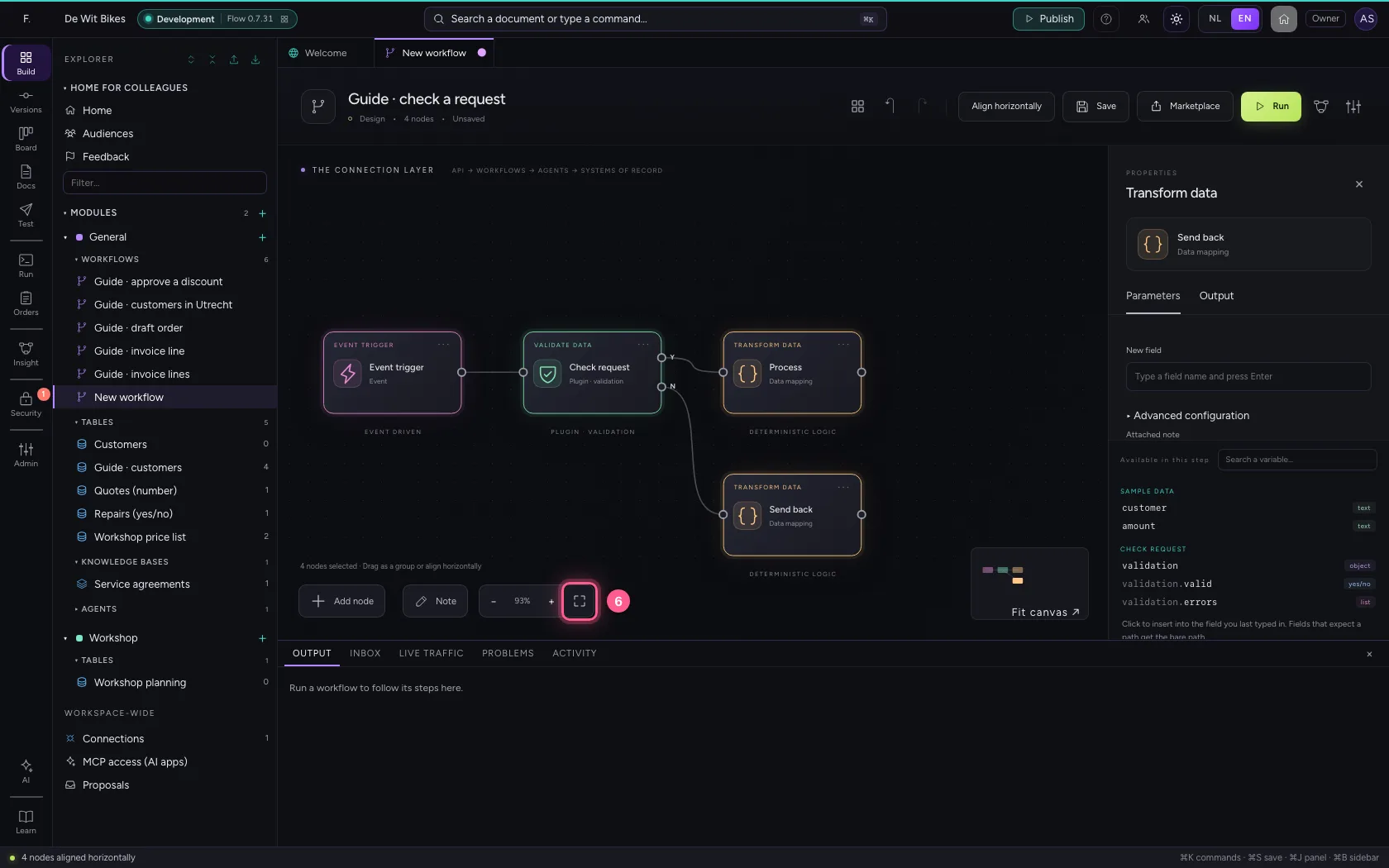
- Click Save
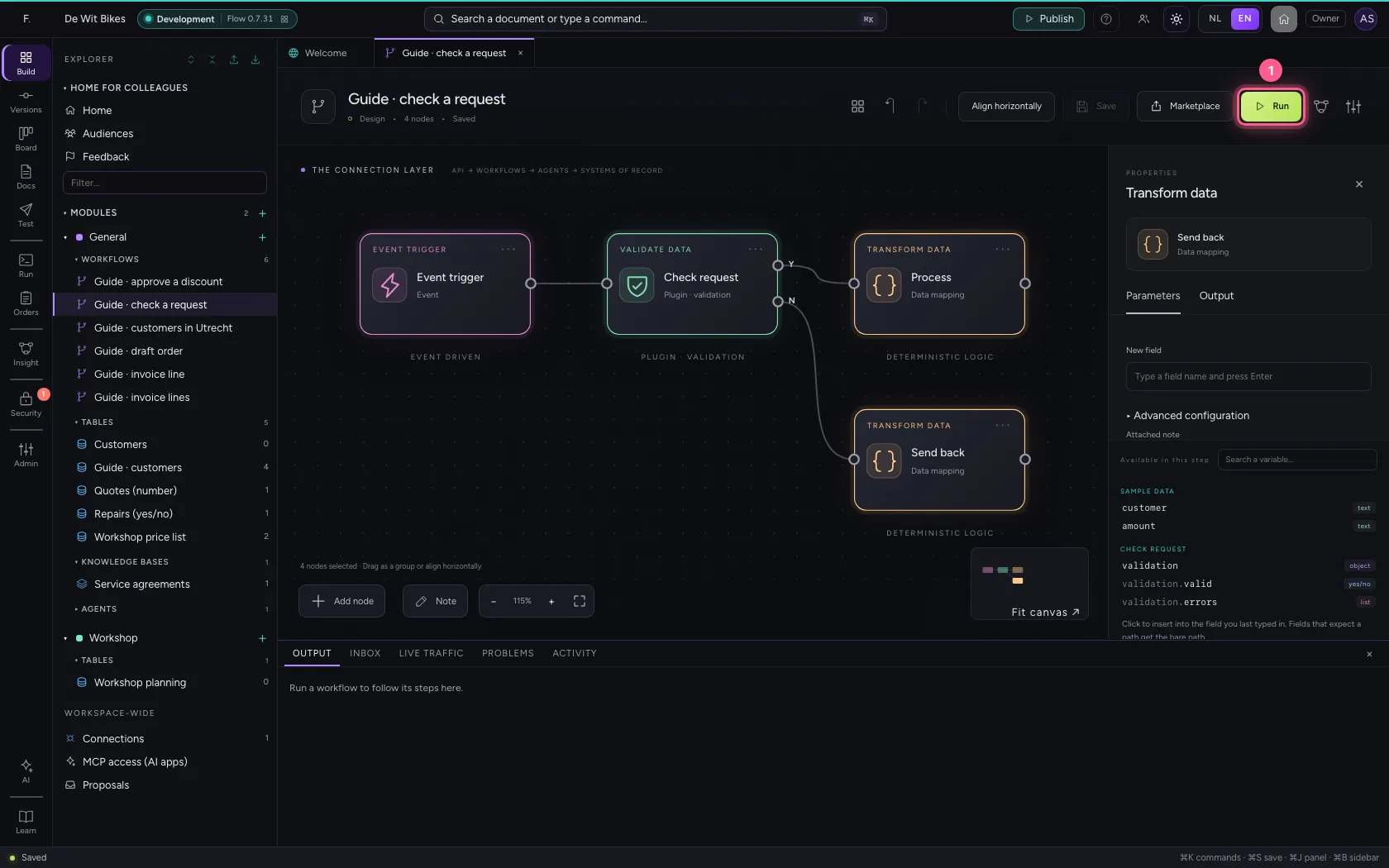
Run
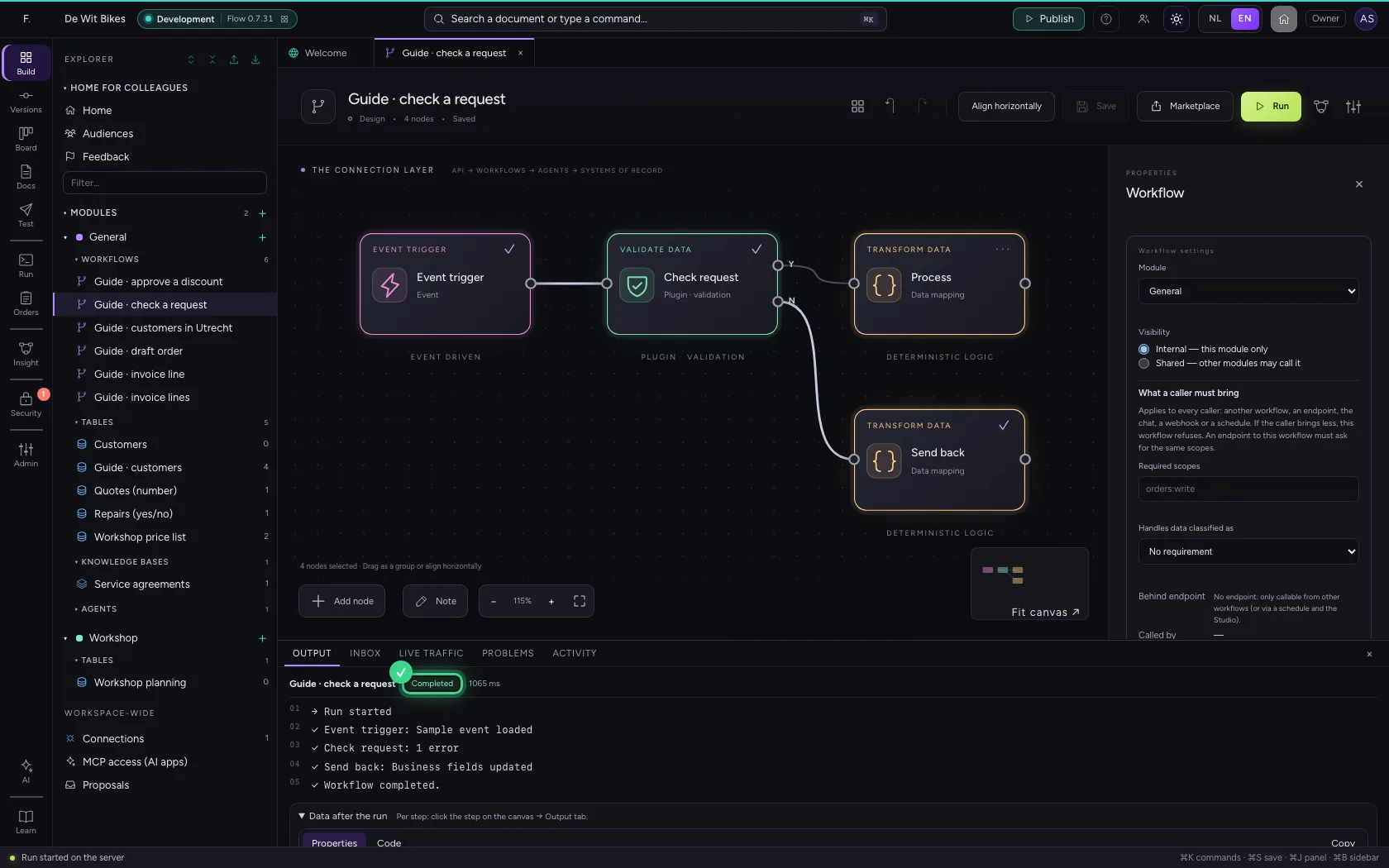
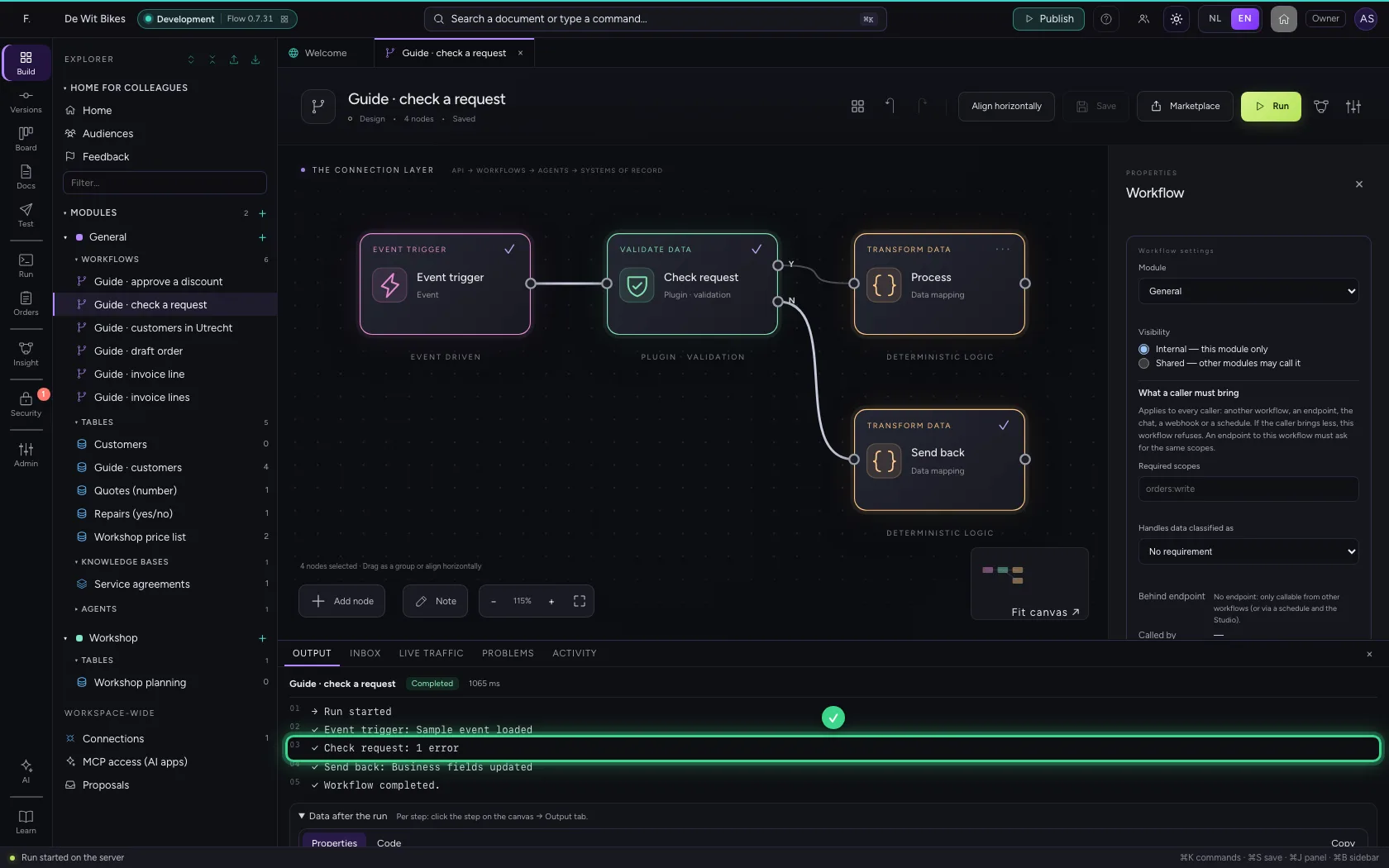
The check found one error and the workflow went to Send back; under Data after the run is why: the amount must be a number. Flow knows what the step returns ({{validation.valid}} and {{validation.errors}}) while you build, so you can use it straight away.
- Click Run
This guide was carried out step by step on 22 Oct 2026 by an automated test on Flow (version 3e563176).