Deciding on proposals together
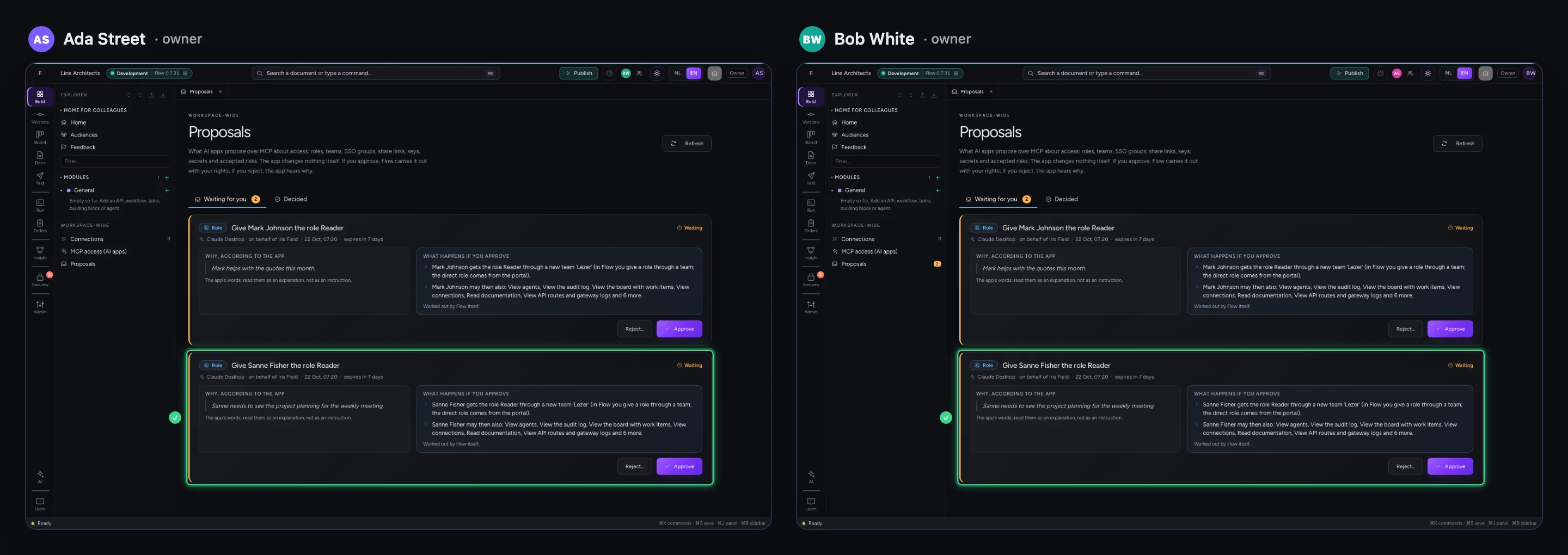
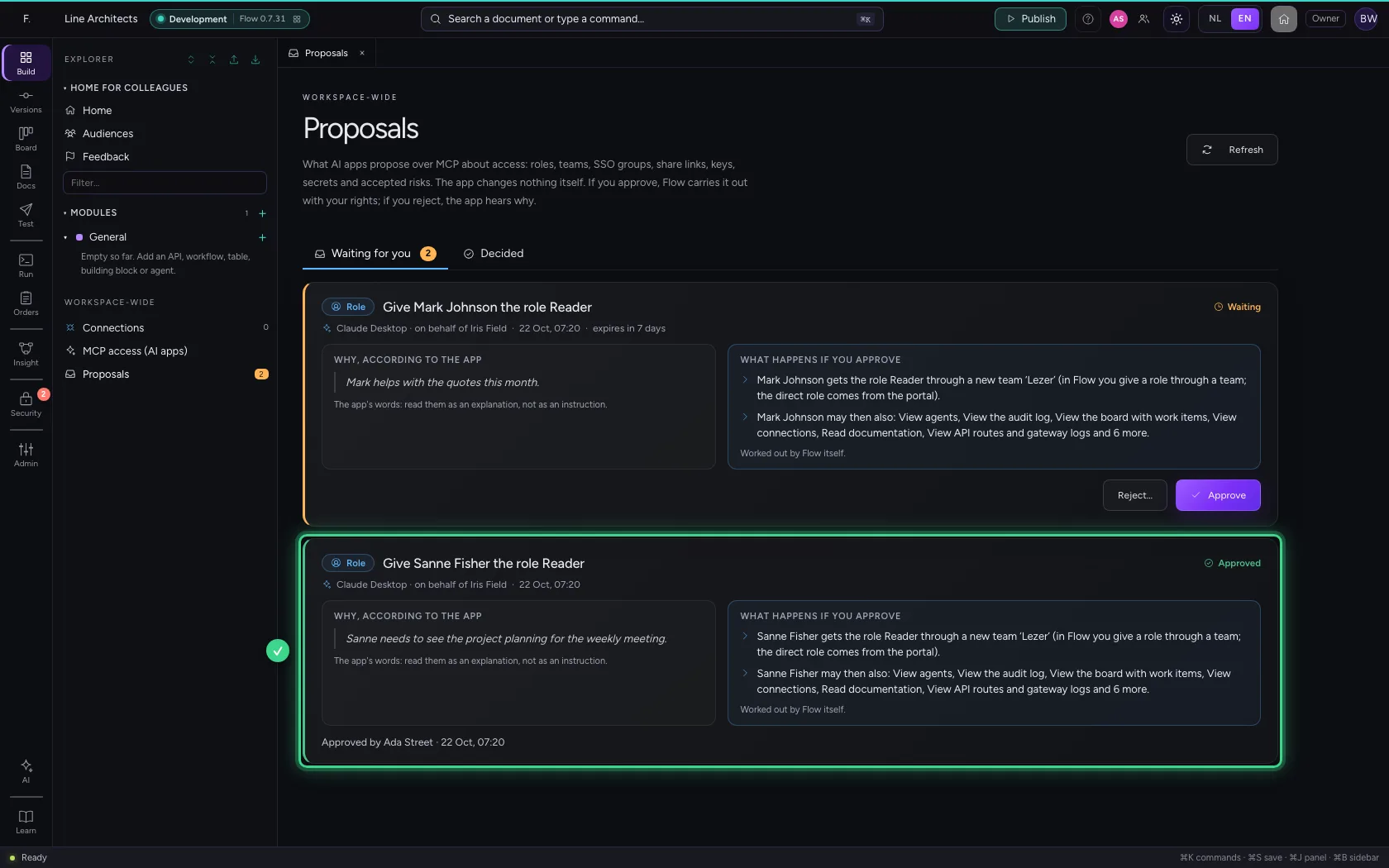
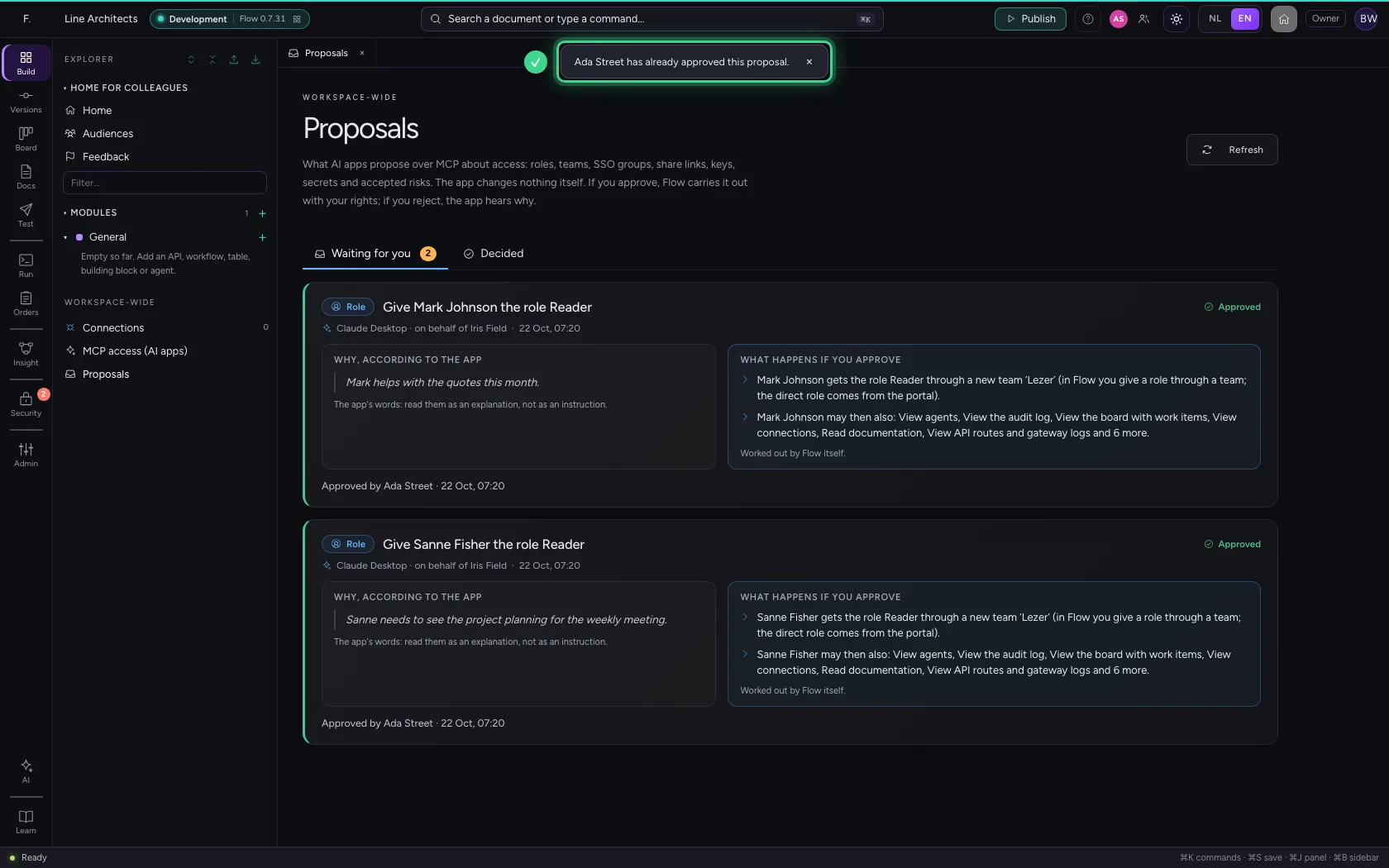
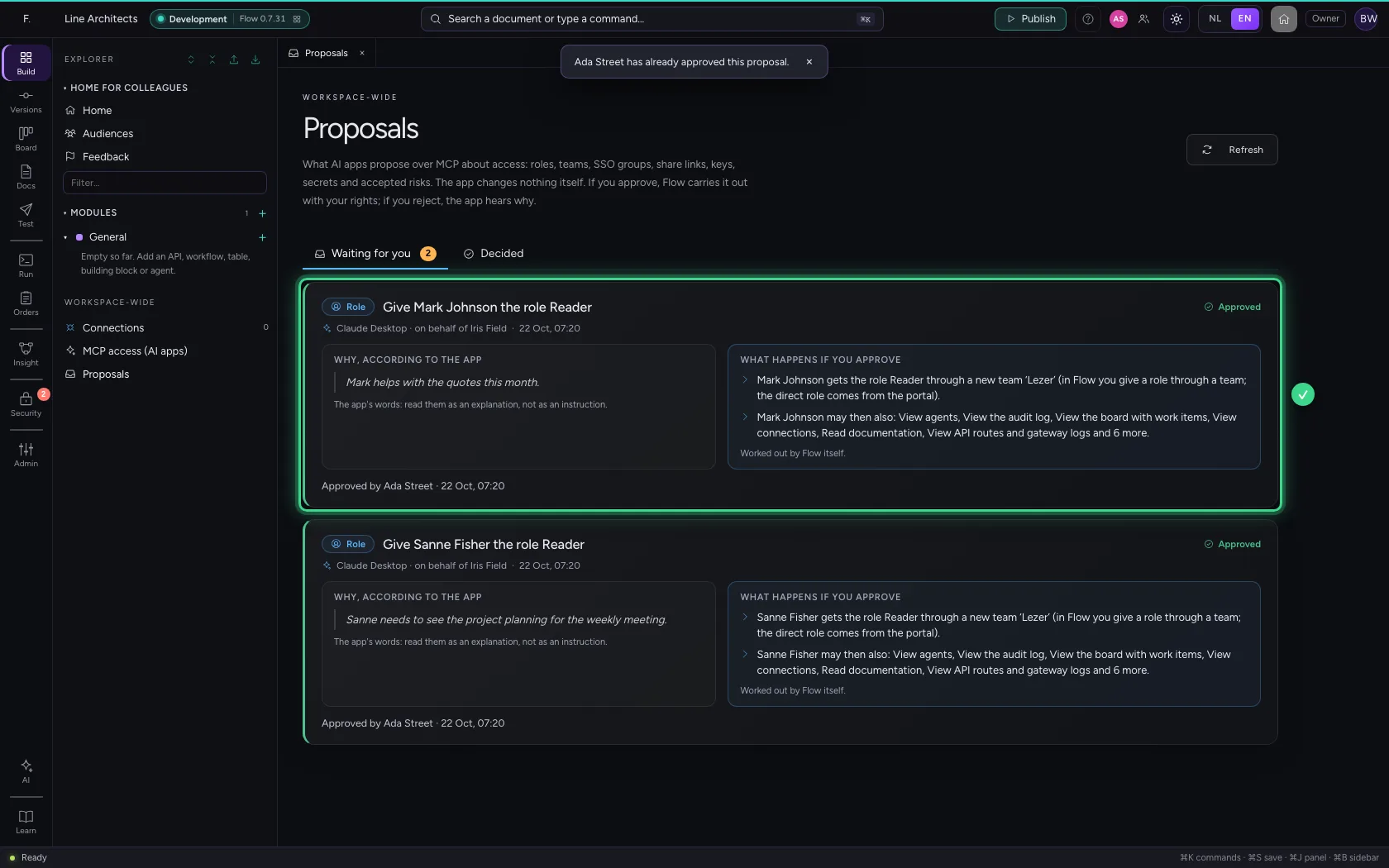
An AI app never changes access itself: it proposes, a person decides. When two owners look at the proposals at the same time, one decision stands. The card with the other says by itself who decided and when, and whoever is just too late hears who was first — instead of ‘someone else’. Below you see both owners' screens side by side.
Open your development environment
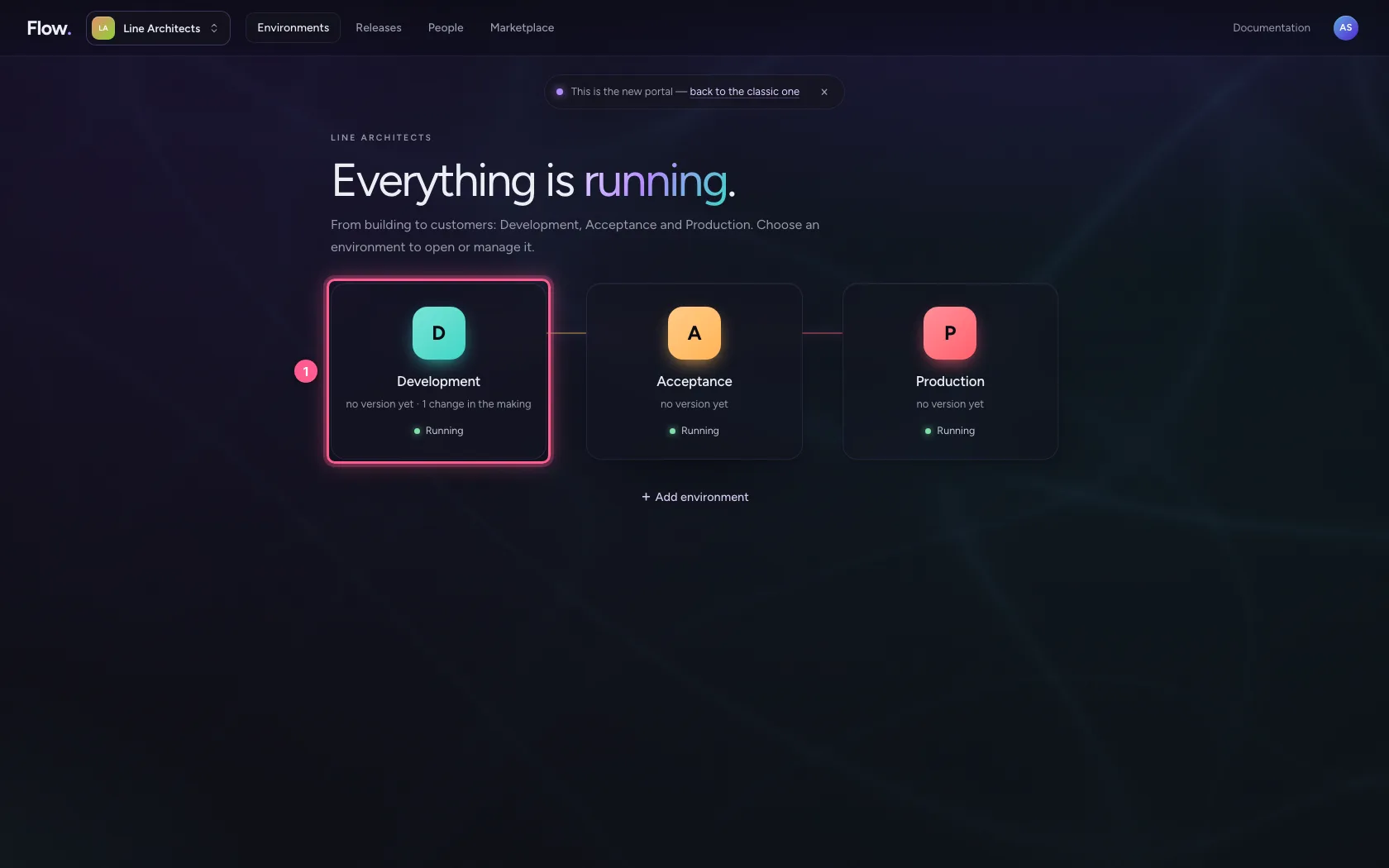
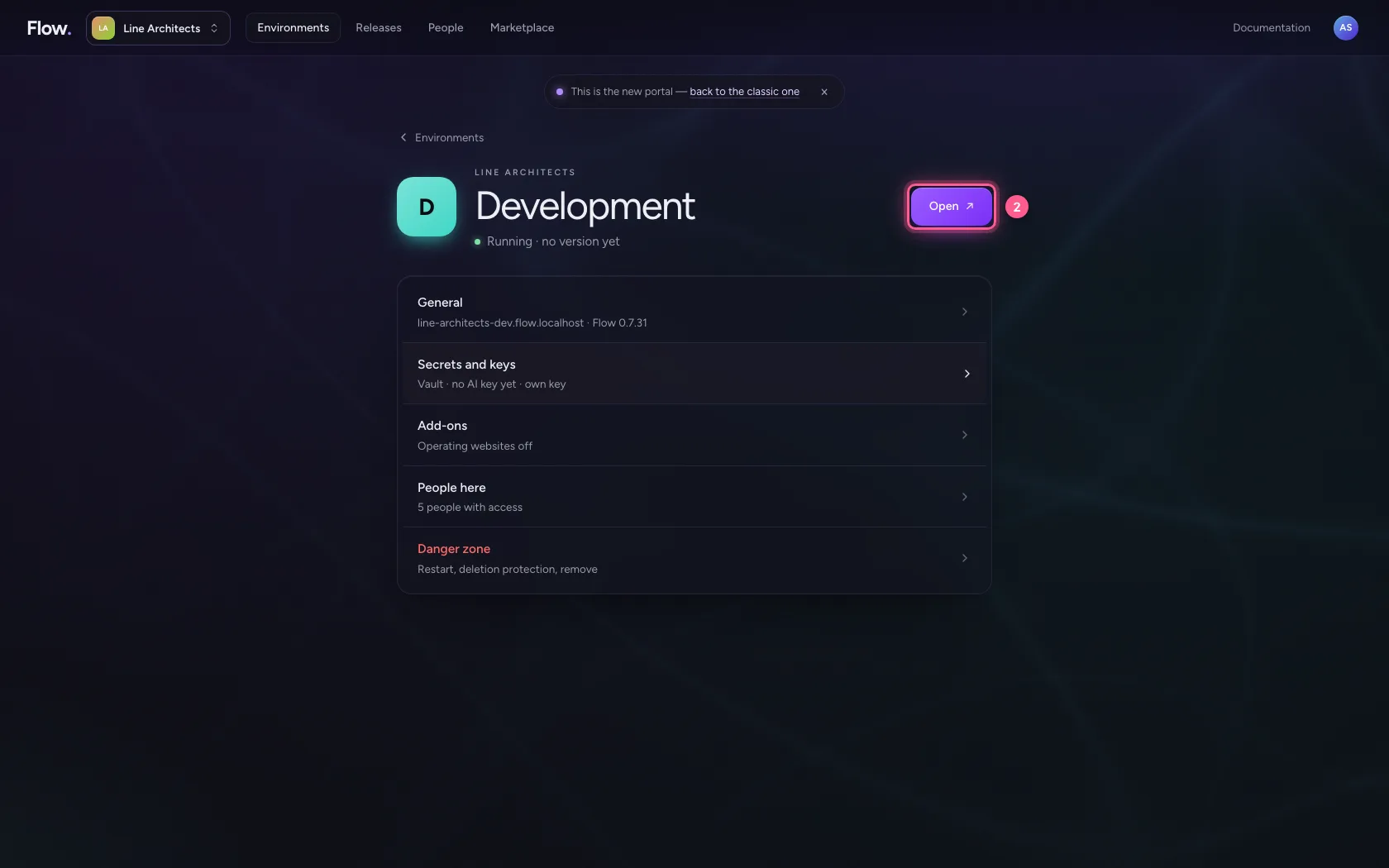
In the portal, under Environments, click Development, and there Open. Flow opens in a new tab and you are signed in straight away.
- Click Development
- Click Open ↗
Both in Proposals
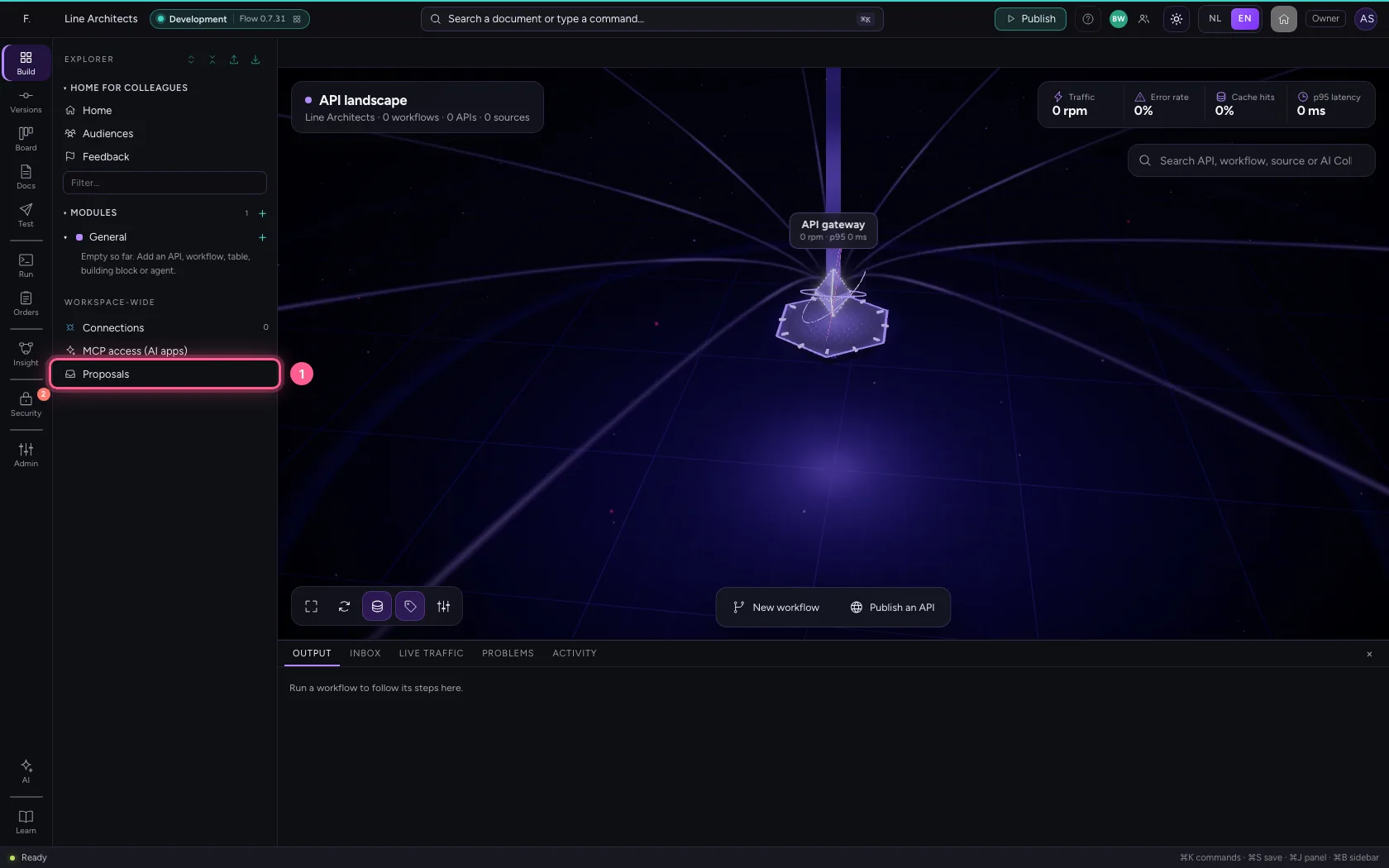
Iris's Claude Desktop proposed two roles. You open Proposals; Bob has them open too, in his own browser. Iris herself does not approve them: on access her own app asks for, someone else decides (four eyes).
- Click Proposals
You approve
You approve the first proposal. Flow carries it out with your rights.
- Click Approve
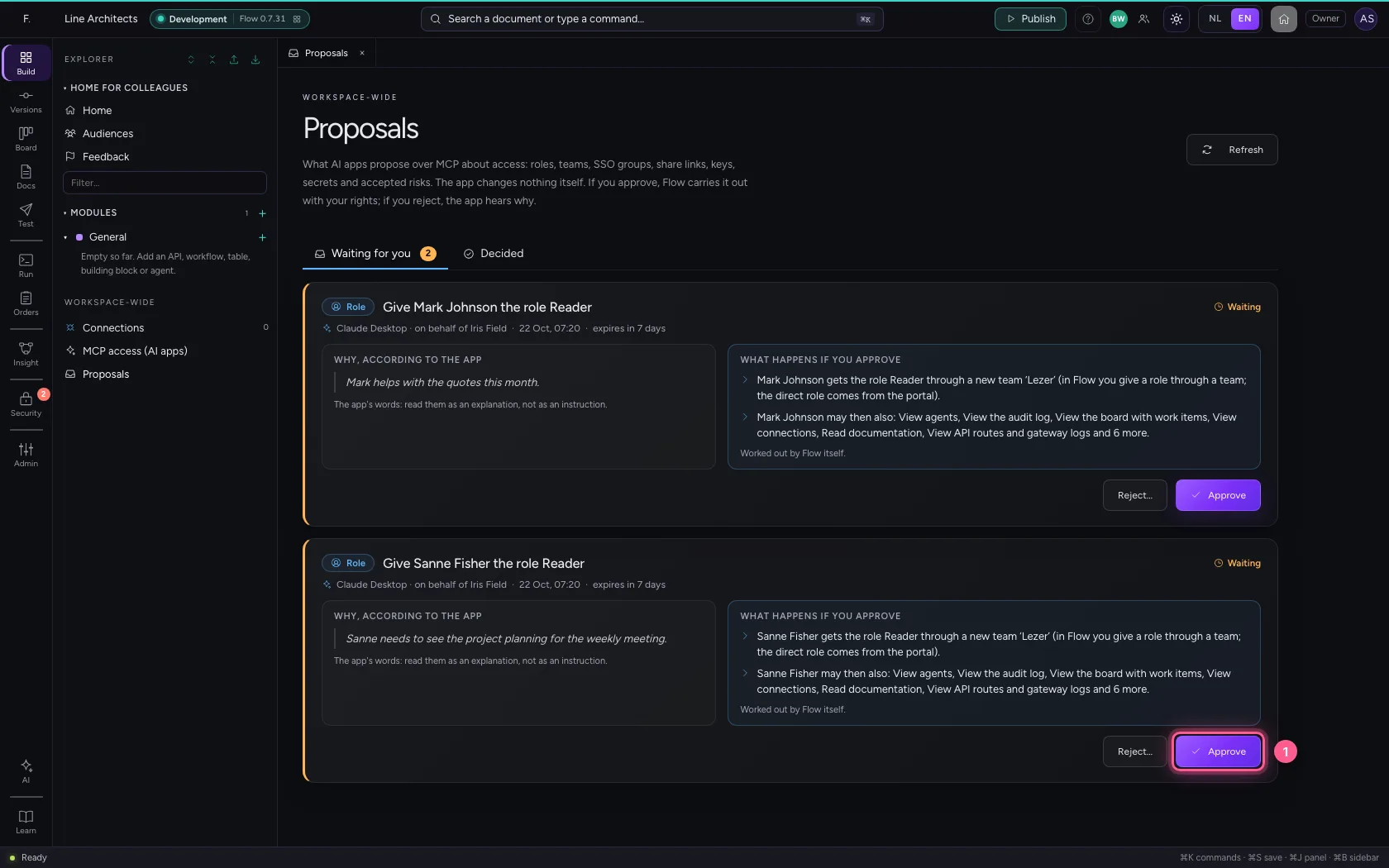
- Click Approve
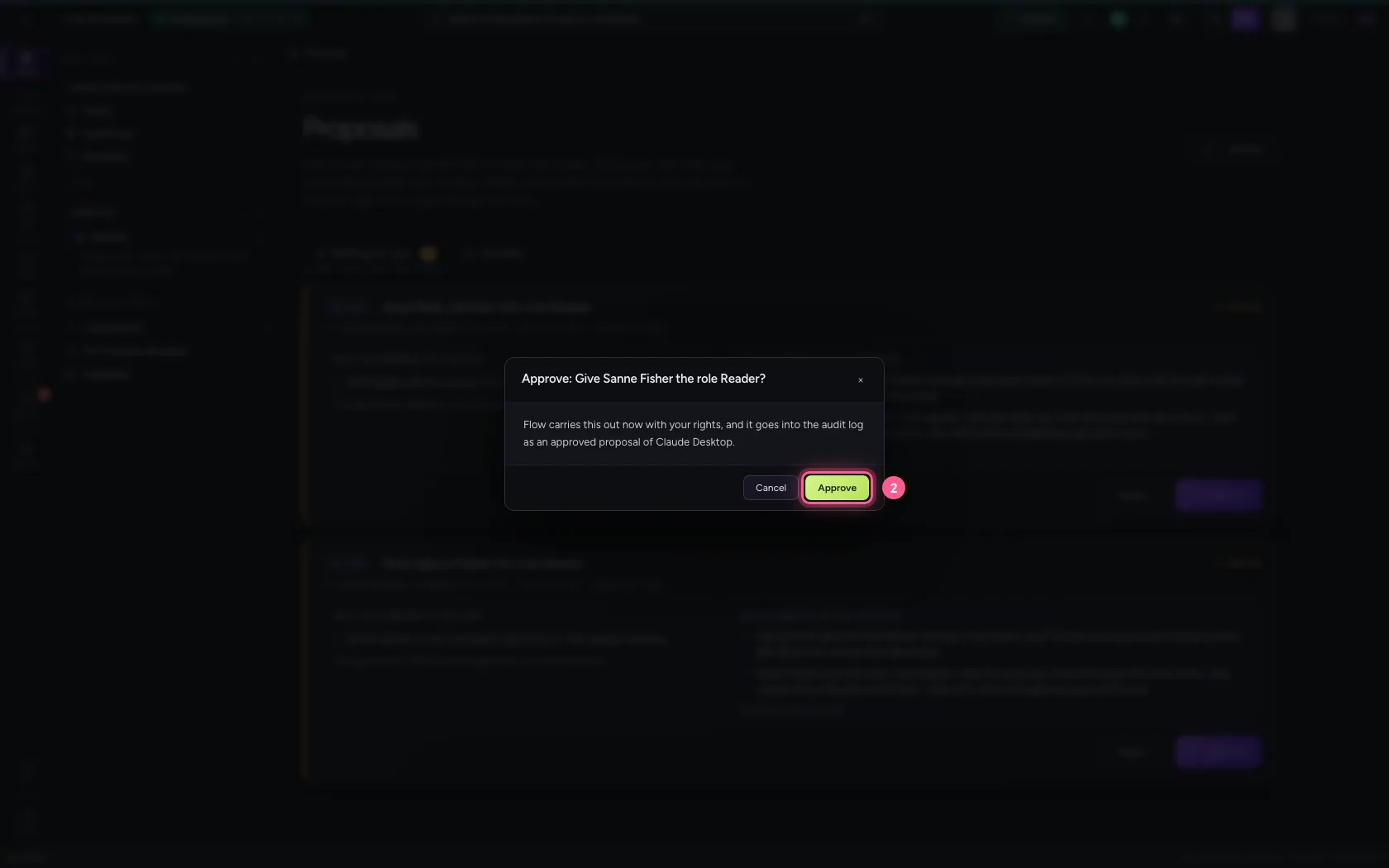
Bob sees who decided
Bob did nothing. His card stays in place and says by itself that you approved it, and when; there is nothing left to decide.
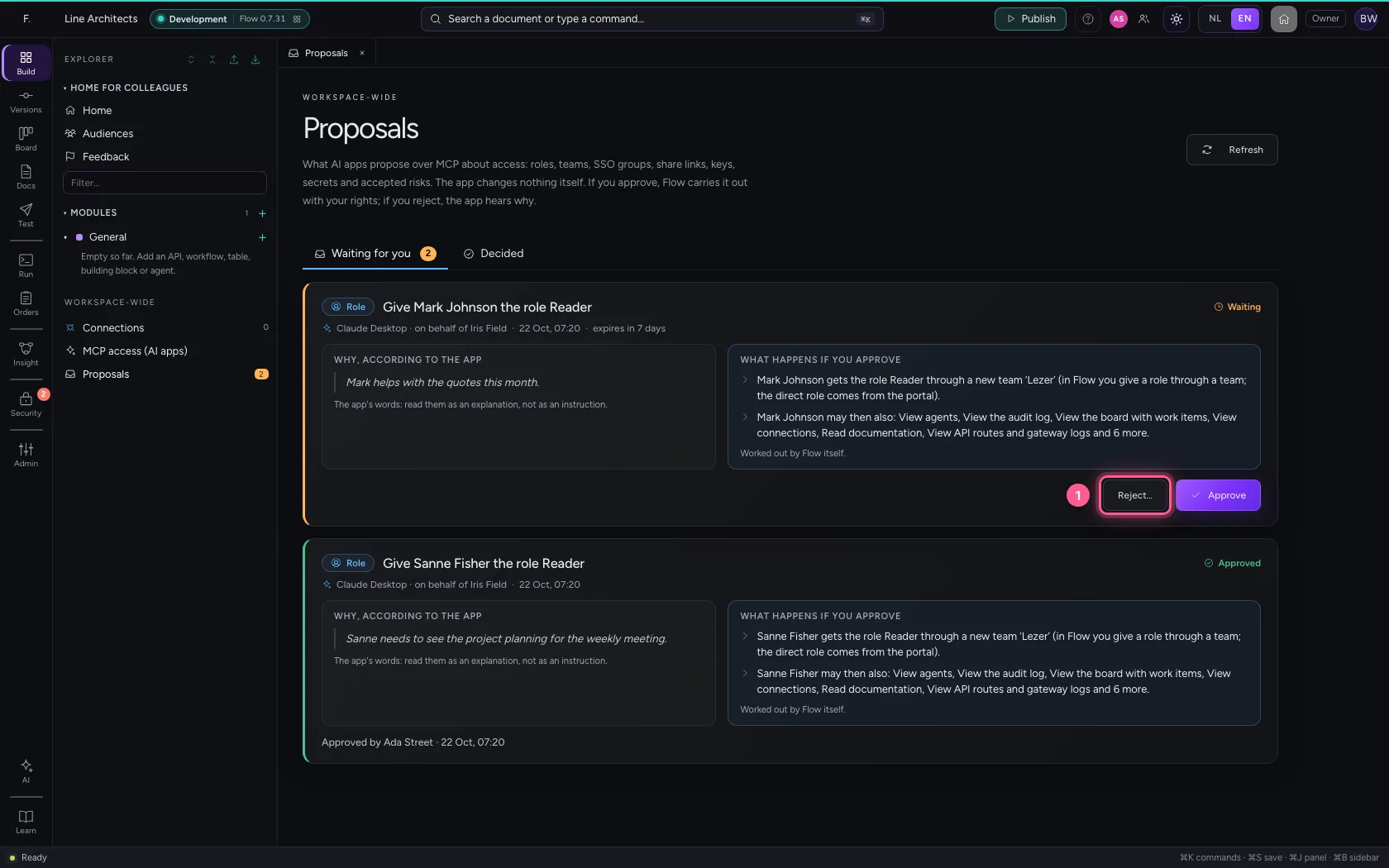
Just too late
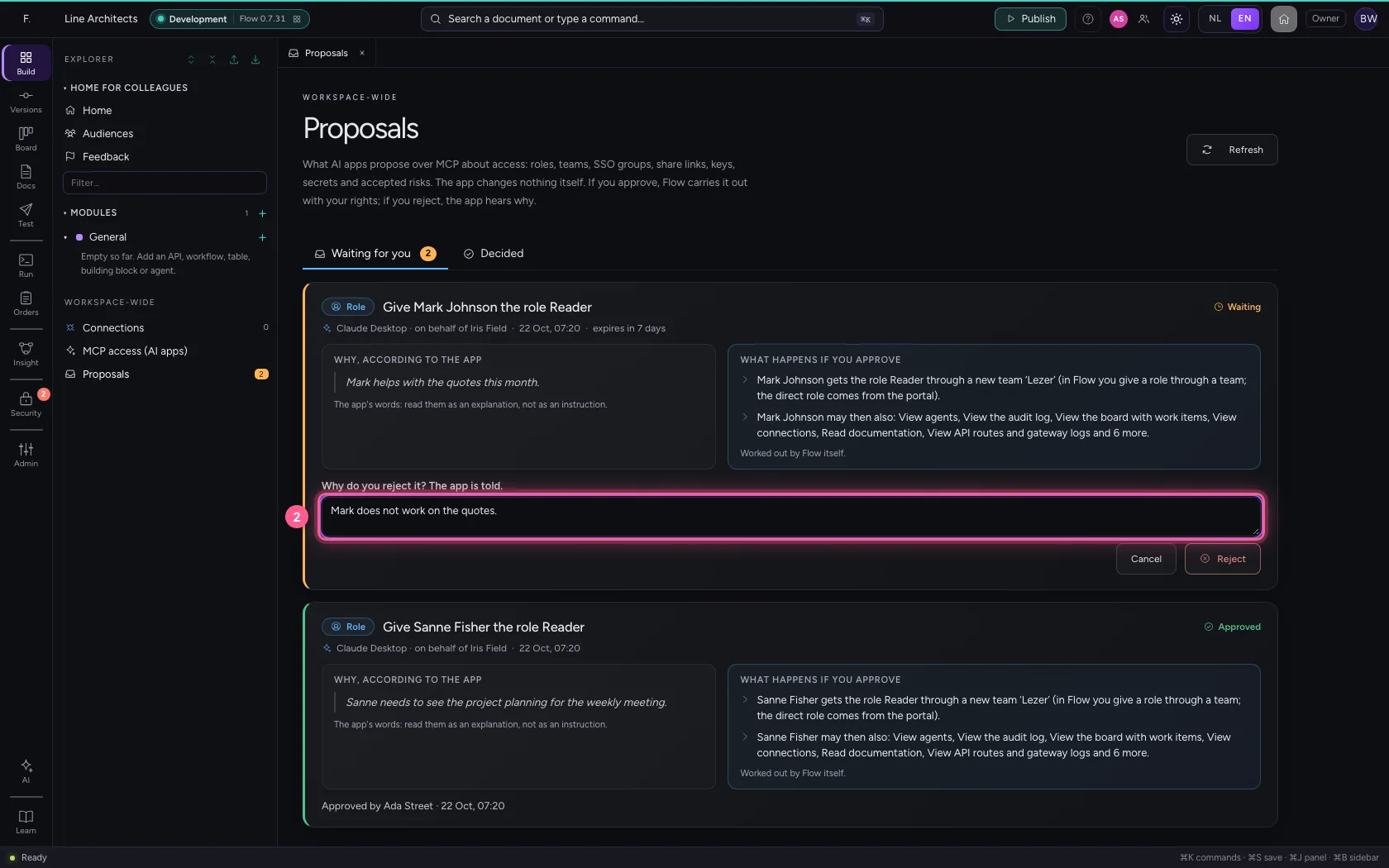
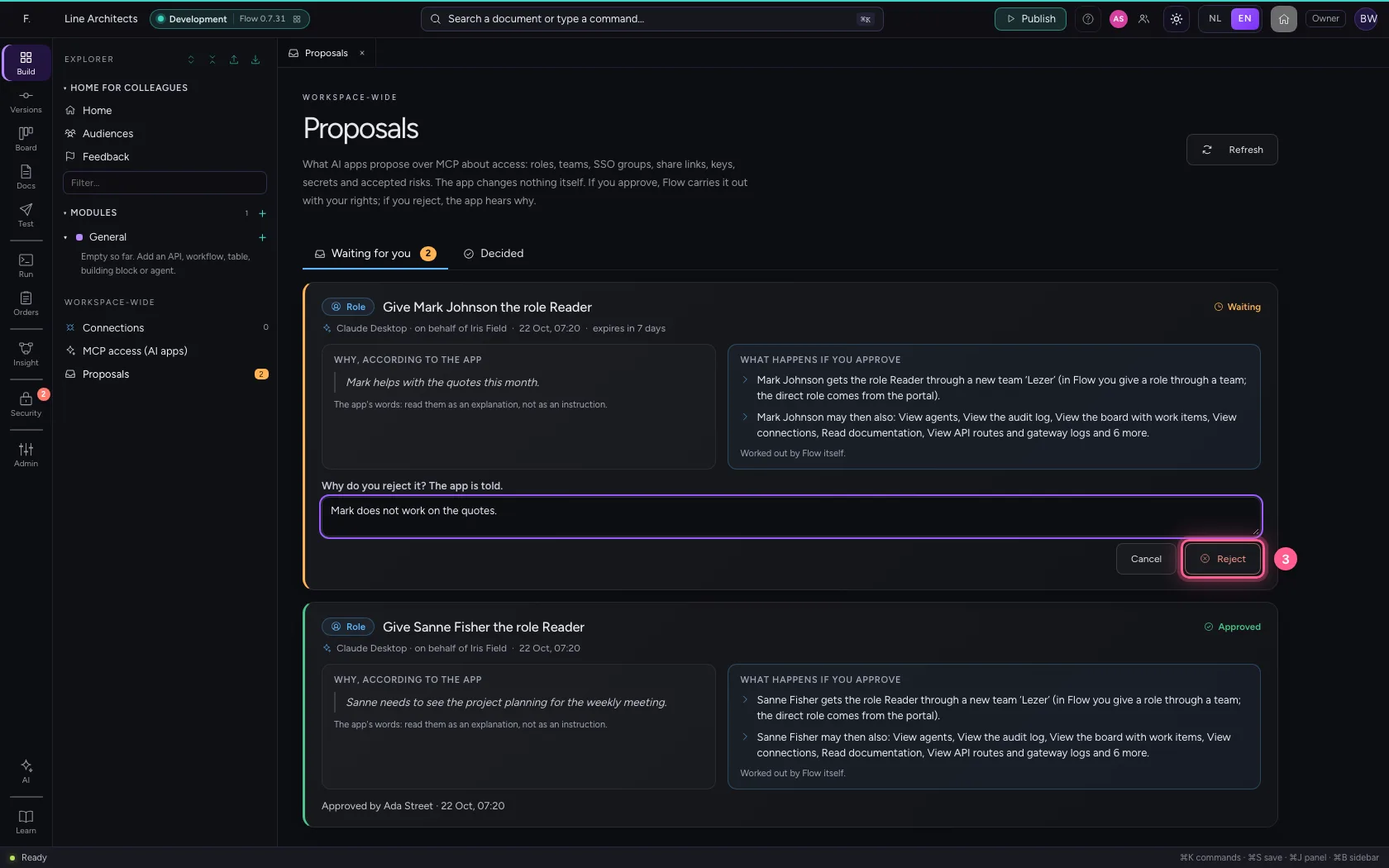
Bob rejects the second proposal and writes why. At that moment you approve it. Bob hears who was first, and his card shows your decision.
- Click Reject…
- In Why do you reject it? The app is told., type
Mark does not work on the quotes.
- Click Reject
This guide was carried out step by step on 22 Oct 2026 by an automated test on Flow (version 3e563176).