Changing roles while someone works
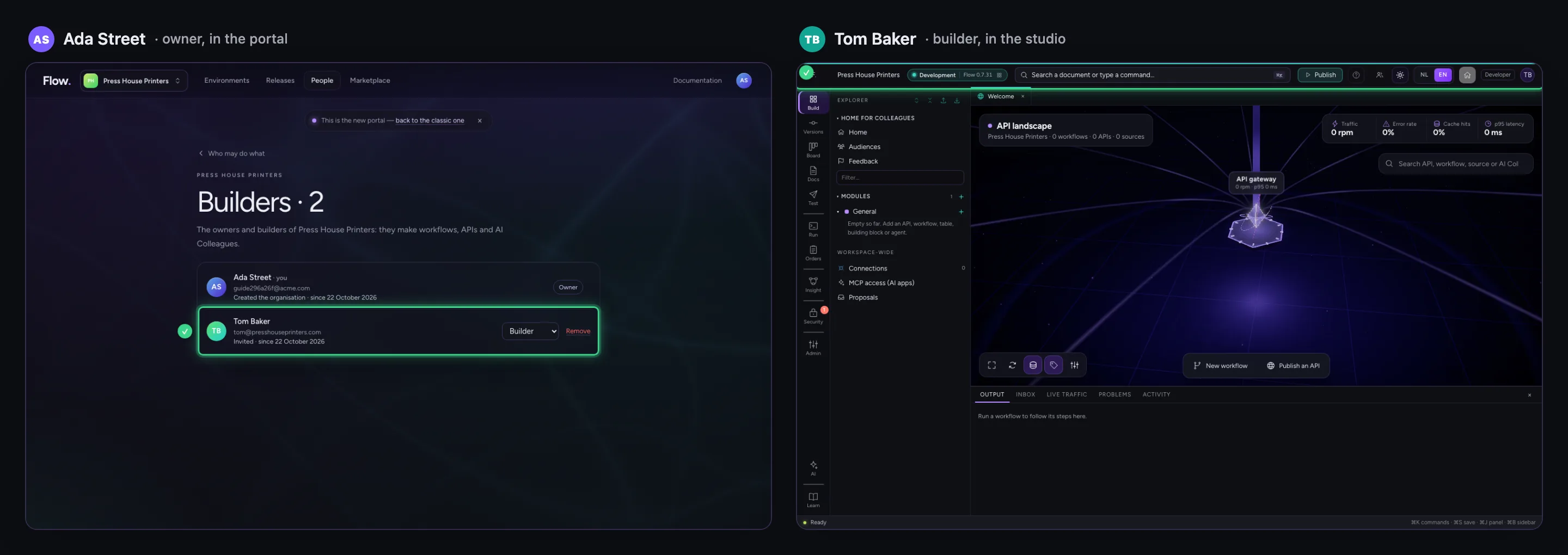
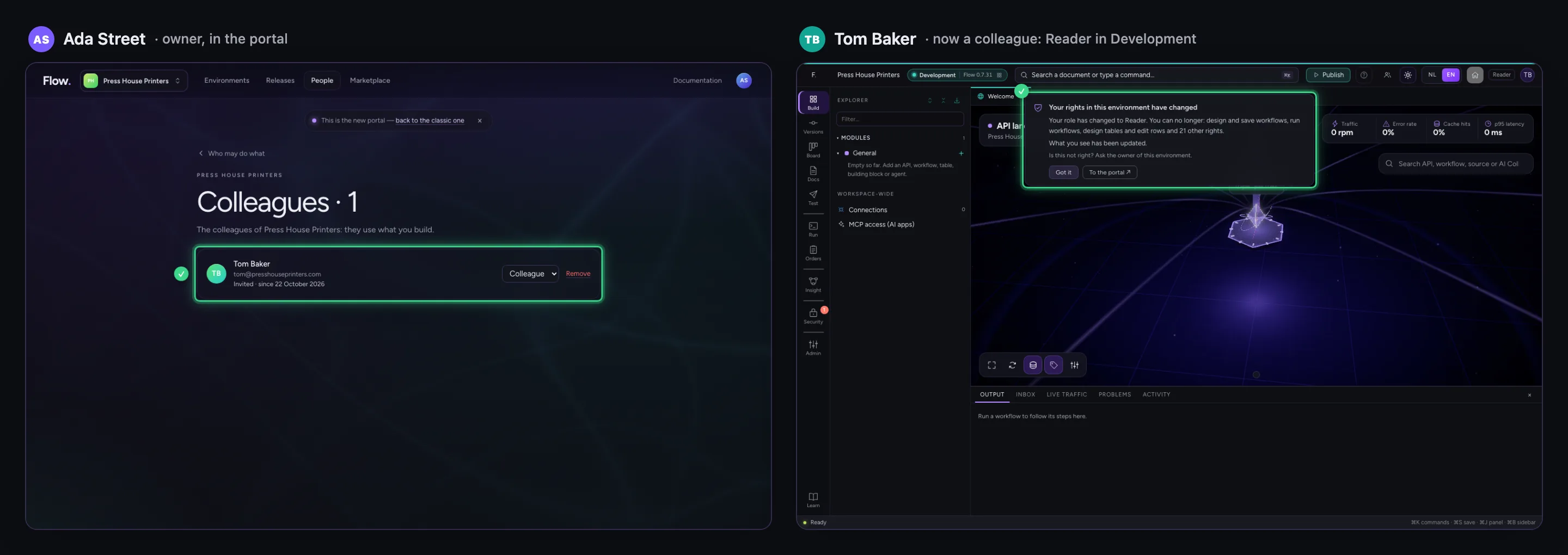
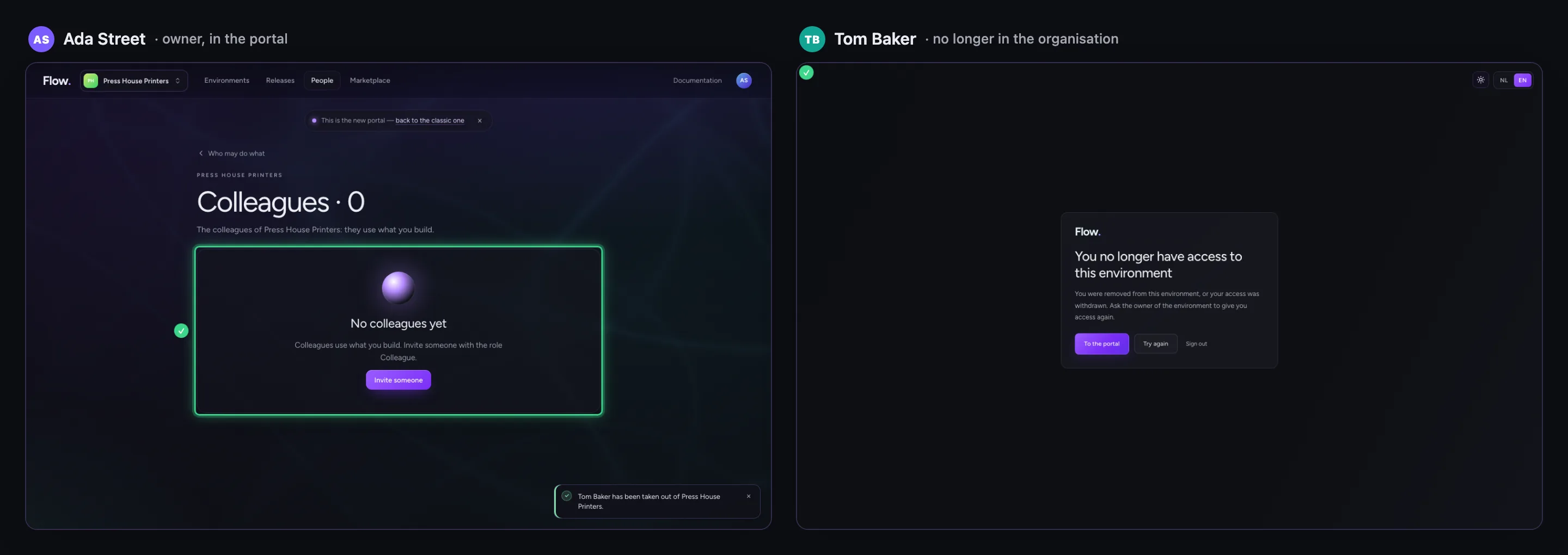
You change a role or take someone out of the organisation in the portal, under People — also when that person is working in the studio at that moment. Flow does not wait for the next sign-in: the open studio follows at once, says in one calm notice what changed and only shows what the new role may do. Someone who was taken out of the organisation sees a plain page that says so. Every environment hears it, in the right order. Below you see the owner's portal and the colleague's studio side by side.
Your colleague works in the studio
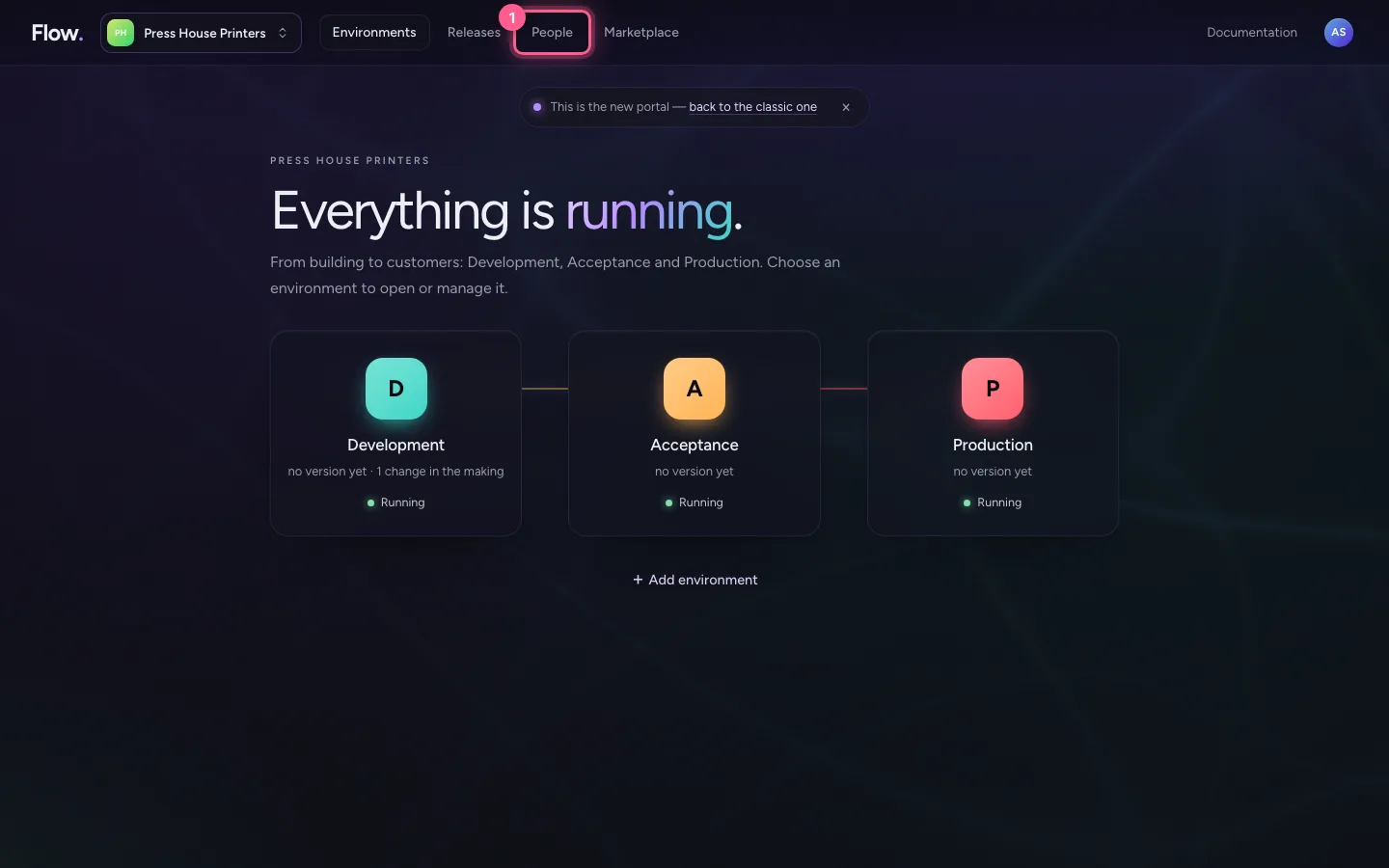
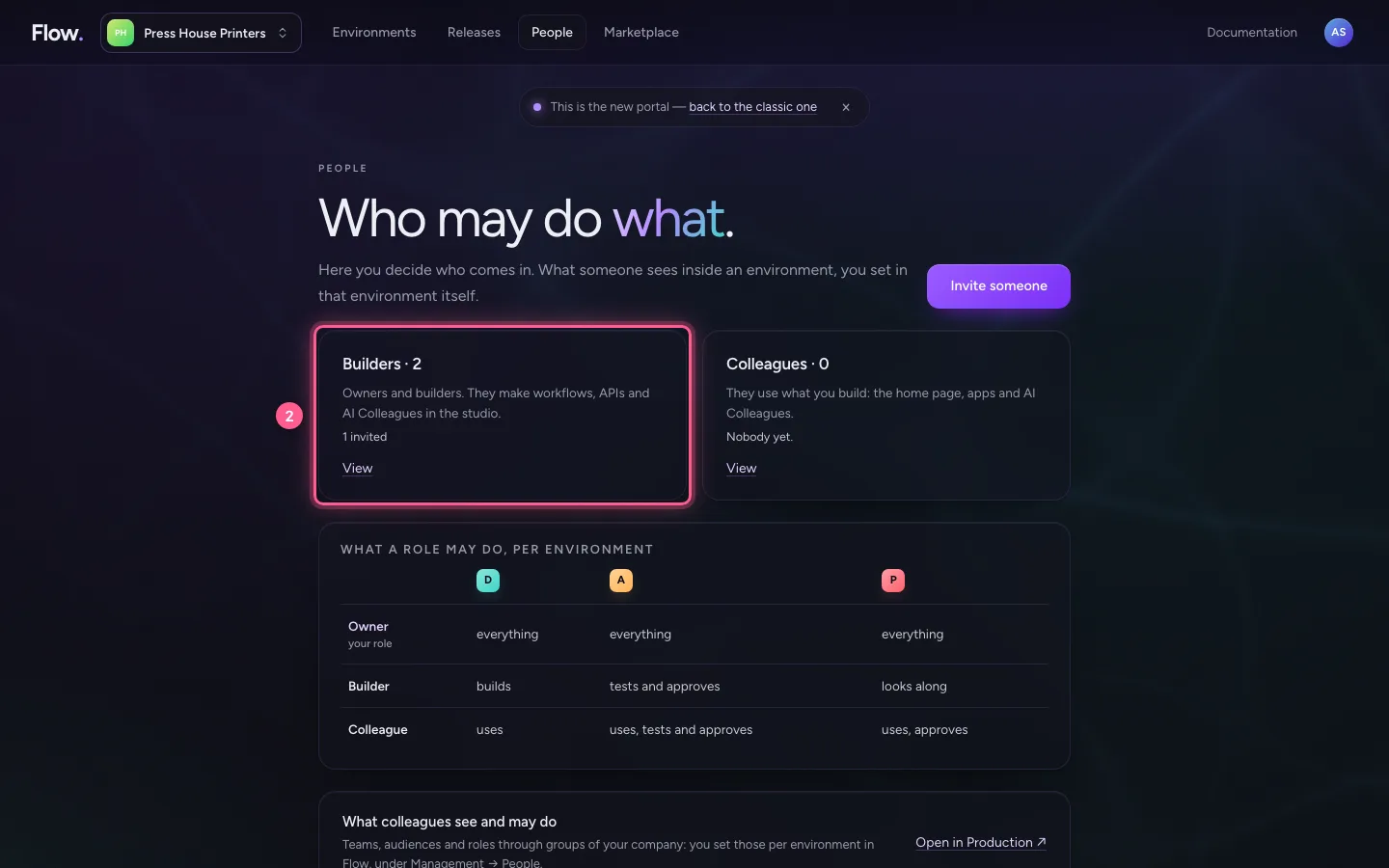
Tom Baker is a builder and has Development's studio open. In the portal you open People and there the builders.
- Click People
- Click Builders
Make him a colleague
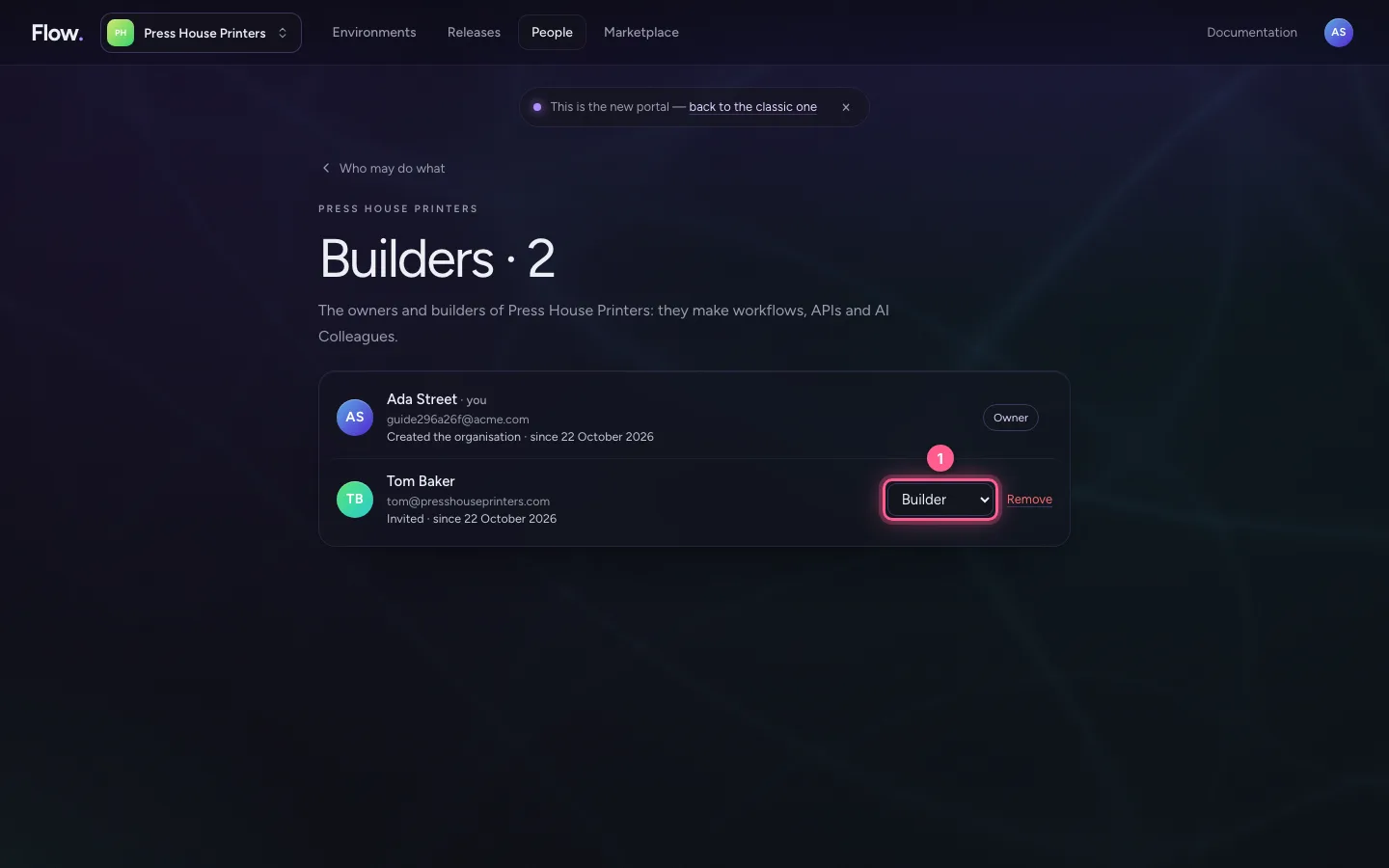
Choose another role next to his name. A colleague uses what you build — the home page, apps and AI Colleagues — but does not build in the studio.
- Click Role of Tom Baker: Colleague
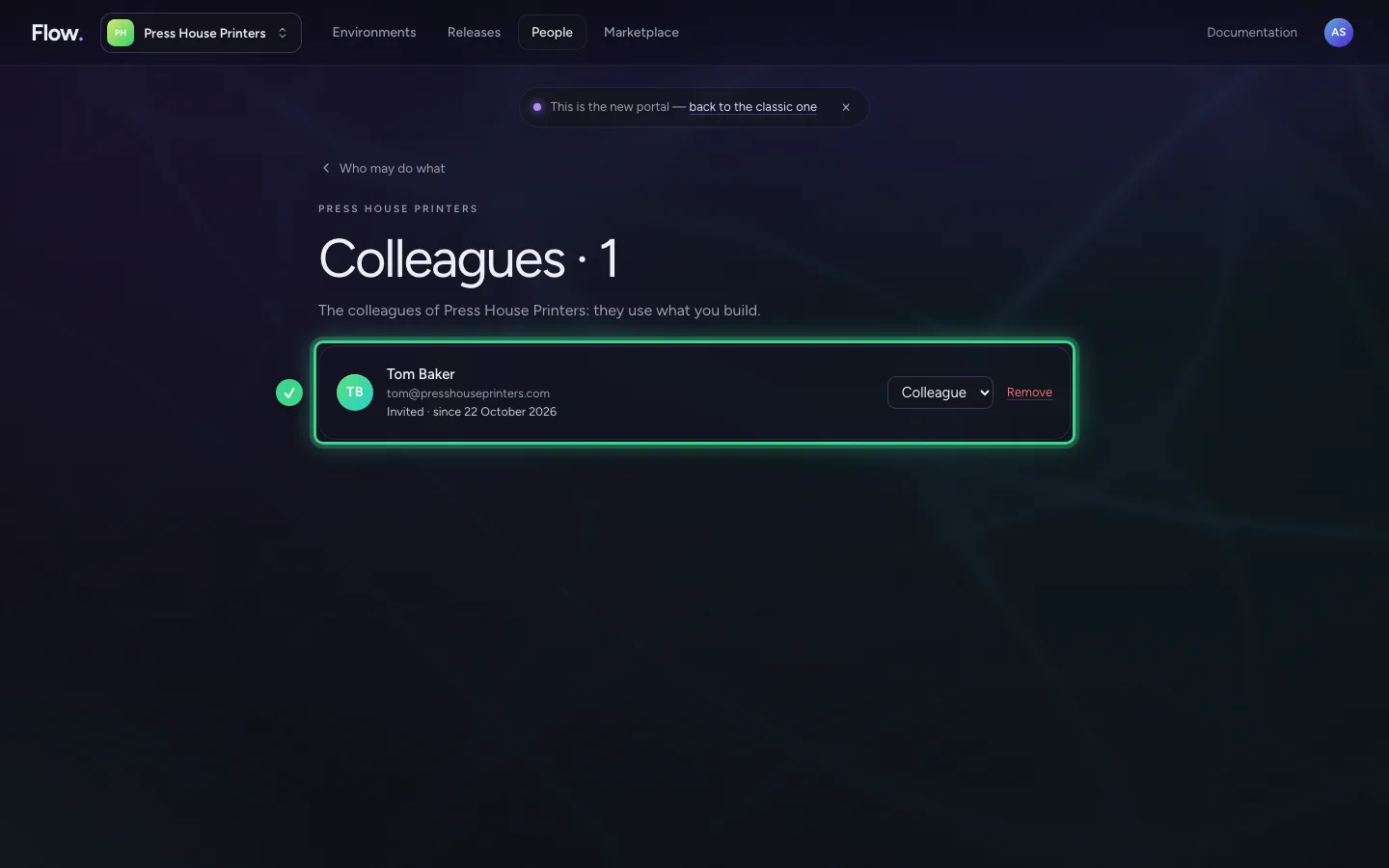
His studio follows at once
Tom does not need to do anything. His open studio hears it at once and says in one notice what changed: in Development a colleague is a Reader. He can still look, but what he may no longer do is listed and he can no longer do it.
Take him out of the organisation
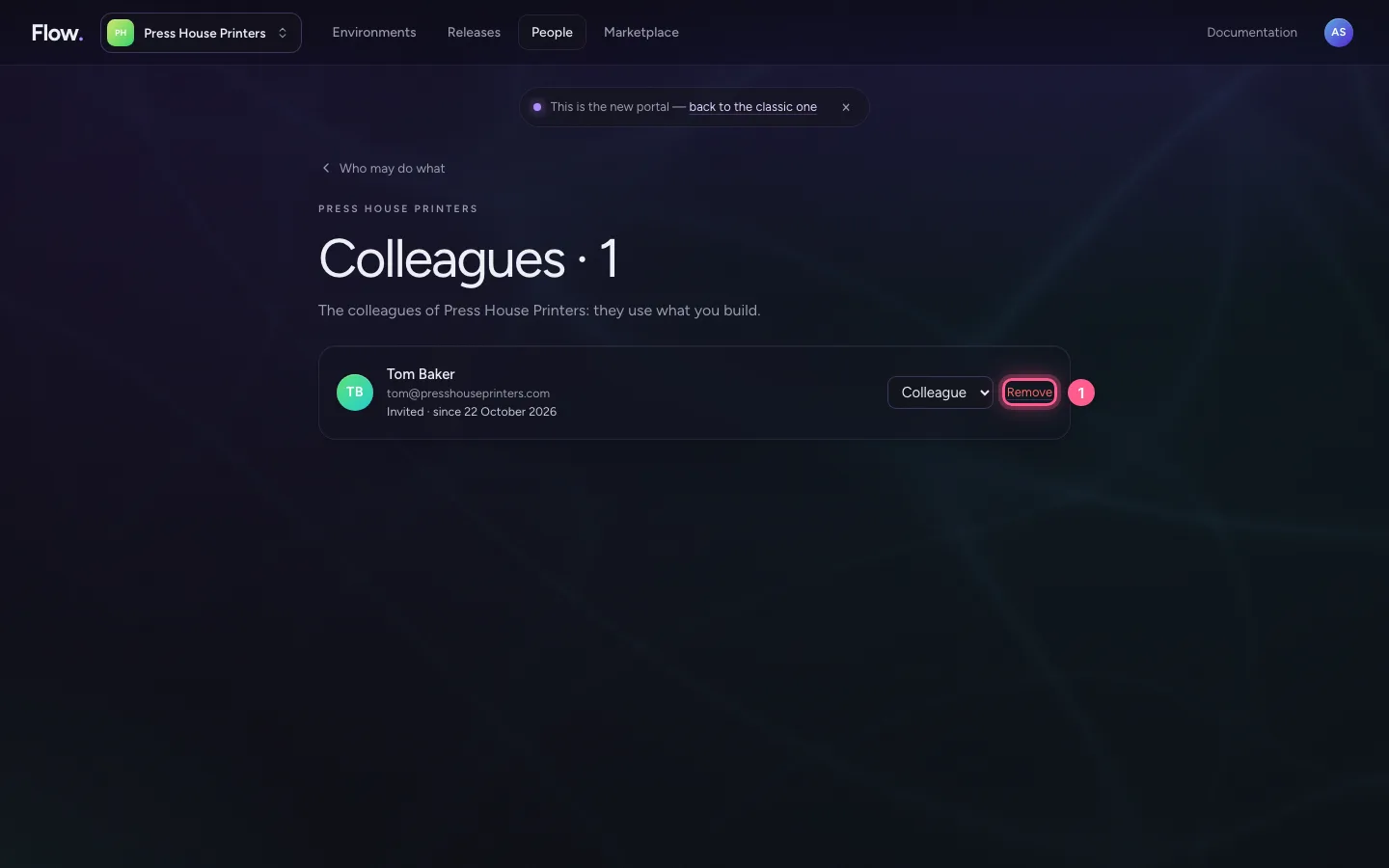
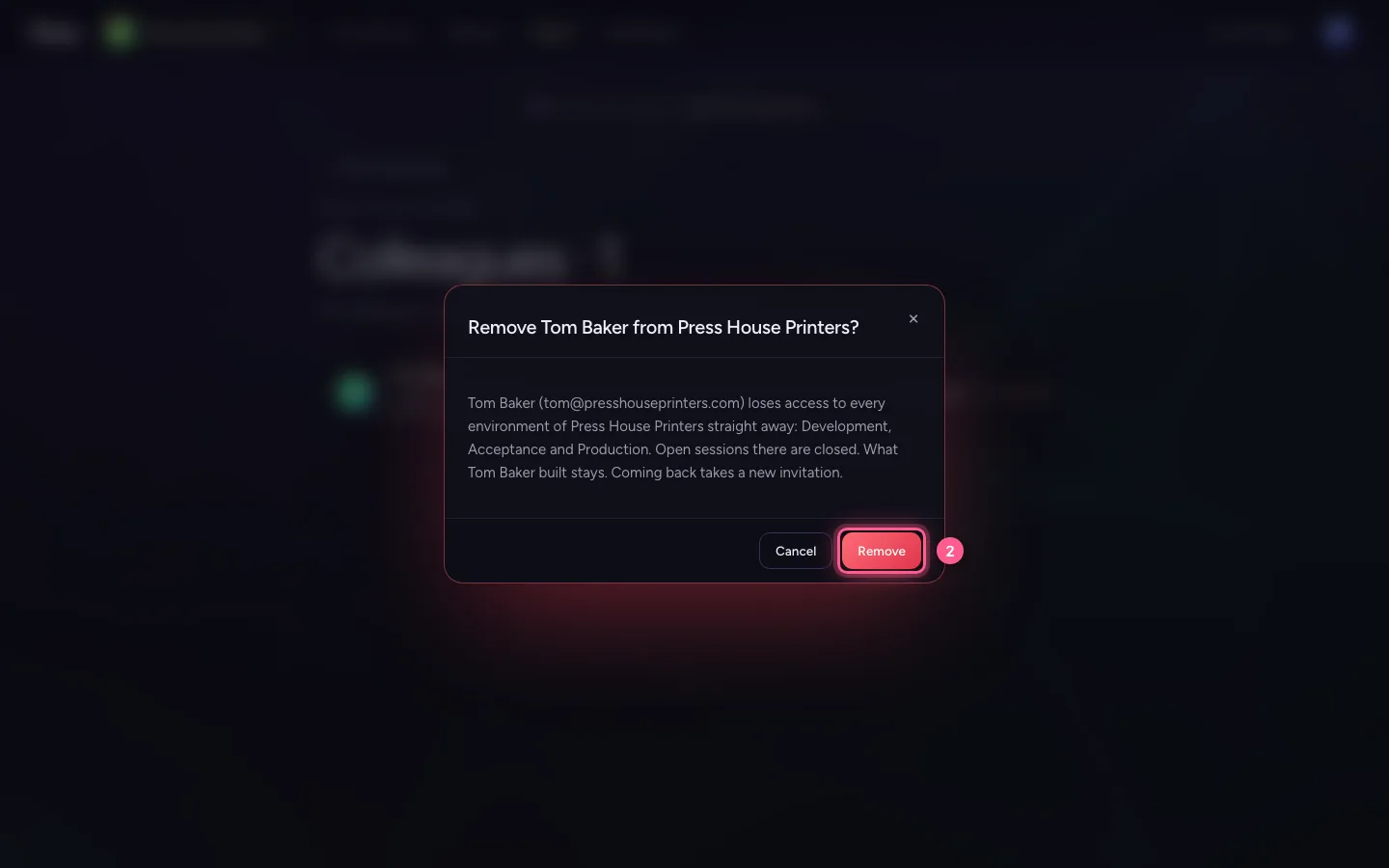
Under Colleagues you take Tom out of the organisation. Flow asks first and says which environments he then no longer enters.
- Click Remove
- Click Remove
What he sees then
Tom sees a plain page: he no longer has access to this environment, with whom to ask and the way back to the portal. Nothing of the work in the environment is on it any more.
This guide was carried out step by step on 22 Oct 2026 by an automated test on Flow (version 3e563176).