Sign in with a webhook signature (HMAC)
Webhooks from payment providers, web shops and Git platforms (Stripe, Shopify, GitHub) do not sign in with a key, but sign every message: an HMAC over the body with a shared secret, in a header. Flow recalculates that signature itself. You create a policy with a webhook signature and see an unsigned message fail and a signed one get in.
Open your development environment
In the portal, under Environments, click Development, and there Open. Flow opens in a new tab and you are signed in straight away.
- Click Development
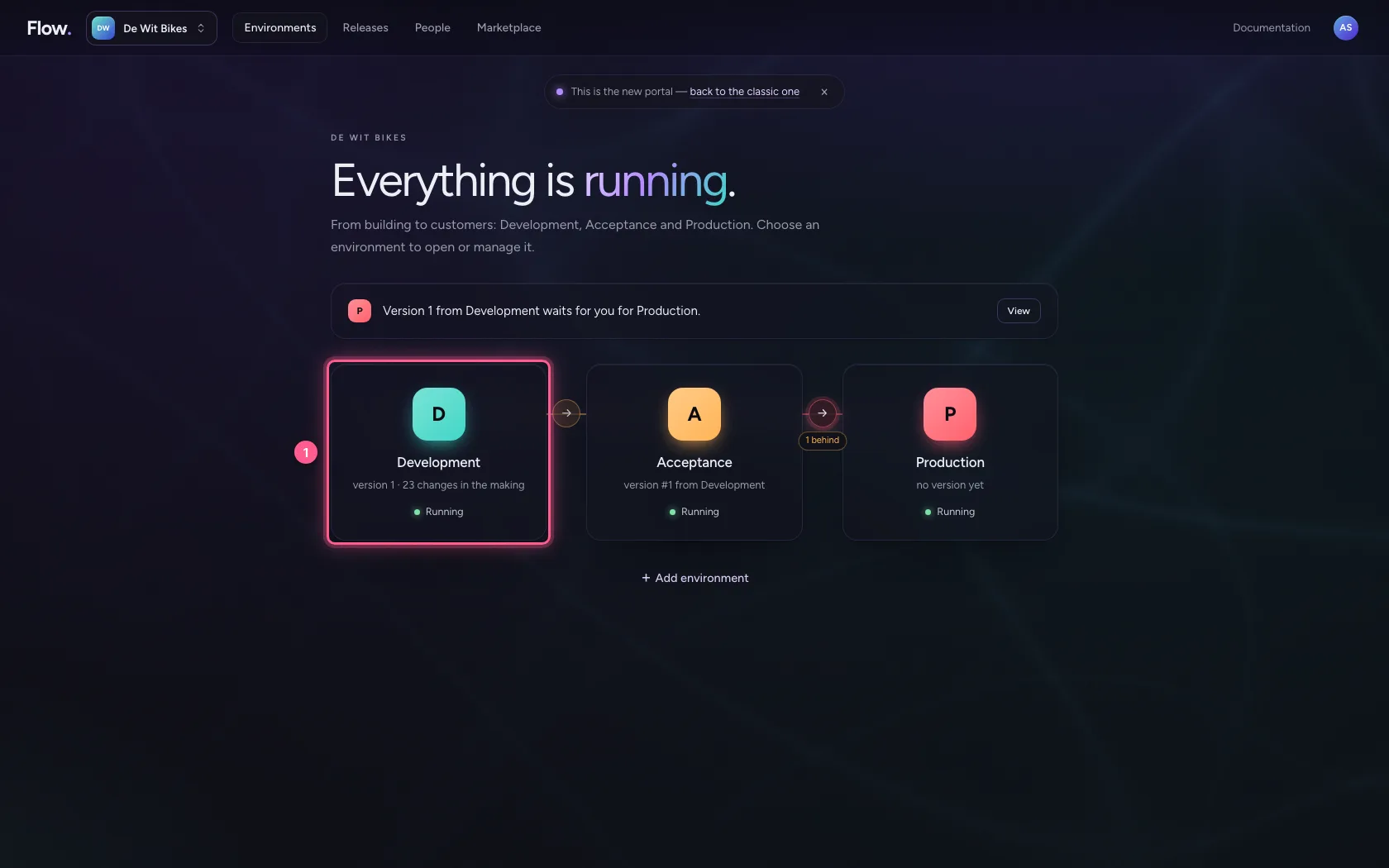
- Click Open ↗

A policy with a webhook signature
Under Security you create a policy: API key off, Webhook signature on. Fill in which header the sender uses, with which prefix, and the shared secret the sender gave you. The secret can never be read back afterwards.
- Click Security
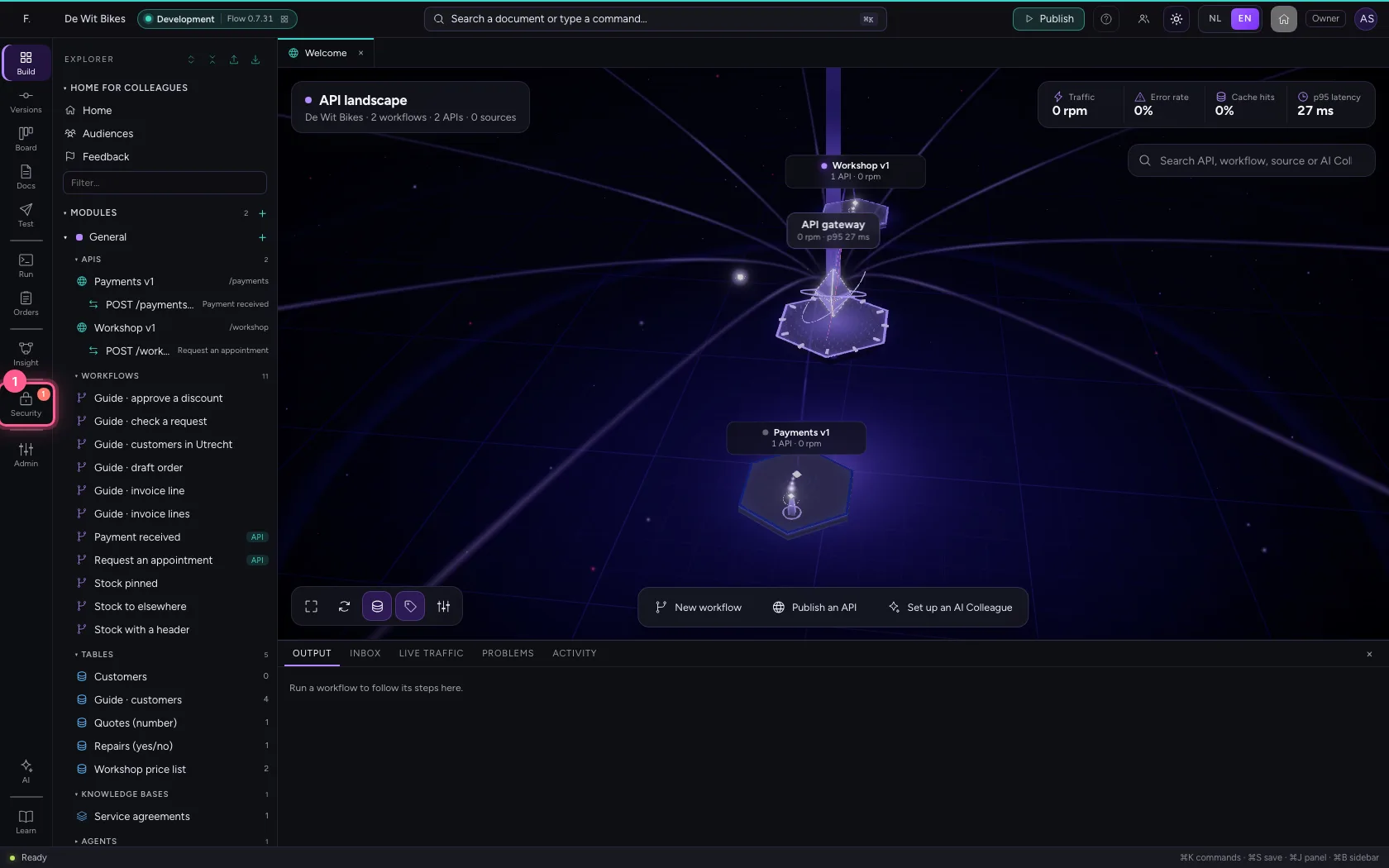
- Click New security policy
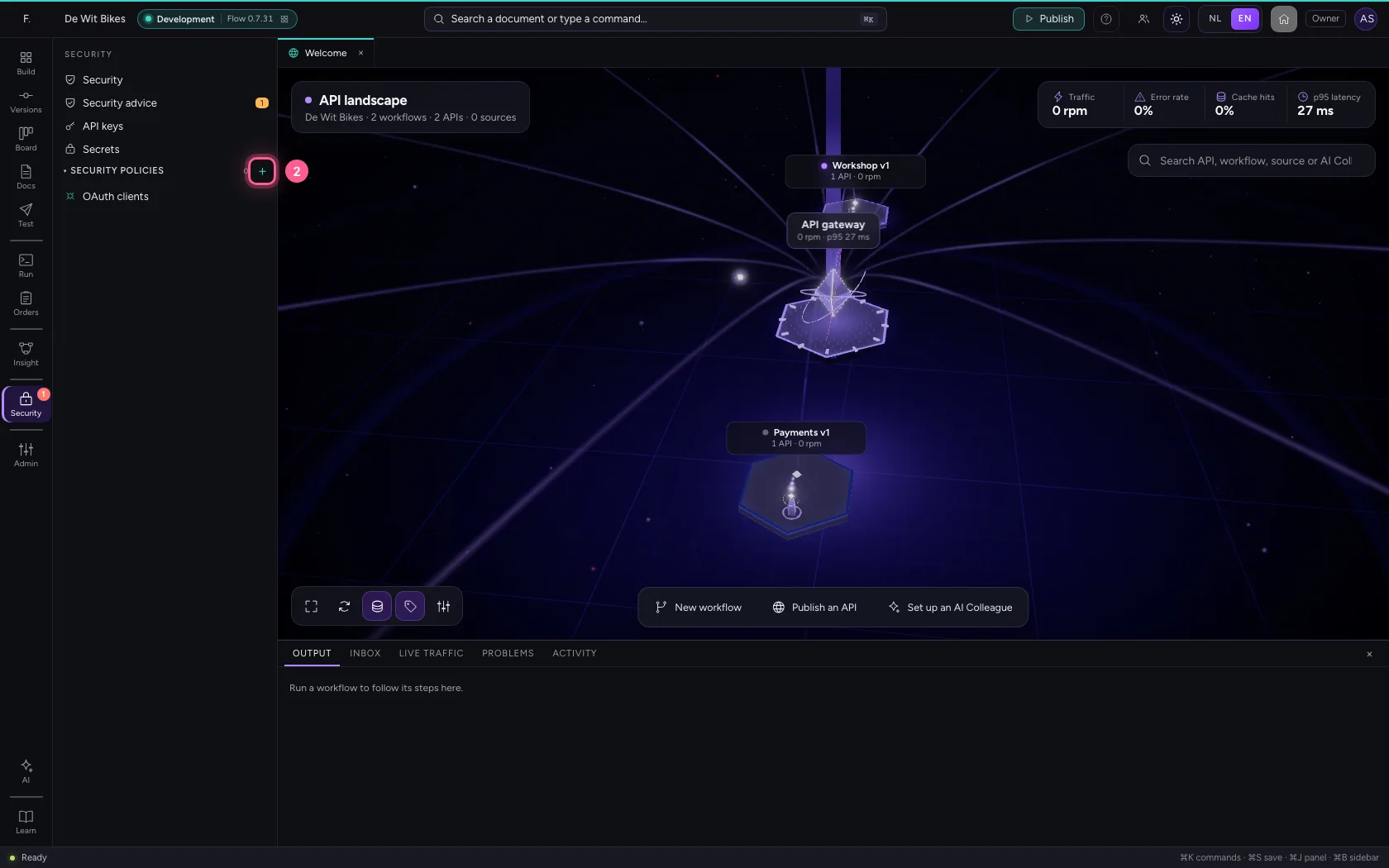
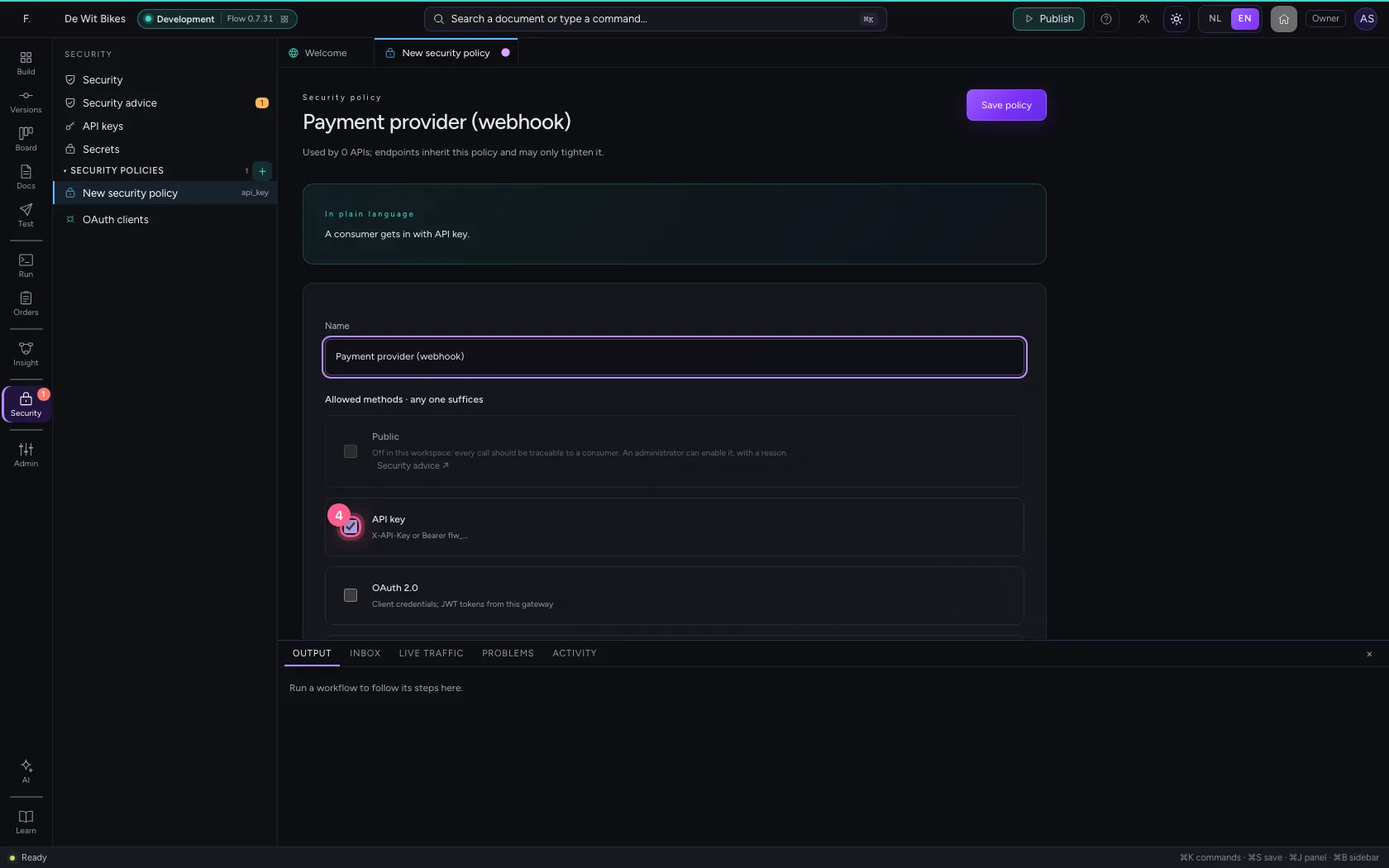
- In Name, type
Payment provider (webhook)
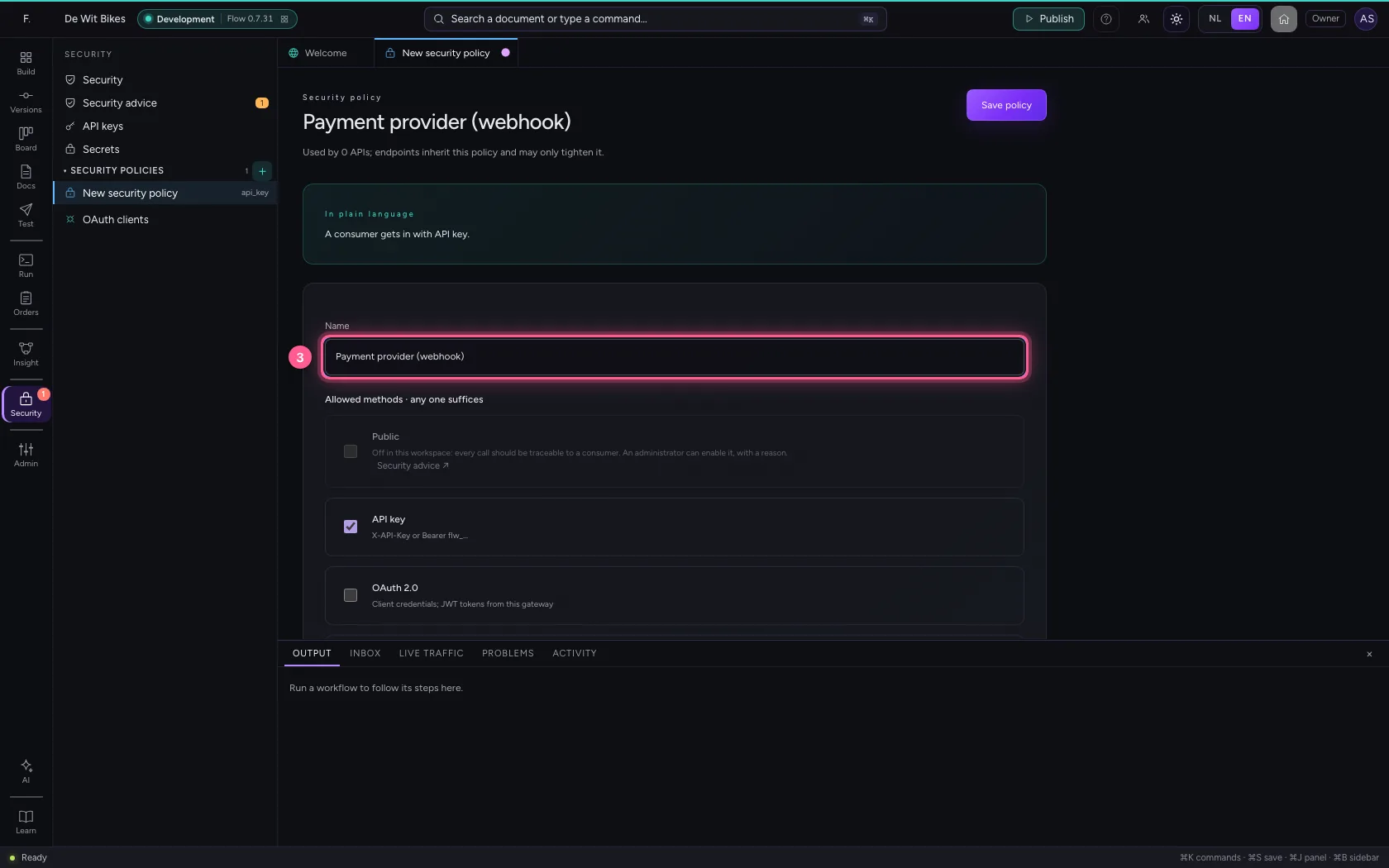
- Click API key X-API-Key or Bearer flw_…
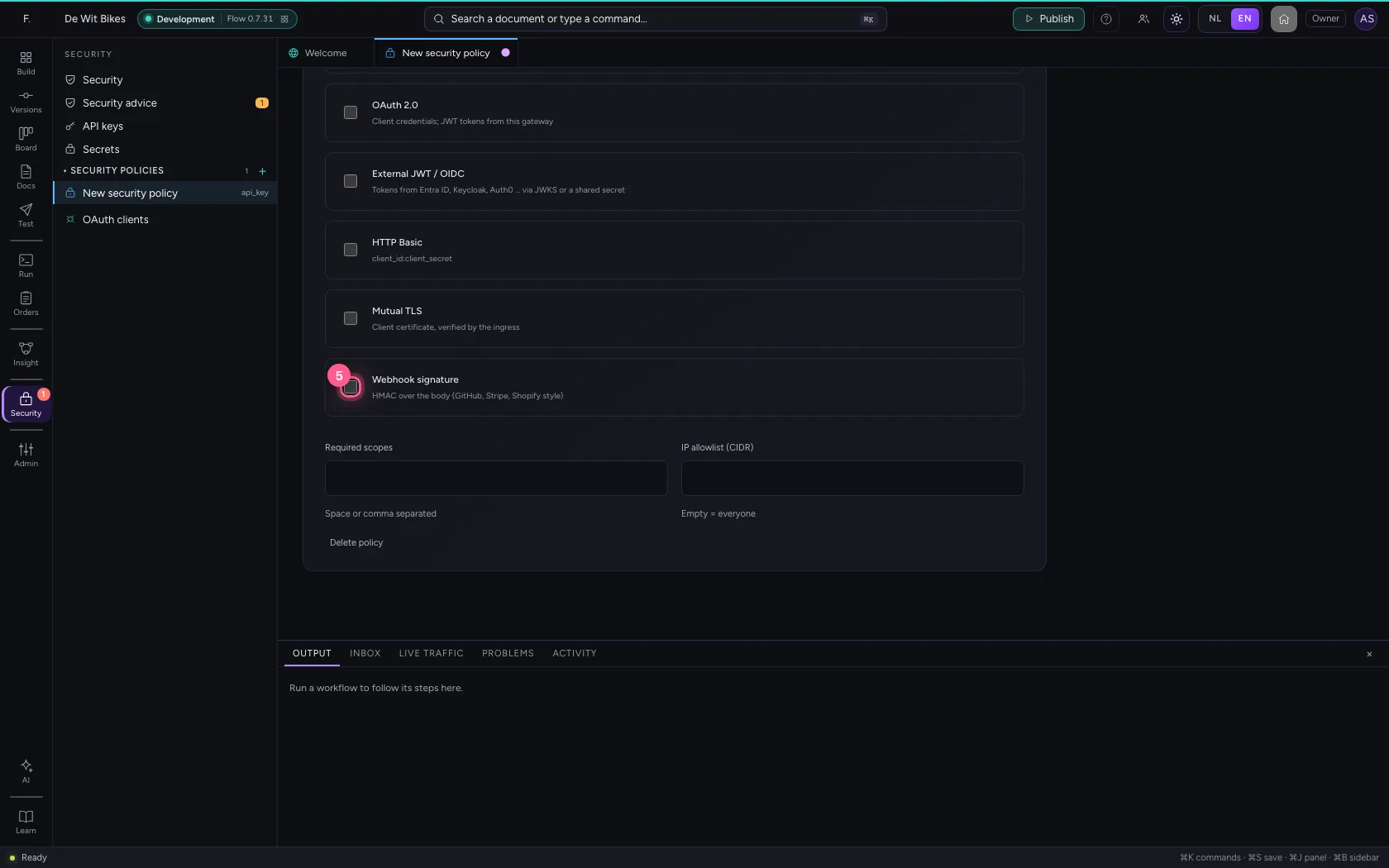
- Click Webhook signature HMAC over the body (GitHub, Stripe, Shopify style)
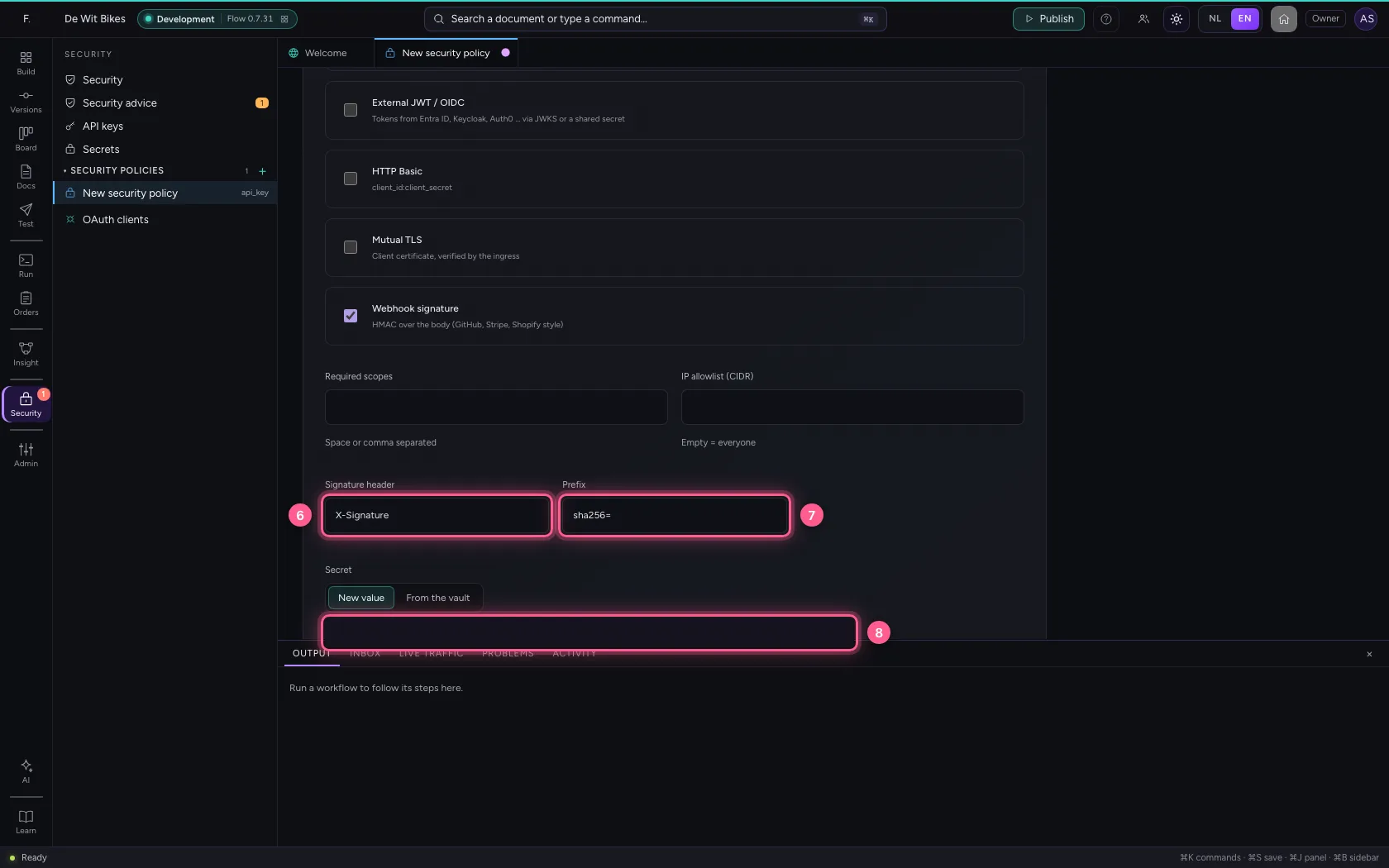
- In Signature header, type
X-Signature - In Prefix, type
sha256= - In Secret, type
••••••••
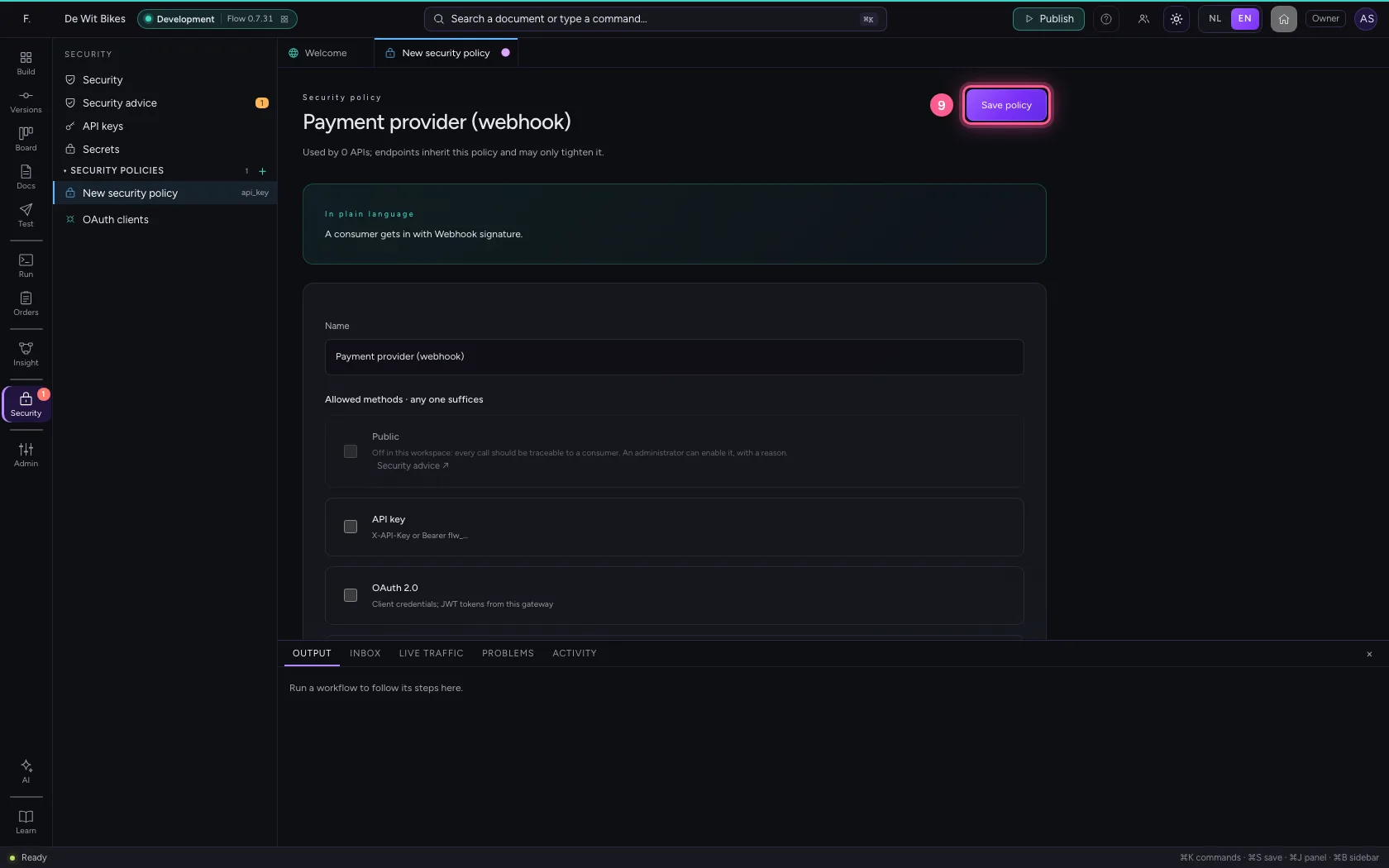
- Click Save policy
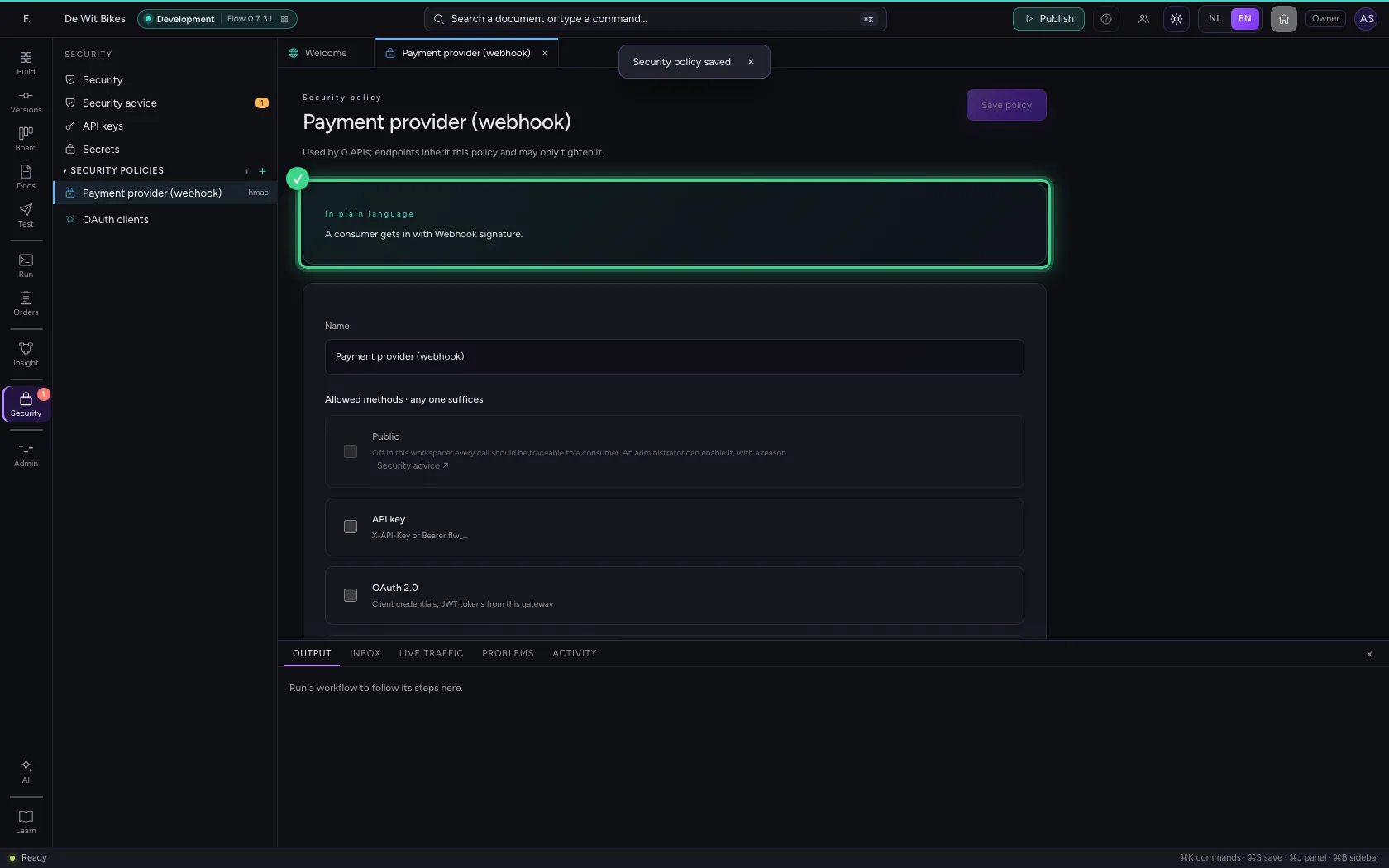
Attach the policy to the API
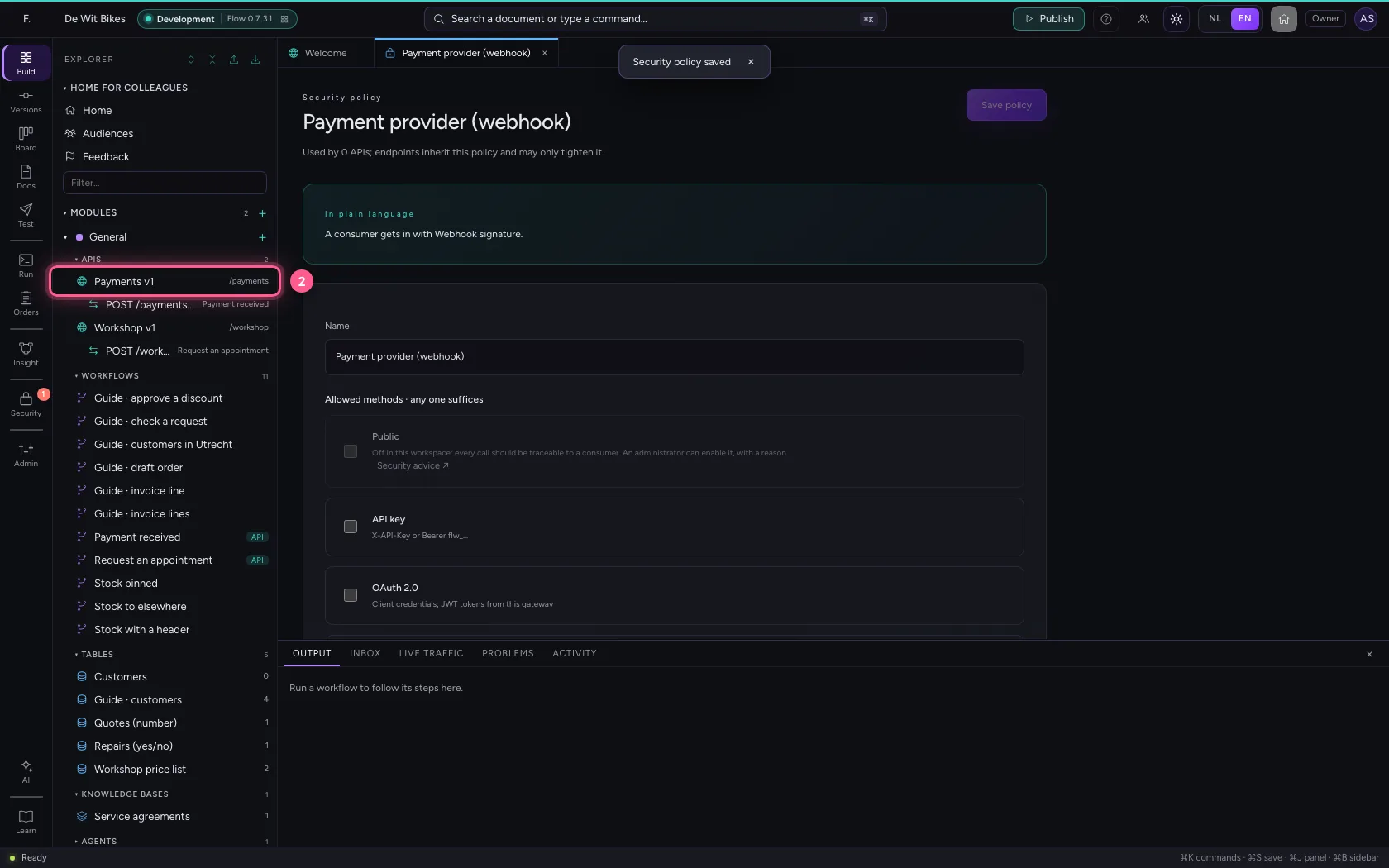
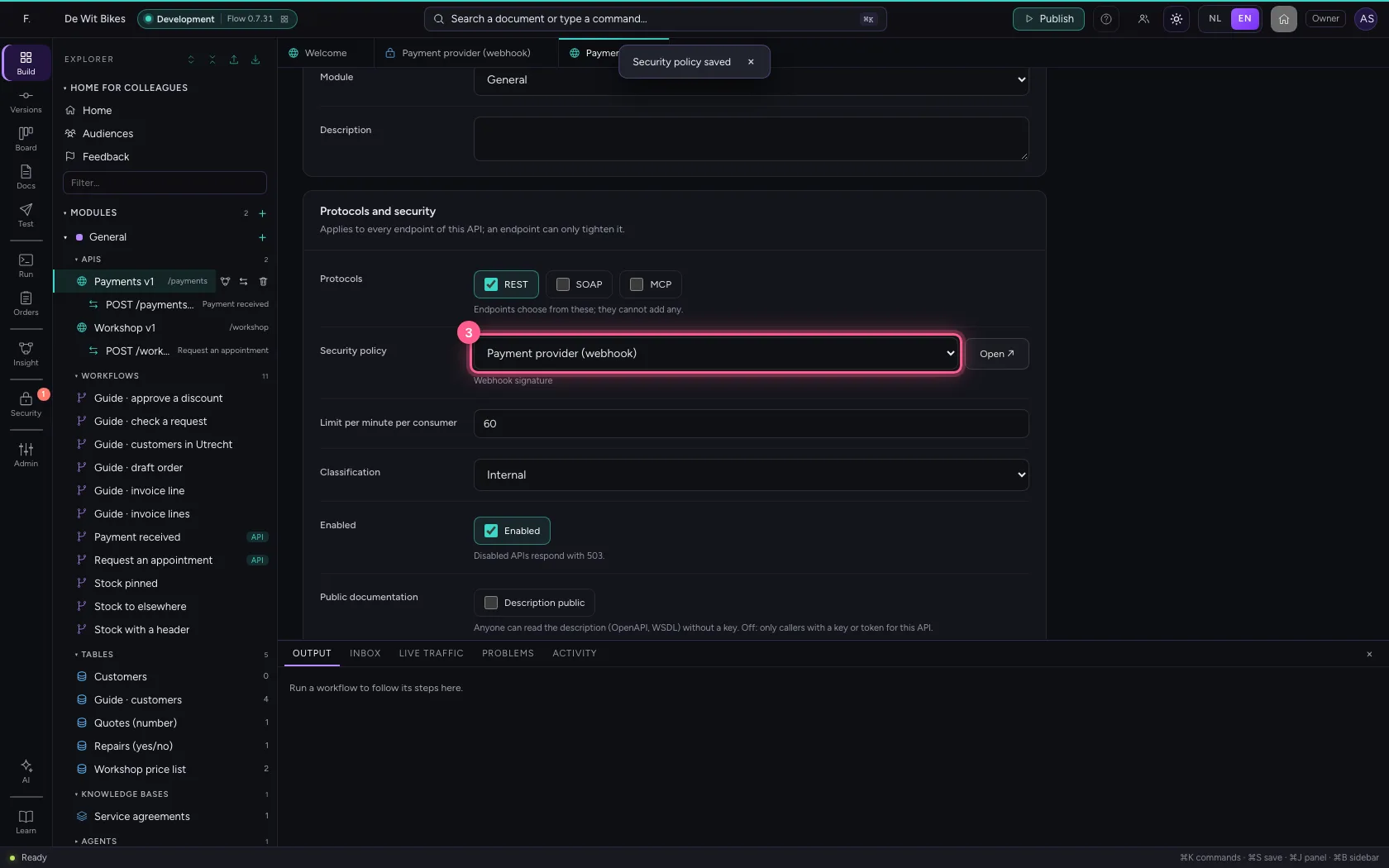
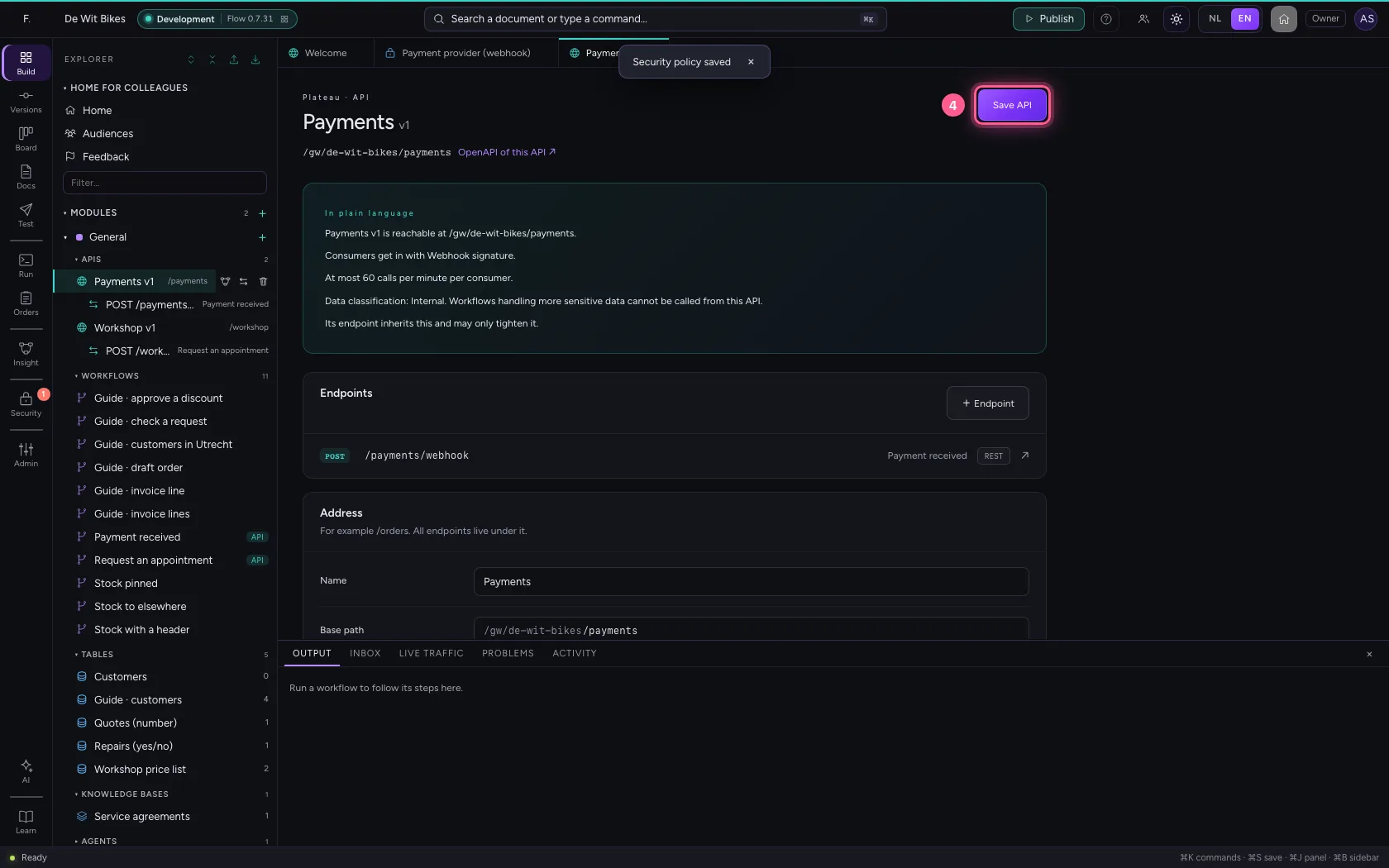
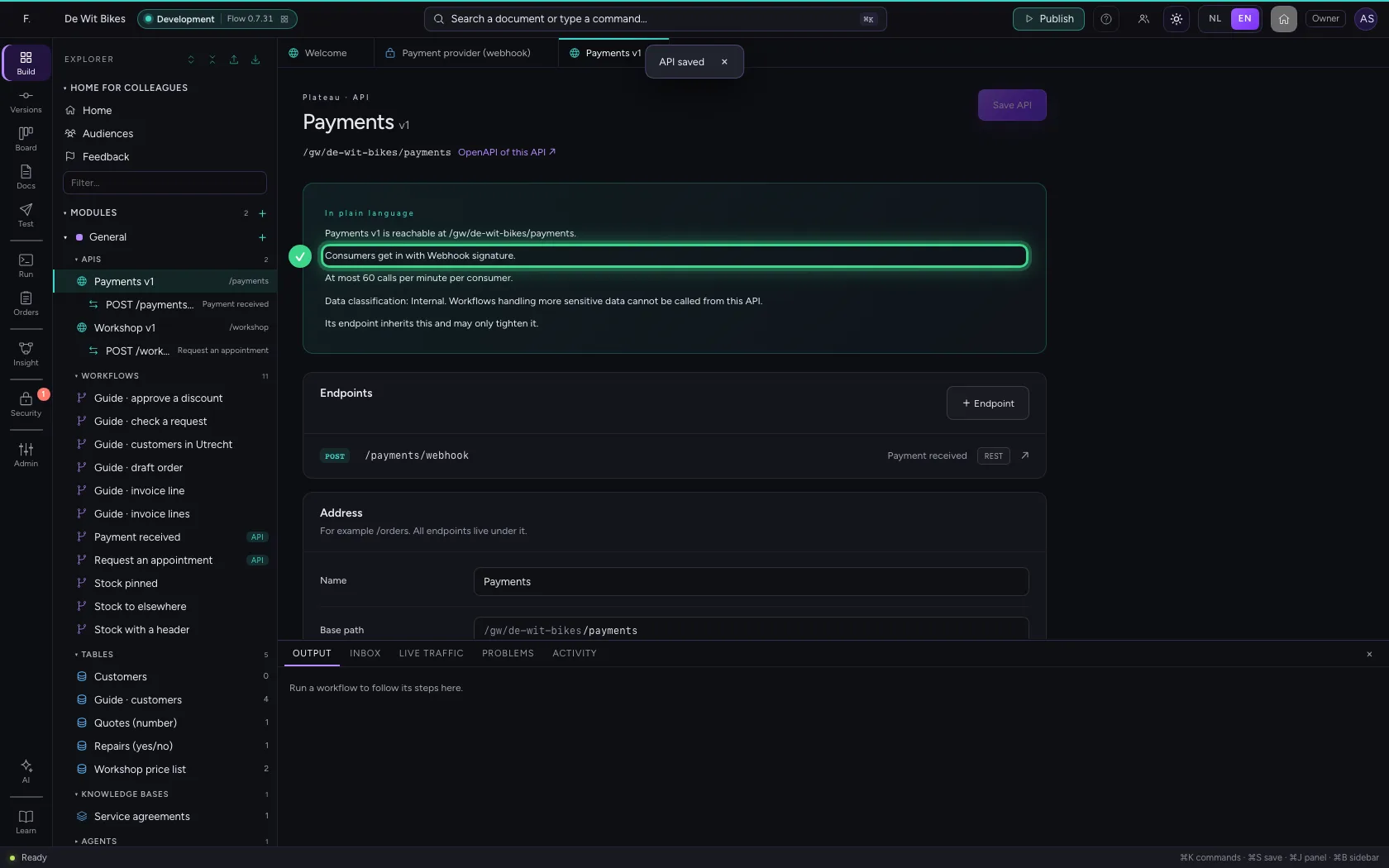
Open the API, choose the policy and save. From now on the endpoint POST /webhook only receives messages with a matching signature. A signature proves who sent it, but grants no permissions: an endpoint that demands a permission (scope) does not let a webhook in.
- Click Explorer
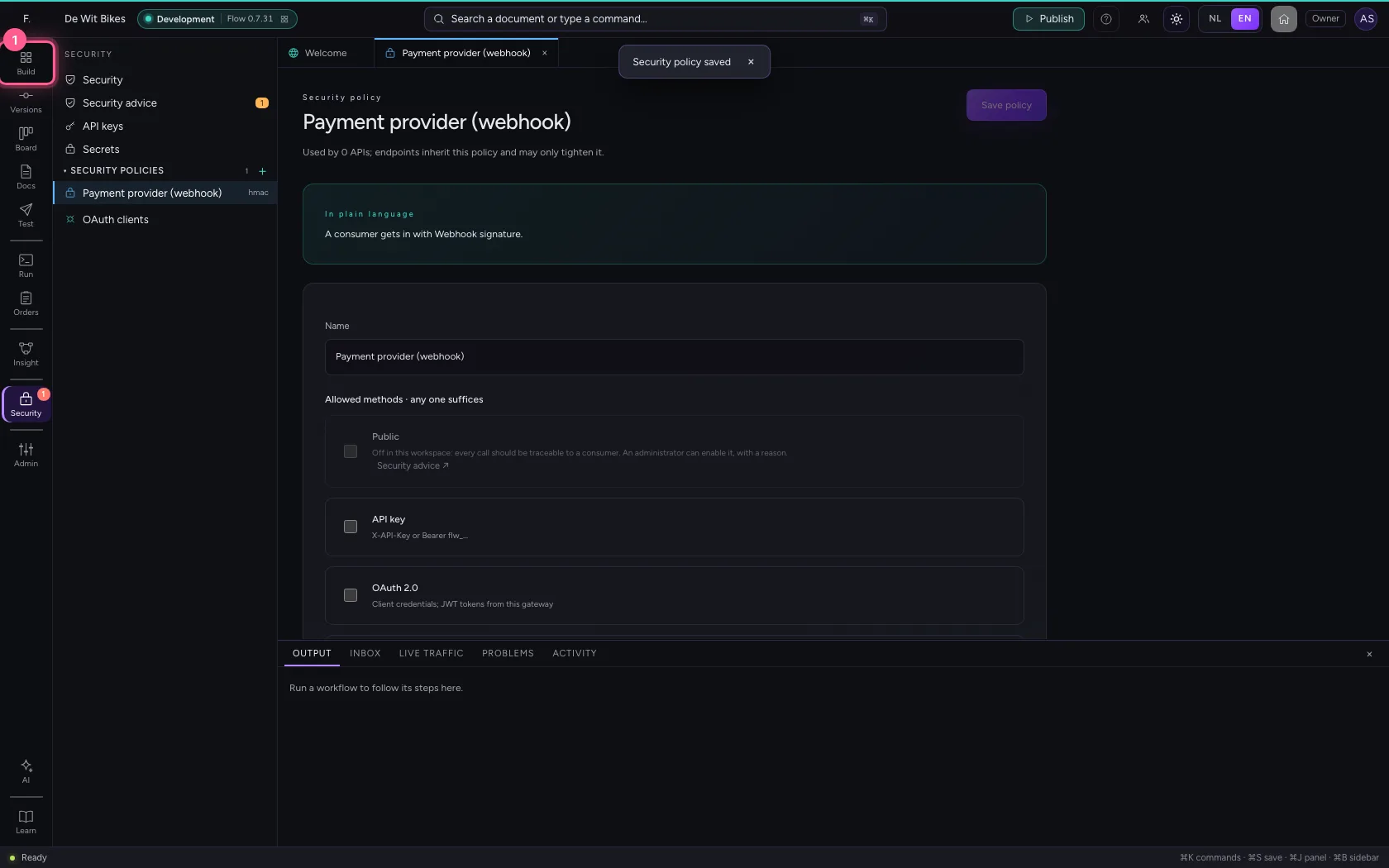
- Click the API
- In Security policy, choose Payment provider (webhook)
- Click Save API
Without a signature: 401
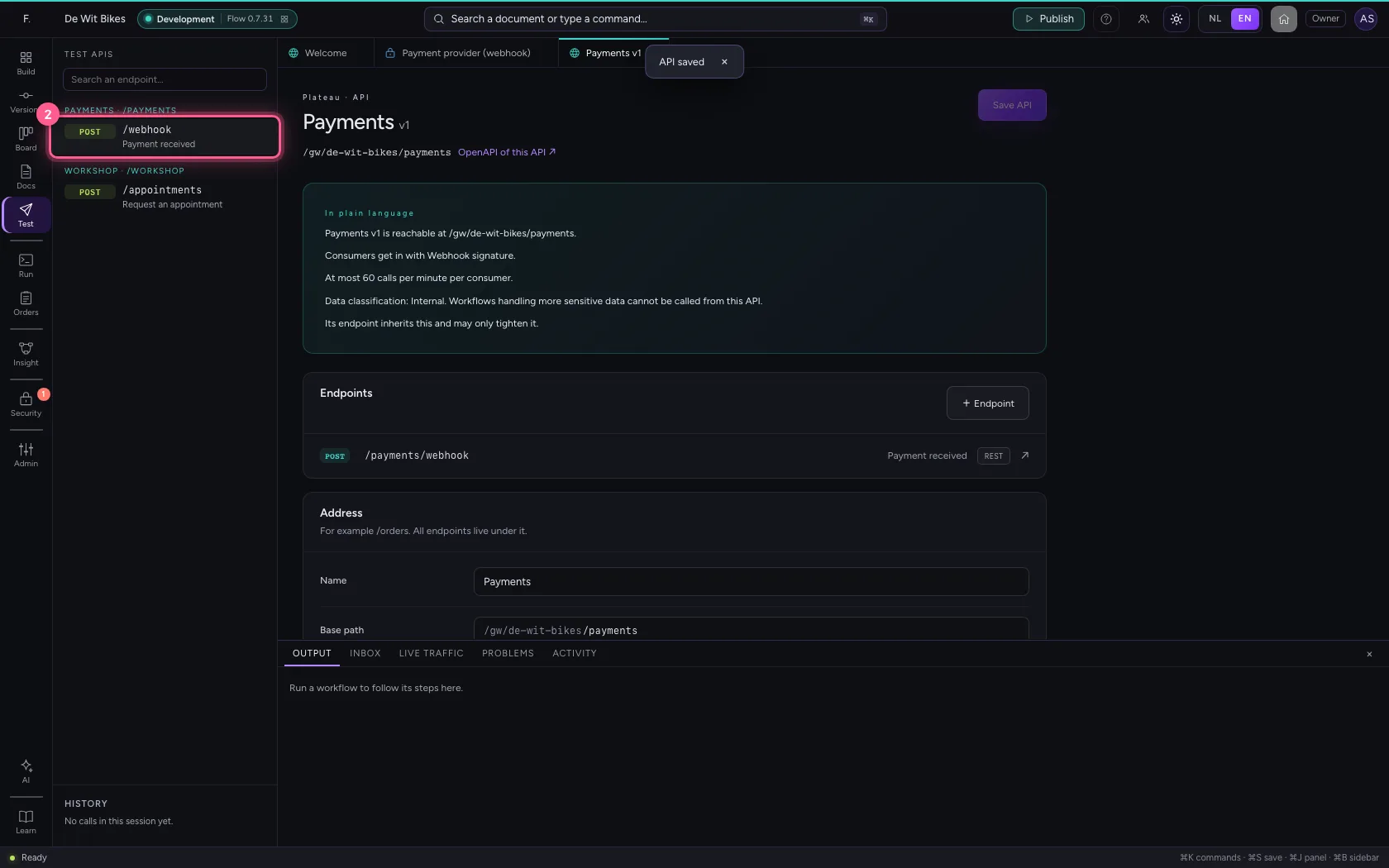
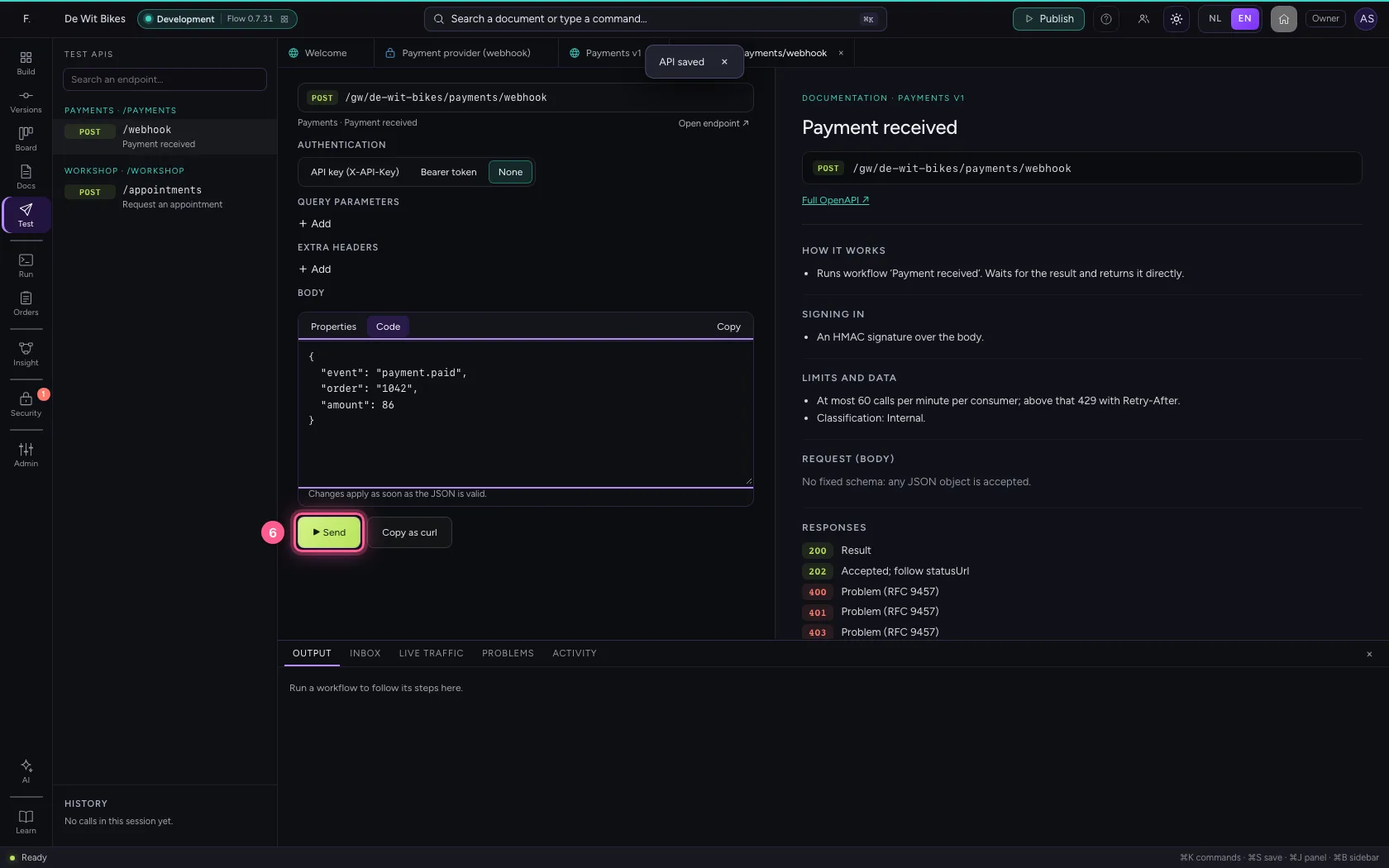
In Test APIs you choose the endpoint and send a message without a signature, like someone imitating the webhook. The gateway answers 401 and the workflow does not run.
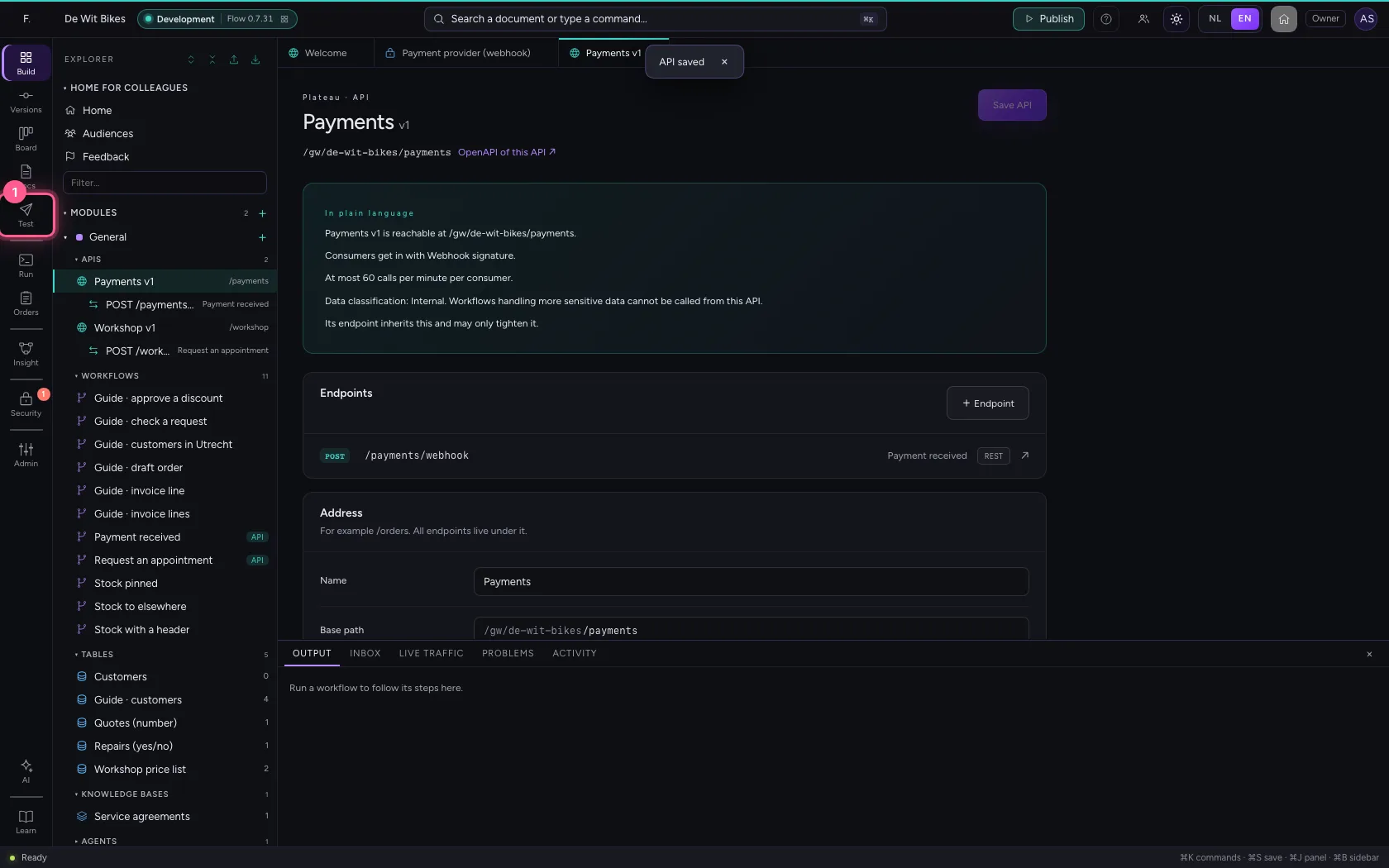
- Click Test APIs
- Click the endpoint
- Click None
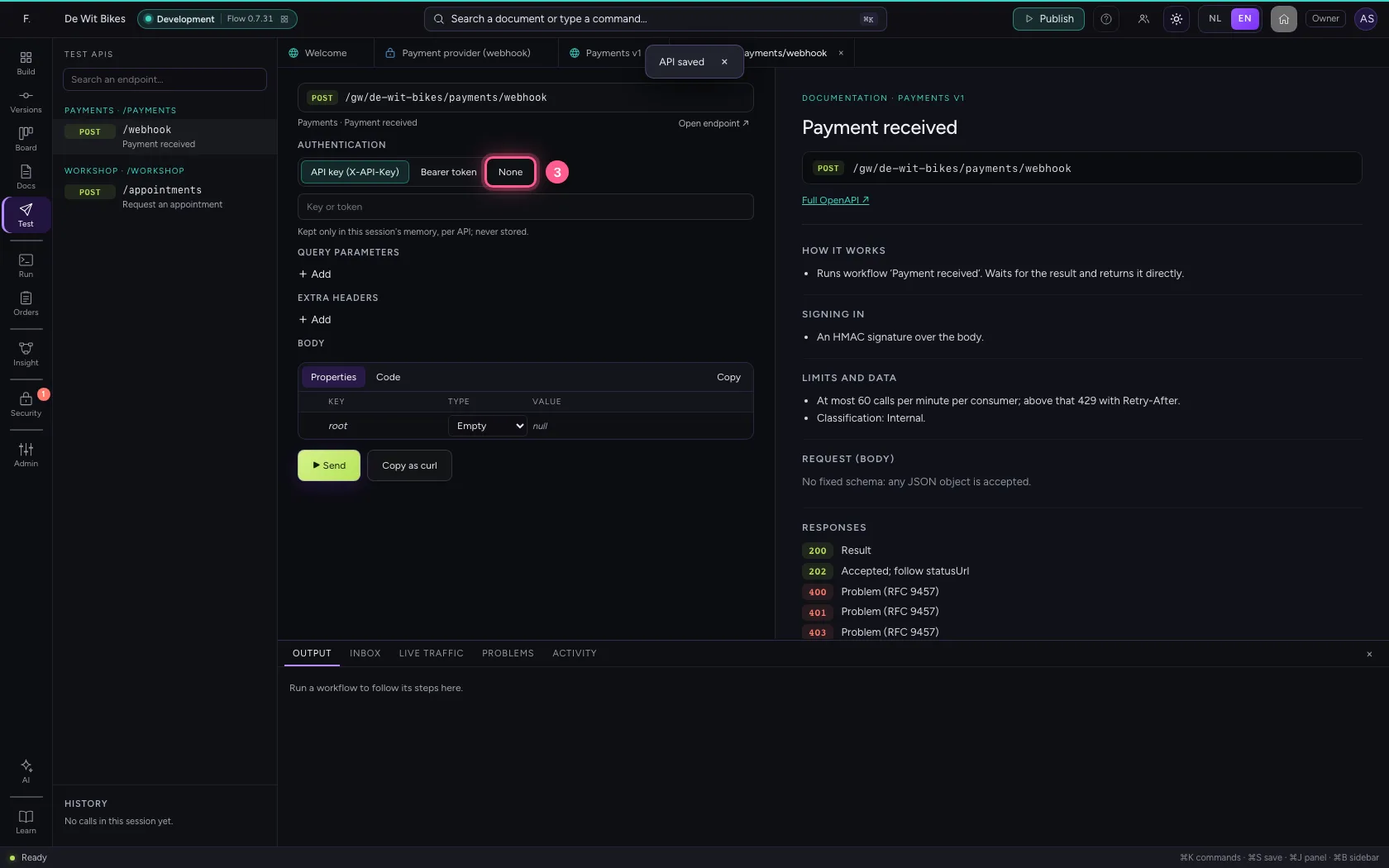
- Click Code
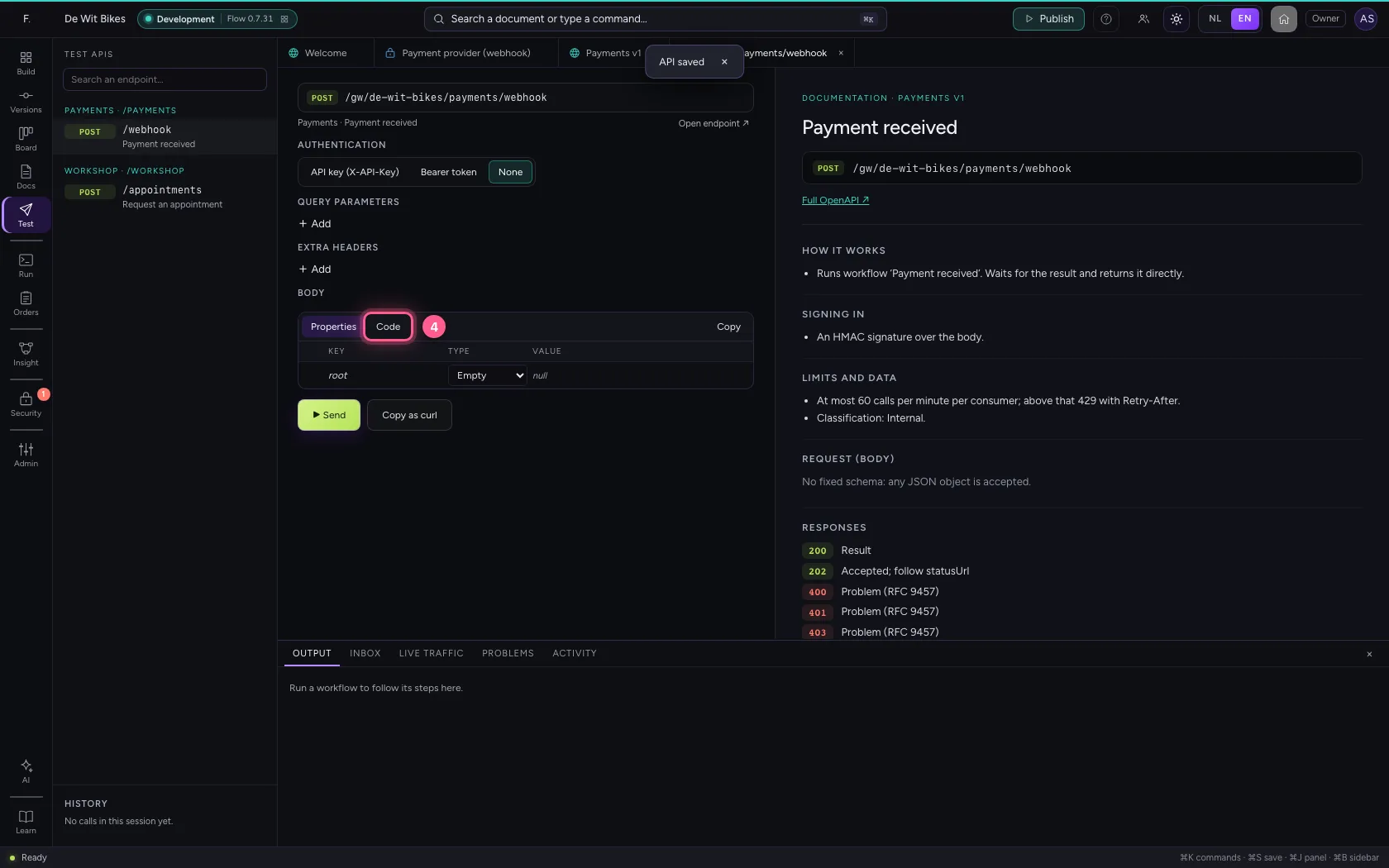
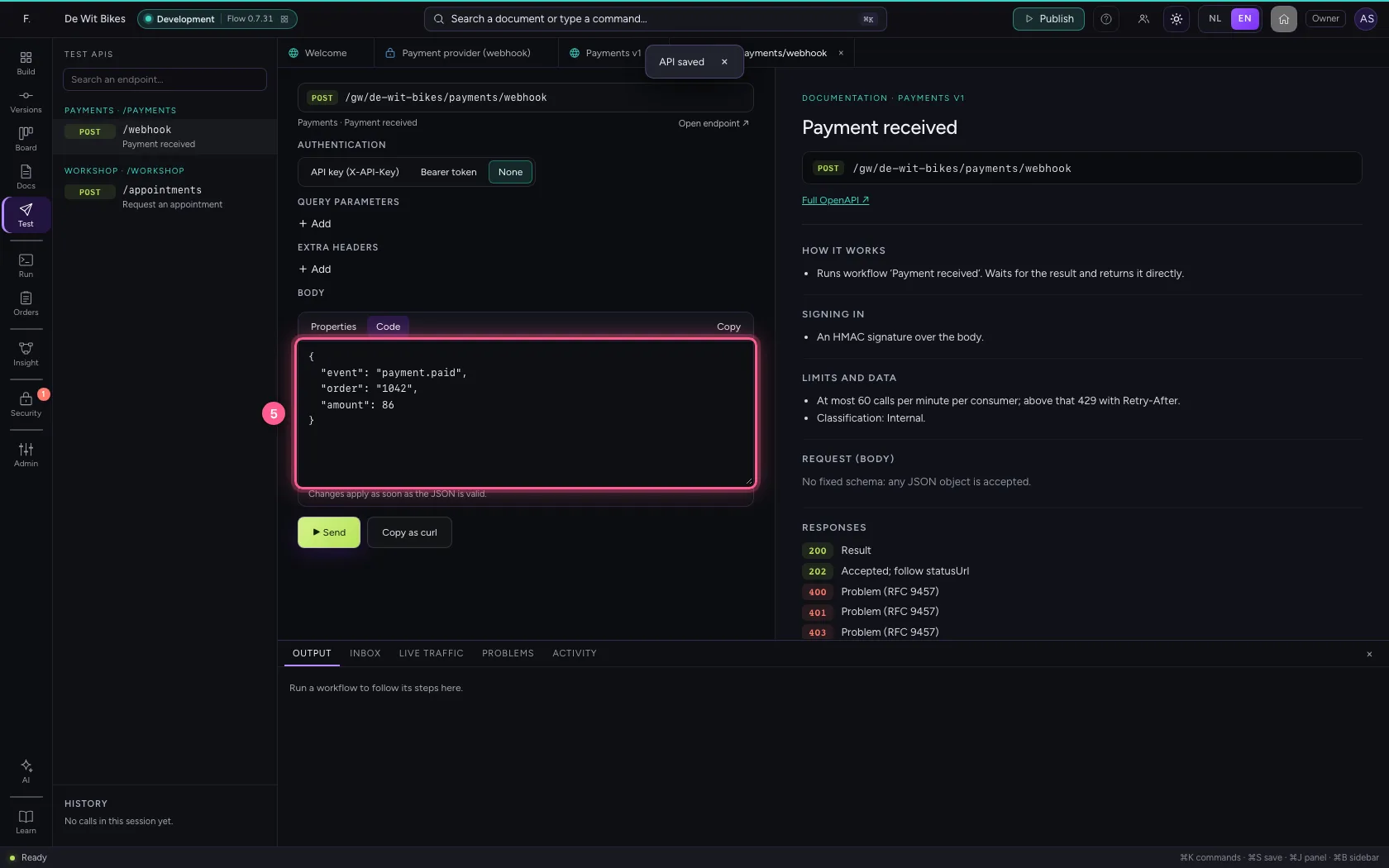
- In Body, type
{"event": "payment.paid", "order": "1042", "amount": 86}
- Click ▶ Send
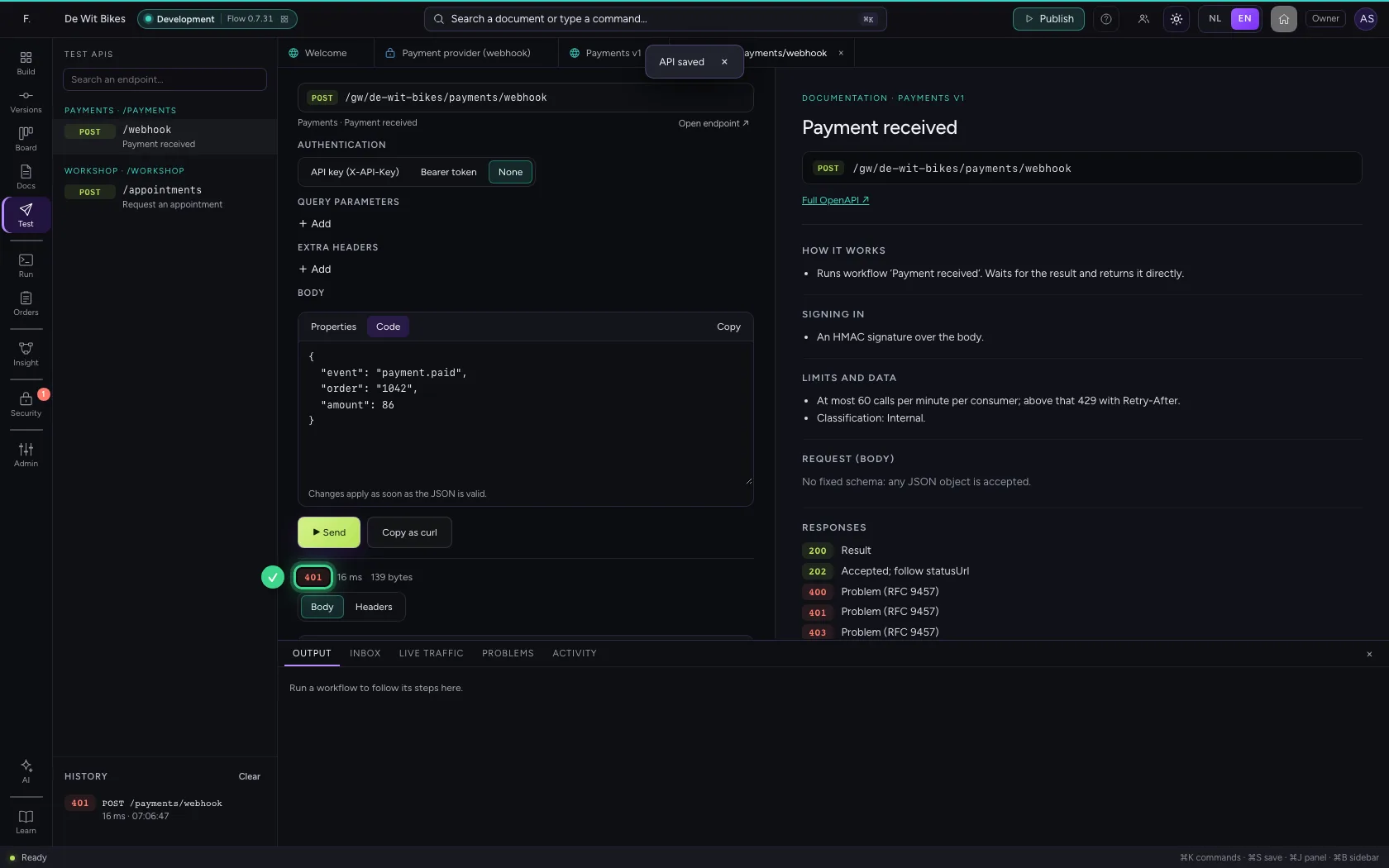
With a signature: in
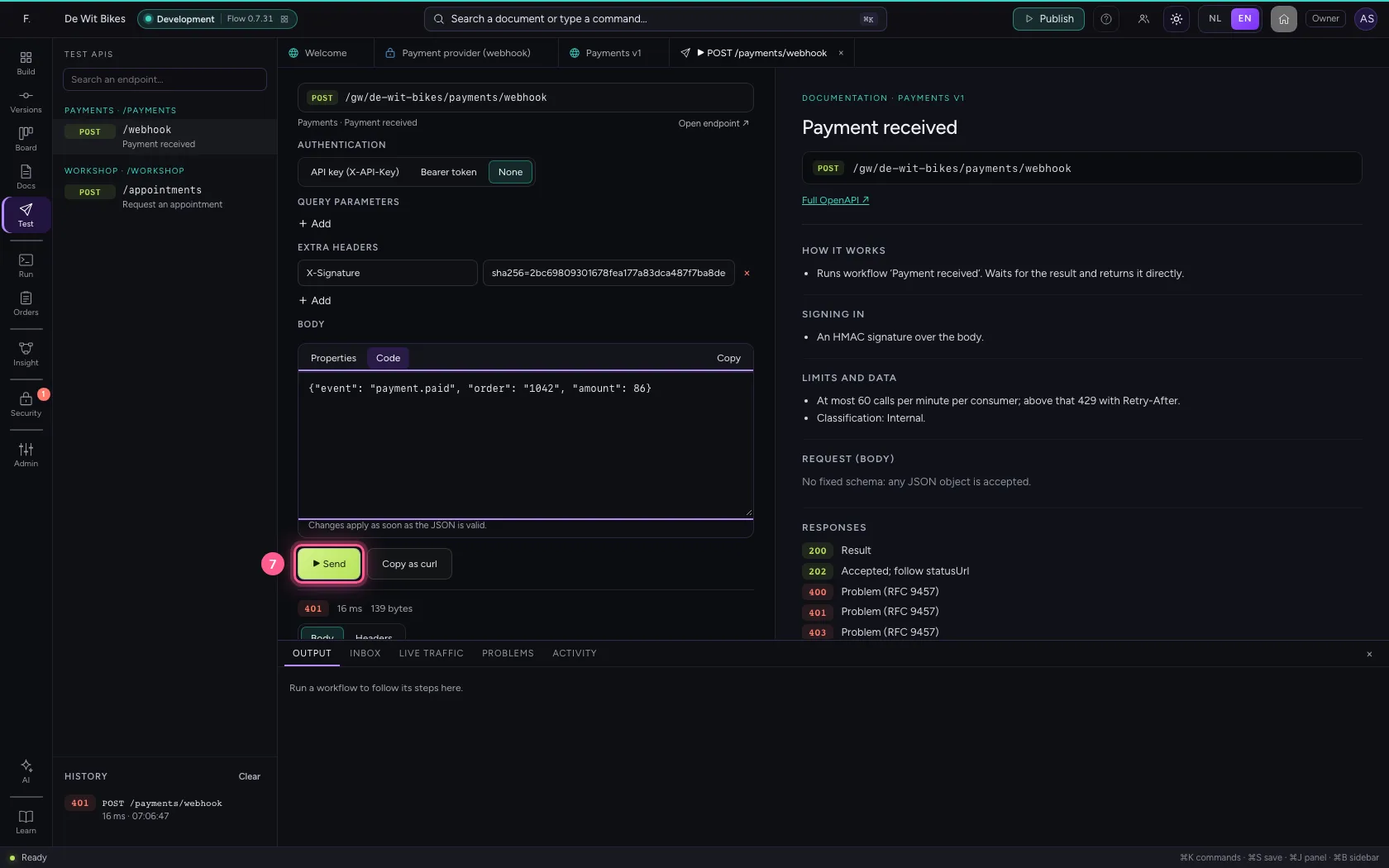
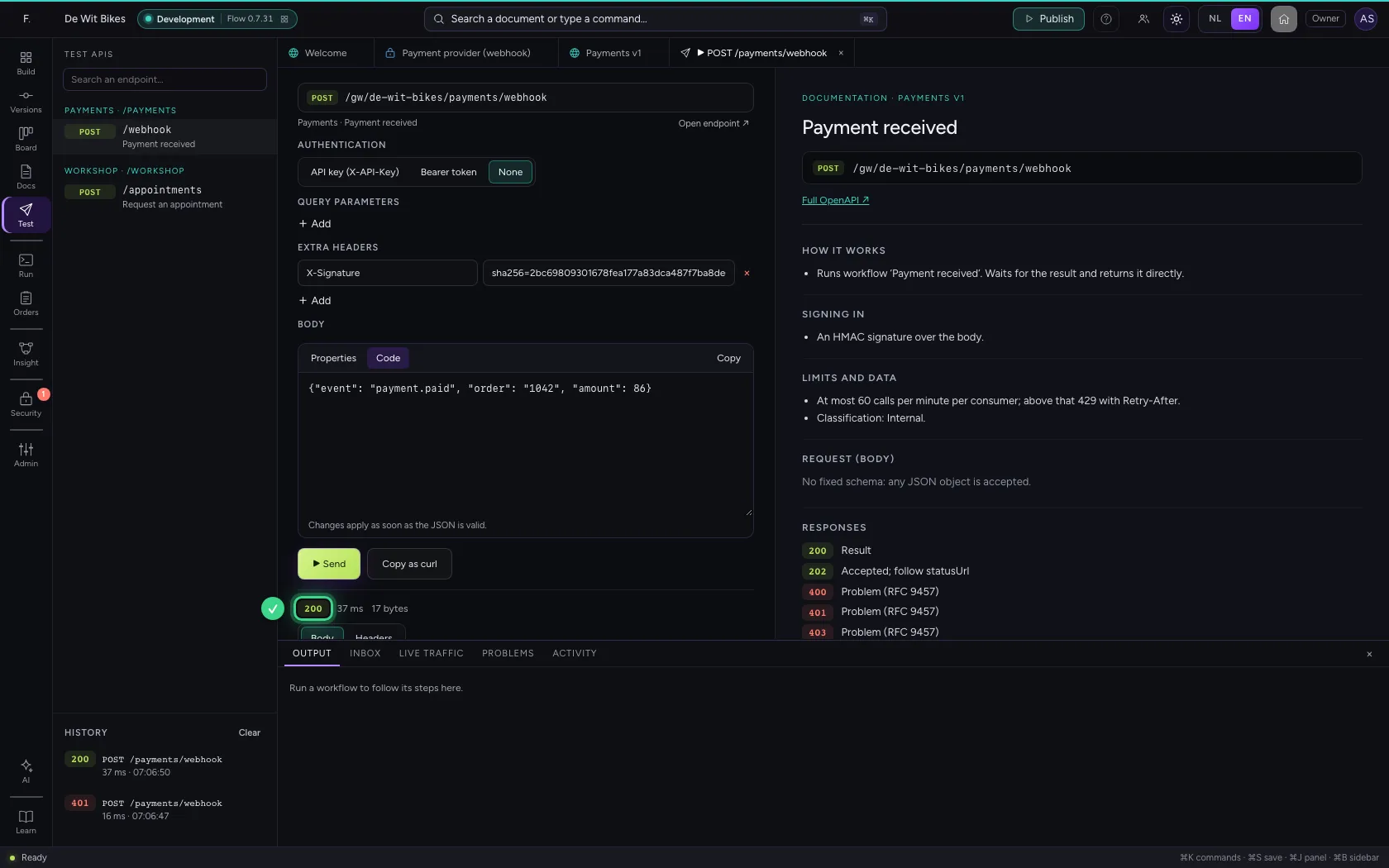
The sender calculates the HMAC-SHA256 over exactly the body it sends, with the shared secret, and puts it in the header with the prefix. Here you imitate that: the header X-Signature with the right value. Now the gateway answers 200.
- Click None
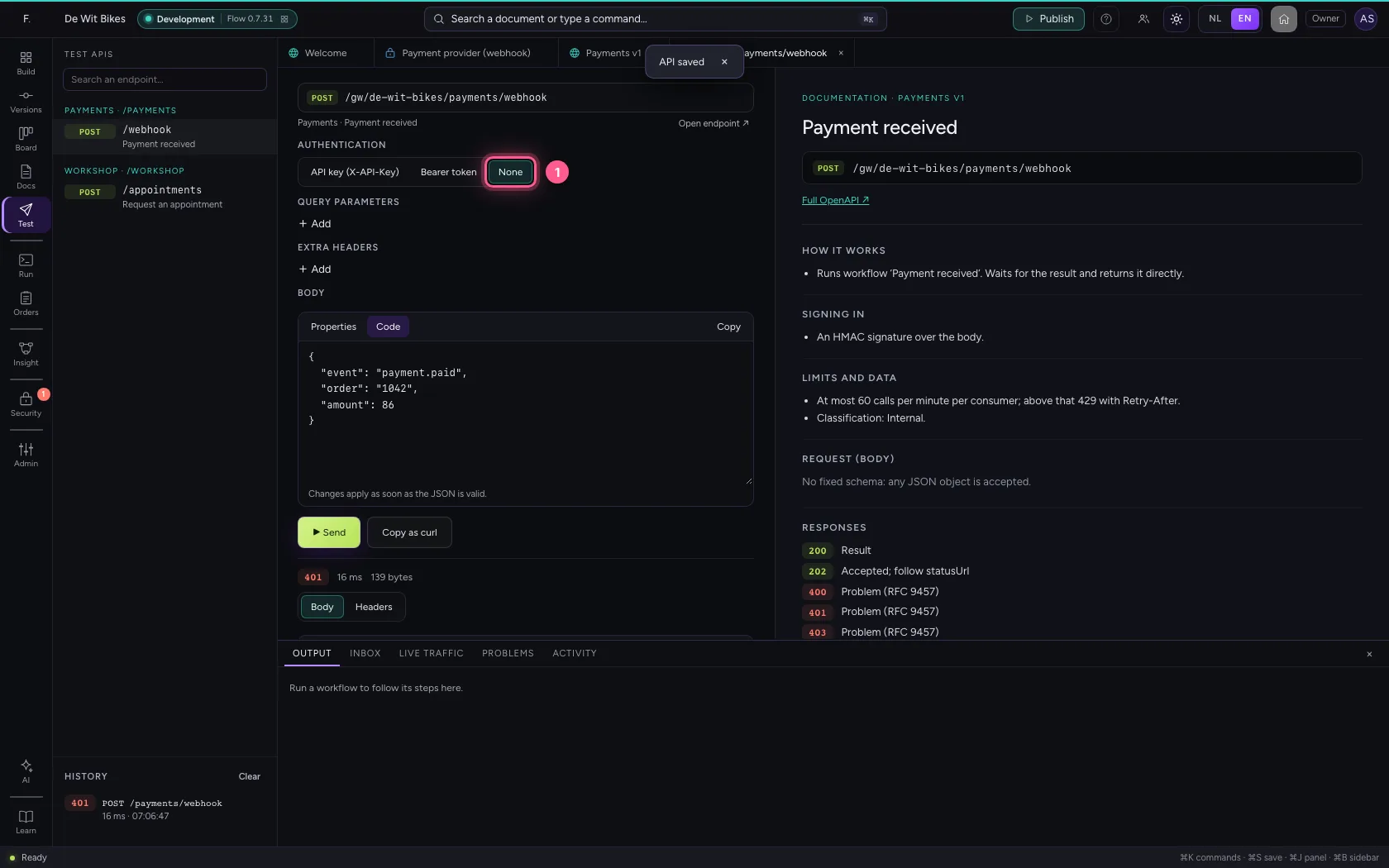
- Click + Add
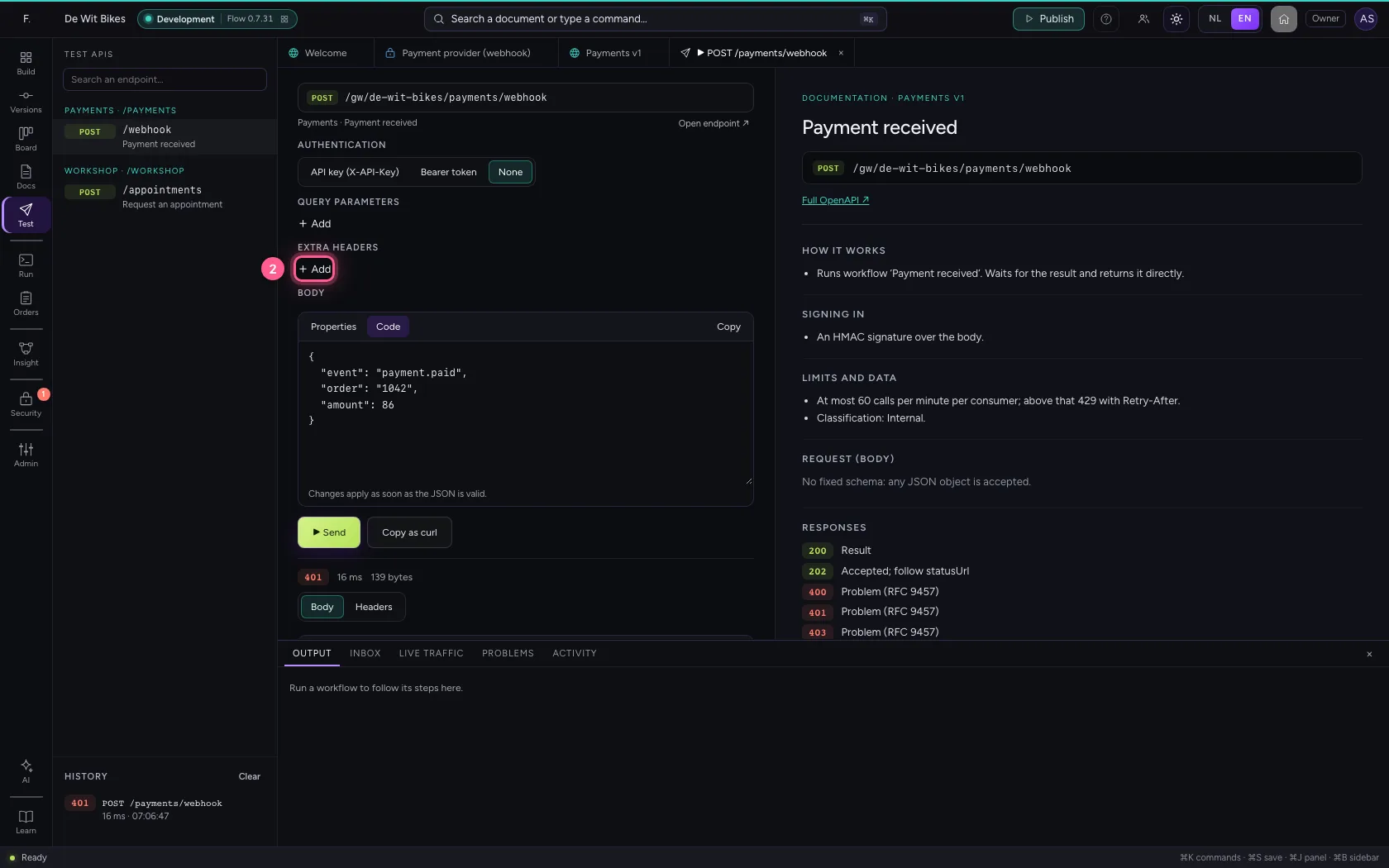
- In Name, type
X-Signature - In Value, type
sha256=2bc69809301678fea177a83dca487f7ba8de66146ea1f8c1e59933fd546c3599
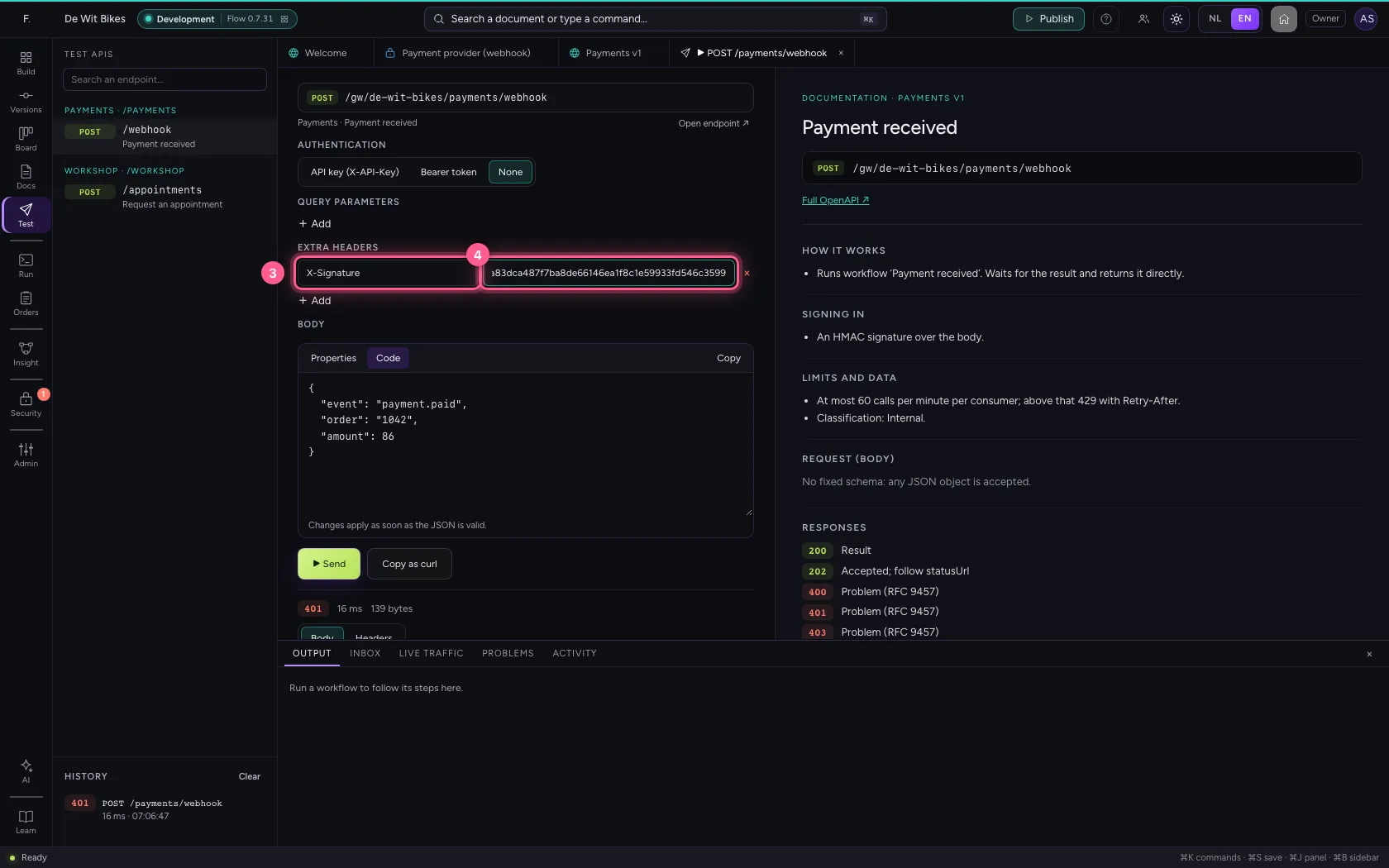
- Click Code
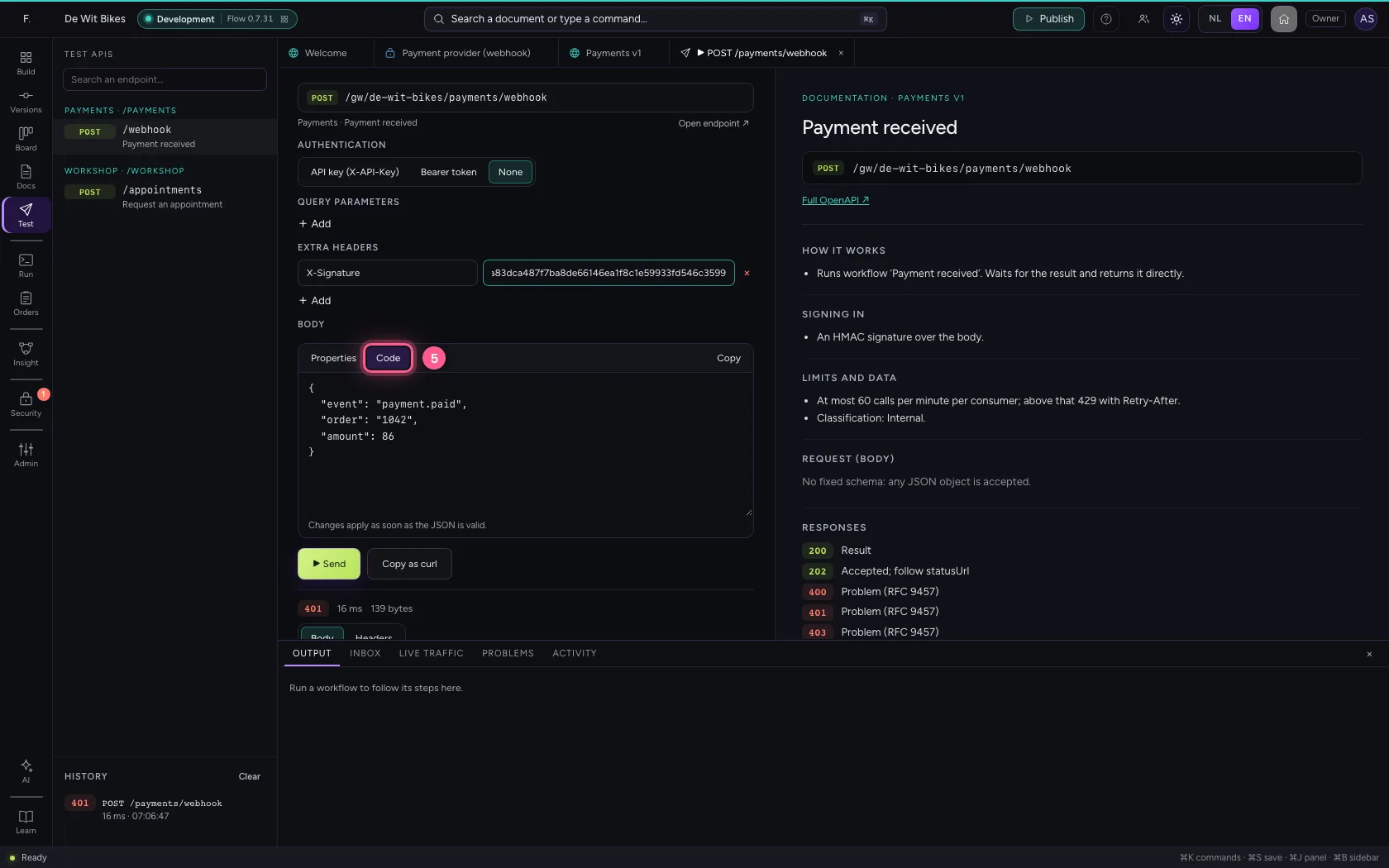
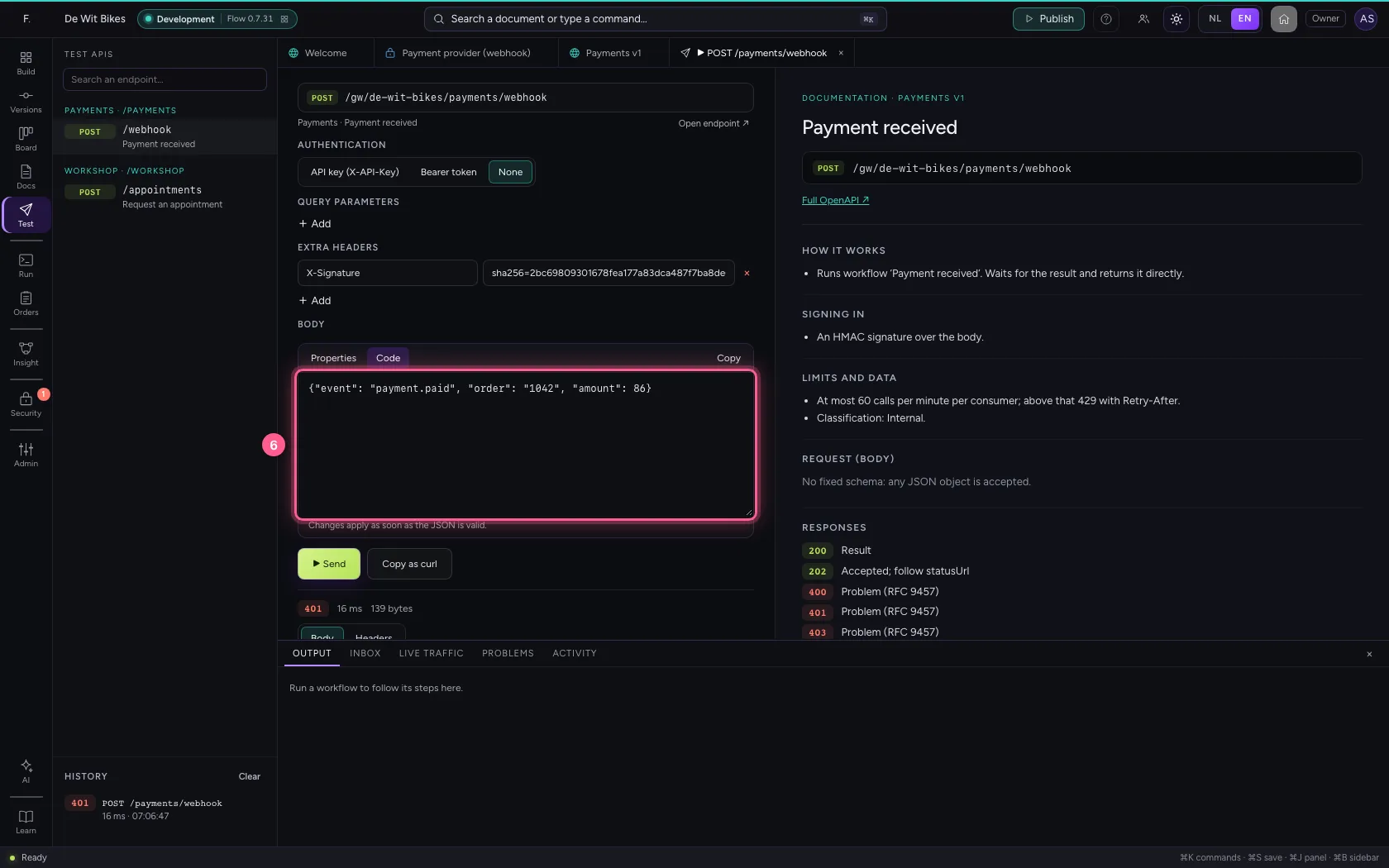
- In Body, type
{"event": "payment.paid", "order": "1042", "amount": 86}
- Click ▶ Send
This guide was carried out step by step on 22 Oct 2026 by an automated test on Flow (version 3e563176).