Sign in with OAuth 2.0 (client credentials)
Applications that talk to each other often sign in with OAuth 2.0 client credentials: with a client_id and client_secret they fetch a short-lived token (one hour) from the token endpoint, and send it along as a bearer token. Flow's gateway is that token issuer itself. You create a policy with OAuth 2.0 and a required permission, a client with that permission, fetch a token and call the API with it.
Open your development environment
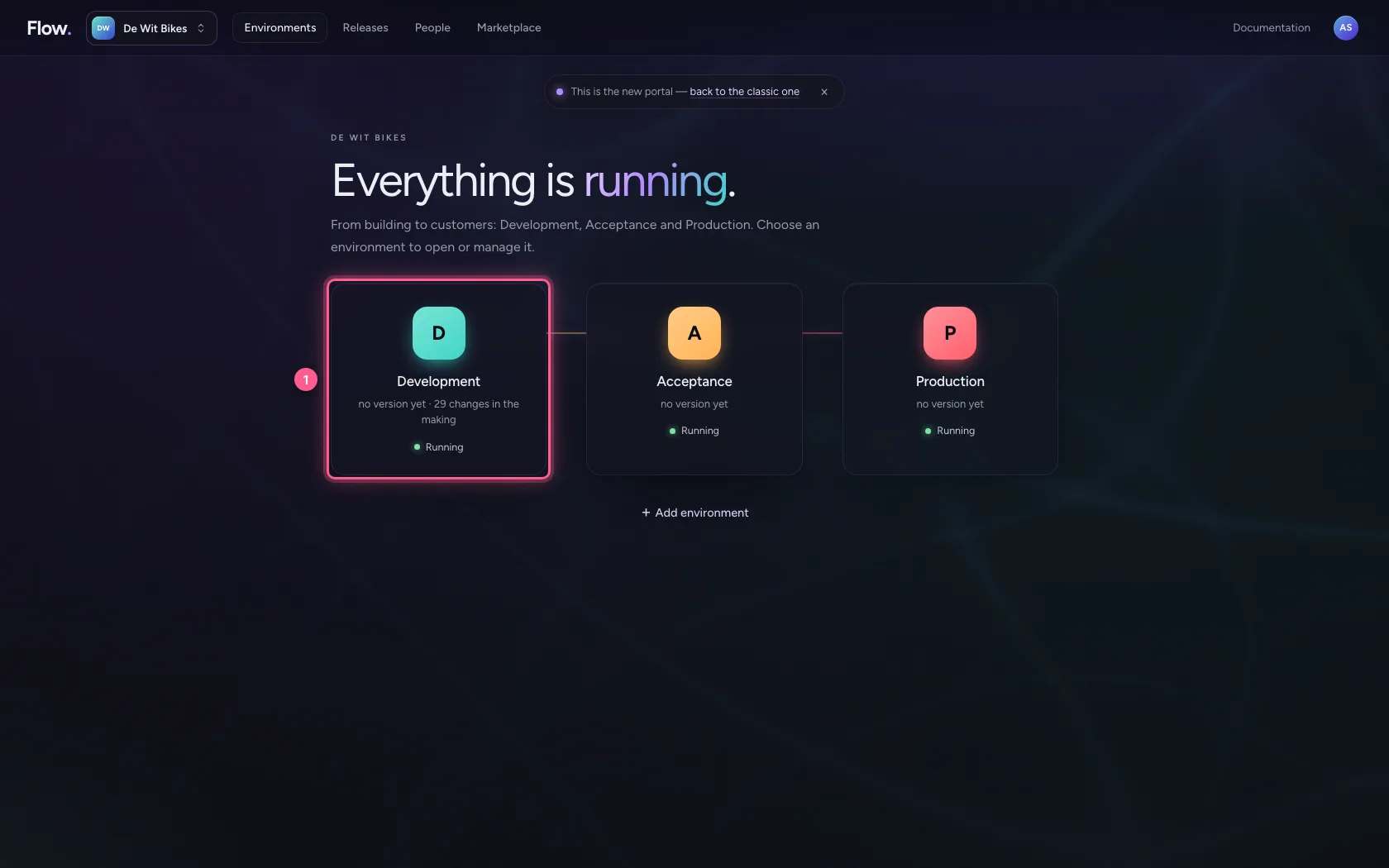
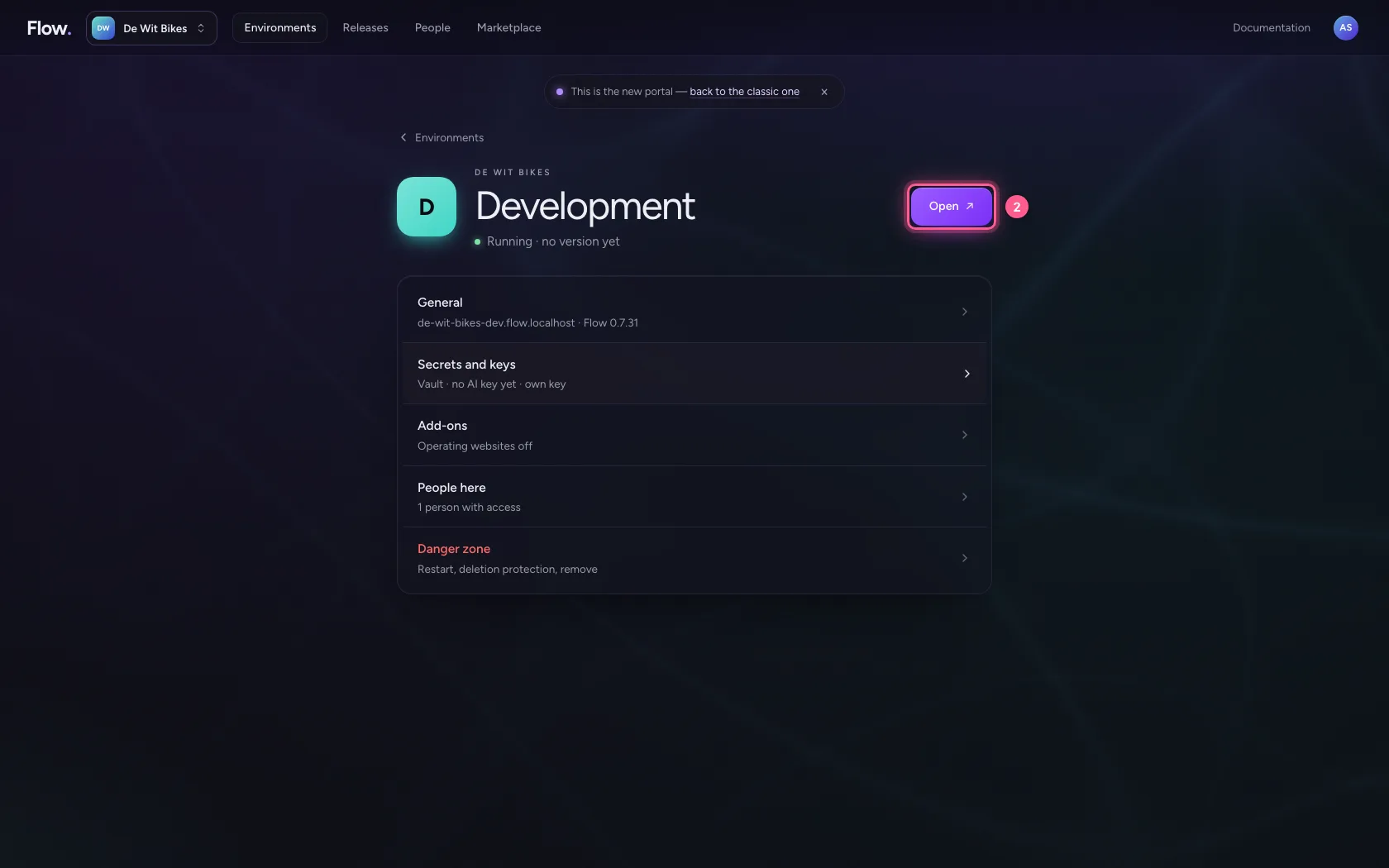
In the portal, under Environments, click Development, and there Open. Flow opens in a new tab and you are signed in straight away.
- Click Development
- Click Open ↗
A policy with OAuth 2.0 and a required permission
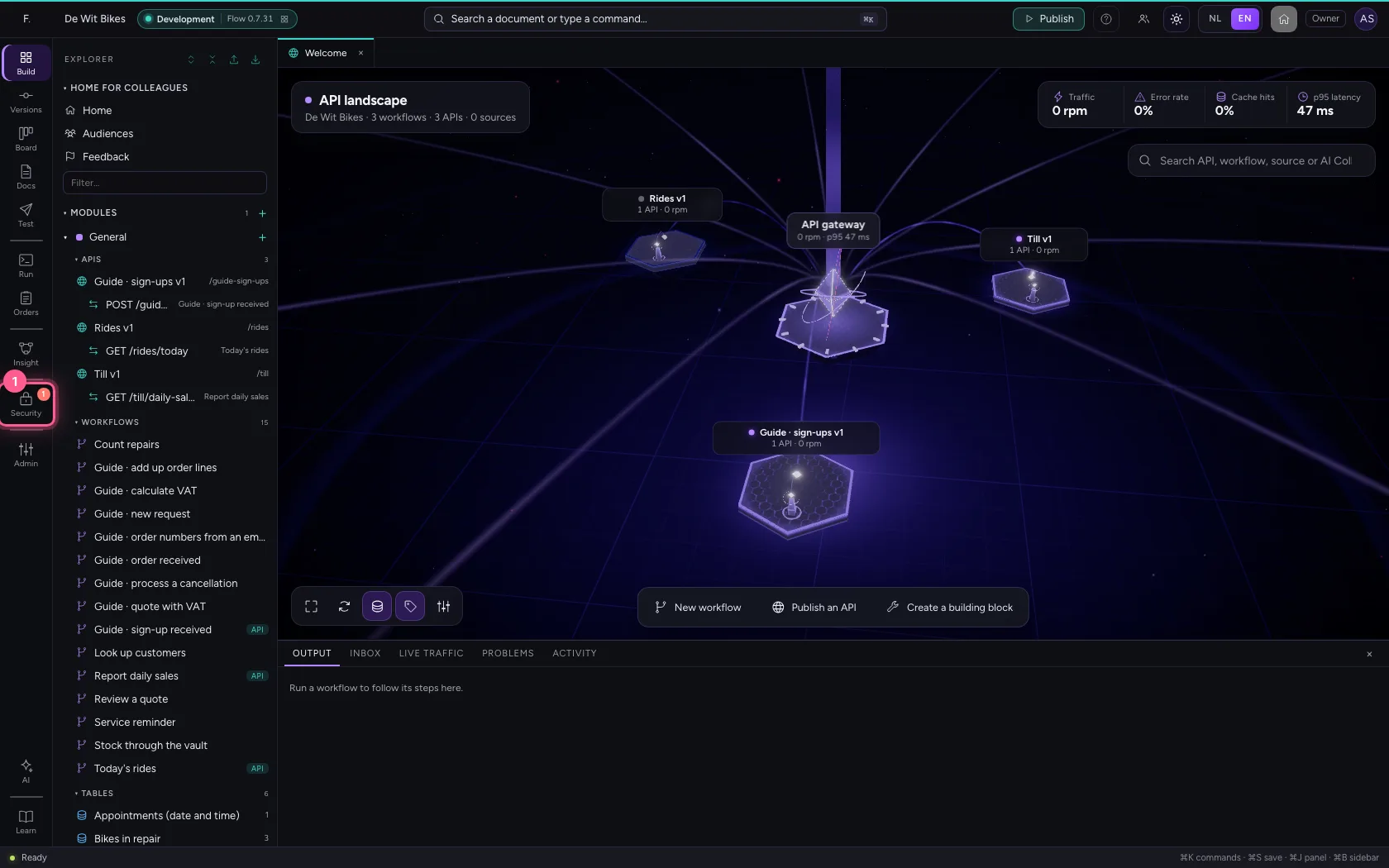
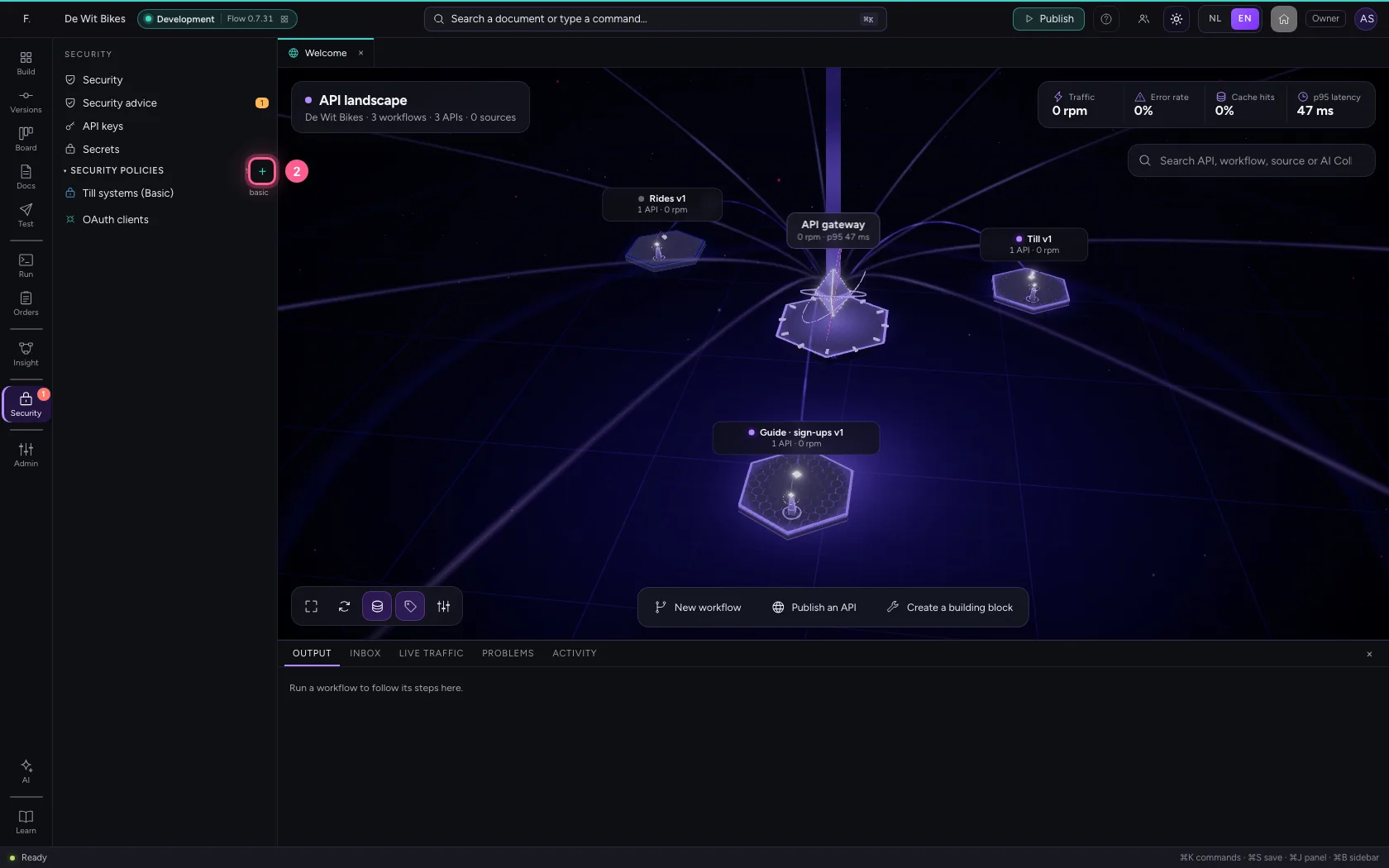
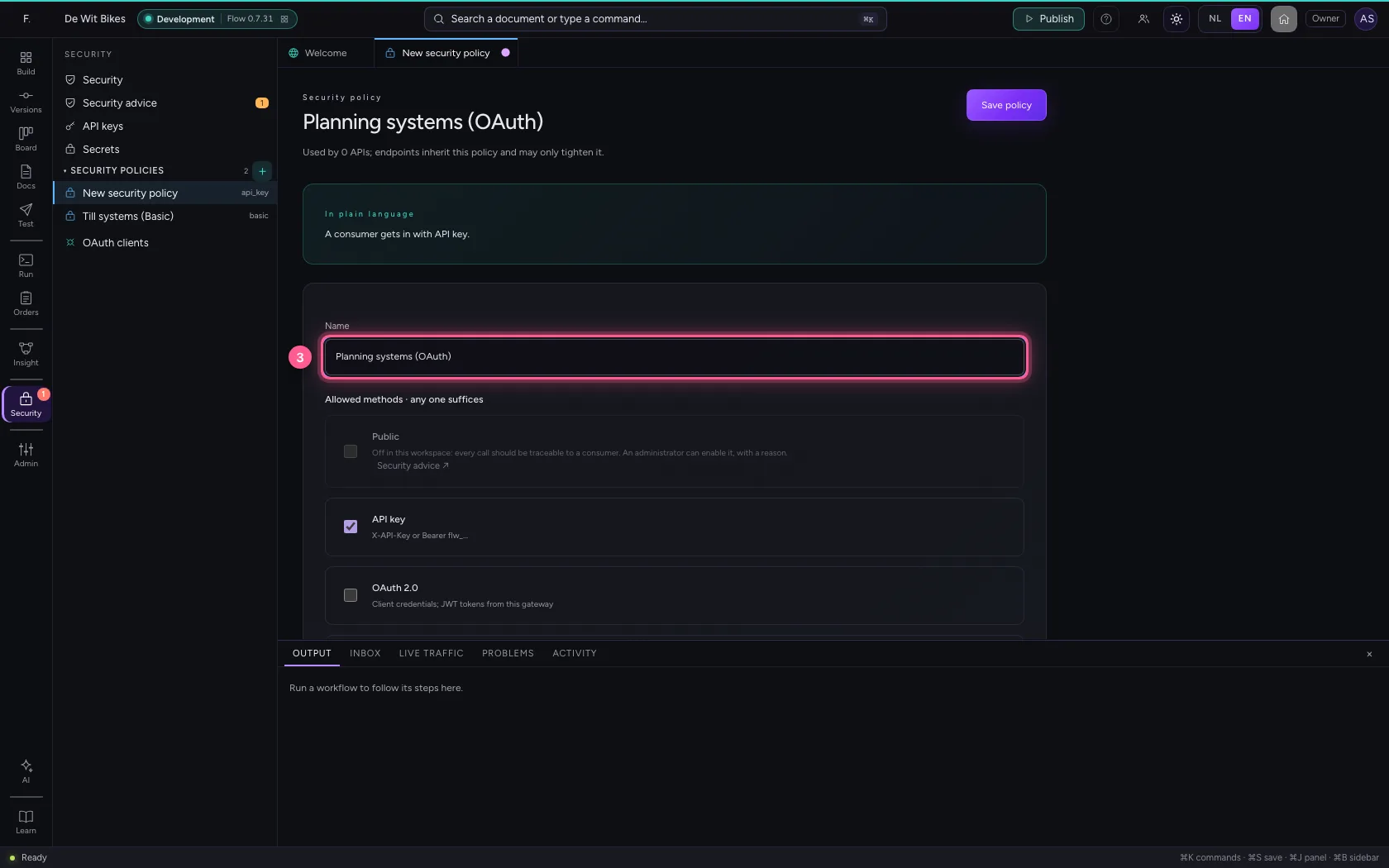
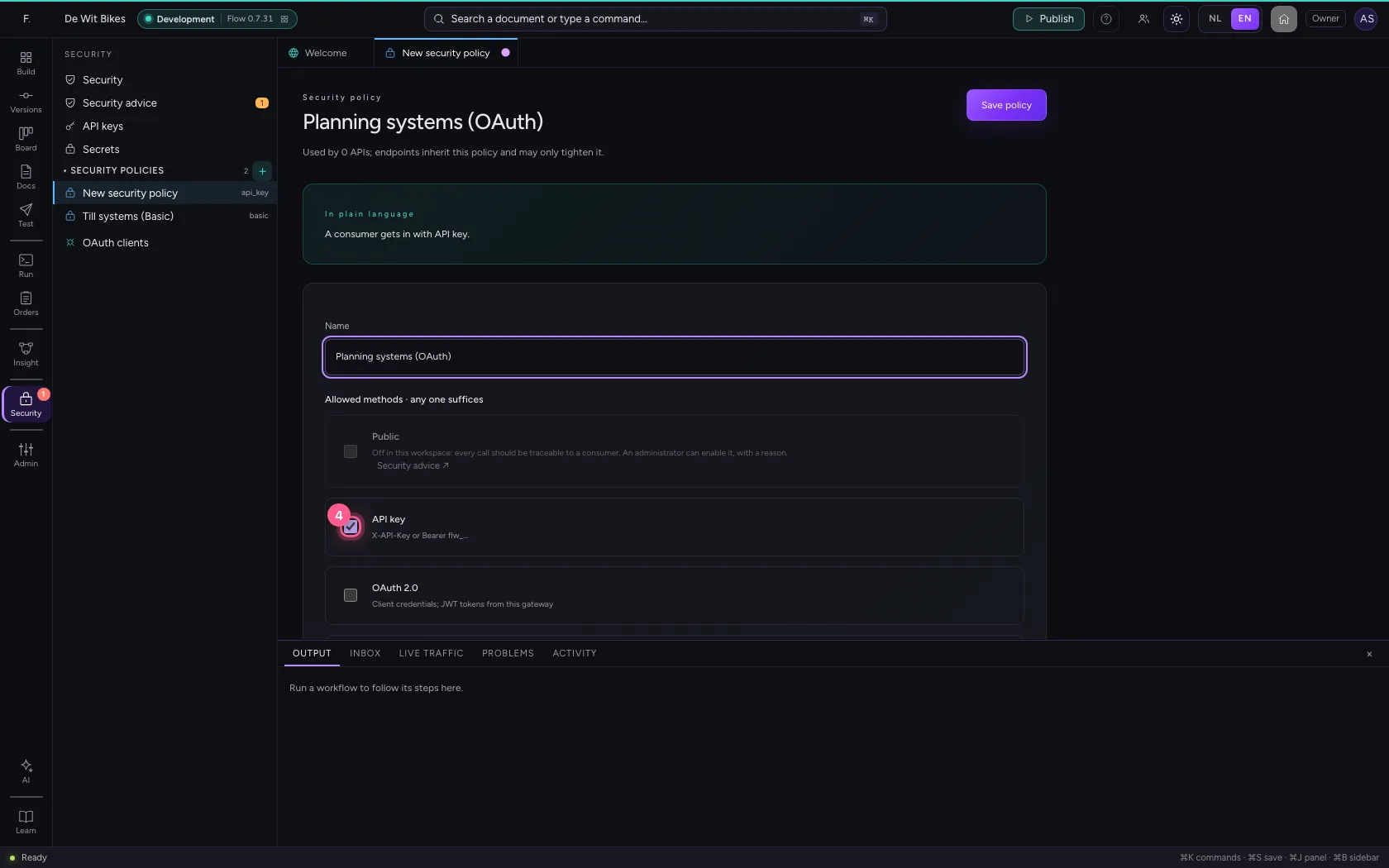
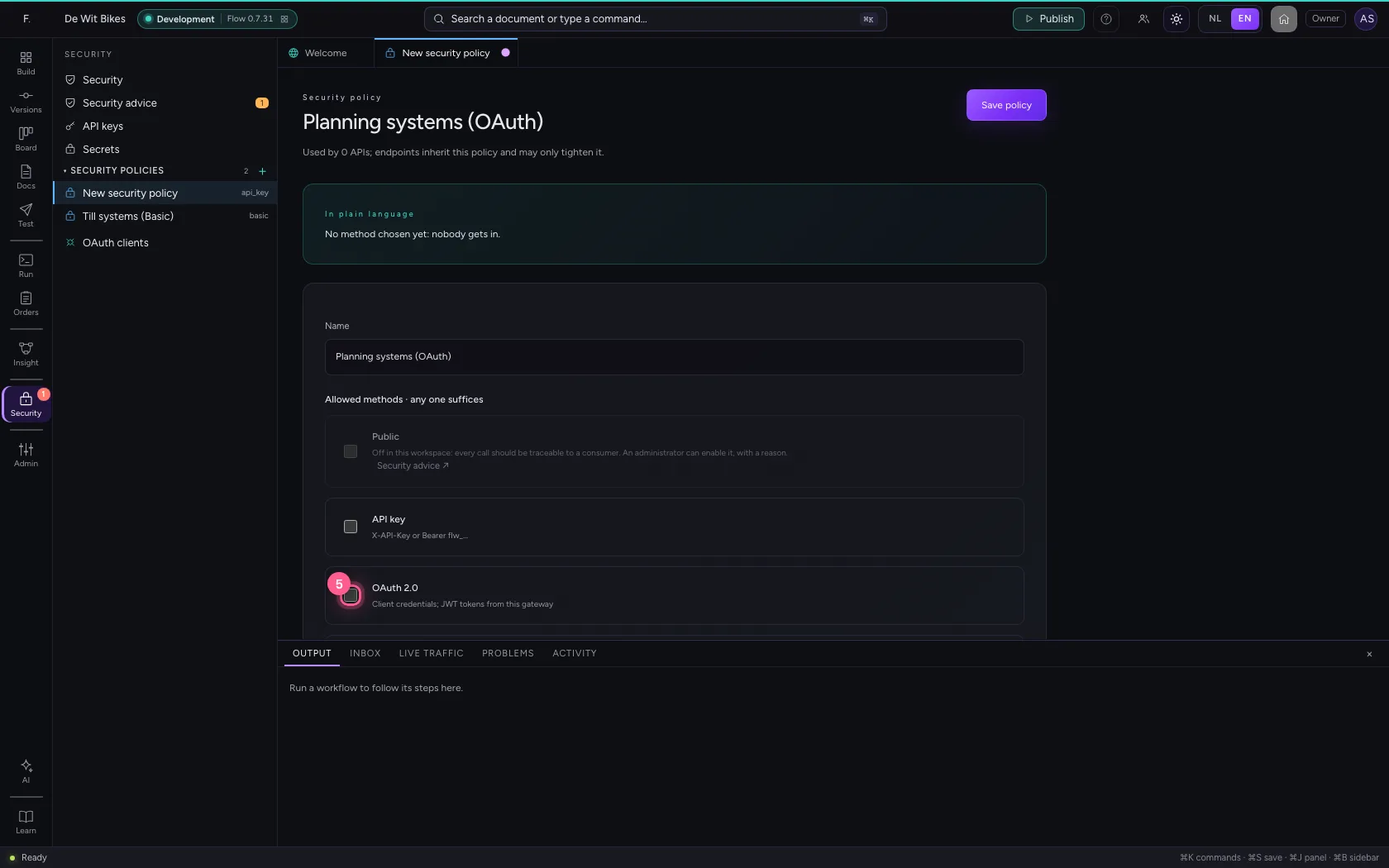
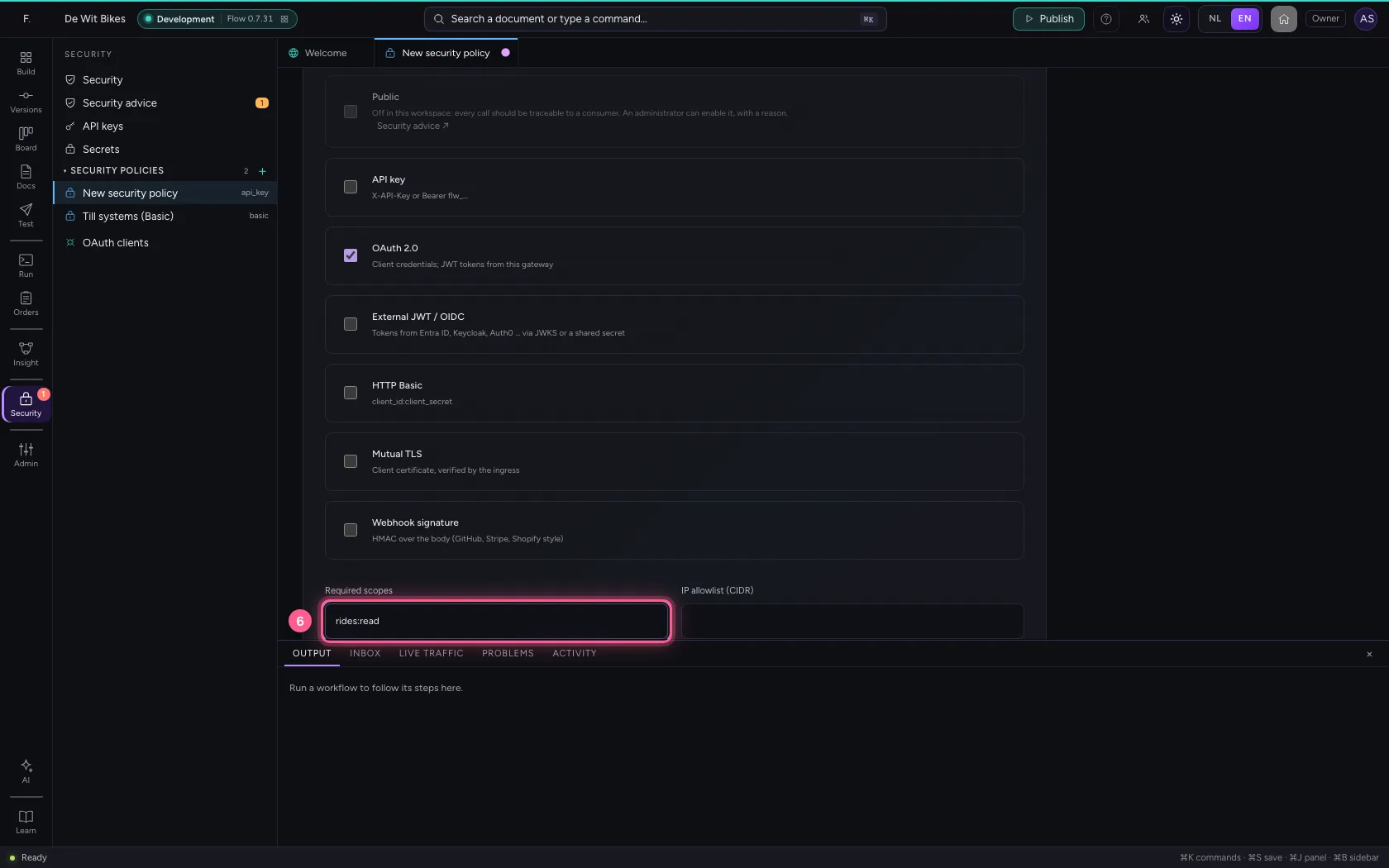
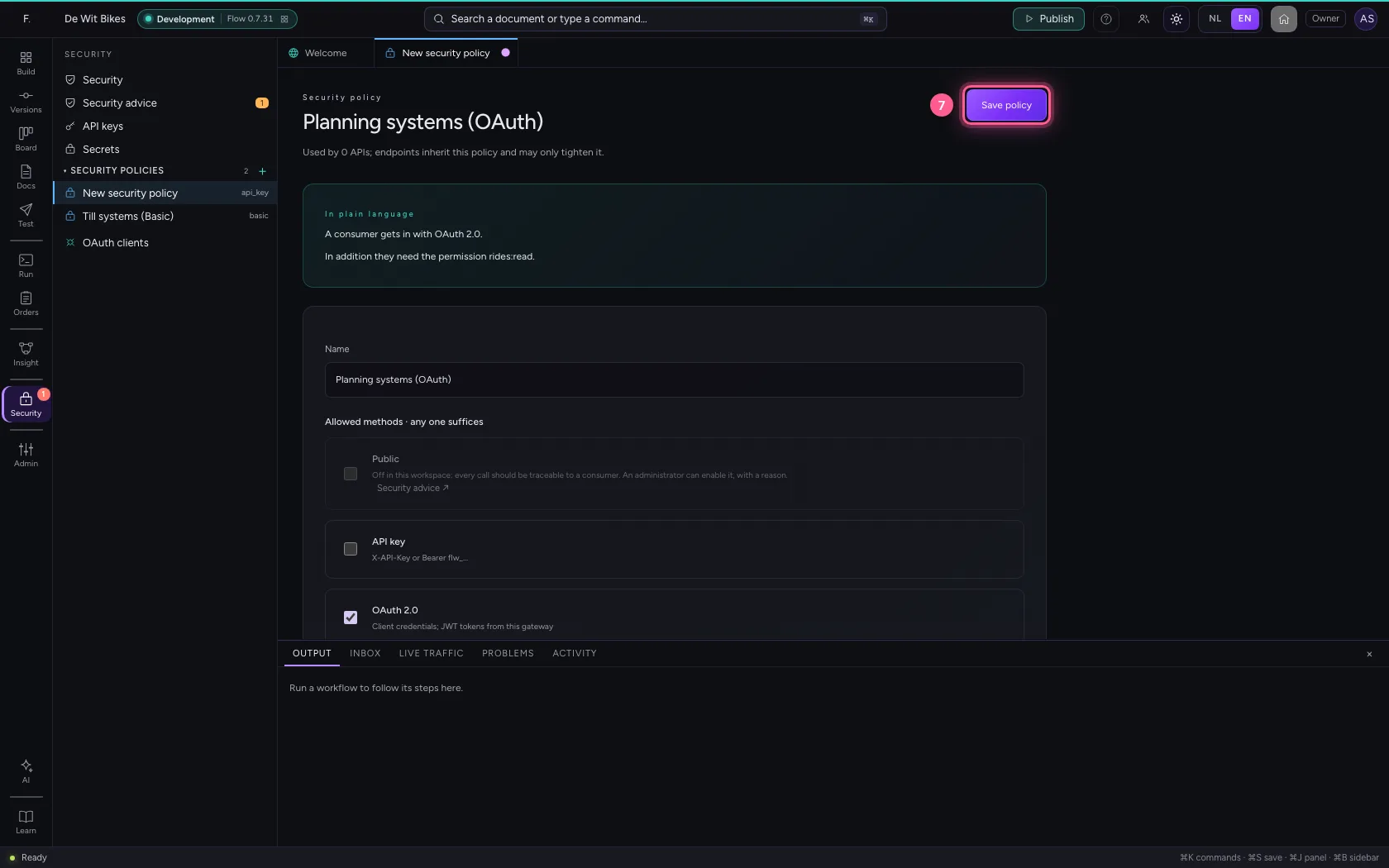
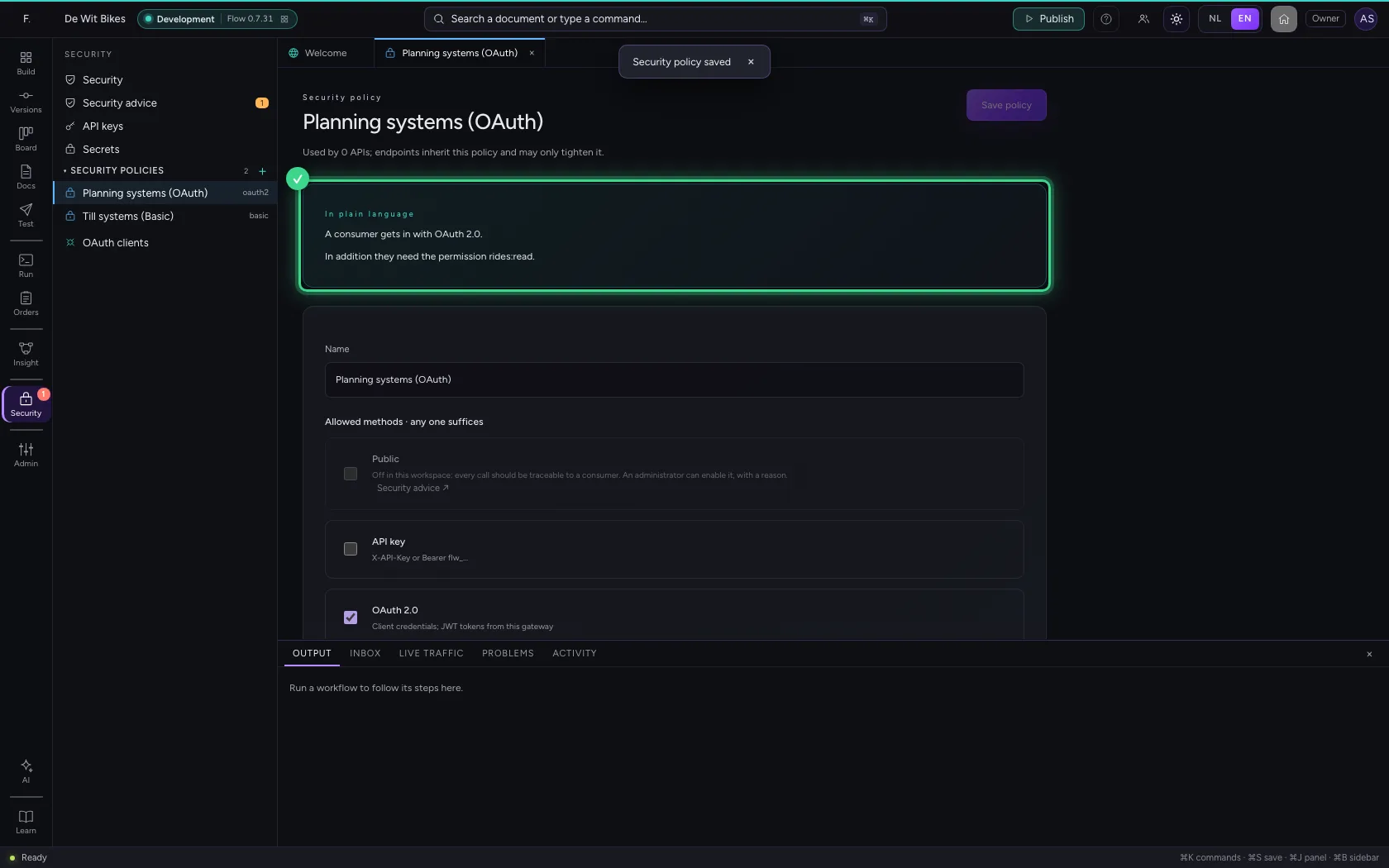
Under Security you create a policy: API key off, OAuth 2.0 on, and under Required scopes the permission every consumer must have.
- Click Security
- Click New security policy
- In Name, type
Planning systems (OAuth)
- Click API key X-API-Key or Bearer flw_…
- Click OAuth 2.0 Client credentials; JWT tokens from this gateway
- In Required scopes, type
rides:read
- Click Save policy
Attach the policy to the API
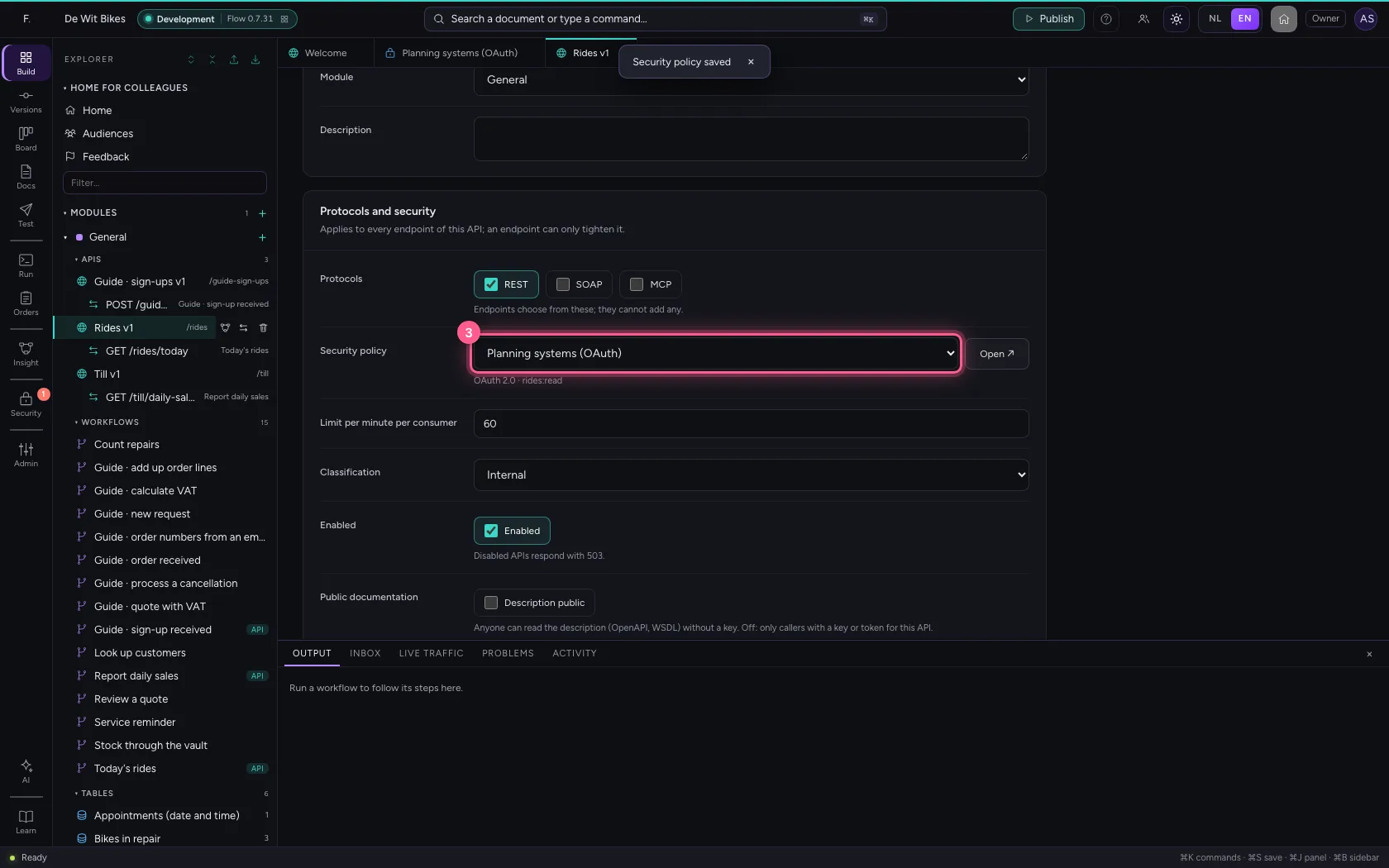
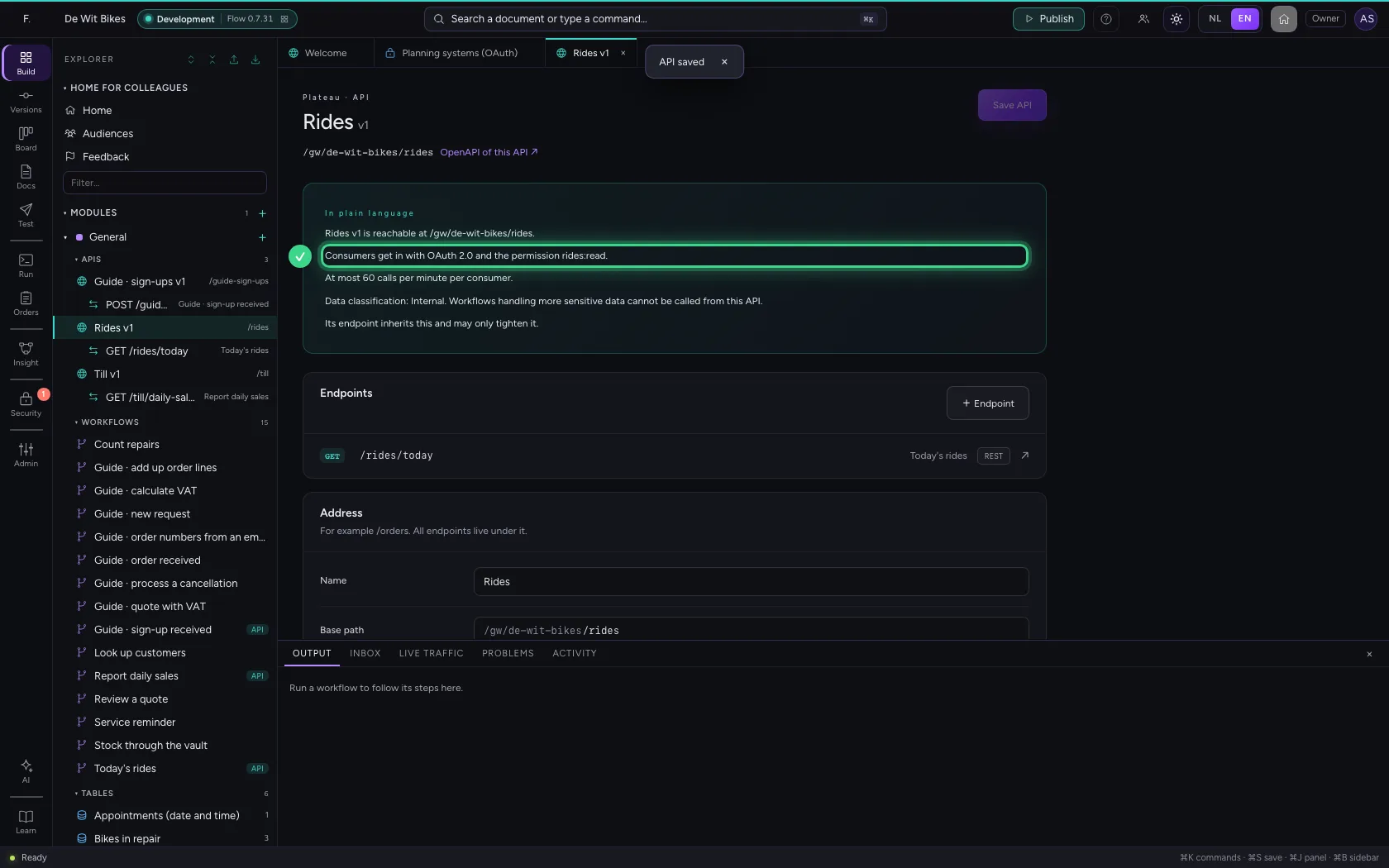
Open the API, choose the policy and save.
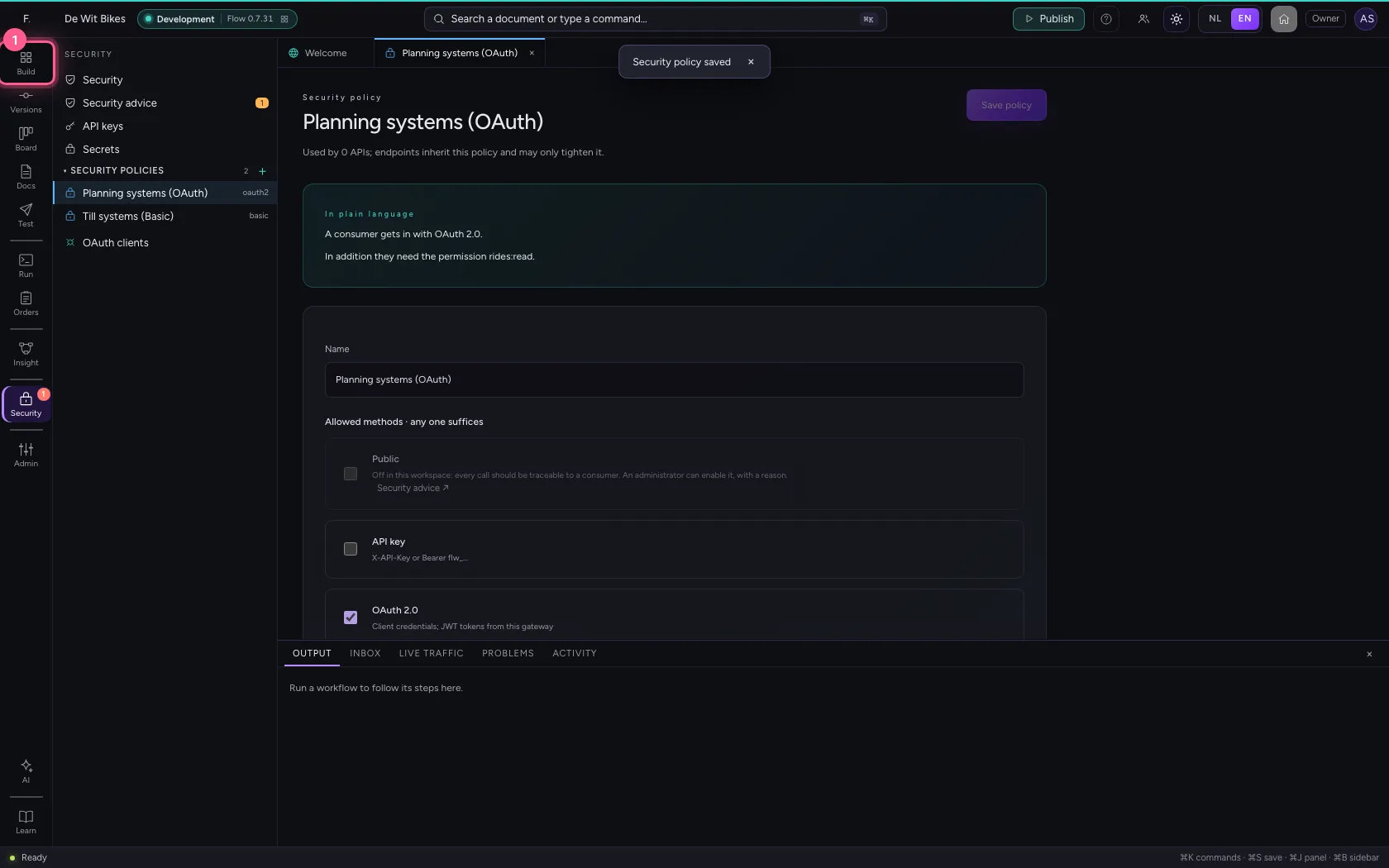
- Click Explorer
- Click the API
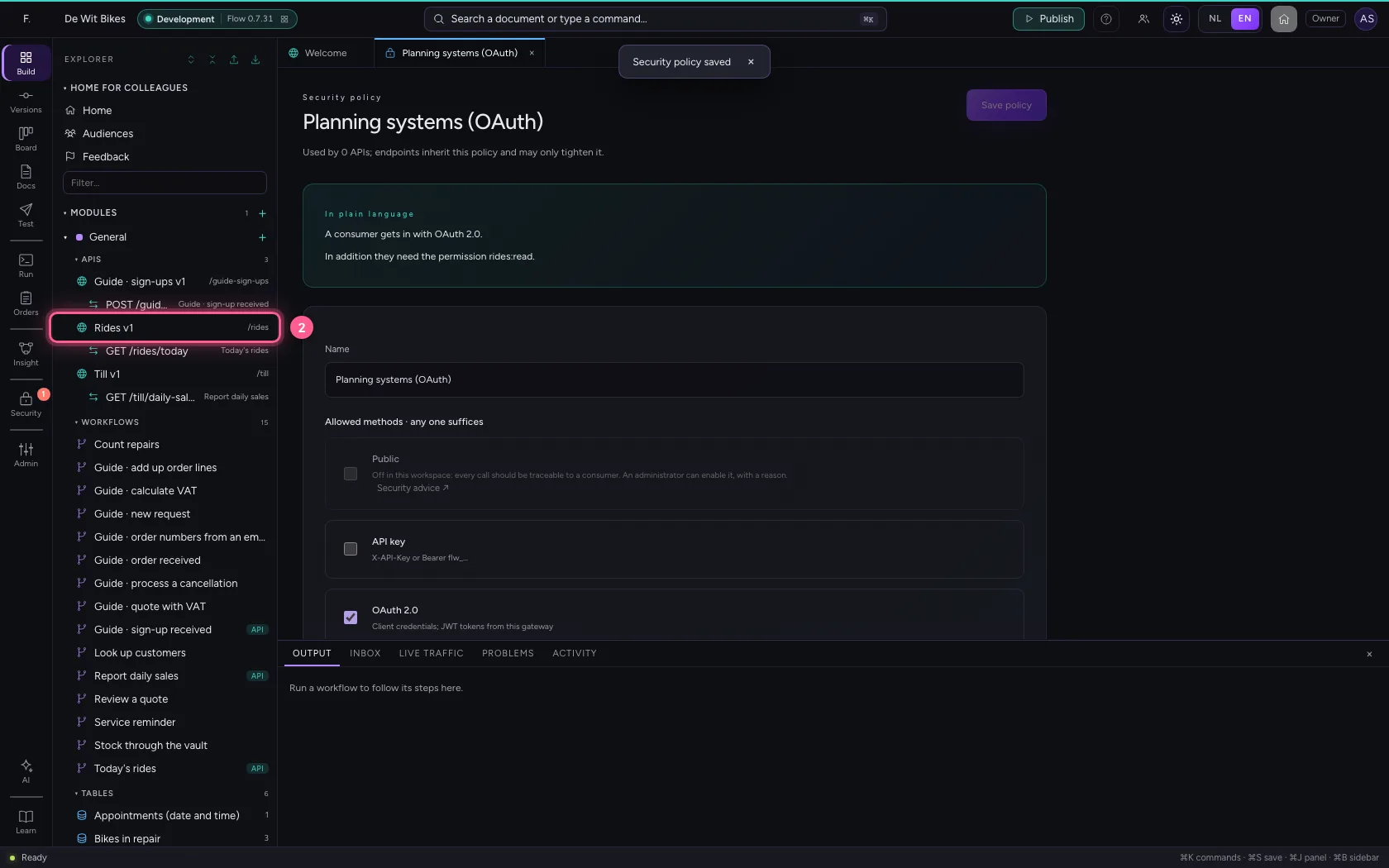
- In Security policy, choose Planning systems (OAuth)
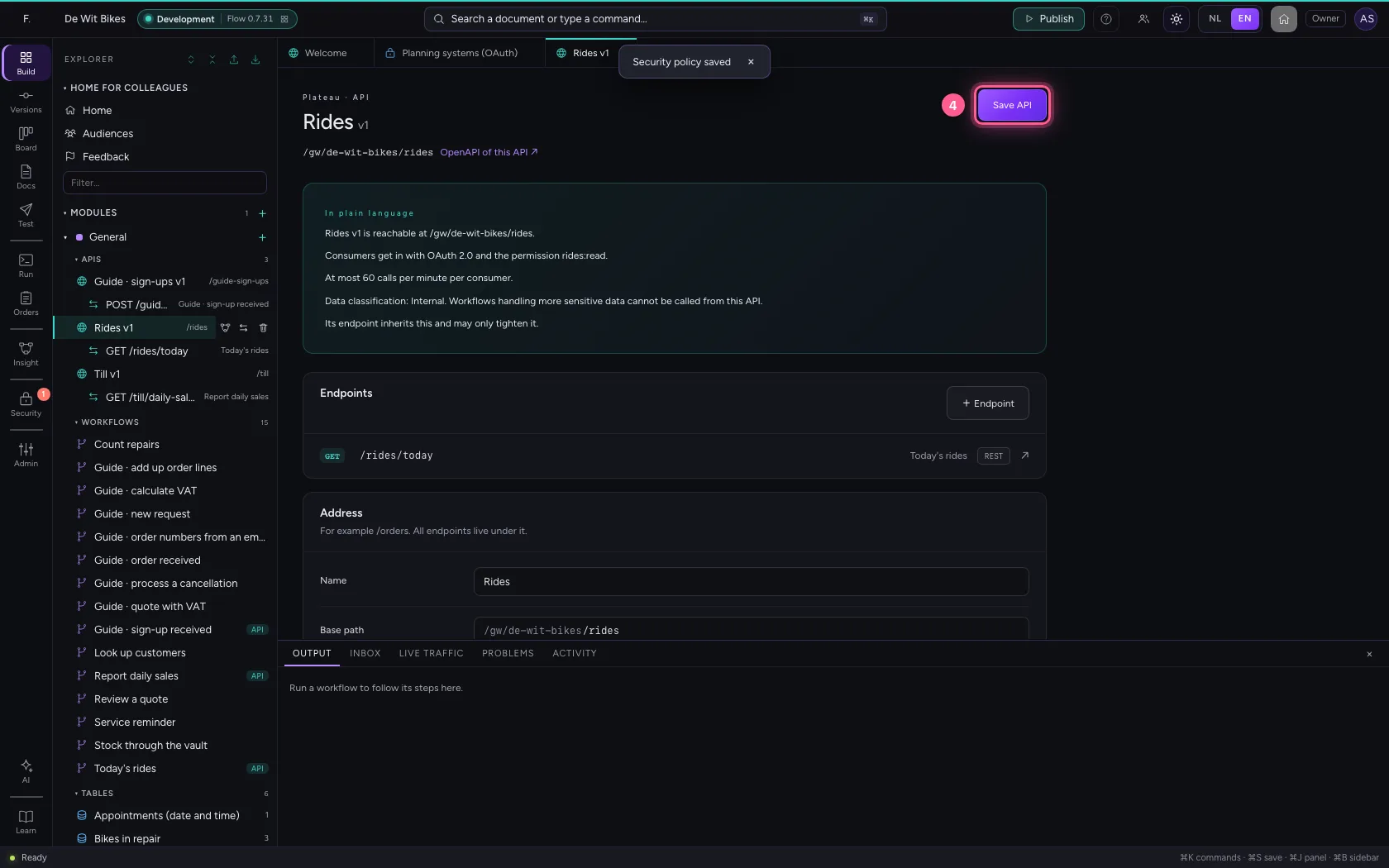
- Click Save API
Create an OAuth client
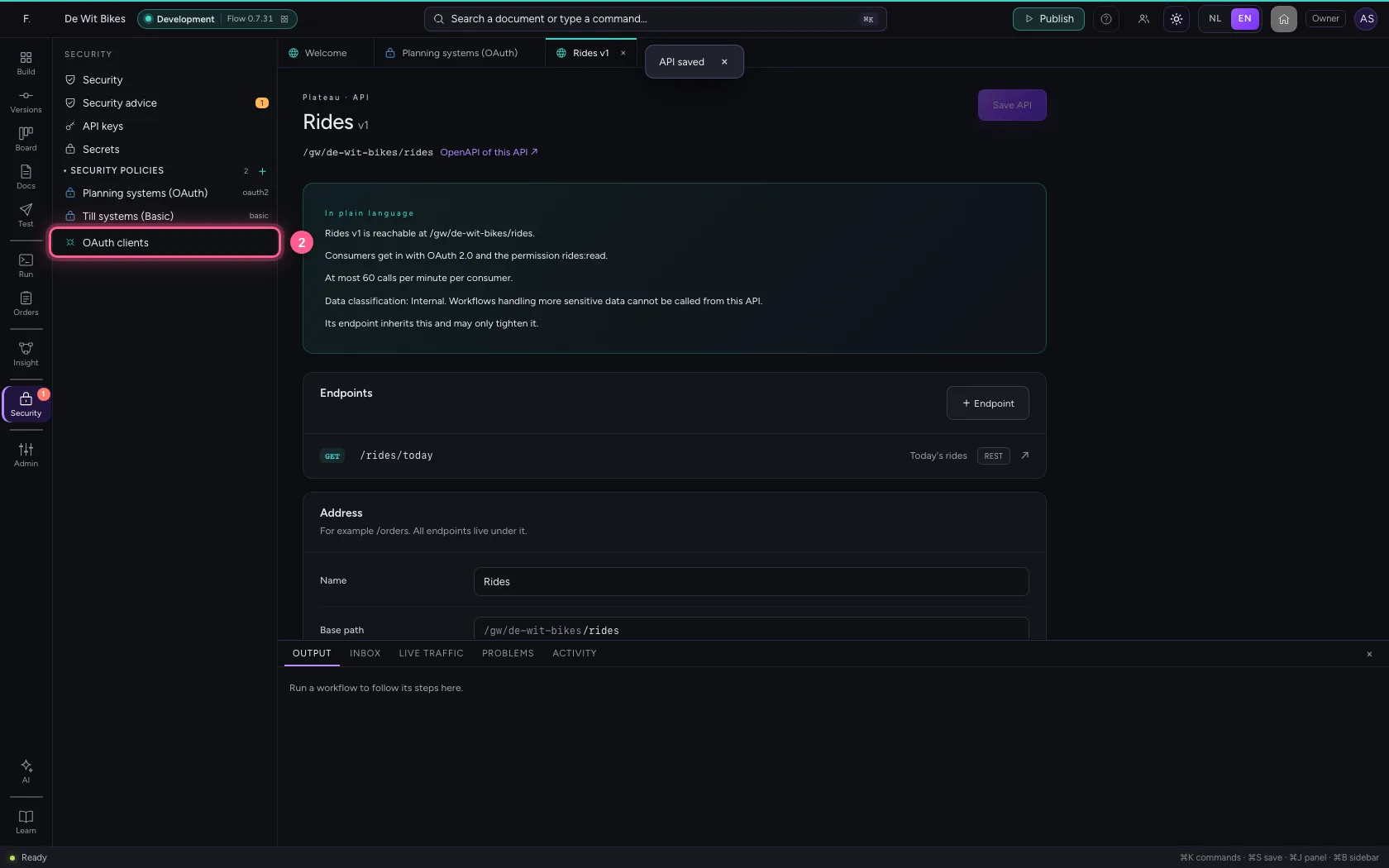
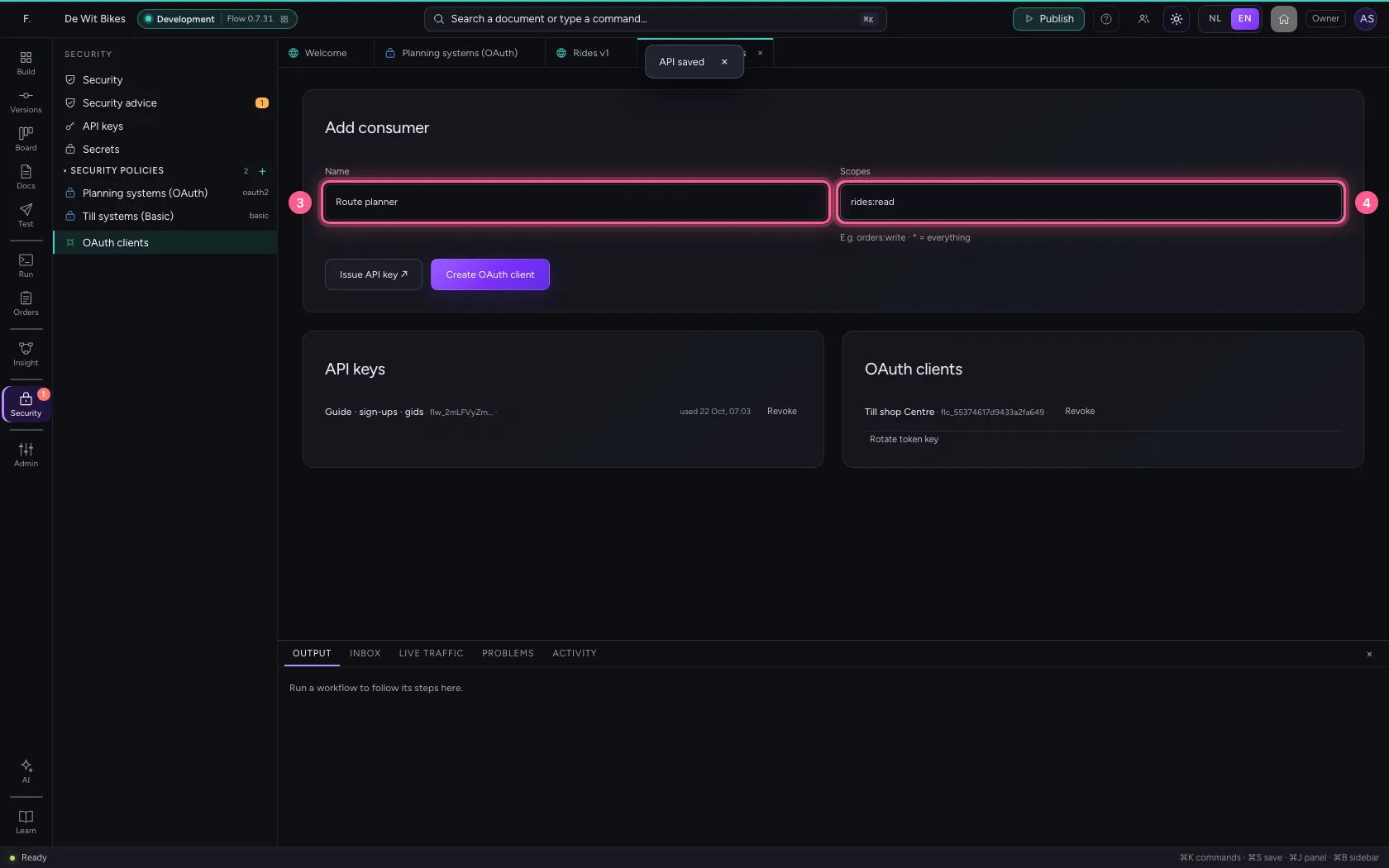
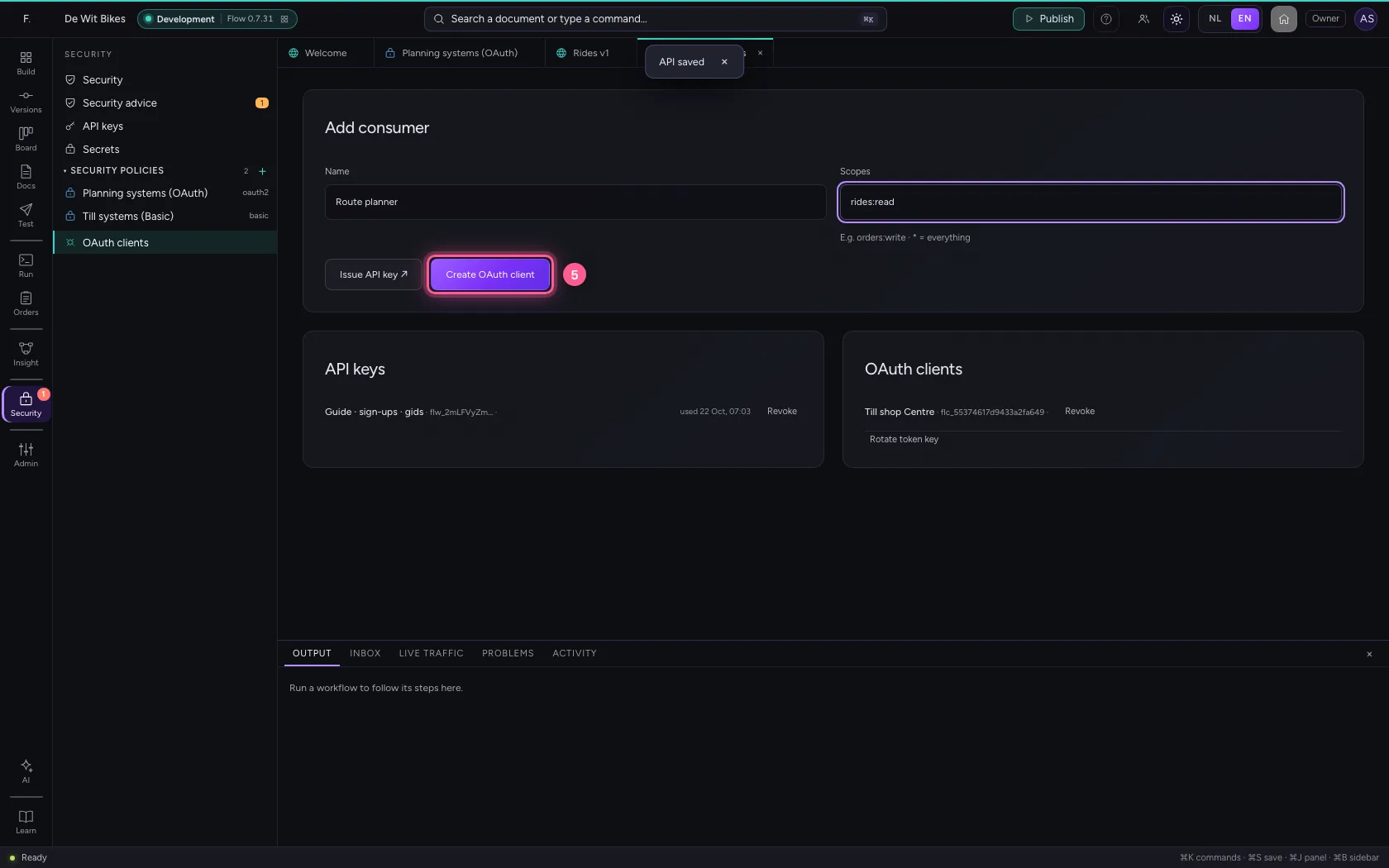
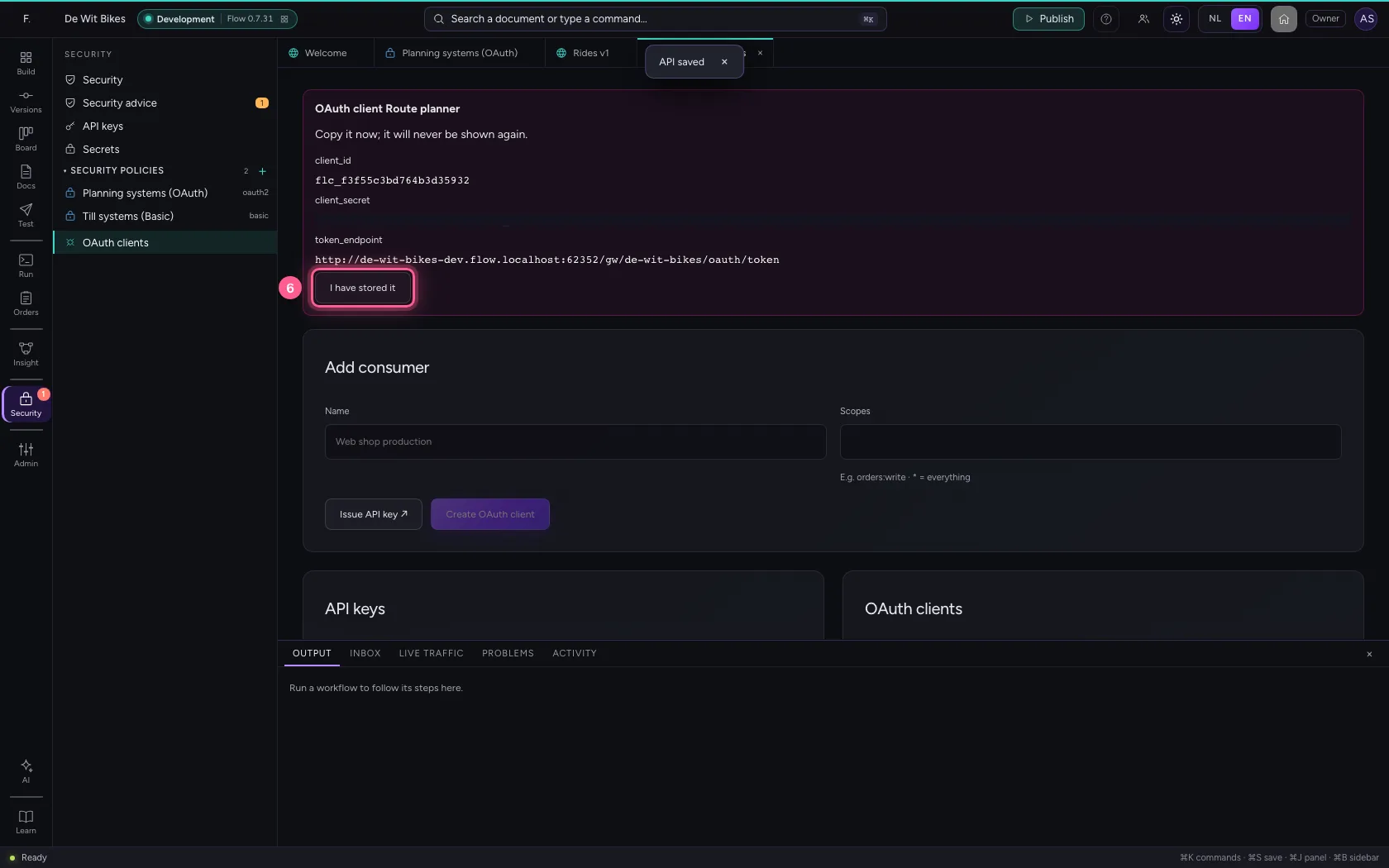
Under Security → OAuth clients you give the application a name and the permissions it gets. You see once the client_id, the client_secret and the address of the token endpoint: hand them to the application's administrator.
- Click Security
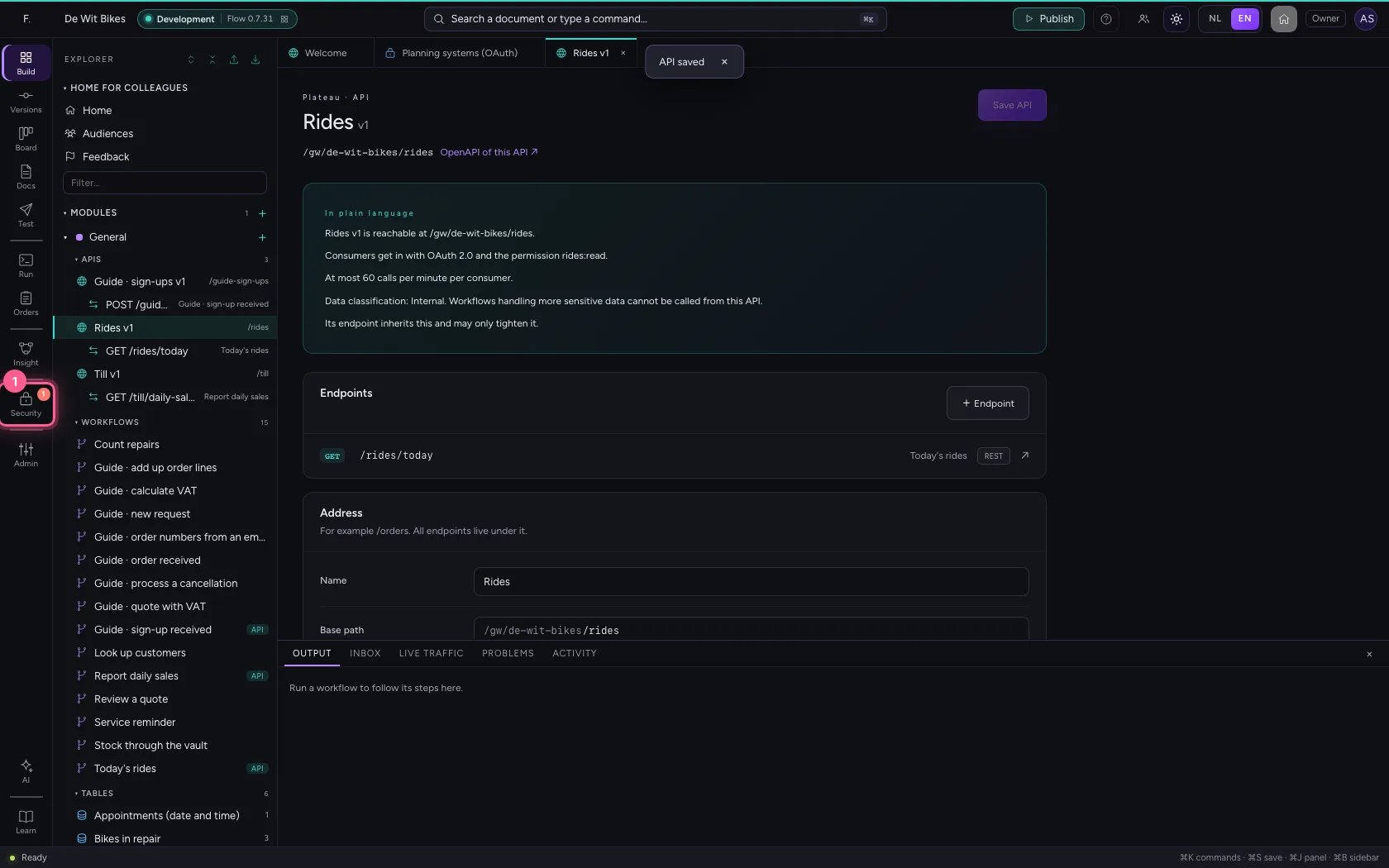
- Click OAuth clients
- In Name, type
Route planner - In Scopes, type
rides:read
- Click Create OAuth client
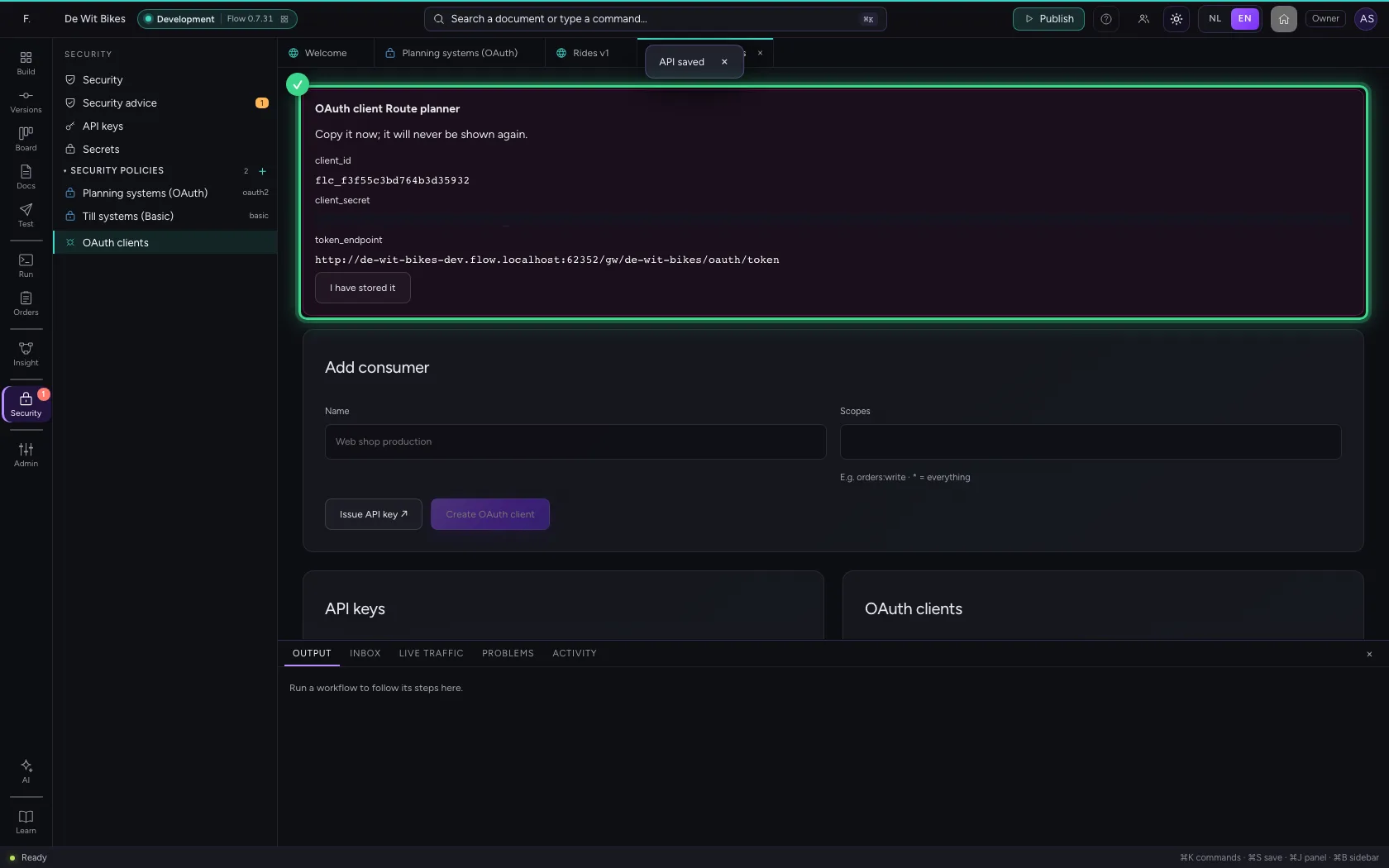
- Click I have stored it
Call the API with the token
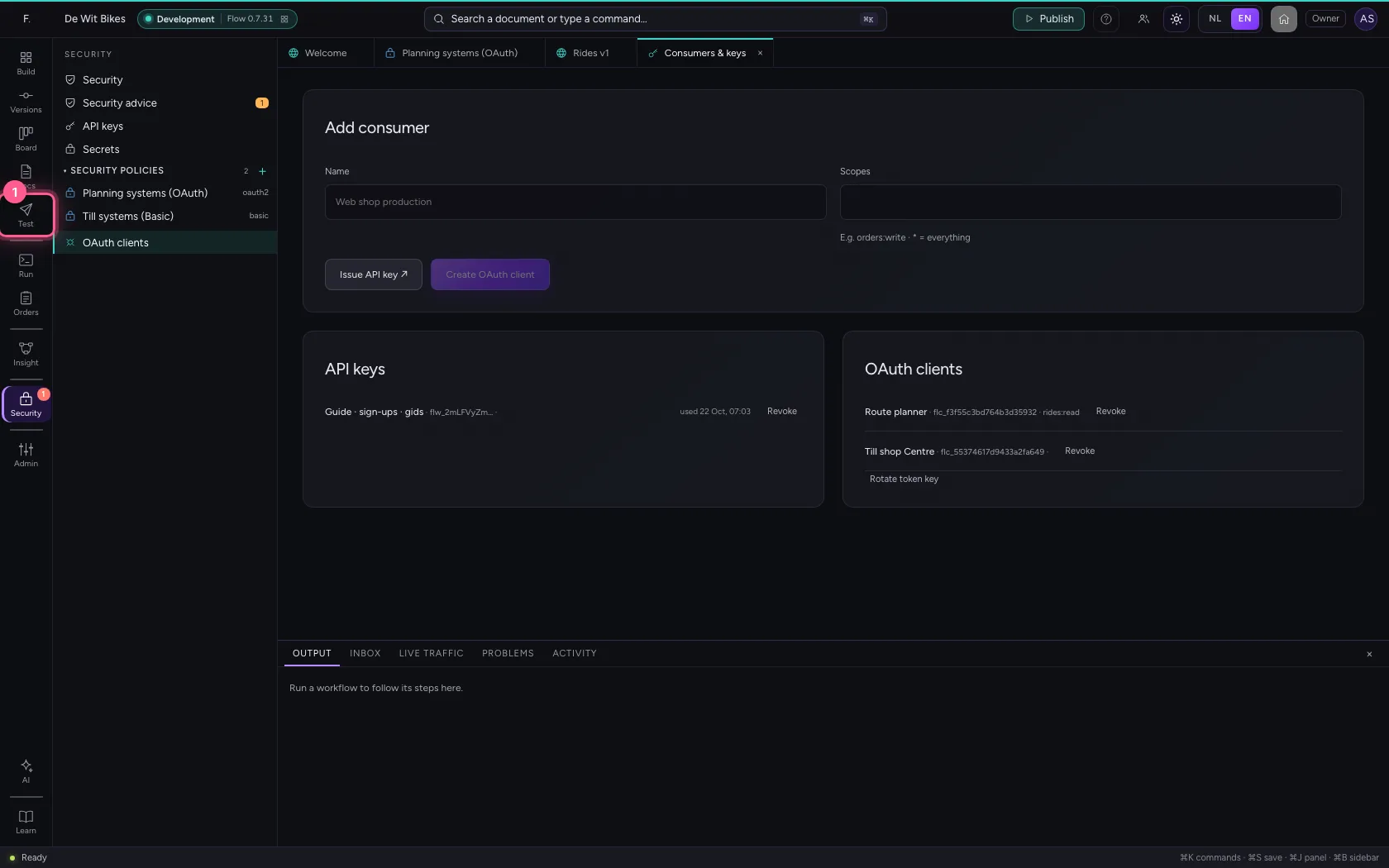
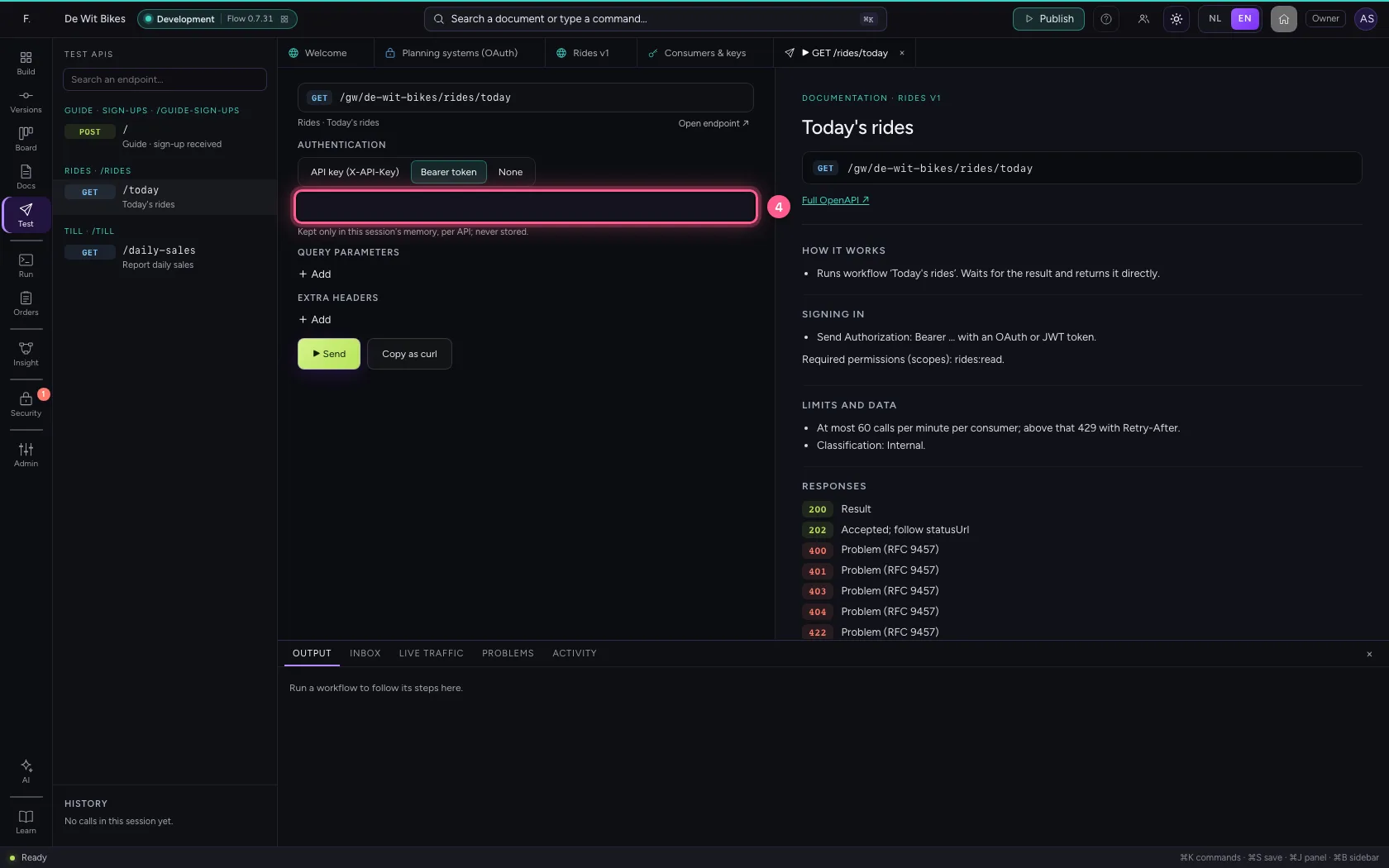
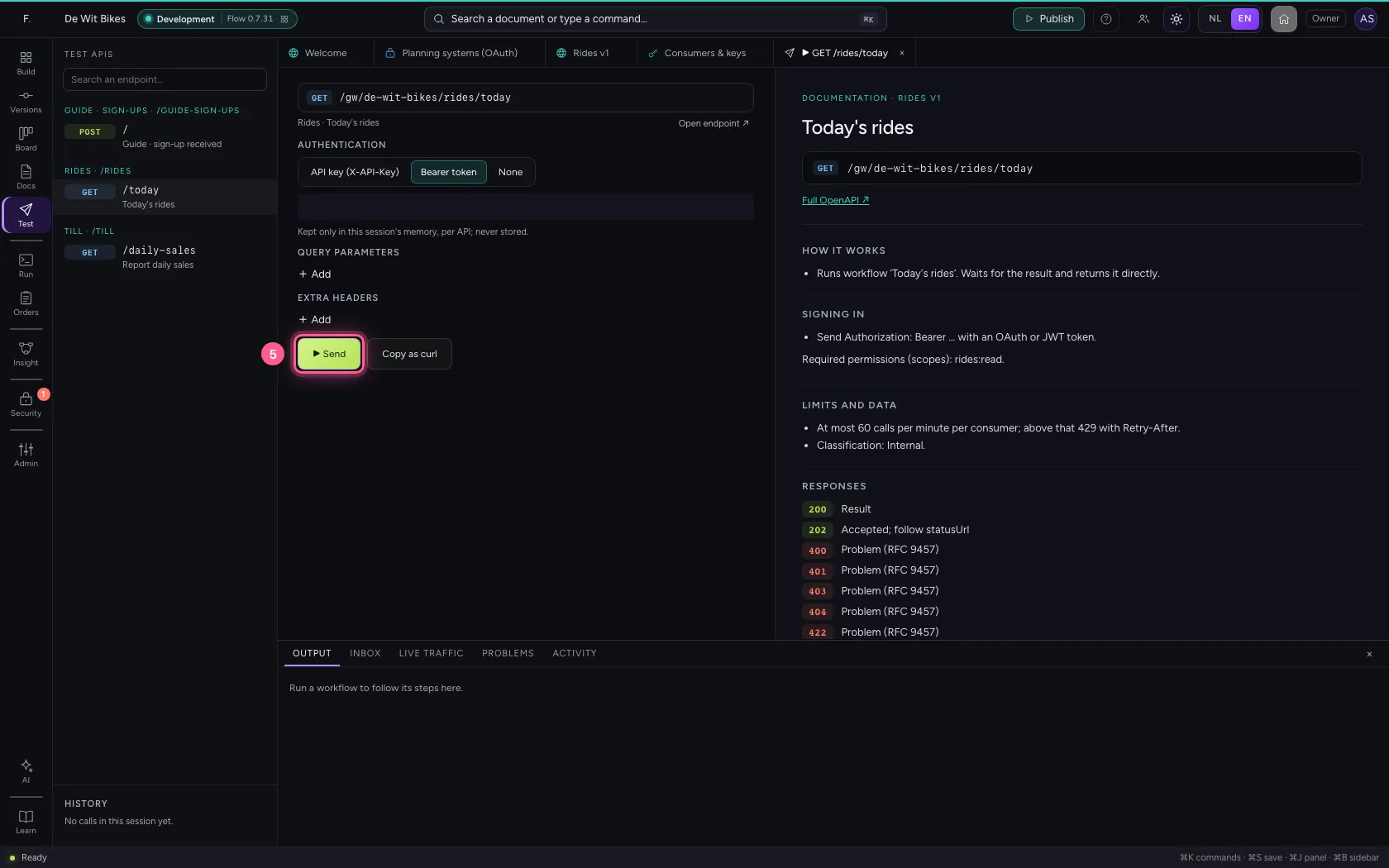
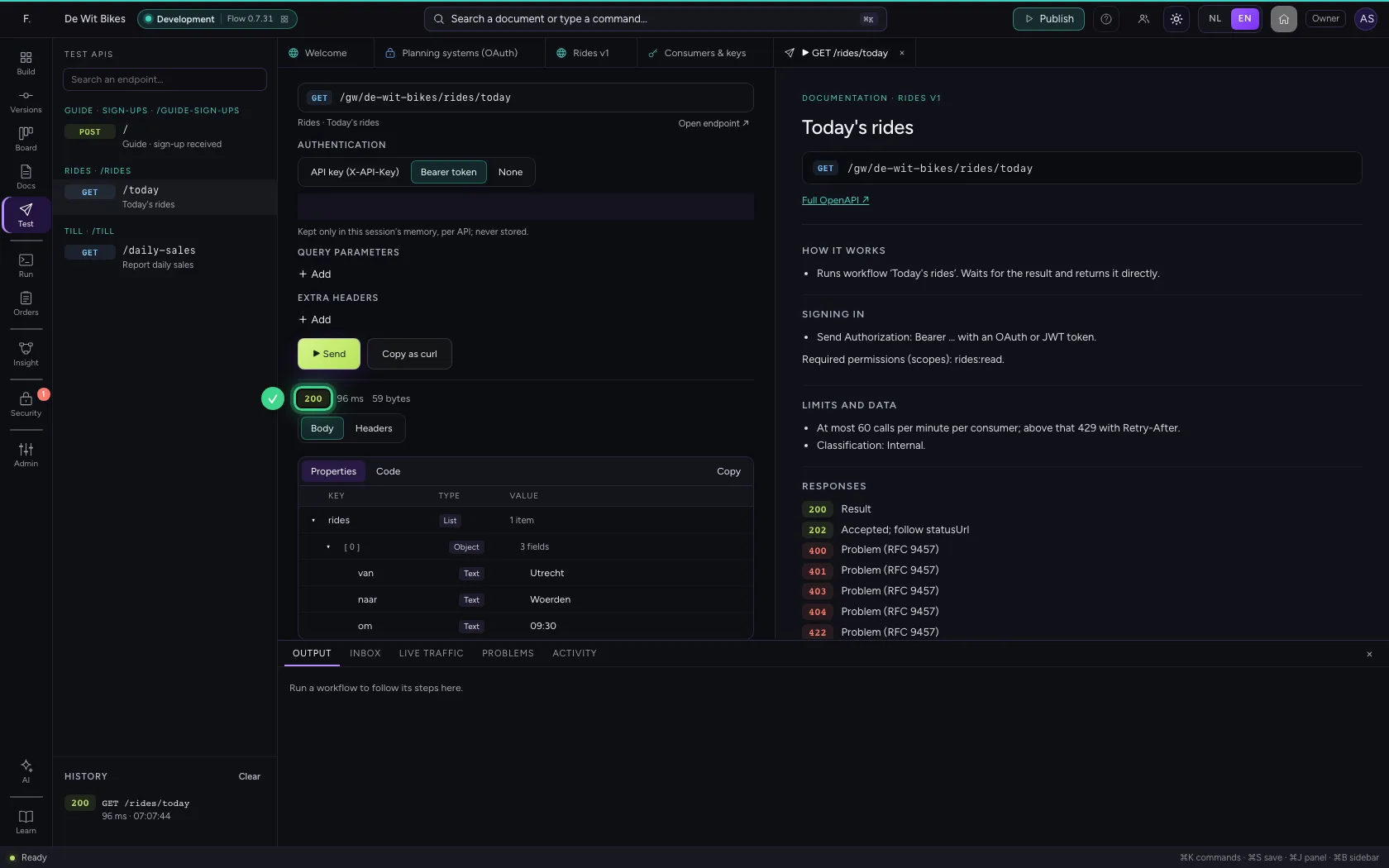
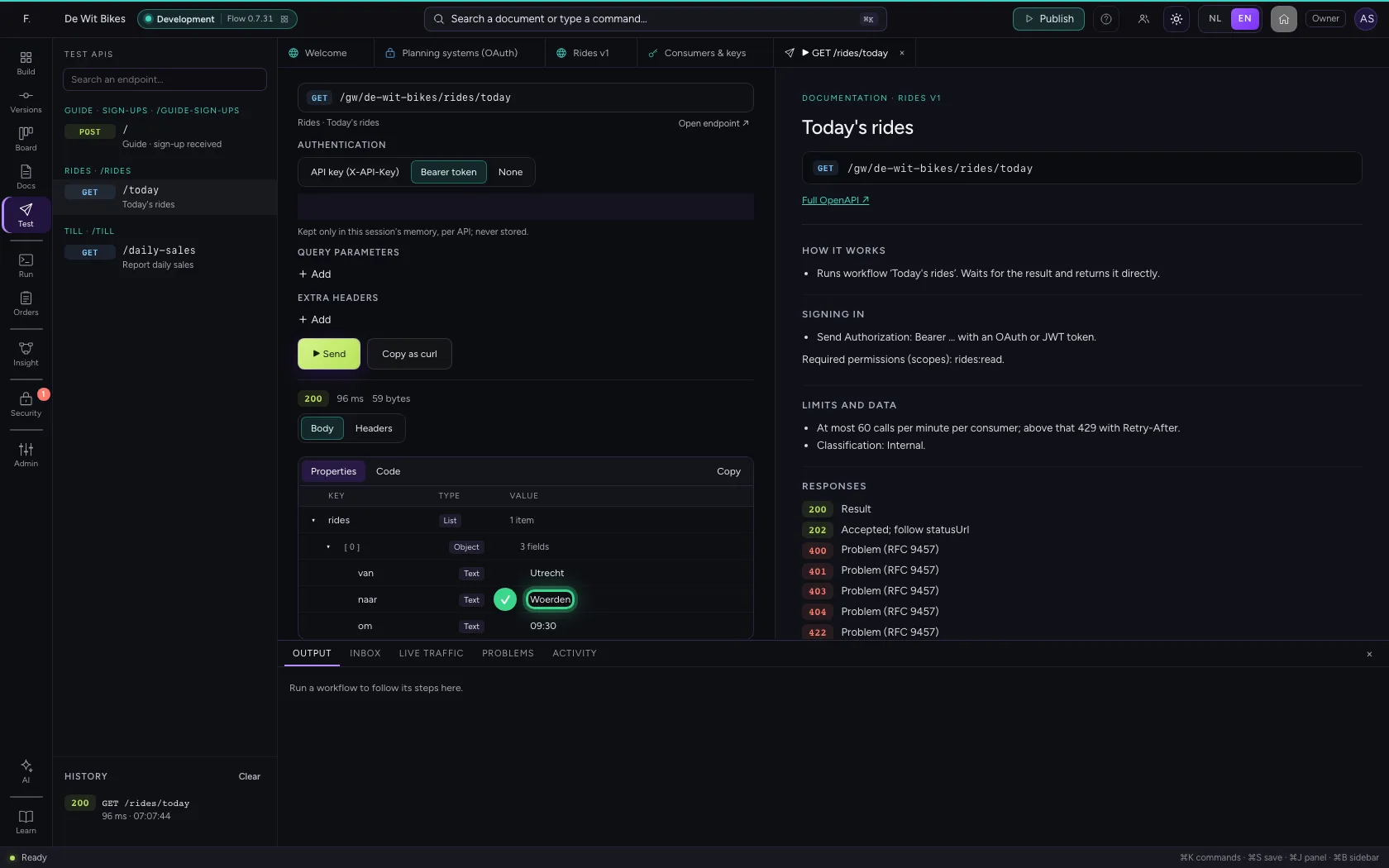
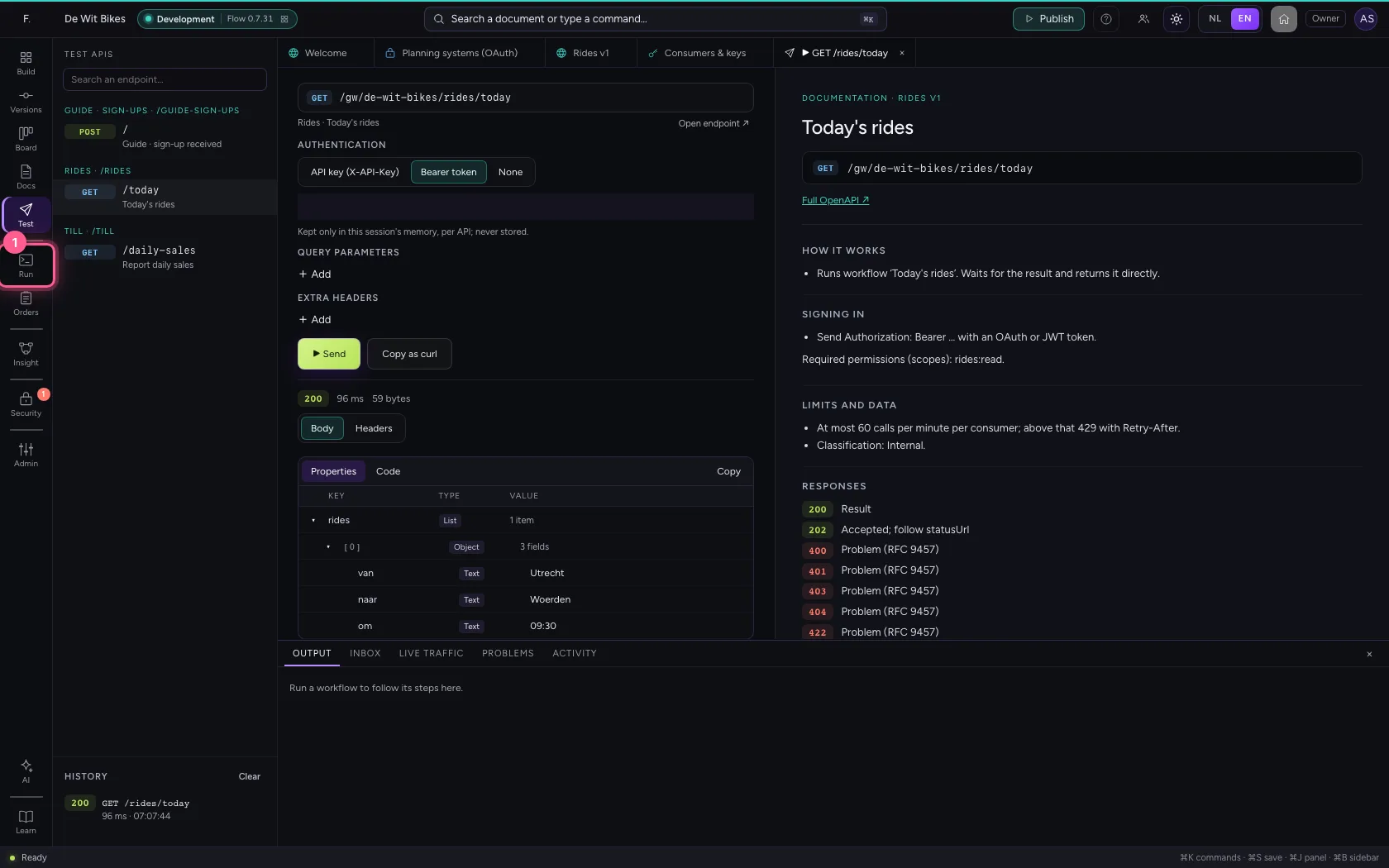
The application sends grant_type=client_credentials with its client_id and client_secret to the token endpoint and gets a token that is valid for one hour. That token goes along as a Bearer token. In Test APIs you do the same: choose Bearer token and paste the token.
- Click Test APIs
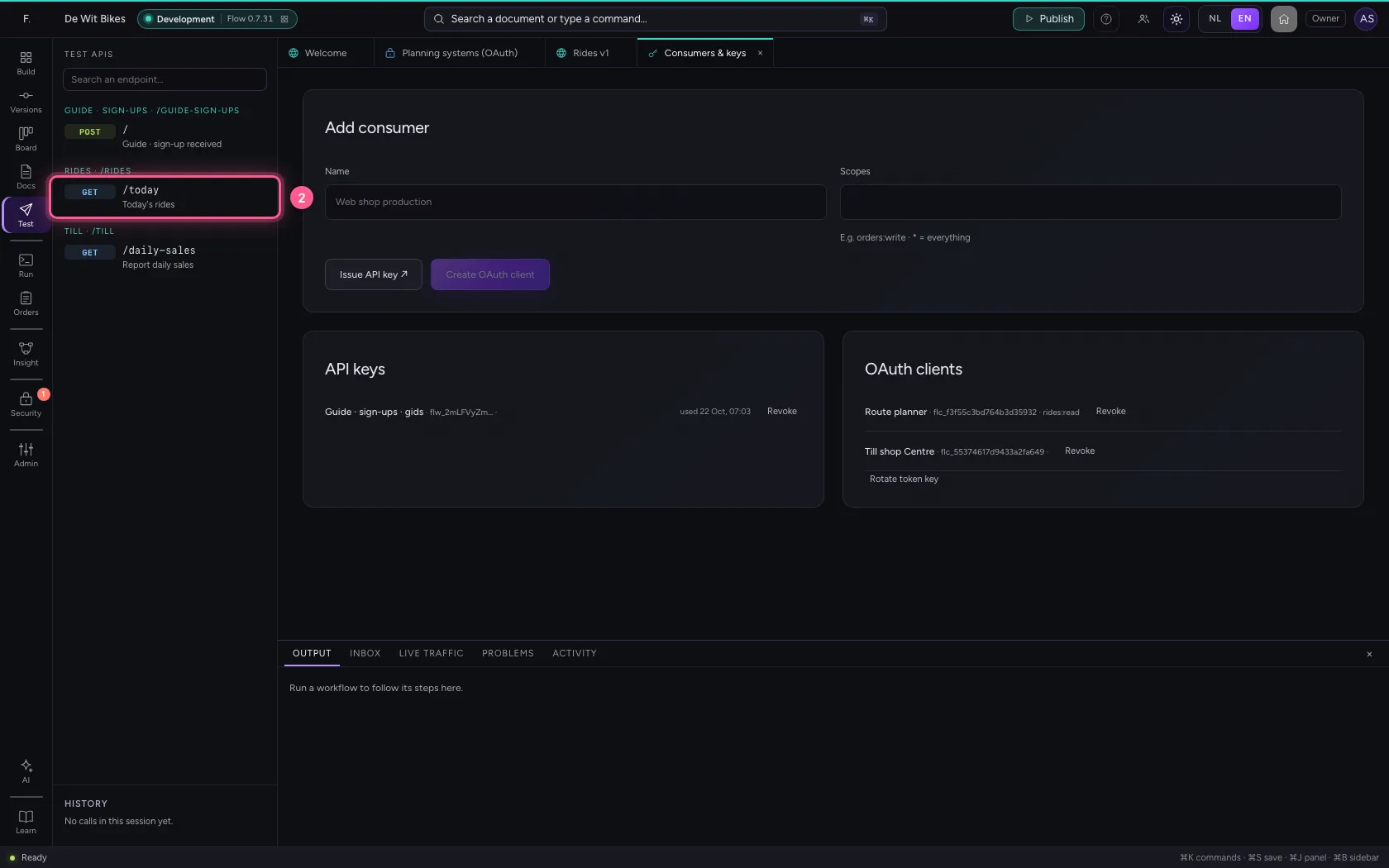
- Click the endpoint
- Click Bearer token
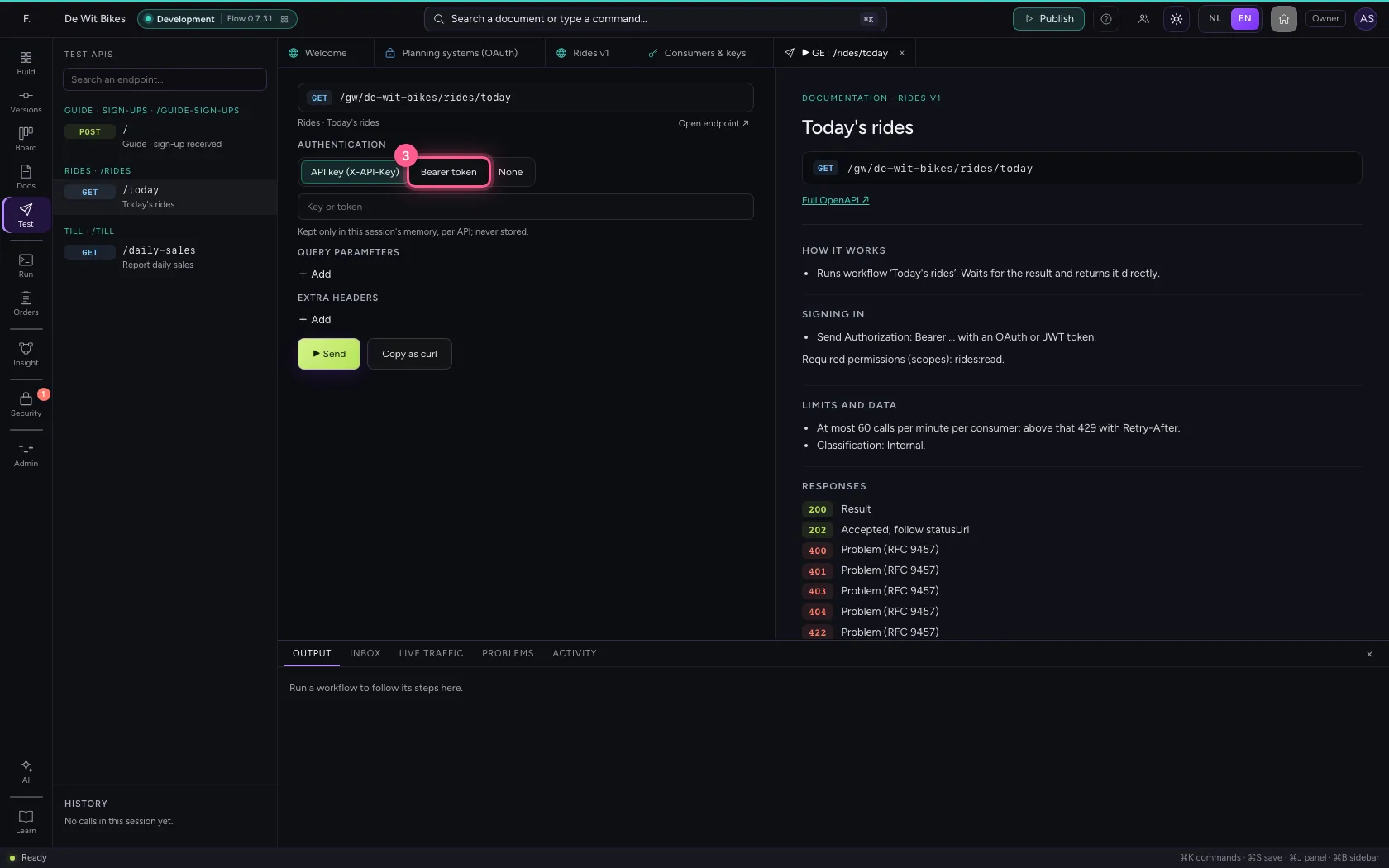
- In Key or token, type
••••••••
- Click ▶ Send
See who called
Live traffic shows the call with the method oauth2 and the application's client_id. If you revoke the client, even a token that was still valid stops working.
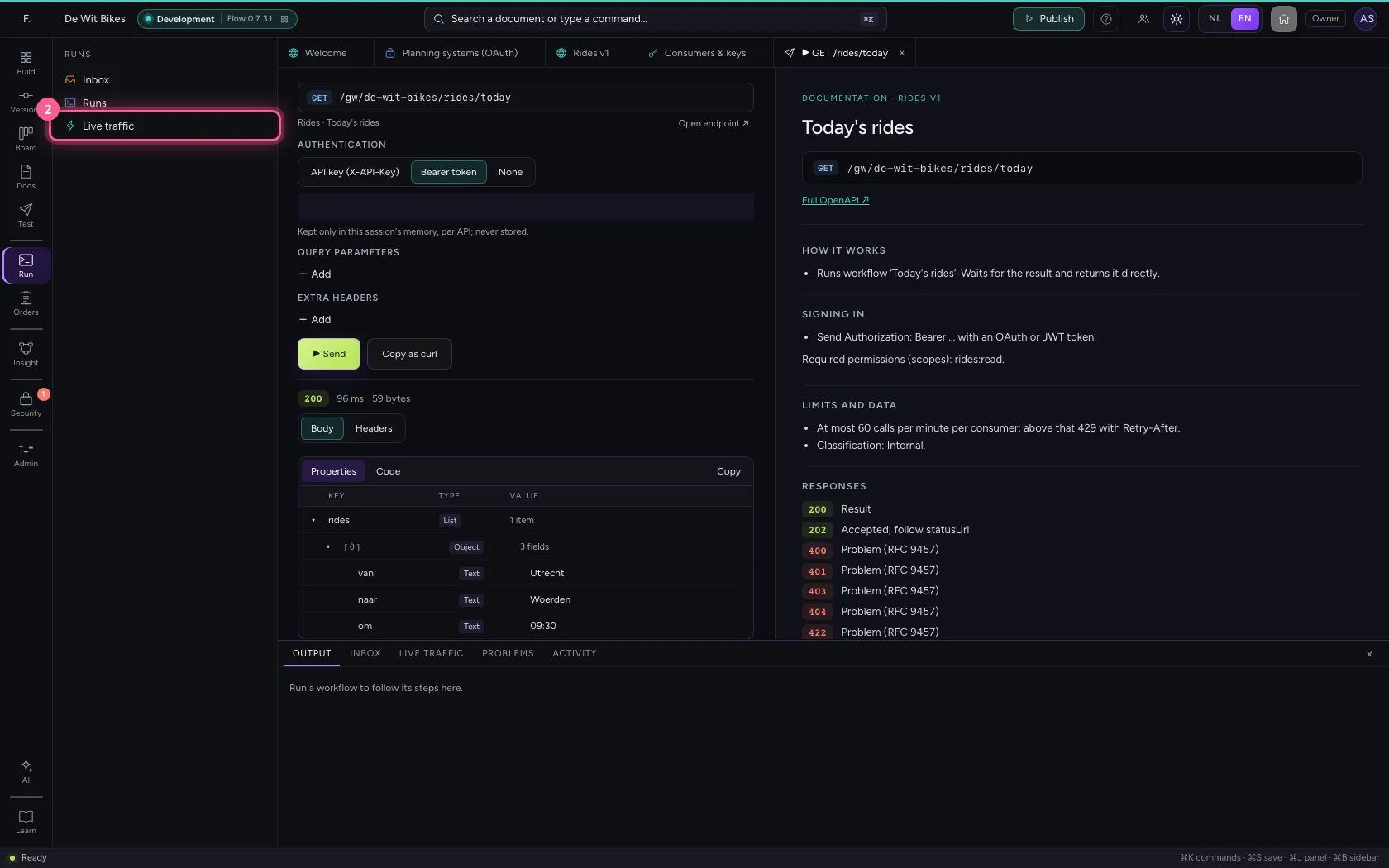
- Click Runs
- Click Live traffic
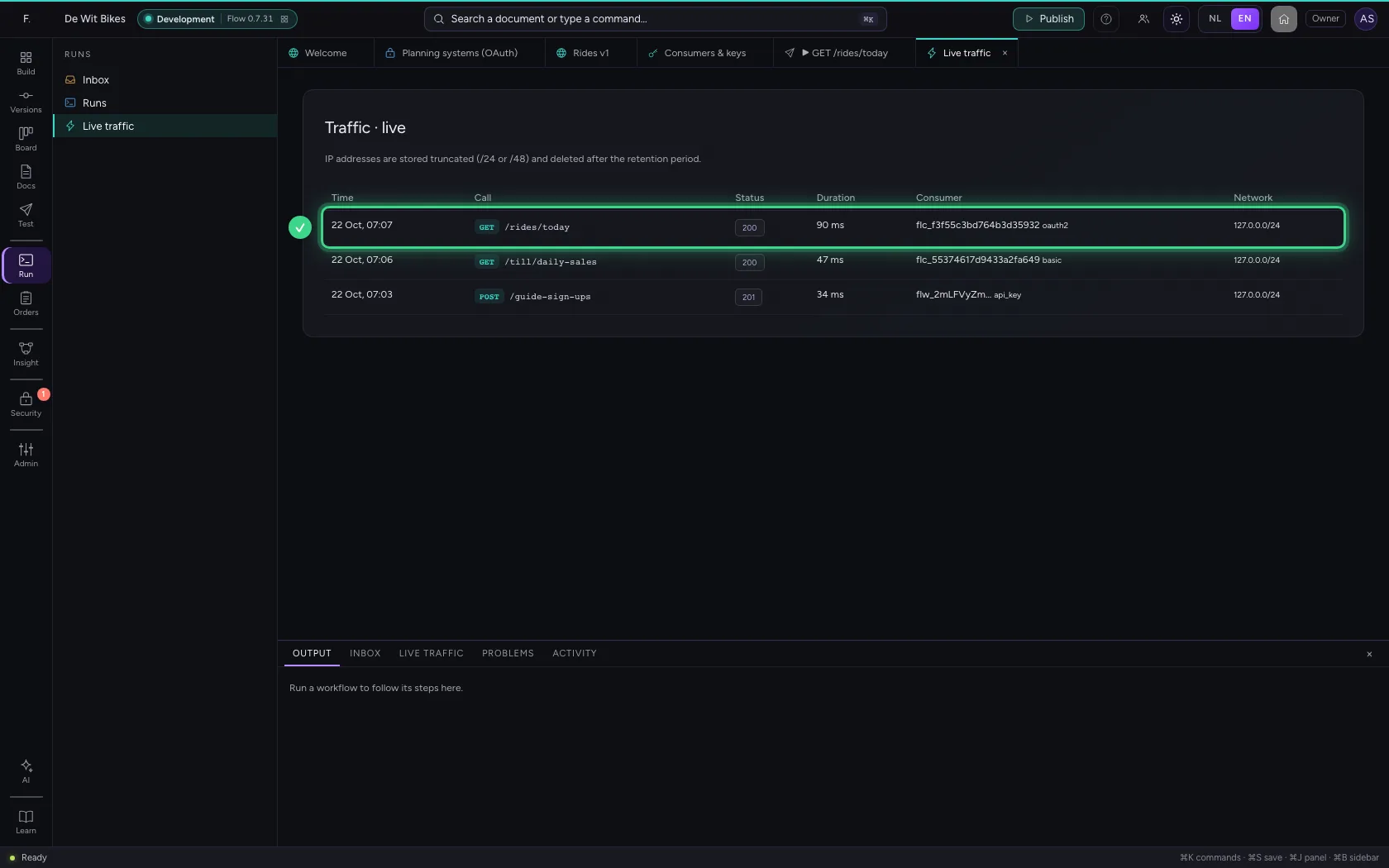
This guide was carried out step by step on 22 Oct 2026 by an automated test on Flow (version 3e563176).