Building block: Python code
Sometimes what you need does not fit a standard step: your own calculation, an unusual conversion. Then you write a Python building block: a function run(input, ctx) that returns a JSON value. It runs isolated, with a time and memory limit and no network by default. You test it with sample input and publish a fixed version.
Open your development environment
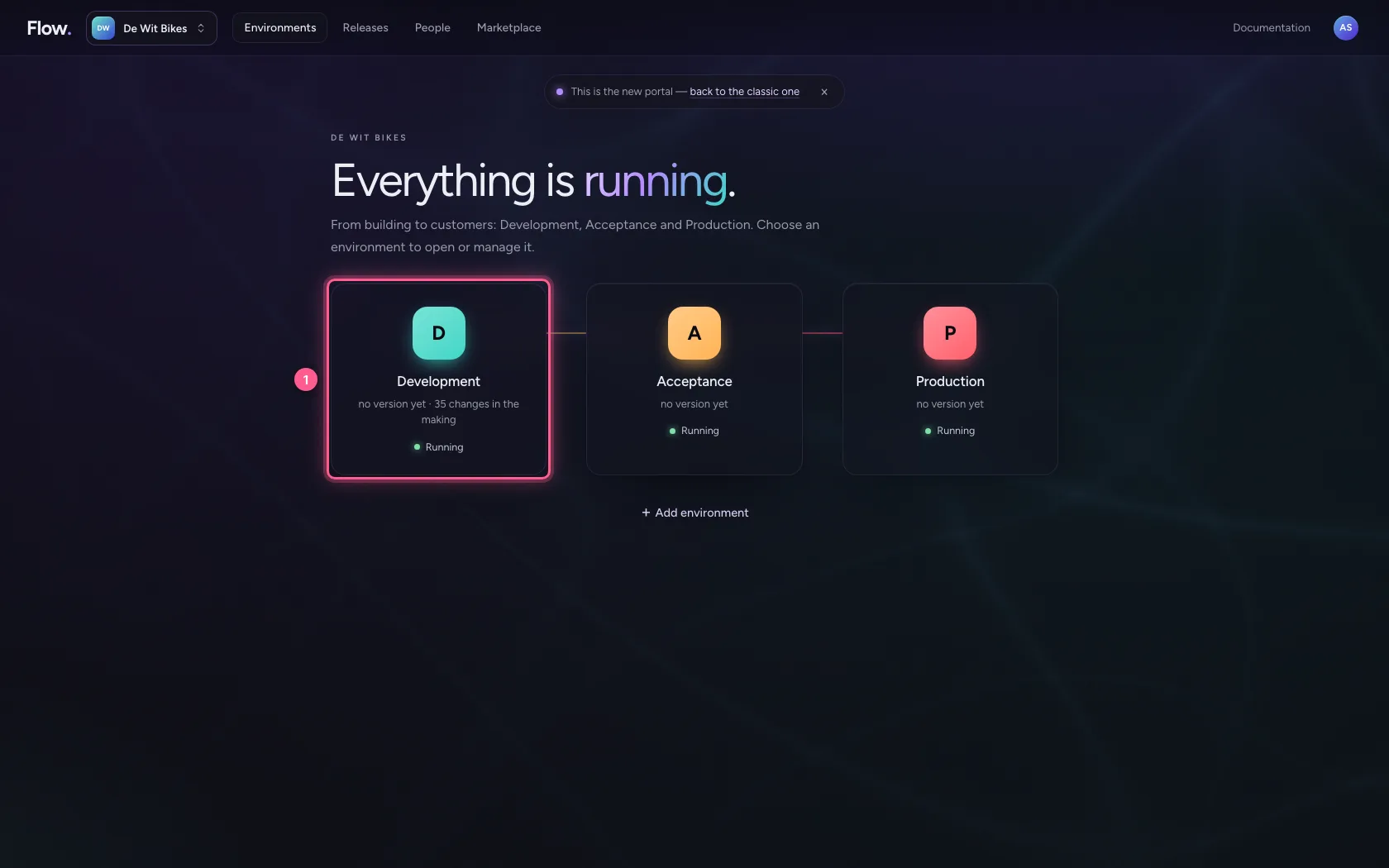
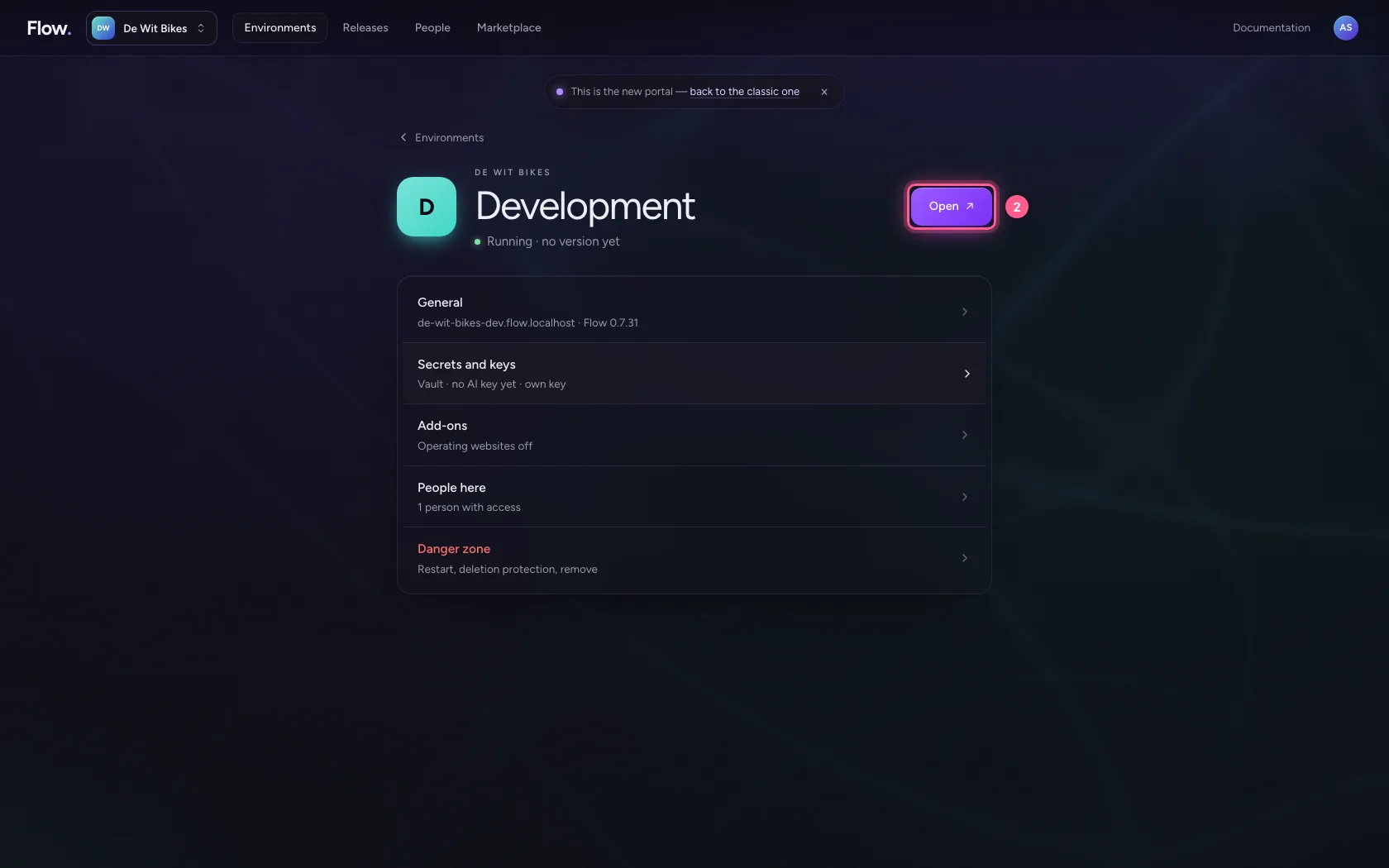
In the portal, under Environments, click Development, and there Open. Flow opens in a new tab and you are signed in straight away.
- Click Development
- Click Open ↗
Create a Python building block
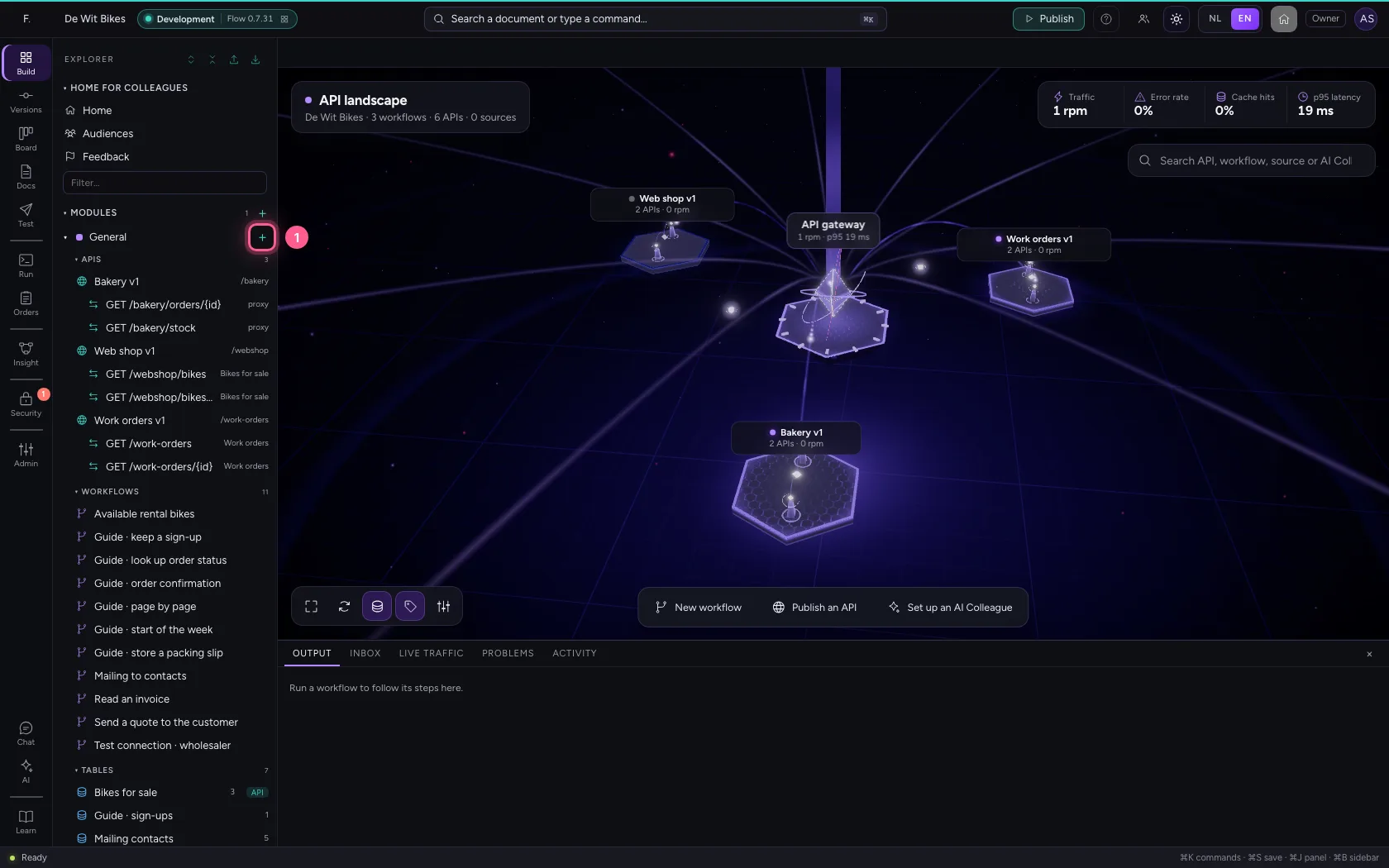
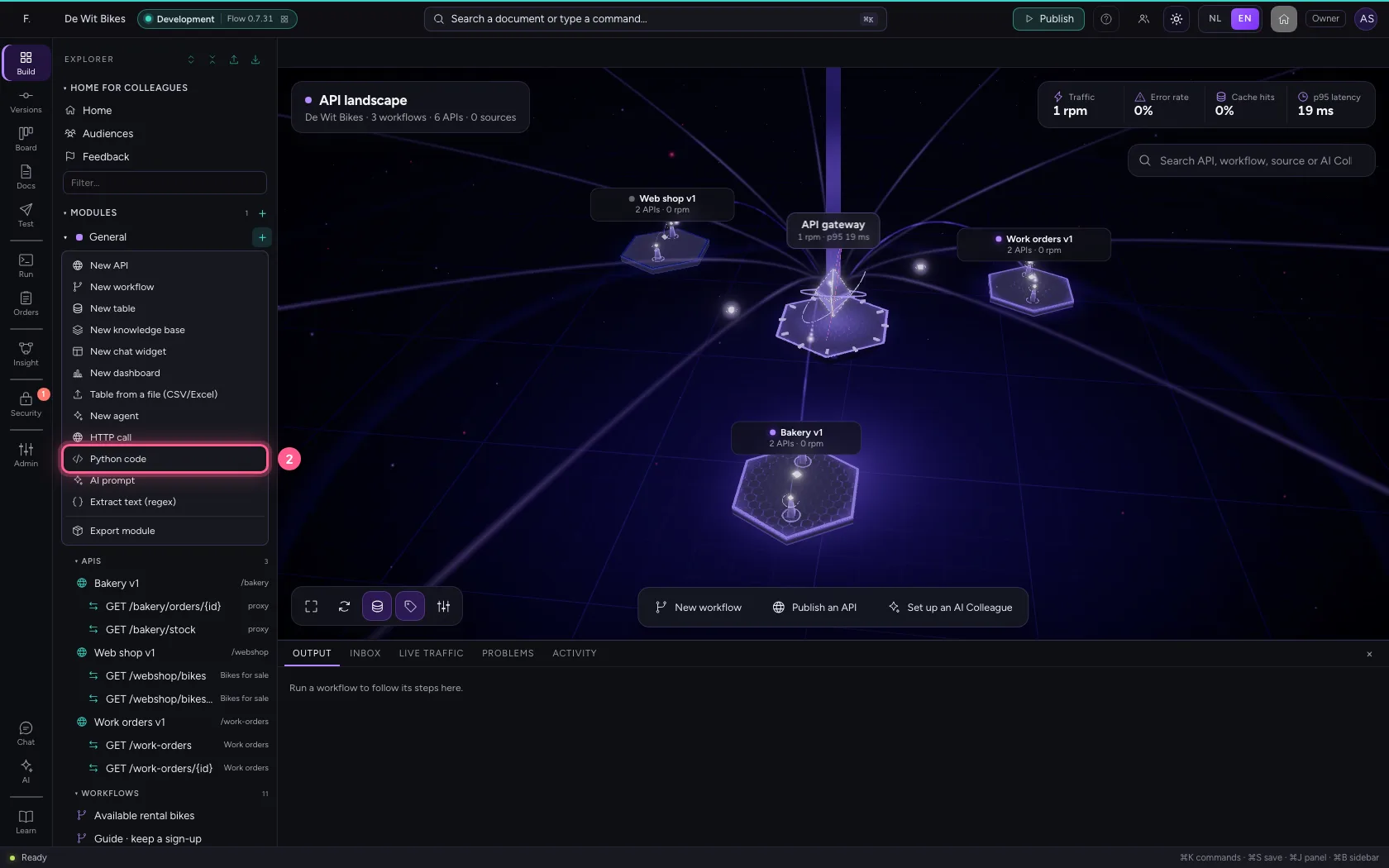
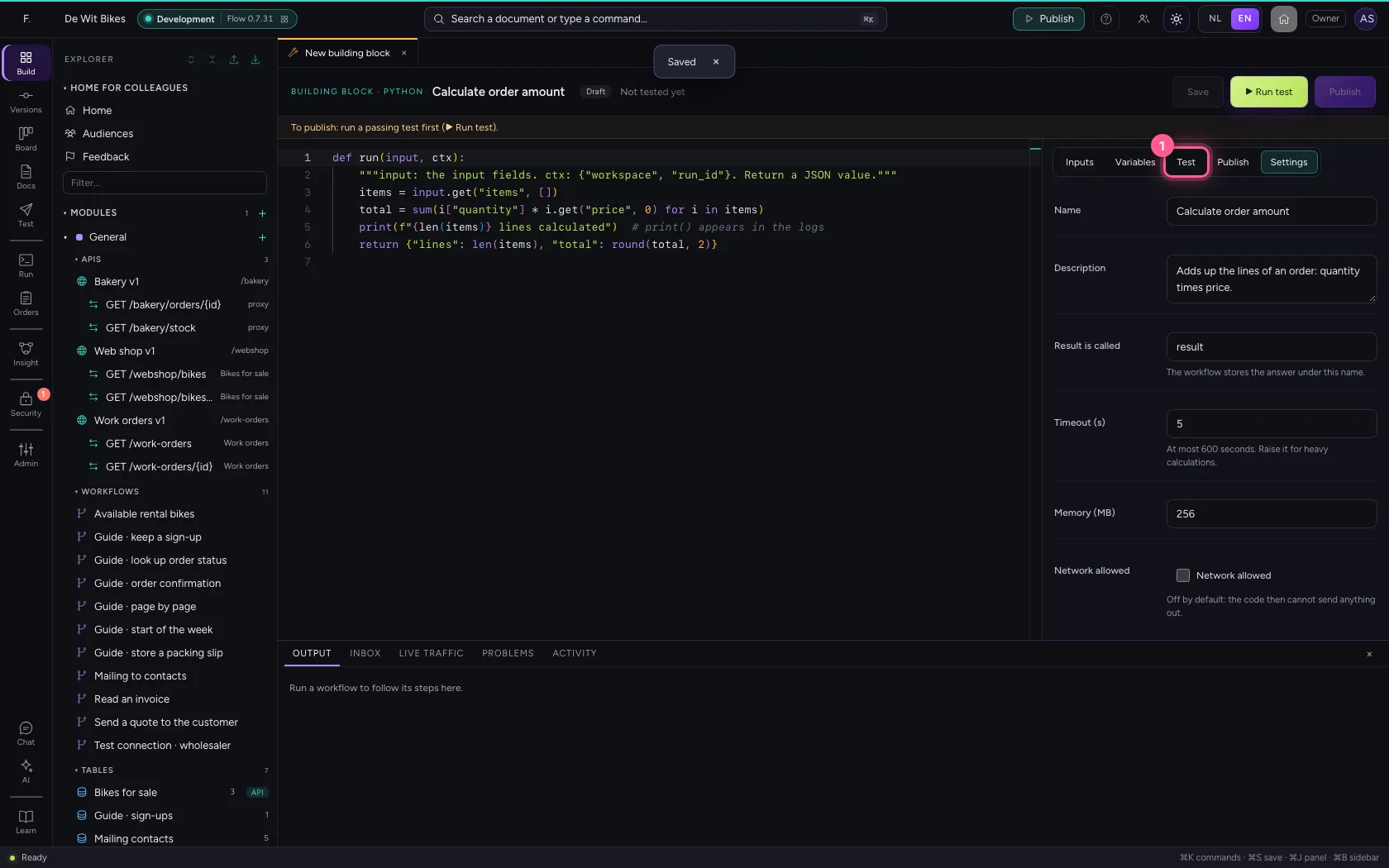
Click + next to General and choose Python code. In the middle is the code: an example that adds up the lines of an order. print() goes to the logs. On the right are the inputs, the test, the versions and the settings. Under Settings give it a name and a description.
- Click Add to General
- Click Python code
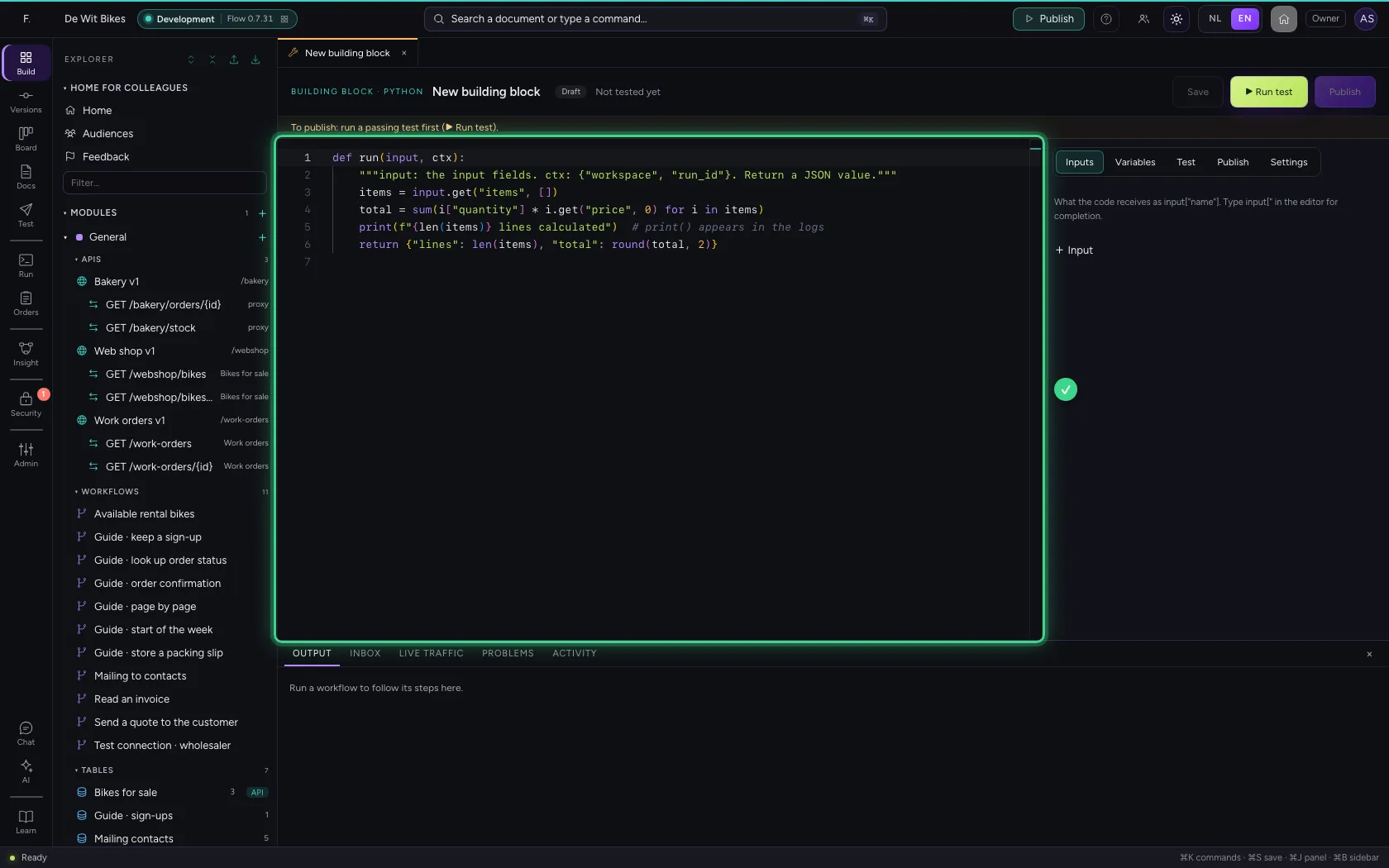
- Click Settings
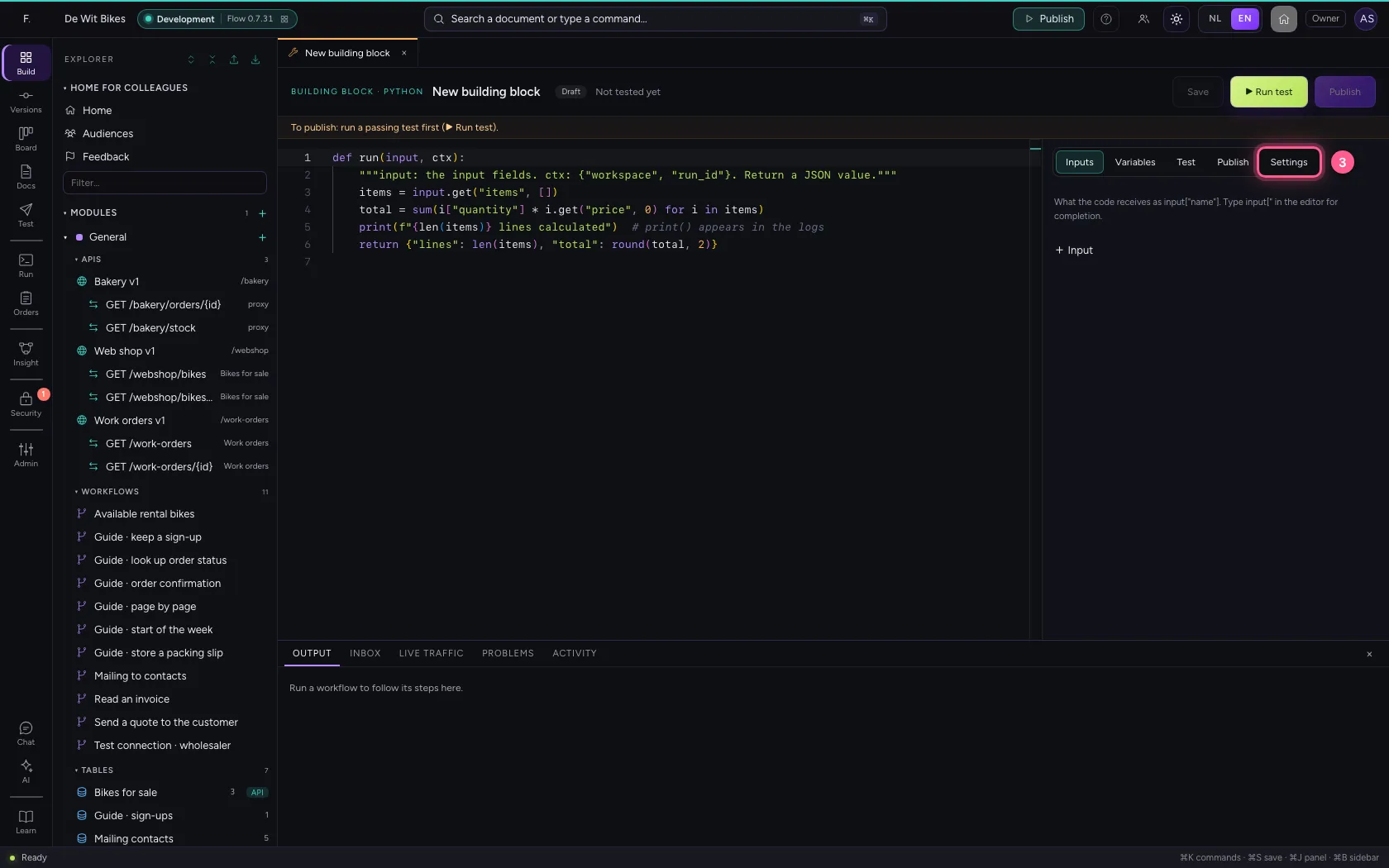
- In Name, type
Calculate order amount - In Description, type
Adds up the lines of an order: quantity times price.
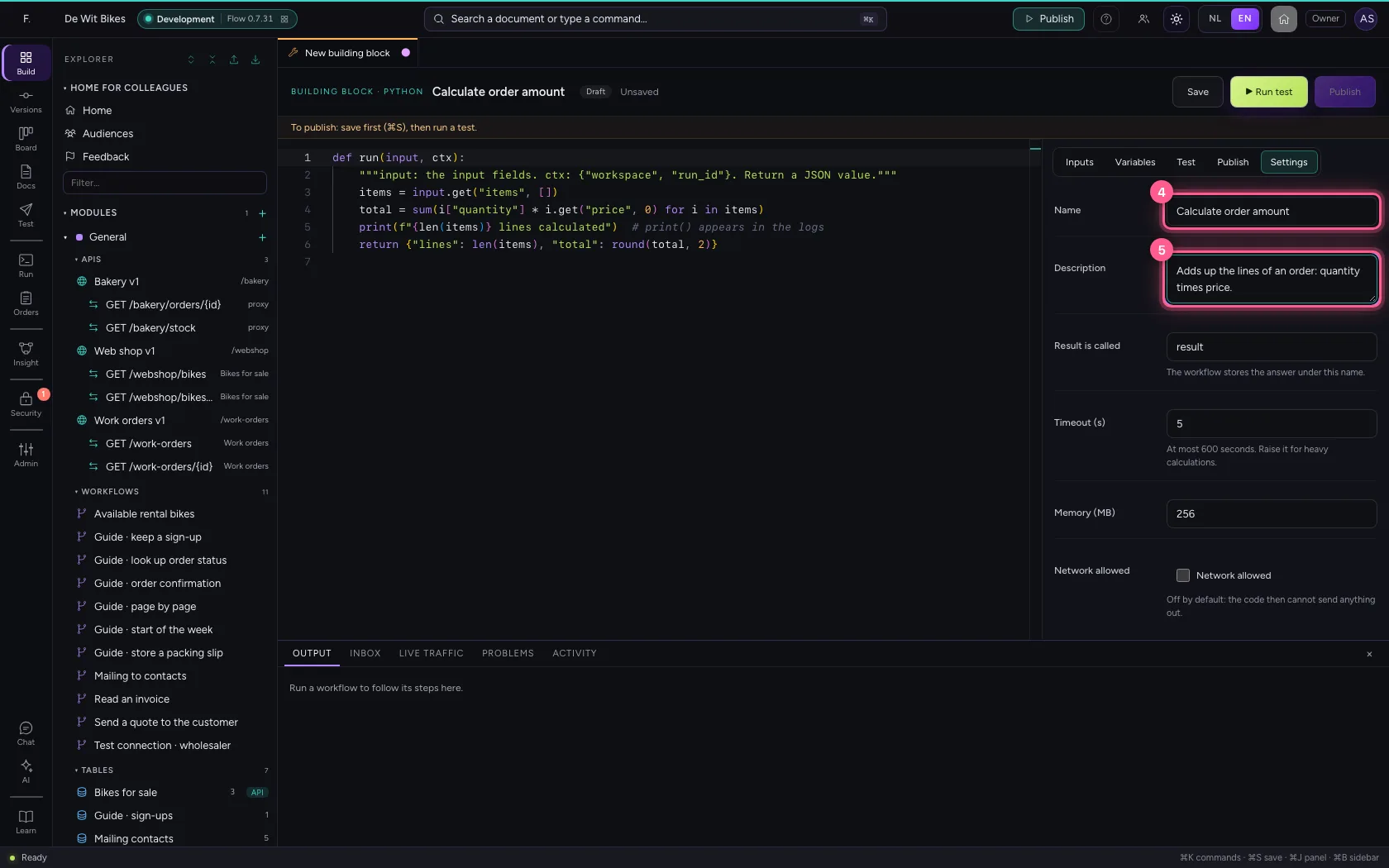
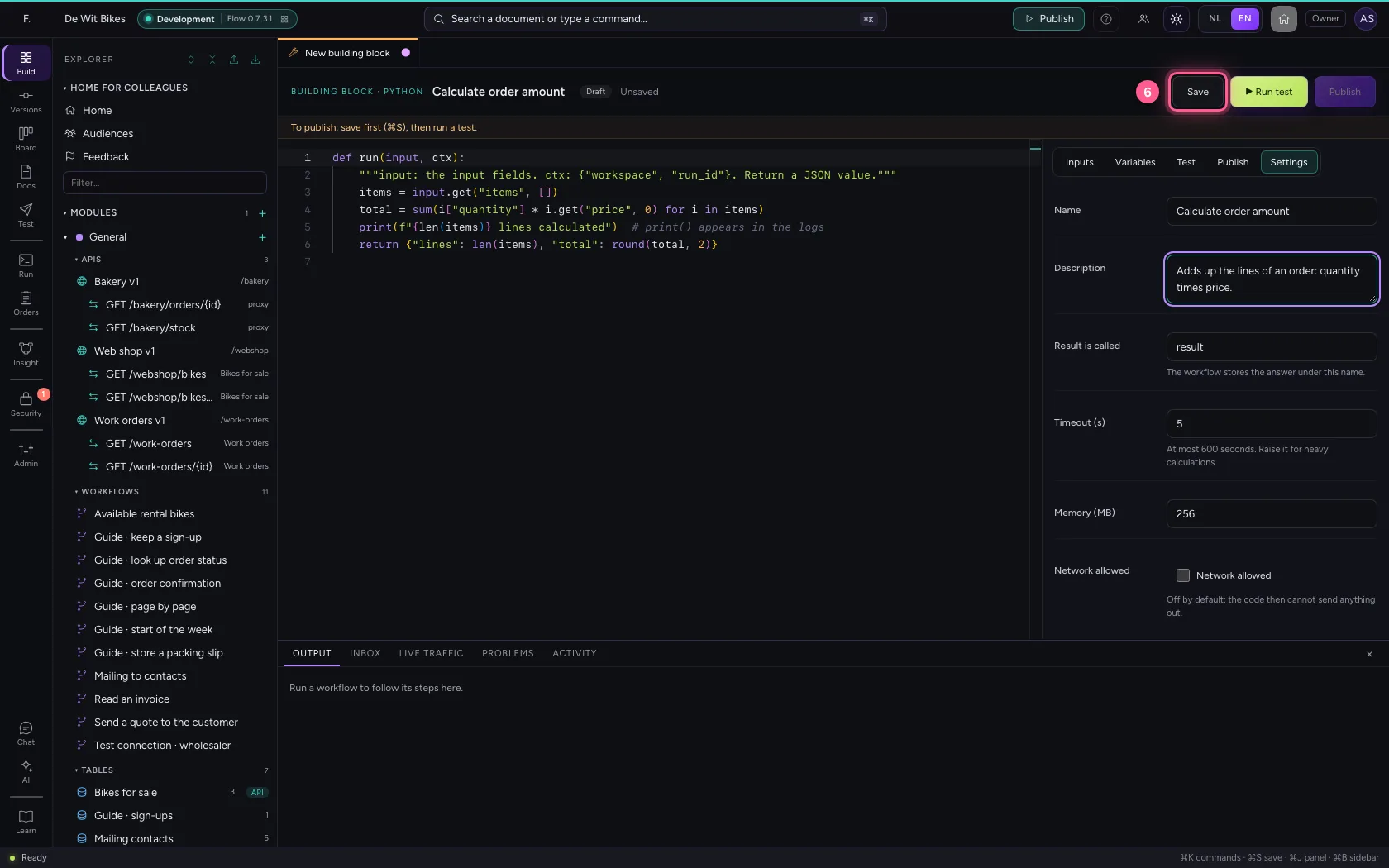
- Click Save
Test the code
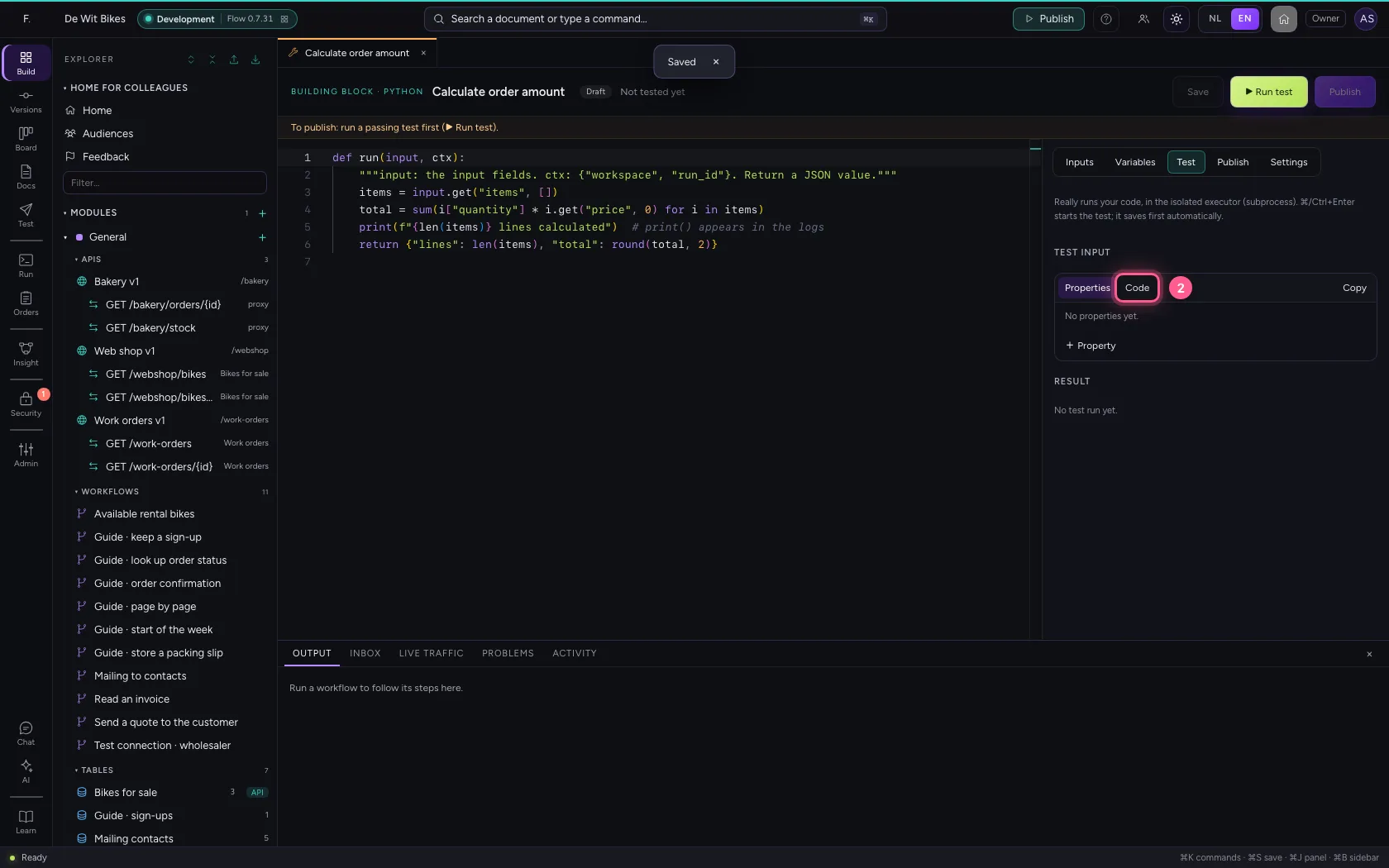
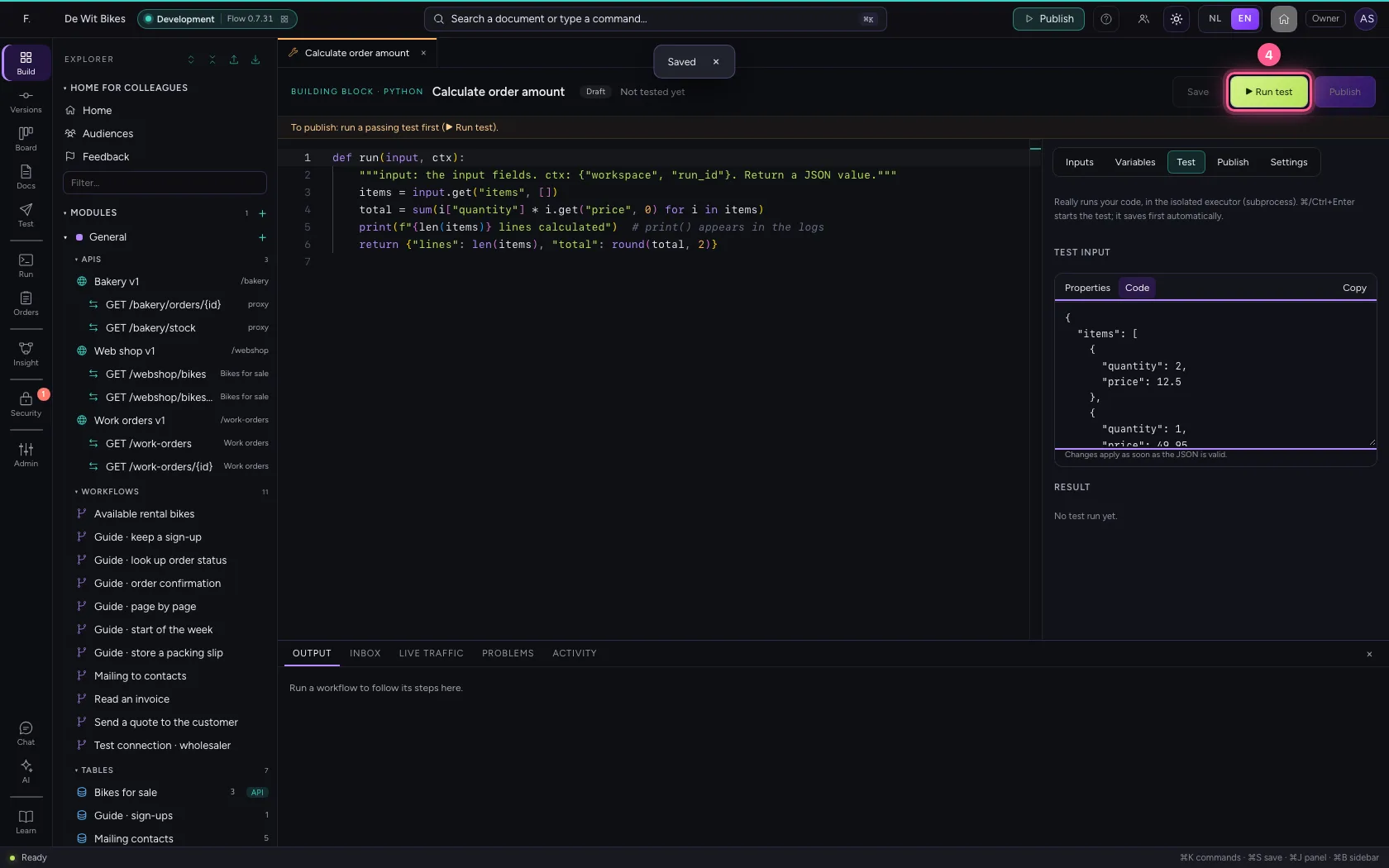
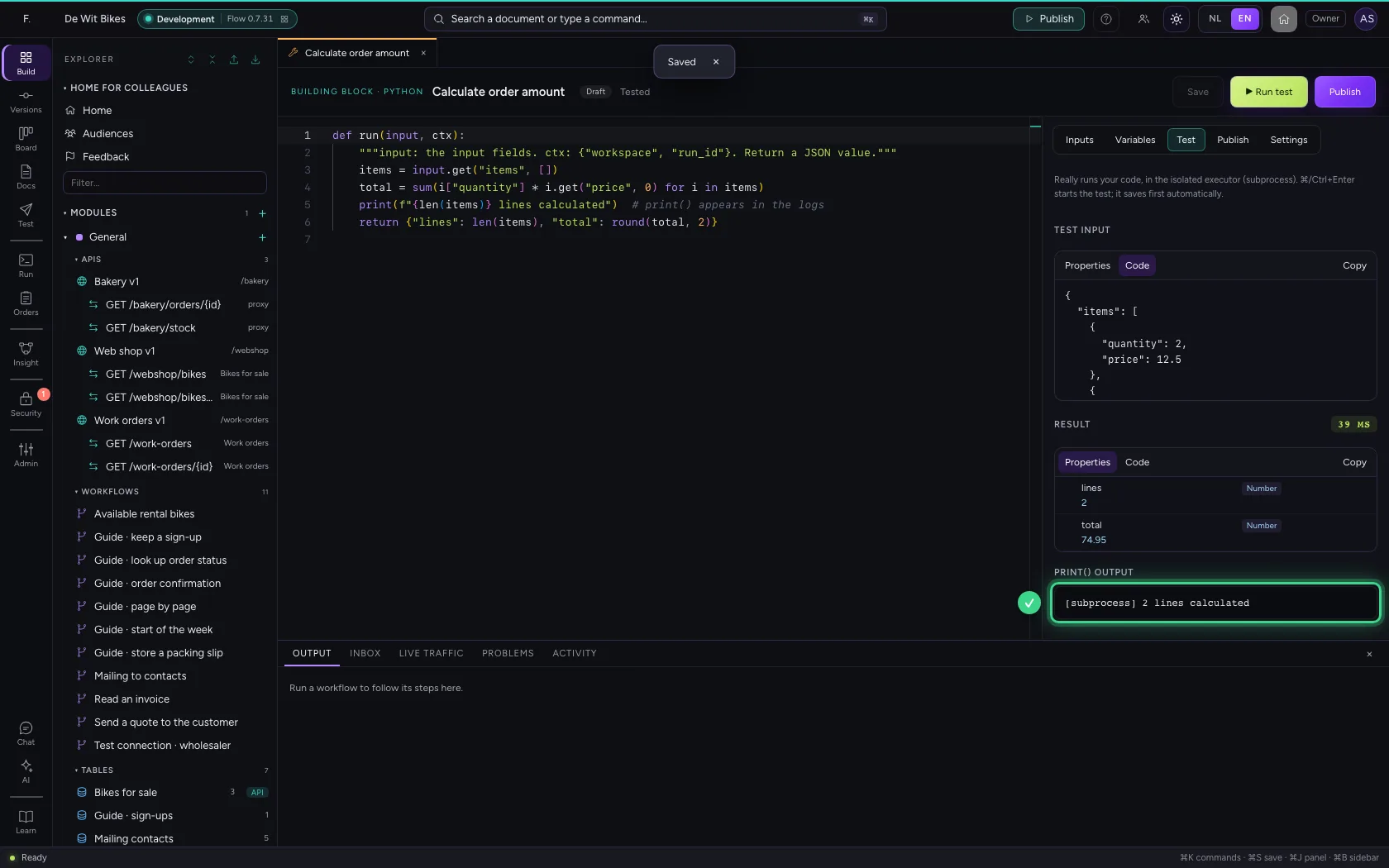
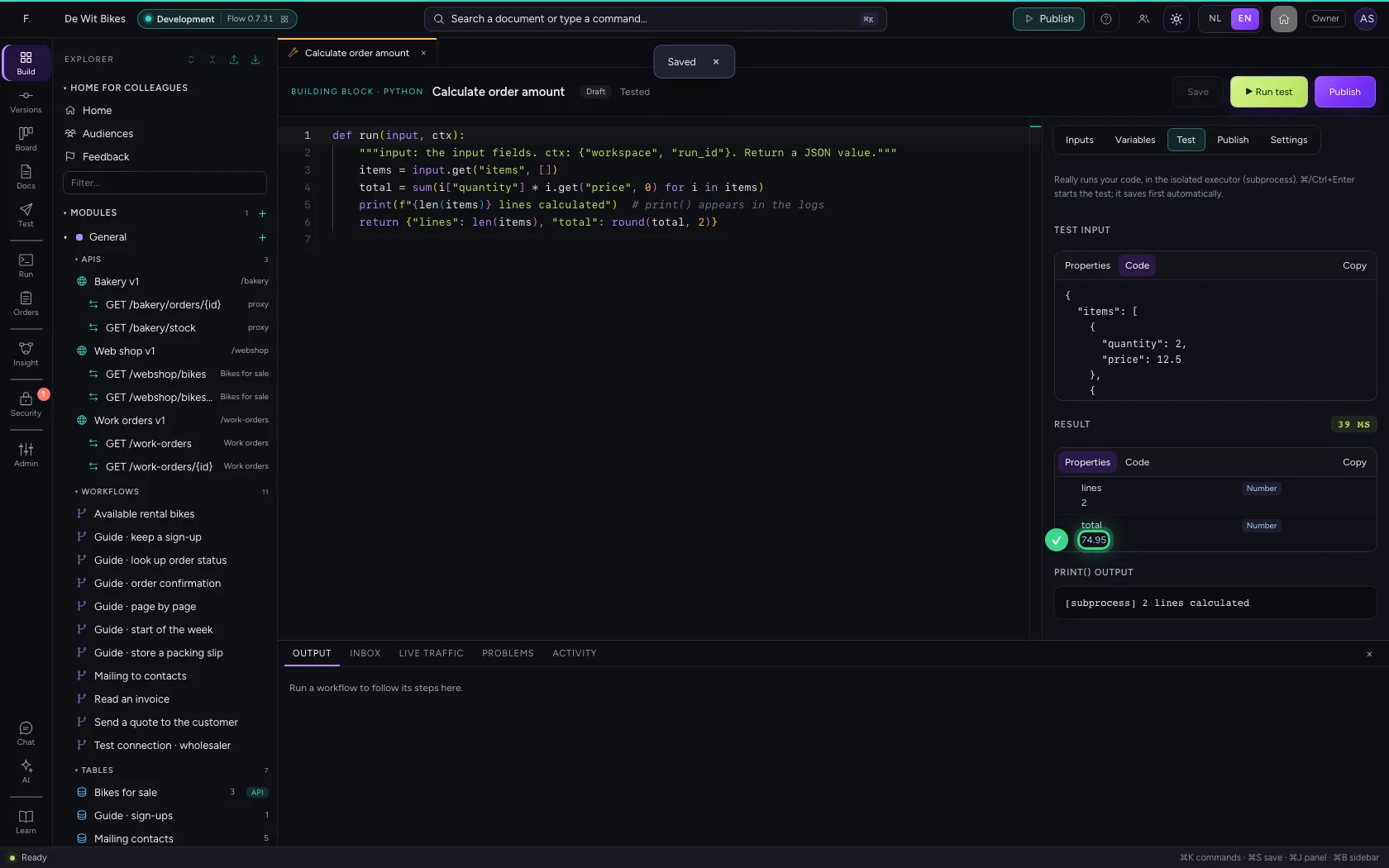
Under Test, give sample input and click ▶ Run test. The code really runs, in the isolated executor. You see the result and the print() output; on an error Flow points at the line in the code.
- Click Test
- Click Code
- In Test input, type
{"items": [{"quantity": 2, "price": 12.5}, {"quantity": 1, "price": 49.95}]}
![Test the code · In Test input, type {"items": [{"quantity": 2, "price": 12.5}, {"quantity": 1, "price": 49.95}]}](/docs/assets/tool-python/en/img/03-3-full-dark.webp)
- Click ▶ Run test
Publish a version
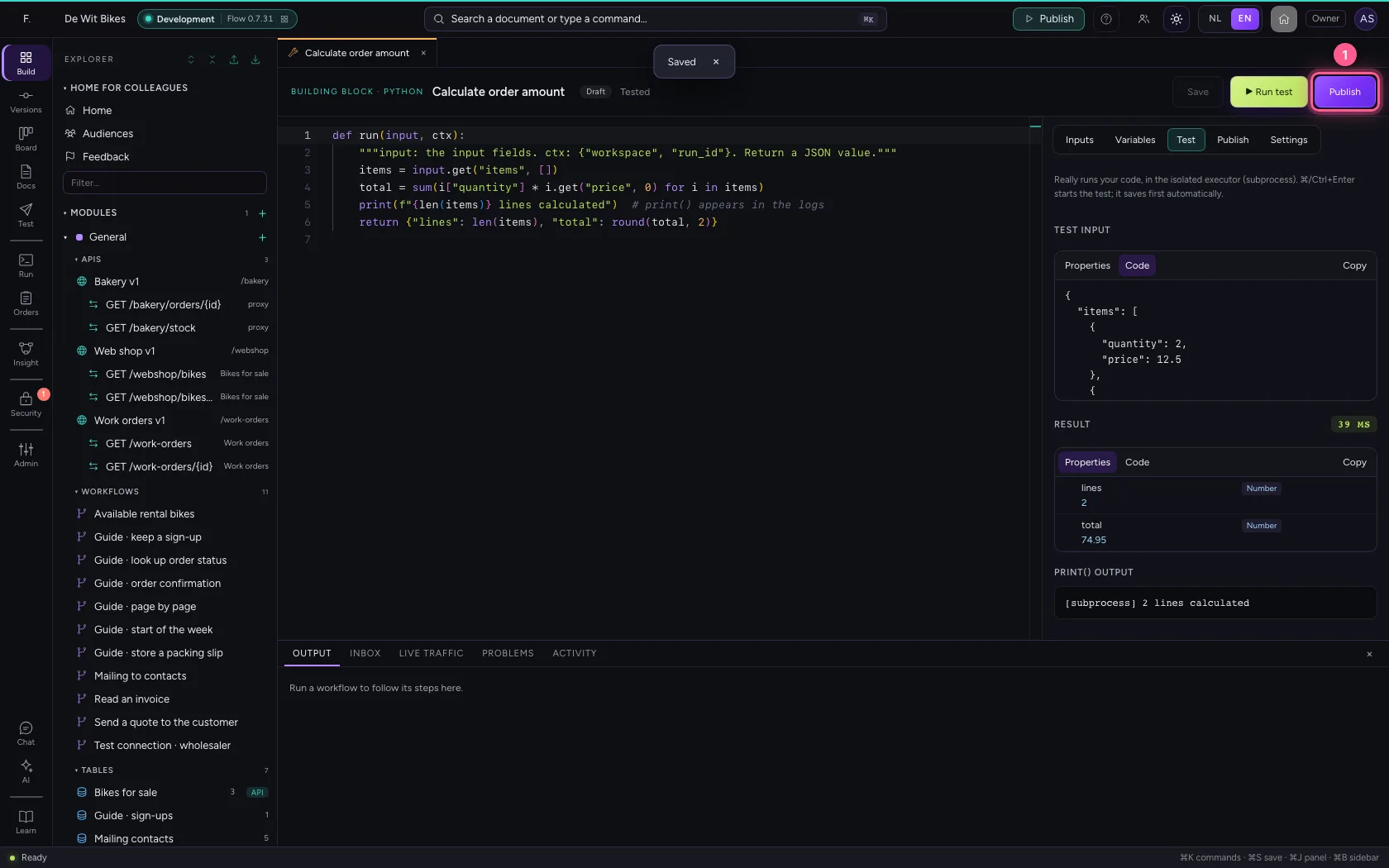
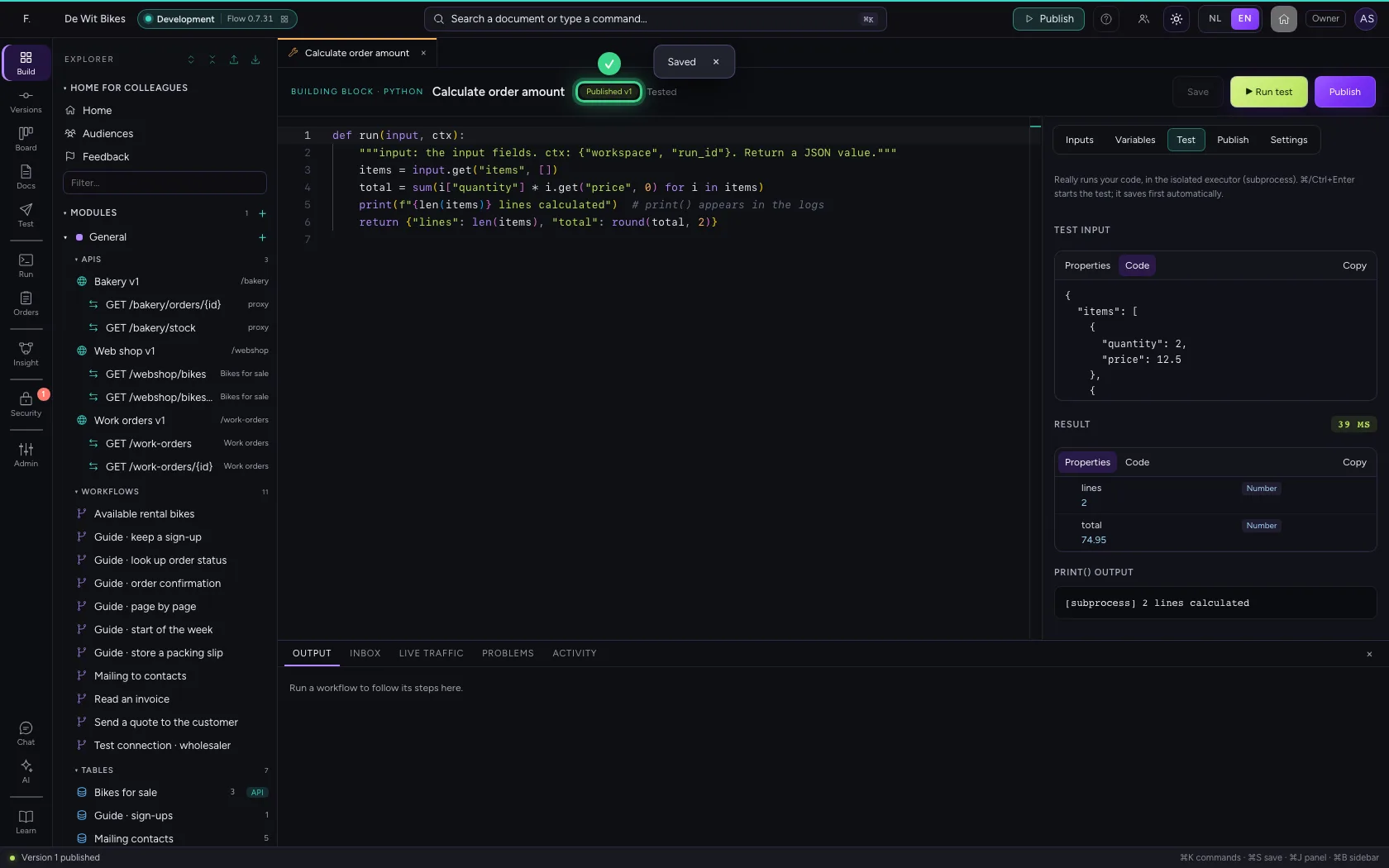
With a passing test on the saved draft you can publish. Workflows (the Building block step) and agents only use published versions.
- Click Publish
Give it to an agent
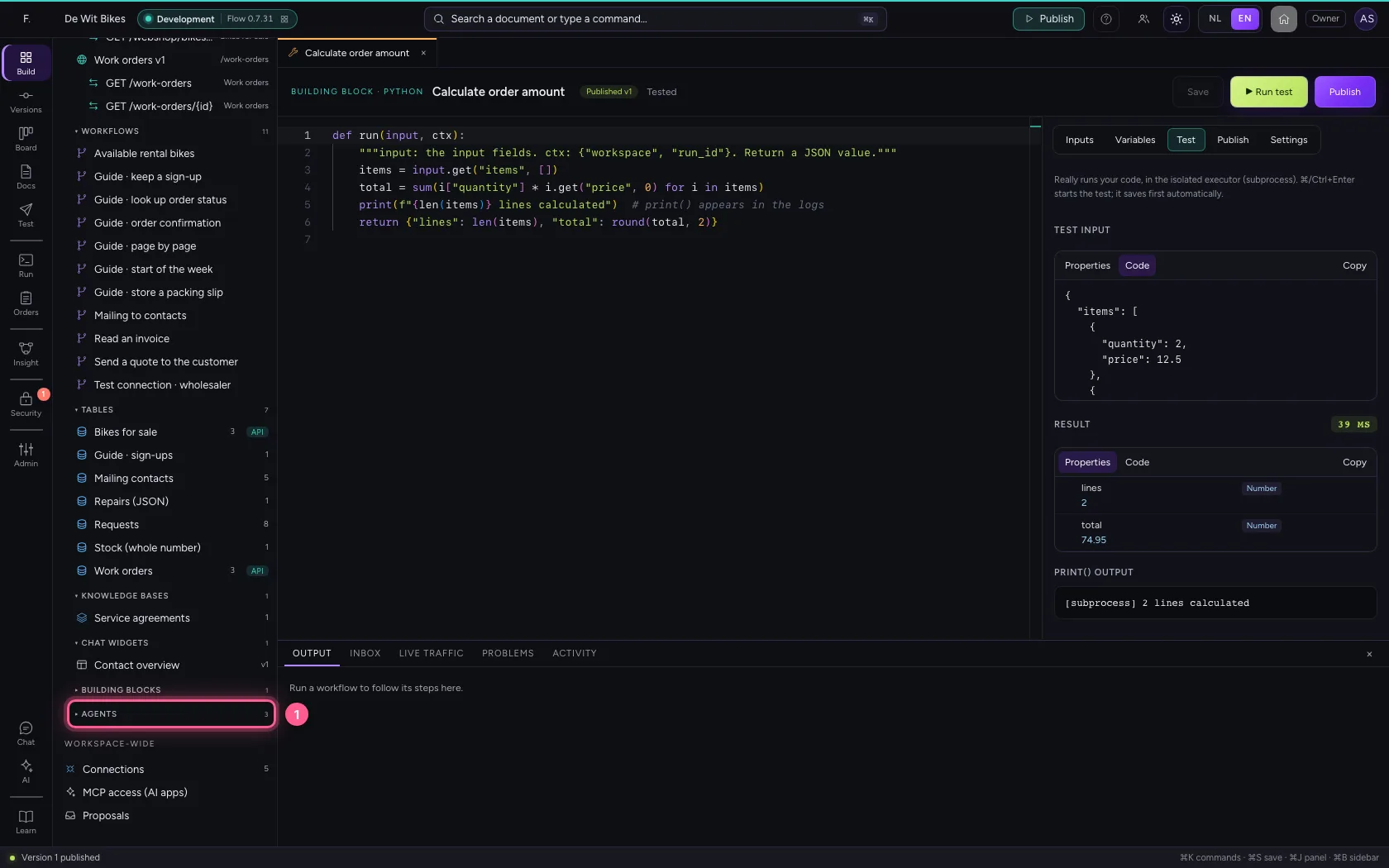
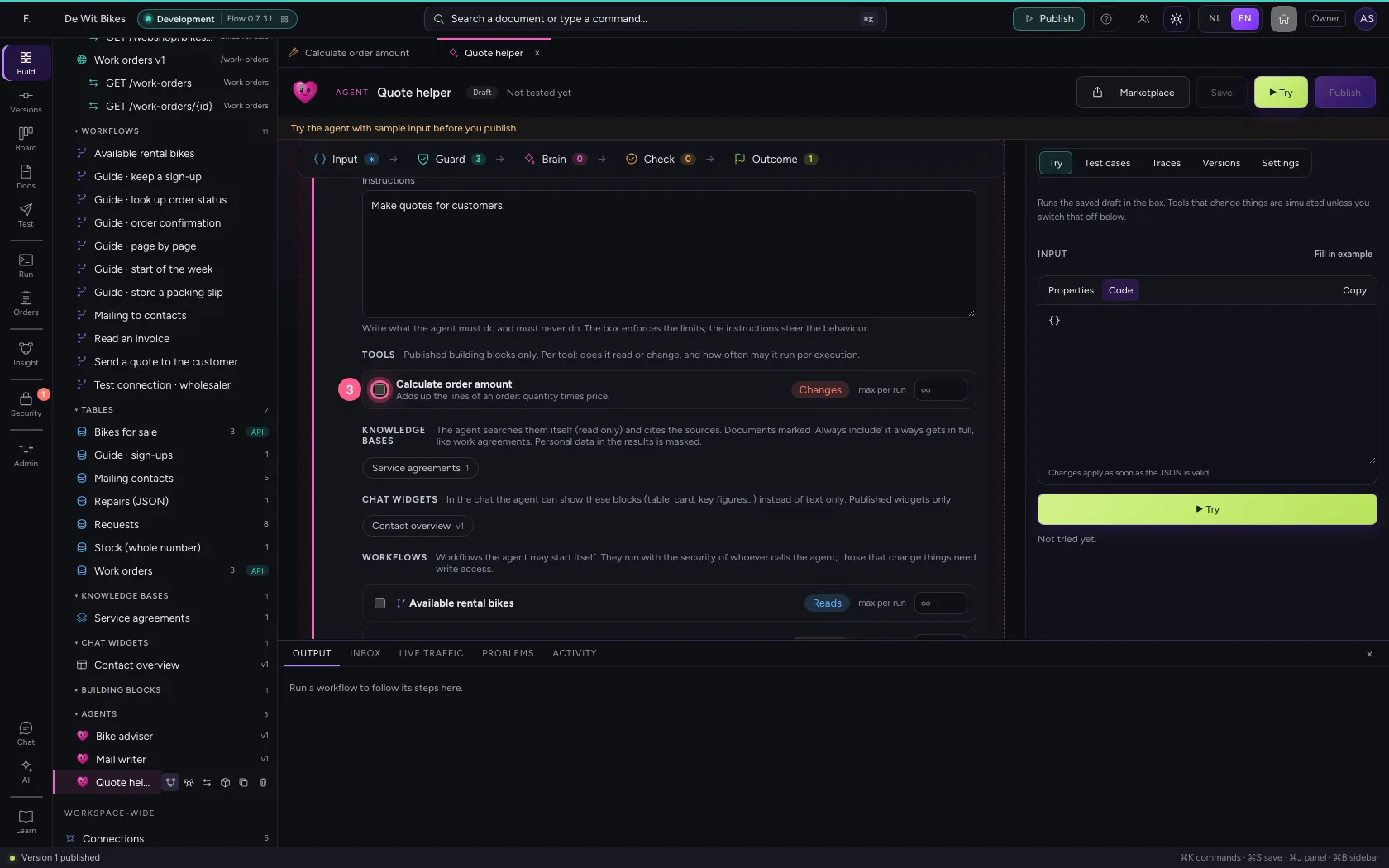
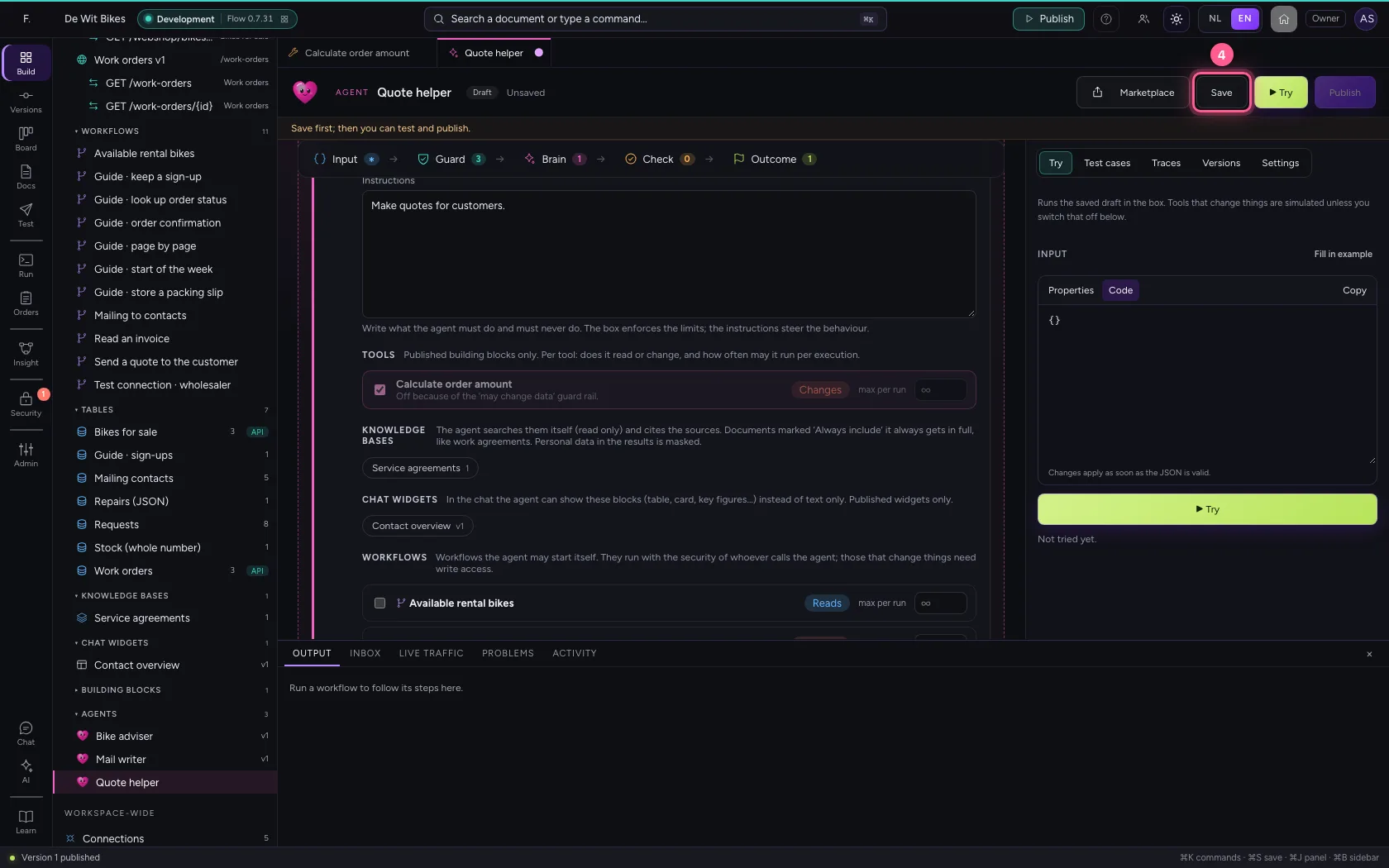
Open an agent and tick the building block under Brain → Tools. Python code counts as Changes: as long as the agent may not change anything, it is off. If it only calculates, set it to Reads with the button next to it.
- Click Agents
- Click the agent ‘Quote helper’
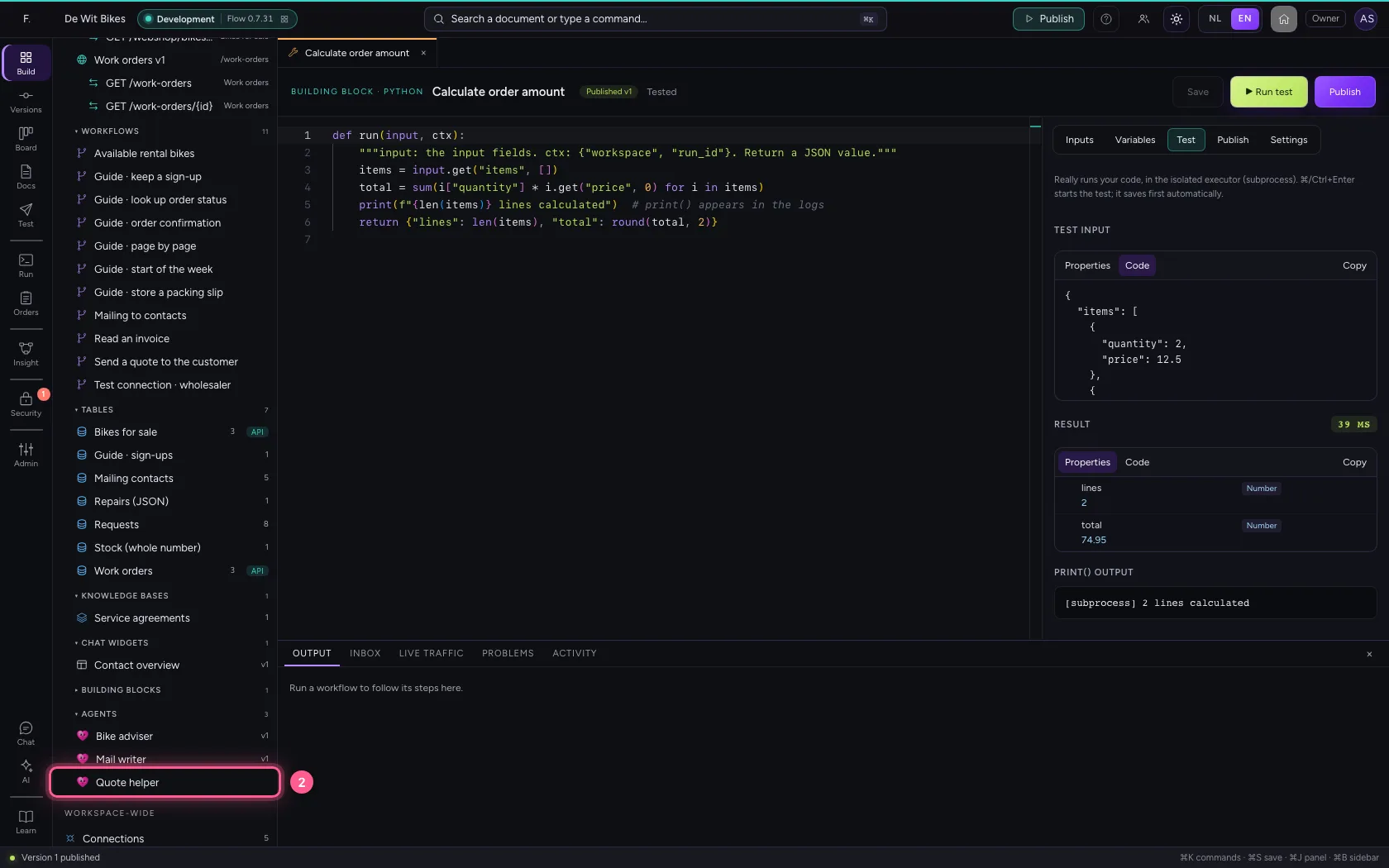
- Click Calculate order amount
- Click Save
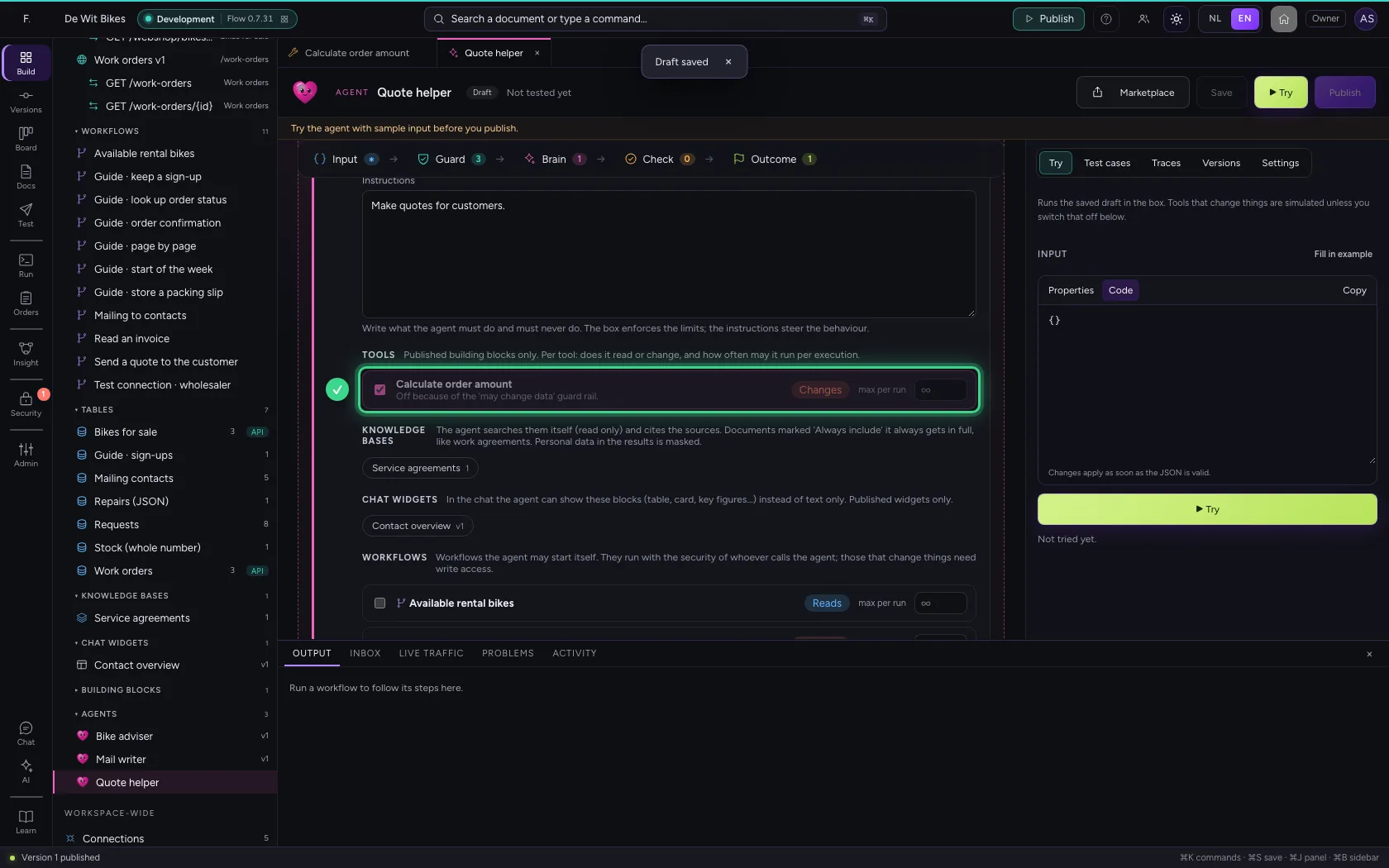
This guide was carried out step by step on 22 Oct 2026 by an automated test on Flow (version 3e563176).