Building block: Extract text (regex)
Extract text pulls patterns out of text, such as order numbers, postcodes or IBANs, with a regular expression: without code and without AI, so fast and the same every time. This kind of building block comes from a plugin; plugins can add their own kinds to the toolbox this way.
Open your development environment
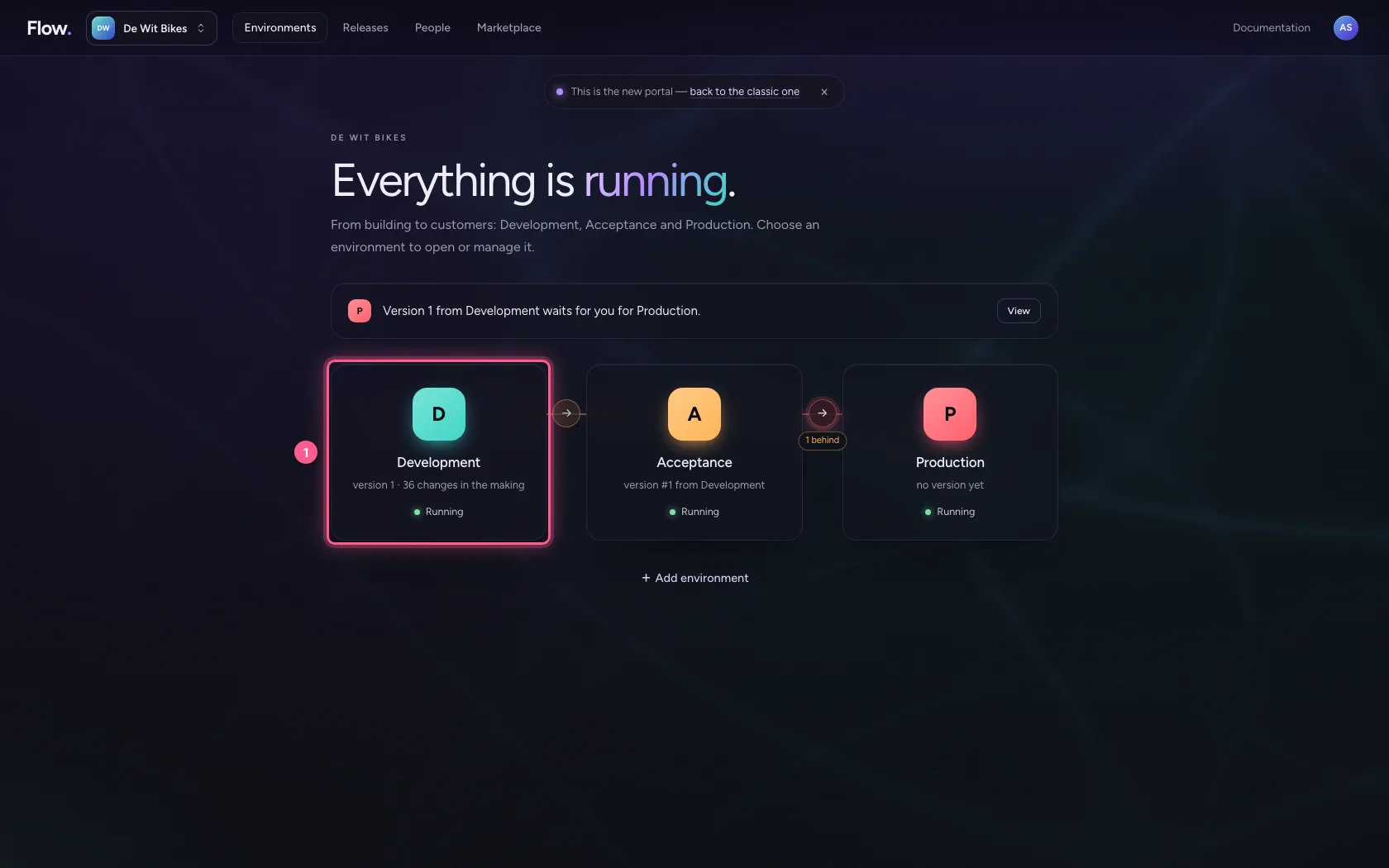
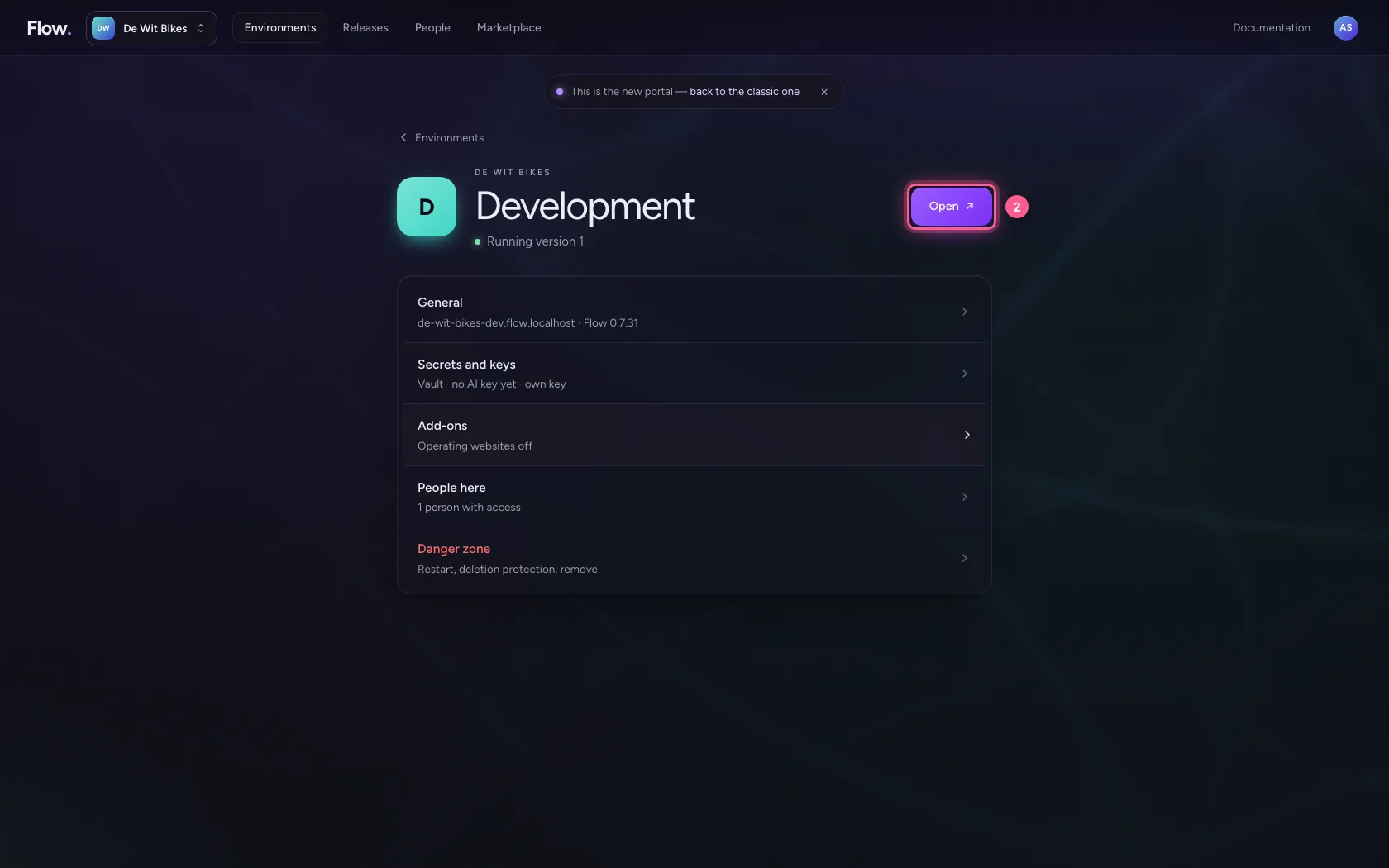
In the portal, under Environments, click Development, and there Open. Flow opens in a new tab and you are signed in straight away.
- Click Development
- Click Open ↗
Create the building block
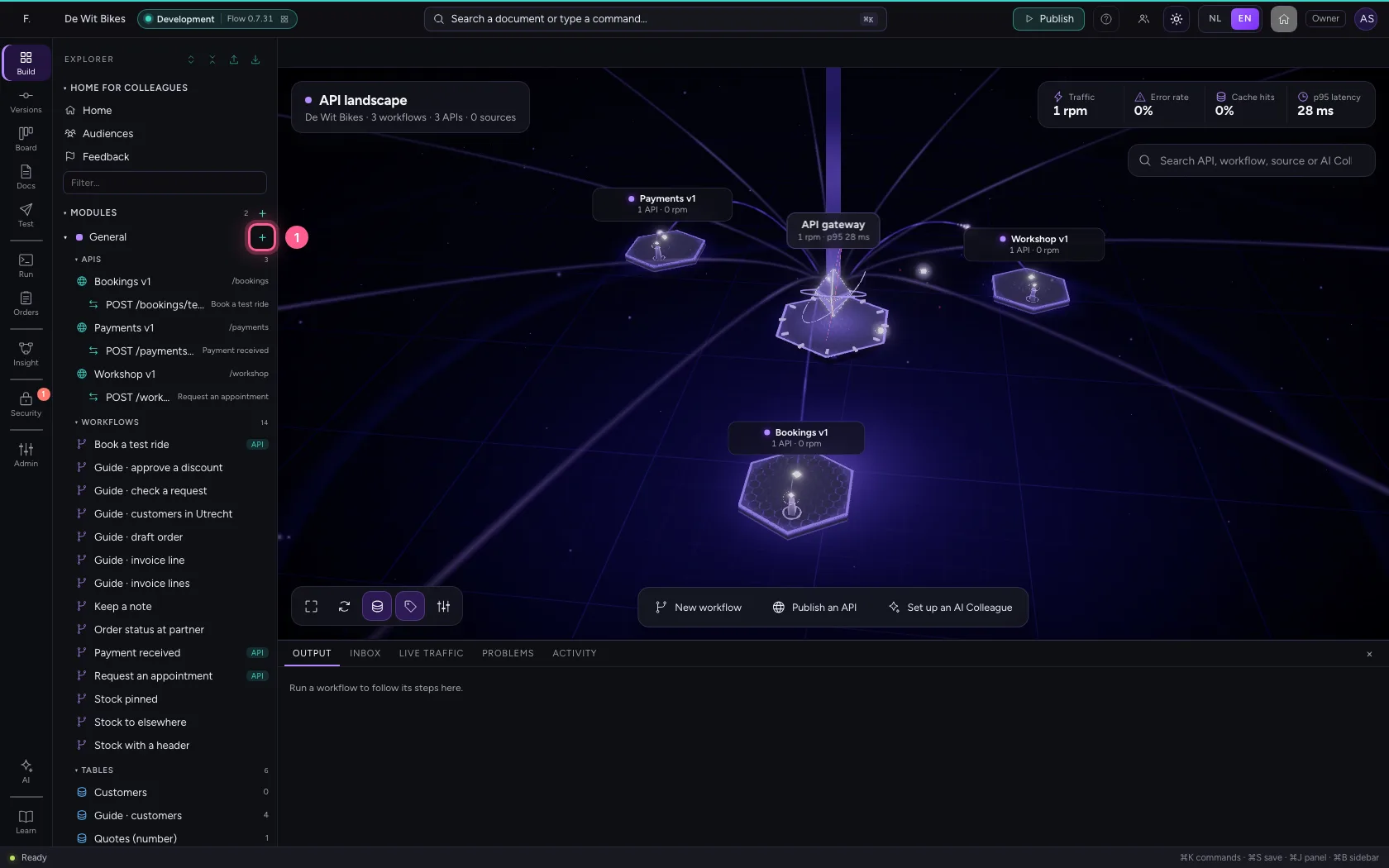
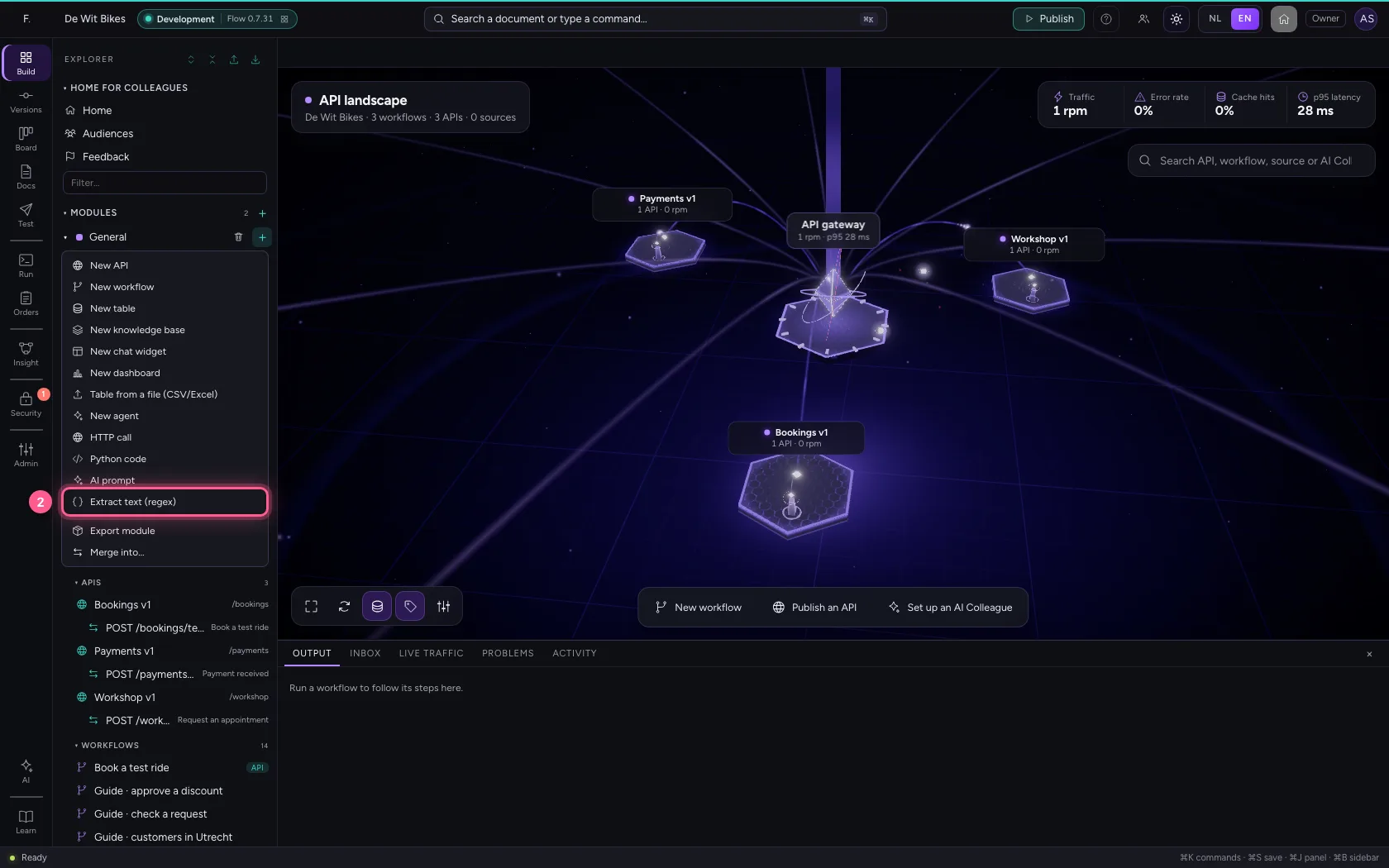
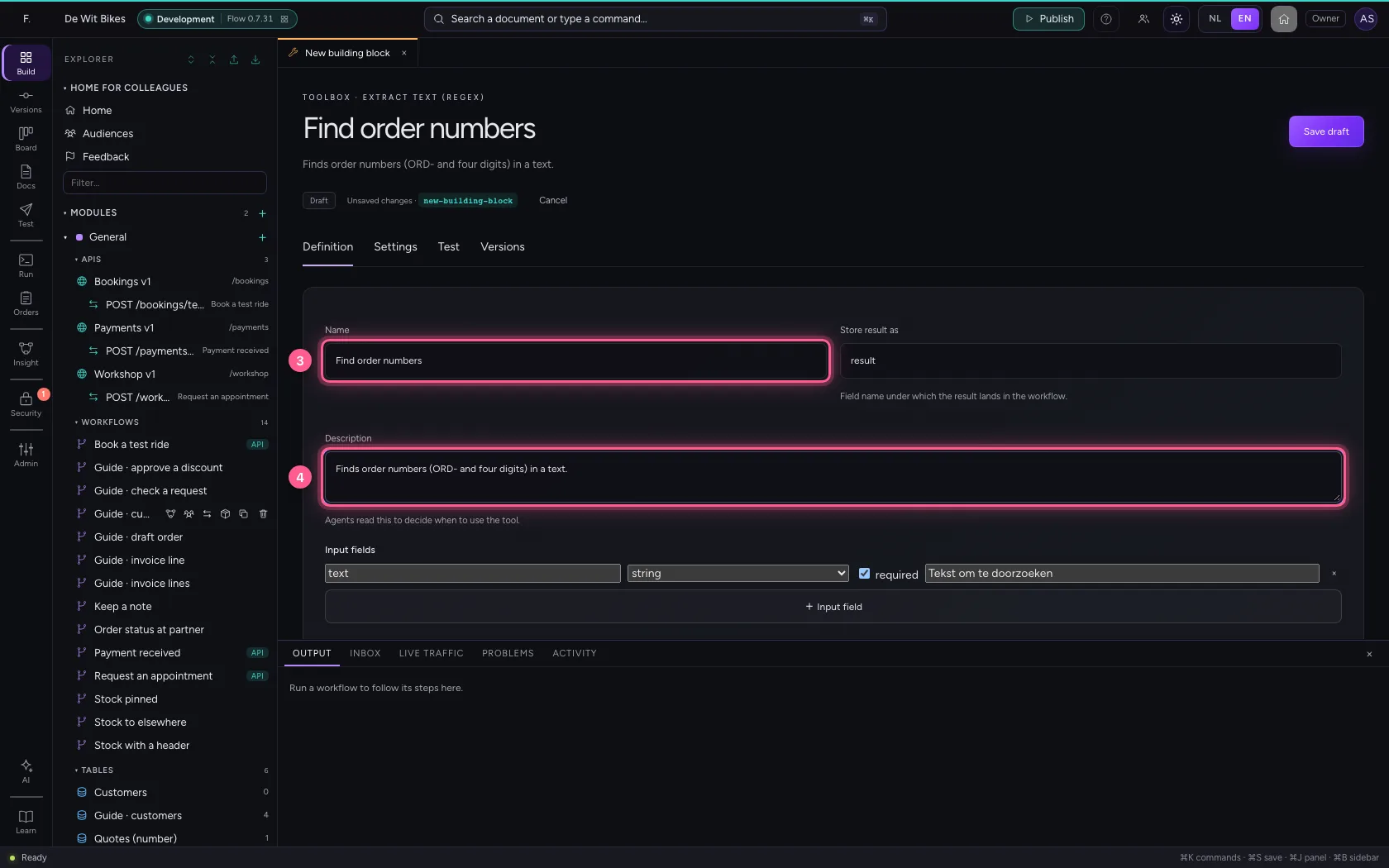
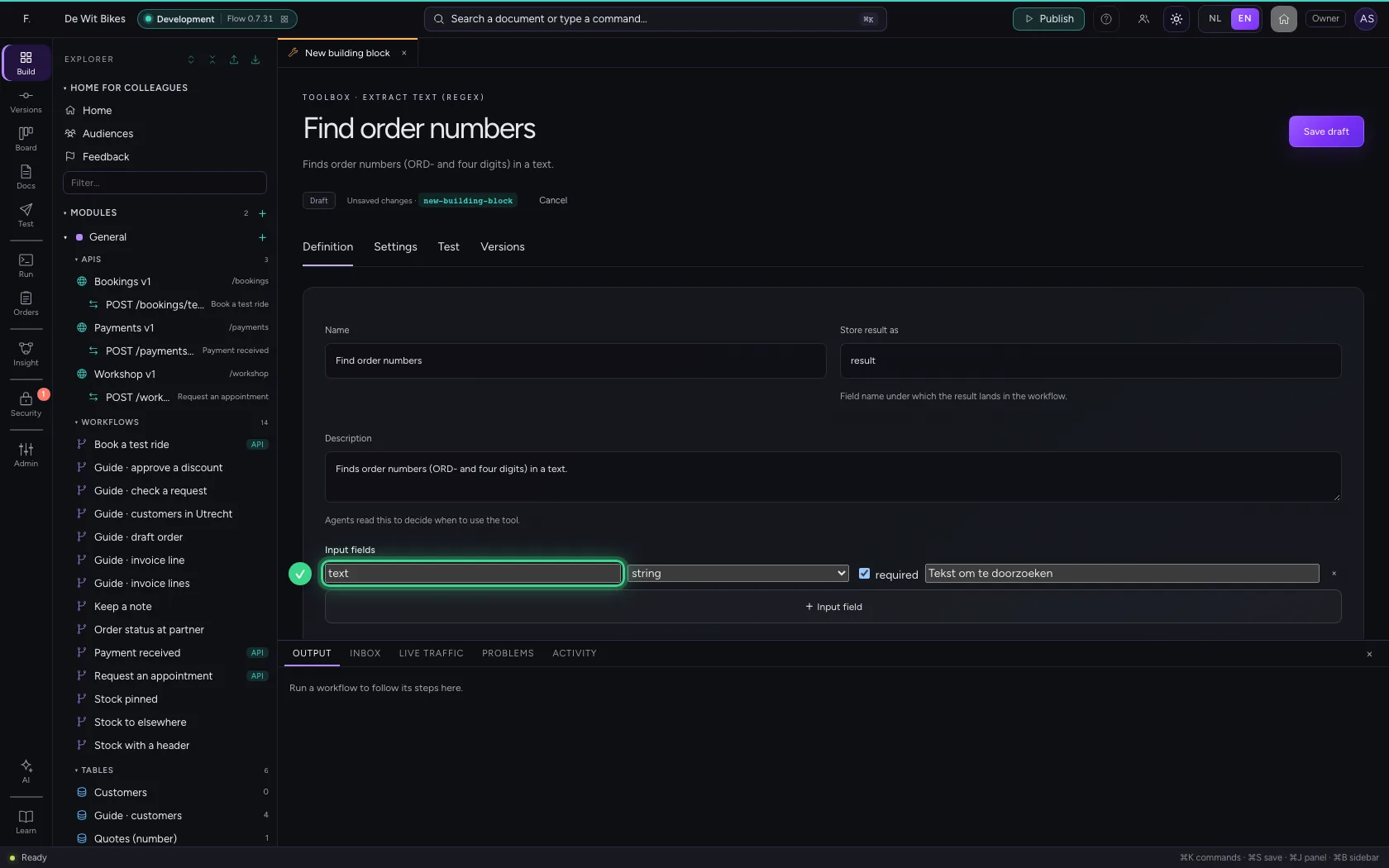
Click + next to General and choose Extract text (regex). Under Definition give it a name and a description. The input field text is already there: the text to search.
- Click Add to General
- Click Extract text (regex)
- In Name, type
Find order numbers - In Description, type
Finds order numbers (ORD- and four digits) in a text.
Write the pattern
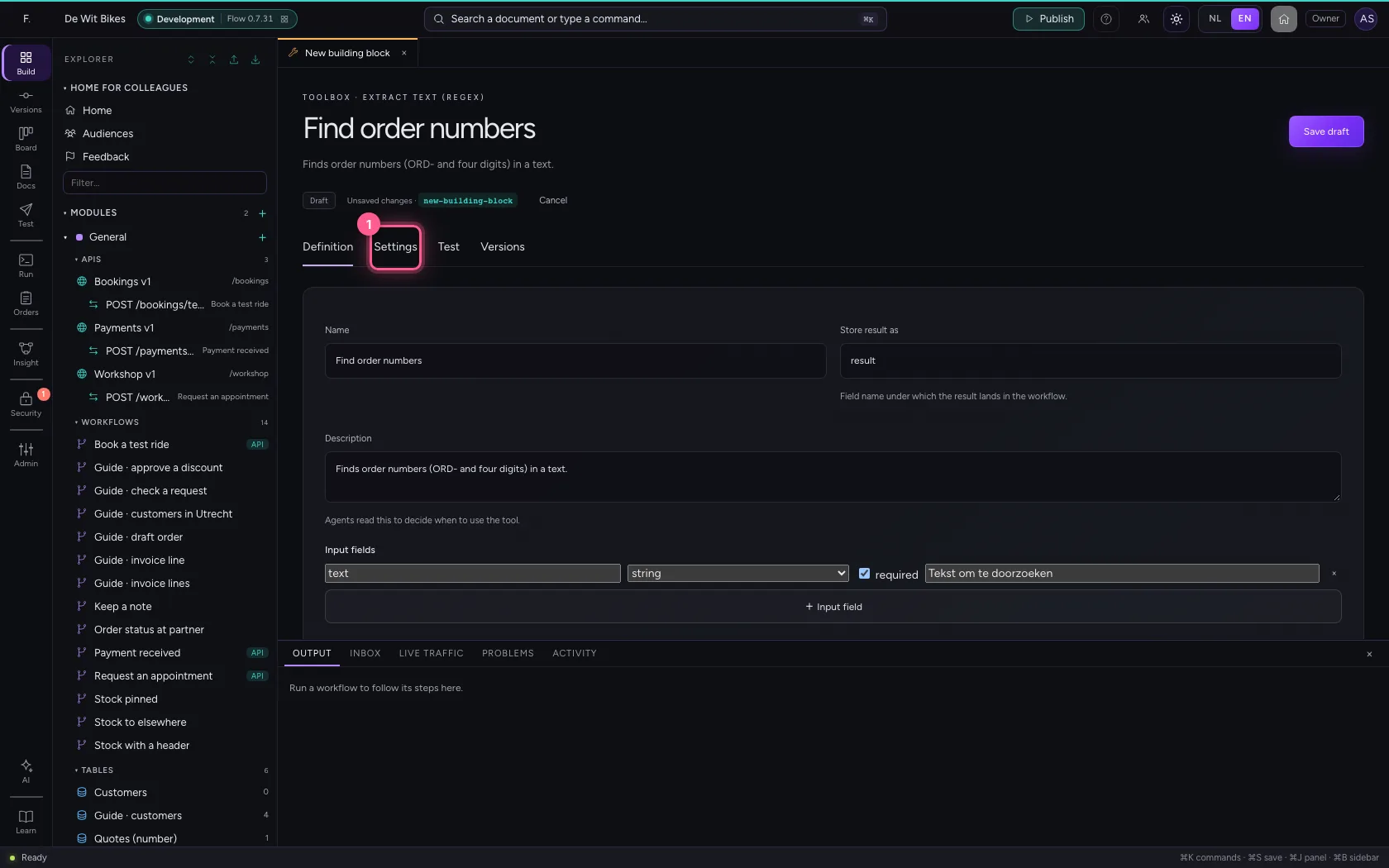
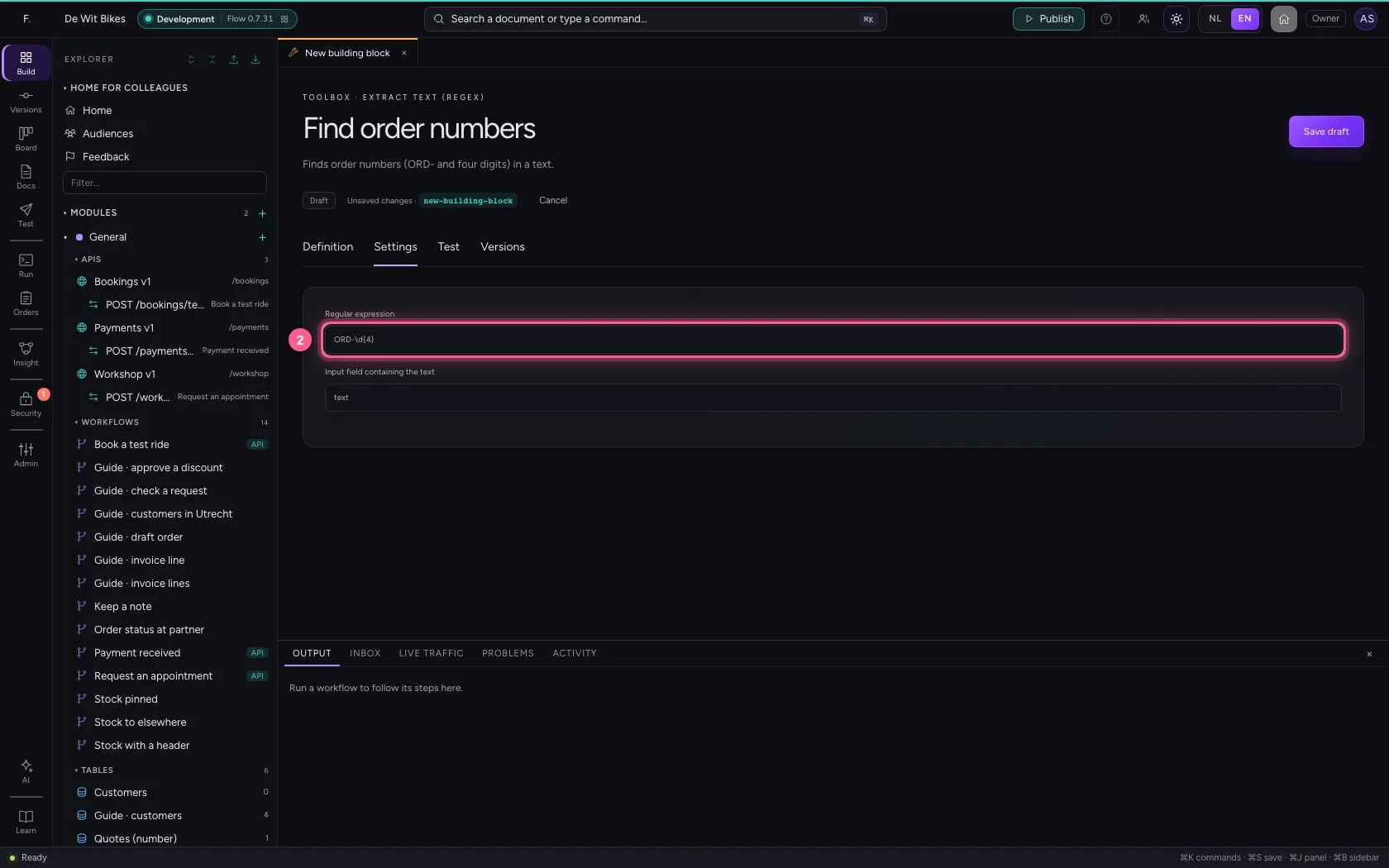
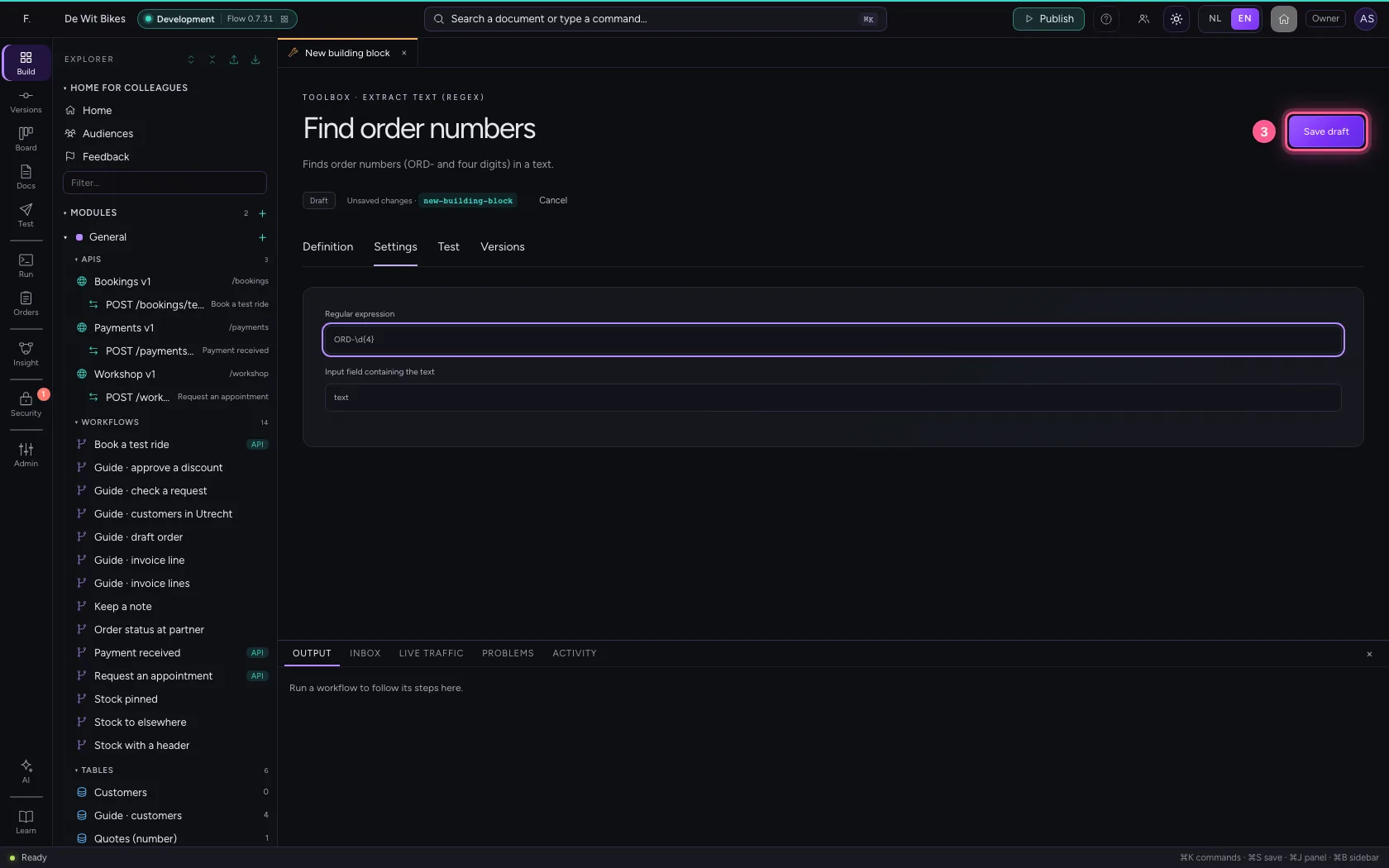
Under Settings you write the regular expression. ORD-\d{4} means: ORD-, followed by exactly four digits. Save the draft; Flow refuses an expression that is not valid straight away.
- Click Settings
- In Regular expression, type
ORD-\d{4}
- Click Save draft
Test with an e-mail
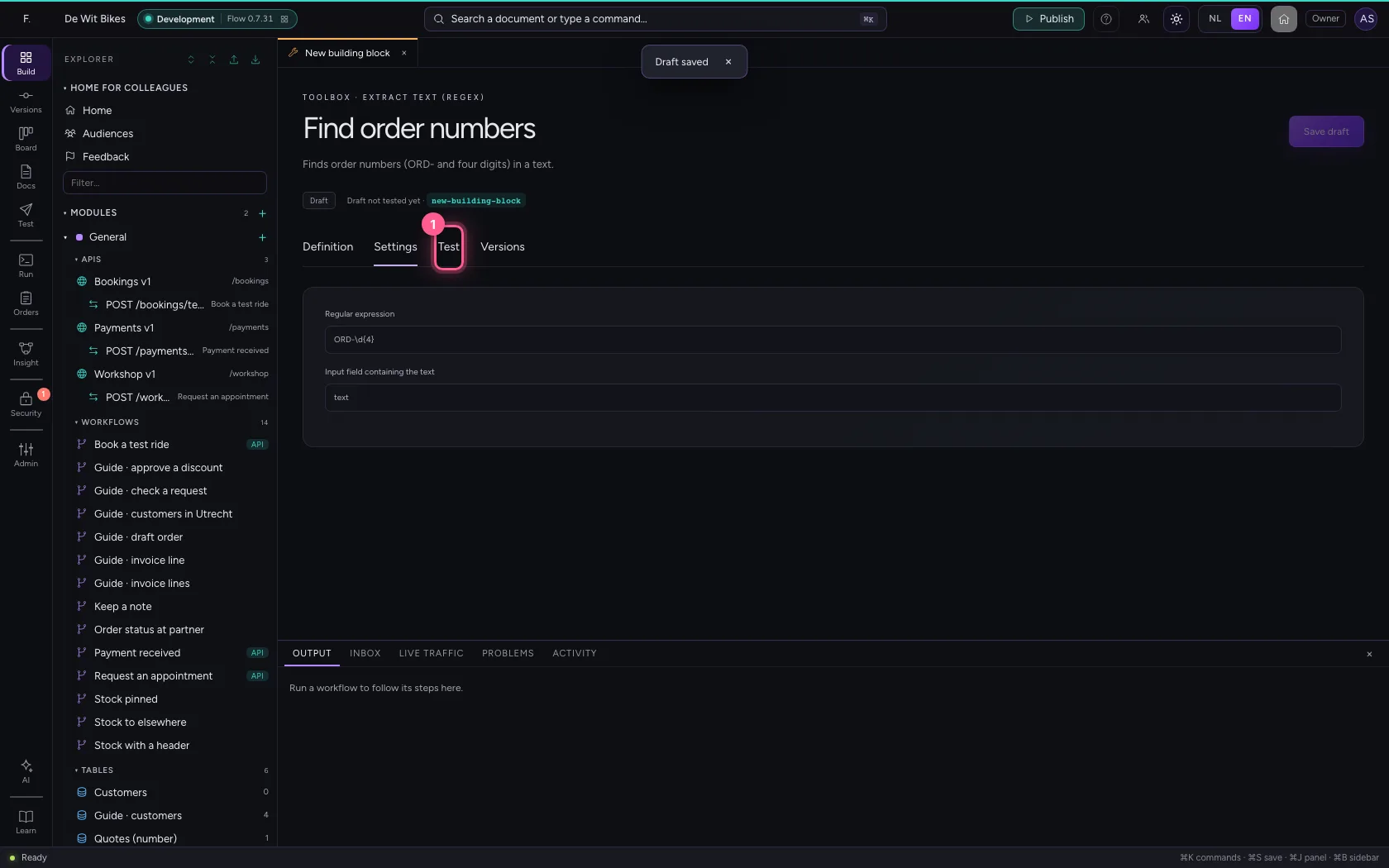
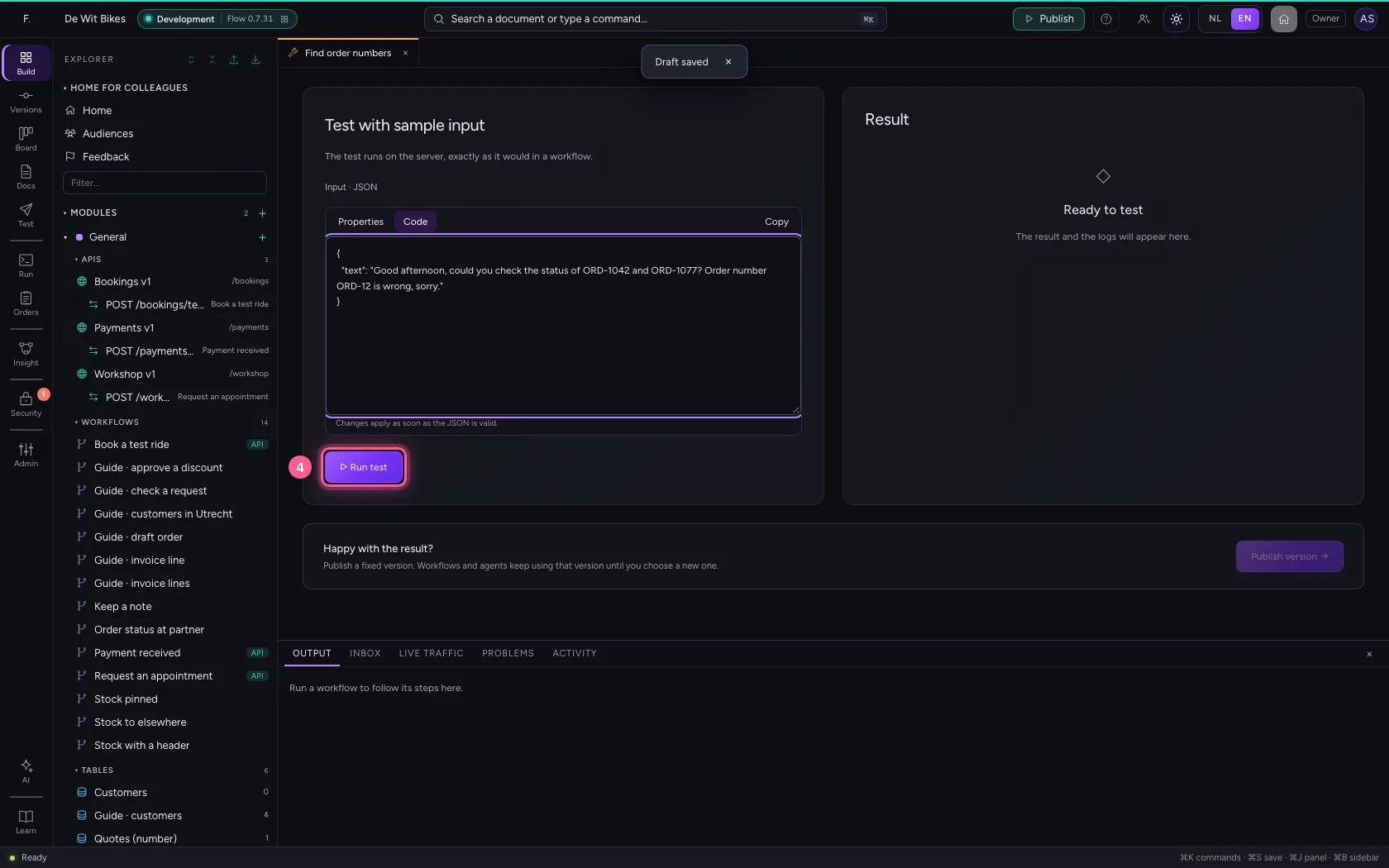
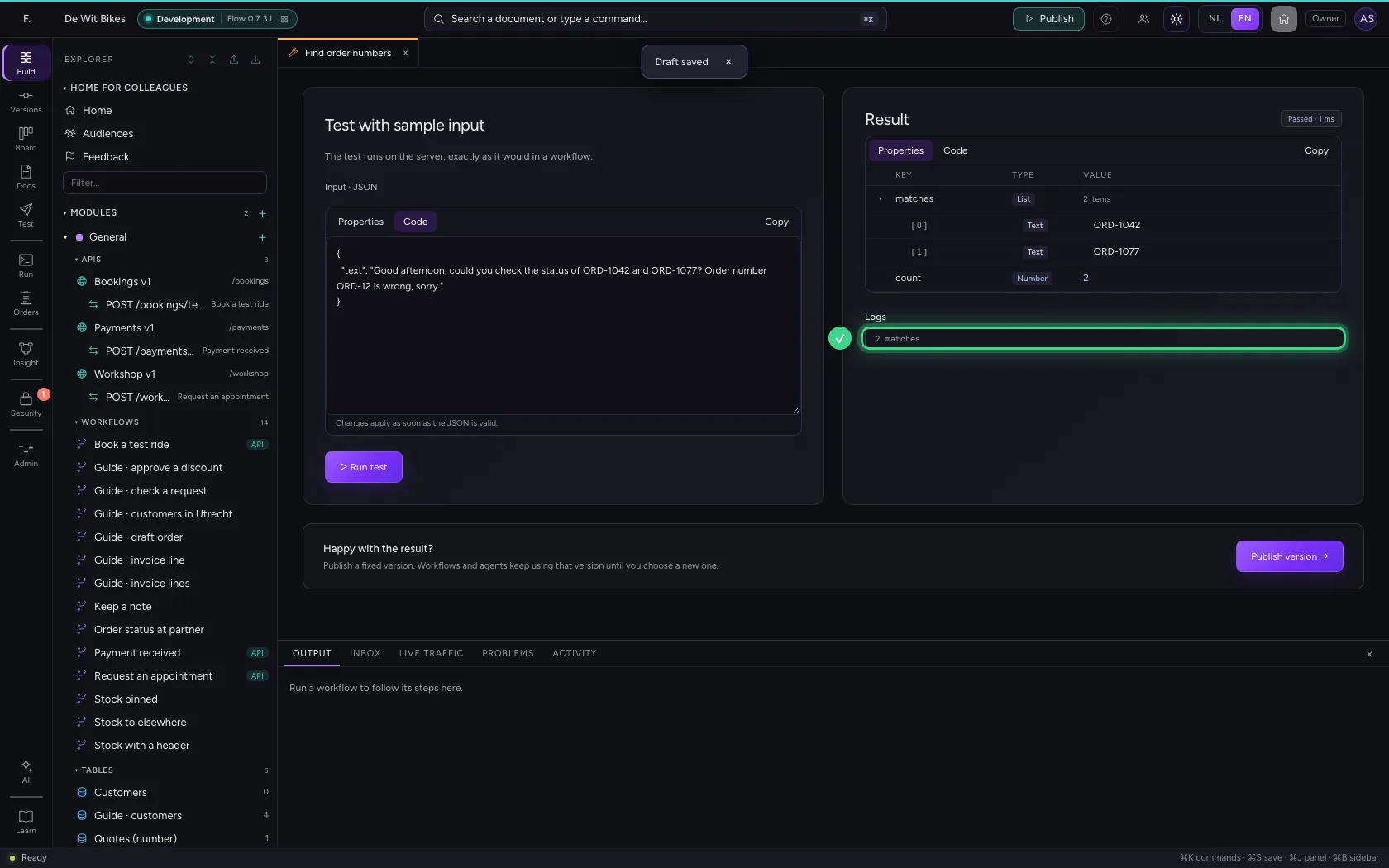
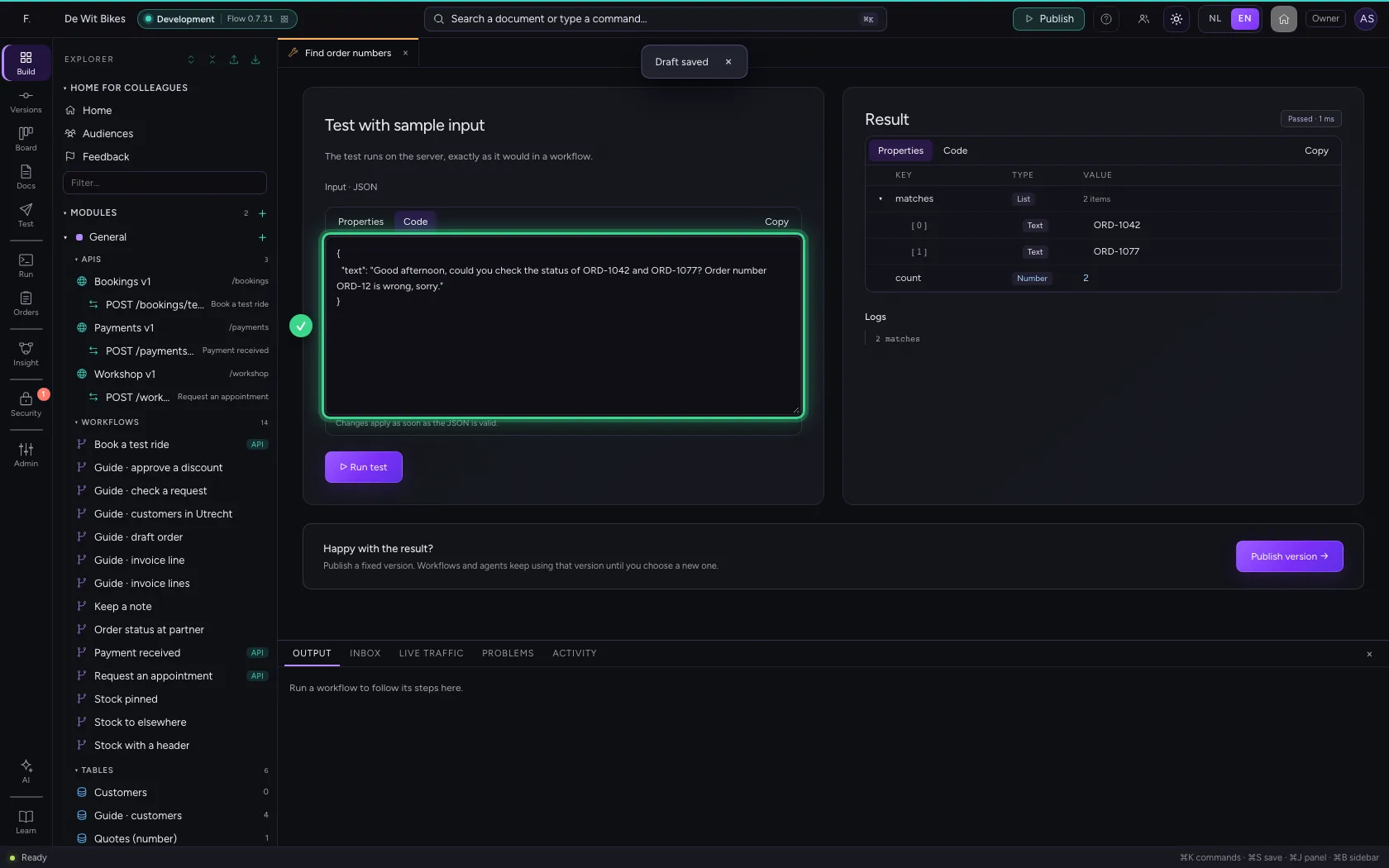
Under Test, paste a sample text and click Run test. You see the matches and their count. ORD-12 does not count: that is only two digits.
- Click Test
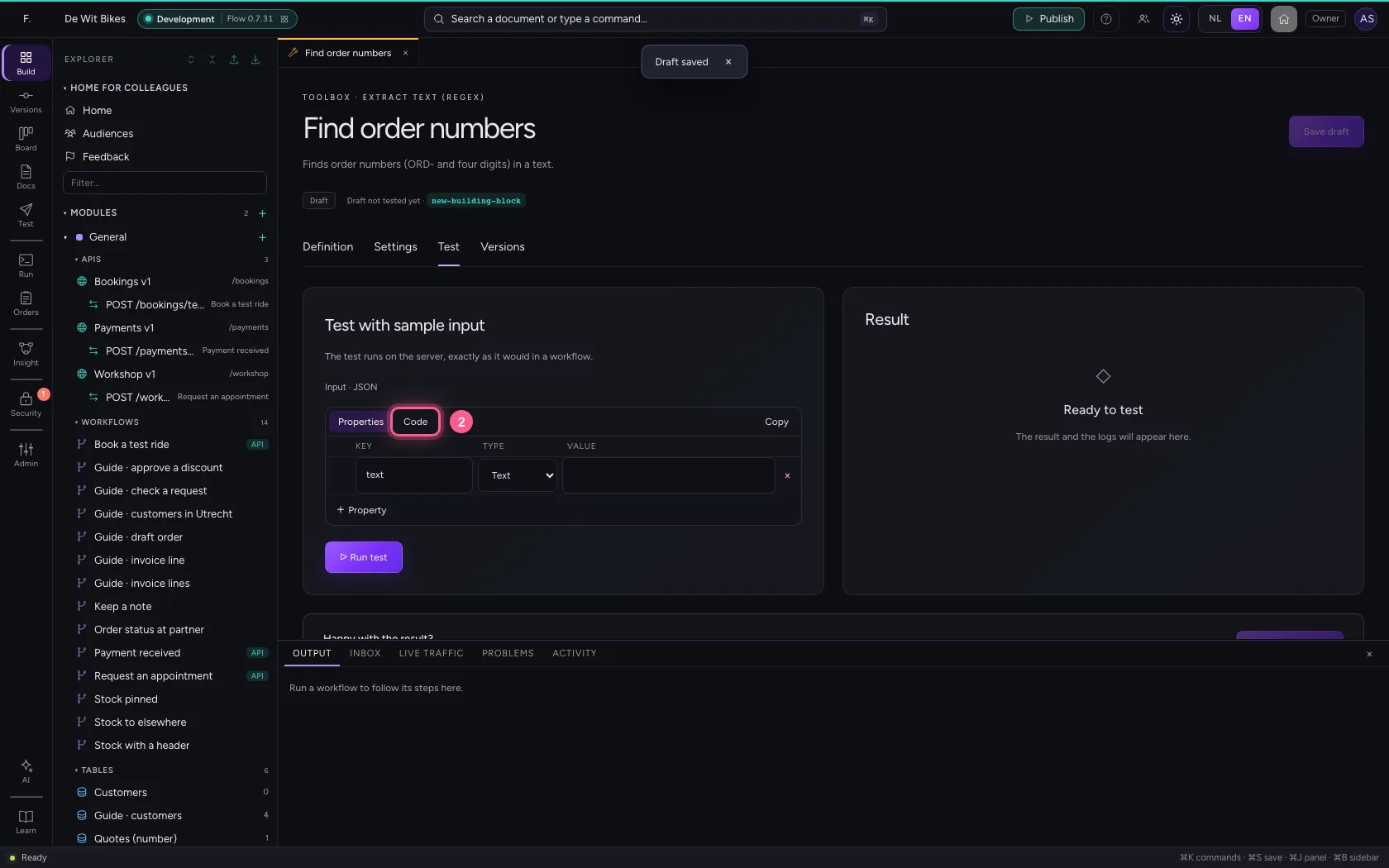
- Click Code
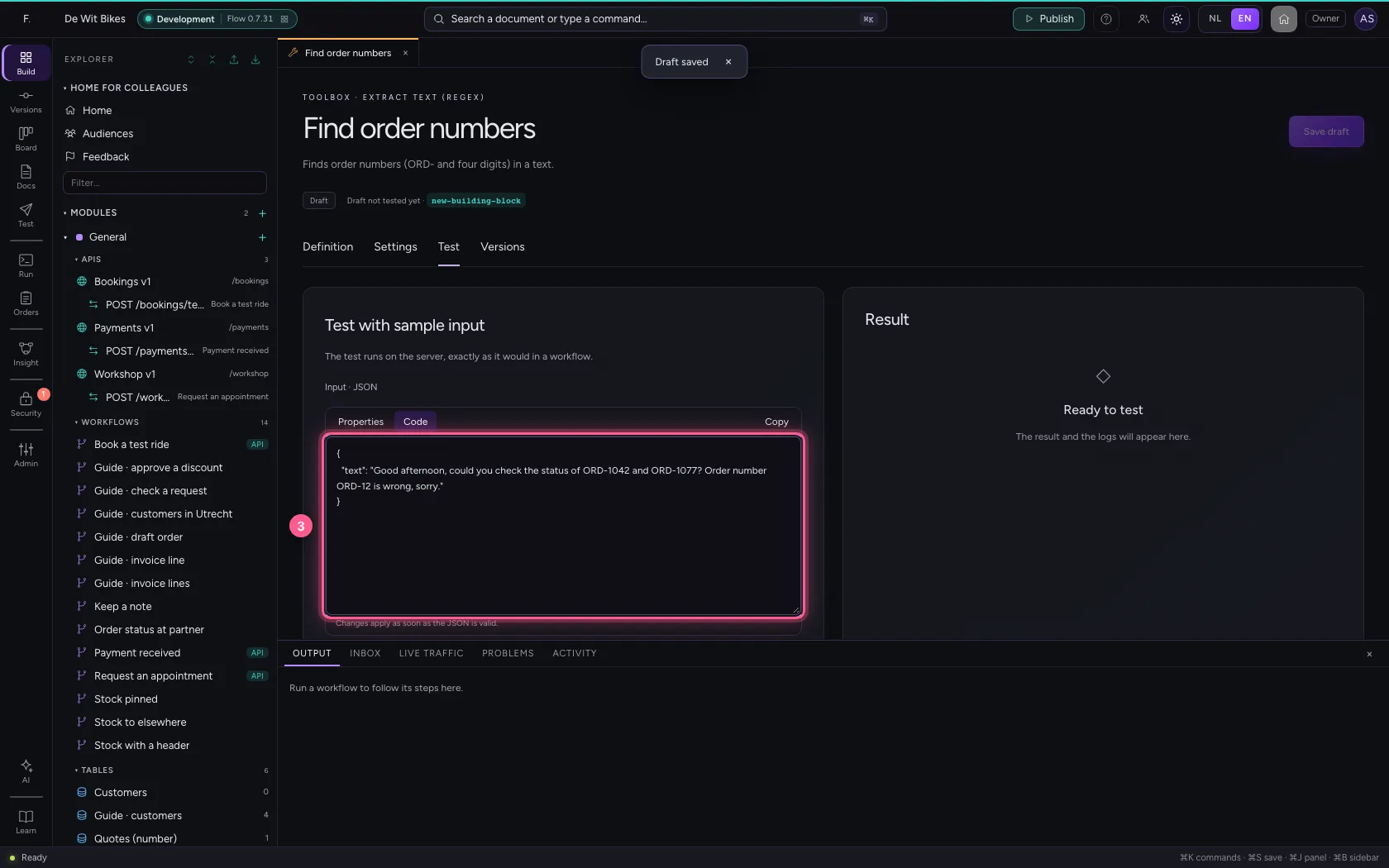
- In Input, type
{"text": "Good afternoon, could you check the status of ORD-1042 and ORD-1077? Order number ORD-12 is wrong, sorry."}
- Click ▷ Run test
Publish a version
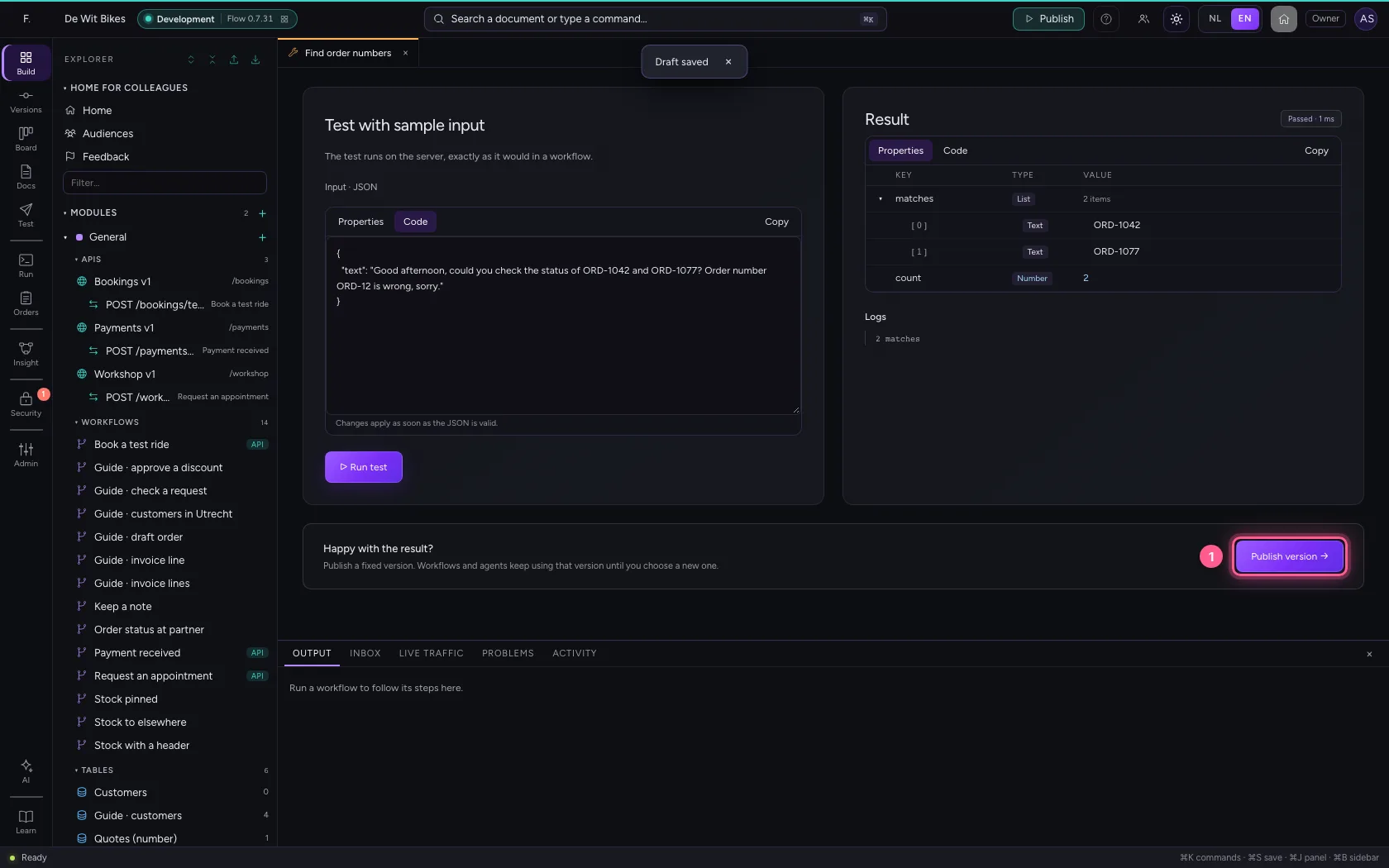
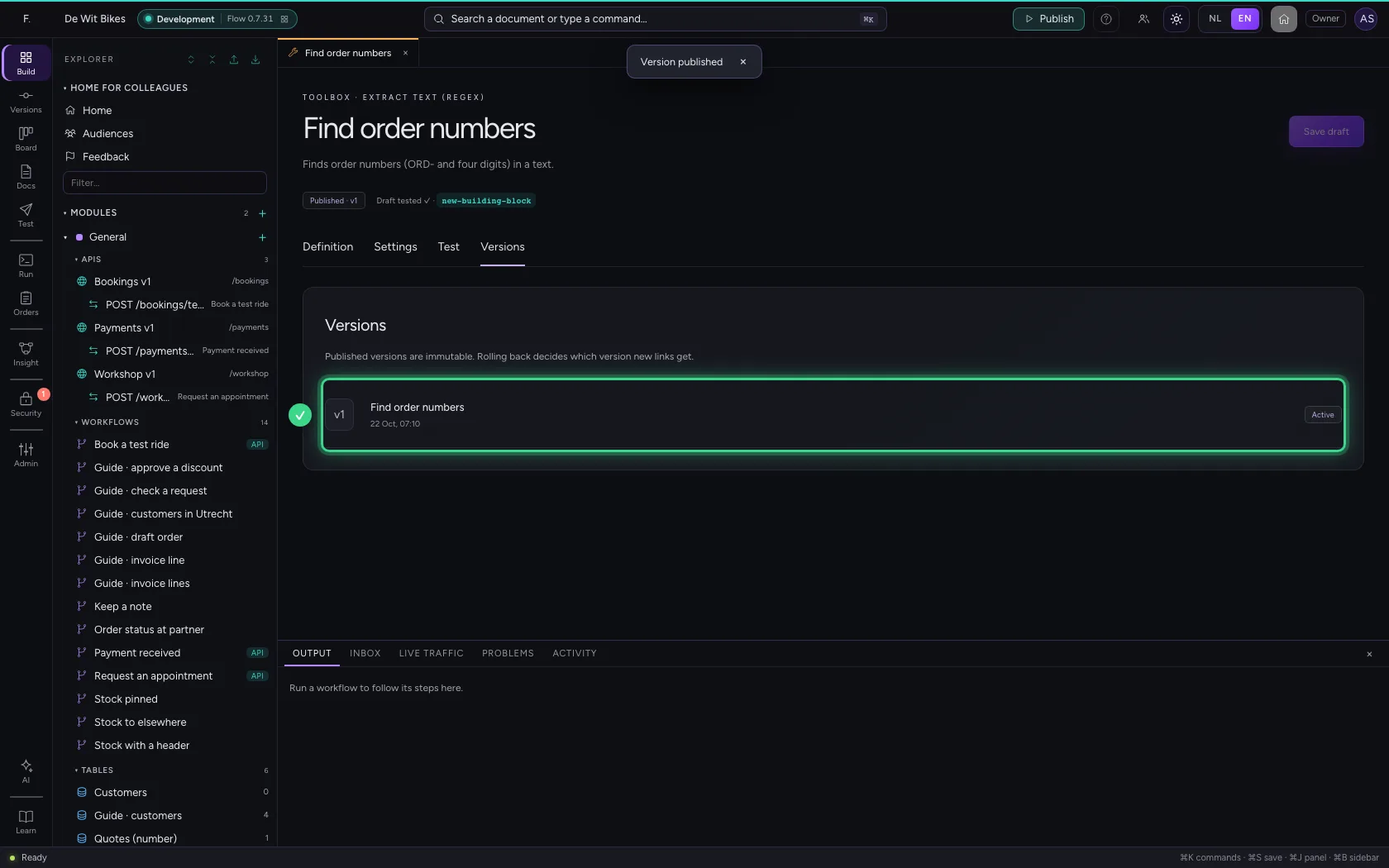
Publish a fixed version; workflows use it as a Building block step, agents as a tool.
- Click Publish version →
Give it to an agent
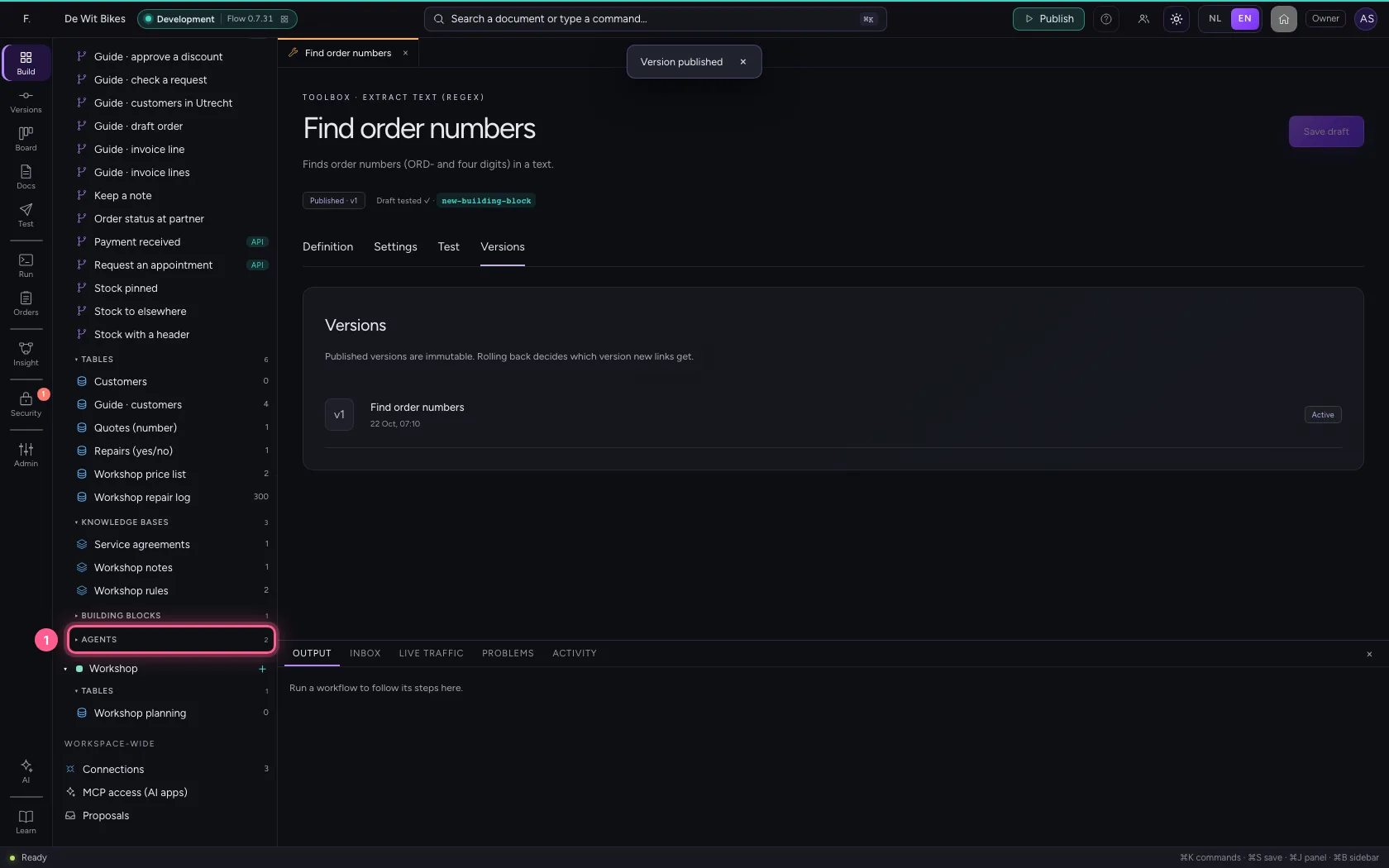
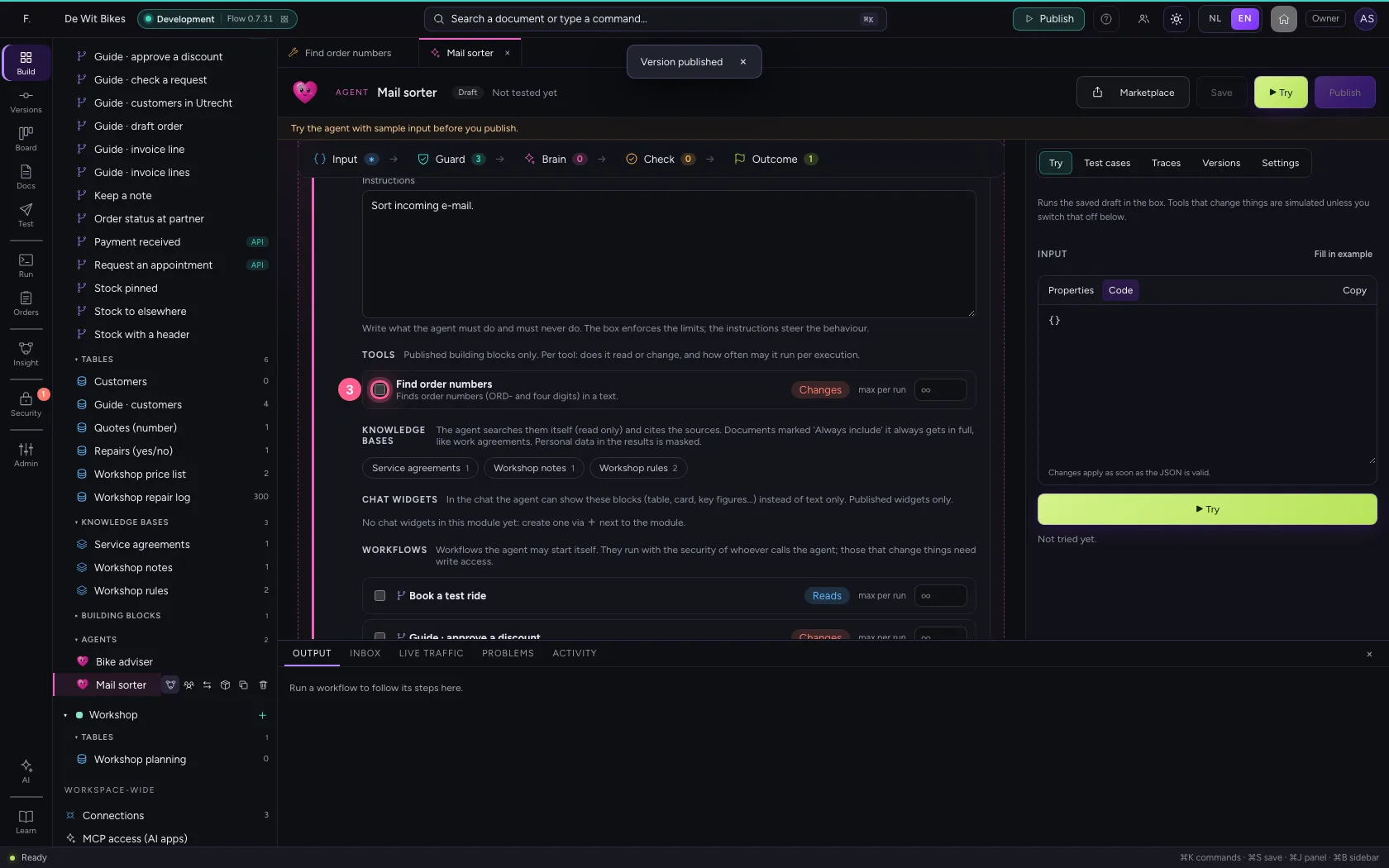
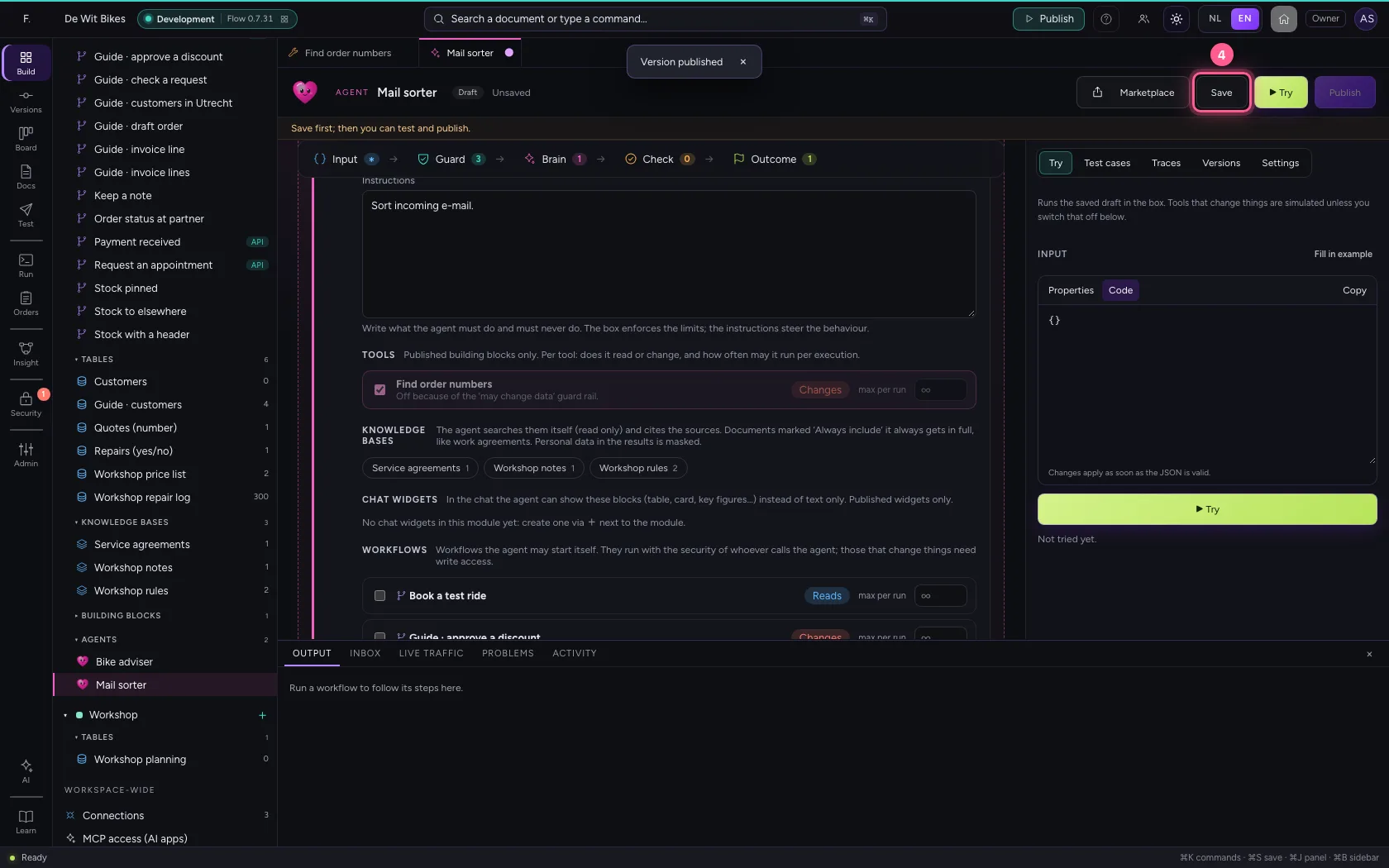
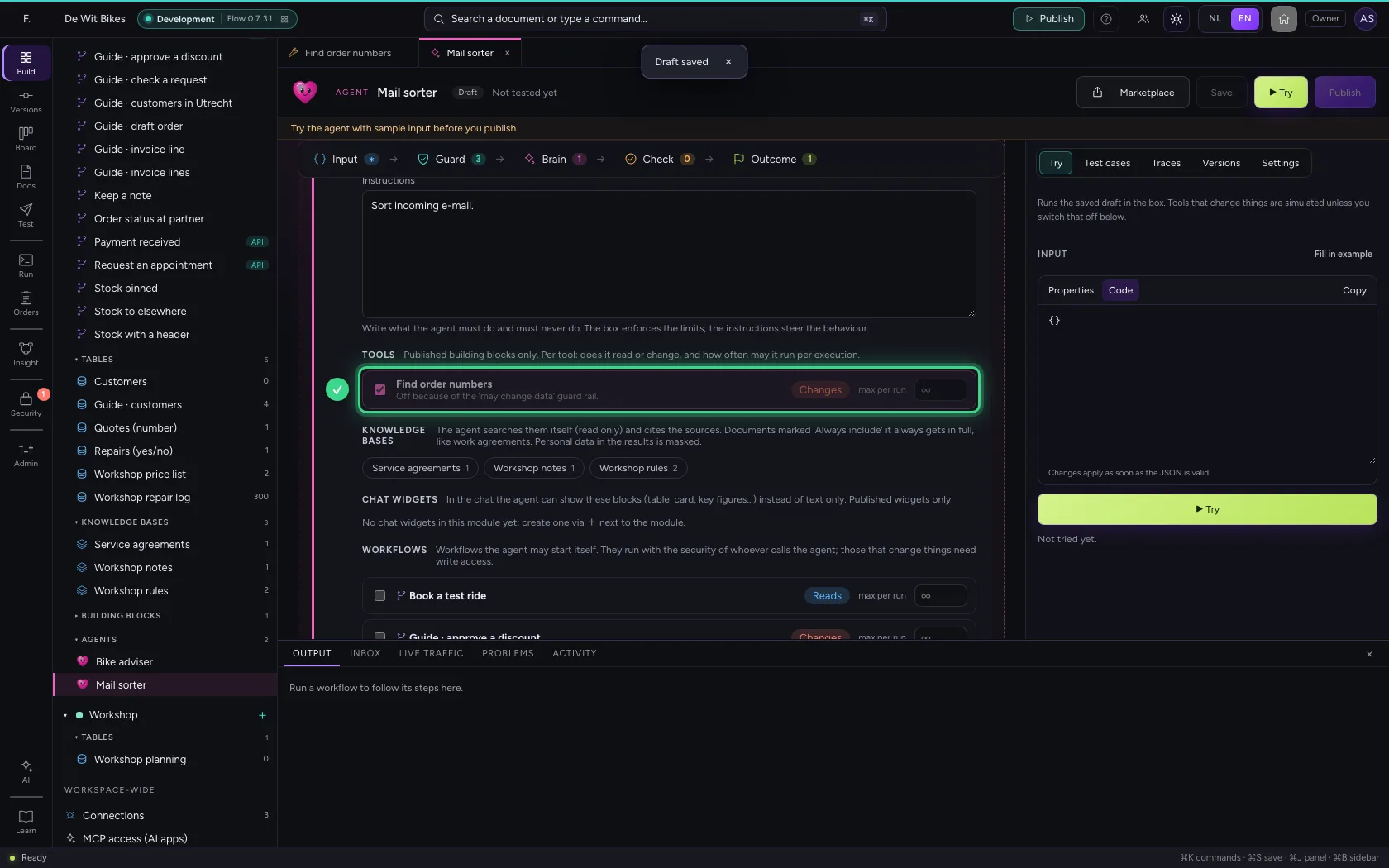
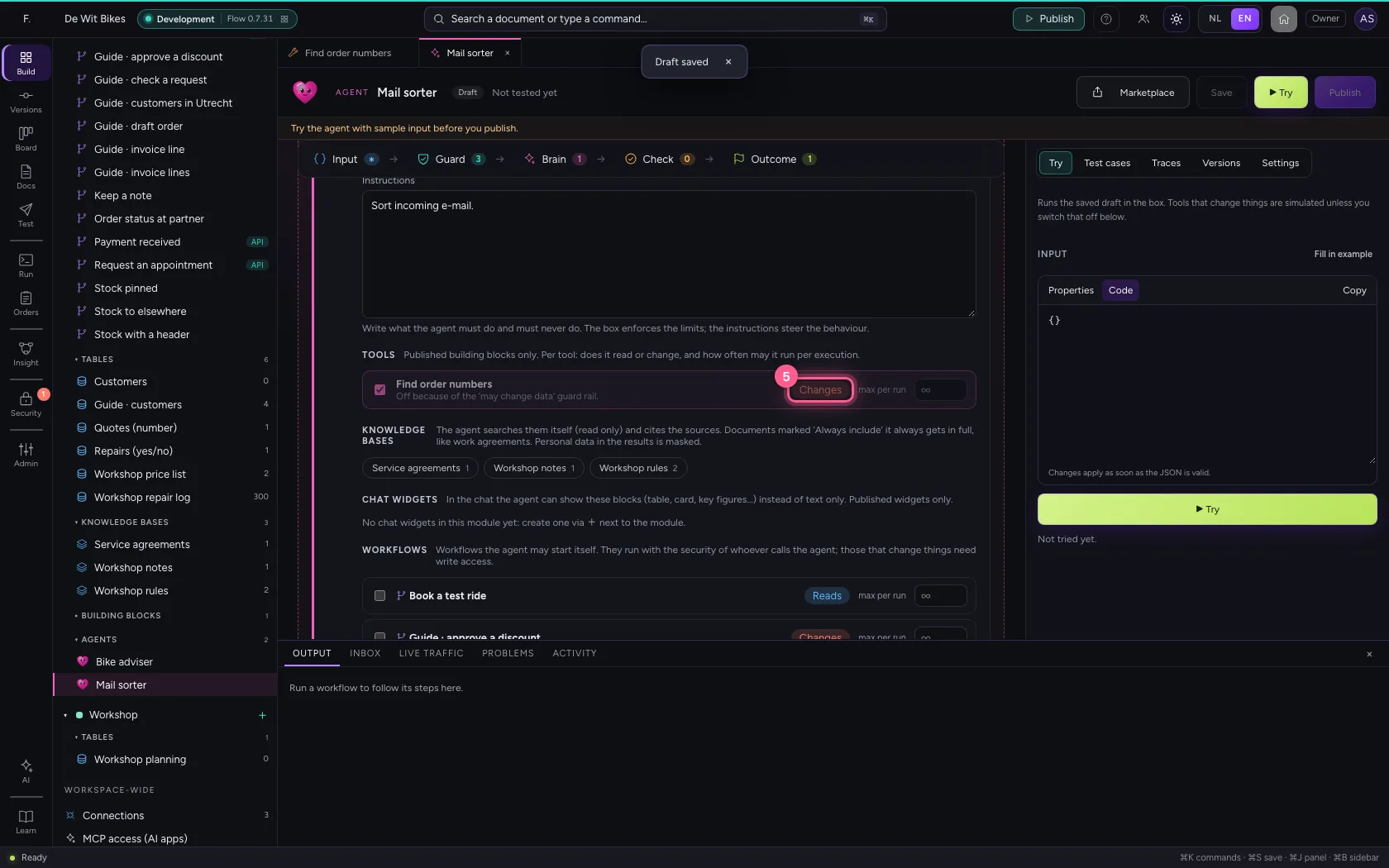
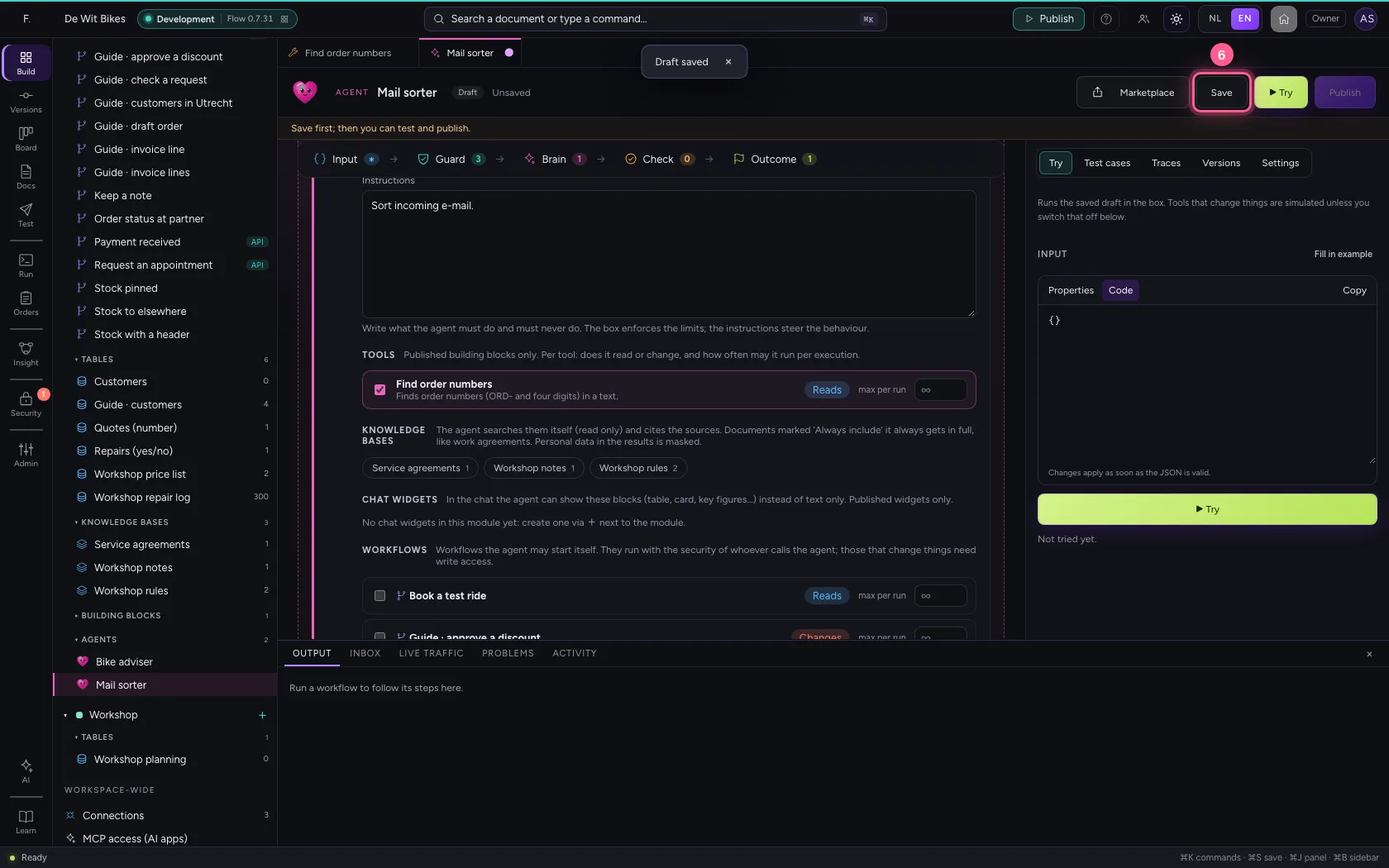
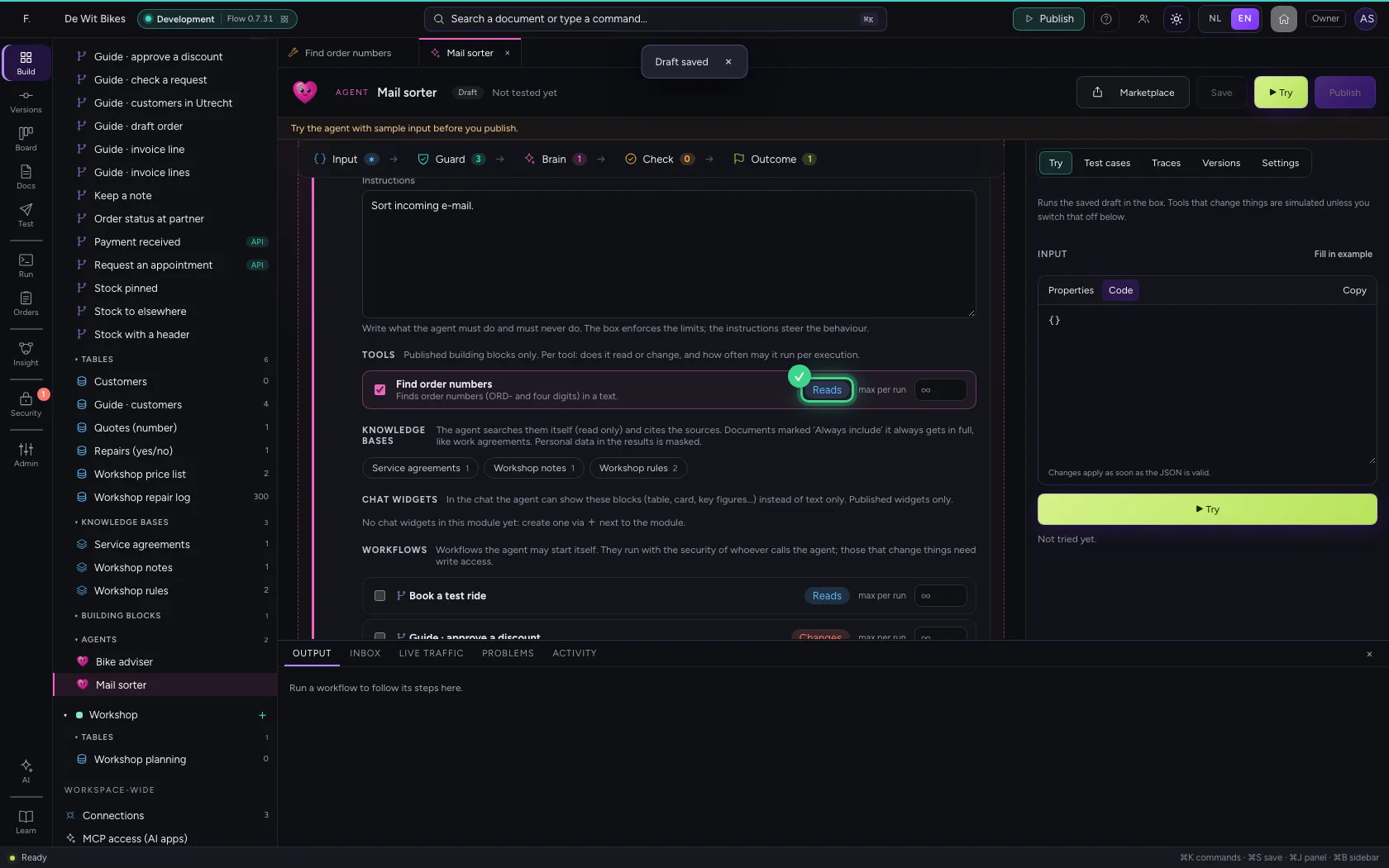
Open an agent and tick the building block under Brain → Tools. Set it to Reads with the button next to it: it changes nothing, so the agent may use it even without write rights.
- Click Agents
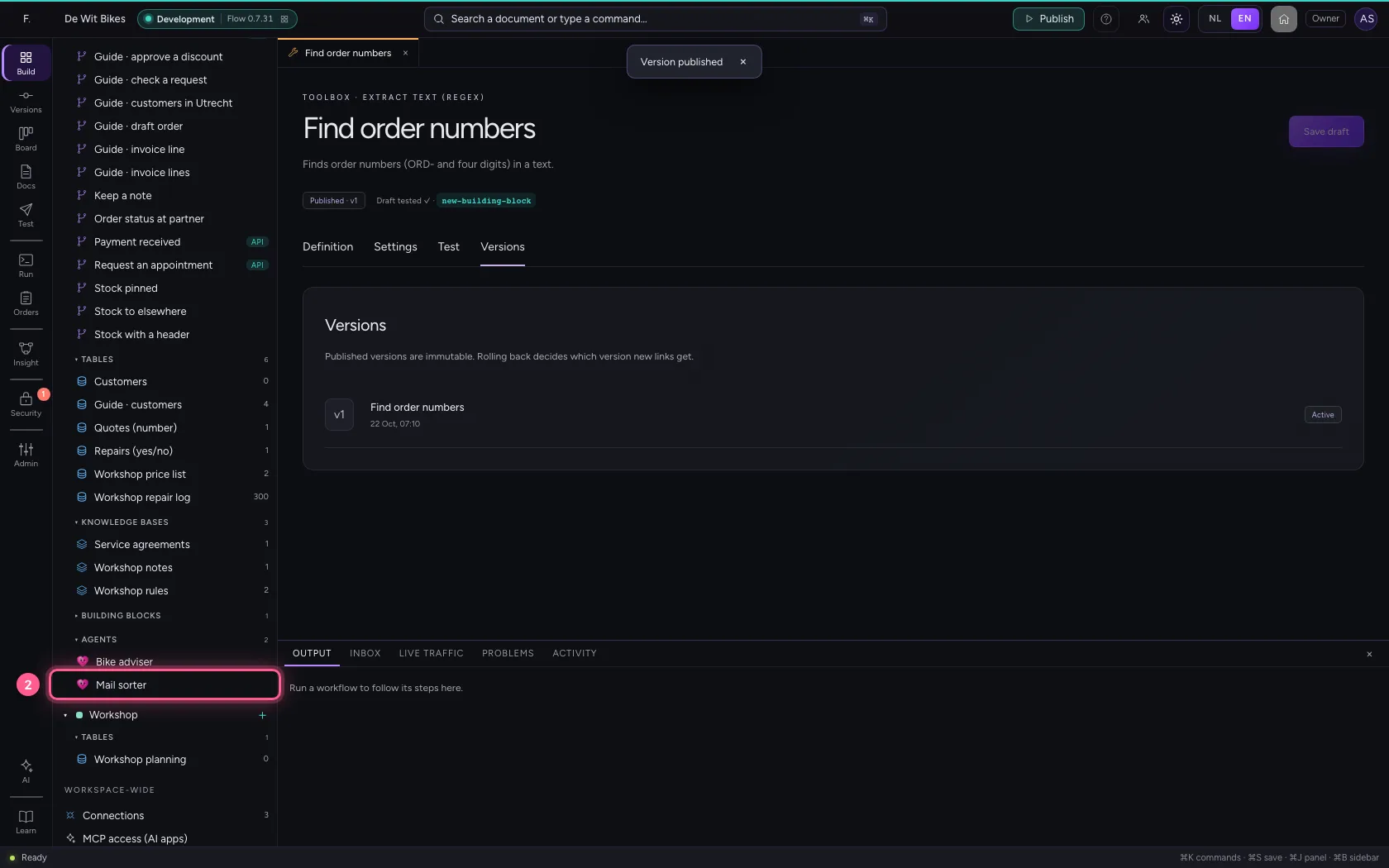
- Click the agent ‘Mail sorter’
- Click Find order numbers
- Click Save
- Click Changes → Reads
- Click Save
This guide was carried out step by step on 22 Oct 2026 by an automated test on Flow (version 3e563176).