The explorer and modules
On the left of Flow is the explorer: everything you build, grouped in modules. A module is a folder for one subject or team, such as Workshop or Sales, with its own colour and owner. What is in a module is internal unless you share it. You create a module for the workshop, move a table into it and merge two modules.
Open your development environment
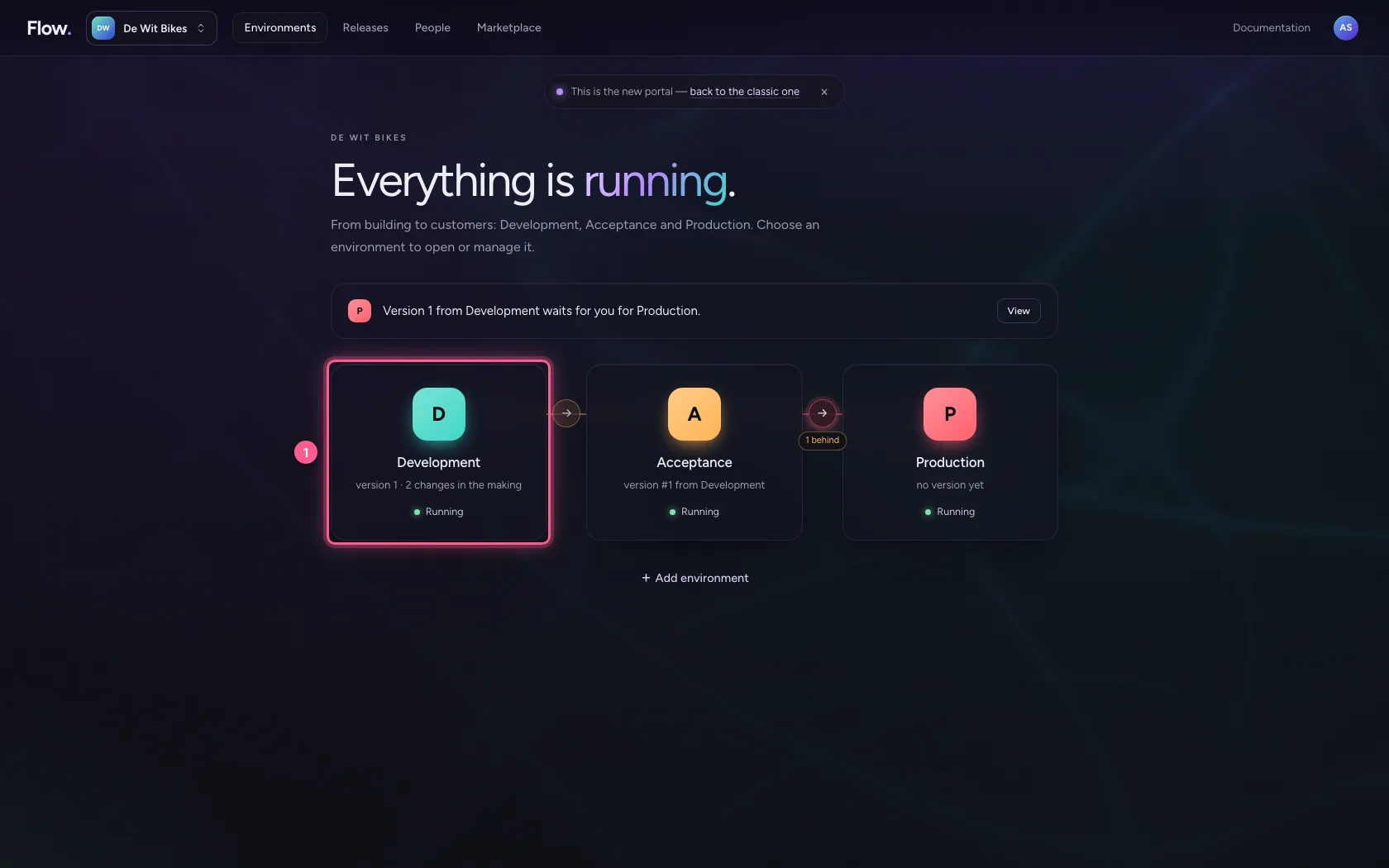
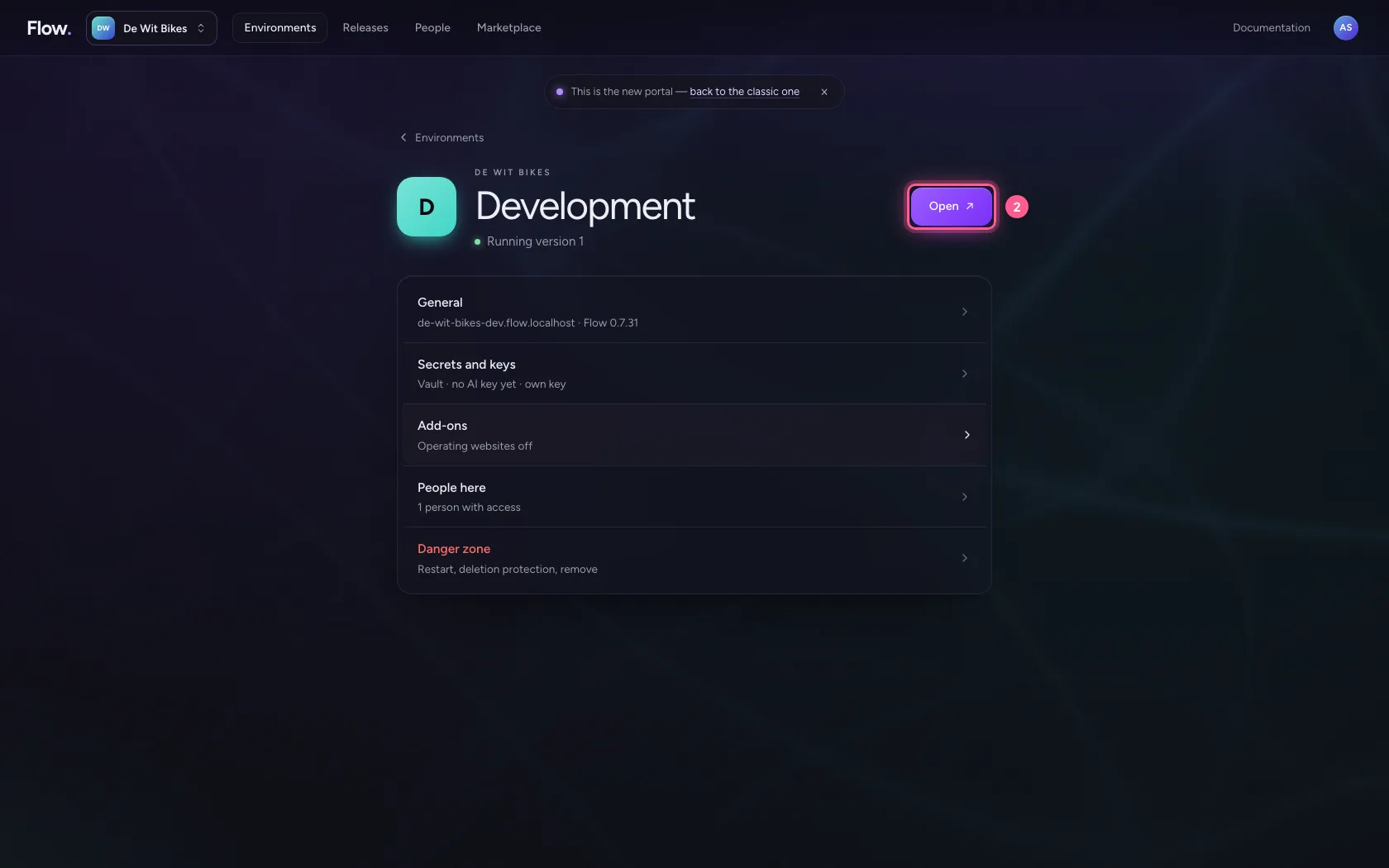
In the portal, under Environments, click Development, and there Open. Flow opens in a new tab and you are signed in straight away.
- Click Development
- Click Open ↗
Create a module
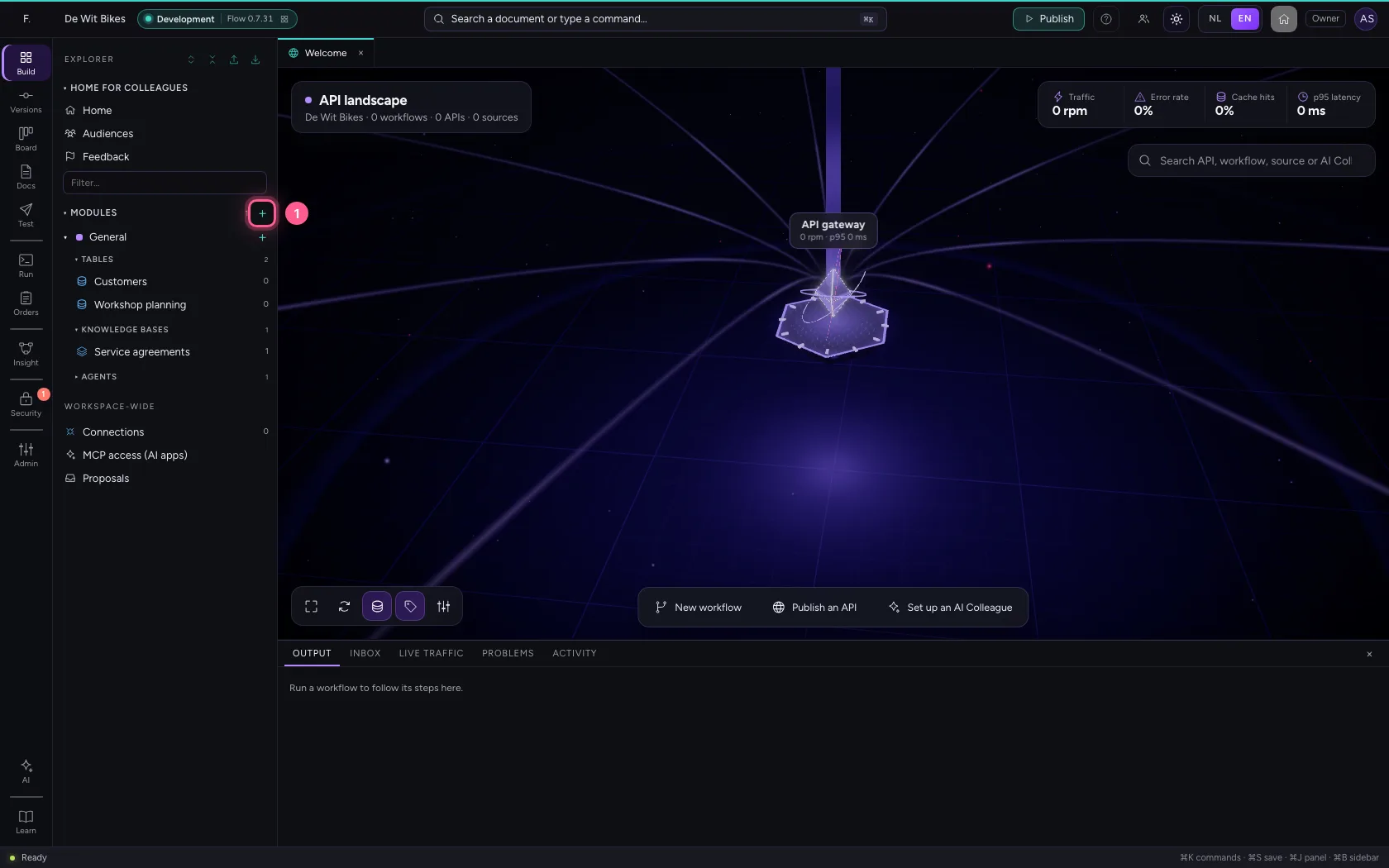
Click + next to Modules. Flow creates a new module and opens it straight away, so you can give it a name.
- Click New module
Give it a name, owner and colour
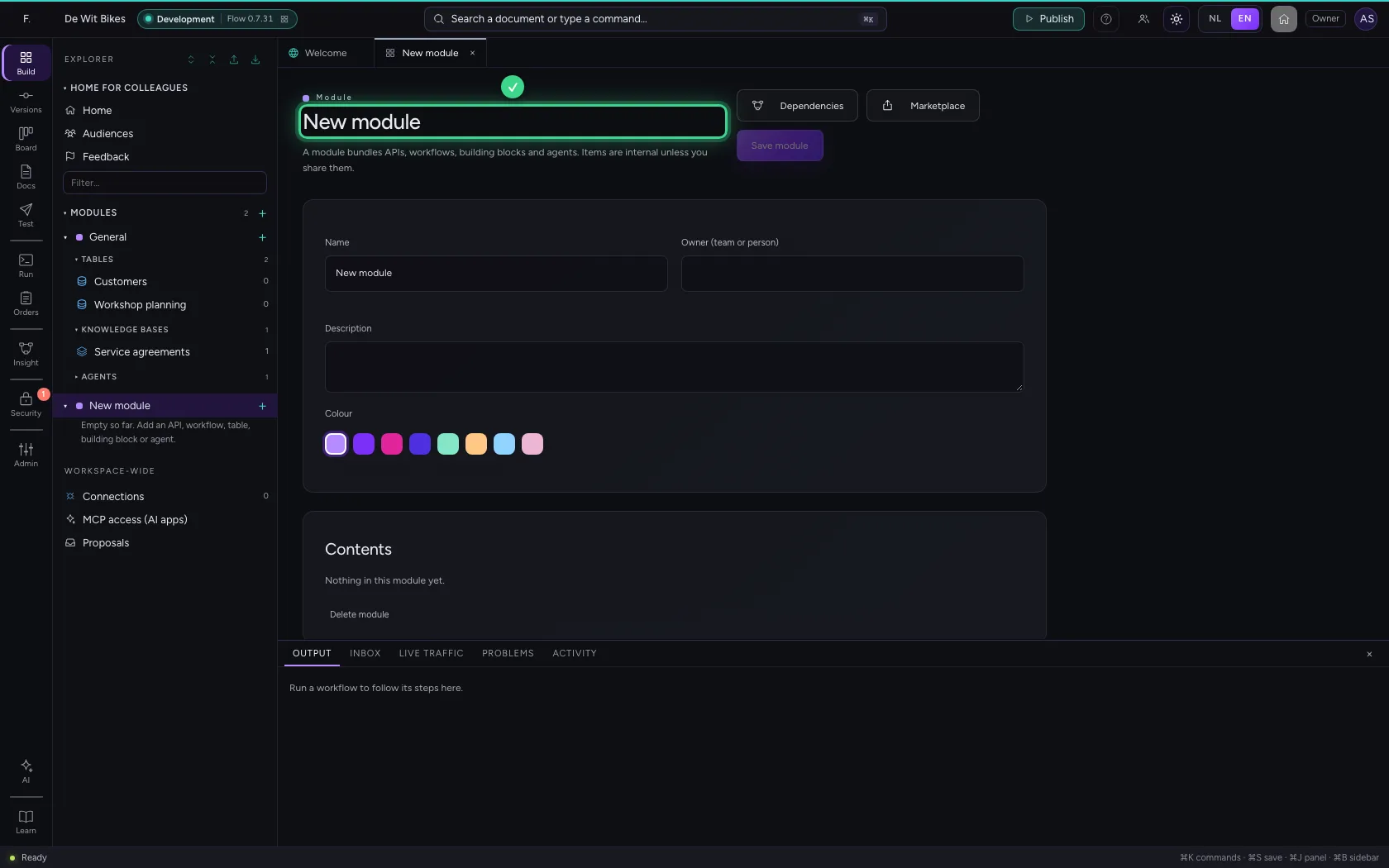
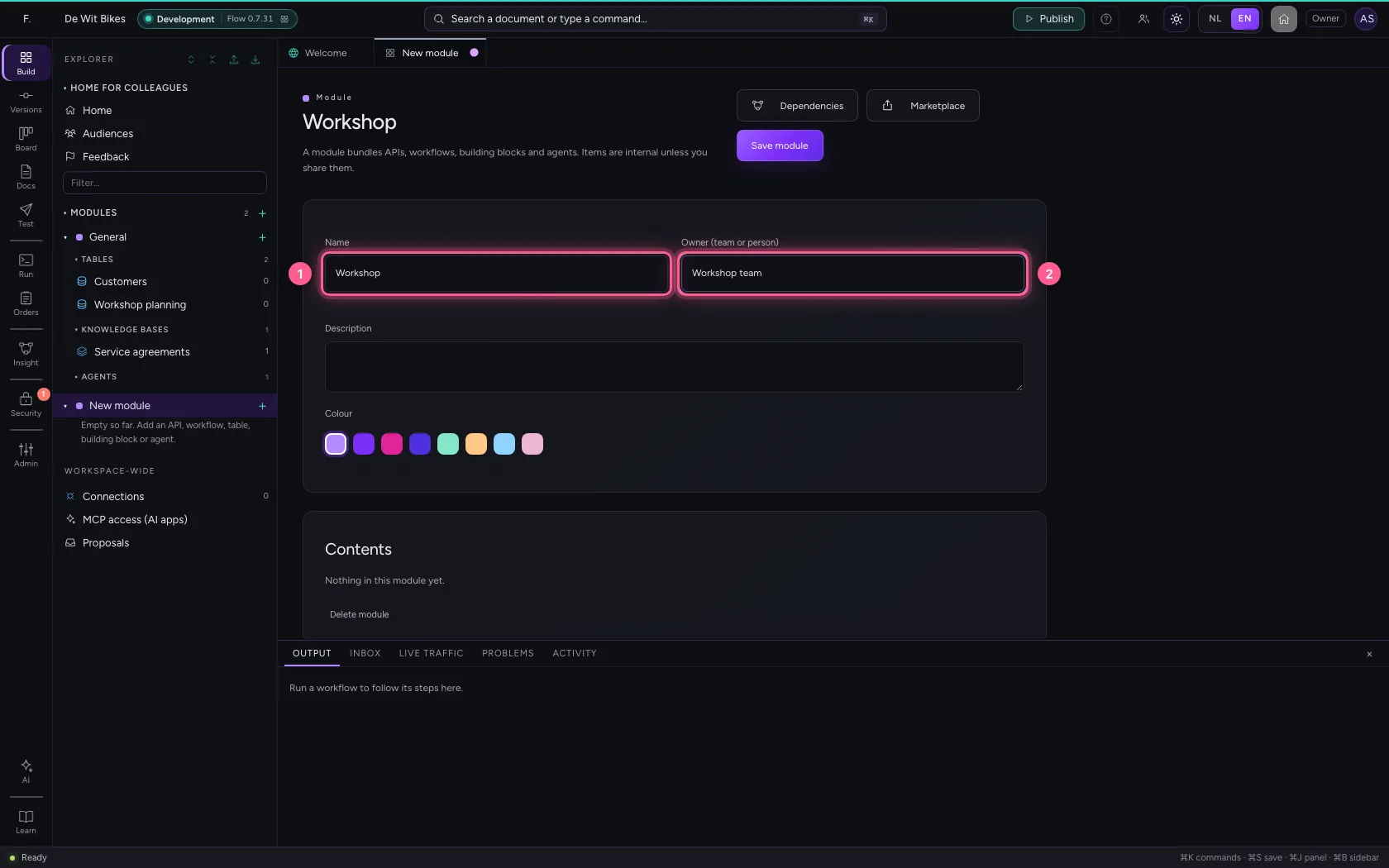
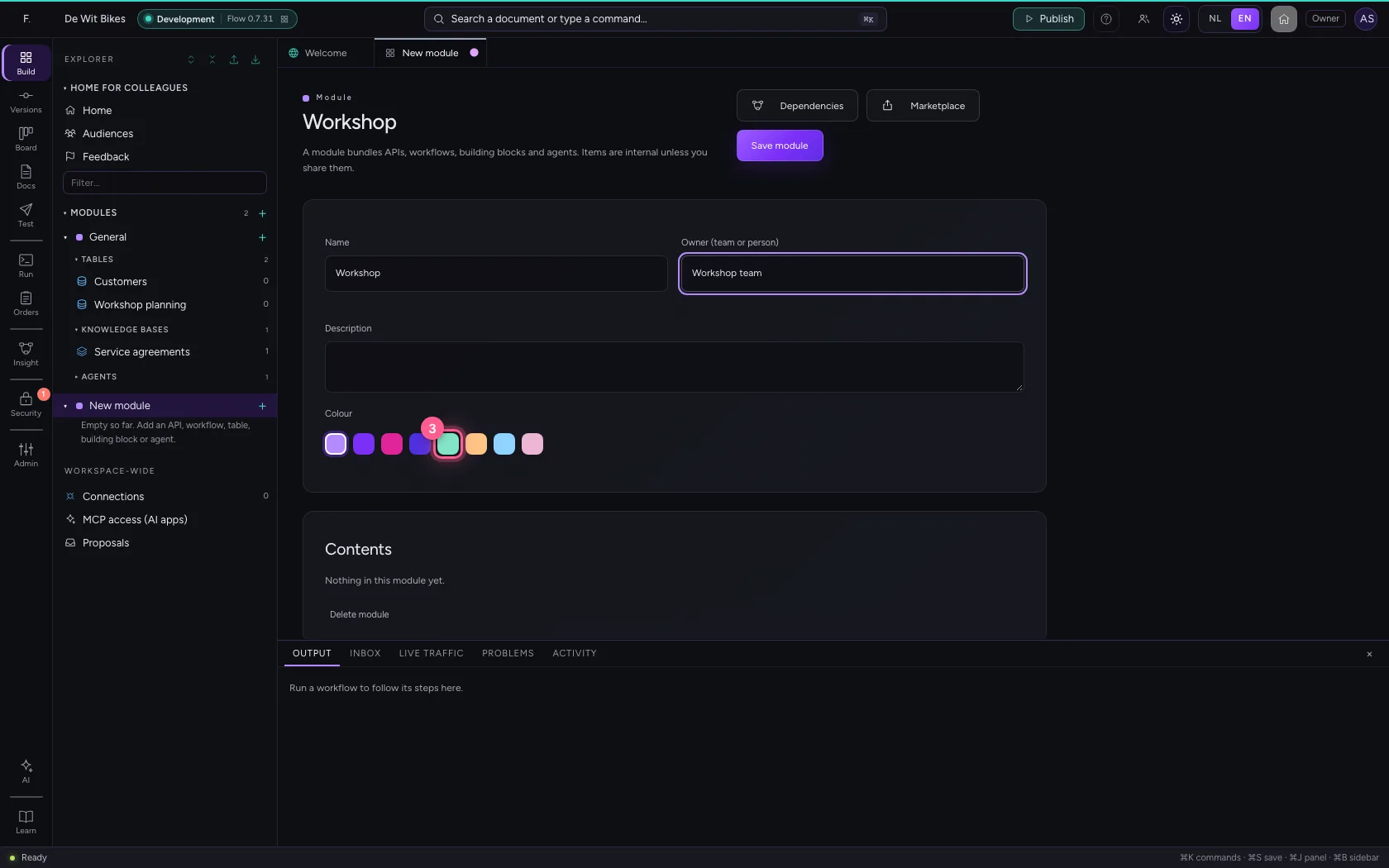
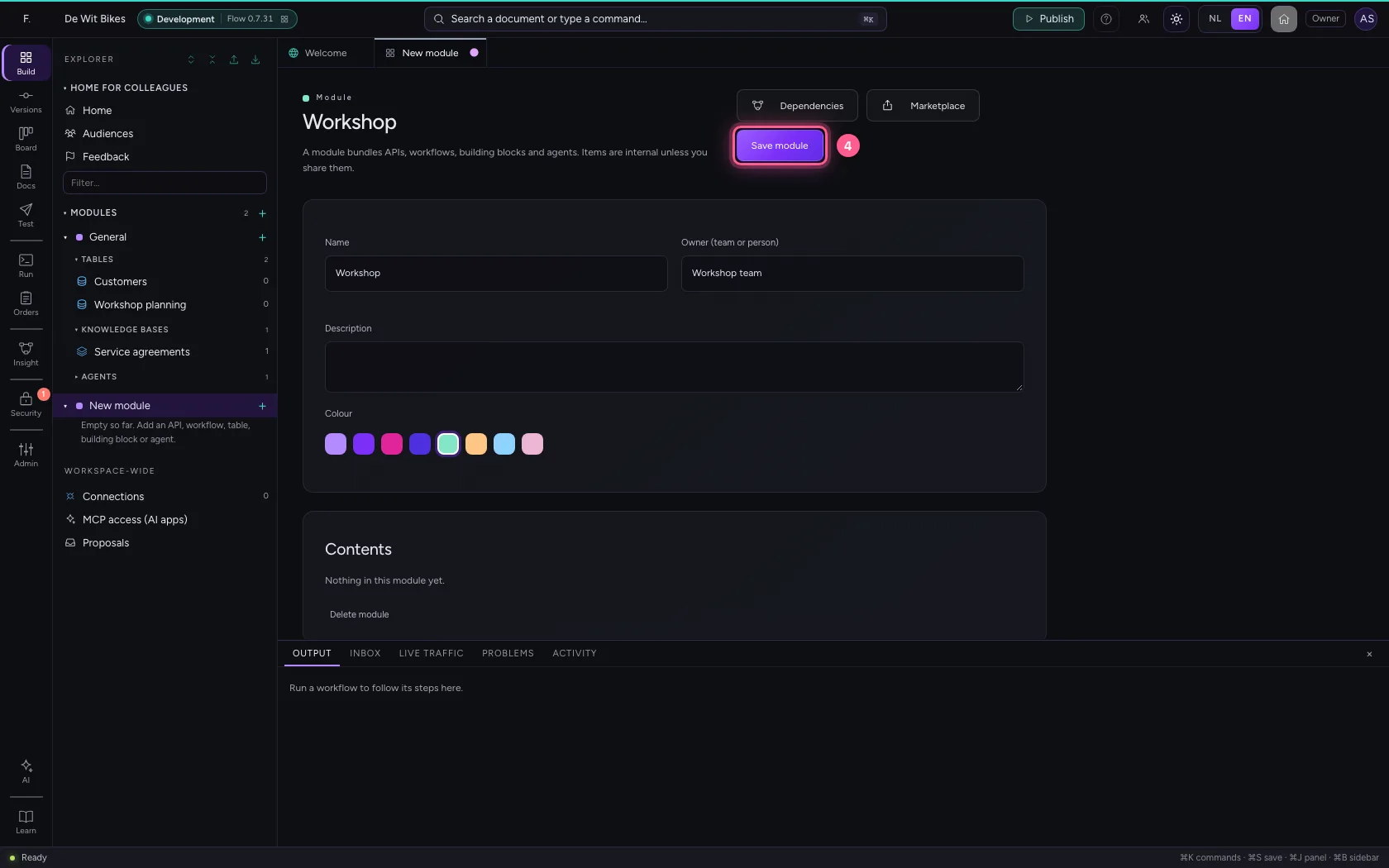
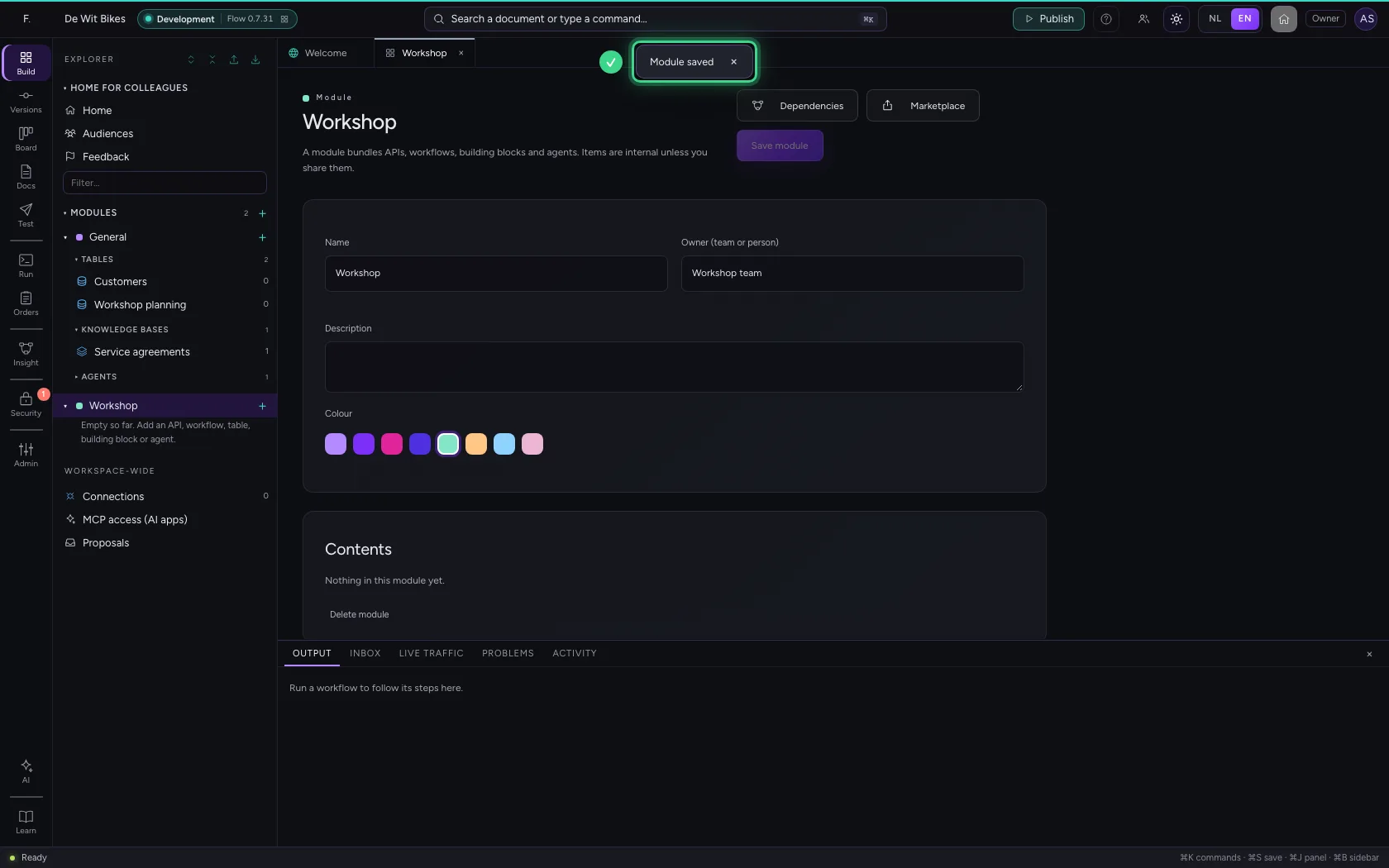
Type the name and who owns it: the team or person in charge. Pick a colour: you see it again as a dot in the explorer, so you can tell modules apart at a glance. Save the module.
- In Name, type
Workshop - In Owner (team or person), type
Workshop team
- Click a colour
- Click Save module
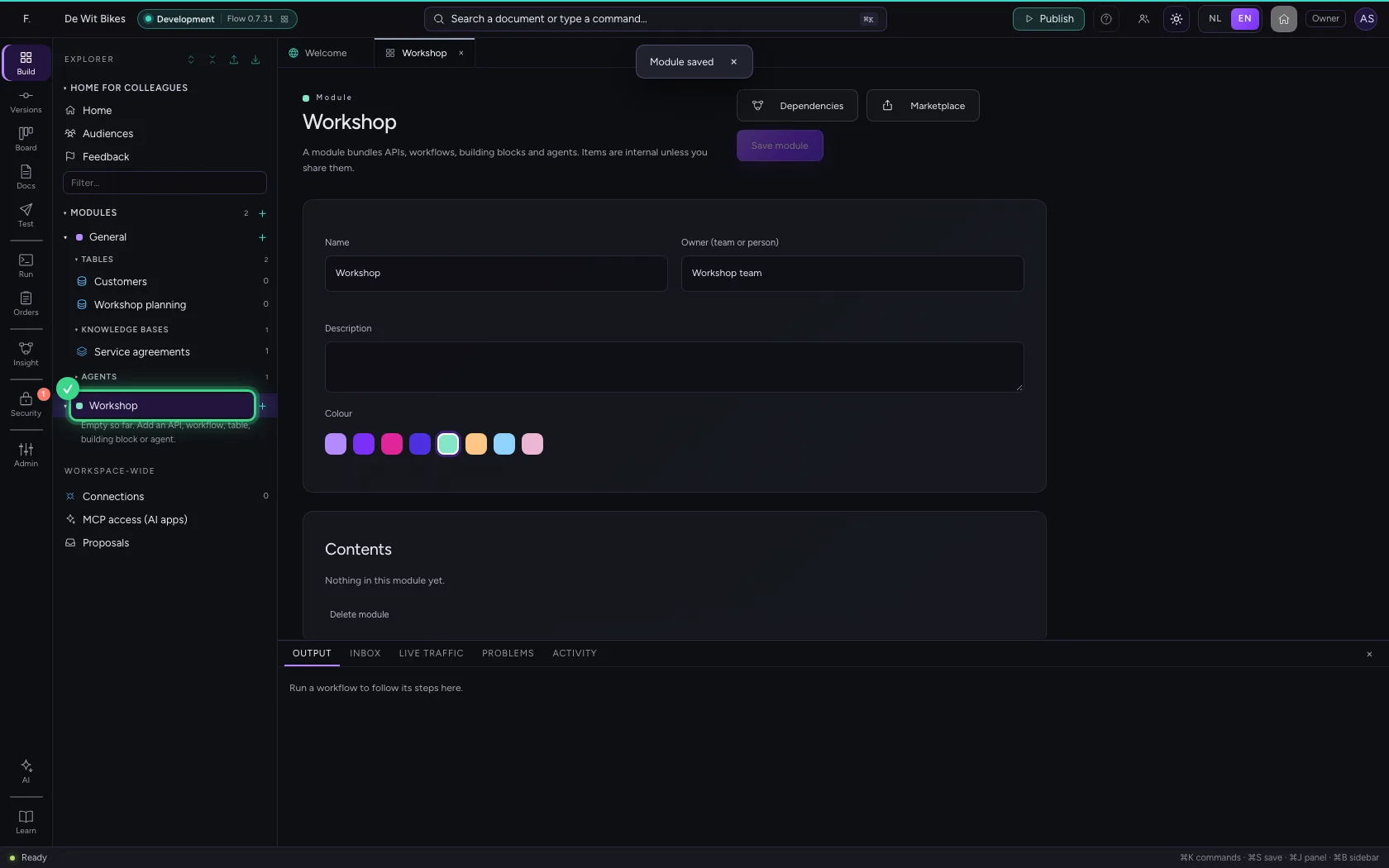
Move a table into the module
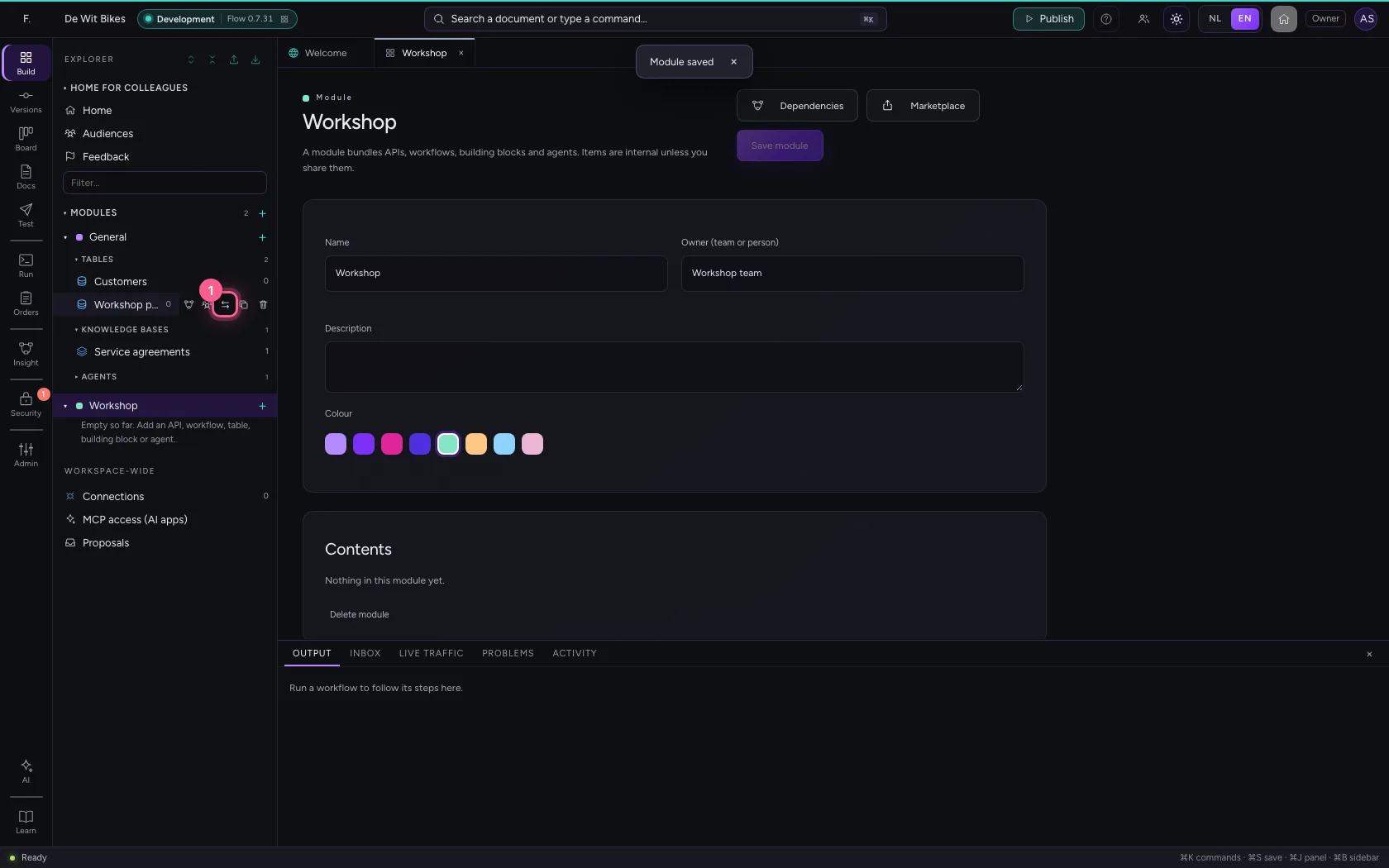
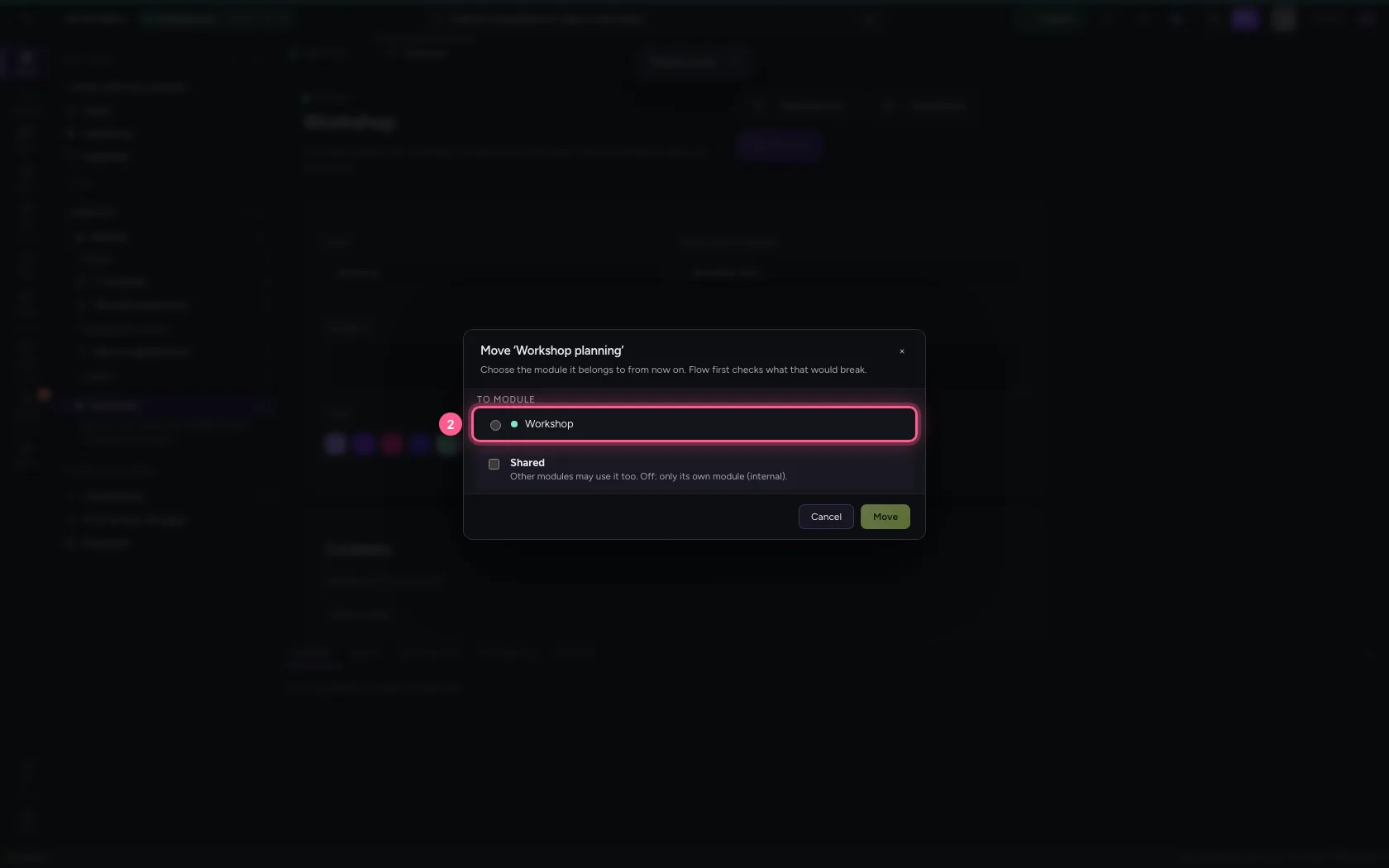
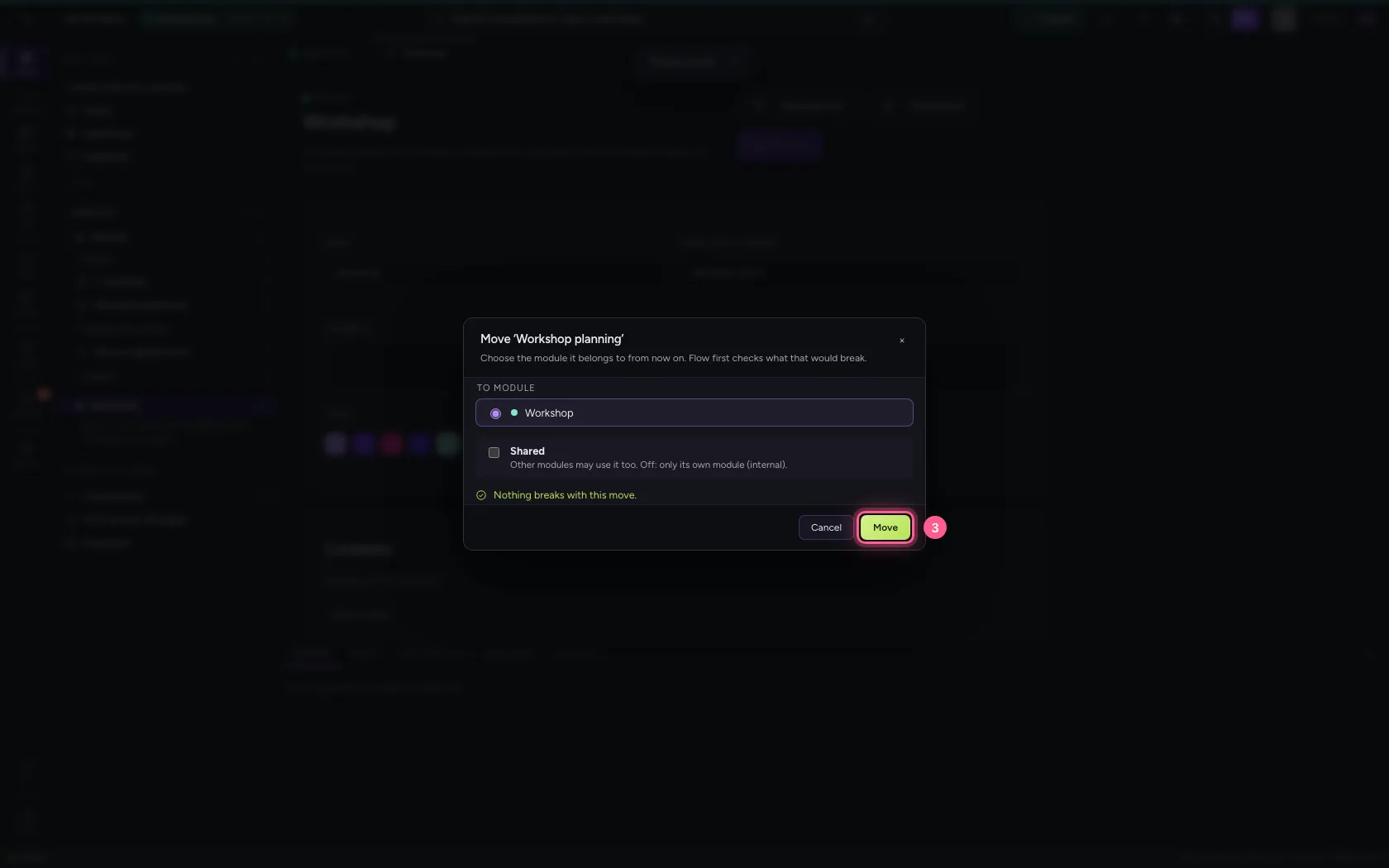
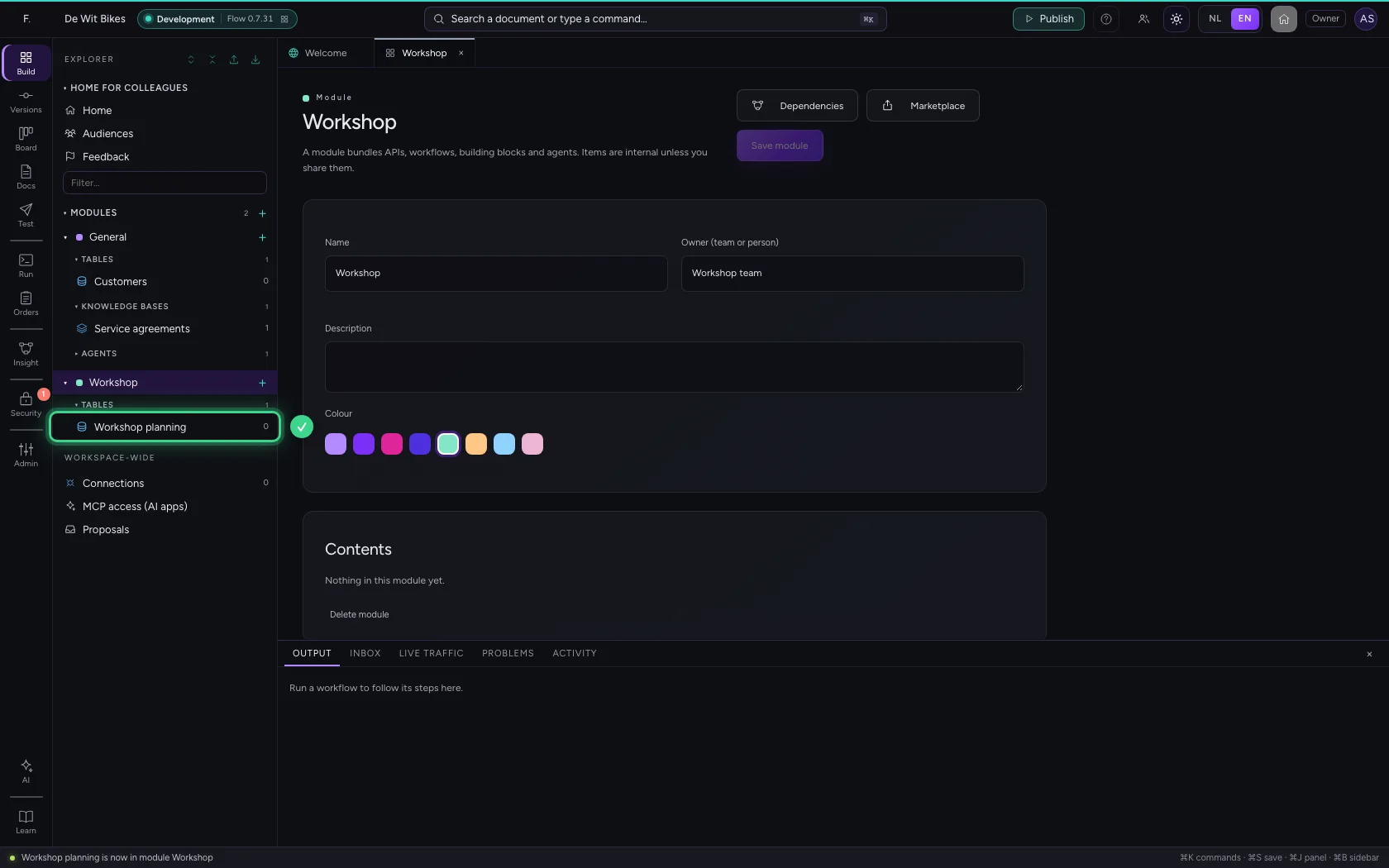
In the explorer, point at the table that belongs to the workshop and click the arrows: Move to module…. Choose the new module. Flow first checks what would break: an internal item may only be used by what is in the same module. If something would break you see what, and you switch on Shared or move them together. This works for everything in the explorer: workflows, tables, agents, chat widgets, dashboards, building blocks and APIs.
- Click Move to module…
- Click the module Workshop
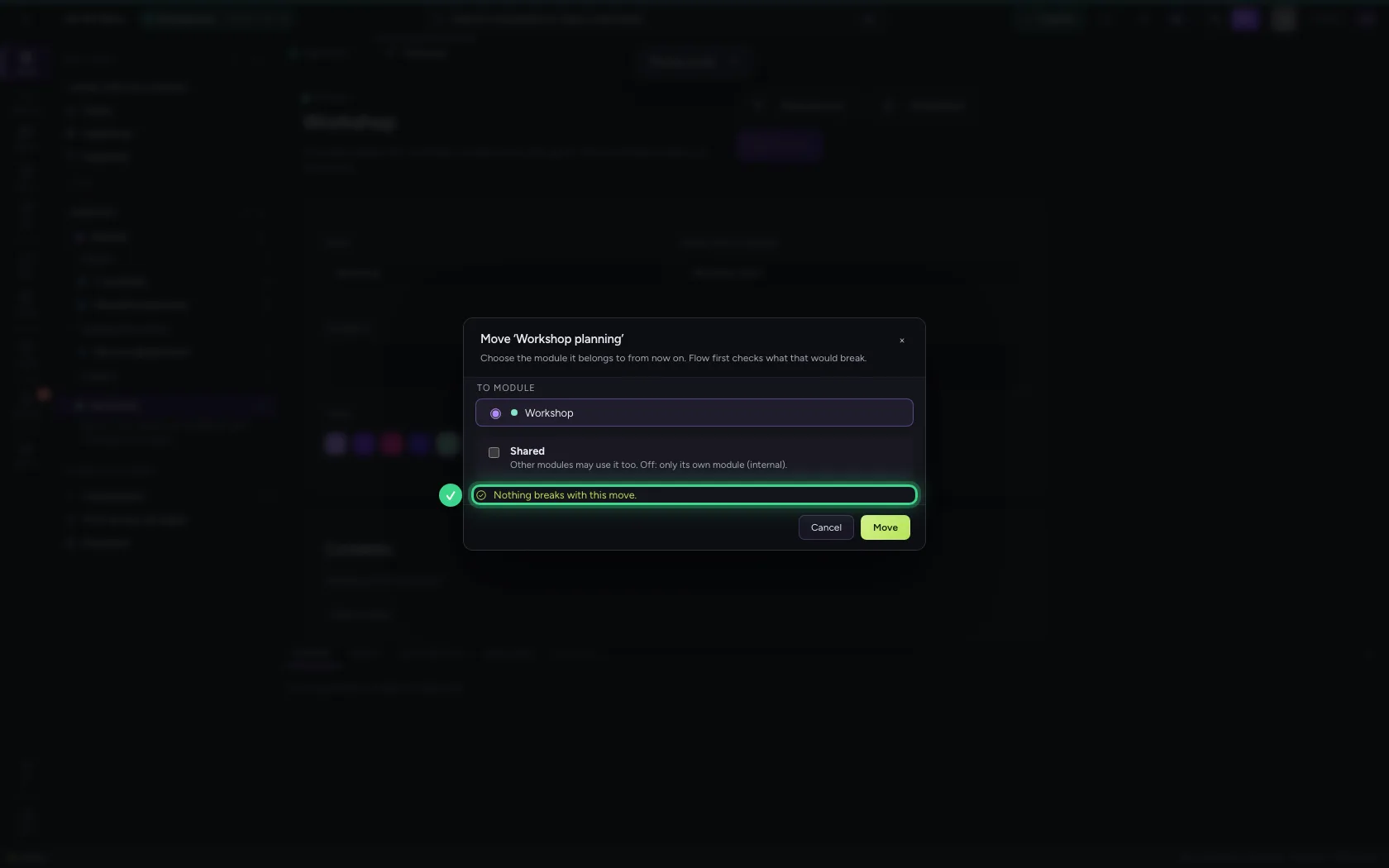
- Click Move
Merge two modules
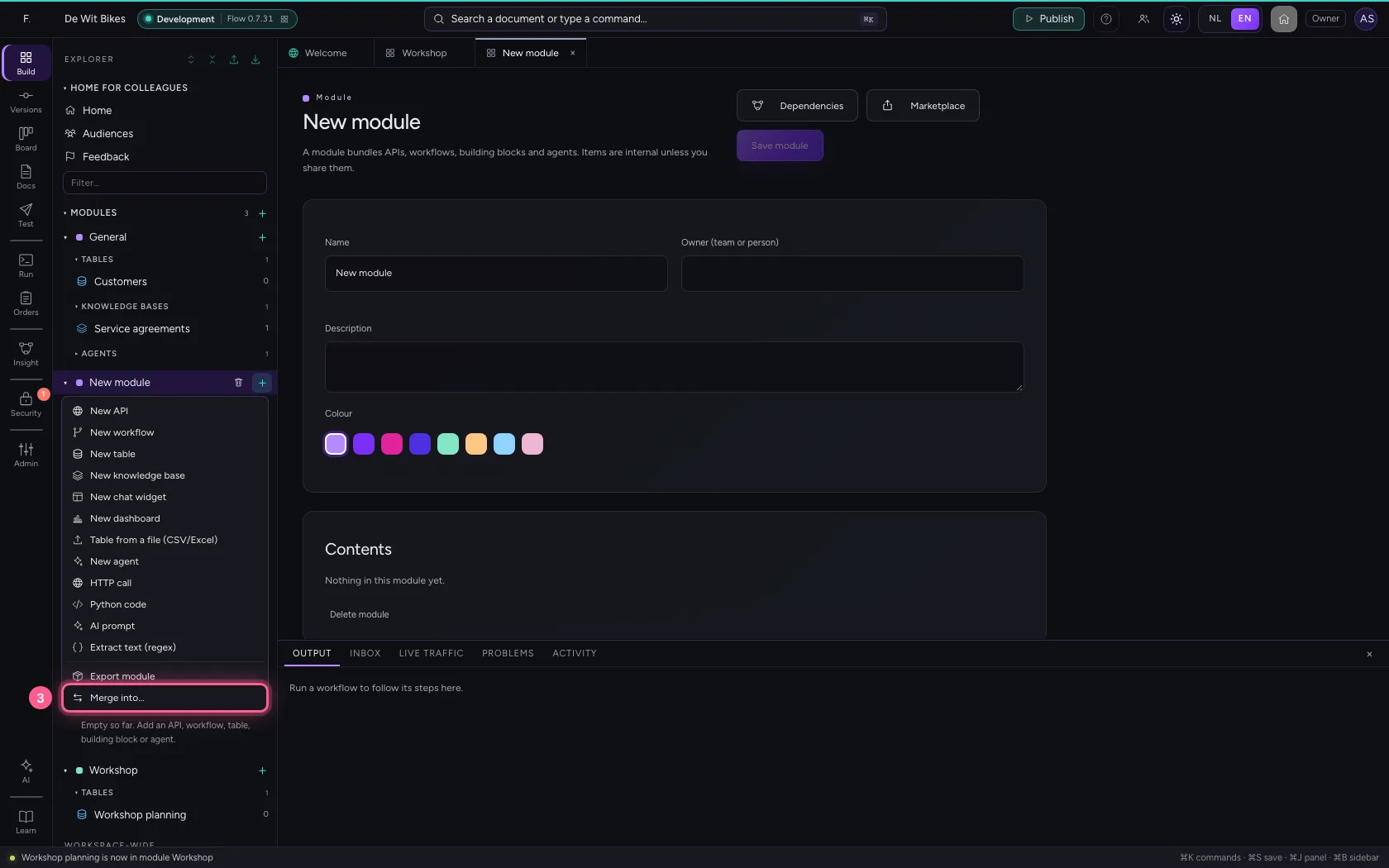
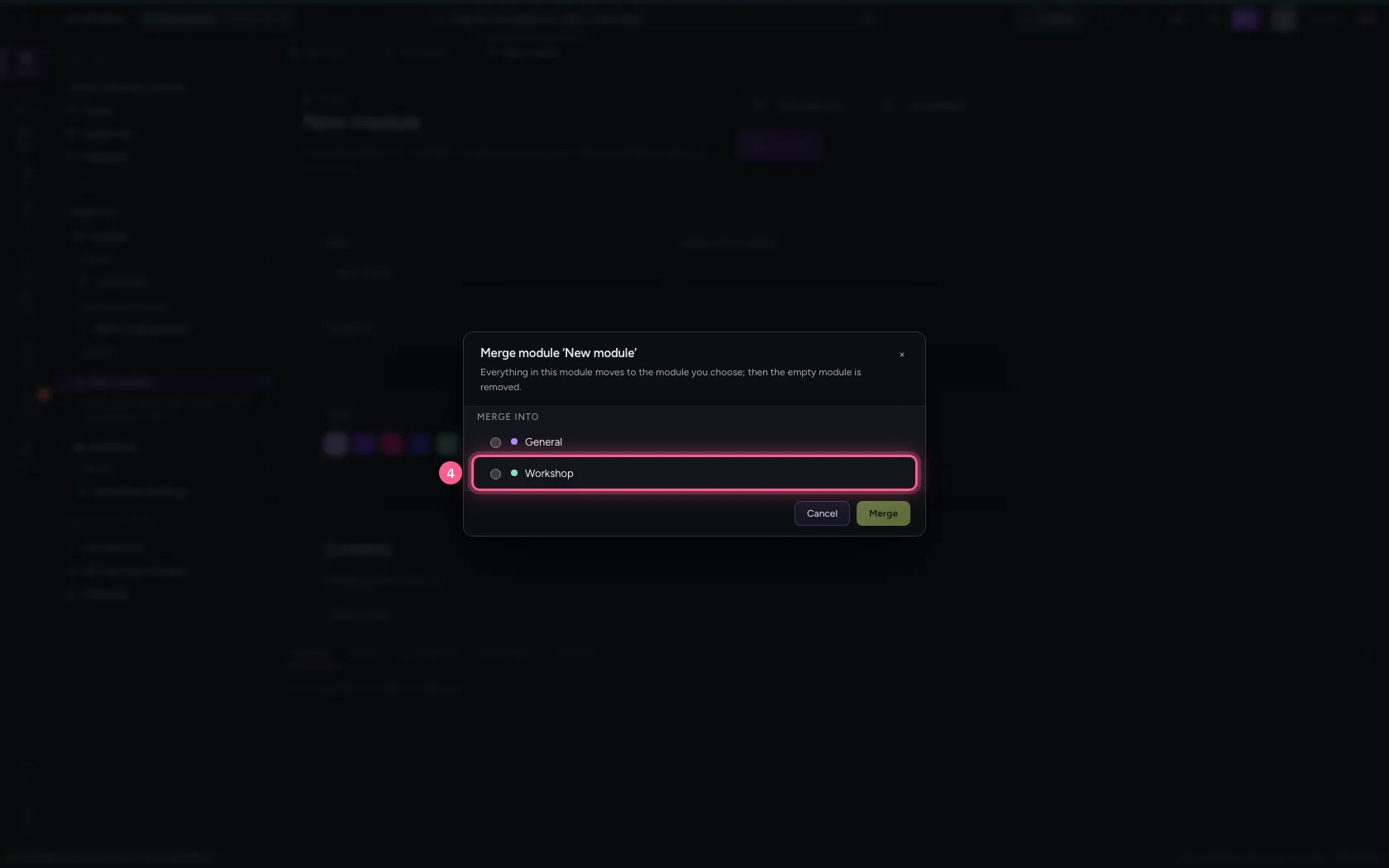
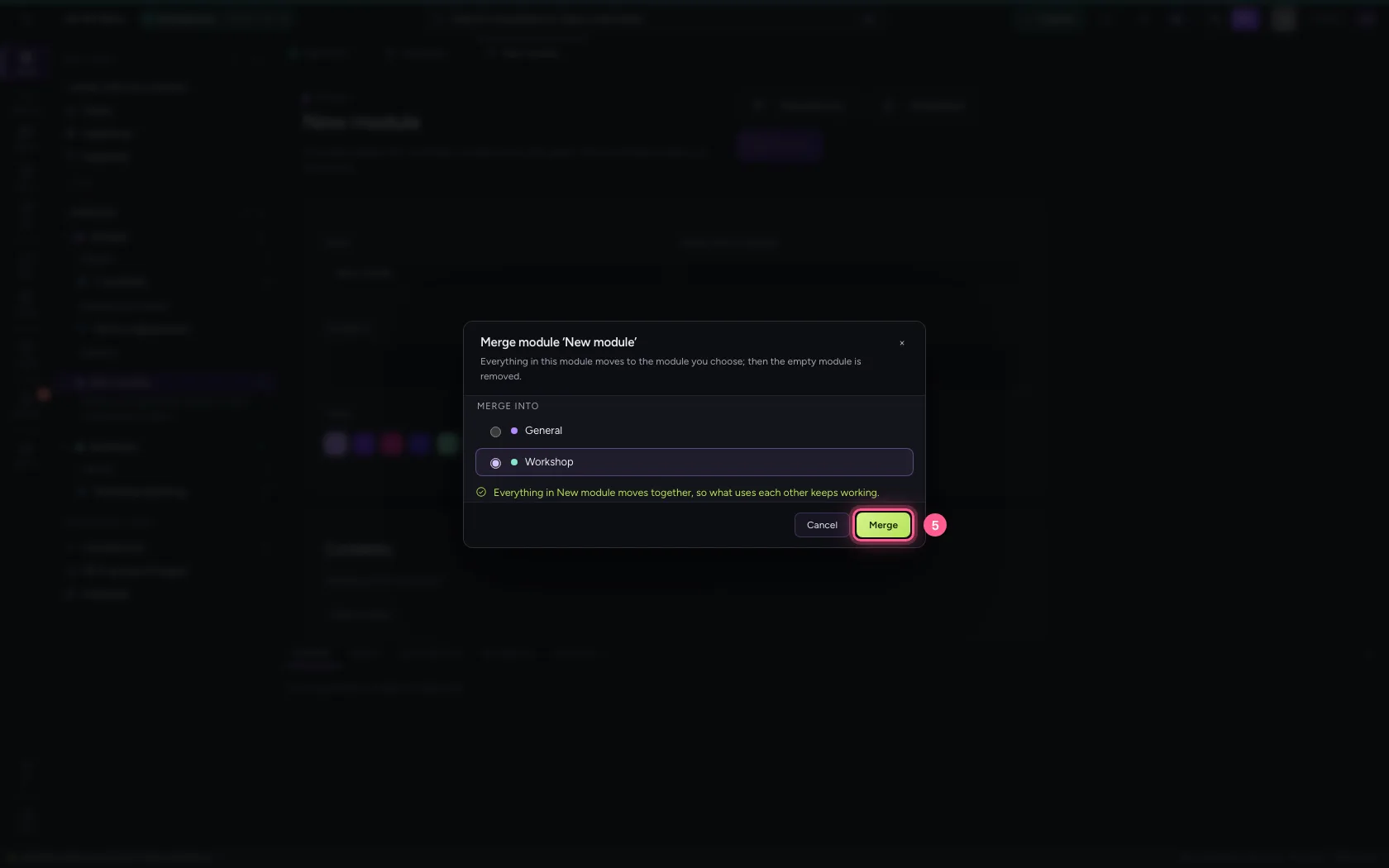
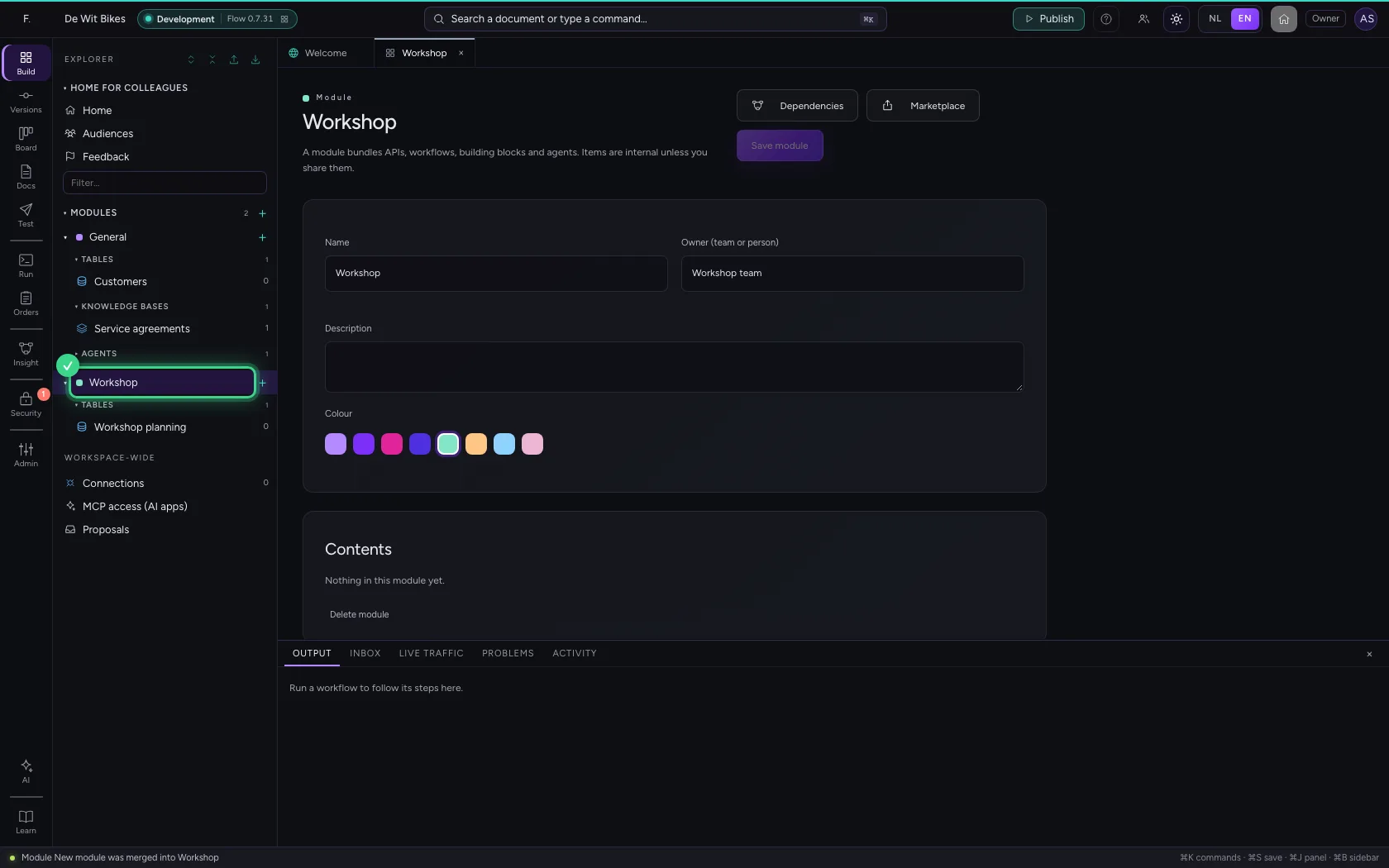
Is one subject spread over two modules, for instance because they were started separately? Click + next to the module that should go and choose Merge into…. Everything moves together to the module you choose, so what uses each other keeps working; then the empty module is gone.
- Click + next to Modules
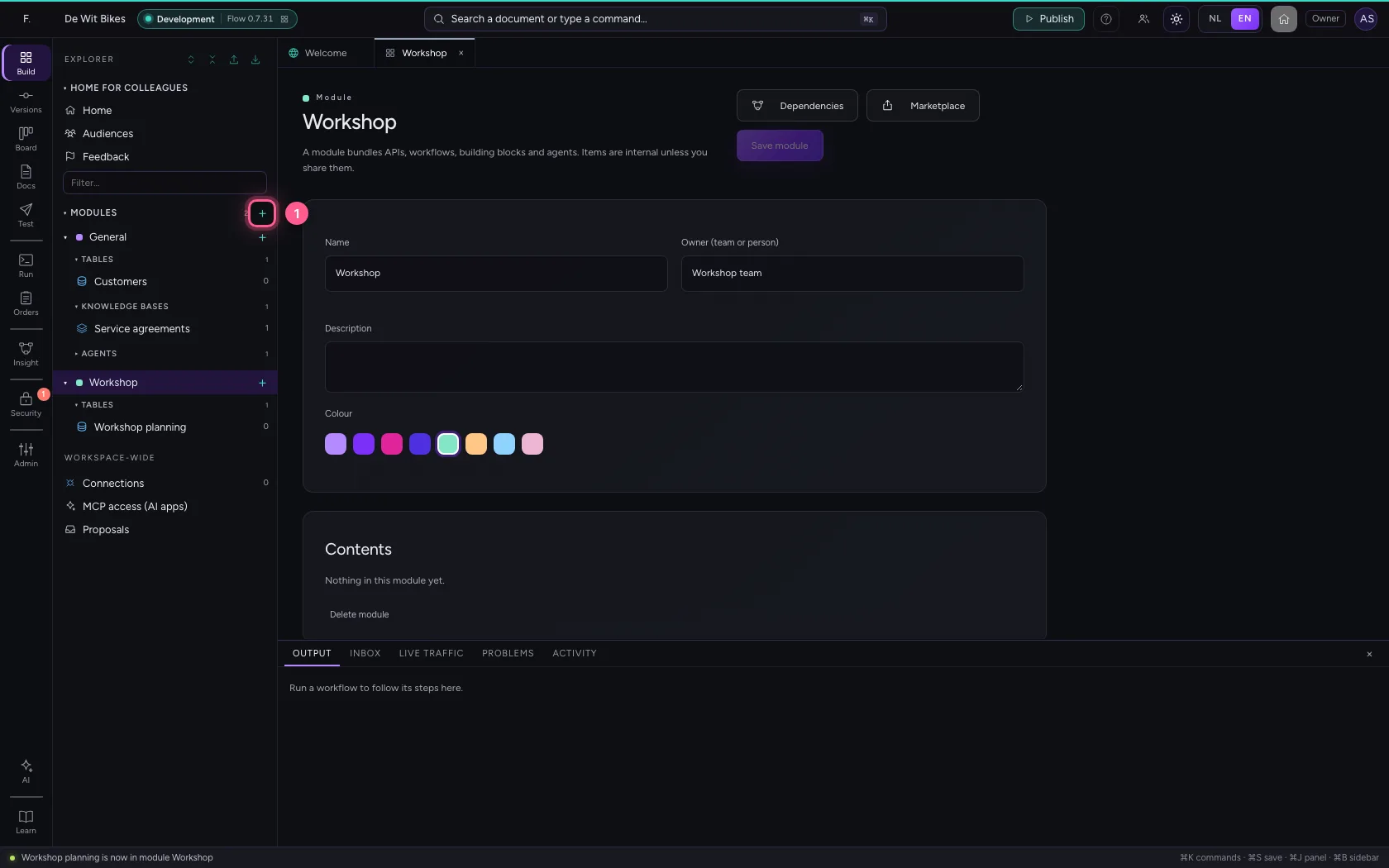
- Click + next to New module
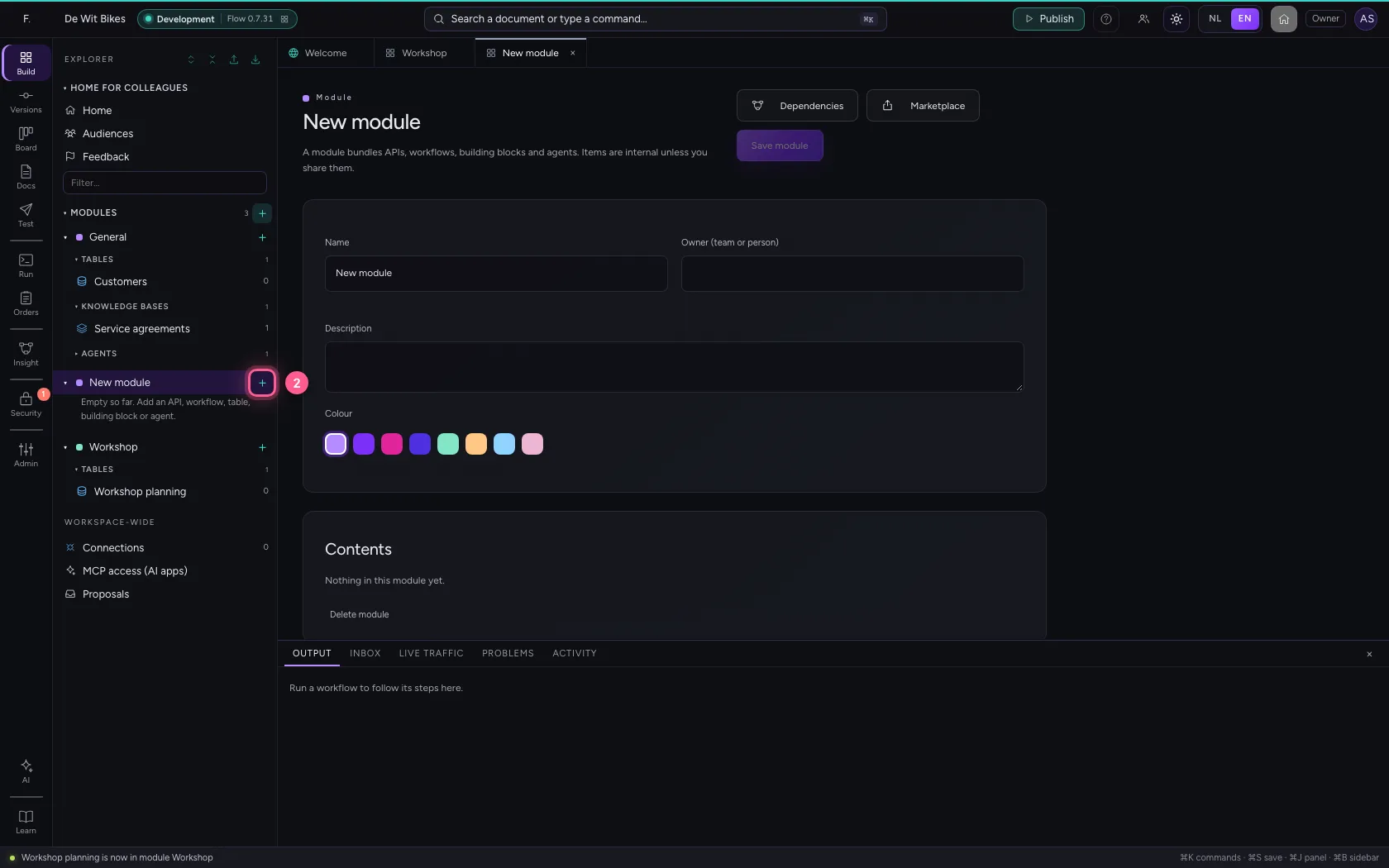
- Click Merge into…
- Click the module Workshop
- Click Merge
Search the explorer
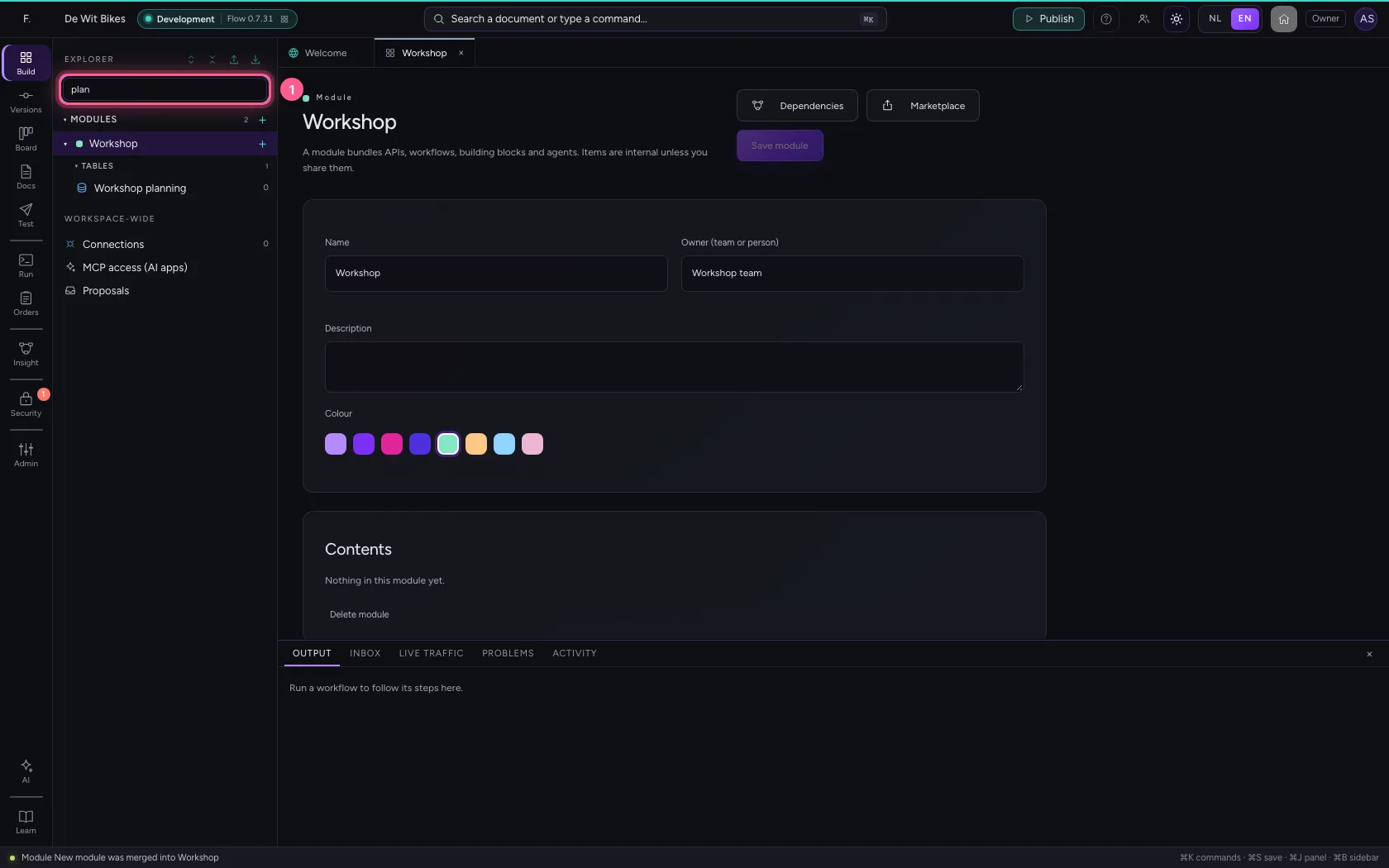
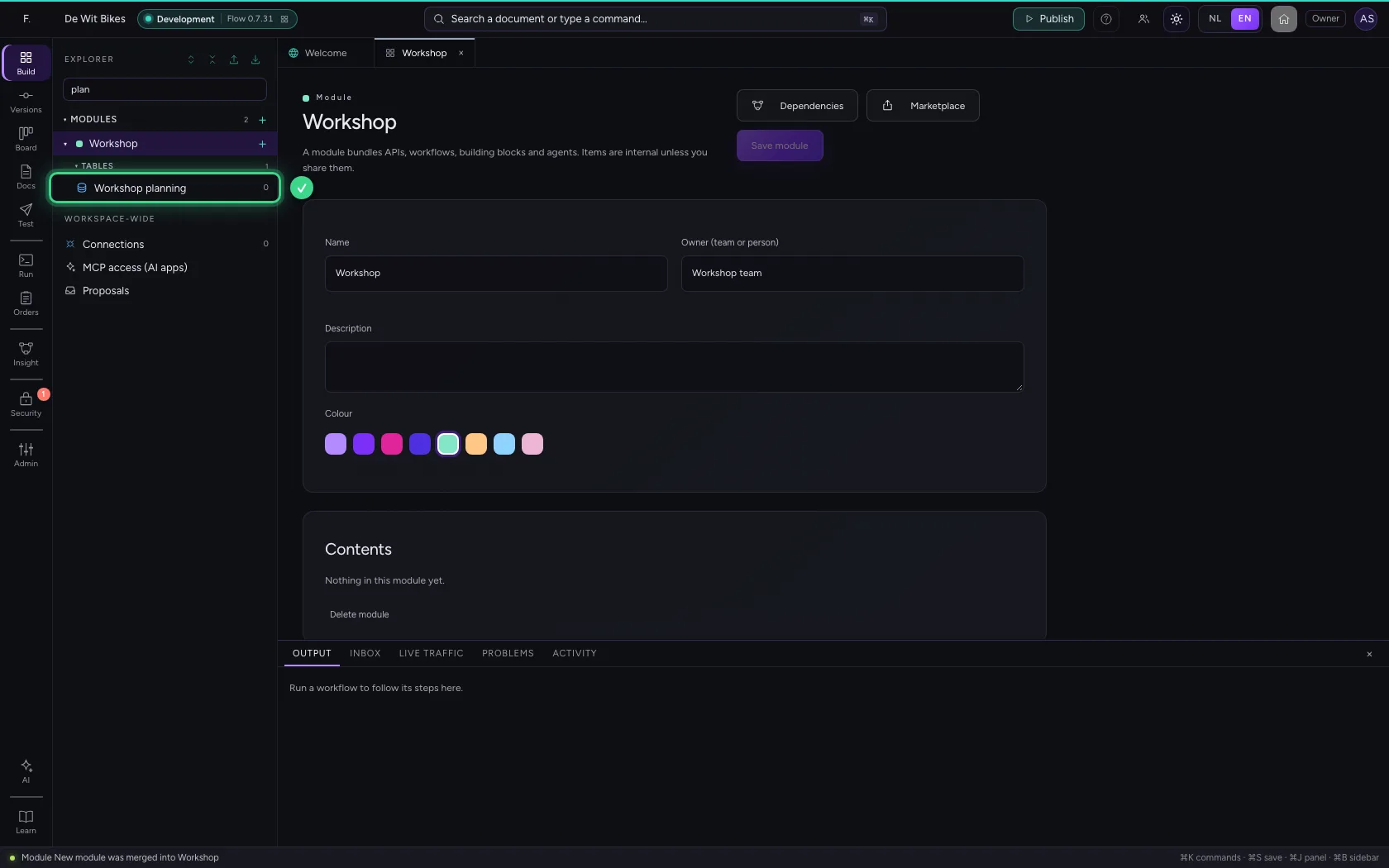
With many items, type part of a name at the top of the explorer under Filter…: only what matches stays, in every module. The buttons next to Explorer collapse or expand all modules.
- In Filter…, type
plan
This guide was carried out step by step on 22 Oct 2026 by an automated test on Flow (version 3e563176).