Finding your way in Flow
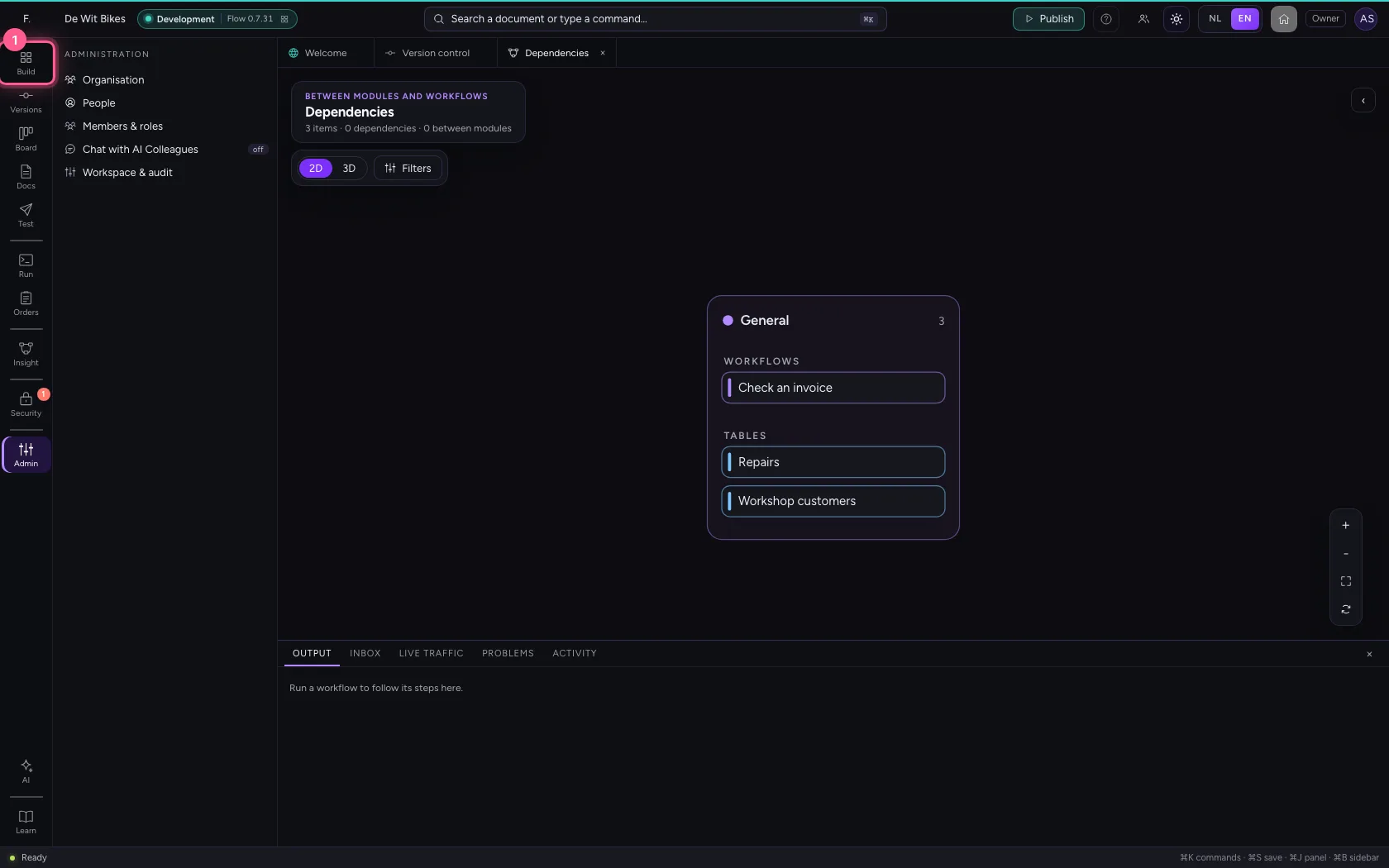
The bar on the far left follows your work, in groups with a line between them: Build, Run, Insight, Security and Admin, and at the bottom AI and Learn. Every screen has exactly one place in that bar, and the button of what is in front of you lights up. You walk through the groups one by one and end at Learn: the guides for the screen you are on, right inside Flow.
Open your development environment
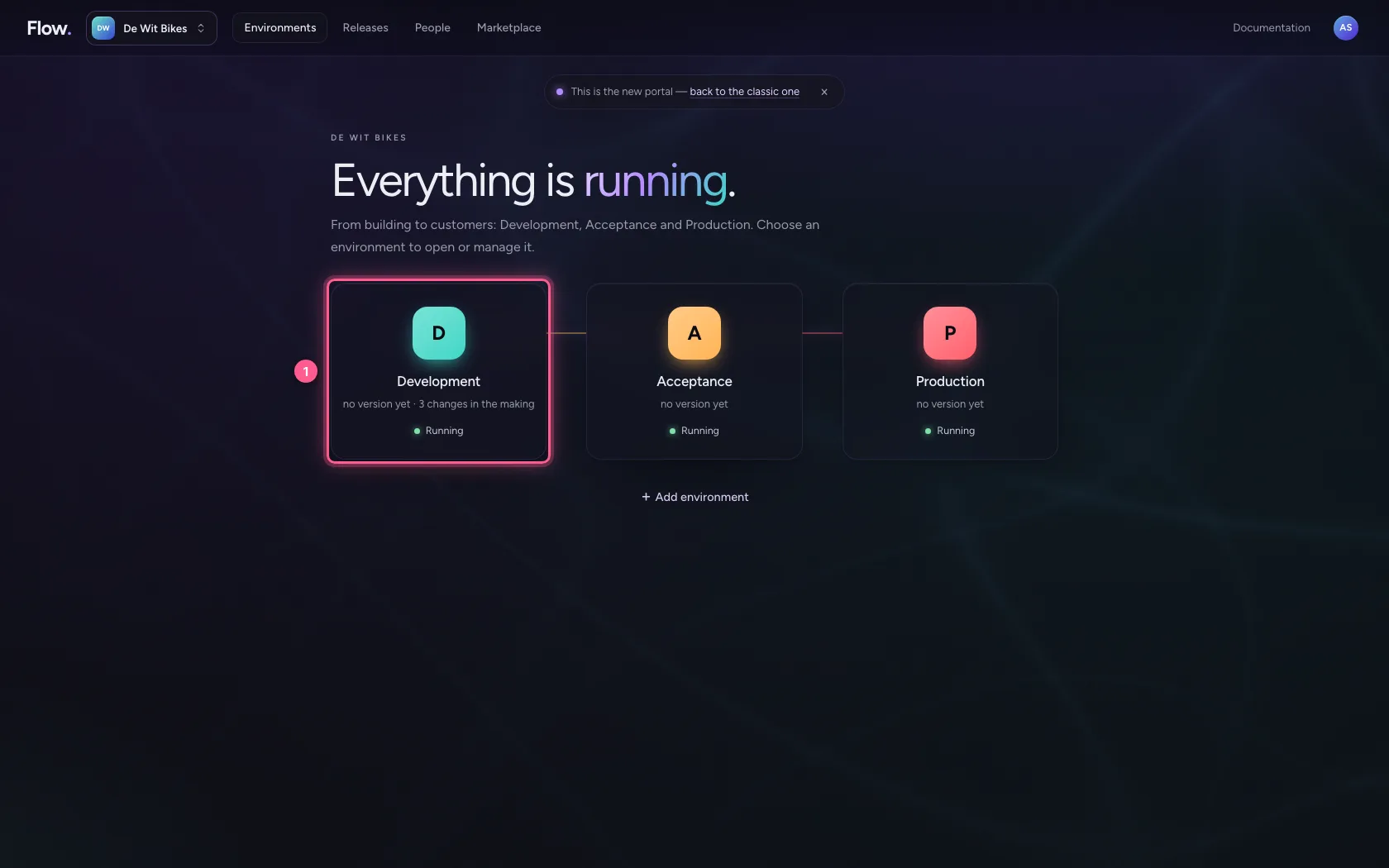
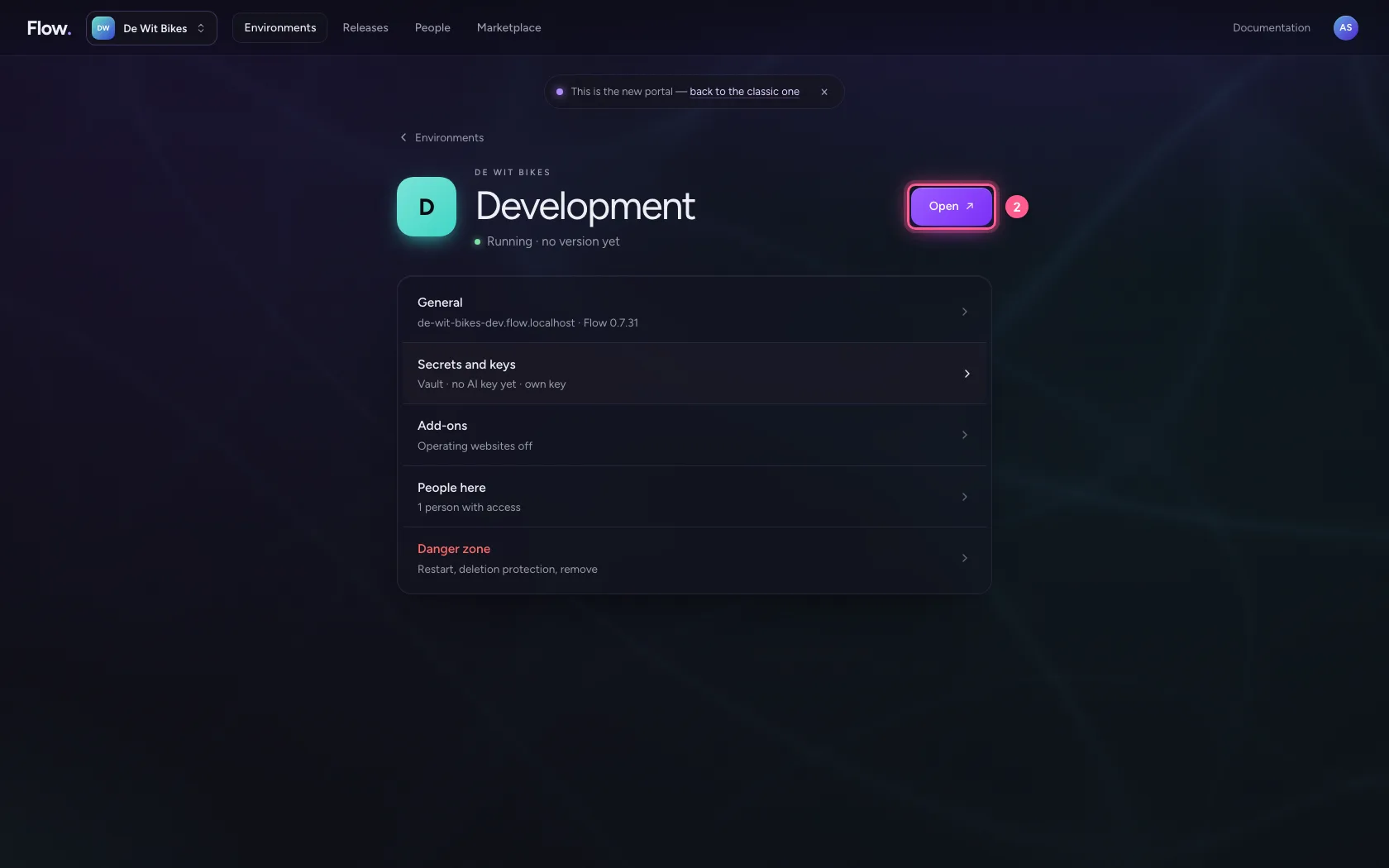
In the portal, under Environments, click Development, and there Open. Flow opens in a new tab and you are signed in straight away.
- Click Development
- Click Open ↗
Build: everything you make
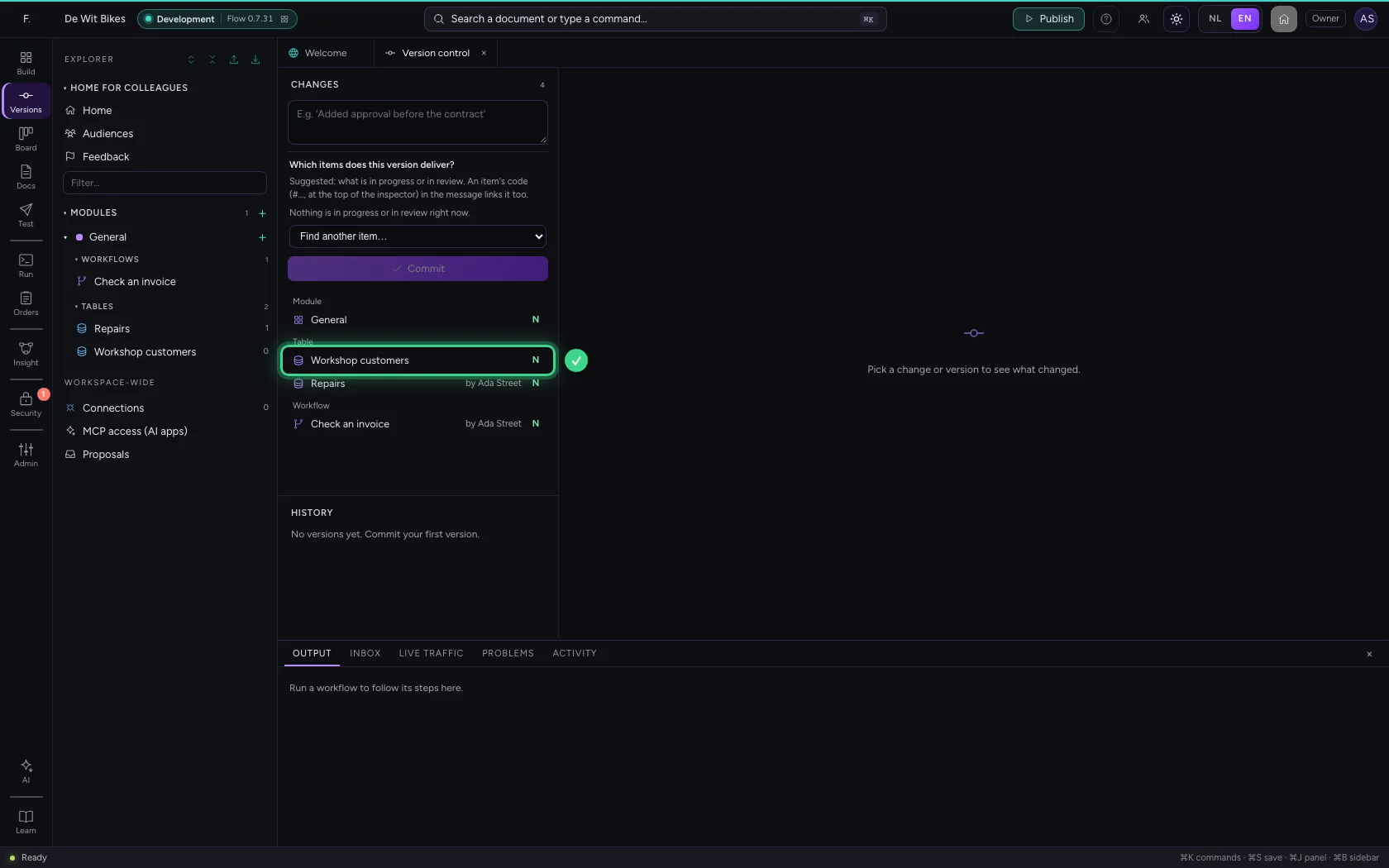
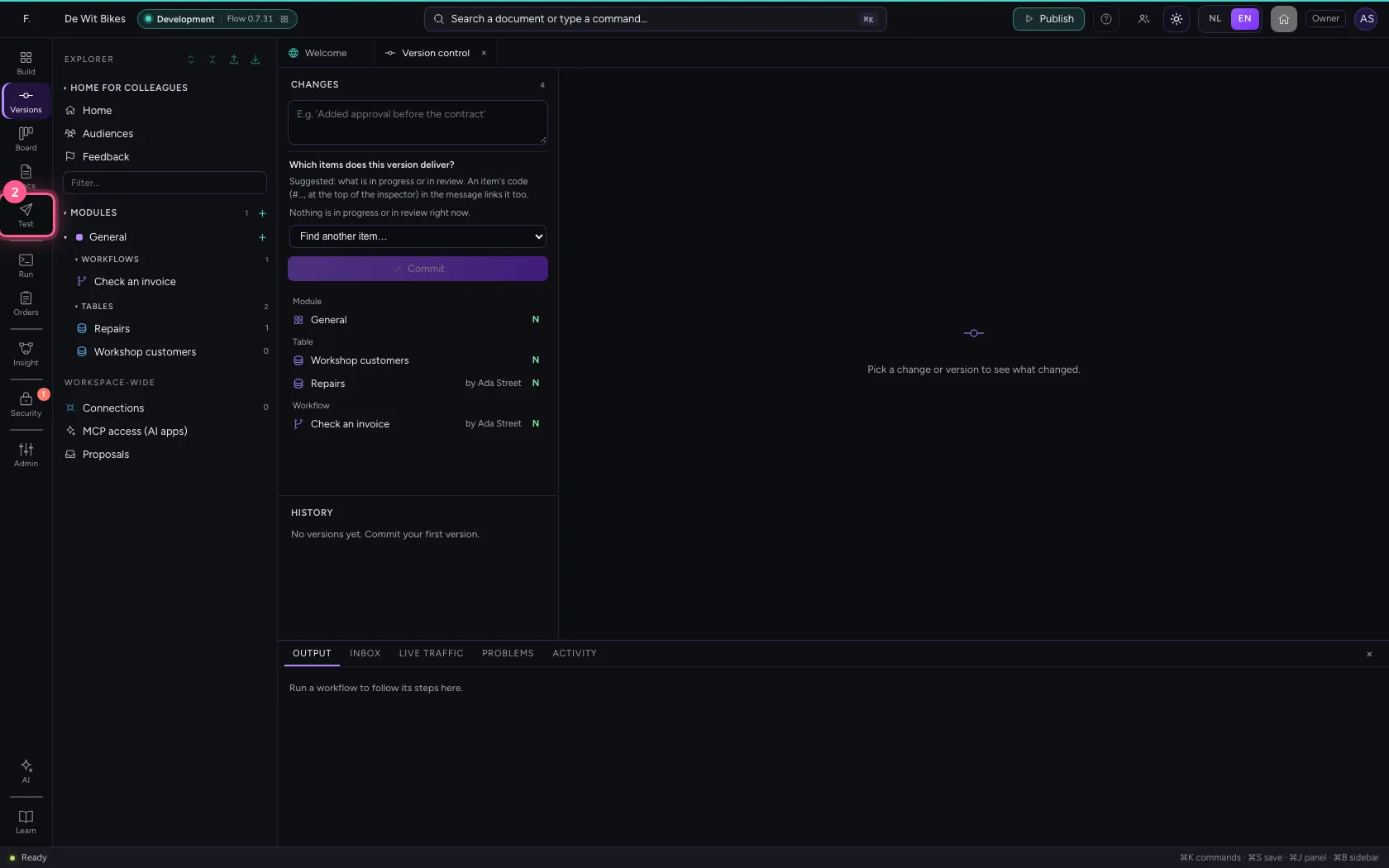
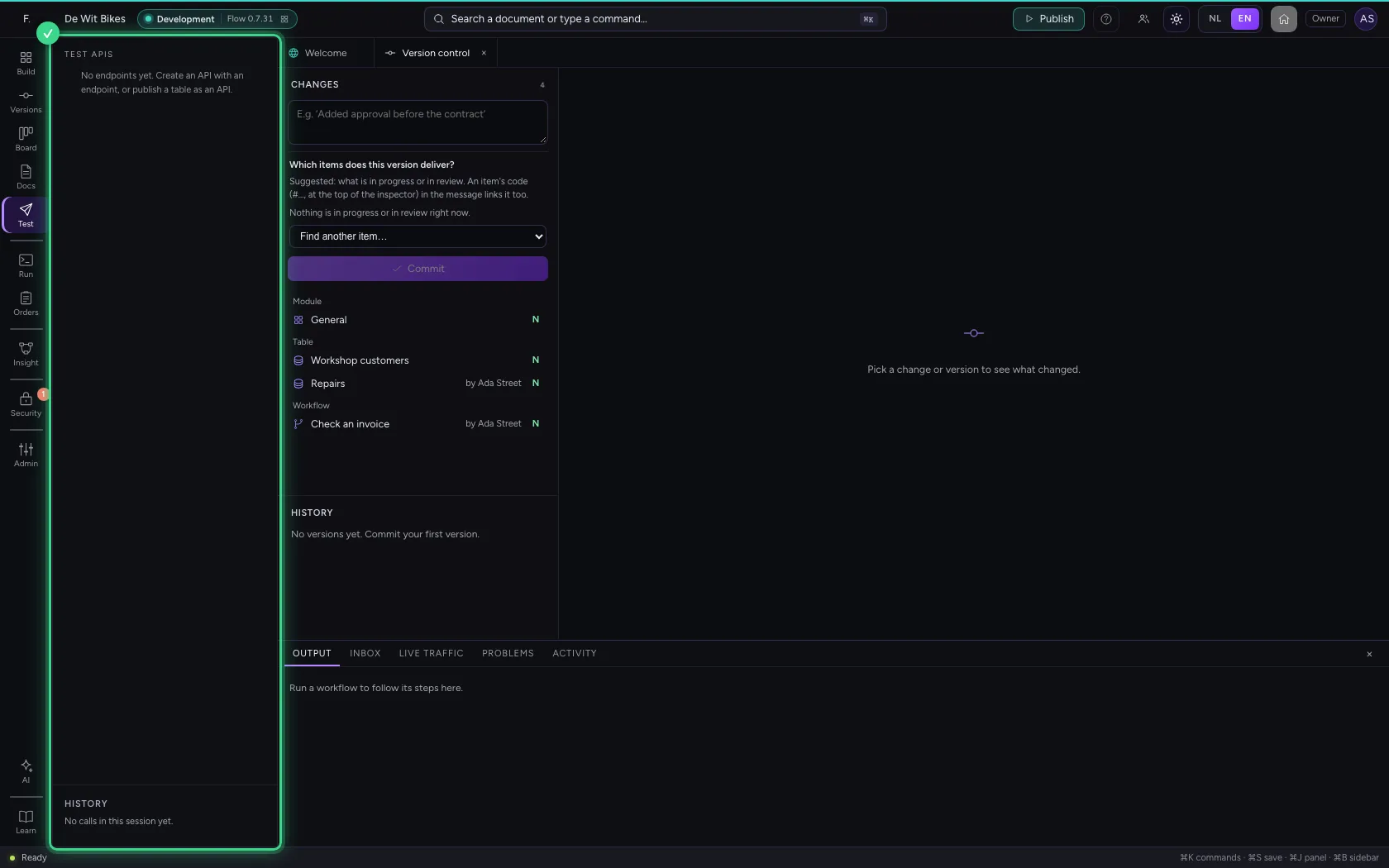
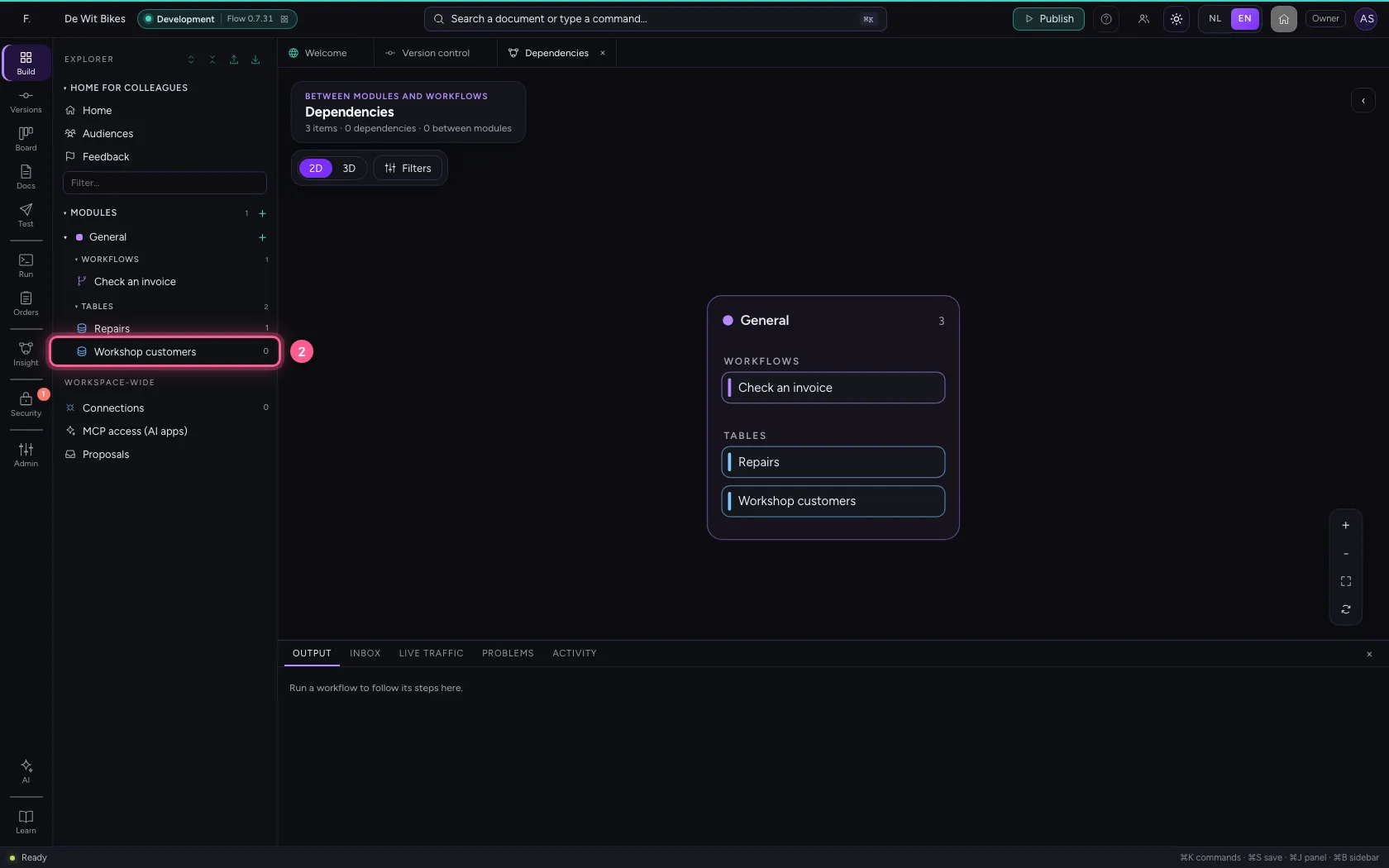
The first group is Build. Under Build is the explorer with your modules, tables, workflows and APIs. Versions is version control: what changed since the previous version. Test opens the API tester, with which you call an API the way another system does.
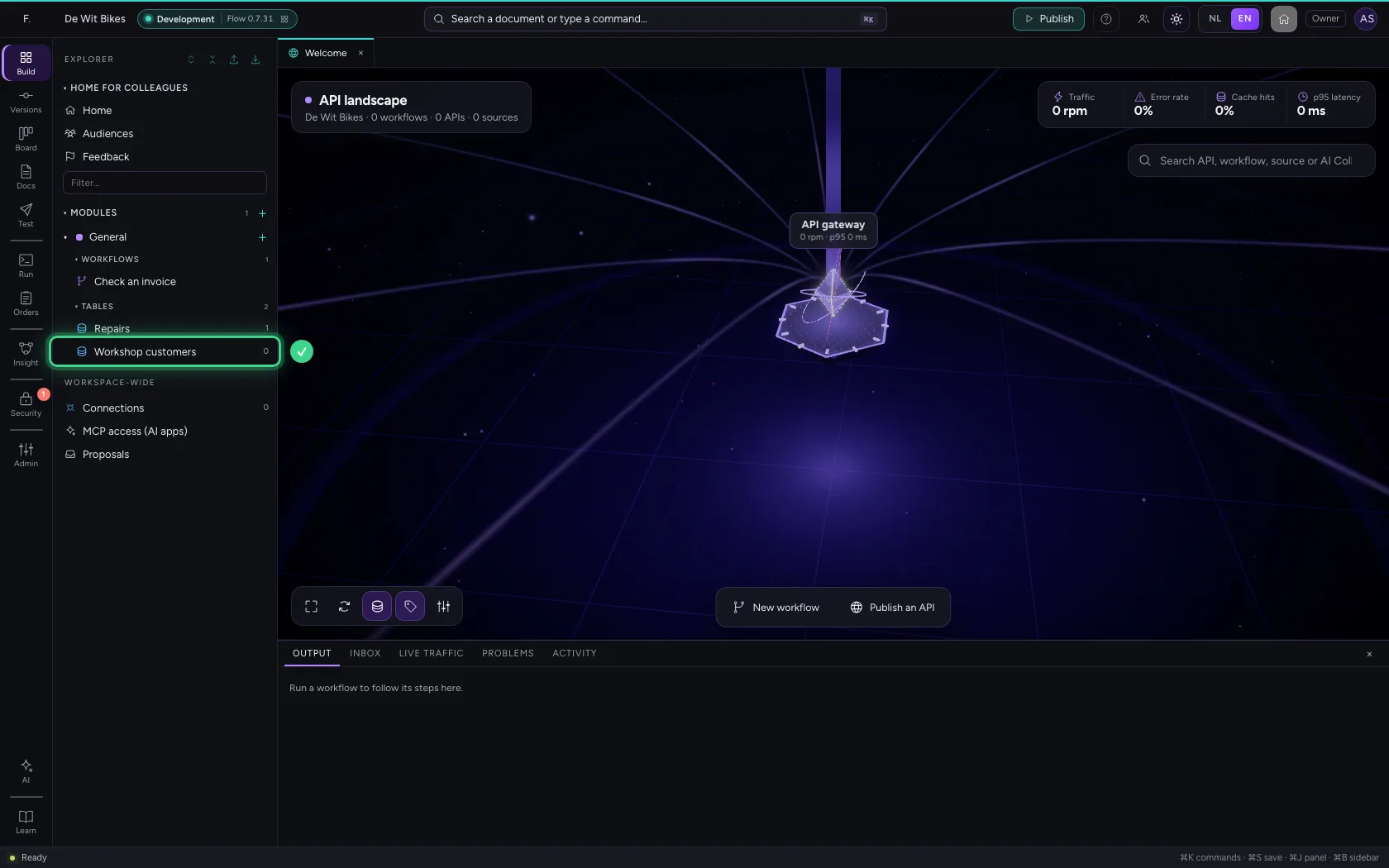
- Click Versions
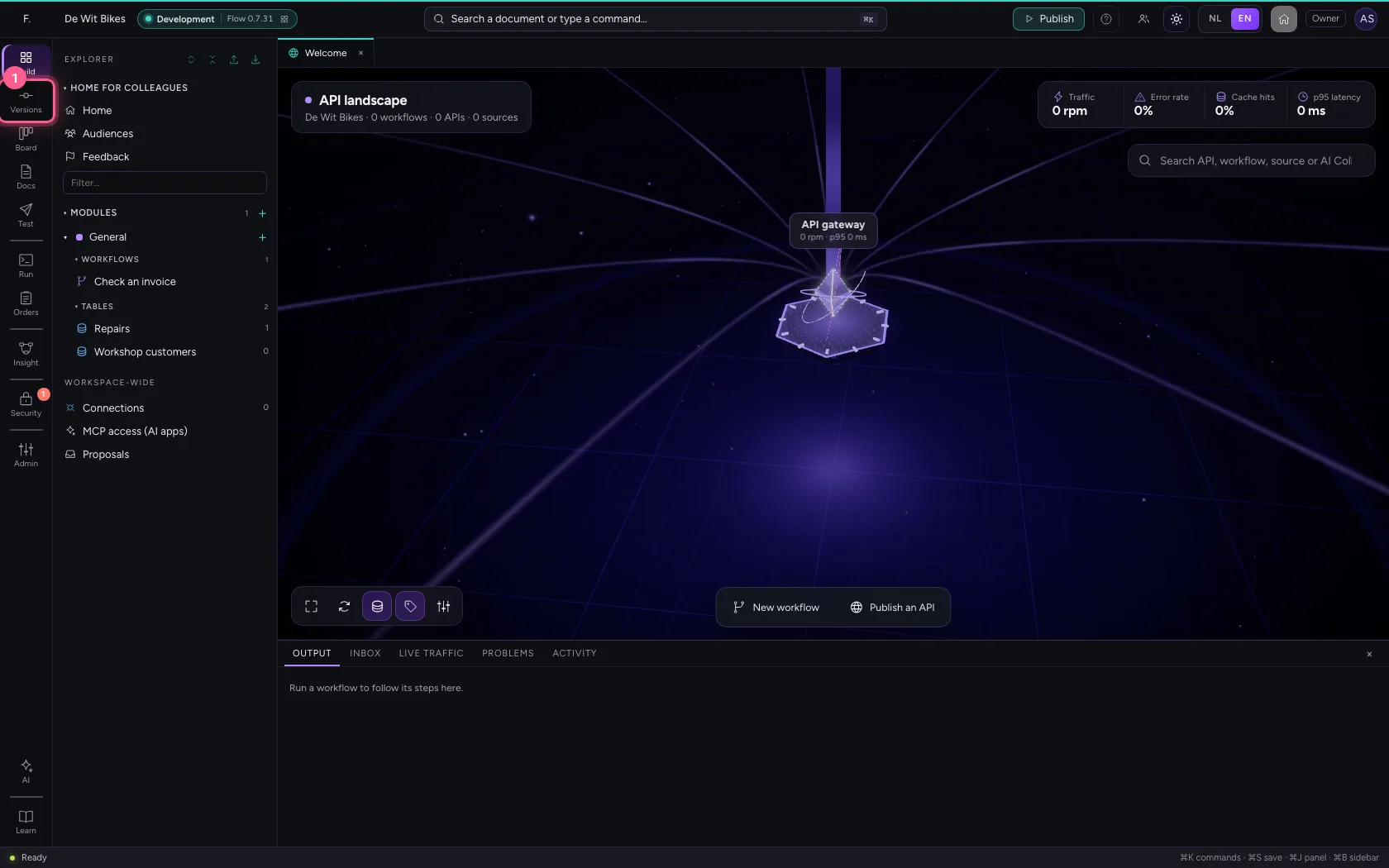
- Click Test
Run: what is happening
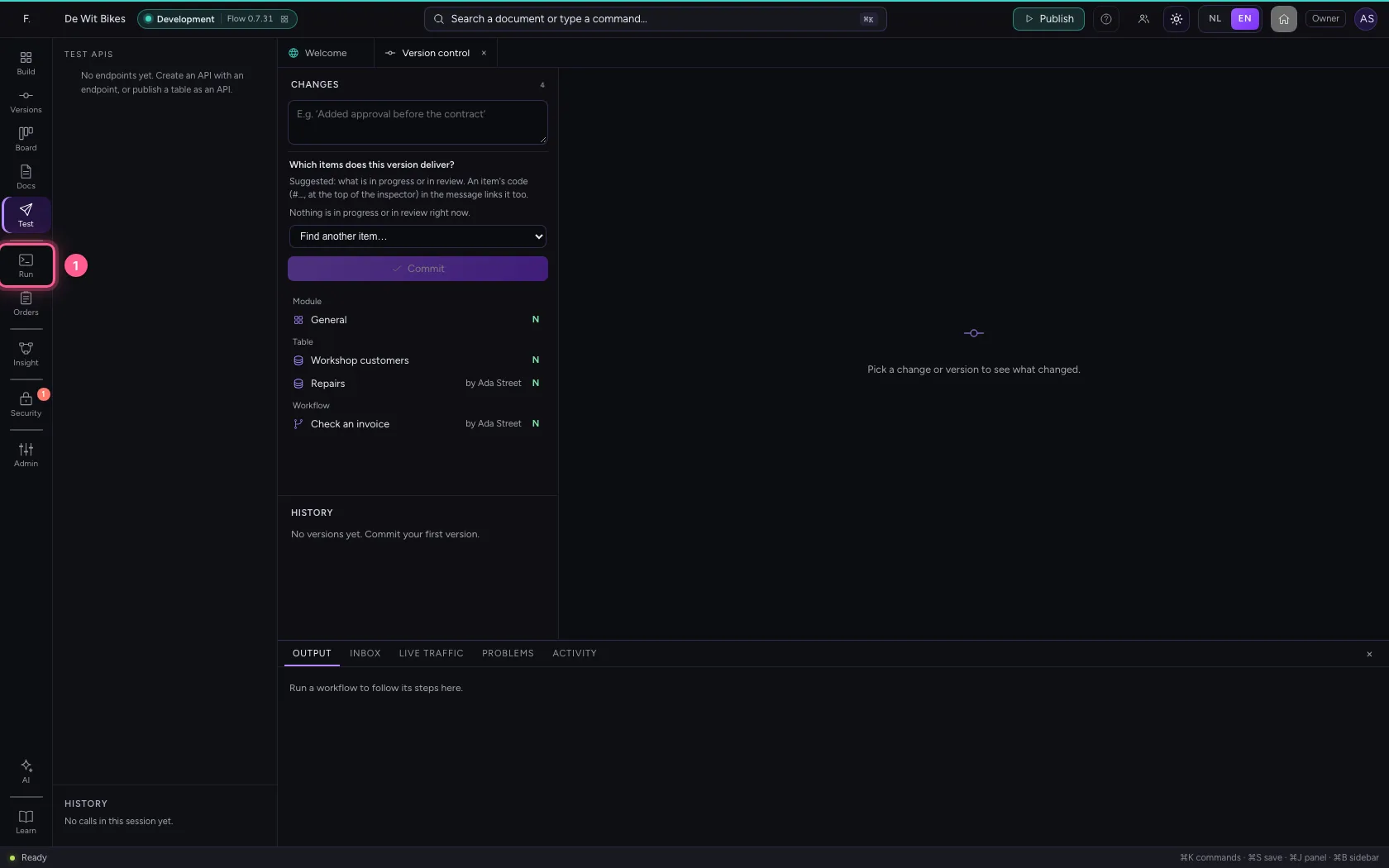
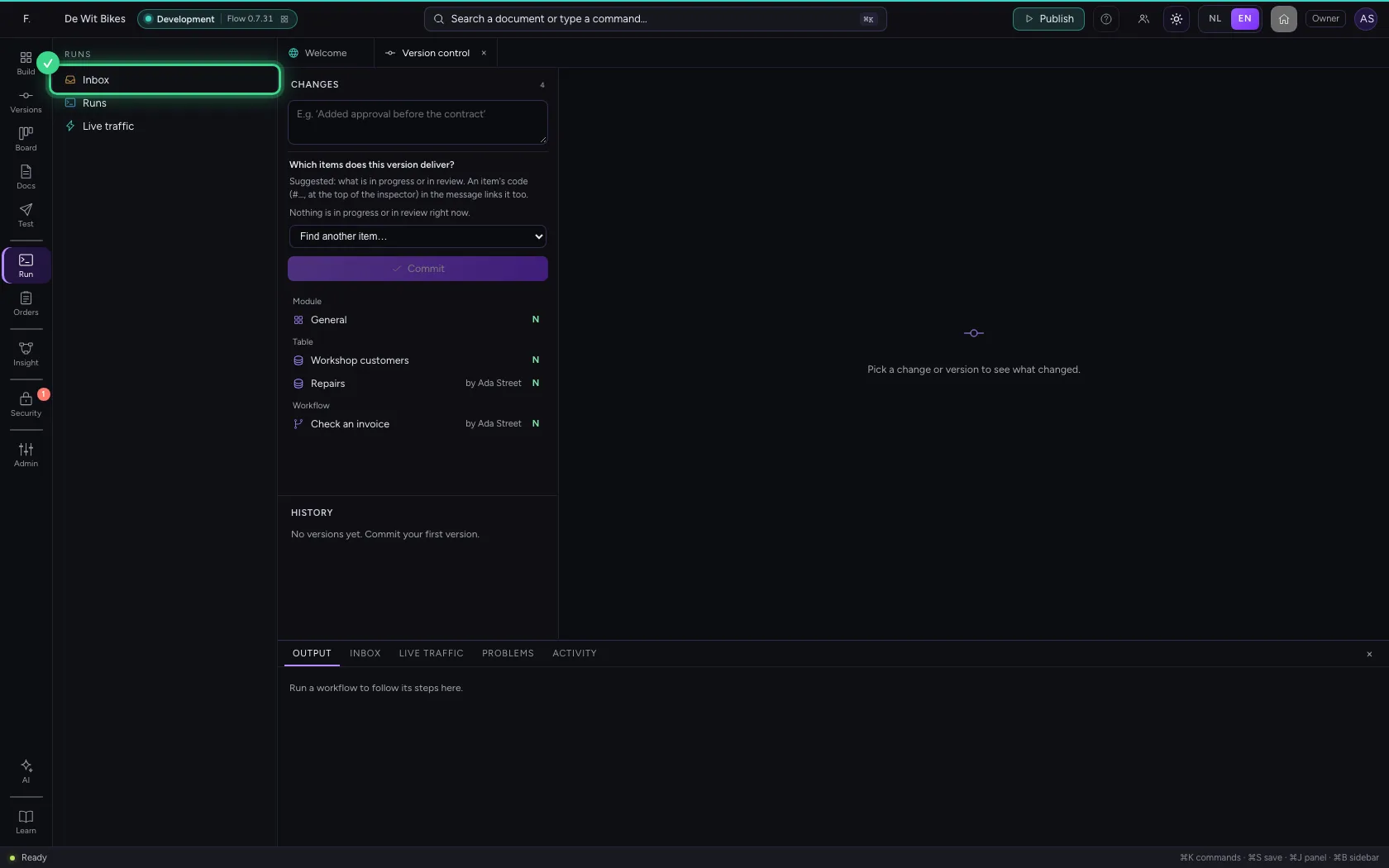
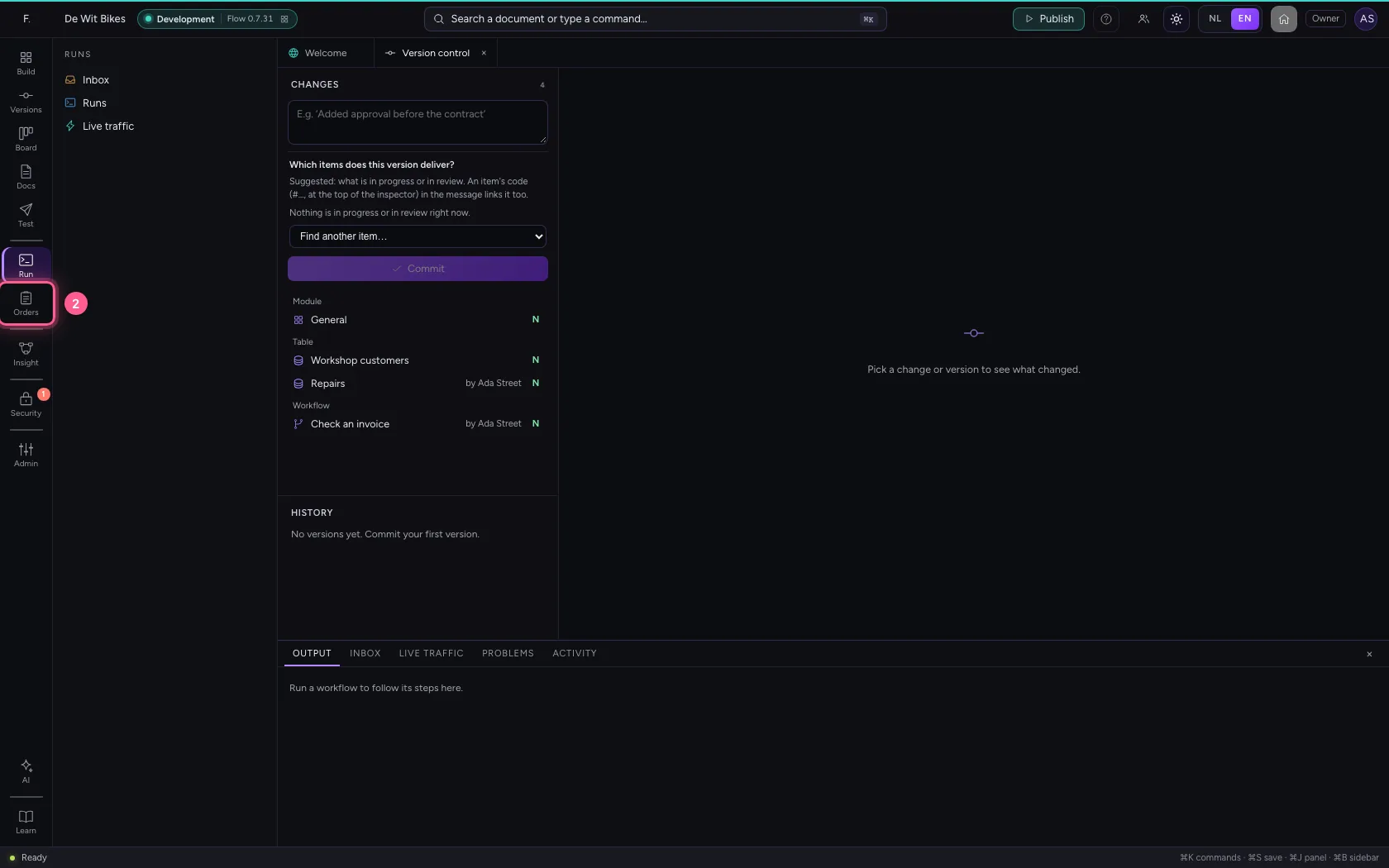
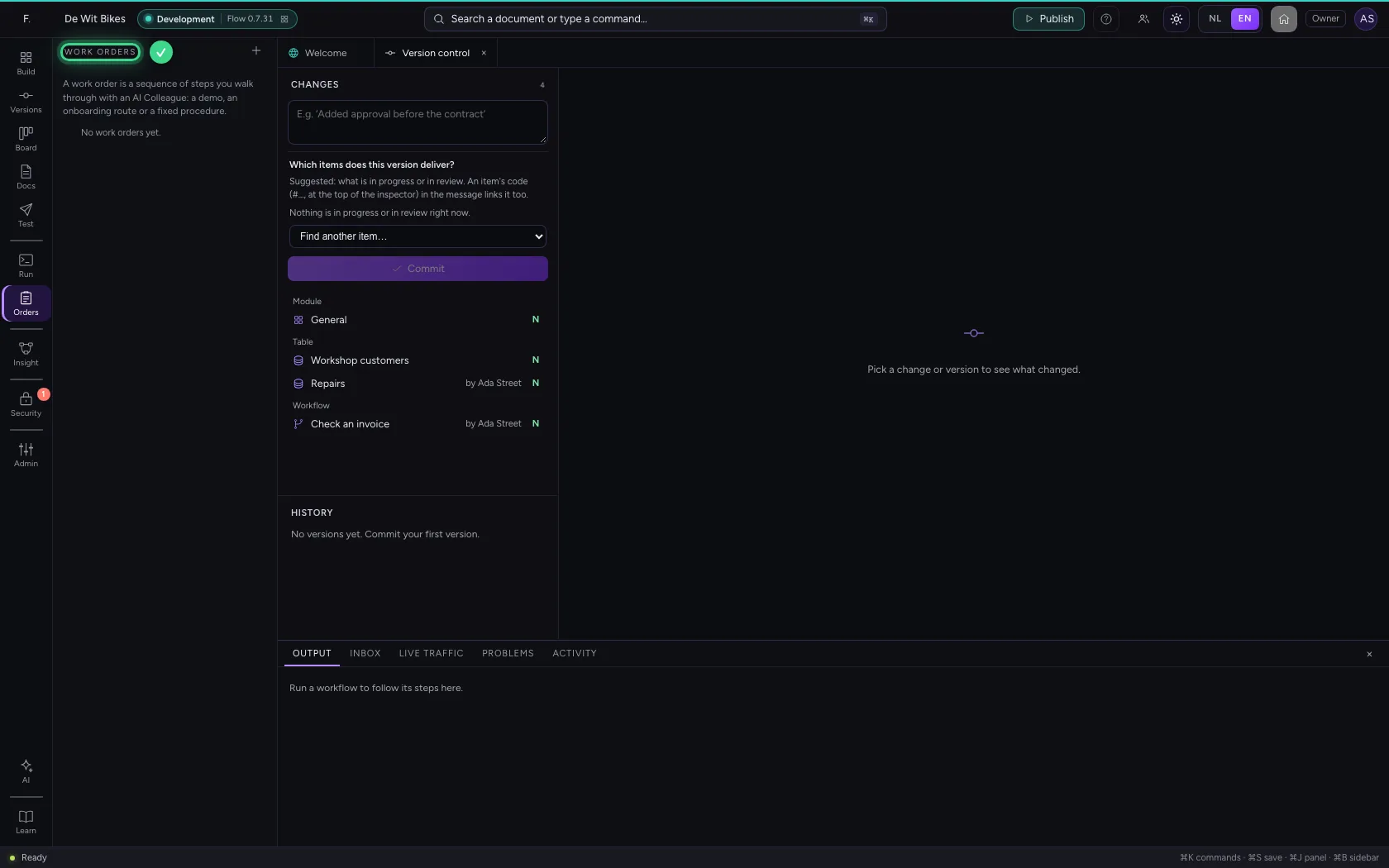
Run shows what Flow is doing: every run of a workflow, the inbox with what waits for your review and the live traffic on your APIs. A number on the button says how much waits in the inbox. Work orders are fixed procedures you go through step by step with an AI Colleague.
- Click Run
- Click Orders
Insight: how everything fits together
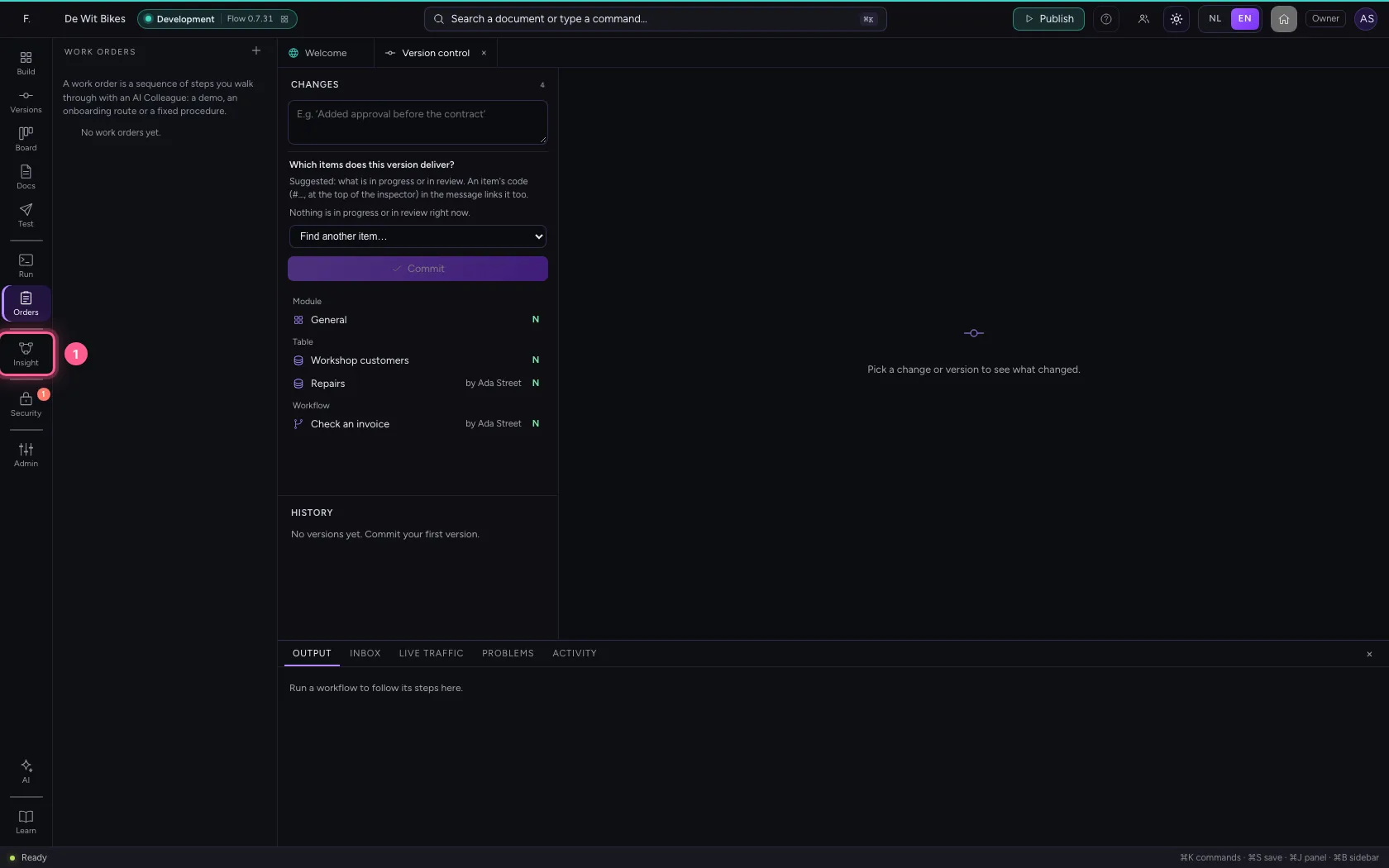
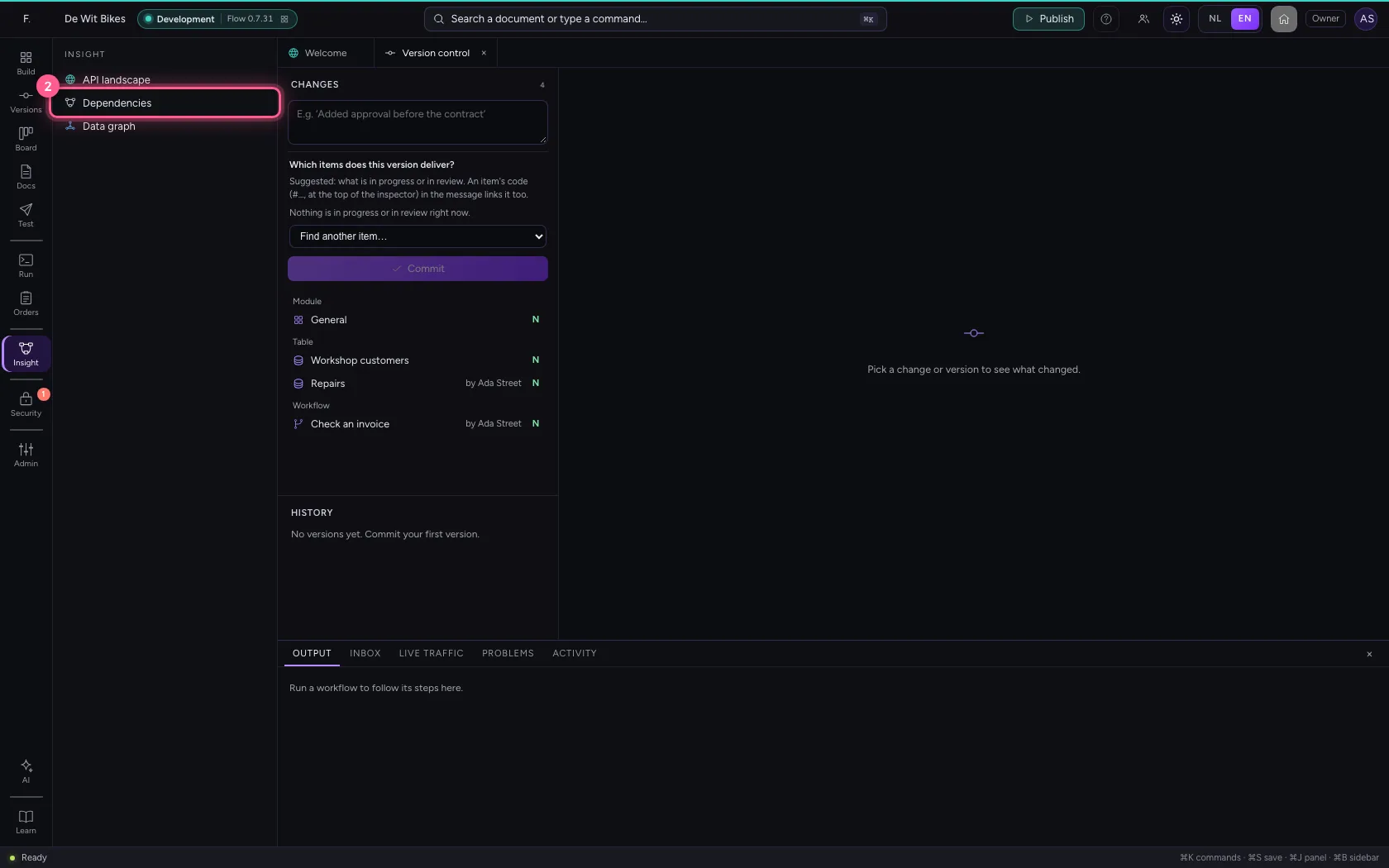
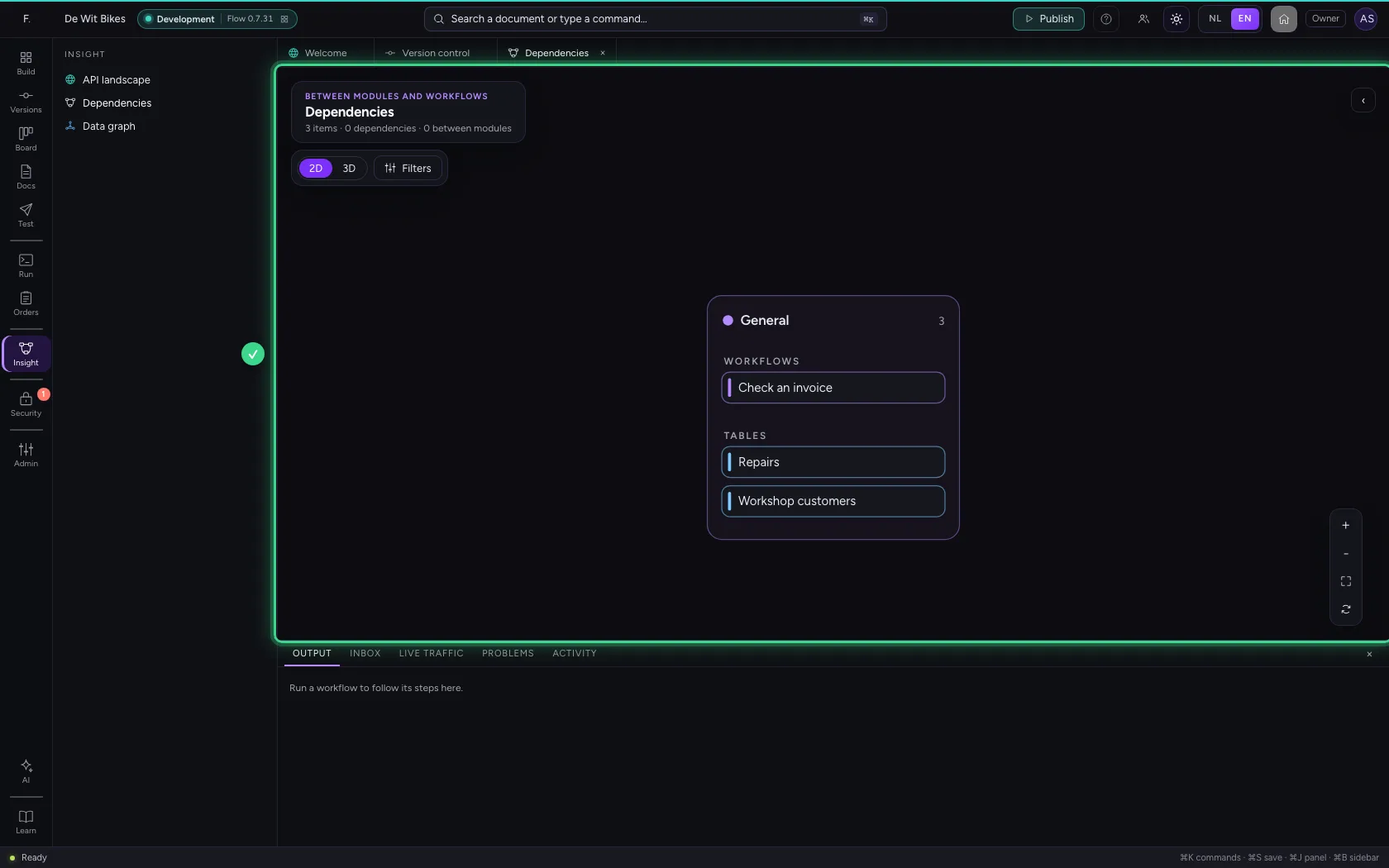
Insight shows the whole: the API landscape, the dependencies (what uses what) and the data graph of your tables and knowledge. Look here before you change something others use.
- Click Insight
- Click Dependencies
Security: who may get in
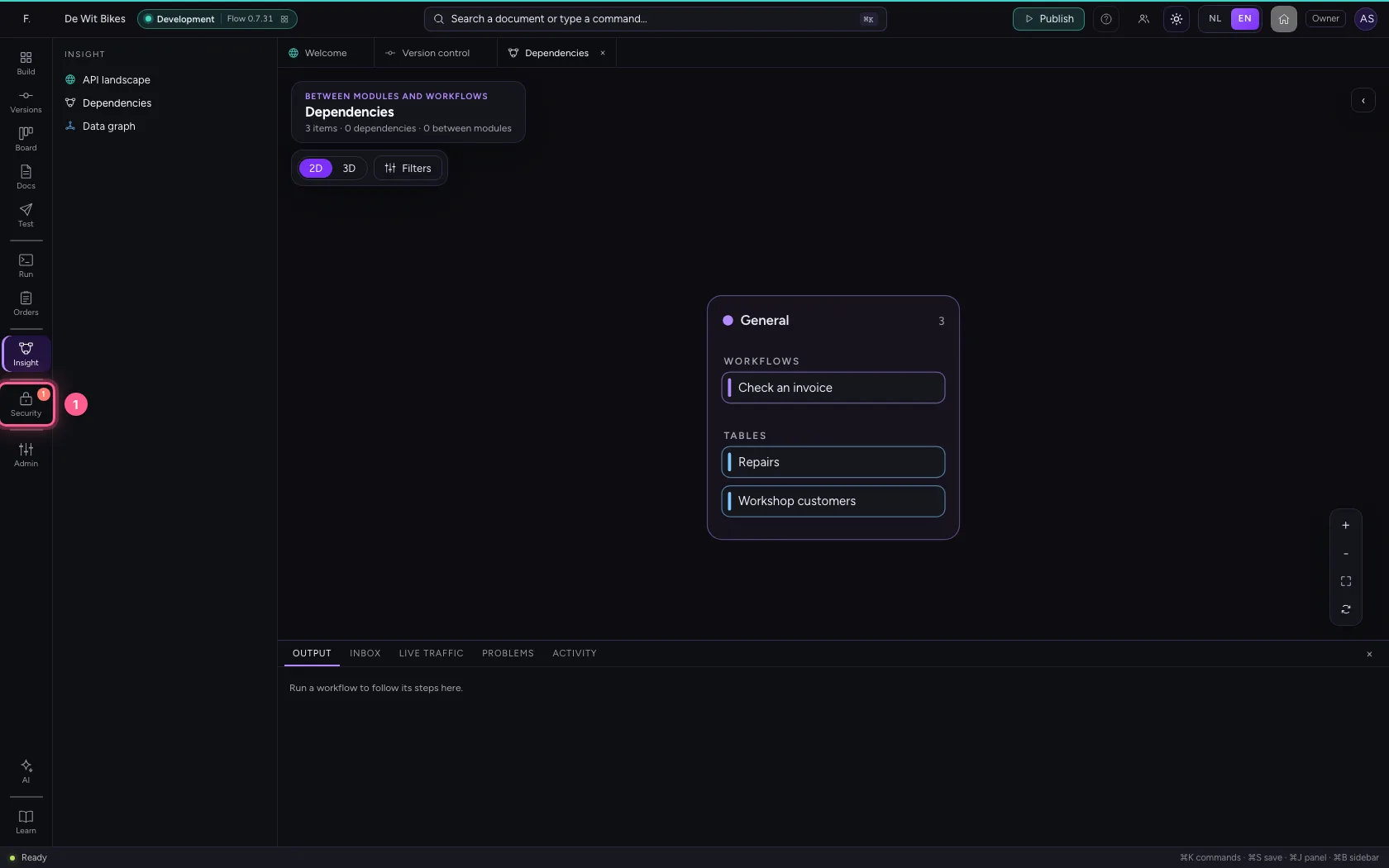
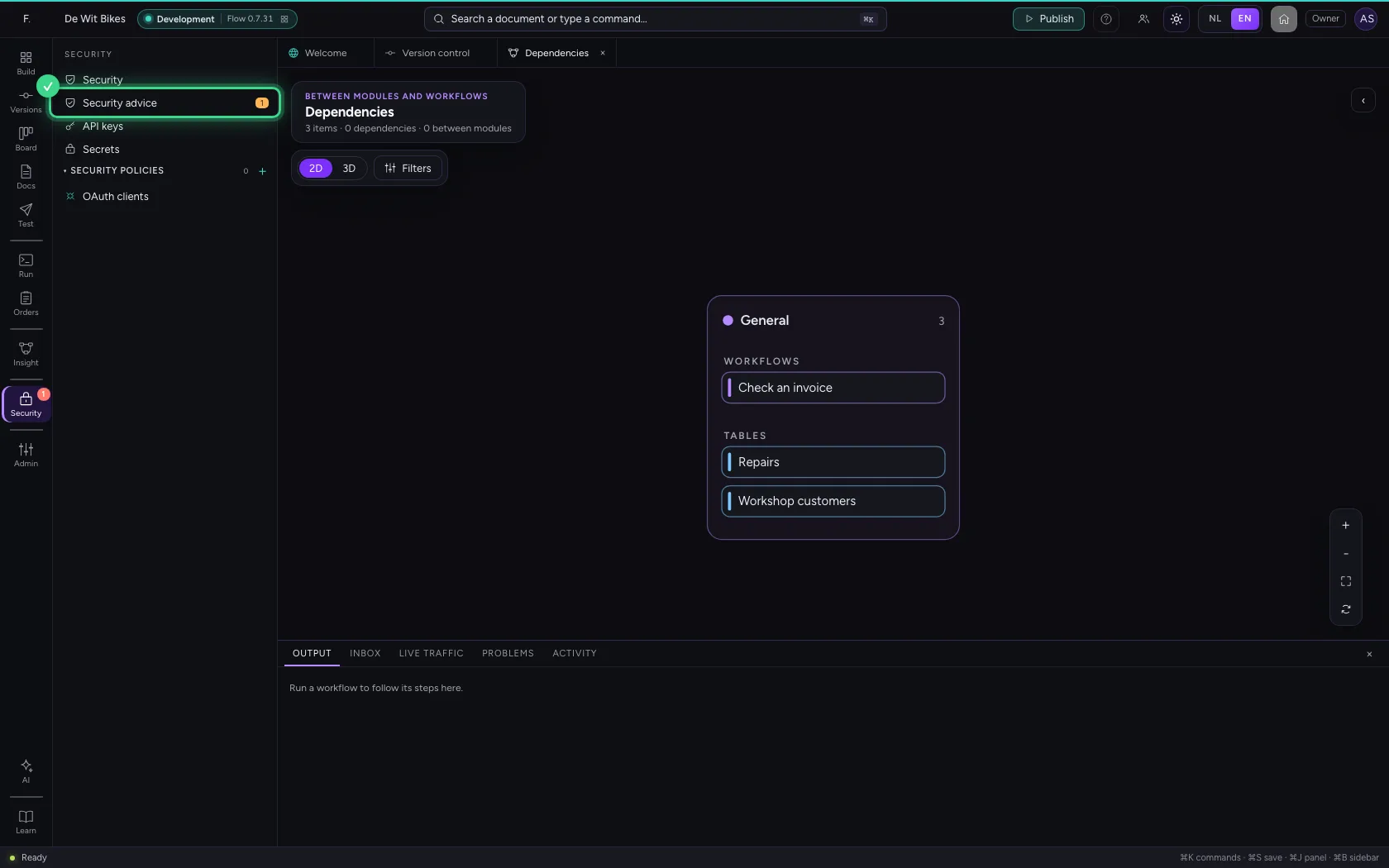
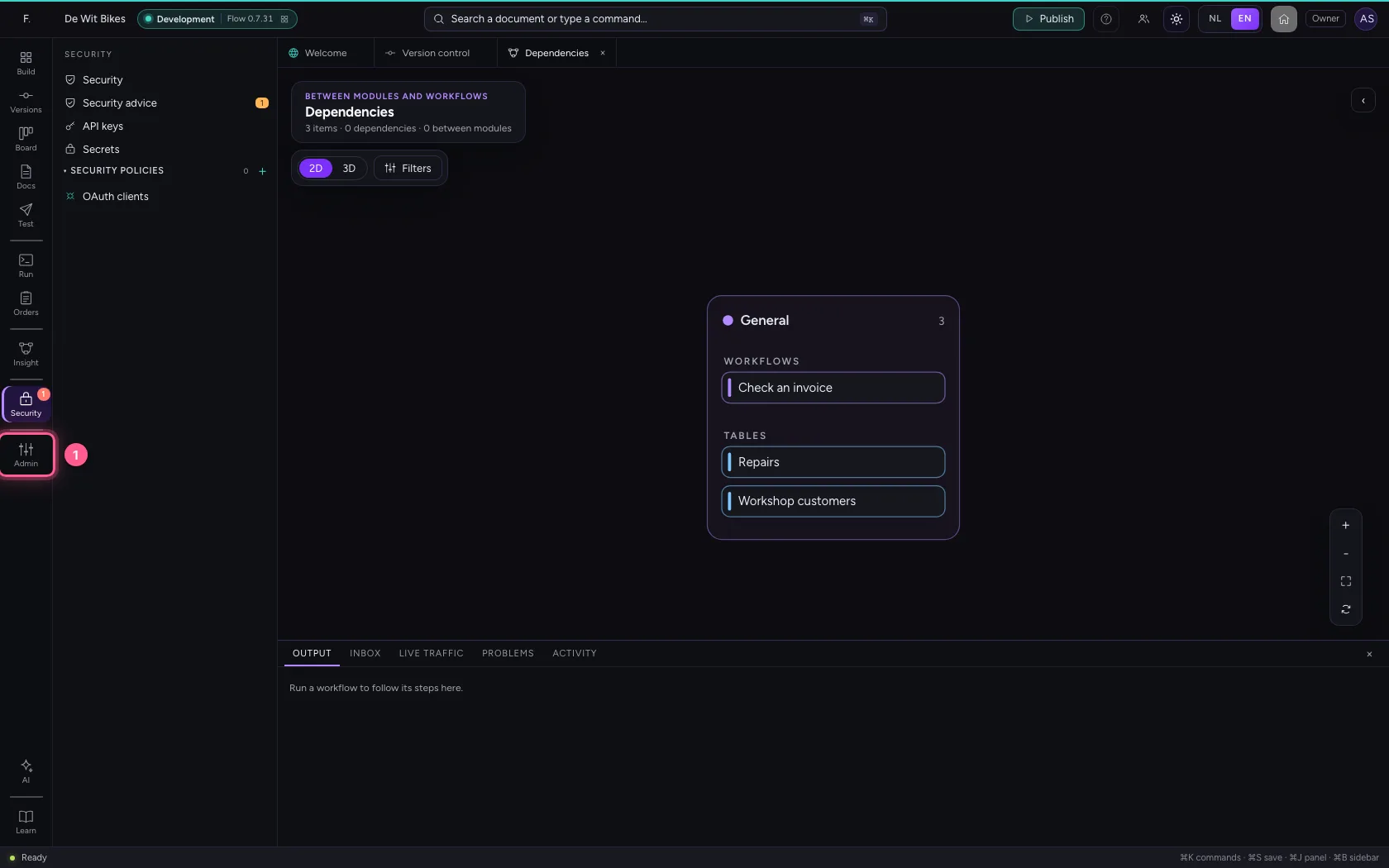
Under Security are the security advice (what you had better close), the API keys and the security policies of your APIs. A red number on the button says how many serious pieces of advice are open.
- Click Security
Admin: your workspace
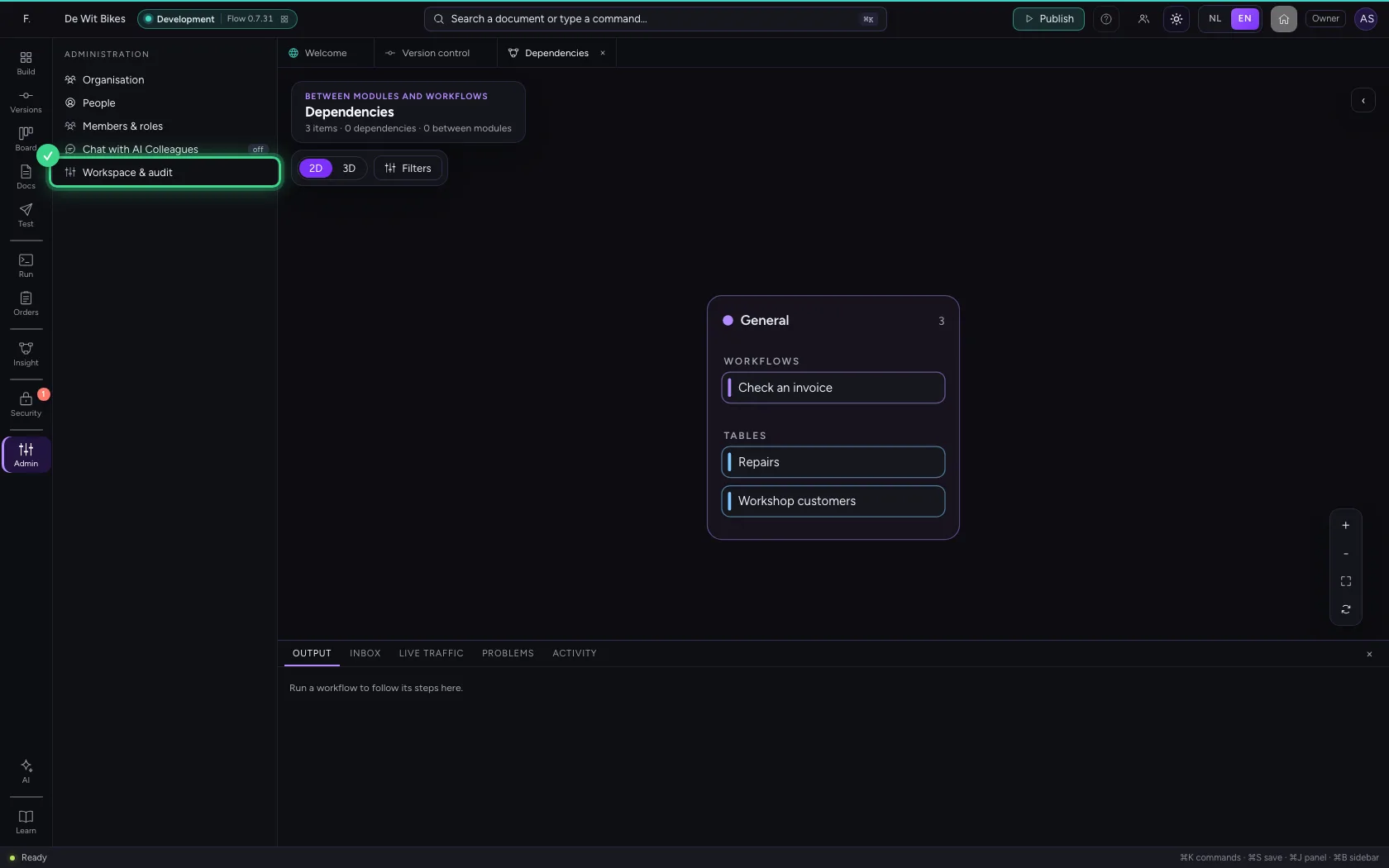
Admin is about the workspace itself: the organisation with departments and teams, who has which role, the chat with AI Colleagues on or off, and the settings. Switch the chat on and Chat appears at the bottom of the bar.
- Click Admin
Learn: the guide for your screen
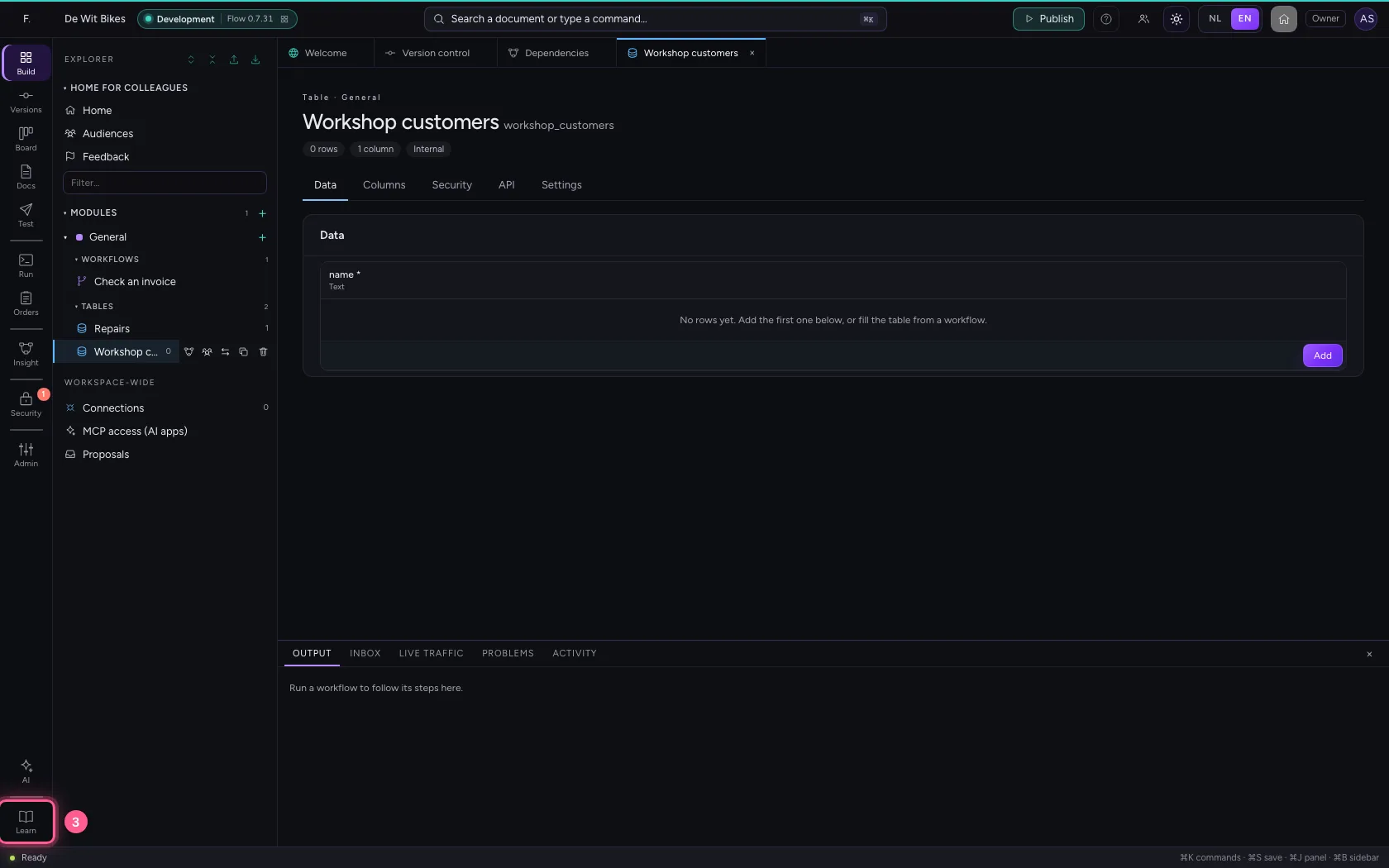
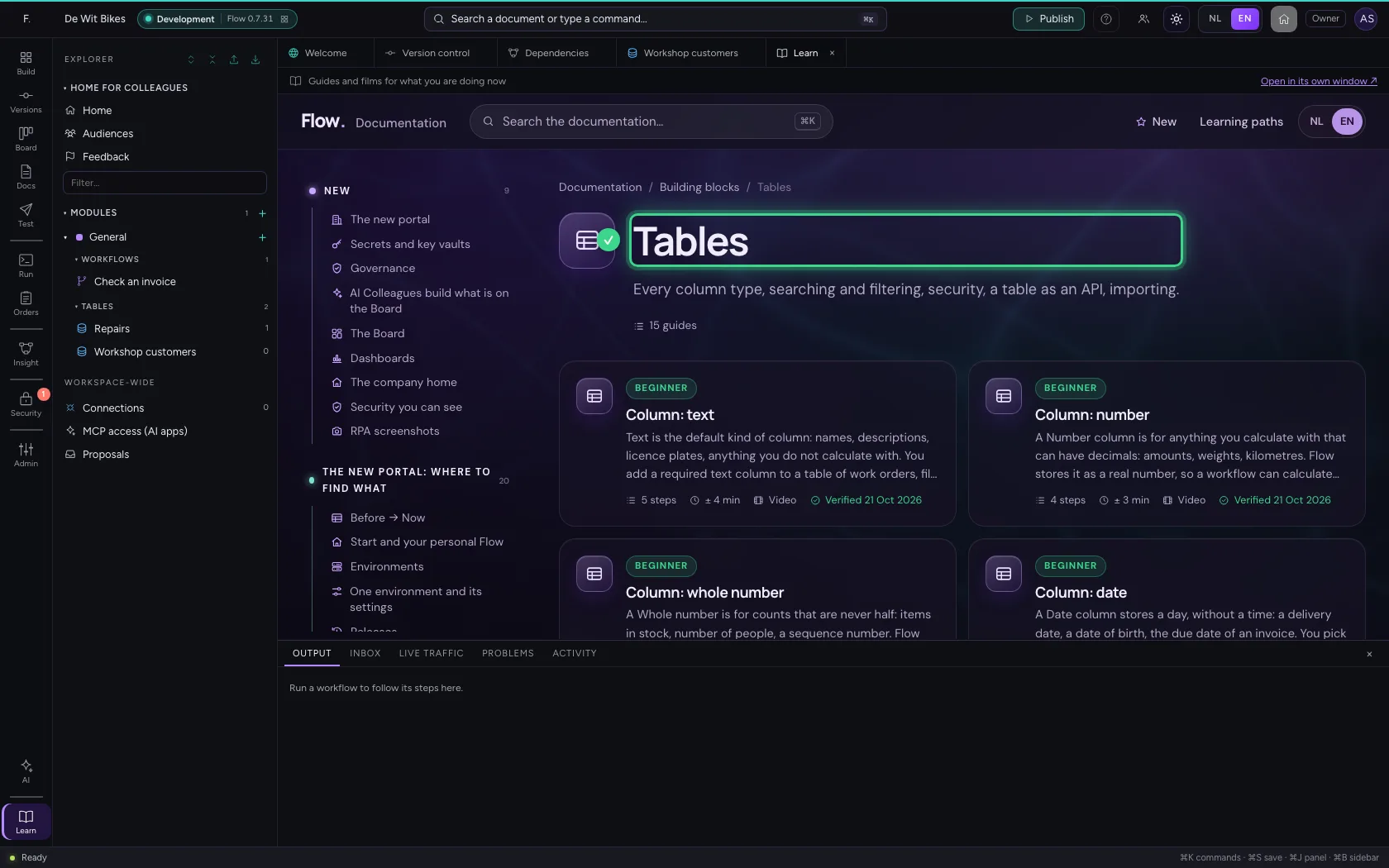
At the bottom are AI (the AI Architect that builds along with you) and Learn. Learn opens the documentation in Flow, at the place that fits the screen you are on: in a table you see the guides about tables. Rather side by side? Open them in a window of their own.
- Click Build
- Click the table ‘Workshop customers’
- Click Learn
This guide was carried out step by step on 22 Oct 2026 by an automated test on Flow (version 3e563176).