Email: compose a message
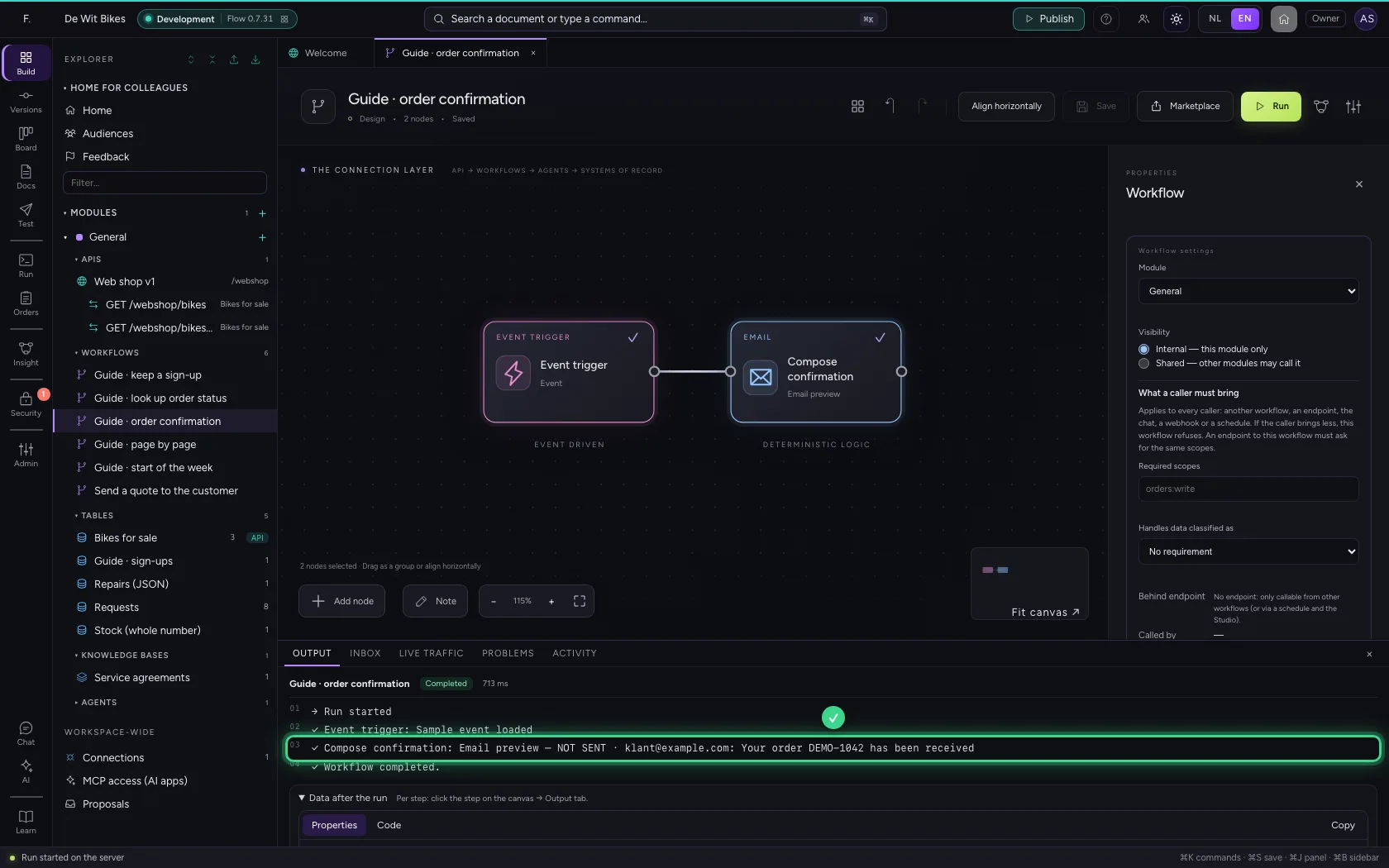
The Email step composes an email: to whom, the subject and the text, with data from the workflow. Flow checks that the address is valid and that the subject and text are there. This step sends nothing itself: you see the draft, and a connector (such as Microsoft 365) really sends it. That way you can polish the text without anything going out.
Open Flow and create a workflow
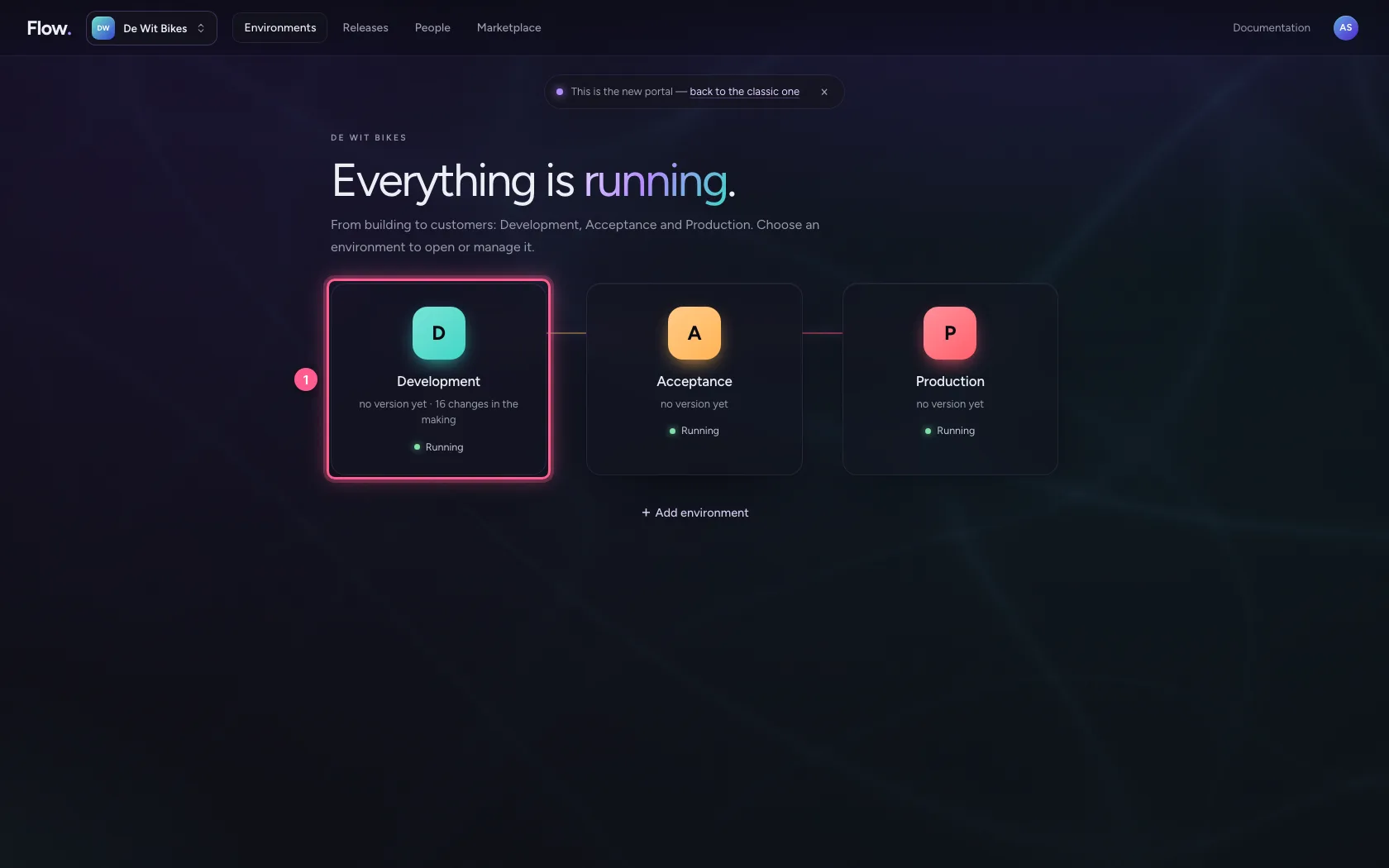
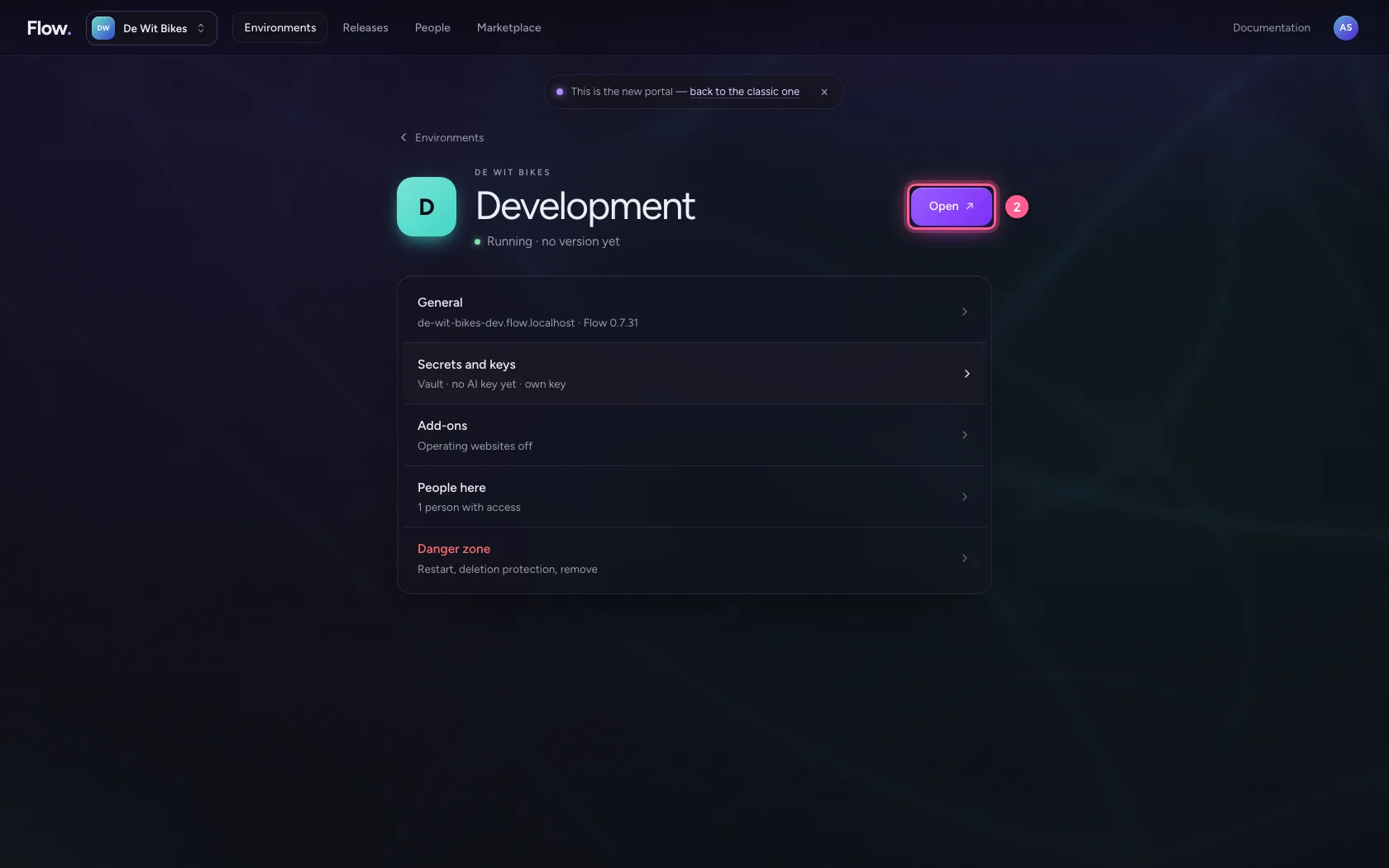
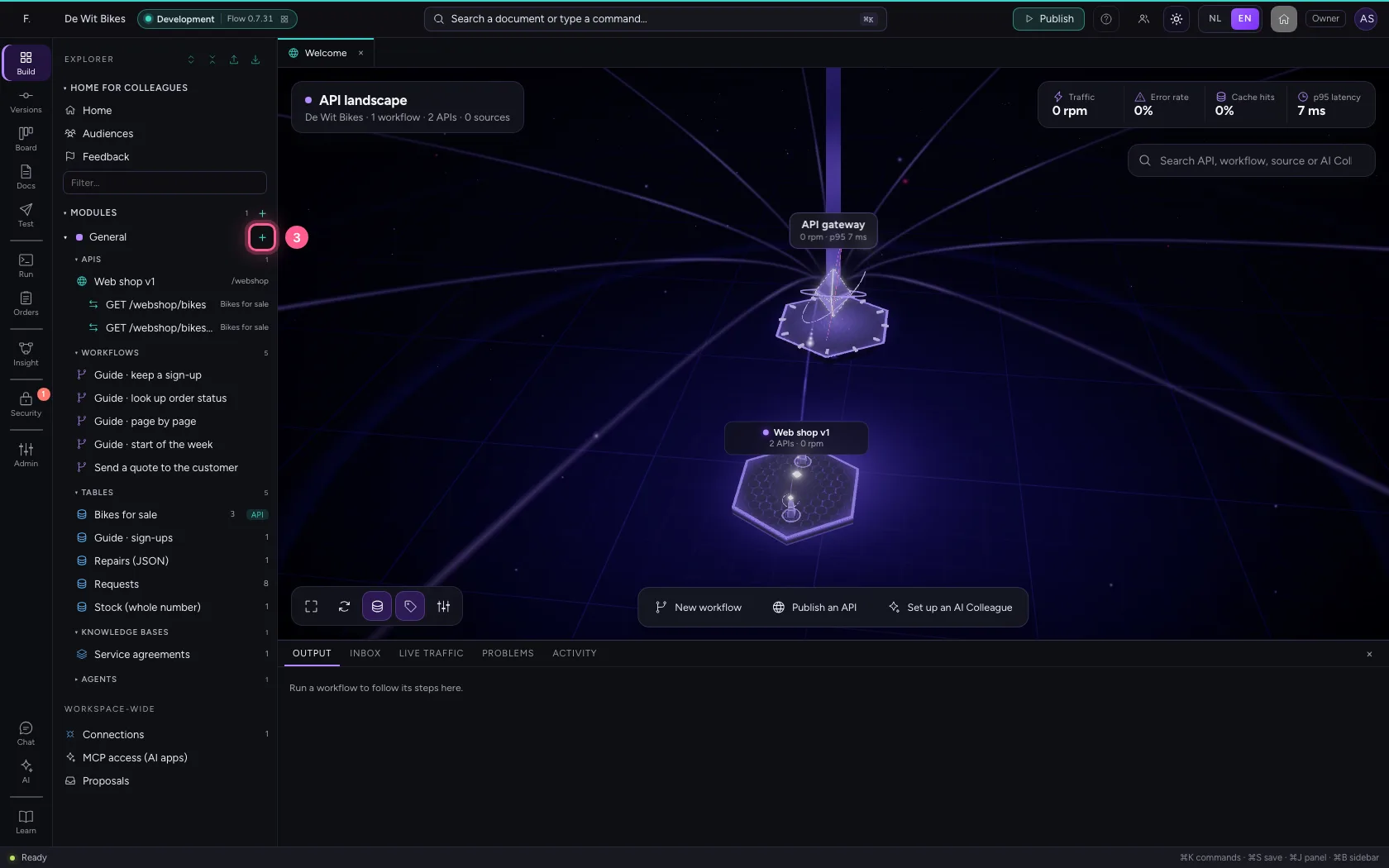
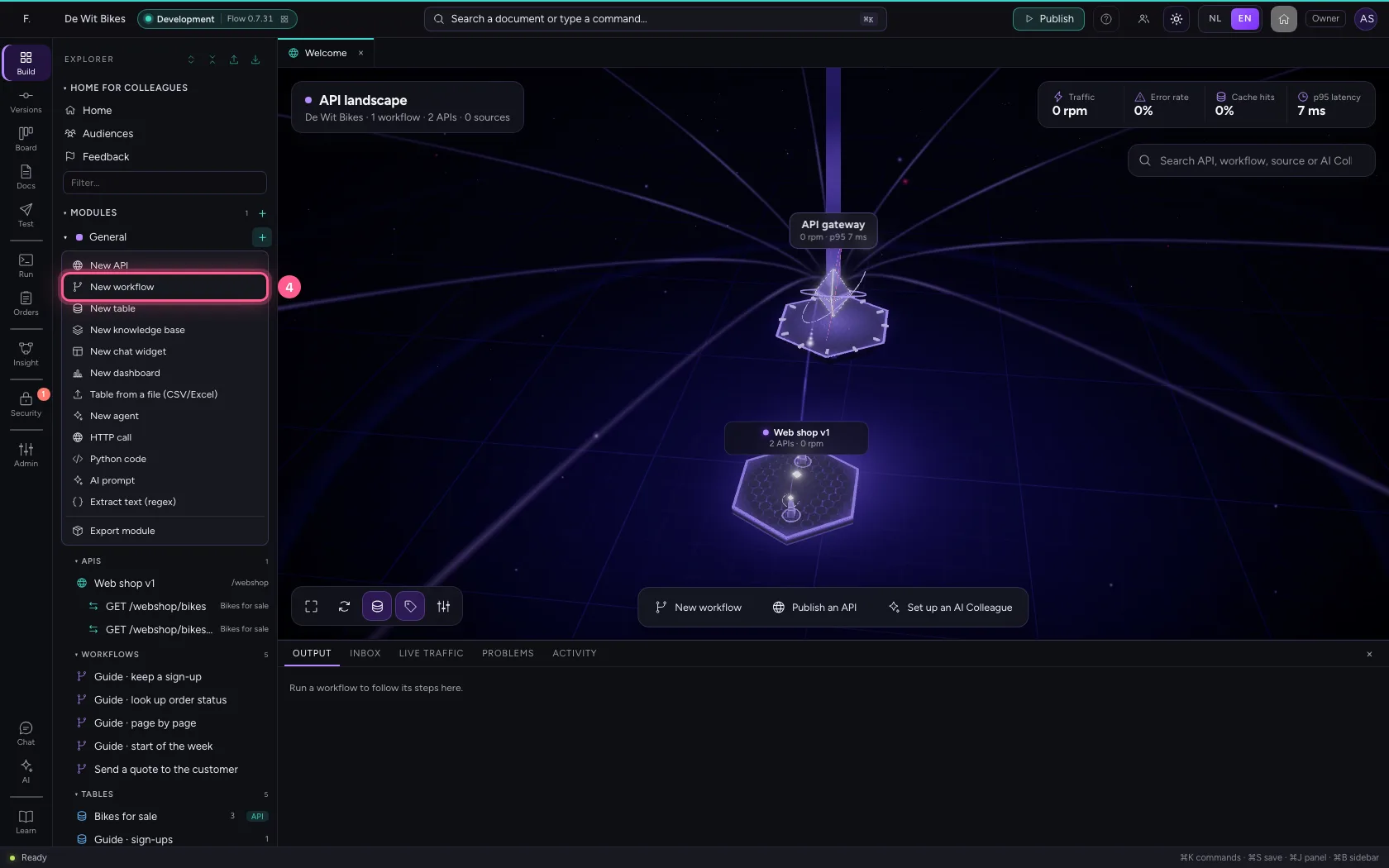
In the portal, under Environments, click Development and there Open; Flow opens in a new tab. There, click + next to General, choose New workflow and give it a name. A new workflow starts with an Event trigger: the point where it begins.
- Click Development
- Click Open ↗
- Click Add to General
- Click New workflow
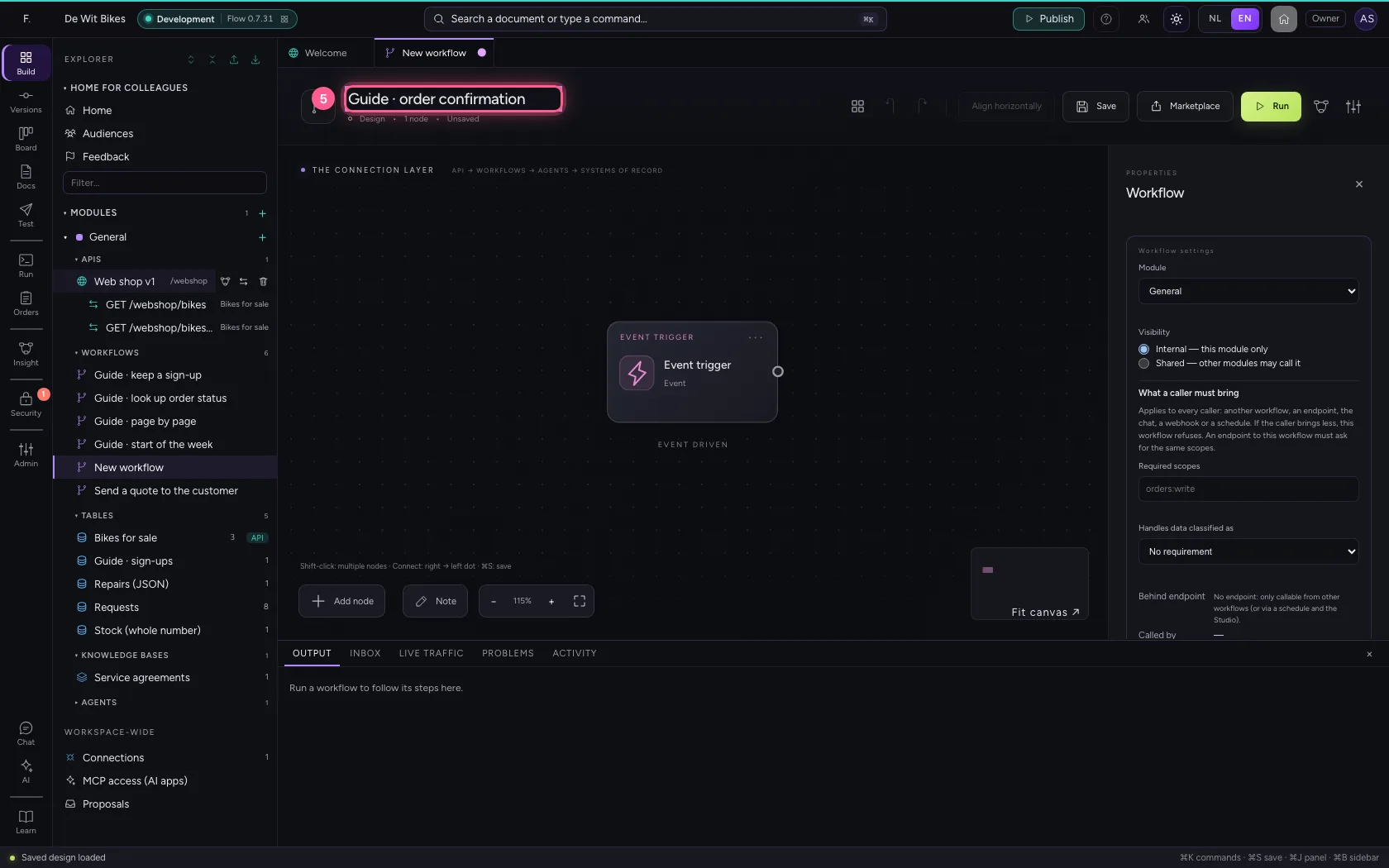
- In Workflow name, type
Guide · order confirmation
Fill in to whom, subject and message
Add Email. Under To you take the address from the data: {{order.email}}. The subject and the message may contain {{field}} as well.
- Click Add node
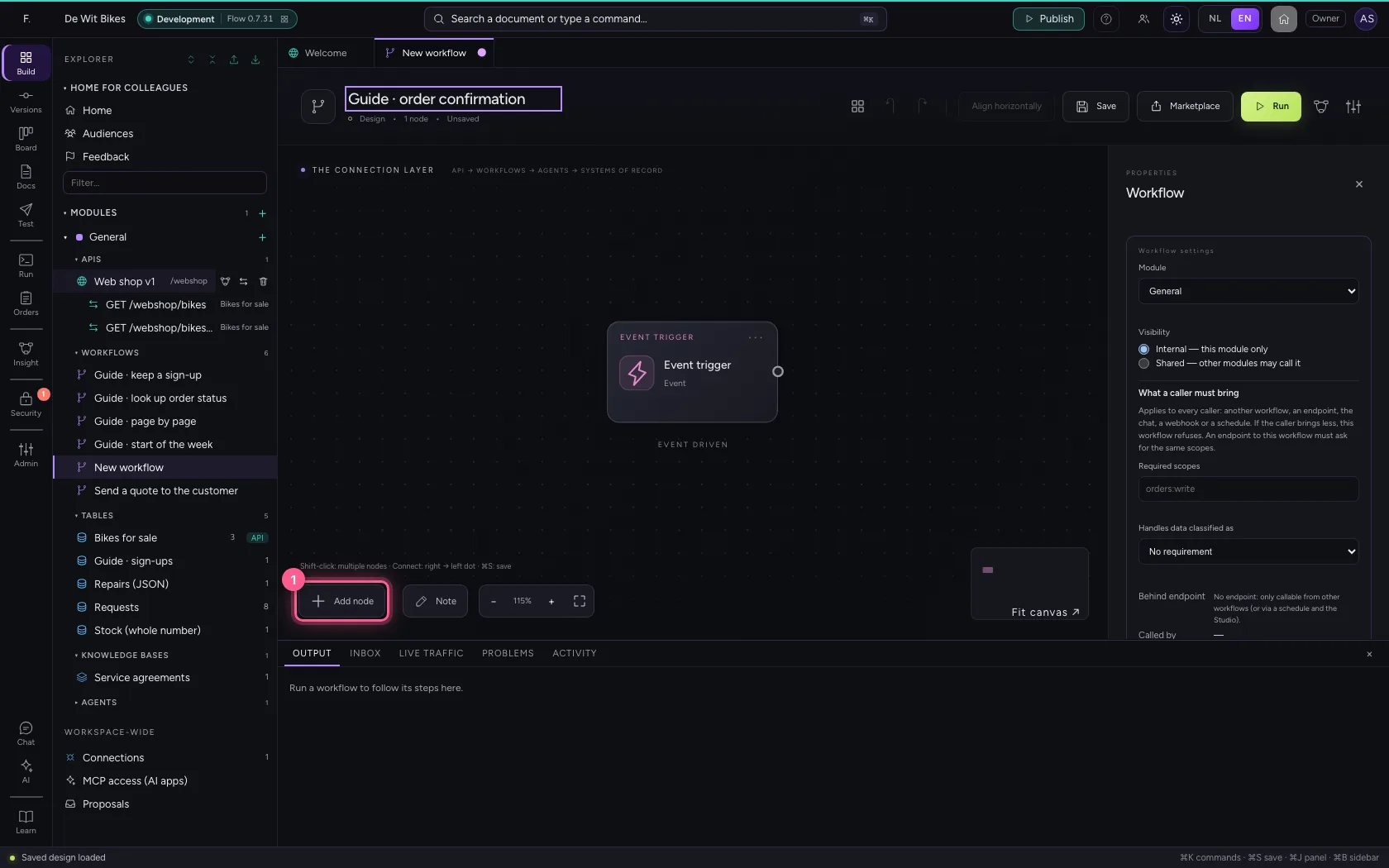
- Click Email
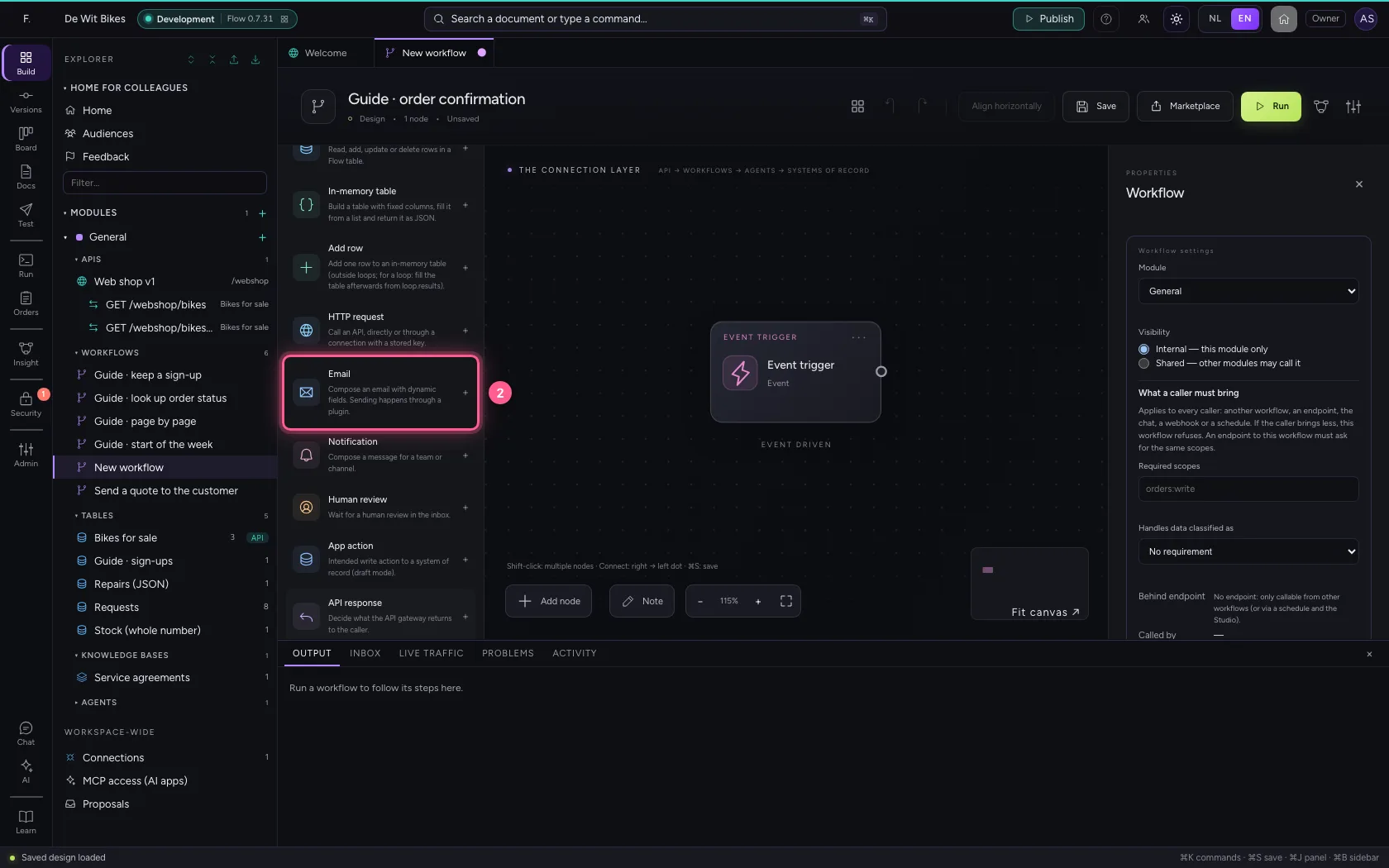
We have received your order {{order.reference}} and are getting started on it.
Kind regards`
- In Name, type
Compose confirmation - In To, type
{{order.email}} - In Subject, type
Your order {{order.reference}} has been received - In Message, type `Dear {{order.customer}},
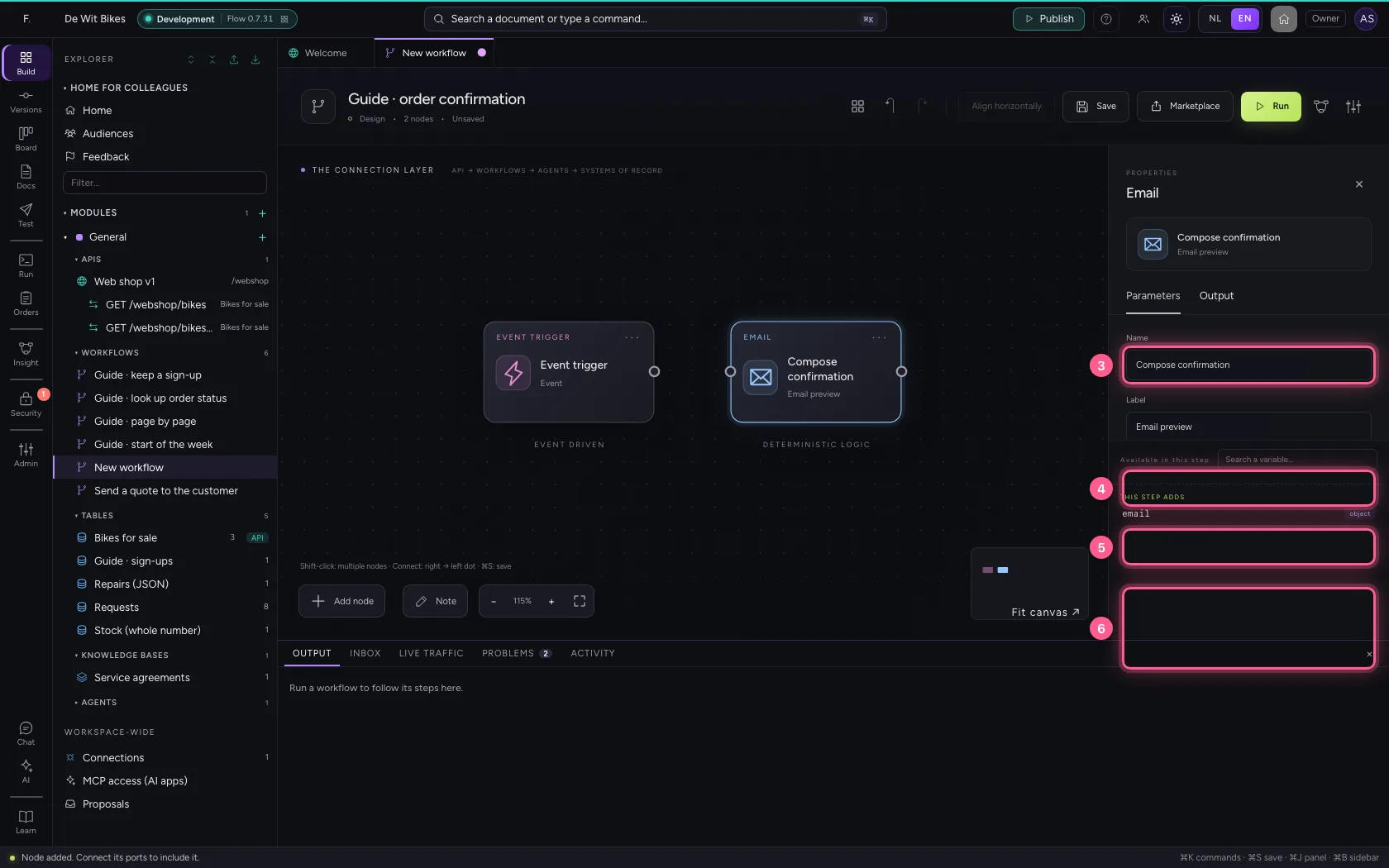
- Click the dot of ‘Event trigger’
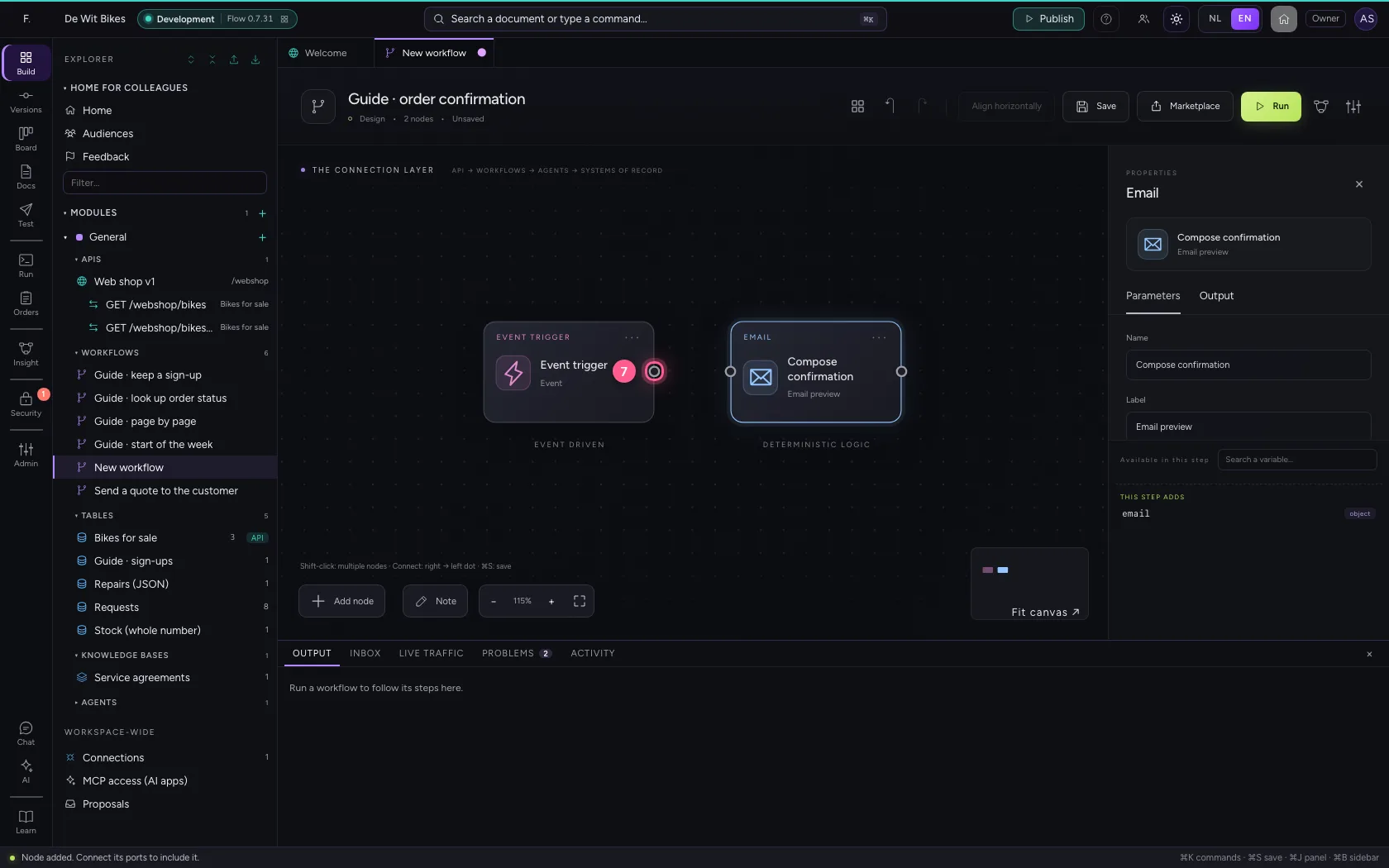
- Click the dot of ‘Compose confirmation’
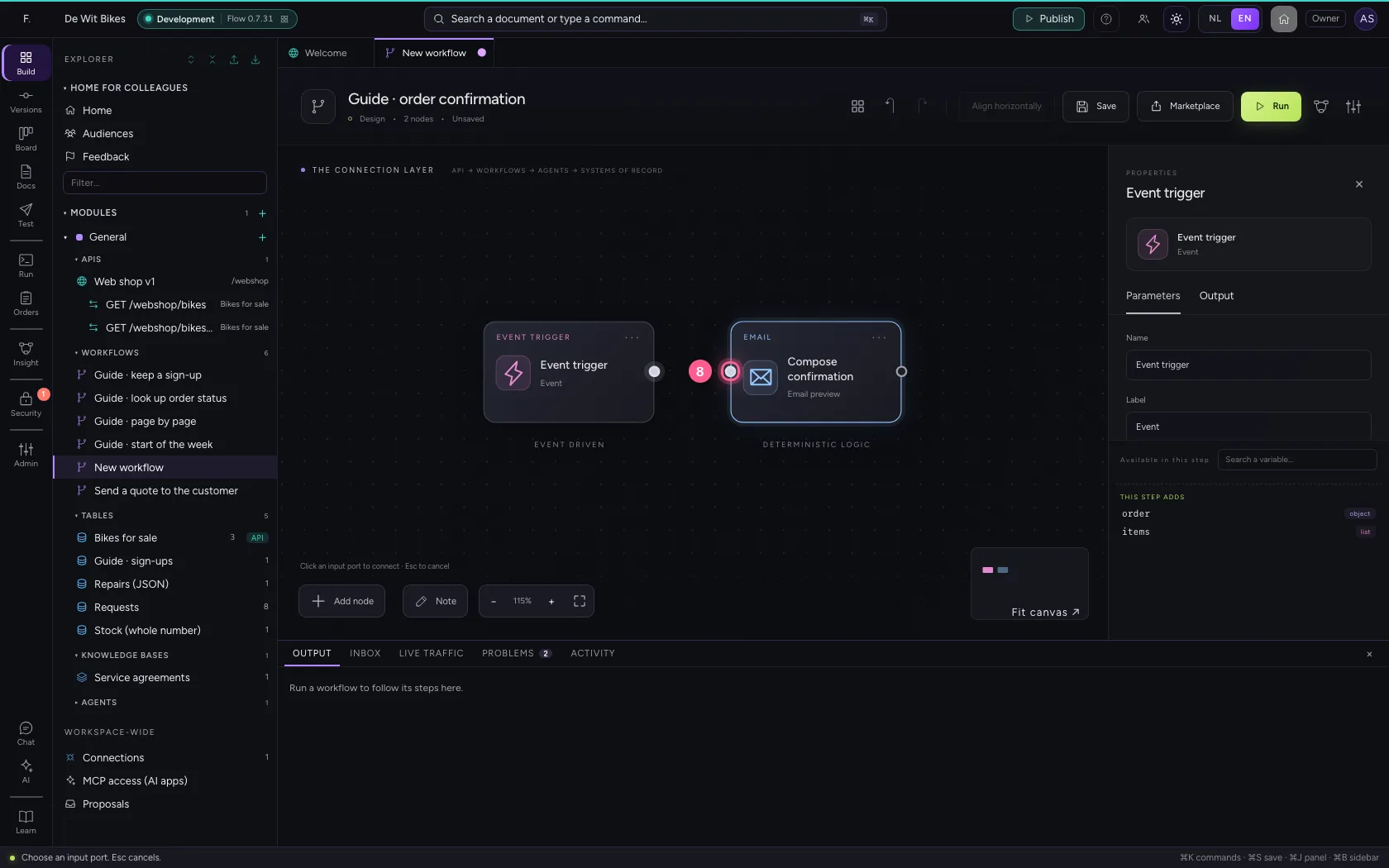
Put the steps in one line and save
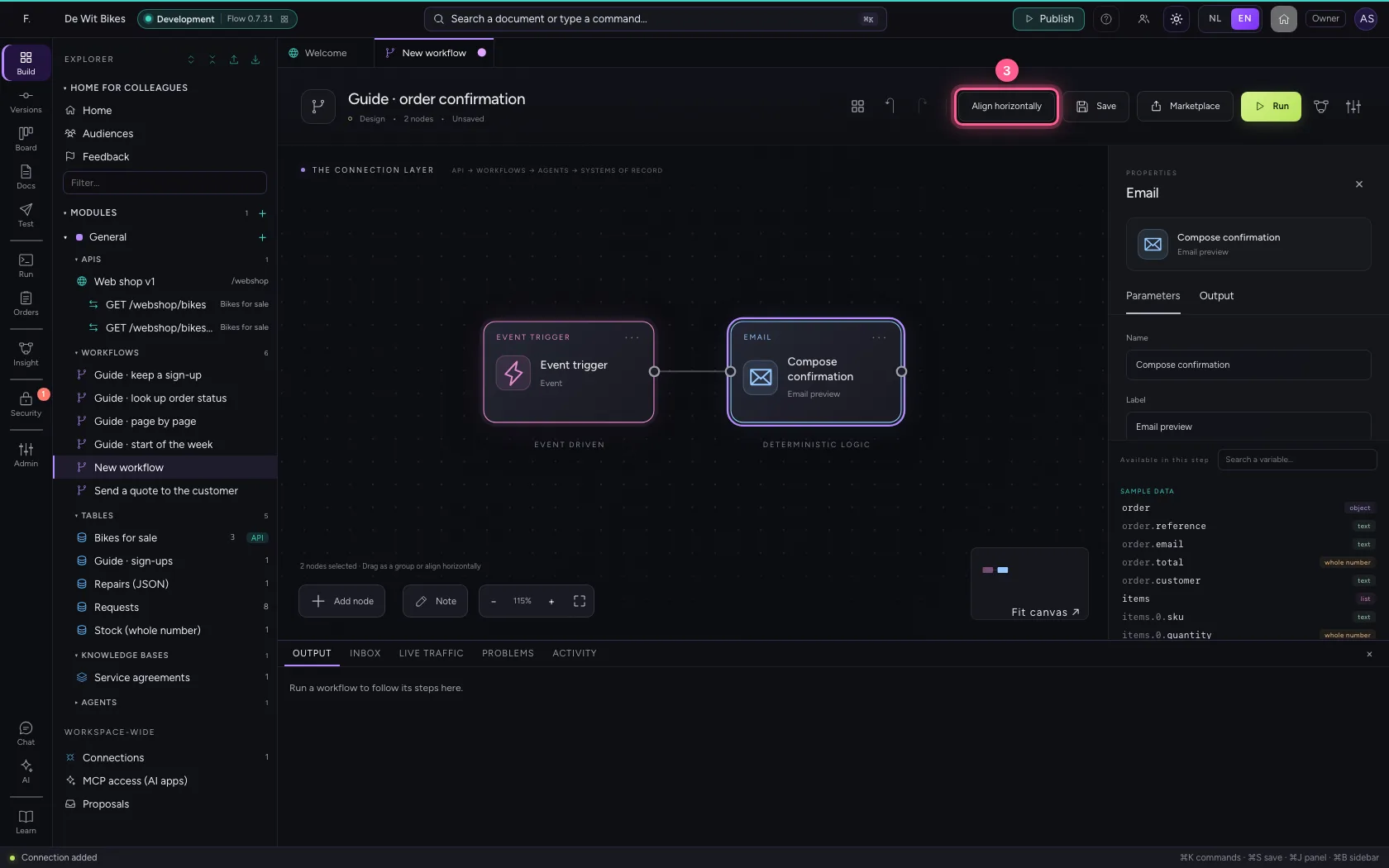
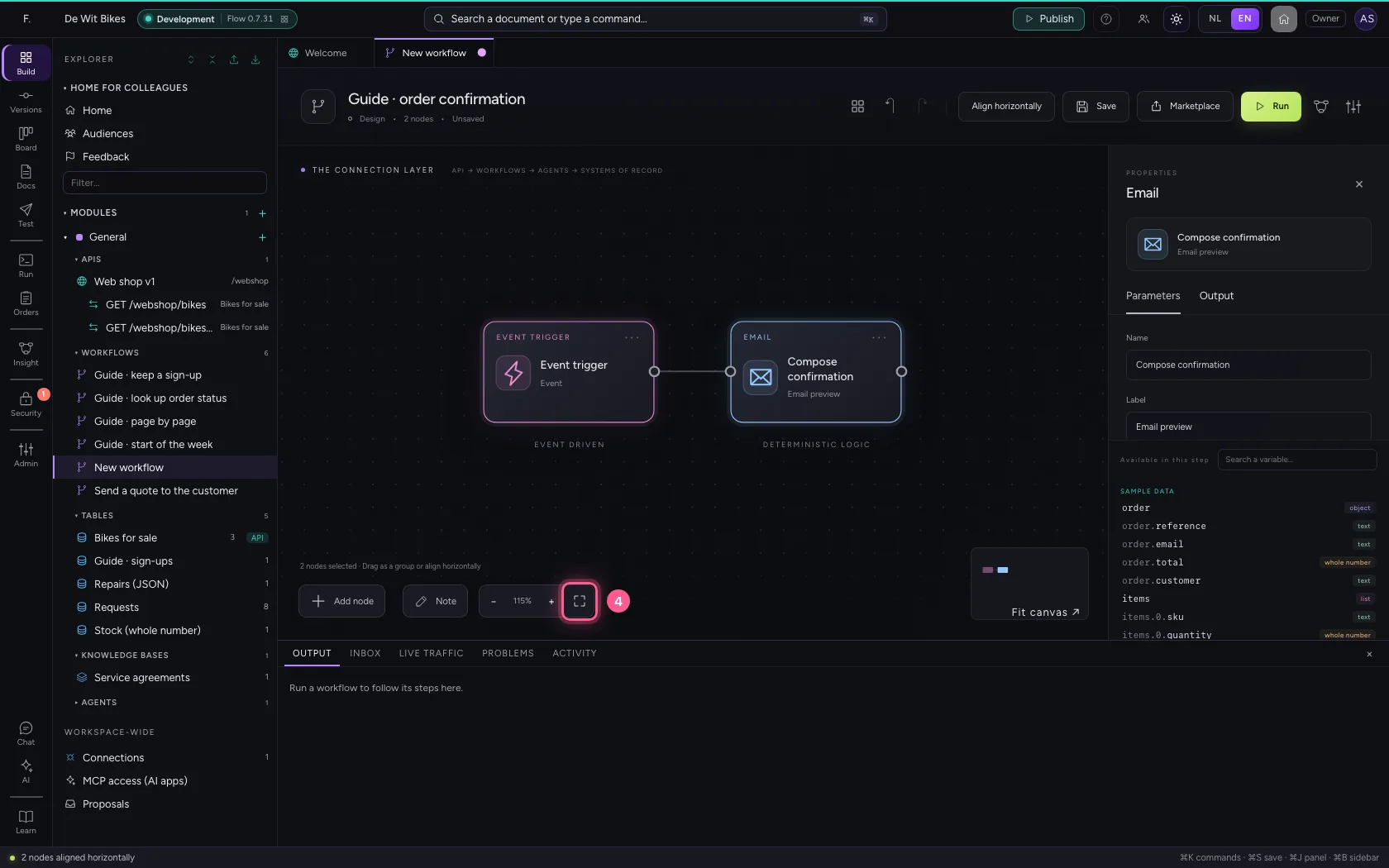
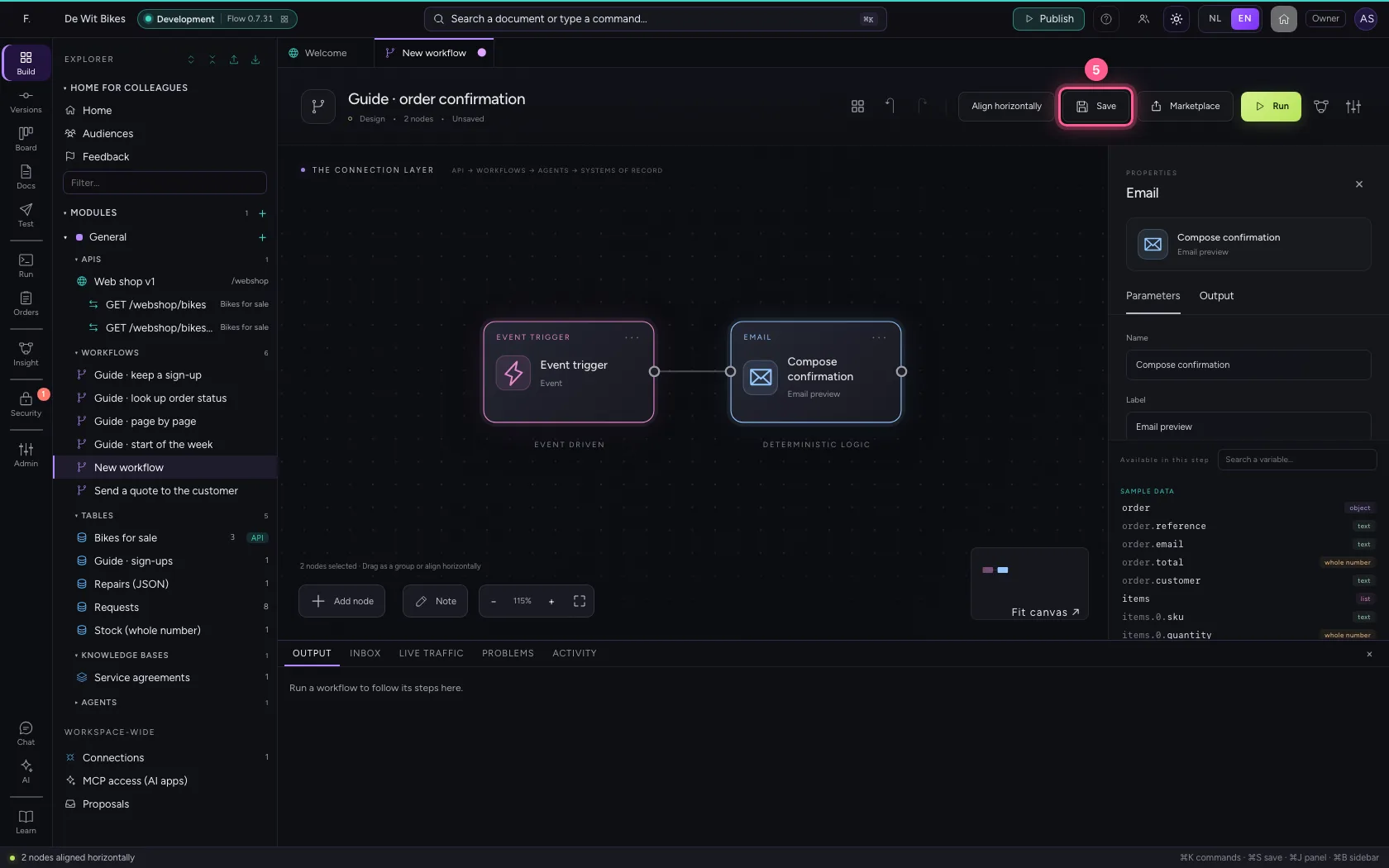
Select the steps (click the first, and the others while holding Shift) and click Align horizontally: they then stand in one line and you read the workflow from left to right; a branch (such as No of an If / Else) gets its own row below. Fit to view puts everything in sight; then Save.
- Click ‘Event trigger’
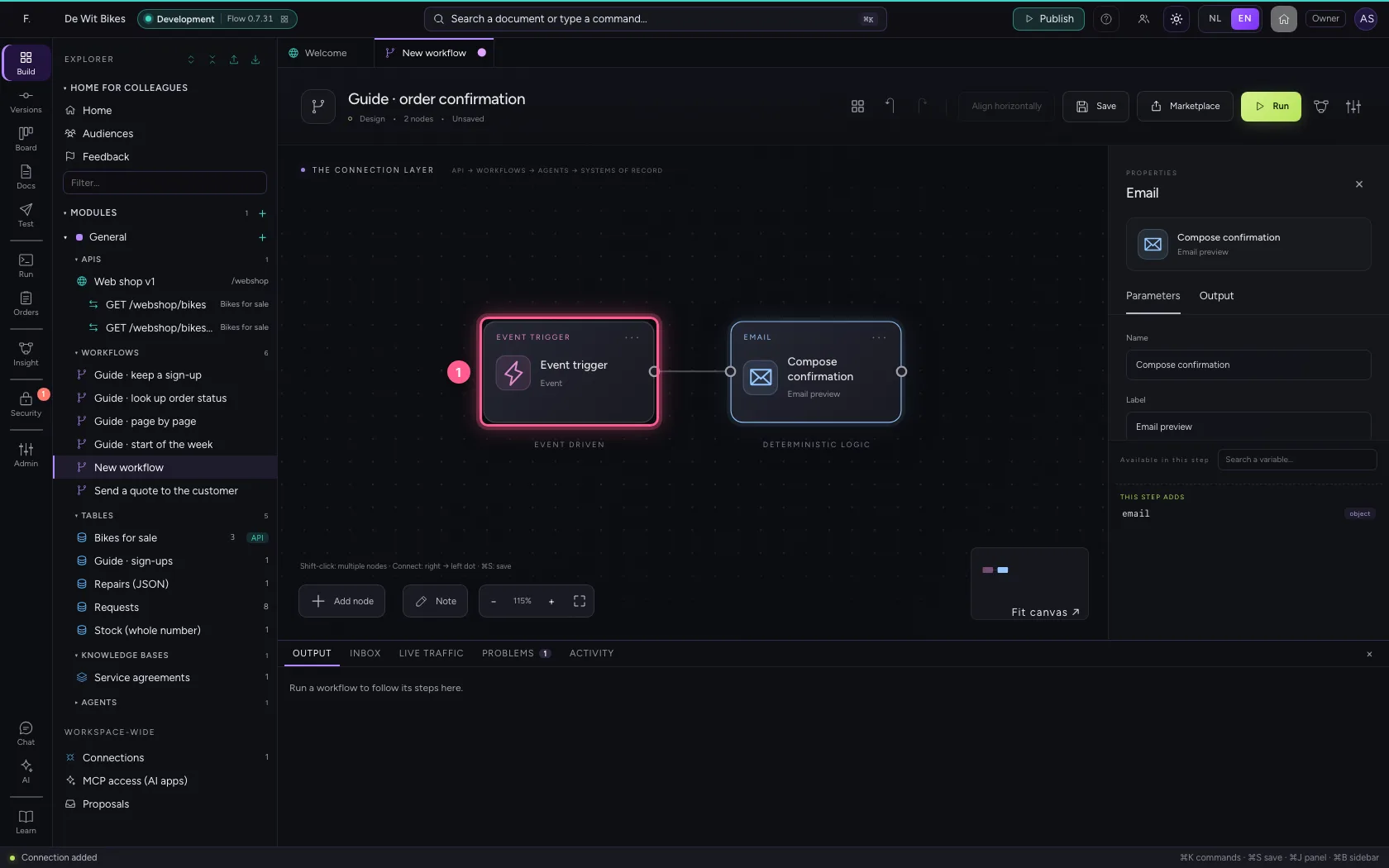
- Click ‘Compose confirmation’ while holding Shift
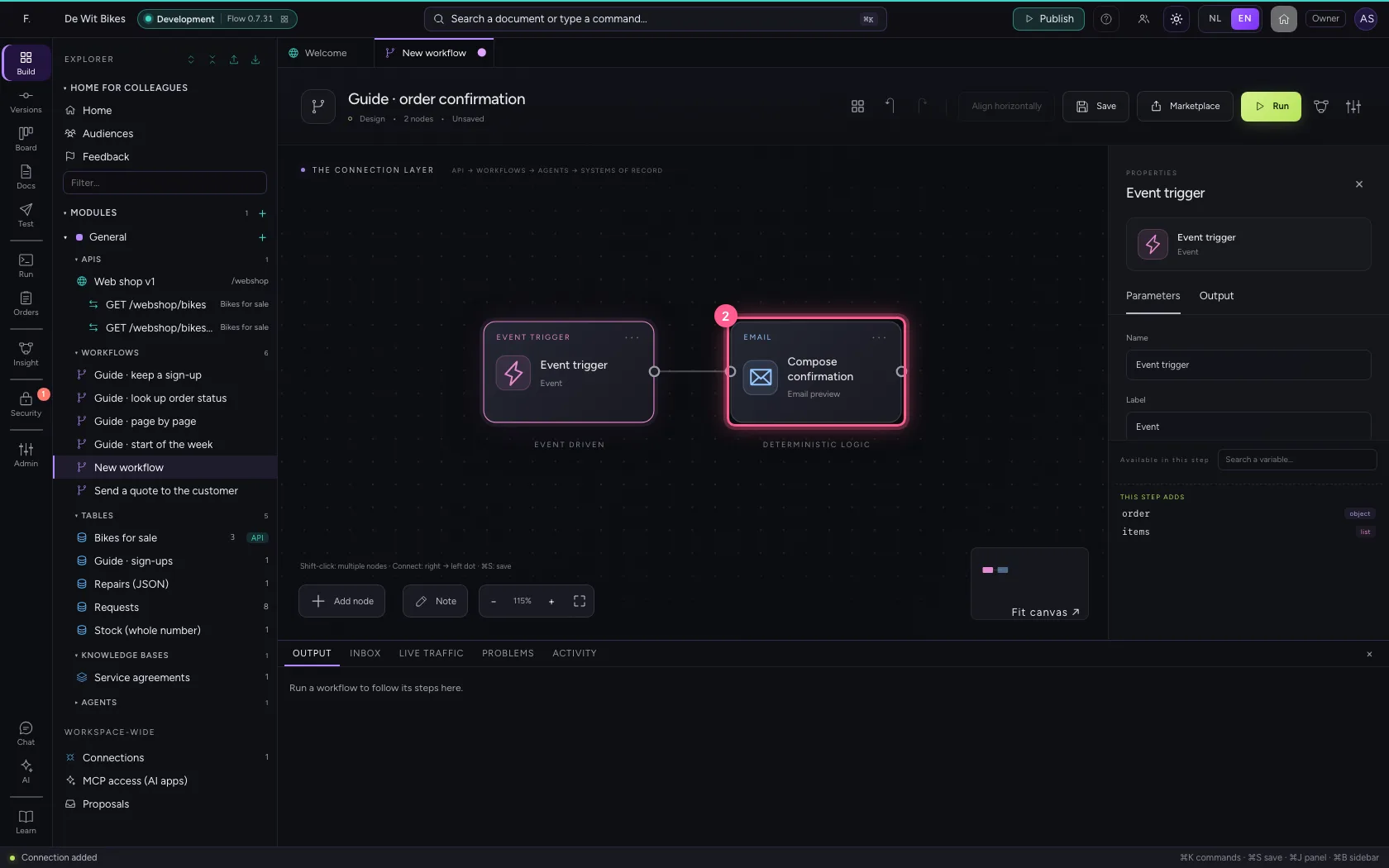
- Click Align horizontally
- Click Fit to view
- Click Save
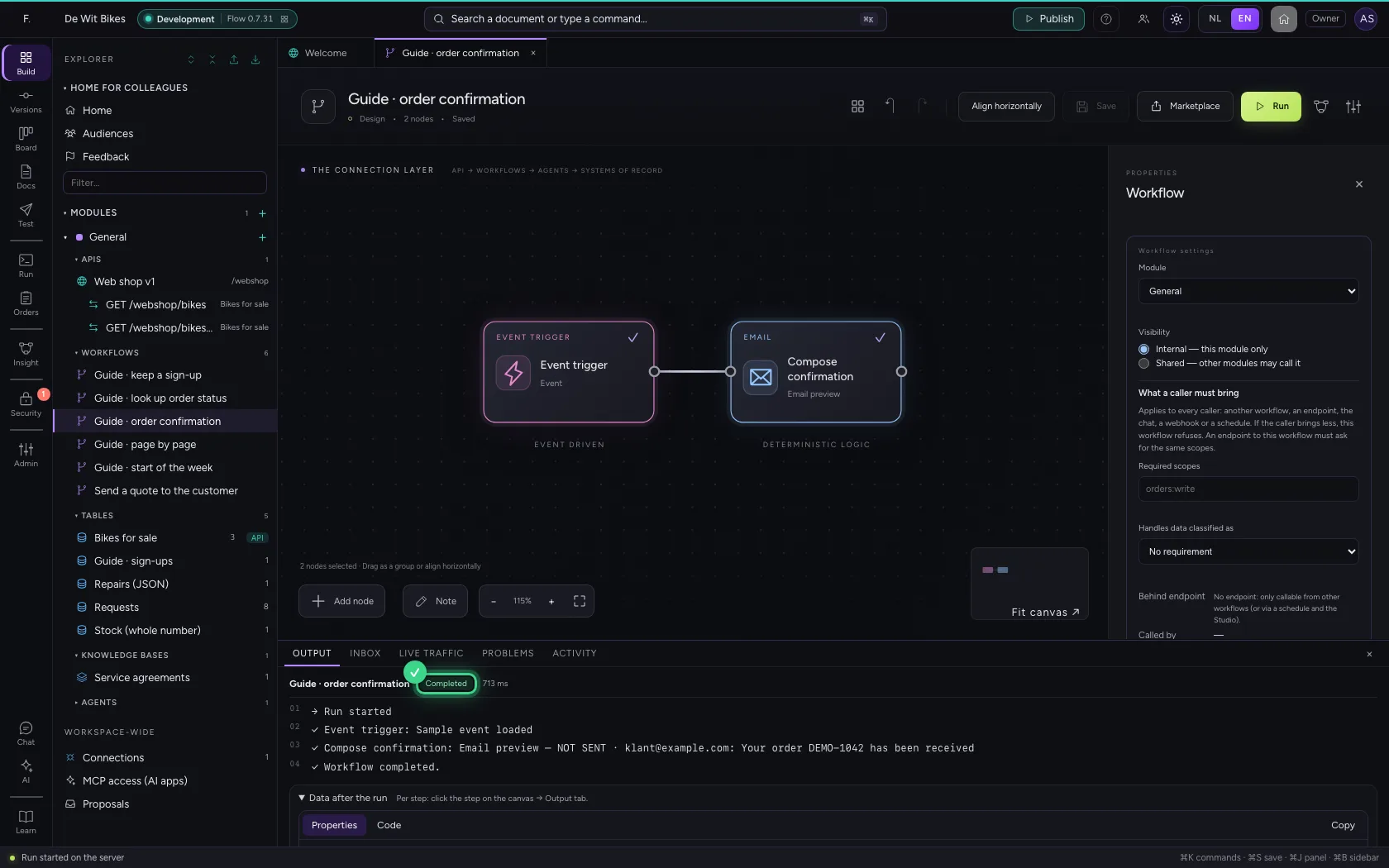
Run and read the draft
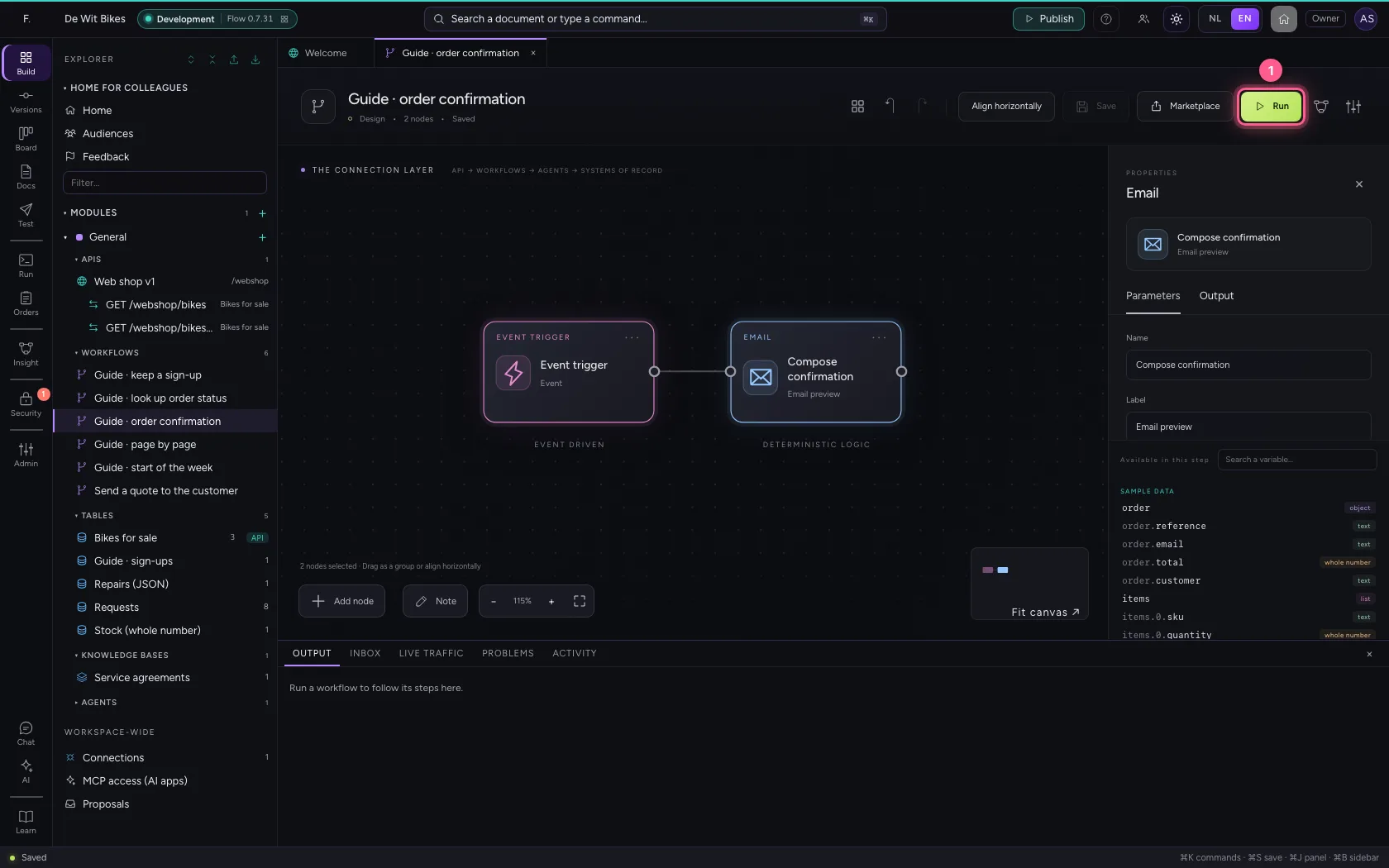
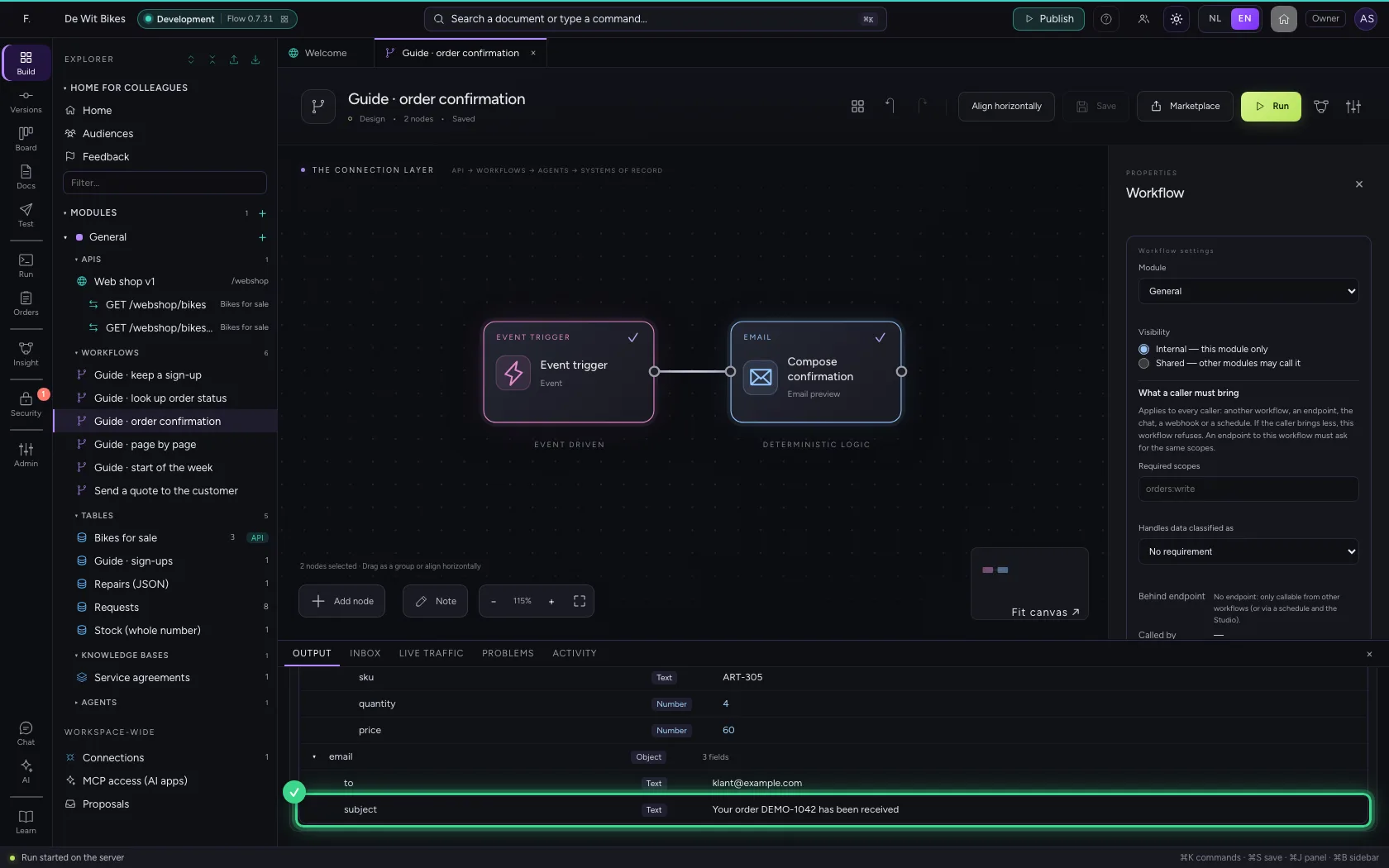
At the bottom is Email preview — NOT SENT, with the address and the subject. The whole message is under Data after the run as email.to, email.subject and email.body; a connector that really sends reads it there.
- Click Run
This guide was carried out step by step on 22 Oct 2026 by an automated test on Flow (version 3e563176).