Notification: a message for a team
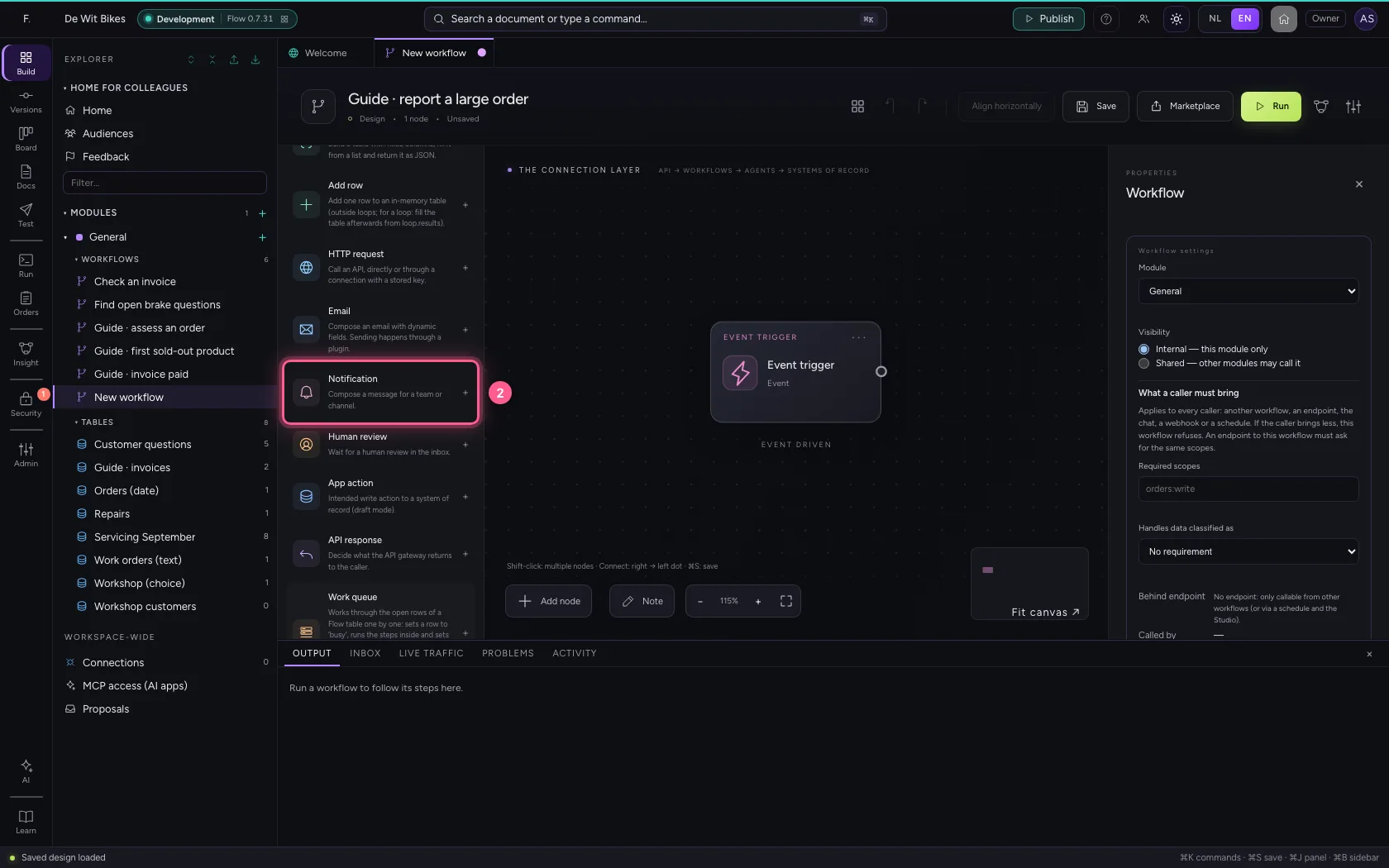
With Notification a workflow composes a message for a team or channel, with data from the workflow in it. Without a connected messaging system it is a preview: Flow shows what would be sent, but sends nothing. That way you test the content safely; to really send, you use the steps of a connector, such as Teams or Slack.
Open Flow and create a workflow
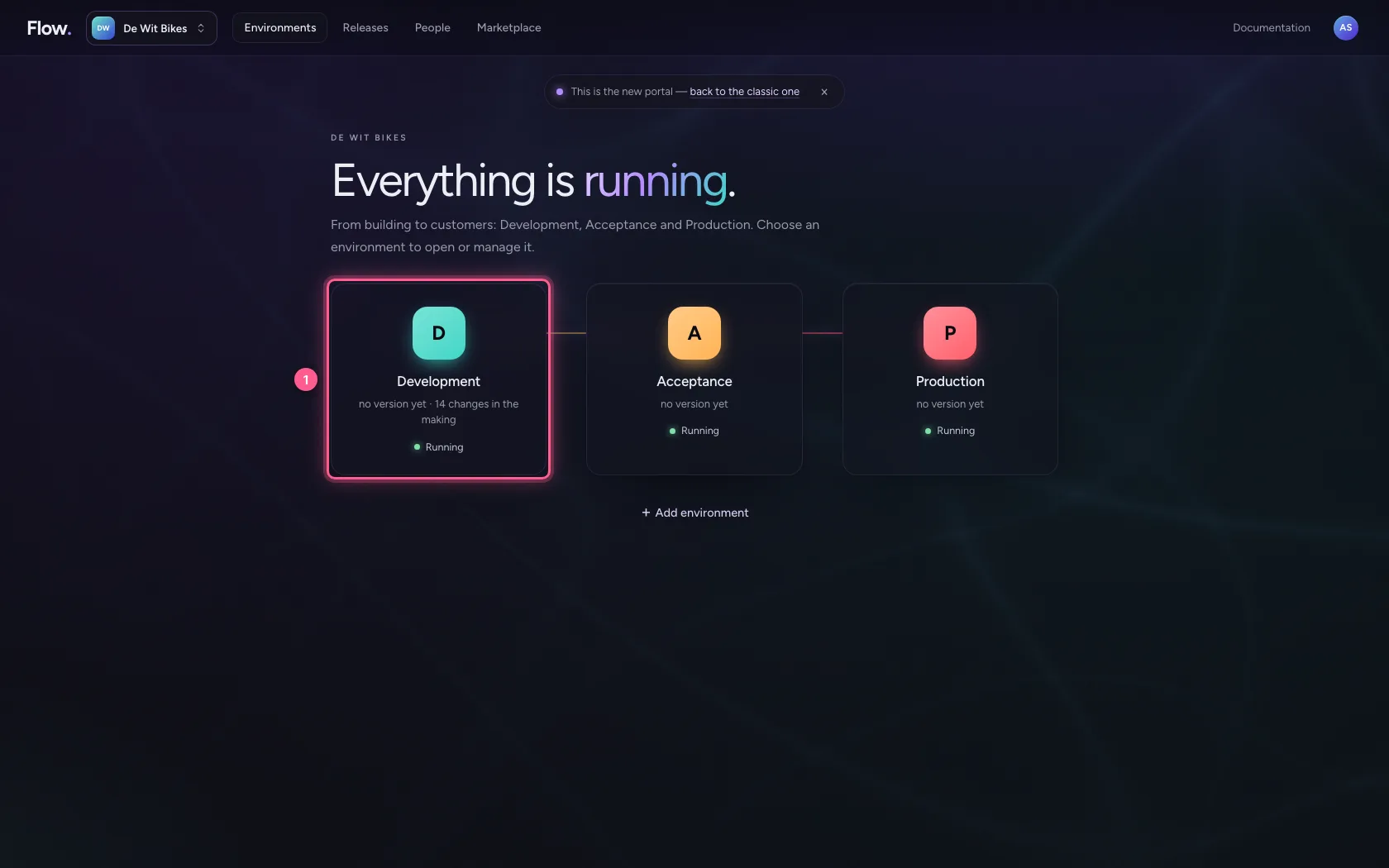
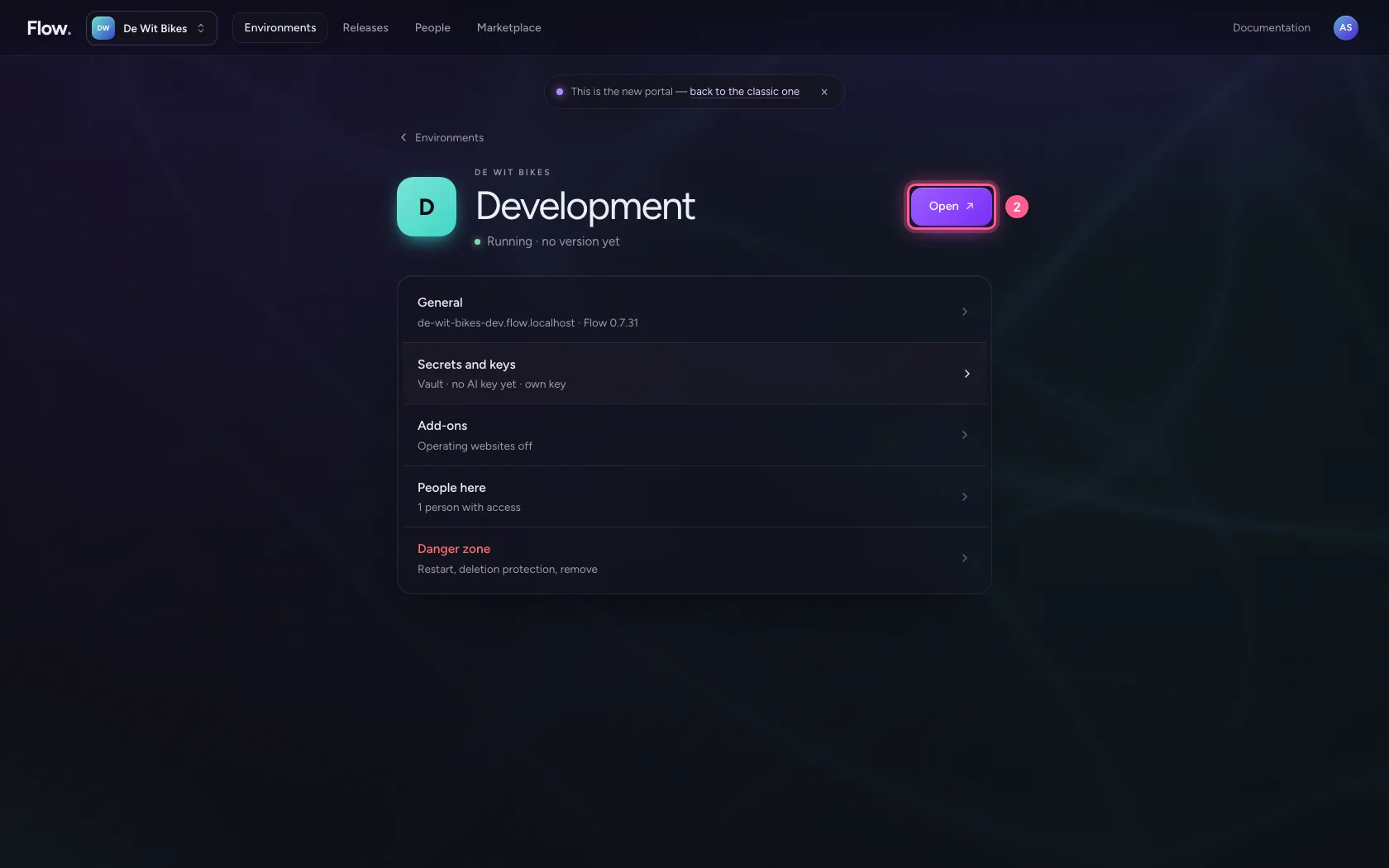
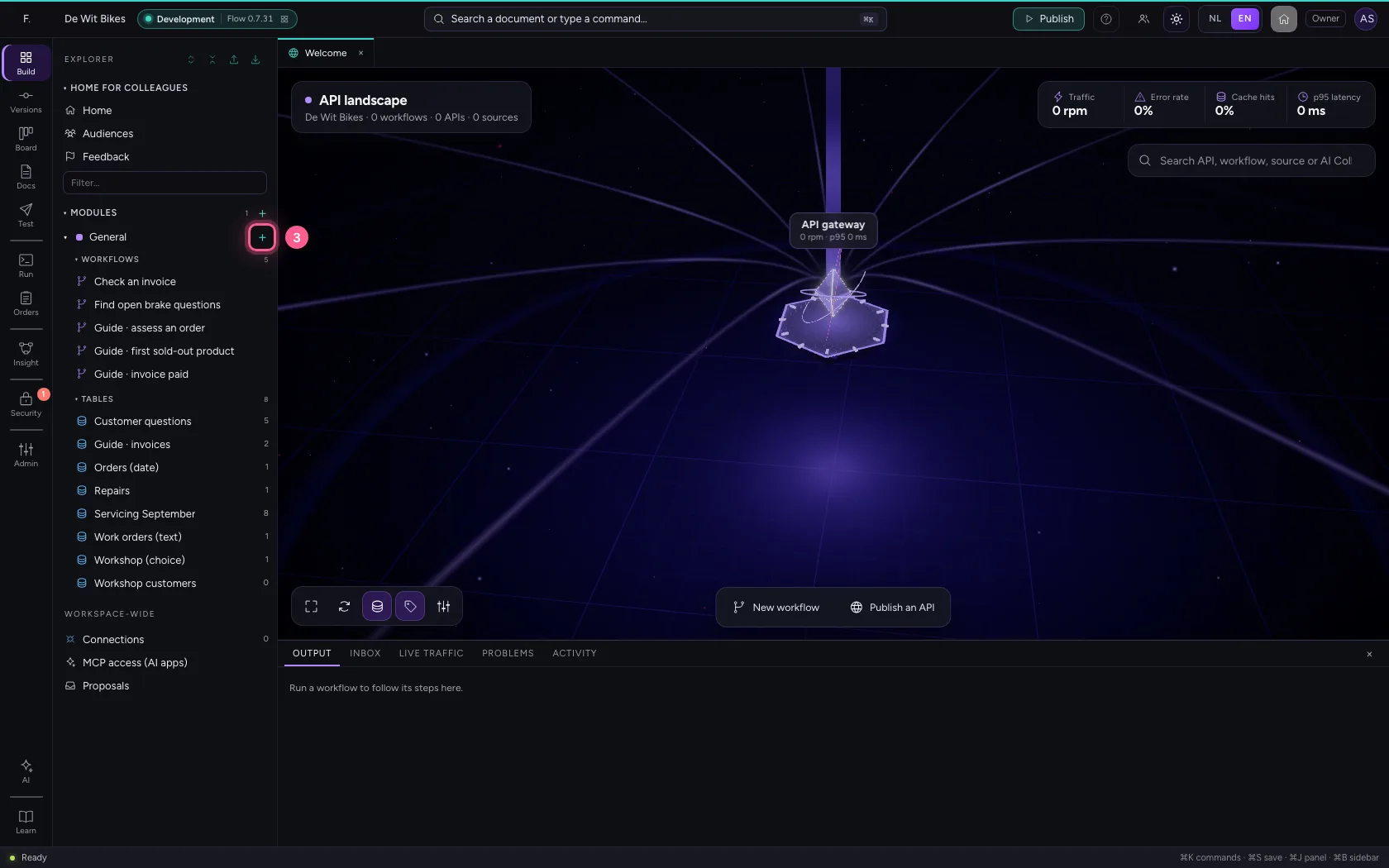
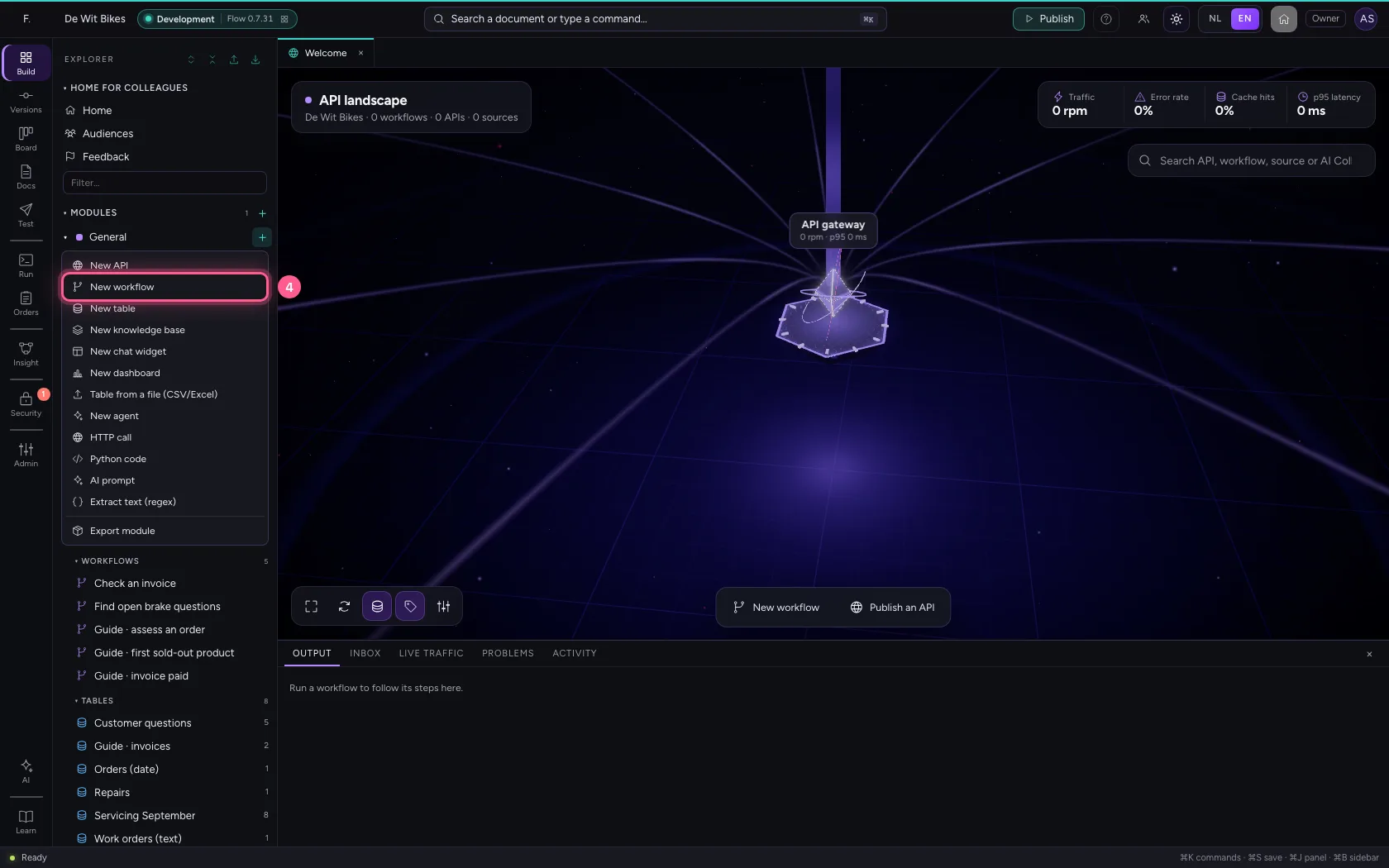
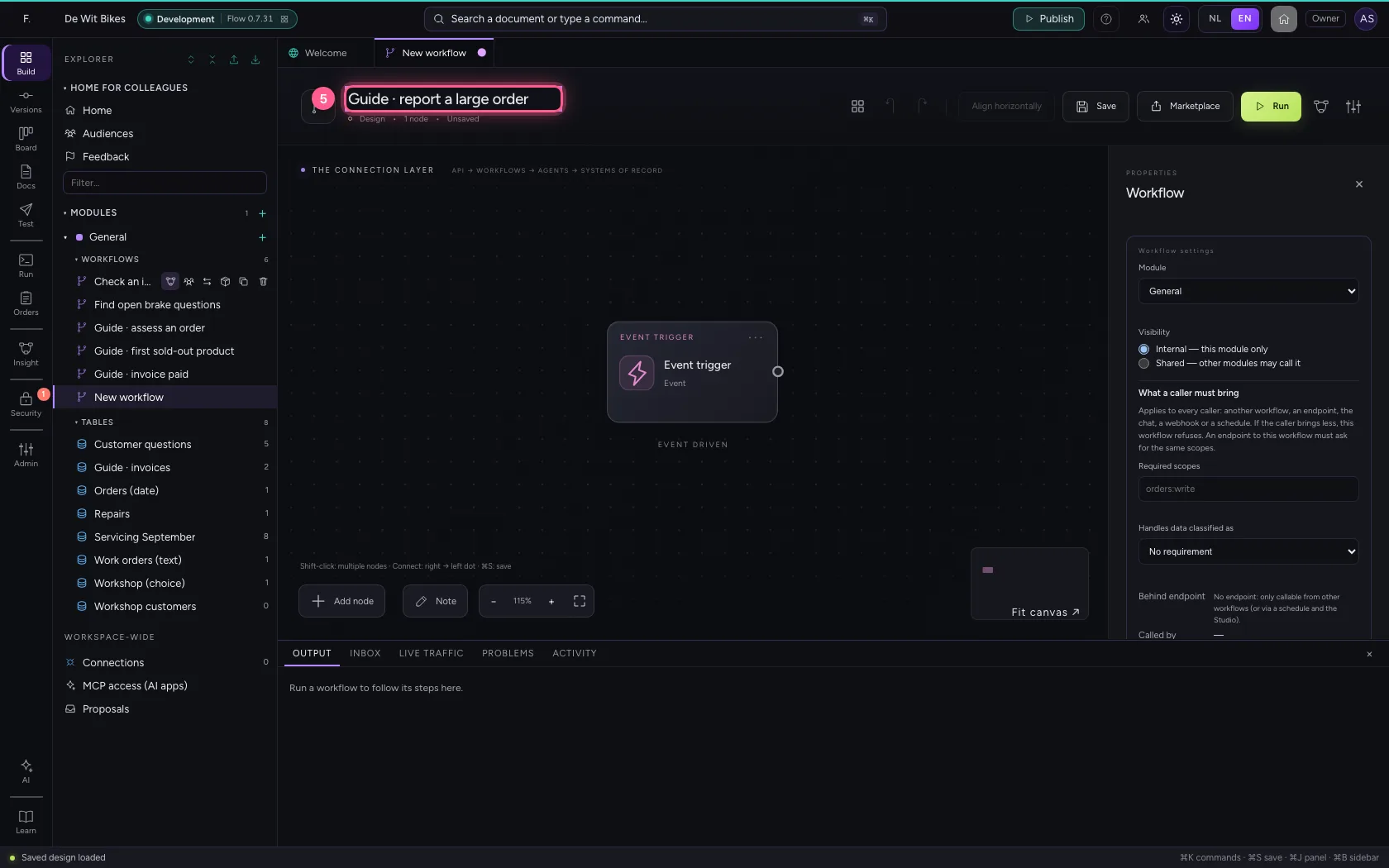
In the portal, under Environments, click Development and there Open; Flow opens in a new tab. There, click + next to General, choose New workflow and give it a name. A new workflow starts with an Event trigger: the point where it begins.
- Click Development
- Click Open ↗
- Click Add to General
- Click New workflow
- In Workflow name, type
Guide · report a large order
Write the message
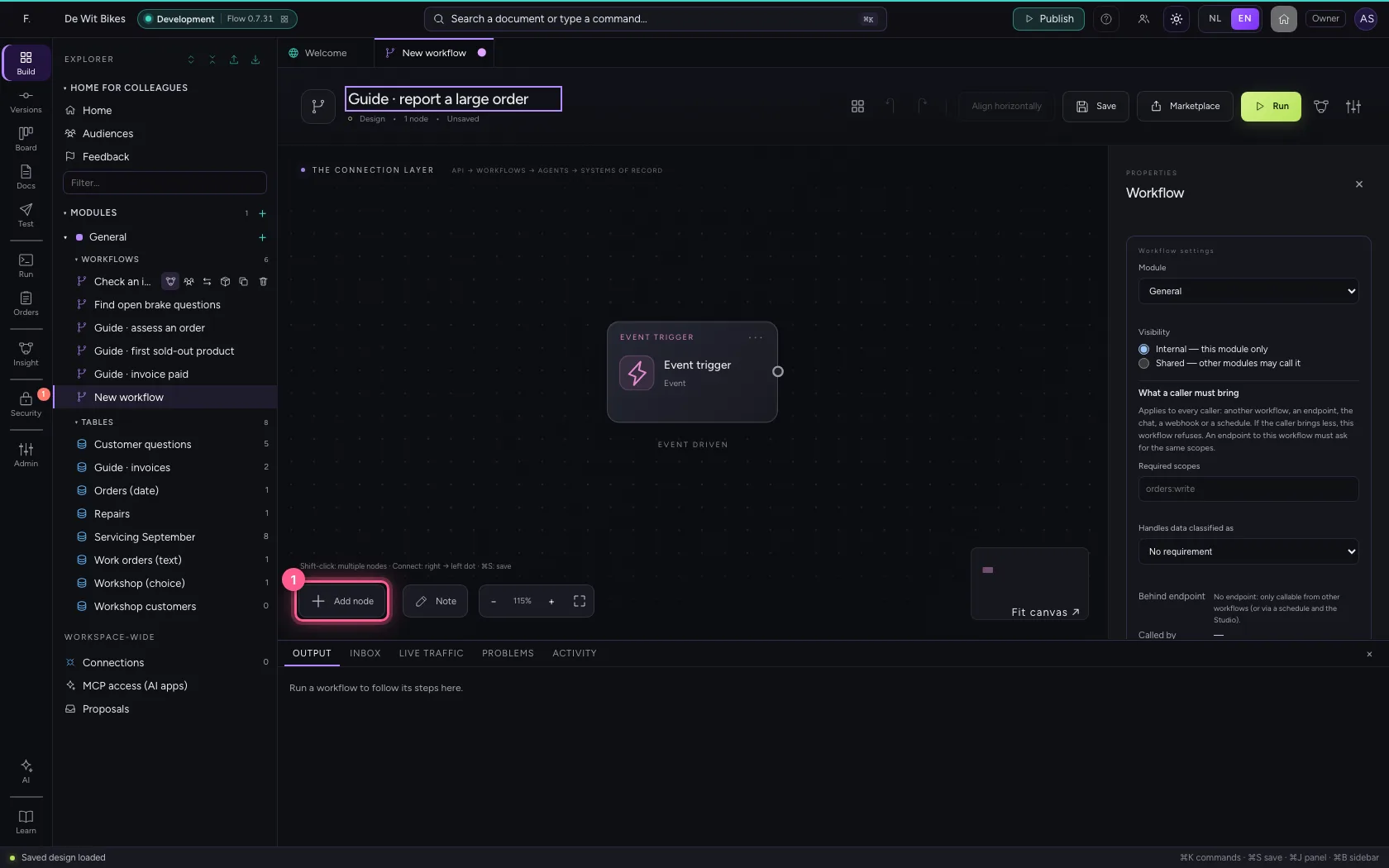
Add Notification. Under Channel you put who it is for; under Message the text, with {{field}} for data from the workflow. The trigger has sample data of an order here.
- Click Add node
- Click Notification
- In Name, type
Tell sales - In Channel, type
Inside sales - In Message, type
Large order {{order.reference}} from {{order.customer}}: {{order.total}} euros.
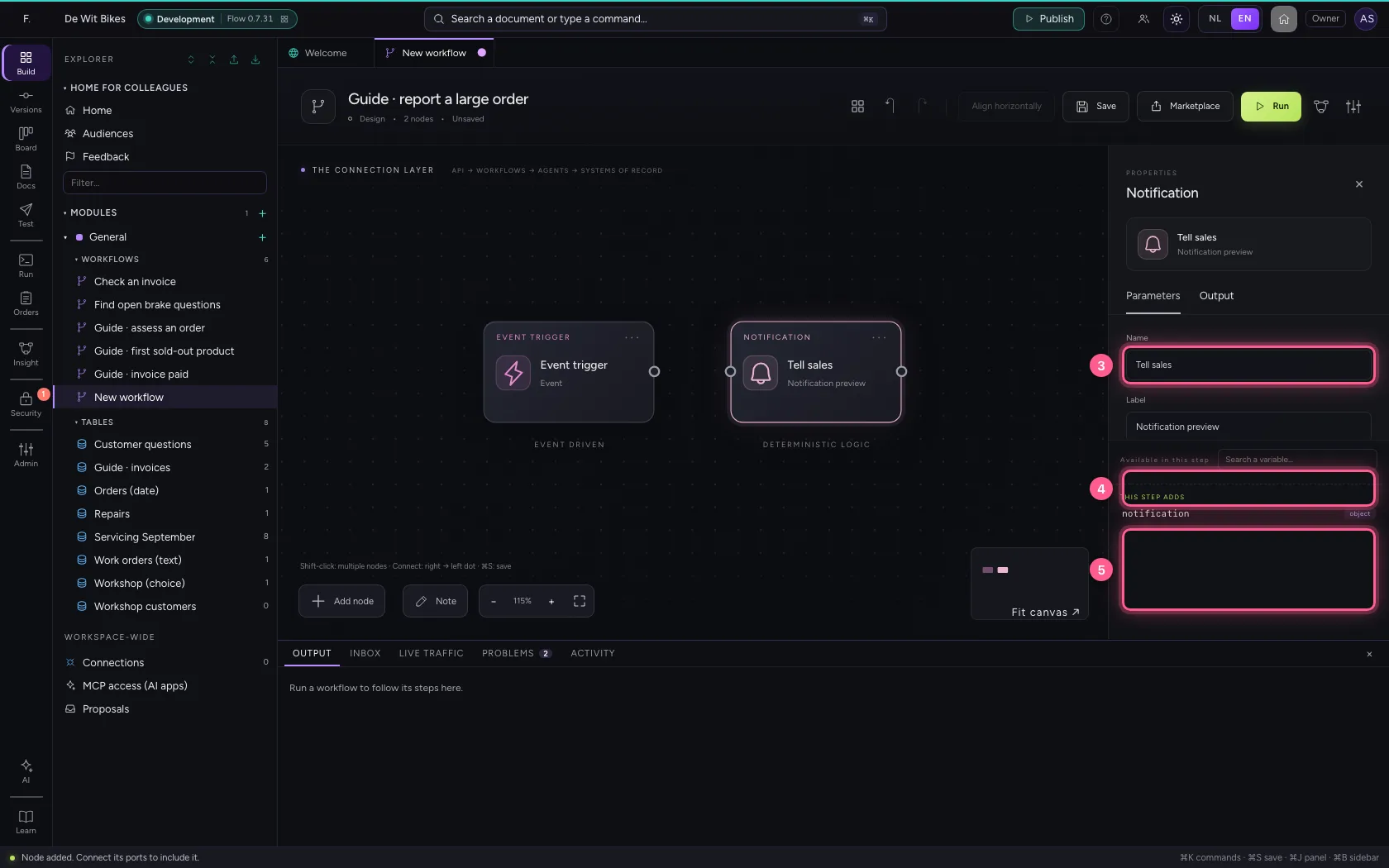
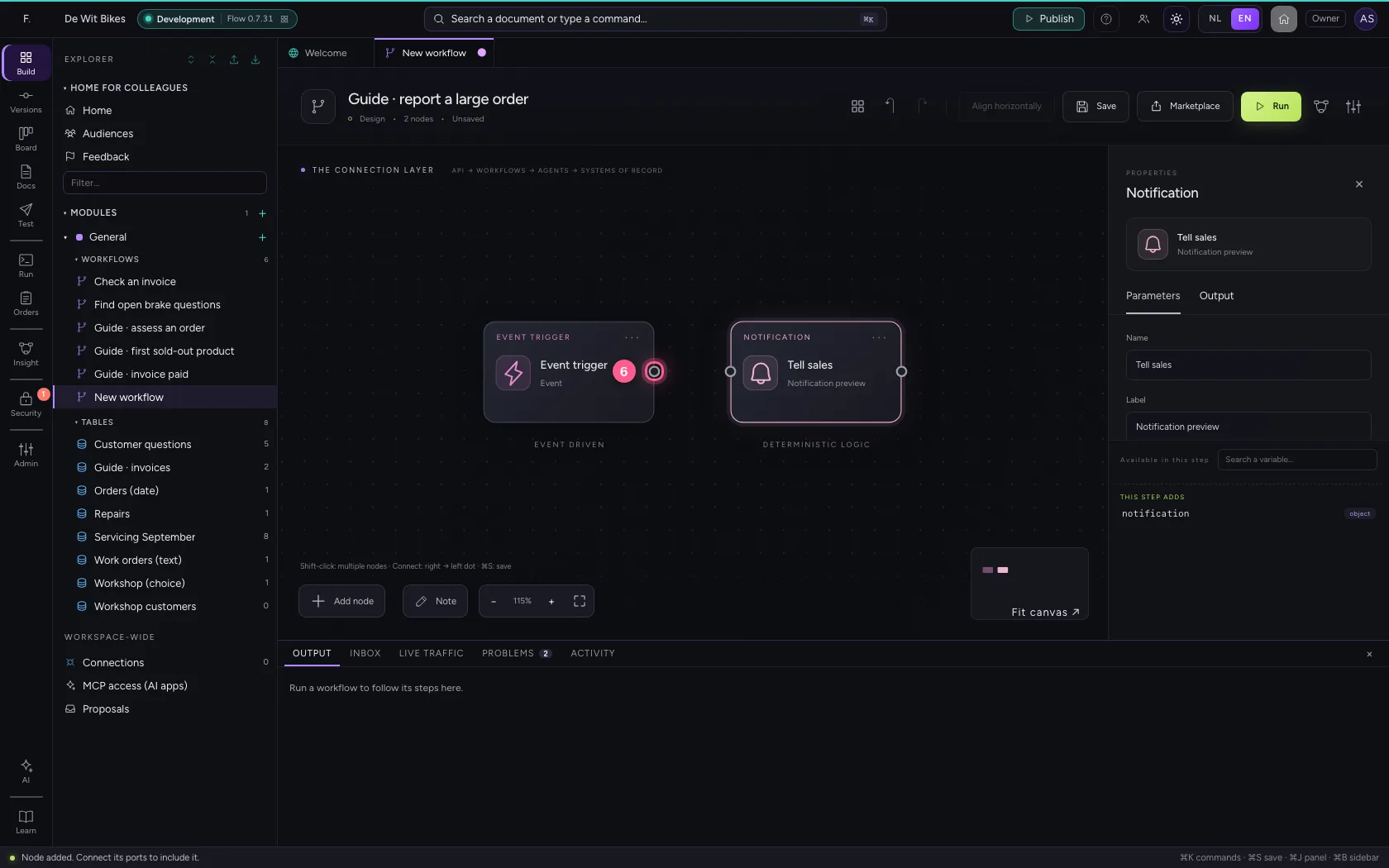
- Click the dot of ‘Event trigger’
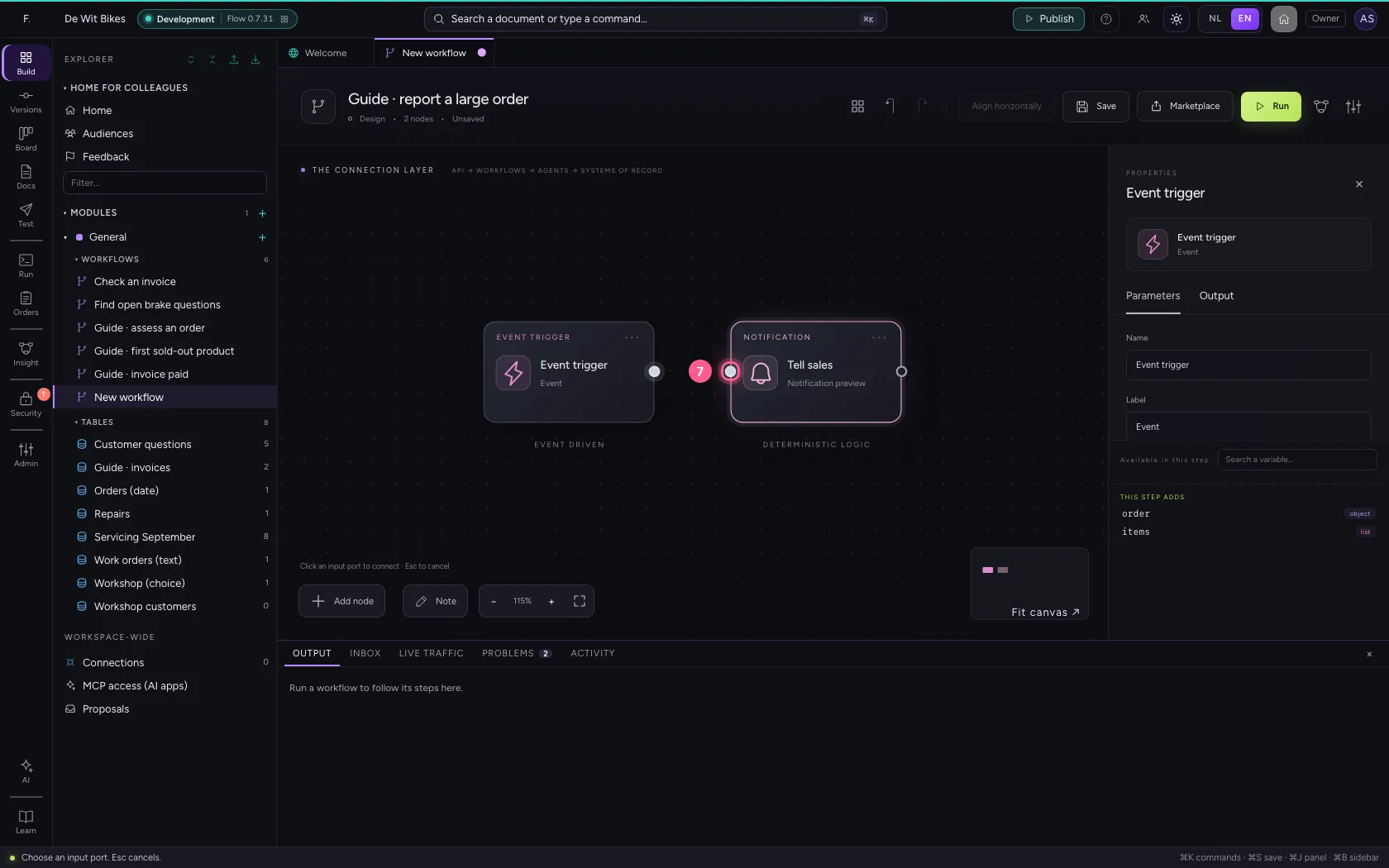
- Click the dot of ‘Tell sales’
Put the steps in one line and save
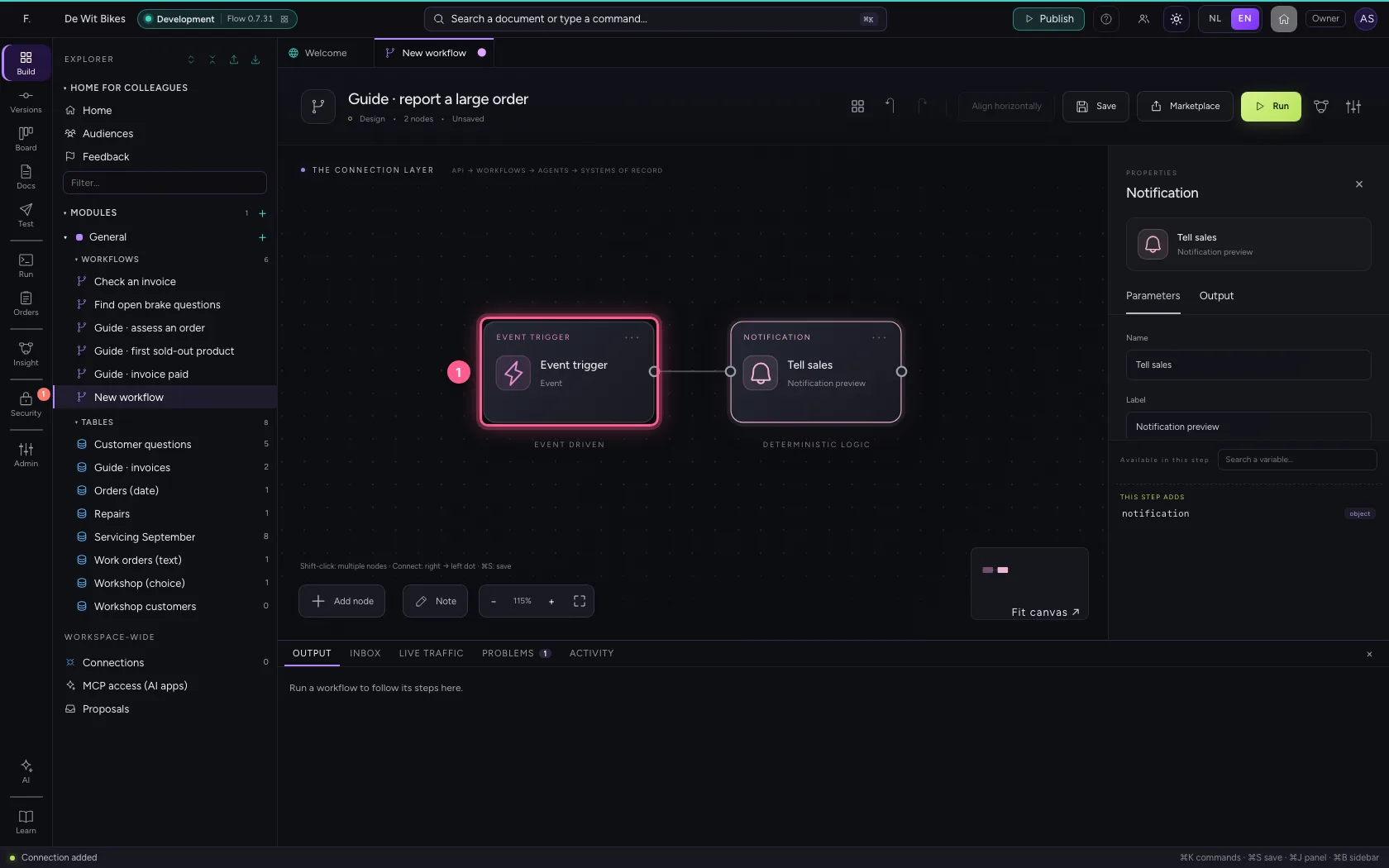
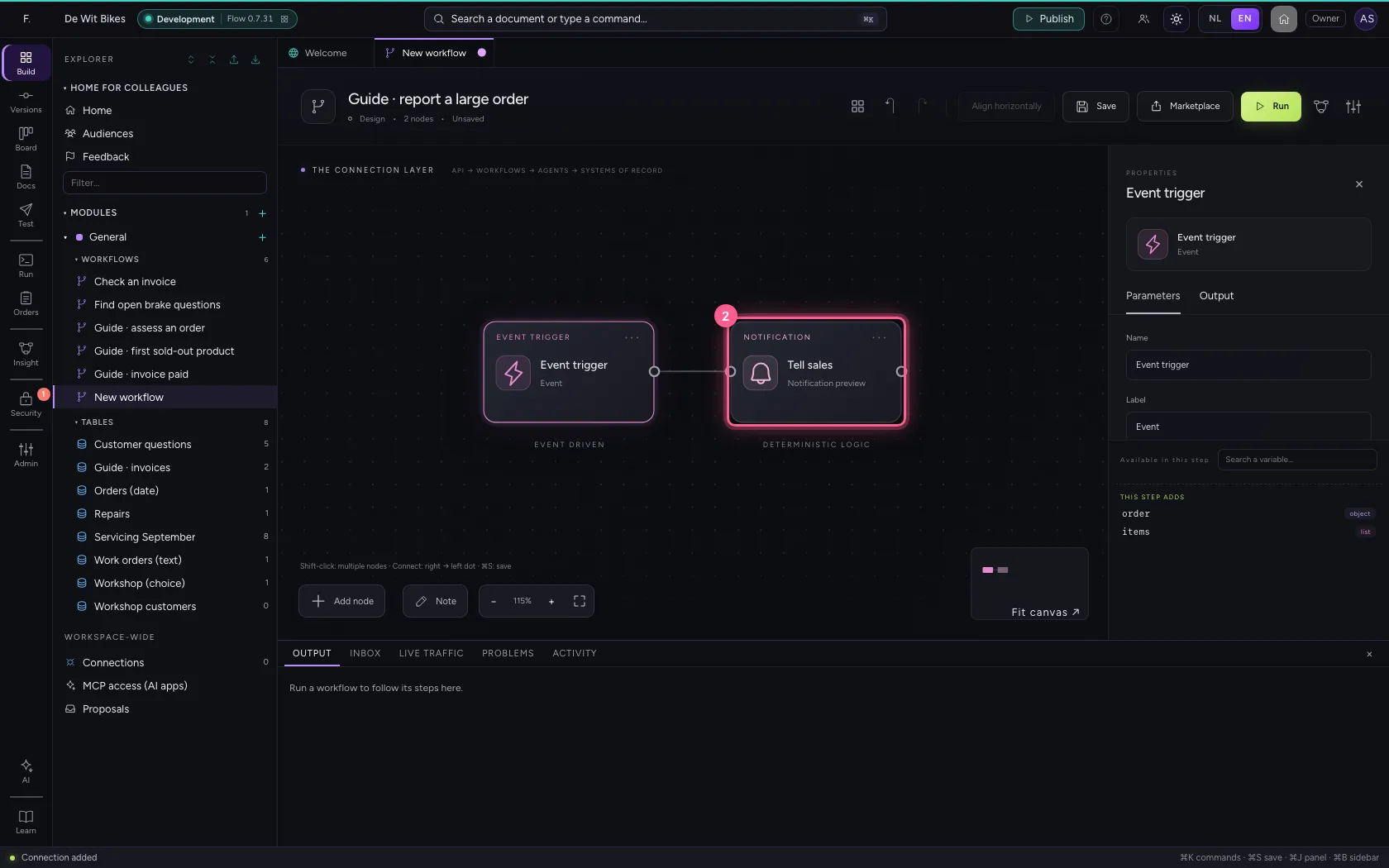
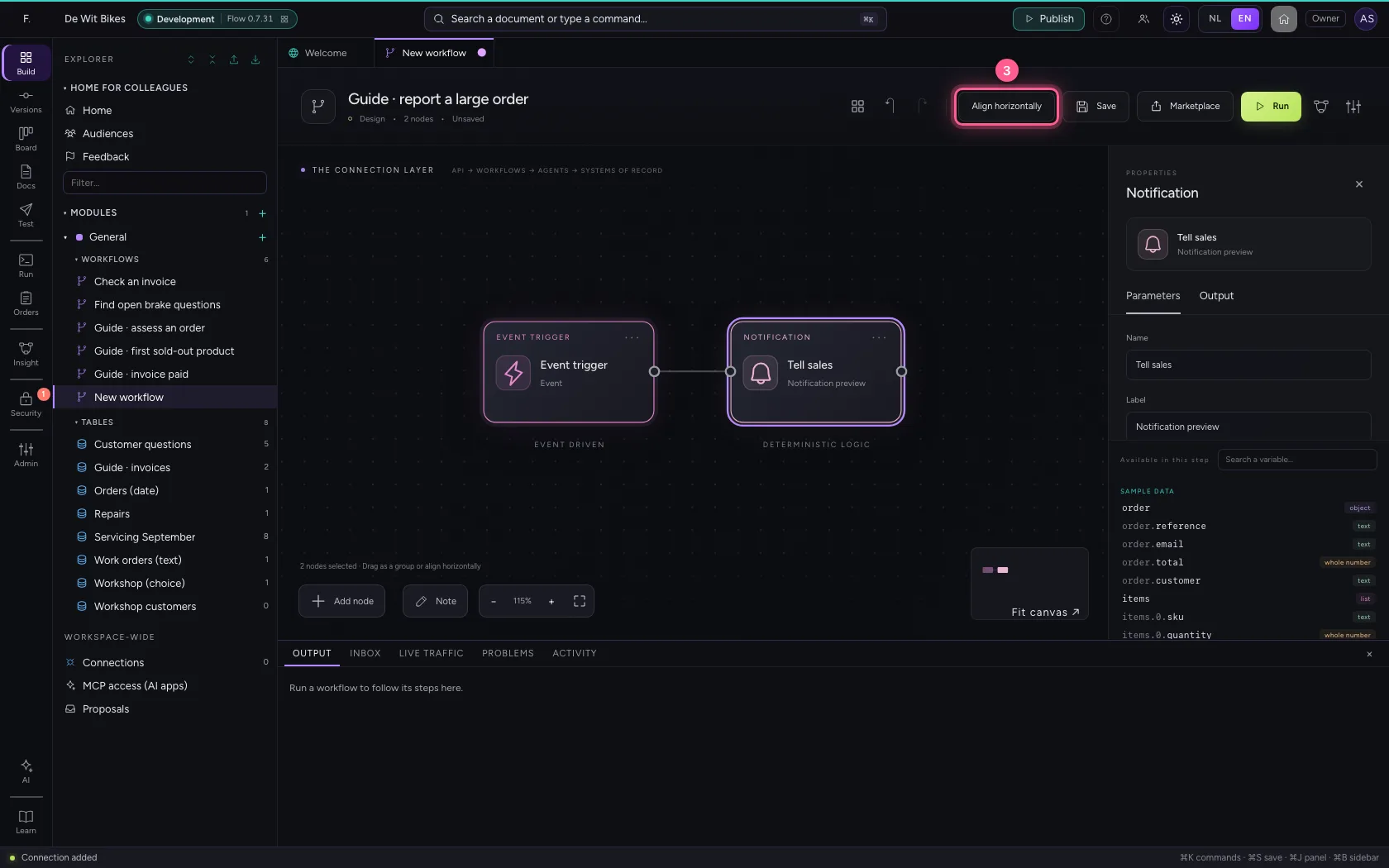
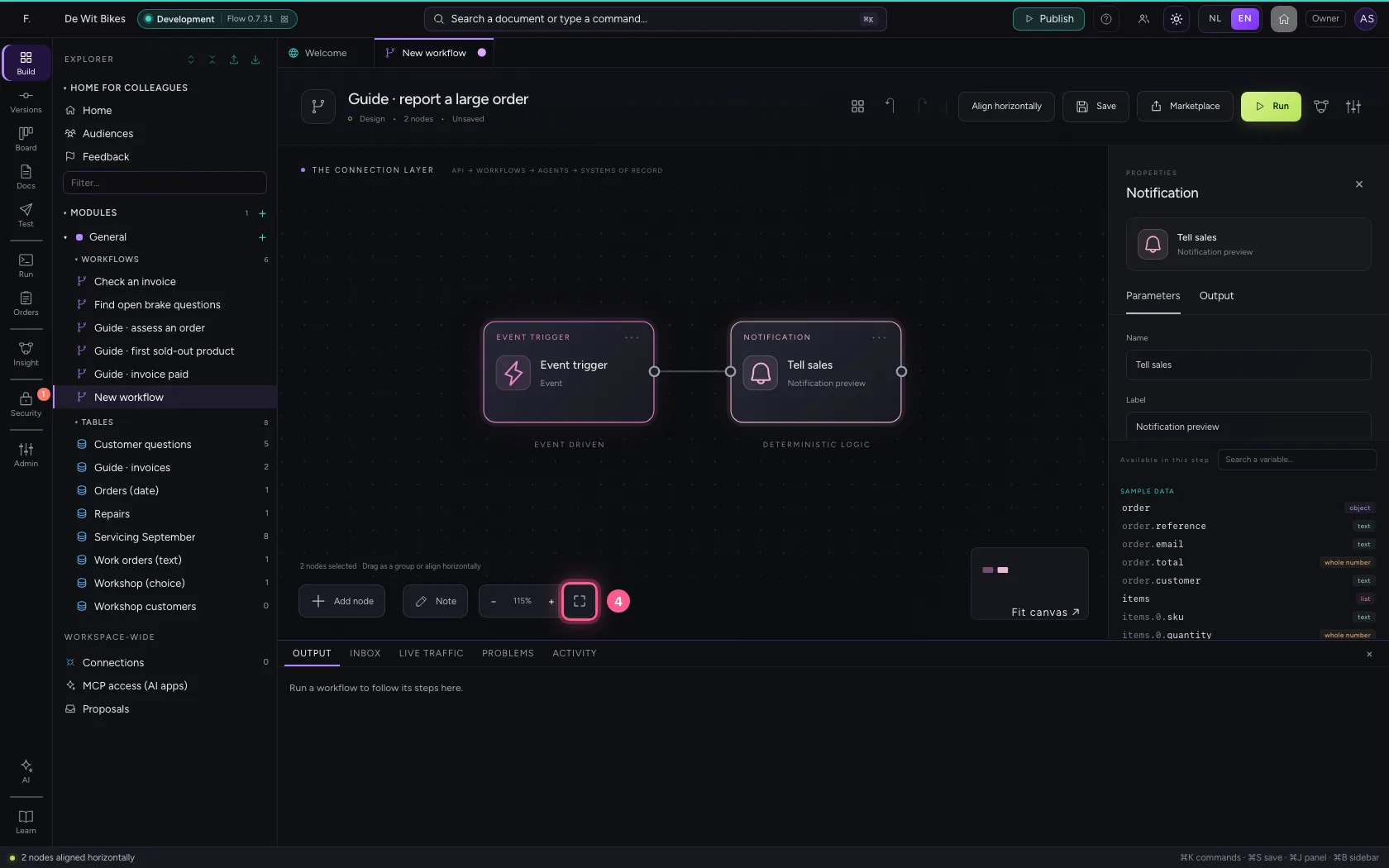
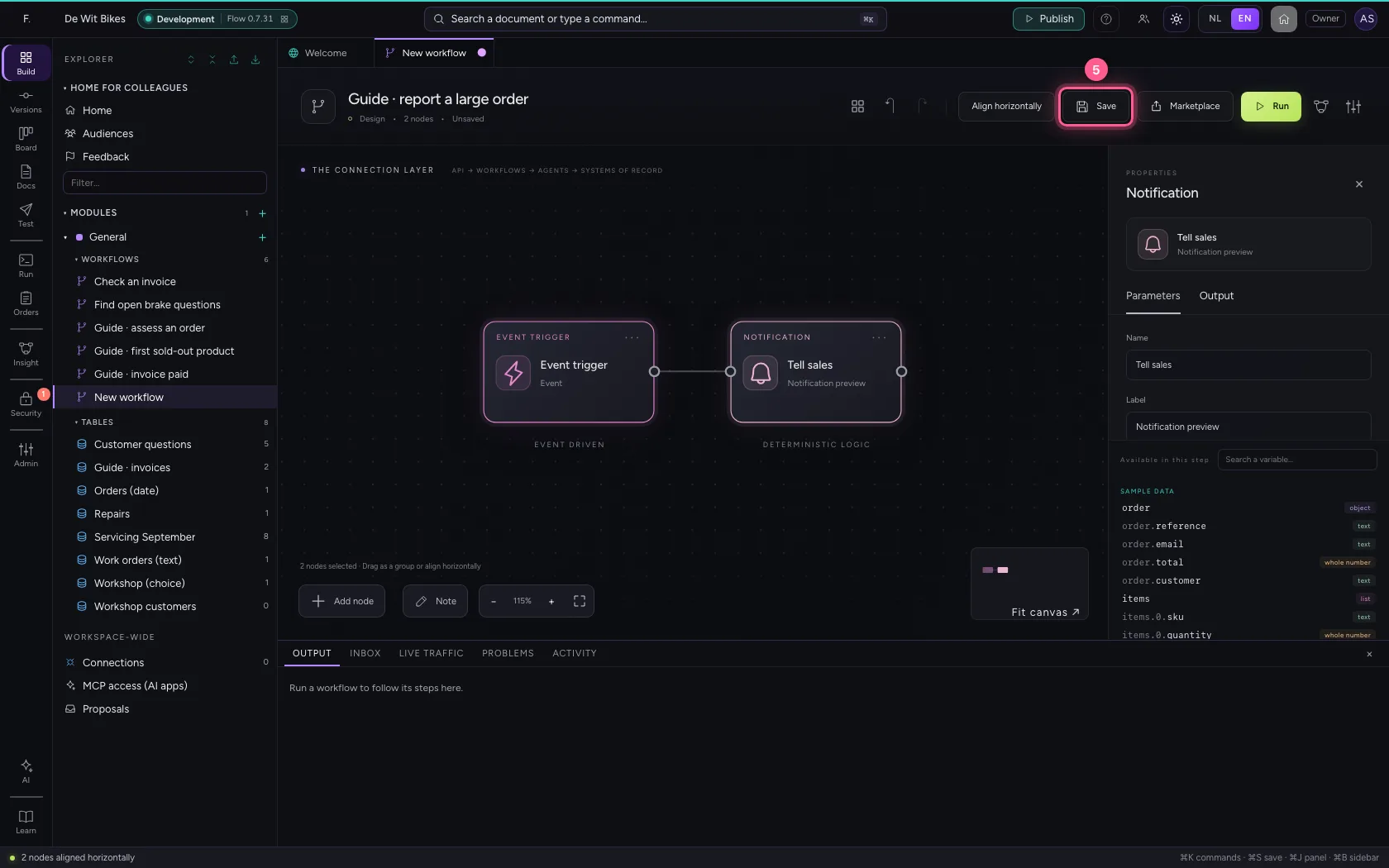
Select the steps (click the first, and the others while holding Shift) and click Align horizontally: they then stand in one line and you read the workflow from left to right; a branch (such as No of an If / Else) gets its own row below. Fit to view puts everything in sight; then Save.
- Click ‘Event trigger’
- Click ‘Tell sales’ while holding Shift
- Click Align horizontally
- Click Fit to view
- Click Save
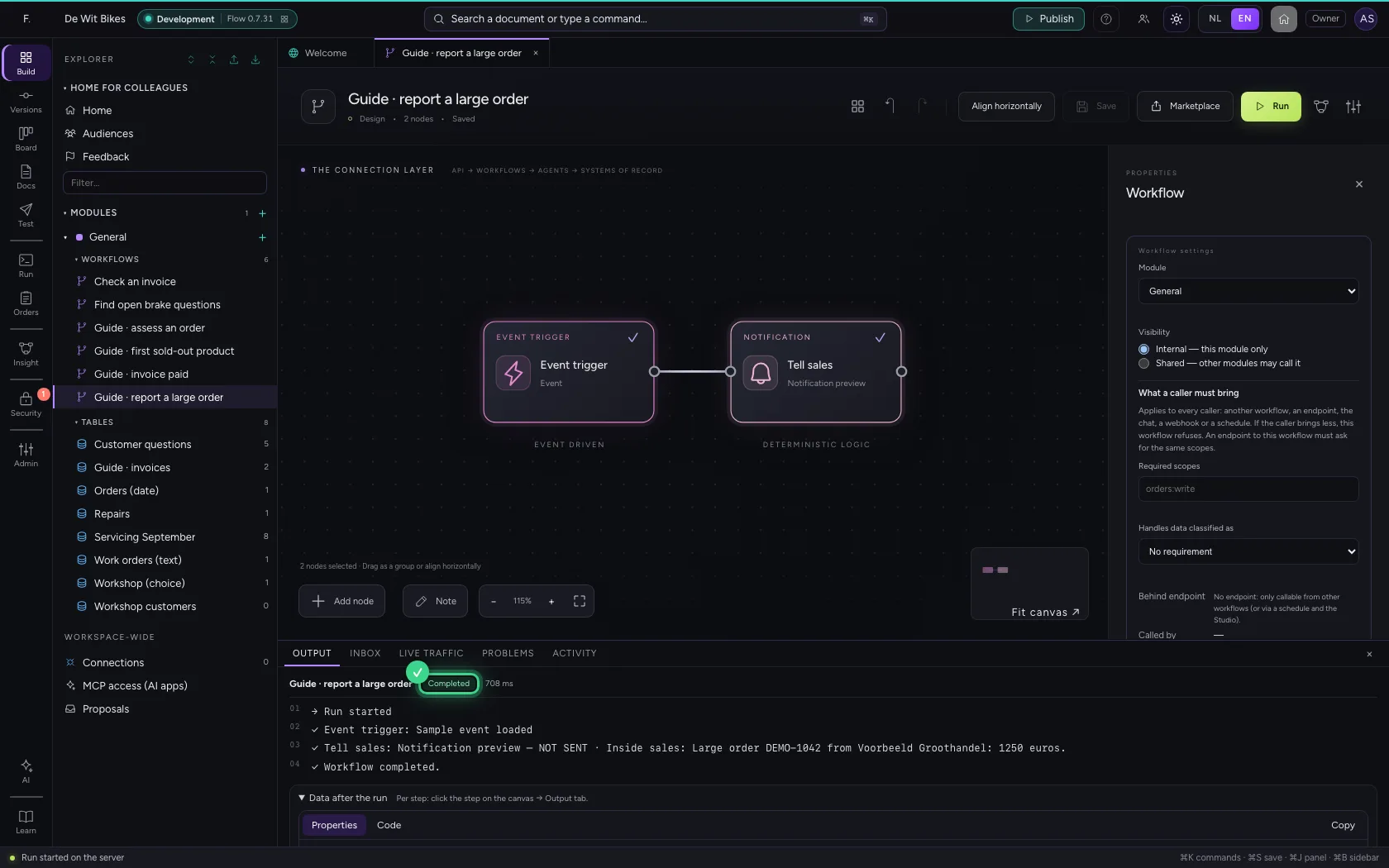
Run and read the preview
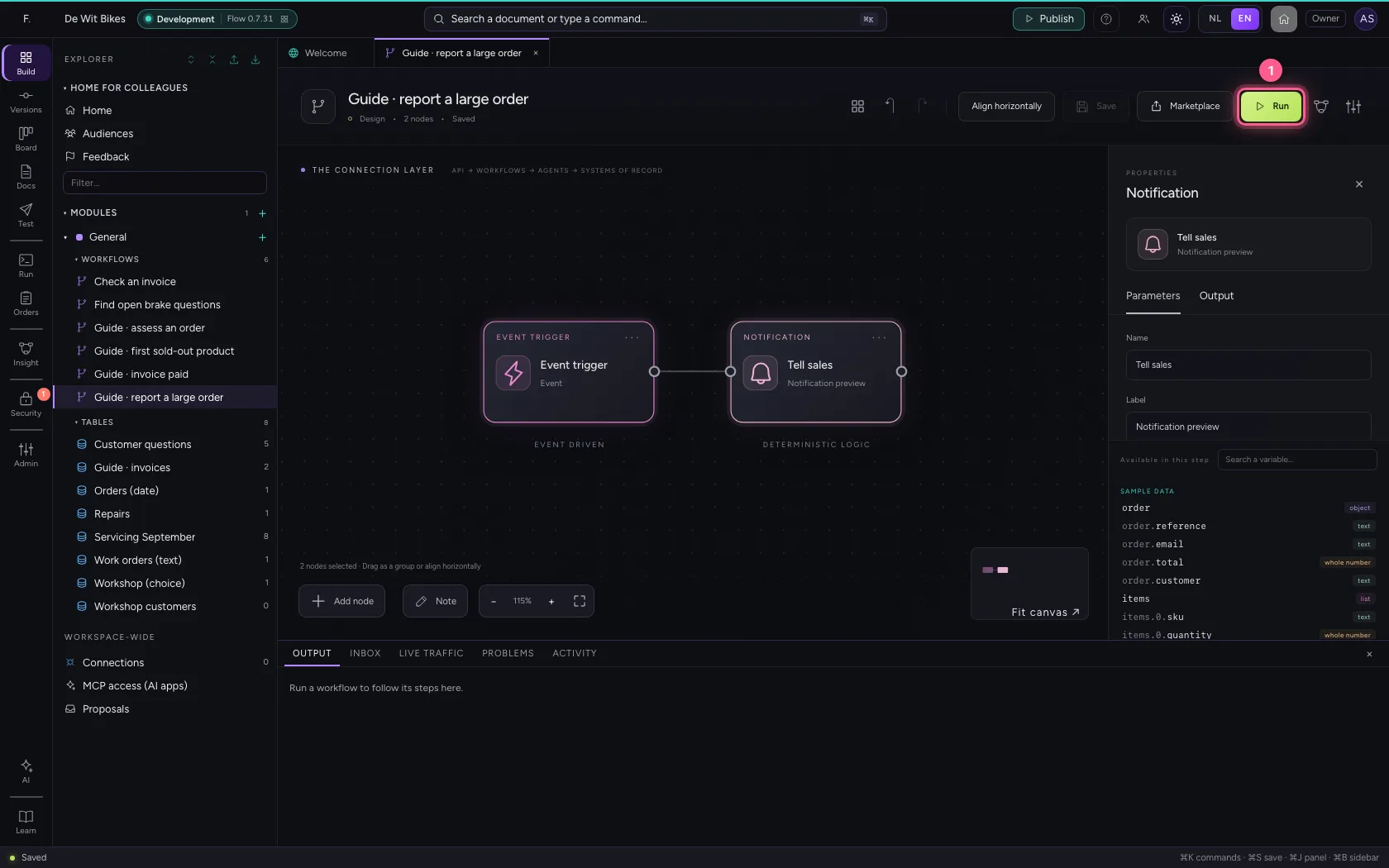
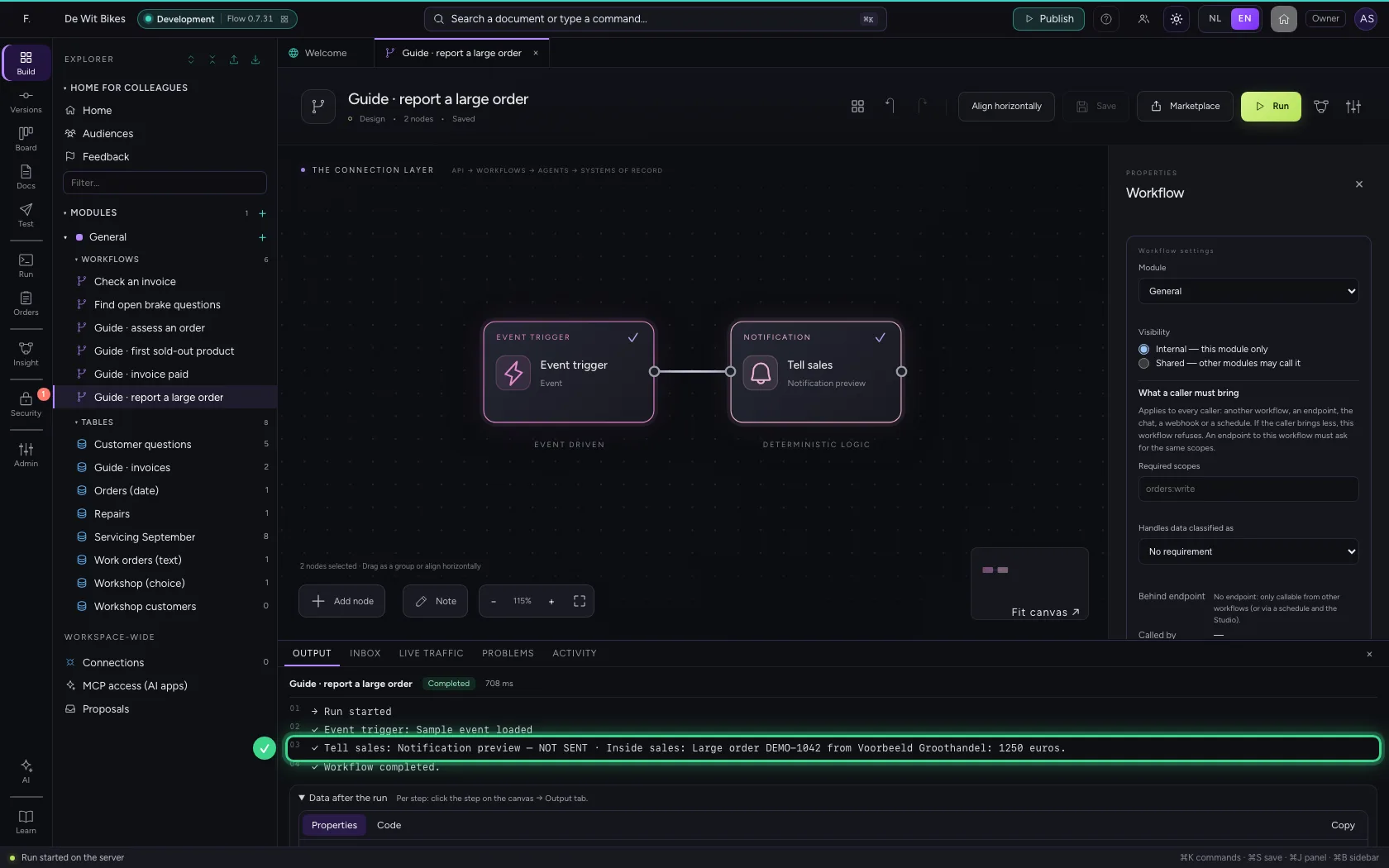
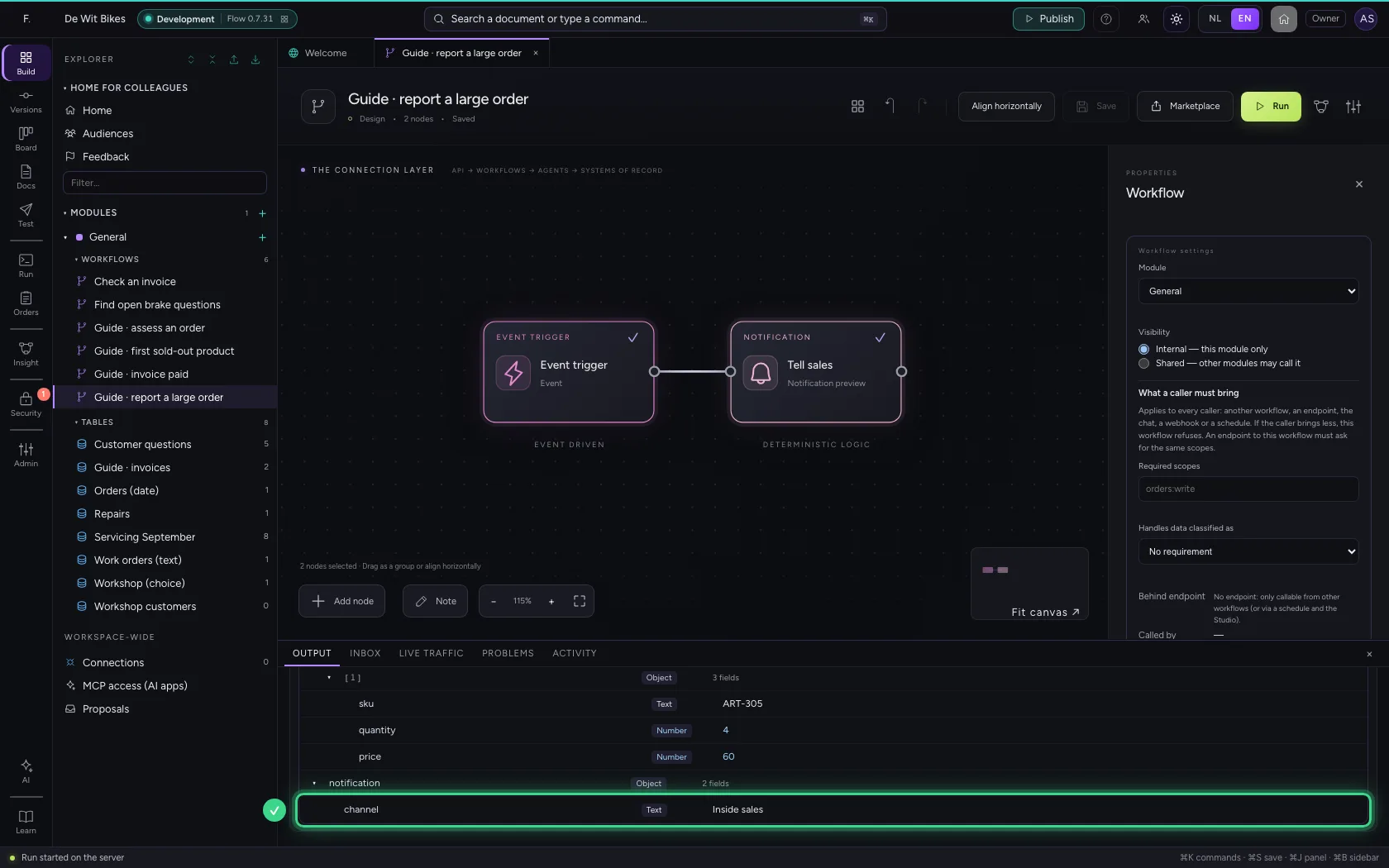
At the bottom is the message as it would be sent, with NOT SENT in front. Under Data after the run it is in notification.channel and notification.message, for a next step.
- Click Run
This guide was carried out step by step on 22 Oct 2026 by an automated test on Flow (version 3e563176).