Loop: repeat for every item
An order has lines, an export has rows, an API returns a list. With a Loop you run the same steps for every item in such a list. What a step inside the loop changes is kept for the next pass: that is how you add up or keep track of what you came across.
Open Flow and create a workflow
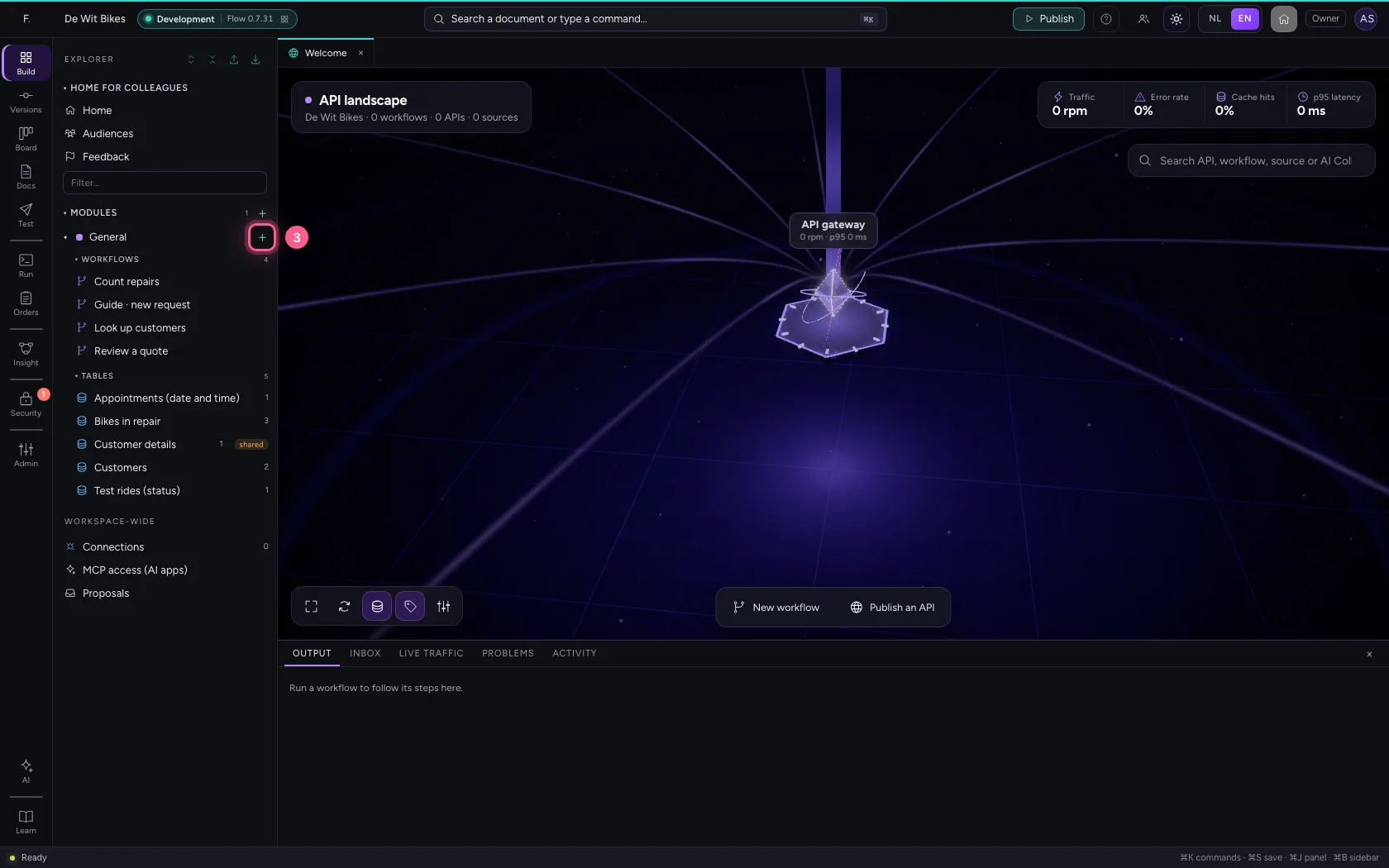
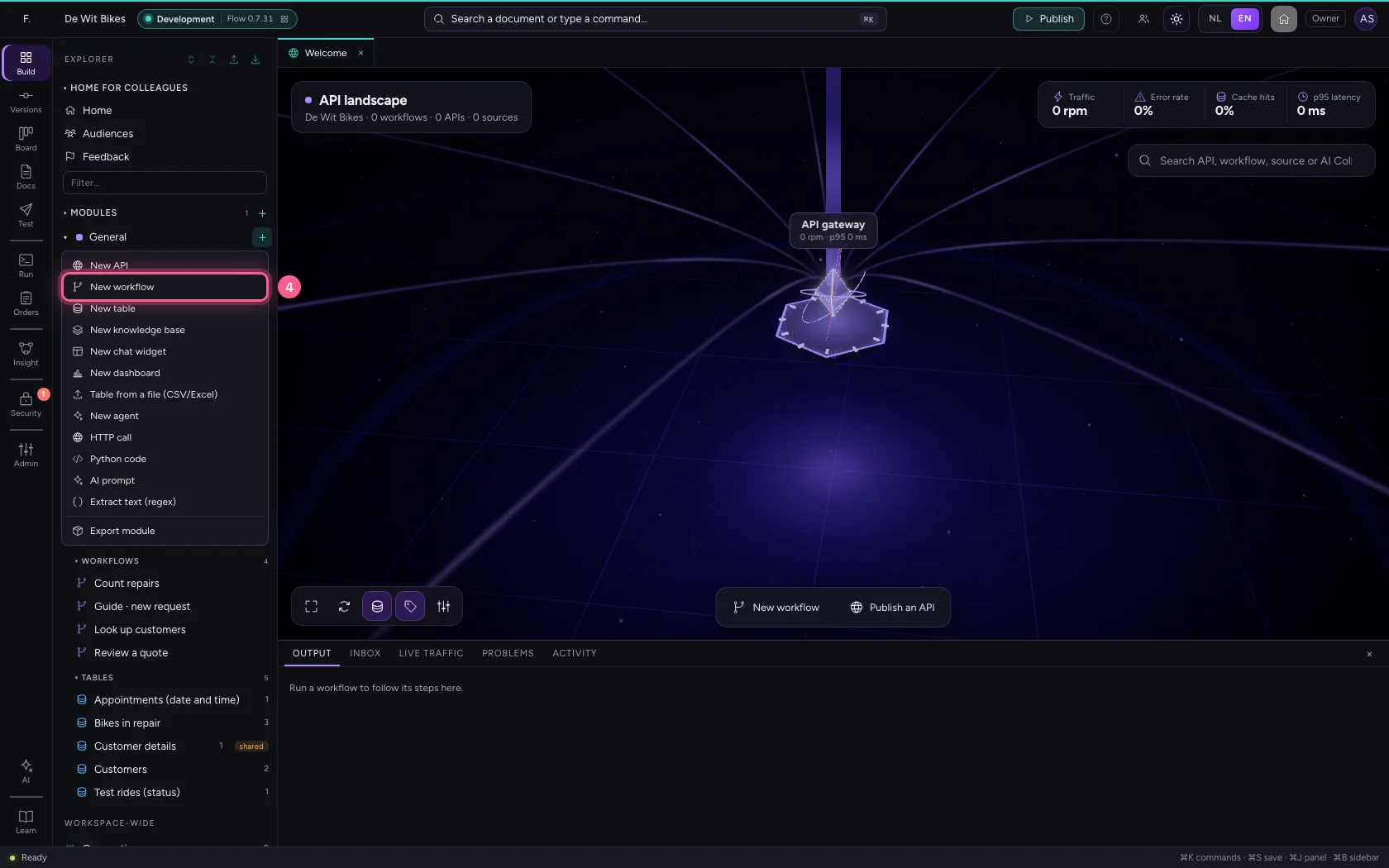
In the portal, under Environments, click Development and there Open; Flow opens in a new tab. There, click + next to General, choose New workflow and give it a name. A new workflow starts with an Event trigger: the point where it begins.
- Click Development

- Click Open ↗

- Click Add to General
- Click New workflow
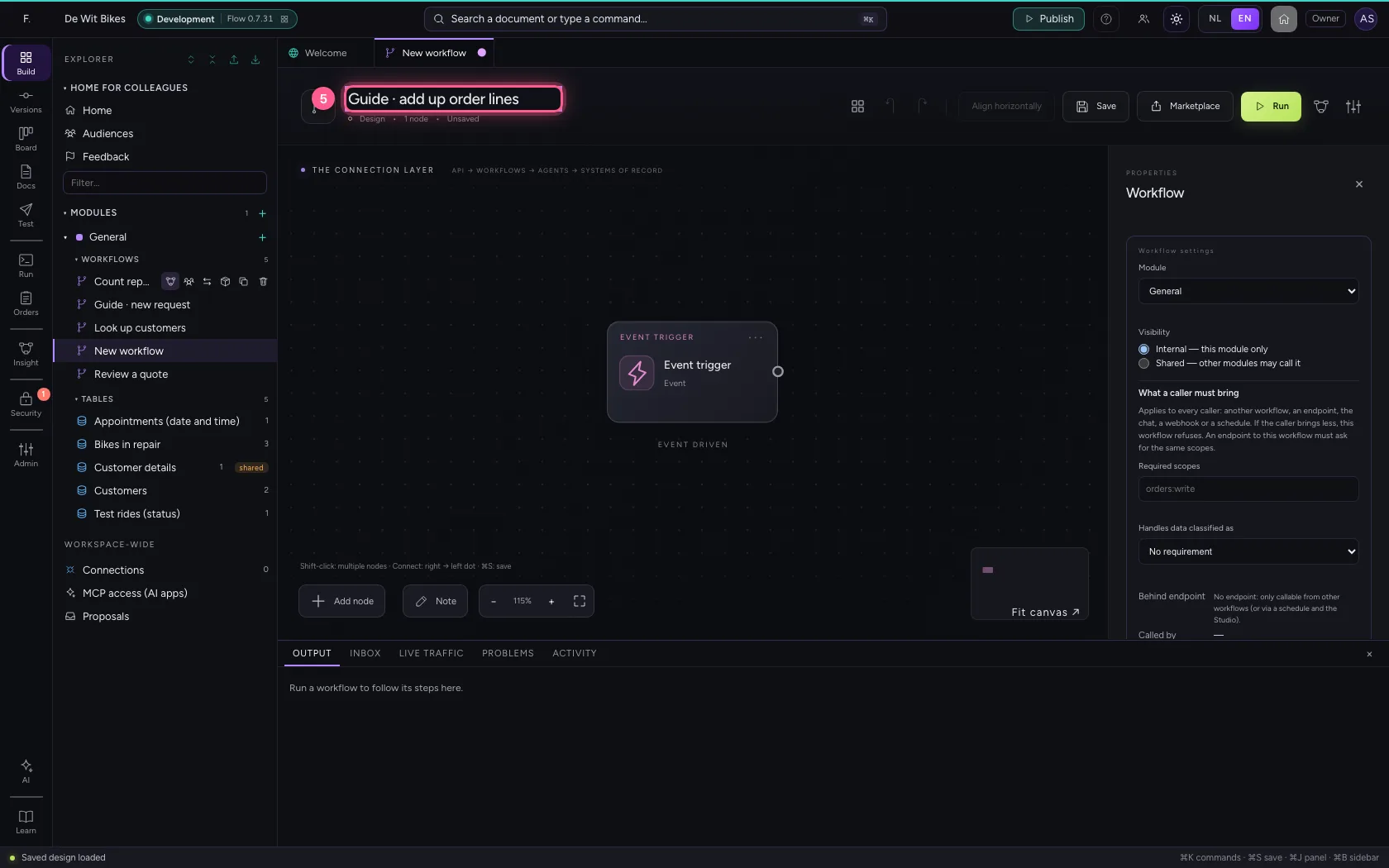
- In Workflow name, type
Guide · add up order lines
An order with lines
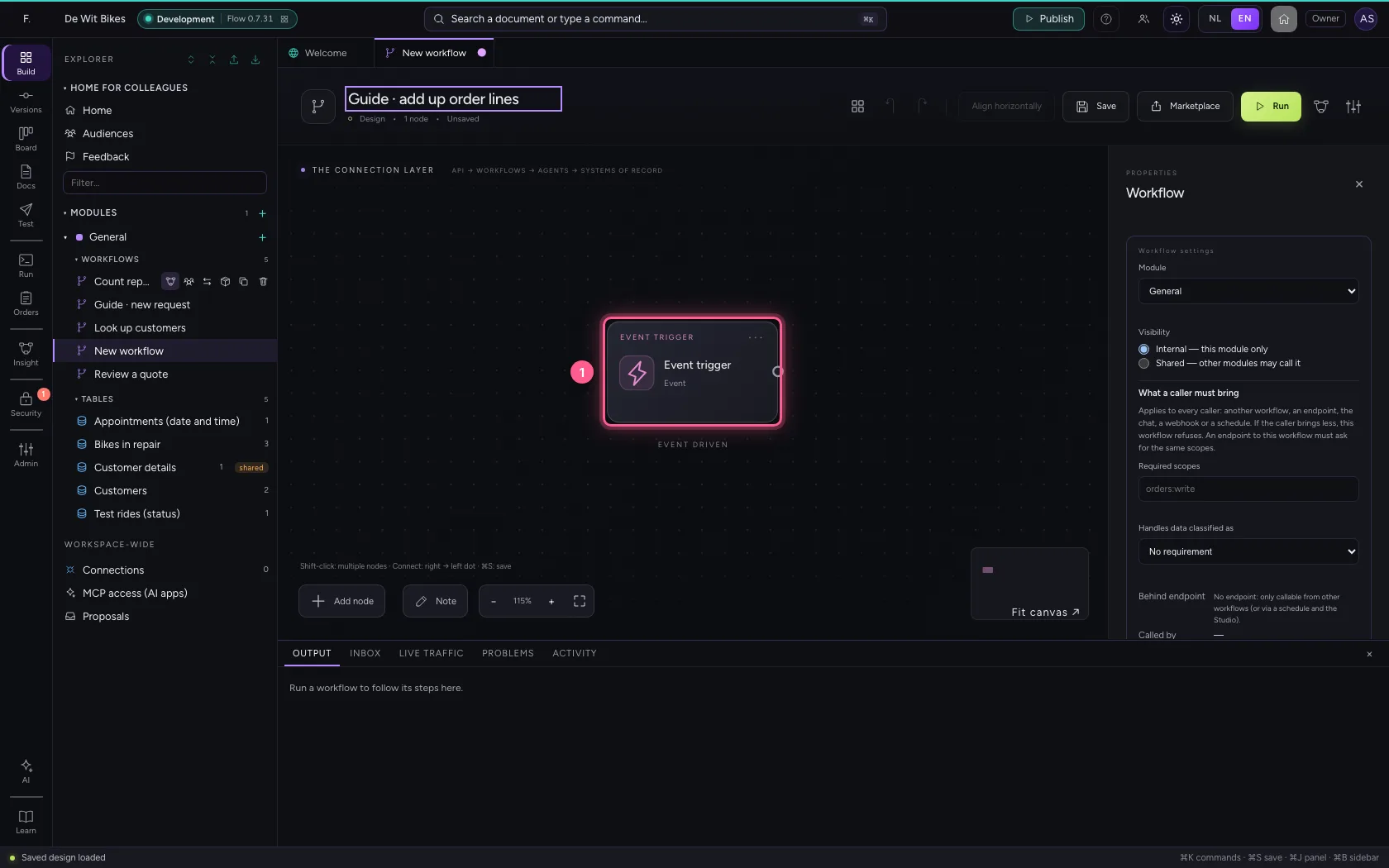
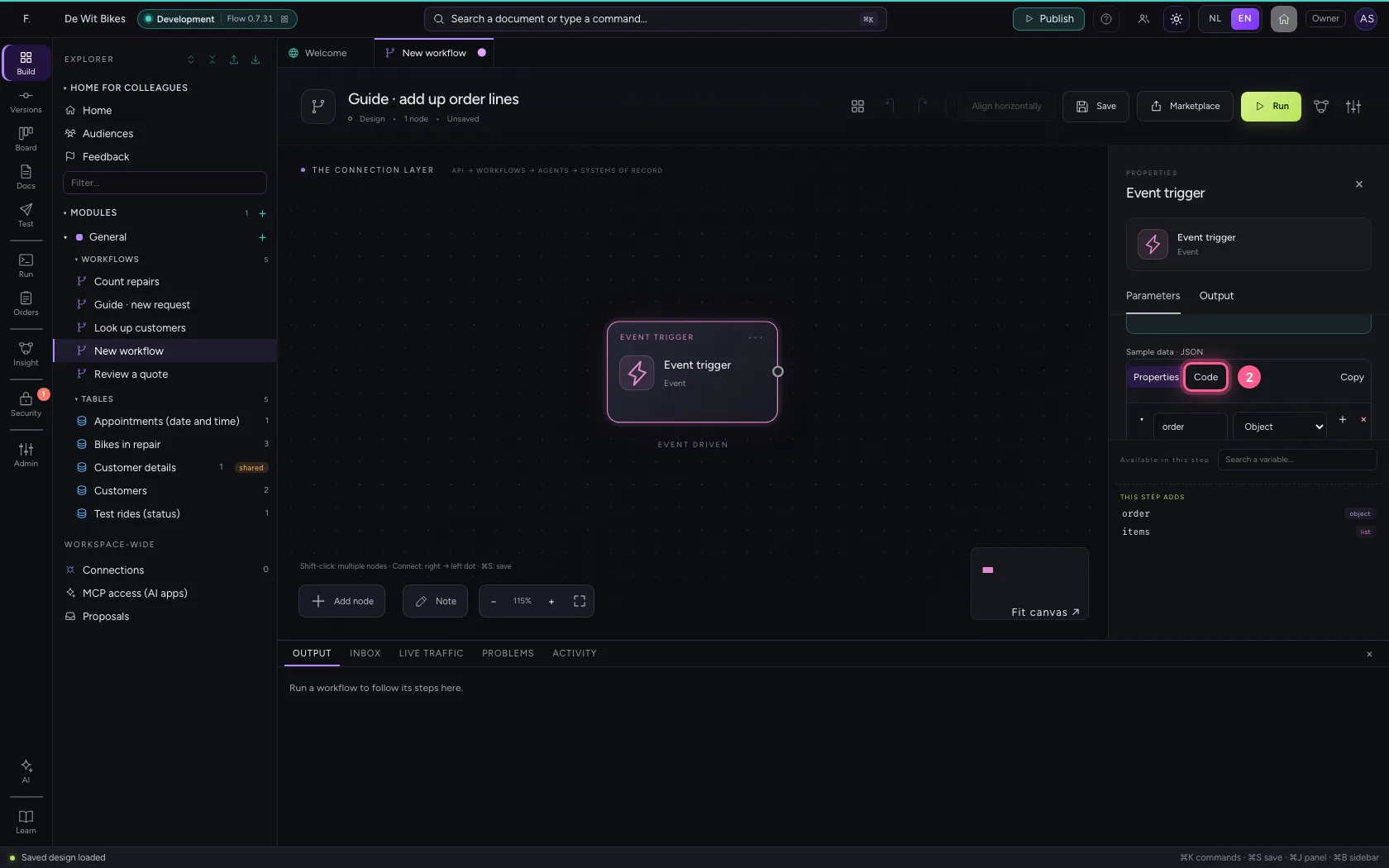
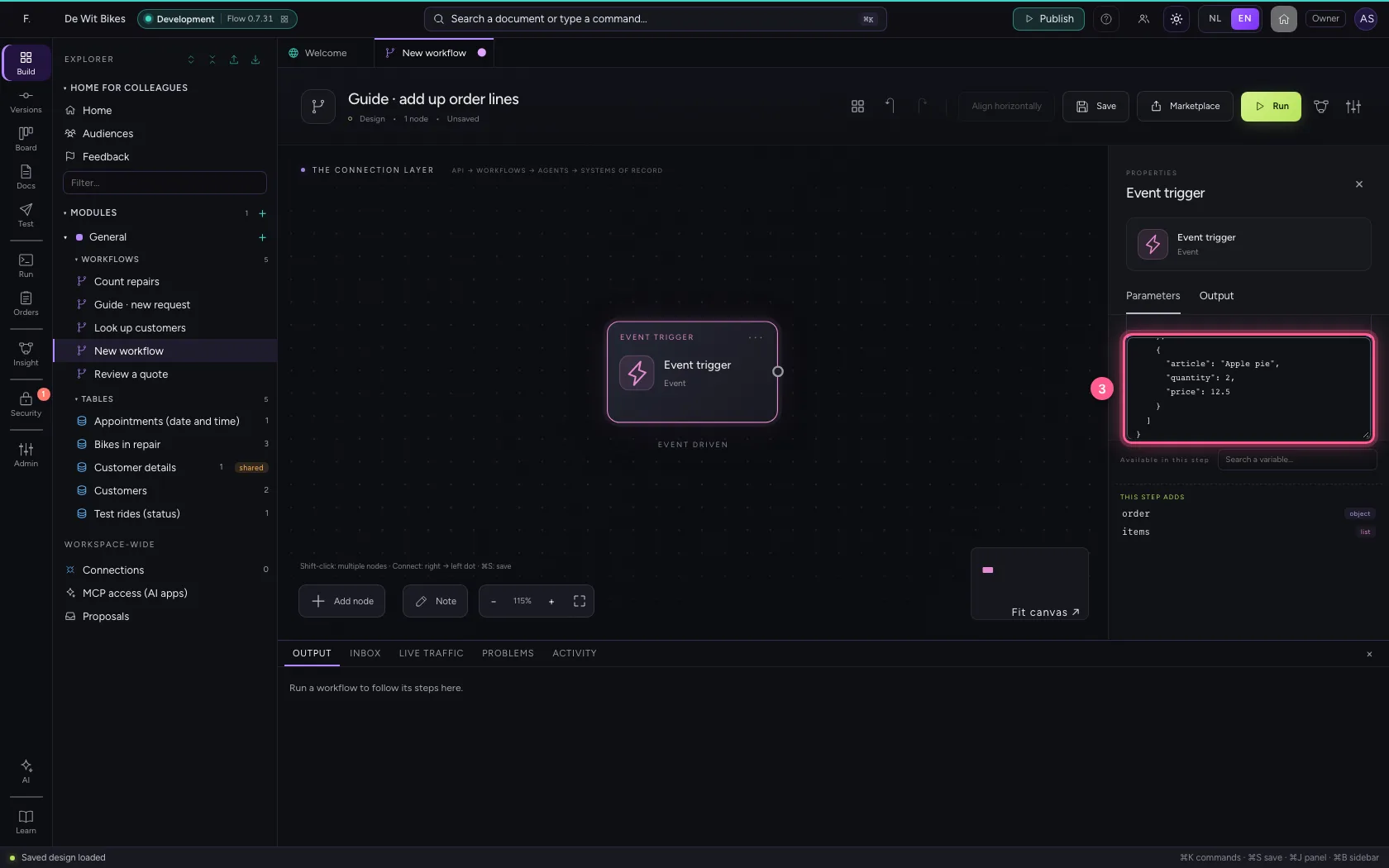
Put an order with a list of lines under the trigger's Sample data (Code). A list is between [ ].
- Click the step ‘Event trigger’
- Click Code
- In the sample data, type `{
Start at zero
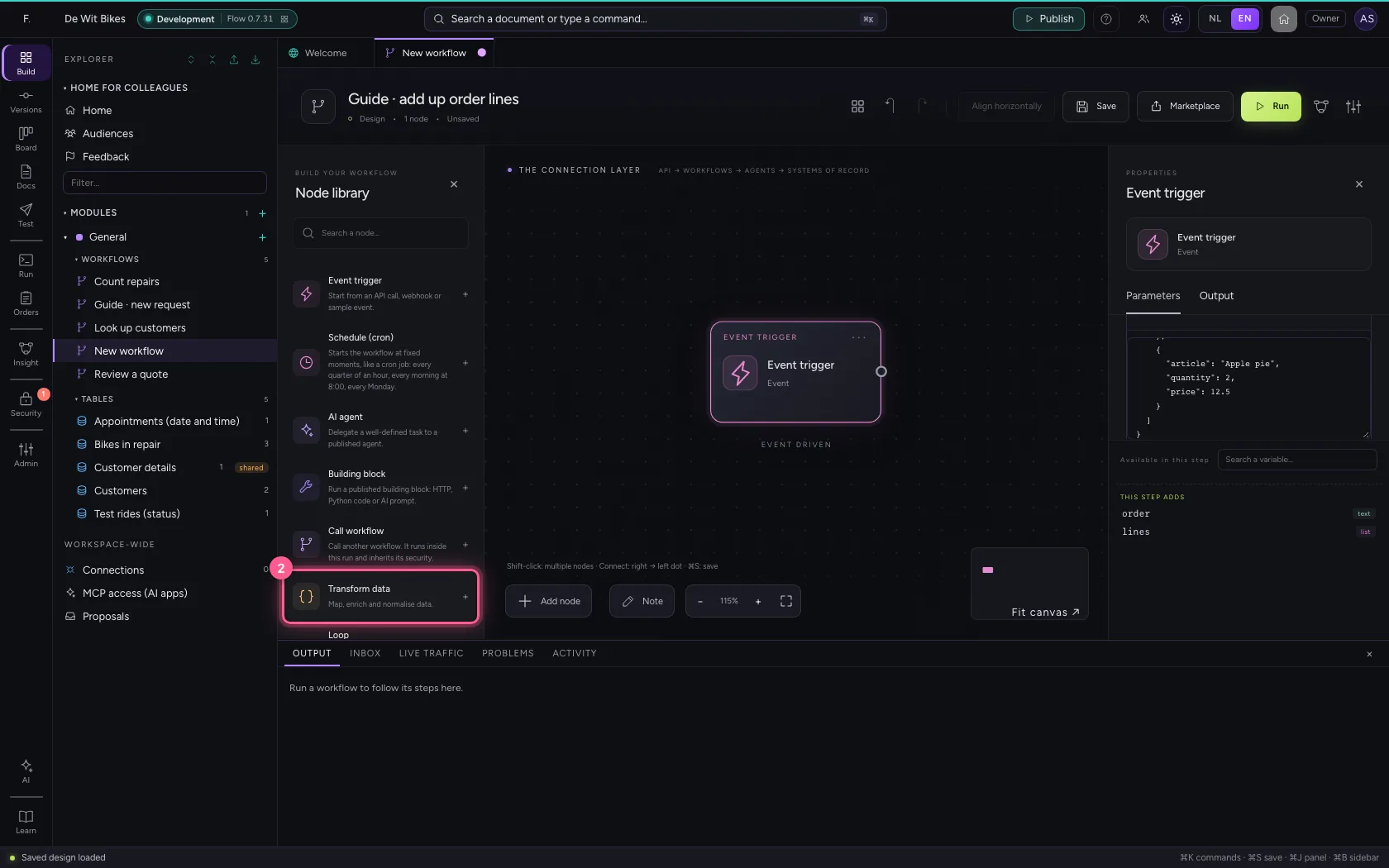
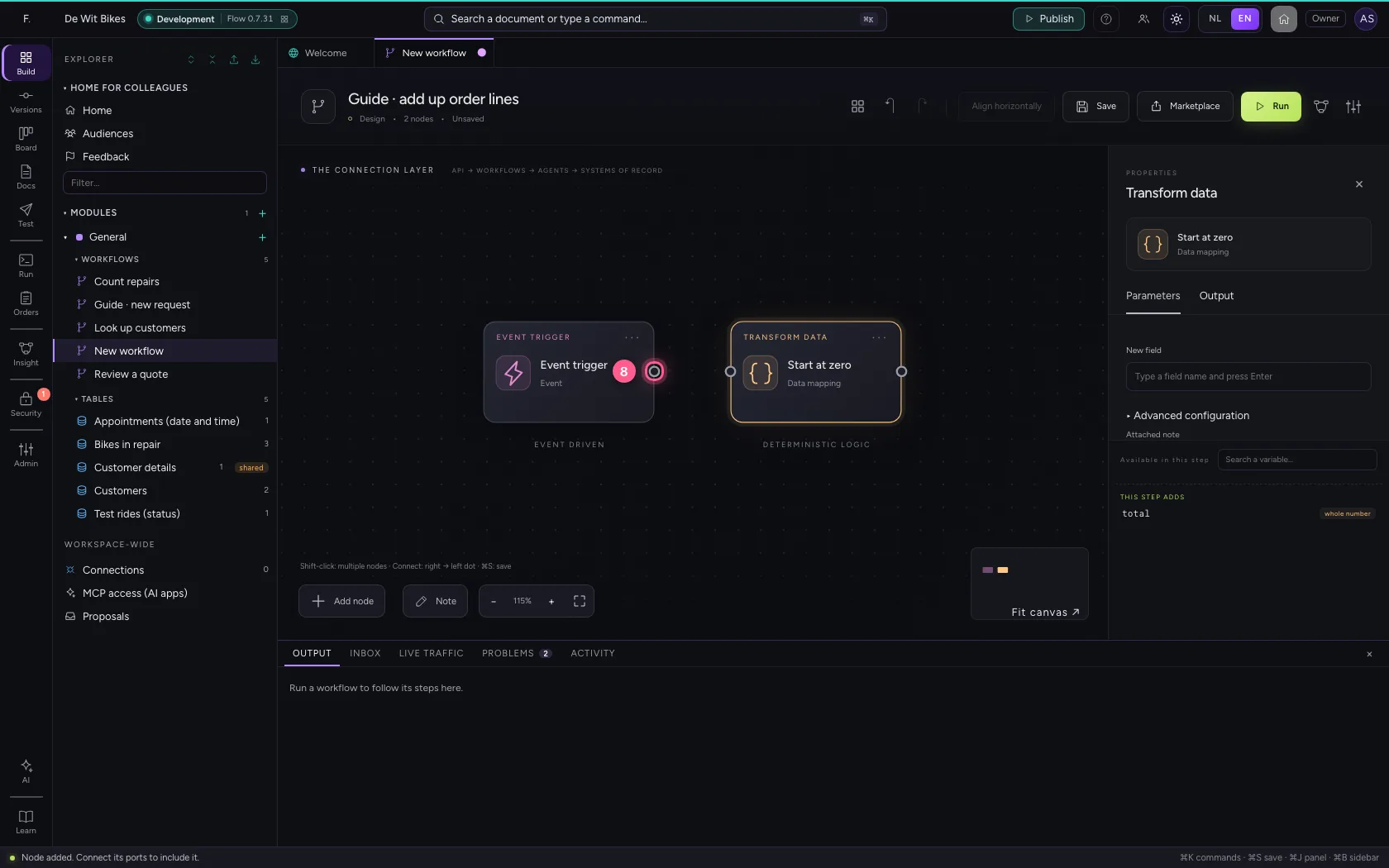
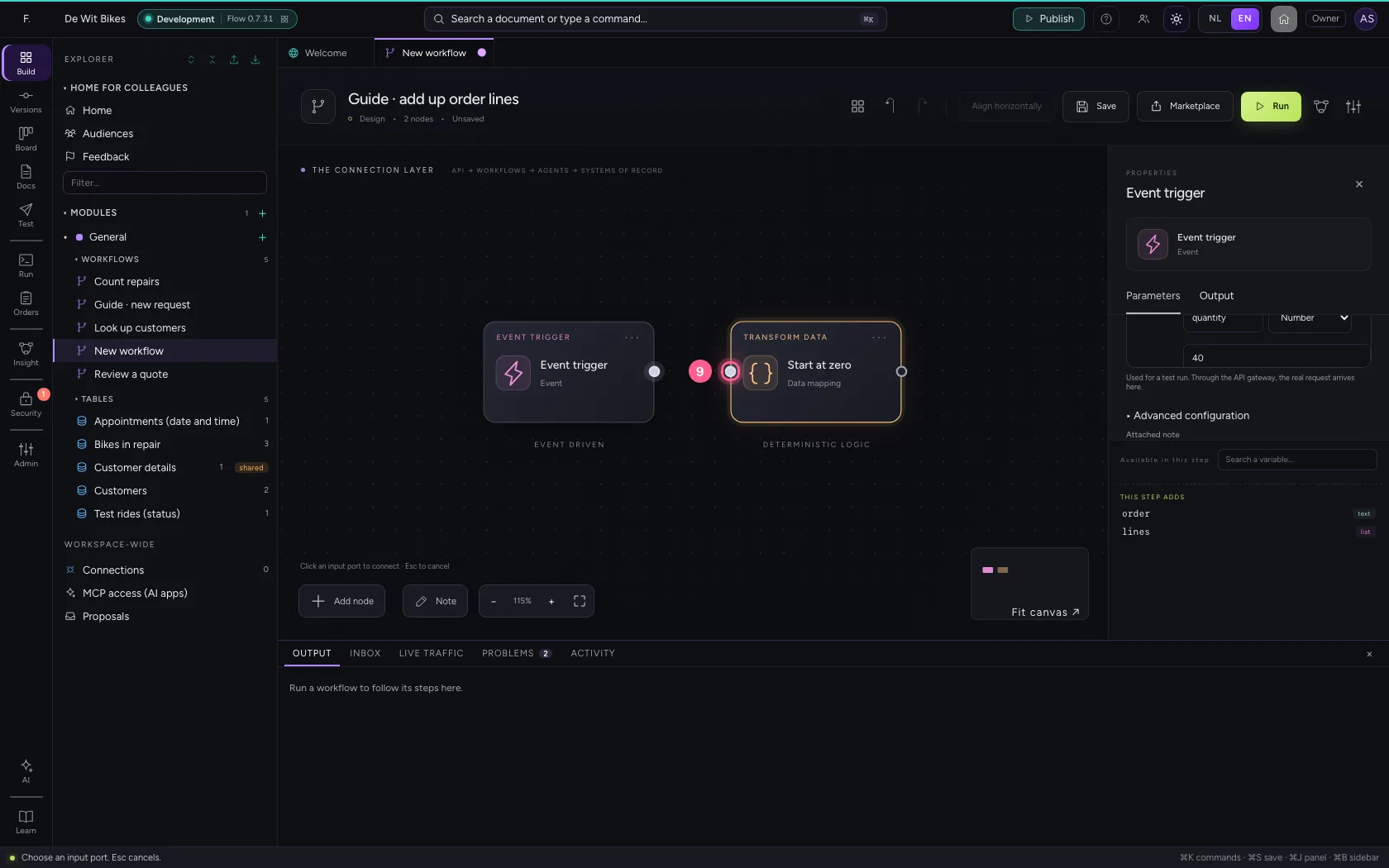
Add Transform data with a field total = 0. That is the counter the loop adds to in a moment; without a starting value the field does not exist on the first pass.
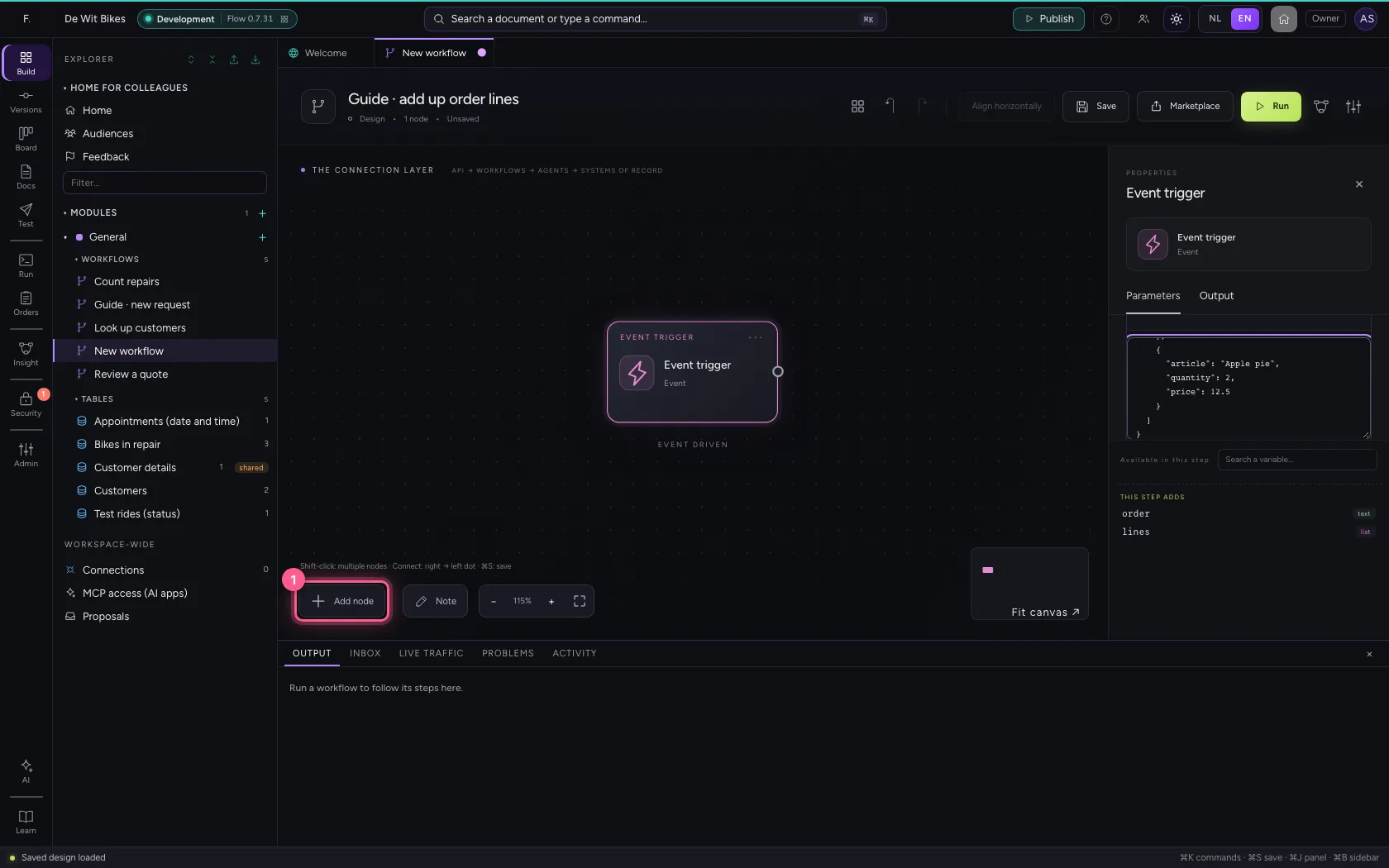
- Click Add node
- Click Transform data
- In Name, type
Start at zero
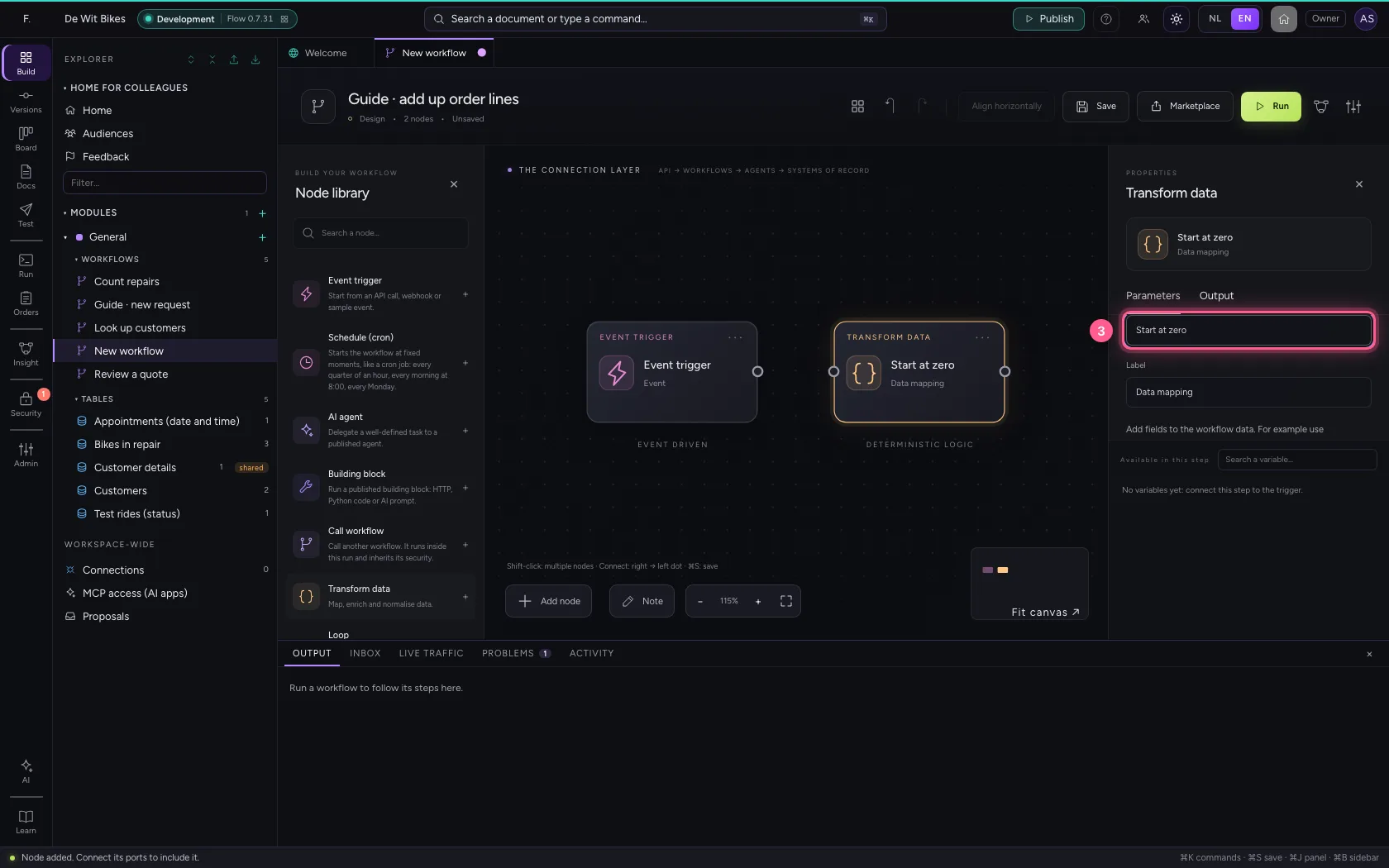
- Click Remove field
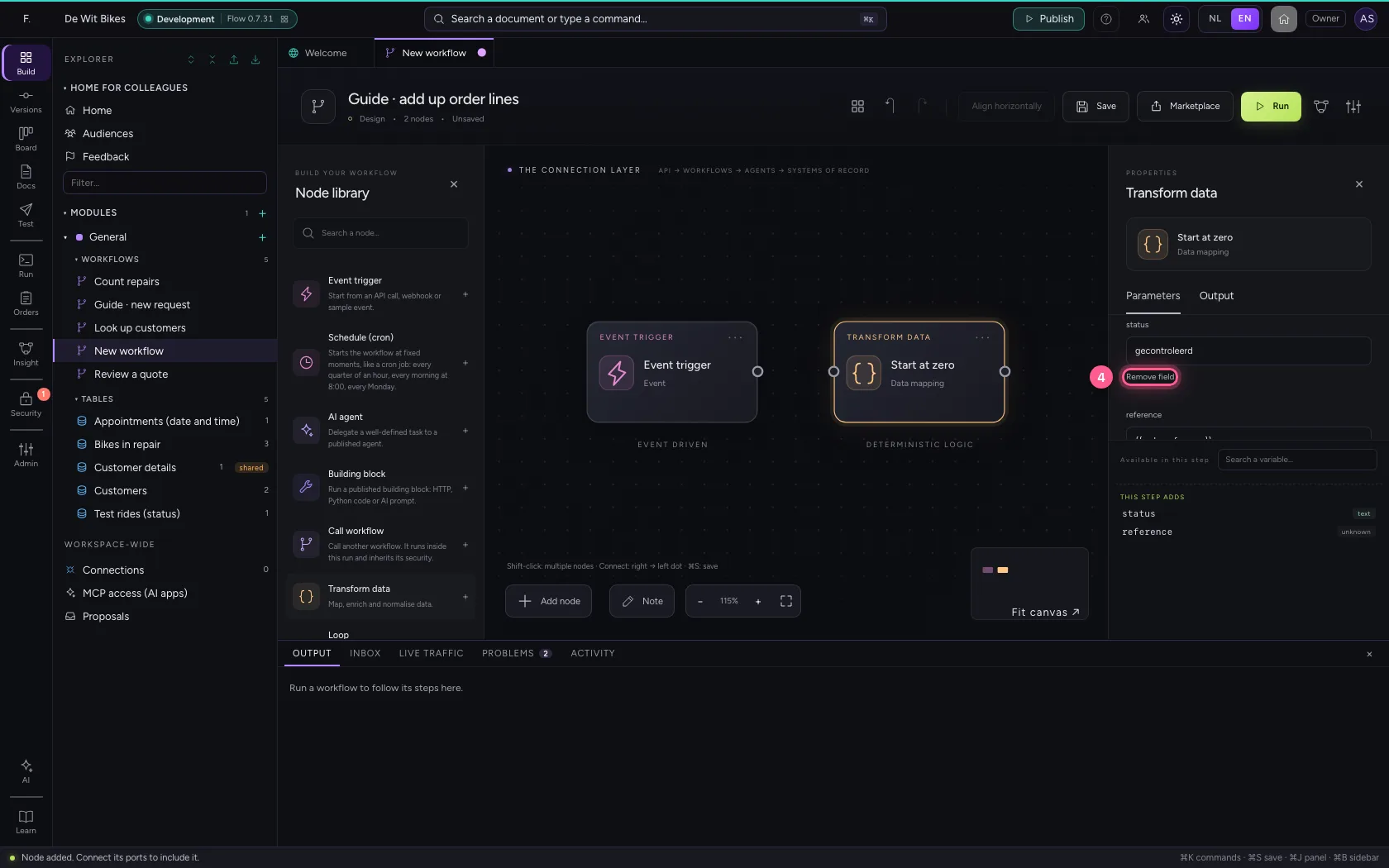
- Click Remove field
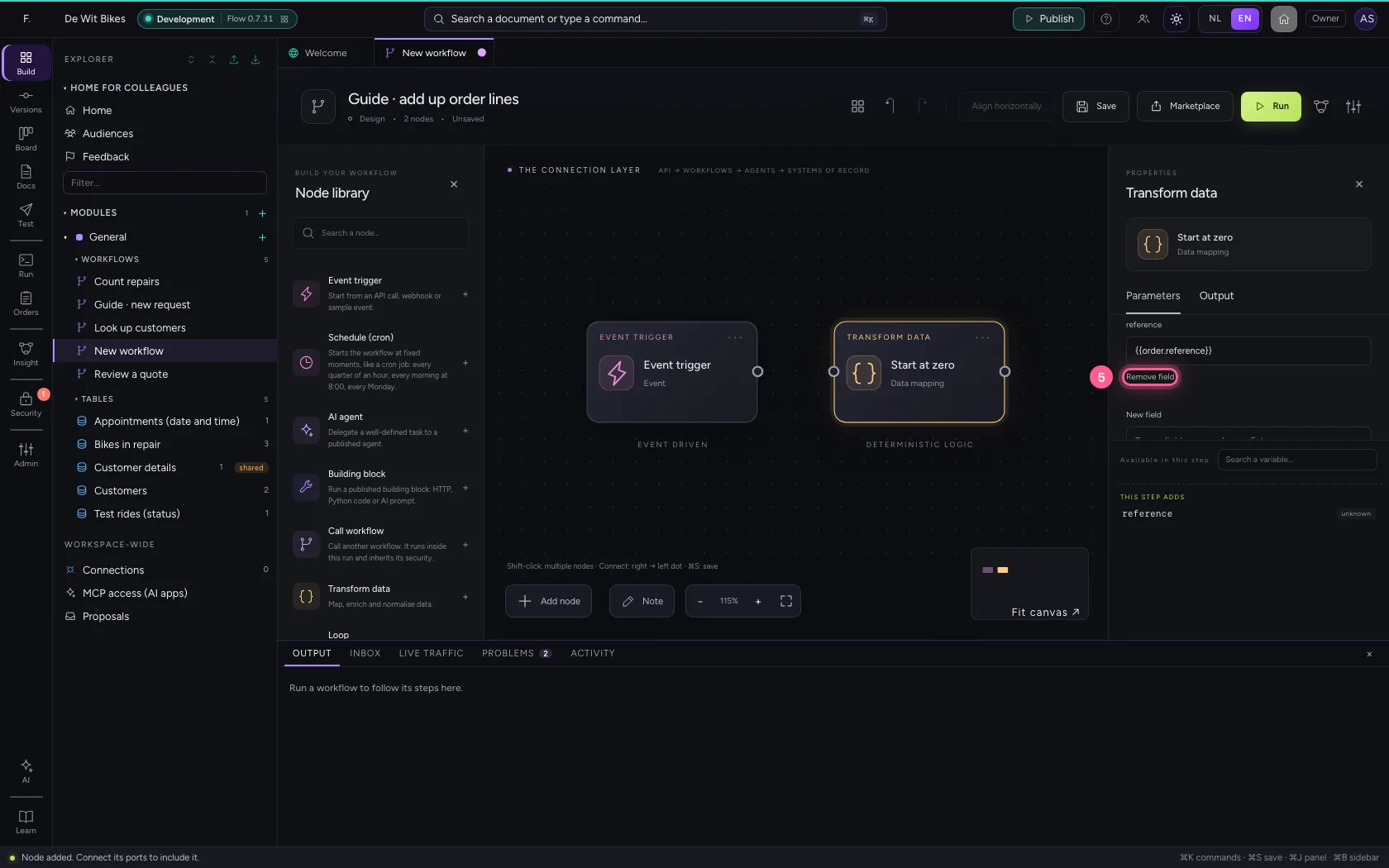
- In New field, type
total - In total, type
= 0
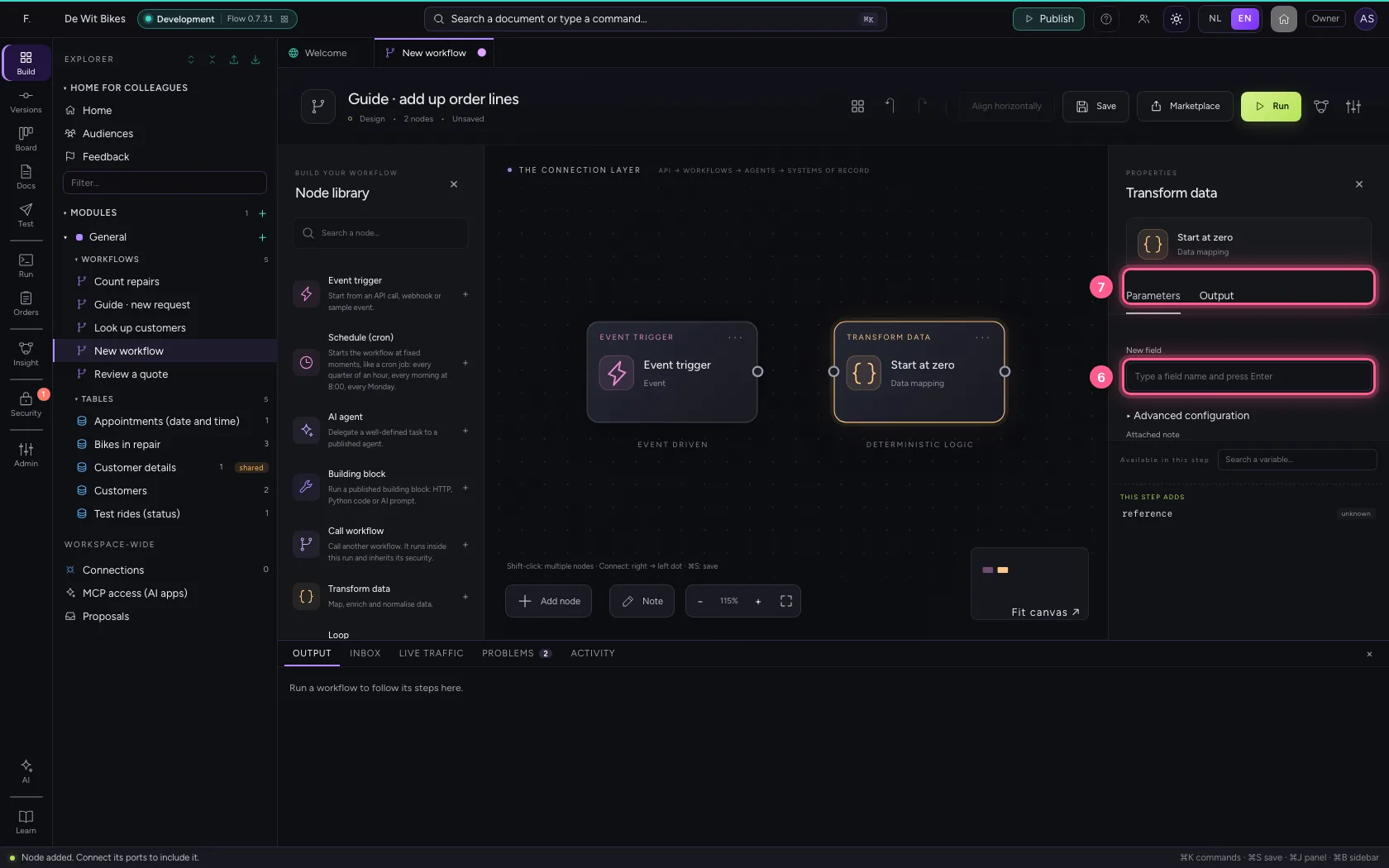
- Click the dot of ‘Event trigger’
- Click the dot of ‘Start at zero’
Add the loop
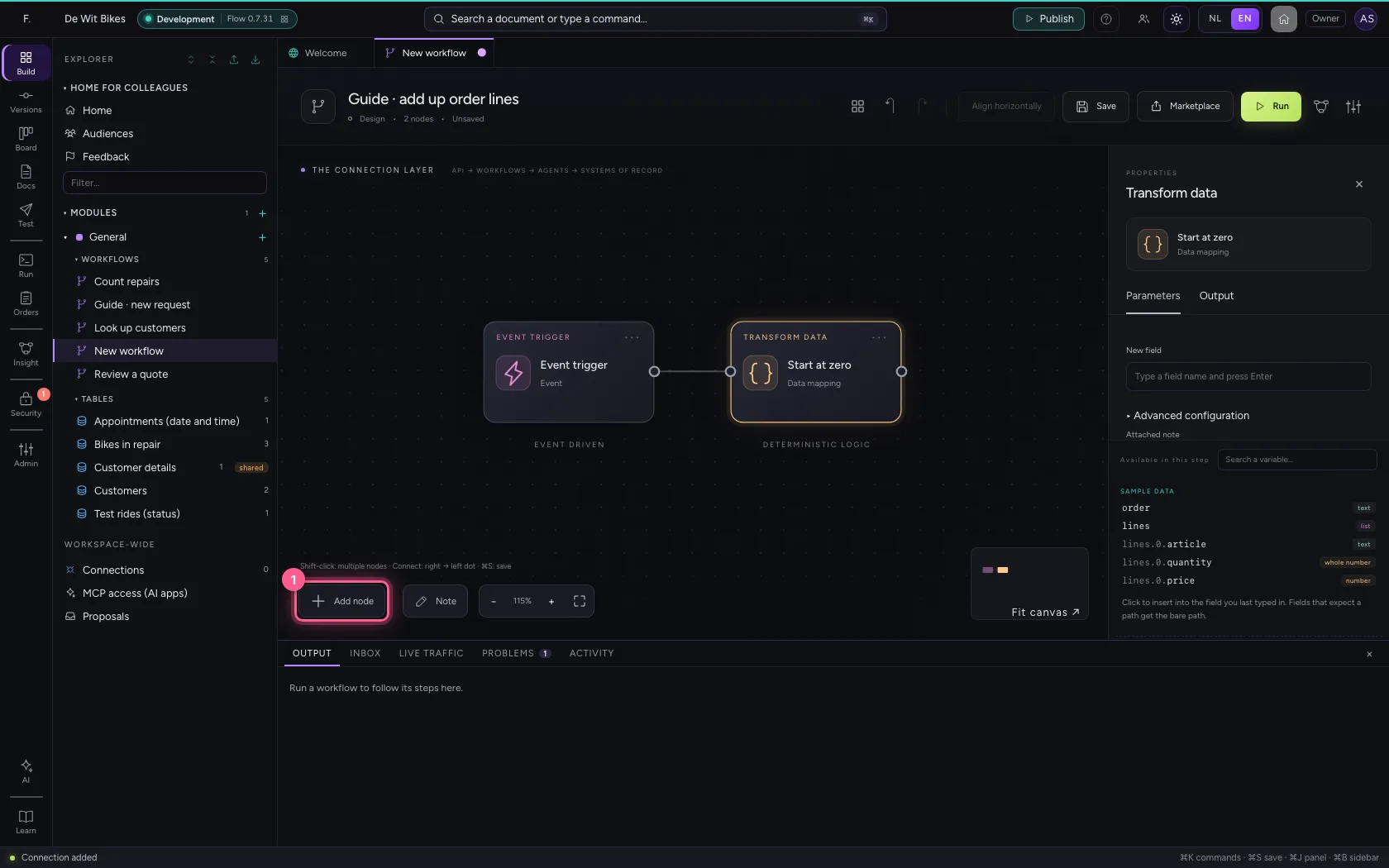
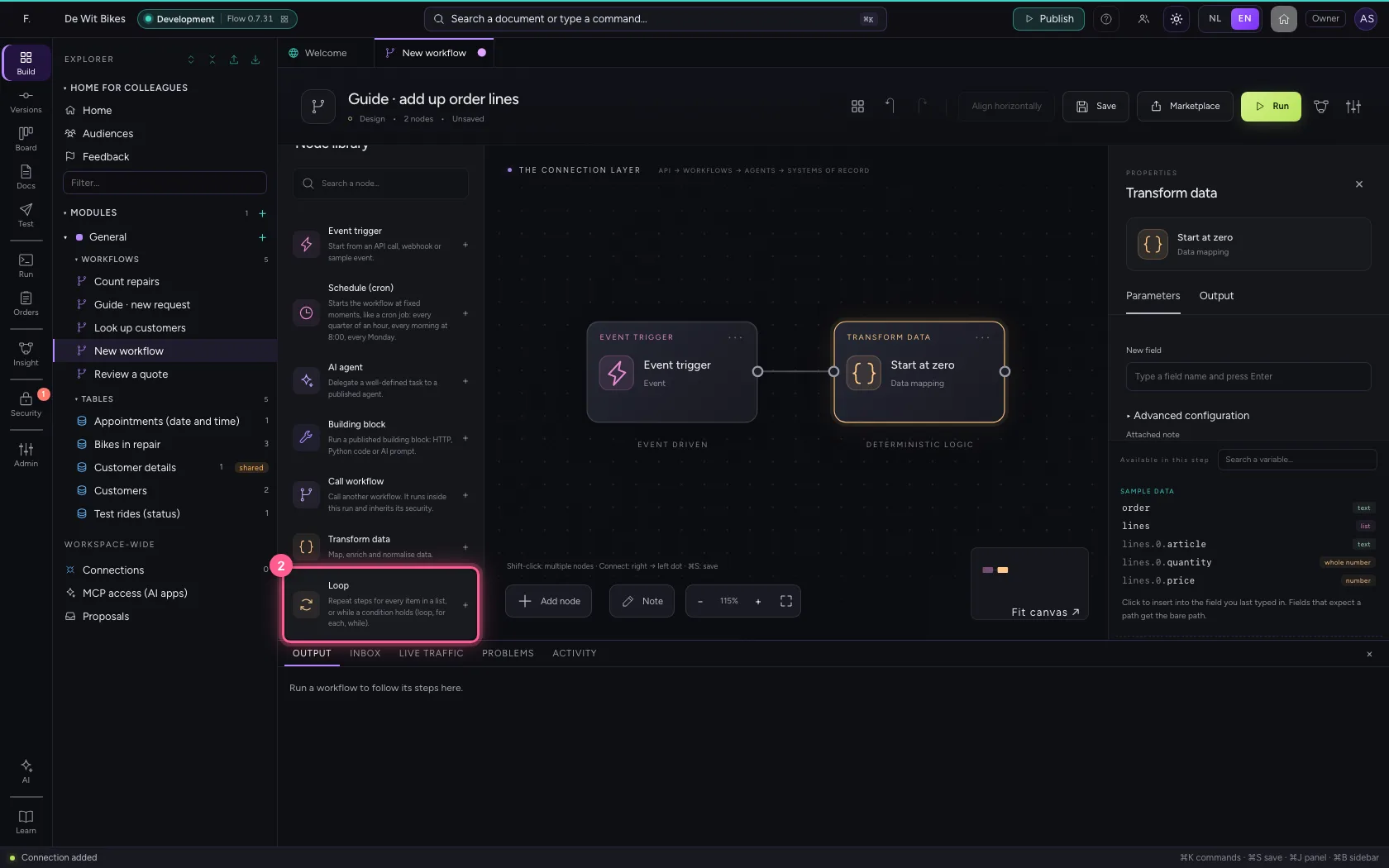
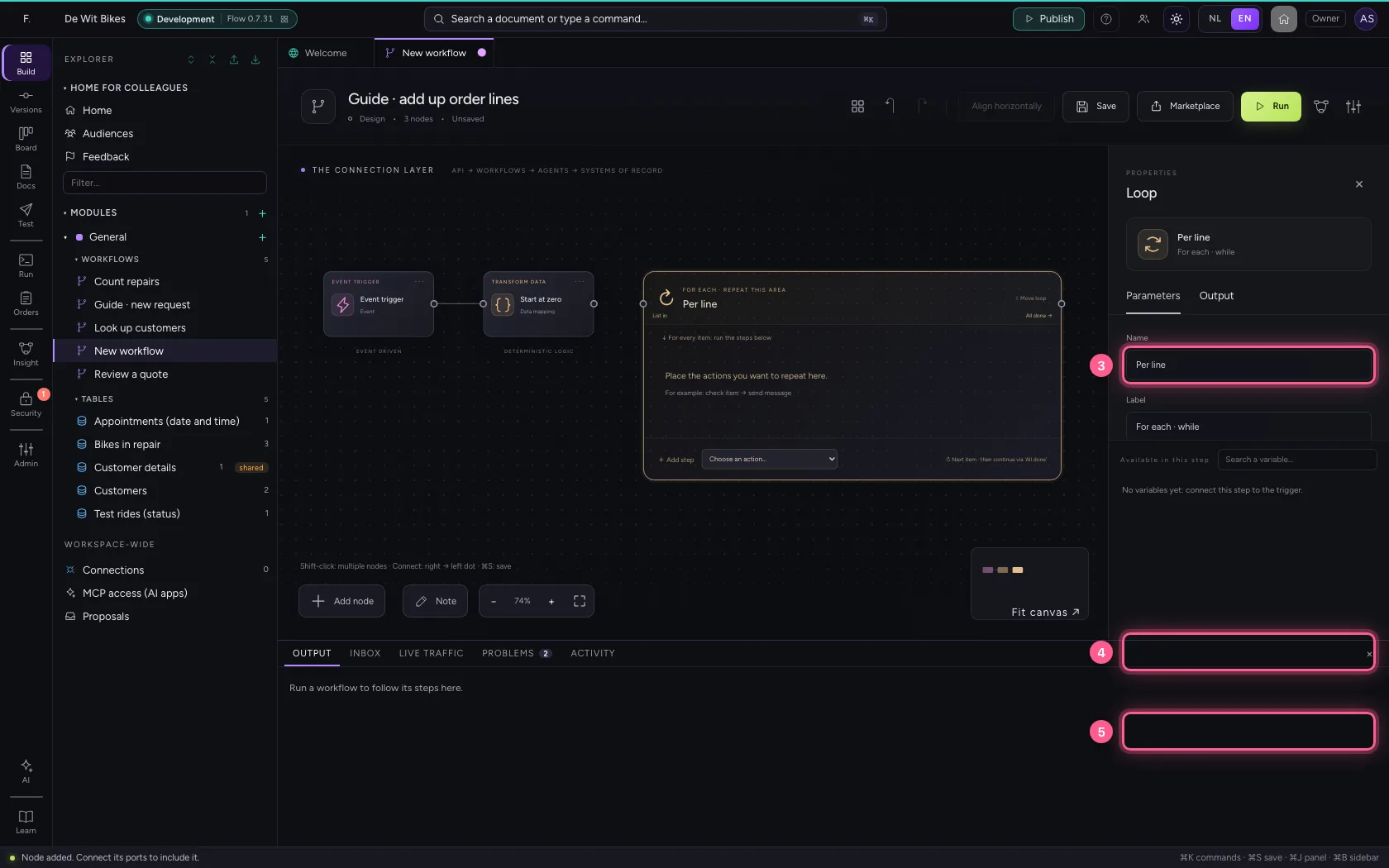
Choose Loop in the library. Under Which list you type the name of the list (without {{ }}), and you give the current item a name: line. In the steps inside the loop you read the item as {{line.price}}.
- Click Add node
- Click Loop
- In Name, type
Per line - In Which list do you want to process? The list comes from the previous node., type
lines - In Name of the current item Steps read the item as {{line.naam}}., type
line
- Click the dot of ‘Start at zero’
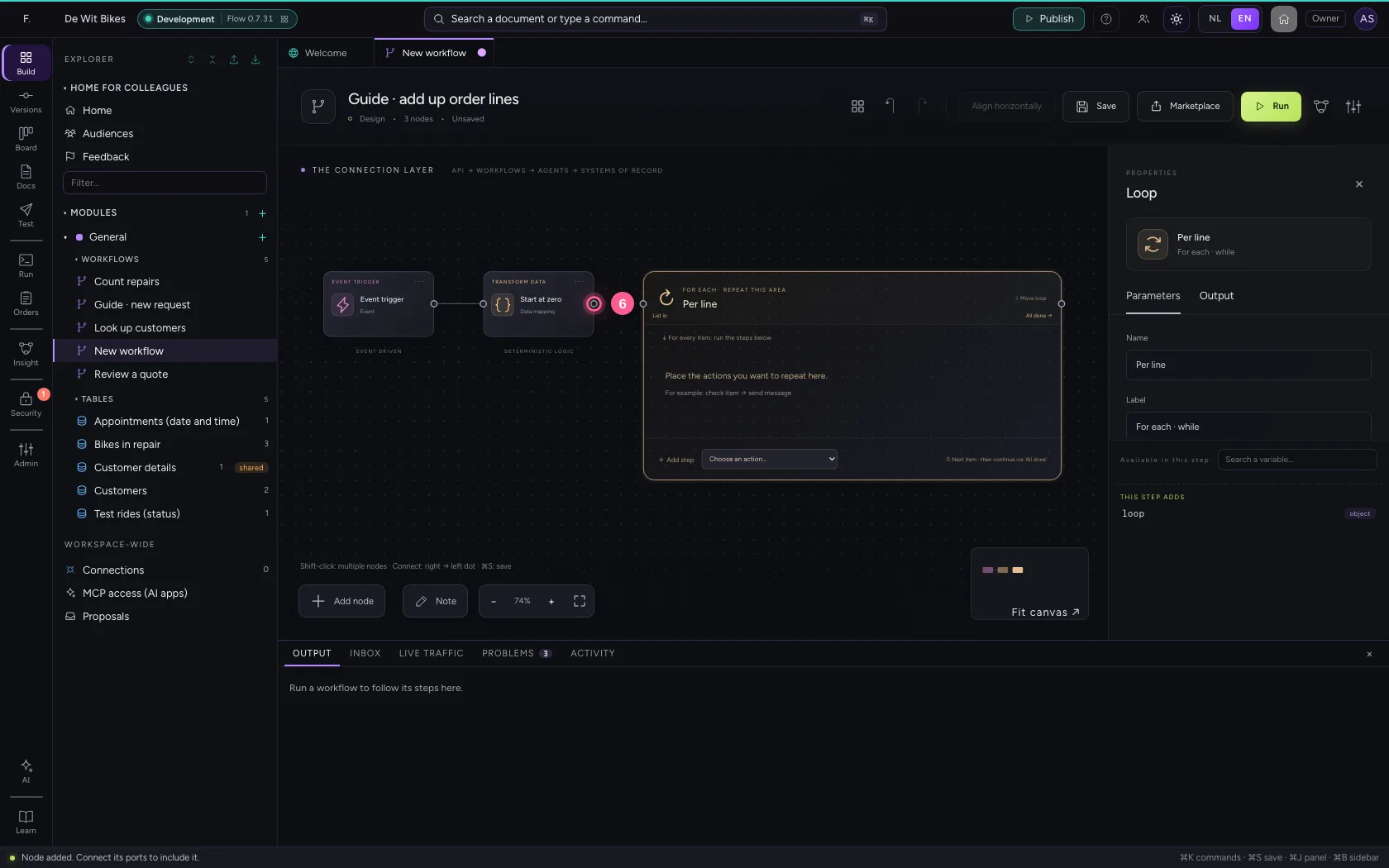
- Click the dot of ‘Per line’
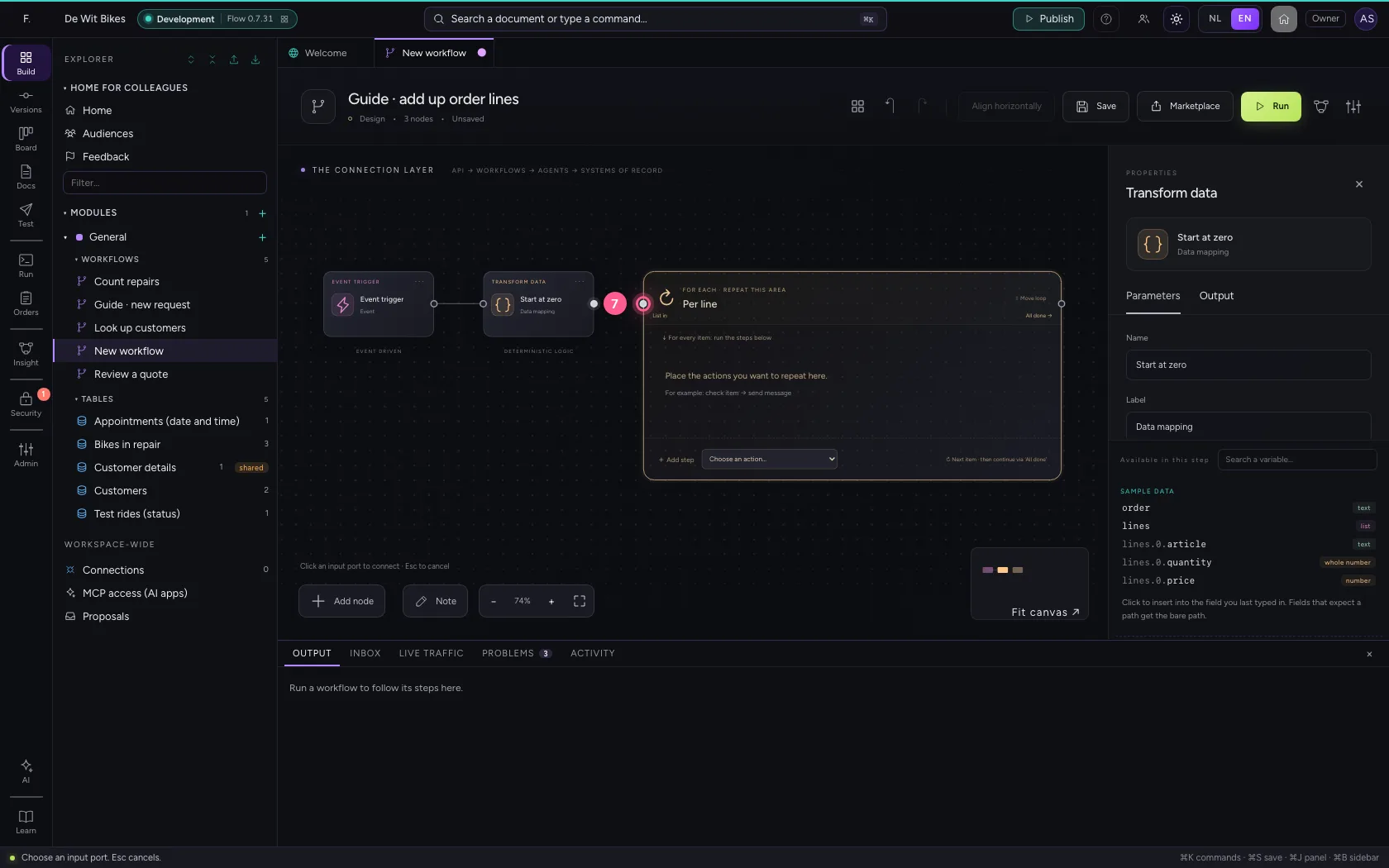
Add up, per line
At the bottom of the loop, choose Transform data under Add step: it lands in the loop's area and runs for every line. Set total to = round(total + line.quantity * line.price, 2): the previous total plus this line.
- In Add step, choose Transform data
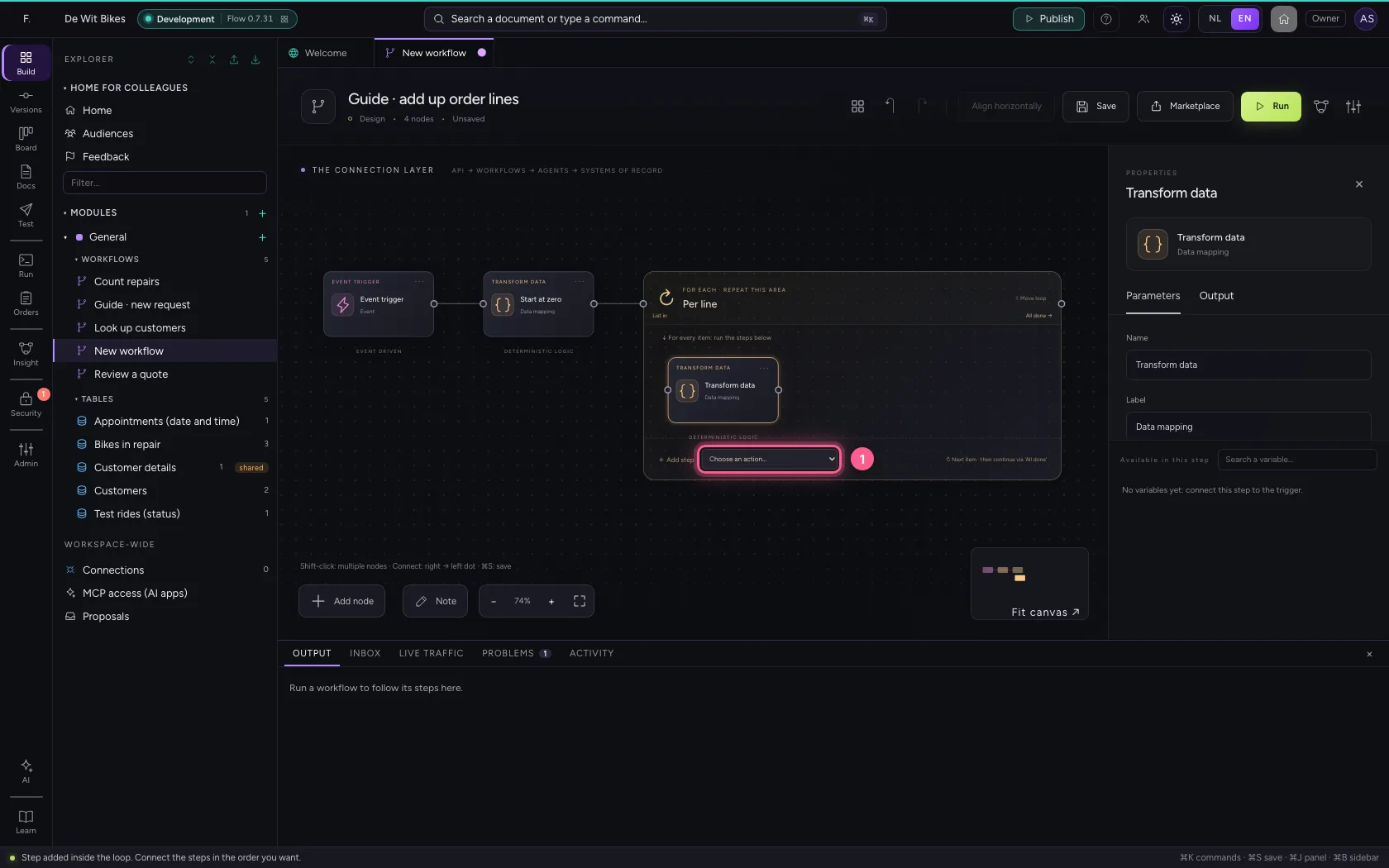
- In Name, type
Add up
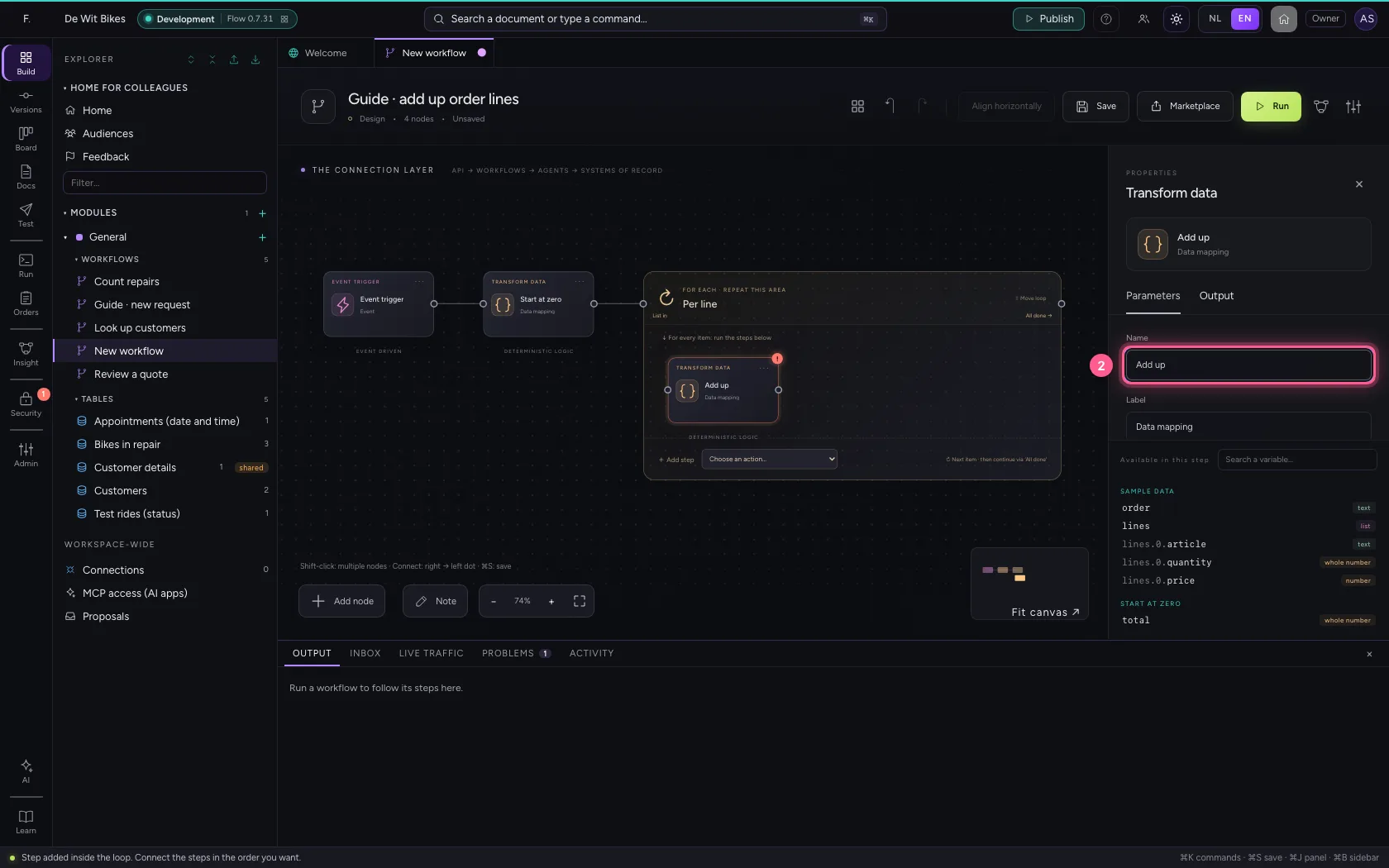
- Click Remove field
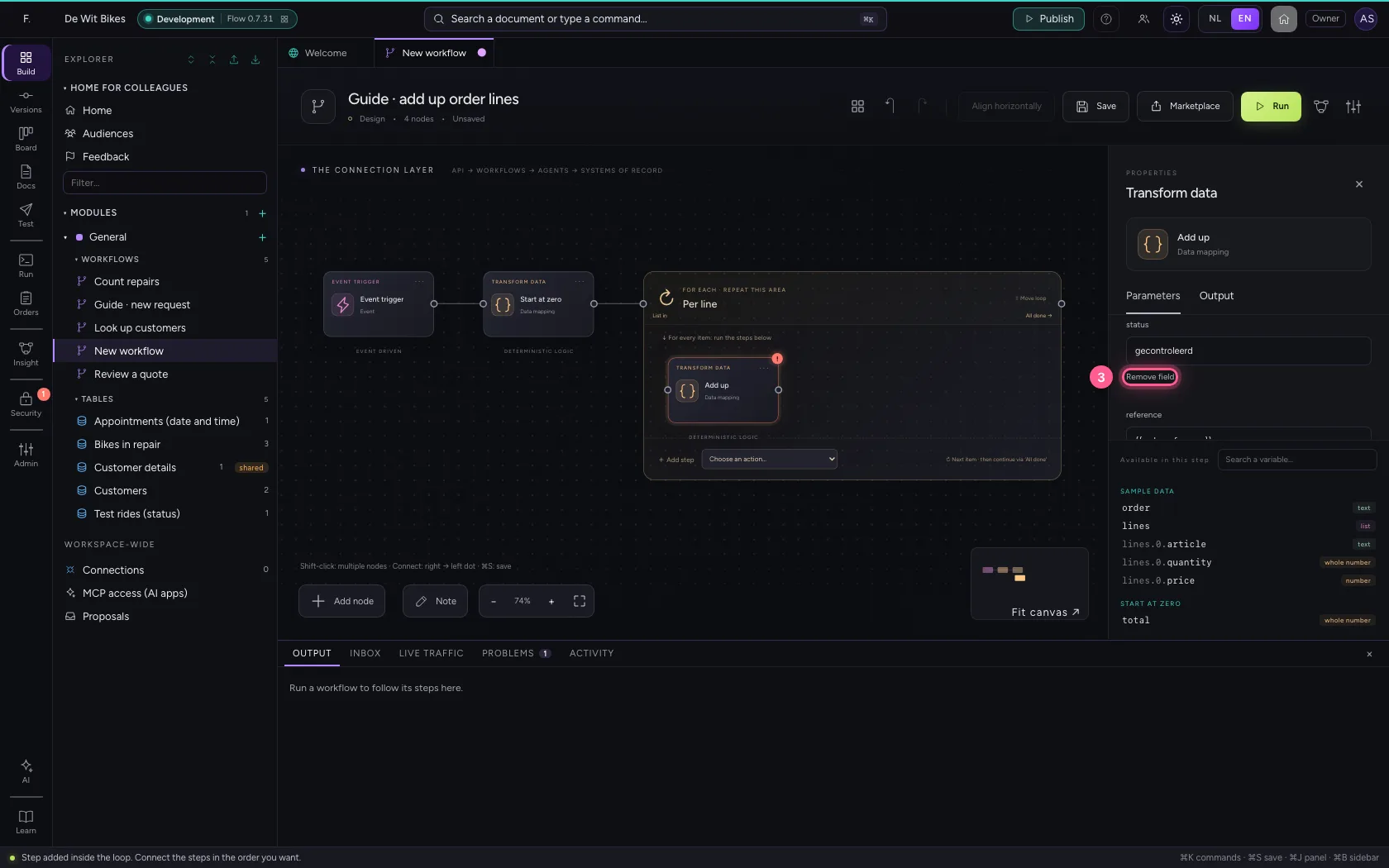
- Click Remove field
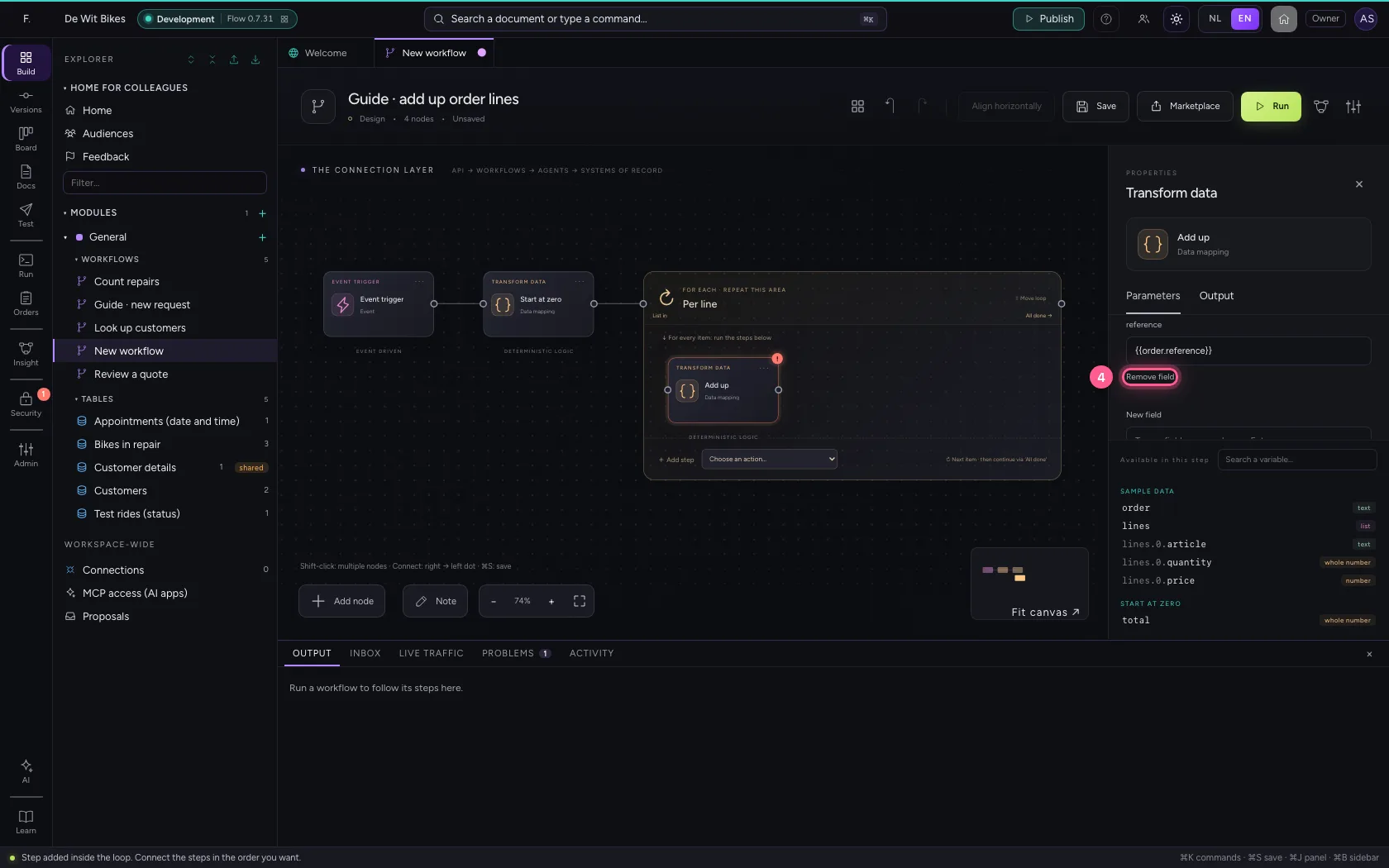
- In New field, type
total - In total, type
= round(total + line.quantity * line.price, 2)
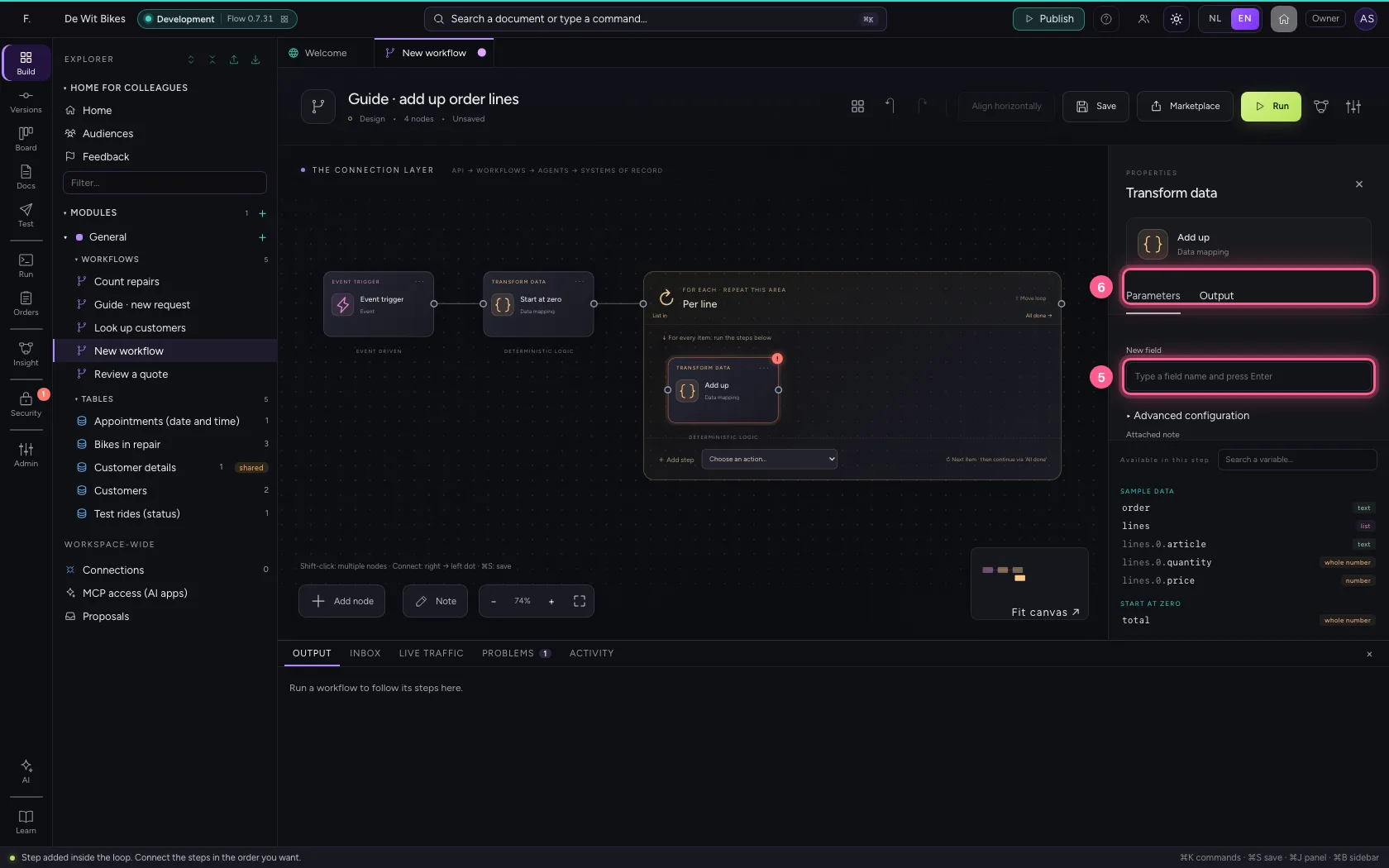
Put the steps in one line and save
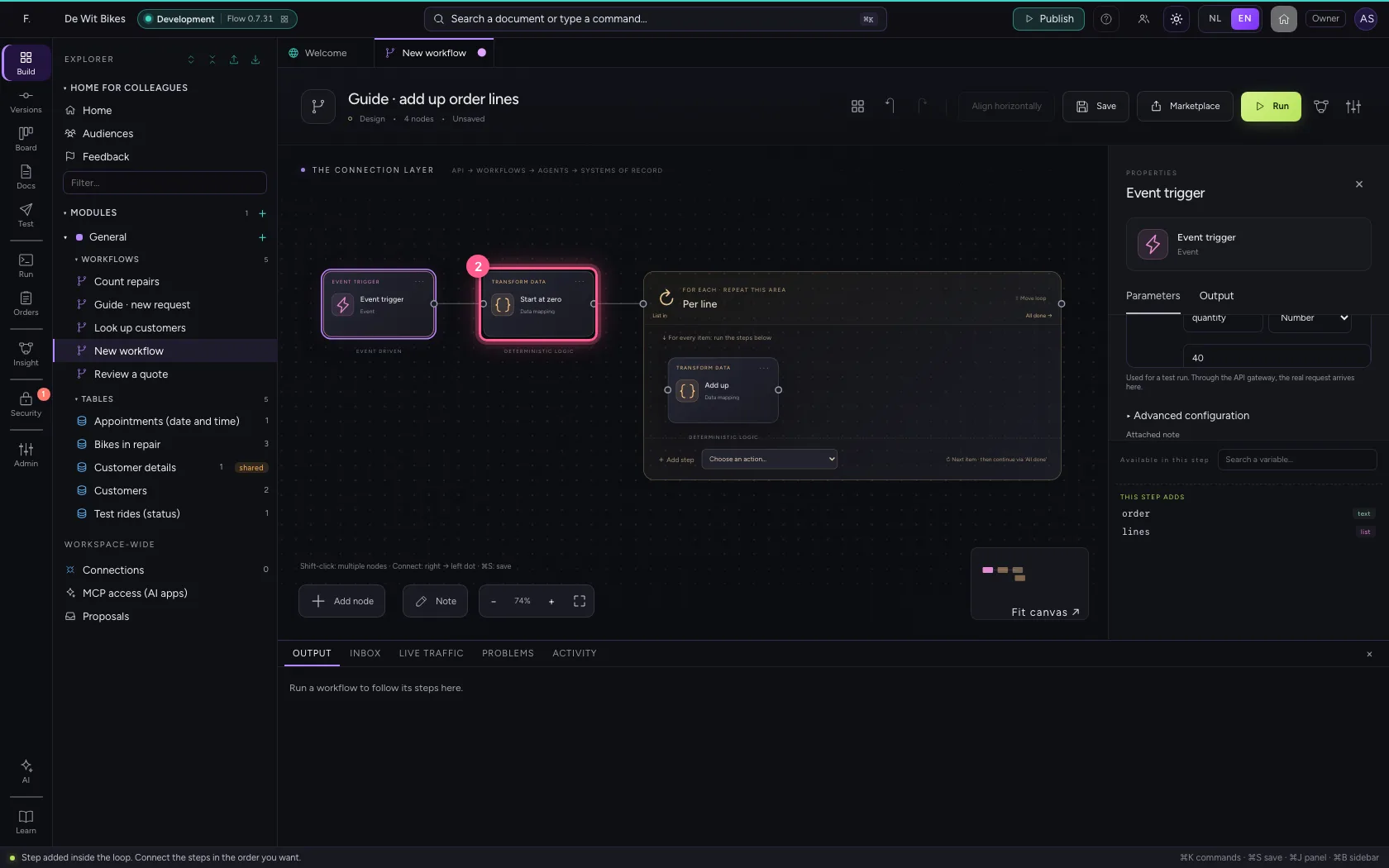
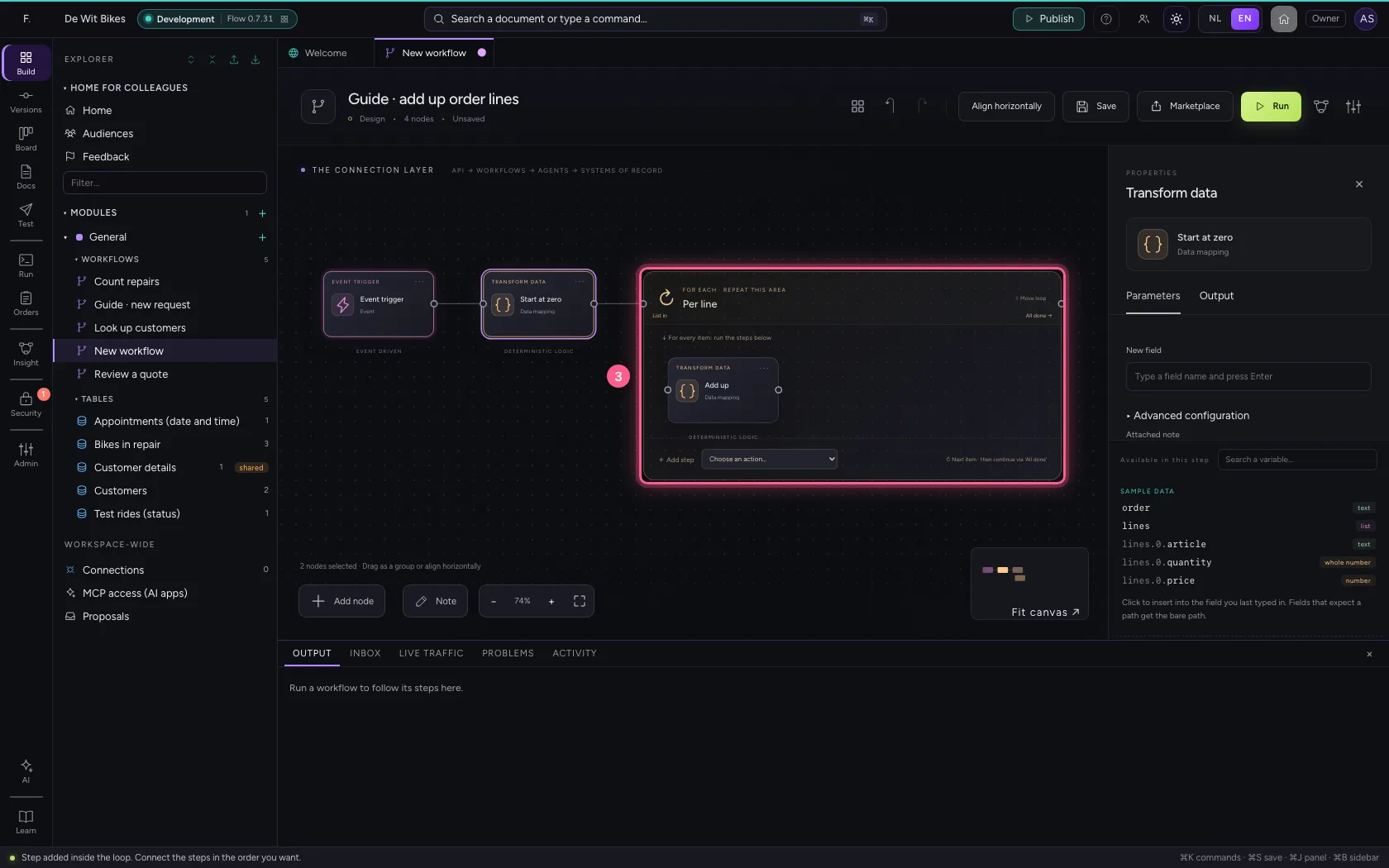
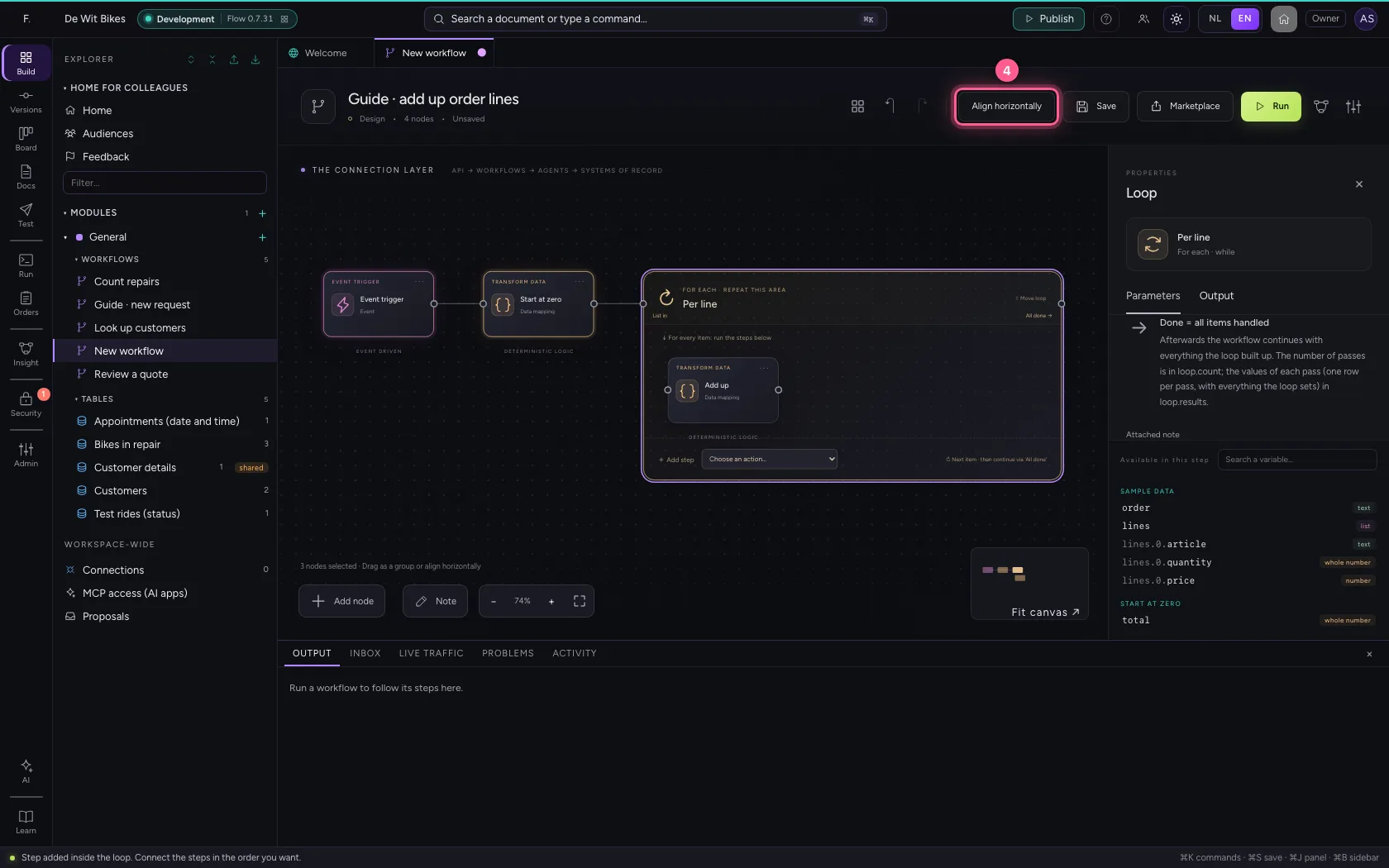
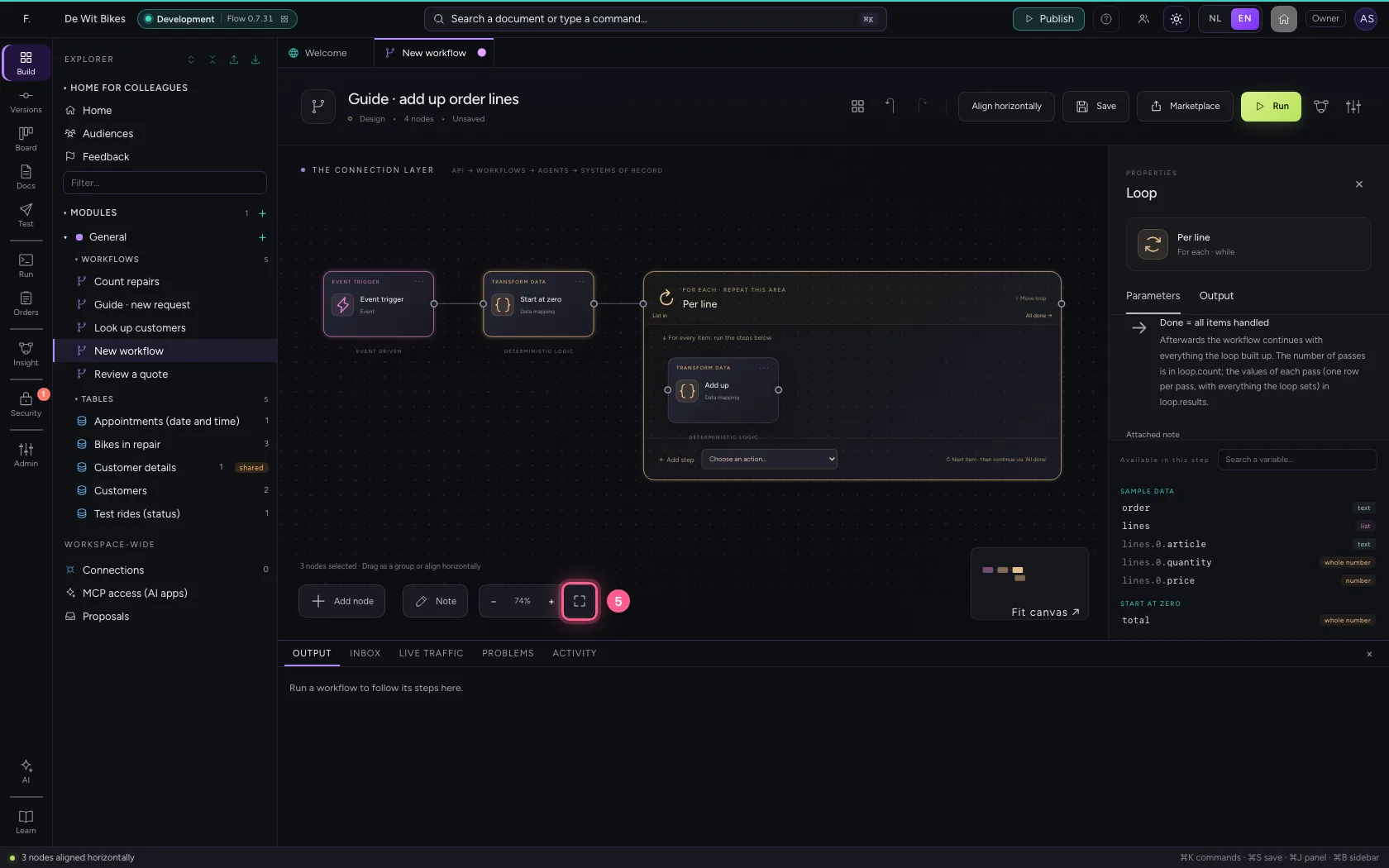
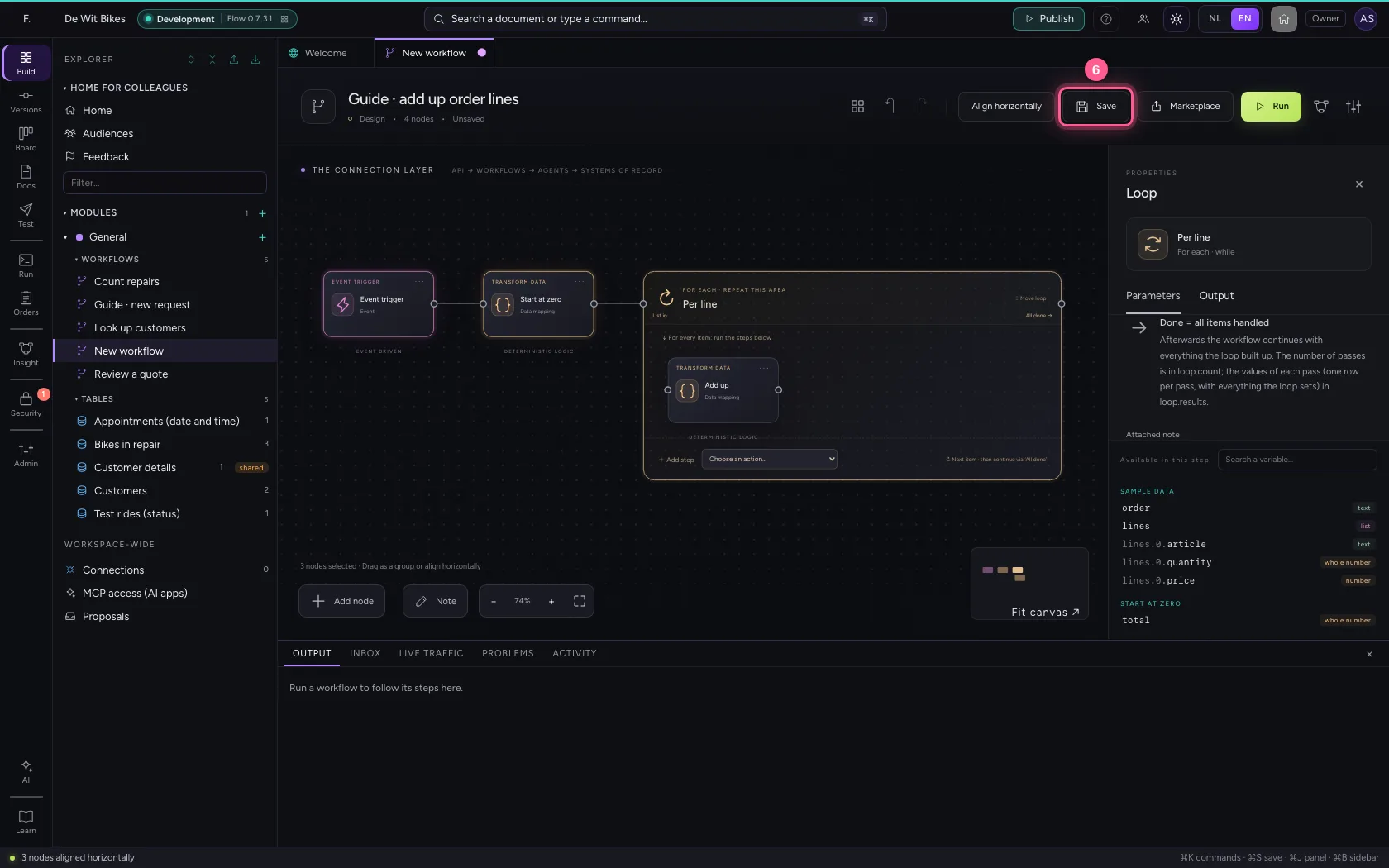
Select the steps (click the first, and the others while holding Shift) and click Align horizontally: they then stand in one line and you read the workflow from left to right; a branch (such as No of an If / Else) gets its own row below. Fit to view puts everything in sight; then Save.
- Click ‘Event trigger’
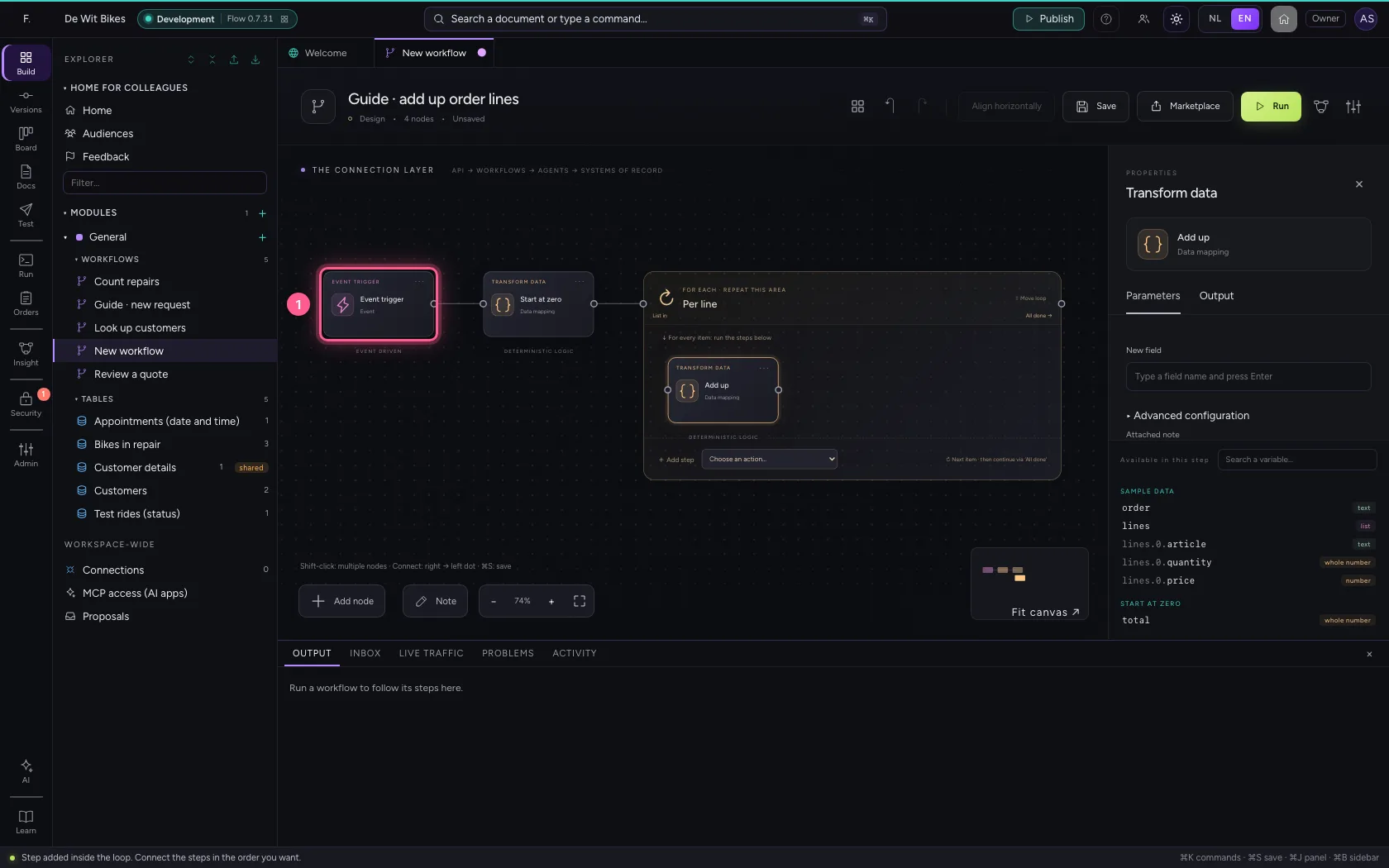
- Click ‘Start at zero’ while holding Shift
- Click ‘Per line’ while holding Shift
- Click Align horizontally
- Click Fit to view
- Click Save
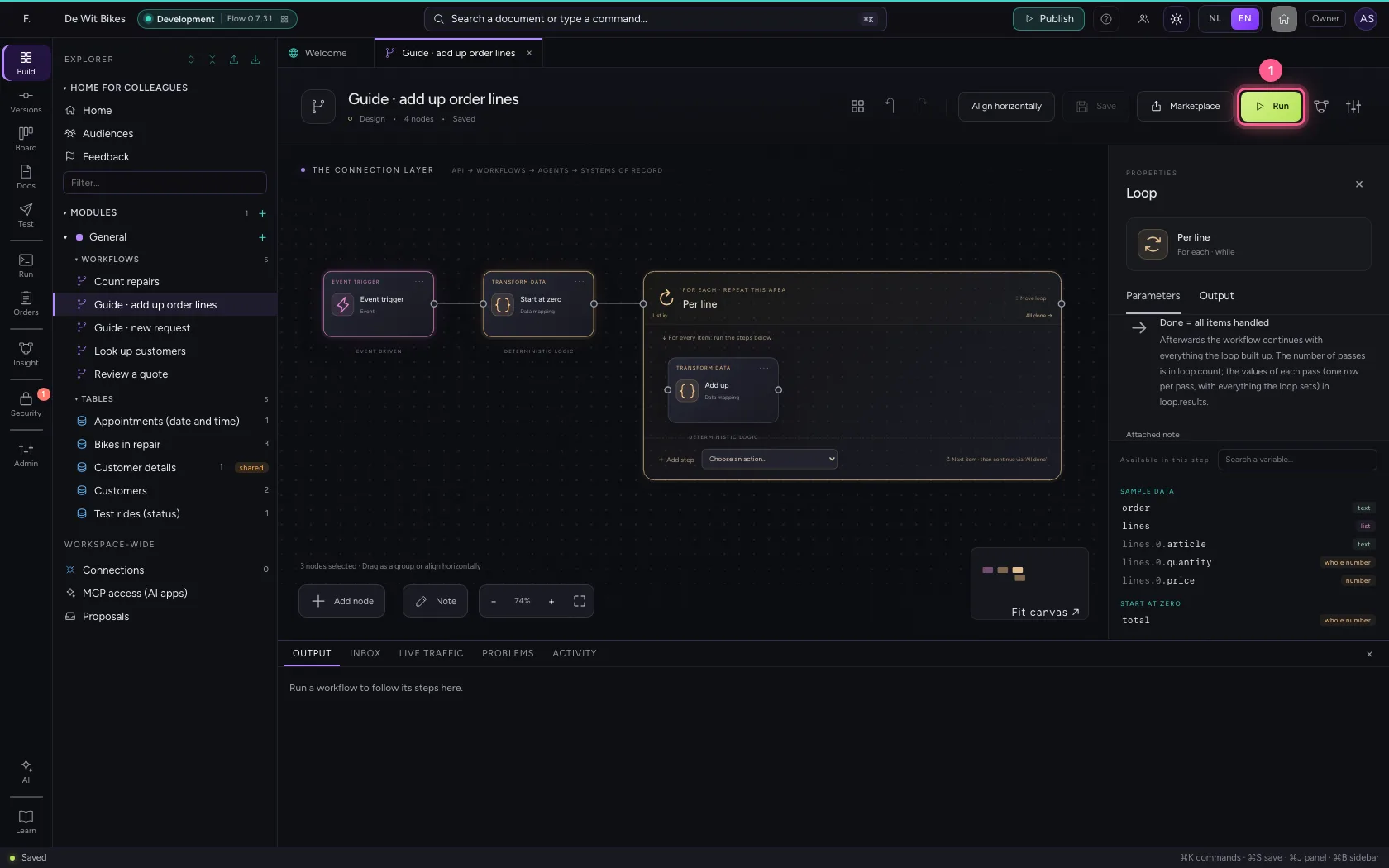
Run
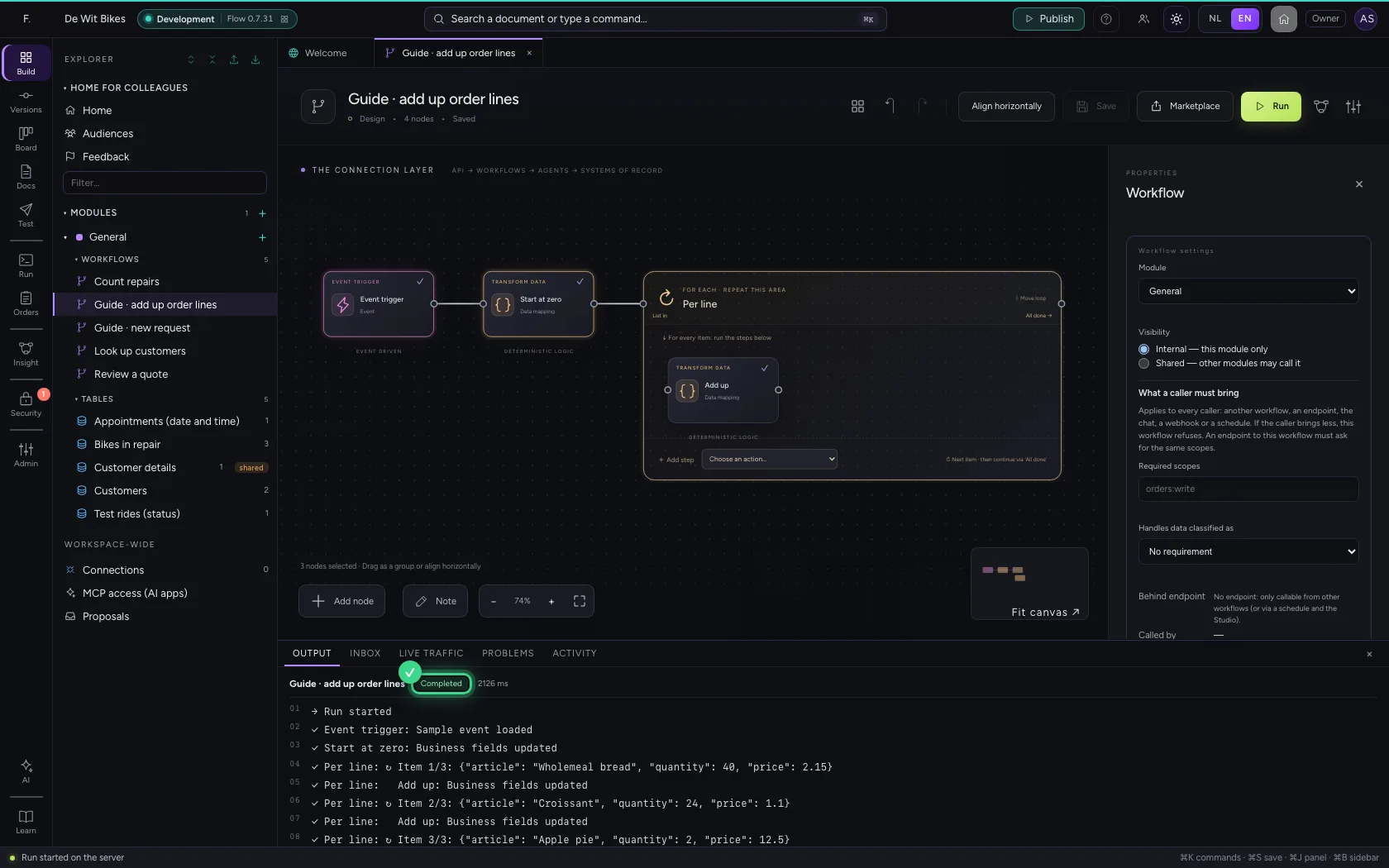
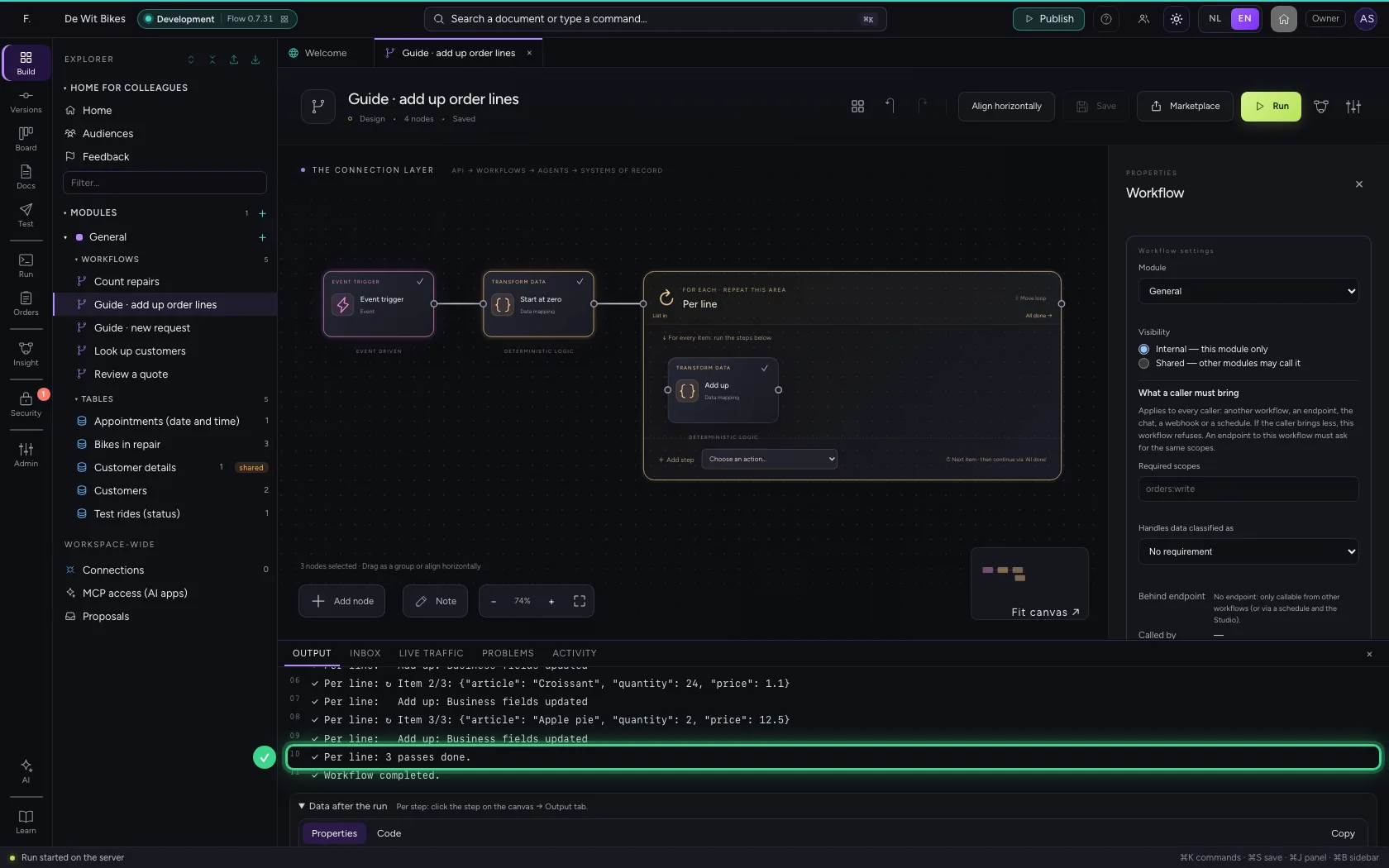
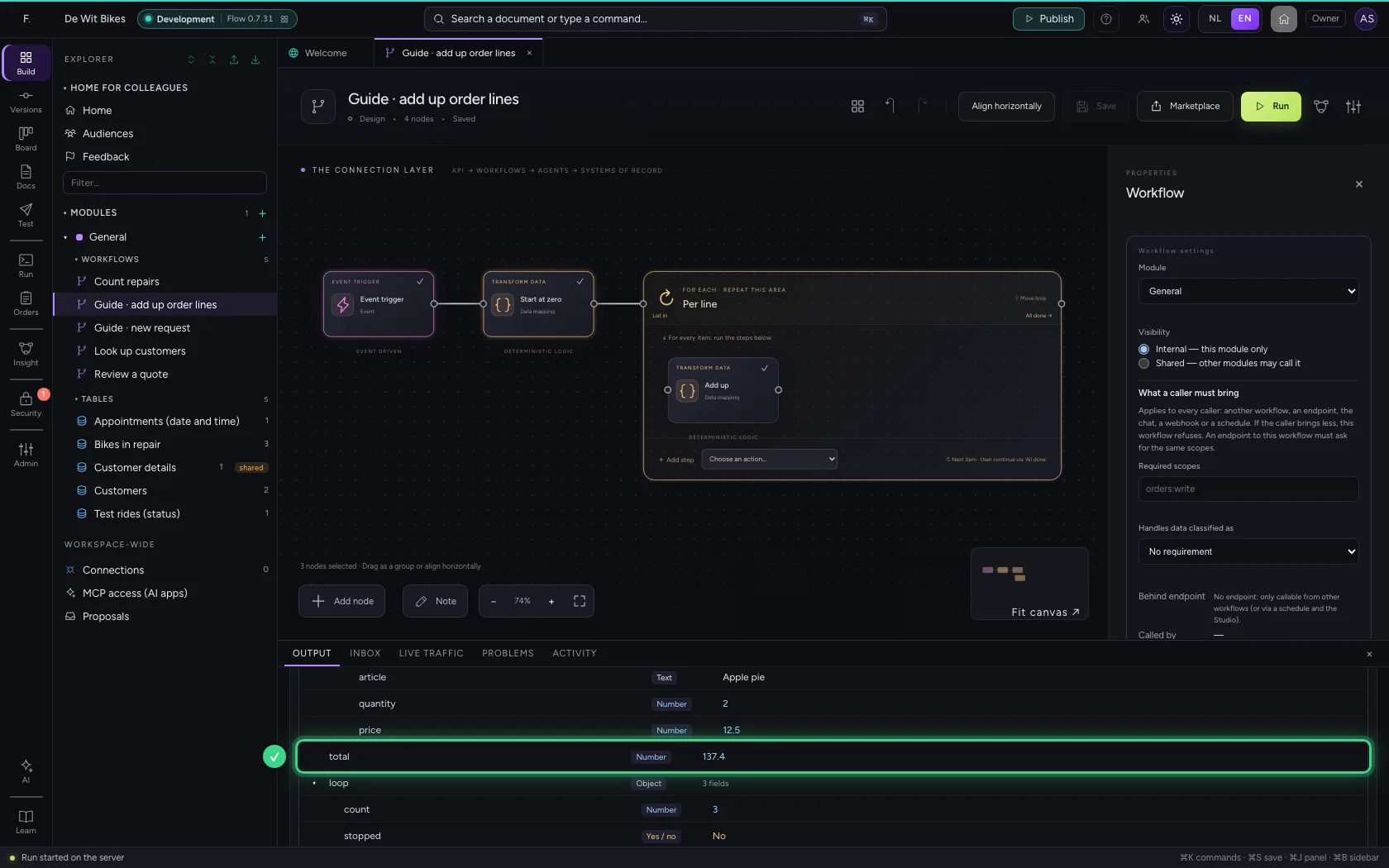
At the bottom you see every pass with the item whose turn it was, and at the end how often the loop ran. After the loop, total is the amount of all lines together; the item line no longer exists then.
- Click Run
This guide was carried out step by step on 22 Oct 2026 by an automated test on Flow (version 3e563176).