Usage and invoices: what your organisation costs
Flow charges a monthly price per environment and per person, counted per day. Under Usage and invoices you, as an owner, see what an organisation has cost so far this month, what to expect for the whole month, what the amount is made of and which prices apply.
Open Usage and invoices
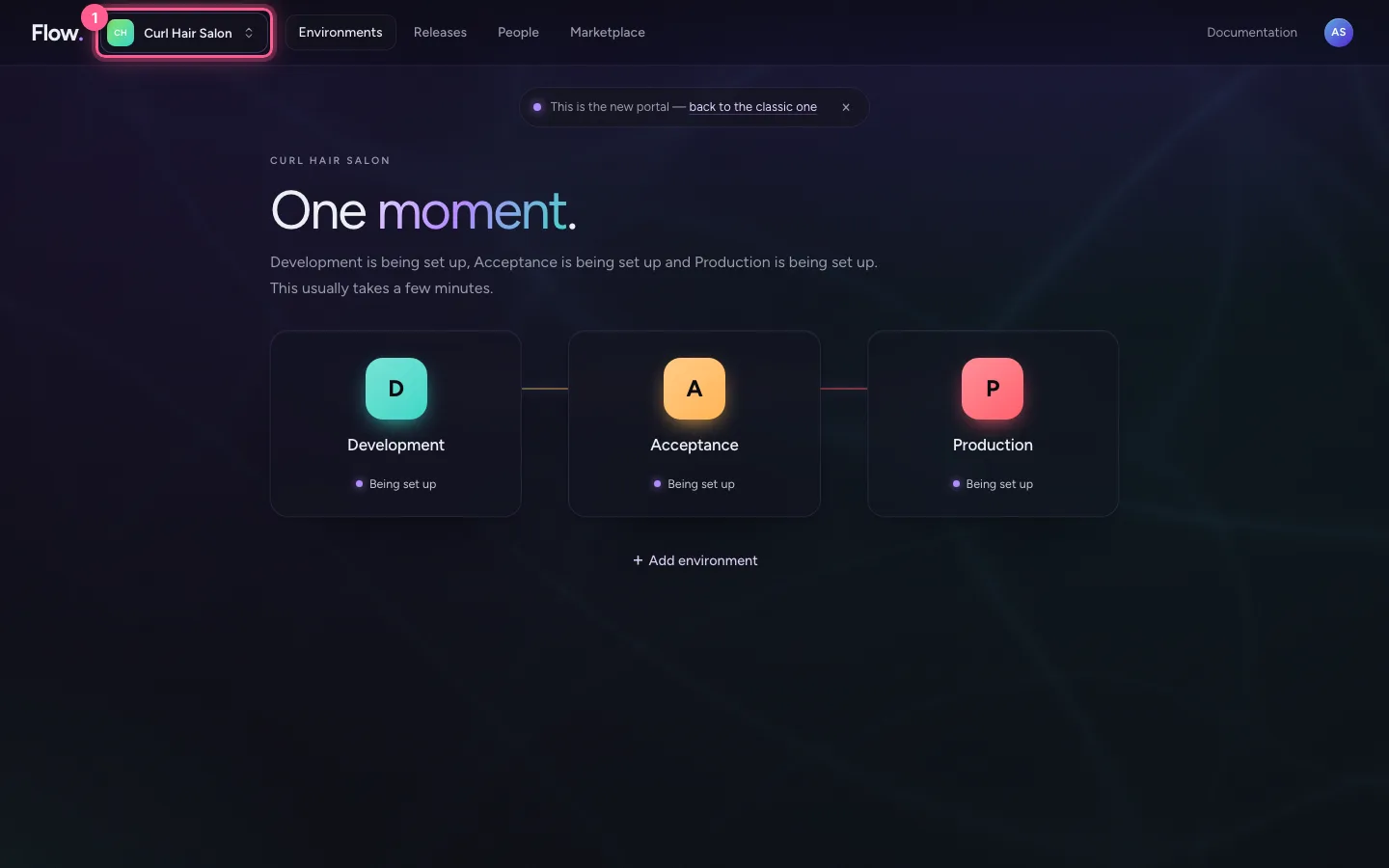
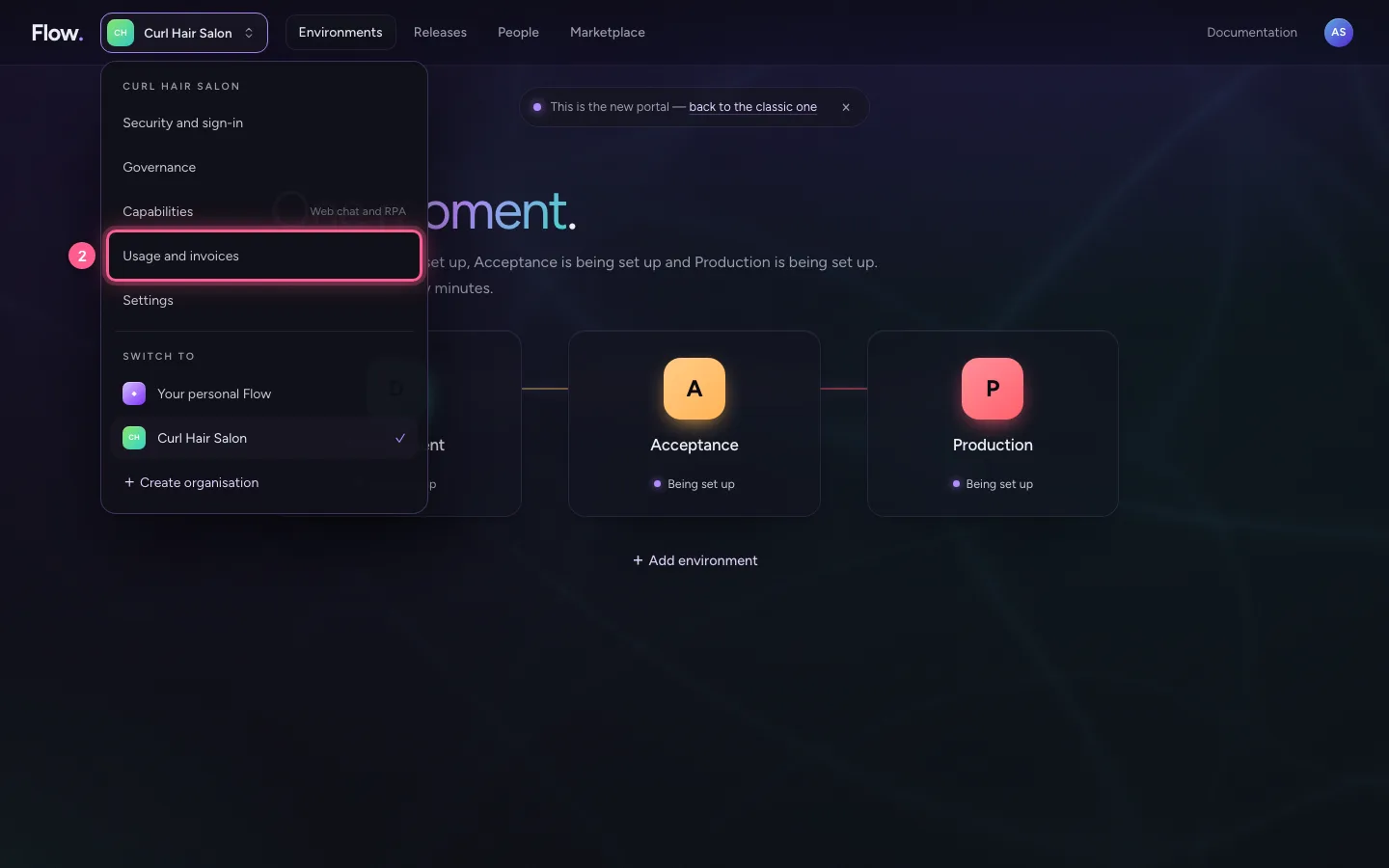
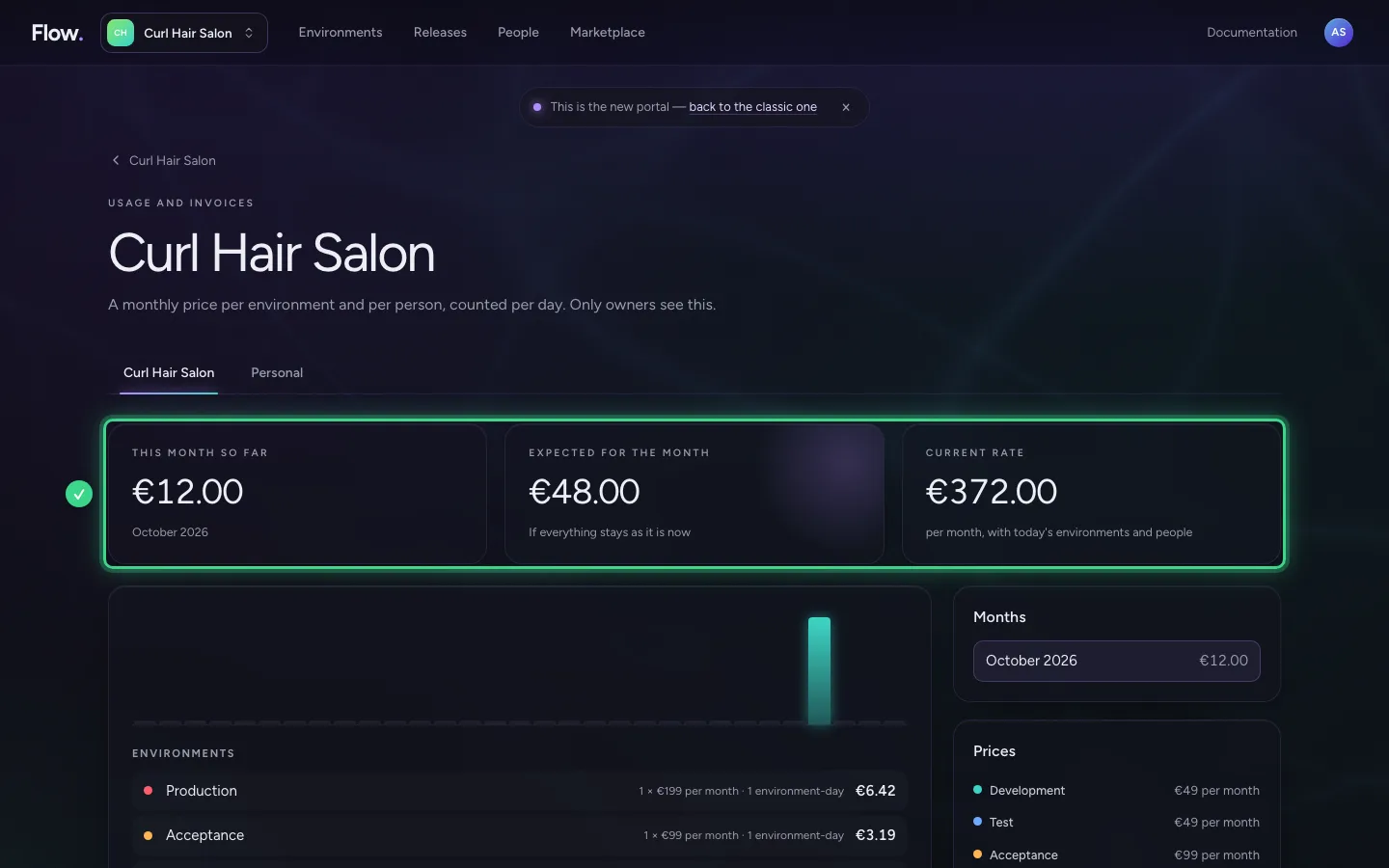
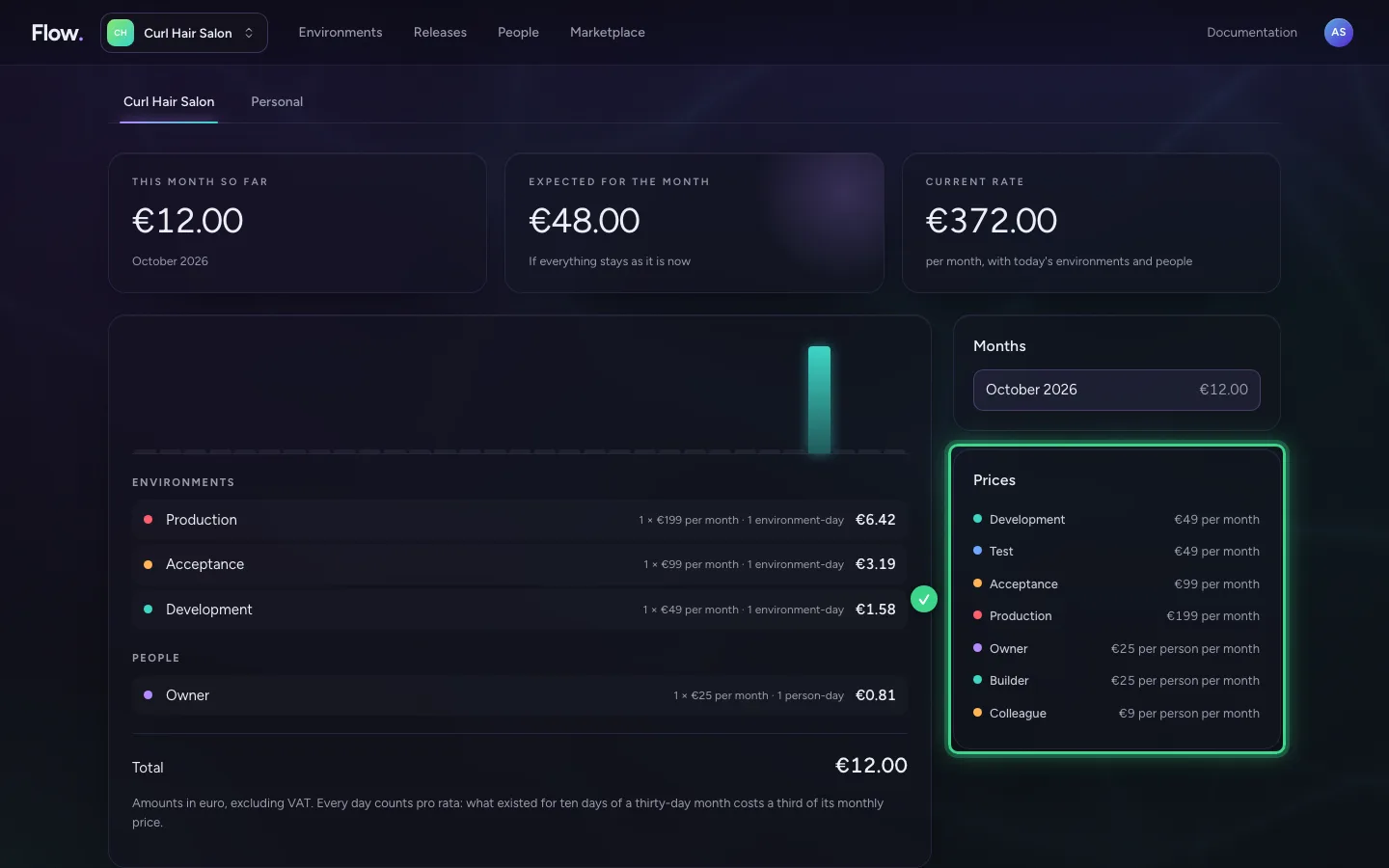
Click your organisation's name at the top left and choose Usage and invoices; only owners see this. These screens did not change, only their place is new. At the top you see three figures: what the organisation has cost so far this month, what to expect for the whole month if everything stays as it is, and the monthly rate with today's environments and people.
- Click Curl Hair Salon
- Click Usage and invoices
What the amount is made of
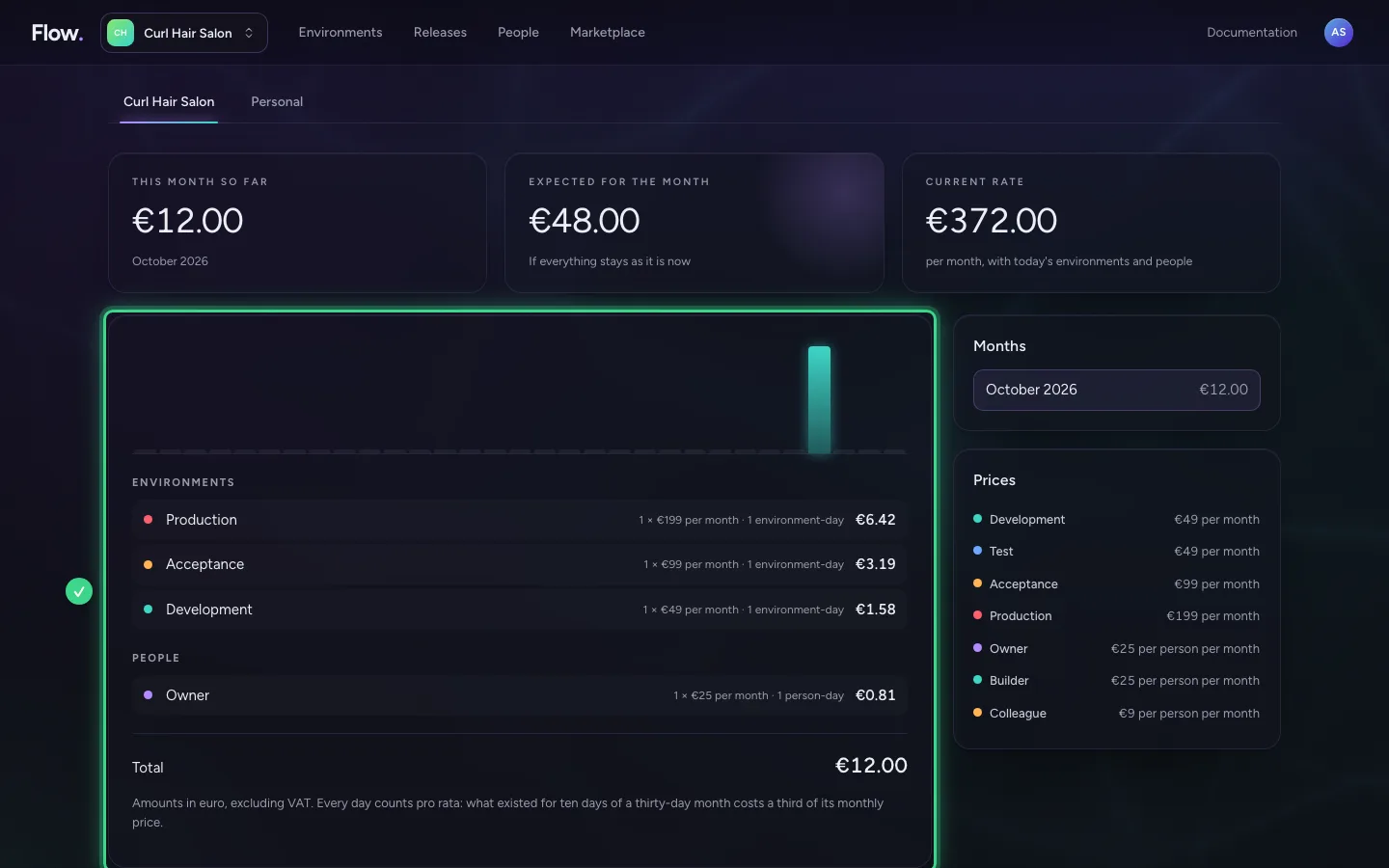
Per environment and per role you see how many there were, at which monthly price, and for how many days. Every day counts pro rata: an environment that existed for ten days of a thirty-day month costs a third of its monthly price. An environment you remove stops counting from that moment.
The prices
On the right are the months (click an earlier month to see it again) and the prices: per environment and per role, per month, in euro and excluding VAT. Acceptance and Production cost more than Development, and a Colleague less than a Builder or Owner.
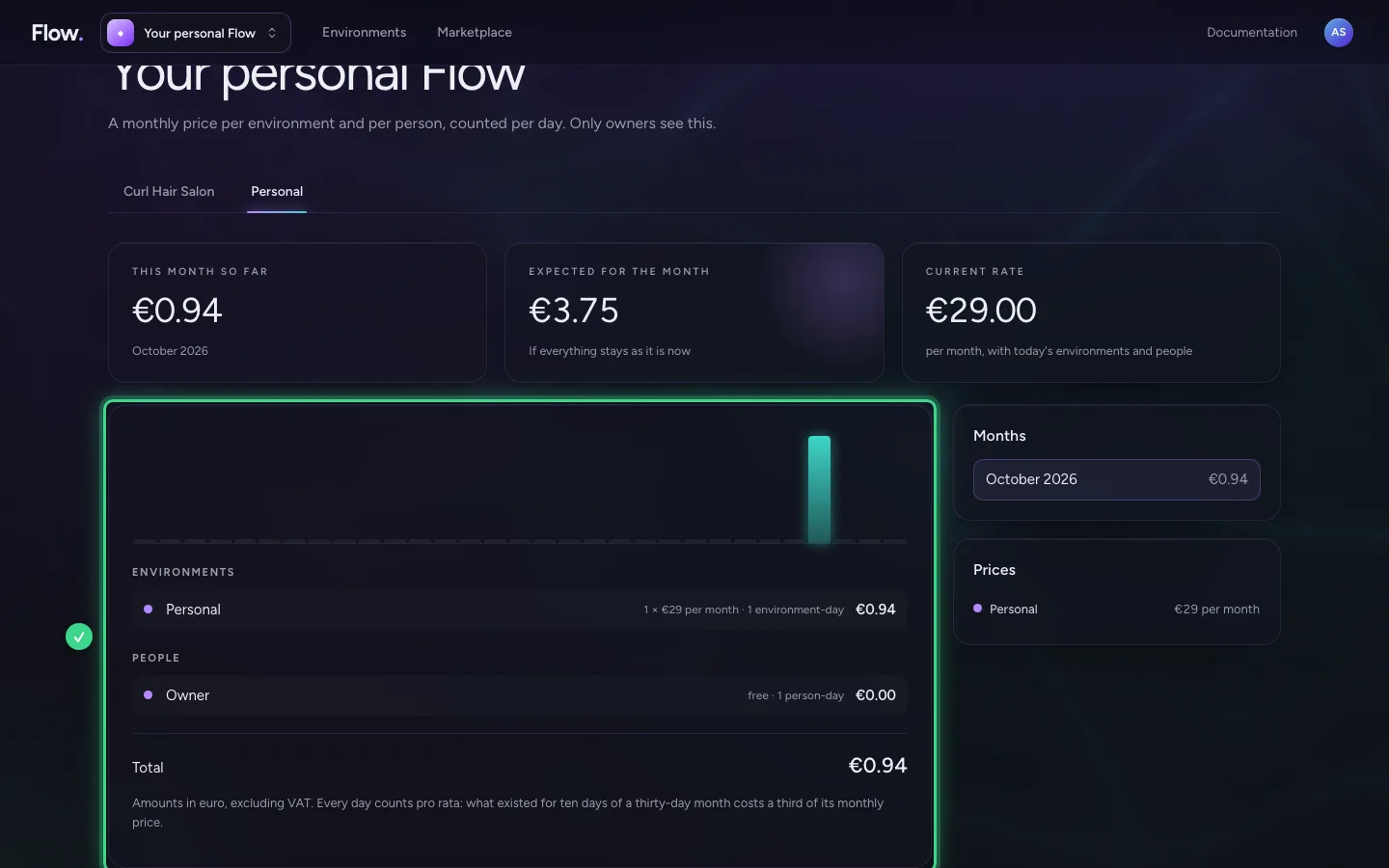
Your personal Flow
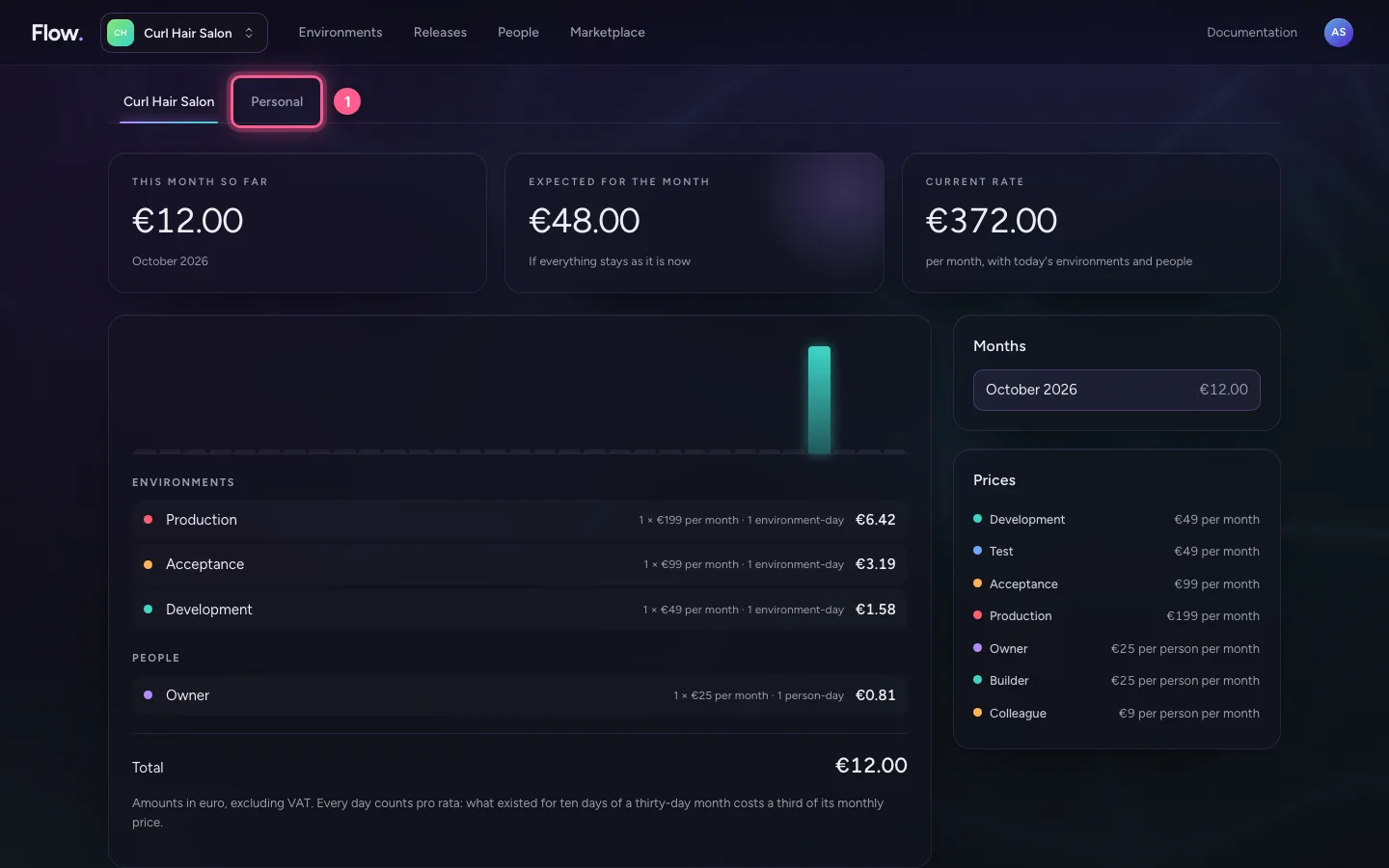
If you own more than one organisation, you pick them in the tabs. Your personal Flow has a bill of its own: one environment, and you yourself count for free there.
- Click Personal
This guide was carried out step by step on 28 Oct 2026 by an automated test on Flow (version 96971699).