Signing in on your company's Flow address
- Step 1 · Open your company's address
- Step 2 · Sign in with your work account
- Step 3 · Signing in at your company's sign-in system
- Step 4 · You land on the home
- Step 5 · Signing out
- Step 6 · Builders sign in with their password
- Step 7 · Password and code
- Step 8 · Builders land in the studio
- Step 9 · And back to the studio
Your colleagues never need to see the portal. Every environment has an address of its own with a sign-in page in your company's house style. Whoever has a work account signs in through the company's sign-in system (such as Entra ID) and lands on the home straight away; whoever builds signs in with password and code and lands in the studio, one click away from the home.
Open your company's address
Every Flow environment has an address of its own, for example cornfield.flow.inntelligence.nl. Whoever arrives there without being signed in sees the company's sign-in page: the name, logo and colours of the house style, and not a word about building or the portal.

Sign in with your work account
Fill in your work e-mail address and choose Sign in with Cornfield. Flow sends you to your company's sign-in system; the domain of your e-mail address shows the way, so there is nothing to choose.
- In Your e-mail address, type
sam@cornfieldbakery.com

- Click Sign in with Cornfield

Signing in at your company's sign-in system
This is your company's own sign-in page (a practice version here), with your e-mail address already filled in. You sign in as always, with your work password and two-step verification. Flow never sees your password.
- In Name, type
Sam Fisher

- Click Sign in

You land on the home
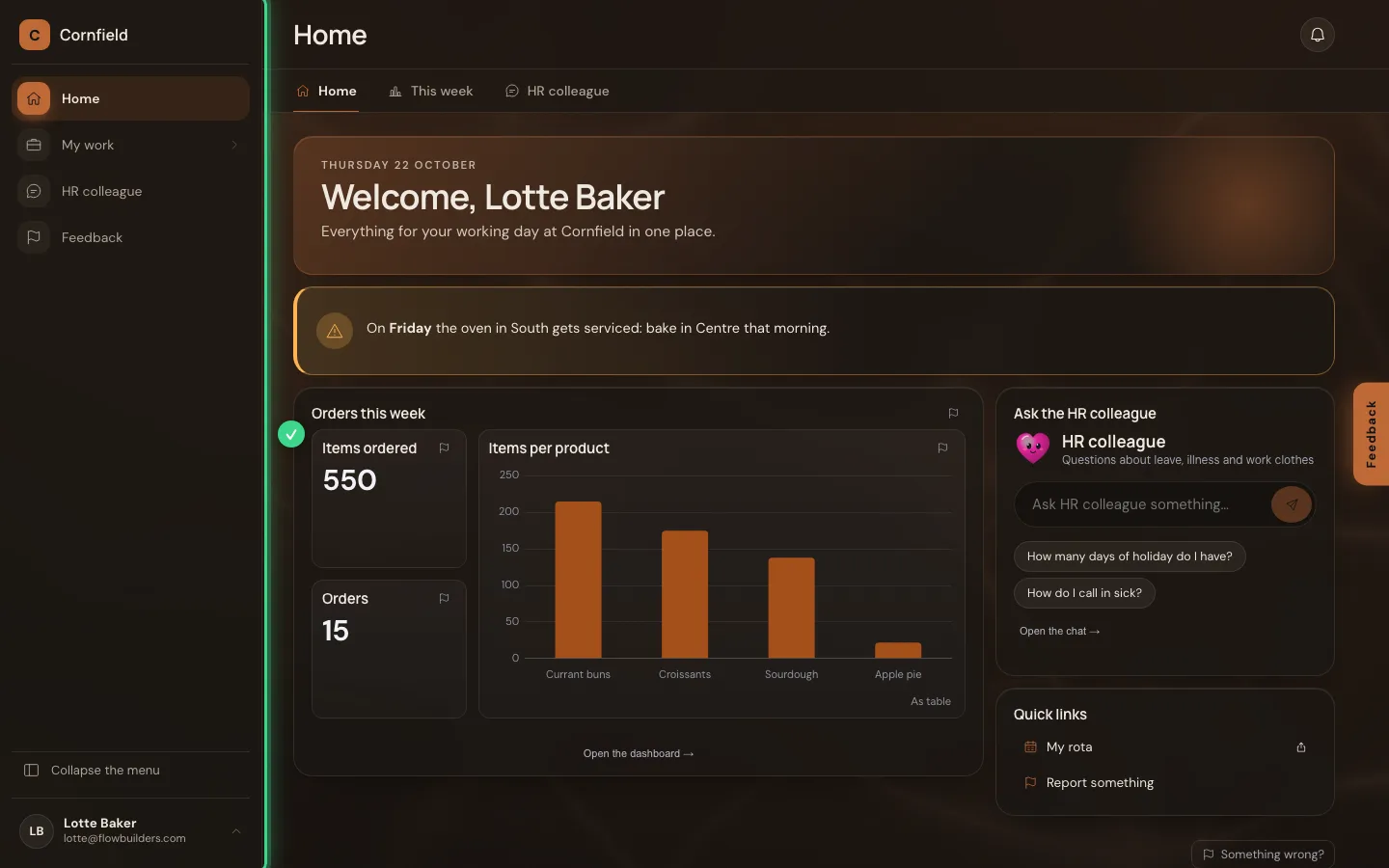
Back on your company's address you see the home: the menu on the left, the tabs at the top, and on the page what is ready for you. Whoever arrives this way for the first time gets the role Employee by themselves: viewing, chatting and giving feedback, not building.
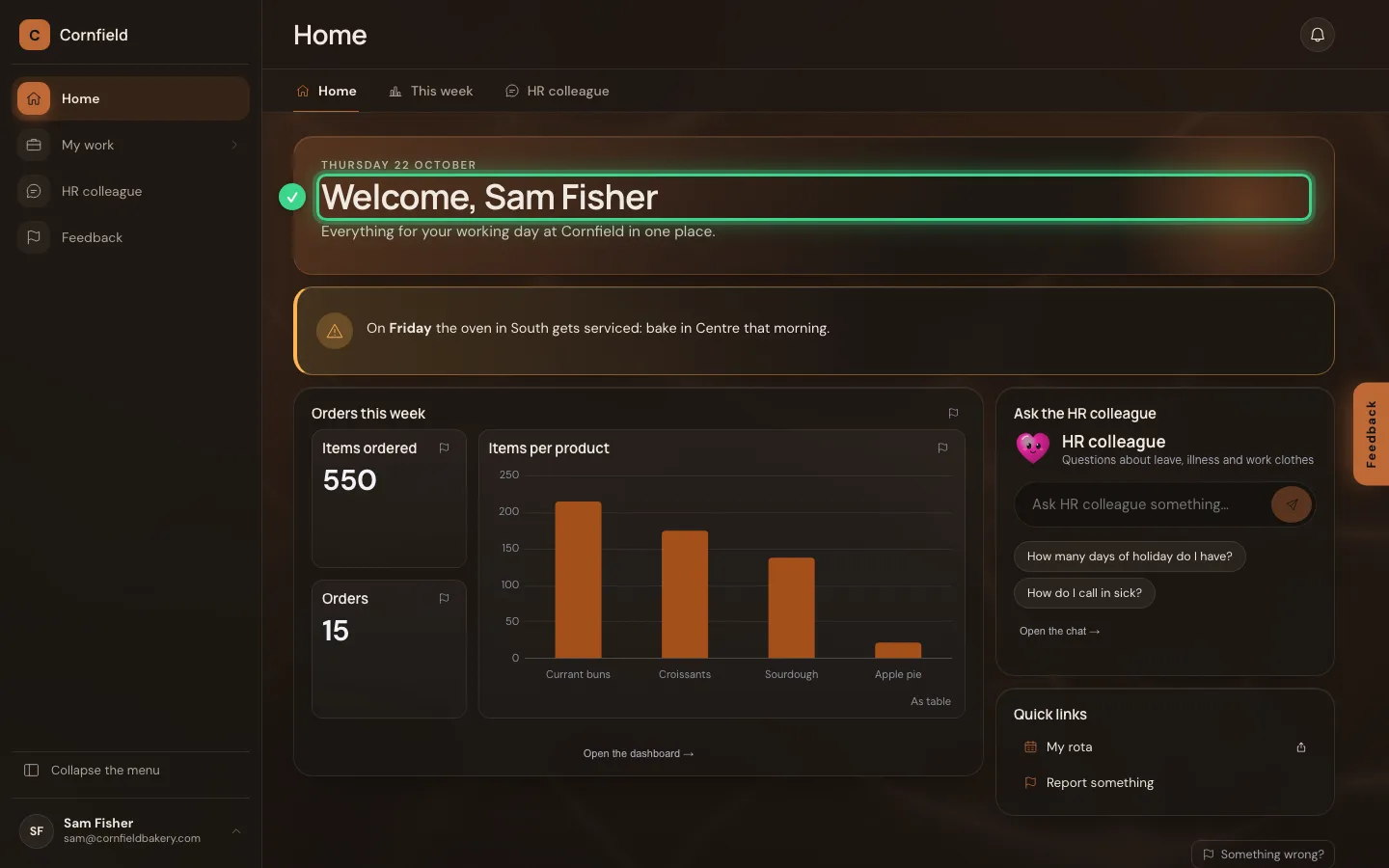
Signing out
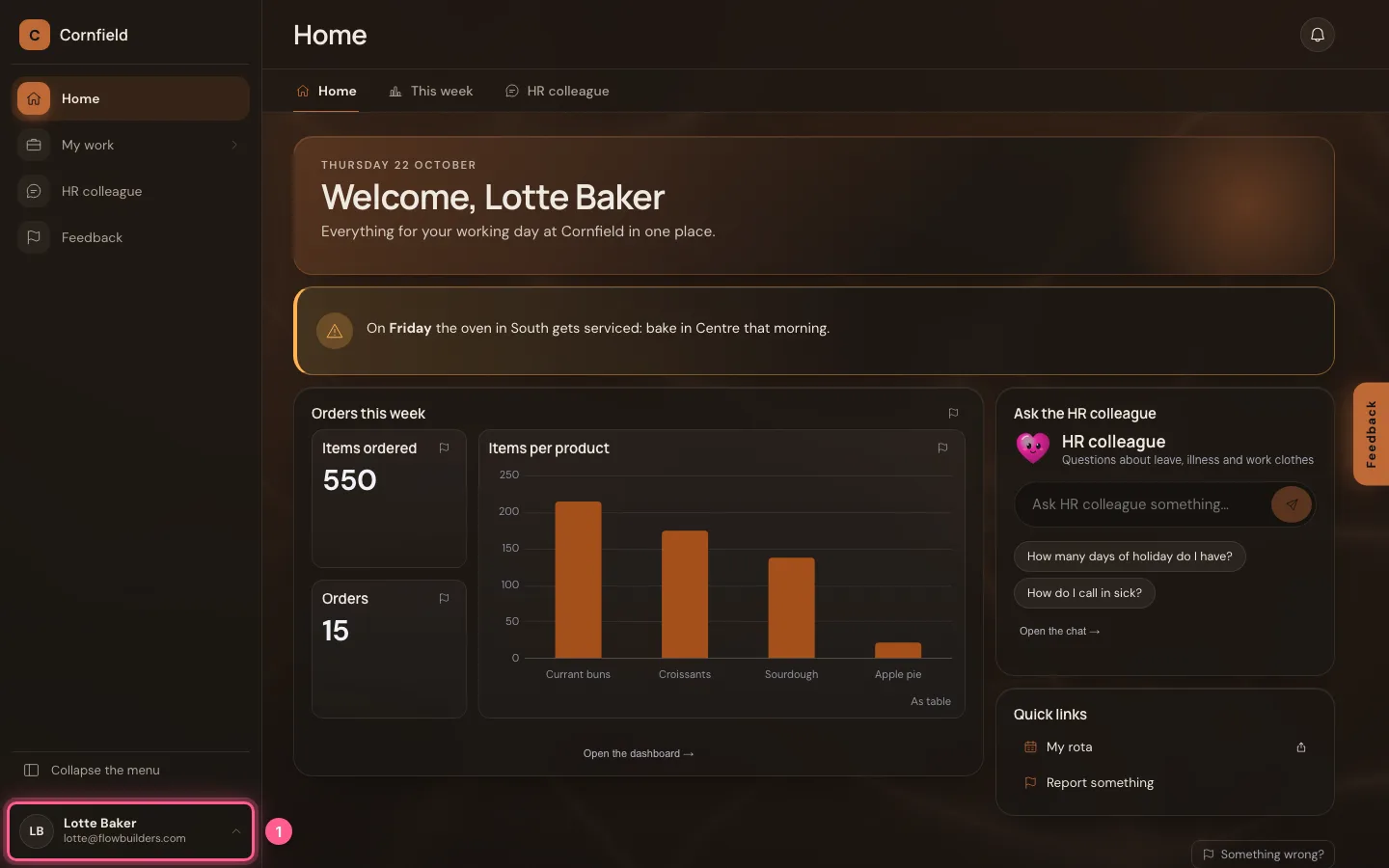
At the bottom of the menu is your name. There you choose the appearance and language, find your feedback and sign out — on this device, or with Sign out everywhere on all your devices at once. Whoever does nothing for a while is signed out automatically.
- Click Your account: Sam Fisher


- Click Sign out

Builders sign in with their password
On the same page, whoever builds Flow signs in with e-mail address, password and a code from the authenticator app. Fill in your e-mail address and choose Sign in with password.
- In Your e-mail address, type
lotte@flowbuilders.com

- Click Sign in with password

Password and code
You fill in your password and the code on the sign-in screen in your company's house style; then you are straight back.
- In Password, type
••••••••
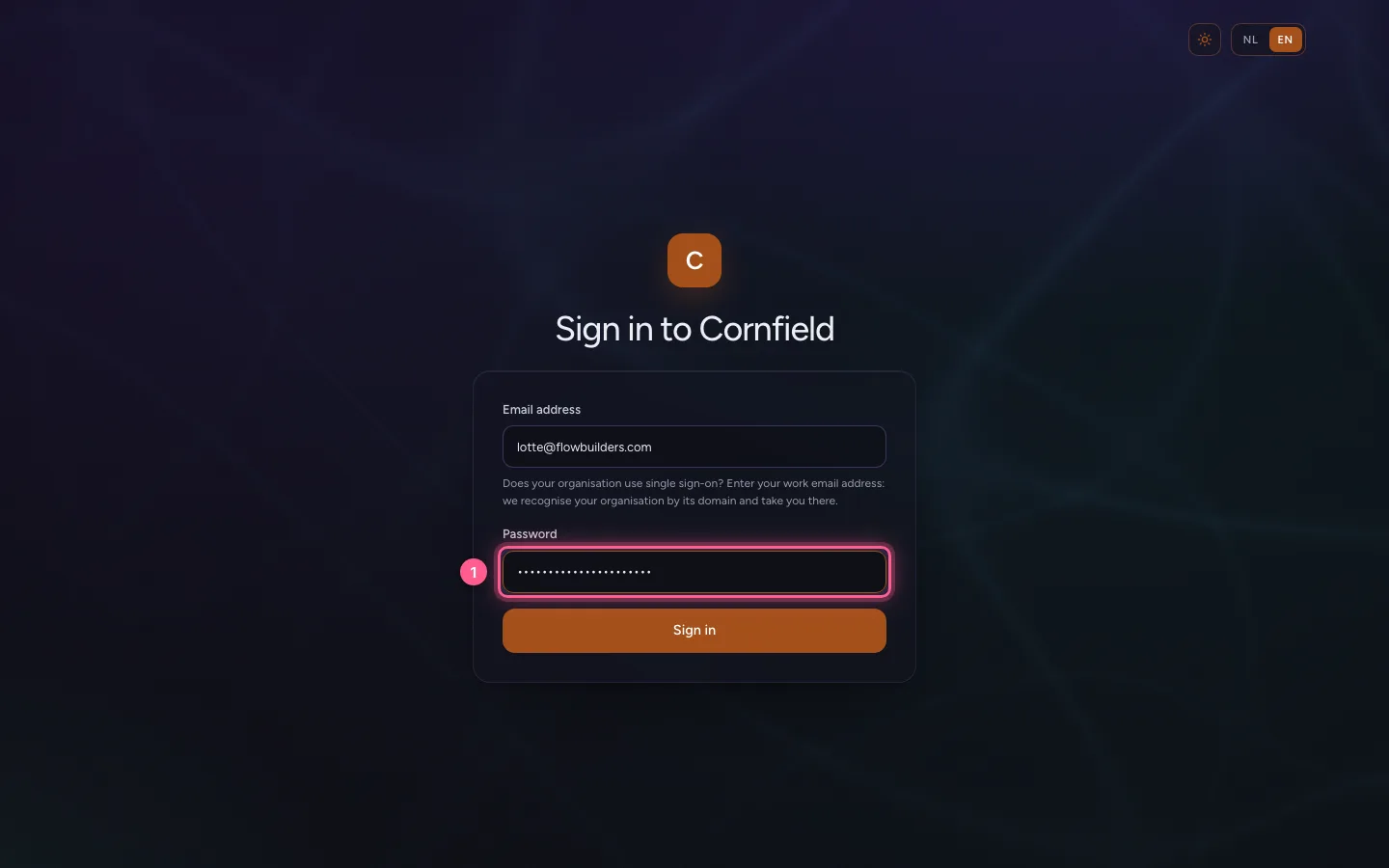
- Click Sign in

- In Code from your app, type
••••••
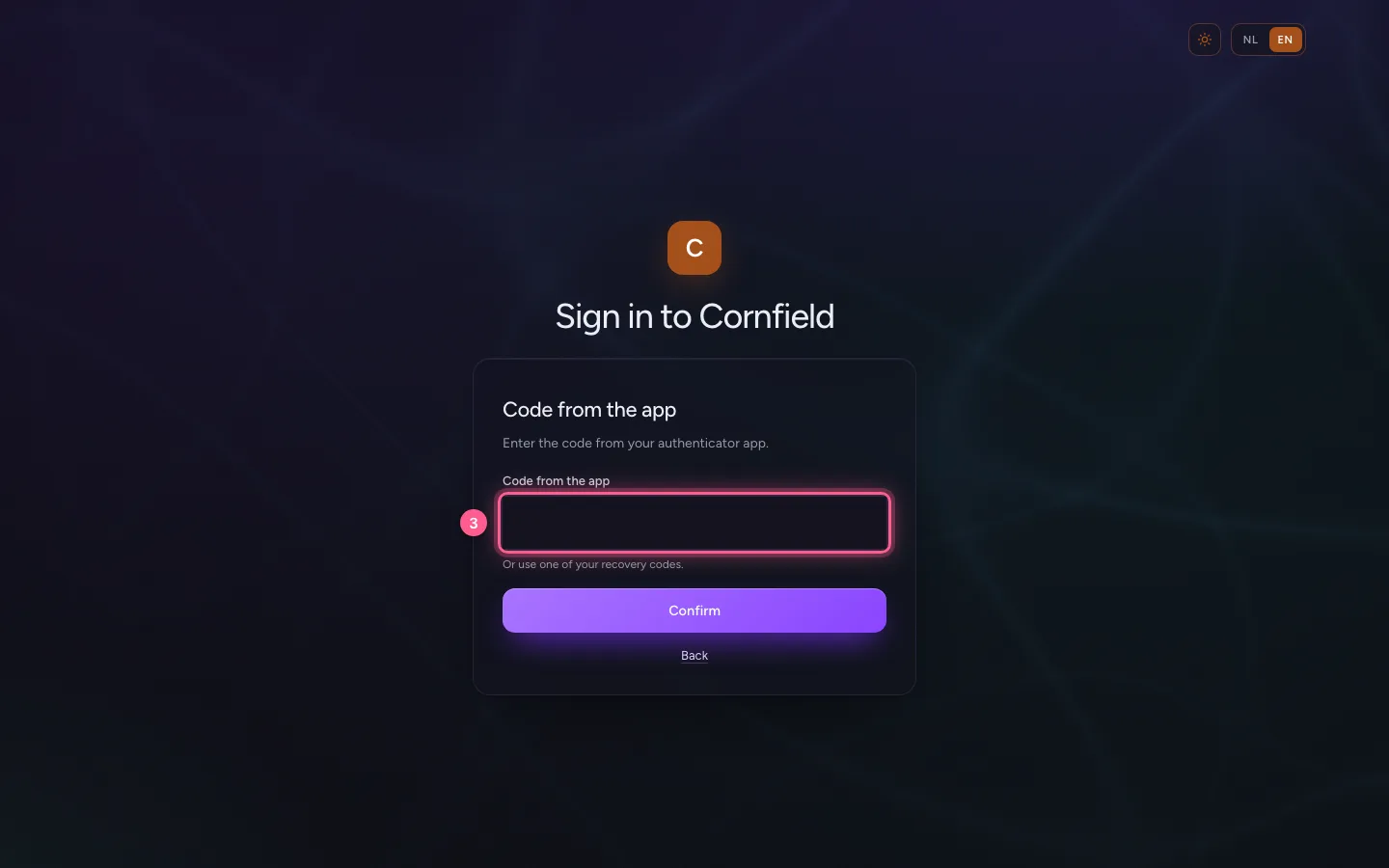
- Click Continue
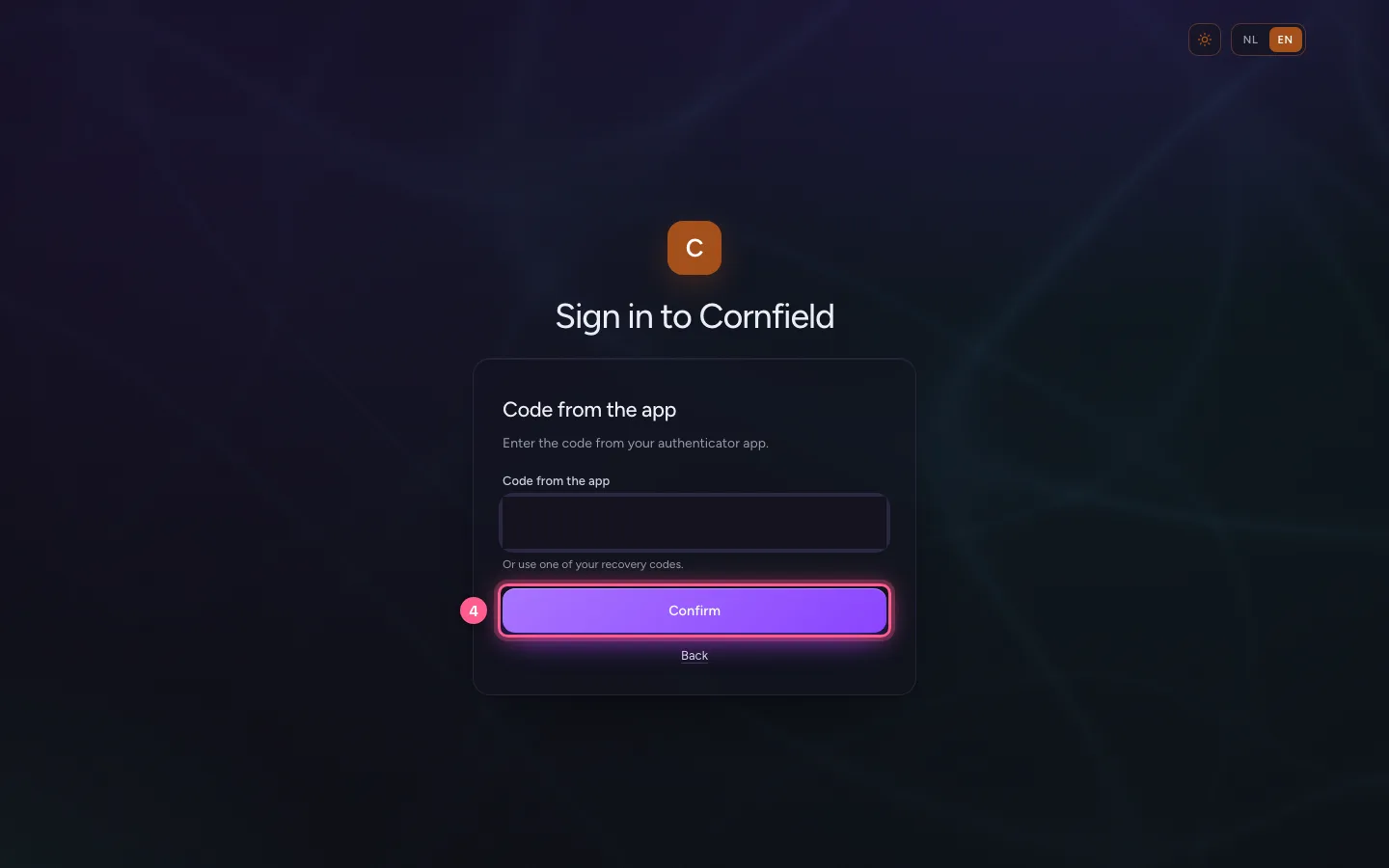
Builders land in the studio
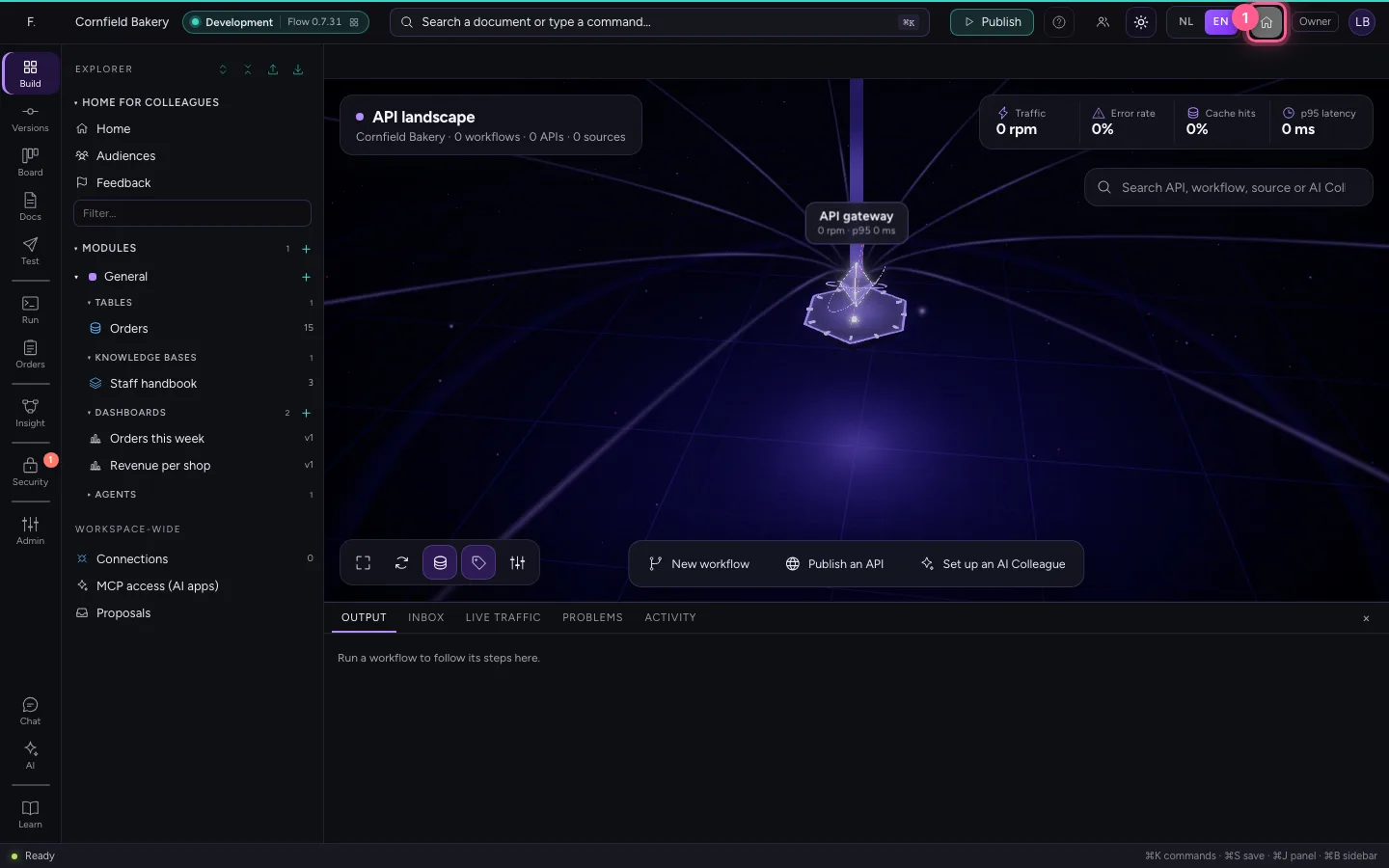
Whoever may build lands in the studio: the explorer, the editors and publishing. At the top right the little house takes you to the home, so you see what your colleagues see.
- Click Open the home
And back to the studio
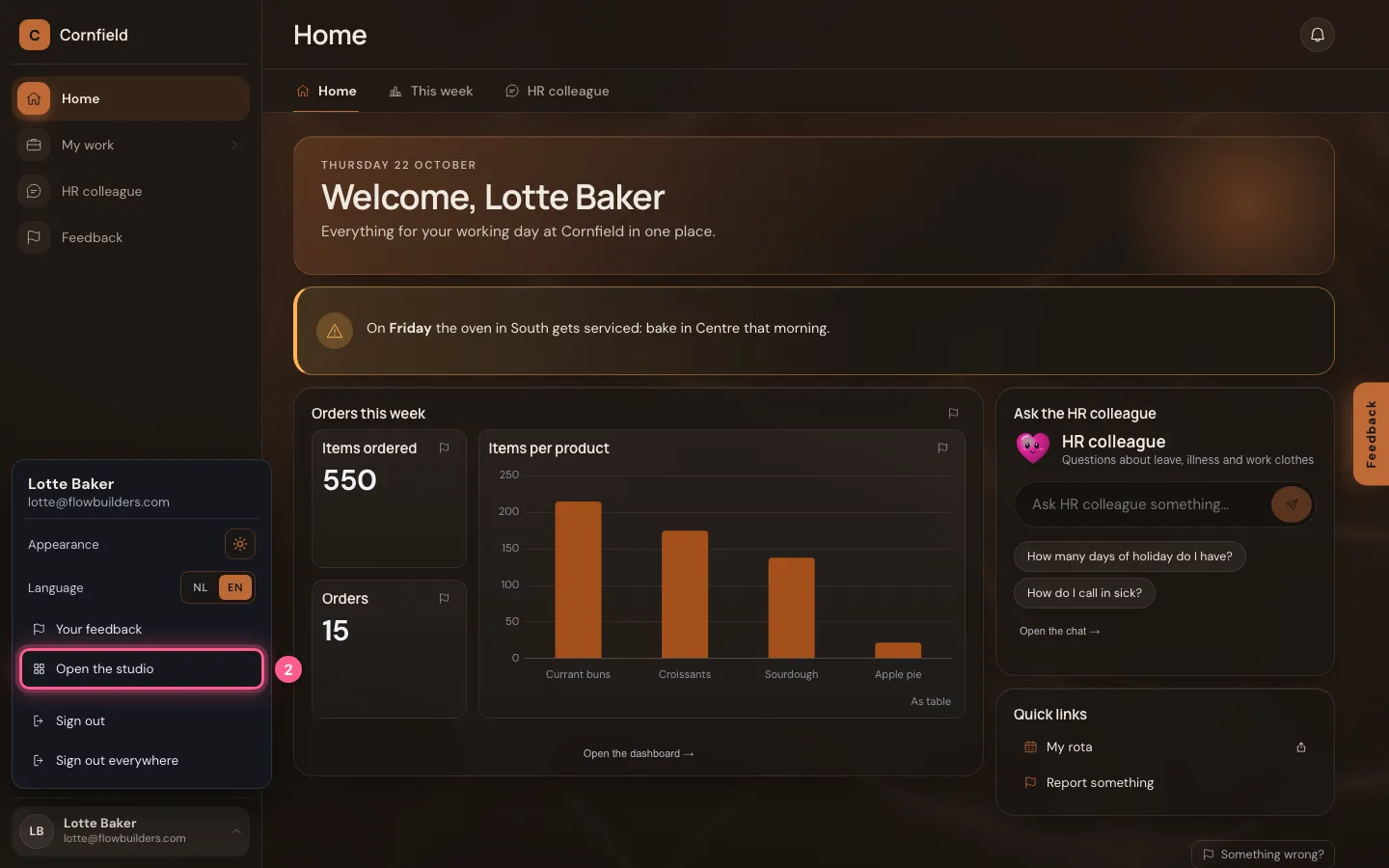
Under your name, builders find Open the studio. Flow remembers your choice: next time you arrive where you were last.
- Click Your account: Lotte Baker
- Click Open the studio
This guide was carried out step by step on 22 Oct 2026 by an automated test on Flow (version 3e563176).