Replacing a secret while others work
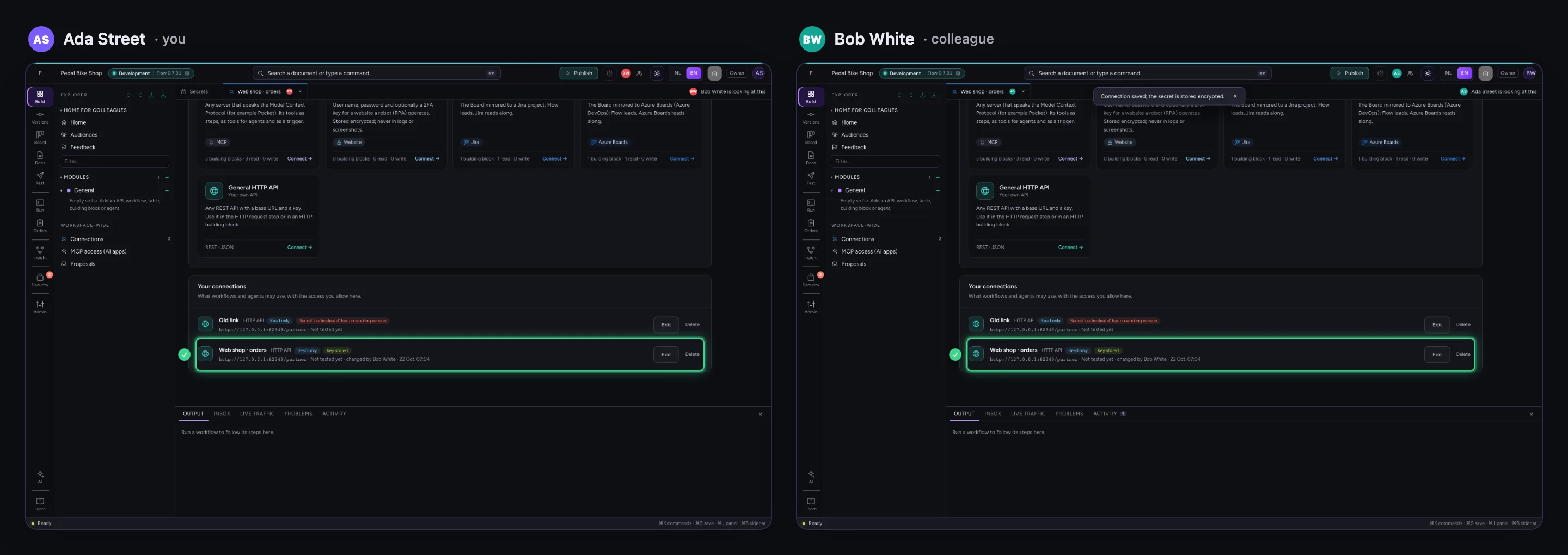
You do not replace a key at night when nobody works: it happens while colleagues run workflows and update connections. A new version applies from the next call, also in a workflow that is already running; a version you switch off is no longer used anywhere. The list of connections says which secret no longer works, and when a colleague works on the same connection at the same time, both their change and yours are kept. Below you see both people's screens side by side.
Open your development environment
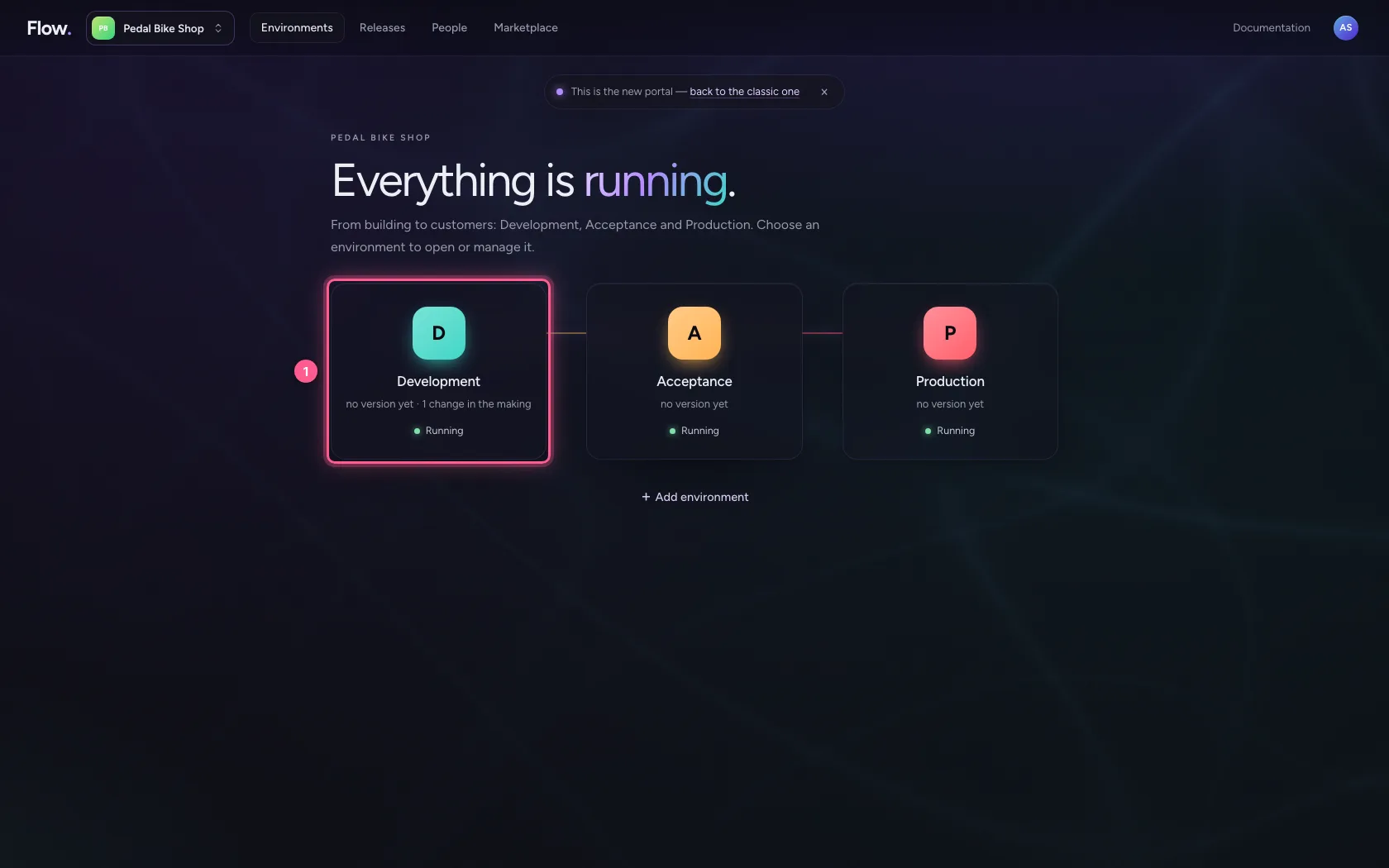
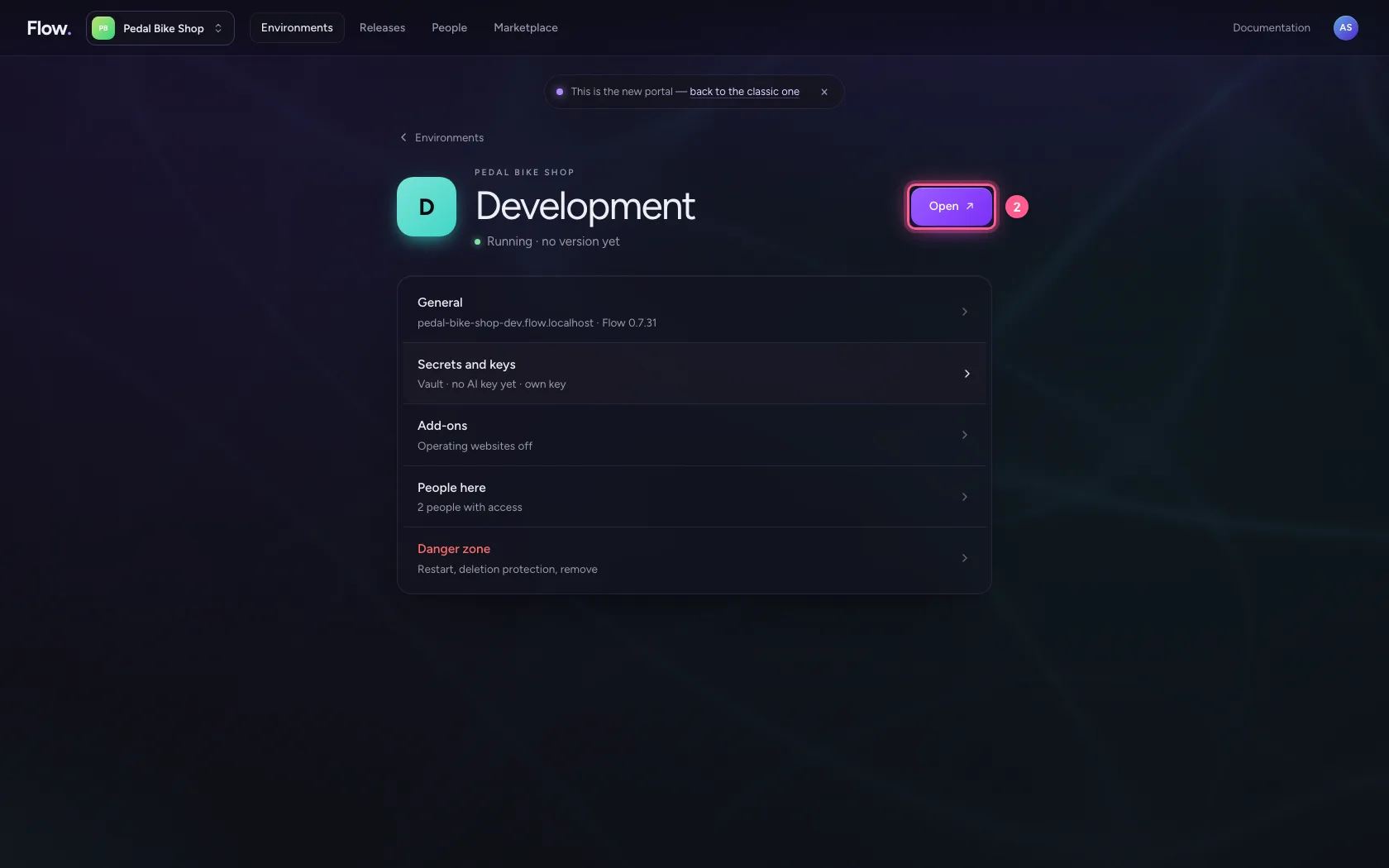
In the portal, under Environments, click Development, and there Open. Flow opens in a new tab and you are signed in straight away.
- Click Development
- Click Open ↗
A new version of the key
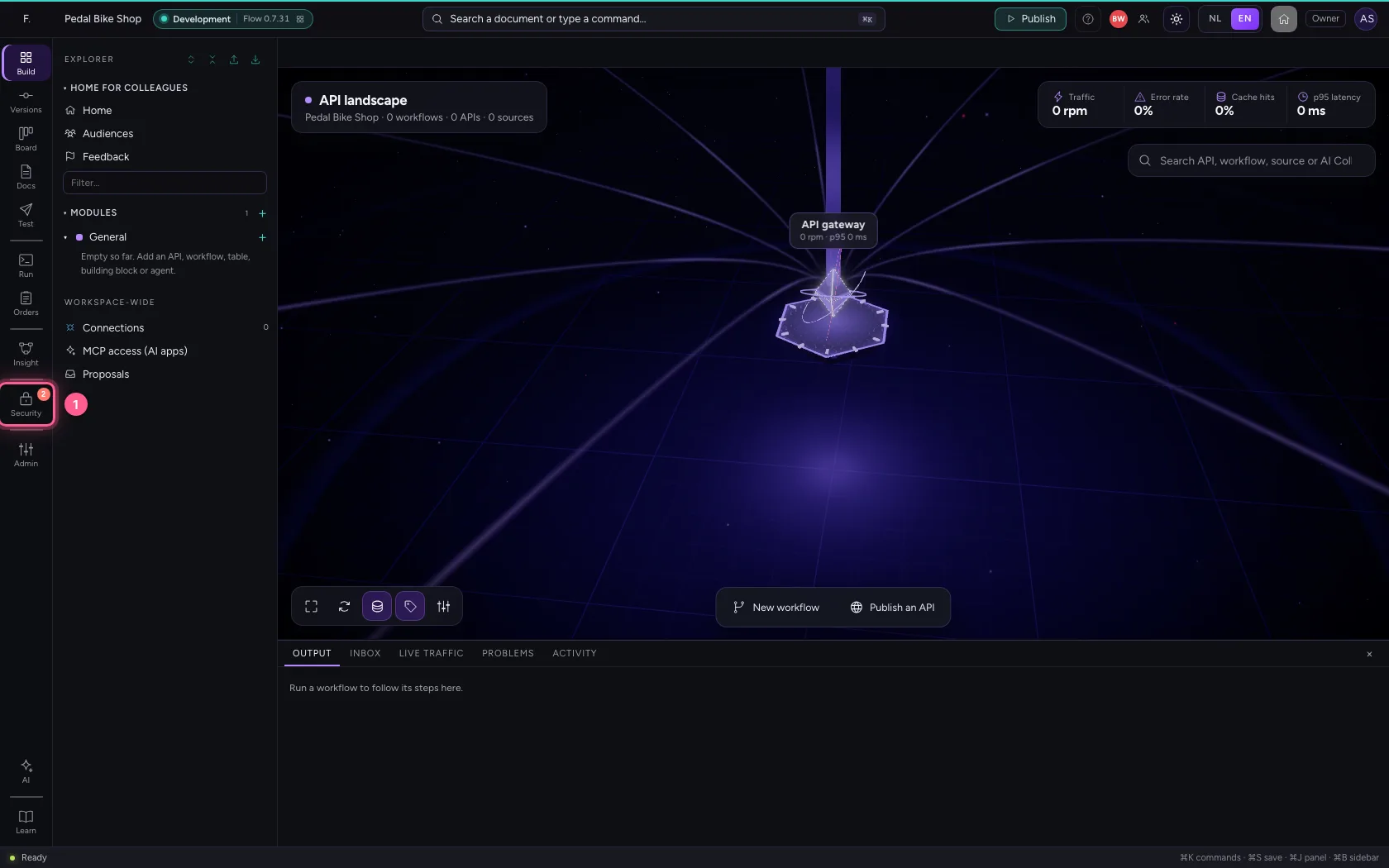
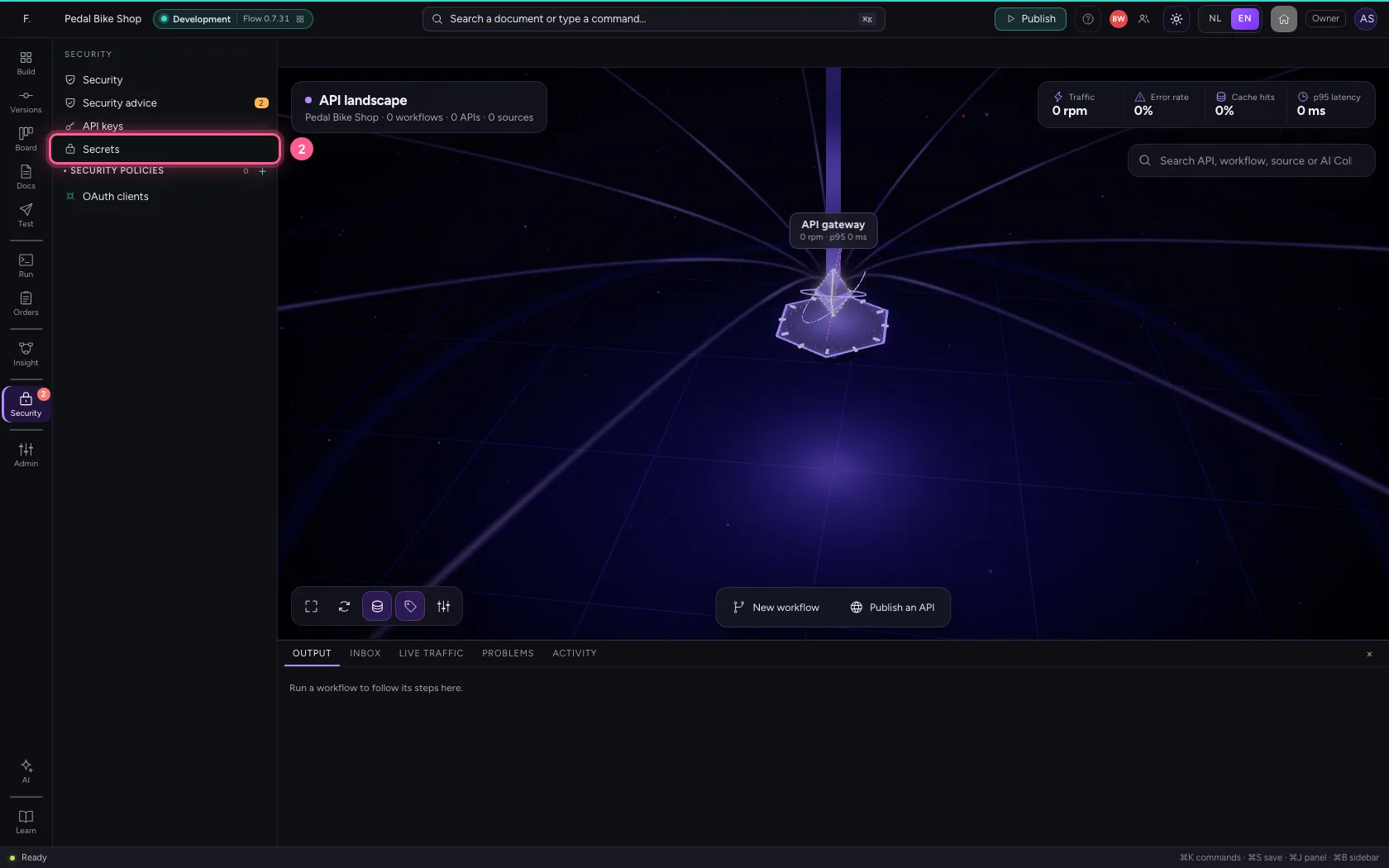
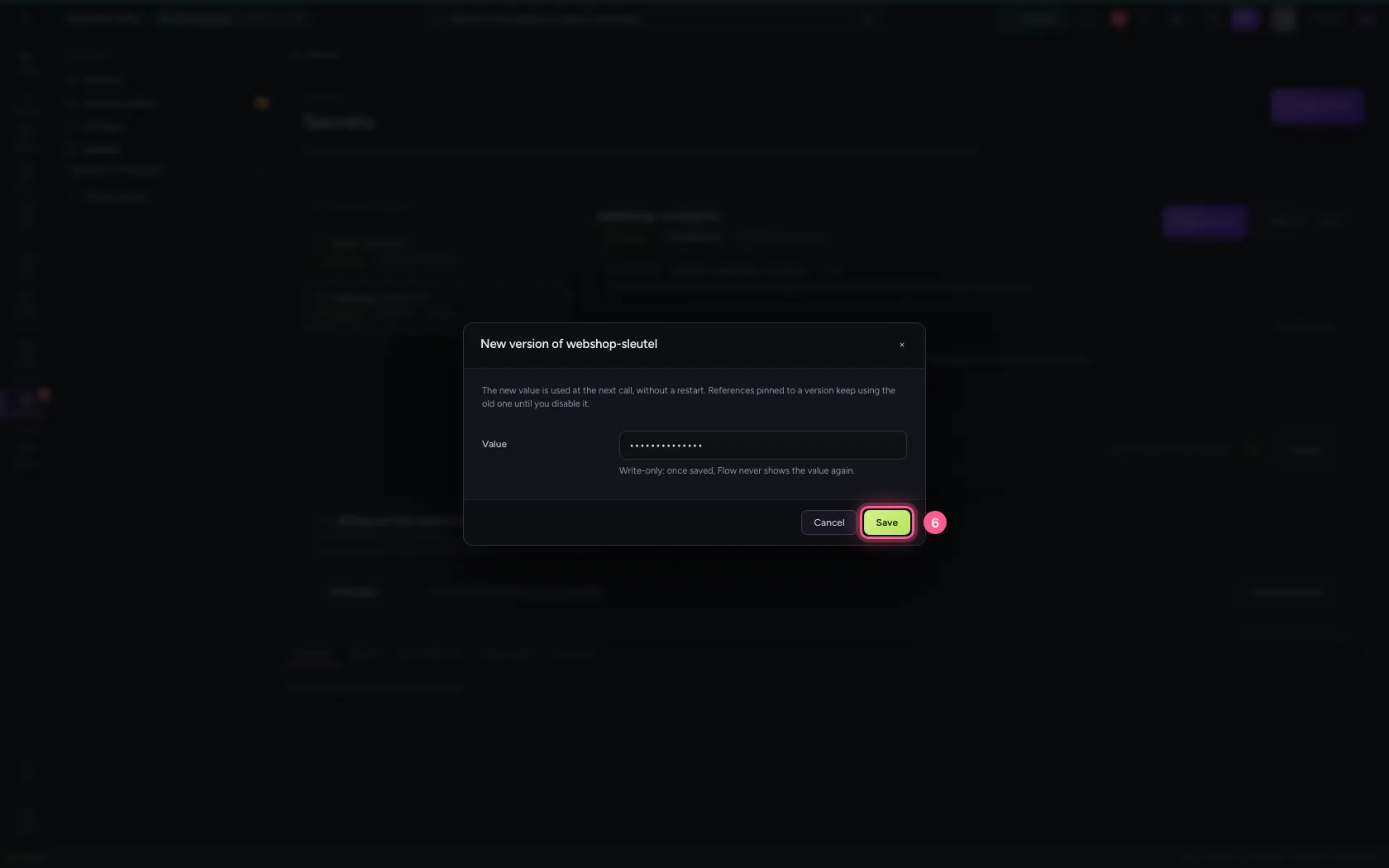
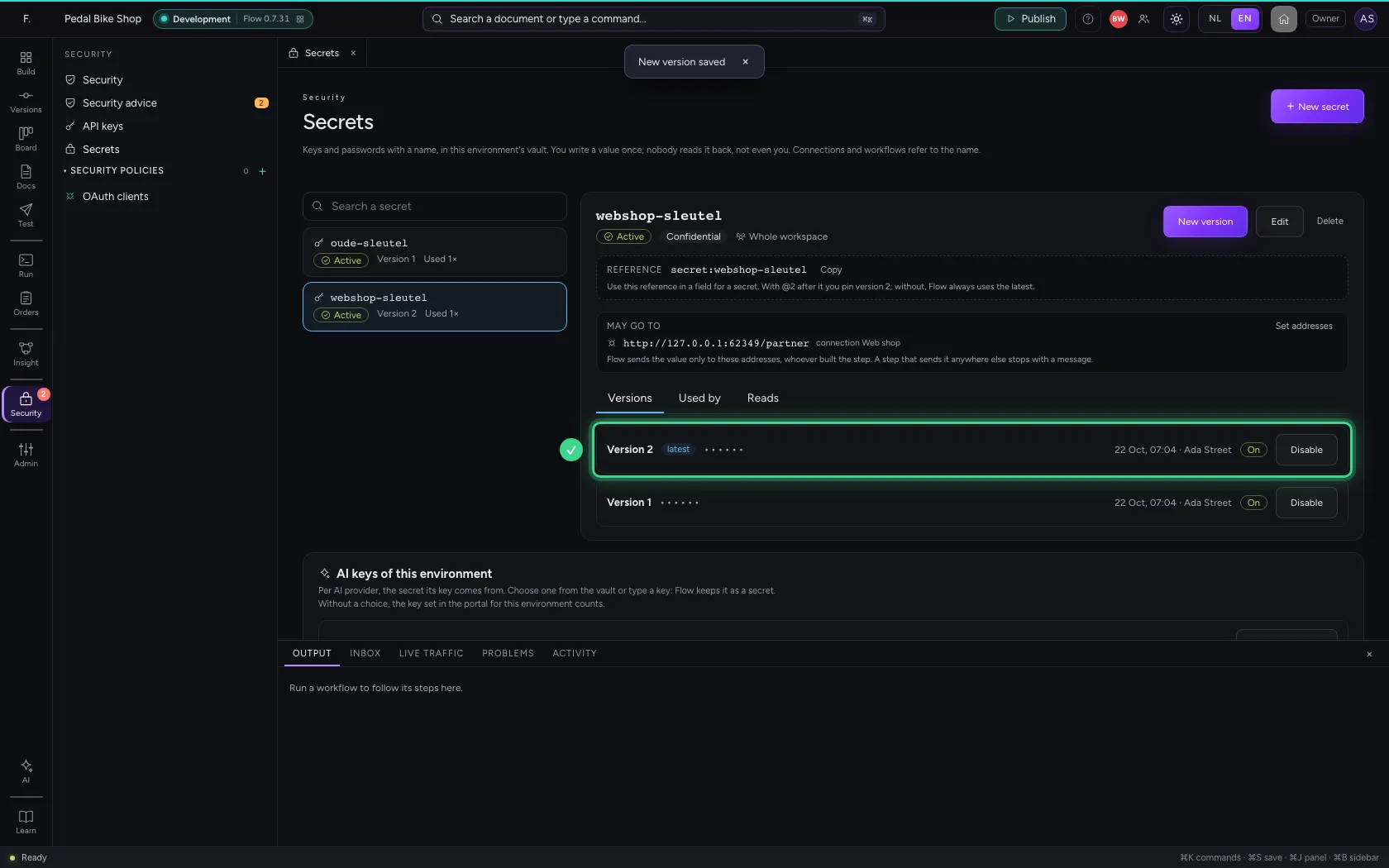
Open Security → Secrets, choose the secret and click New version. Type the new key and save: from the next call every connection and workflow uses it, also a colleague's workflow that is already running.
- Click Security
- Click Secrets
- Click the secret ‘webshop-sleutel’
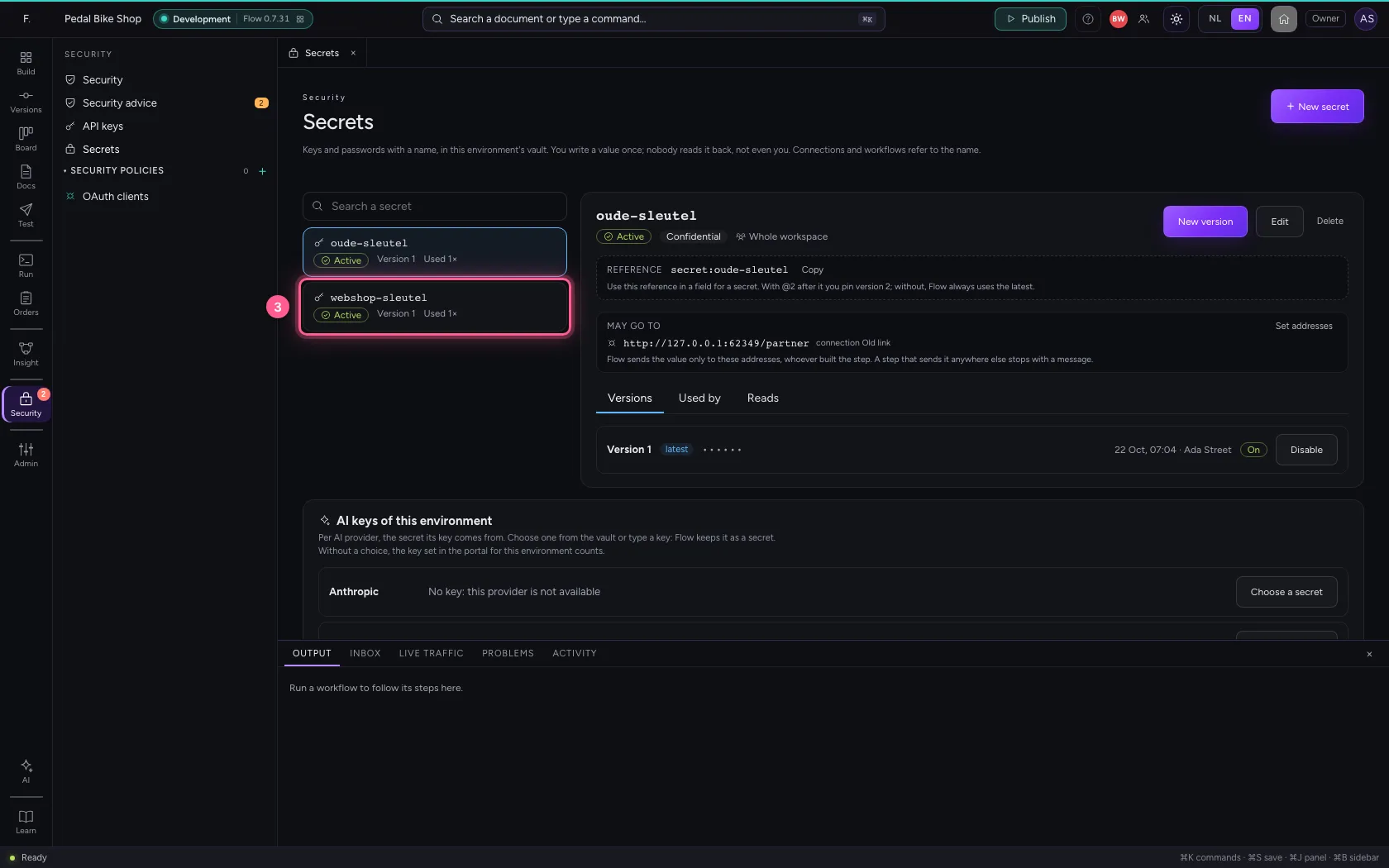
- Click New version
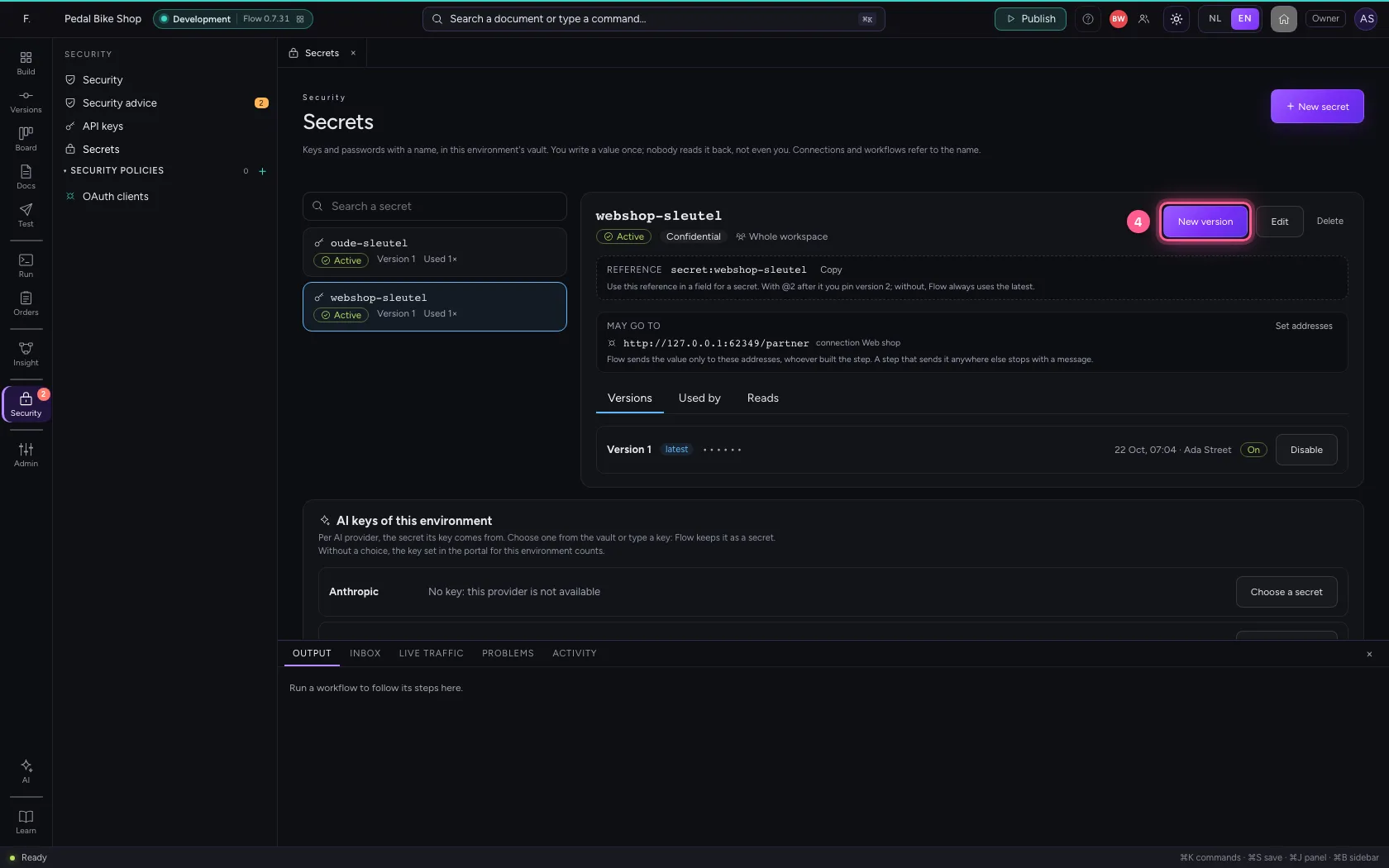
- In Value, type
••••••••
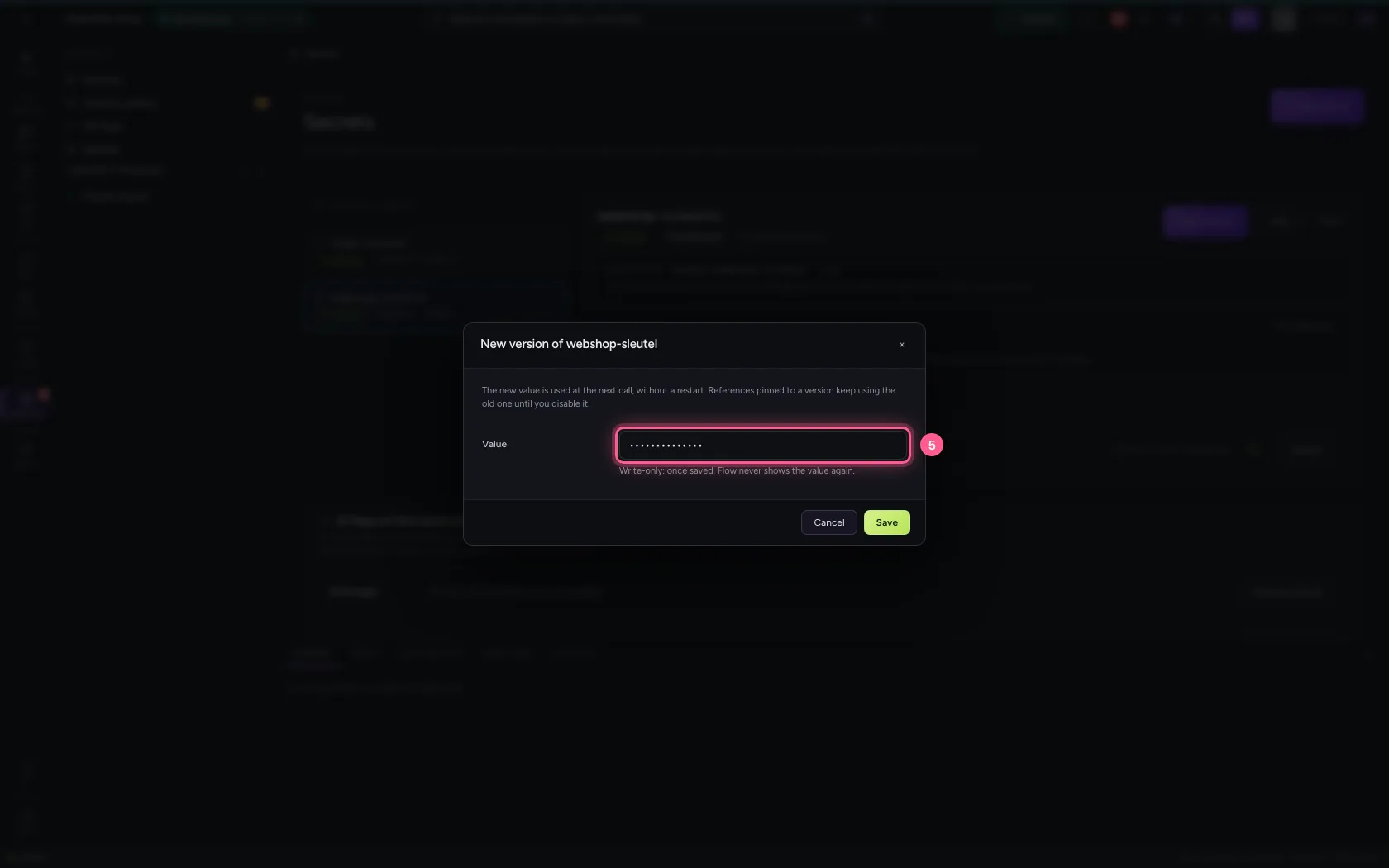
- Click Save
Switching a leaked key off
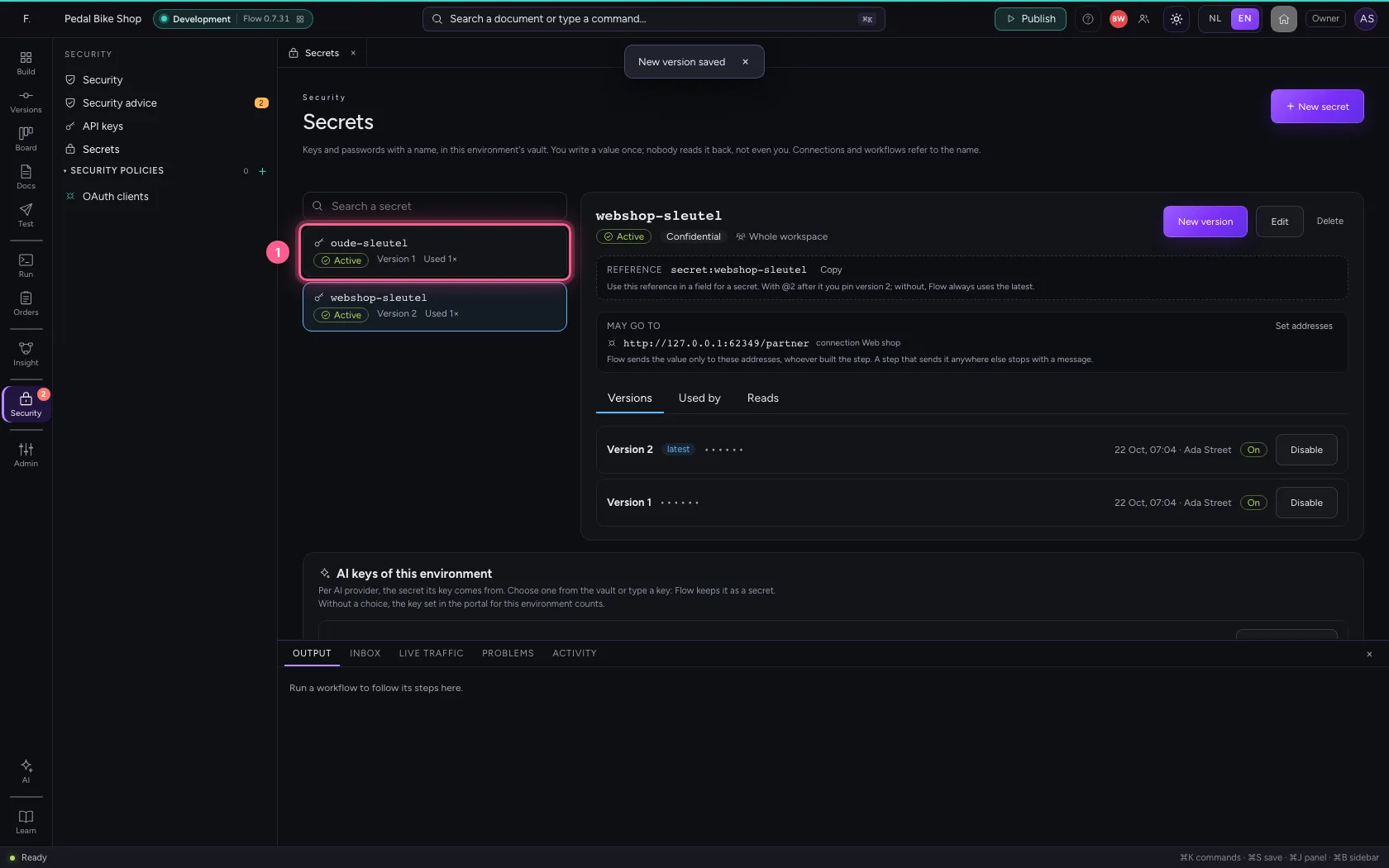
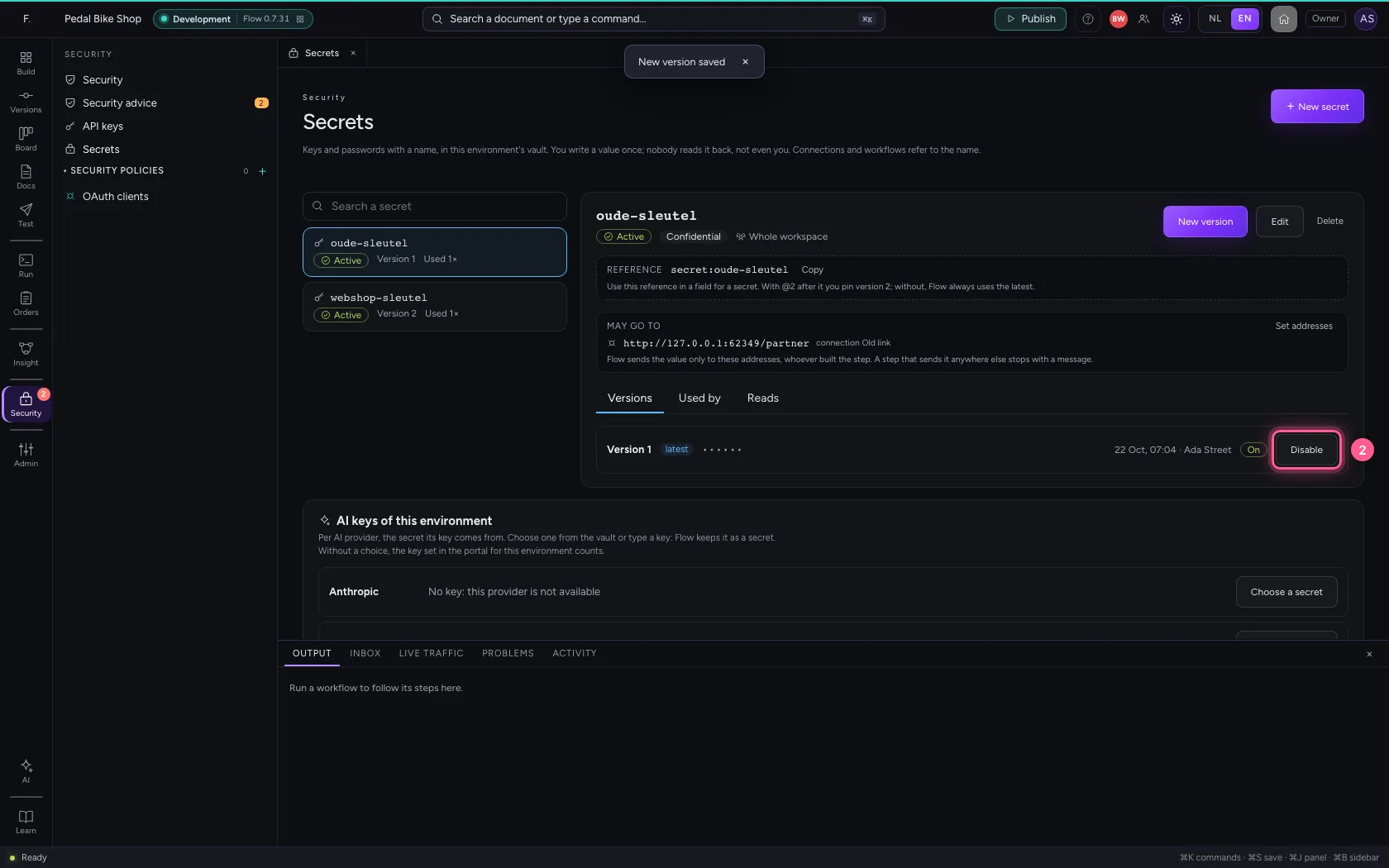
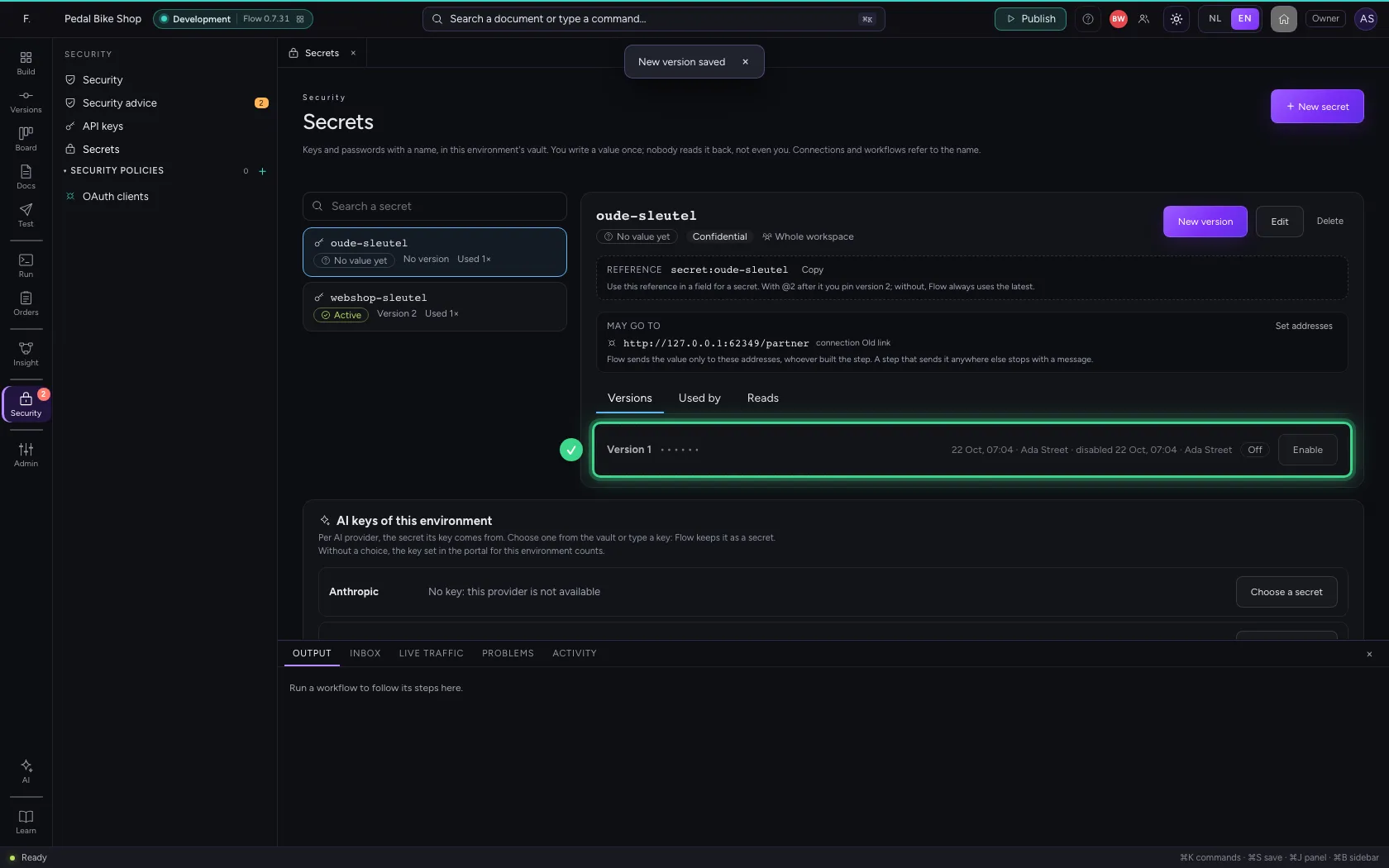
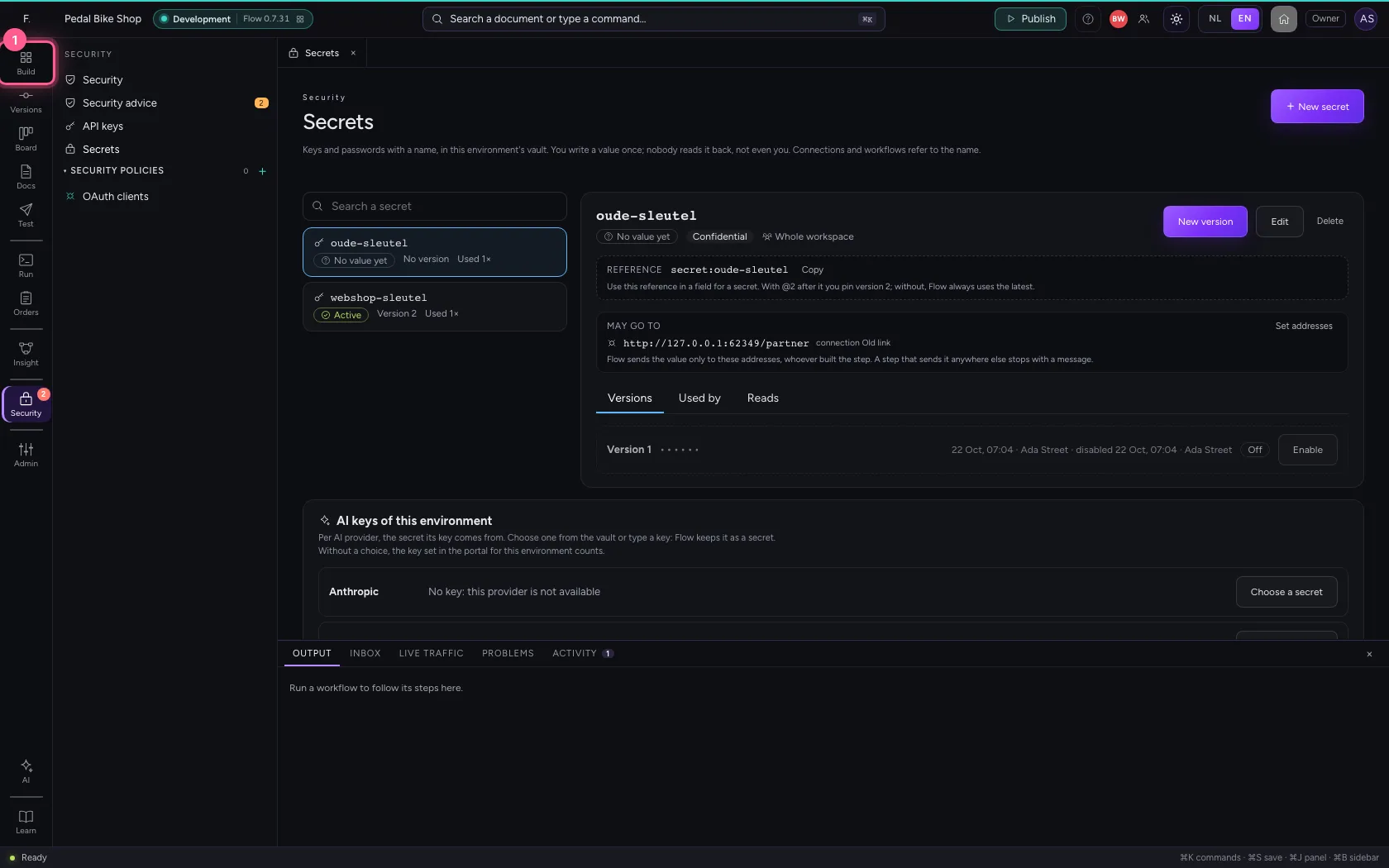
If a key has leaked, switch that version off. A workflow running at that moment no longer sends it from its next step. Here you switch off the only version of the old secret.
- Click the secret ‘oude-sleutel’
- Click Disable
What your colleague sees
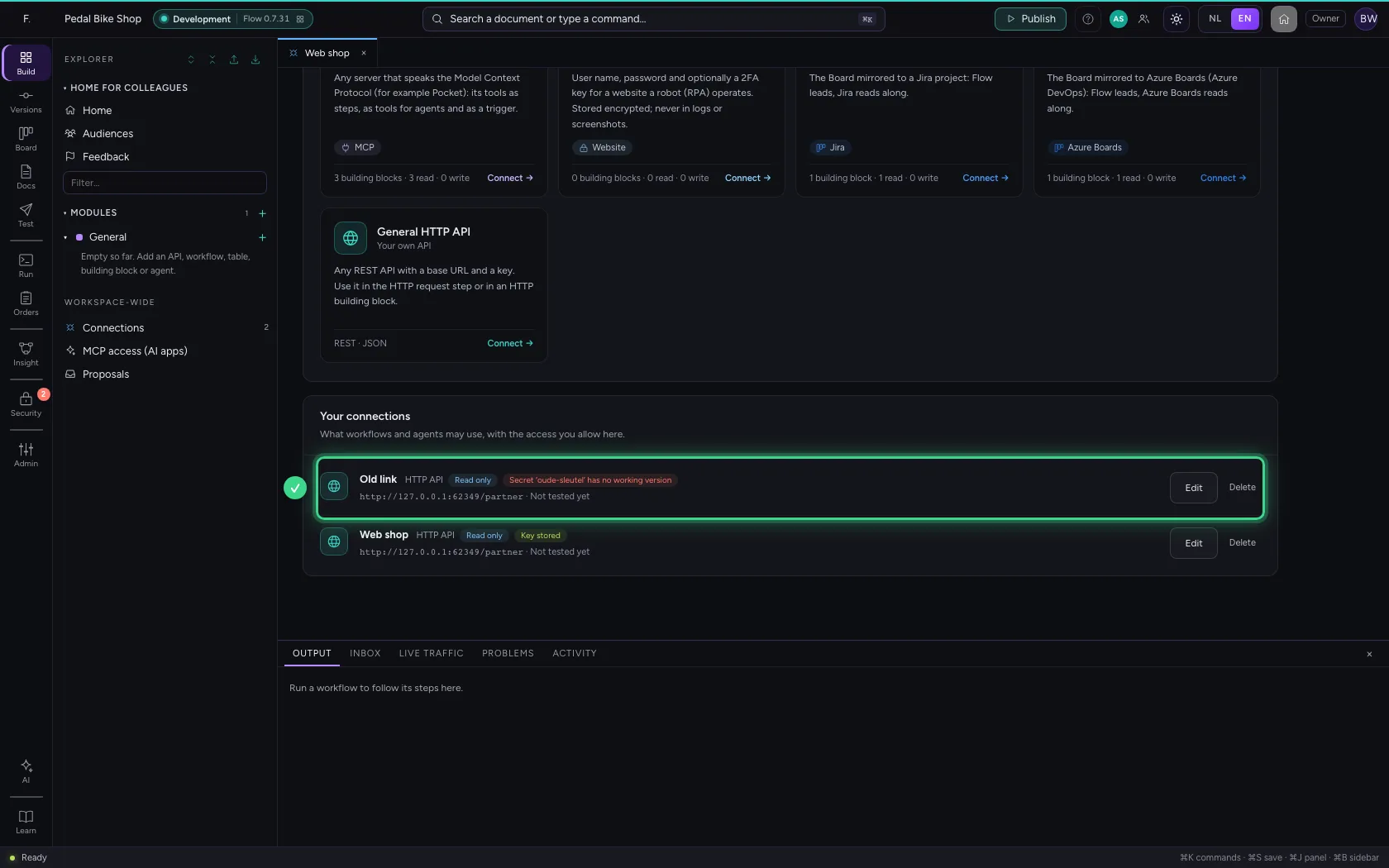
Bob has the connections open. After a refresh the list says which secret no longer works, by name, instead of Key stored. The web shop simply carries on with the new version.
Your colleague works on the same connection
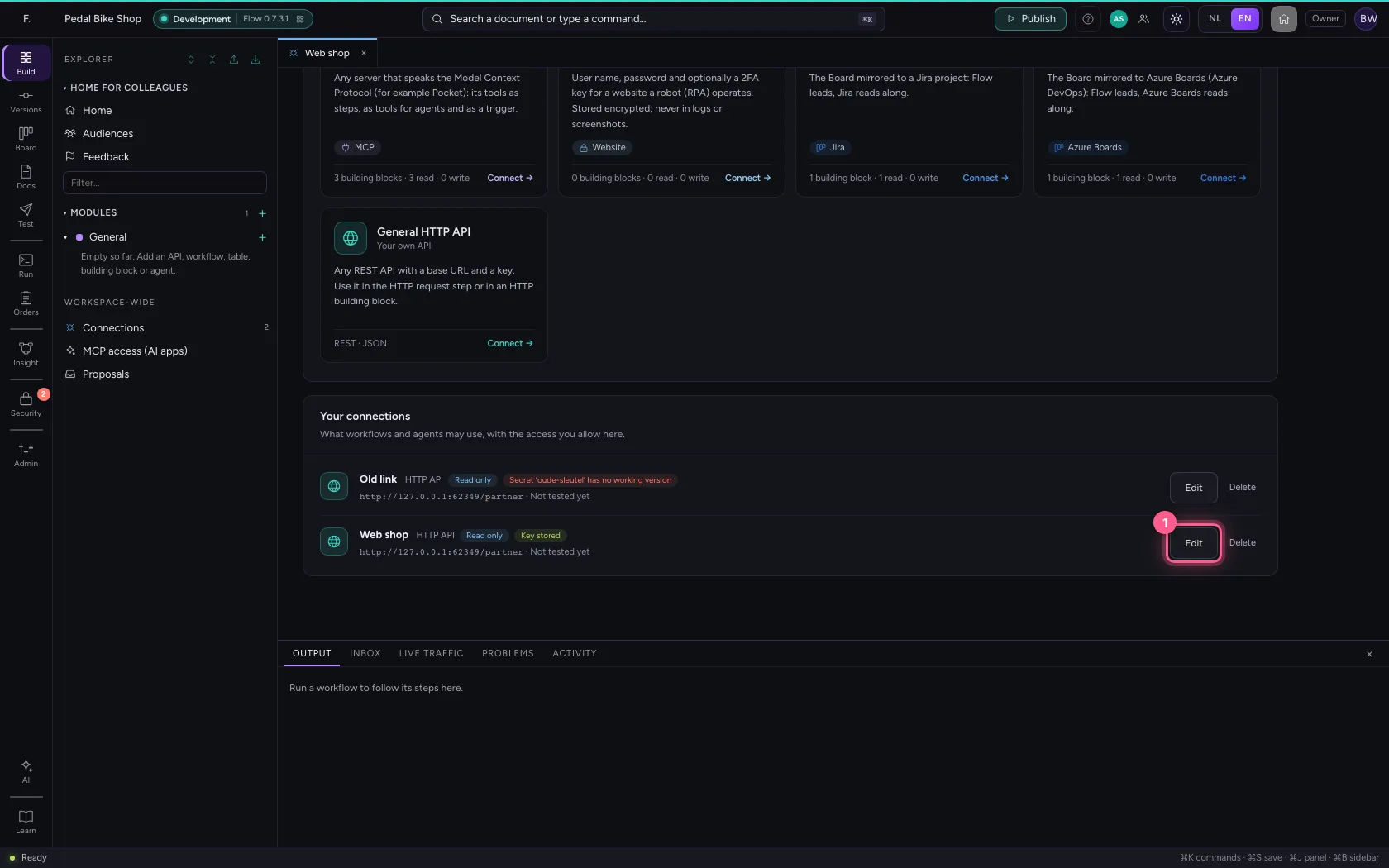
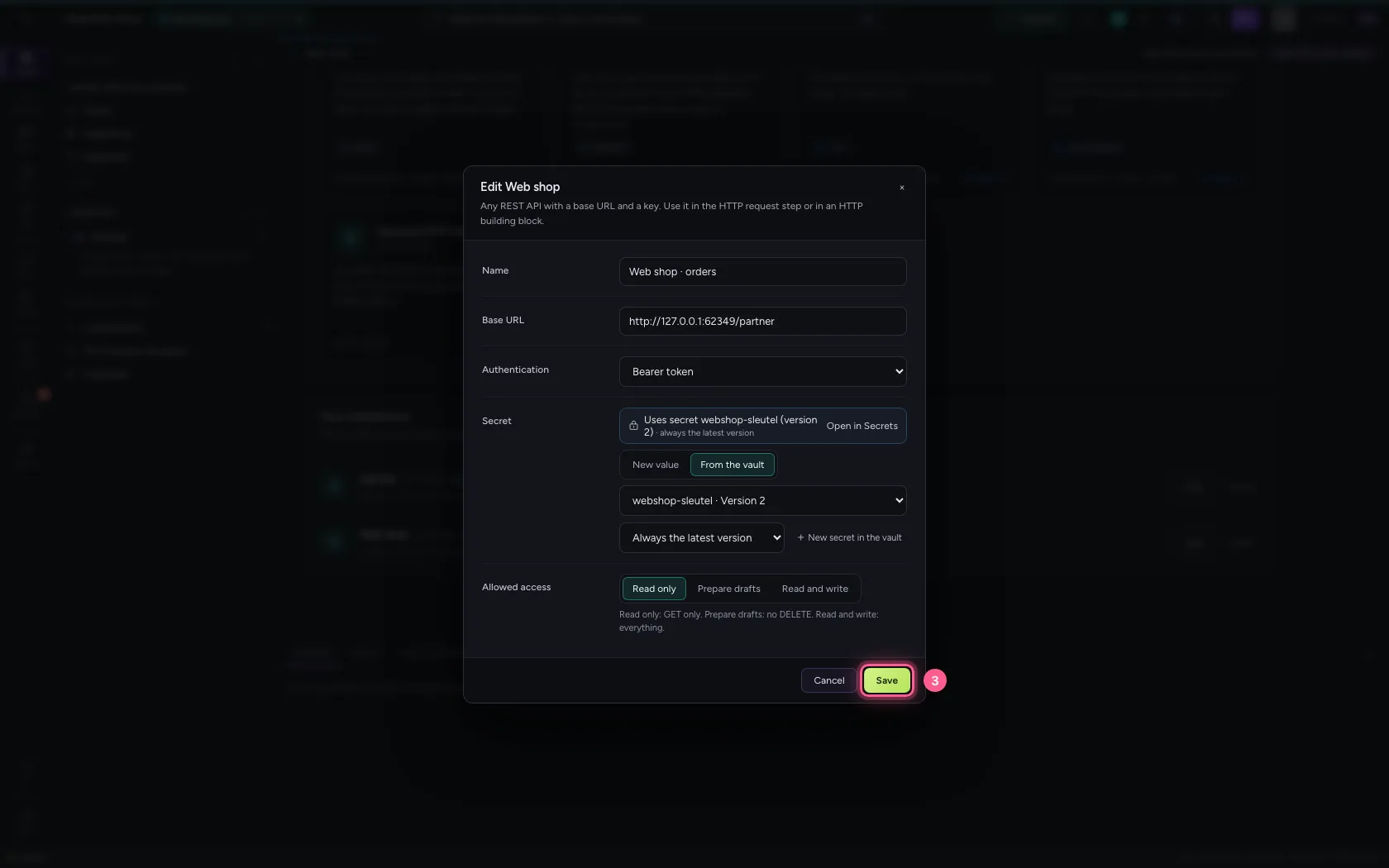
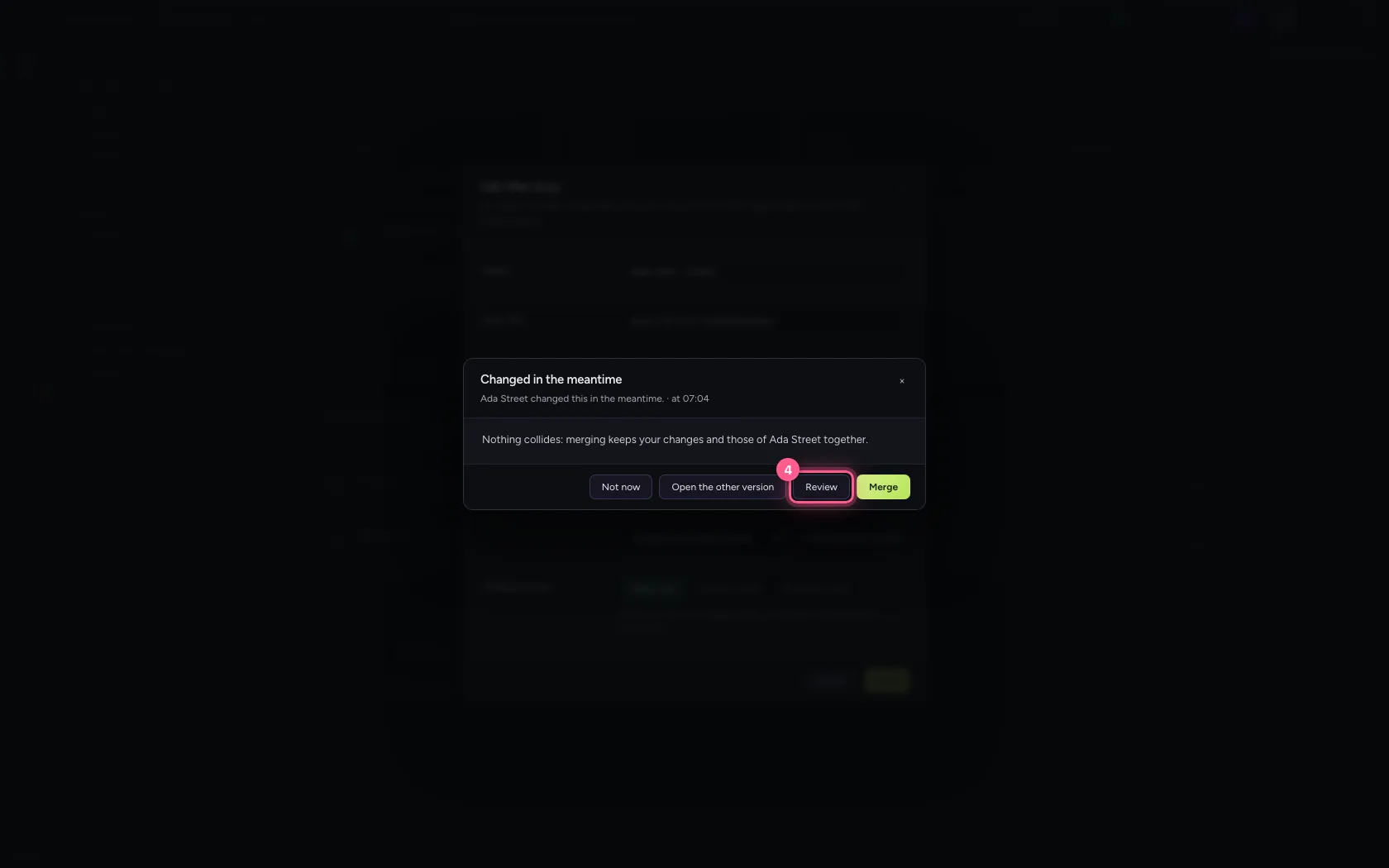
Bob opens the web shop connection to give it a clearer name. Meanwhile you choose another secret for that connection. Bob saves: Flow does not overwrite your choice, but says what each of you changed. Review lists it.
- Click Edit
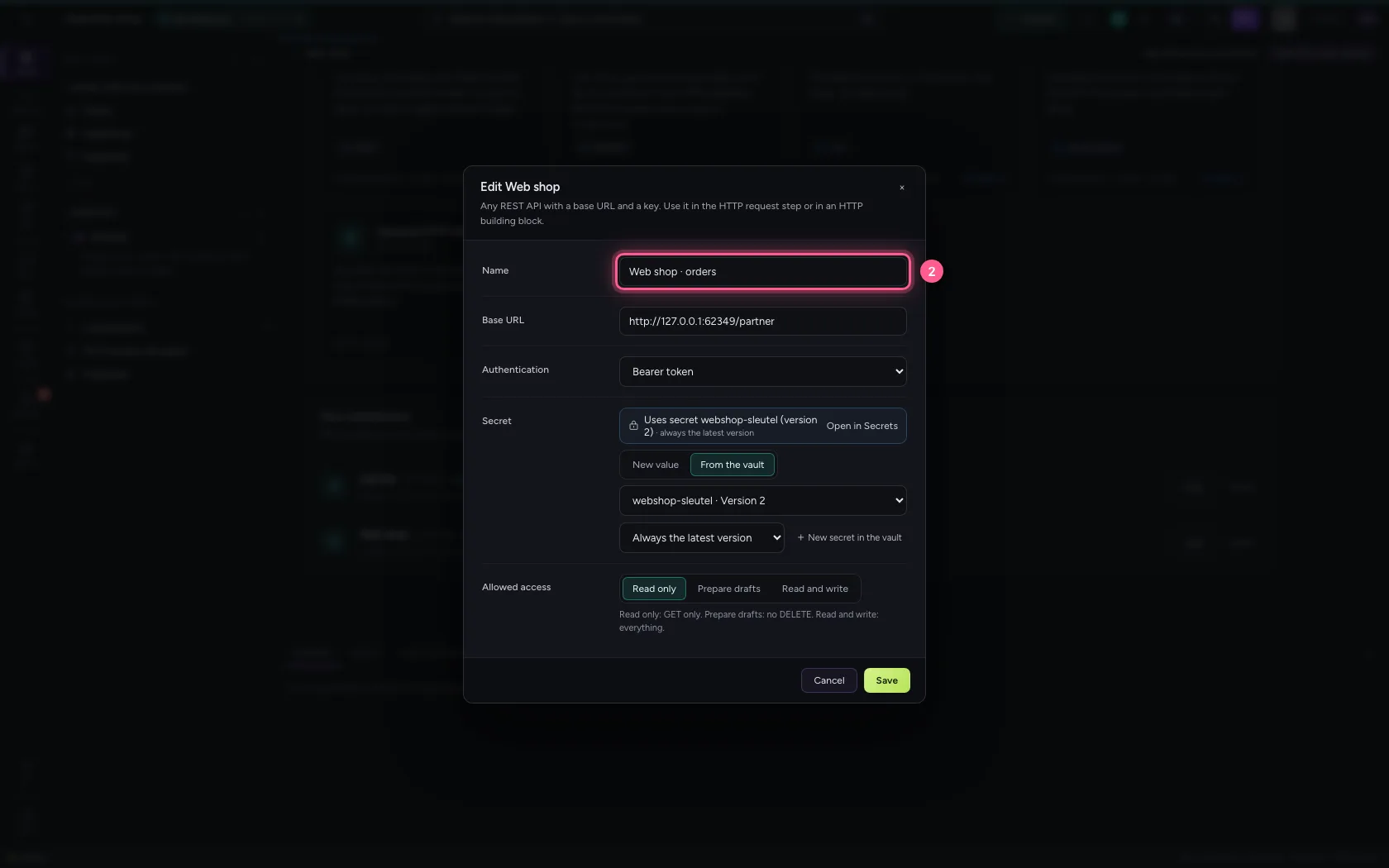
- In Name, type
Web shop · orders
- Click Save
- Click Review
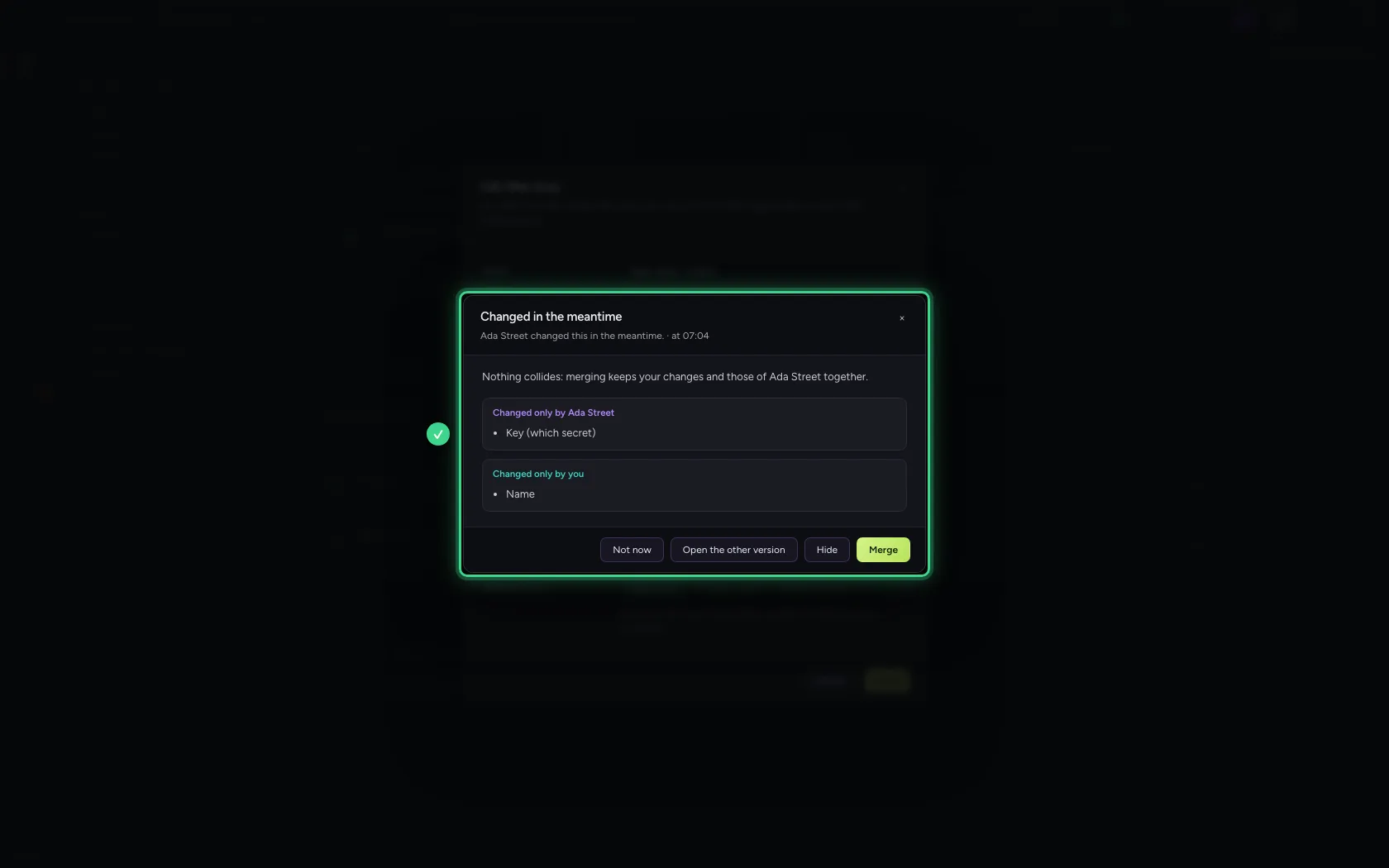
- Click Merge
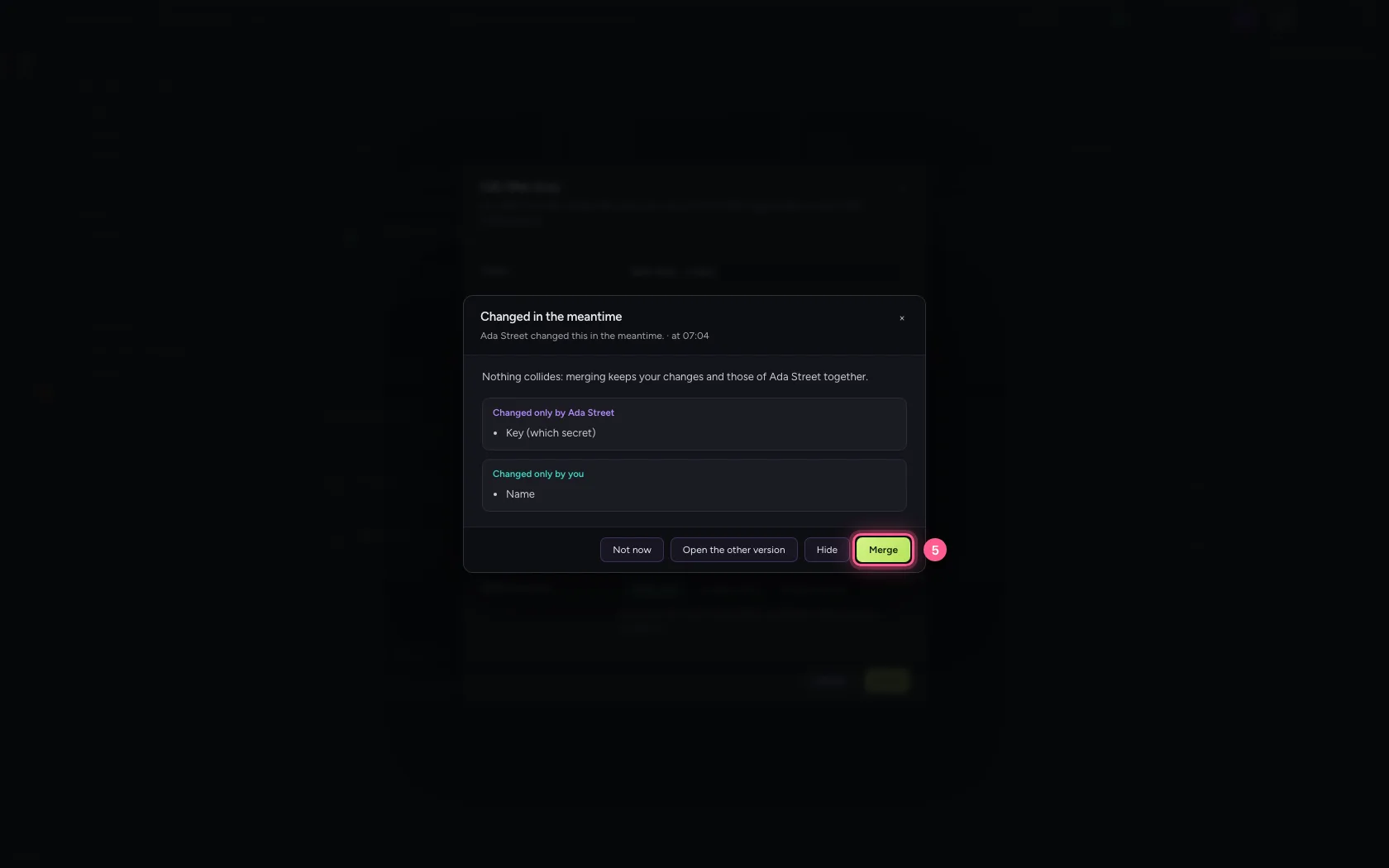
Both kept, and who did it
The connection now has Bob's name and the secret you chose. The list shows who last changed the connection; Tested only shows after a real test.
- Click Explorer
This guide was carried out step by step on 22 Oct 2026 by an automated test on Flow (version 3e563176).