Reference: secret references
Wherever Flow asks for a secret, you refer to it by a name, never with the value itself:
secret:crm-api-key— the latest version that is on;secret:crm-api-key@3— exactly version 3 (pinned).
A name consists of lowercase letters, digits and hyphens (1 to 80 characters) and never changes. Where the secret is kept belongs to the environment, not to the reference: the same workflow uses Test's value in Test and Production's in Production. A release carries the name, never the value; in the next environment someone gives the secret its own value there. Where you can use a secret is in step 3: Flow makes that list itself, from the places in the code that read a secret, so it is always complete. When you type a value somewhere, Flow makes a named secret of it; the field only remembers that name.
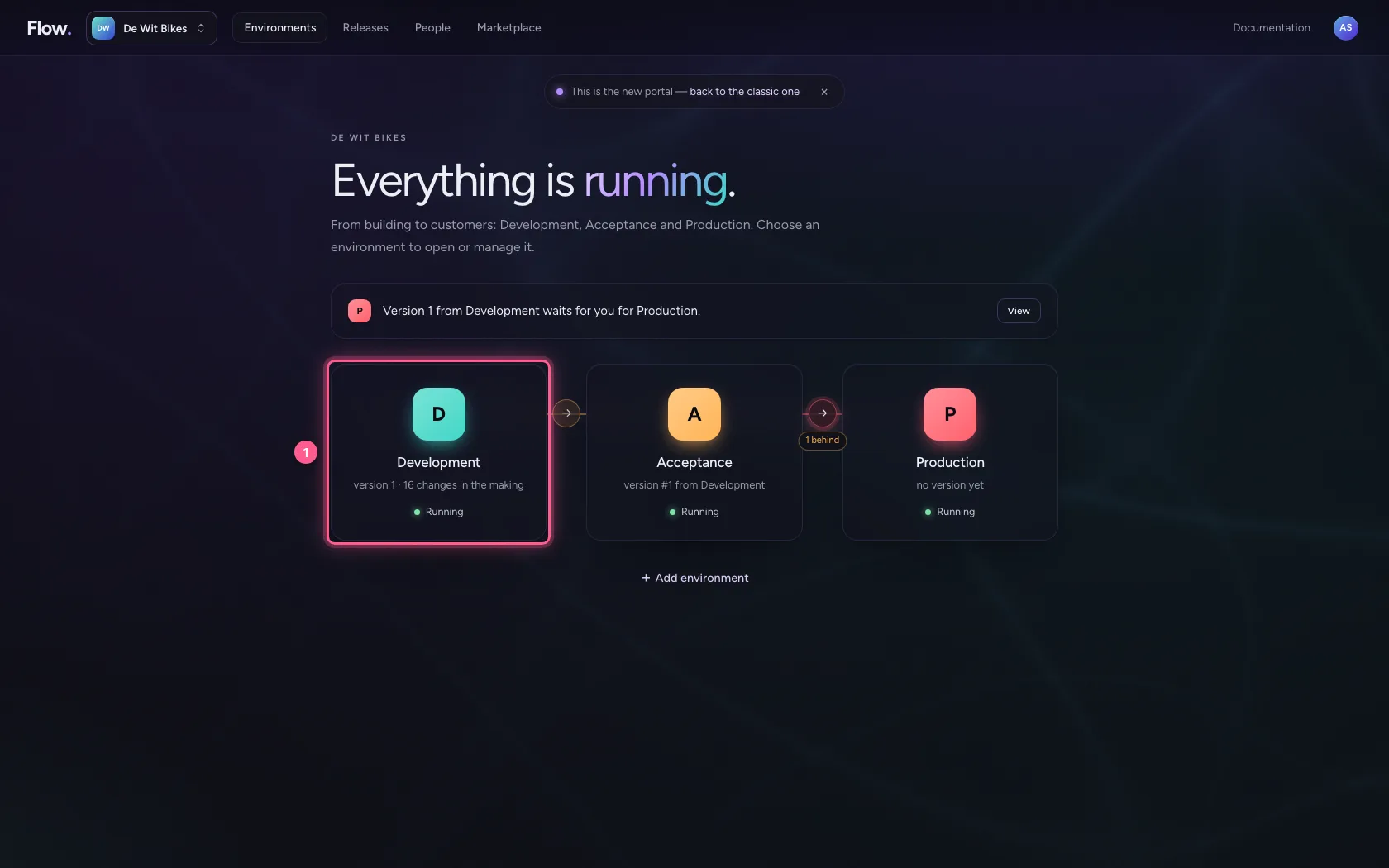
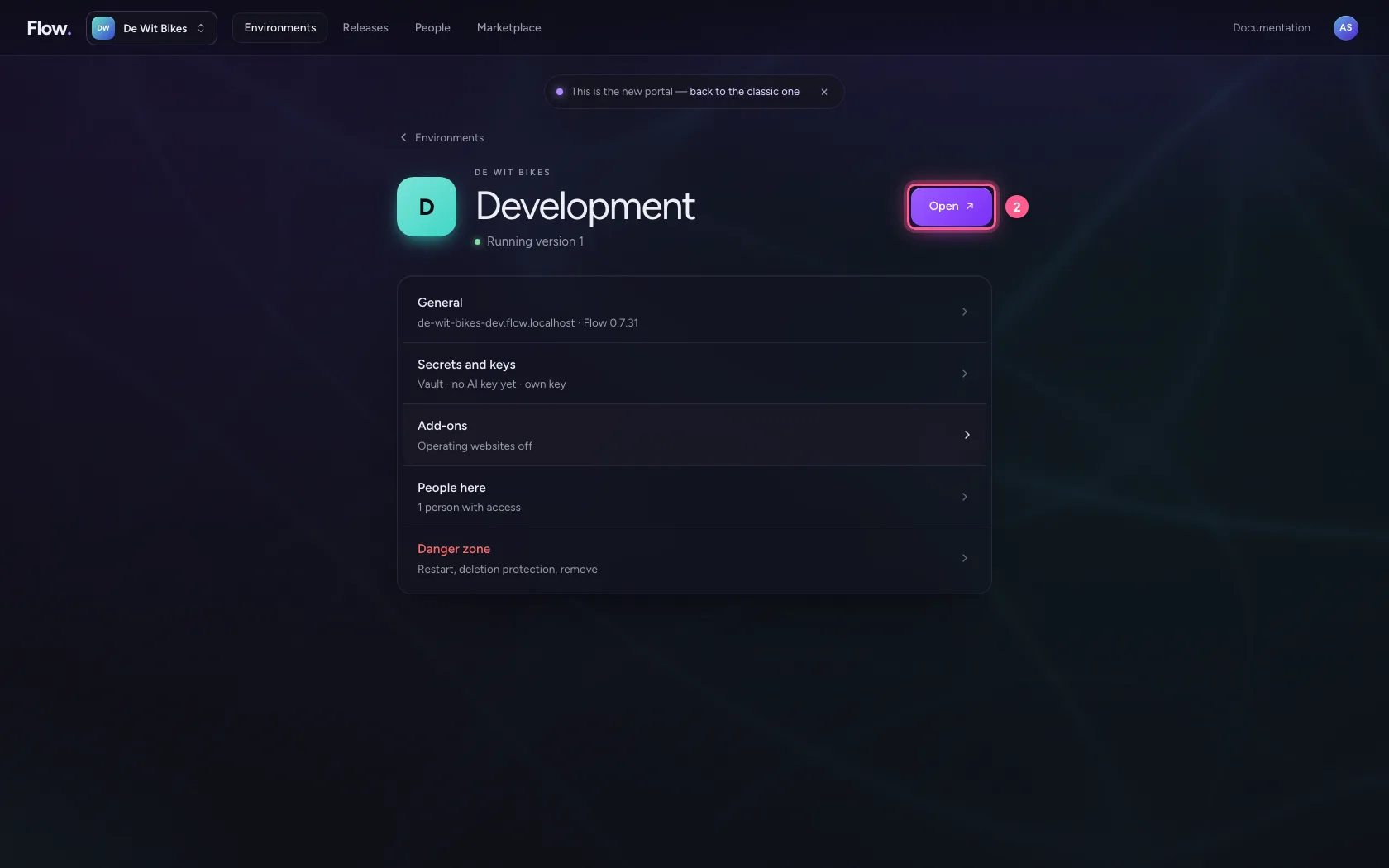
Open your development environment
In the portal, under Environments, click Development, and there Open. Flow opens in a new tab and you are signed in straight away.
- Click Development
- Click Open ↗
A secret's reference
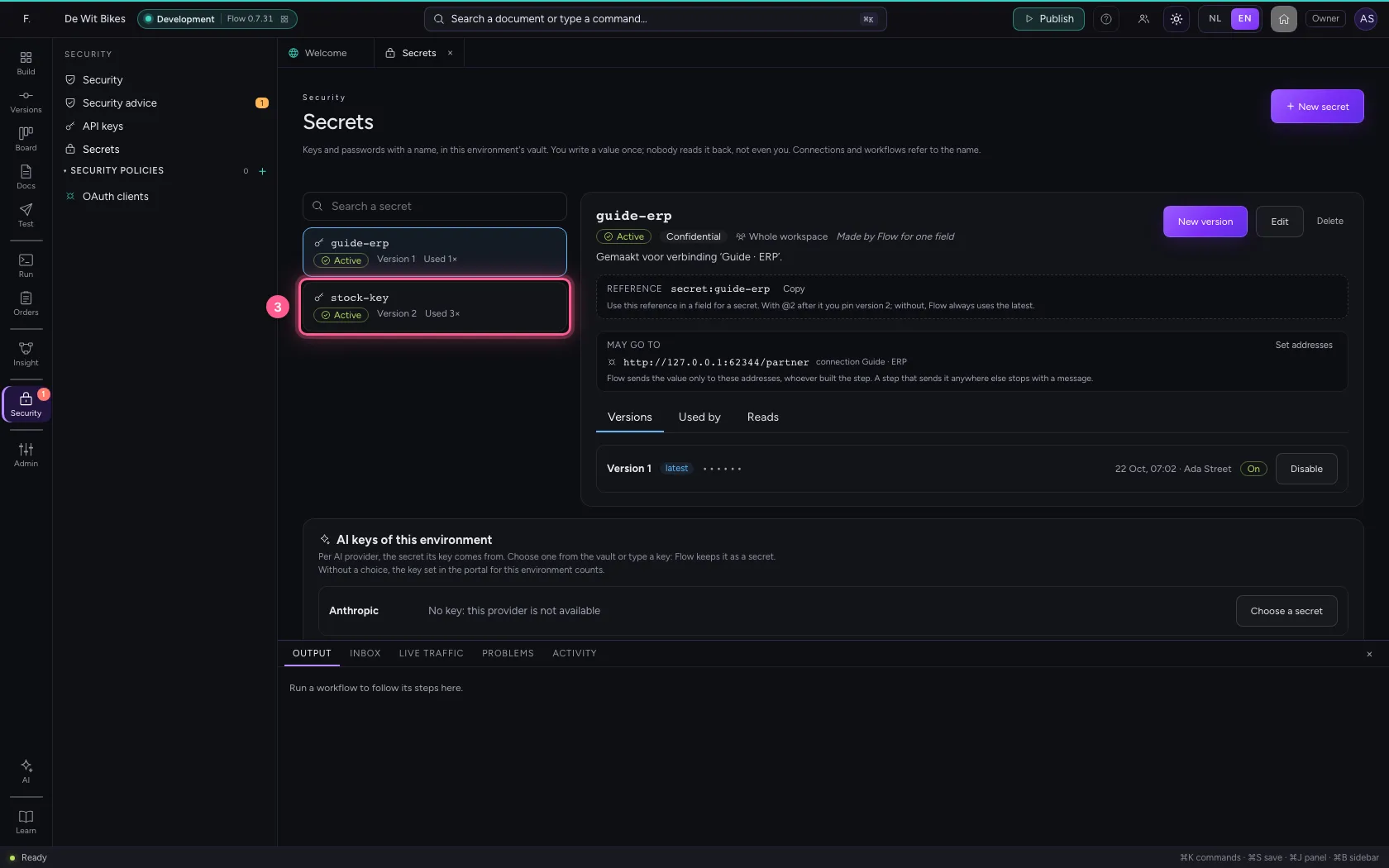
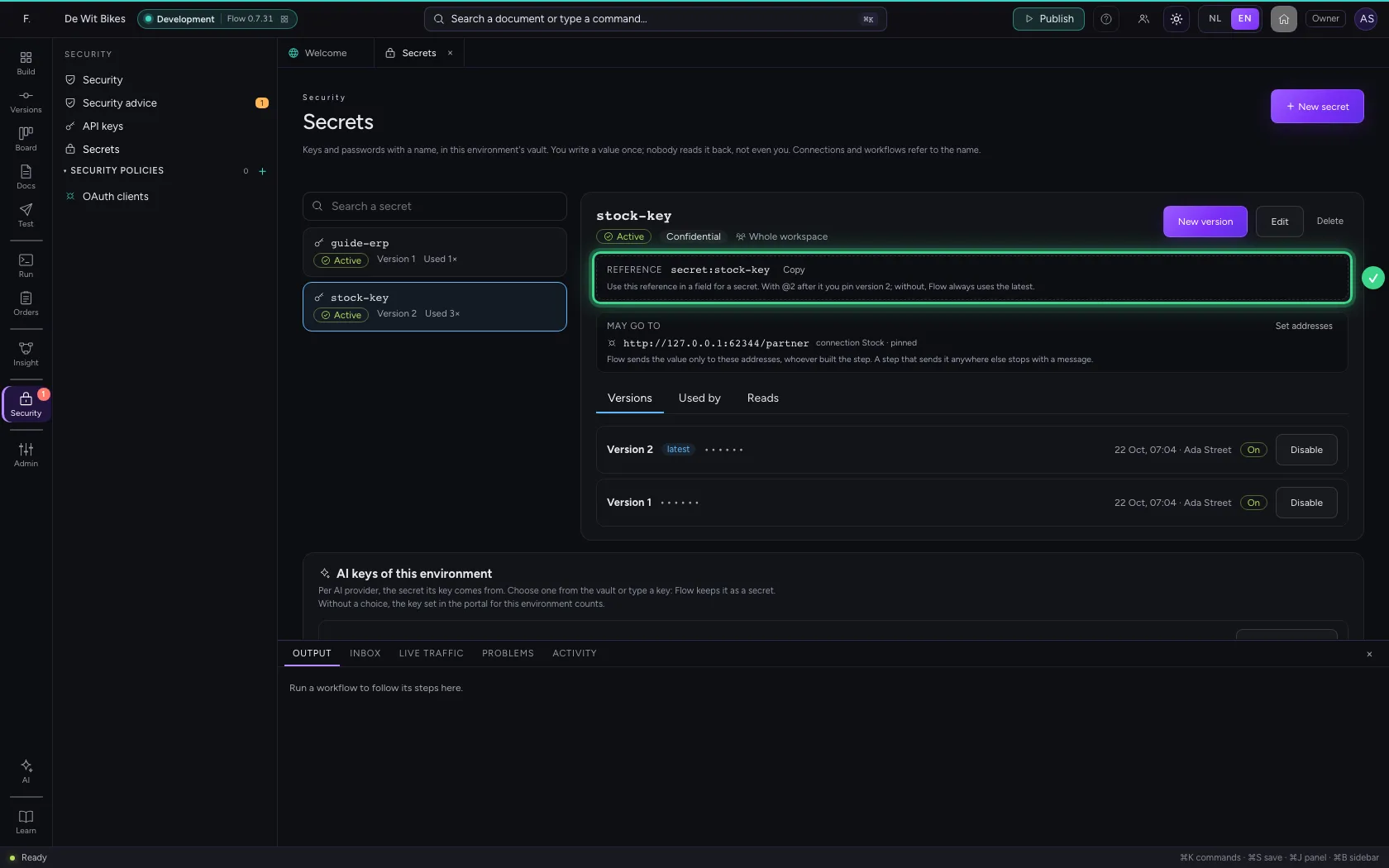
Every secret shows its reference under its name, with Copy next to it. Paste it where a step or connection asks for a secret; add @ and a version number to pin that version.
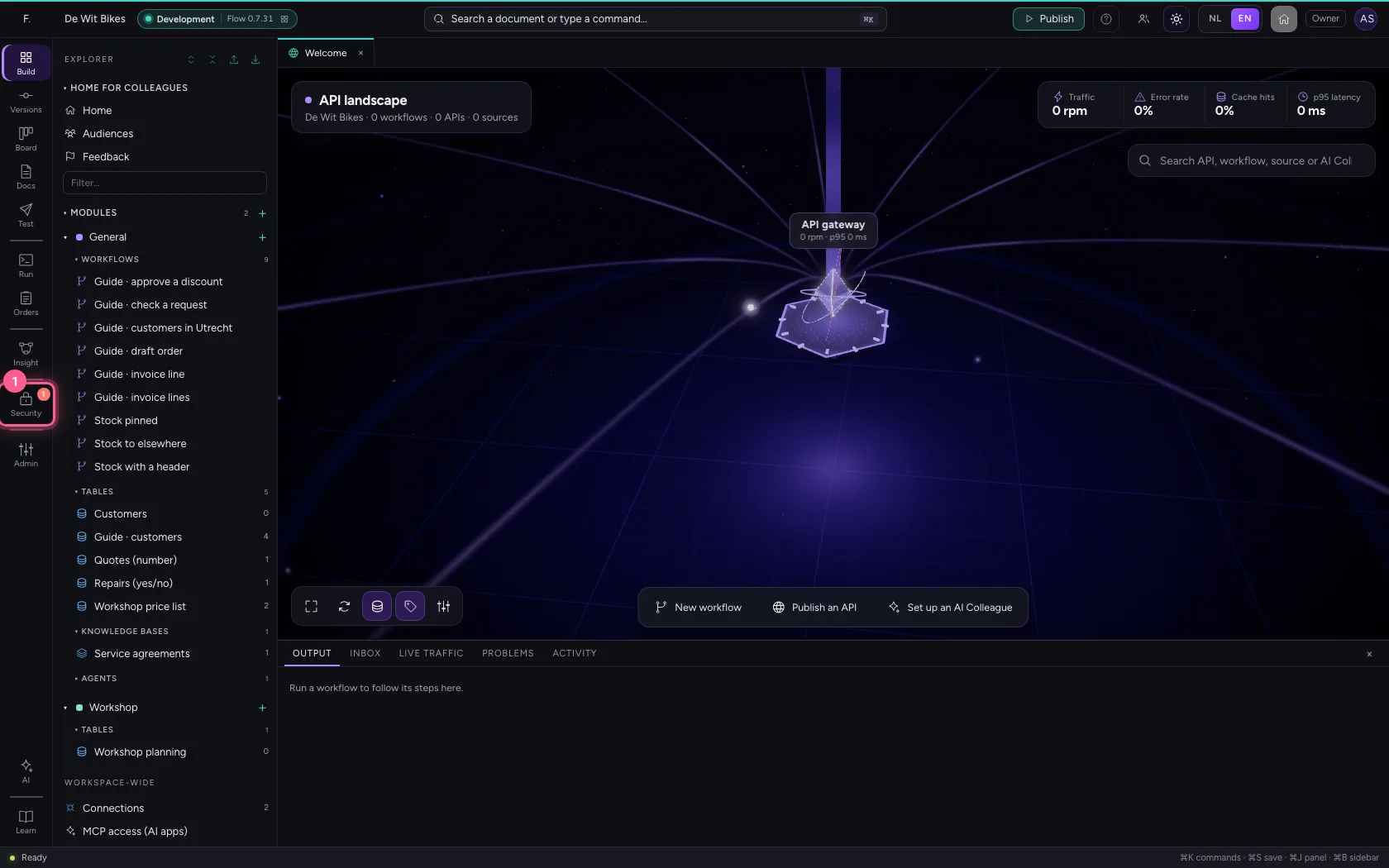
- Click Security
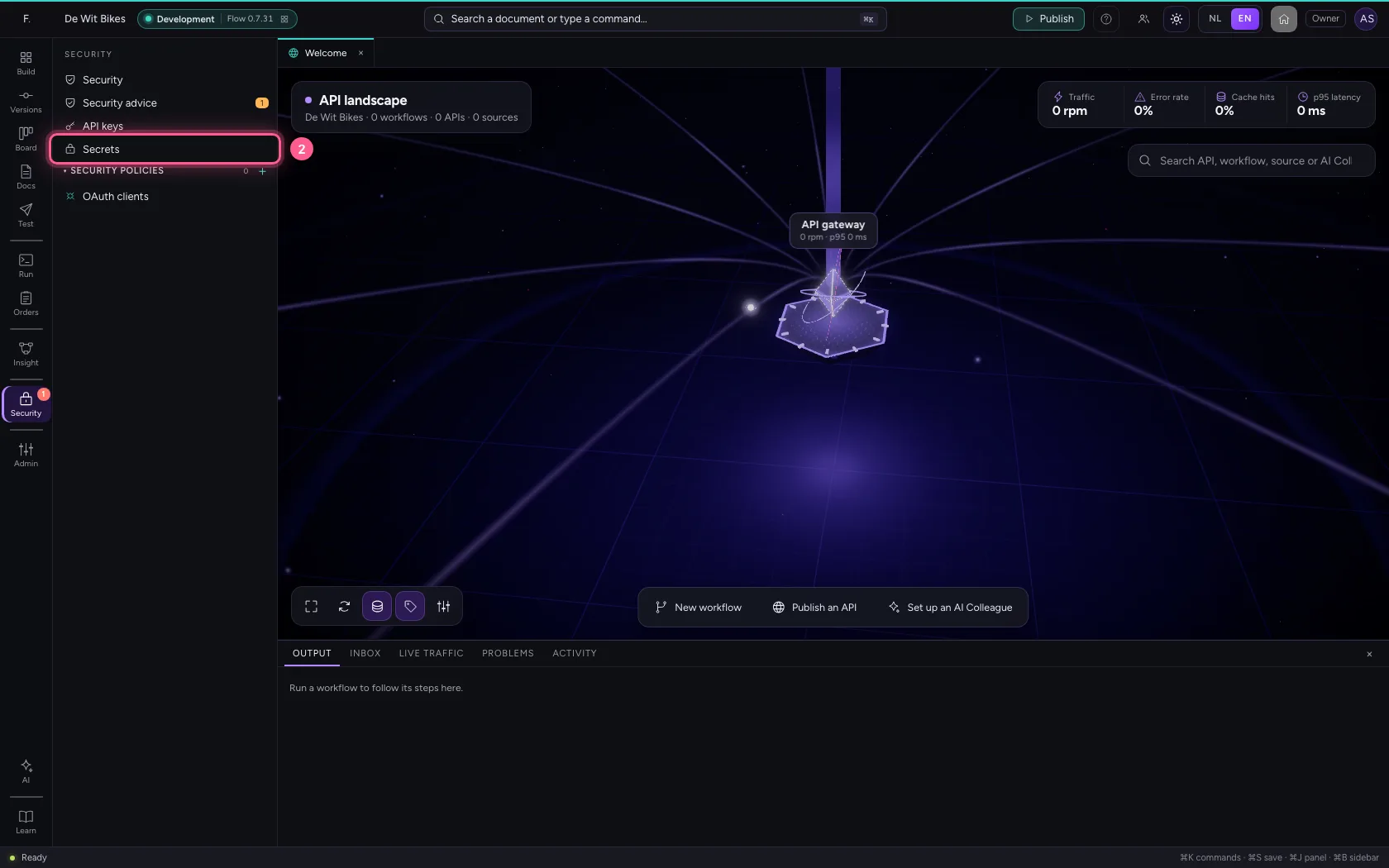
- Click Secrets
- Click the secret ‘stock-key’
Where you can use a secret
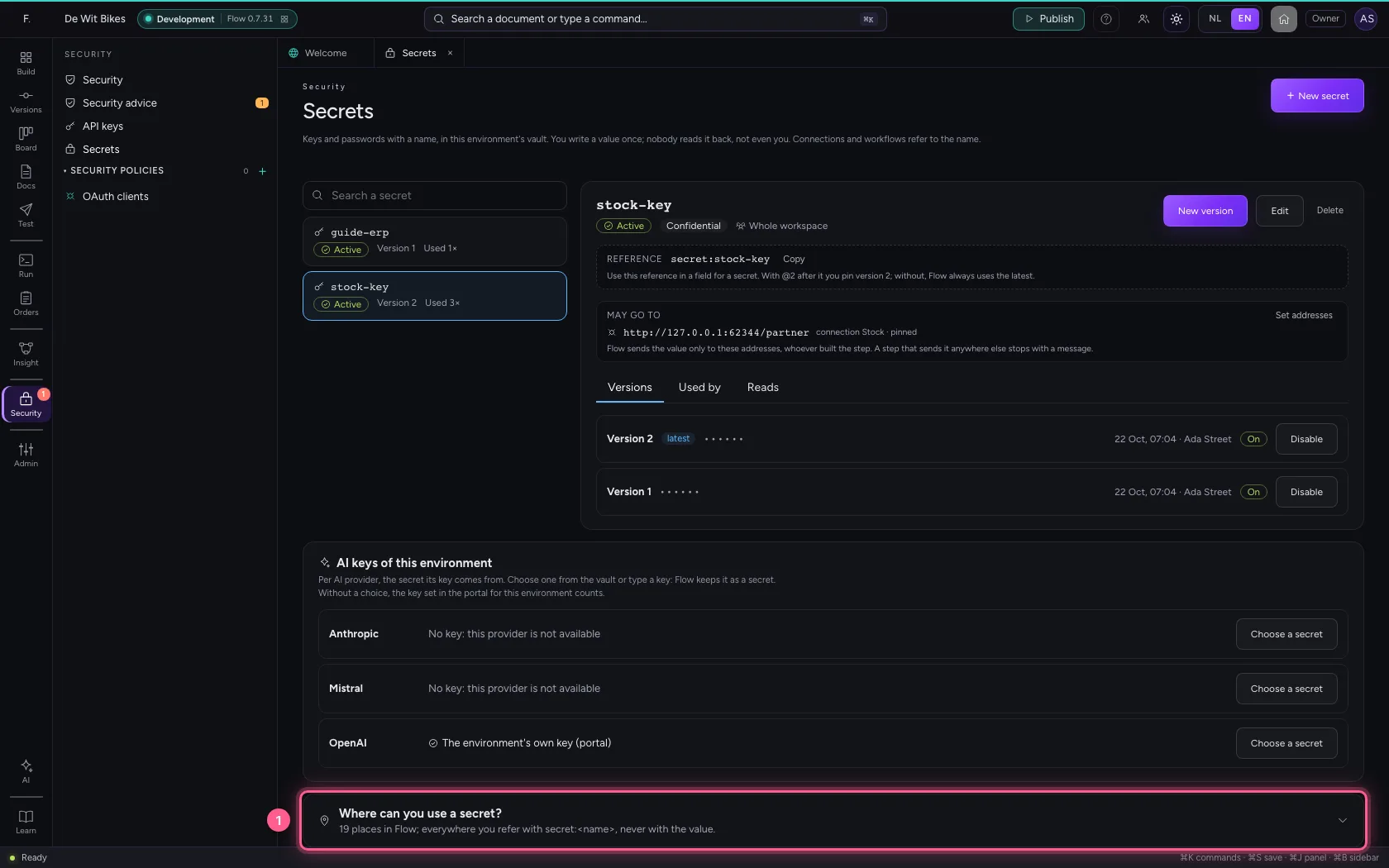
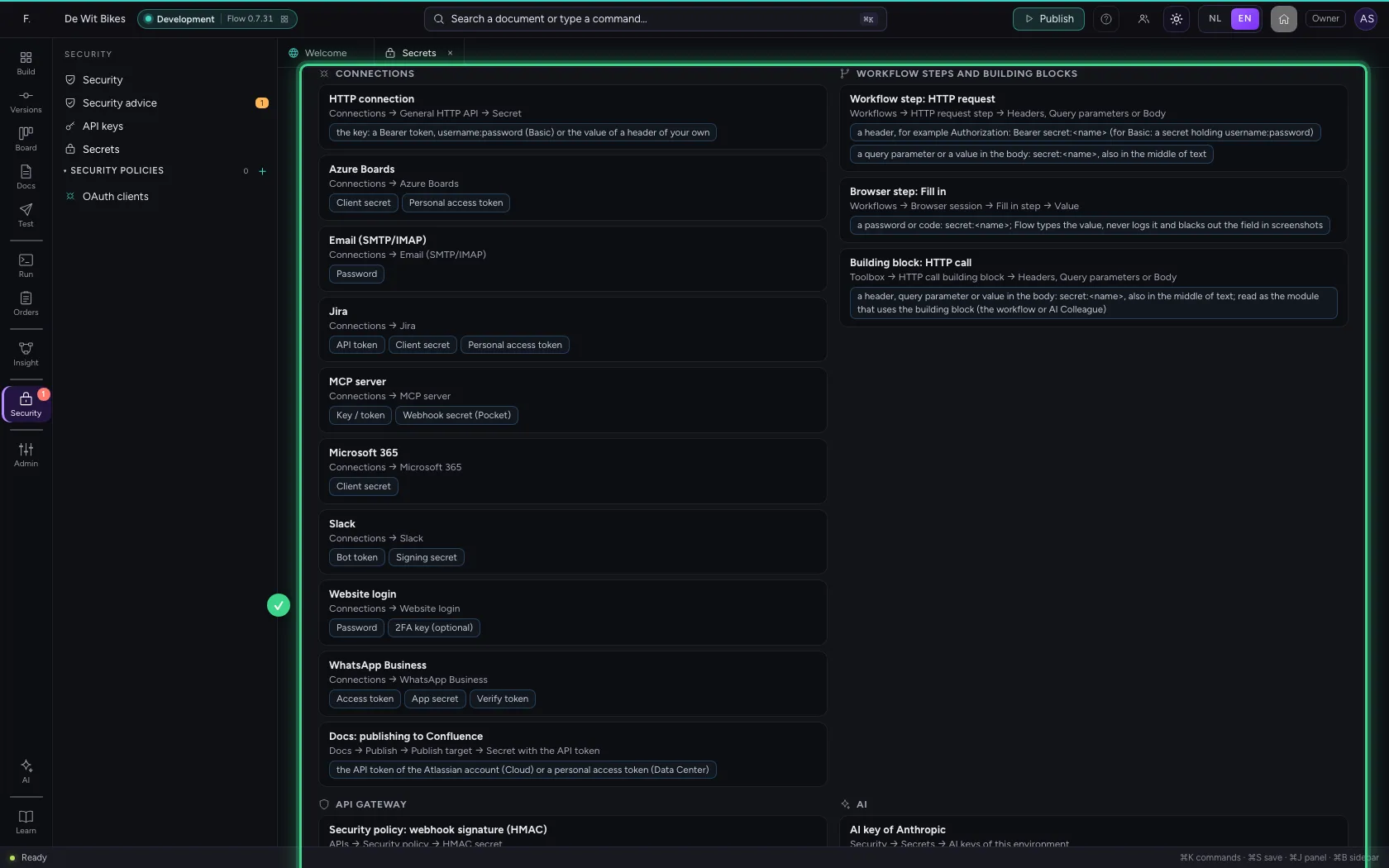
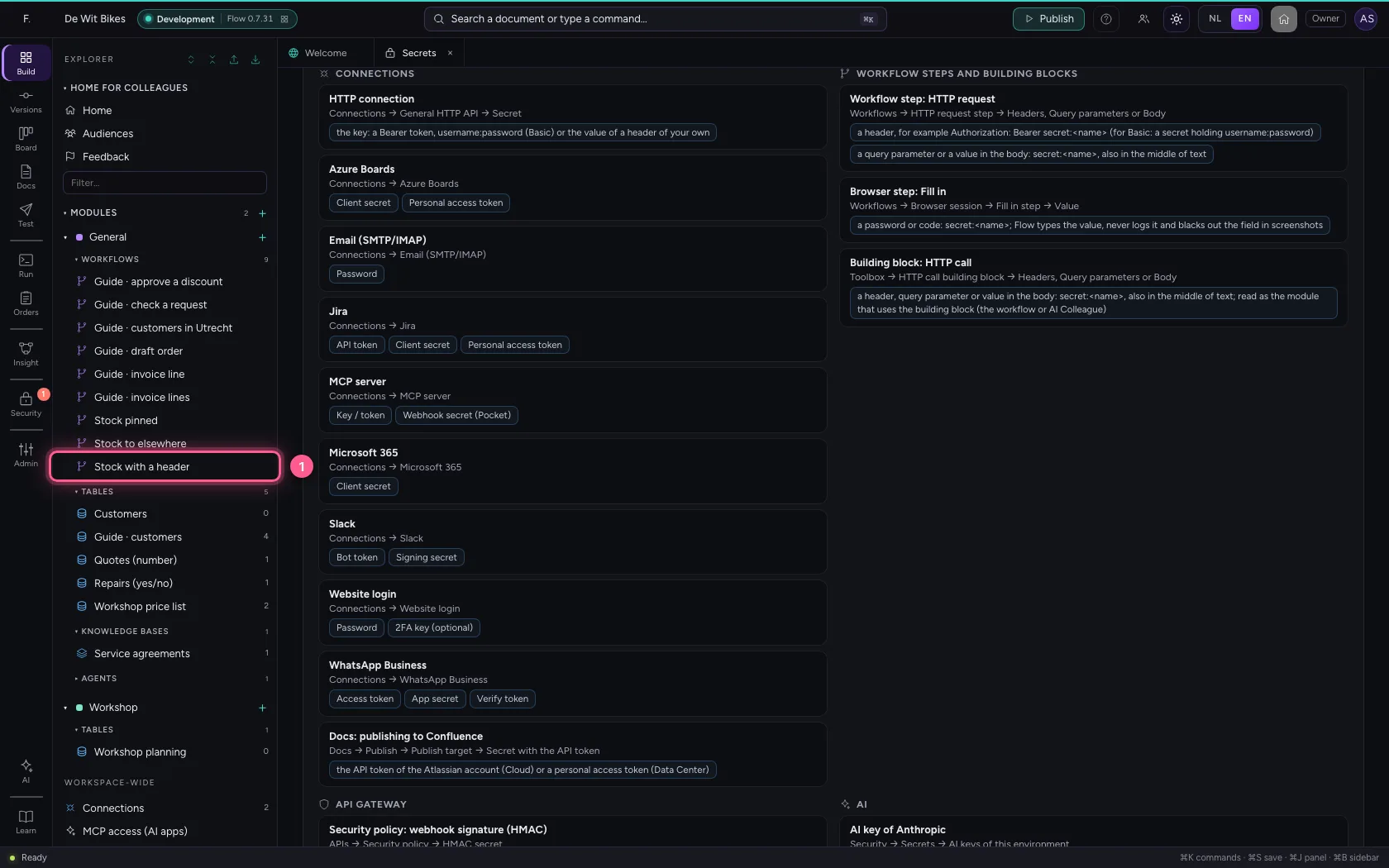
Under Security → Secrets, at the bottom, is Where can you use a secret?, per area. Everywhere you refer with secret:
- HTTP connection — Connections → General HTTP API → Secret: the key: a Bearer token, username:password (Basic) or the value of a header of your own
- Azure Boards — Connections → Azure Boards: Client secret, Personal access token
- Email (SMTP/IMAP) — Connections → Email (SMTP/IMAP): Password
- Jira — Connections → Jira: API token, Client secret, Personal access token
- MCP server — Connections → MCP server: Key / token, Webhook secret (Pocket)
- Microsoft 365 — Connections → Microsoft 365: Client secret
- Slack — Connections → Slack: Bot token, Signing secret
- Website login — Connections → Website login: Password, 2FA key (optional)
- WhatsApp Business — Connections → WhatsApp Business: Access token, App secret, Verify token
- Docs: publishing to Confluence — Docs → Publish → Publish target → Secret with the API token: the API token of the Atlassian account (Cloud) or a personal access token (Data Center)
- Workflow step: HTTP request — Workflows → HTTP request step → Headers, Query parameters or Body: a header, for example Authorization: Bearer secret:
(for Basic: a secret holding username:password), a query parameter or a value in the body: secret: , also in the middle of text - Browser step: Fill in — Workflows → Browser session → Fill in step → Value: a password or code: secret:
; Flow types the value, never logs it and blacks out the field in screenshots - Building block: HTTP call — Toolbox → HTTP call building block → Headers, Query parameters or Body: a header, query parameter or value in the body: secret:
, also in the middle of text; read as the module that uses the building block (the workflow or AI Colleague) - Security policy: webhook signature (HMAC) — APIs → Security policy → HMAC secret: the secret the sender signs a webhook with
- Security policy: JWT with a shared secret — APIs → Security policy → JWT → shared secret: the shared secret of tokens with HS256, HS384 or HS512
- AI key of Anthropic — Security → Secrets → AI keys of this environment: the API key of Anthropic
- AI key of Mistral — Security → Secrets → AI keys of this environment: the API key of Mistral
- AI key of OpenAI — Security → Secrets → AI keys of this environment: the API key of OpenAI
- Signing in to Azure Key Vault without federation — Security → Secrets: the secret the vault setting names, when Azure Key Vault signs in with a client secret or certificate instead of with the environment's identity: the client secret, or the key and the certificate (PEM); only this secret stays in Flow's own vault
- Click Where can you use a secret?
A secret in an HTTP step
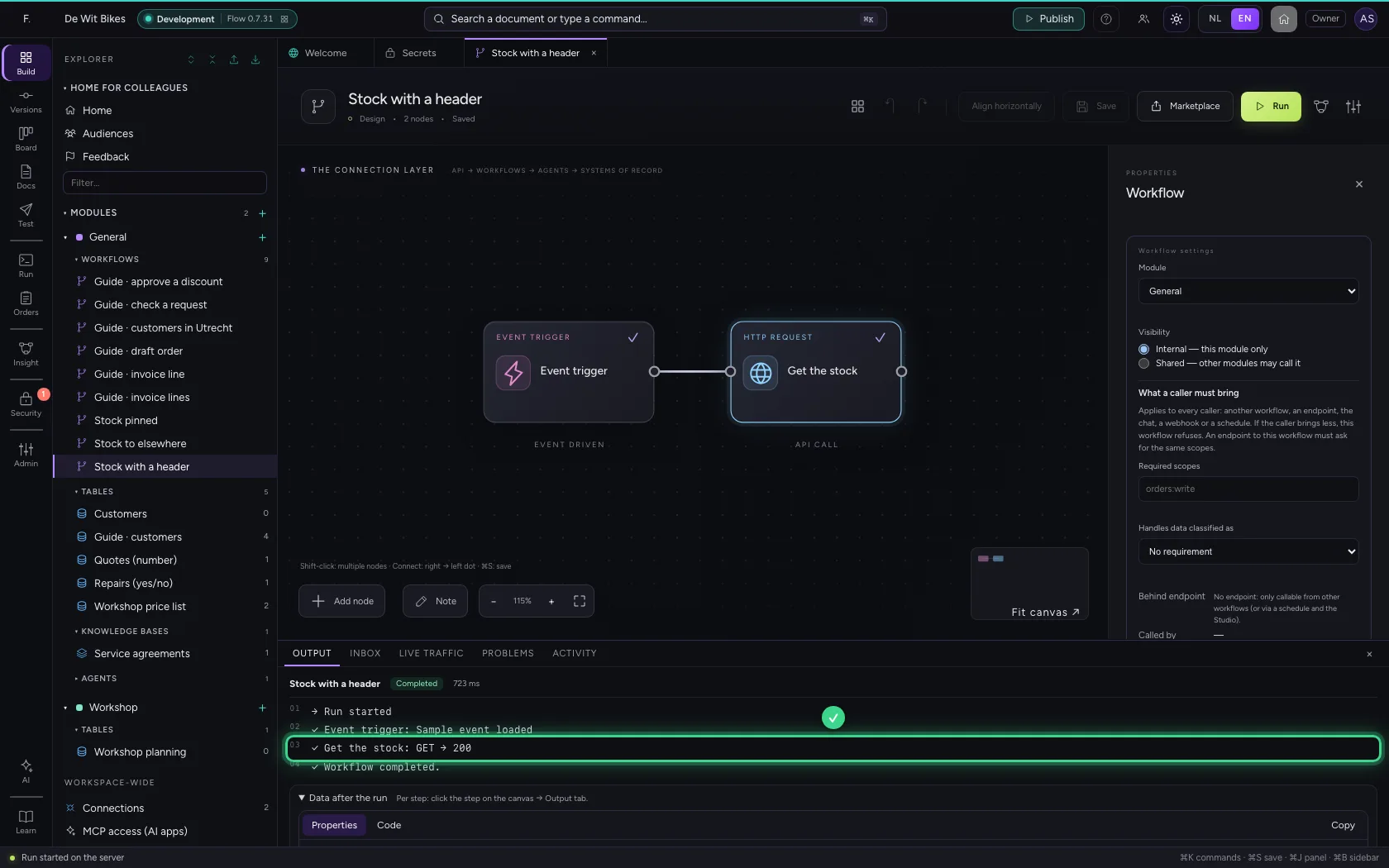
An HTTP step can refer to a secret itself, also in the middle of text: under Headers "Authorization": "Bearer secret:stock-key", and likewise in Query parameters or Body. Flow fills in the value only at the moment the step sends the request, as the workflow's module (a secret that is only for other modules is refused). The workflow, the run, the log and the result only ever show the name. For Basic, put username:password in the secret; Flow encodes it itself. A reference that arrives as data ({{…}}) is never used: only what you write in the step. A building block in the Toolbox (HTTP call) works exactly the same; Flow then reads the secret as the module that uses the block: the workflow or AI Colleague that calls it.
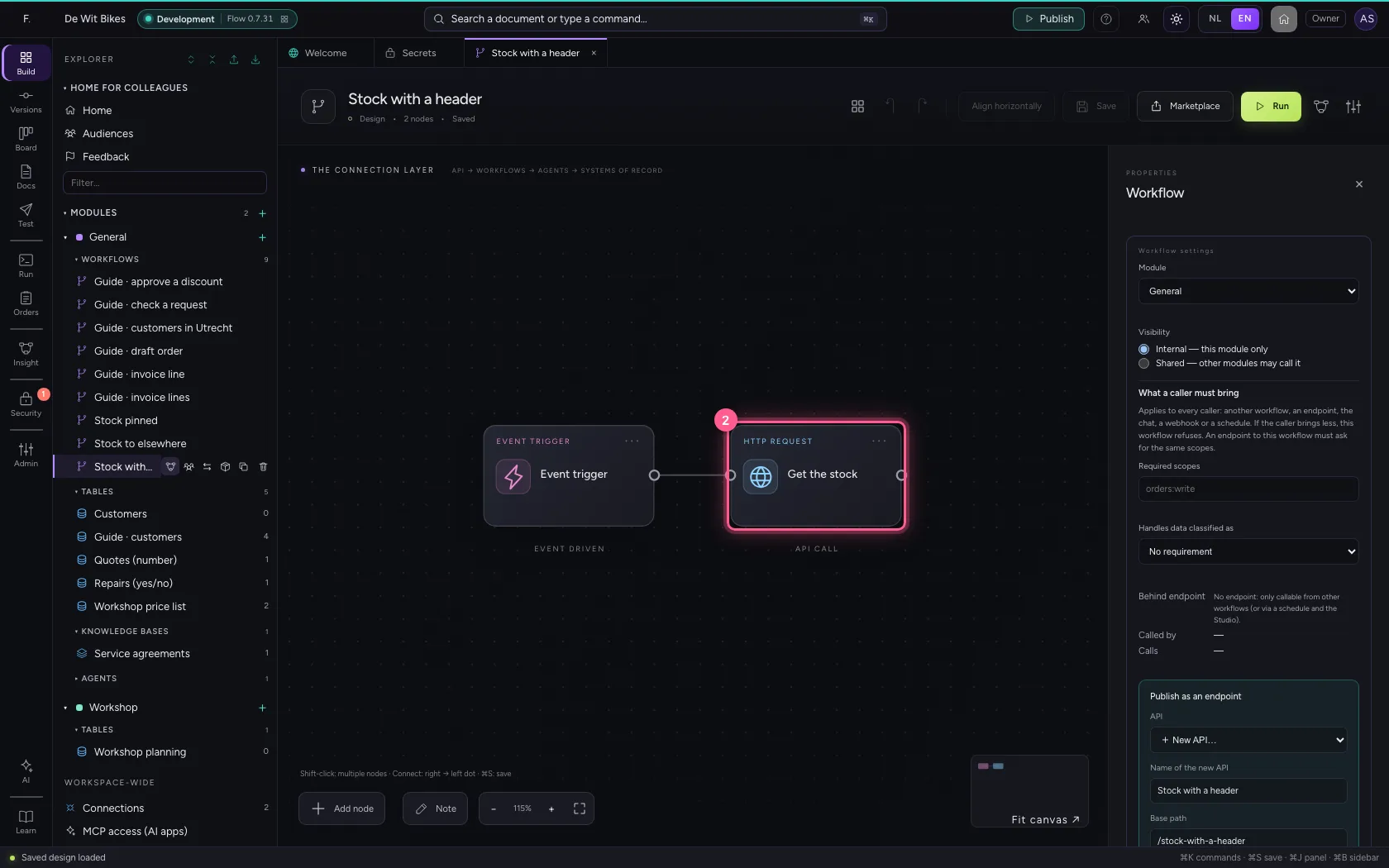
- Click the workflow ‘Stock with a header’
- Click the step ‘Get the stock’
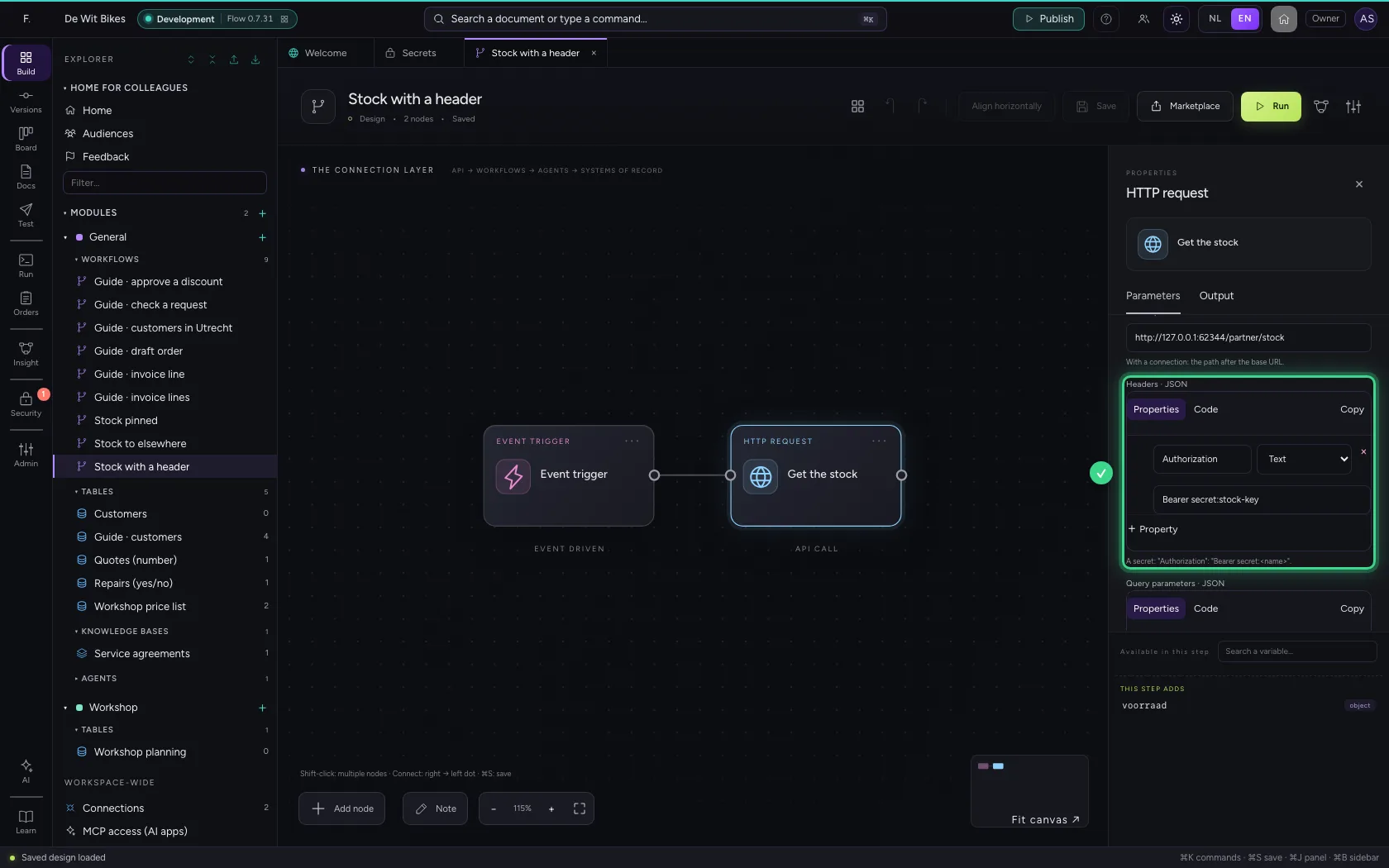
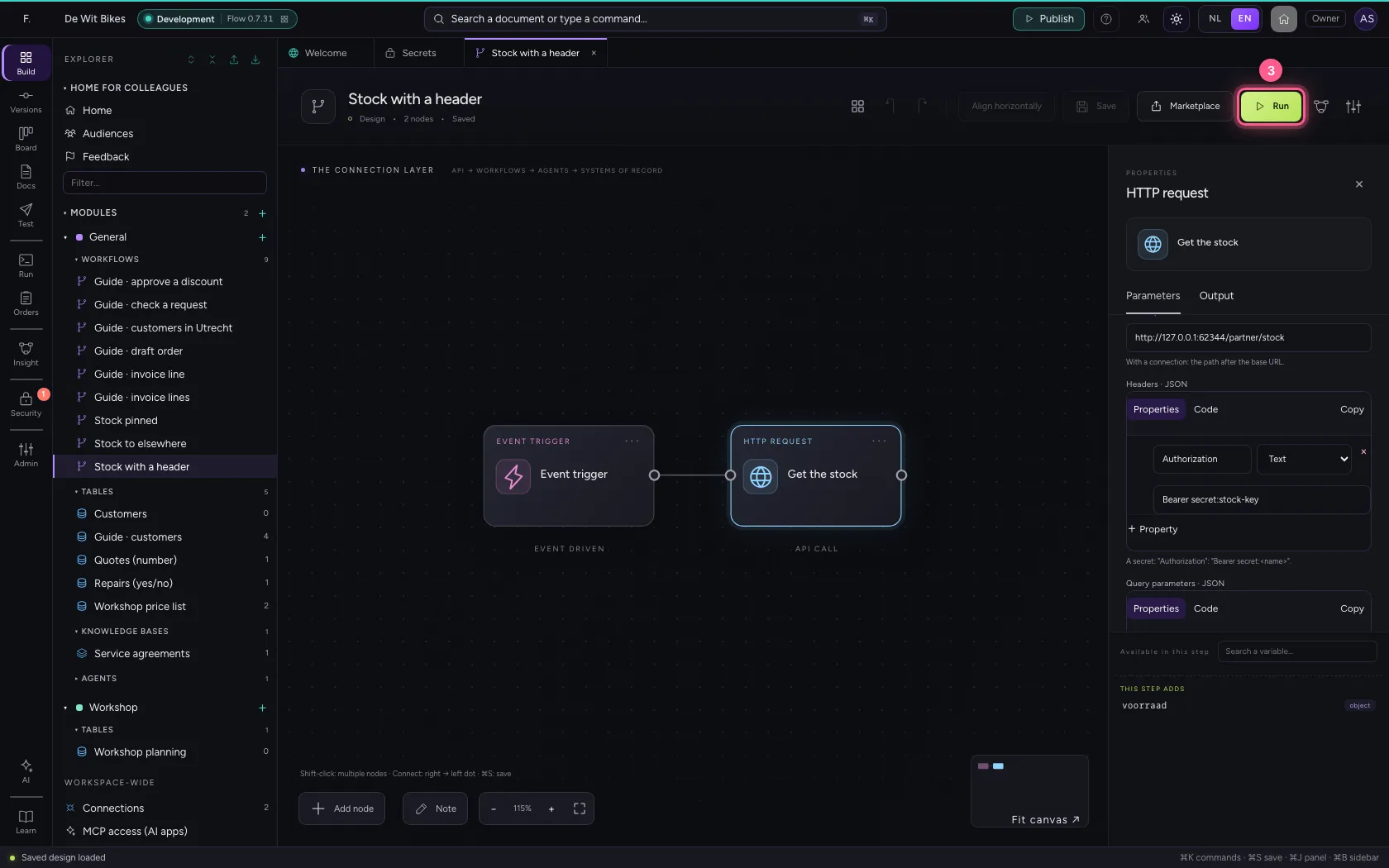
- Click Run
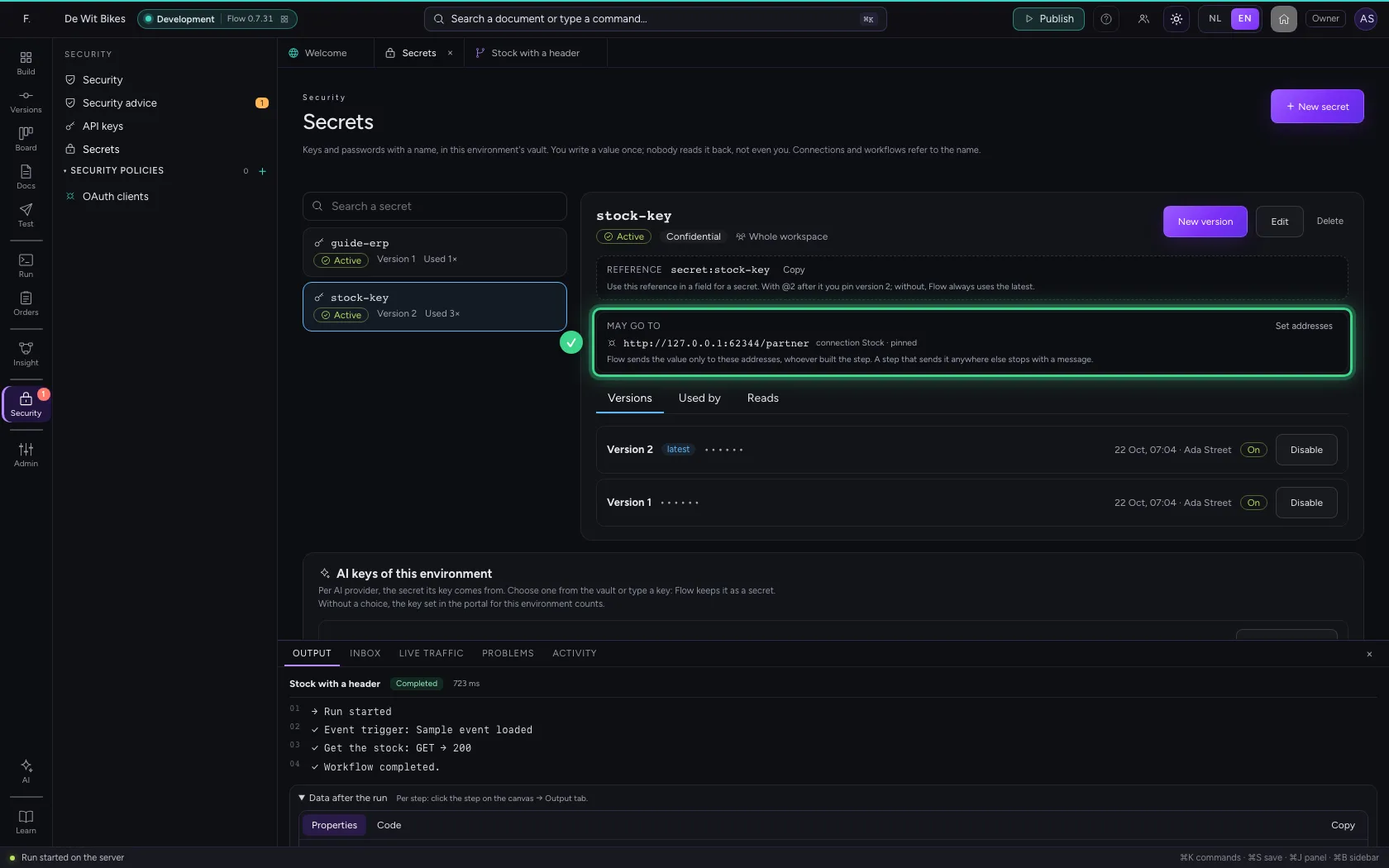
Where a secret may go
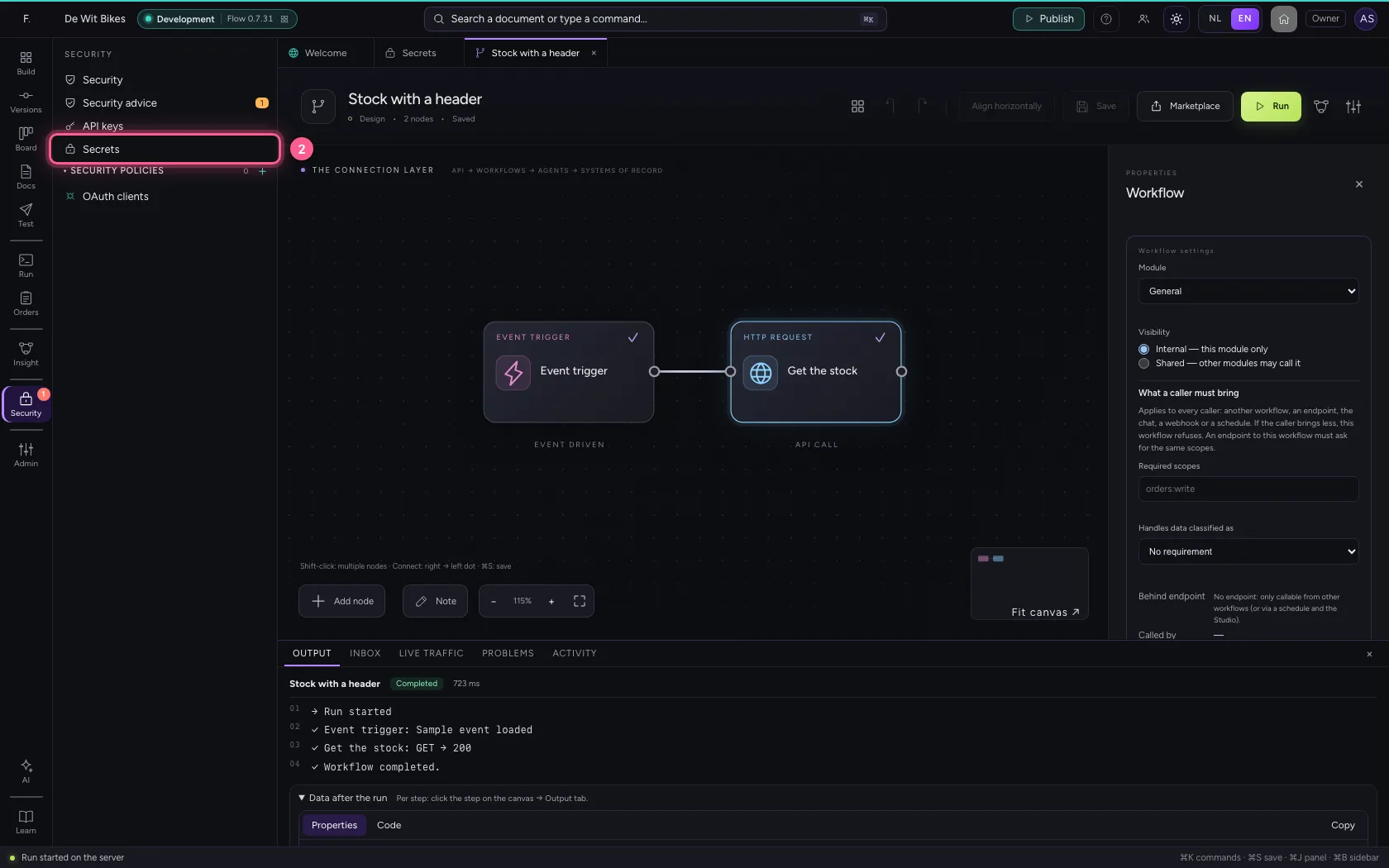
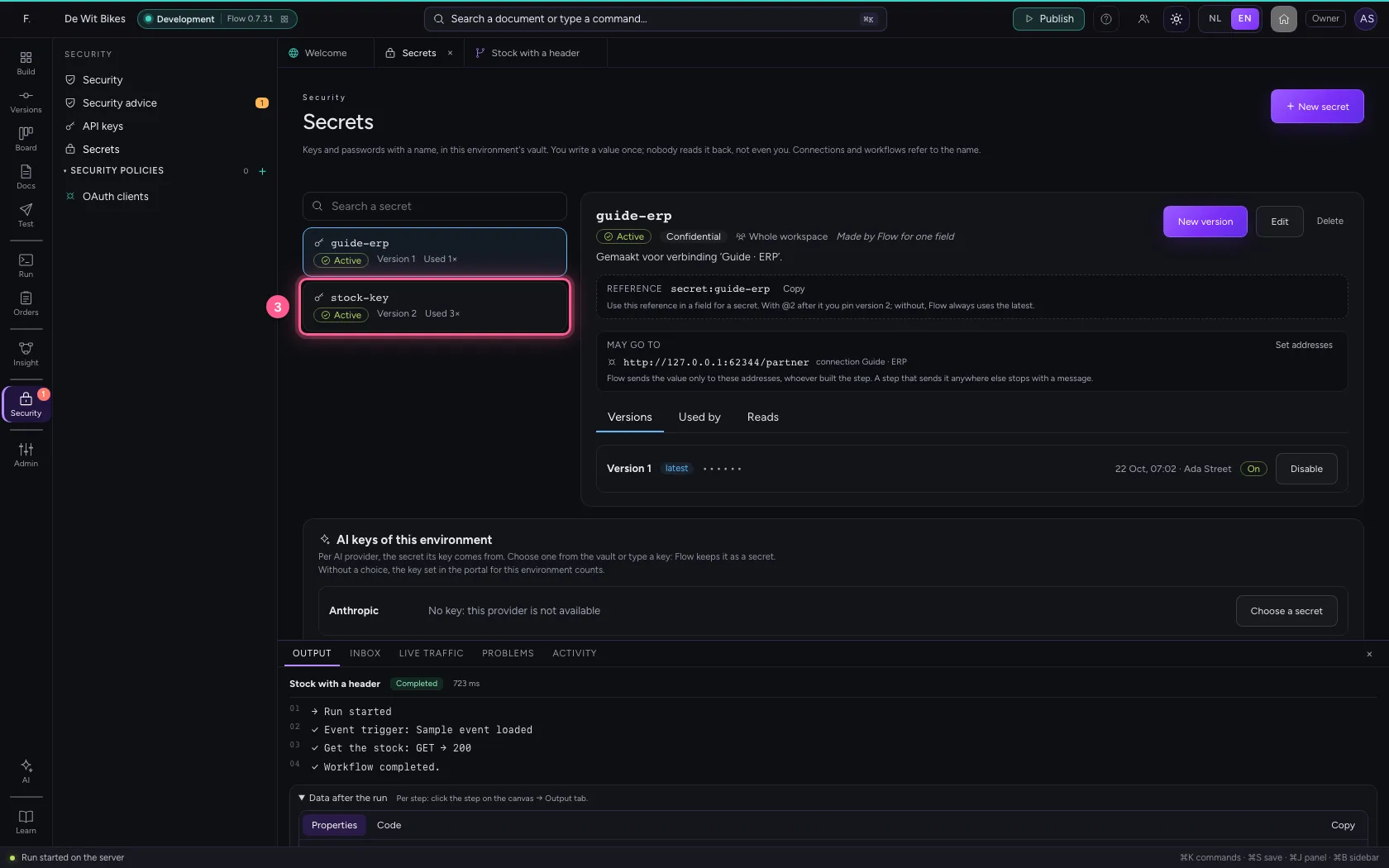
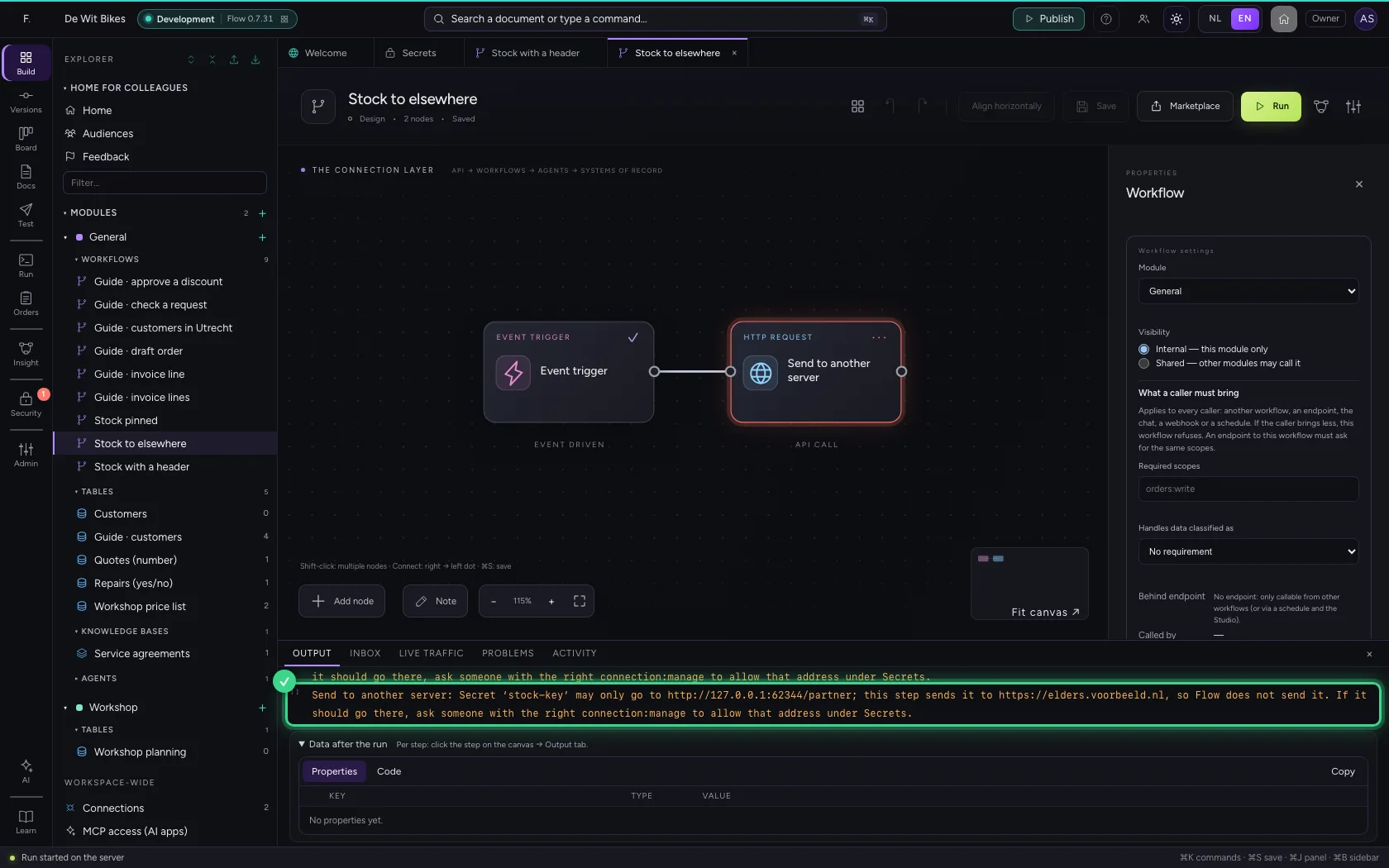
A secret only goes to the address of its connection: scheme, server, port and the connection's path. The secret shows those addresses under May go to. A secret without a connection goes nowhere until someone with the right to manage connections allows an address under Set addresses. When a step sends the secret to another server, also through a connection with another secret, in a building block or in a browser step, the step stops with a message and the value never leaves Flow. That holds for everyone who builds: in the studio, with an AI app, through an import or a package.
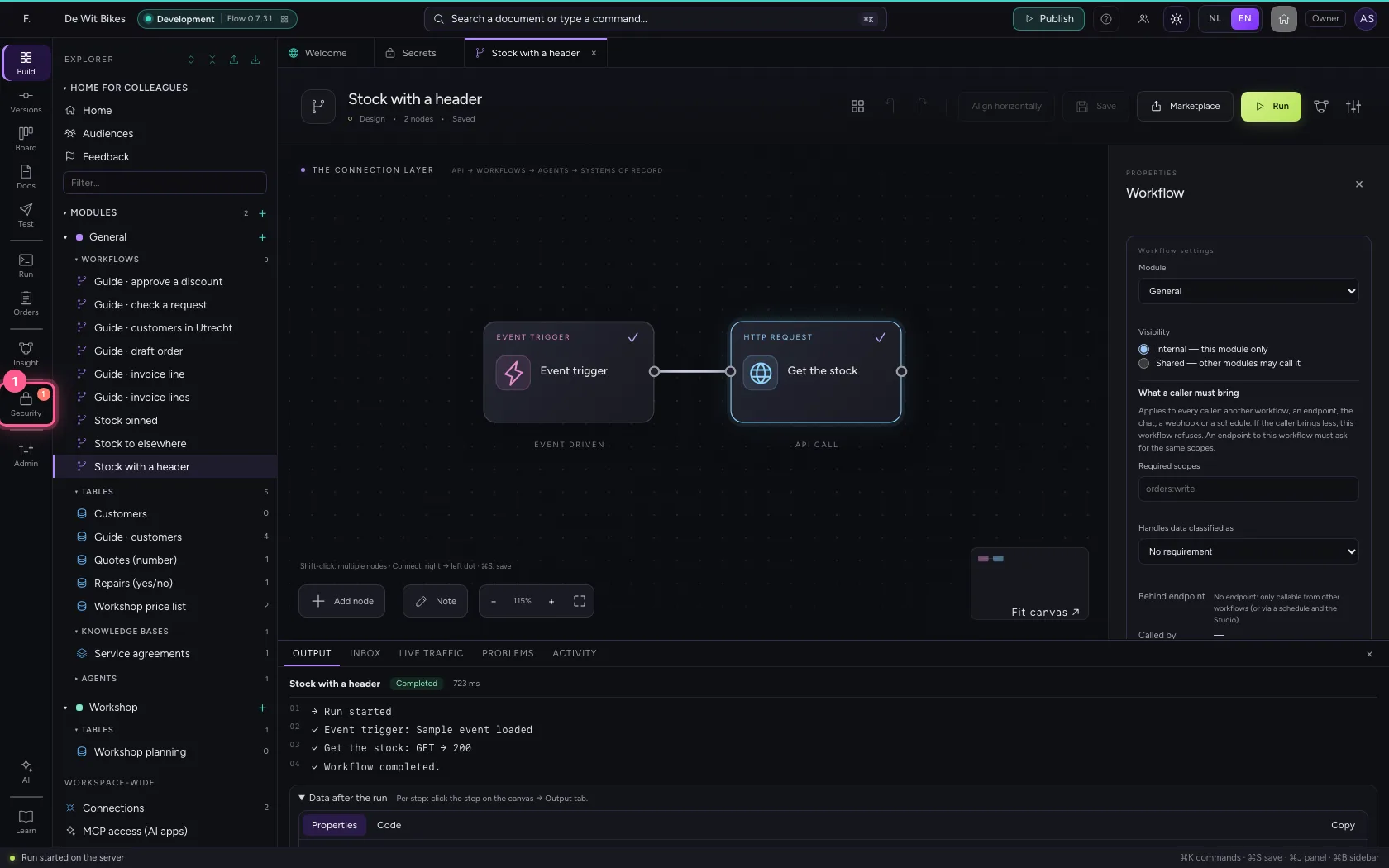
- Click Security
- Click Secrets
- Click the secret ‘stock-key’
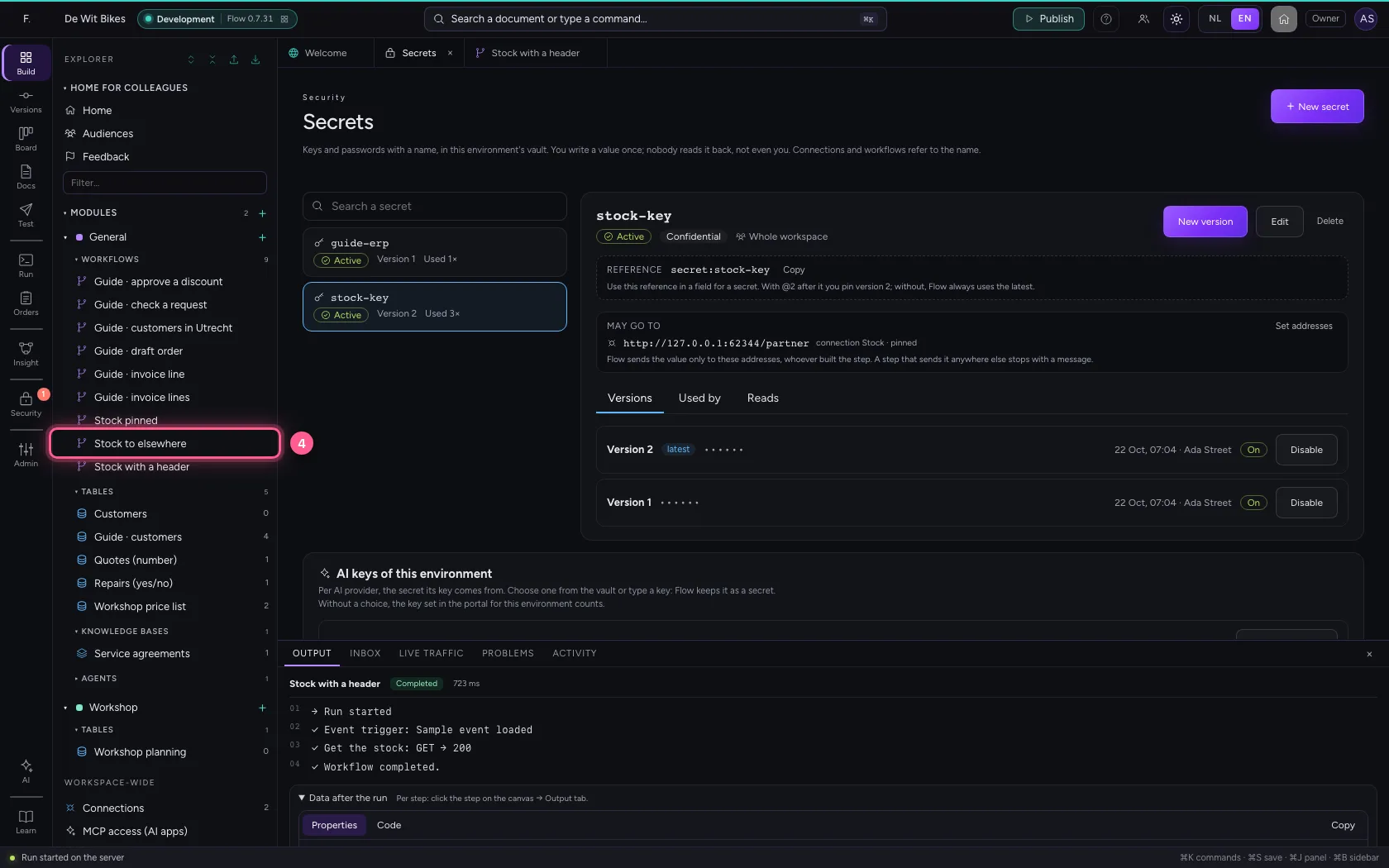
- Click the workflow ‘Stock to elsewhere’
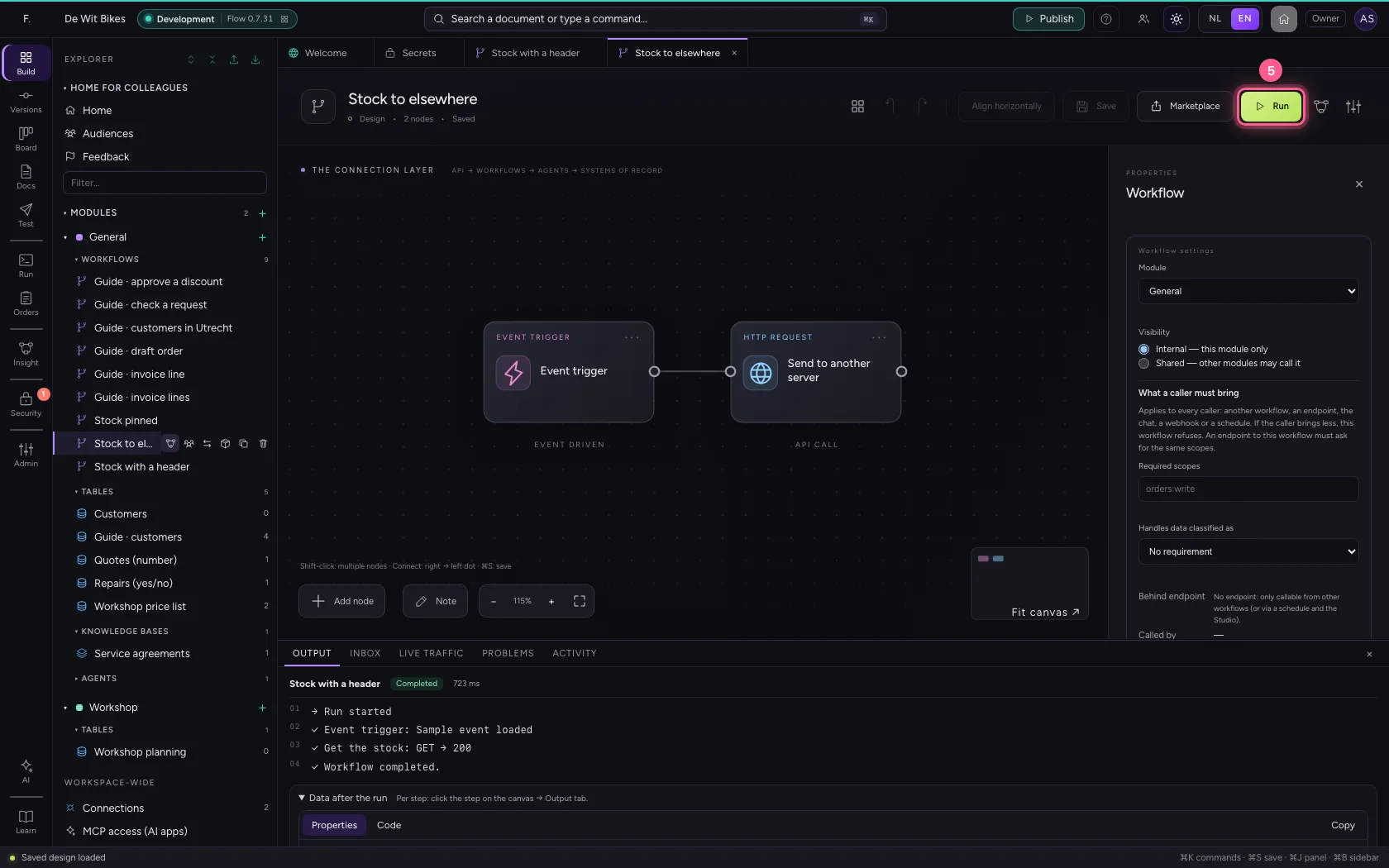
- Click Run
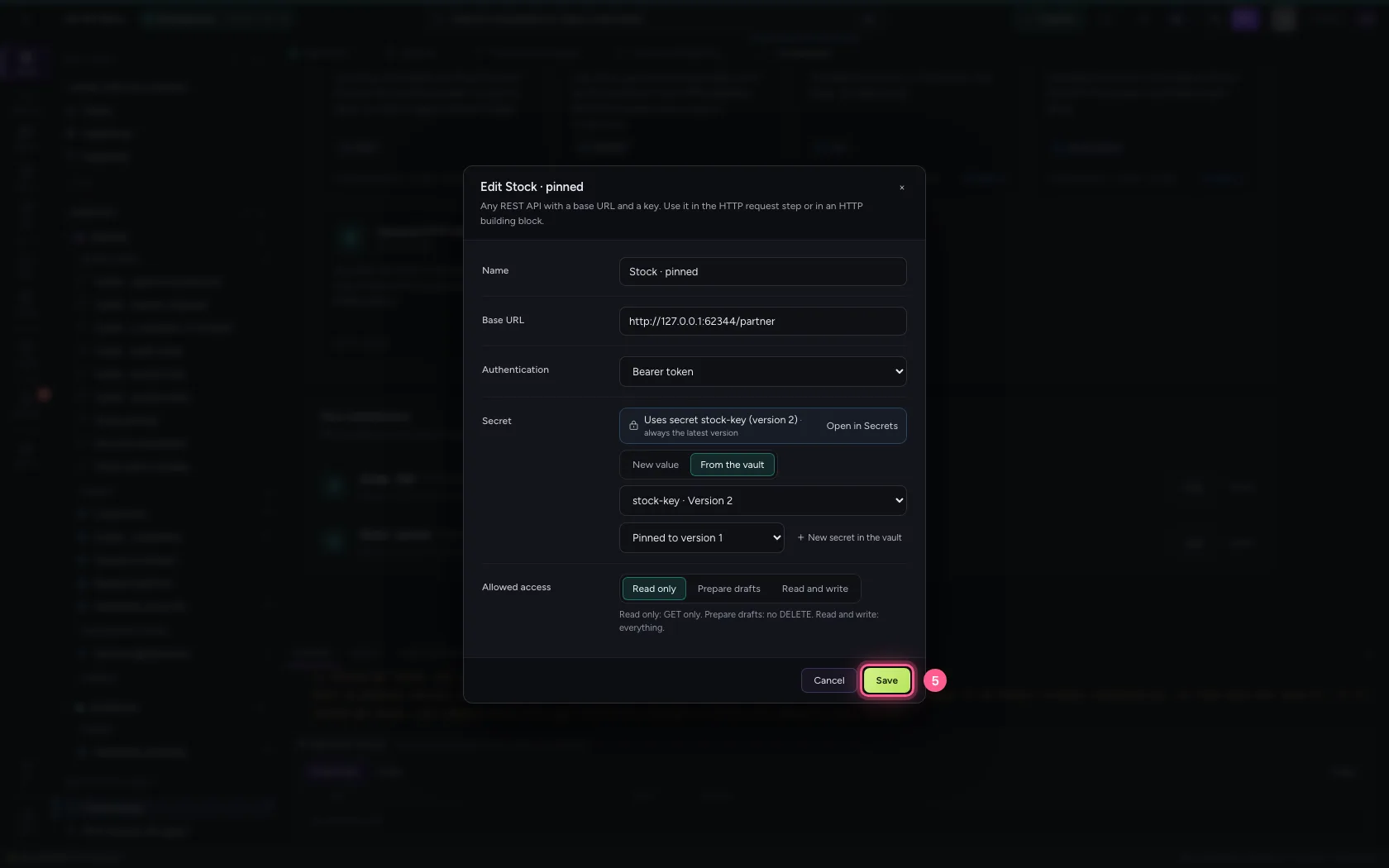
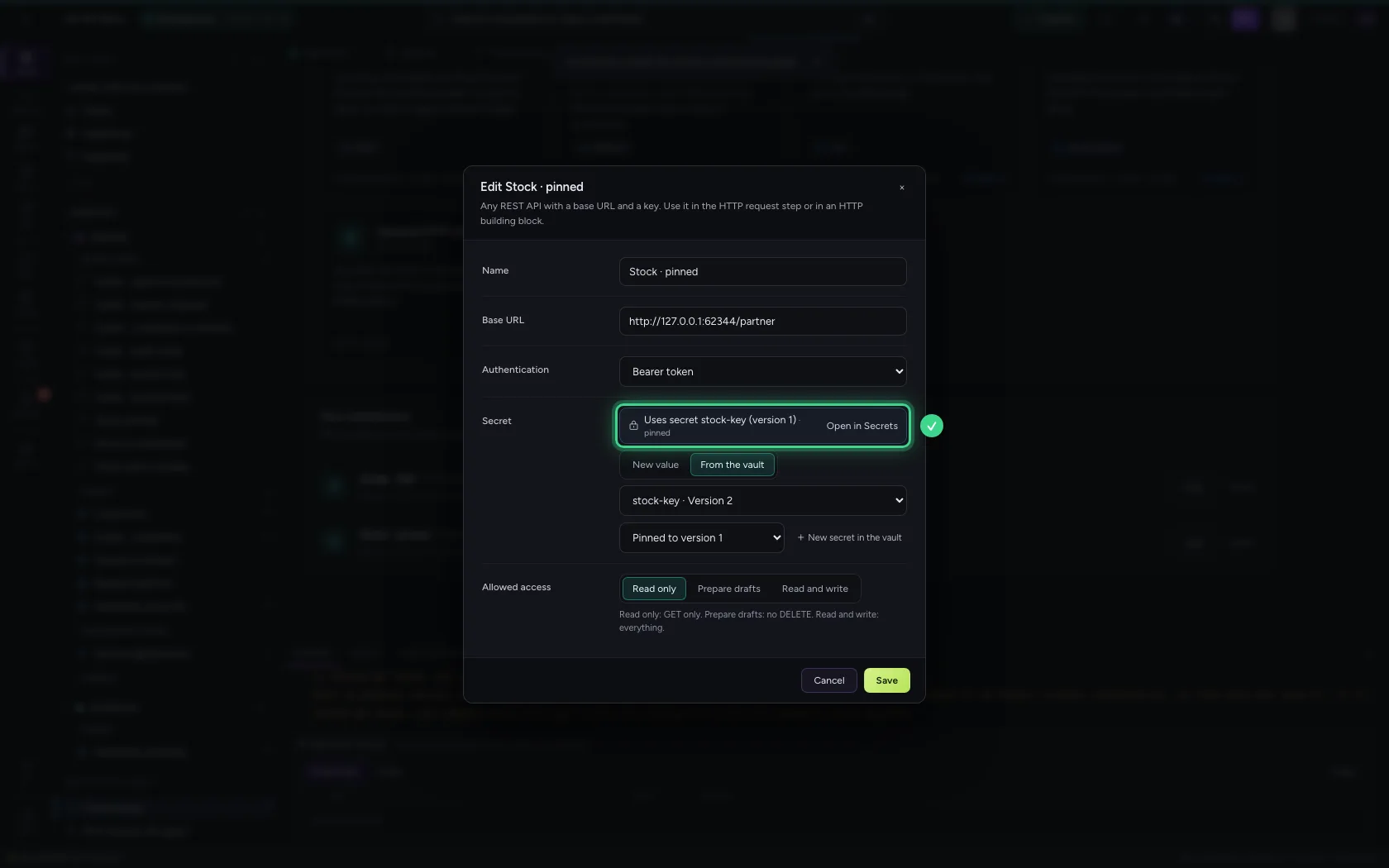
Pin a version
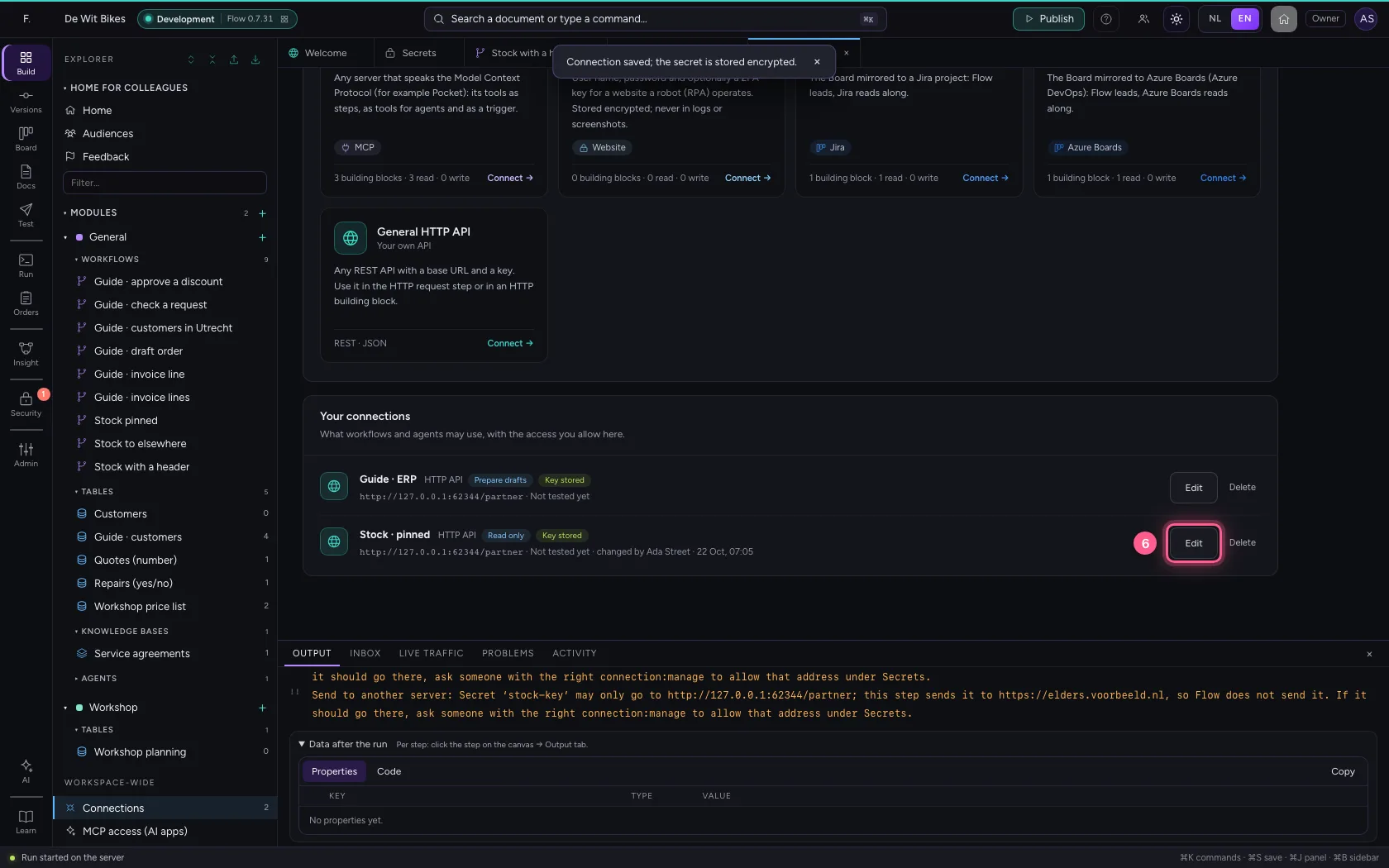
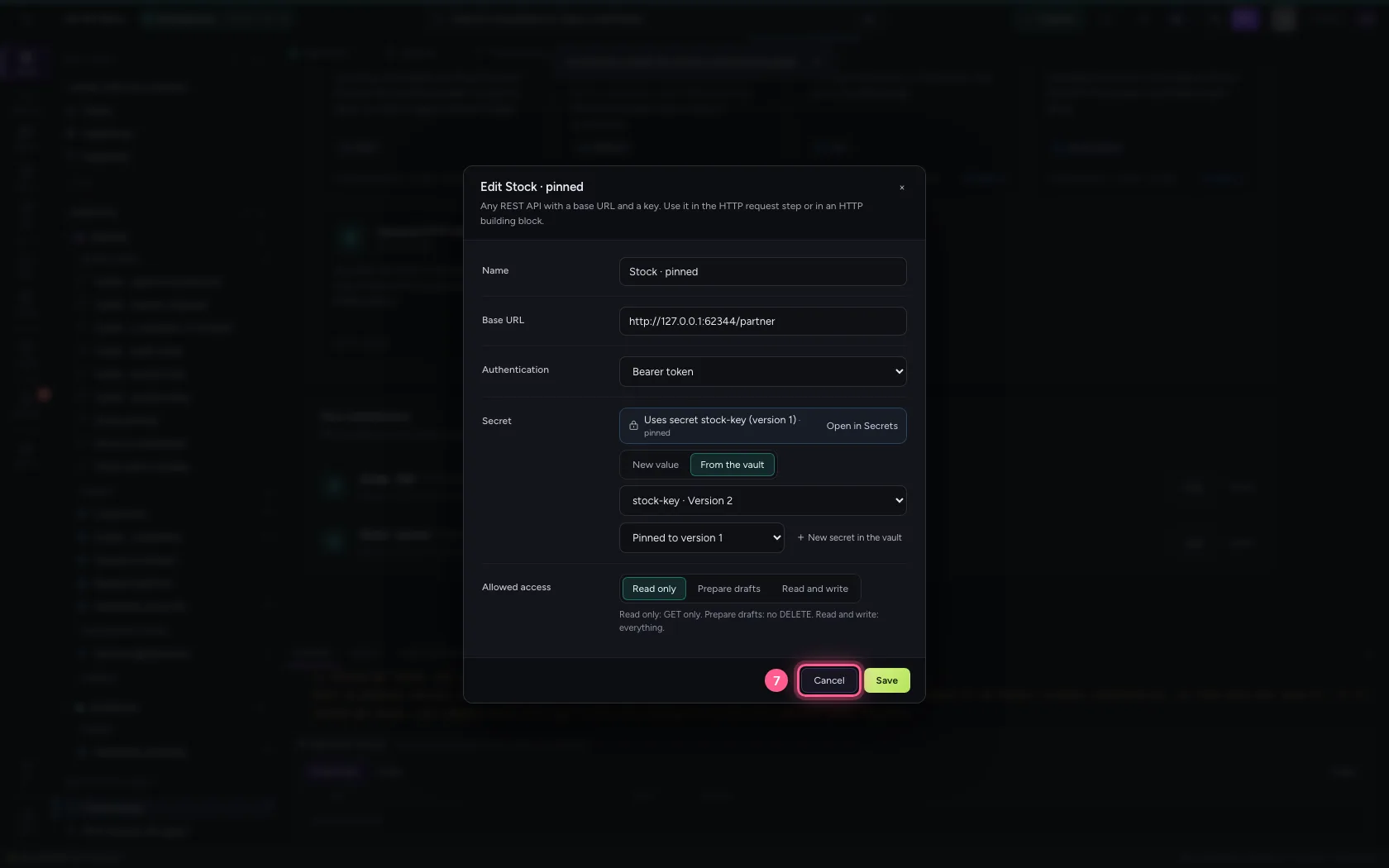
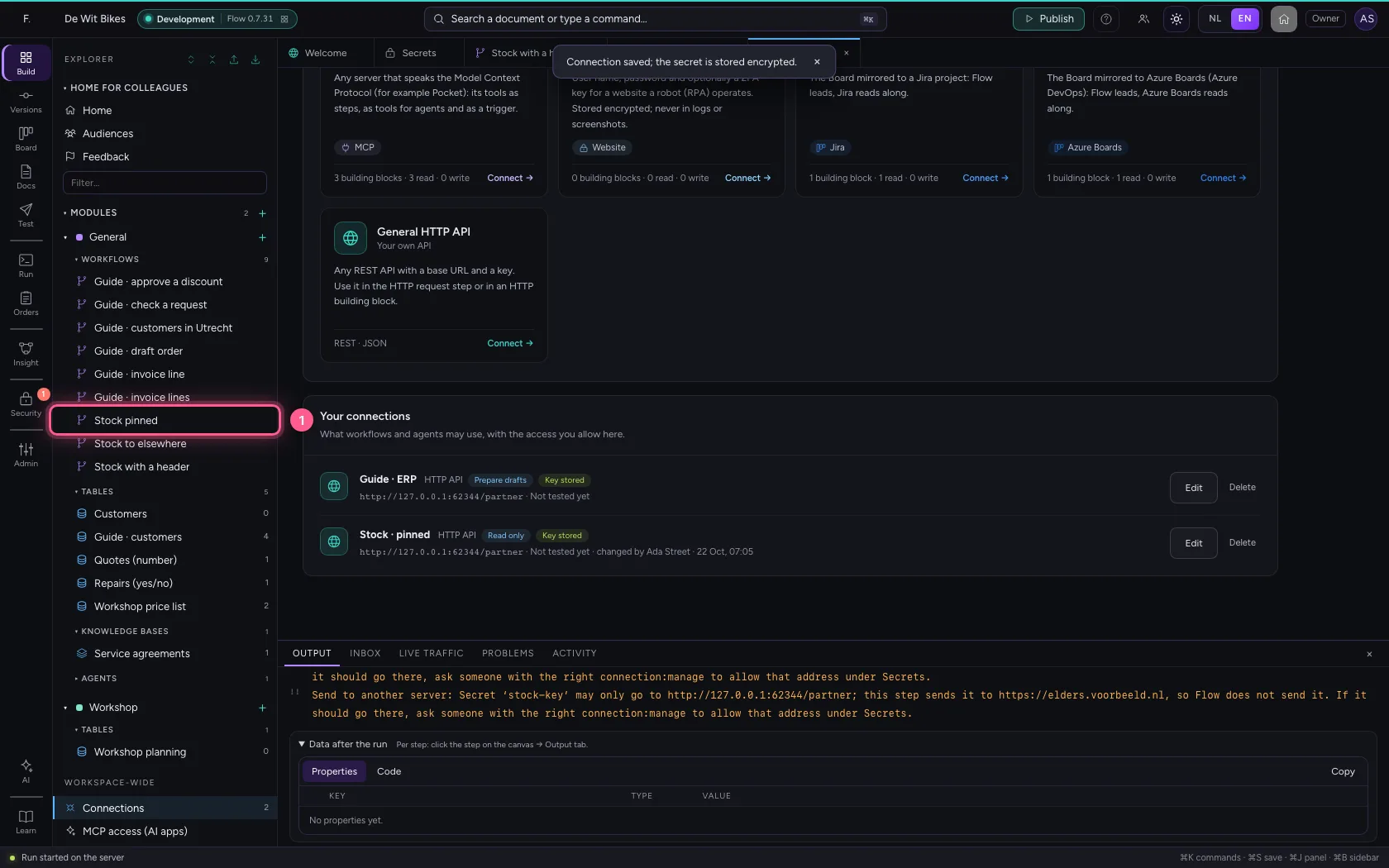
In a connection you choose the secret under From the vault, and next to it Always the latest version or a fixed one. Pinning helps during a switch: the system on the other side does not know the new key yet, so this connection keeps the old one until you switch it.
- Click Connections
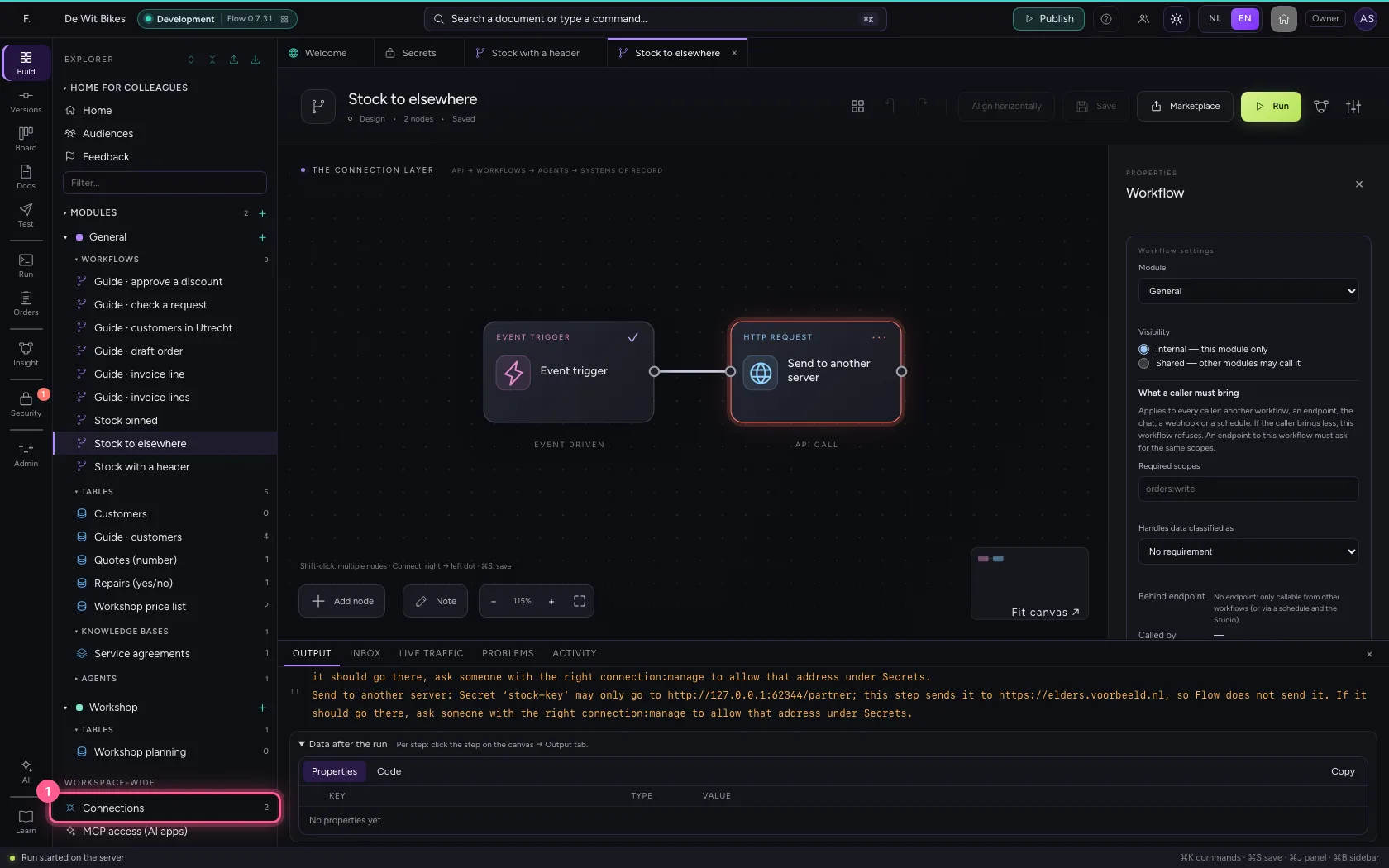
- Click Edit
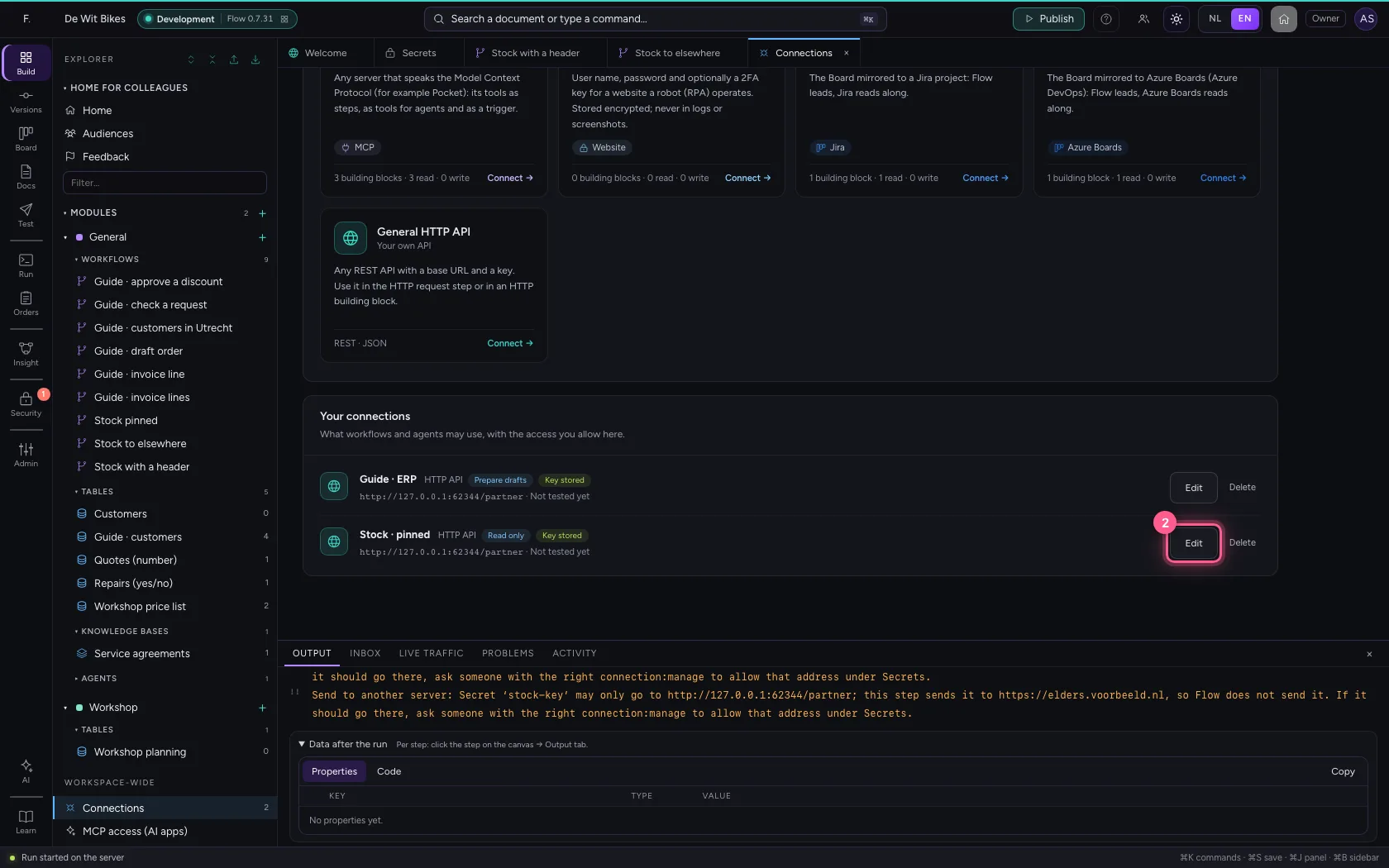
- Click From the vault
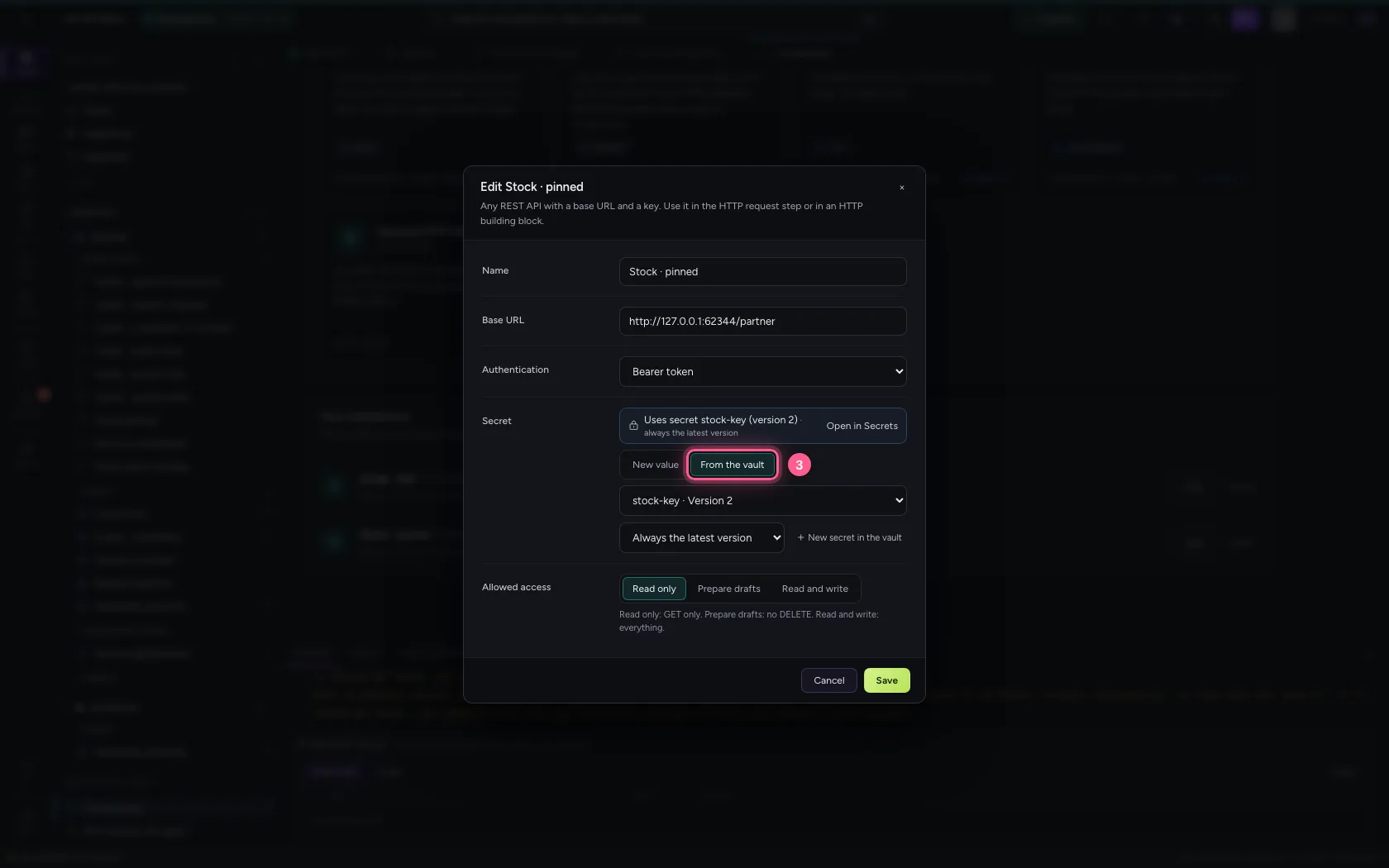
- In Versions, choose Pinned to version 1
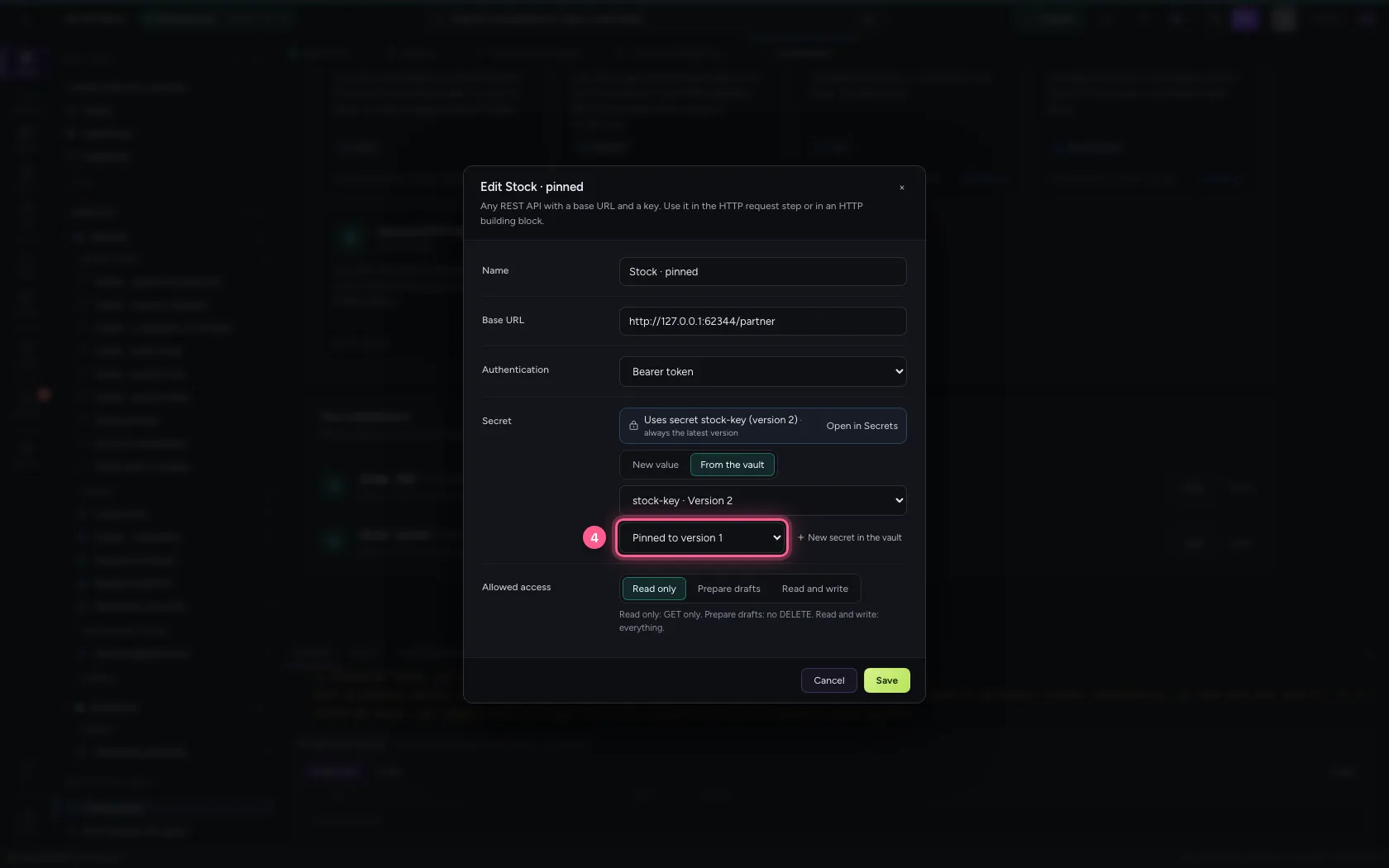
- Click Save
- Click Edit
- Click Cancel
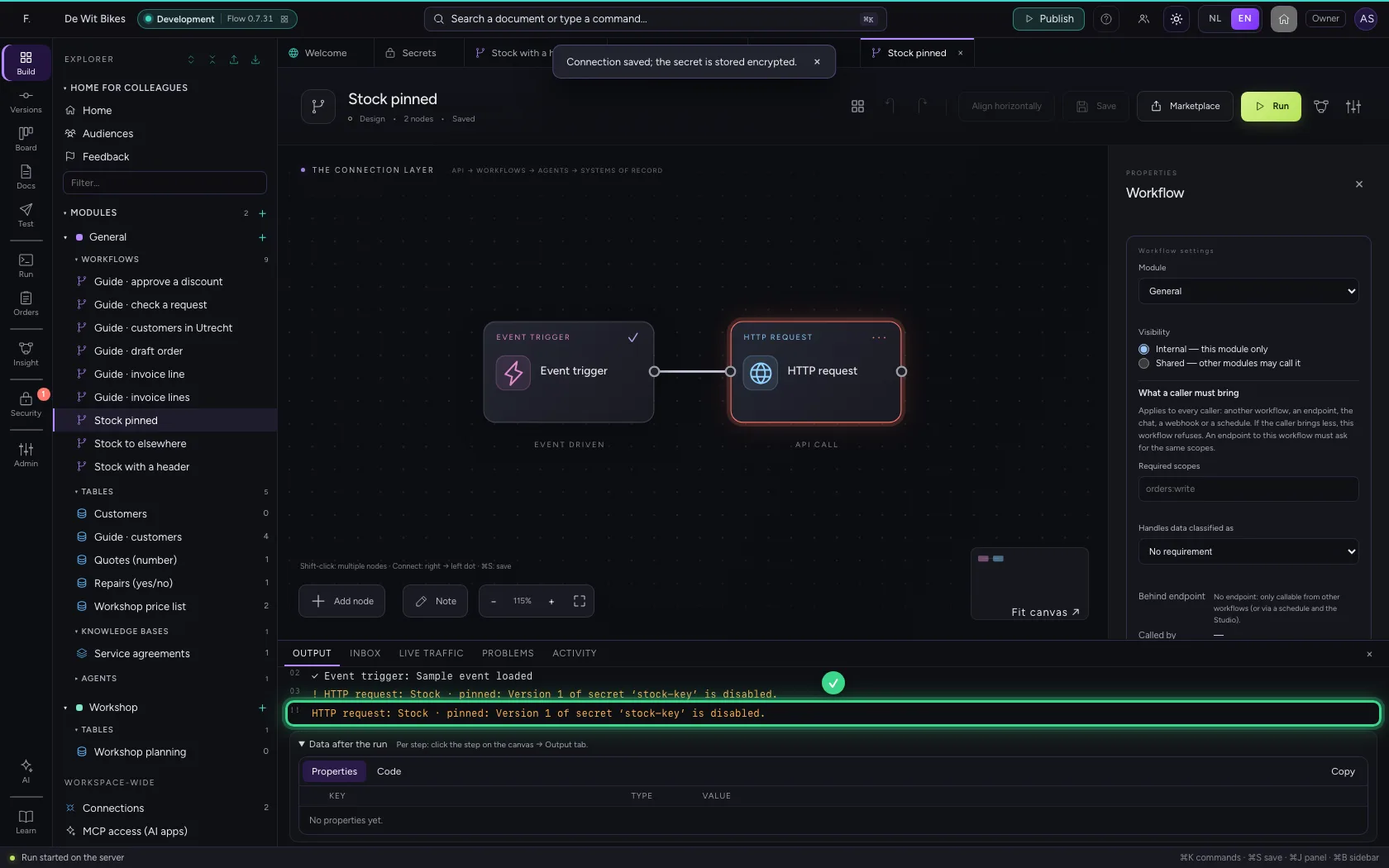
When a secret cannot be used
A step that cannot use a secret stops with a plain sentence naming the secret. Here version 1 was turned off while the connection is pinned to it. Other reasons: the secret does not exist in this environment, it has no value yet, it expired, it is only for other modules, or the vault is too busy or unreachable. A reference to a name that does not exist is refused when you save.
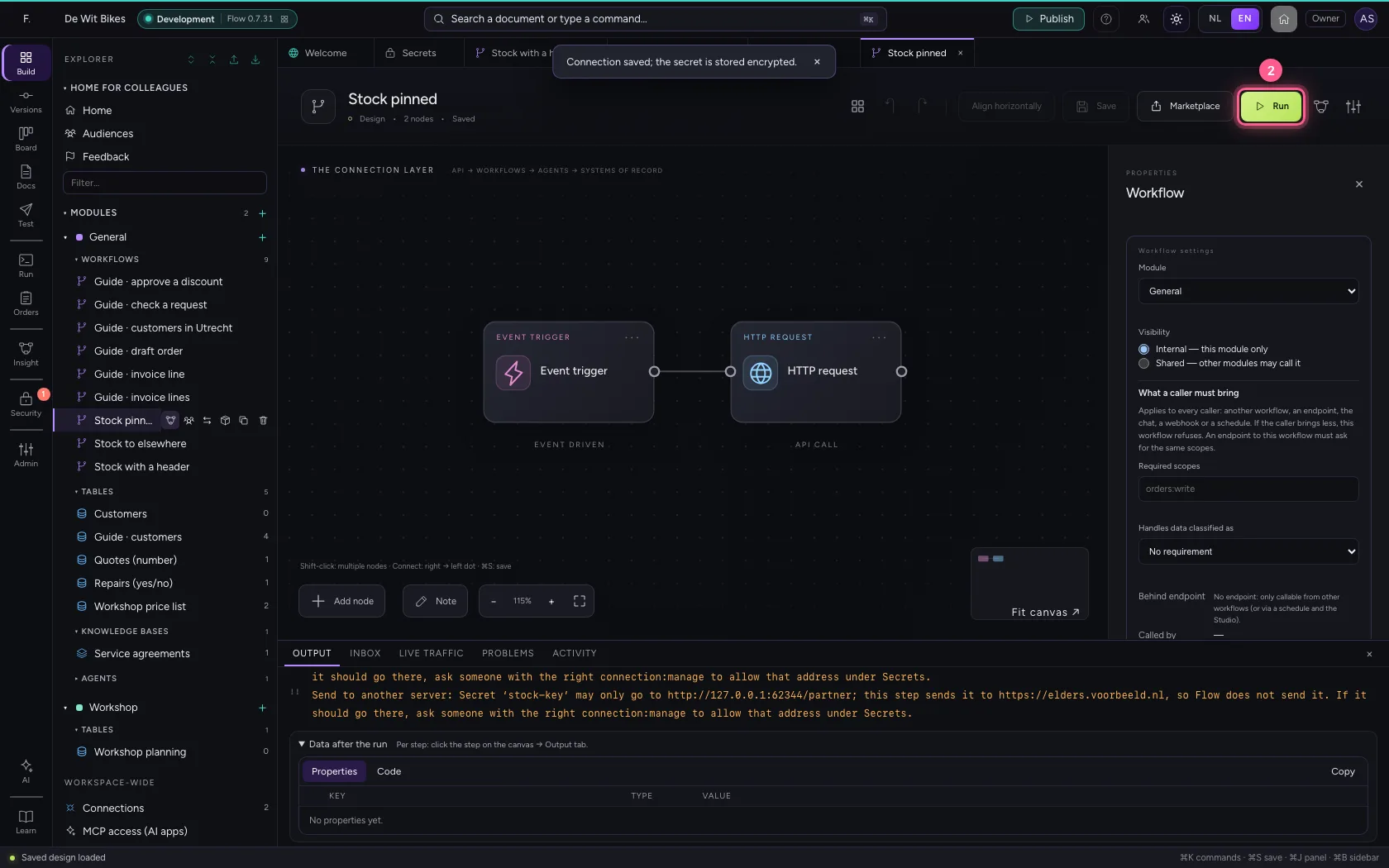
- Click the workflow ‘Stock pinned’
- Click Run
This guide was carried out step by step on 22 Oct 2026 by an automated test on Flow (version 3e563176).