Agent tool: knowledge base
Give an agent a knowledge base and it gets a search tool: it looks up the matching chunks itself when a question calls for it, and cites the source. It may only read the knowledge base. Documents set to Always include are given to it in full with every question.
Open your development environment
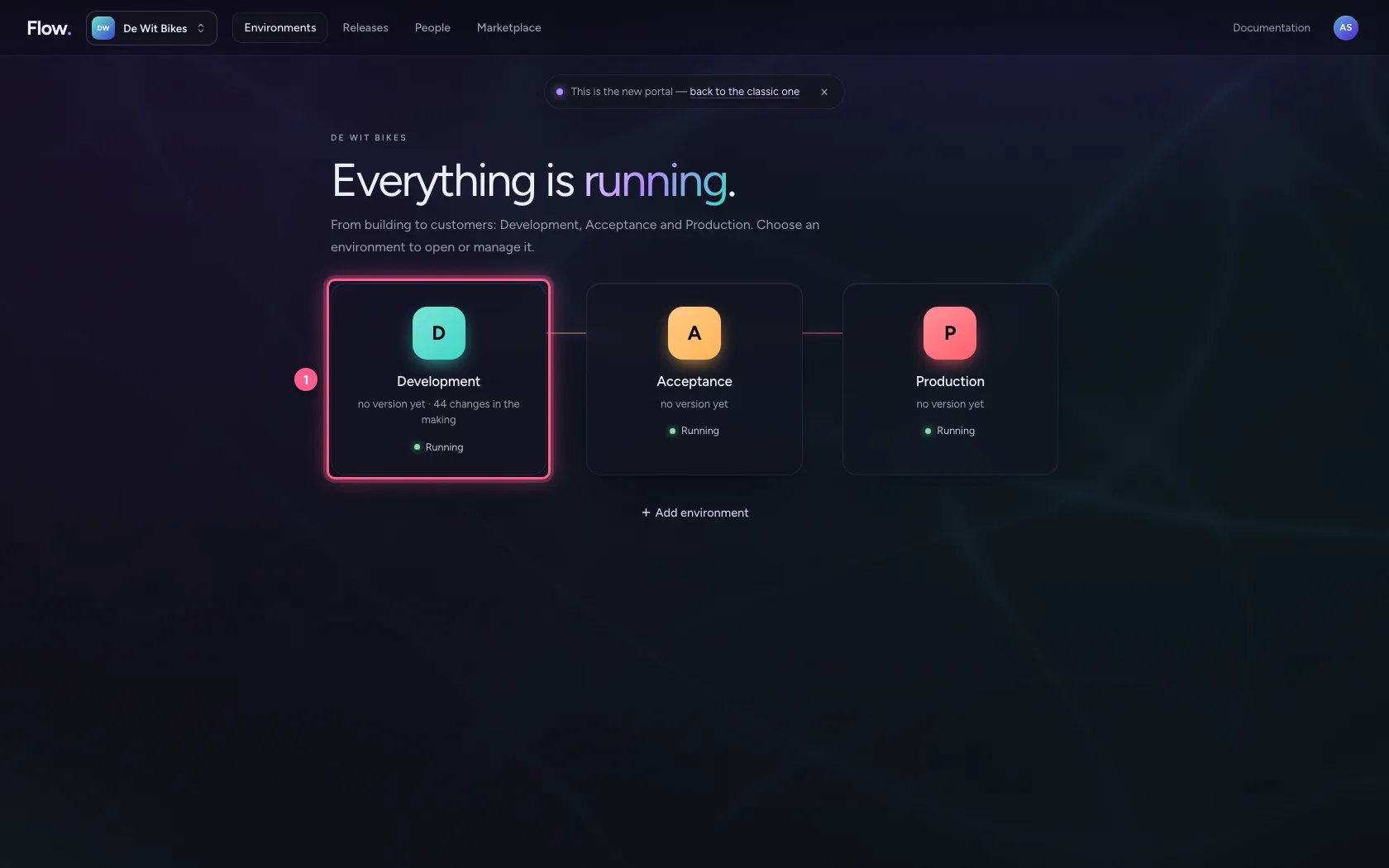
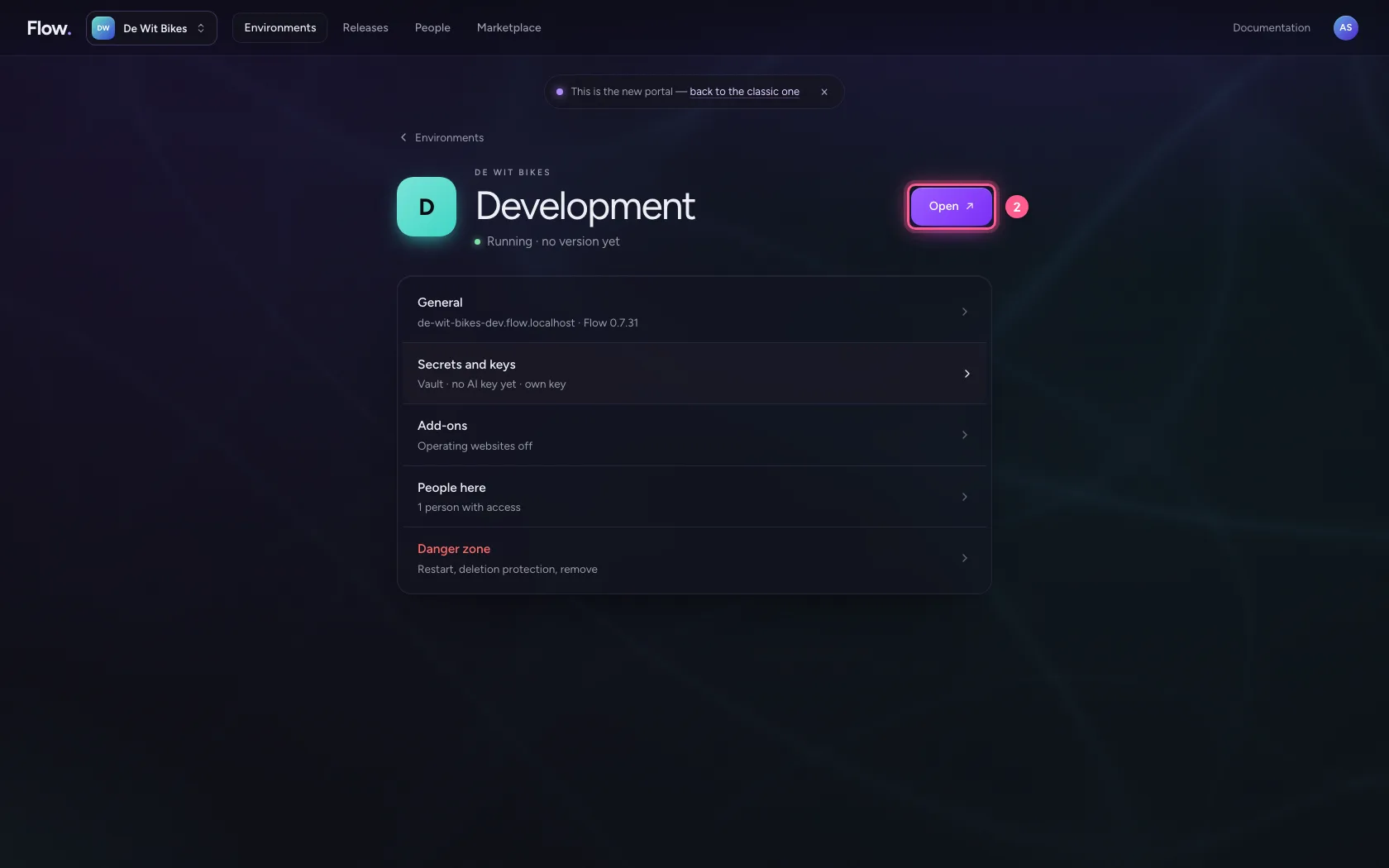
In the portal, under Environments, click Development, and there Open. Flow opens in a new tab and you are signed in straight away.
- Click Development
- Click Open ↗
Give the agent the knowledge base
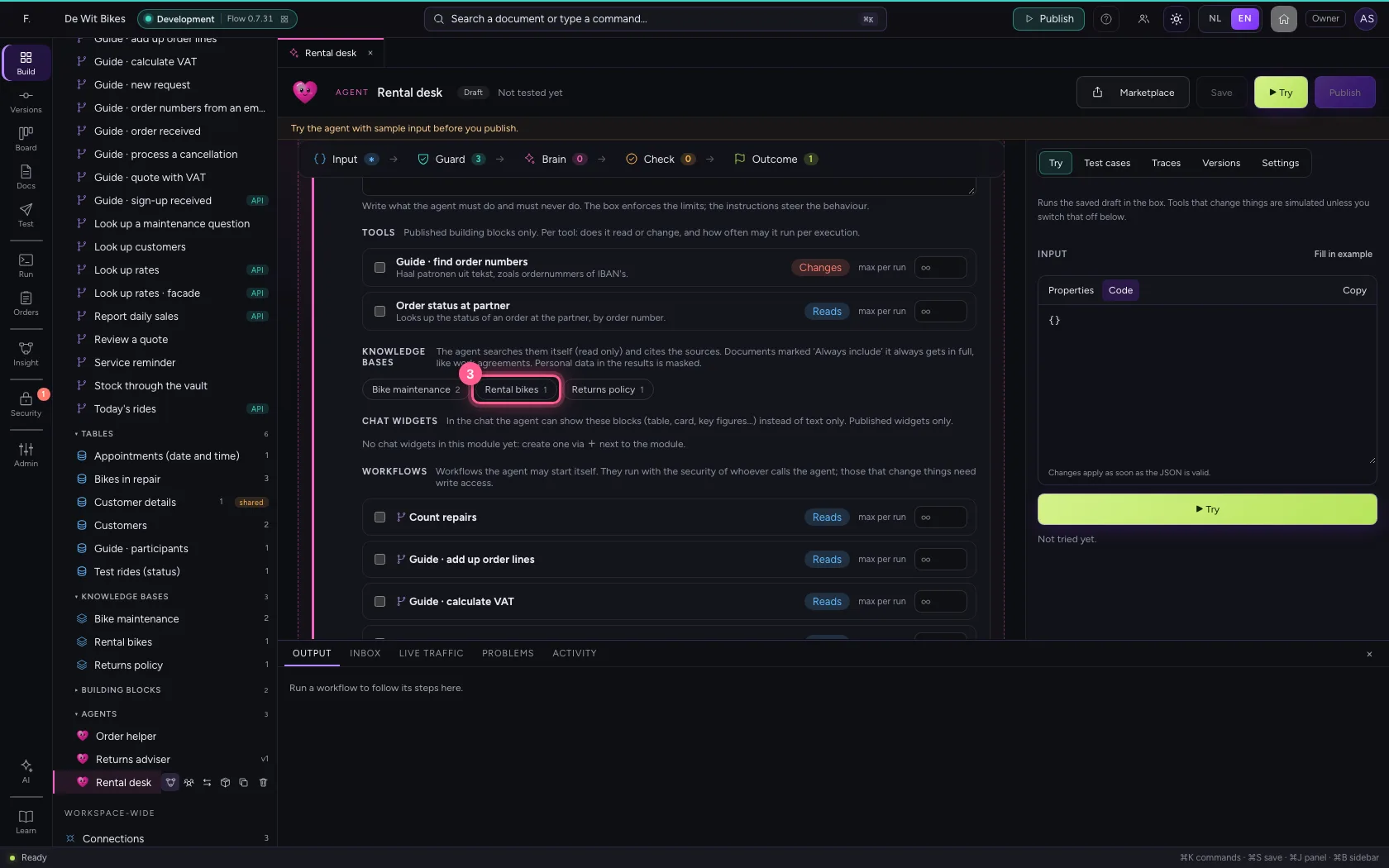
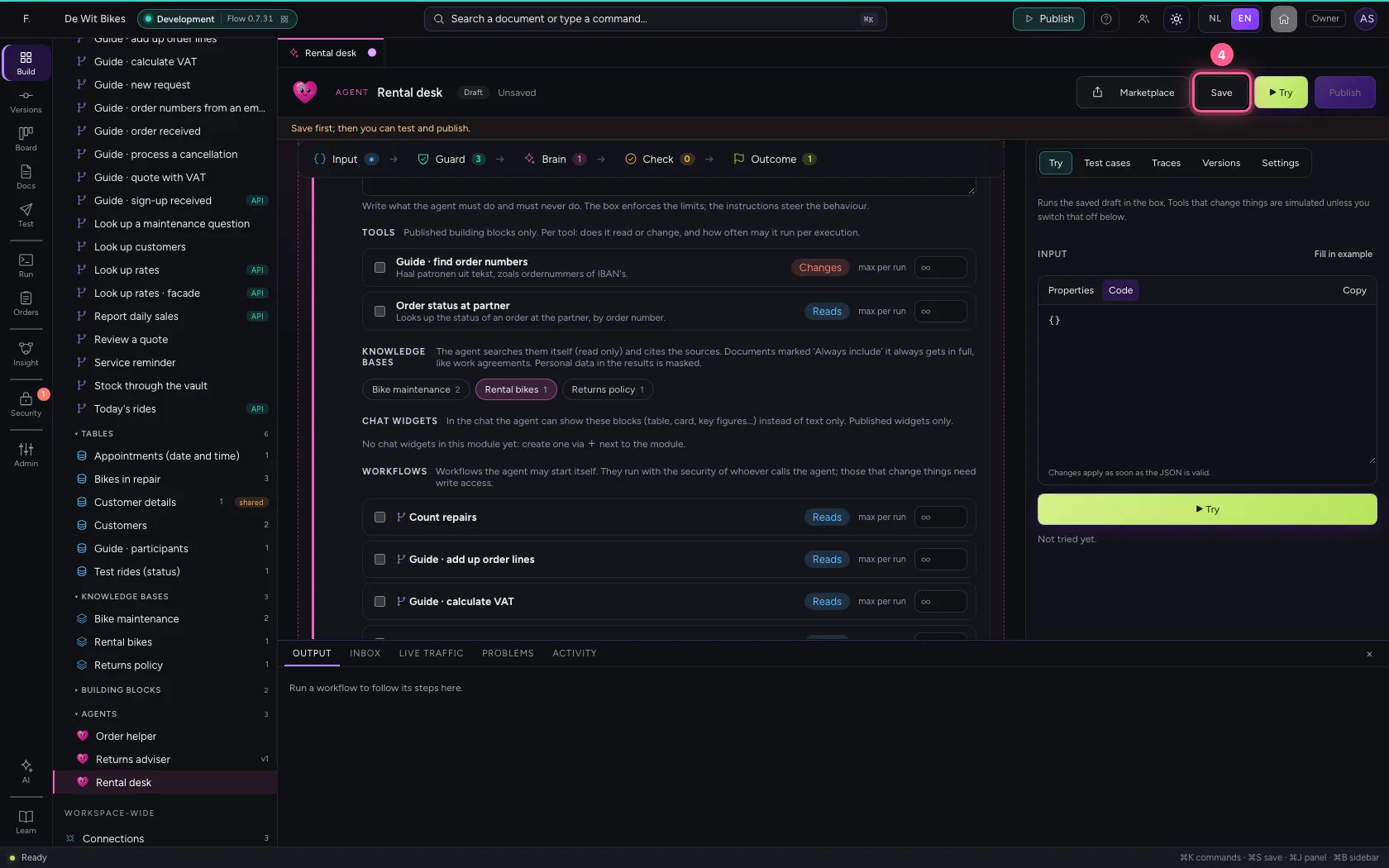
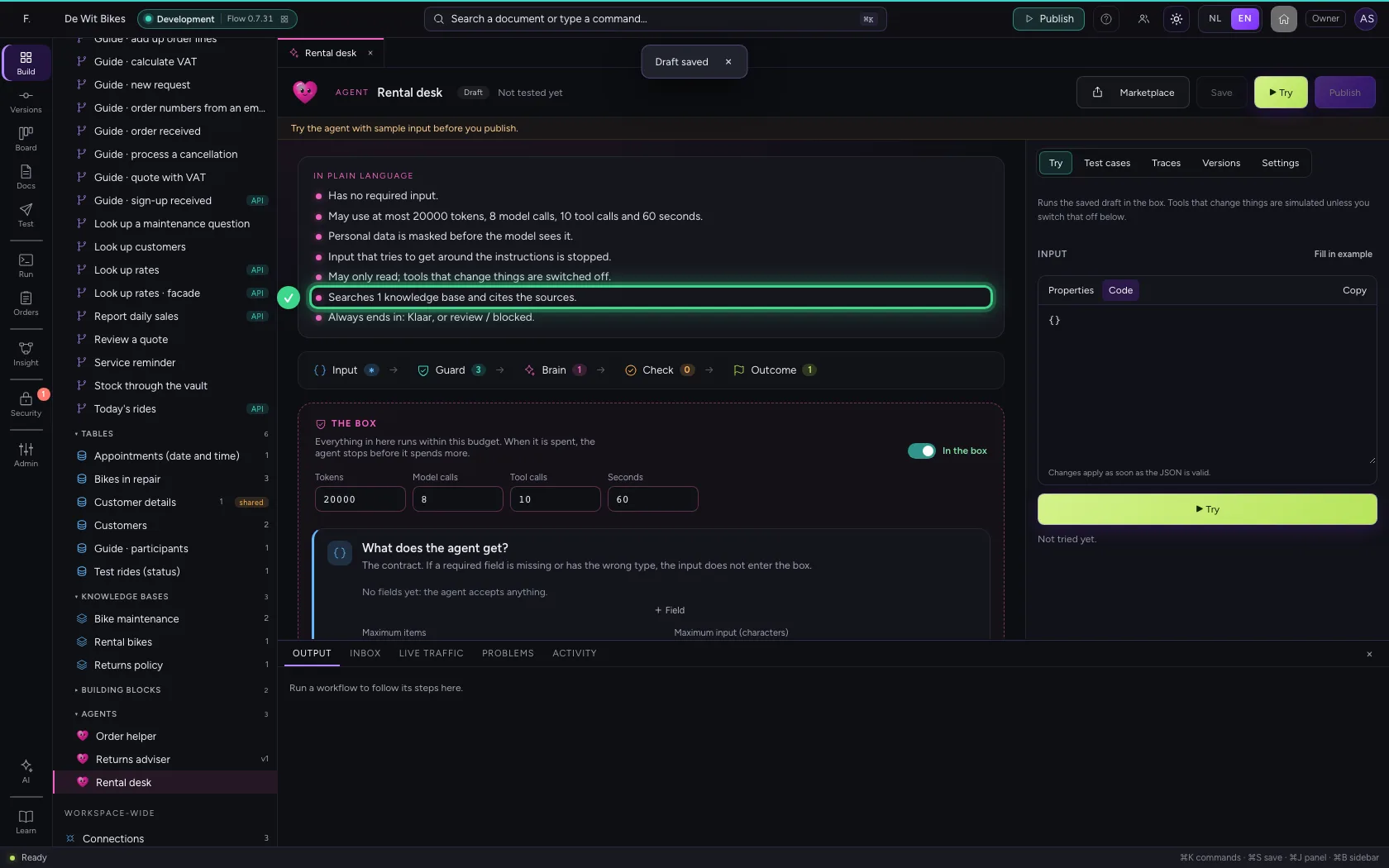
Open the agent. Under Brain → Knowledge bases, click the knowledge base; the number is its number of documents. The knowledge base's description tells the agent when to search it. Save: the top then says in plain language that the agent searches it and cites the sources.
- Click Agents
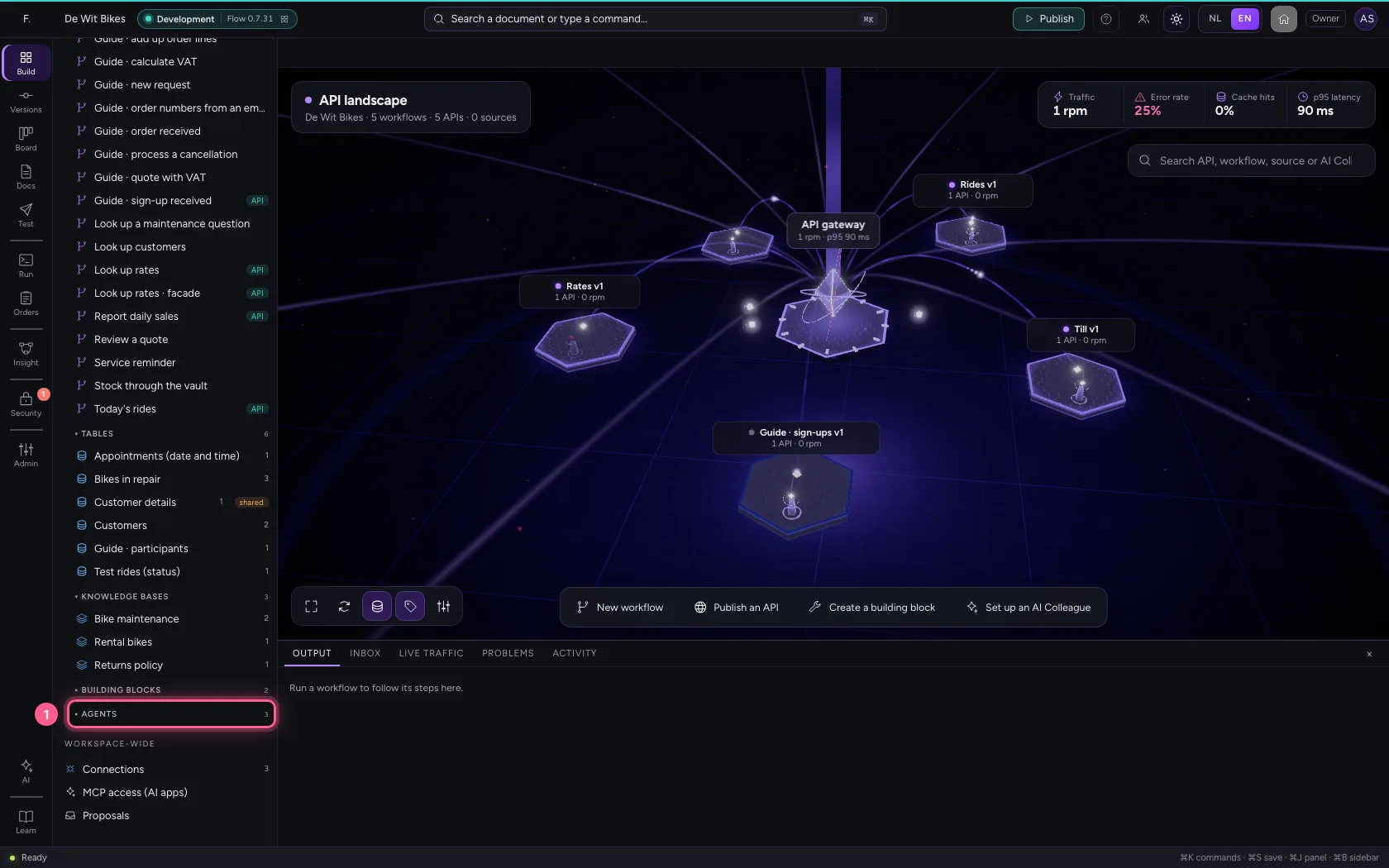
- Click the agent ‘Rental desk’
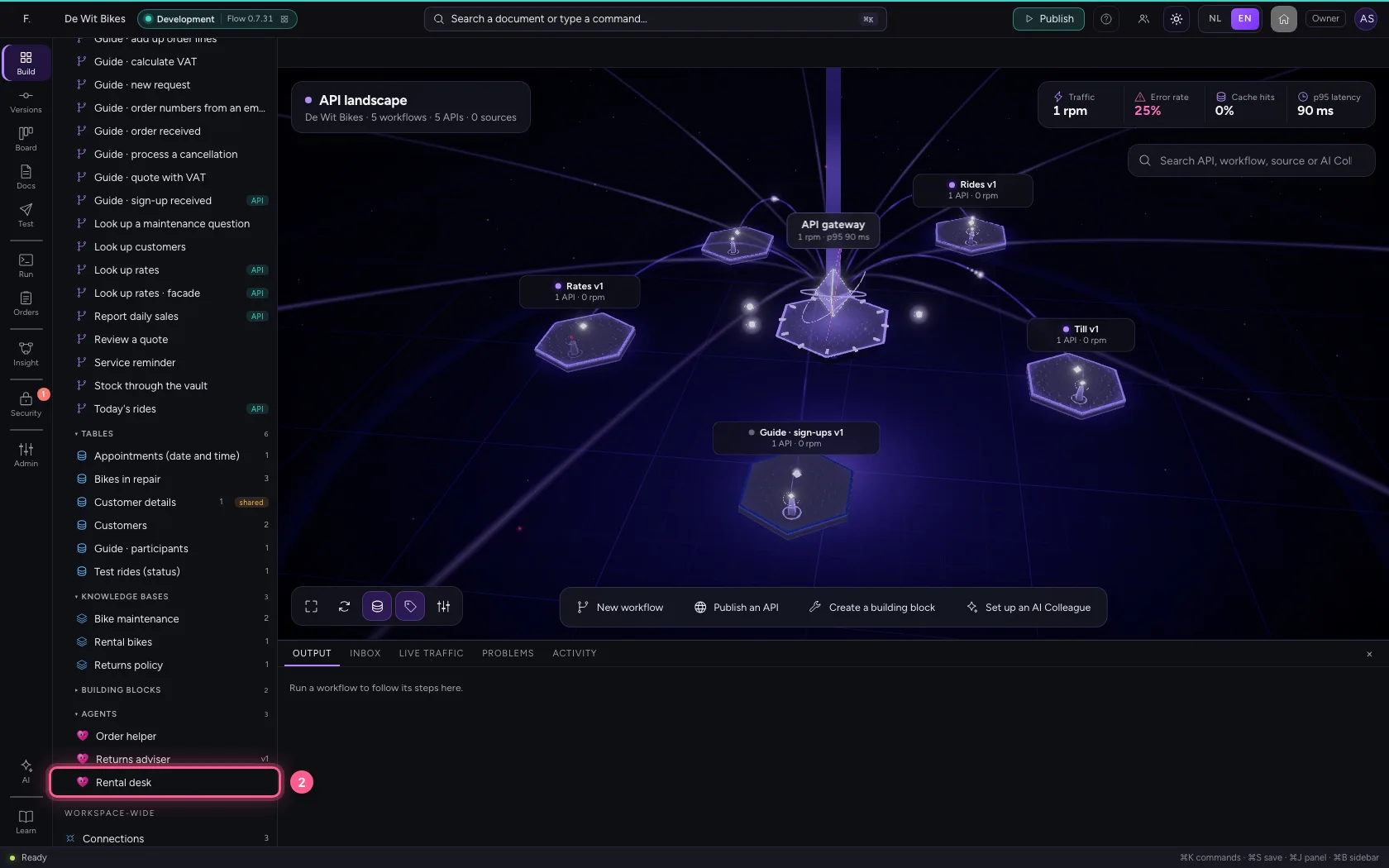
- Click Rental bikes
- Click Save
Try it with a question
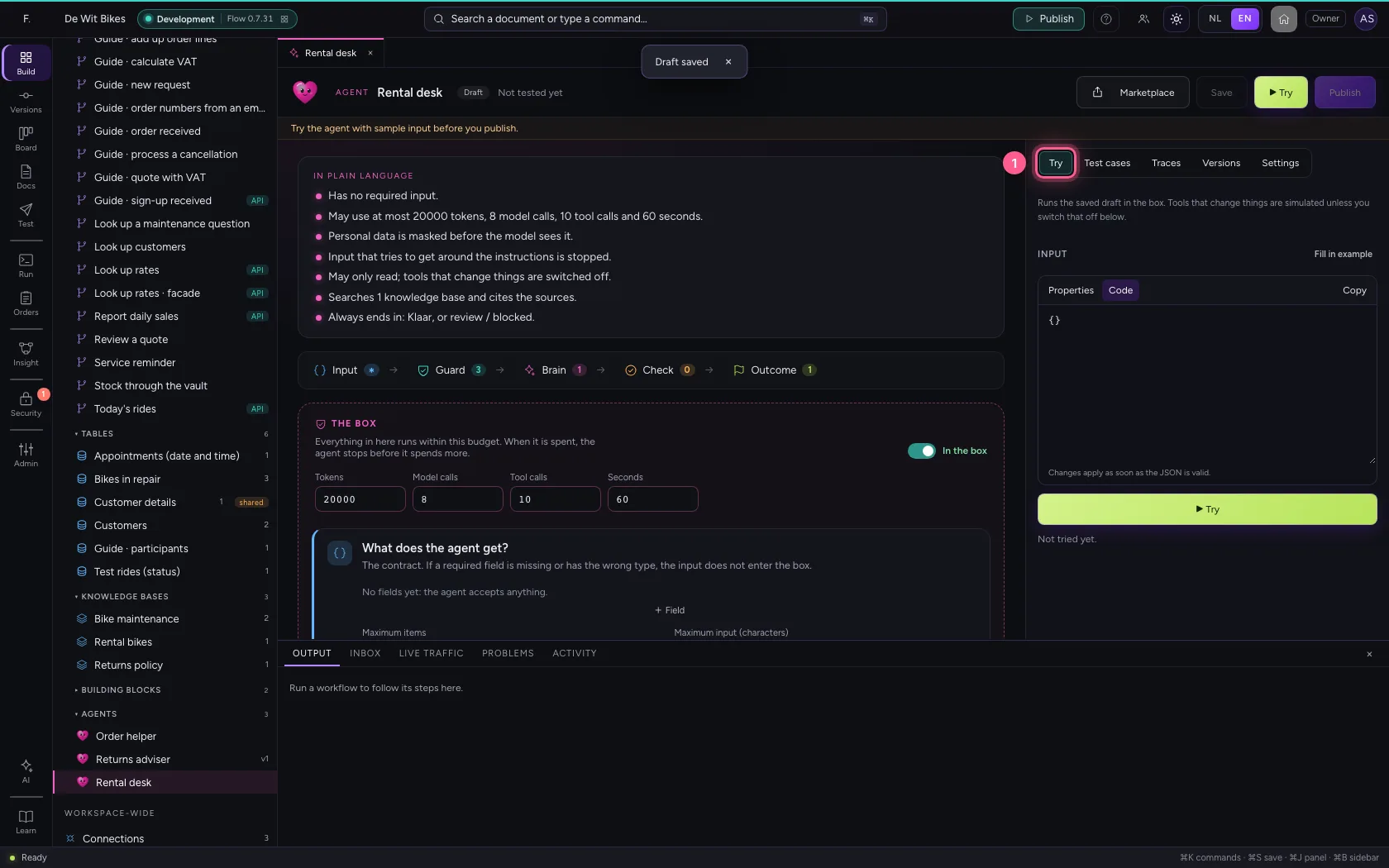
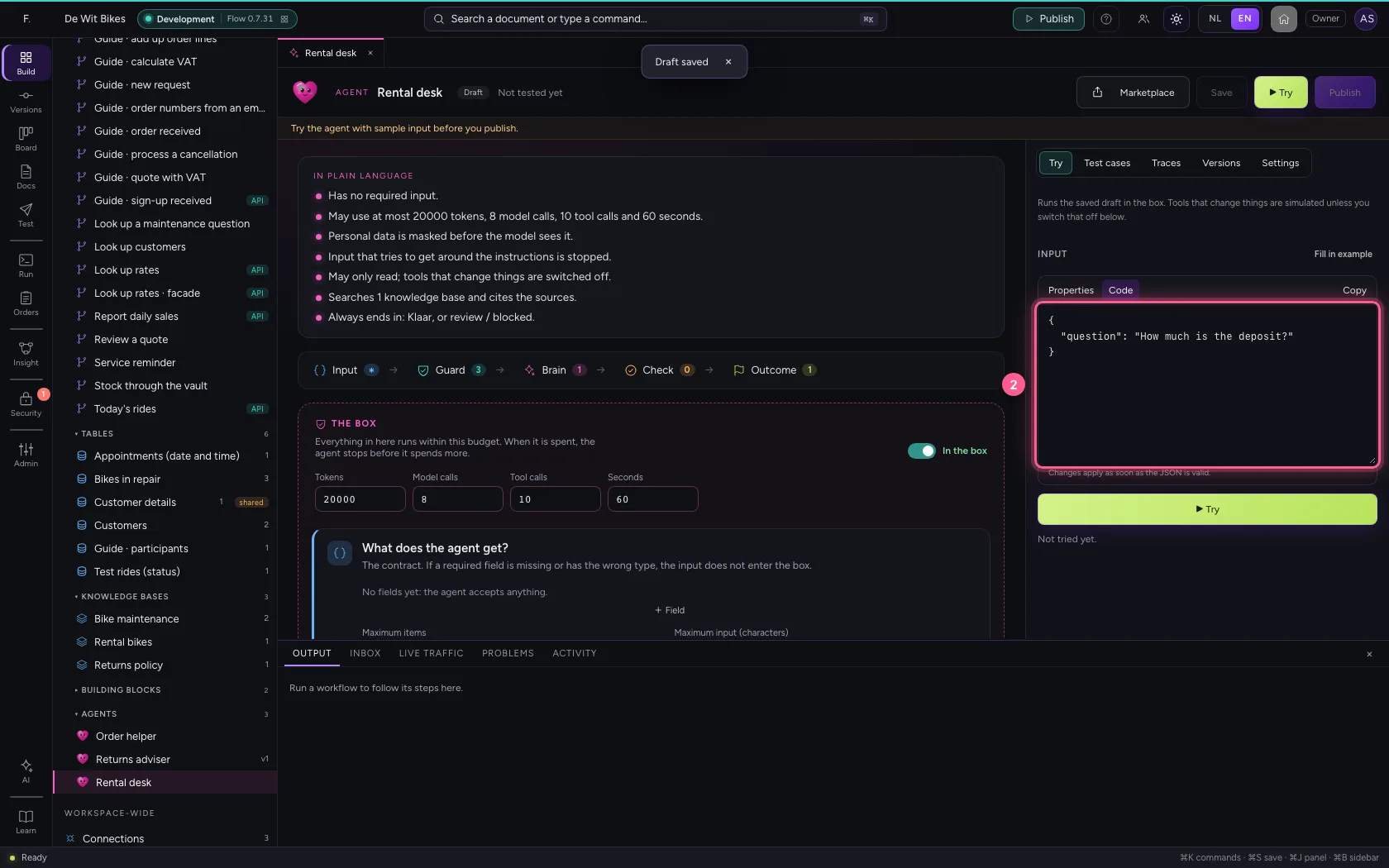
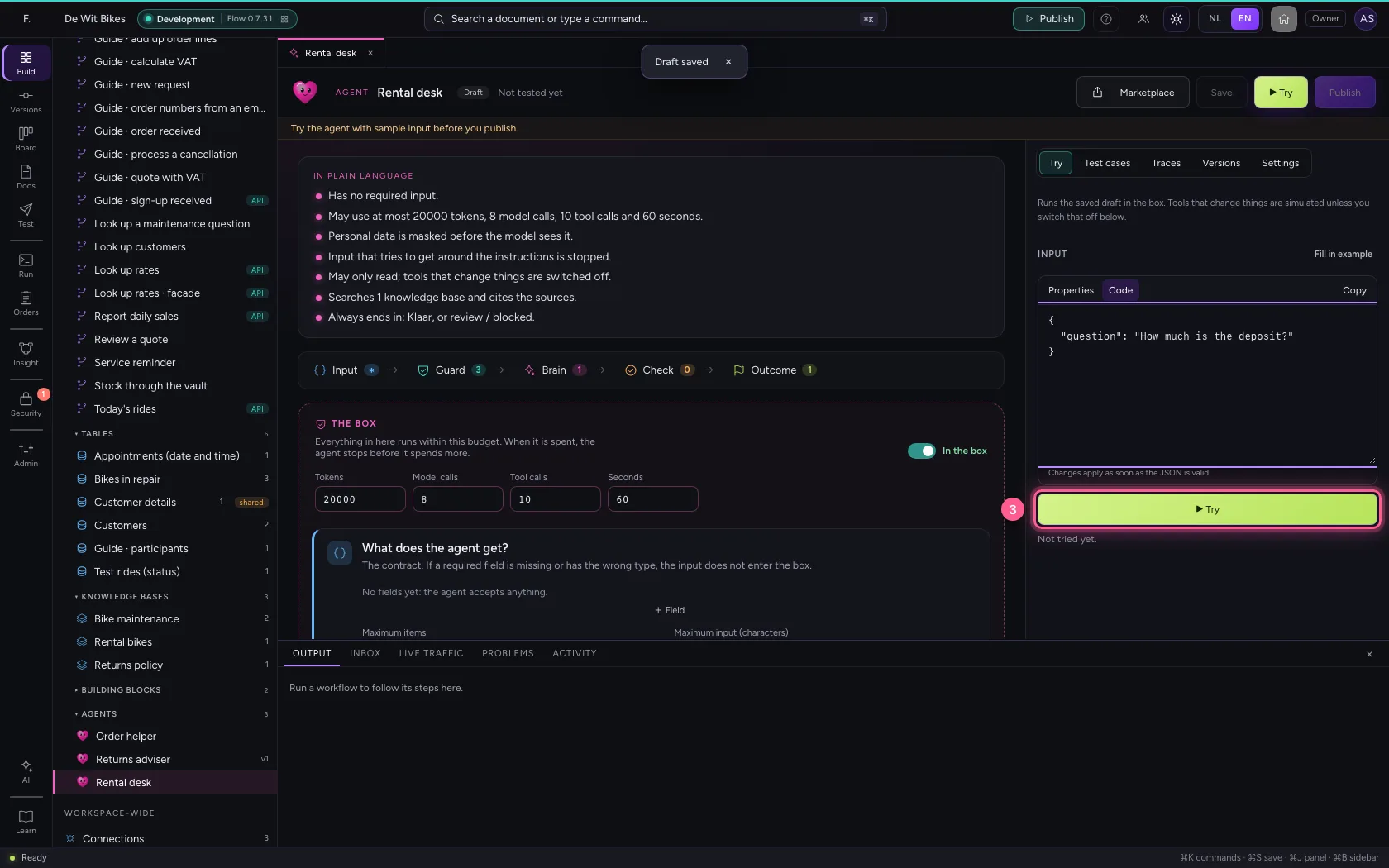
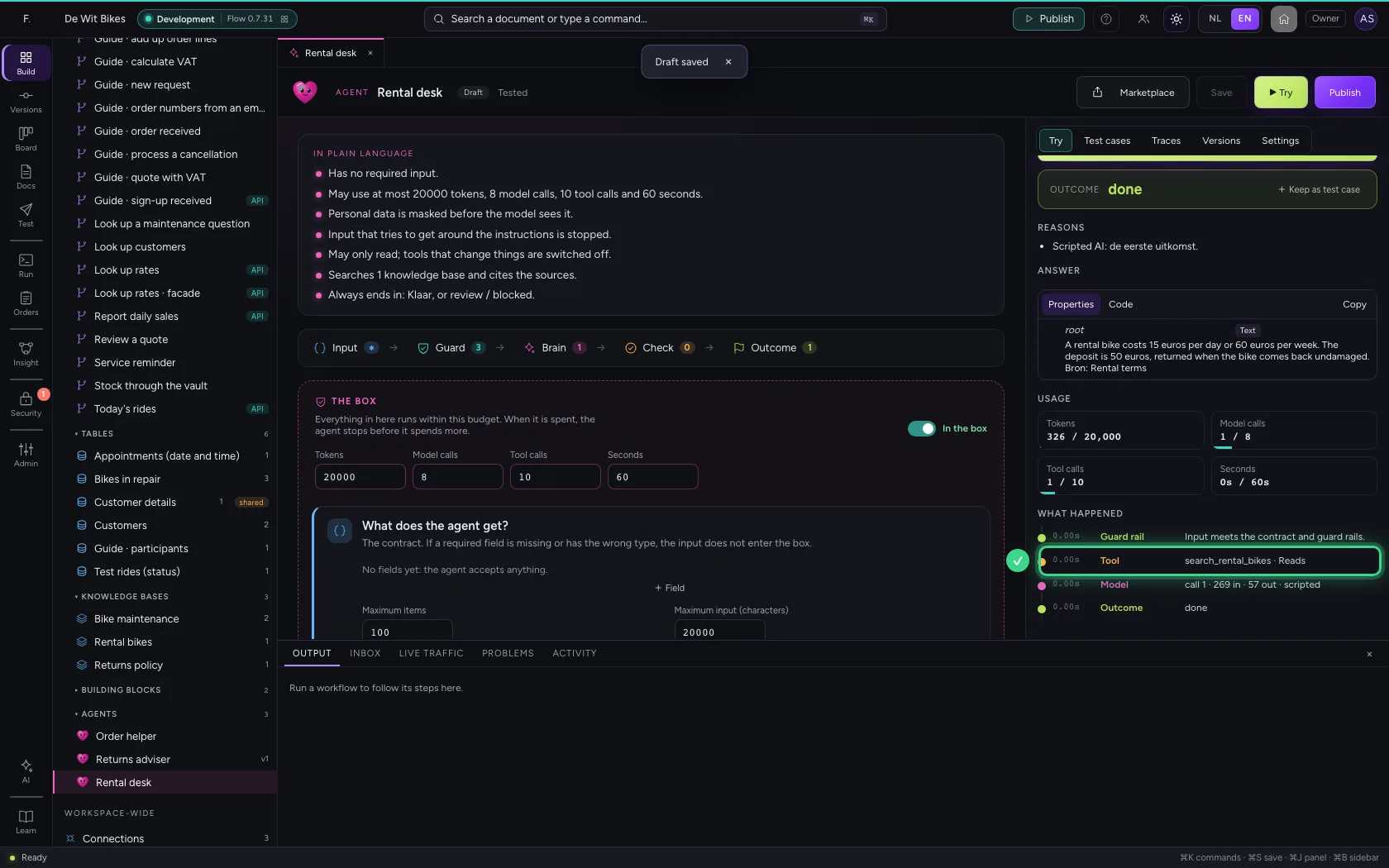
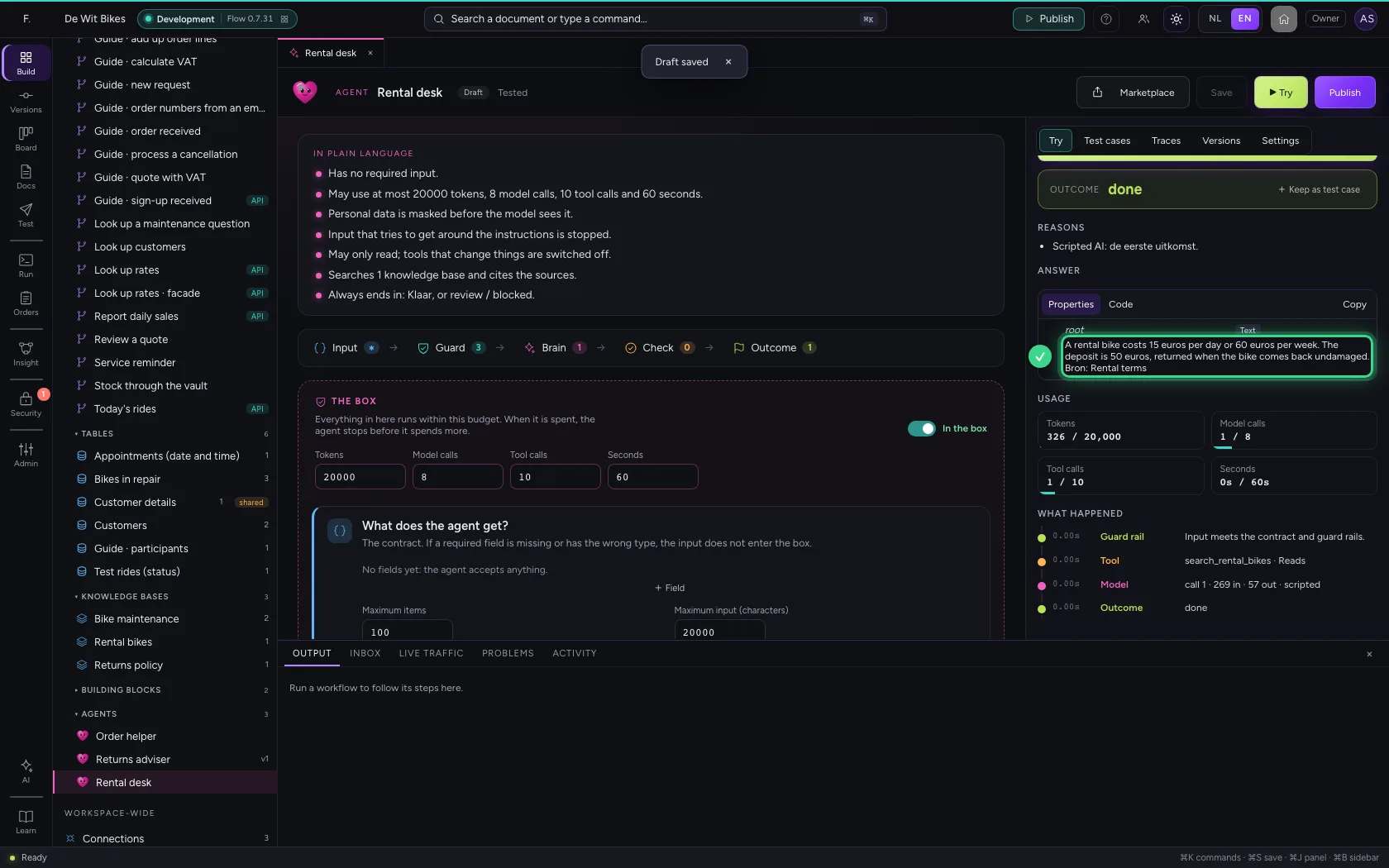
Under Try, ask a question and click ▶ Try. Under What happened you see the search in the knowledge base as a tool, marked Reads; the answer comes from the document.
- Click Try
- In Input, type
{"question": "How much is the deposit?"}
- Click ▶ Try
This guide was carried out step by step on 22 Oct 2026 by an automated test on Flow (version 3e563176).