An AI Colleague builds an item
An item on the board that is ready can be built for you by an AI Colleague. With ‘Build this item’ the AI Architect gets the item as its assignment: title, description, acceptance criteria and what it belongs to. It first proposes a plan, part by part; only when a person approves the plan does it build, with your rights and only in the development environment. You follow every step in the item, every built part becomes a version linked to the item, and when it is done the item moves to Review with a report. Approving is always done by a person who did not work on it. An AI app can also put an AI Colleague to work over MCP and follow it.
Open your development environment
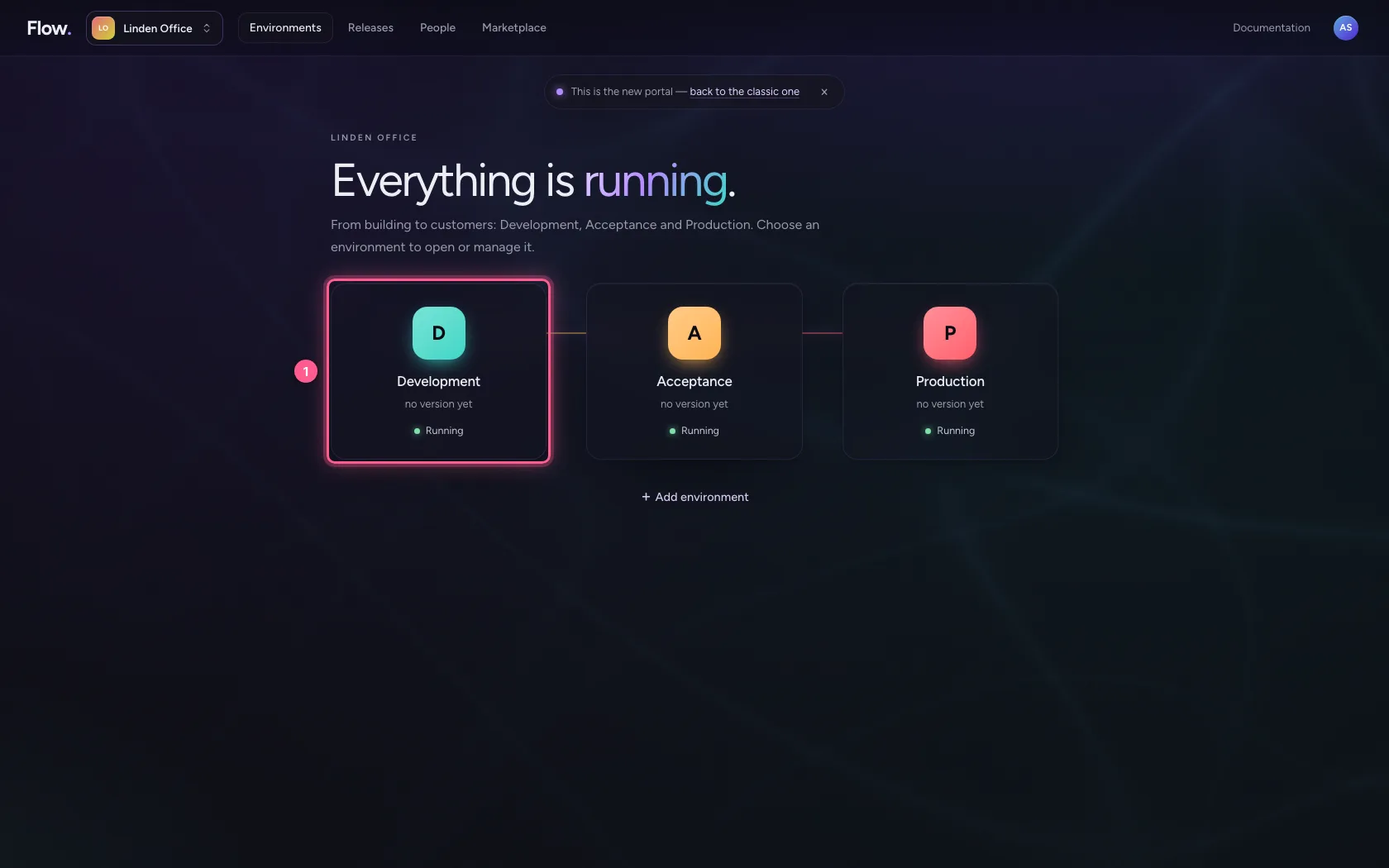
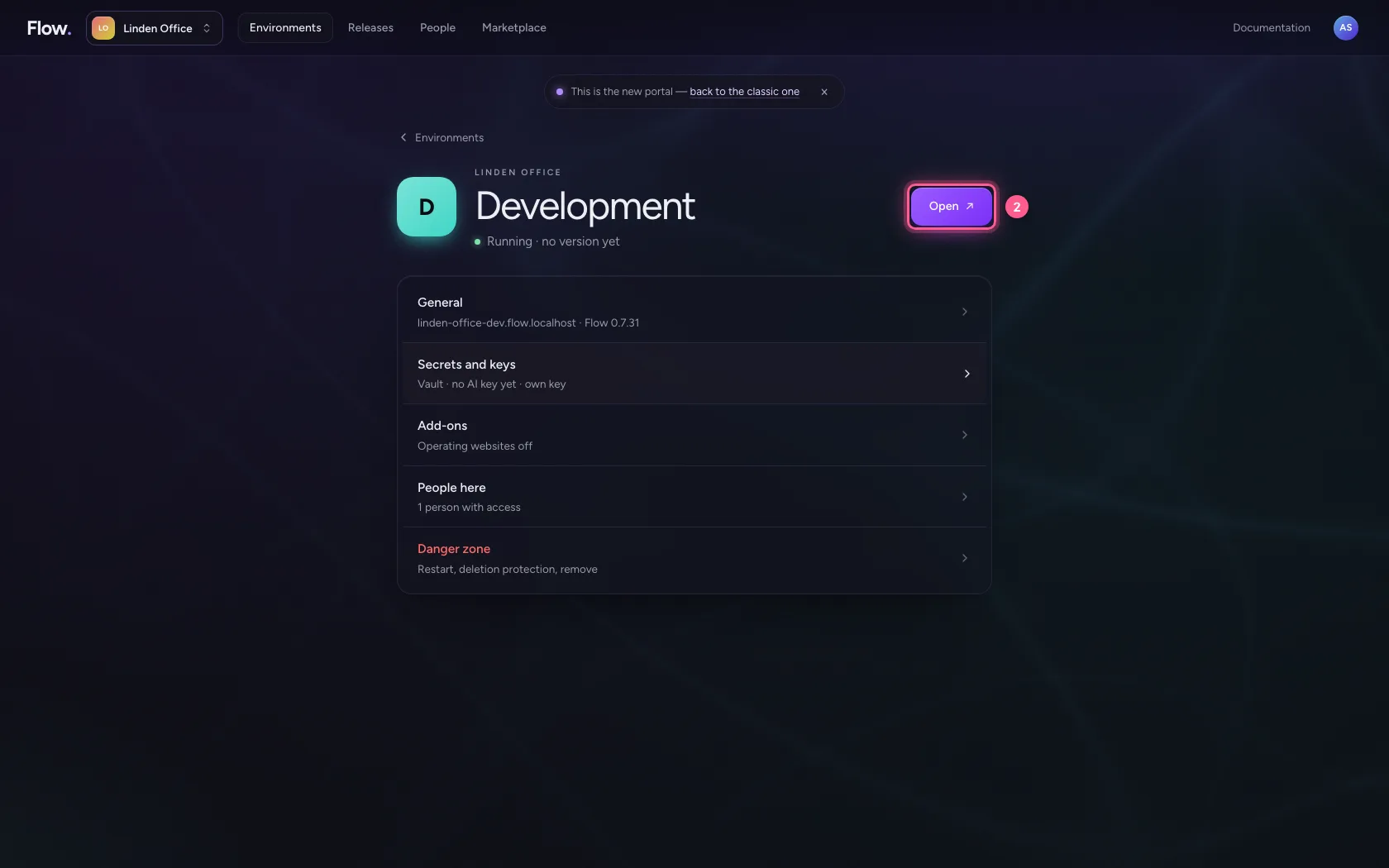
In the portal, under Environments, click Development, and there Open. Flow opens in a new tab and you are signed in straight away.
- Click Development
- Click Open ↗
An item that is ready
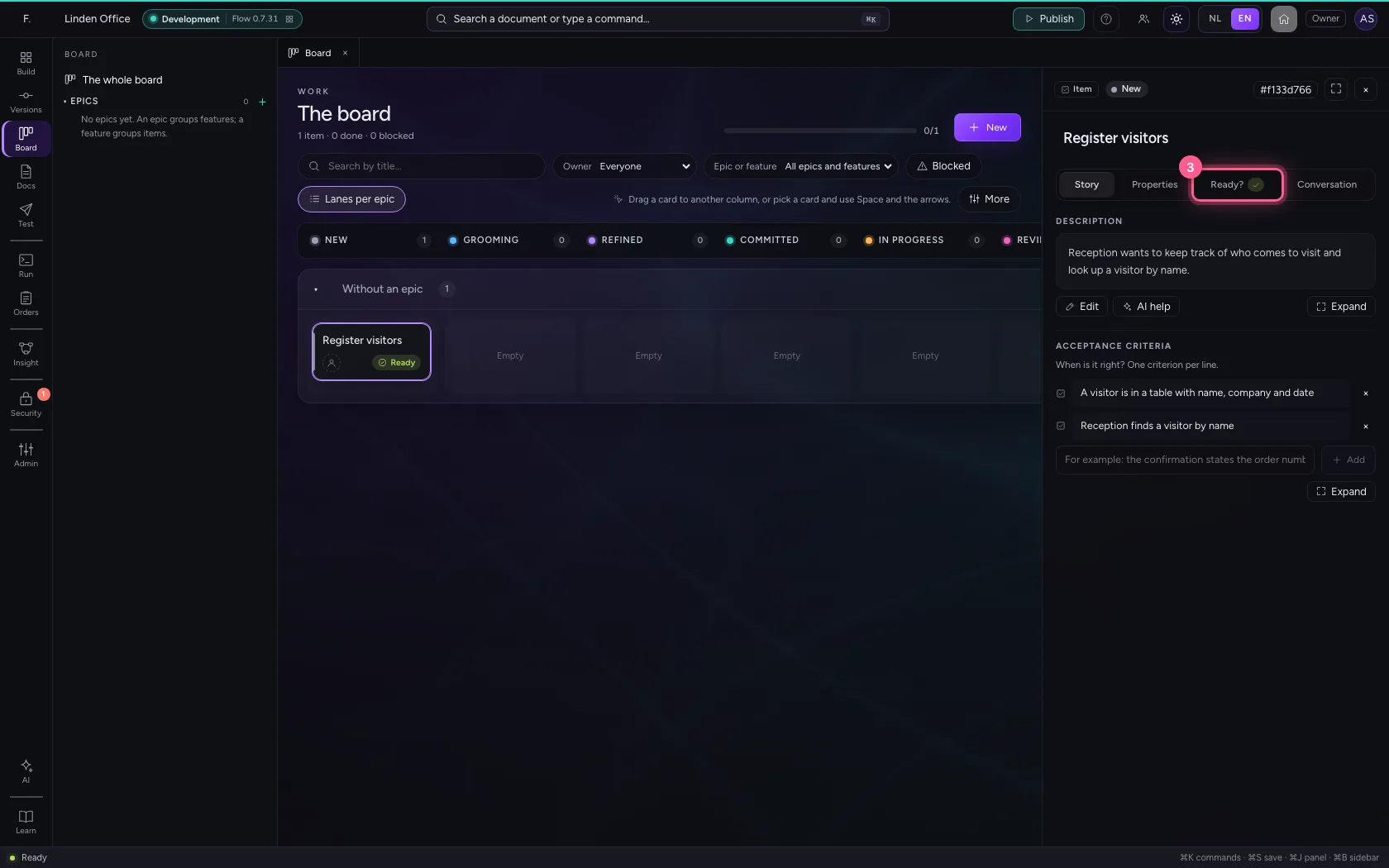
Open the board and click the item. On the tab Ready? the inspector shows Let an AI Colleague build this. The item has a title, a description and acceptance criteria: the Ready checks pass, so the button Build this item is available. If an item is not ready yet, you see here which checks are missing, with a button that takes you straight there.
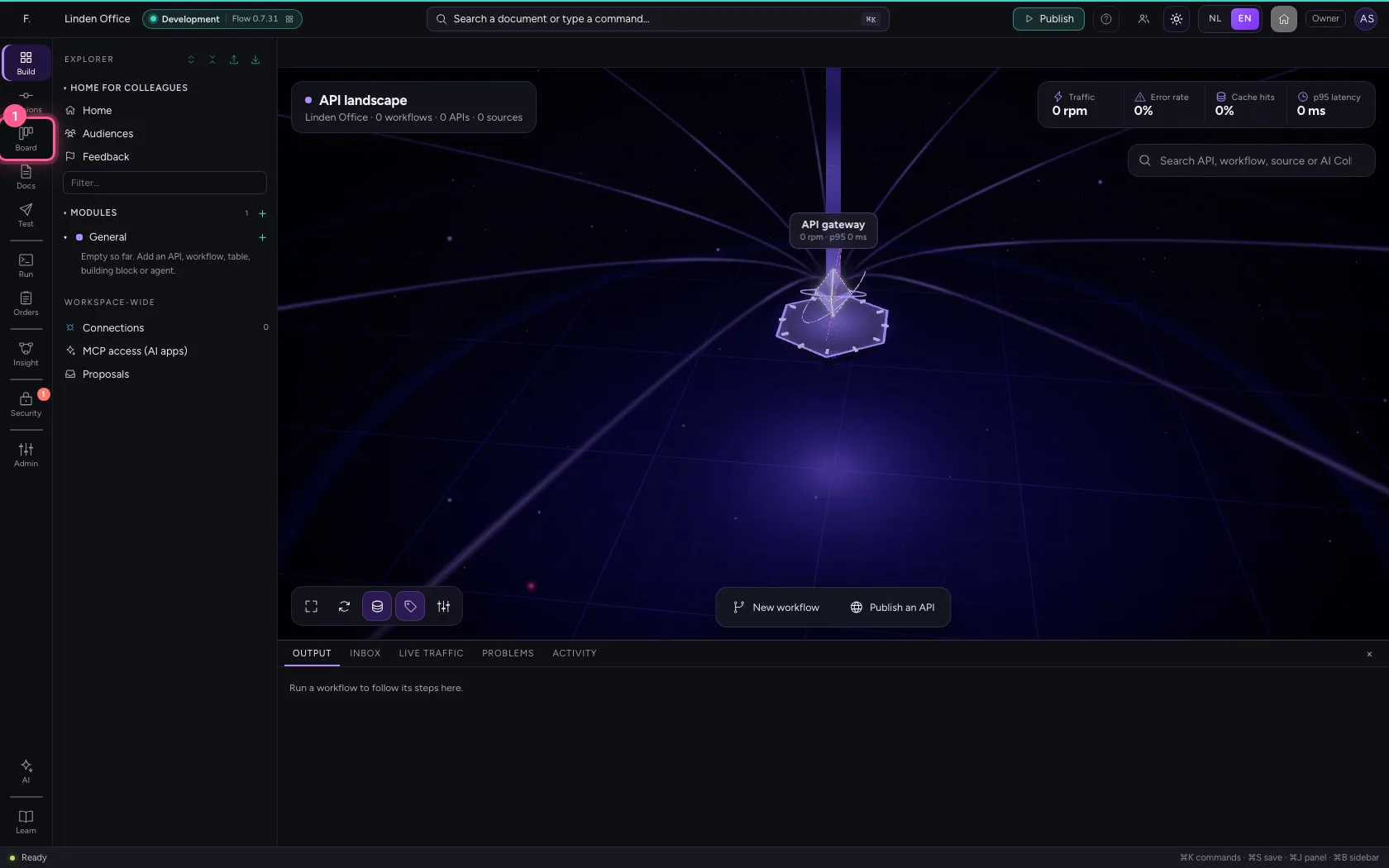
- Click Board
- Click Register visitors

- Click Ready?
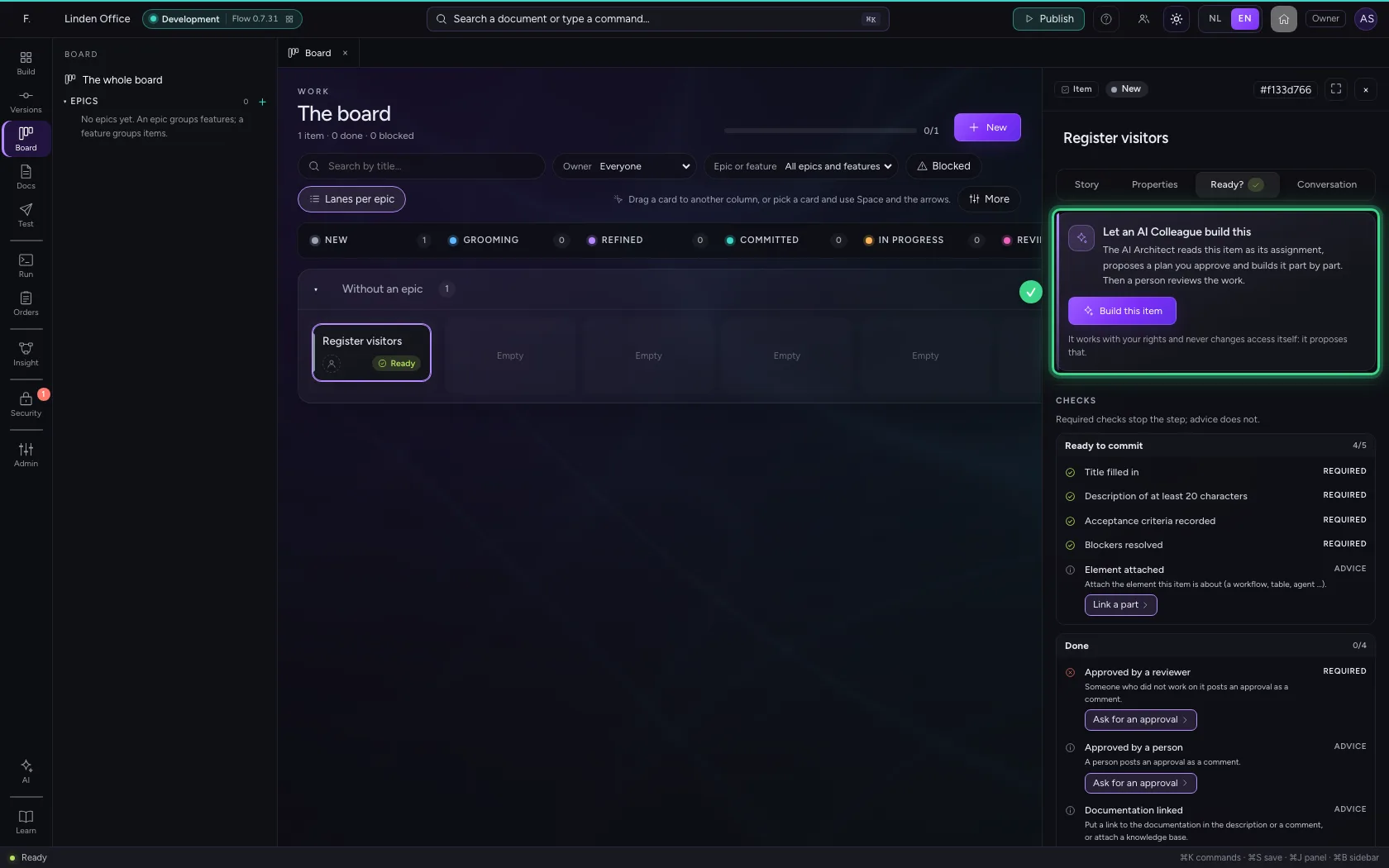
Build this item
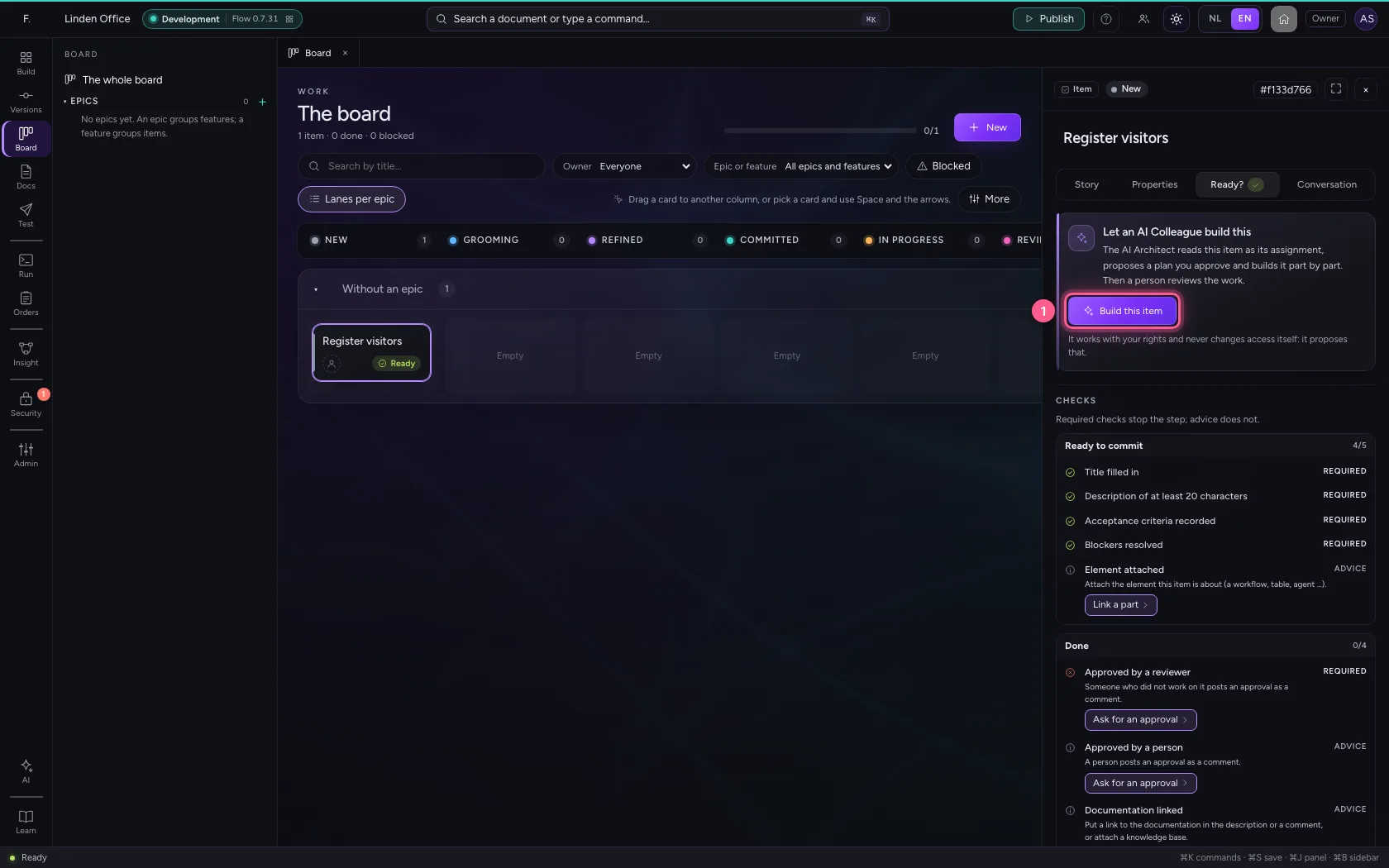
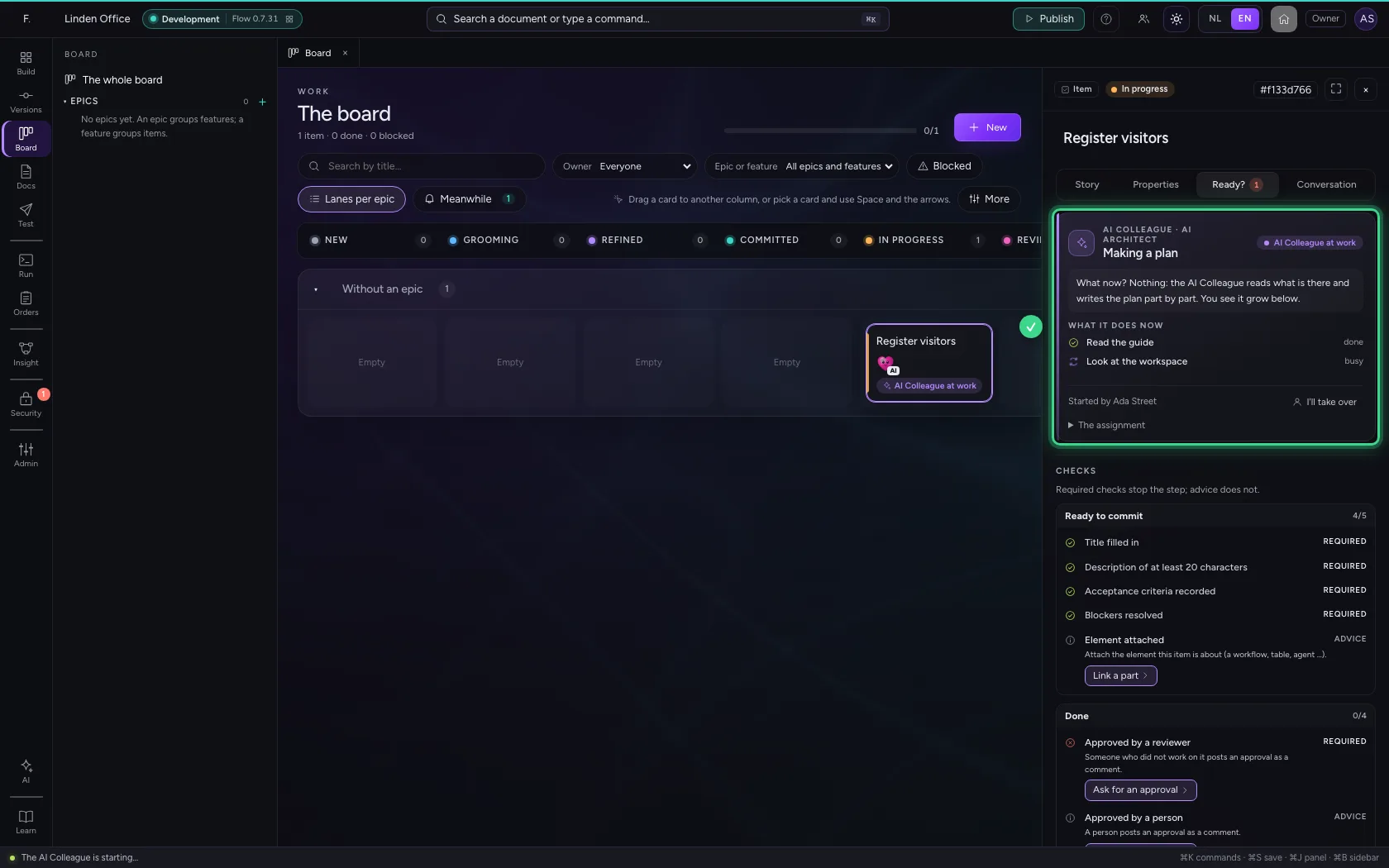
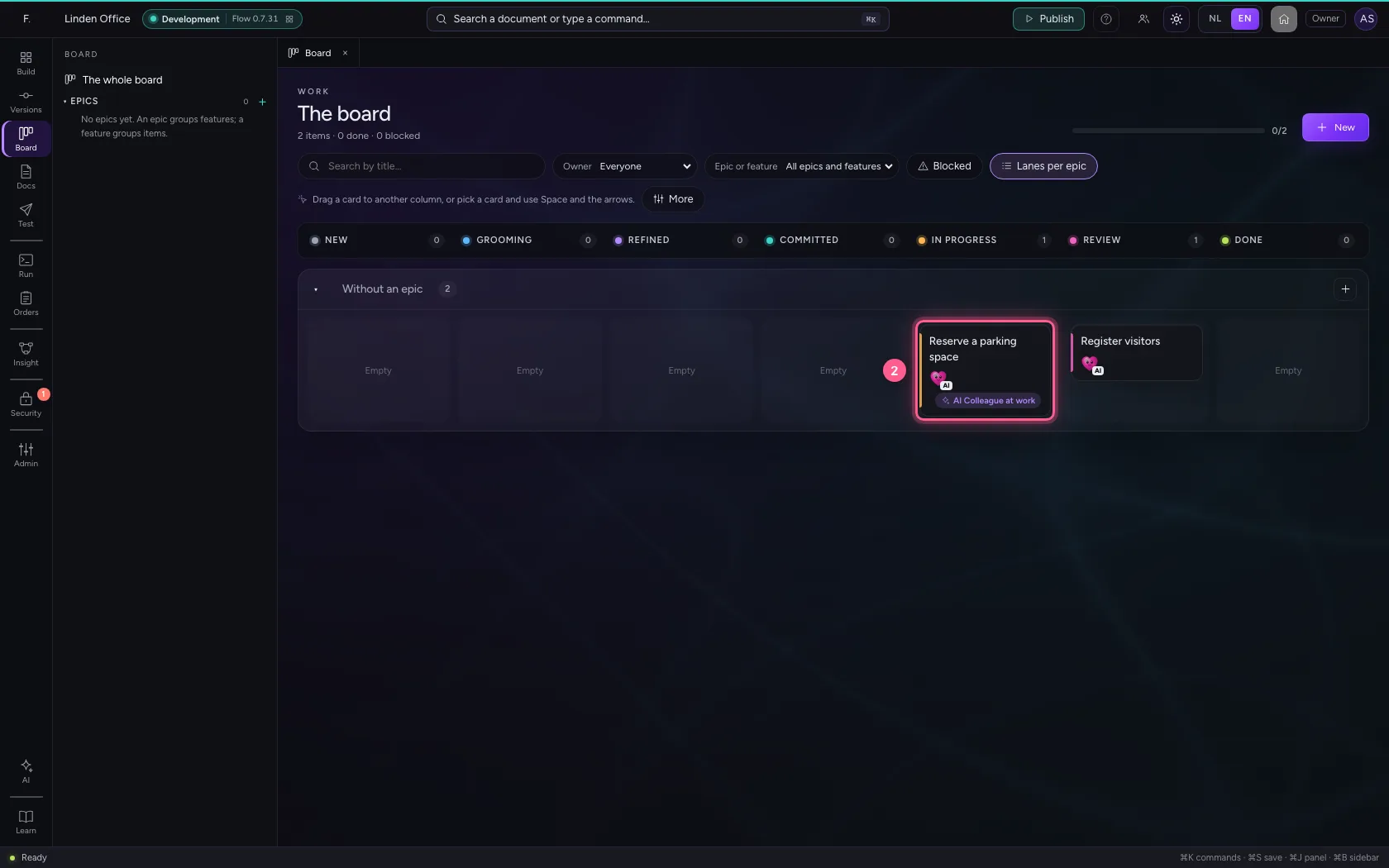
Click Build this item. The AI Architect becomes the owner and the item moves to In progress, in your name. It first reads Flow's guide and your workspace, then writes the plan, part by part. You see every step arrive; on the board the card says AI Colleague at work. In this phase it changes nothing.
- Click Build this item
Read the plan and approve it
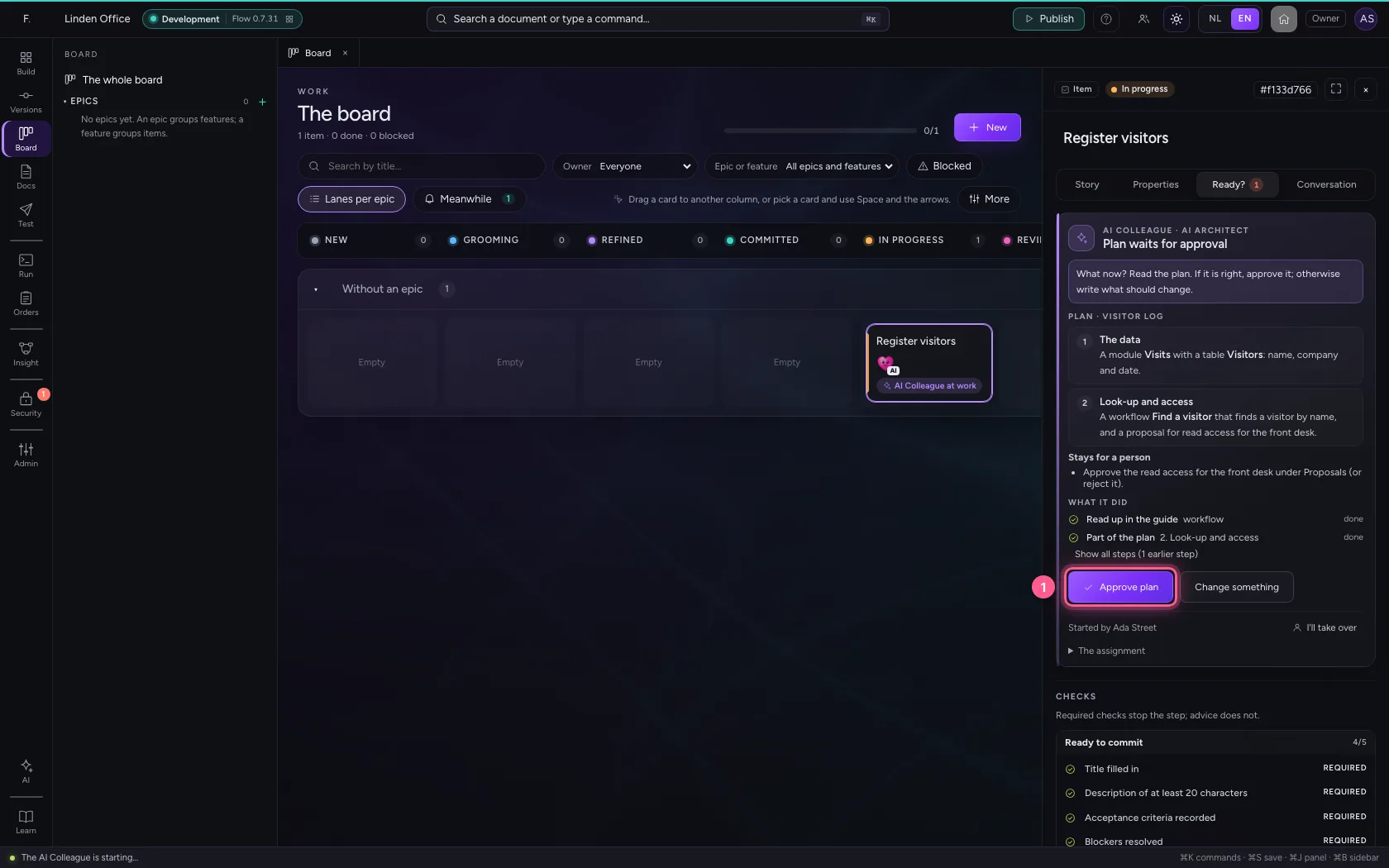
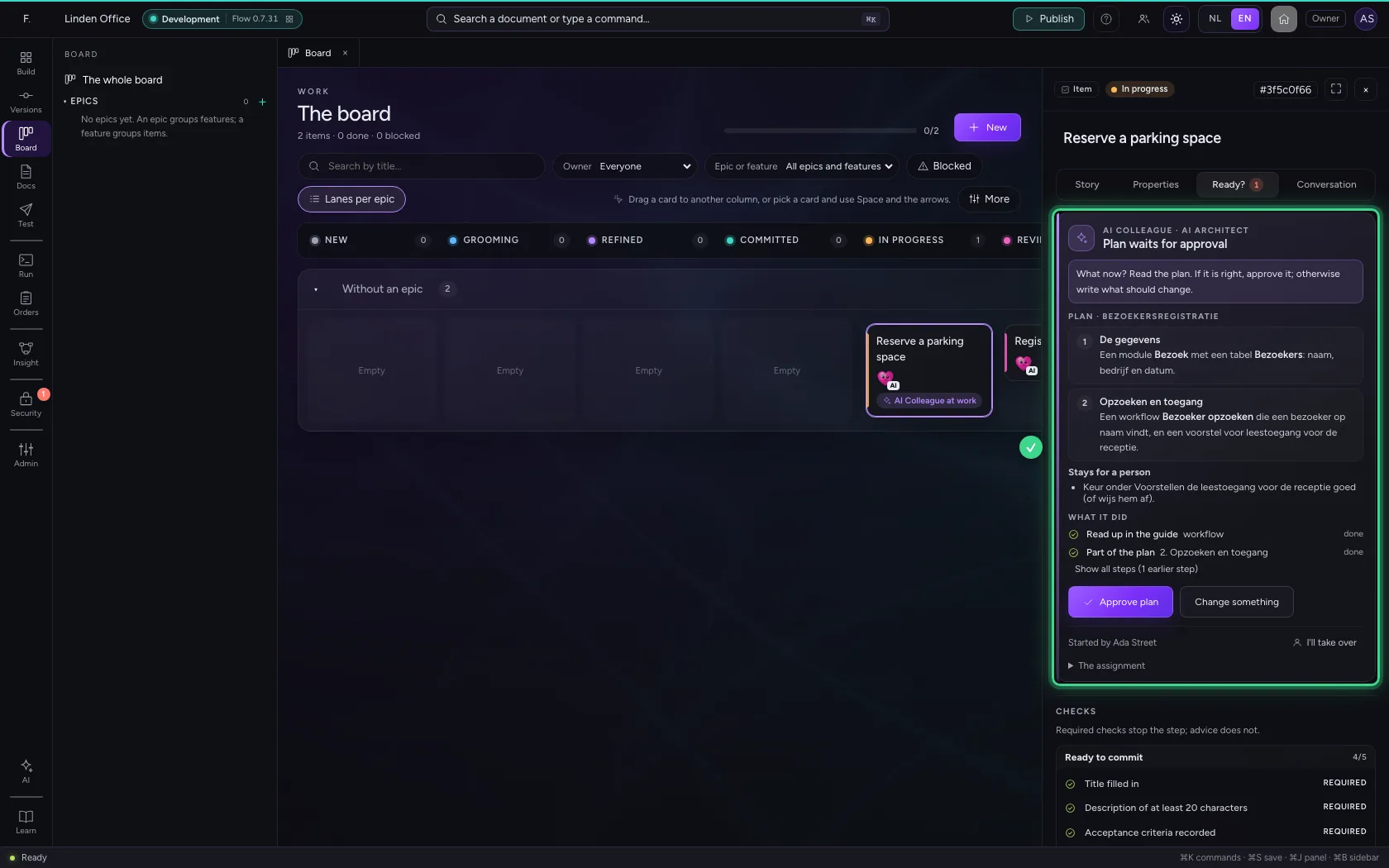
When the plan is complete, the AI Colleague waits for a person. Read the parts: what it will make and in which order, and what stays for a person. If it is right, click Approve plan; otherwise choose Change something and write what should change. Under More on the board an owner or administrator switches this approval on or off.
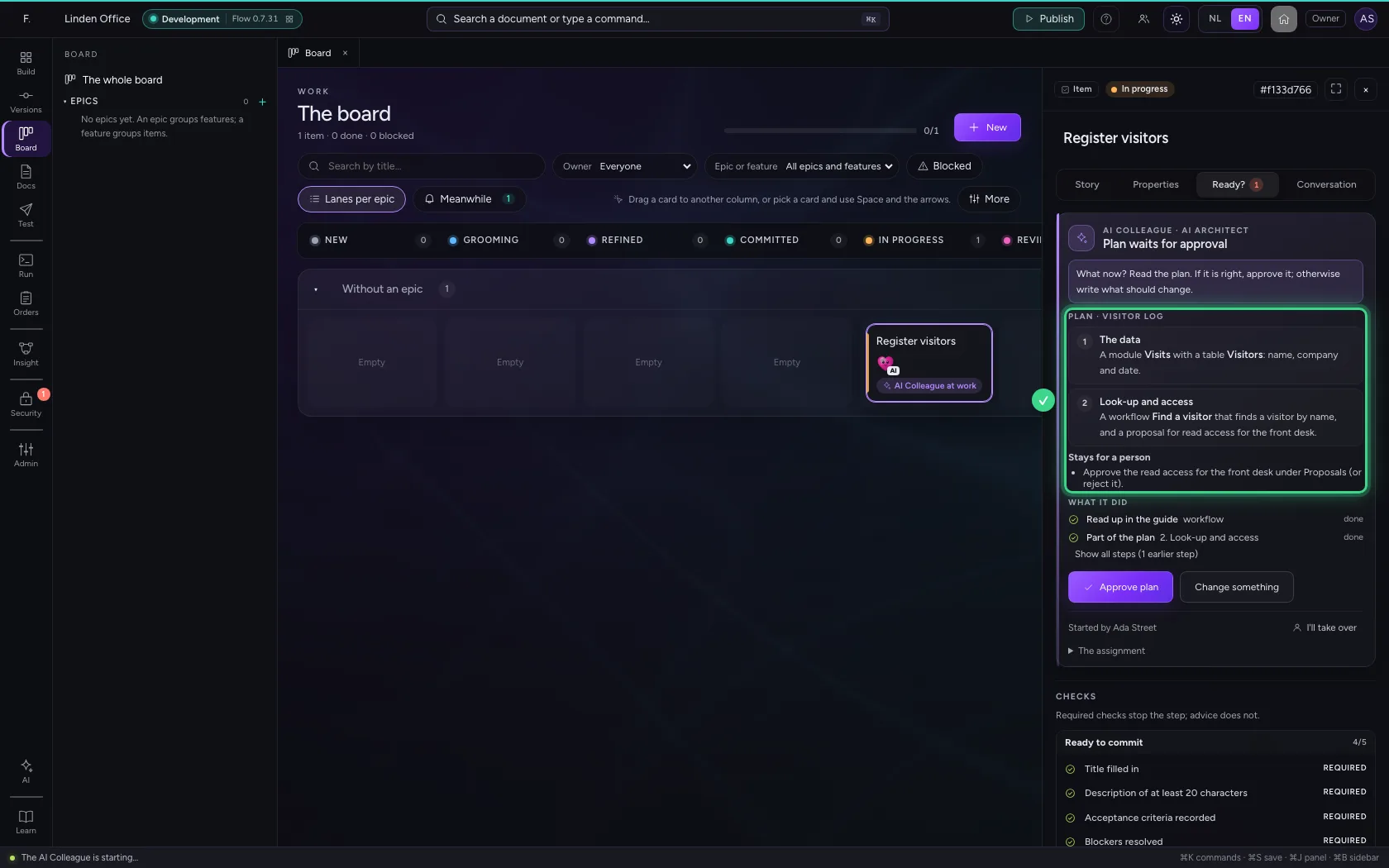
- Click Approve plan
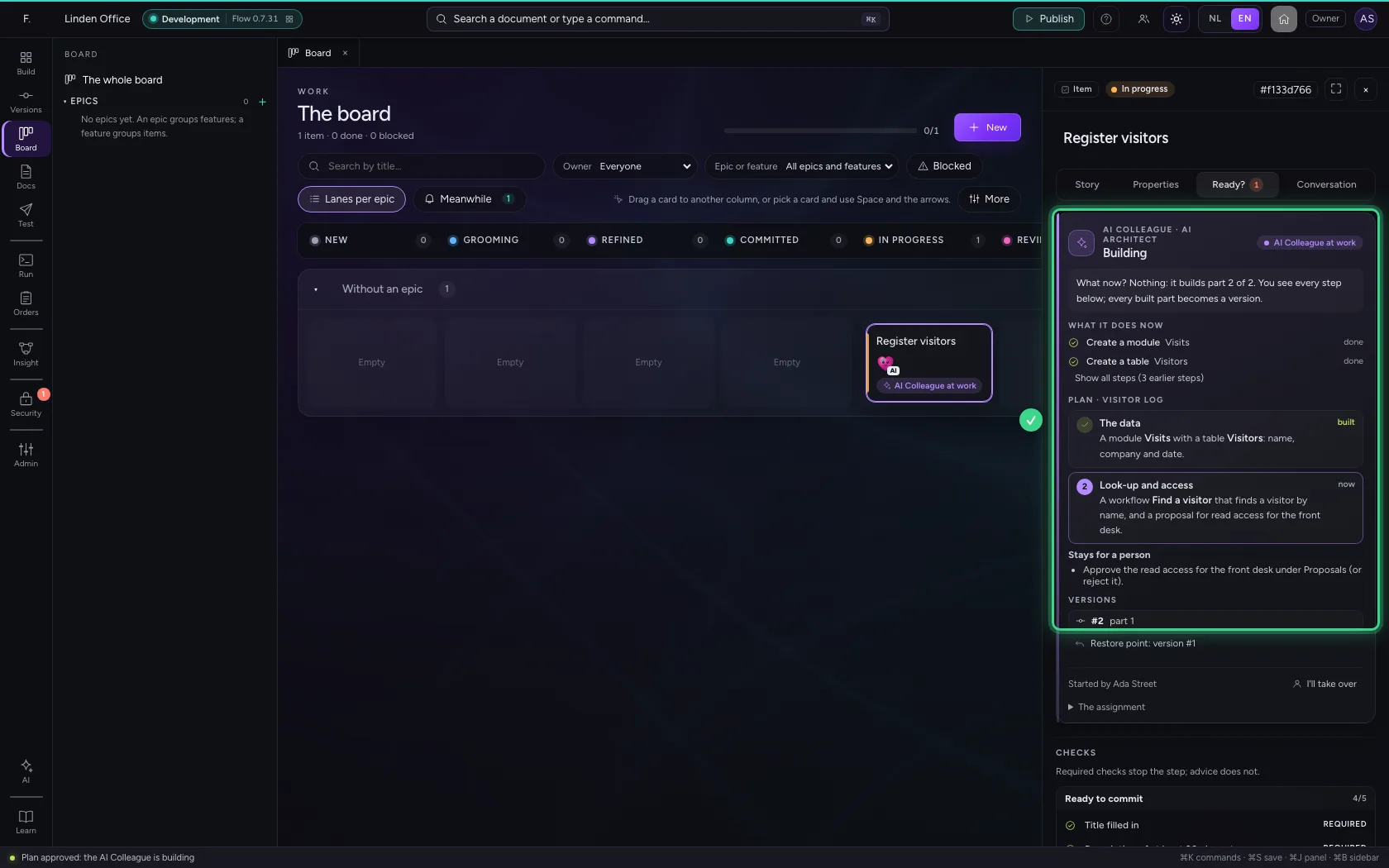
It builds, part by part
Before its first change Flow records a restore point: the version Before the AI Colleague: …. Then it builds every part with the same tools an AI app uses over MCP, and never with more rights than you. Flow checks every step; a mistake it fixes itself. If you want to finish it yourself, click I'll take over: it stops after its current step and you become the owner.
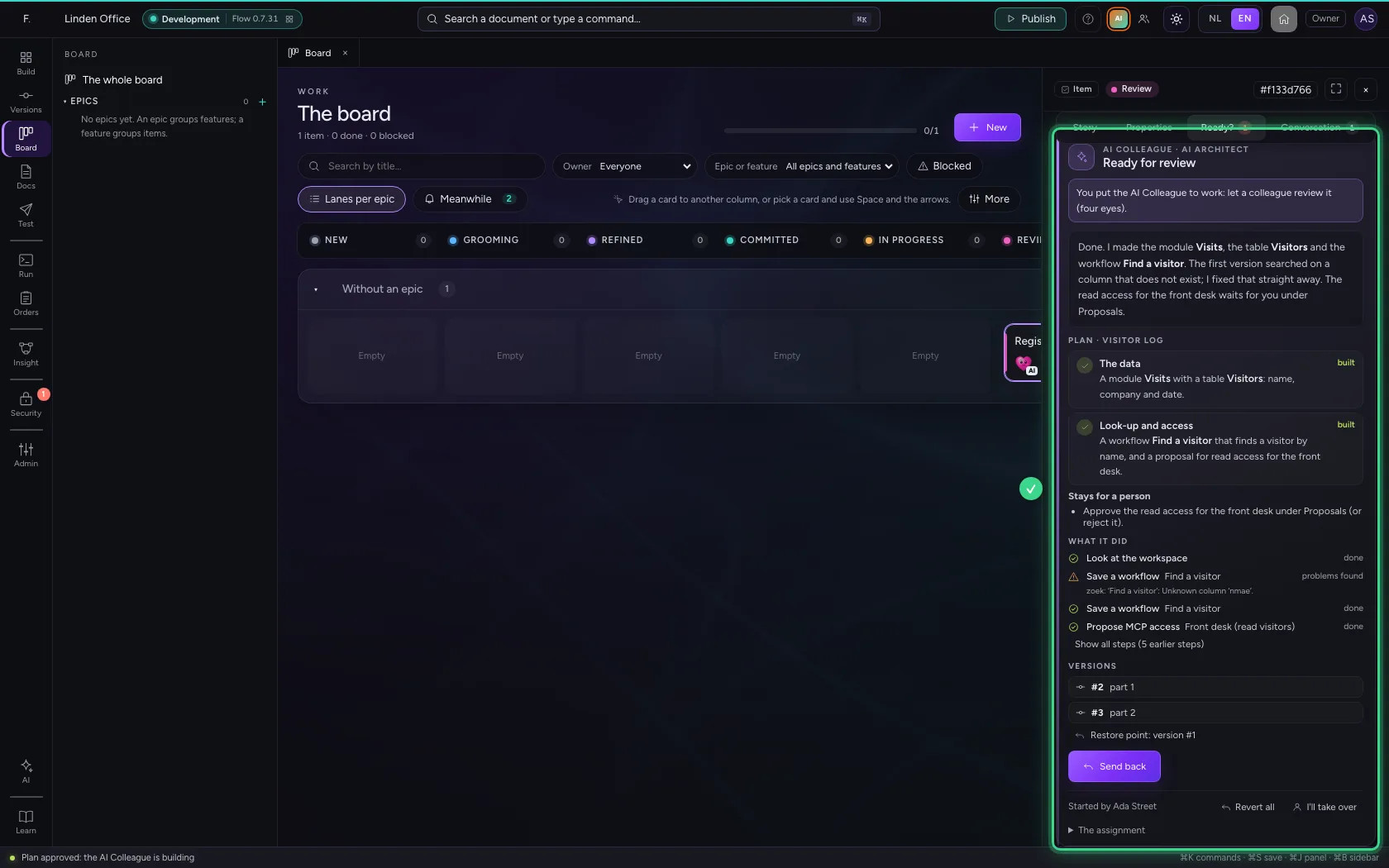
Ready for review
When building is done the item moves to Review. Under Versions every built part is a version, linked to the item, and among the comments is the report: what was made, what Flow checked and what is still left for a person. Whoever put the AI Colleague to work does not approve it: a colleague who did not work on it clicks Approve or sends it back with what should change. Then the AI Colleague adjusts it.
Or let an AI app start it
With MCP access (Read and Build) an AI app such as Claude Code puts an AI Colleague to work, with your rights: build_work_item on an item that is ready. With work_item_progress the app follows the work: the plan, the versions and what the AI Colleague waits for. The plan and the work are always approved by a person, here in Flow: an AI app has no tools for that. Every start is in the audit log as via MCP.
- Click Board
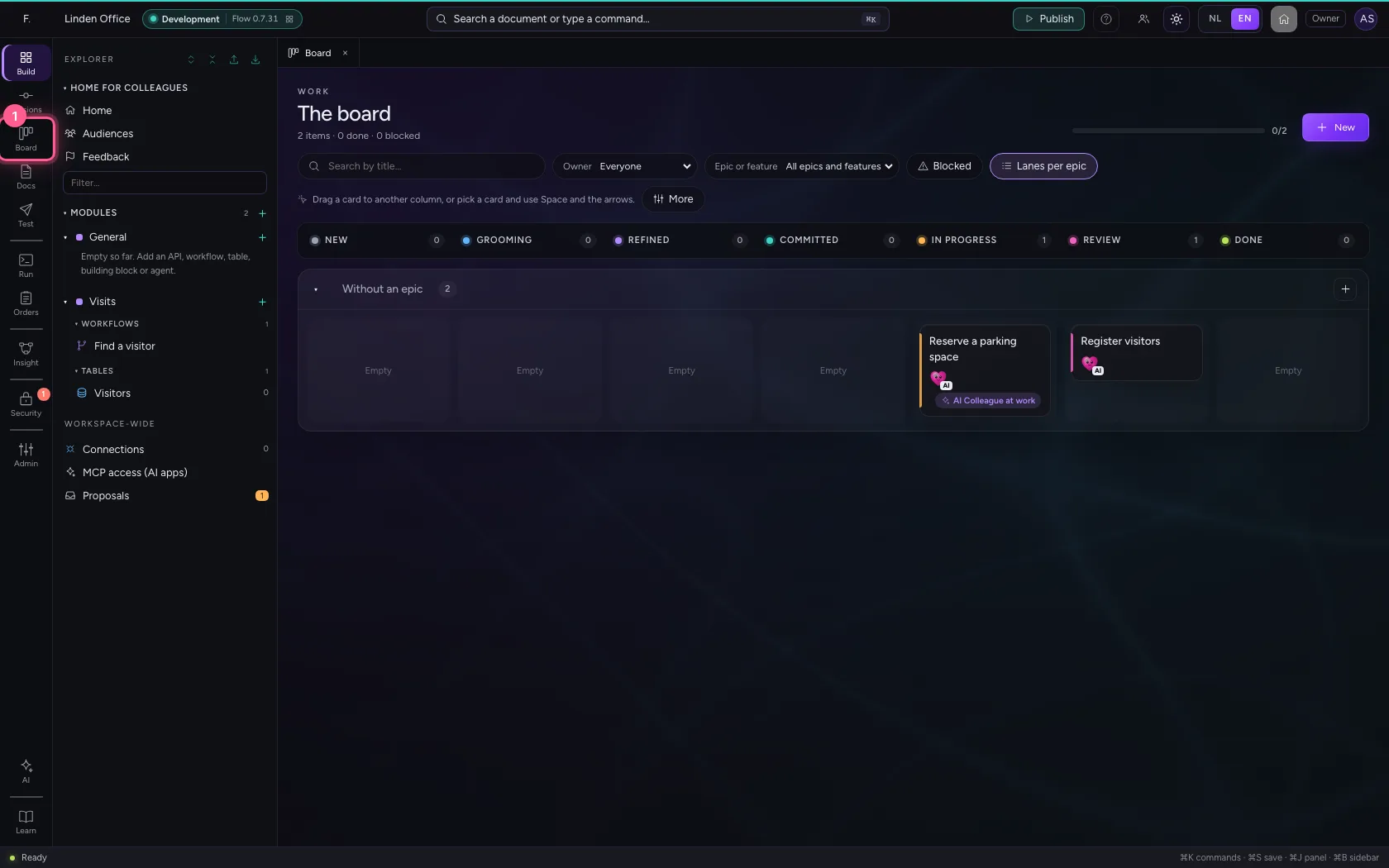
- Click Reserve a parking space
This guide was carried out step by step on 22 Oct 2026 by an automated test on Flow (version 3e563176).