Documentation that writes itself
- Step 1 · Open your development environment
- Step 2 · Open Docs
- Step 3 · A space that writes itself
- Step 4 · A page that writes itself
- Step 5 · A note on a part
- Step 6 · The API changes: the page writes itself again
- Step 7 · Loose notes
- Step 8 · A page from a template
- Step 9 · Writing and linking
- Step 10 · Steps
- Step 11 · Publishing for readers
- Step 12 · Comments
- Step 13 · An AI app writes along
In Docs you write the documentation of your solution next to building it, in the same studio. A module's space writes itself: for every API, workflow and table Flow makes a page from what it knows, and keeps it up to date when something changes. What people add lives in notes attached to a part, and stays. Next to that you write ordinary pages, for example a runbook from a template, which readers see as soon as you publish them. Secrets, table rows and personal data never end up on a page.
Open your development environment
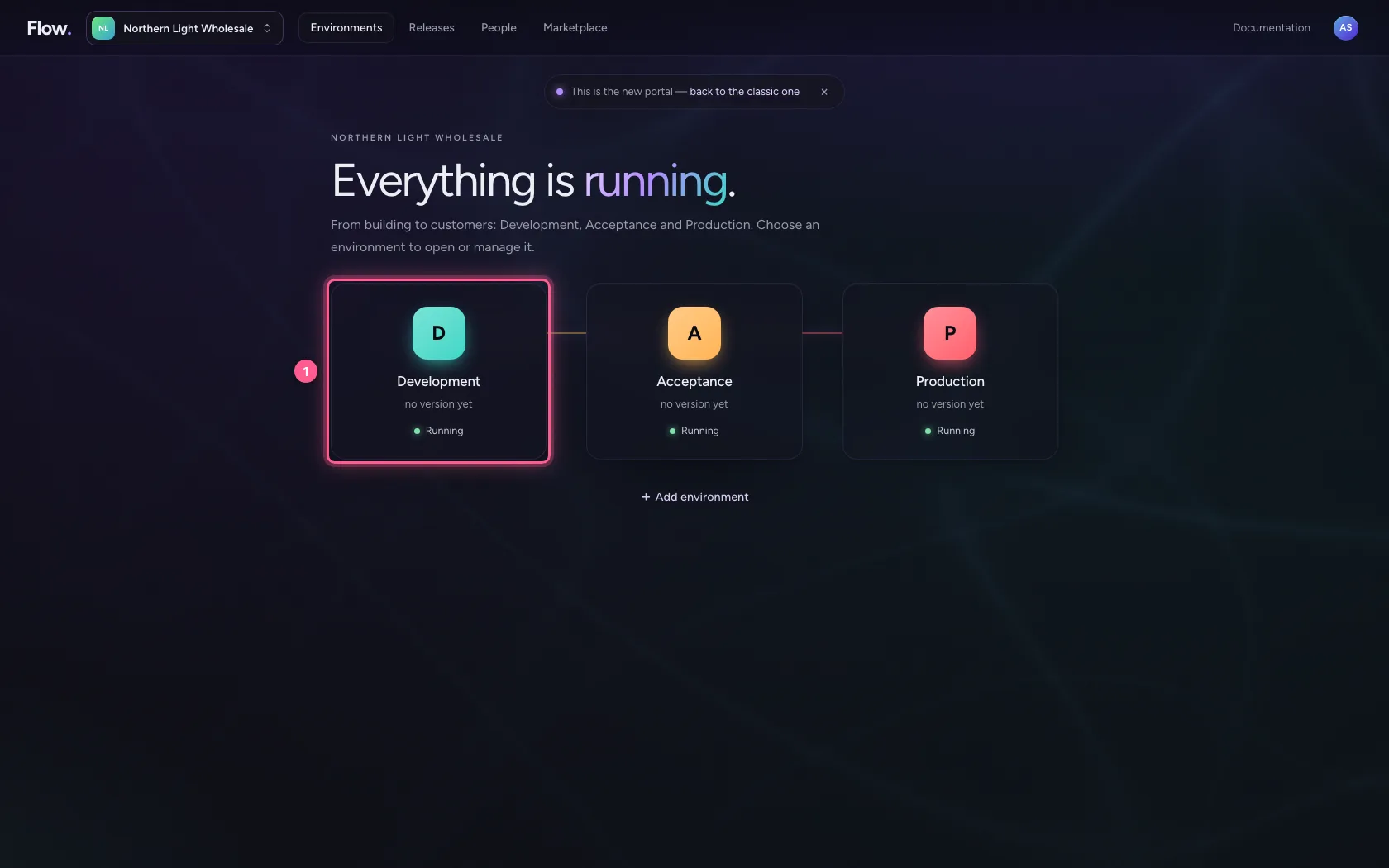
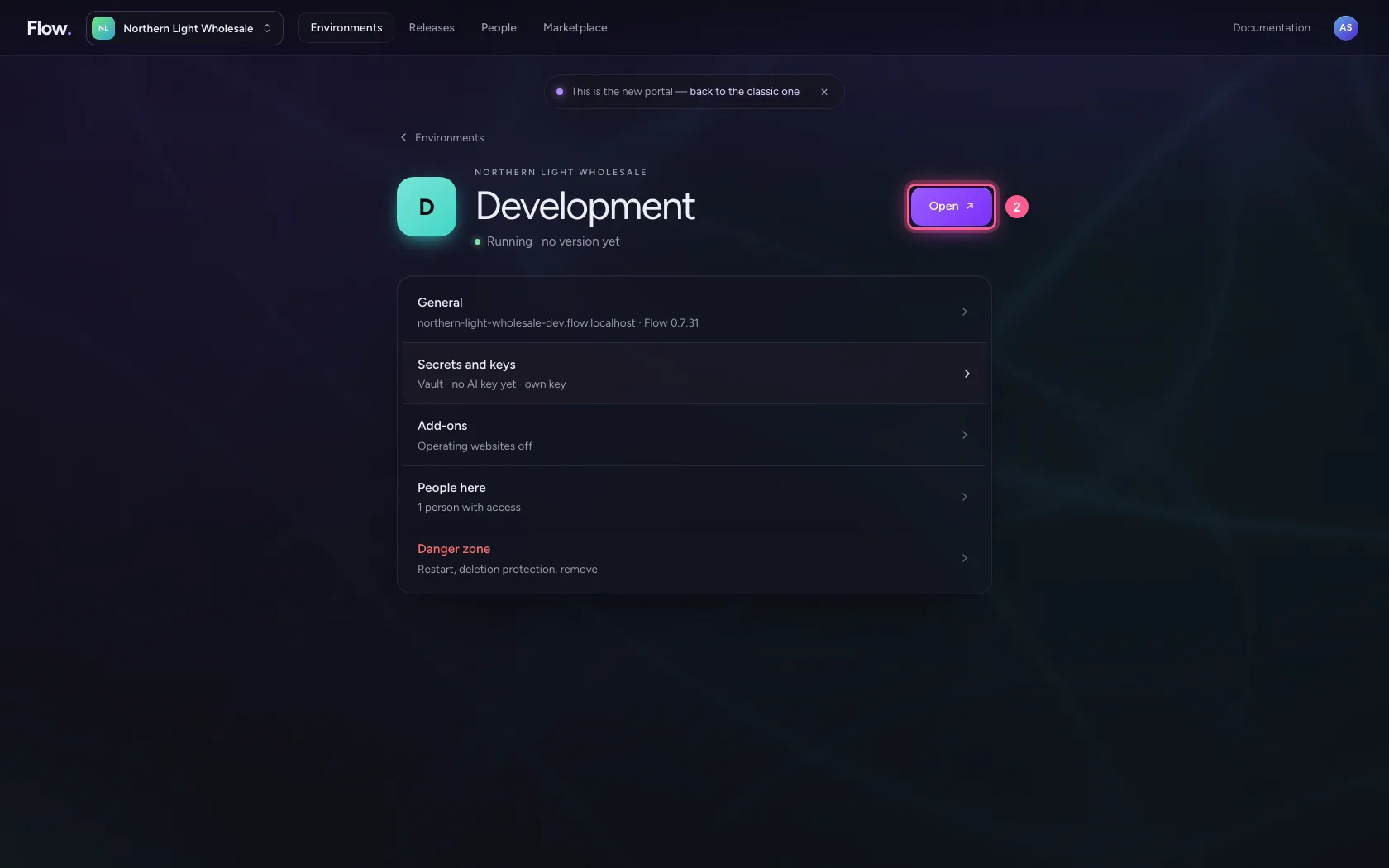
In the portal, under Environments, click Development, and there Open. Flow opens in a new tab and you are signed in straight away.
- Click Development
- Click Open ↗
Open Docs
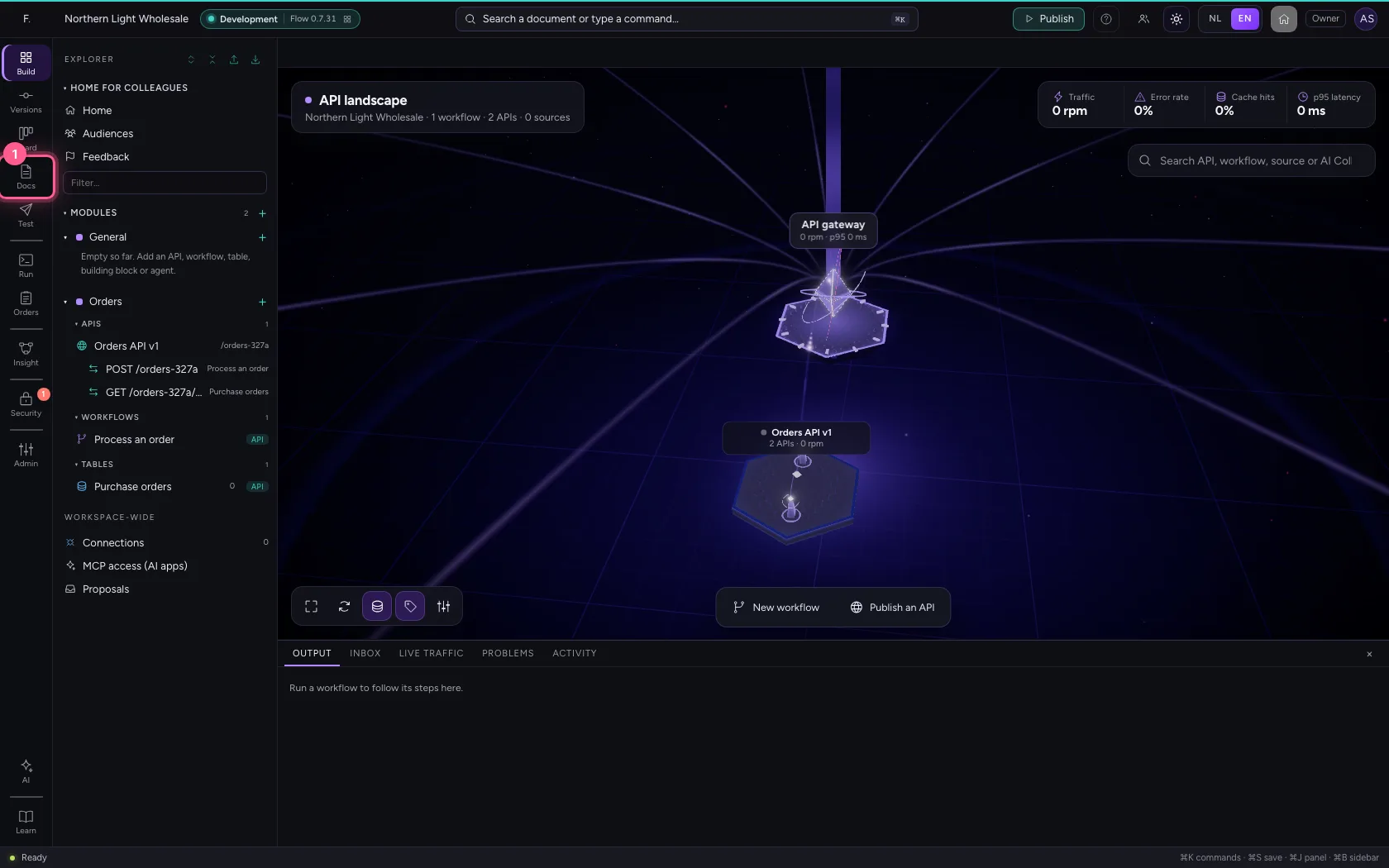
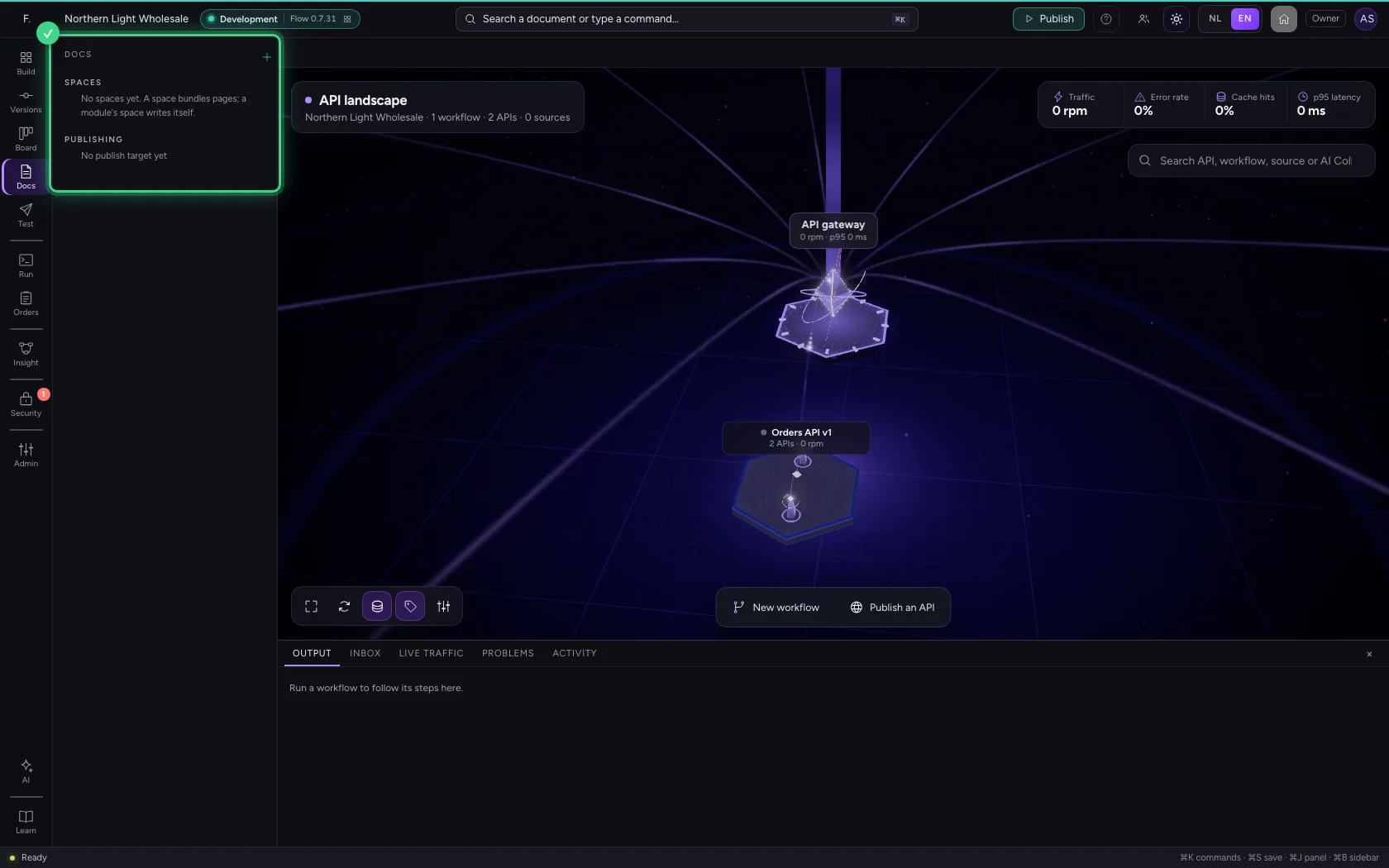
In the bar on the far left is Docs. There you find the spaces with their pages, and where they publish to. A new workspace has no spaces yet.
- Click Docs
A space that writes itself
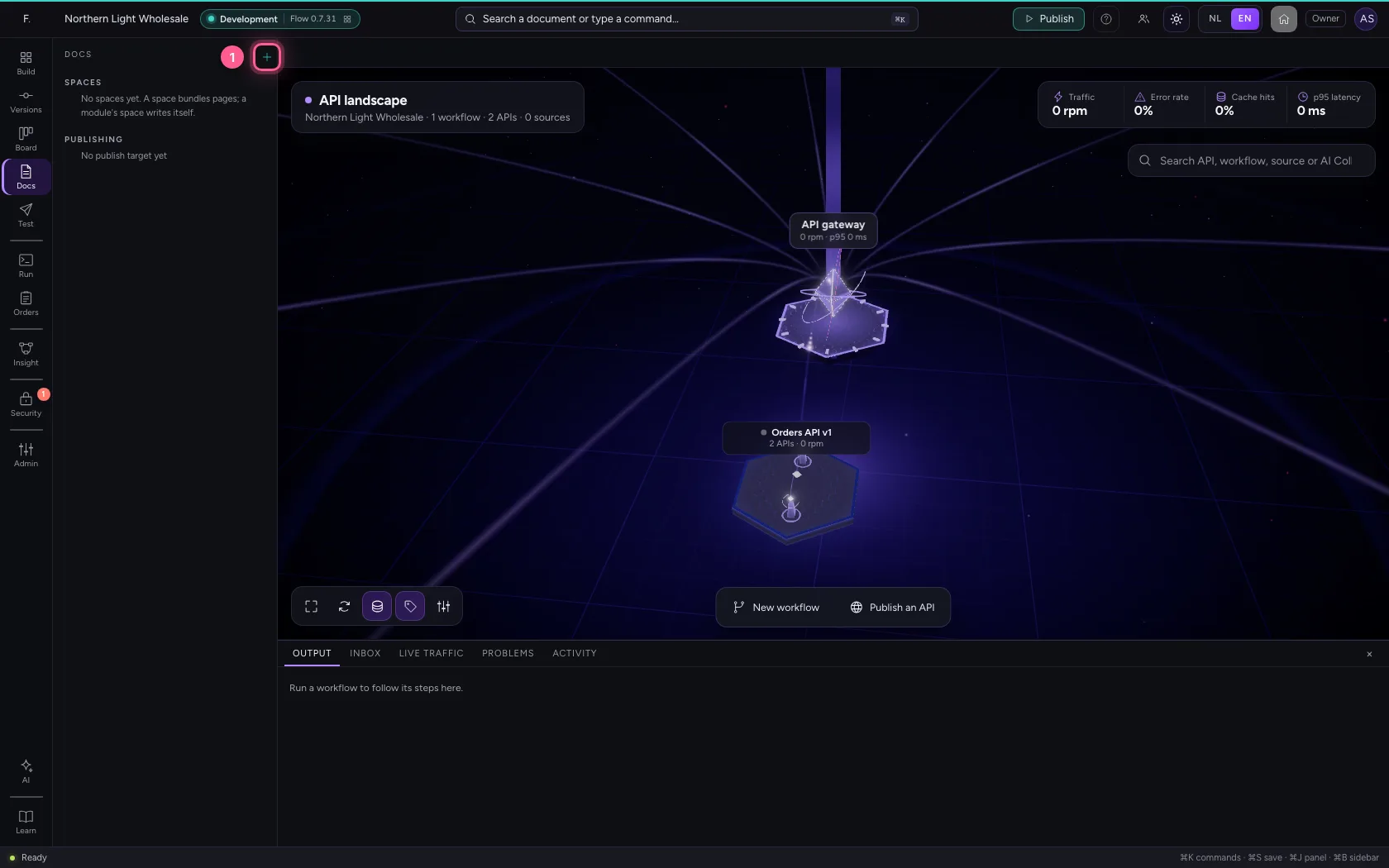
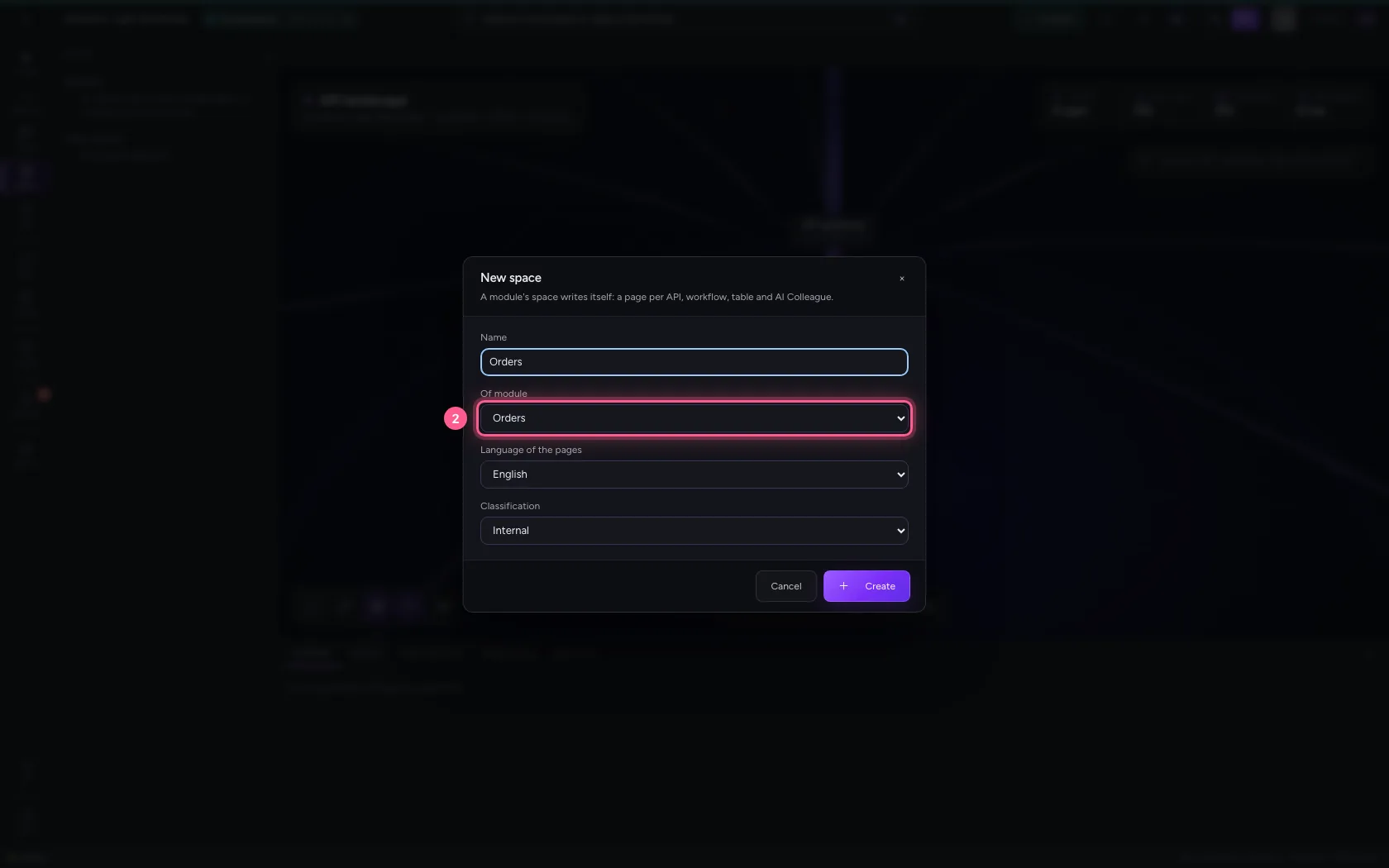
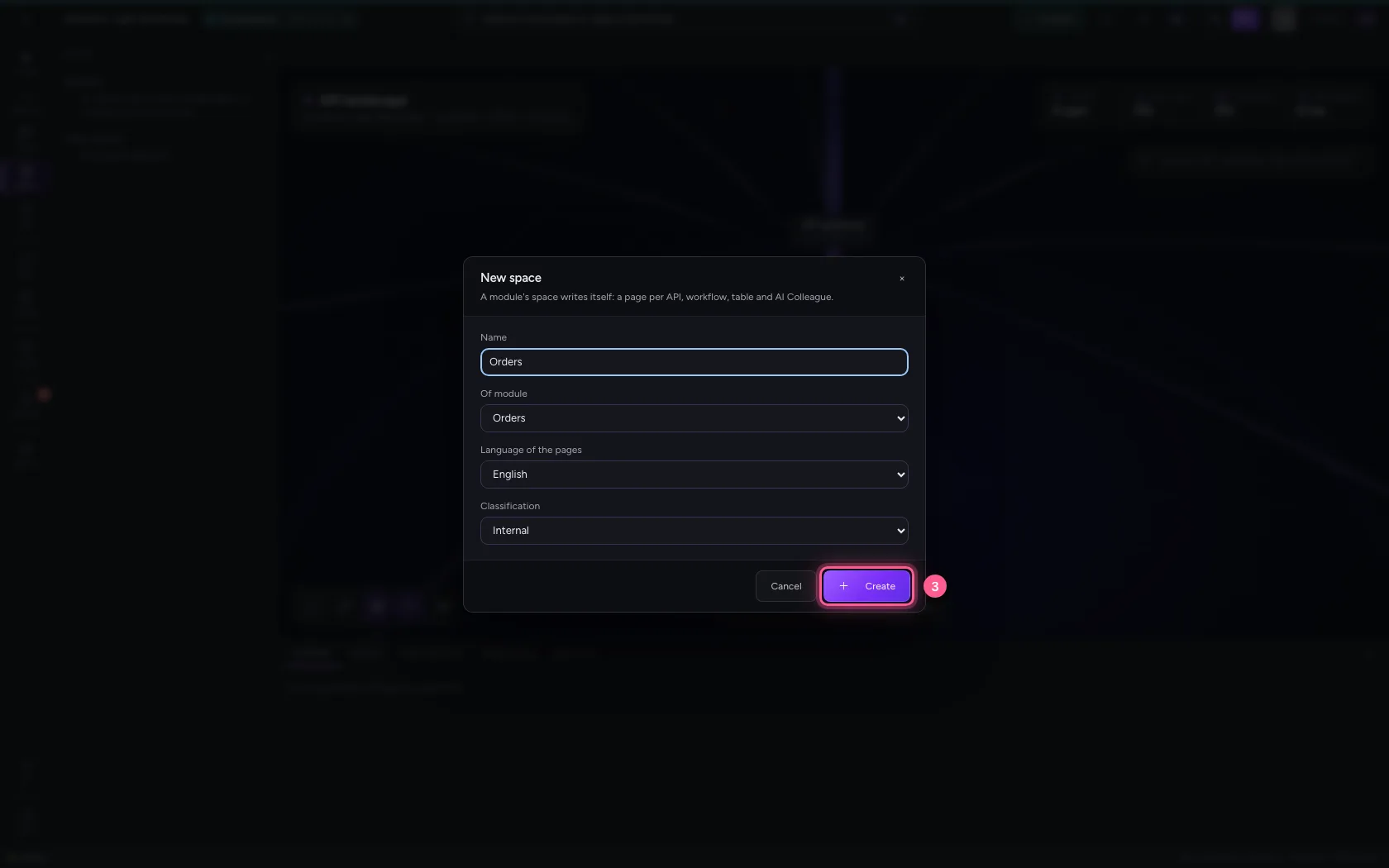
Click + (New space) and under Of module choose the module Orders. Flow takes over the name; choose the language of the pages and the classification. After Create the space writes itself: an overview of the module, and a page per API, workflow and table, marked writes itself.
- Click New space
- In Of module, choose Orders
- Click Create
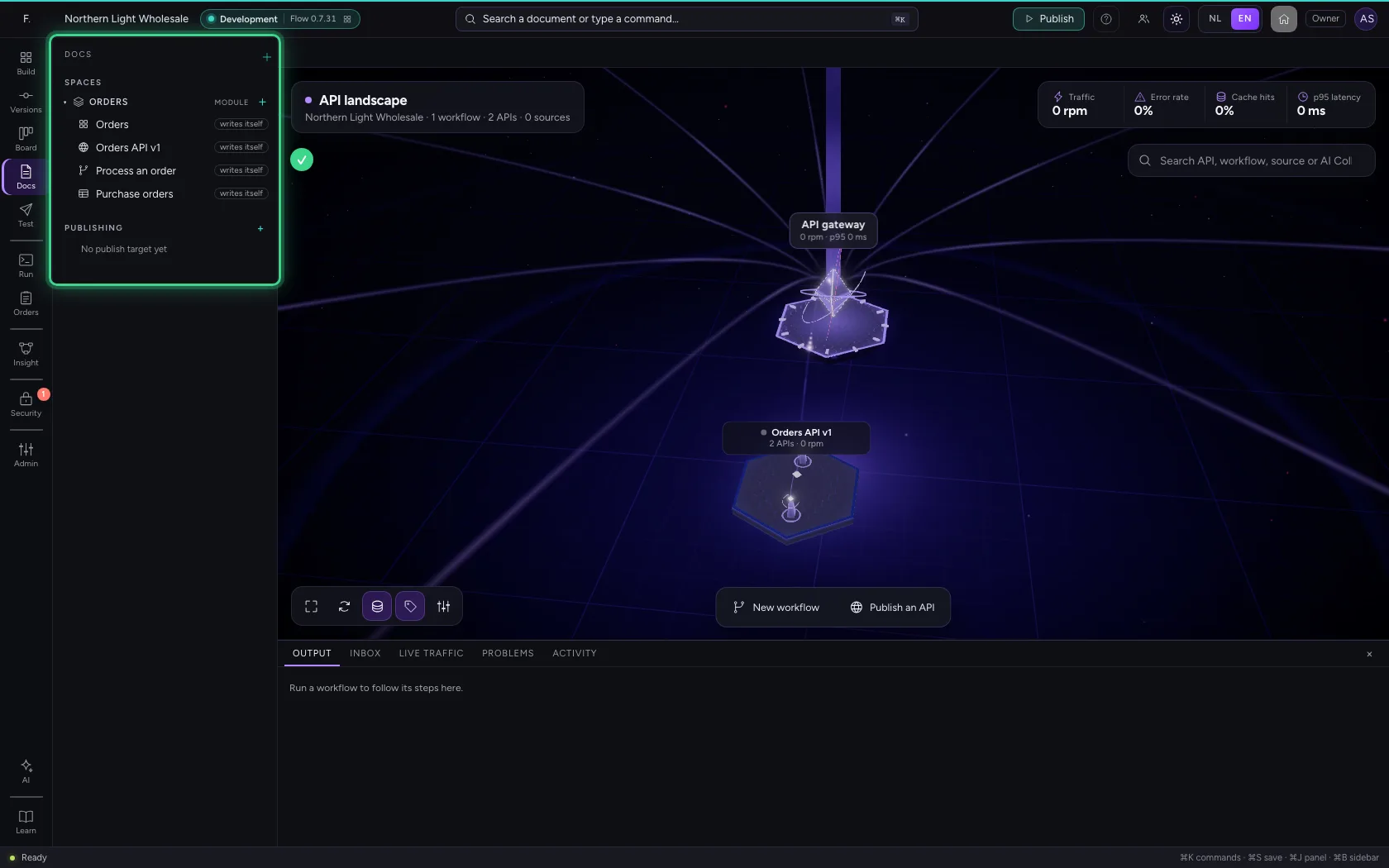
A page that writes itself
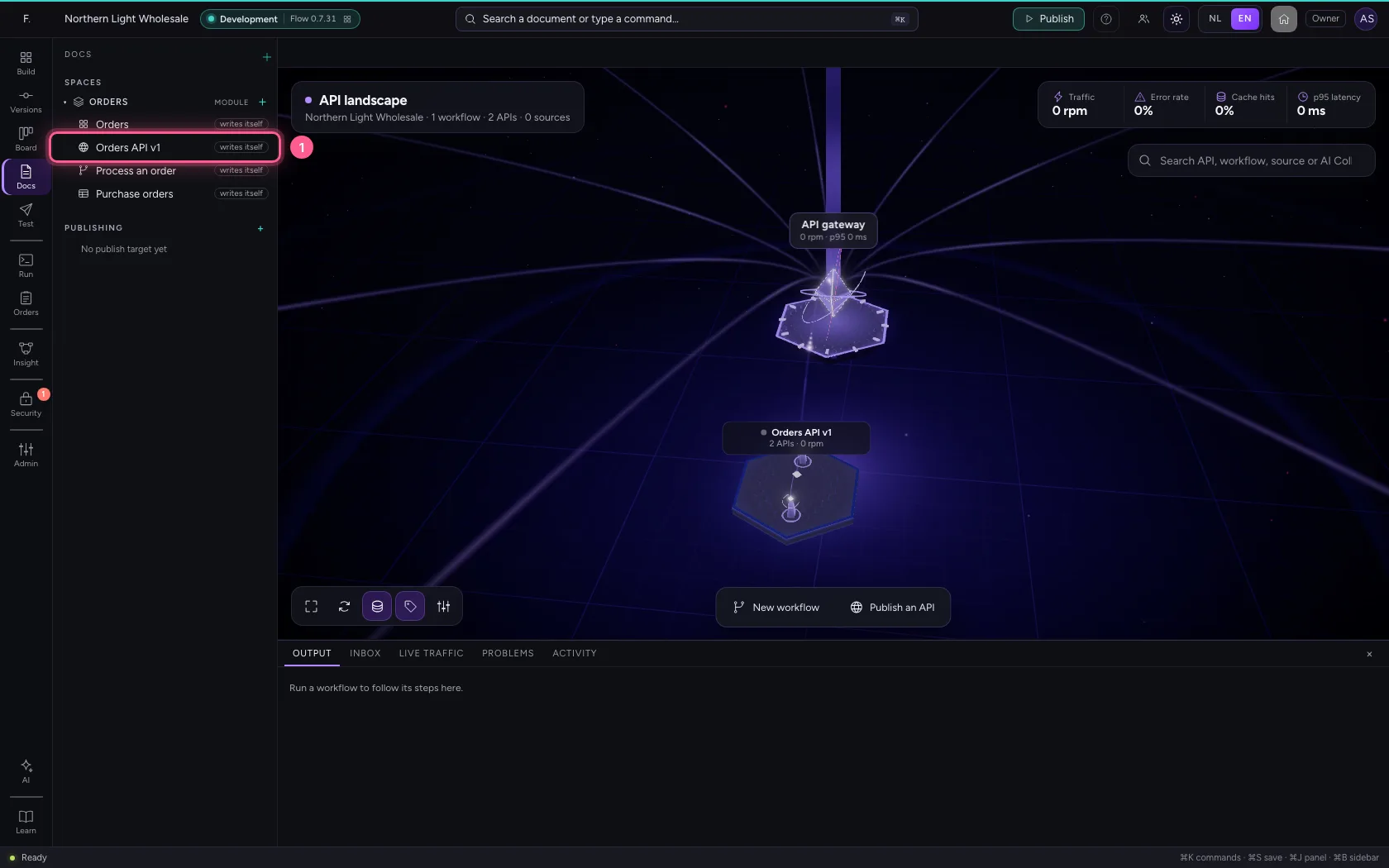
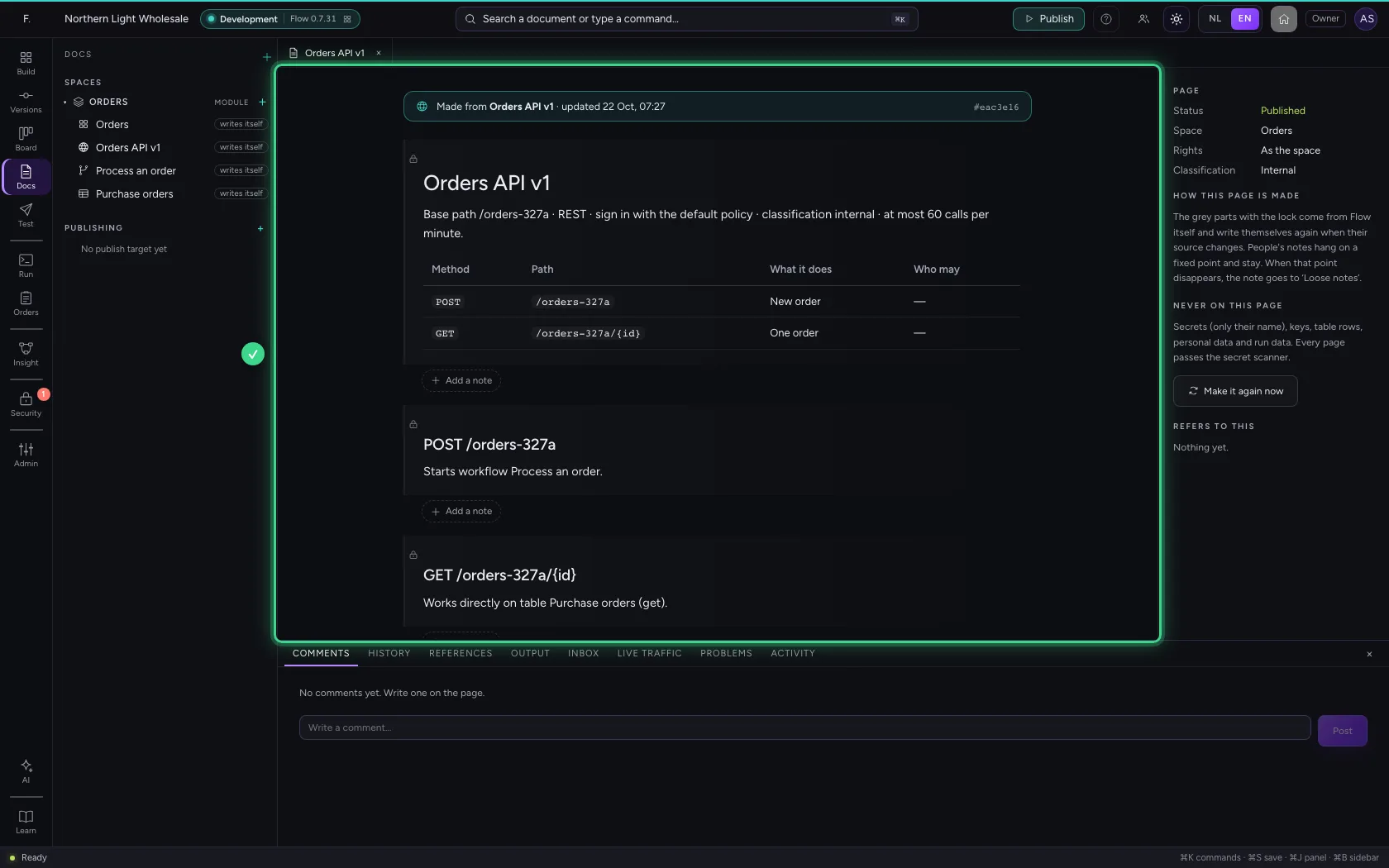
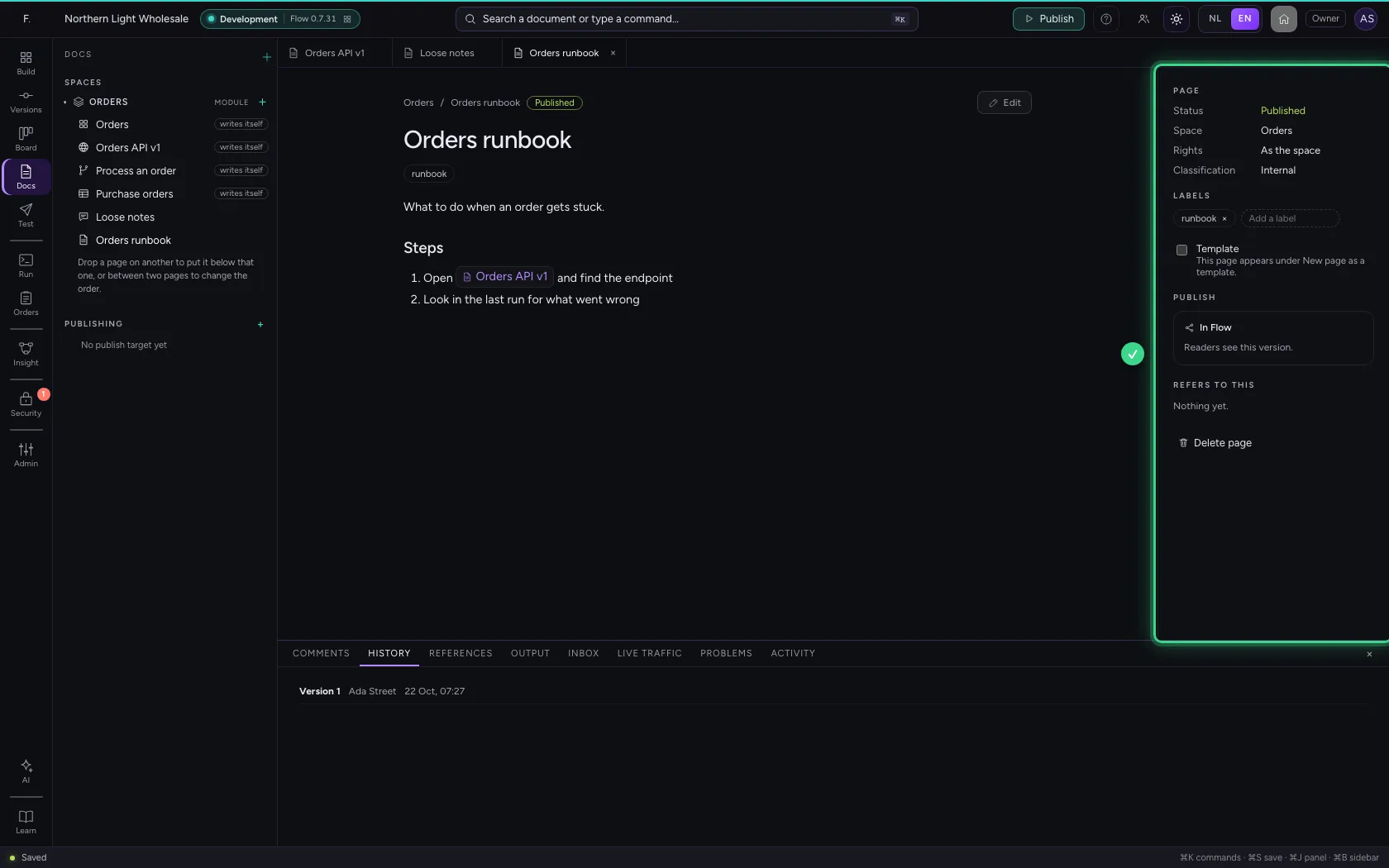
Open the API's page. At the top it says what it was made from, with the version. The grey parts with the lock come from Flow itself: how to sign in, the endpoints, what they do and who may call them, and an example without real data. On the right is what never ends up on such a page.
- Click Orders API v1 writes itself
A note on a part
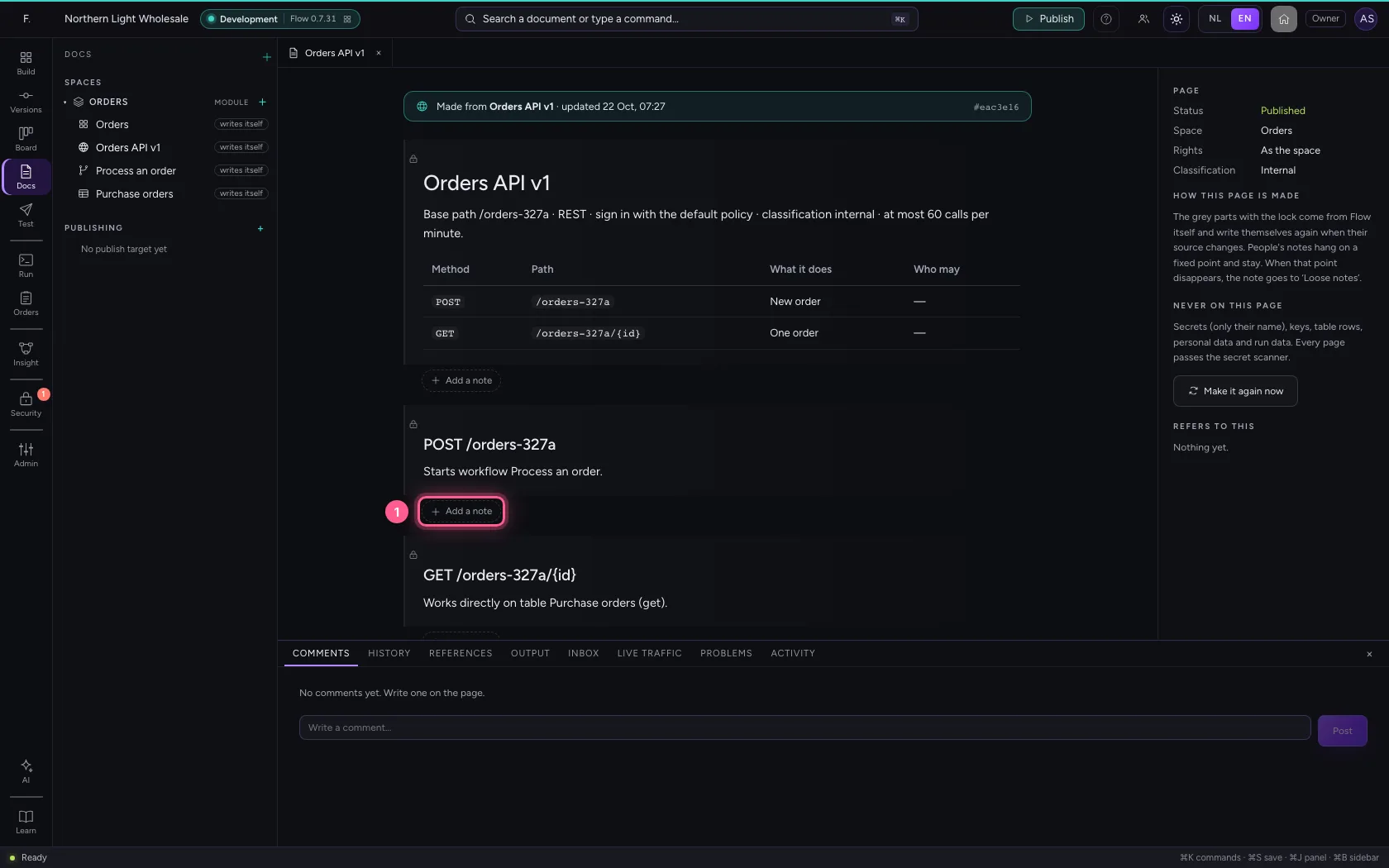
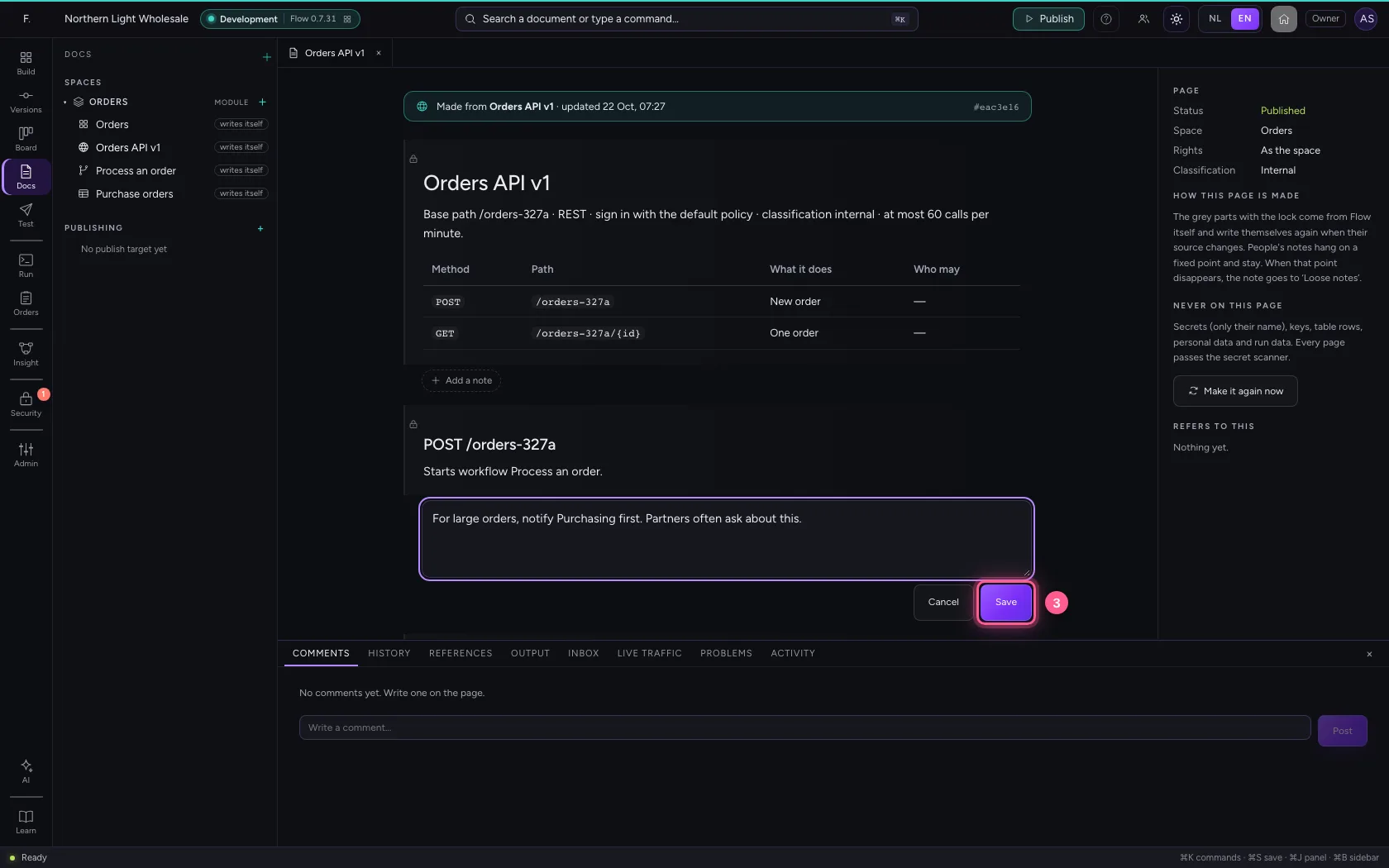
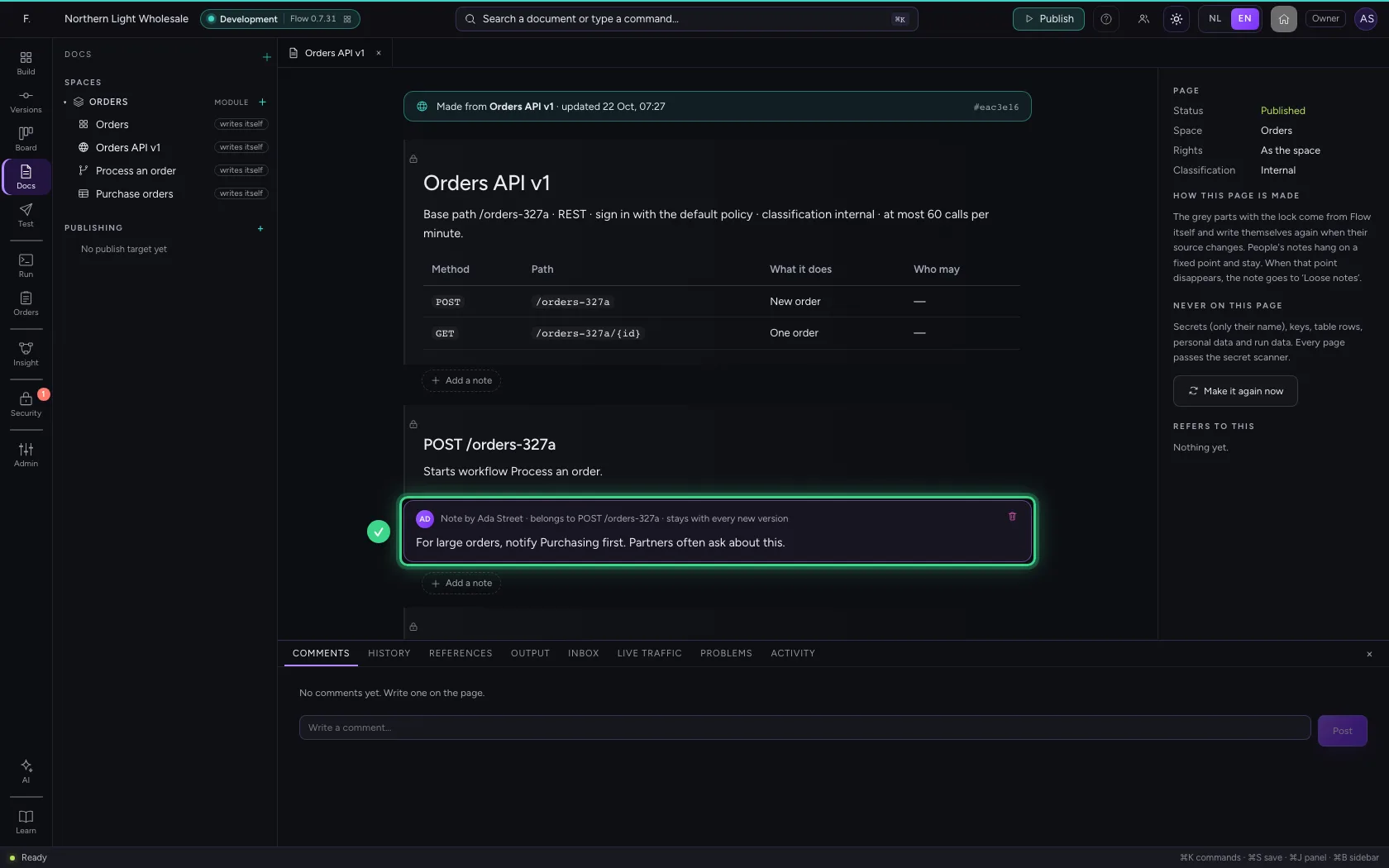
Below every part is Add a note. Write what colleagues need to know about creating an order and click Save. The note is attached to this endpoint: when the page writes itself again, it stays.
- Click Add a note
- In Add a note, type
For large orders, notify Purchasing first. Partners often ask about this.
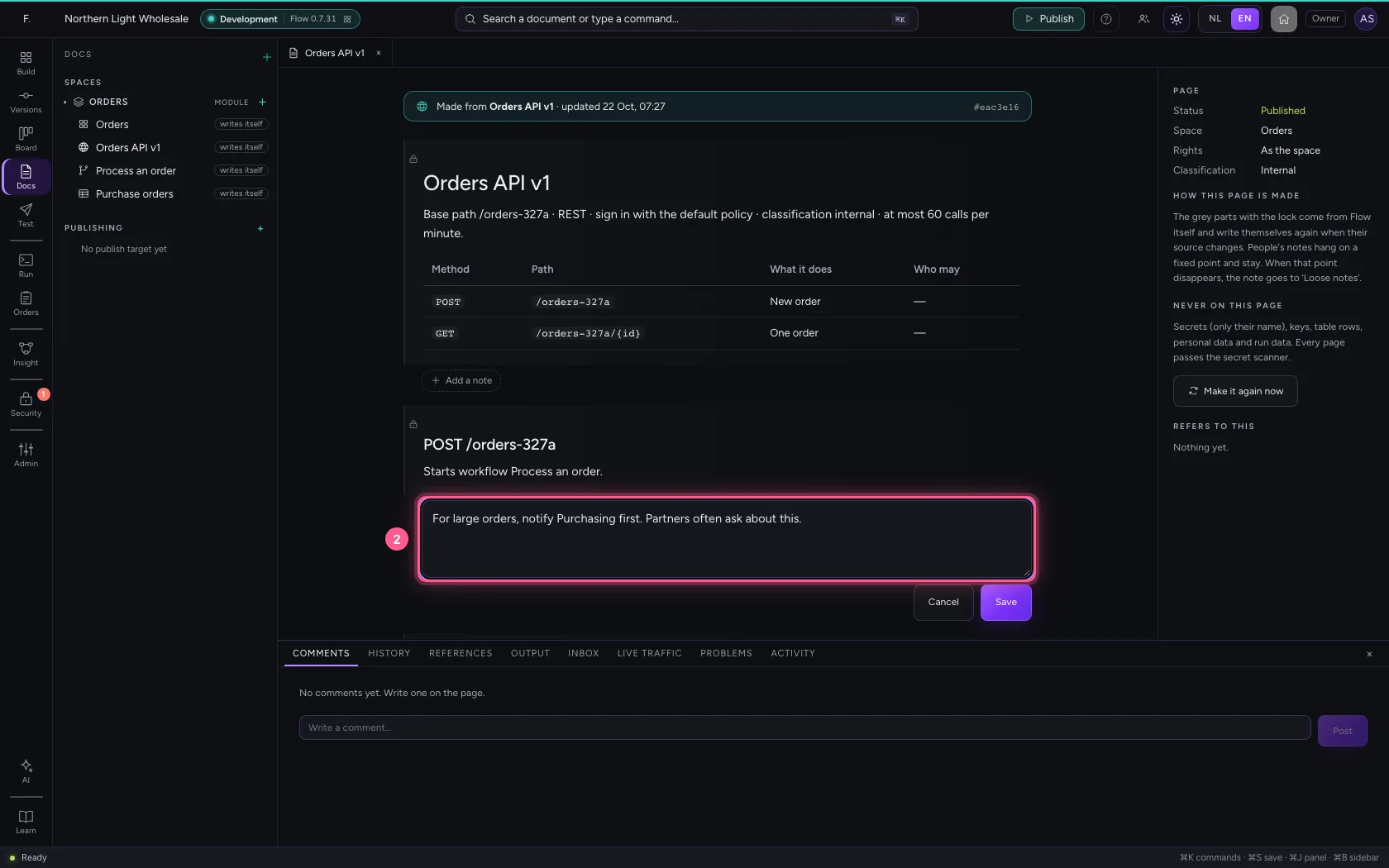
- Click Save
The API changes: the page writes itself again
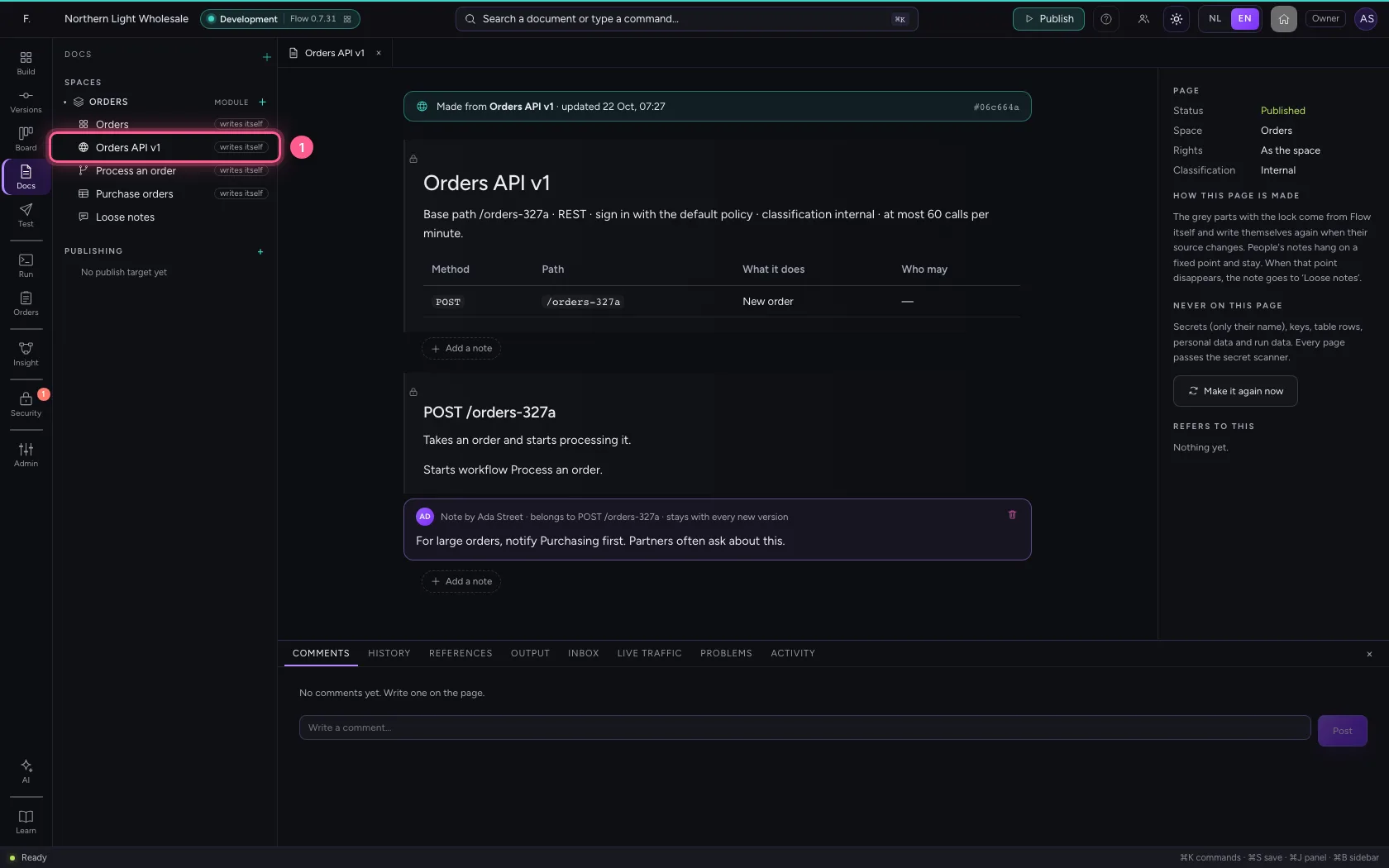
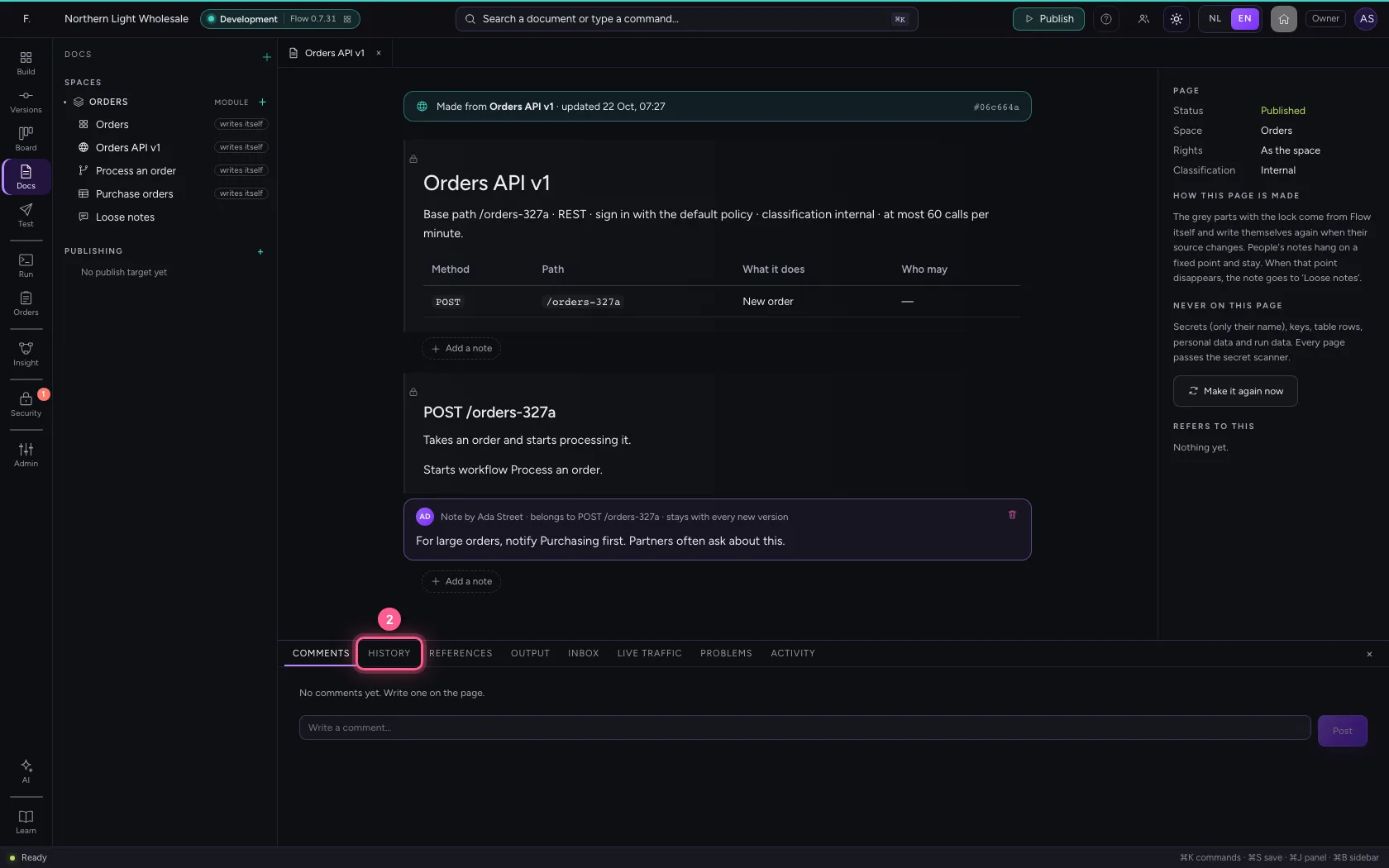
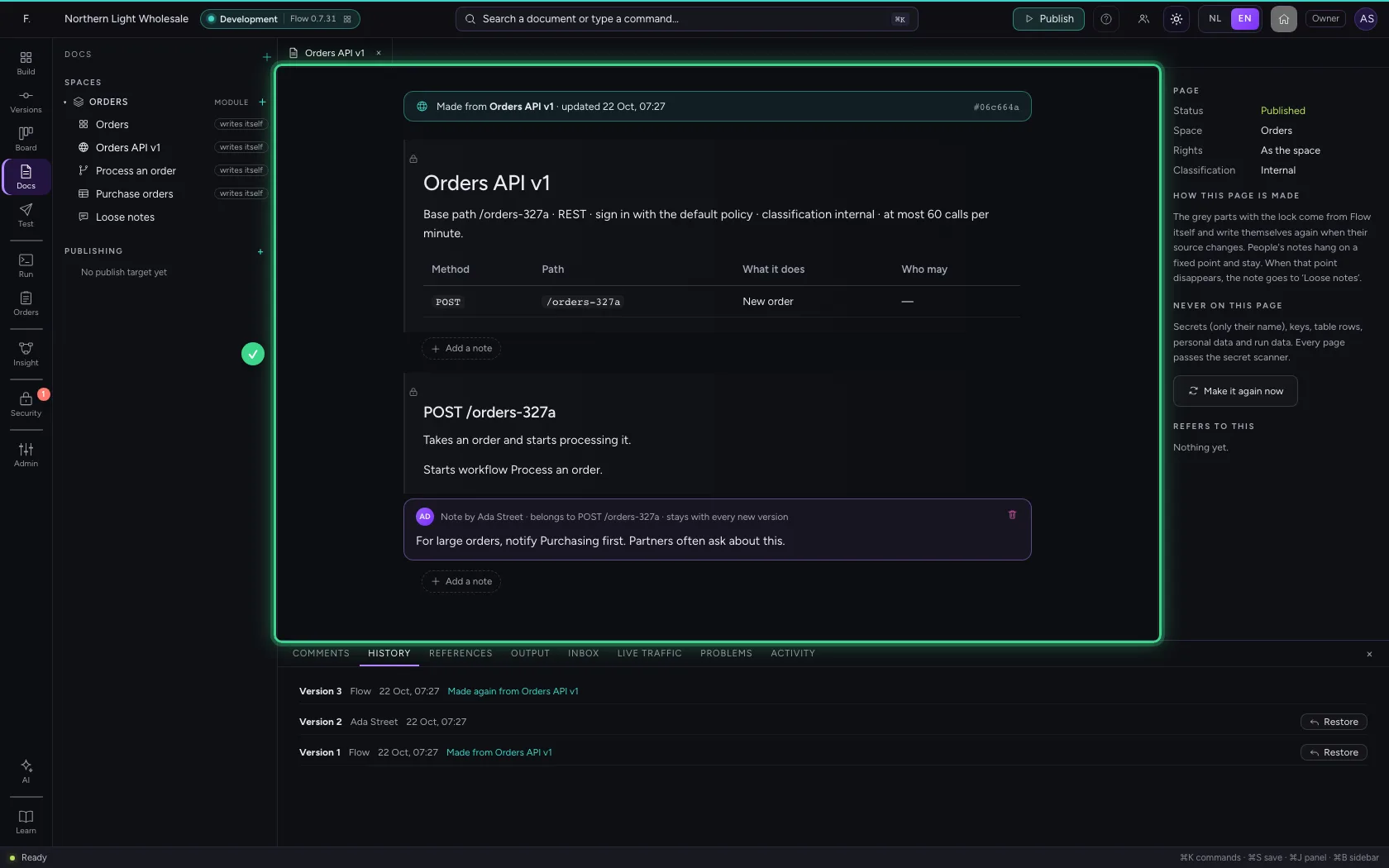
A builder gave the endpoint a description and removed the GET endpoint. Open the page again: Flow only makes it again when its source changed, and your note is still in its place. In History at the bottom it says Made again from ….
- Click Orders API v1 writes itself
- Click HISTORY
Loose notes
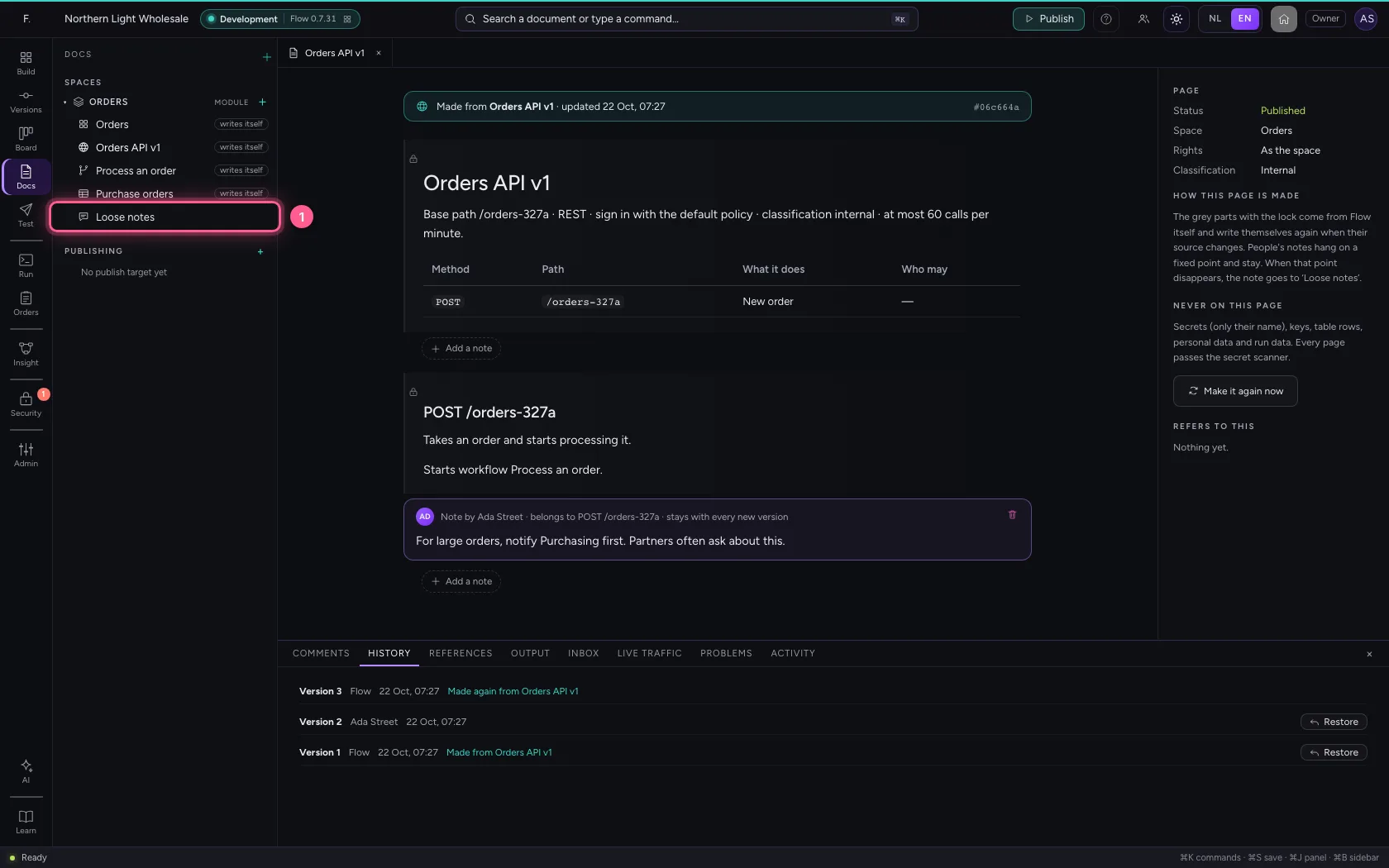
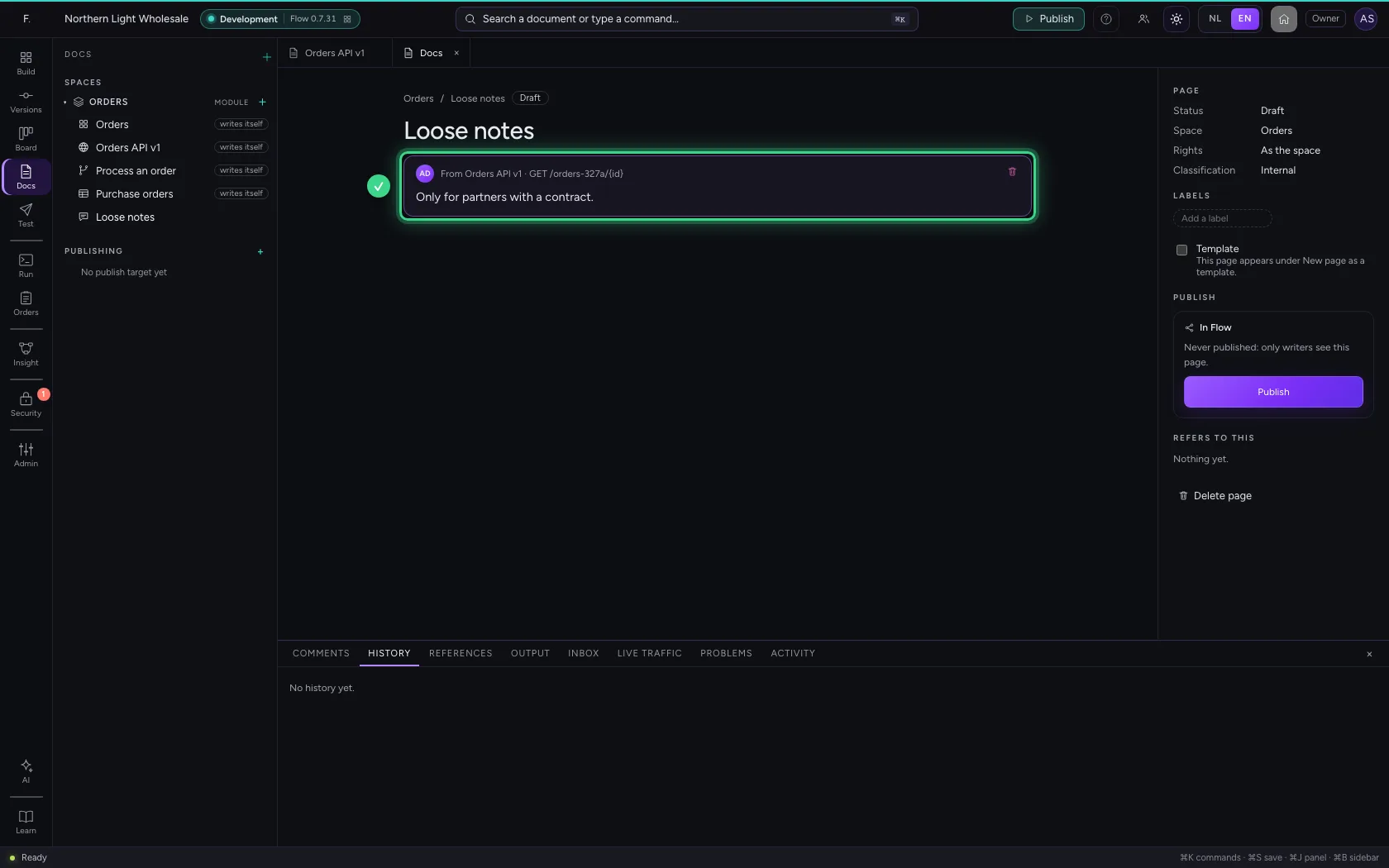
The note on the GET endpoint no longer had a place: Flow does not throw it away but puts it in Loose notes, with the page and the part it belonged to. Read it, and put the text where it belongs now or remove it.
- Click Loose notes
A page from a template
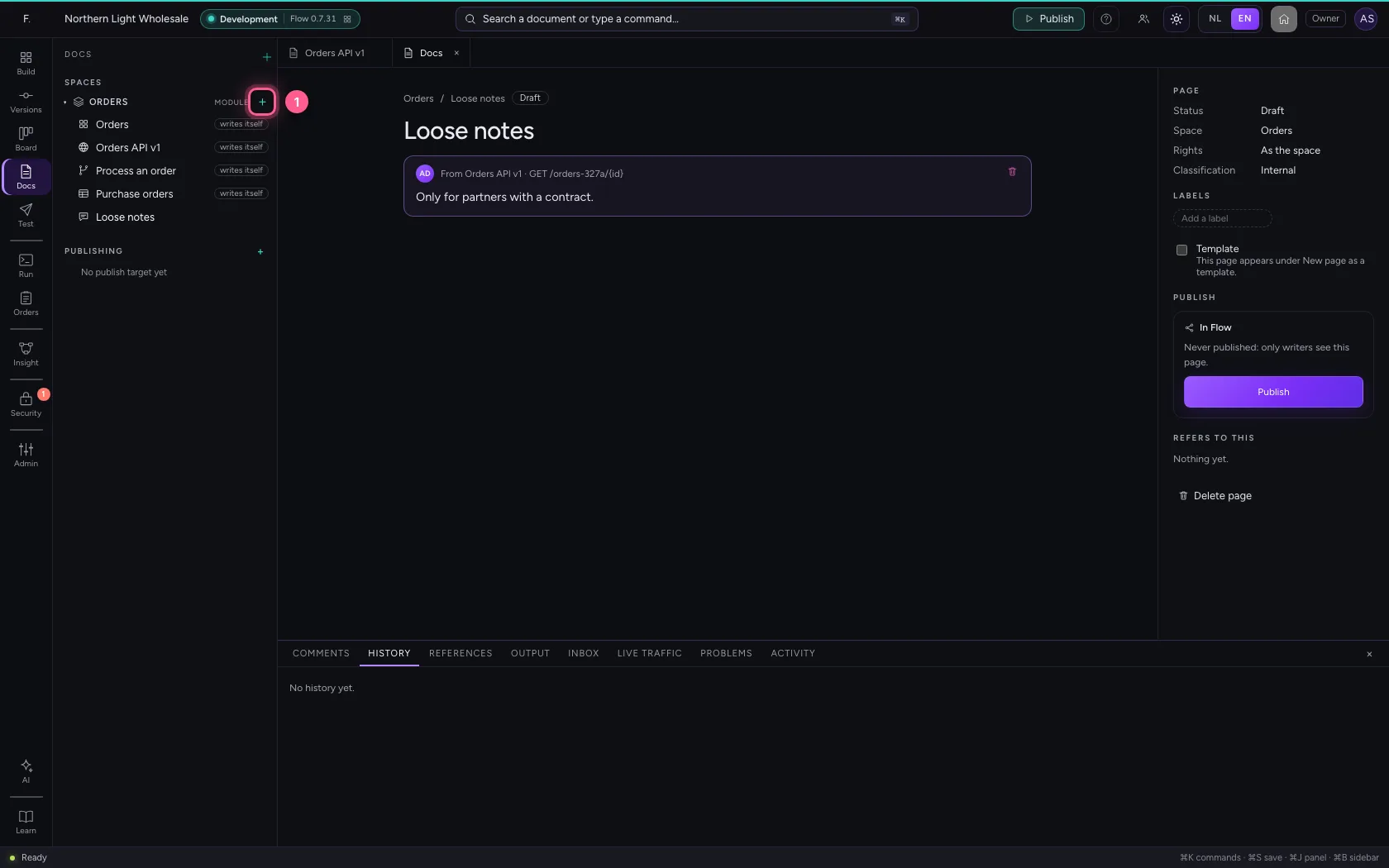
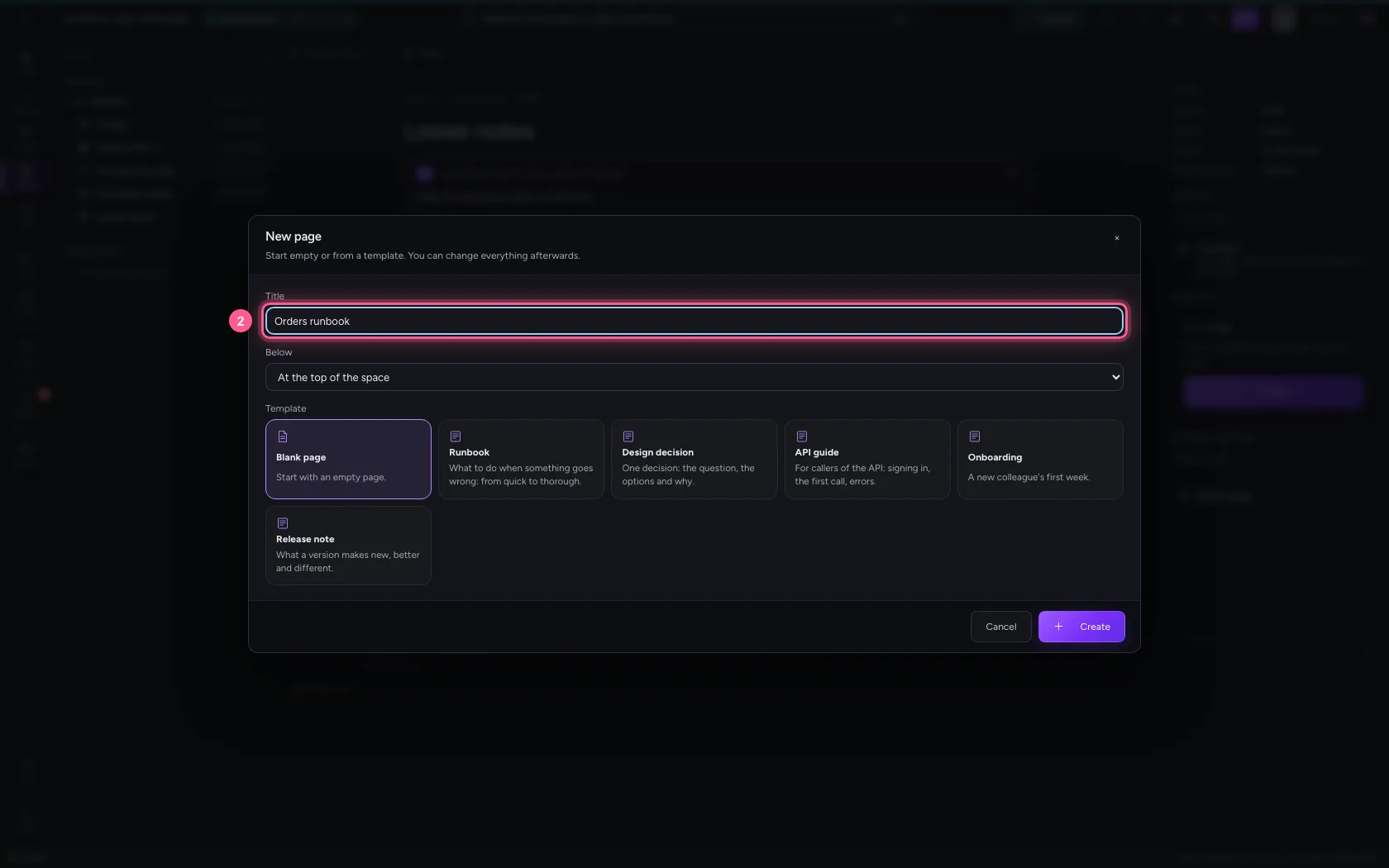
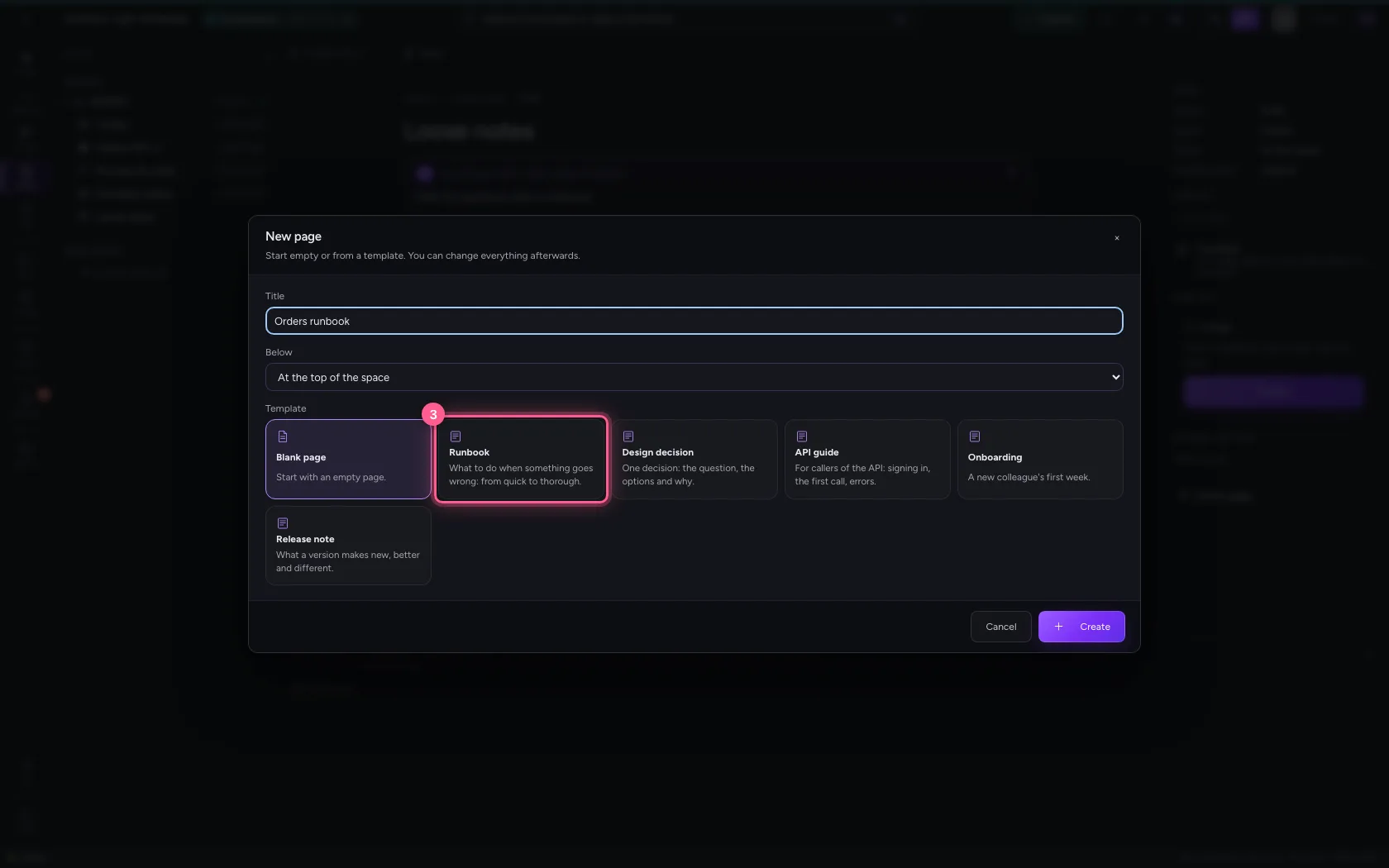
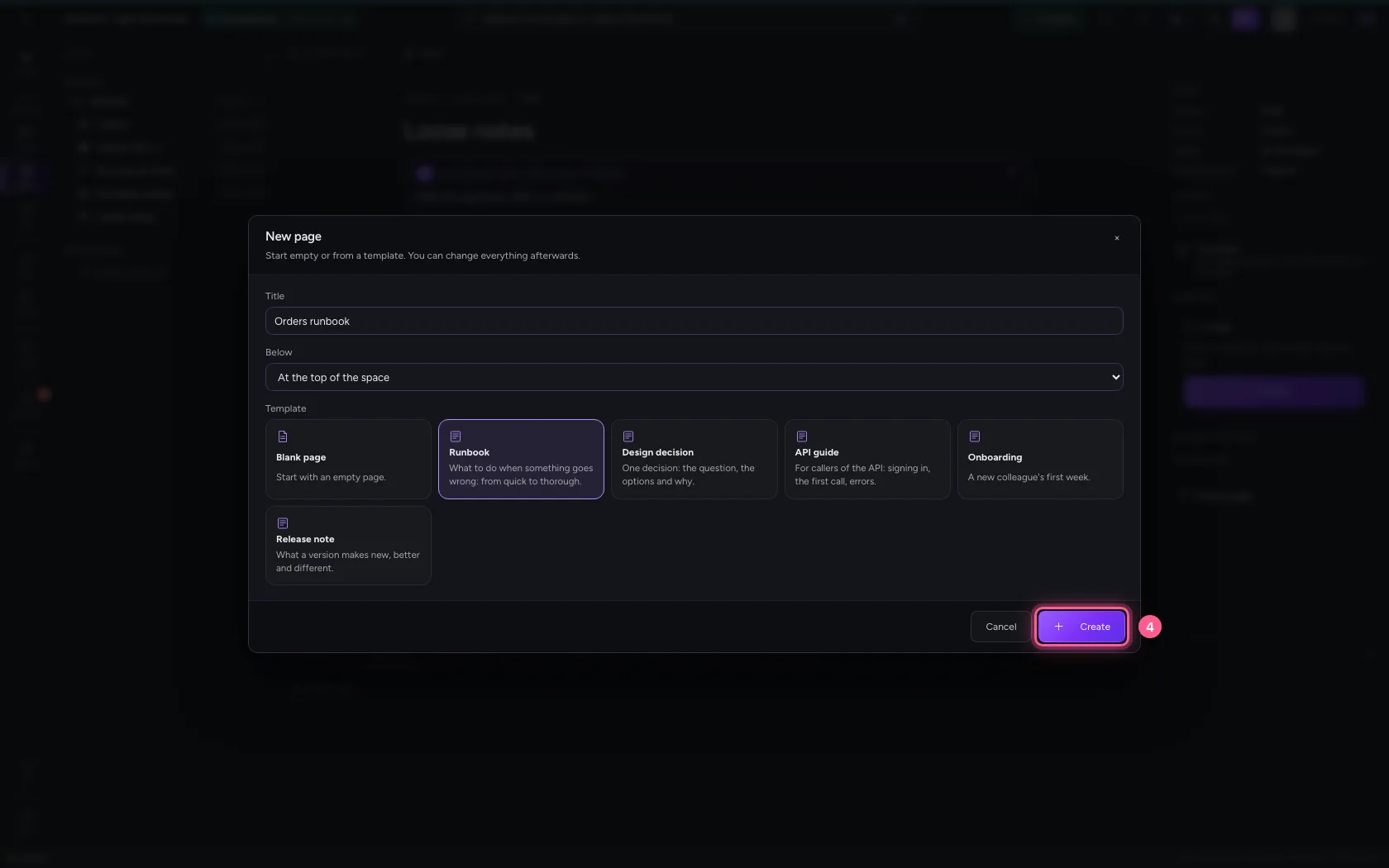
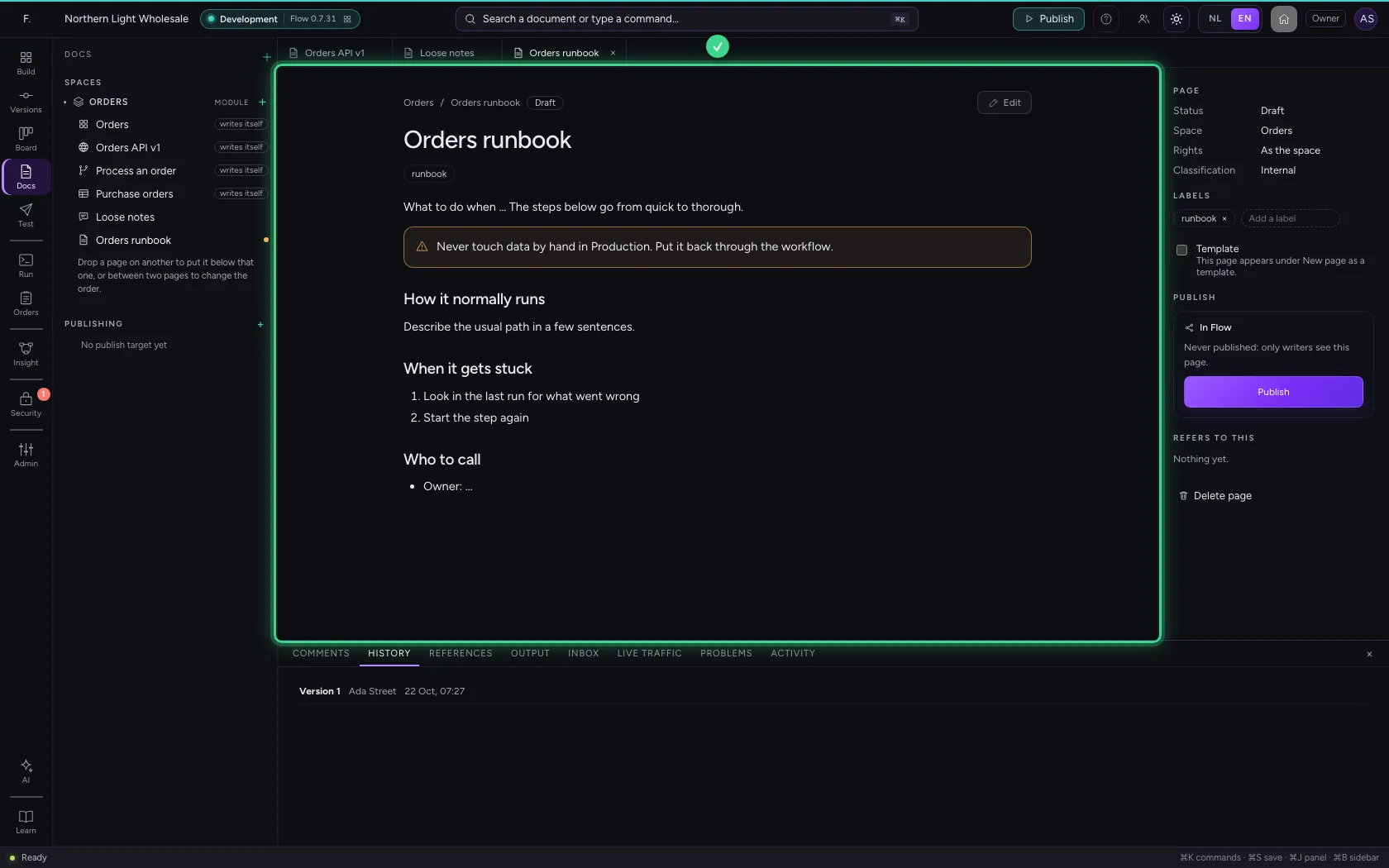
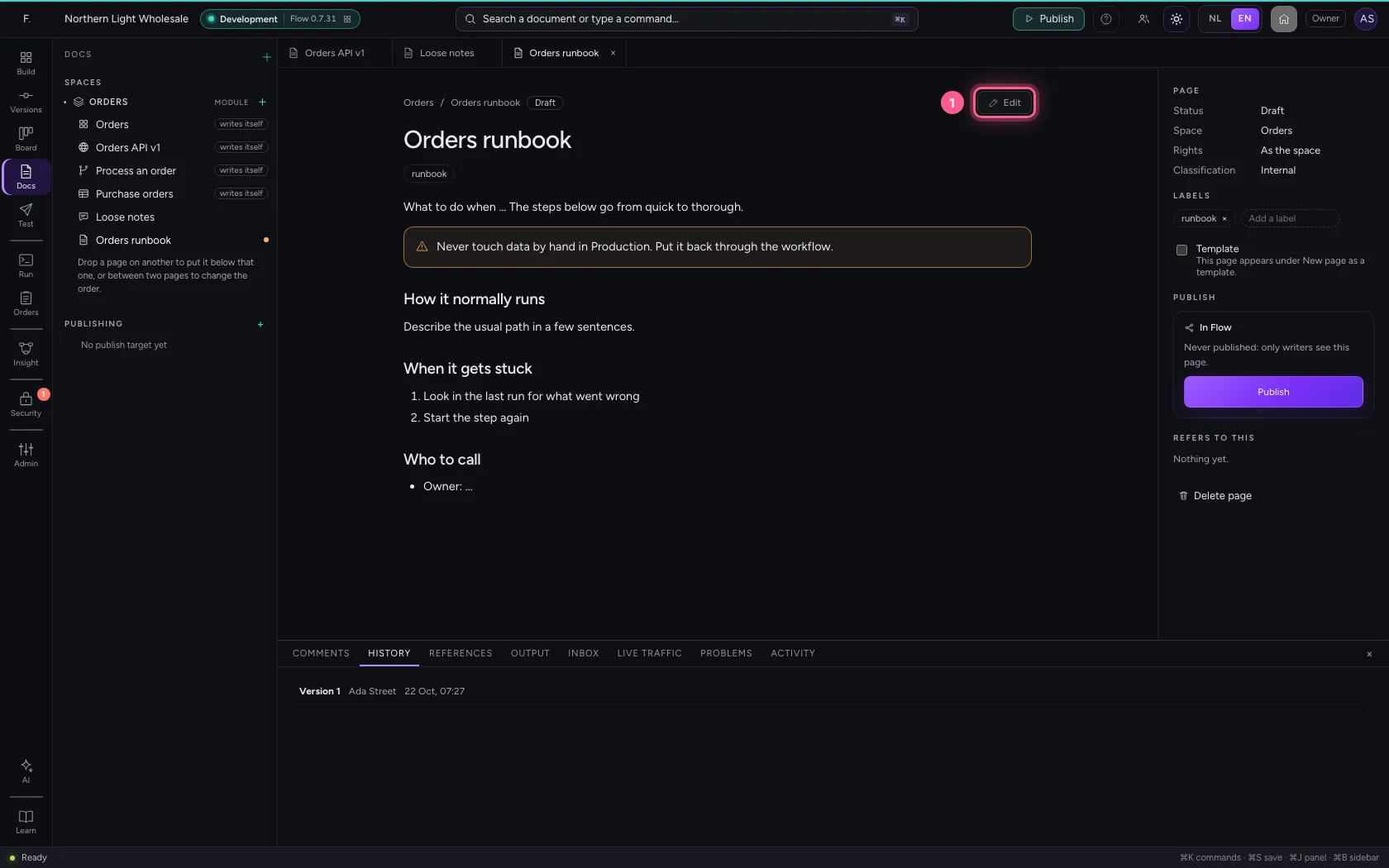
Click + (New page) at the space. Give a title and choose the template Runbook: it starts with a warning and the usual headings. After Create the page opens as a draft.
- Click New page in Orders
- In Title, type
Orders runbook
- Click Runbook What to do when something goes wrong: from quick to thorough.
- Click Create
Writing and linking
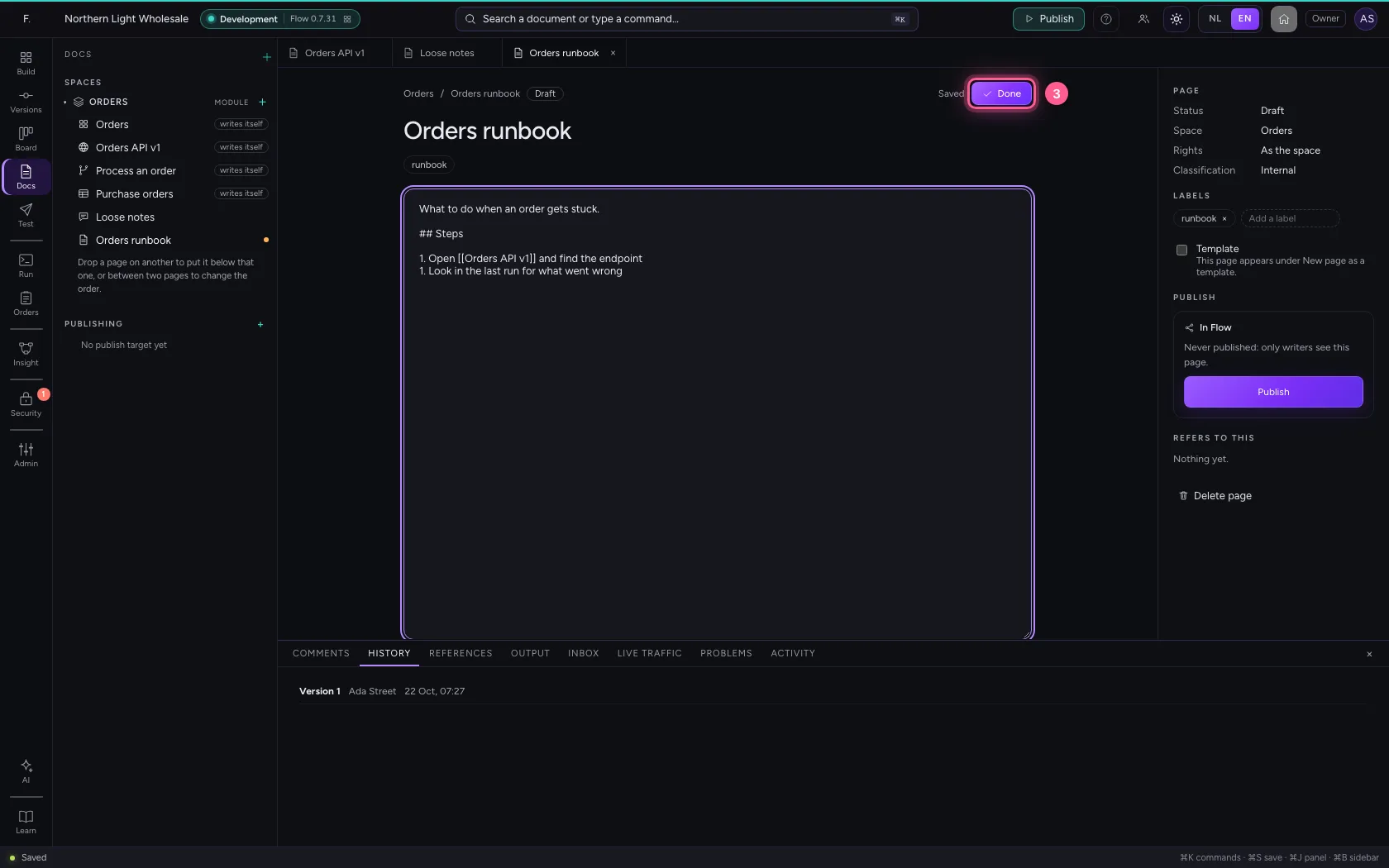
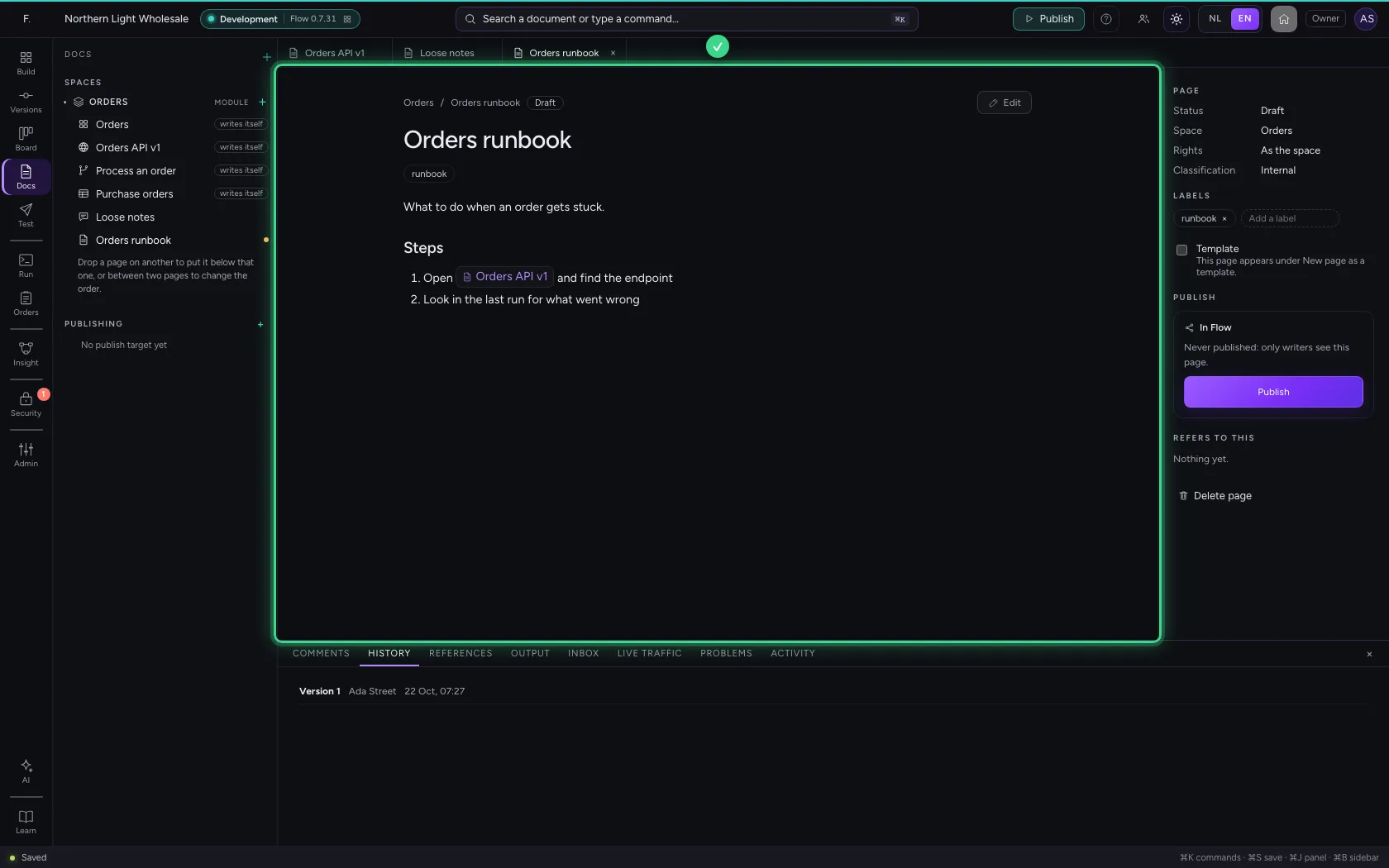
Click Edit. Until the new editor is there, you write in Markdown: # for a heading, - for a list, and [[title]] for a link to another page. Flow saves quietly while you type. Click Done.
- Click Edit
- In Page content in Markdown, type `What to do when an order gets stuck.
Steps
- Open [[Orders API v1]] and find the endpoint
- Look in the last run for what went wrong
![Steps · Open [[Orders API v1]] and find the endpoint; Look in the last run for what went wrong;](/docs/assets/documentation-that-writes-itself/en/img/09-2-full-dark.webp)
- Click Done
Publishing for readers
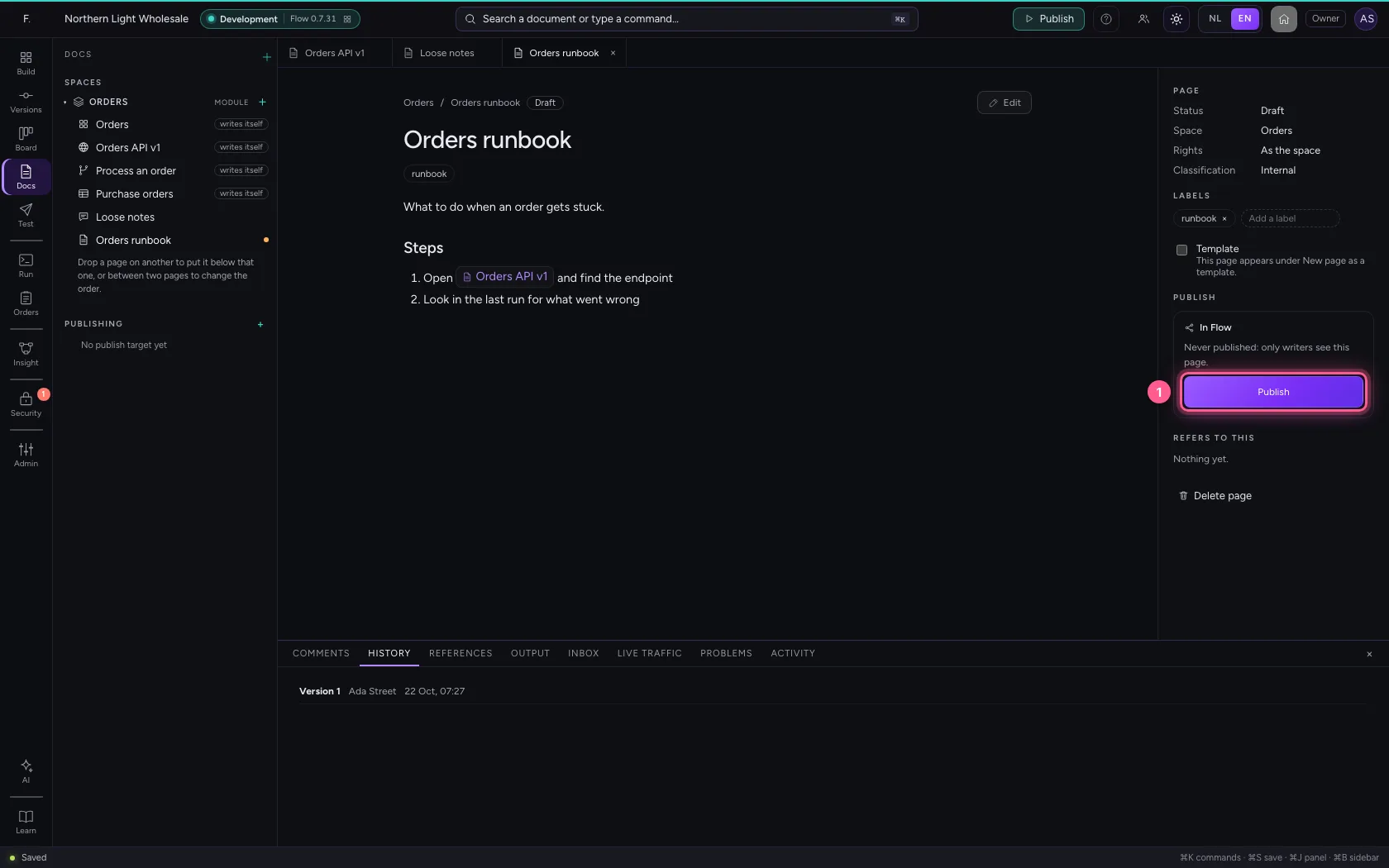
On the right in the inspector is the status: Draft. Readers only see what you publish; click Publish. The API page now lists the runbook under Refers to this.
- Click Publish
Comments
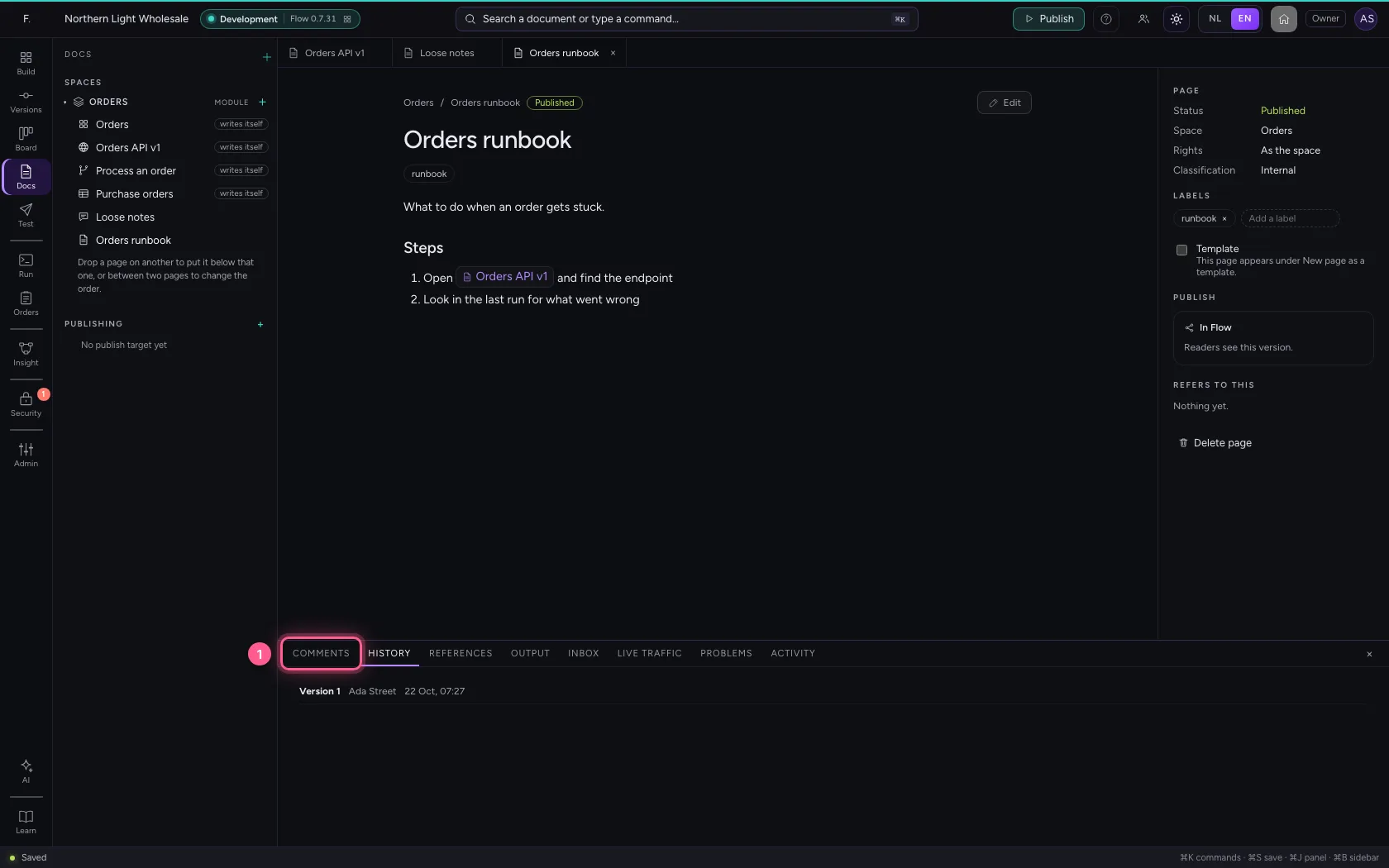
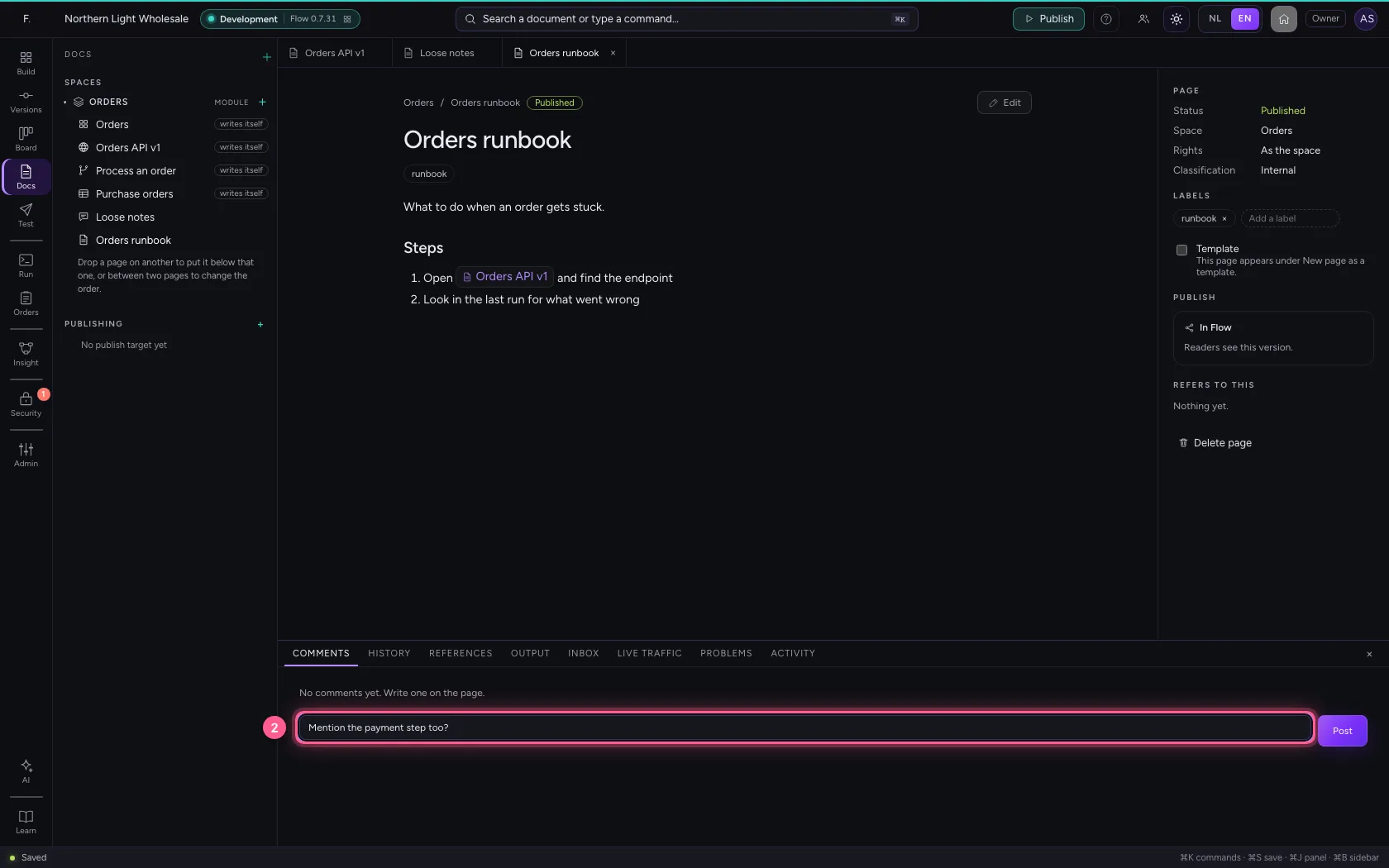
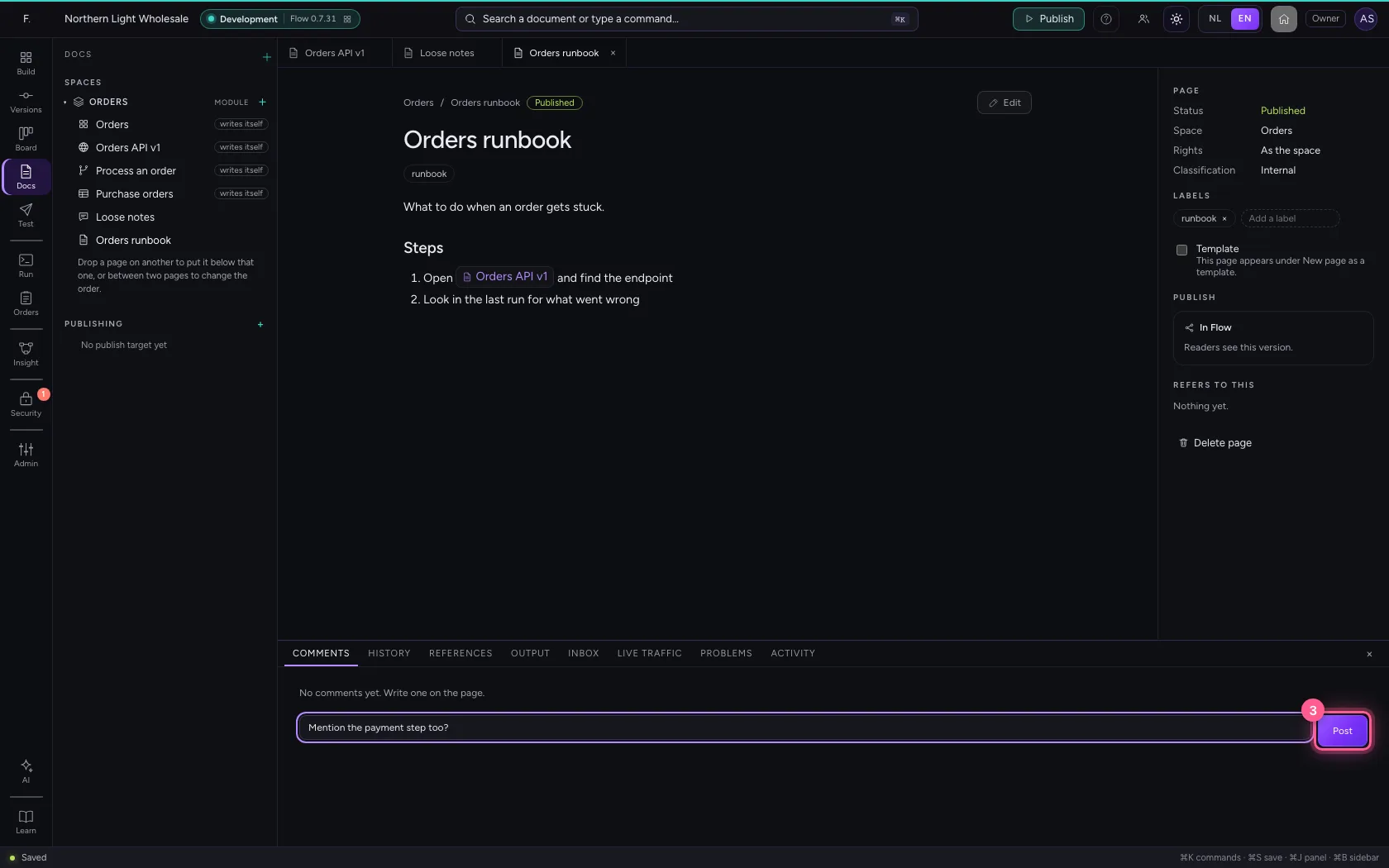
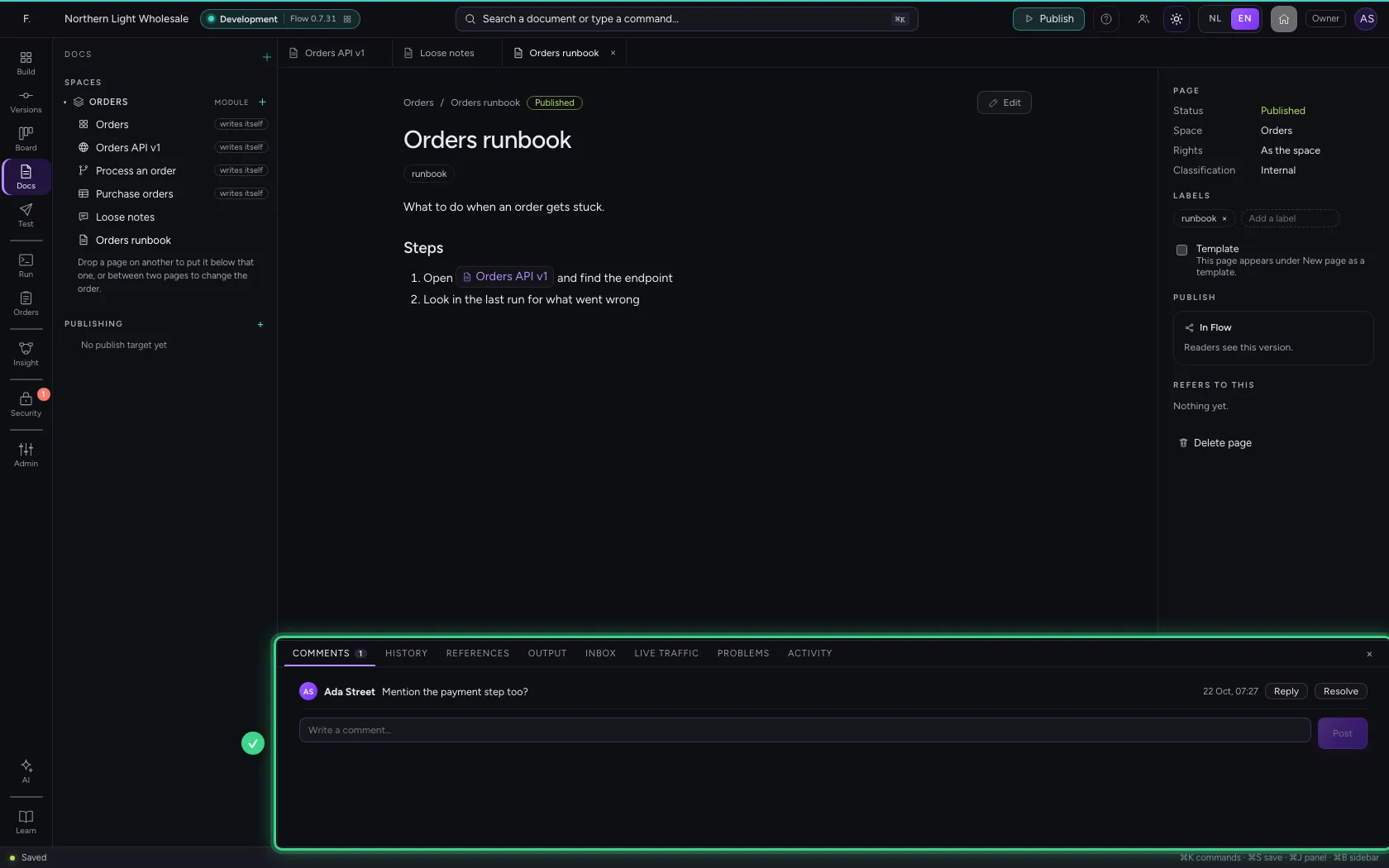
At the bottom a Docs page has Comments, History and References. Write a comment and click Post; colleagues reply below it and resolve it when it is sorted.
- Click COMMENTS
- In Write a comment…, type
Mention the payment step too?
- Click Post
An AI app writes along
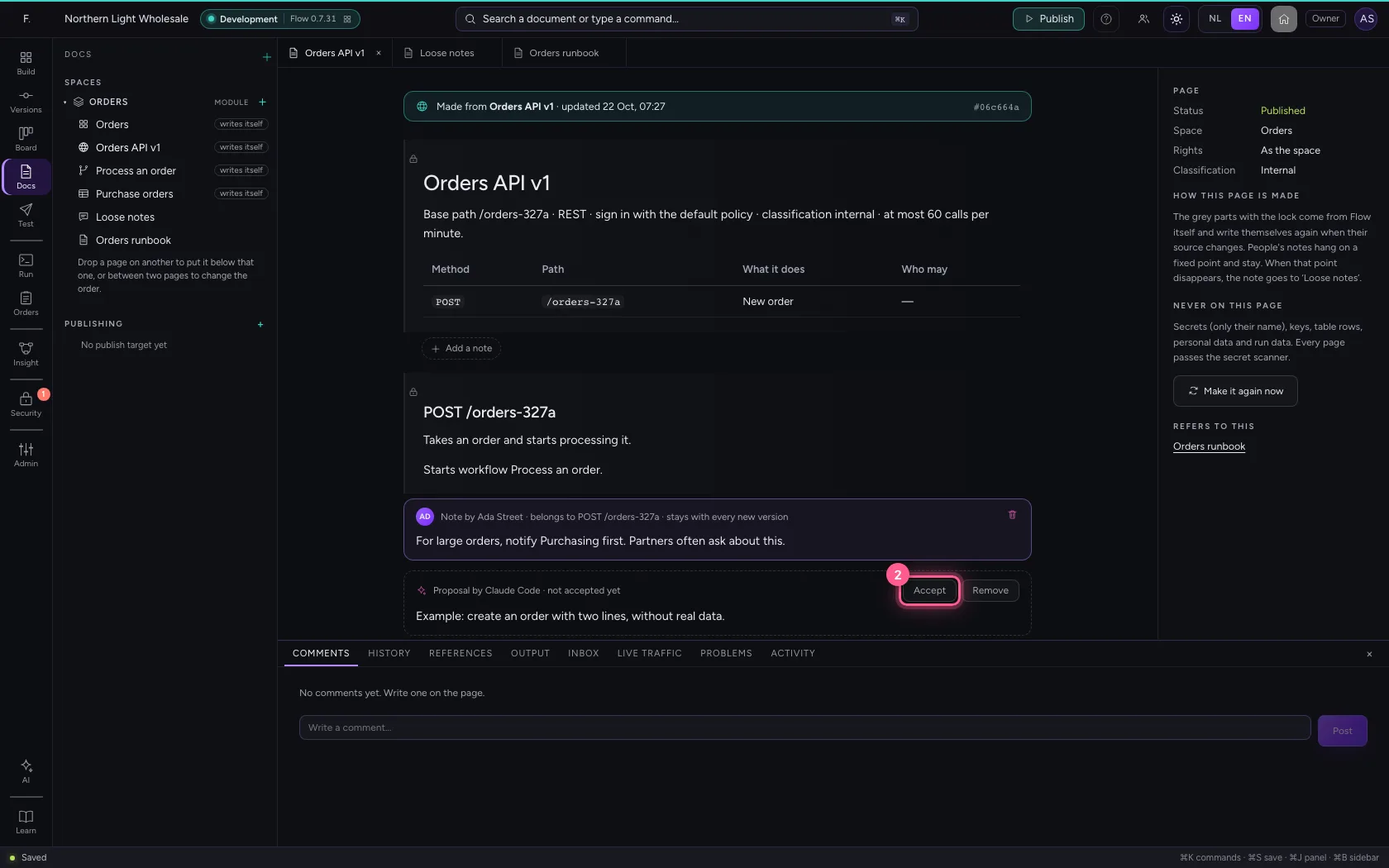
With MCP access an AI app such as Claude Code reads the pages (list_spaces, get_page, search_docs) and writes drafts (draft_page) and explanations on a part (draft_note). Such an explanation is dashed on the page as a proposal: readers only see it once a person clicks Accept.
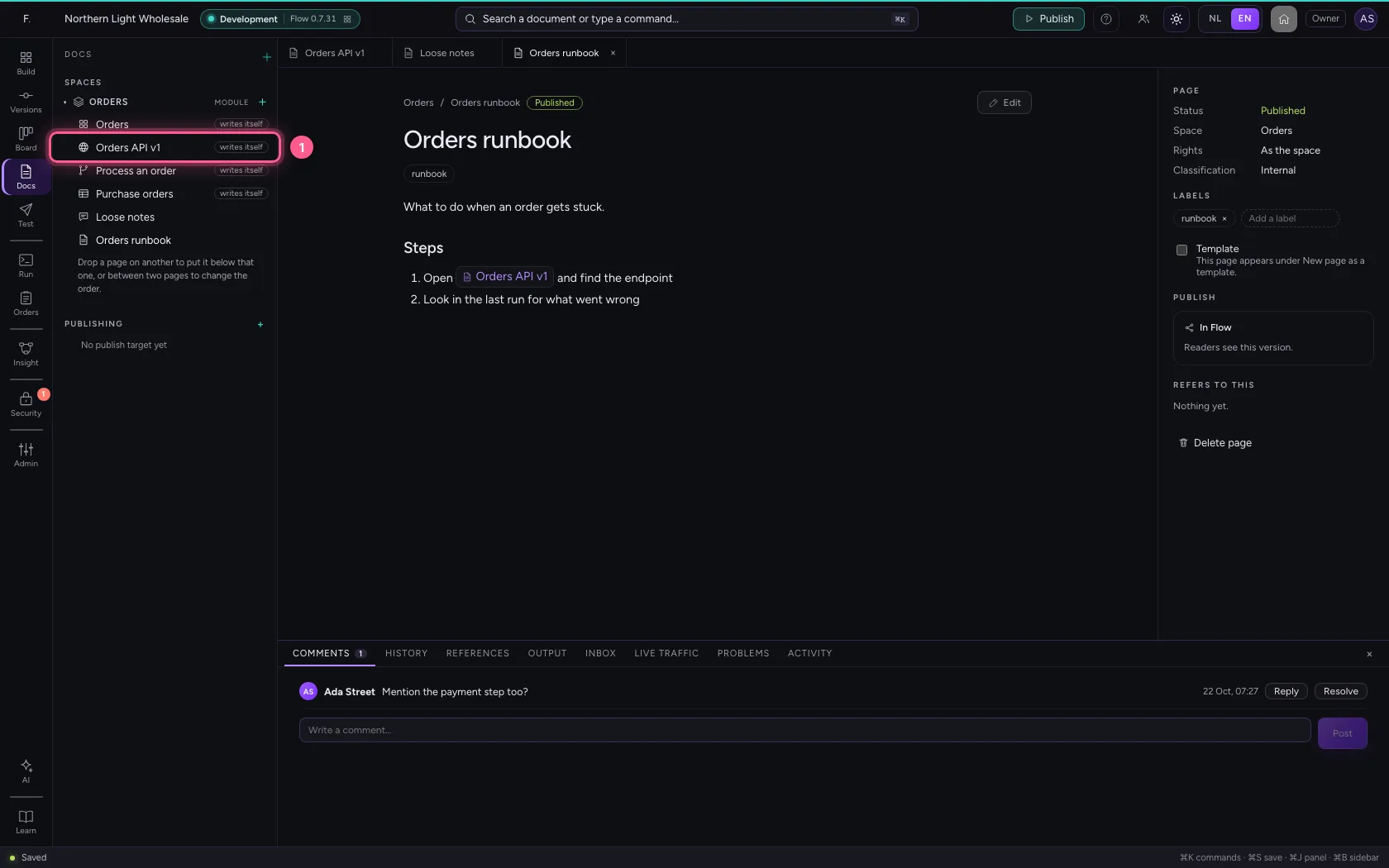
- Click Orders API v1 writes itself
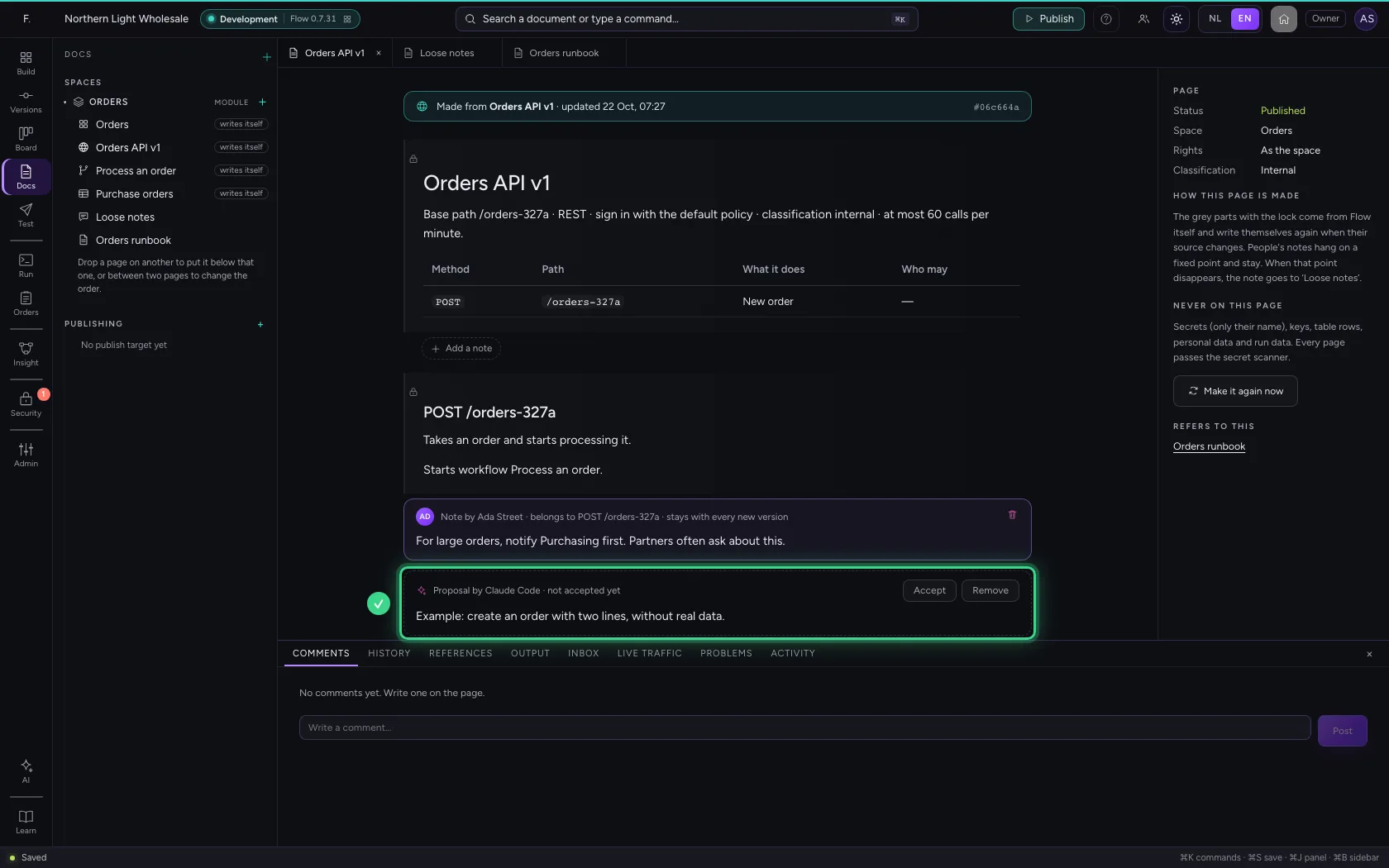
- Click Accept
This guide was carried out step by step on 22 Oct 2026 by an automated test on Flow (version 3e563176).