Table: delete a row
Delete a row removes one row, by id. As with updating, you first look the row up by something you do know. Deleting is final: the table keeps track of who changed what, but the row itself is gone. Here you remove a cancellation from the list of participants.
Open Flow and create a workflow
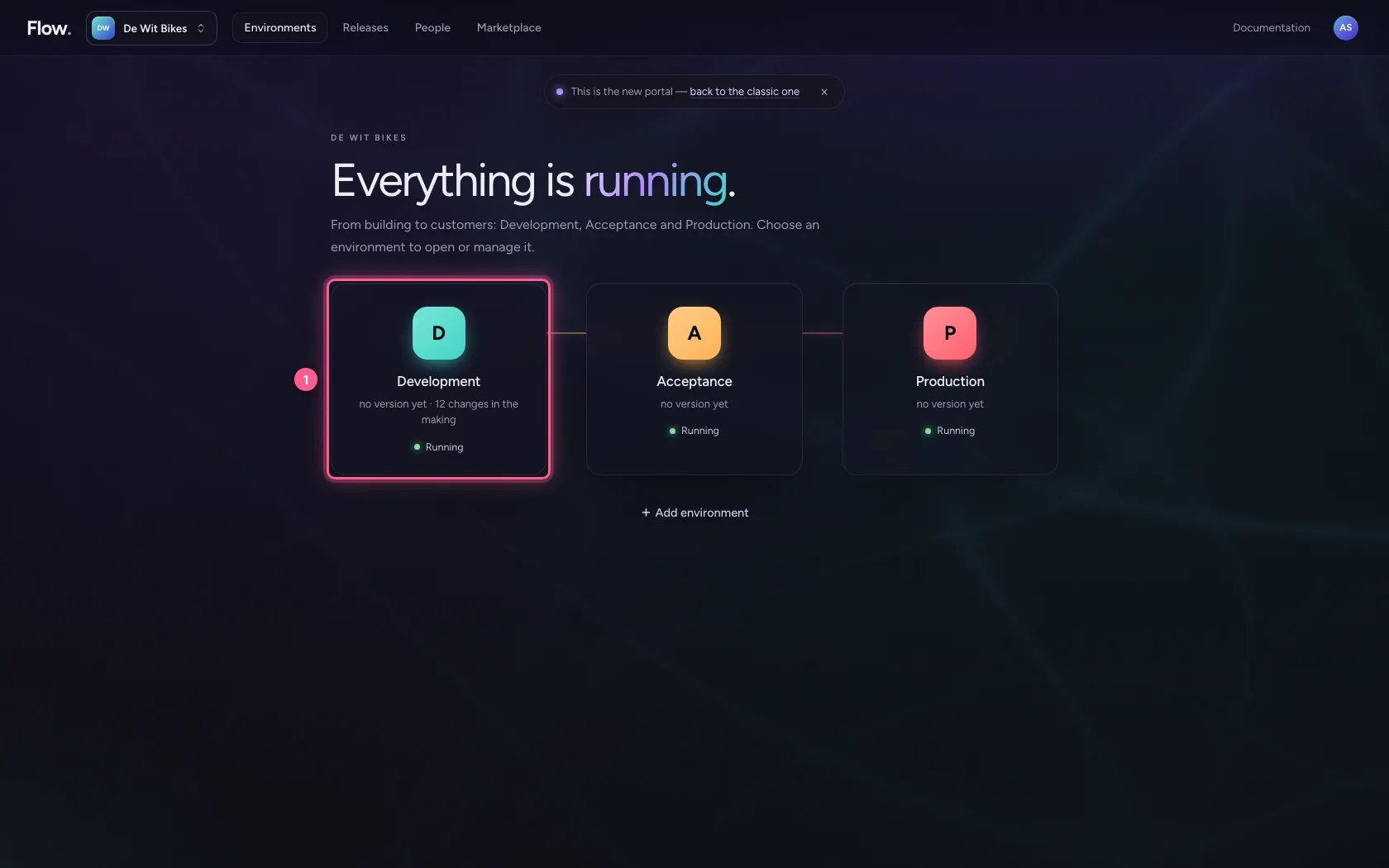
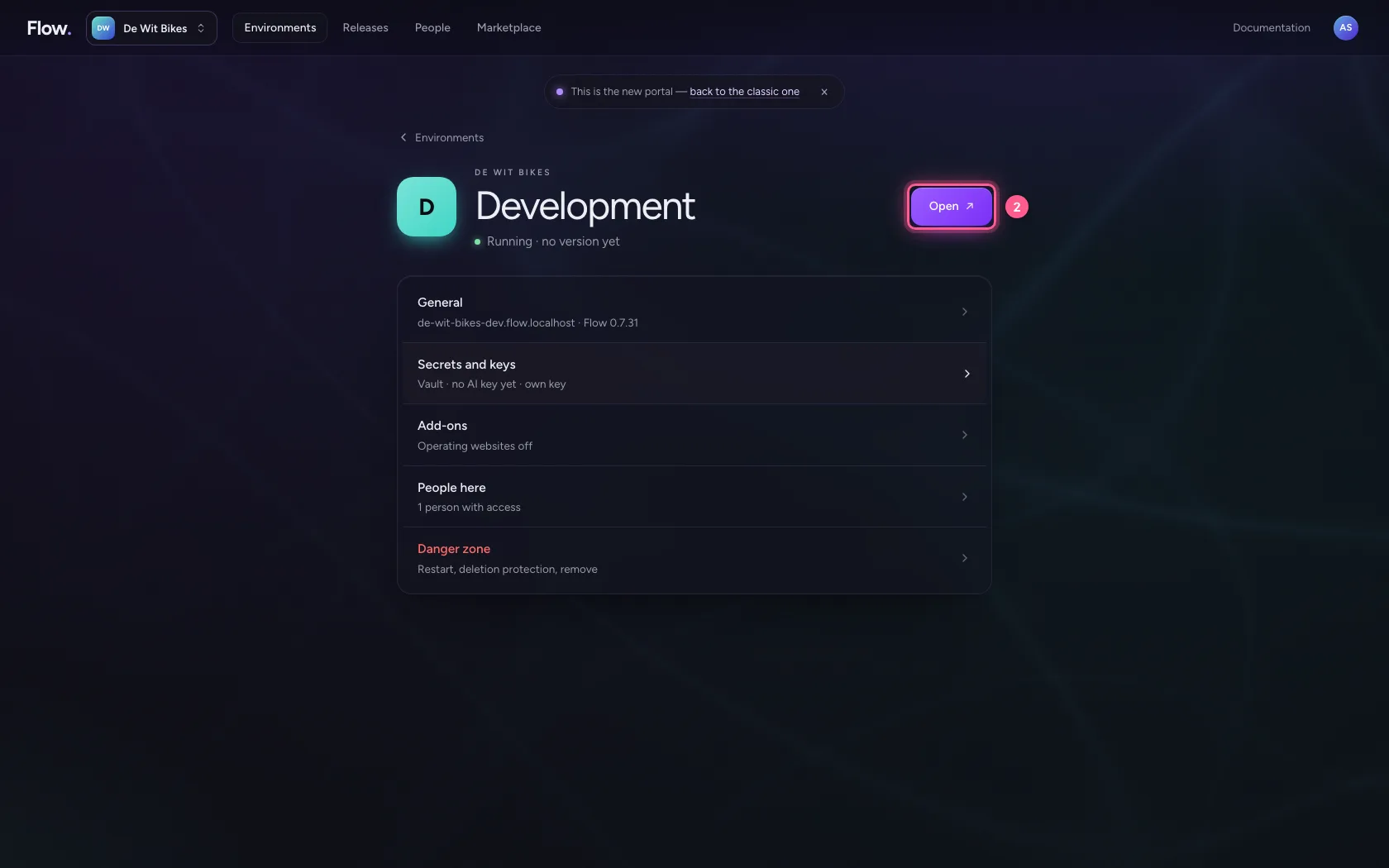
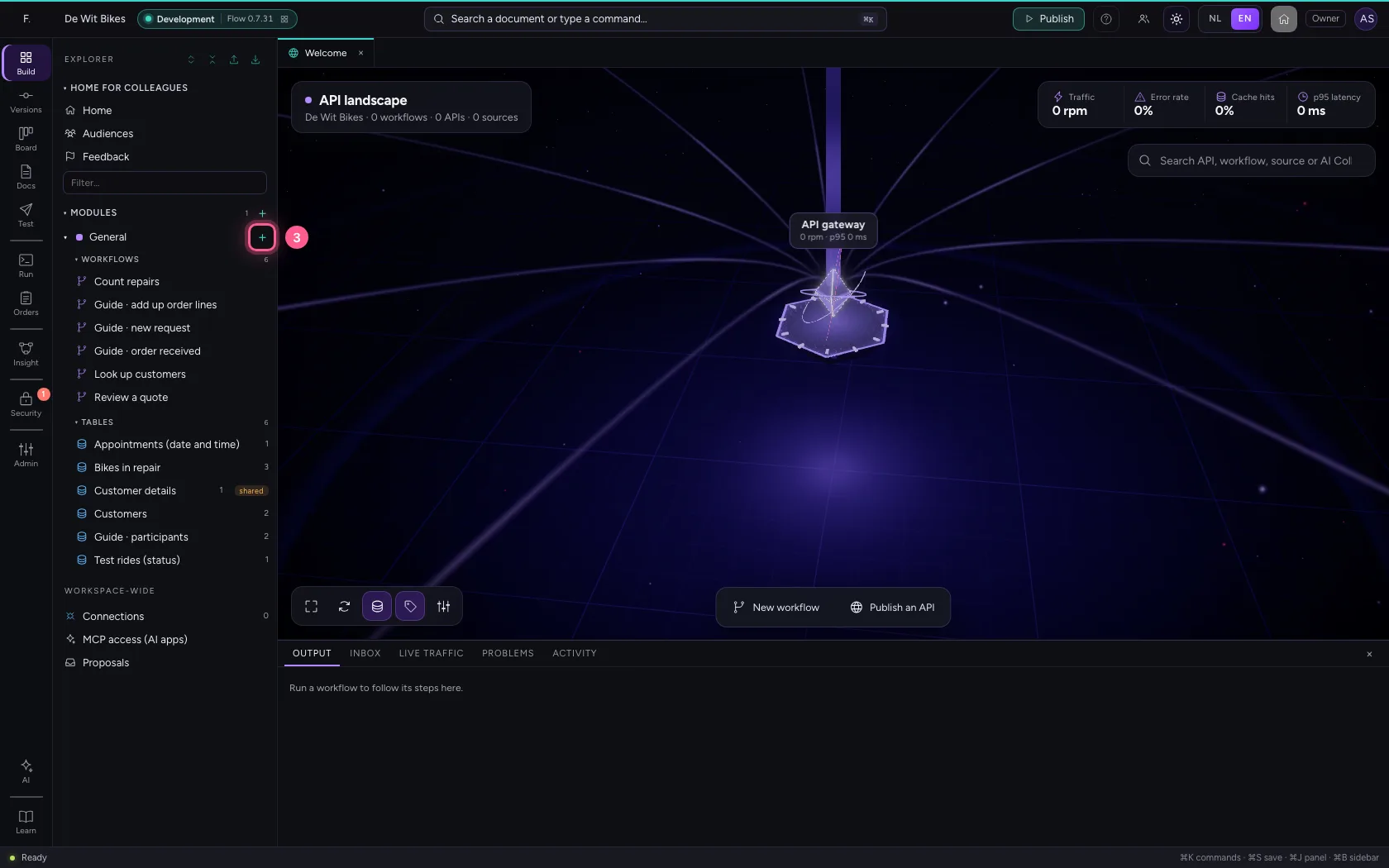
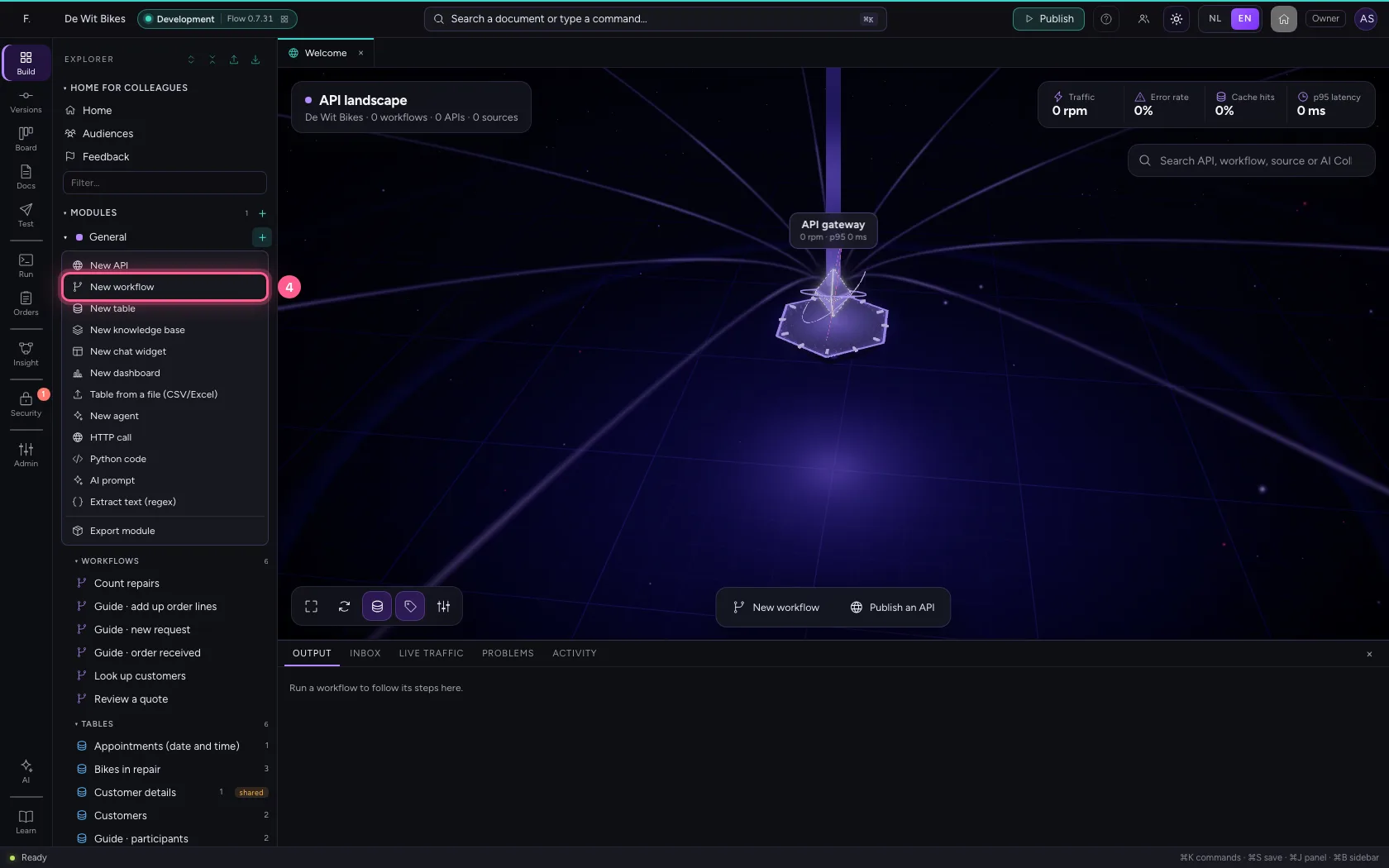
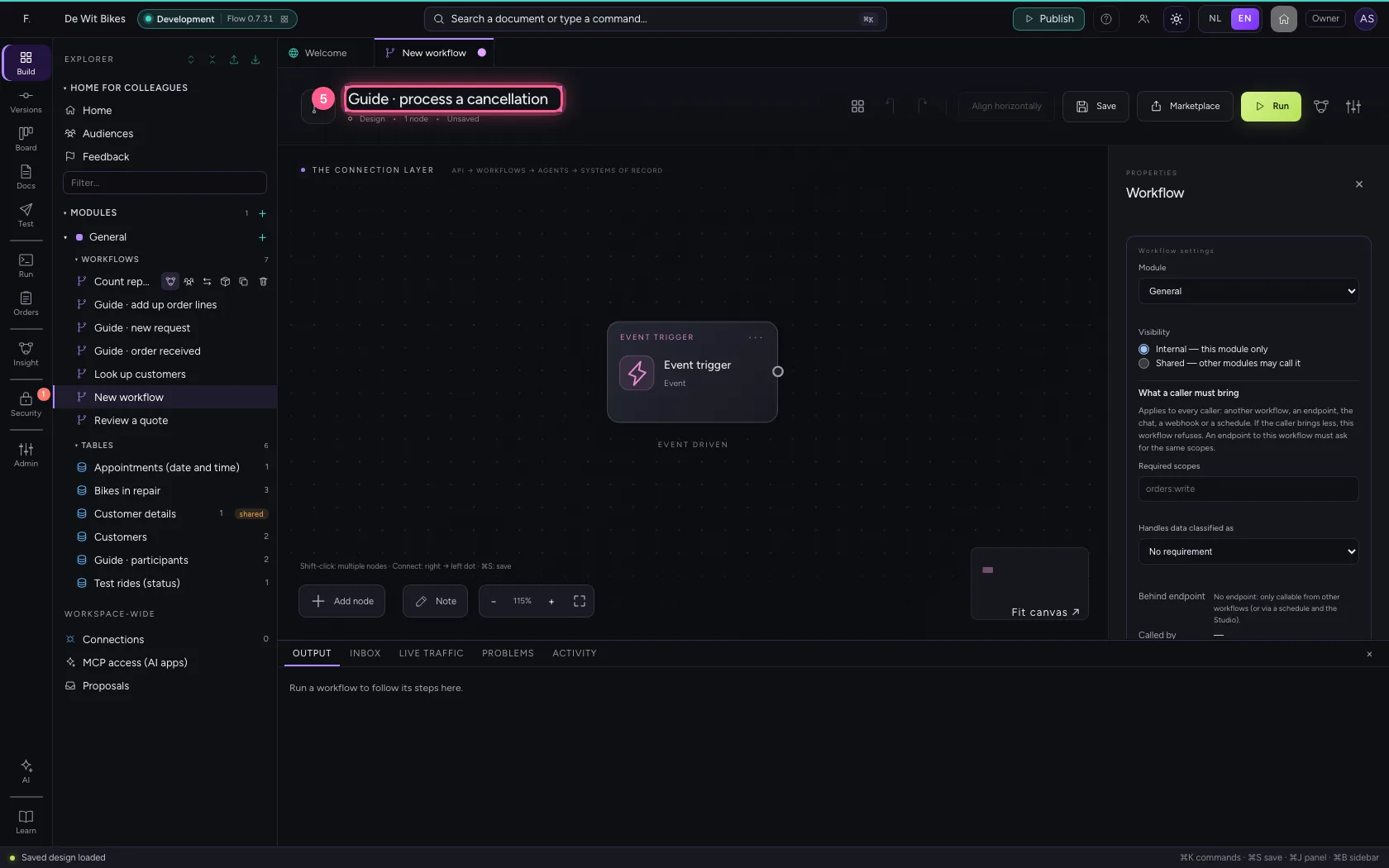
In the portal, under Environments, click Development and there Open; Flow opens in a new tab. There, click + next to General, choose New workflow and give it a name. A new workflow starts with an Event trigger: the point where it begins.
- Click Development
- Click Open ↗
- Click Add to General
- Click New workflow
- In Workflow name, type
Guide · process a cancellation
Look the row up
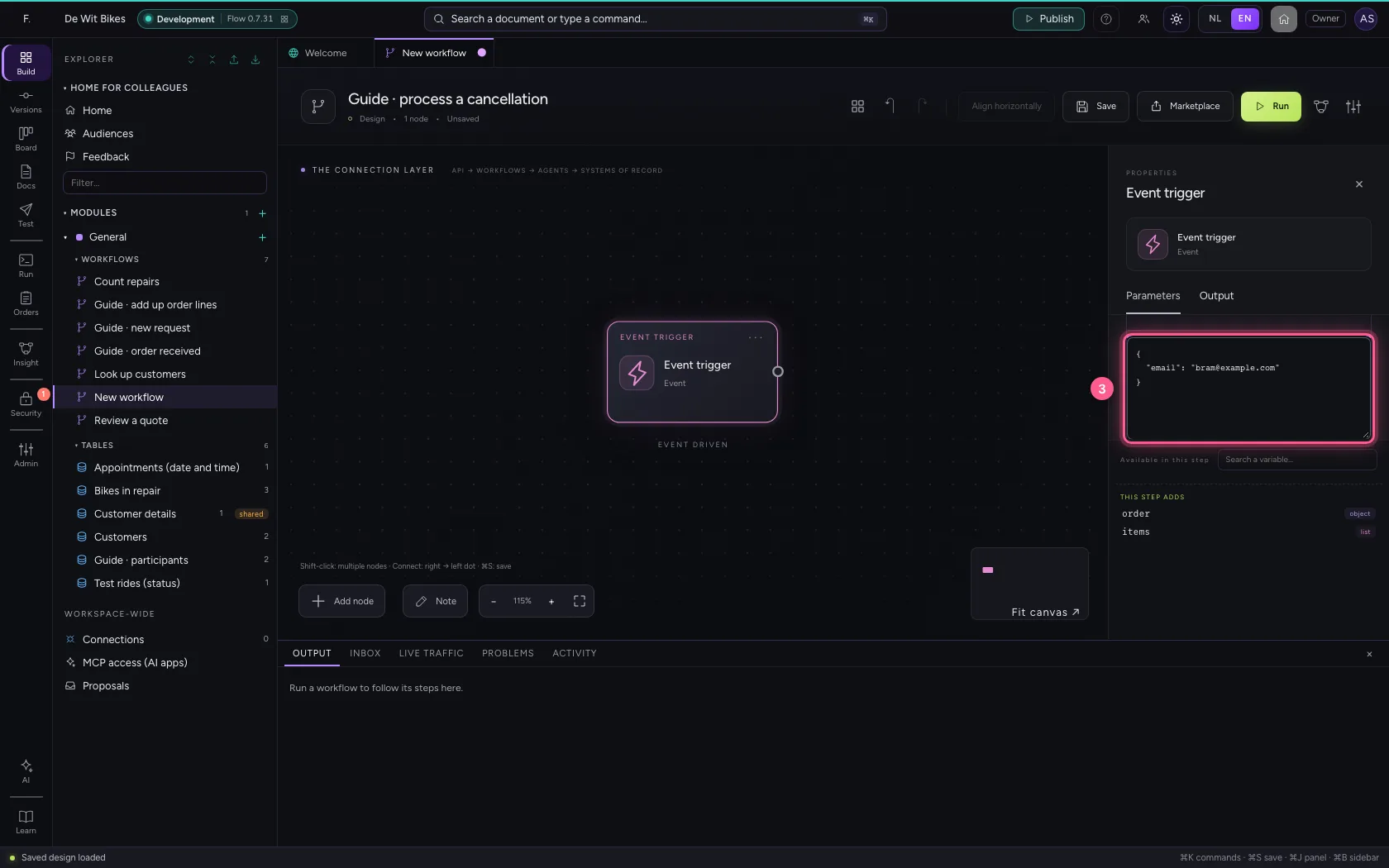
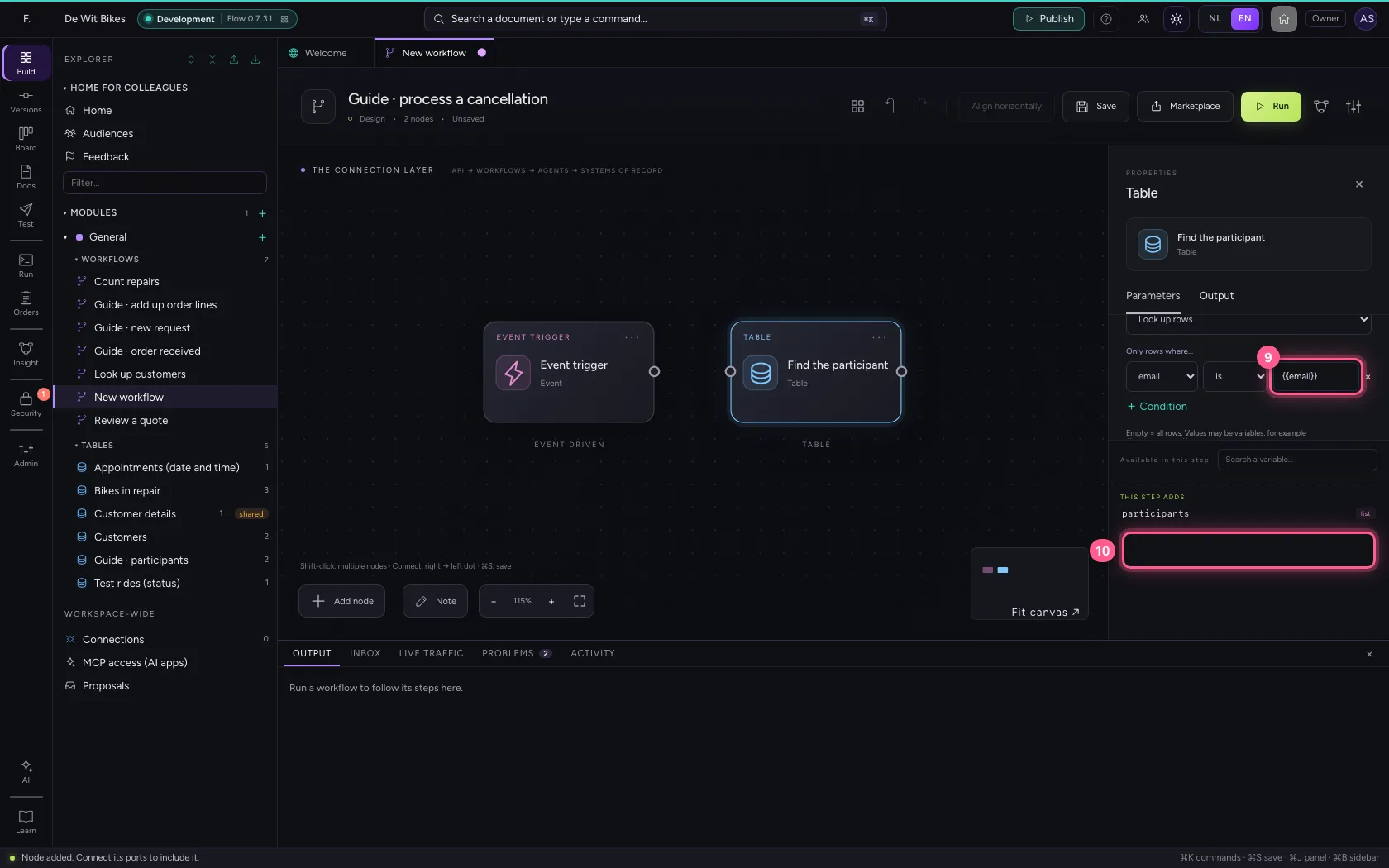
The cancellation names an email address. Put it in the sample data, add Table with Look up rows and the condition email = {{email}}, and call the result participants.
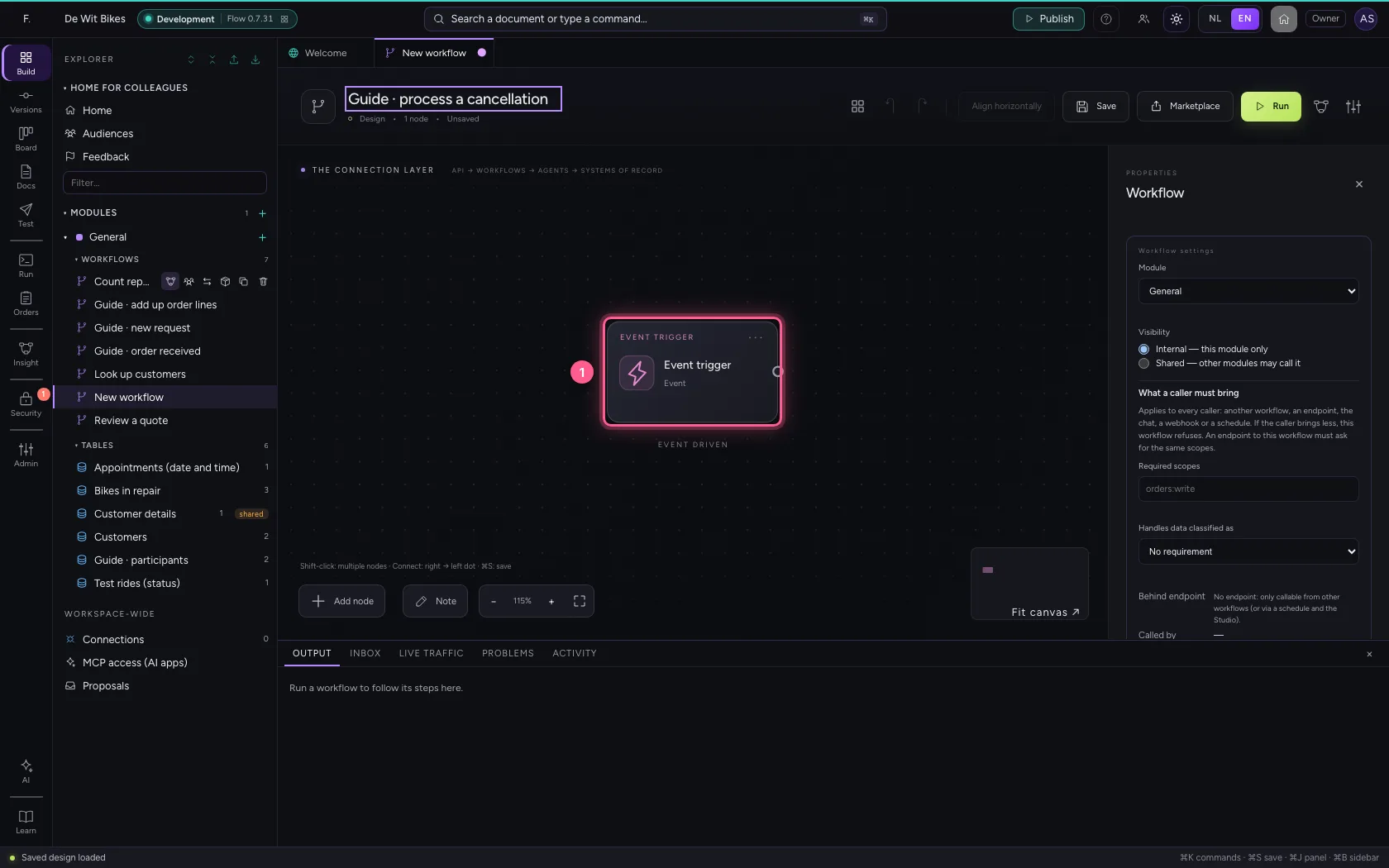
- Click the step ‘Event trigger’
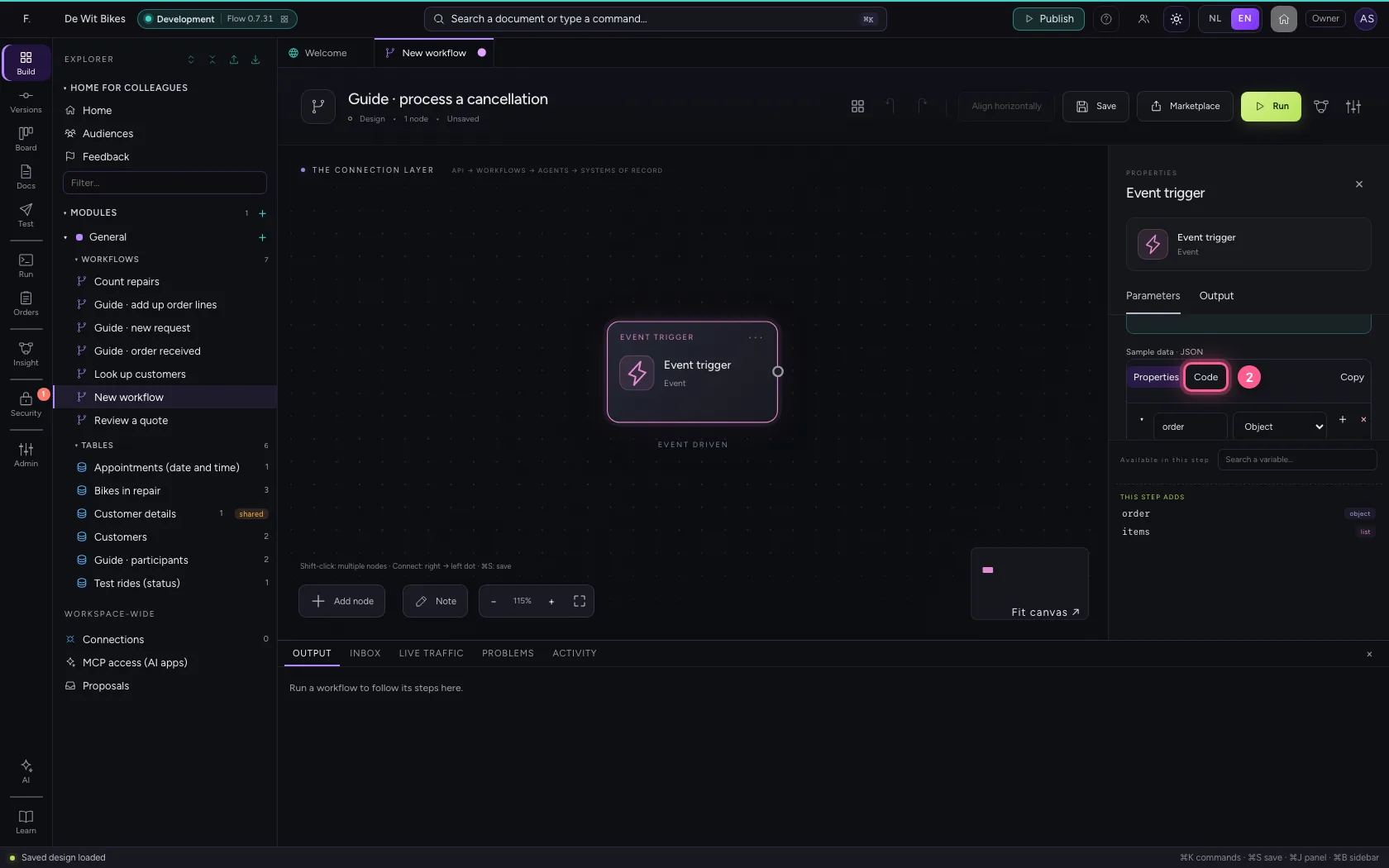
- Click Code
- In the sample data, type `{
- Click Add node
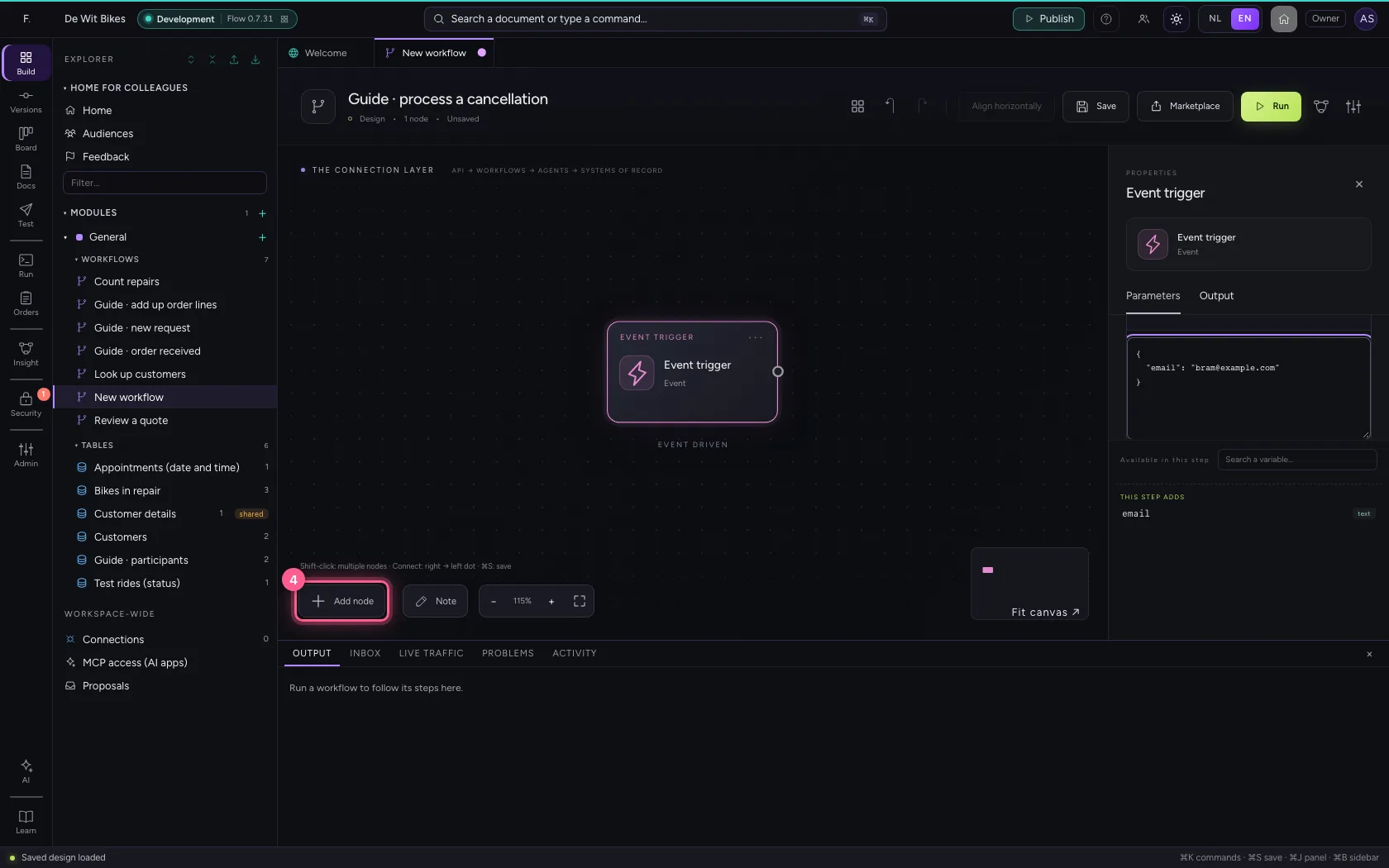
- Click Table
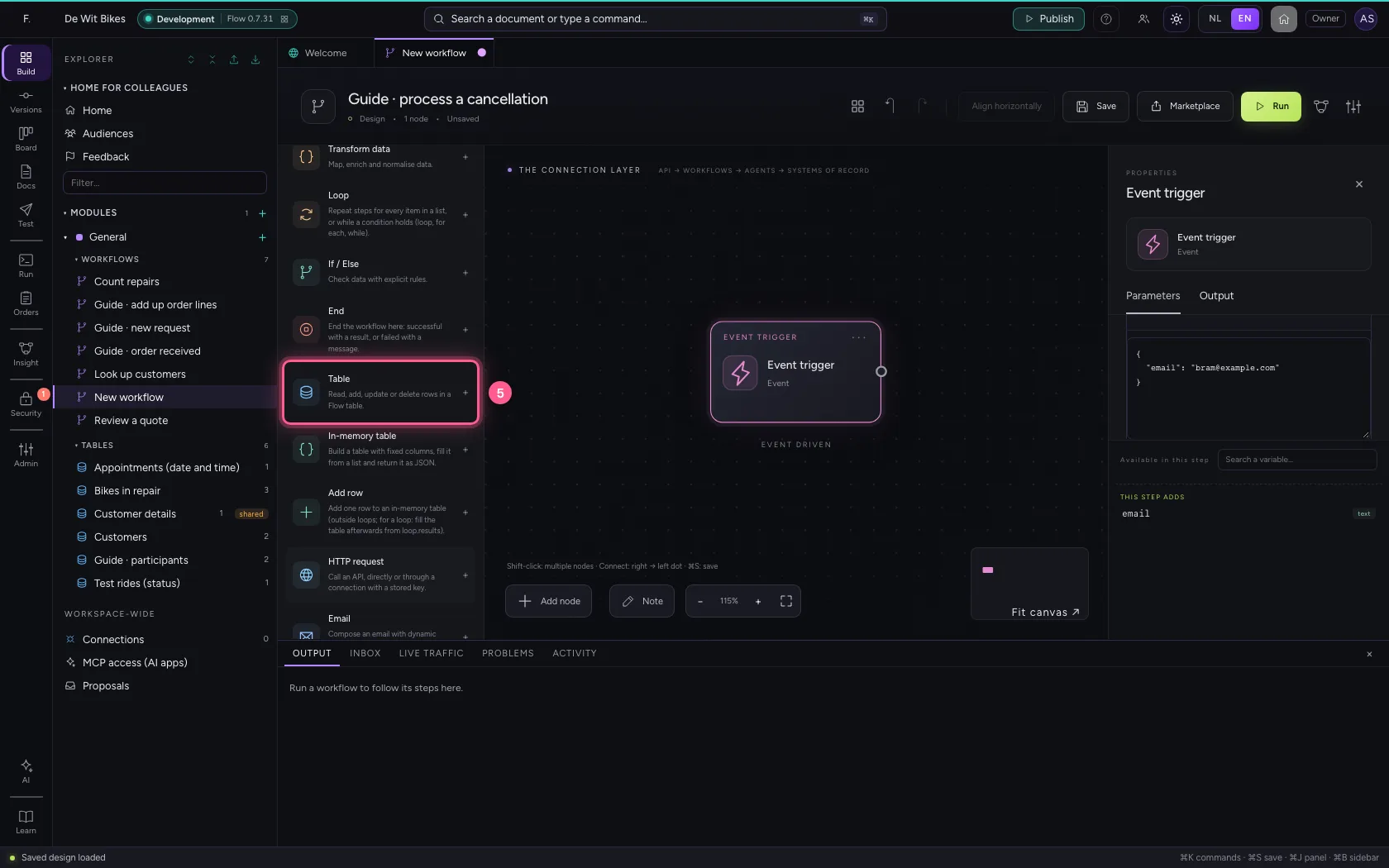
- In Name, type
Find the participant - In Table, choose Guide · participants · 2
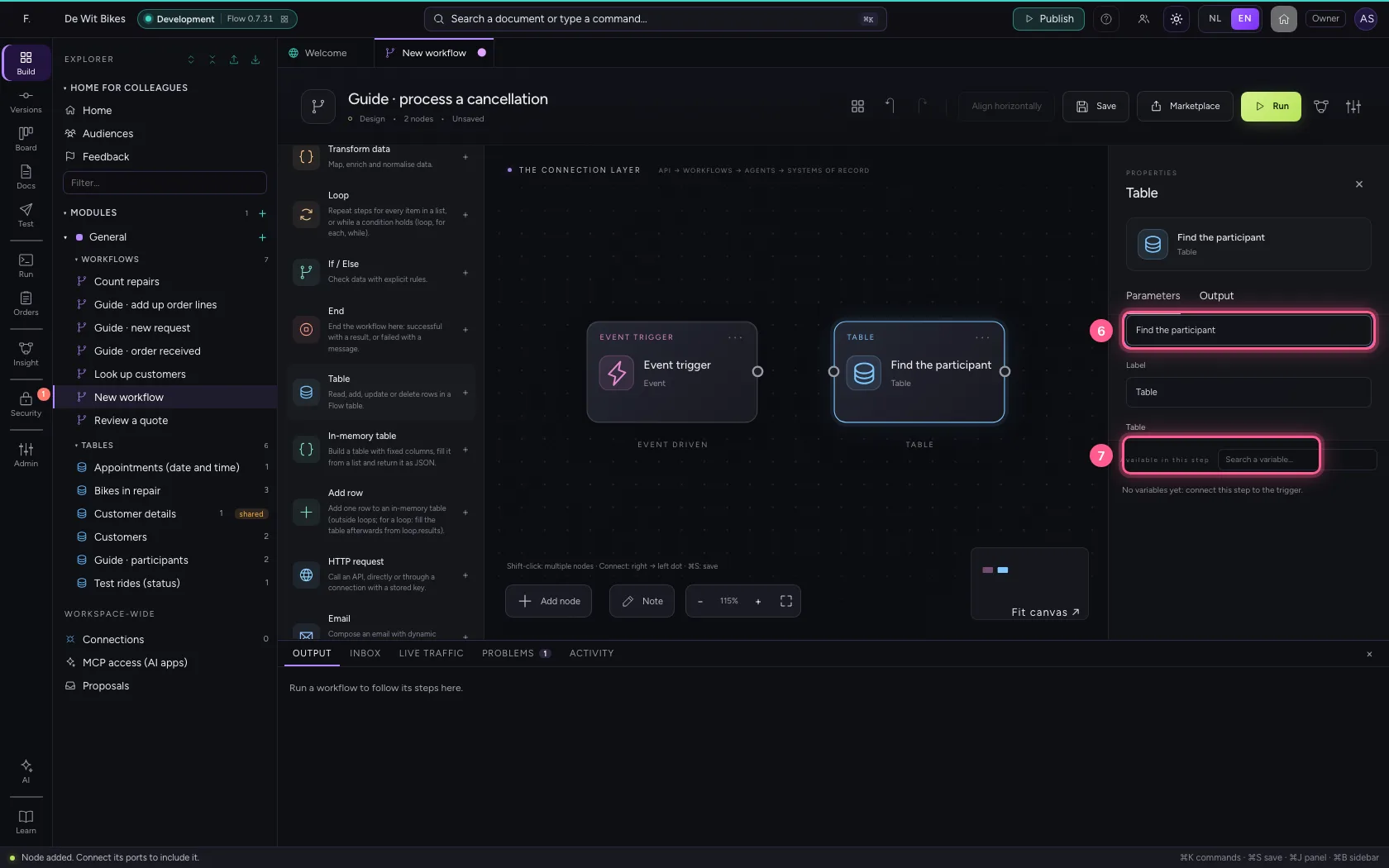
- Click + Condition
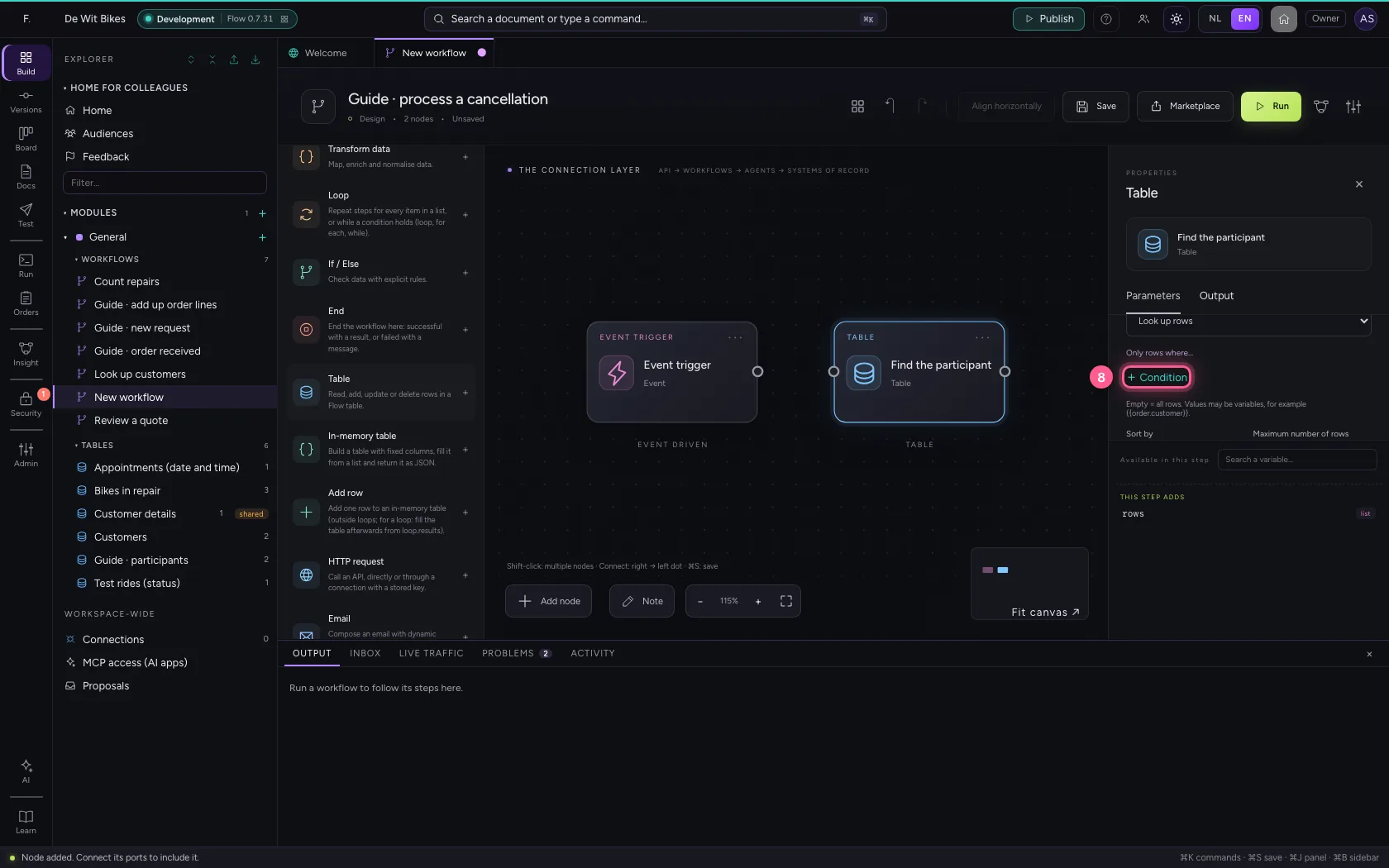
- In value, type
{{email}} - In Store the result as Next steps read this as {{participants}}., type
participants
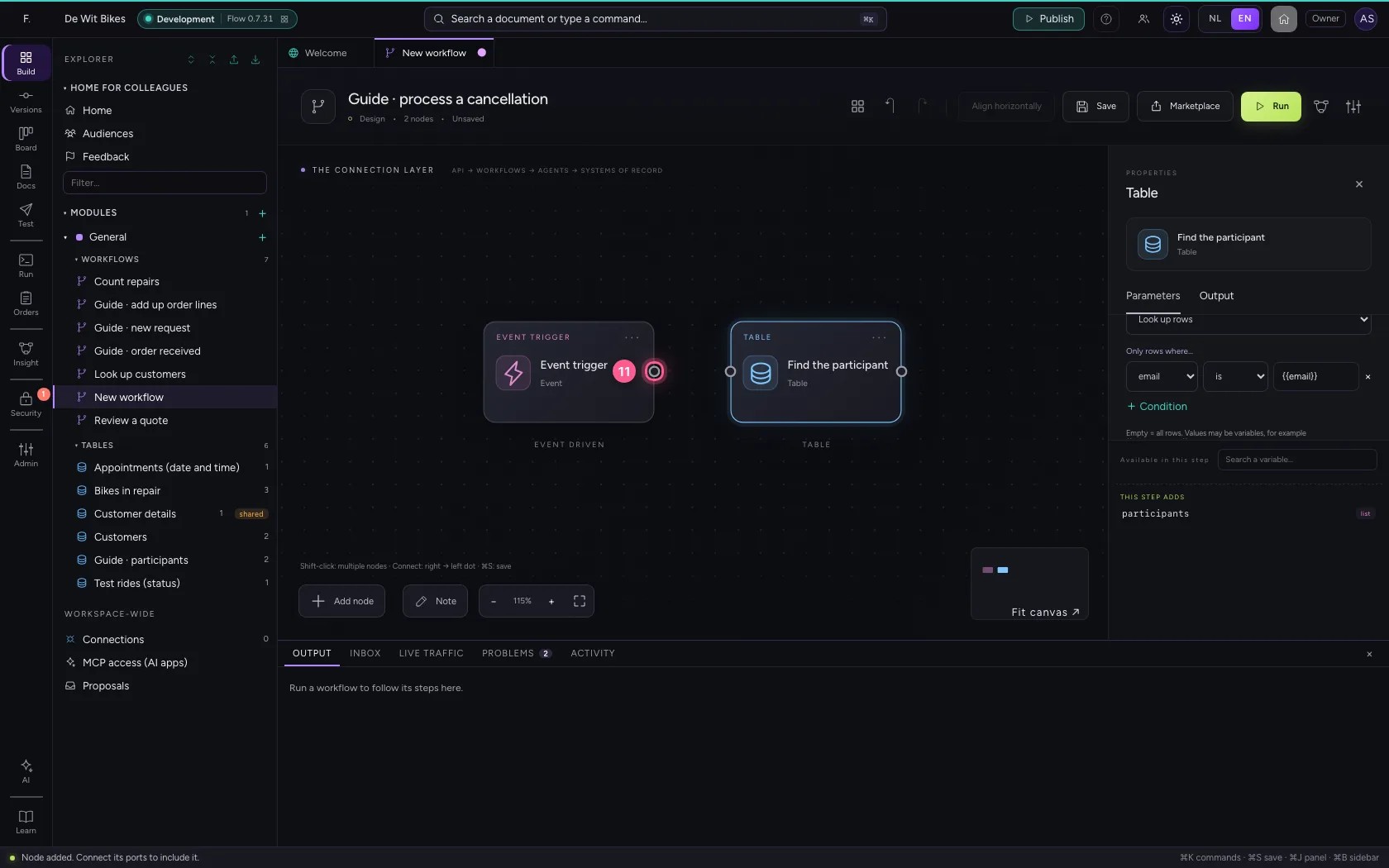
- Click the dot of ‘Event trigger’
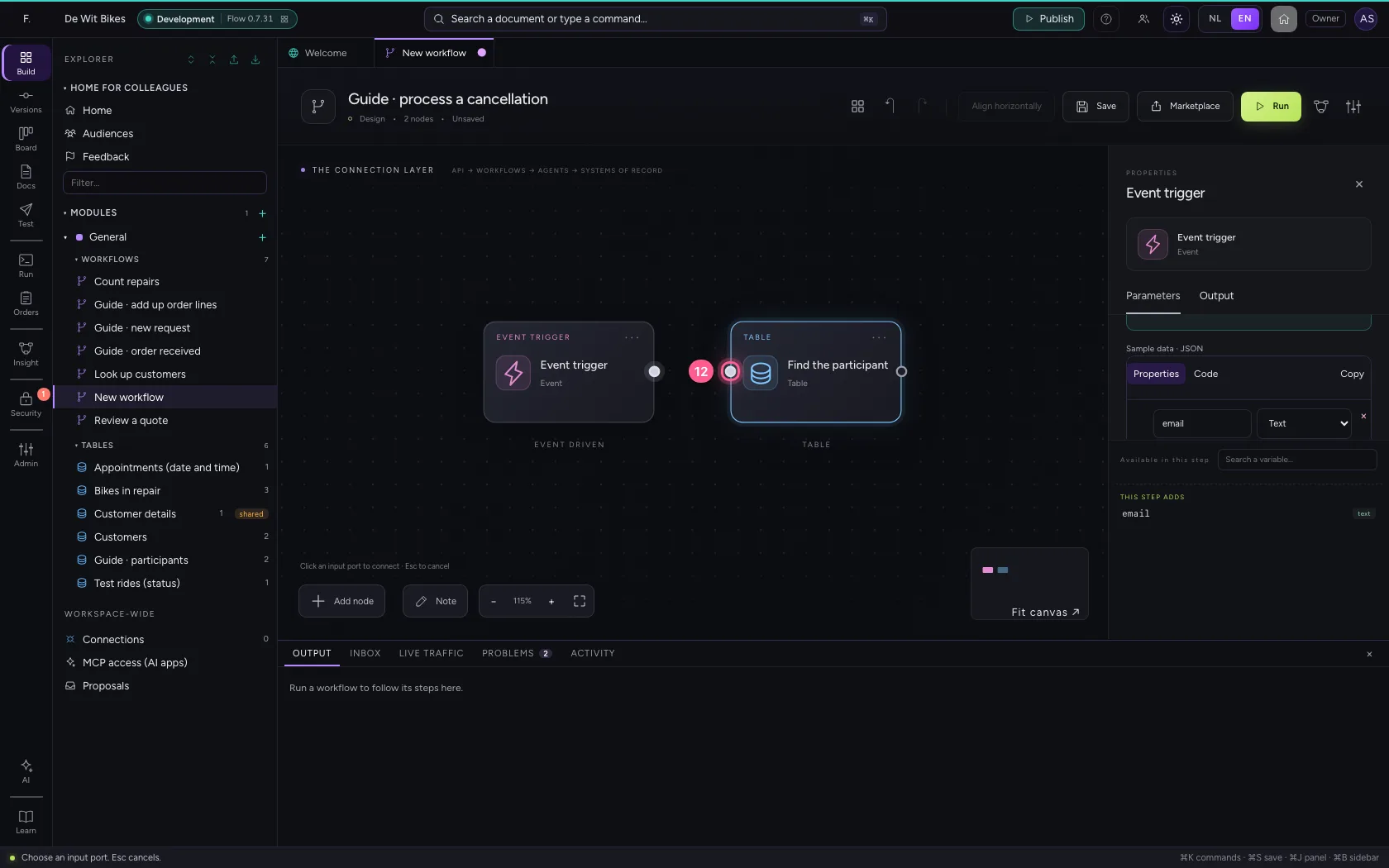
- Click the dot of ‘Find the participant’
Delete the row you found
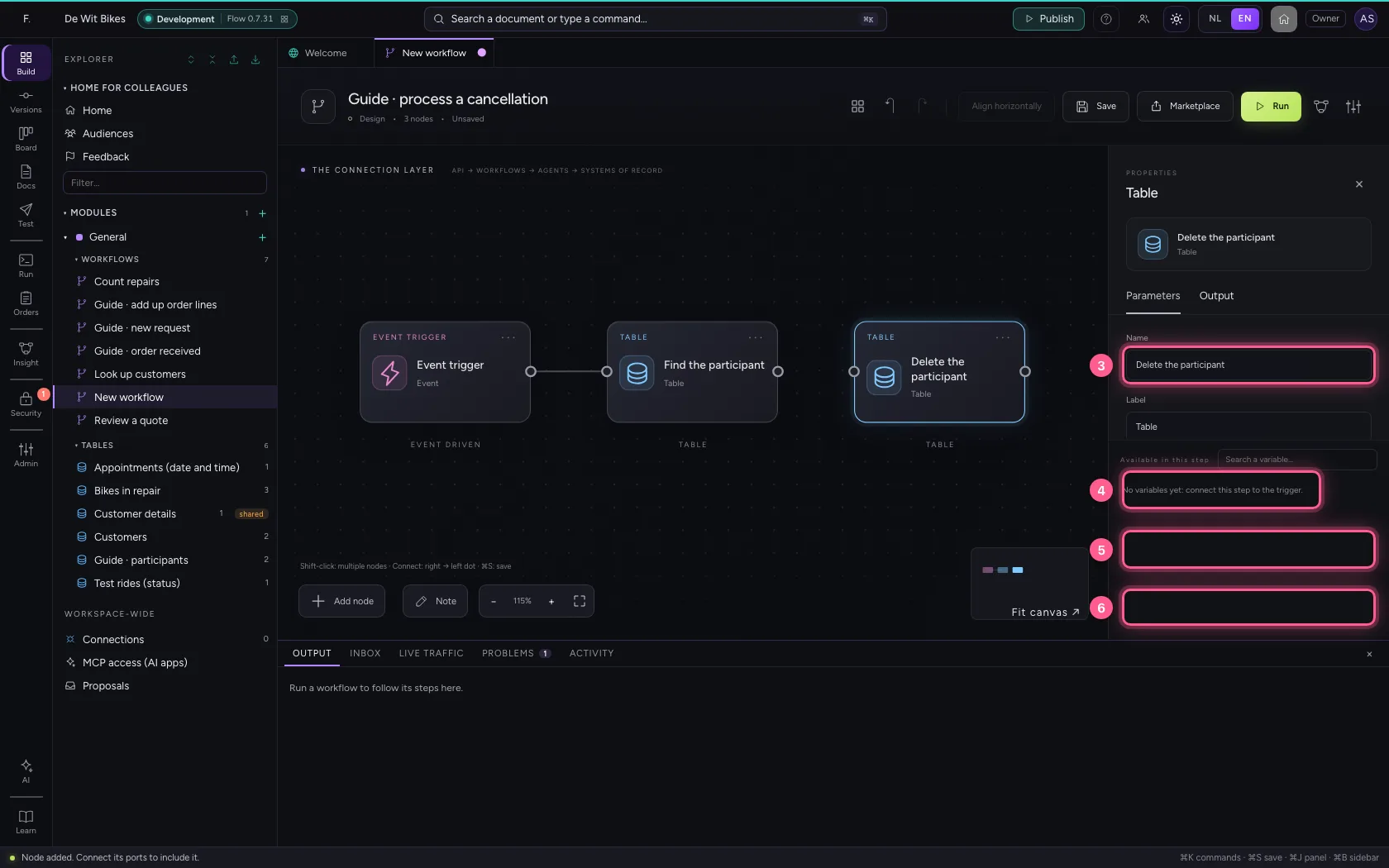
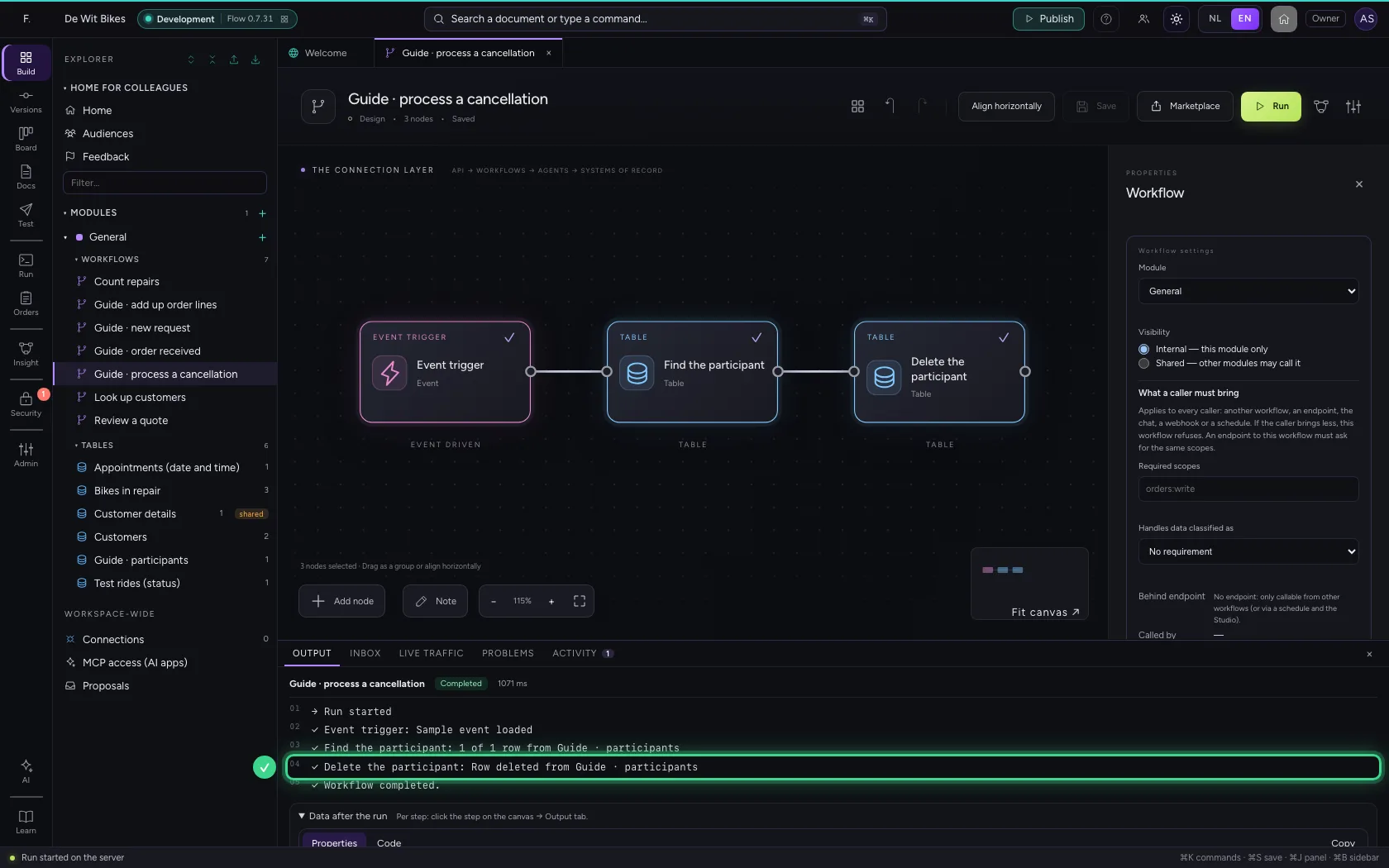
Add another Table step on the same table, choose Delete a row (by id) and read the id of the first row found under Row id: {{participants.0.id}}.
- Click Add node
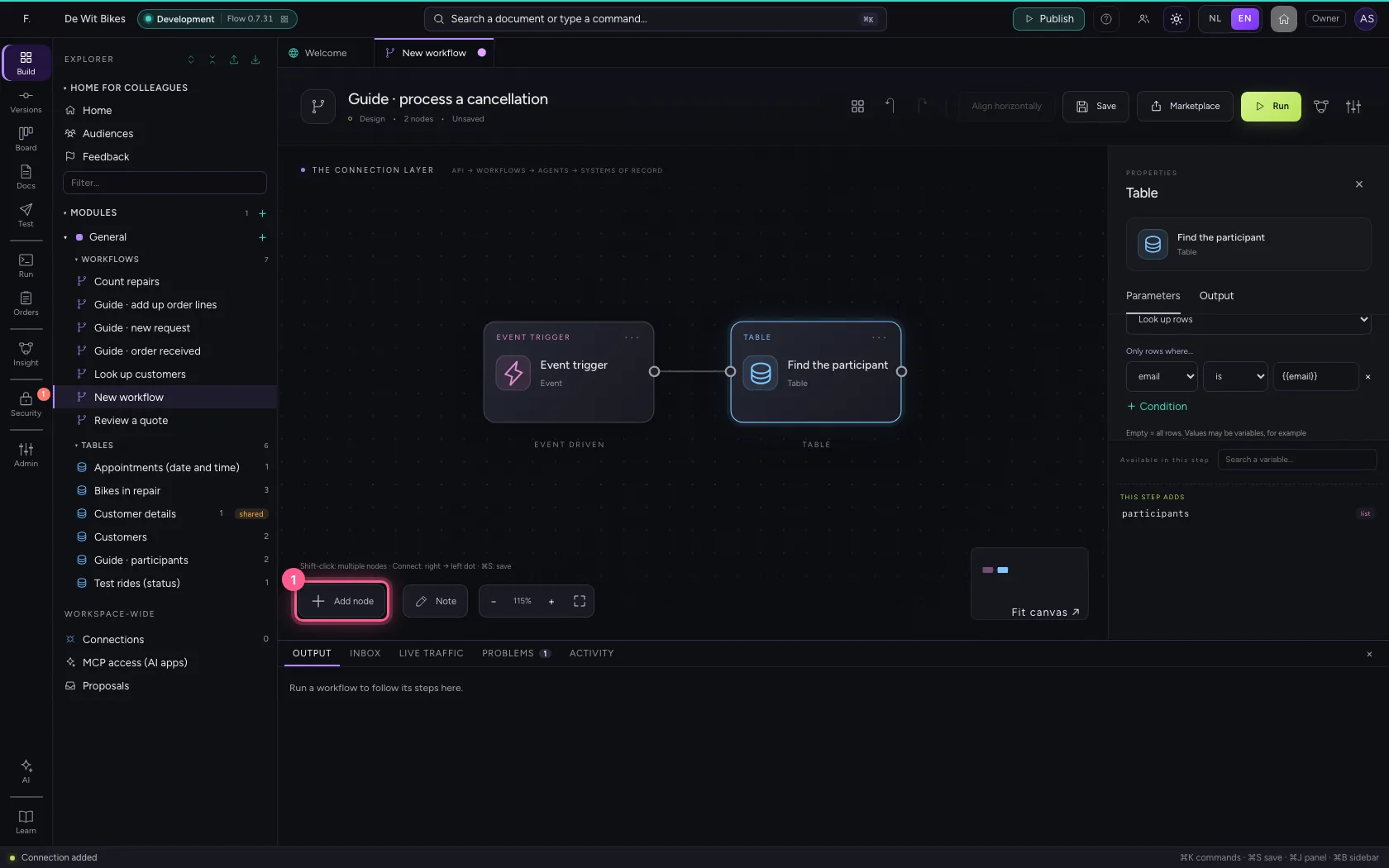
- Click Table
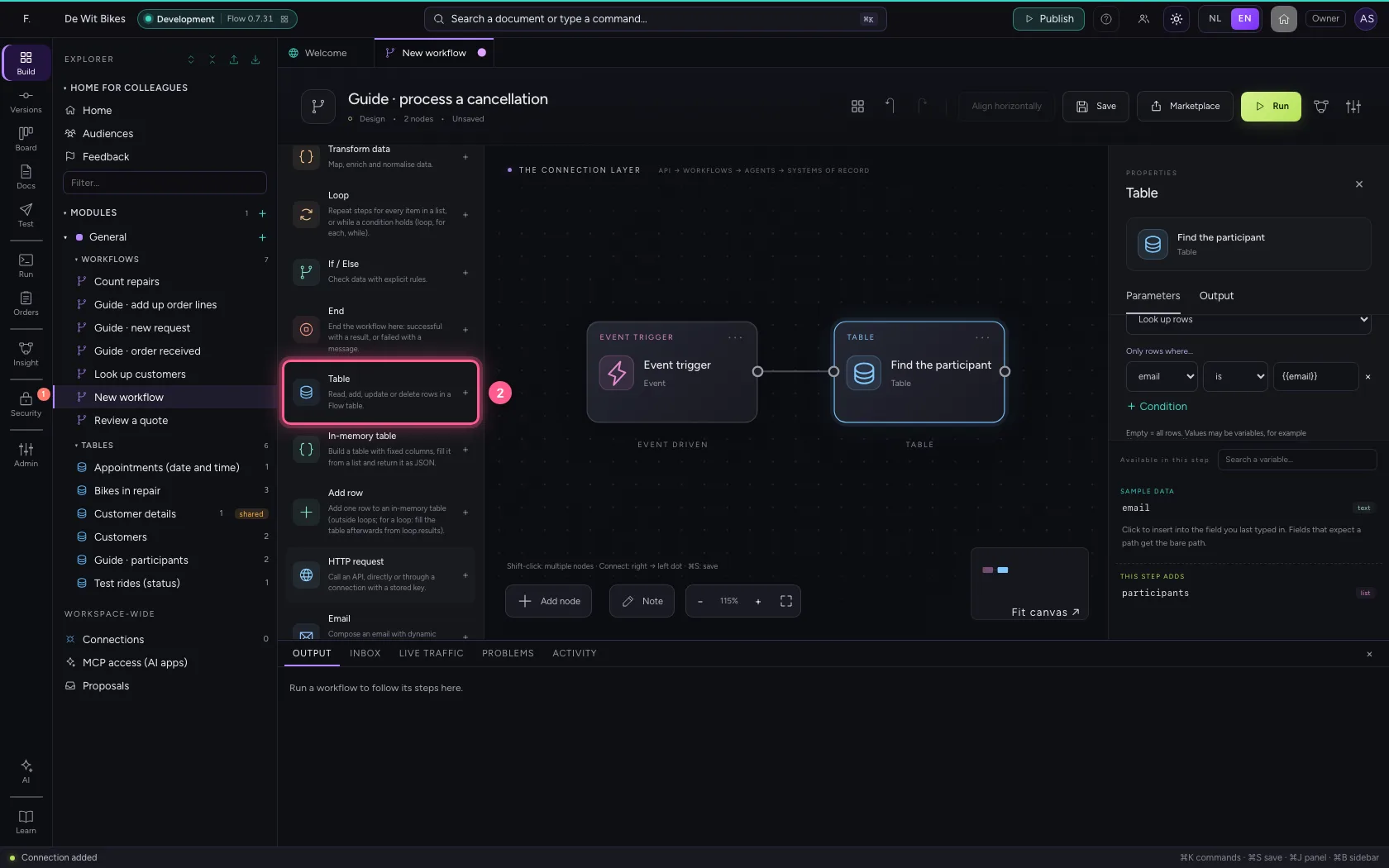
- In Name, type
Delete the participant - In Table, choose Guide · participants · 2
- In What does this step do? Look up rows Get one row (by id) Add one row Add rows fr, choose Delete a row (by id)
- In Row id, type
{{participants.0.id}}
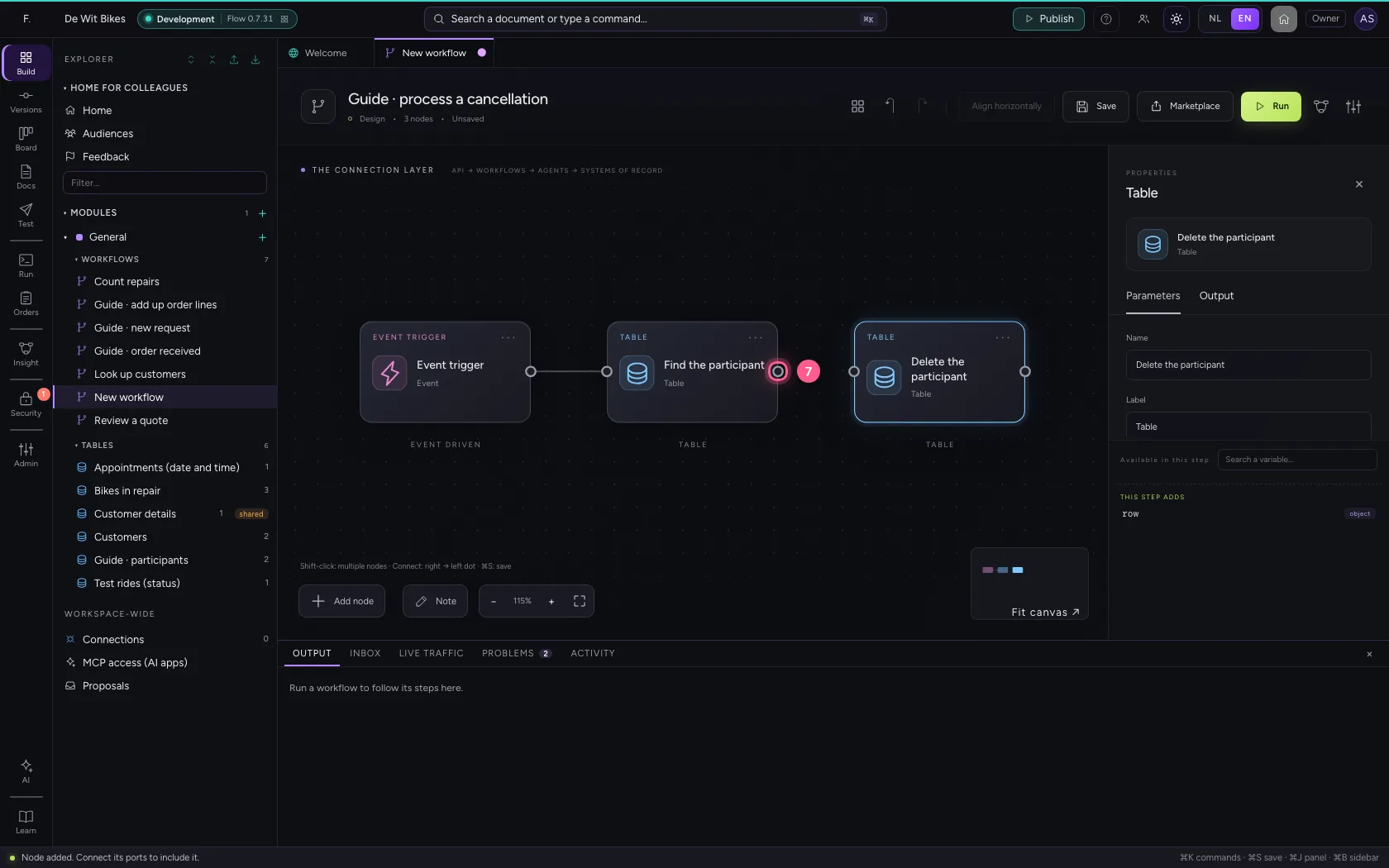
- Click the dot of ‘Find the participant’
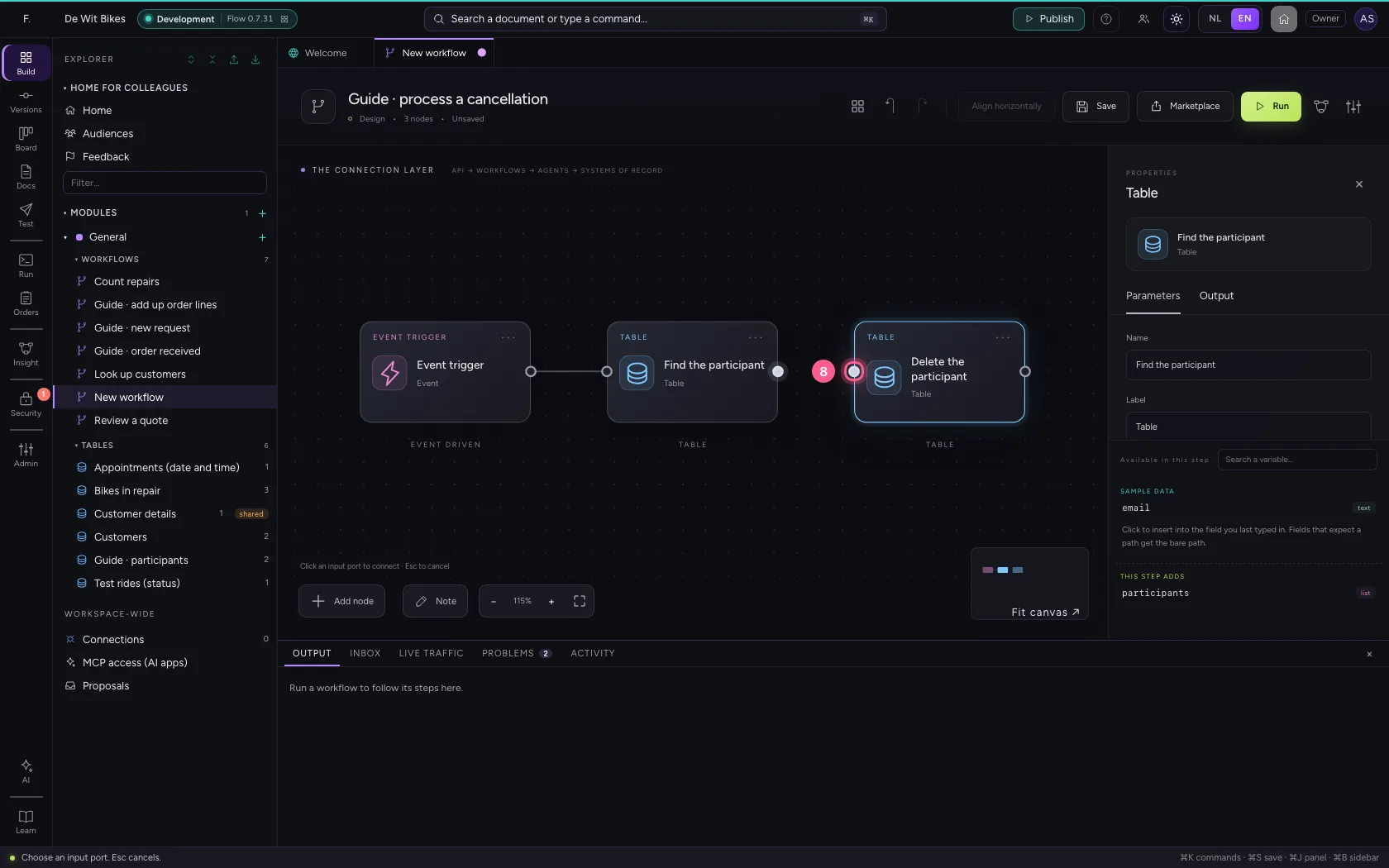
- Click the dot of ‘Delete the participant’
Put the steps in one line and save
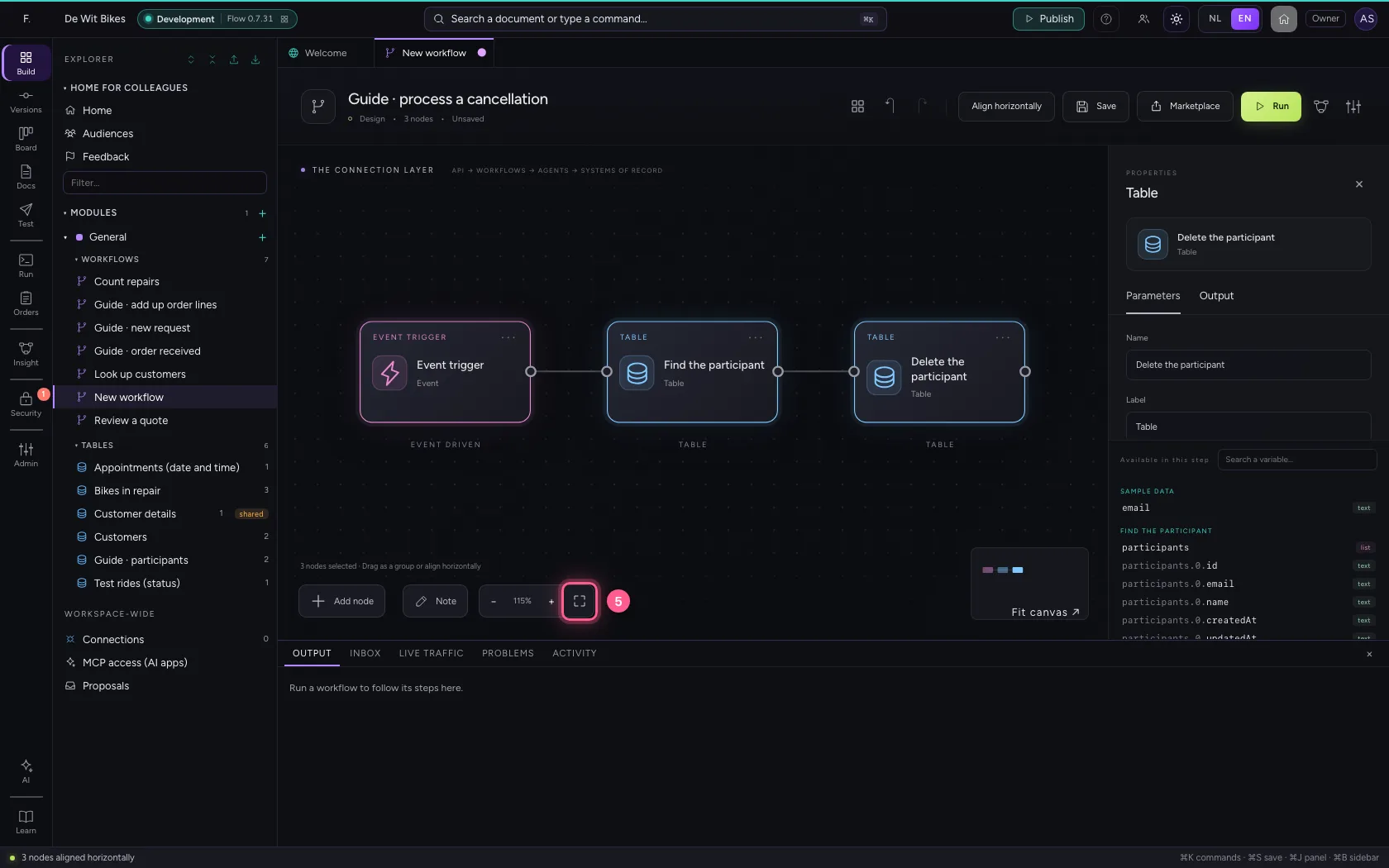
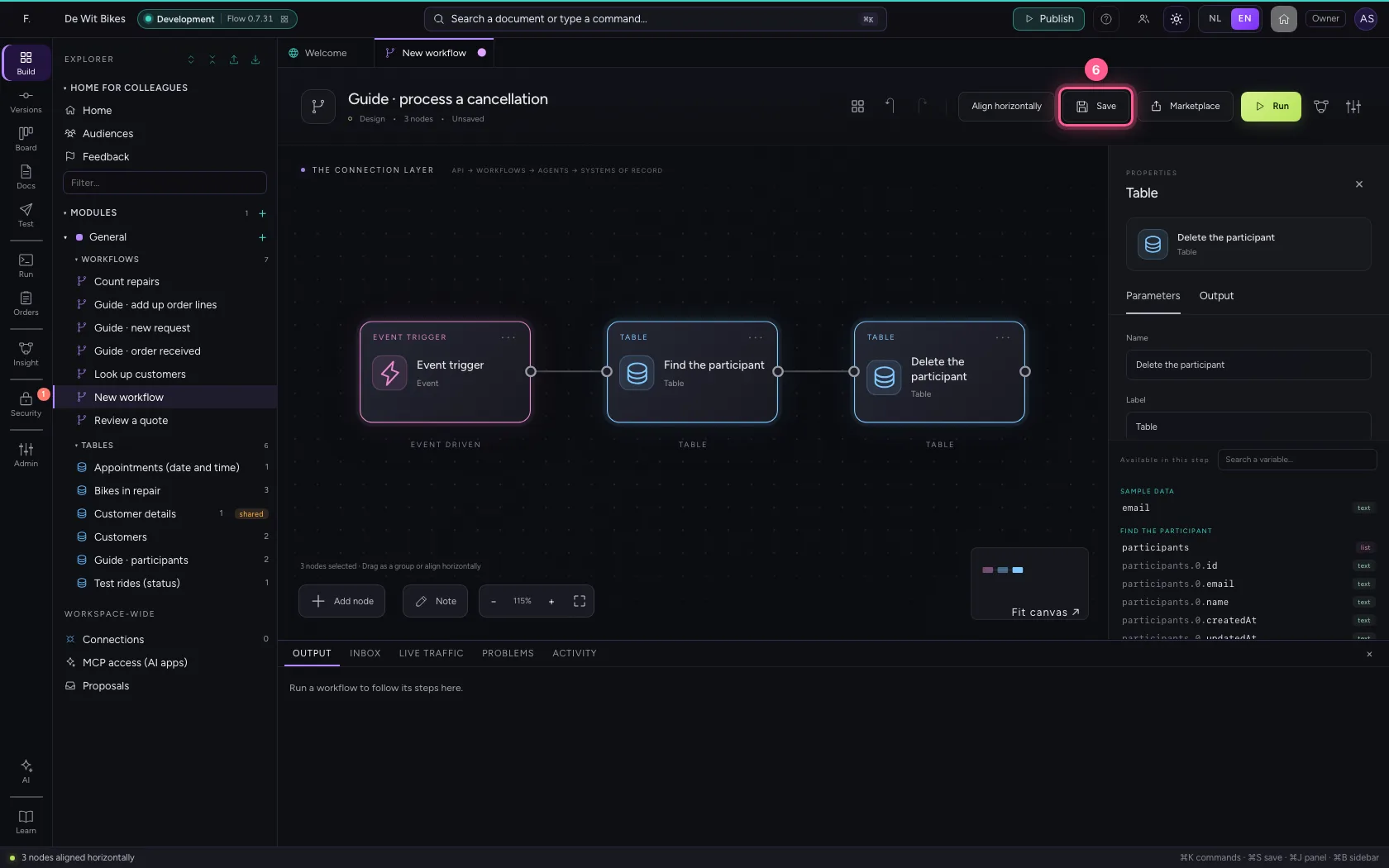
Select the steps (click the first, and the others while holding Shift) and click Align horizontally: they then stand in one line and you read the workflow from left to right; a branch (such as No of an If / Else) gets its own row below. Fit to view puts everything in sight; then Save.
- Click ‘Event trigger’
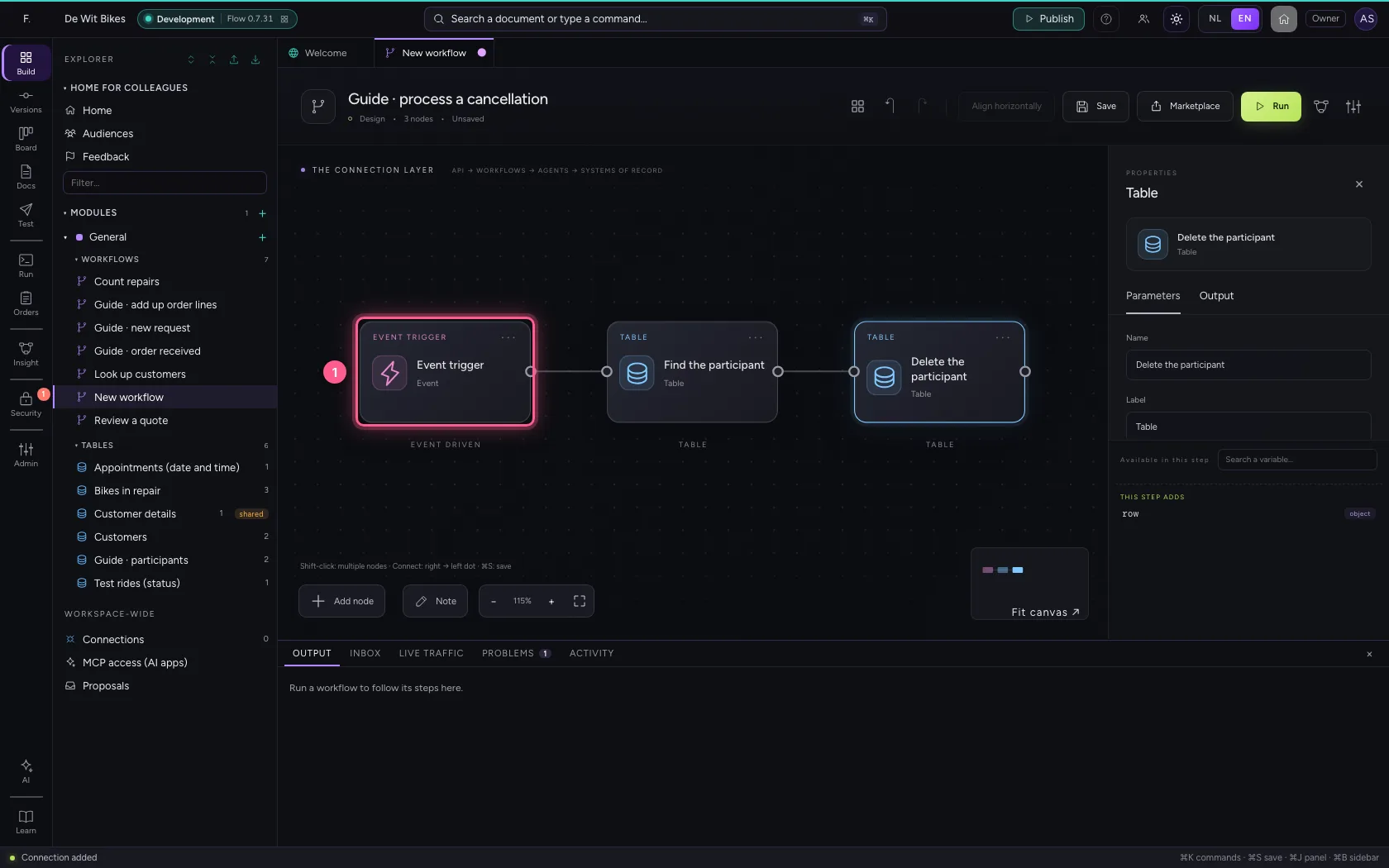
- Click ‘Find the participant’ while holding Shift
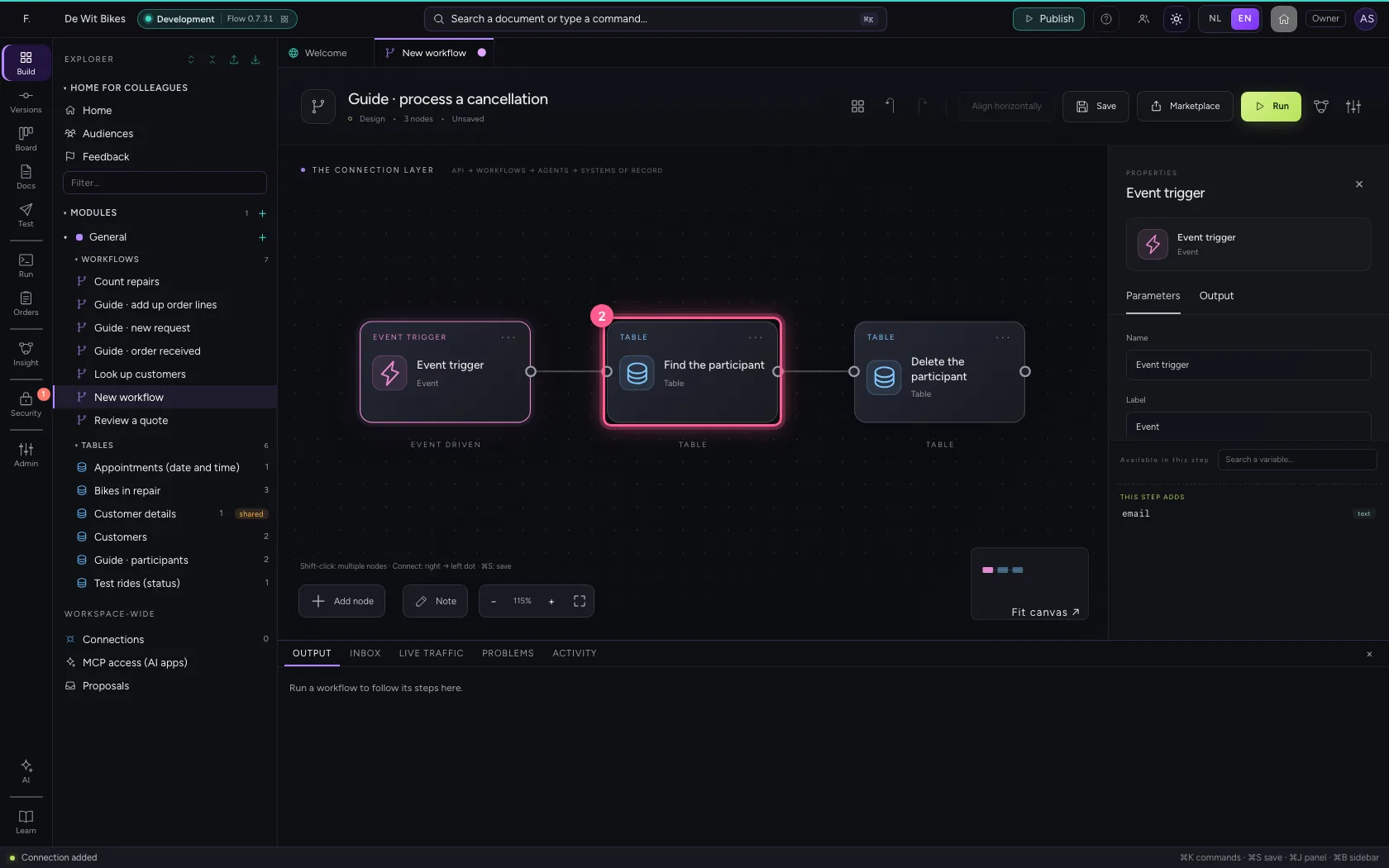
- Click ‘Delete the participant’ while holding Shift
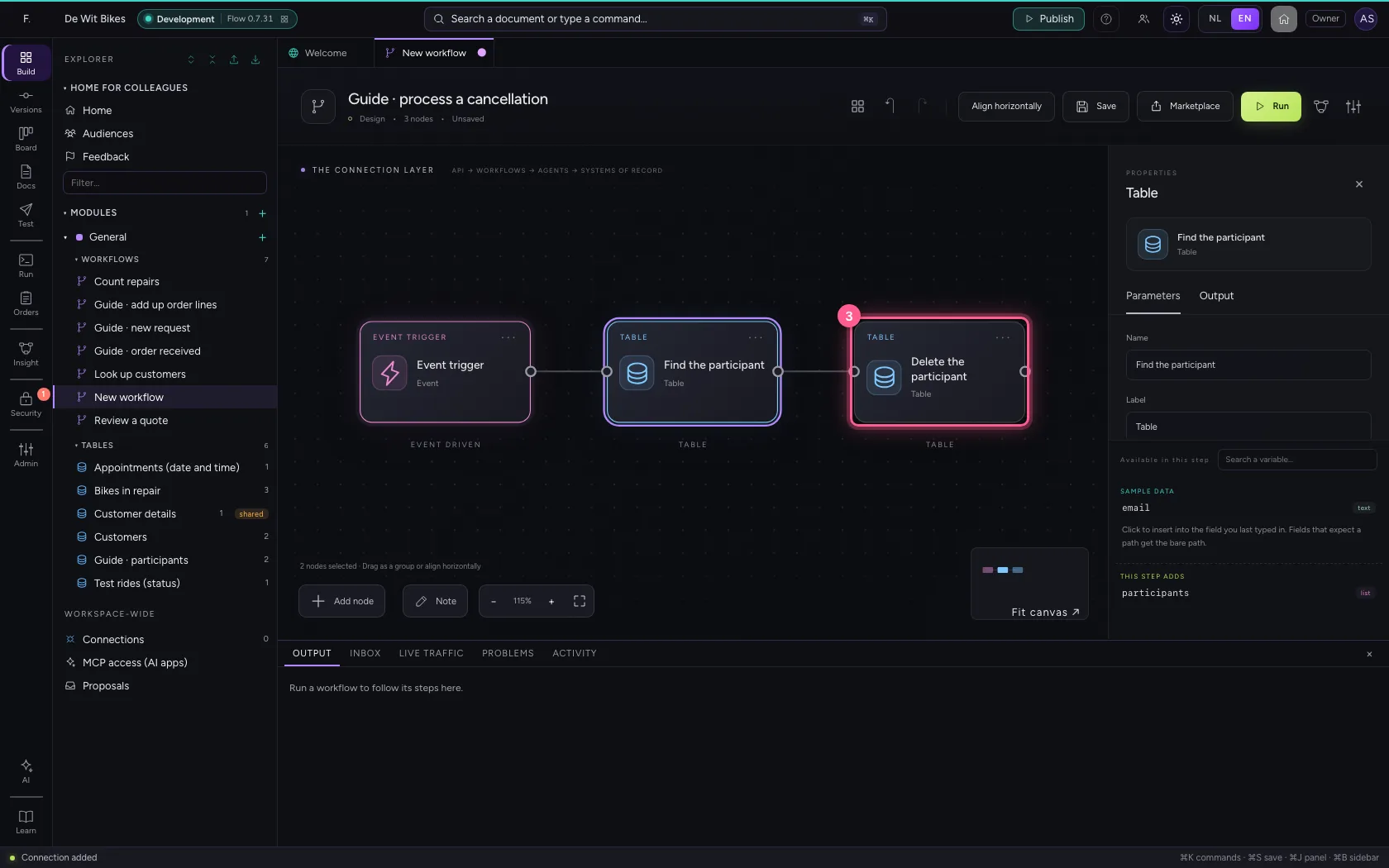
- Click Align horizontally
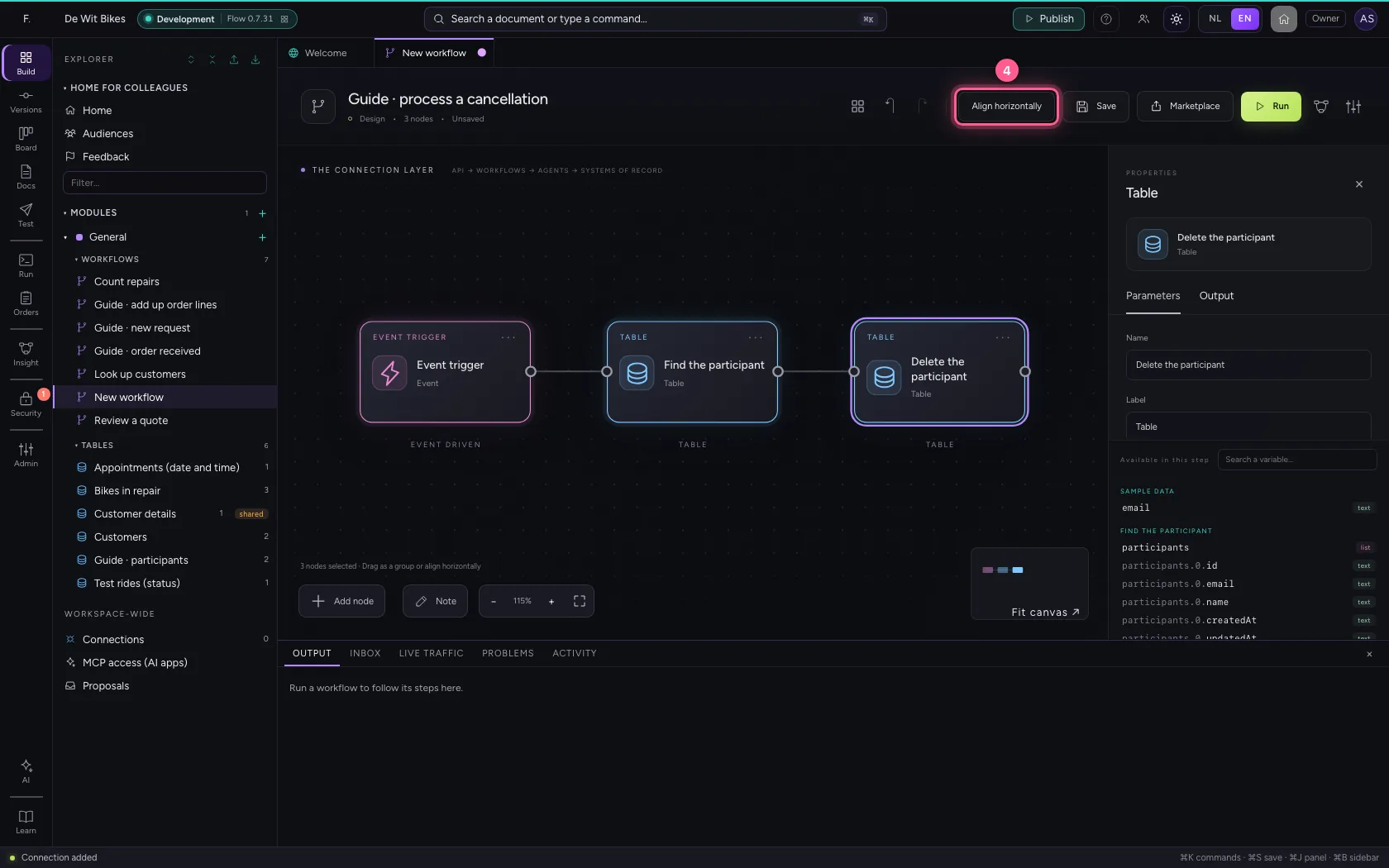
- Click Fit to view
- Click Save
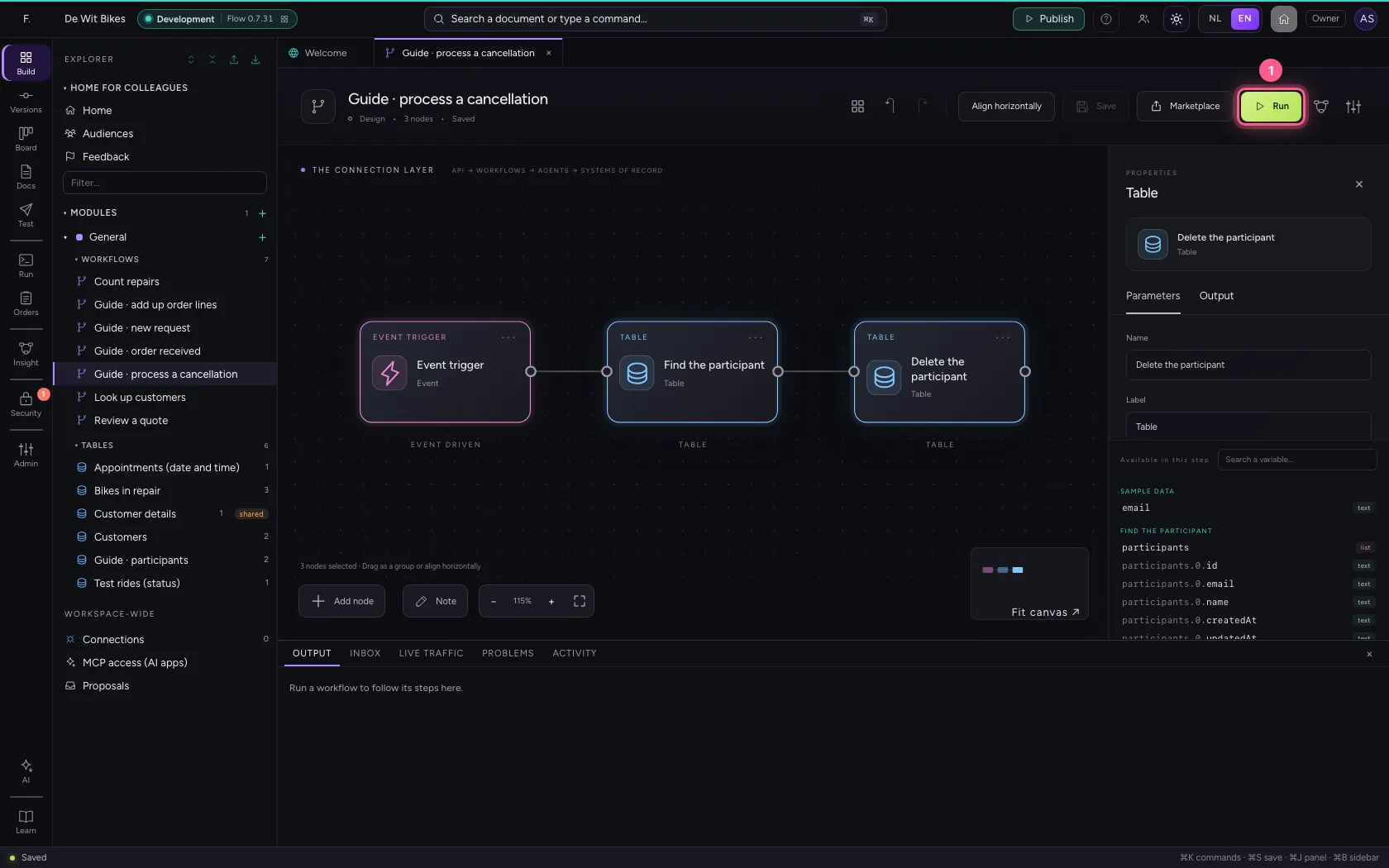
Run and look in the table
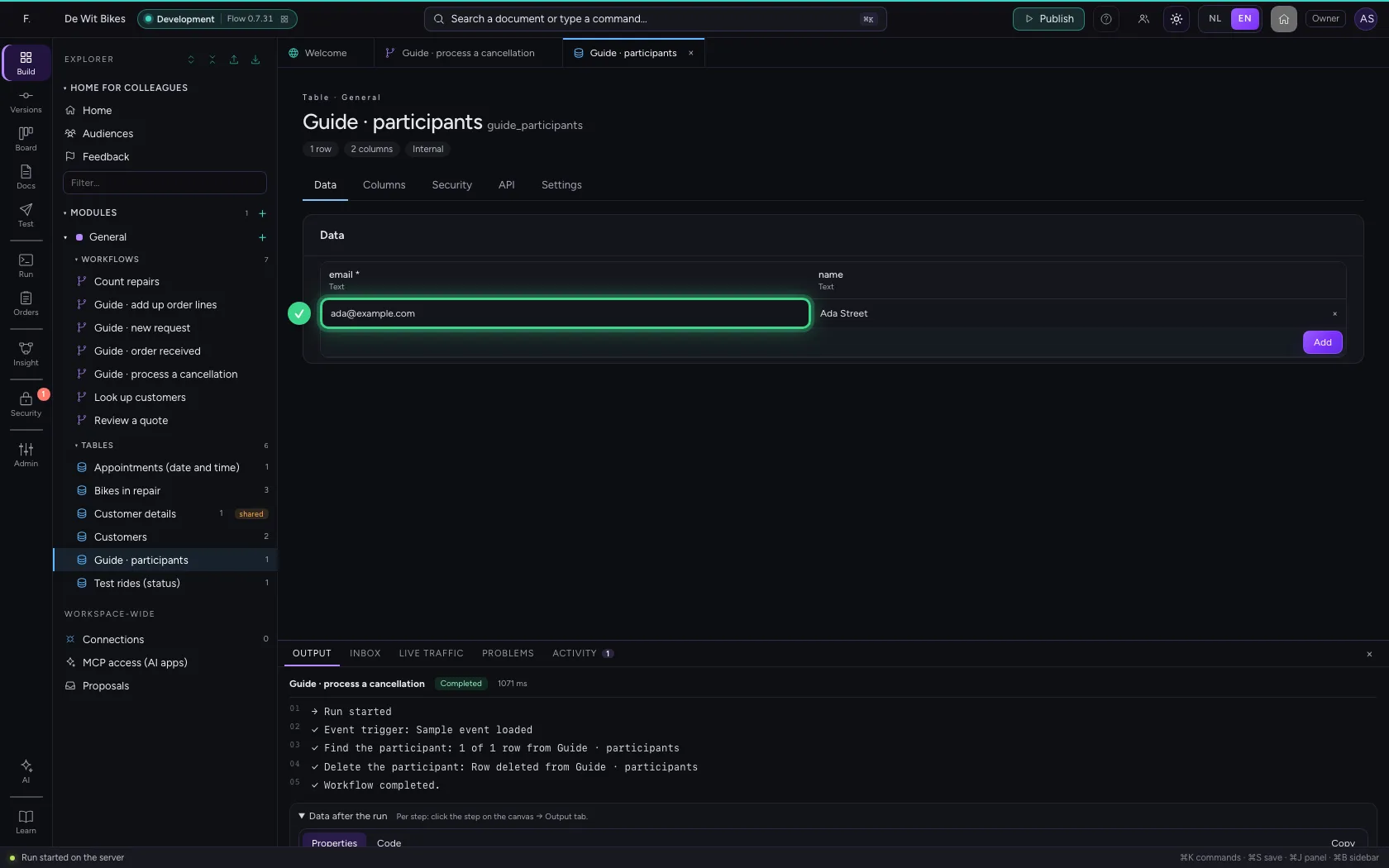
At the bottom you see the row was deleted. One participant is left in the table.
- Click Run
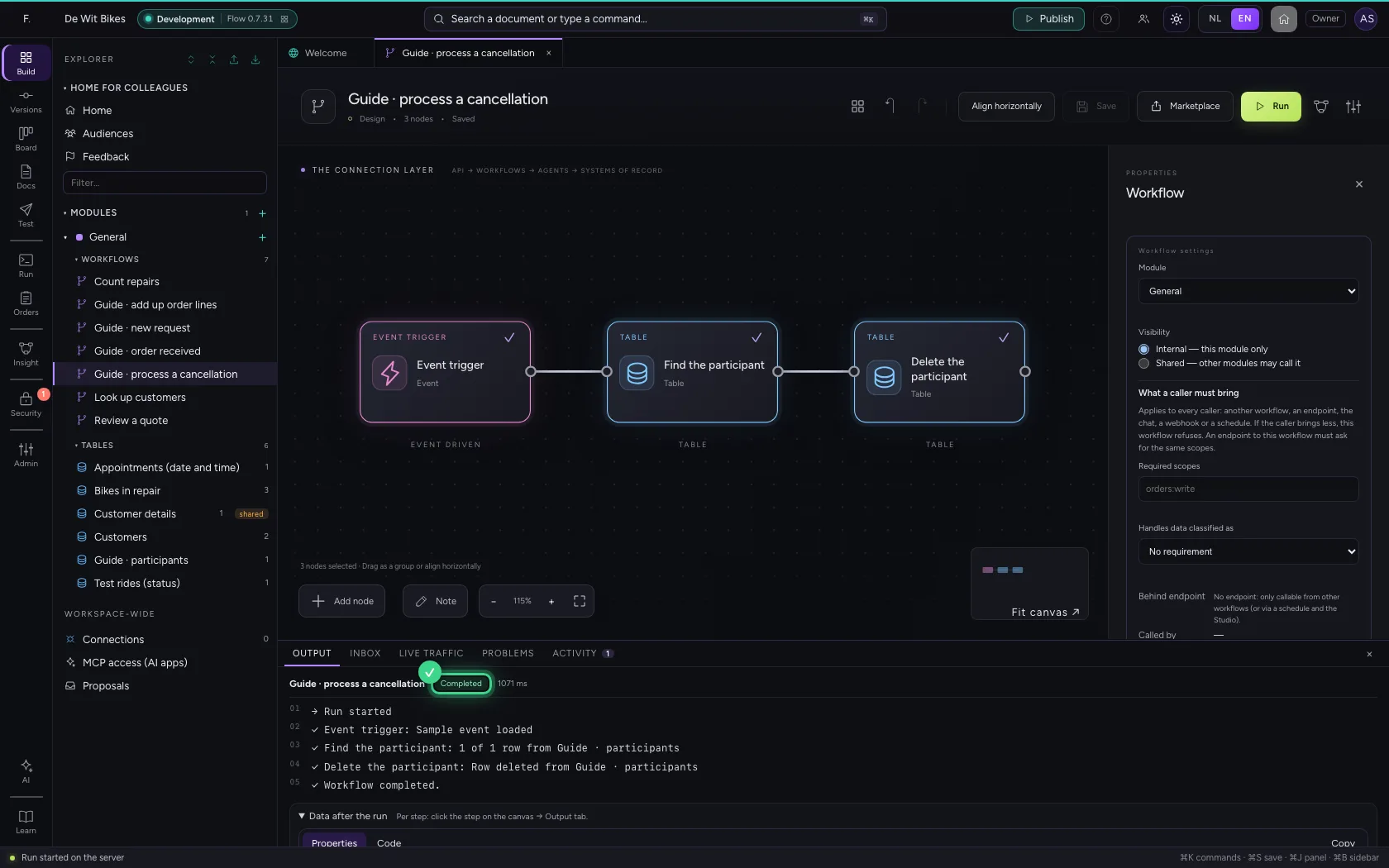
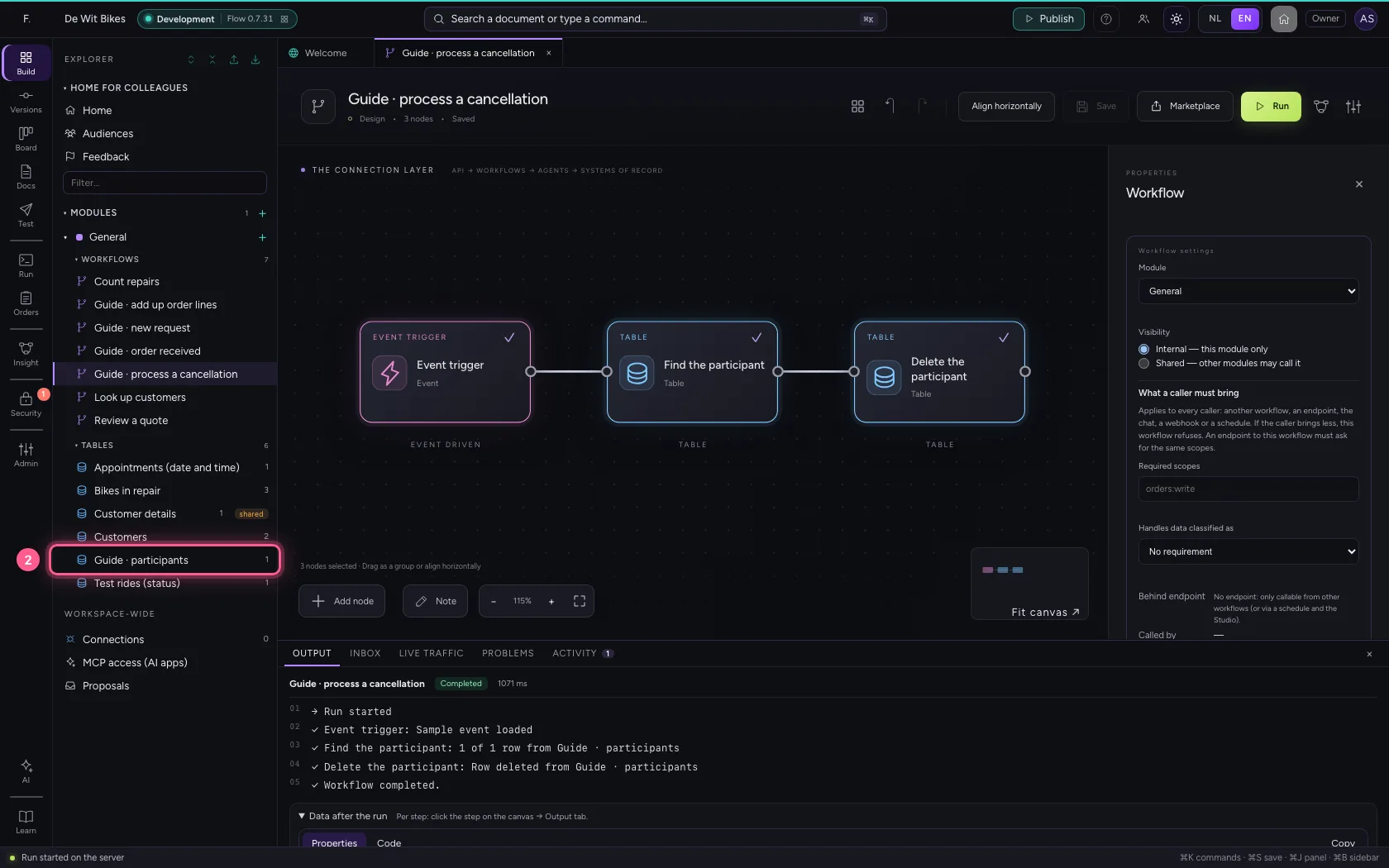
- Click the table
This guide was carried out step by step on 22 Oct 2026 by an automated test on Flow (version 3e563176).