The house style: logo, type and colours
What your colleagues see wears your company's house style: the sign-in page, the home, the dashboards and the chat in it. You upload the logo, choose the type and the colours, and Flow checks that everything stays readable — also for colour-blind readers. A colour that is not readable enough is refused, with one that does work beside it. The studio keeps Flow's own look.
Open the house style
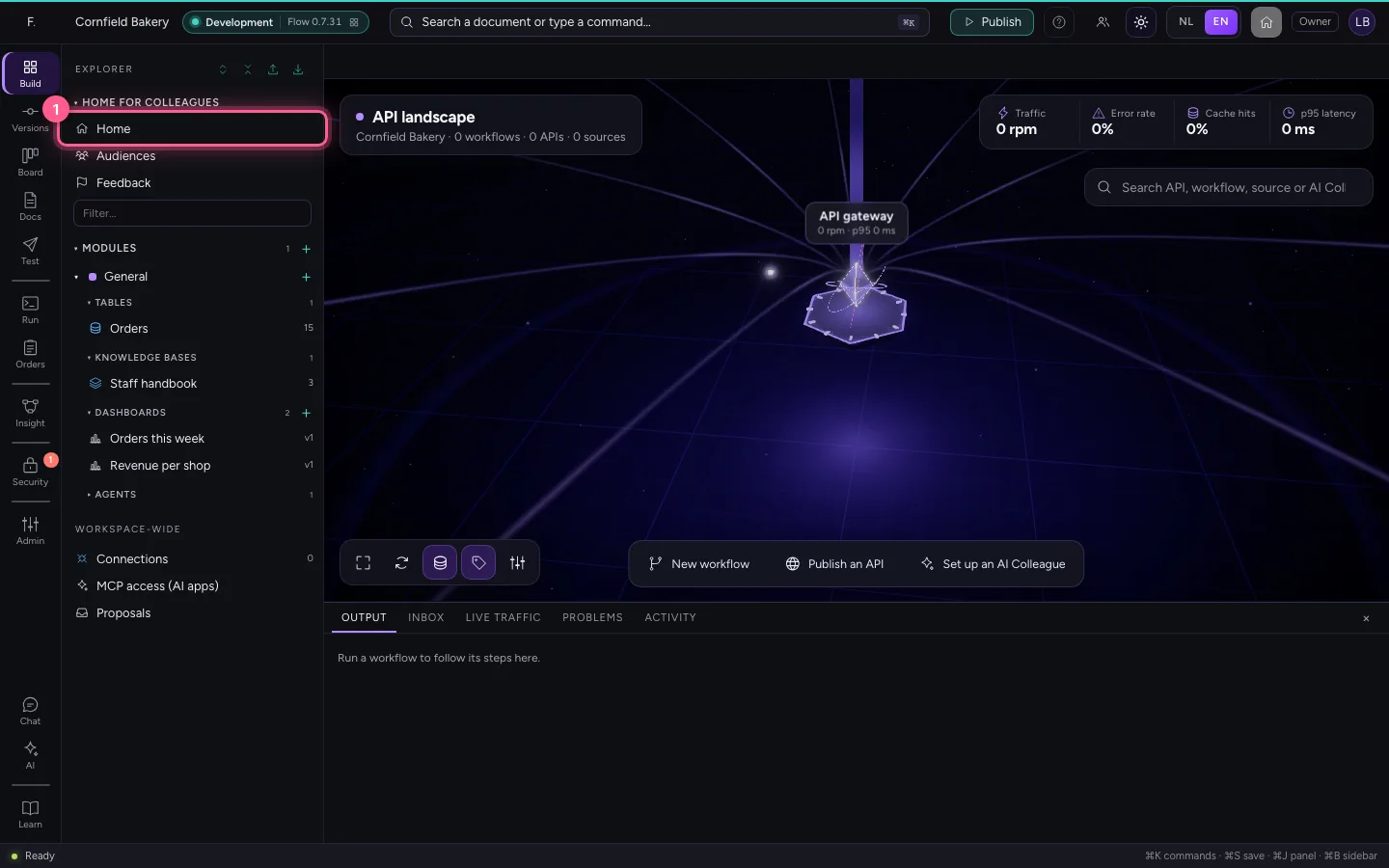
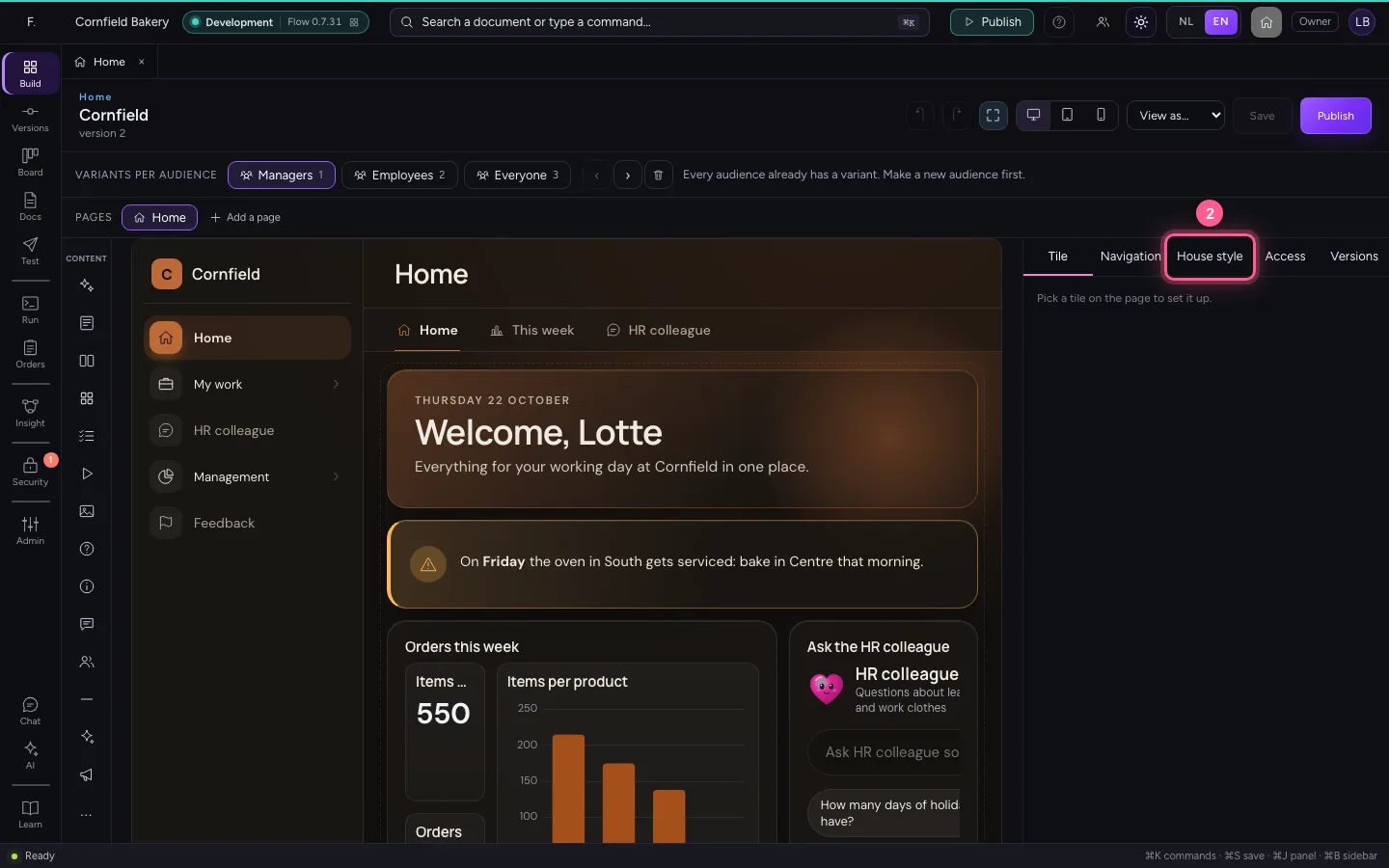
Open Home in the explorer and choose House style on the right. What you change here shows straight away in the preview beside it; your colleagues see it only once you publish.
- Click Home
- Click House style
Upload the logo
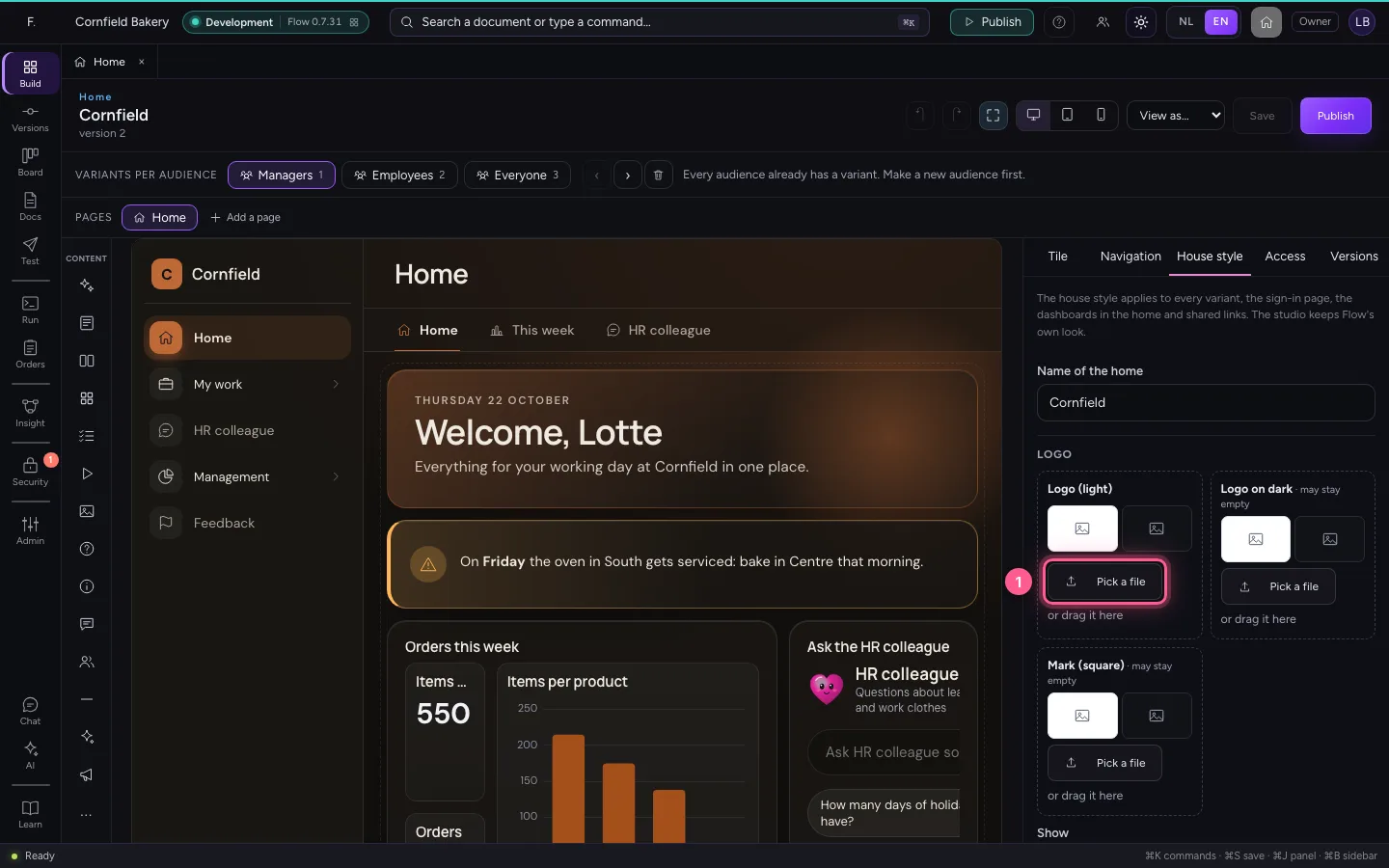
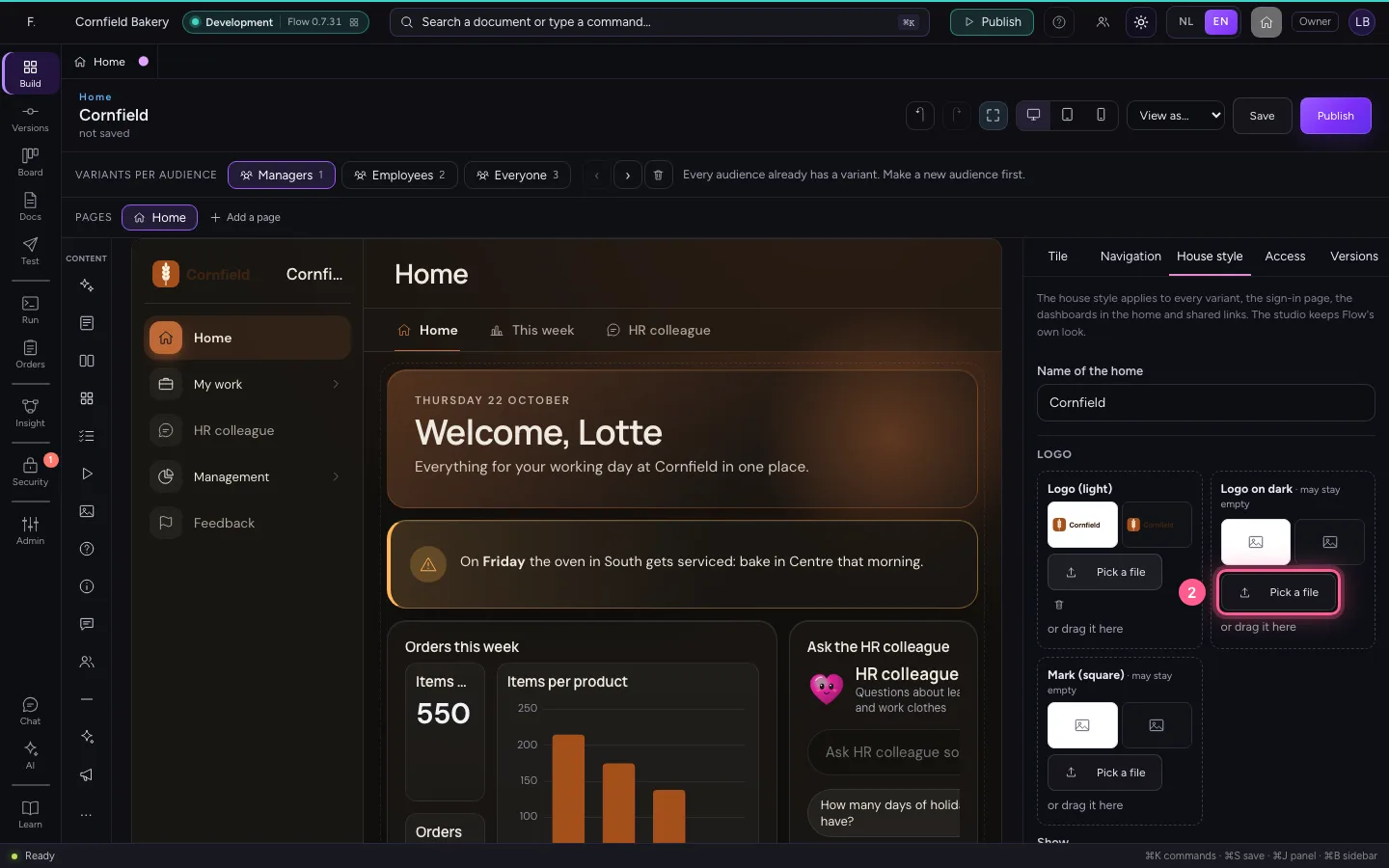
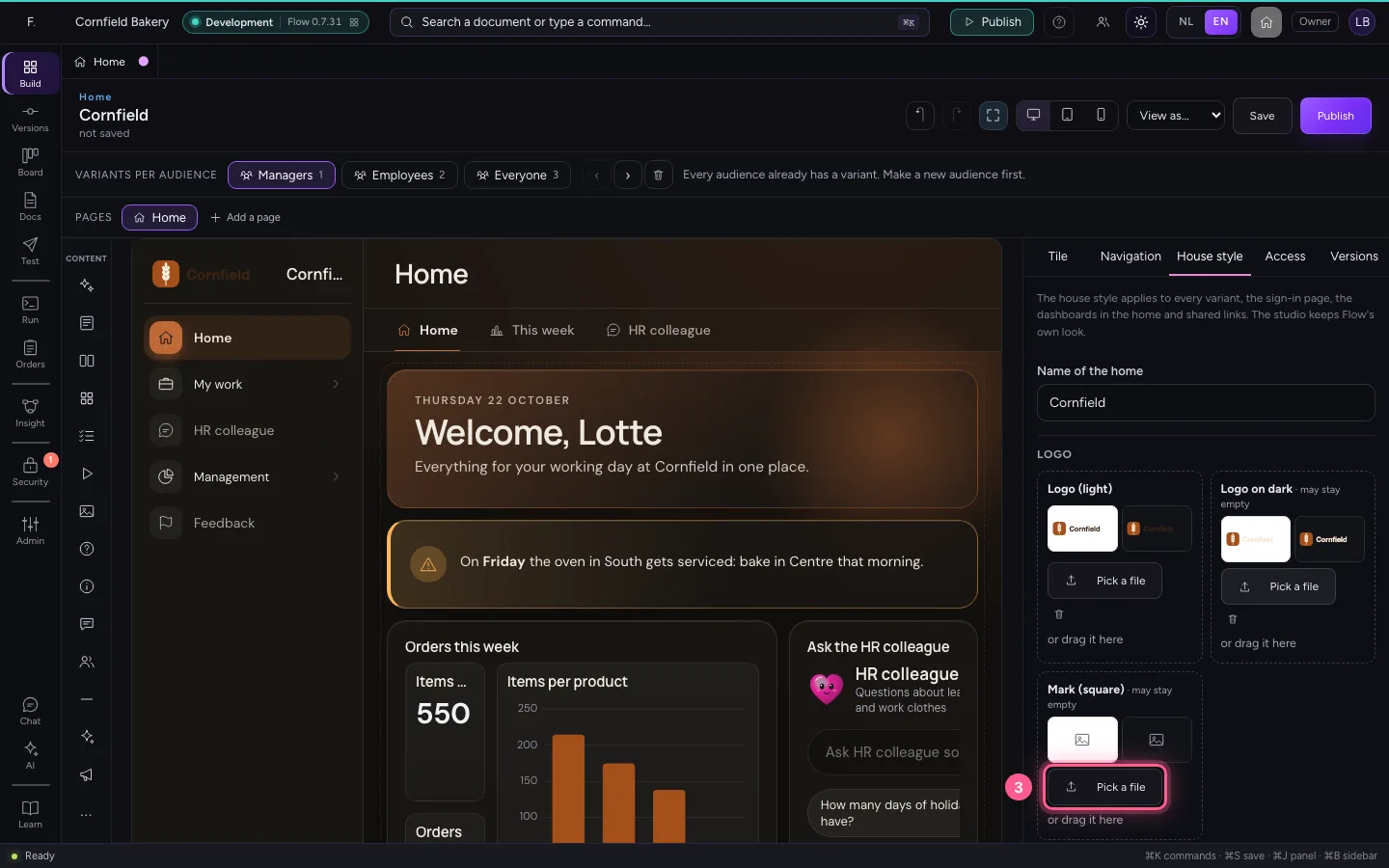
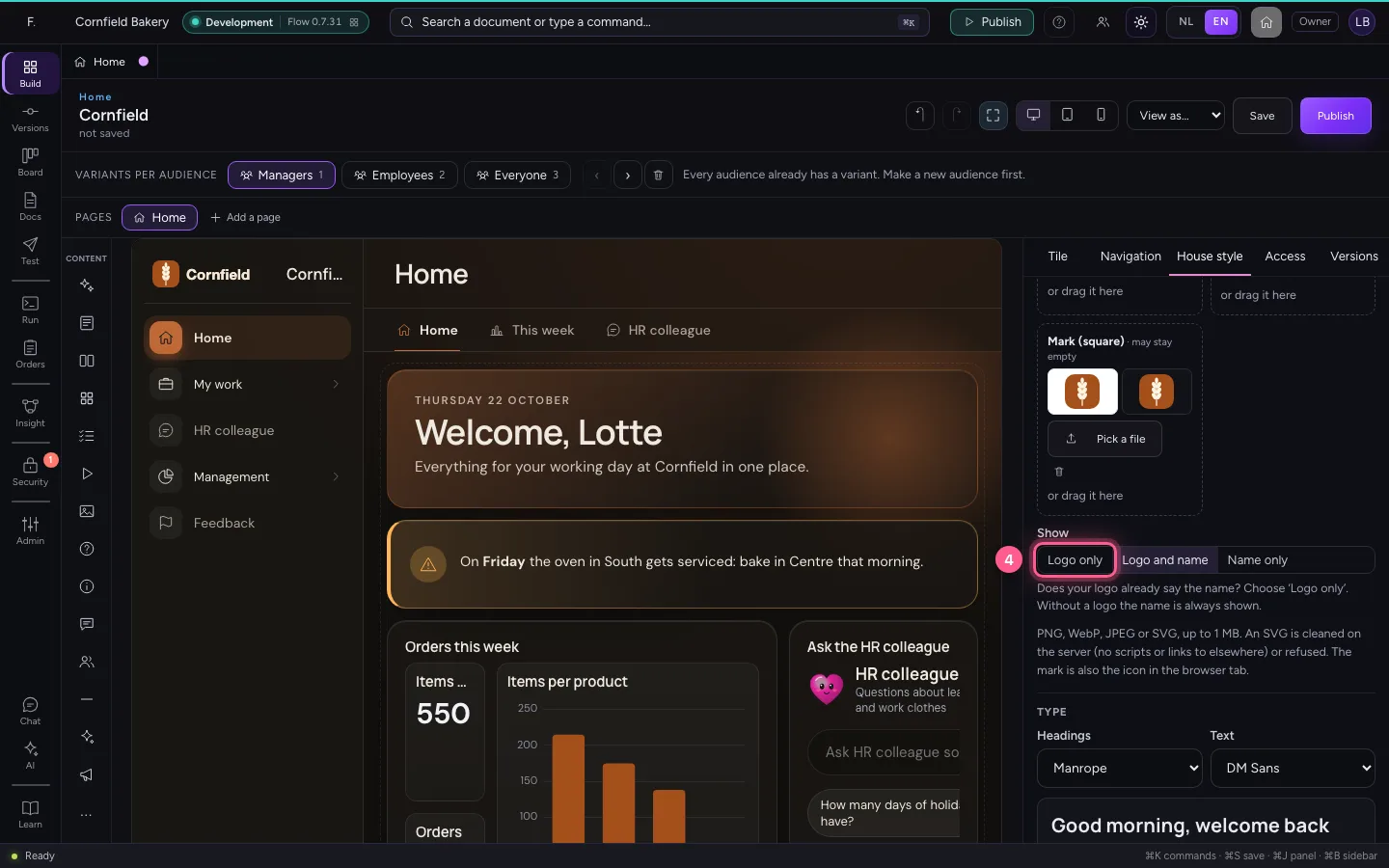
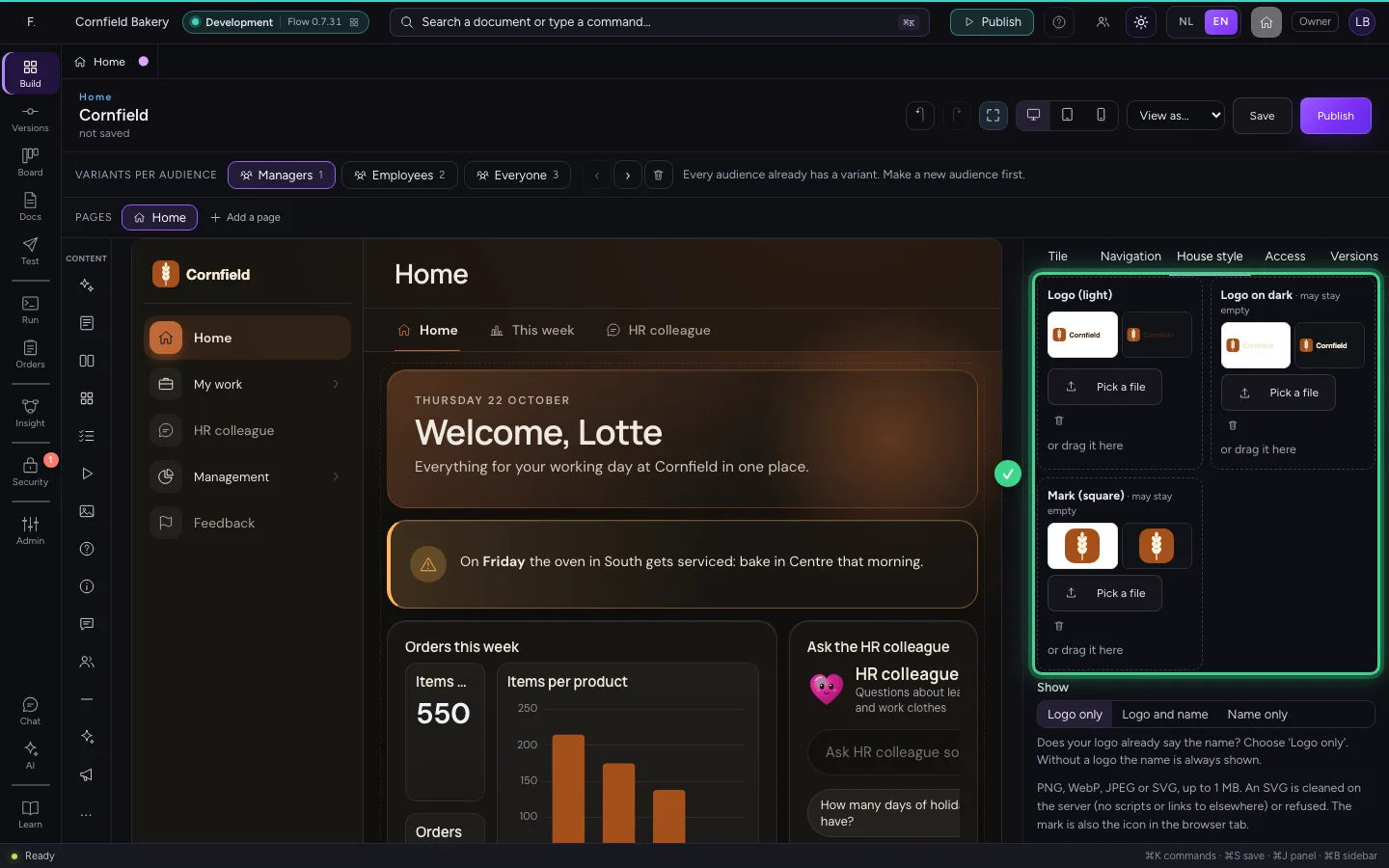
A logo for light backgrounds, a second one for dark ones if you like, and a square mark for small places and the browser tab. PNG, WebP, JPEG or SVG up to 1 MB; Flow cleans an SVG on the server (no scripts, no links to elsewhere) or refuses it. Is the name already in the logo? Then choose Logo only.
- Click Logo (light): Pick a file
- Click Logo on dark: Pick a file
- Click Mark: Pick a file
- Click Logo only
The type
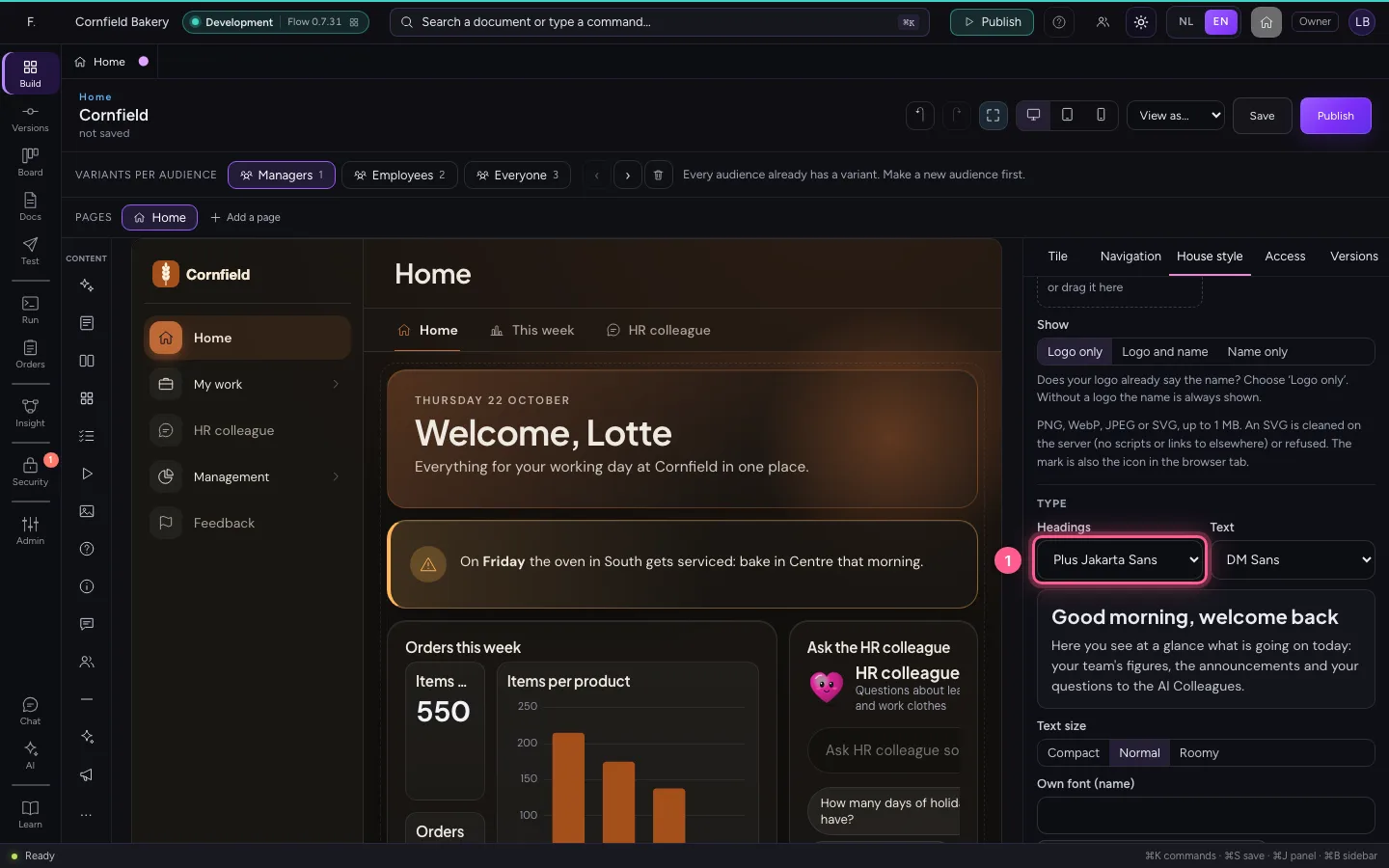
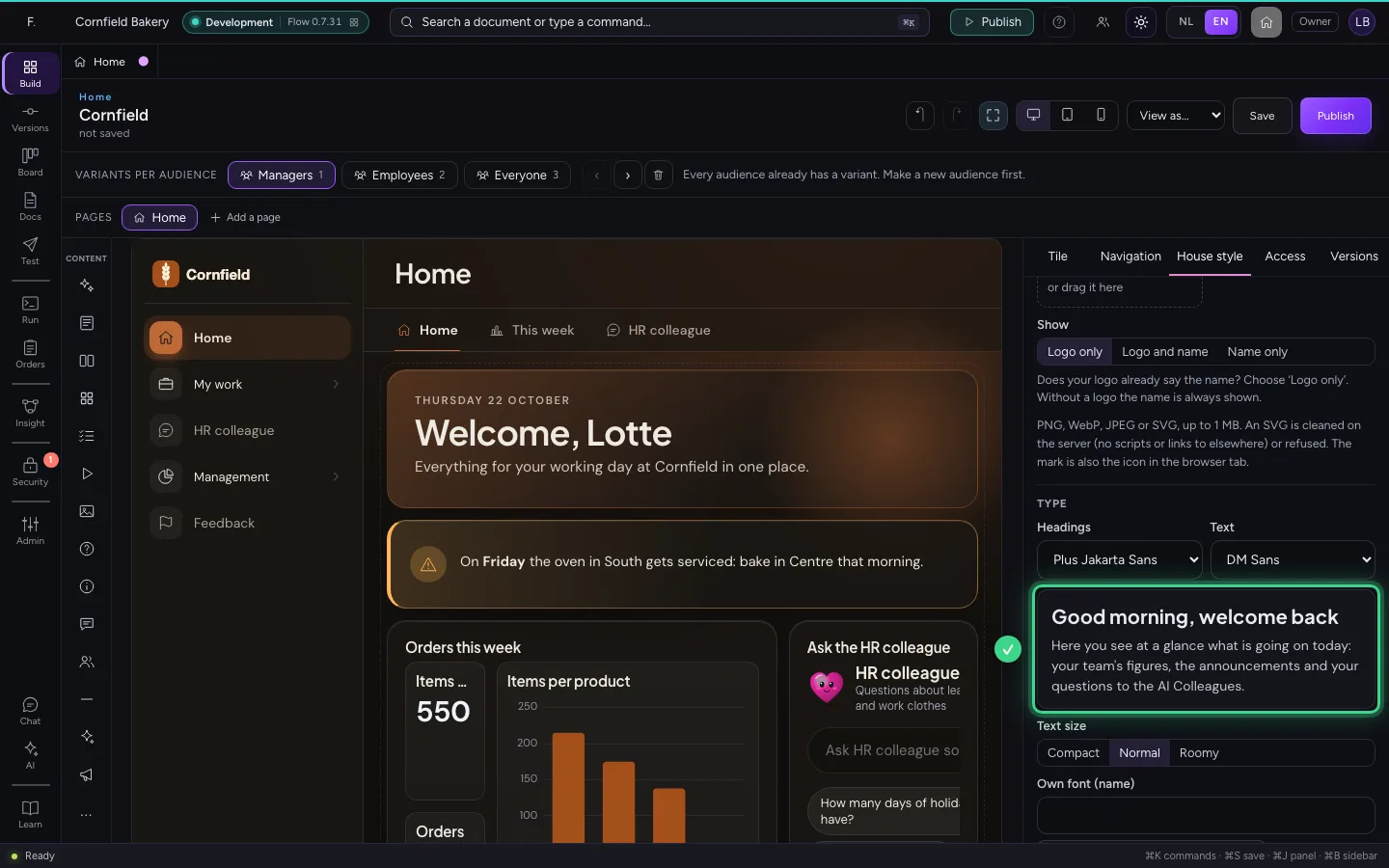
By default the headings are in Manrope and the text in DM Sans. You choose from fonts with an open licence that ship with Flow, never from a service outside Flow, or upload your own WOFF2 file. The preview shows real text; Text size makes everything more compact or roomier.
- In Headings, choose Plus Jakarta Sans
A colour that does not work
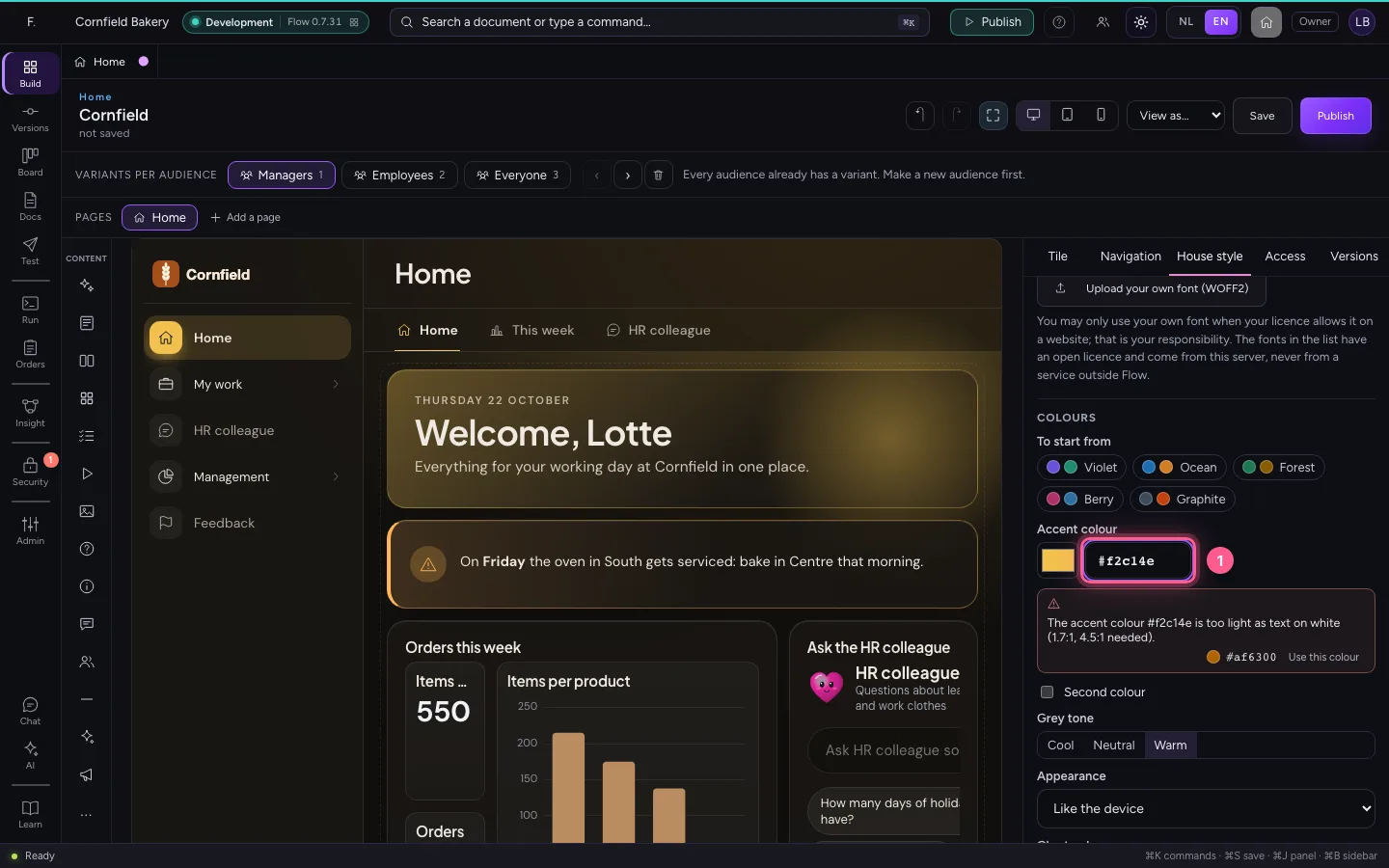
Fill in the accent colour: the colour of buttons, the chosen menu item and the charts. A golden yellow looks warm, but white text on it cannot be read (less than 4.5 : 1). Flow says so at once and suggests the nearest colour that is readable.
- In Accent colour (hex), type
#f2c14e
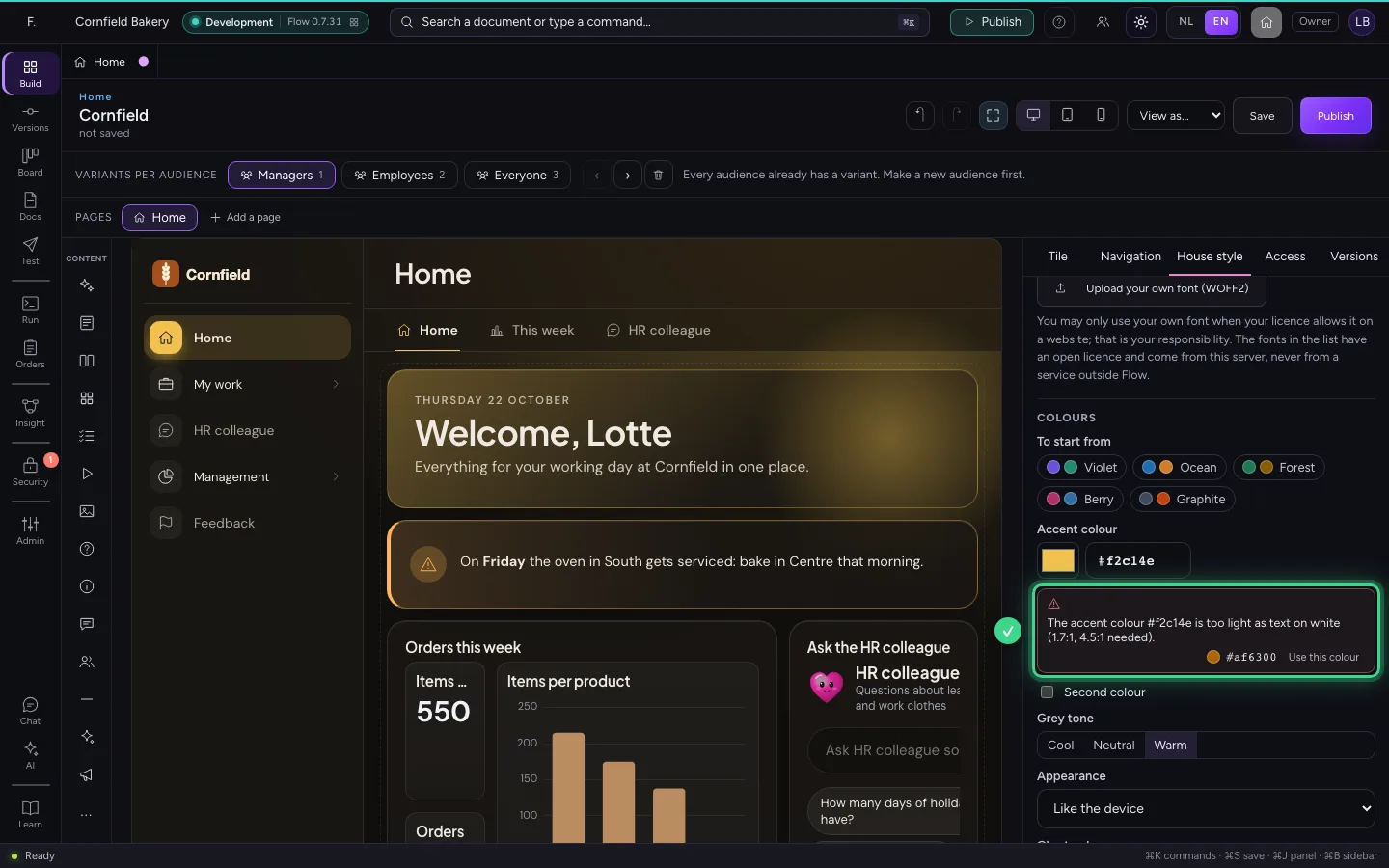
Take the suggested colour
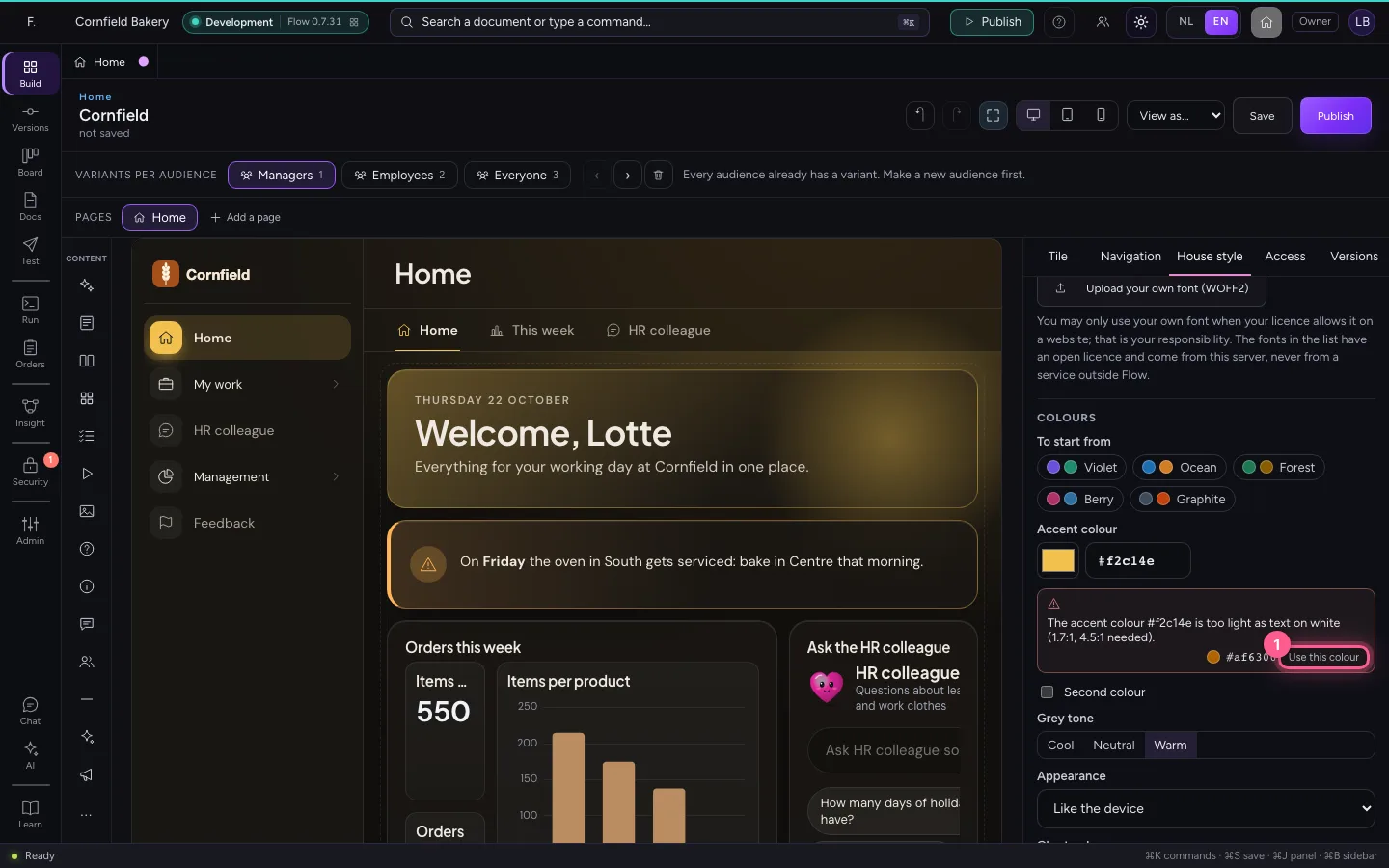
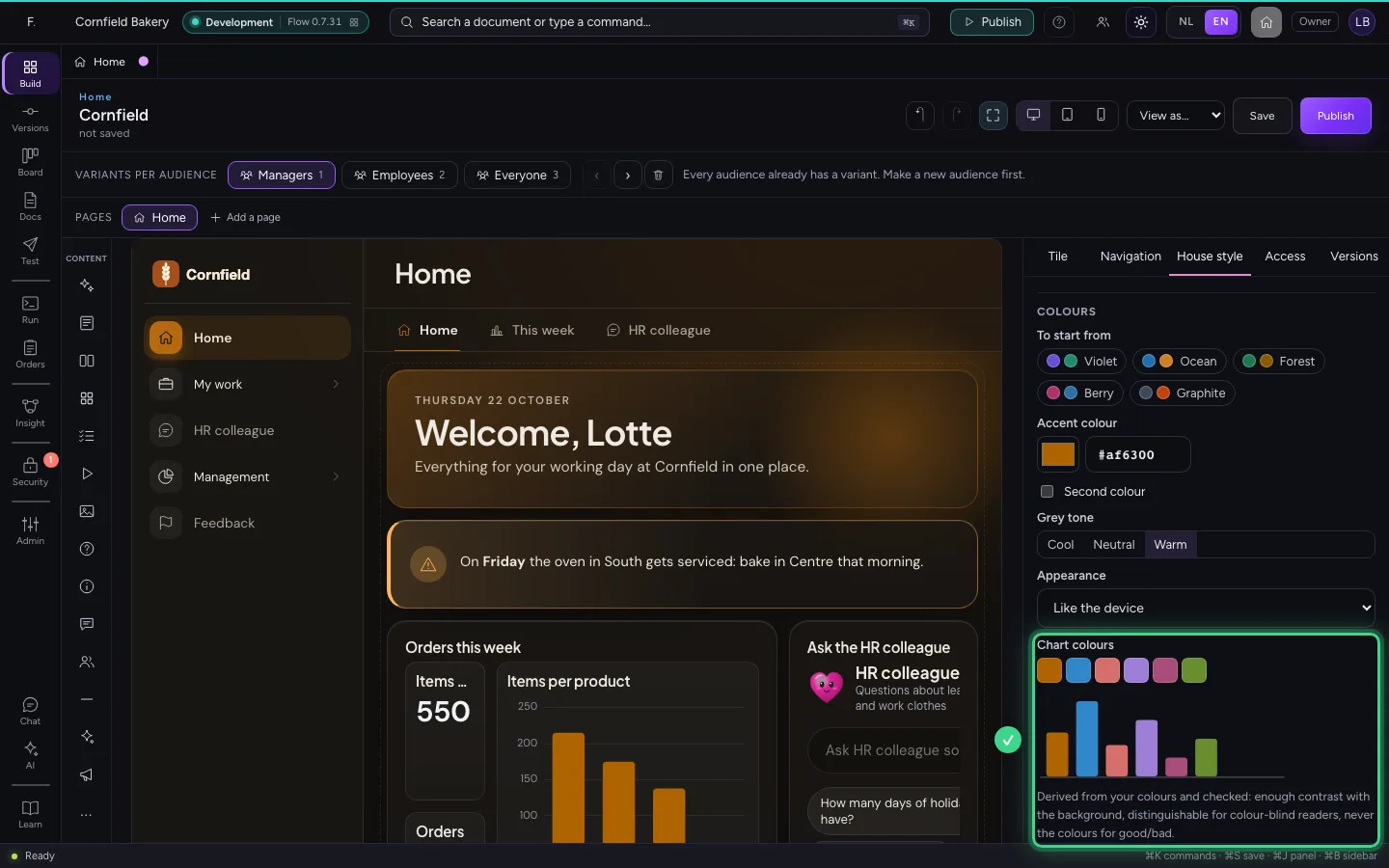
One click on Use this colour and the accent colour is readable, in light and dark. Below it you see the chart colours: derived from your colours and checked for contrast, distinguishable for colour-blind readers, and never the colours for good and bad.
- Click Use this colour
Save and publish
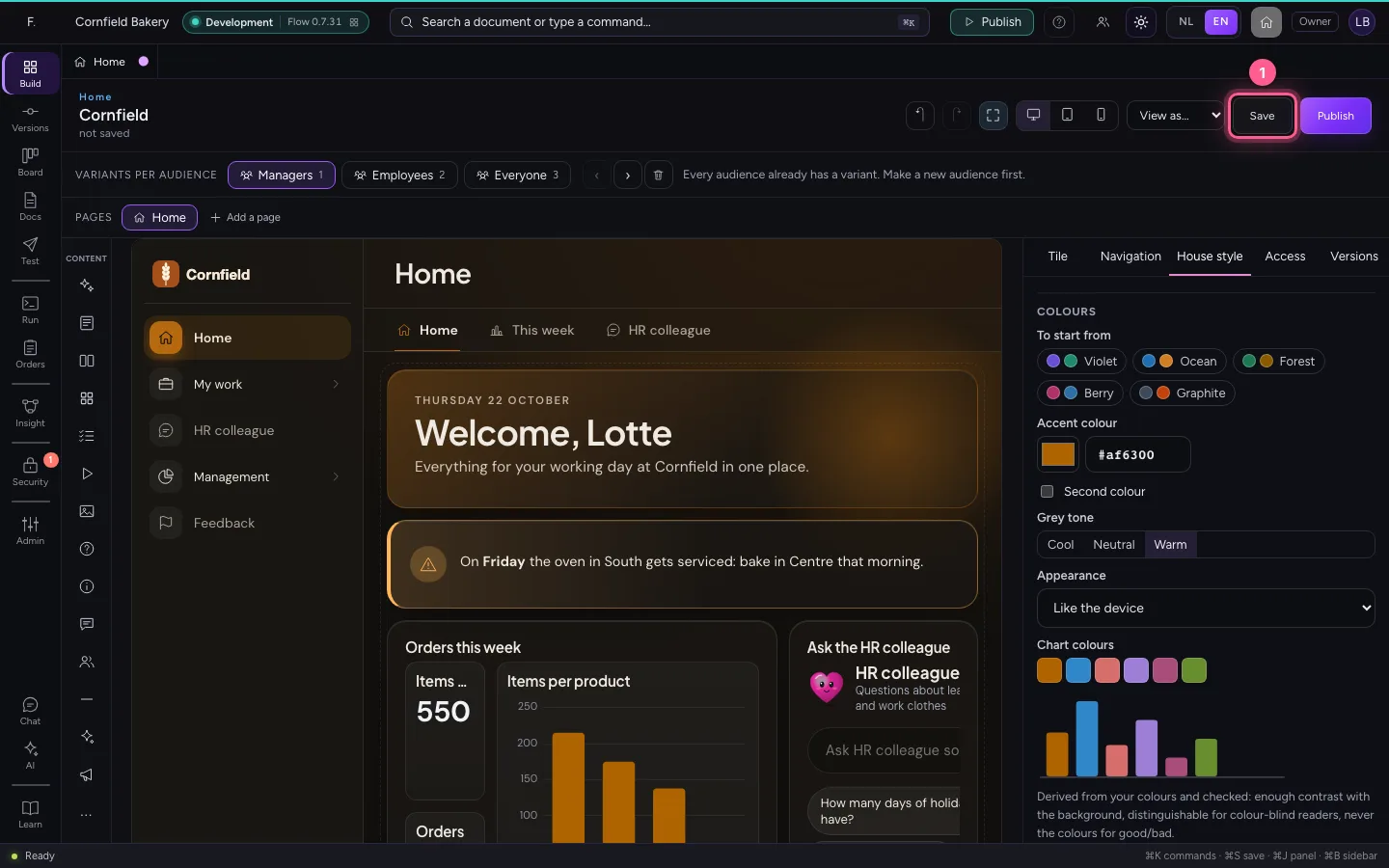
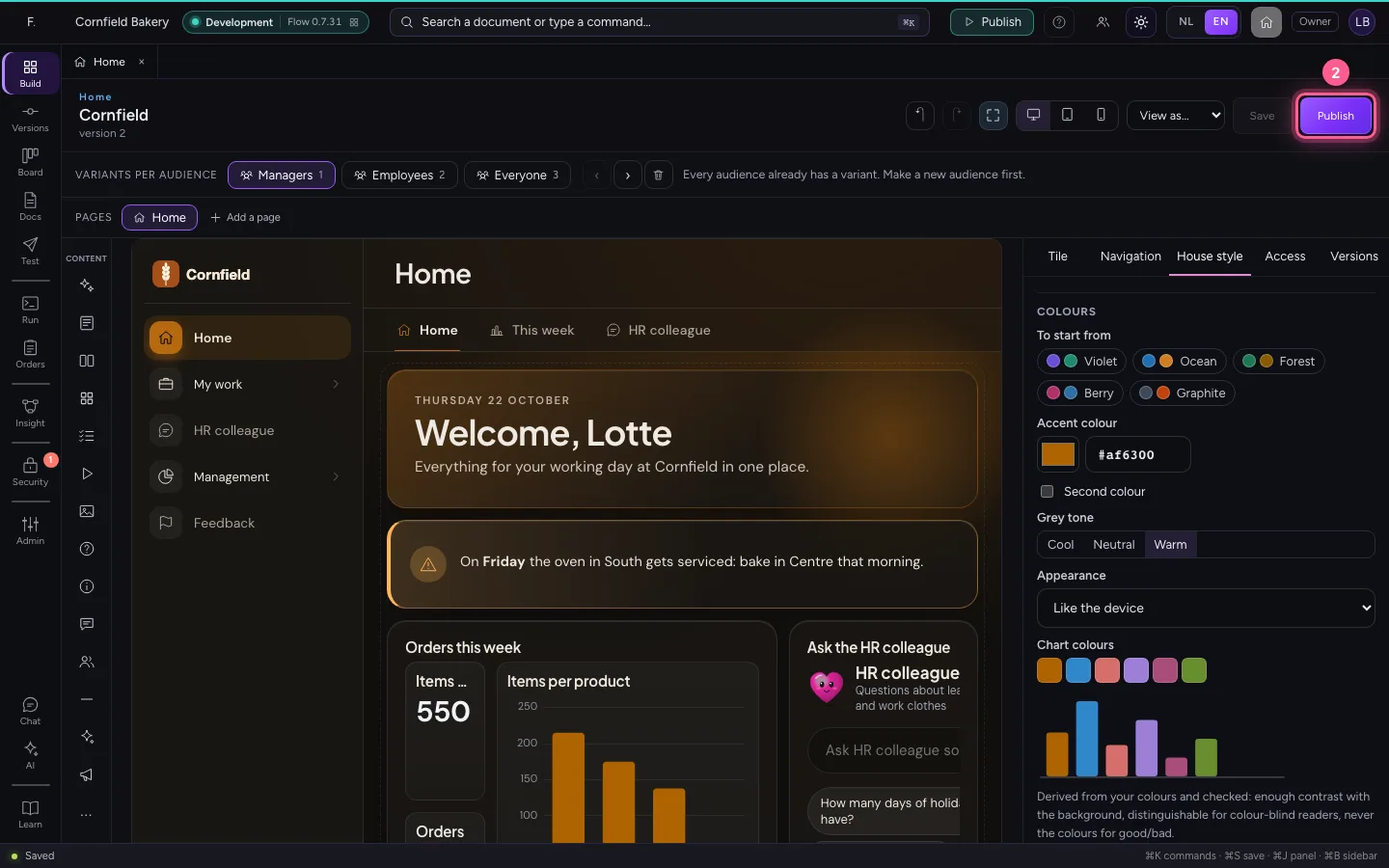
The house style belongs to the home: it goes along with publishing and the versions, and applies to every variant.
- Click Save
- Click Publish
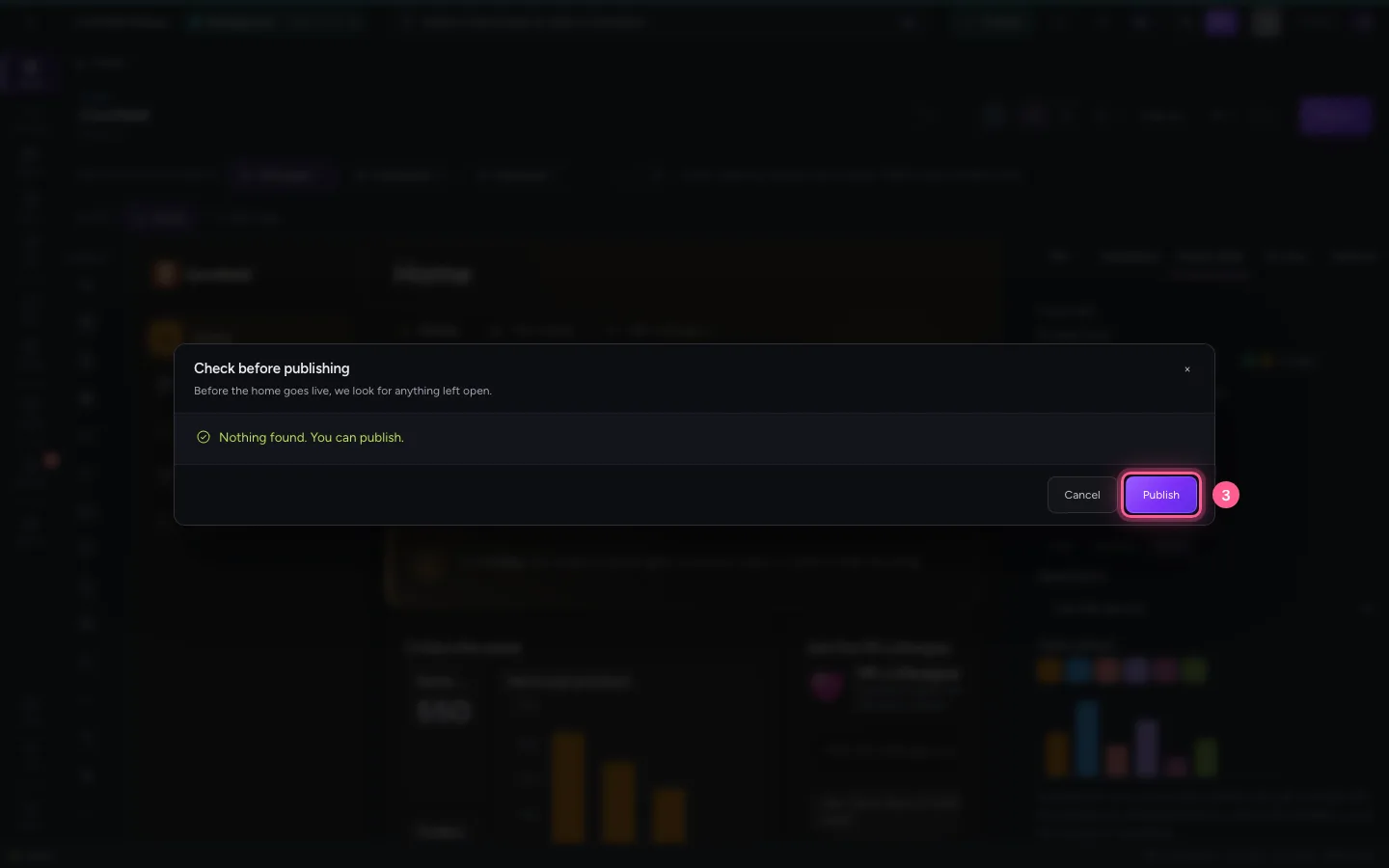
- Click Publish
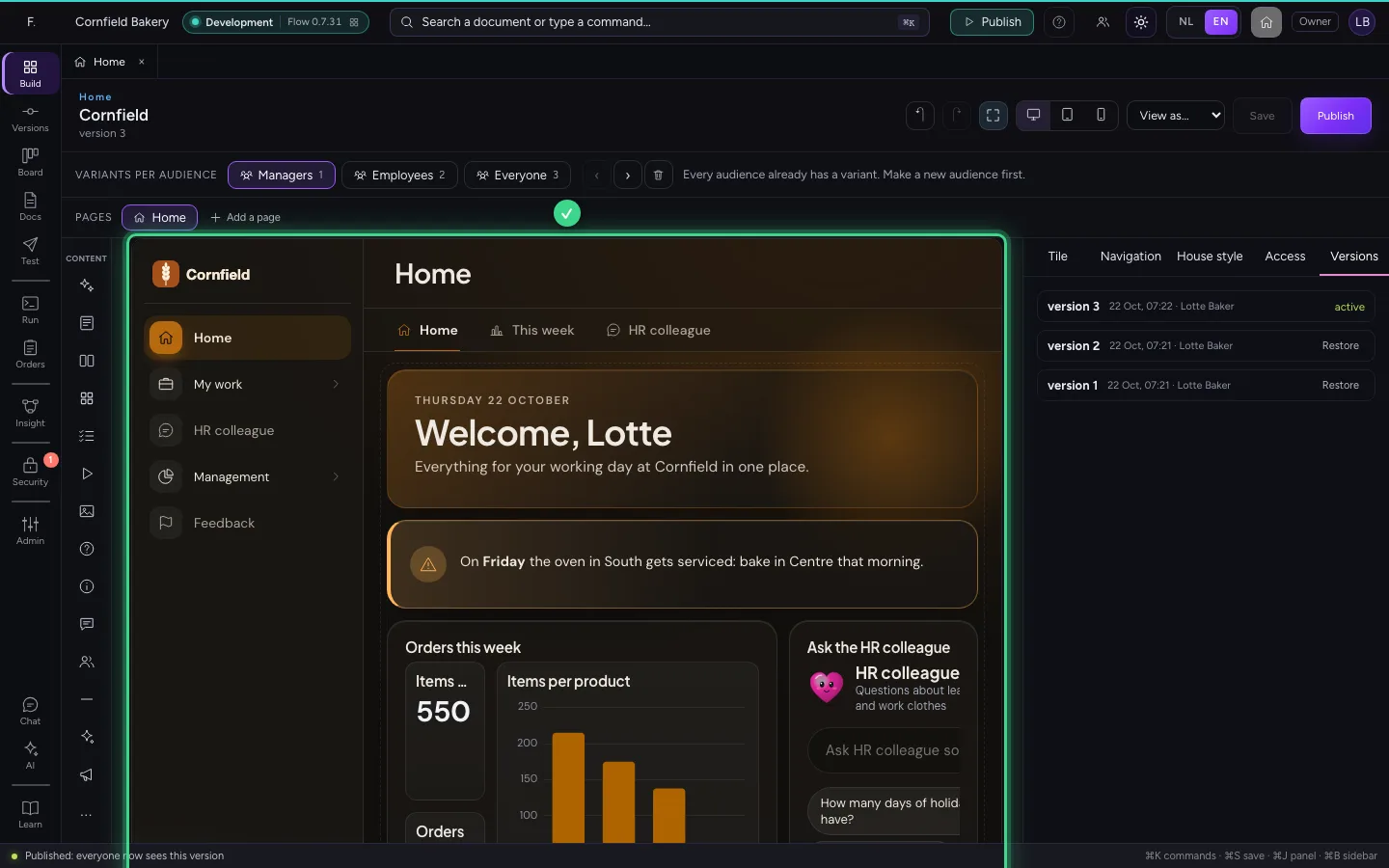
The sign-in page in the new style
Whoever goes to your company's address now sees the sign-in page with the bakery's logo, type and colours. Everything comes from Flow itself: no fonts or images from outside.

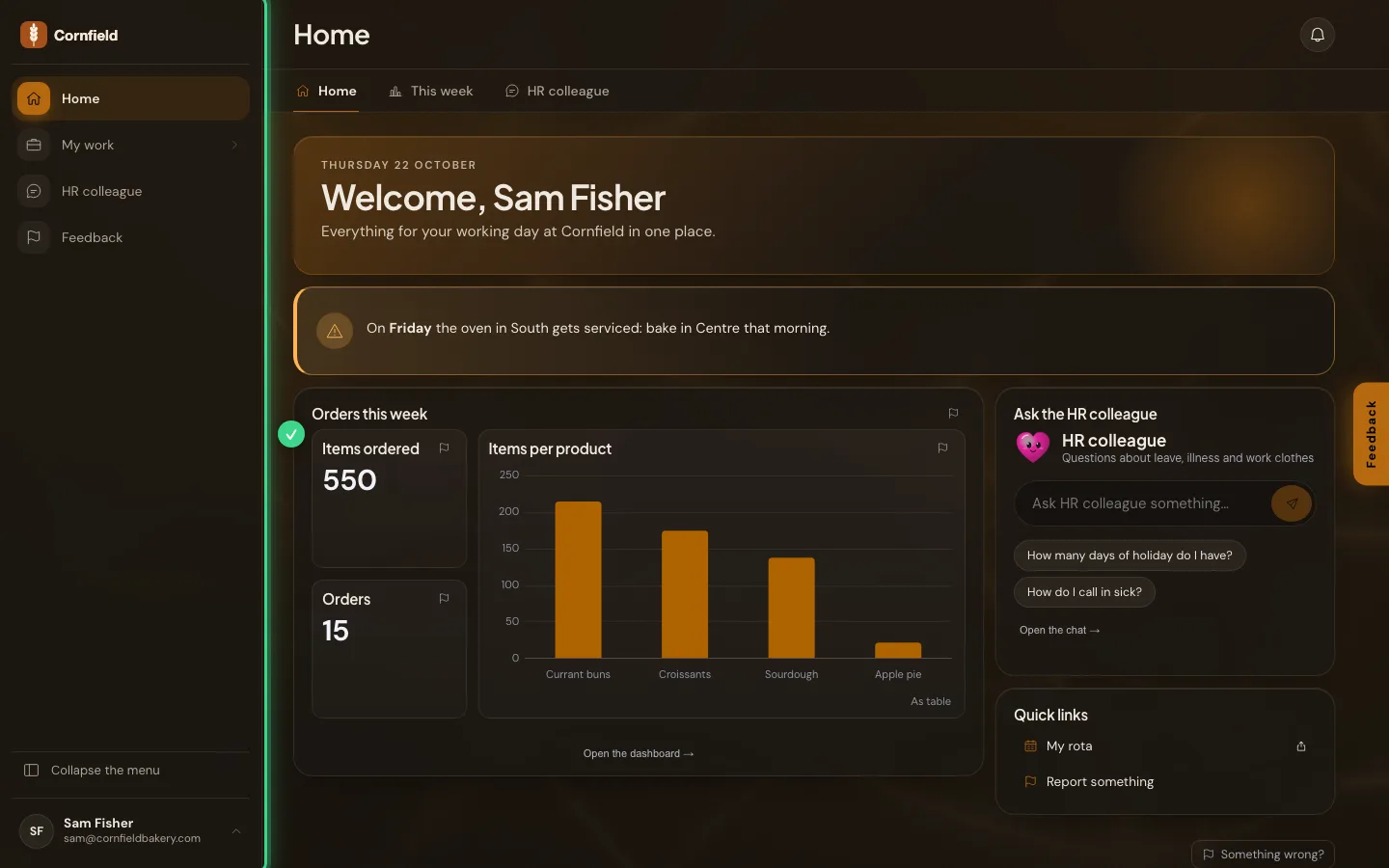
And the home
In the home the logo sits at the top of the menu; folded, it becomes the mark. Buttons, the chosen menu item and the charts wear the new accent colour.
This guide was carried out step by step on 22 Oct 2026 by an automated test on Flow (version 3e563176).